
Unboring AI
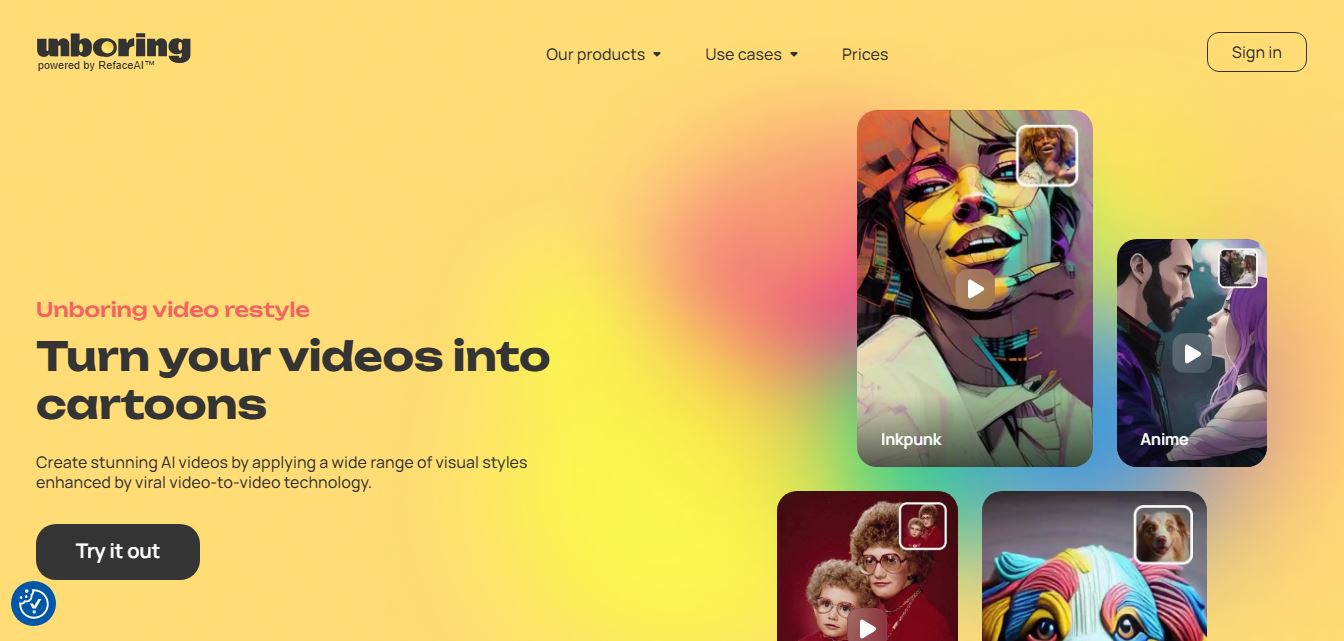
Unboring AI is a creative AI platform that lets users swap faces, animate photos, and transform videos with different visual styles.
What Is Unboring AI?
Unboring AI is Reface's web-based creative AI platform that allows users to change images and videos using AI-powered tools. It includes three main features: face swapping, photo animation, and video restyling. Users can use their own images or videos to apply various AI effects, styles, and transformations without needing professional editing skills. The app can convert video clips into cartoon or anime-style content, animate photos so they appear to sing or move, and change faces in images and videos. Unboring is primarily intended for entertainment, social media content, memes, artistic experimentation, and personal projects.
Unboring AI was introduced by Reface as a web platform in 2023, bringing Reface's AI content-creation technology to desktop users. The platform currently offers 3 major creative functions: face swap, animation, and video restyle. Face-swapped videos can be up to 15 seconds long, while video restyle supports videos up to 60 seconds. Reface also states that its Apple App Store rating is 4.8 based on more than 474,000 reviews. Unboring supports JPG/JPEG images and MP4/MOV videos.
- Founder: Unboring AI is a product from Reface, the Ukrainian generative AI company known for AI-powered face-swapping and creative content tools.
- Launch: Unboring was launched as Reface's web-based AI content-creation platform in June 2023.
- Use Cases: Face swapping, photo animation, video restyling, memes, social media content, entertainment, cosplay, family videos, pet content, and creative experiments.
- Technology: AI-powered face swapping, photo animation, video-to-video restyling, computer vision, and generative AI technology.
- Target Users: Content creators, social media users, meme creators, photographers, casual users, marketers, and people looking to create entertaining visual content.
- Acquisition: No major acquisition of Unboring AI has been publicly reported. It is developed by Reface.

Unboring AI Key Features
Unboring AI key features are
- AI Face Swap: Users can replace faces in photos and videos with another face using AI-powered face-swapping technology. The platform supports multiple faces in a single image and can process custom content.
- Video Restyle: Users can transform videos into different visual styles, including anime, cartoon, vintage, voxel, claymation, and other creative styles.
- Photo Animation: Unboring can turn static photos into animated videos where people or pets can appear to sing, dance, or move.
- AI Filters: The platform provides a collection of AI filters and visual styles that users can apply to their content.
- Multiple Face Swapping: Users can swap multiple faces in supported images and videos.
- Custom Content: Users can upload their own photos and videos instead of relying only on preset content.
- Pet Animation: Users can transform pet photographs into animated or cartoon-style content.
- Cartoon Effects: Users can turn ordinary videos and photographs into cartoon-inspired visual content.
- Anime Styles: Anime-inspired styles are available for creative video and image transformations.
- Vintage Styles: Users can give content a vintage-inspired appearance through AI restyling.
- Easy Interface: The platform is designed for users without professional video-editing experience.
- Web-Based Editing: Users can access Unboring through a web browser instead of relying only on a mobile application.
- Regular Style Updates: Reface states that new visual styles are regularly added to the video-restyling experience.
Unboring AI Pricing
Unboring AI offers various pricing plans
Basic Plan
- The plan starts at $7.79/month.
- Offers exclusive content
- No ads
- no watermark
Premiu Plan
- The plan starts at $17.99/month.
- Offers exclusive content
- No ads
- no watermark
- Unlimited photos to Swap Faces
- Priority processing queue
- Premium support
- Video Restyle
Disclaimer: For the latest and most accurate pricing information, please visit the official Unboring AI website.
Who Is Using Unboring AI?
A diverse range of users and organizations utilize Unboring AI
- Social media creators.
- Meme creators.
- YouTube creators.
- Instagram users.
- TikTok creators.
- Photographers.
- Digital marketers.
- Content creators.
- Cosplay creators.
- Casual users.
- Families creating fun videos.
- Pet owners.
- People creating personalized entertainment content.
- Users experimenting with AI video effects.
What Are the Best Unboring AI Alternatives?
Some Unboring alternatives are
- Runway
- Pika
- Kling AI
- Luma AI Dream Machine
- Adobe Firefly
- Canva AI
- InVideo AI
- CapCut AI
- VEED.io
- Descript
- Synthesia
- HeyGen
- PixVerse AI
- Hailuo AI
- Kaiber
- Animoto
- FlexClip
- Fliki
- Vyond
- Wondershare Virbo
Pros and Cons
Pros
- Easy-to-use interface.
- AI face swapping.
- Photo animation.
- Video restyling.
- Multiple visual styles.
- Supports custom photos and videos.
- Useful for social media content.
- Good for memes and entertainment.
- Pet animation capabilities.
- No professional editing skills required.
- Web-based platform.
- No-watermark options on paid plans.
- Regularly updated styles.
- Supports multiple faces.
- Available across Windows, macOS, Android, and iOS.
Cons
- Face-swap videos are limited to 15 seconds.
- Video restyle is limited to 60 seconds.
- Video restyling can take significant processing time.
- Only one video restyle can be queued at a time according to the current FAQ.
- Some advanced features require a subscription.
- AI results can vary depending on the source image or video.
- Complex professional editing requires another tool.
- AI-generated transformations may sometimes look unnatural.
- Users need to be careful about consent and rights when using other people's faces.
Why Choose Unboring AI?
Unboring AI is an AI-powered creative platform that makes it simple to transform images and videos into captivating, engaging, and shareable content. Whether you want to swap faces, animate pictures, restyle images, or create engaging social media content, the platform provides sophisticated AI features in a straightforward interface. It is appropriate for creators, marketers, influencers, and anyone who wants to create eye-catching pictures without significant editing skills.
Benefits include:
- Choose Unboring AI if you want quick AI face swaps.
- Use it to create funny social media videos.
- Choose it for cartoon and anime-style video transformations.
- Use it to animate family photographs.
- Choose it for creative pet videos.
- Use it to create memes.
- Choose it when you don't have professional editing skills.
- Use video restyle to transform ordinary footage into stylized content.
- Choose it for quick creative experiments.
- Use photo animation to make static images more entertaining.
- Choose it when you want multiple AI effects in one platform.
- Use the web interface when you prefer editing from a desktop browser.
Unboring AI vs. Competitors
The main difference between Unboring AI, Reface, FaceMagic, Remaker AI, HeyGen, CapCut, Picsart, and Runway is that Unboring combines 3 entertainment-focused AI capabilities: face swapping, photo animation, and video restyling. Reface is closely related because it made Unboring, while FaceMagic and Remaker focus more heavily on face swapping. HeyGen targets AI avatars, CapCut offers broader editing, and Runway targets advanced generative video creation.
| Tool | Best For | Face Swap | Photo Animation | Video Restyle | Video Editing |
| Unboring AI | AI entertainment | Excellent | Excellent | Excellent | Good |
| Reface | Face swapping | Excellent | Good | Good | Good |
| FaceMagic | Face swapping | Excellent | Good | Good | Limited |
| Remaker AI | AI face editing | Excellent | Good | Good | Good |
| HeyGen | AI avatars | Good | Good | Good | Excellent |
| CapCut | Video editing | Good | Good | Good | Excellent |
| Picsart | Creative editing | Excellent | Good | Good | Excellent |
| Runway | Generative video | Good | Good | Excellent | Excellent |
How Do We Rate Unboring AI?
| Category | Rating |
| Features | 4.7/5 |
| Ease of Use | 4.8/5 |
| Face Swap | 4.8/5 |
| Photo Animation | 4.6/5 |
| Video Restyle | 4.7/5 |
| AI Quality | 4.6/5 |
| Style Variety | 4.7/5 |
| Processing Speed | 4.2/5 |
| Pricing | 4.3/5 |
| Overall | 4.6/5 |
Unboring AI Review
Unboring AI is a creative AI platform that helps people create captivating images and videos with minimal effort. It offers features such as AI face switching, photo animation, image restyling, and video enhancement to make content creation quick and easy. Whether you're a social media creator, advertiser, or casual user, the platform makes it simple to generate visually appealing content without the need for expert editing skills.
One of Unboring AI's main advantages is its simplicity. Most applications function with a few clicks, allowing users to quickly convert regular images into interesting content. The tool also provides rapid processing and high-quality results, making it ideal for short-form videos, memes, marketing campaigns, and social media posts.
While Unboring AI is ideal for creative tasks and enjoyment, it may have fewer advanced customization choices than professional video editing software. Overall, it strikes a fantastic balance between ease of use, speed, and AI-powered creativity, making it a great choice for anyone trying to produce unique visual content quickly.
Conclusion
Unboring AI is Reface's creative AI video editing platform that combines face swapping, photo animation, and video restyling in a single user interface. It is very useful for social media creators, meme makers, photographers, and casual users who want to turn everyday images and videos into funny content. Its wide range of styles and simple processing are significant advantages. However, video processing takes time, and some features have length limits. Overall, Unboring AI provides a great solution for fast, creative, and entertainment-oriented AI image and video transformations.
People are also reading
FAQ
What is Unboring AI?
Unboring AI is a creative AI platform from Reface that provides face swapping, photo animation, and video-restyling tools.
Is Unboring AI made by Reface?
Yes. Unboring AI is made by Reface, the company behind the Reface AI content-creation produc
What can Unboring AI do?
It can swap faces, animate photos, and restyle videos into different visual styles such as anime, cartoon, vintage, voxel, and claymation.
Is Unboring AI free?
Unboring offers subscription plans, with the current official website showing yearly Basic and Premium options.
How much does Unboring AI cost?
The current yearly pricing shown by Unboring starts at $7.58 per month for Basic and $9.99 per month for Premium when billed annually.
Does Unboring AI remove watermarks?
Paid Unboring plans listed on the official website include no-watermark output.
Can Unboring AI swap faces in videos?
Yes. Unboring supports face swapping in both photos and videos.
What is the maximum face-swap video length?
The current Unboring FAQ states that face-swap videos can be up to 15 seconds long.
What is the maximum video-restyle length?
The current maximum length for video restyling is 60 seconds
Can Unboring AI animate photos?
Yes. Its AI animation feature can transform photos into animated videos with effects such as singing and dancing.
Can I use my own photos and videos?
Yes. Unboring supports custom content, including uploaded photos and videos.
Can Unboring AI turn videos into cartoons?
Yes. Video restyling can transform videos into cartoon-style and other visual styles
Is Unboring AI good for social media?
Is Unboring AI good for social media? Yes. Its short face-swap videos, animated photos, and stylized video effects are well suited to social media content
How long does Unboring video restyle take?
The official FAQ says processing can take up to two minutes for each second of video.
Can I restyle multiple videos at once?
Currently, Unboring states that users need to wait for an initial video restyle to finish before starting another because video restyling uses a shared queue.
What formats does Unboring AI support?
The current FAQ lists JPG/JPEG for images and MP4/MOV for videos.
Is Unboring AI available on mobile?
Unboring lists Android, iOS, Windows, and macOS among its supported systems.
Is Unboring AI good for professional video editing?
It is better suited to AI transformations and creative effects than full professional video production. Users needing detailed timeline editing may prefer a dedicated video editor.
Is Unboring AI safe?
Users should review the platform's current privacy and content policies before uploading personal or sensitive content. The platform also restricts certain categories of content and states that sexual, violent, political, or criminal scenes are not permitted.
What are the best Unboring AI alternatives?
The best alternatives include Reface, FaceMagic, Remaker AI, Vidnoz AI, HeyGen, CapCut, Picsart, and Runway.
User Reviews
No reviews yet for Unboring AI.
Featured Tools
Featured AI tools from TechShark

Melody Genie
MelodyGenie is an AI-powered music generator that creates original songs from simple text prompts. Users can choose styles, moods, and genres, then instantly generate melodies and full tracks, making it easy for creators, marketers, and hobbyists to produce custom music without musical expertise.
Freemium

Kimi AI
Kimi AI is an advanced AI assistant developed by Moonshot AI that helps you chat, research, write, code, and automate tasks in one place. It supports web search, file analysis, and multimodal inputs, and can even run autonomous “agent” workflows to complete complex tasks end-to-end.
Freemium

Fashion Diffusion AI
Fashion Diffusion is an AI-powered fashion design platform that helps brands and designers create clothing designs, virtual try-ons, AI models, product photos, and marketing visuals faster and cost-effectively.
Paid

Veo 4
Veo 4 AI is an AI video creation platform that generates dramatic videos from text, images, audio, and video prompts using realistic motion and synchronized sound.
Paid
Alternatives
Alternatives to Unboring AI
The best Unboring AI alternatives include Reface, FaceMagic, Remaker AI, Vidnoz AI, HeyGen, CapCut, Picsart, and Runway. Reface is closely related to Unboring, while FaceMagic and Remaker AI focus strongly on face swapping. HeyGen is better suited to AI avatars and professional presentations, while CapCut provides broader video-editing features. Picsart is useful for creative image and video editing, and Runway is better for advanced generative video. Unboring stands out for combining face swapping, photo animation, and video restyling in one platform.
 4.9
4.9Media.io
Video Editing
Media.io is an AI-powered creative platform that helps users generate, edit, and enhance videos, images, audio, and ads from simple prompts or assets. It combines AI generation, editing, and workflows in one place, enabling creators to turn ideas into polished content quickly without switching tools.
 4.9
4.9Artlist
Image
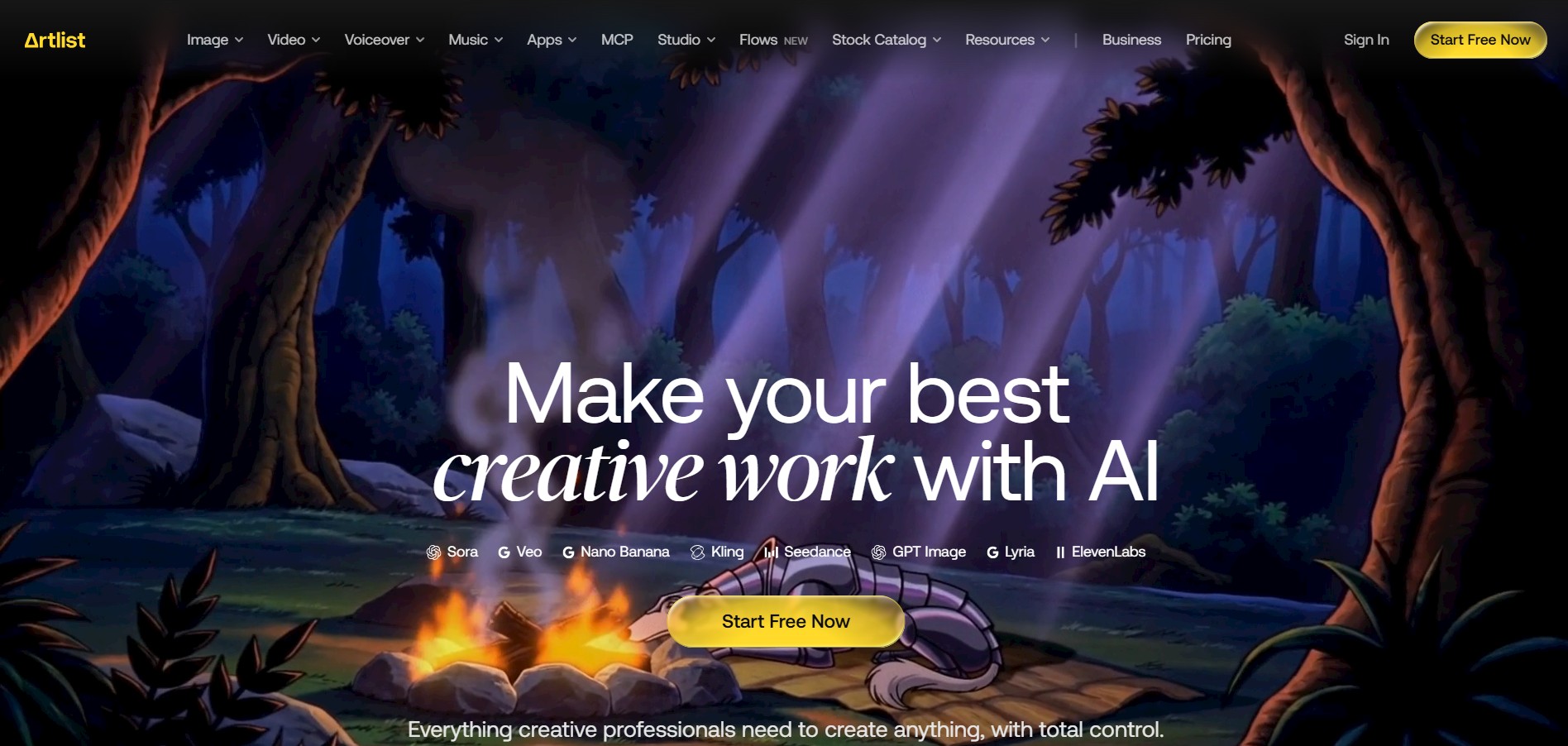
Artlist is a subscription-based platform that provides high-quality royalty-free music, sound effects, and video assets for creators. It helps filmmakers, YouTubers, and marketers access unlimited creative resources, making it easy to produce professional content without worrying about licensing issues.
 4.8
4.8Loqua
Text-to-Video
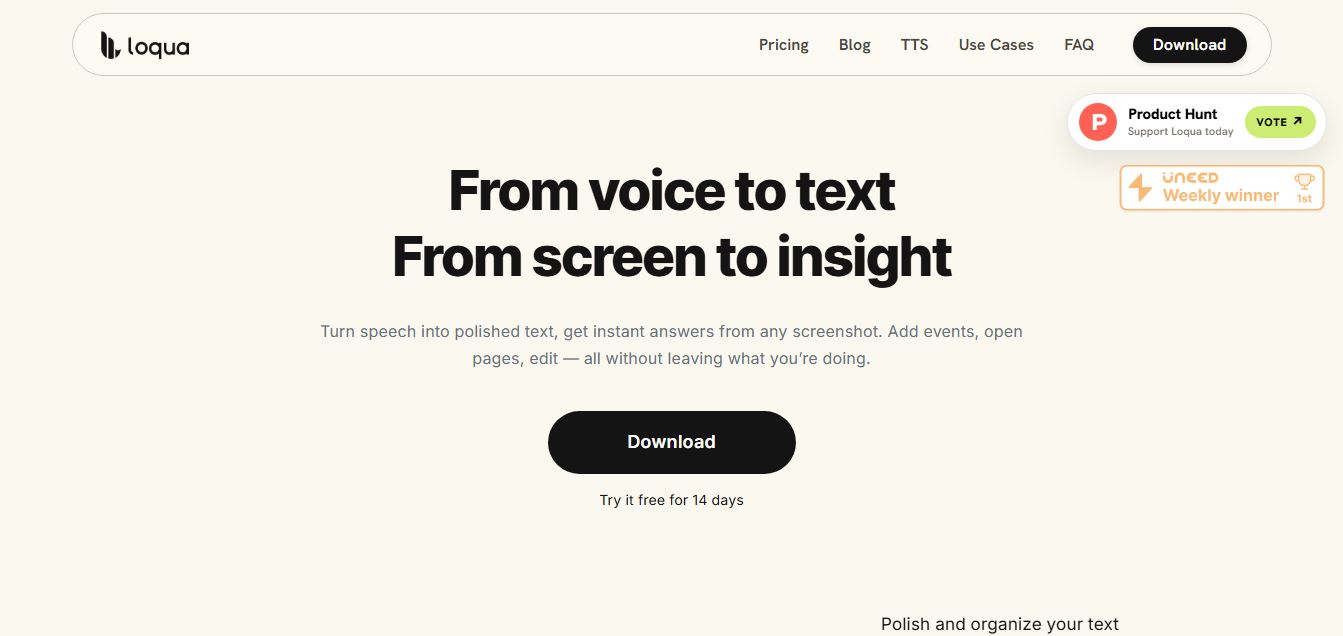
Loqua is an AI-powered voice typing, multimodal desktop agent, and intelligent dictation software for macOS and Windows that turns natural speech into structured, filler-free text across any app at 220 WPM, paired with Capture to Ask visual screen queries, speak-to-edit rewriting, and voice-triggered desktop automations.
 4.8
4.8InVideo
Text-to-Video
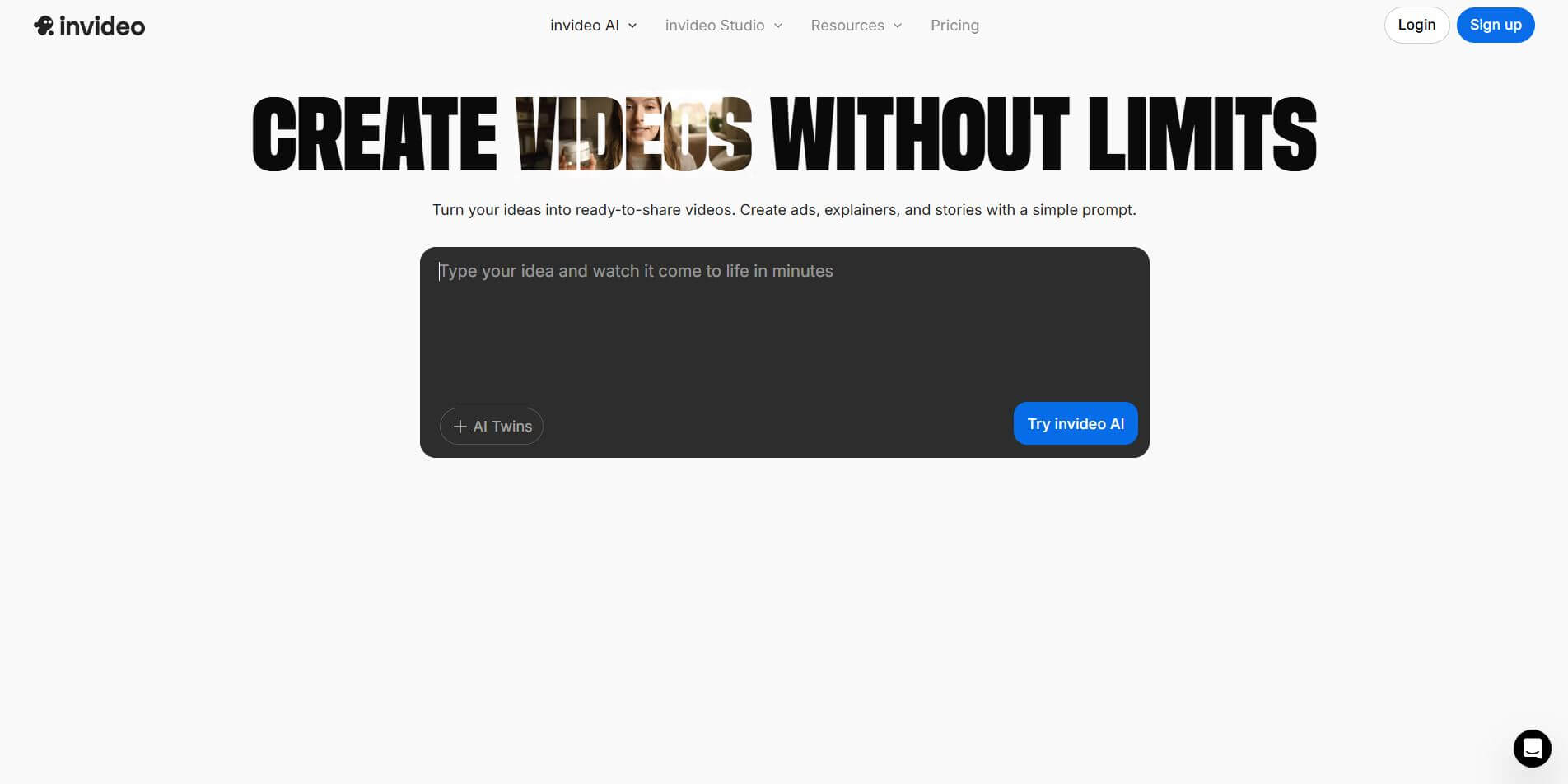
InVideo (invideo.io) is an AI-native video creation and production platform featuring InVideo AI, which turns text prompts, topics, and scripts into fully produced, narrated, and stock-matched videos with automated voiceovers, subtitles, and conversational editing.
 4.9
4.9Kling AI
Text-to-Video
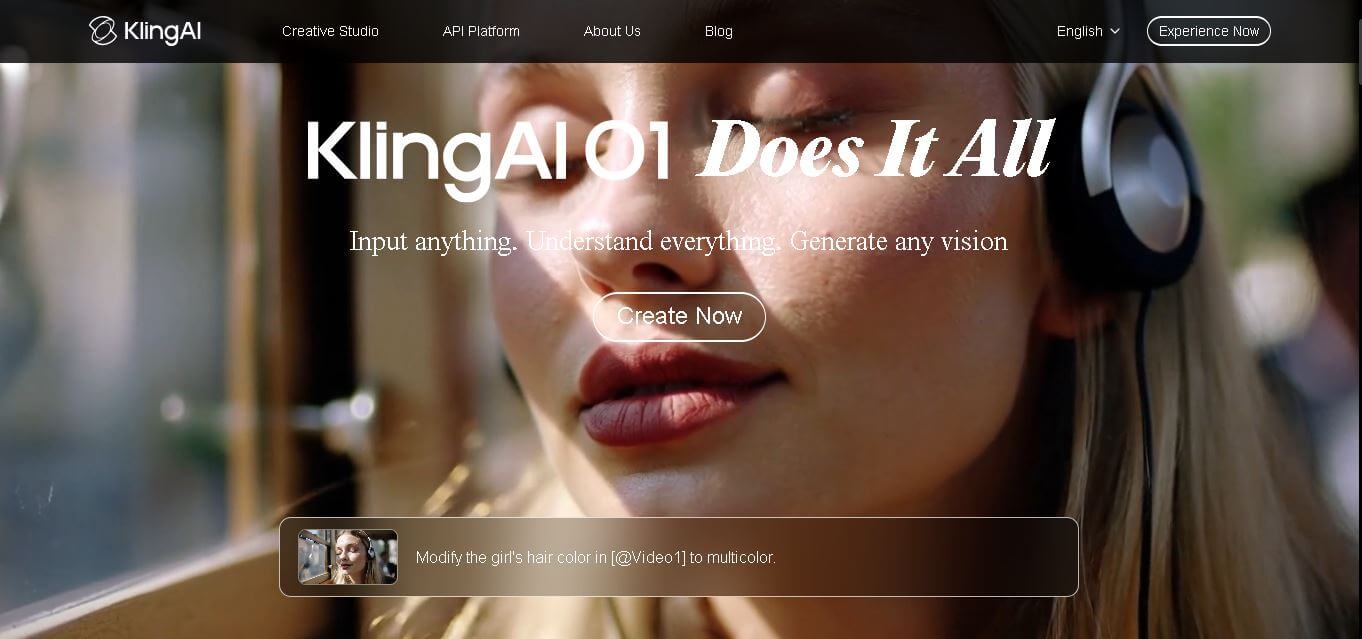
Kling AI is a flagship text-to-video and image-to-video creative studio developed by Kuaishou Technology, renowned for realistic physical motion, up to 4K cinematic video generation, native audio and lip-sync, start/end frame control, and 3D spatio-temporal camera direction.
 4.7
4.7Emu Video
Text-to-Video
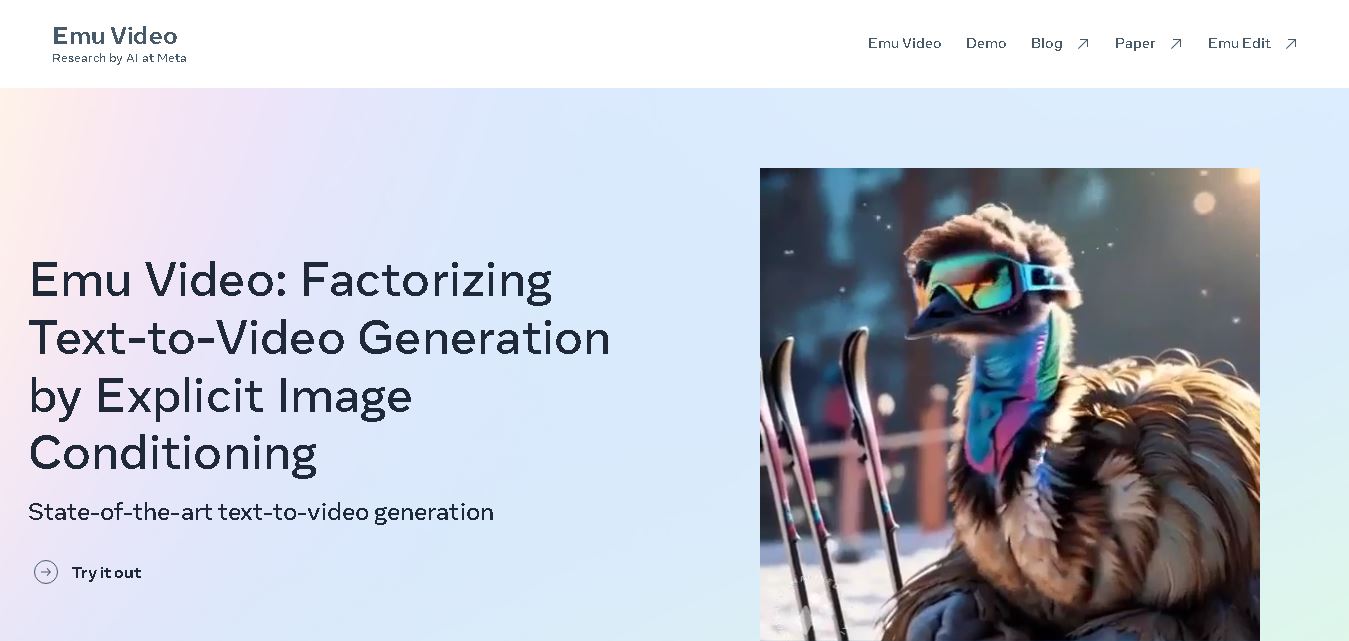
Emu Video is a text-to-video generation model developed by Meta that transforms written prompts into short, high-quality videos. It follows a two-step generation process to improve visual consistency, motion quality, and realism. The model also supports image-guided animation, making it suitable for creative storytelling, research, and multimedia content generation.
 4.9
4.9Stivio
Video Generator
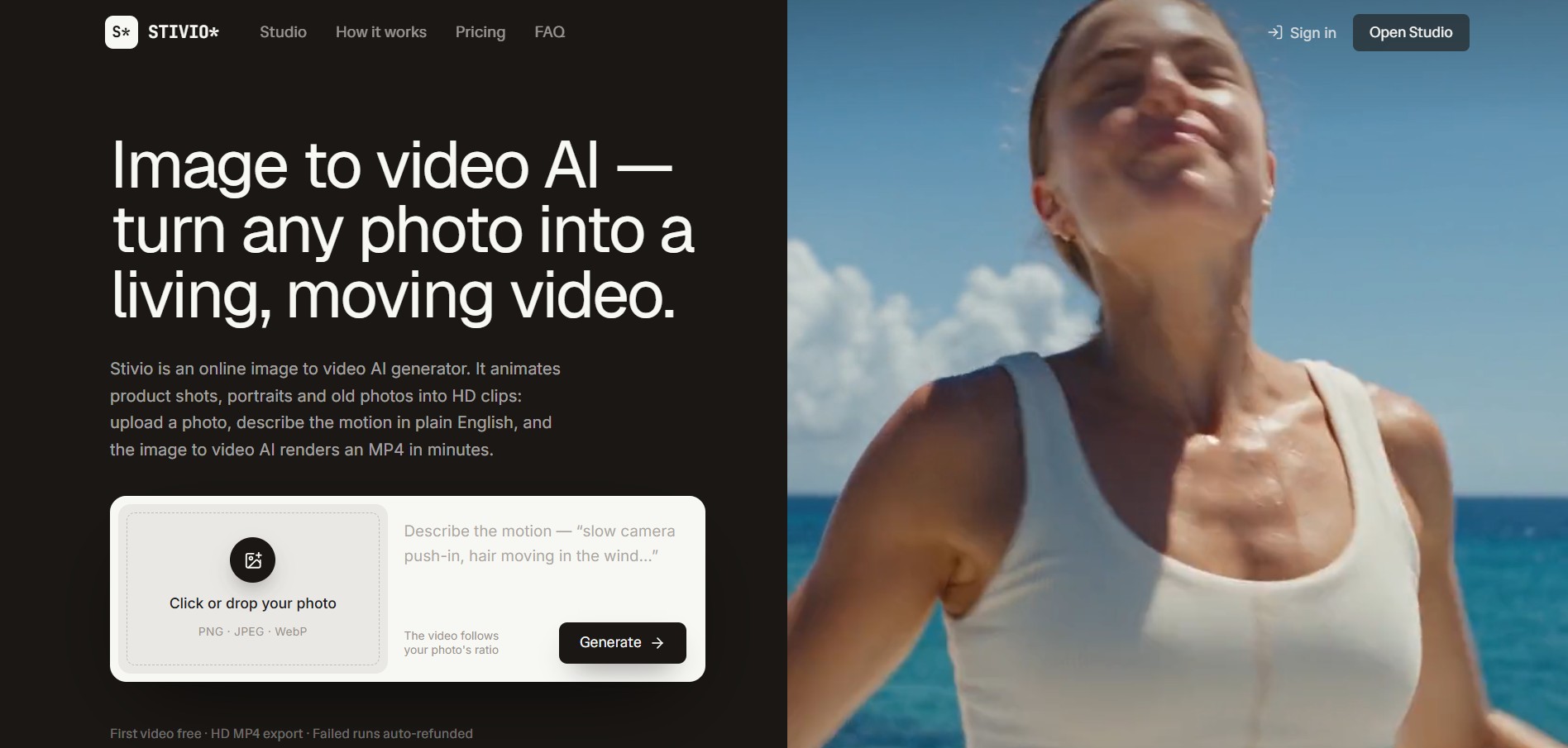
Stivio is an online image-to-video AI generator and multi-model animation studio that turns static product shots, portraits, and vintage photos into 3- to 30-second HD MP4 video clips using plain-English motion prompts across six foundation engines including Kling, Wan, MiniMax, and Seedance.
 4.8
4.8GeniLoop AI
Text-to-Video
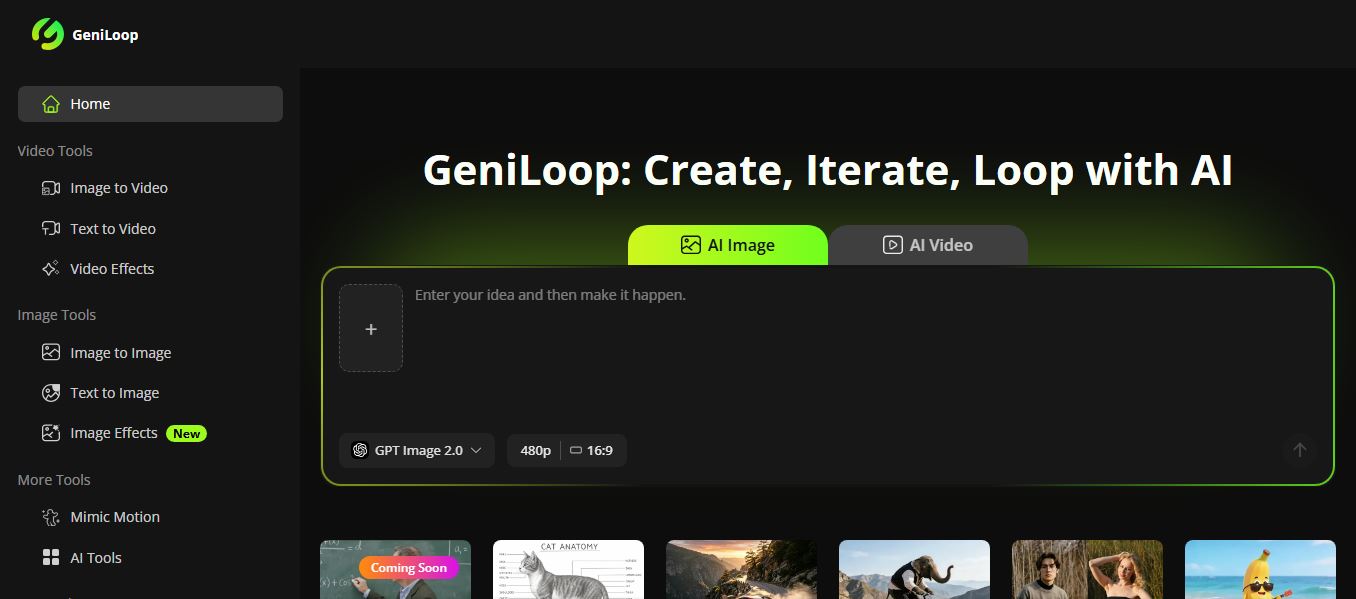
GeniLoop AI is an all-in-one AI studio that lets you create images, videos, and visual content from simple prompts. It supports tools like text-to-video, image-to-video, and hundreds of effects, helping creators generate high-quality visuals quickly without editing skills.
 4.7
4.7PixVerse AI
Text-to-Video
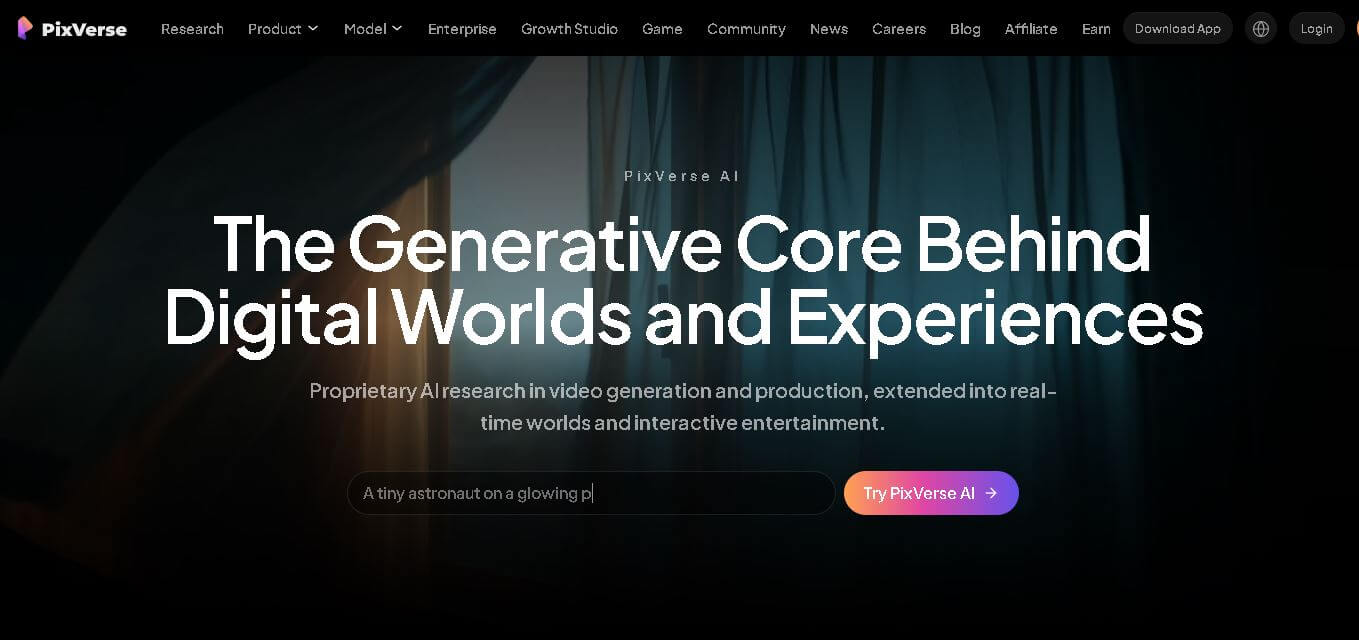
PixVerse is a generative video creation tool that transforms text prompts, images, and reference media into high-quality videos. It enables individuals, creators, marketers, and businesses to produce cinematic clips, social media content, advertisements, and animations with customizable styles, motion controls, templates, lip-sync, and AI-assisted editing in just a few steps.