
Google Gemini
Google Gemini is Google's native multimodal AI assistant and conversational platform that processes text, code, audio, images, and video across massive context windows, featuring native Google Workspace integration, Deep Research, and customizable Gems.
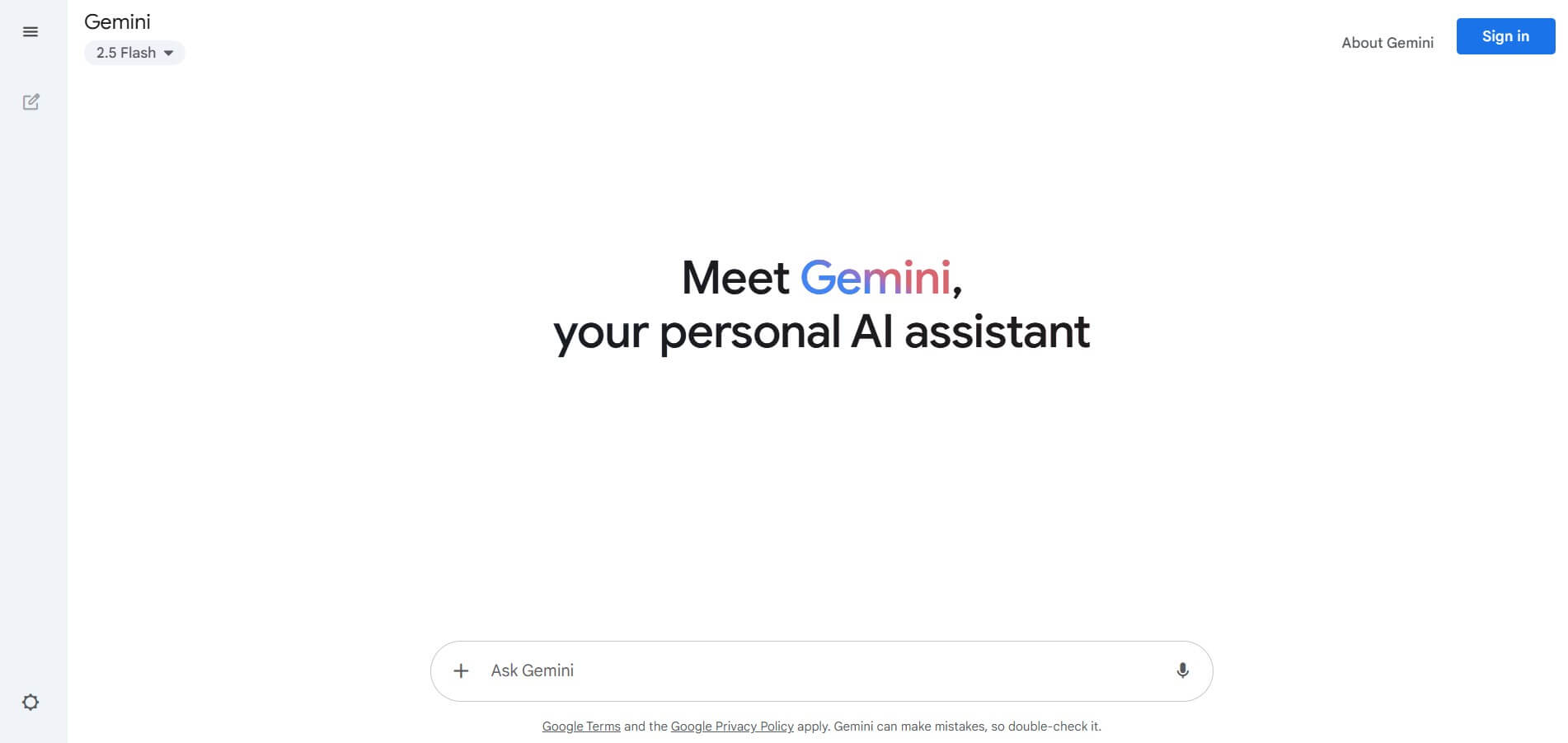
What is Google Gemini?
Google Gemini is an AI-powered assistant developed by Google that helps you write, learn, plan, and get things done through simple conversations. You can ask questions, generate content, summarize information, or brainstorm ideas, and it responds instantly using advanced AI models. It supports text, images, and more, making it useful for everyday tasks, work, or study. It acts like a smart, interactive helper that boosts productivity and creativity in one place.
Google Gemini is a multimodal AI assistant developed by Google, launched in 2023 and now available across web, Android, iOS, and 190+ countries with support for 40+ apps and 46 languages. It has surpassed 1 billion monthly active users, making it Google’s fastest-growing product ever, and generates 150M+ images daily. Around 63% of users interact via voice, while 38% of student queries include file uploads. Gemini also has 100M+ iOS users and powers AI features across major Google products like Search, Gmail, and Drive.
- Platform Role: Multimodal AI Assistant, Autonomous Web Researcher & Workspace Productivity Copilot
- Developer & Organization: Google DeepMind & Google LLC (Mountain View, California)
- Core Ecosystem: Gemini Web App, Gemini Mobile App (Android & iOS), Gemini Live (voice interaction), Gems (custom personas), Deep Research, Canvas, and Google Workspace Extensions
Use Cases:
- Analyzing massive documents, legal contracts, financial statements, and technical papers utilizing expanded token context windows
- Executing deep research workflows that browse dozens of web sources, synthesize academic papers, and compile comprehensive structured reports
- Drafting, editing, and summarizing emails, spreadsheets, and presentation decks directly within Google Workspace apps (Docs, Sheets, Gmail, Slides)
- Transcribing, summarizing, and questioning hour-long video files, audio lectures, and YouTube content directly via URL or file upload
- Pairing with interactive voice agents via Gemini Live for real-time conversational brainstorming, interview practice, and spoken language tutoring
Technology:
- Native multimodal foundation models trained jointly across text, video, audio, image, and code modalities rather than patching separate tools together
- Massive context window architectures scaling up to 1 million and 2 million tokens for comprehensive enterprise document analysis
- Real-time Google Search grounding providing cited, up-to-date web verification and source transparency
- Privacy infrastructure ensuring enterprise Workspace data remains private and isolated from public foundation model training
Target Users:
- Students, academics, and researchers parsing multi-hundred-page textbooks, PDFs, and recorded lectures
- Knowledge workers, executives, and business operators heavily embedded in the Google Workspace suite
- Software developers analyzing large repositories, debugging codebases, and generating architectural documentation
- Content creators, writers, and marketers seeking an agile collaborative partner for drafting, image creation, and research
Acquisition: Global consumer and enterprise AI platform by Google
What are the key features of Google Gemini?
Google Gemini's key platform features are
- Native Multimodal Understanding: Ingest and reason across text prompts, uploaded images, raw audio files, and full-length video clips simultaneously.
- Google Workspace Extensions: Directly query, search, and extract data across personal Google Drive files, Gmail threads, Google Docs, Maps, and YouTube.
- Deep Research Engine: Autonomous research assistant that executes multi-step web searches, cross-references sources, and formats comprehensive research briefs.
- Gemini Live: Natural, flowing voice interaction that allows freeform, hands-free conversation with interruptible responses.
- Gems (Custom AI Personas): Create custom, specialized AI assistants with tailored system instructions and knowledge bases for recurring tasks like coding, copyediting, or project planning.
- Canvas Collaborative Editor: Dedicated side-by-side editing canvas for iterating on code and long-form prose with inline adjustments.
- Industry-Leading Context Window: Up to 1M+ token context capacity allowing users to upload entire code repositories or hundreds of pages of documentation at once.
How much does Google Gemini cost?
Google Gemini offers accessible consumer access with a robust free tier alongside subscription tiers bundled into Google One storage plans.
Free Plan:
- Free ($0 / month): Unlimited chat with Google's fast Flash models, standard multimodal uploads (images, PDFs), web search grounding, Canvas workspace access, and 15 GB of standard Google account cloud storage.
Consumer Subscription Tiers:
- Google AI Plus ($4.99 - $7.99 / month): Entry-level plan providing 400 GB cloud storage, higher daily usage limits, and expanded access to multimodal creation tools.
- Google AI Pro / Advanced ($19.99 / month): The flagship mainstream plan. Unlocks Google's most capable Pro models, full access to Deep Research, custom Gems creation, Gemini integrated directly into Gmail, Docs, and Sheets, and 2 TB to 5 TB of shared Google One cloud storage.
- Google AI Ultra ($99.99 / month): Designed for heavy power users and developers, offering up to 5x higher usage limits than Pro, priority access to cutting-edge reasoning models, and 20 TB of cloud storage.
Disclaimer: Gemini subscriptions are bundled with Google One storage benefits. Standalone API access for developers is billed separately per million tokens via Google AI Studio and Vertex AI. Visit gemini.google.com for current regional pricing.
Who should use Google Gemini?
Google Gemini is designed for modern professionals, creators, and researchers, including
- Google Ecosystem Power Users: Anyone who relies on Gmail, Docs, Drive, and Android wanting a copilot embedded directly into their everyday workflow.
- Deep Researchers & Analysts: Compiling exhaustive, multi-source competitive or scientific briefs using the autonomous Deep Research tool.
- Video & Multimedia Creators: Extracting takeaways, transcripts, and timing notes from multi-hour video and audio recordings.
- Programmers & Technical Teams: Uploading extensive code files and documentation to debug logic across massive context windows.
What are the best alternatives to Google Gemini?
Some of the strongest Google Gemini alternatives include
- OpenAI ChatGPT
- Anthropic Claude
- Microsoft Copilot
- Perplexity AI
- Poe by Quora
- Mistral Le Chat
What are the pros and cons of Google Gemini?
What are the pros of Google Gemini?
- Massive token context window easily outclasses competitors when parsing large documents and codebases
- Native integration with Google Workspace (Gmail, Docs, Drive) eliminates tedious copy-pasting
- Direct multimodal video and audio ingestion capabilities without needing third-party transcription tools
- Deep Research produces thorough, well-sourced multi-page research documents with web citations
- Generous free version provides fast responses, web search grounding, and Canvas editing tools
What are the cons of Google Gemini?
- Flagship Pro and Ultra reasoning access requires a paid Google One AI subscription
- Coding generation formatting can occasionally require extra prompting compared to specialized developer copilots
- Subscribing through Google One bundles AI access with cloud storage, which may duplicate existing cloud storage plans
Why should you choose Google Gemini?
While most AI chatbots operate in an isolated sandbox, Google Gemini connects generative AI to the productivity software billions of people use every day. With its native ability to read Google Docs, search Gmail archives, synthesize YouTube videos, and conduct exhaustive autonomous web research, Gemini acts as a truly functional personal copilot. Combined with an industry-leading context window that can process entire books and codebases in a single prompt, Gemini delivers practical efficiency for everyday work.
- Work seamlessly across Gmail, Docs, Drive, and YouTube without third-party plugins
- Analyze books, hour-long videos, and extensive code repositories using massive context windows
- Conduct thorough, multi-source web investigations with automated Deep Research
- Enjoy fast, natural conversational voice interactions via Gemini Live
How does Google Gemini compare to competitors?
While ChatGPT excels in general coding versatility and Claude leads in nuanced, human-like writing and Artifact previews, Google Gemini stands out for its massive context window, native video and audio understanding, and deep integration with the Google Workspace ecosystem.
| Feature / Platform | Google Gemini | ChatGPT | Claude | Perplexity AI |
|---|---|---|---|---|
| Primary Strength | Multimodal context & Google Workspace sync | Broad reasoning & plugin ecosystem | Nuanced writing, logic & Artifacts | Live search synthesis & citations |
| Max Context Window | 1M - 2M Tokens | 128K Tokens | 200K Tokens | Varies by selected model |
| Native Video / Audio Ingestion | Yes (Full native video and audio upload) | Audio via Whisper, no raw video input | No (Text and image only) | Web links and text/PDF only |
| Autonomous Research | Deep Research engine | Web search integration | Analysis without live browsing | Pro Search with multi-step reasoning |
| Pricing Structure | Free / Pro $19.99/mo (includes 2TB+ storage) | Free / Plus $20/mo | Free / Pro $20/mo | Free / Pro $20/mo |
| Best For | Google users, massive docs & multimodal tasks | General developers and mainstream AI tasks | Long-form writers, analysts & frontend coders | Fact-driven search and academic sourcing |
How do we rate Google Gemini?
| Parameter | Rating (out of 5) |
|---|---|
| Multimodal Capability & Context Size | 5.0 |
| Workspace & Ecosystem Integration | 4.9 |
| Research Depth & Web Grounding | 4.8 |
| Voice Interaction (Gemini Live) | 4.8 |
| Value for Money | 4.8 |
| Overall Score | 4.86 |
What is our review and verdict on Google Gemini?
Google Gemini has evolved into one of the most capable, versatile generative AI assistants in the world. Its industry-leading context window, native multimodal video and audio ingestion, and tight integration with Google Workspace make it a powerhouse for knowledge workers and researchers. With the inclusion of cloud storage in its paid Pro plans and powerful features like Deep Research, Gemini offers extraordinary practical value for everyday personal and professional use.
Conclusion
Google Gemini brings a versatile, multimodal AI experience that fits naturally into everyday workflows, from writing and research to coding and planning. Instead of relying on separate tools, users can handle multiple tasks in one place with context-aware assistance. Its integration with Google’s ecosystem adds convenience and continuity. Gemini acts as a flexible, all-in-one assistant that helps users work faster, think more clearly, and manage tasks more efficiently.
FAQ
What does Google Gemini actually do?
Google Gemini is an AI-powered assistant that helps with tasks like writing, research, planning, coding, and everyday problem-solving. It works across web and mobile and can understand text, images, audio, and even video, making it more versatile than traditional assistants. Instead of just answering questions, it helps you complete tasks and generate content in real time.
How is Gemini different from Google Assistant?
Gemini is designed as a next-generation replacement for Google Assistant. While Google Assistant focuses on voice commands like setting alarms or checking weather, Gemini adds advanced reasoning, content generation, and multi-step task handling. It can also connect with apps like Gmail, Drive, and YouTube to give more contextual and personalized responses.
What can Gemini do in real life?
Gemini can help you write emails, summarize documents, plan trips, analyze files, generate images, and even assist with coding. You can type, speak, or upload files (like PDFs or photos), and it will process them to give insights or outputs. It’s built to act like a daily productivity assistant for work, study, and personal tasks.
Does Gemini work with Google apps like Gmail and Docs?
Yes, Gemini integrates deeply with Google apps like Gmail, Google Docs, Drive, and Calendar. It can pull information from your emails, summarize documents, and help you draft or organize content directly within those tools. This integration allows it to provide more personalized and context-aware assistance.
Can Gemini generate images, videos, or other content?
Yes, Gemini supports multimodal generation, meaning it can create images, videos, and even help with creative projects. Features like image generation, video creation, and interactive “Canvas” tools allow users to turn ideas into visual content using simple prompts.
Is Google Gemini free or paid?
Gemini offers a free plan with core features available using a Google account. There are also paid tiers like Google AI Plus, Pro, and Ultra that provide higher usage limits, access to advanced models, and premium features like video generation and deeper research tools.
Who should use Google Gemini?
Gemini is ideal for students, professionals, developers, marketers, and anyone who wants an AI assistant to improve productivity. It’s especially useful for people who already use Google tools daily, as it integrates seamlessly into their workflow and helps automate research, writing, and planning tasks.
User Reviews
No reviews yet for Google Gemini.
Featured Tools
Featured AI tools from TechShark

Melody Genie
MelodyGenie is an AI-powered music generator that creates original songs from simple text prompts. Users can choose styles, moods, and genres, then instantly generate melodies and full tracks, making it easy for creators, marketers, and hobbyists to produce custom music without musical expertise.
Freemium

Kimi AI
Kimi AI is an advanced AI assistant developed by Moonshot AI that helps you chat, research, write, code, and automate tasks in one place. It supports web search, file analysis, and multimodal inputs, and can even run autonomous “agent” workflows to complete complex tasks end-to-end.
Freemium

Fashion Diffusion AI
Fashion Diffusion is an AI-powered fashion design platform that helps brands and designers create clothing designs, virtual try-ons, AI models, product photos, and marketing visuals faster and cost-effectively.
Paid

Veo 4
Veo 4 AI is an AI video creation platform that generates dramatic videos from text, images, audio, and video prompts using realistic motion and synchronized sound.
Paid
Alternatives
Alternatives to Google Gemini
The best Google Gemini alternatives include OpenAI ChatGPT, Anthropic Claude, Microsoft Copilot, and Perplexity AI. While Gemini stands out for its massive 1M+ token context window, native video and audio understanding, and deep integration with Google Workspace apps, alternatives like ChatGPT offer broad developer toolchains and Claude provides exceptional writing nuance and Artifact previewing.
 4.8
4.8Chatnode
AI Chatbot Tools
ChatNode is a customer-support AI agent platform for businesses that want to automate conversations using their own websites, documents, and knowledge bases. It supports no-code deployment, AI Actions, integrations, lead capture, analytics, and human escalation, helping teams deliver 24/7 assistance while automating repetitive support and customer-service workflows.
 4.9
4.9ChatGOT
AI Chatbot Tools
ChatGOT is an AI chatbot platform that combines multiple models like GPT, Claude, and Gemini into one interface. It helps users chat, write, code, summarize PDFs, and generate images, while allowing them to compare answers or tag specific AI models for different perspectives.
 4.8
4.8Sensay
AI Chatbot Tools
Sensay helps businesses capture valuable knowledge and turn it into accessible AI agents. Users can train agents with documents, websites, audio, video, and other information, then deploy them across websites and supported channels. Its features include multilingual conversations, analytics, customization, knowledge bases, API access, and secure data handling for teams.
 4.8
4.8Microsoft Copilot
Productivity
Microsoft Copilot is an AI-powered assistant that helps users write, research, analyze data, and automate tasks across apps like Word, Excel, Outlook, and Teams. It combines large language models with real-time data to generate content, answer questions, and improve productivity across personal and professional workflows.
 5.0
5.0Perplexity AI
AI Chatbot Tools
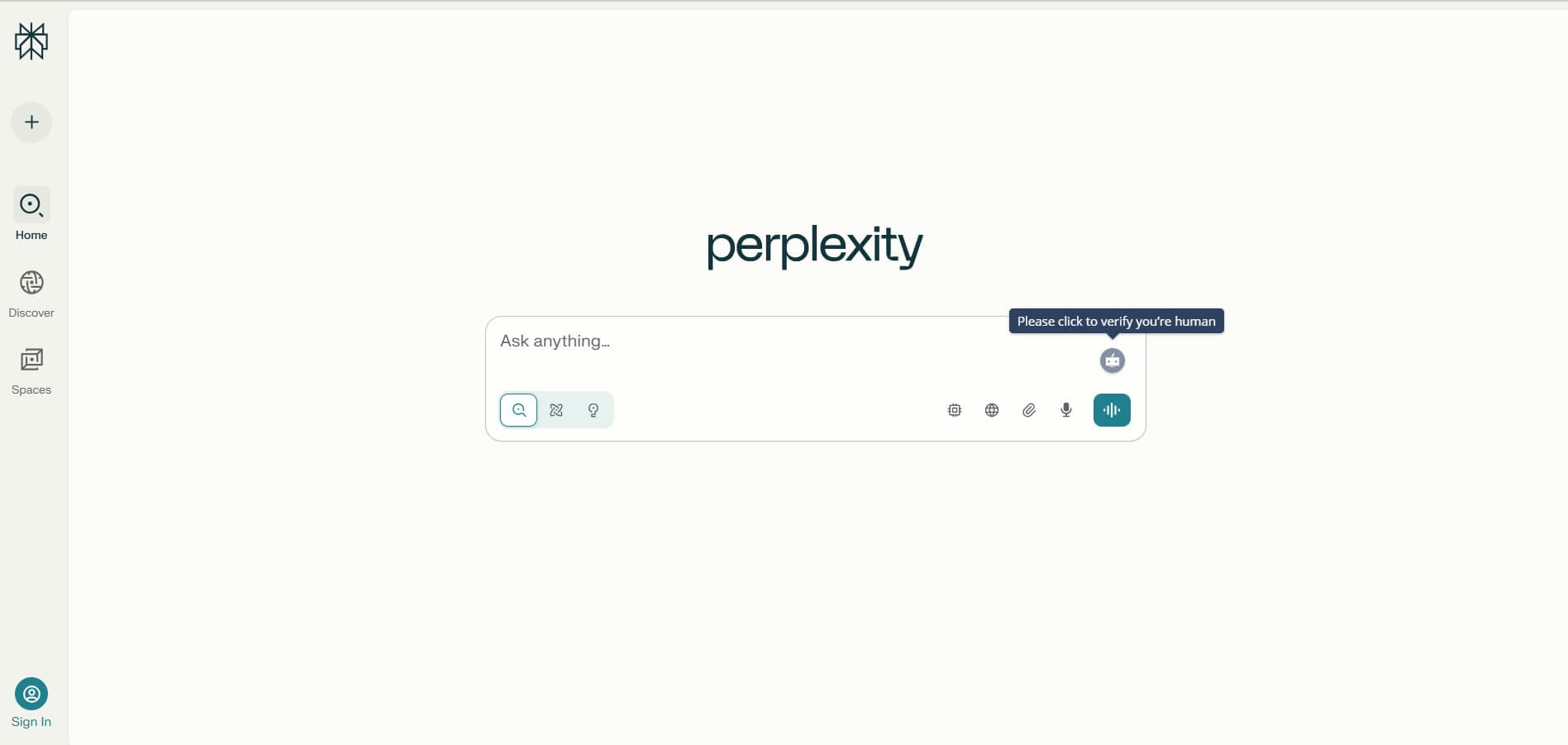
Perplexity is an AI-powered answer engine that searches the web in real time and delivers clear, cited responses instead of just links. It combines conversational AI with live data, helping users research topics, compare information, and get reliable insights quickly with verifiable sources.
 5.0
5.0DeepSeek
AI Chatbot Tools
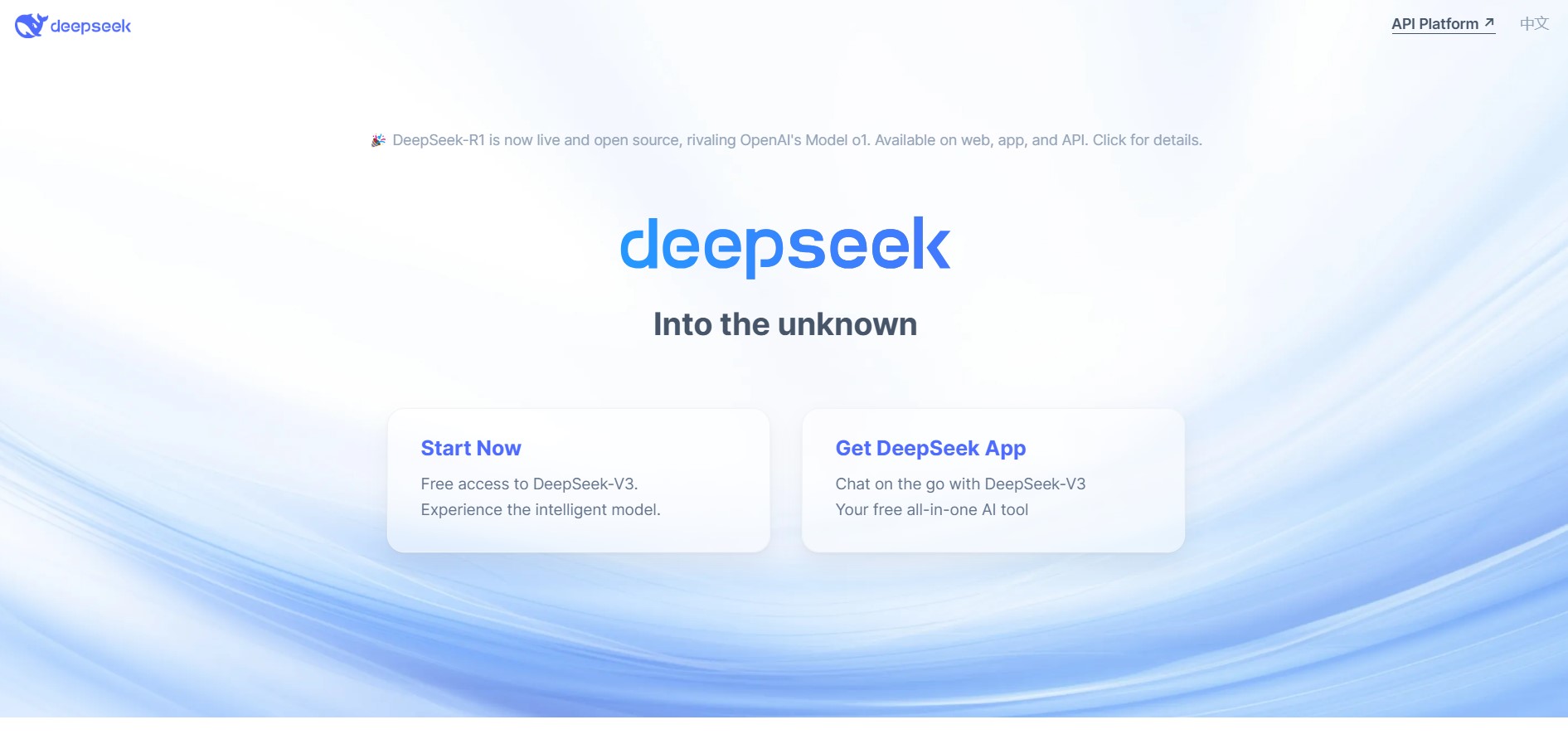
DeepSeek is an AI platform that helps users generate text, code, and insights using advanced large language models. It offers chat, API access, and open-weight models for developers, enabling fast, cost-efficient AI applications for writing, coding, research, and automation tasks.
 4.9
4.9Grok
AI Chatbot Tools
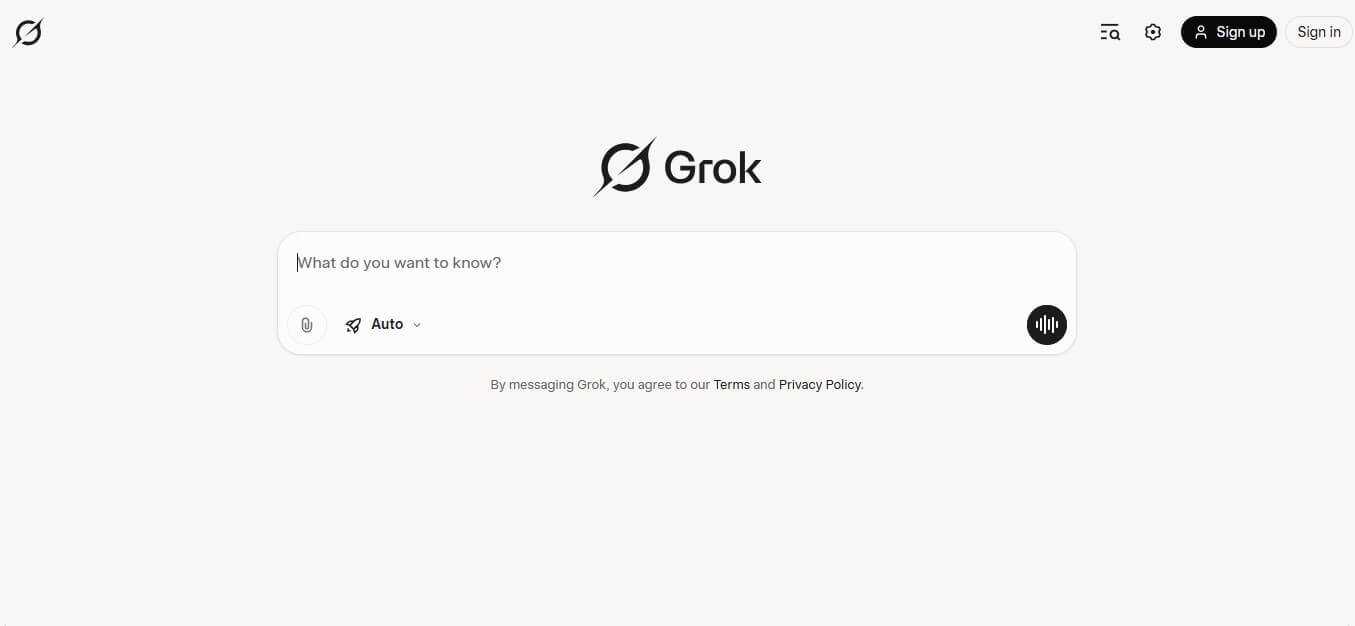
Grok is an AI-powered assistant by xAI that helps users search, write, analyze data, and generate images, code, and content in real time. It connects to live web and X (Twitter) data, enabling up-to-date insights, problem-solving, and conversational AI across multiple tasks.
 4.8
4.8AIChatbot.support
AI Chatbot Tools
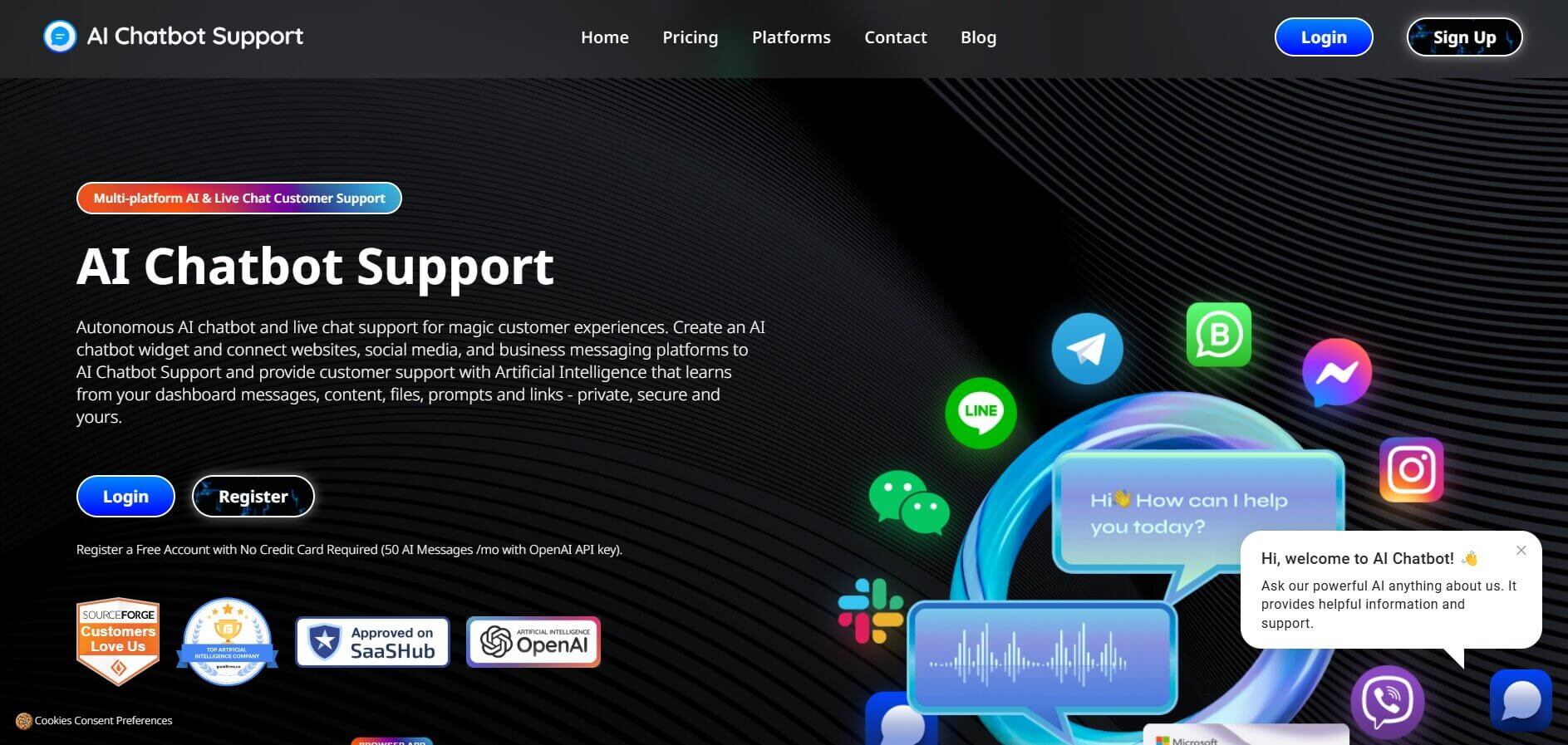
AIChatbot.support (aichatbot.support) is an intelligent customer support platform that allows businesses to build, train, and deploy AI customer service agents trained on website content, help docs, and internal knowledge bases for 24/7 automated support.
 4.8
4.8ZenMux
AI Chatbot Tools
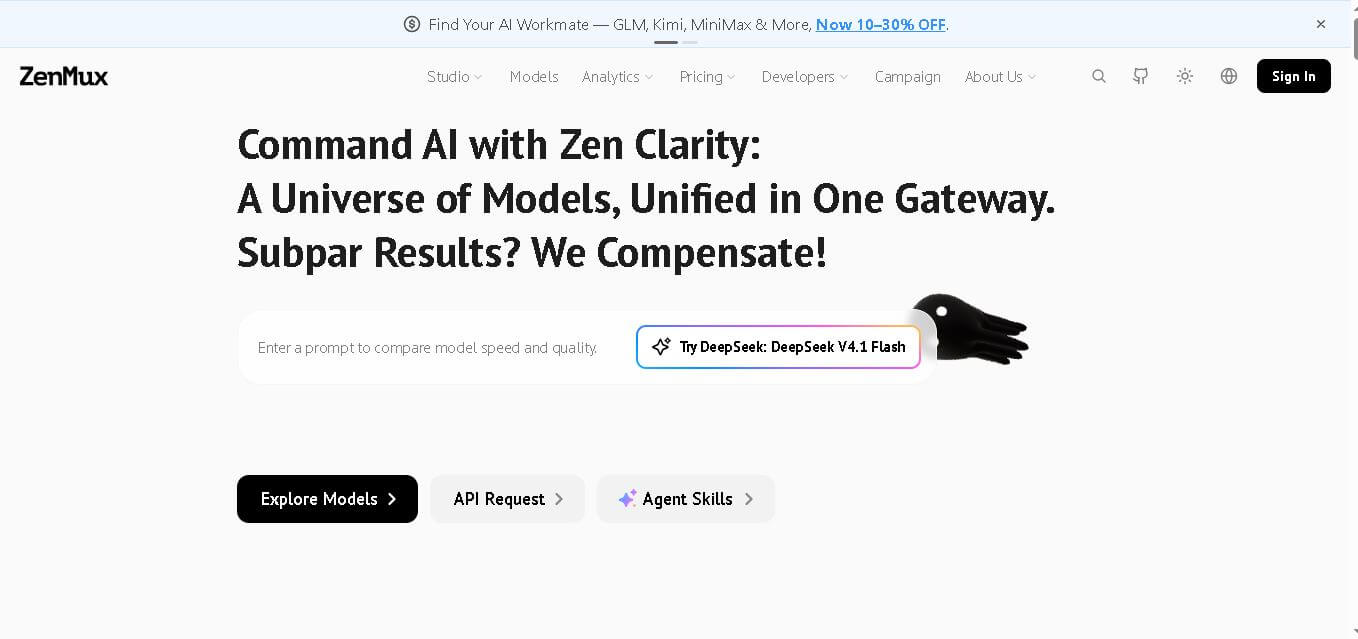
ZenMux brings multiple leading AI models into one gateway for developers. It combines API access, model selection, automatic routing, provider failover, usage analytics, and flexible billing. The platform supports coding, chat, image, and video workflows, helping users experiment with models without managing accounts, keys, and integrations. It supports multi-model development.