Kling AI
Kling AI is a flagship text-to-video and image-to-video creative studio developed by Kuaishou Technology, renowned for realistic physical motion, up to 4K cinematic video generation, native audio and lip-sync, start/end frame control, and 3D spatio-temporal camera direction.
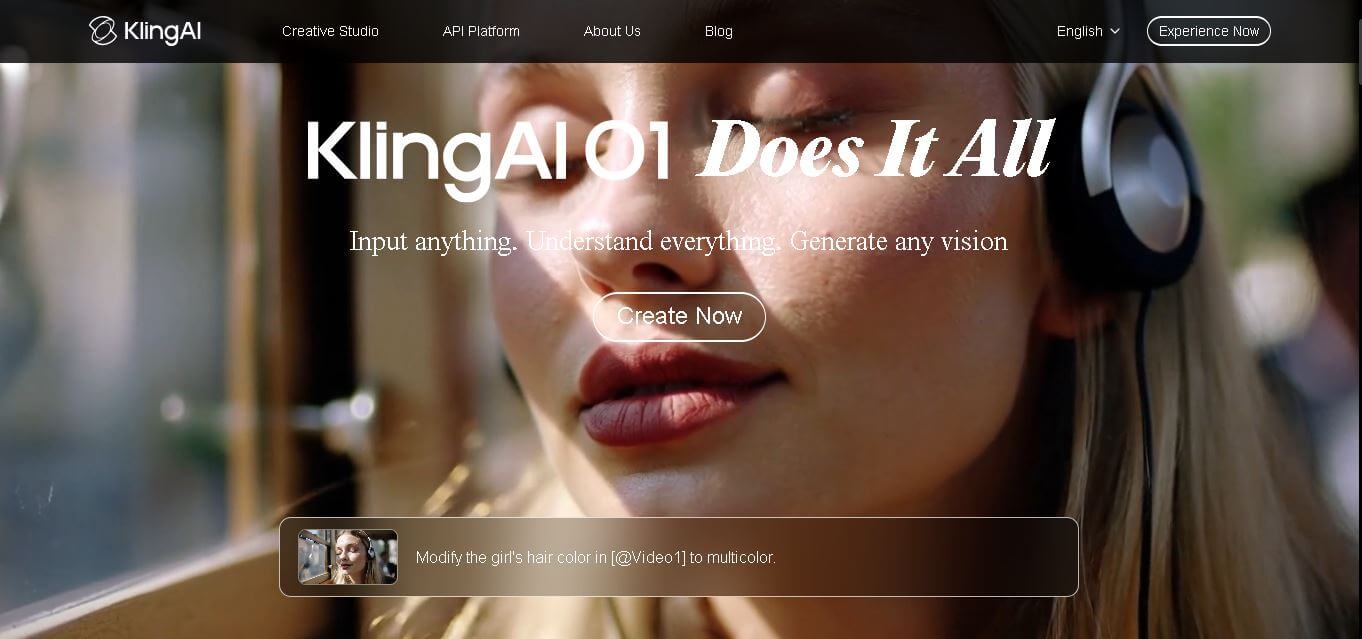
What is Kling AI?
Kling AI is an advanced generative video creation studio and diffusion foundation model suite developed by Kuaishou Technology. Created to turn narrative prompts and static imagery into fluid, hyper-realistic video sequences, Kling AI has emerged as one of the world's premier AI video engines—pioneering breakthroughs in complex physical simulations, dynamic facial expressions, and cinematic camerawork.
Built around the mission to “Empower visual storytellers with hyper-realistic AI video and lifelike physical simulation,” Kling AI addresses the common pitfalls of AI video: rubbery movements, distorted faces, and erratic transitions. Leveraging a proprietary 3D spatio-temporal attention mechanism and Diffusion Transformer (DiT) architecture, Kling produces up to 15-second continuous cinematic sequences with native audio synchronization, realistic lip-syncing, and precise start/end keyframe choreography.
- Platform Role: Generative AI Video Studio, Text-to-Video / Image-to-Video Engine & Cinematic Motion Platform
- Developer & Organization: Kuaishou Technology (Global operations via Singapore / kling.ai)
- Platform Access: Web application (kling.ai), official iOS/Android mobile apps, and developer REST API endpoints
Use Cases:
- Transforming conceptual text prompts or scripts into cinematic 4K video scenes with natural character physics and camera paths
- Animating still photographs, digital illustrations, and 3D character renders into expressive, lifelike motion sequences
- Producing high-impact e-commerce product videos, social media reels, and commercial video advertisements with native lip-sync
- Controlling narrative pacing by anchoring exact start and end reference frames to guide transitions between shots
- Extending short 5-second video clips up to several minutes by chaining video extension iterations together
Technology:
- Proprietary 3D Spatio-Temporal Attention Mechanism modeling real-world physics, gravity, and fluid motion dynamics
- Dual-engine generation: Text-to-Video (T2V) and Image-to-Video (I2V) with support for start/end keyframe constraints
- Native audio generation and multimodal lip-sync pipeline matching character mouth movements to uploaded speech tracks
- Motion Brush and camera trajectory engine allowing users to paint animated zones and control pan, tilt, zoom, and roll
Target Users:
- Independent filmmakers, VFX artists, and animators creating digital storyboards, trailers, and pre-visualizations
- Digital marketers, growth agencies, and UGC creators producing high-volume social video variations for TikTok, Reels, and YouTube
- E-commerce brands animating product lifestyle scenes and virtual avatar presentations
- Game designers and concept artists prototyping cinematic cutscenes, atmospheric environments, and character movement
Acquisition: Generative AI creative suite developed and operated by Kuaishou Technology

What are the key features of Kling AI?
Kling AI's key platform features are
- High-Fidelity Video Generation: Generates fluid video sequences in 720p, 1080p, and up to 4K resolution using Standard, Pro, and Master model versions.
- Start & End Keyframe Anchoring: Designate an initial image and a final destination image, prompting the engine to generate a natural interpolation bridge between them.
- Native Audio & Multilingual Lip-Sync: Generates matching sound effects and accurately syncs character mouth shapes to uploaded voice audio across diverse languages.
- Granular Cinematic Camerawork: Configure professional camera movements, including horizontal pan, vertical tilt, roll, zooms, and custom 3D trajectories.
- Interactive Motion Brush: Highlight specific parts of an image to designate where movement occurs and control the intensity and direction of motion.
- Seamless Video Extension: Extends existing video generations forward in 5-second increments to build longer continuous scenes.
- Multi-Aspect Ratio Flexibility: Supports widescreen cinematic landscape (16:9), vertical social video (9:16), and square social feeds (1:1).
- Developer API Integration: Scalable pay-as-you-go API endpoints enabling developers and automated workflows to generate videos programmatically.
How much does Kling AI cost?
Kling AI operates on a credit-based freemium pricing structure, offering daily free generation credits alongside tiered monthly and annual subscriptions for power creators and studios.
Free Plan:
- Free Tier ($0 / month): Approx. 66 daily credits refreshed daily, standard quality generations (720p), 5-second video durations, standard queue, and watermarked outputs.
Paid Subscription Tiers:
- Standard / Basic Plan (Starts around ~$7 - $10 / month): 660 monthly credits, watermark removal, 1080p video outputs, faster queue speeds, and commercial usage rights.
- Pro Plan (Approx. $30 - $37 / month): 3,000 monthly credits, Professional quality mode, access to Master model tiers, priority processing queues, and batch video generation.
- Premier / Enterprise Tier (Approx. $60 - $90+ / month): 8,000+ monthly credits, highest generation concurrency, custom developer API allowances, and early access to experimental model builds.
Developer API Pricing:
- Pay-As-You-Go API: Billed per generation ranging from ~$0.14 - $0.28 for standard 5s/10s clips up to ~$0.42 - $1.70 per generation for Master 1080p/4K models with native audio.
Disclaimer: Kling AI provides free daily credits to test video generations. Watermark-free 1080p/4K rendering, extended durations, and commercial rights require a paid subscription or API balance. Check kling.ai for current plan terms.
Who should use Kling AI?
Kling AI is designed for digital storytellers, visual creators, and marketers, including
- Indie Filmmakers & Animators: Directing narrative scenes with realistic camera movement and precise start-to-end frame continuity.
- Social Media Marketers & Creators: Generating viral short-form video hooks for TikTok, Instagram Reels, and YouTube Shorts with synchronized lip-sync dialogue.
- E-Commerce Sellers: Animating static product catalogs into engaging lifestyle videos with dynamic motion and lighting effects.
- Game Developers & Concept Artists: Quickly developing prototype character animations and environmental cutscenes without 3D rigging overhead.
What are the best alternatives to Kling AI?
Some of the strongest Kling AI alternatives include
- OpenAI Sora
- Runway (Gen-3 Alpha / Gen-4)
- Google Veo
- Luma Dream Machine (Ray 2)
- Hailuo AI (MiniMax)
- Higgsfield AI
What are the pros and cons of Kling AI?
What are the pros of Kling AI?
- Exceptional physical simulation and realistic human motion dynamics, avoiding rubbery limb artifacts
- Start and end frame anchoring provides unparalleled directorial control over video transitions
- Integrated multilingual lip-sync and native audio generation eliminate the need for third-party audio dubbing
- High visual resolution with support for 1080p and up to 4K outputs on advanced tiers
- Generous free daily credit refresh allows creators to test ideas every day without entering credit card details
What are the cons of Kling AI?
- Free tier queues can experience long processing delays during peak international traffic hours
- Rendering master-quality 10-second videos and complex lip-syncs consumes credit balances quickly
- Very fast rotational motion or multi-character physical collisions can still occasionally produce minor temporal glitches
Why should you choose Kling AI?
Many generative video platforms struggle when characters move quickly or interact with complex physical objects, leading to disjointed limbs and distorted faces. Kling AI solves these issues with its proprietary 3D spatio-temporal modeling engine. By combining realistic real-world physics with granular camera controls, start/end frame keyframing, and native multilingual lip-syncing, Kling gives creators the precise control needed to produce commercial-ready video content directly from text or images.
- Generate cinematic videos with lifelike physical motion and expressive human faces
- Direct transitions with mathematical precision using start and end frame constraints
- Produce talking-head videos and synced dialogue with native multilingual lip-sync
- Paint movement zones and camera trajectories with intuitive motion Brush and camera tools
How does Kling AI compare to competitors?
The primary distinctions between Kling AI, OpenAI Sora, Runway Gen-3, and Luma Dream Machine lie in motion physics, frame interpolation controls, and cost accessibility. While OpenAI Sora excels in complex physics world simulation and Runway provides deep post-production motion brush timelines, Kling AI delivers unmatched start/end frame anchoring, exceptional human motion fidelity, and highly accessible consumer pricing with daily free allowances.
| Feature / Platform | Kling AI | OpenAI Sora | Runway (Gen-3) | Luma Dream Machine |
|---|---|---|---|---|
| Core Focus | High-Motion Realism & Keyframe Video Generation | World Simulation & Multi-Shot Narratives | Post-Production Timeline & Motion Controls | Realistic Lighting & Fast Camera Moves |
| Start & End Frame Control | Yes (Native start and end frame anchoring) | Remix & temporal extension tools | Keyframe interpolation support | Keyframe camera trajectory support |
| Native Audio & Lip-Sync | Yes (Built-in multilingual lip-sync & sound) | Native sound effects & audio generation | Lip-sync & audio effects tools | Generative audio integration |
| Max Output Resolution | 1080p HD and up to 4K | Up to 1080p HD | Up to 4K (via upscaler) | Up to 1080p / 4K |
| Pricing Structure | Daily free credits / Paid from ~$7 - $10/mo | Requires ChatGPT Plus ($20/mo) / Pro ($200/mo) | Free trial / Plans from $12/mo | Free tier / Paid from $9.99/mo |
| Best For | Lifelike human body movement, lip-sync ads, and start/end frame control | Photorealistic world simulation and complex multi-shot scenes | VFX artists wanting granular timeline and motion brush editing | Fast cinematic action sequences and camera sweeps |
How do we rate Kling AI?
| Parameter | Rating (out of 5) |
|---|---|
| Physical Simulation & Human Motion Realism | 5.0 |
| Start & End Keyframe Control | 5.0 |
| Audio Integration & Lip-Sync Quality | 4.8 |
| Camera & Motion Brush Tooling | 4.9 |
| Value for Money | 4.8 |
| Overall Score | 4.90 |
What is our review and verdict on Kling AI?
Kling AI has established itself as one of the most formidable and capable AI video generation platforms on the market. By solving complex physical interactions and providing critical directorial features like start/end frame anchoring and multilingual lip-syncing, it bridges the gap between chaotic generative novelties and serious commercial video production. For creators, marketers, and filmmakers looking for dependable motion quality at an accessible price point, Kling AI is an essential creative tool.
Conclusion
Kling AI pushes video generation forward by turning simple prompts into detailed, cinematic visuals with impressive realism. Instead of relying on complex editing tools, it allows creators to quickly generate and experiment with high-quality video content. Its focus on motion consistency and visual depth makes it especially appealing for storytelling and creative projects. Overall, Kling AI simplifies video production while unlocking new creative possibilities, helping users bring ideas to life faster and with far less effort.
FAQ
What is Kling AI and what does it actually do?
Kling AI is a next-generation AI video and image generation platform developed by Kuaishou. It allows users to create realistic videos from text prompts or images, turning simple ideas into cinematic clips with natural motion, lighting, and scene consistency.
How is Kling AI different from other AI video tools?
Kling AI stands out for its strong motion realism, longer video generation capabilities, and advanced storytelling control. Compared to many tools, it focuses heavily on spatiotemporal consistency, meaning objects, characters, and scenes behave more naturally across frames, which makes outputs look closer to real footage.
What features does Kling AI offer?
Kling AI offers text-to-video, image-to-video, AI image generation, video editing, motion control, and multi-scene storytelling. Newer versions also support multimodal inputs (text, image, audio) and features like character consistency, voice/audio generation, and storyboard-level control for more complex video creation workflows.
Can Kling AI generate long and high-quality videos?
Yes, Kling AI can generate videos ranging from a few seconds up to longer clips, depending on the version and settings. Some versions support HD or even 4K output and allow extending clips into longer sequences, making it useful for storytelling, ads, or short films.
Does Kling AI support both images and videos?
Yes, Kling AI is a multimodal platform, meaning it can generate both images and videos. You can create visuals from text, turn images into animated videos, or edit existing media, all within a single workflow.
Who should use Kling AI?
Kling AI is ideal for content creators, marketers, filmmakers, social media teams, and designers who need high-quality video content quickly. It’s especially useful for producing ads, cinematic clips, storytelling content, and social media videos without traditional production costs.
Is Kling AI free or paid?
Kling AI typically offers a credit-based system with limited free usage for testing, while full access requires paid plans. Pricing varies depending on features, video length, resolution, and usage volume, making it flexible for both individuals and teams.
User Reviews
No reviews yet for Kling AI.
Featured Tools
Featured AI tools from TechShark

Melody Genie
MelodyGenie is an AI-powered music generator that creates original songs from simple text prompts. Users can choose styles, moods, and genres, then instantly generate melodies and full tracks, making it easy for creators, marketers, and hobbyists to produce custom music without musical expertise.
Freemium

Kimi AI
Kimi AI is an advanced AI assistant developed by Moonshot AI that helps you chat, research, write, code, and automate tasks in one place. It supports web search, file analysis, and multimodal inputs, and can even run autonomous “agent” workflows to complete complex tasks end-to-end.
Freemium

Fashion Diffusion AI
Fashion Diffusion is an AI-powered fashion design platform that helps brands and designers create clothing designs, virtual try-ons, AI models, product photos, and marketing visuals faster and cost-effectively.
Paid

Veo 4
Veo 4 AI is an AI video creation platform that generates dramatic videos from text, images, audio, and video prompts using realistic motion and synchronized sound.
Paid
Alternatives
Alternatives to Kling AI
The best Kling AI alternatives include OpenAI Sora, Runway (Gen-3/Gen-4), Google Veo, Luma Dream Machine, and Hailuo AI. While Kling AI stands out for its realistic human body physics, native start/end frame interpolation, and integrated multilingual lip-syncing at an accessible entry price, alternatives like OpenAI Sora emphasize large-scale world simulation and Runway provides granular motion brush timeline controls.
 4.9
4.9Media.io
Video Editing
Media.io is an AI-powered creative platform that helps users generate, edit, and enhance videos, images, audio, and ads from simple prompts or assets. It combines AI generation, editing, and workflows in one place, enabling creators to turn ideas into polished content quickly without switching tools.
 4.9
4.9Artlist
Image
Artlist is a subscription-based platform that provides high-quality royalty-free music, sound effects, and video assets for creators. It helps filmmakers, YouTubers, and marketers access unlimited creative resources, making it easy to produce professional content without worrying about licensing issues.
 4.8
4.8Loqua
Text-to-Video
Loqua is an AI-powered voice typing, multimodal desktop agent, and intelligent dictation software for macOS and Windows that turns natural speech into structured, filler-free text across any app at 220 WPM, paired with Capture to Ask visual screen queries, speak-to-edit rewriting, and voice-triggered desktop automations.
 4.8
4.8InVideo
Text-to-Video
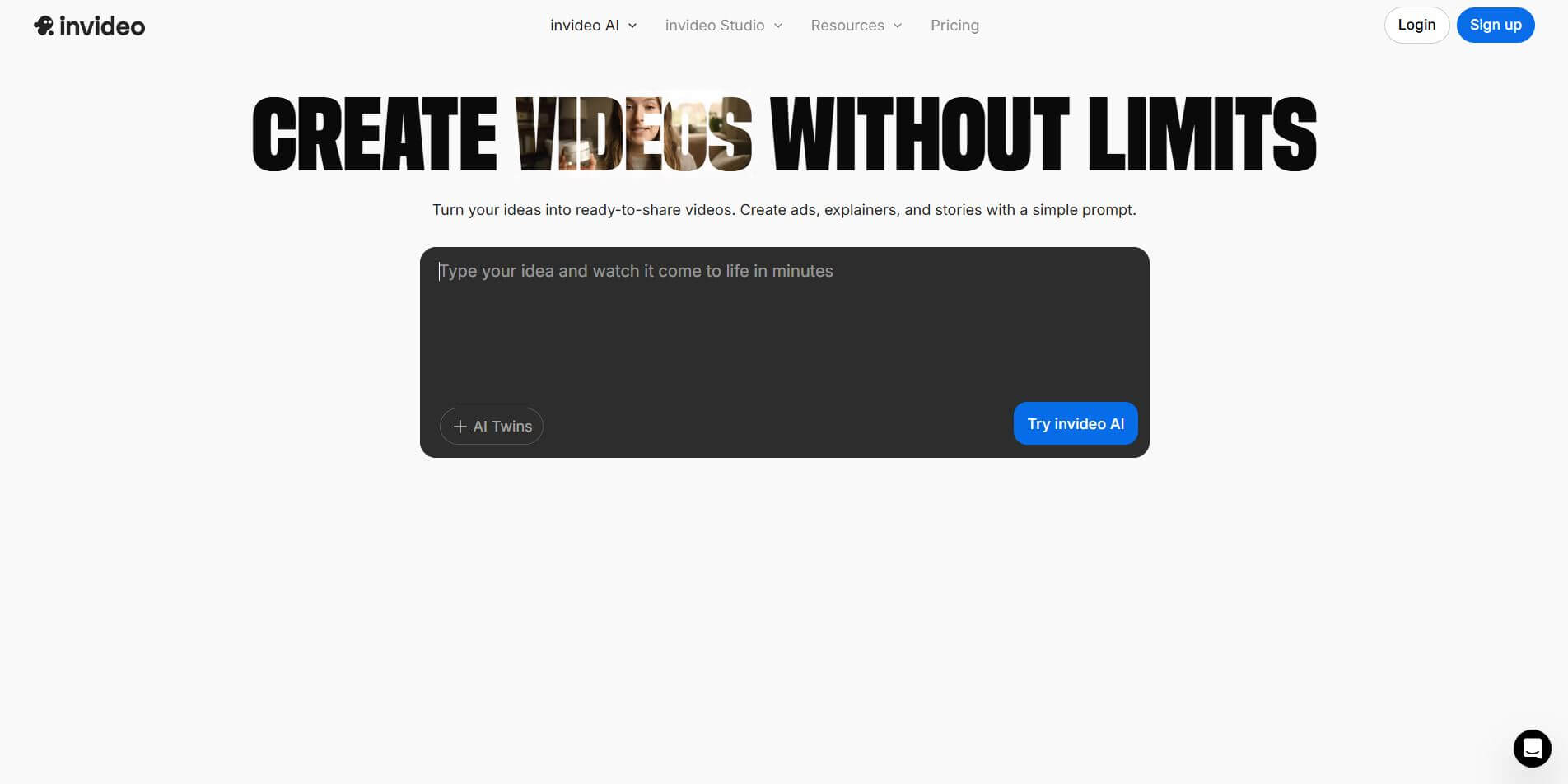
InVideo (invideo.io) is an AI-native video creation and production platform featuring InVideo AI, which turns text prompts, topics, and scripts into fully produced, narrated, and stock-matched videos with automated voiceovers, subtitles, and conversational editing.
 4.7
4.7Emu Video
Text-to-Video
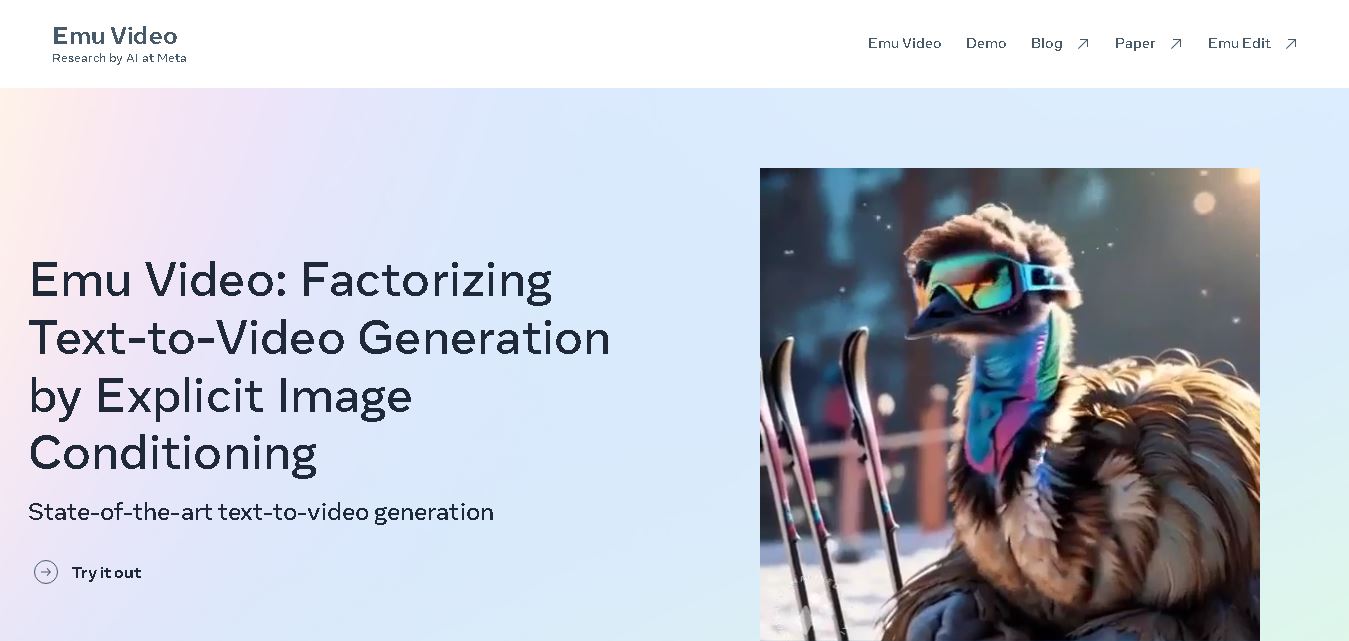
Emu Video is a text-to-video generation model developed by Meta that transforms written prompts into short, high-quality videos. It follows a two-step generation process to improve visual consistency, motion quality, and realism. The model also supports image-guided animation, making it suitable for creative storytelling, research, and multimedia content generation.
 4.9
4.9Stivio
Video Generator
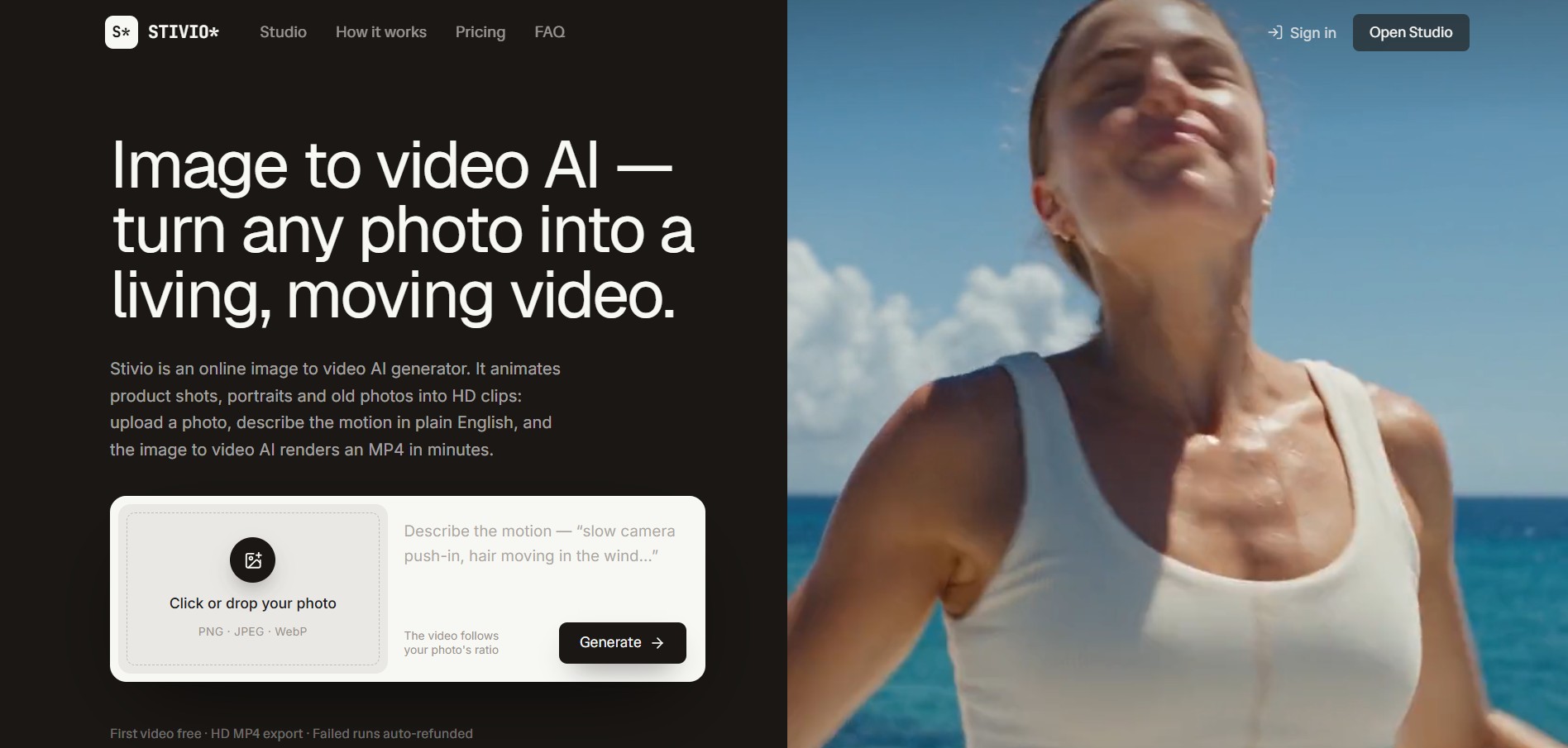
Stivio is an online image-to-video AI generator and multi-model animation studio that turns static product shots, portraits, and vintage photos into 3- to 30-second HD MP4 video clips using plain-English motion prompts across six foundation engines including Kling, Wan, MiniMax, and Seedance.
 4.8
4.8GeniLoop AI
Text-to-Video
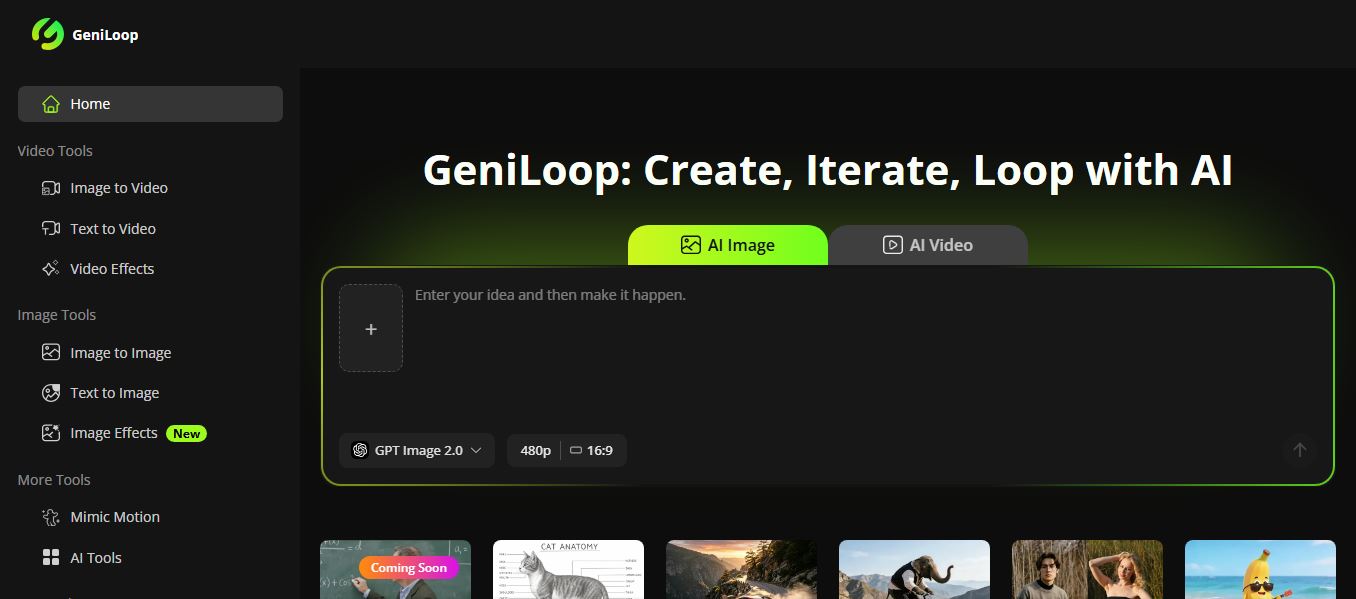
GeniLoop AI is an all-in-one AI studio that lets you create images, videos, and visual content from simple prompts. It supports tools like text-to-video, image-to-video, and hundreds of effects, helping creators generate high-quality visuals quickly without editing skills.
 4.7
4.7PixVerse AI
Text-to-Video
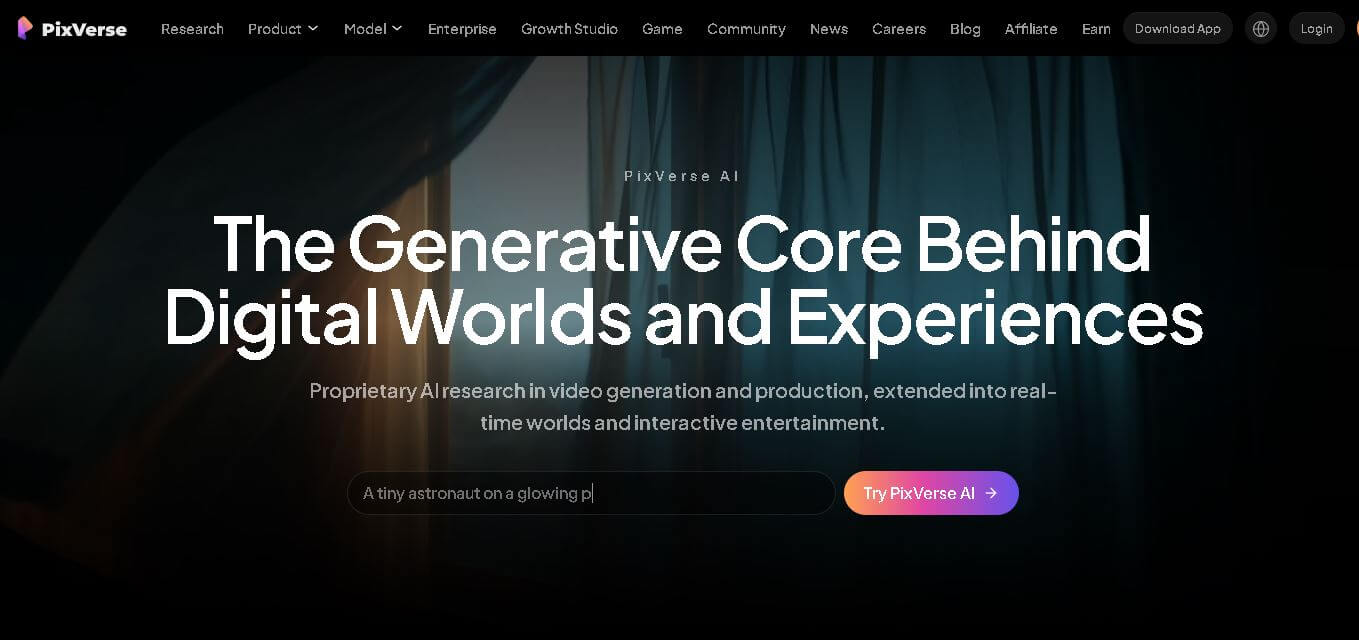
PixVerse is a generative video creation tool that transforms text prompts, images, and reference media into high-quality videos. It enables individuals, creators, marketers, and businesses to produce cinematic clips, social media content, advertisements, and animations with customizable styles, motion controls, templates, lip-sync, and AI-assisted editing in just a few steps.
 4.6
4.6Morph Studio
Text-to-Video
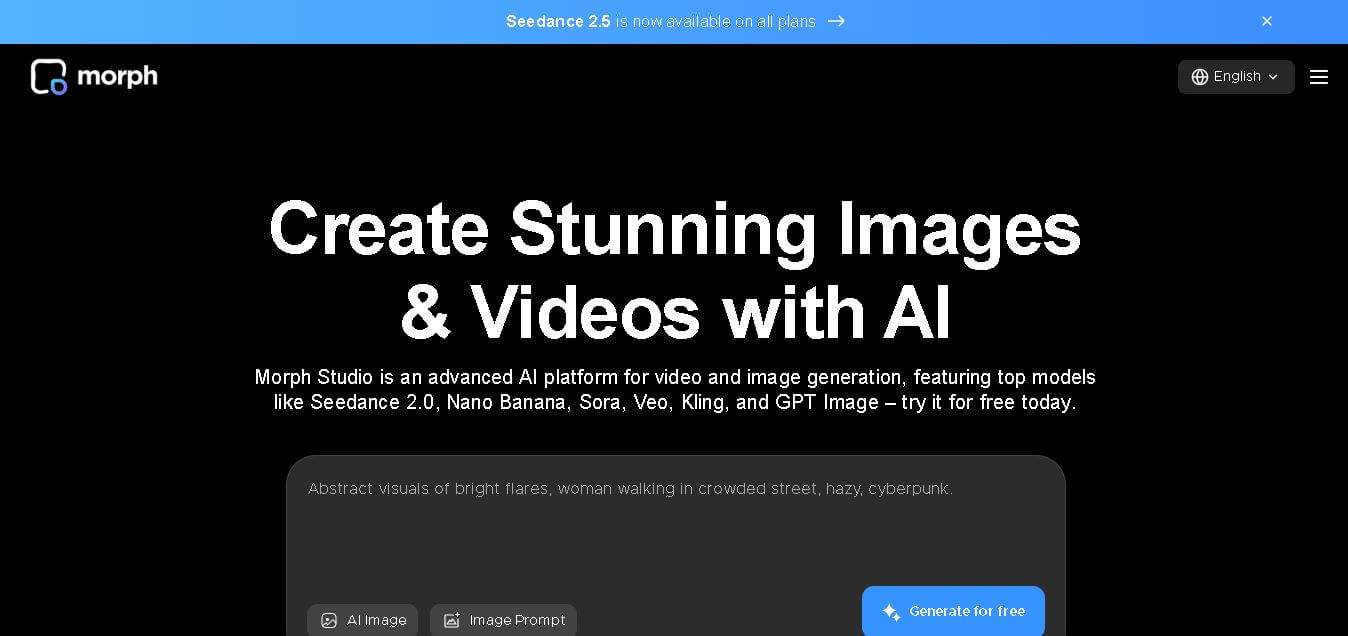
Morph Studio is a creative workspace that helps users generate, edit, and transform images and videos from text prompts or existing visuals. It combines multiple AI models, visual editing tools, and a flexible canvas into one platform, making professional-quality content creation faster and more accessible for creators, marketers, educators, and businesses.