
Loqua
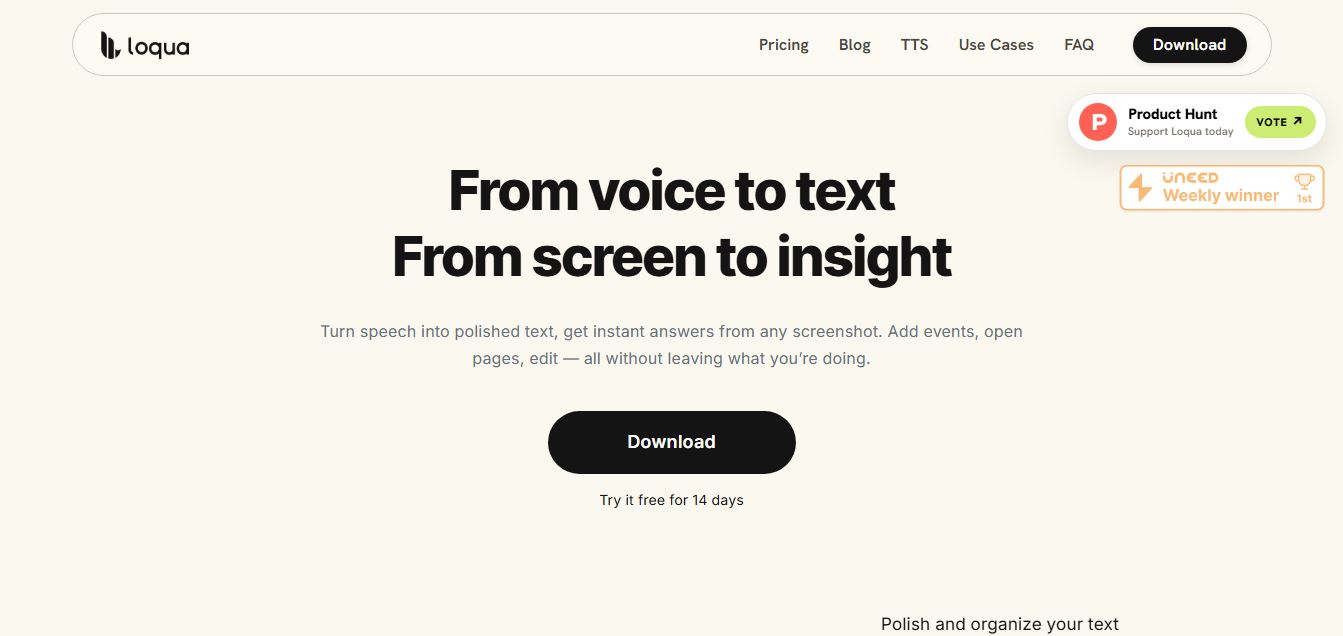
Loqua is an AI-powered voice typing, multimodal desktop agent, and intelligent dictation software for macOS and Windows that turns natural speech into structured, filler-free text across any app at 220 WPM, paired with Capture to Ask visual screen queries, speak-to-edit rewriting, and voice-triggered desktop automations.
What is Loqua?
Loqua AI is an AI-powered voice productivity tool that lets you turn speech into clean, structured text across any app in real time. Instead of basic dictation, it understands context, removes filler words, formats content automatically, and even adapts writing style based on where the text is going. It also allows you to ask questions about your screen, edit text by voice, translate instantly, and trigger actions like opening apps or setting reminders, making it a hands-free workspace assistant.
Designed around end-to-end multimodal speech understanding and screen-aware desktop agency, Loqua goes far beyond legacy transcription wrappers. Instead of outputting raw, messy audio verbatim or choking on filler words, Loqua utilizes an in-house multimodal tokenizer and neural codec to understand meaning, strip out verbal stumbles, preserve technical jargon, and adapt formatting dynamically to the active application—from coding agents in Cursor to Slack messages and Notion PRDs.
- Platform Role: AI Voice Typing Software, Intelligent Dictation Tool & Desktop Multimodal Voice Agent
- Founder & Engineering: Joshua Zhou (Speech & LLM Researcher) and the theloqua.ai team
- Supported Environments: Native desktop applications for macOS (Apple Silicon / Intel) and Windows
Use Cases:
- Dictating long-form software specifications, product requirement documents (PRDs), and Notion notes at up to 220 WPM
- Prompting AI coding assistants and terminals (Cursor, Claude Code, VS Code) hands-free without typing syntax by hand
- Using "Capture to Ask" to screenshot complex tables, charts, or code errors and asking spoken questions to get instant contextual answers without switching apps
- Highlighting existing drafts or messy paragraphs and speaking voice instructions to rewrite, reformat, or translate them on the fly
- Triggering system actions and task routing by voice, such as sending action items directly into Things, Reminders, or calendar schedules
Technology:
- Proprietary in-house speech-to-text models and multimodal neural tokenizers engineered for sub-200ms response times
- Context-aware active app sensing that detects window titles (Zoom, Meet, IDEs) and adjusts tone and structural output accordingly
- Multimodal vision module powering screen capture queries, OCR analysis, and instant visual problem-solving
- Multilingual language engine supporting real-time voice cleanup and translation across ~100 global languages
Target Users:
- Software engineers and developers talking to AI coding assistants and writing technical documentation
- Product managers, founders, and consultants capturing meeting notes, sprint recaps, and strategic briefs
- Professionals experiencing RSI, carpal tunnel, or typing strain who want hands-free desktop control
- Content creators, strategists, and researchers drafting articles, emails, and social updates by voice
Acquisition: Native desktop voice agent application
What are the key features of Loqua?
Loqua's key platform features are
- Zero-Lag Global Voice Typing: Trigger dictation in any text field, terminal, or app with a single global shortcut, streaming polished text at ~220 WPM.
- Real-Time Filler & Repetition Removal: Eliminates verbal pauses ("um," "uh"), cuts awkward repetition, and refines rough phrasing into ready-to-send writing.
- Capture to Ask (Screen AI): Select any region of your screen—a chart, code snippet, or dataset—and speak your question to receive an instant analysis without context-switching.
- Speak-to-Edit Rewriting: Highlight drafts, emails, or notes and speak revision instructions to have the text rewritten in place immediately.
- App & Screen Context Tagging: Inherits meeting context from Zoom, Google Meet, or calendar windows to structure meeting notes into Decisions, Risks, and Follow-ups automatically.
- AI Podcast Read-Aloud: Select long articles or documents to have them converted into natural, high-quality audio readouts for hands-free listening.
- Broad Multilingual Support: Speak comfortably across approximately 100 languages with accurate phonetic recognition and automatic translation.
How much does Loqua cost?
Loqua offers a free trial period alongside recurring subscription plans for unlimited voice typing and desktop agent capabilities.
Pricing Plans:
- Free Welcome Trial ($0): Automatic 14-day full-featured trial for all new users (with 30-day extended trials available via community promotional launches) to test global dictation, Capture to Ask, and speak-to-edit tools.
- Pro Subscription: Unlocks unlimited voice dictation, continuous context awareness, unlimited Capture to Ask visual queries, full AI audio readouts, priority model latency, and desktop automation actions.
Disclaimer: Loqua includes a 14-day free trial with no credit card required upfront. Refer to theloqua.ai for active pricing tiers, annual discount options, and team licensing plans.
Who should use Loqua?
Loqua is designed for fast-moving professionals and desktop power users, including
- Developers & Vibe Coders: Giving voice directions straight to AI coding agents in Cursor, VS Code, and terminal windows without breaking workflow.
- Product Managers & Leads: Speaking rough thoughts during or after meetings to produce structured PRDs, Jira tickets, and executive summaries.
- Knowledge Workers with RSI: Relieving physical typing pain and wrist fatigue by switching routine emails and documentation to voice.
- Researchers & Analysts: Snapping screenshots of data tables or charts and querying them aloud to extract summaries instantly.
What are the best alternatives to Loqua?
Some of the strongest Loqua alternatives include
- Wispr Flow
- Superwhisper
- Aqua Voice
- AudioPen
- TalkTastic
- MacWhisper
What are the pros and cons of Loqua?
What are the pros of Loqua?
- Replaces raw transcription with real-time text polishing that removes filler words and repetition
- Capture to Ask visual querying brings multimodal AI directly to any desktop window or application
- Operates globally with a single shortcut across coding tools, Slack, Notion, browsers, and terminal environments
- Speeds up text creation dramatically, clocking roughly 220 WPM compared to the average 45 WPM typing speed
- Available across both macOS and Windows platforms with support for ~100 languages
What are the cons of Loqua?
- Requires an active desktop background helper app and microphone accessibility permissions
- Takes time to build the muscle memory of speaking thoughts rather than instinctively reaching for the keyboard
- Requires an ongoing Pro subscription once the free 14-day trial window concludes
Why should you choose Loqua?
Traditional operating system dictation tools simply transcribe acoustic sounds into literal text strings, requiring users to spend tedious minutes editing typos, deleting verbal fillers, and adding punctuation manually. Loqua reinvents voice input as an intelligent desktop assistant. By combining sub-200ms speech synthesis, automatic text cleanup, screen-level visual context, and hands-free speak-to-edit tools, Loqua lets you communicate at the speed of thought across your entire computer.
- Type up to 5x faster than a physical keyboard with instant, filler-free dictation
- Ask questions about anything visible on your screen using simple voice commands
- Highlight and rewrite drafts in place without cutting and pasting into web chatbots
- Maintain uninterrupted creative focus across coding, writing, and communication workflows
How does Loqua compare to competitors?
While Wispr Flow focuses on pure voice dictation and Superwhisper concentrates on local on-device Whisper models, Loqua differentiates itself as a multimodal desktop voice agent combining fast voice typing with visual screen capture analysis and speak-to-edit rewriting.
| Feature / Platform | Loqua | Wispr Flow | Superwhisper | Aqua Voice |
|---|---|---|---|---|
| Core Focus | Voice typing + screen multimodal agent | Contextual voice dictation | Local on-device transcription | Voice-first text editor |
| Screen Vision (Capture to Ask) | Yes (Ask about charts, tables, code) | No | No | No |
| Speak-to-Edit Rewriting | Yes (Highlight and speak revisions) | Text replacement triggers | No (Dictate only) | Yes (Editor-specific) |
| OS Support | macOS & Windows | macOS & Windows | macOS & iOS | Web & Desktop |
| Pricing Structure | 14-day free trial / Pro subscription | Free tier / Pro ~$12/month | Free tier / Pro ~$8.49/month | Free tier / Pro ~$10/month |
| Best For | Vibe coding, multimodal screen queries & typing | Everyday dictation across work apps | Offline local privacy transcription | Dedicated voice writing documents |
How do we rate Loqua?
| Parameter | Rating (out of 5) |
|---|---|
| Dictation Speed & Latency | 4.9 |
| Filler Removal & Text Polish | 4.9 |
| Multimodal Screen Capture (Capture to Ask) | 4.8 |
| Cross-App Usability & Shortcuts | 4.8 |
| Value for Money | 4.7 |
| Overall Score | 4.82 |
What is our review and verdict on Loqua?
Loqua represents a substantial evolution in how we interact with computers by voice. Instead of treating voice as a mere keyboard substitute, it treats speech as the primary input mechanism for thinking, drafting, editing, and screen reasoning. With its ultra-fast 220 WPM dictation speed, intelligent real-time cleanup, and standout Capture to Ask screen intelligence, Loqua is an essential productivity upgrade for developers, product managers, and professionals looking to bypass keyboard bottlenecks.
Conclusion
Loqua makes language learning more practical by focusing on real conversations powered by AI. Instead of memorizing rules in isolation, users can practice speaking, get instant feedback, and improve naturally through interaction. Its personalized approach helps learners build confidence and fluency over time. Overall, Loqua turns language learning into a more engaging and effective experience, helping users progress faster while making practice feel more natural and less intimidating.
FAQ
What does Loqua actually do?
Loqua is a voice-first productivity app for desktop (Mac & Windows) that lets you speak instead of typing. It turns your speech into clean, structured text in real time across any app—like Slack, email, Notion, or code editors. Unlike basic dictation tools, it doesn’t just transcribe—it rewrites, formats, and refines your words so the final output is ready to use instantly.
How is Loqua different from traditional voice typing tools?
Most voice tools simply convert speech into raw text, leaving you to fix grammar, filler words, and formatting. Loqua goes further by using AI to remove filler words, restructure sentences, and adapt tone based on context—so a message sounds like a polished email, note, or document depending on where you’re writing.
Can Loqua work inside any app?
Yes, Loqua is designed to work across most desktop apps and text fields. You can trigger it with a shortcut and start speaking directly where your cursor is, without switching tabs or copying content between tools. This makes it especially useful for people who work across multiple tools throughout the day.
What is the “Capture to Ask” feature in Loqua?
“Capture to Ask” lets you take a quick screenshot of anything on your screen and ask questions about it using your voice. For example, you can capture a chart, error message, or document and instantly get explanations, summaries, or insights—without leaving your current workflow or opening another AI tool.
What features does Loqua offer?
Loqua includes features like voice dictation, real-time rewriting, translation into 100+ languages, screen-based AI queries, text-to-speech playback, and voice-triggered actions like opening apps or creating reminders. It also supports editing text by voice, so you can rewrite or adjust tone without touching your keyboard.
Is Loqua free or paid?
Loqua offers a free plan with limited weekly usage and a Pro plan with advanced features like unlimited dictation and full context-aware capabilities. New users typically get a 14-day free trial of the Pro version before deciding whether to upgrade.
Who should use Loqua?
Loqua is best suited for developers, writers, product managers, founders, and knowledge workers who spend long hours typing. It’s especially useful for people who think faster than they type or want to reduce manual work by using voice to write, edit, and interact with their computer more efficiently.
User Reviews
No reviews yet for Loqua.
Featured Tools
Featured AI tools from TechShark

Melody Genie
MelodyGenie is an AI-powered music generator that creates original songs from simple text prompts. Users can choose styles, moods, and genres, then instantly generate melodies and full tracks, making it easy for creators, marketers, and hobbyists to produce custom music without musical expertise.
Freemium

Kimi AI
Kimi AI is an advanced AI assistant developed by Moonshot AI that helps you chat, research, write, code, and automate tasks in one place. It supports web search, file analysis, and multimodal inputs, and can even run autonomous “agent” workflows to complete complex tasks end-to-end.
Freemium

Fashion Diffusion AI
Fashion Diffusion is an AI-powered fashion design platform that helps brands and designers create clothing designs, virtual try-ons, AI models, product photos, and marketing visuals faster and cost-effectively.
Paid

Veo 4
Veo 4 AI is an AI video creation platform that generates dramatic videos from text, images, audio, and video prompts using realistic motion and synchronized sound.
Paid
Alternatives
Alternatives to Loqua
The best Loqua alternatives include Wispr Flow, Superwhisper, Aqua Voice, and TalkTastic. While Loqua functions as an intelligent multimodal desktop voice agent combining 220 WPM voice typing with real-time filler removal, Capture to Ask screen query analysis, and speak-to-edit rewriting for Mac and Windows, alternatives like Wispr Flow focus primarily on conversational dictation and Superwhisper specializes in offline on-device transcription.
 4.9
4.9Media.io
Video Editing
Media.io is an AI-powered creative platform that helps users generate, edit, and enhance videos, images, audio, and ads from simple prompts or assets. It combines AI generation, editing, and workflows in one place, enabling creators to turn ideas into polished content quickly without switching tools.
 4.9
4.9Artlist
Image
Artlist is a subscription-based platform that provides high-quality royalty-free music, sound effects, and video assets for creators. It helps filmmakers, YouTubers, and marketers access unlimited creative resources, making it easy to produce professional content without worrying about licensing issues.
 4.8
4.8InVideo
Text-to-Video
InVideo (invideo.io) is an AI-native video creation and production platform featuring InVideo AI, which turns text prompts, topics, and scripts into fully produced, narrated, and stock-matched videos with automated voiceovers, subtitles, and conversational editing.
 4.9
4.9Kling AI
Text-to-Video
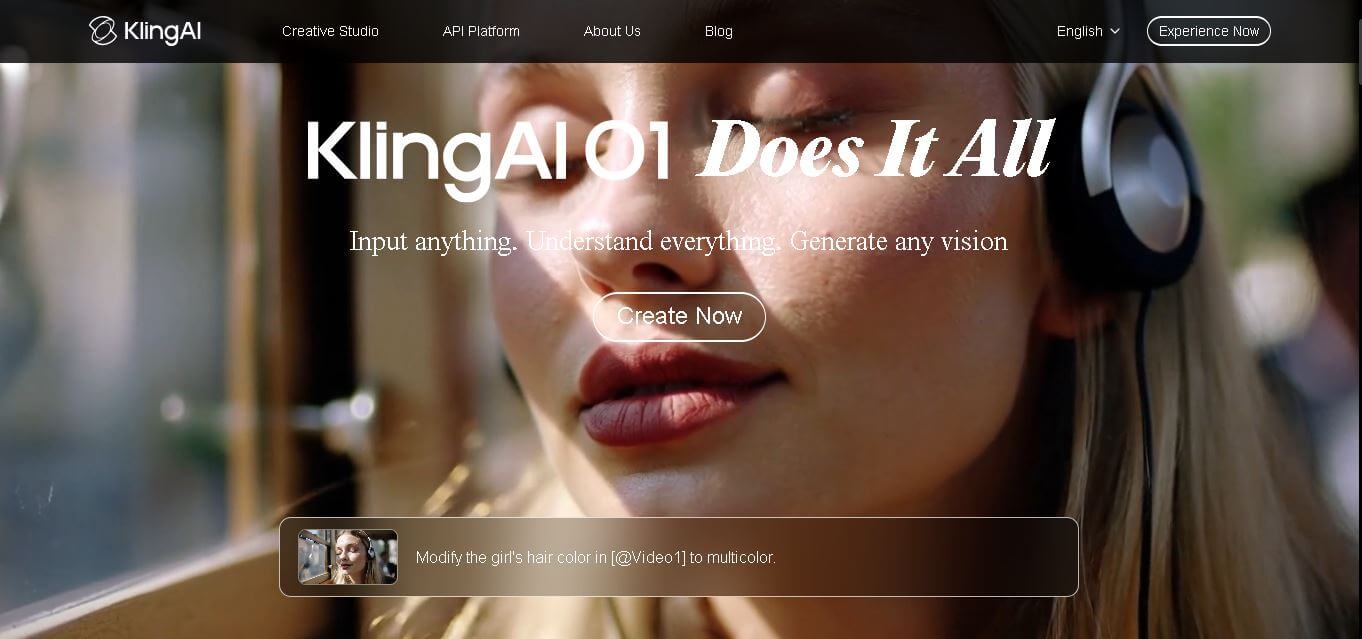
Kling AI is a flagship text-to-video and image-to-video creative studio developed by Kuaishou Technology, renowned for realistic physical motion, up to 4K cinematic video generation, native audio and lip-sync, start/end frame control, and 3D spatio-temporal camera direction.
 4.7
4.7Emu Video
Text-to-Video
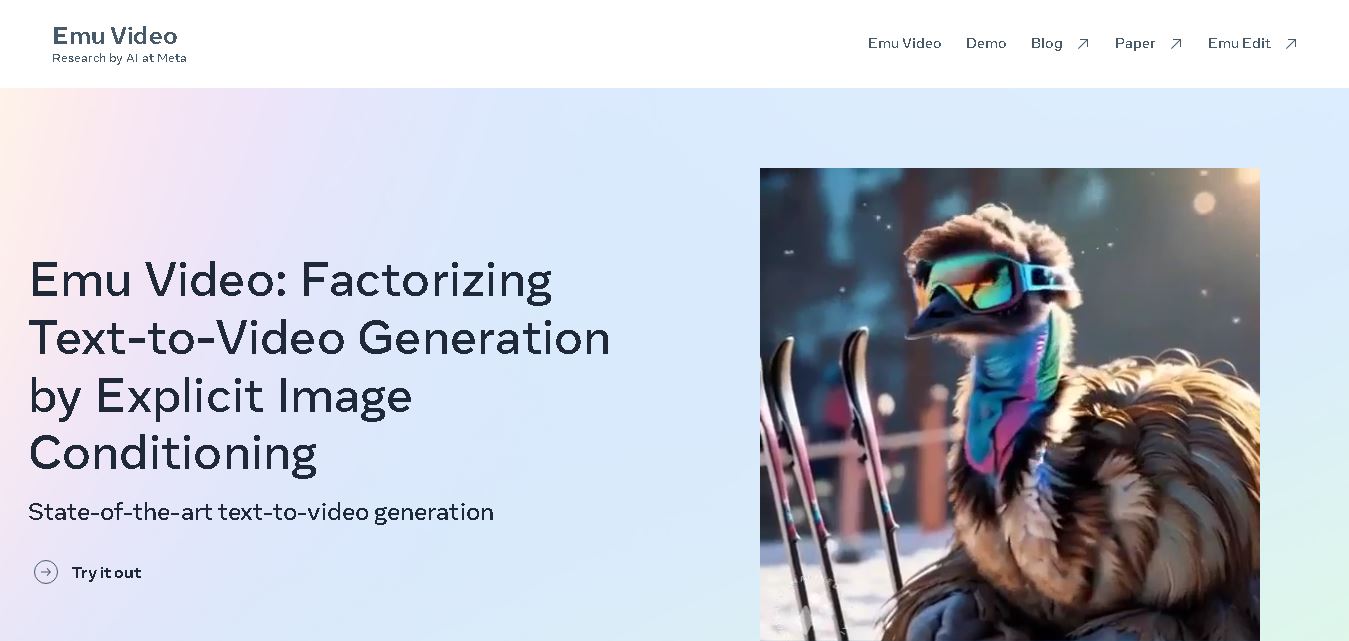
Emu Video is a text-to-video generation model developed by Meta that transforms written prompts into short, high-quality videos. It follows a two-step generation process to improve visual consistency, motion quality, and realism. The model also supports image-guided animation, making it suitable for creative storytelling, research, and multimedia content generation.
 4.9
4.9Stivio
Video Generator
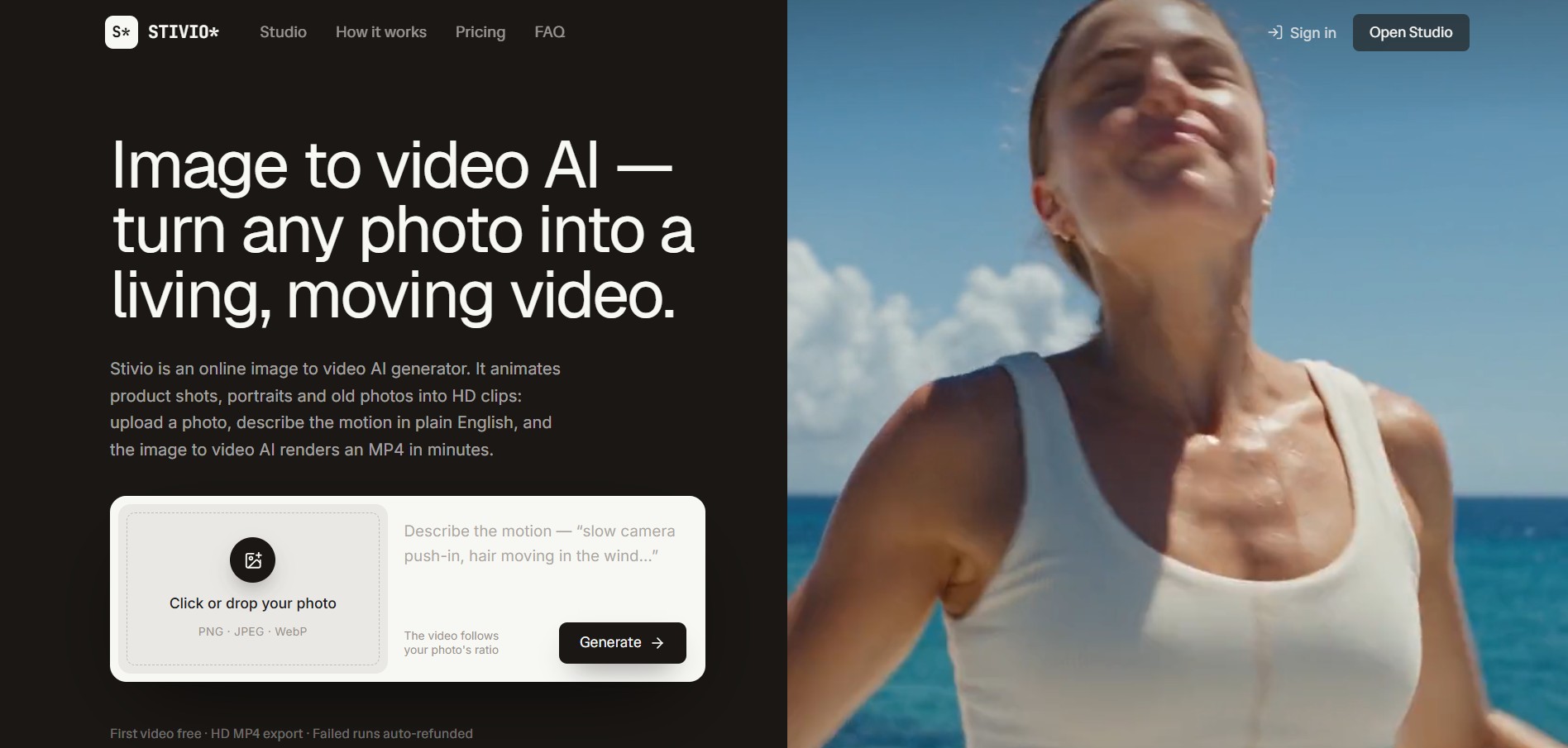
Stivio is an online image-to-video AI generator and multi-model animation studio that turns static product shots, portraits, and vintage photos into 3- to 30-second HD MP4 video clips using plain-English motion prompts across six foundation engines including Kling, Wan, MiniMax, and Seedance.
 4.8
4.8GeniLoop AI
Text-to-Video
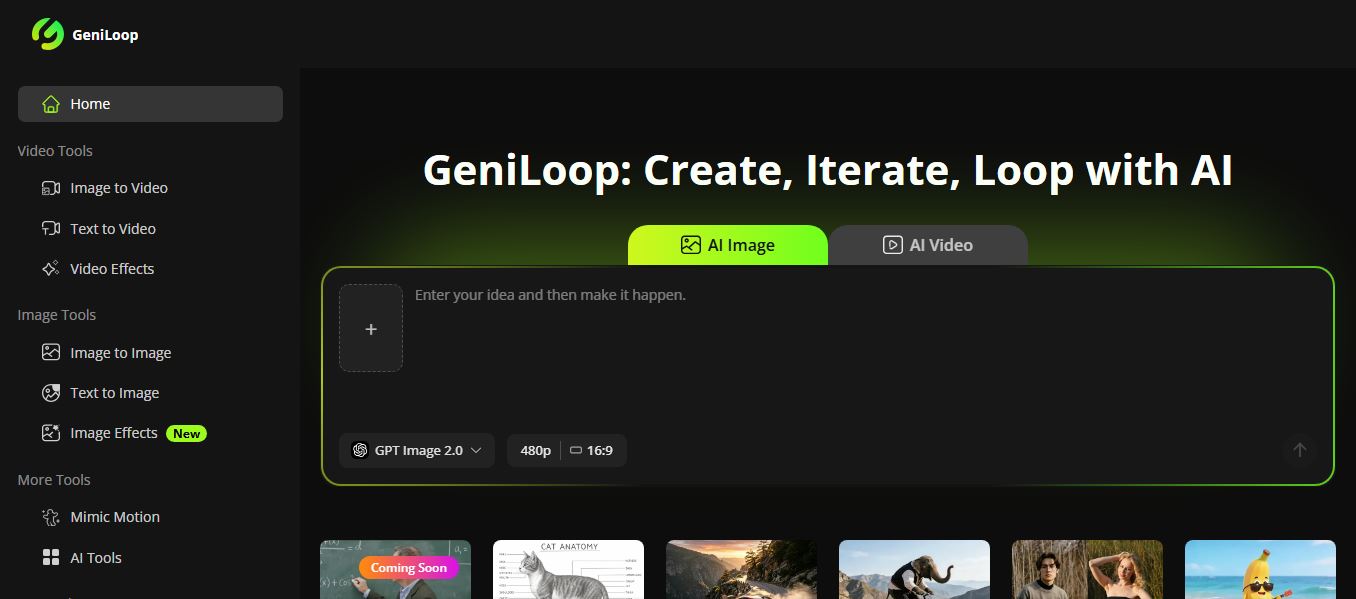
GeniLoop AI is an all-in-one AI studio that lets you create images, videos, and visual content from simple prompts. It supports tools like text-to-video, image-to-video, and hundreds of effects, helping creators generate high-quality visuals quickly without editing skills.
 4.7
4.7PixVerse AI
Text-to-Video
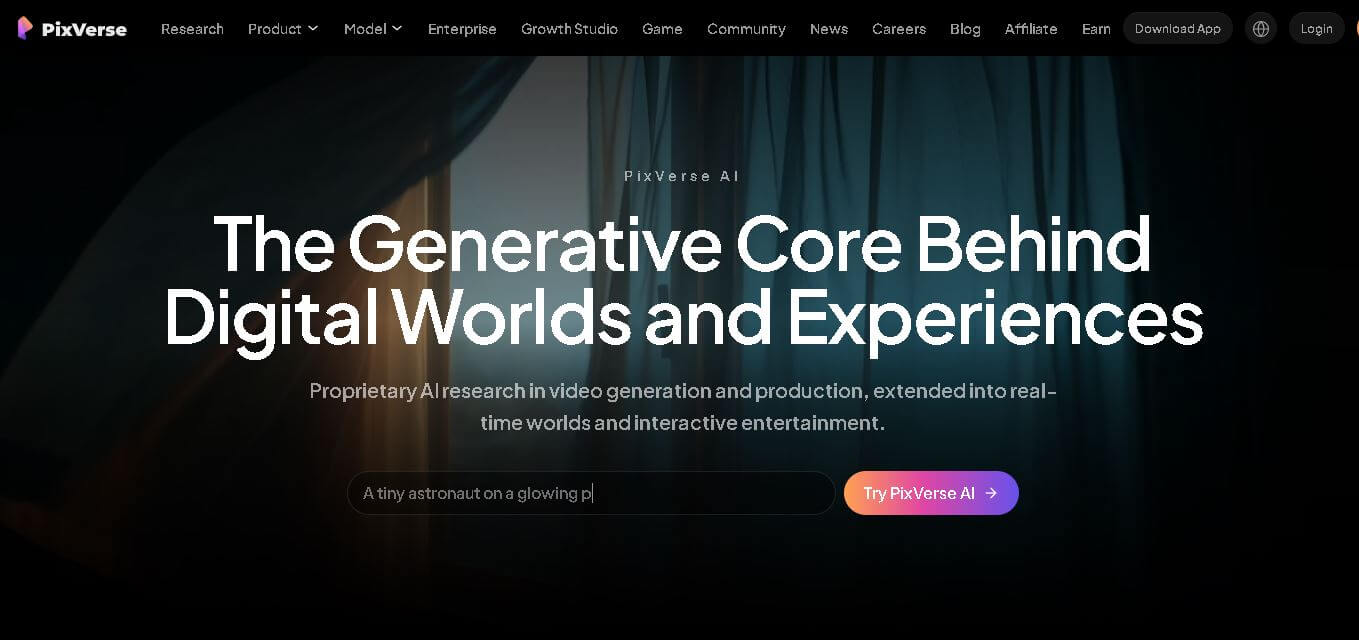
PixVerse is a generative video creation tool that transforms text prompts, images, and reference media into high-quality videos. It enables individuals, creators, marketers, and businesses to produce cinematic clips, social media content, advertisements, and animations with customizable styles, motion controls, templates, lip-sync, and AI-assisted editing in just a few steps.
 4.6
4.6Morph Studio
Text-to-Video
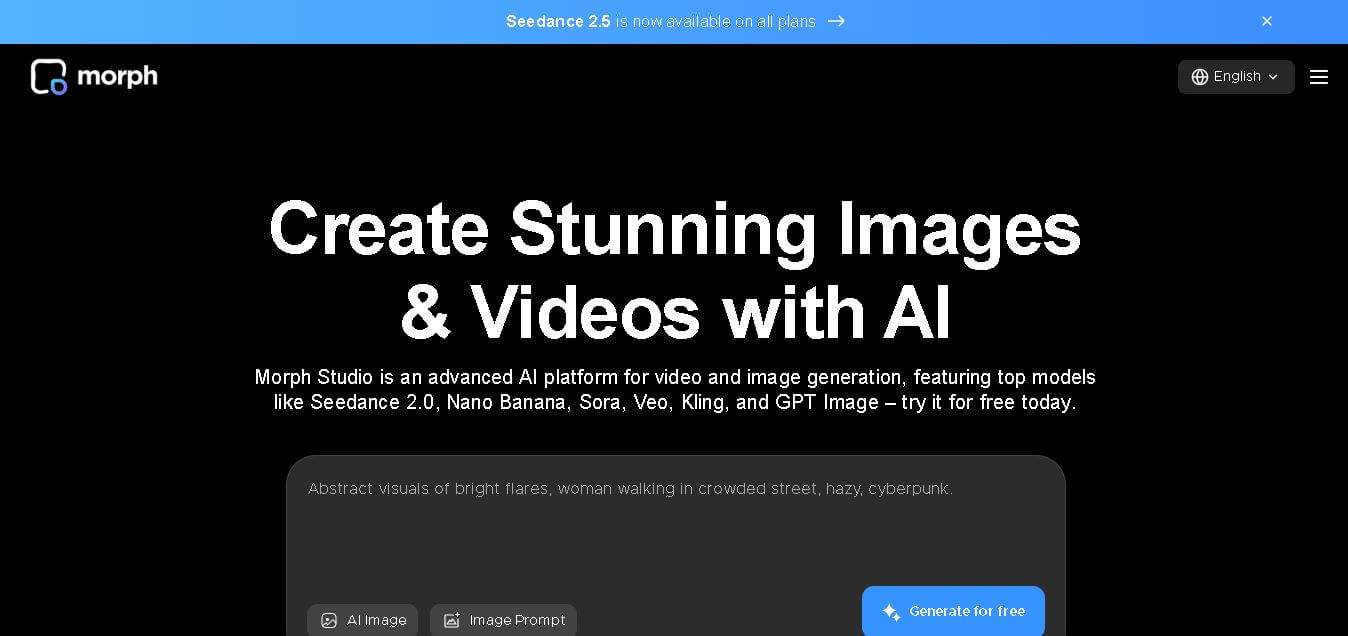
Morph Studio is a creative workspace that helps users generate, edit, and transform images and videos from text prompts or existing visuals. It combines multiple AI models, visual editing tools, and a flexible canvas into one platform, making professional-quality content creation faster and more accessible for creators, marketers, educators, and businesses.