
PixVerse AI
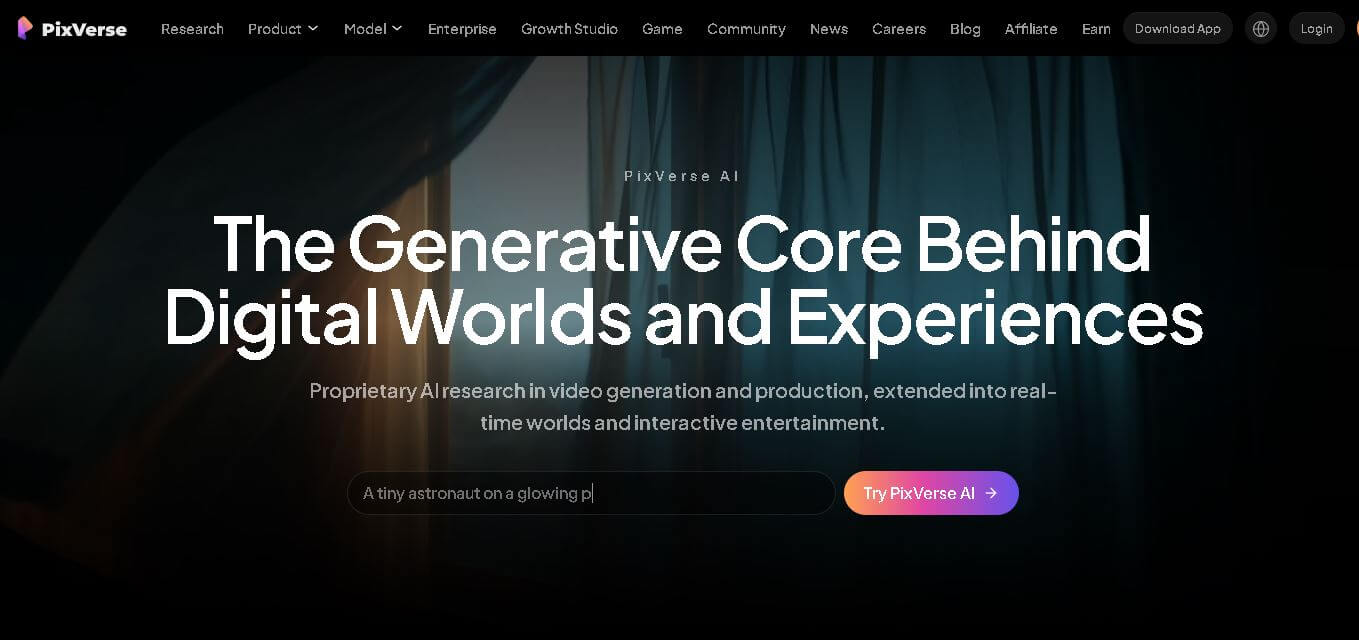
PixVerse is a generative video creation tool that transforms text prompts, images, and reference media into high-quality videos. It enables individuals, creators, marketers, and businesses to produce cinematic clips, social media content, advertisements, and animations with customizable styles, motion controls, templates, lip-sync, and AI-assisted editing in just a few steps.
What is PixVerse?
PixVerse is a video generation solution that enables users to create, edit, and enhance videos using artificial intelligence. Instead of relying on traditional editing software, it converts written prompts, images, and reference files into animated videos with realistic motion, visual effects, and synchronized audio. The platform supports creative storytelling, marketing campaigns, product promotions, educational content, and entertainment projects through a collection of templates, AI models, and editing tools. It also provides features such as video extension, character consistency, lip-sync, workflow automation, and API access, making it suitable for both individual creators and enterprise-scale production workflows.
PixVerse is trusted by 100+ million creators and enterprises across 175+ countries. According to the official platform, its enterprise solutions help achieve 68% lower production costs, 57% faster video creation, and up to 10× higher content output. The platform supports video generation in resolutions up to 1080p, durations of 15 seconds, and multiple AI models, including PixVerse V6, C1, and R1, for professional-quality content creation and scalable production.
- Core Focus: Text-to-Video, Image-to-Video, and Viral Social Animation
- Launch Year: 2023
Use Cases:
- Generating short-form vertical videos for TikTok, Instagram Reels, and YouTube Shorts
- Animating static photos, portraits, and product shots with motion and lighting shifts
- Prototyping commercial concepts, storyboard clips, and cinematic scenes
- Applying viral AI effect templates like physical transformations, hugging, and dance styles
Technology:
- Generative video diffusion models supporting up to PixVerse V6
- Integrated audio-visual synchronization engine for dialogue and room tone
- Multi-shot camera direction logic and multi-aspect ratio rendering
Target Users:
- Social media managers and influencers producing quick visual content
- E-commerce brands and marketers creating dynamic product video ads
- Digital artists, animators, and storytellers building visual storyboards
Ecosystem: Features accessible web and mobile applications, built-in template hub, and community showcase channels.

Key features of PixVerse
PixVerse's key features are
- Text-to-Video Generation: Generates fluid video sequences from detailed text descriptions with adjustable camera movements and prompt strength.
- Image-to-Video Animation: Animates static photos while maintaining visual fidelity, lighting cues, and structural continuity from the source image.
- Integrated Audio Synthesis: Automatically generates synchronized ambient sound effects, motion cues, or background audio directly with video clips.
- Multi-Shot Direction: Supports transition cuts across wide, medium, and close-up angles within a single generation to preserve storytelling flow.
- Viral Effect Templates: Offers pre-set creative effects and filters (such as AI Kiss, Hug, and Old Photo Revival) optimized for social media trends.
- Character & Style Consistency: Enhances visual alignment across frames, making anime, stylized 2.5D, and cinematic scenes look cohesive.
PixVerse Pricing
PixVerse operates on a credit-based freemium structure with daily free allocations and premium subscription tiers.
Free Plan / Trial:
- $0/month
- Includes daily free generation credits for testing text-to-video, image-to-video, and basic effect templates
Pro / Premium Plans:
- Starting from $10 to $30+ per month
- Provides larger monthly credit pools, faster queue prioritization, higher resolution exports (up to 1080p), and watermark-free video downloads
Disclaimer: For the latest and most accurate pricing information, please visit the official PixVerse AI website.
Is PixVerse Worth It?
PixVerse is highly worth trying for short-form creators, marketers, and social media managers who want quick, high-quality video generation without steep production costs. Its combination of free daily credits, viral effect templates, and continuous model upgrades makes it one of the most accessible and fun AI video tools available.
Real-World Use Cases
- Social Media Content Creation: Creators use effect templates and prompt-based motion to produce engaging TikTok clips and Instagram Reels.
- E-Commerce Video Ads: Marketing teams animate static product images with dramatic 360-degree camera orbits and dynamic lighting.
- Anime & Concept Pre-Visualization: Animators generate 2.5D and anime-style scenes to test visual hooks and sequence continuity.
- Nostalgia Content Marketing: Users animate vintage family photographs and historical portraits for storytelling videos.
Who is using PixVerse?
PixVerse is designed for a broad range of visual creators, including
- Short-Form Video Creators: Influencers building rapid viral content for video channels
- Digital Marketers: Advertisers turning static graphic assets into animated video creatives
- Visual Storytellers: Filmmakers and game developers sketching out quick scene storyboards
- Casual AI Enthusiasts: Mobile users exploring fun image animation and filter effects
Best PixVerse Alternatives
Some of the strongest PixVerse alternatives include
Pros and Cons of PixVerse
Pros
- Generous free daily credit system allowing effortless experimentation
- Fast generation times (30 to 60 seconds per standard clip)
- Strong image-to-video accuracy that maintains source frame details
- Built-in viral templates for rapid short-form content output
- Integrated audio and camera direction features in newer V6 models
Cons
- Complex multi-subject prompts can occasionally introduce visual glitches
- Standard generations are restricted to short clip durations
- Advanced model access requires paid subscription credits
Why Choose PixVerse?
PixVerse offers an ideal middle ground between beginner-friendly social media video filters and advanced generative video controls. By blending natural prompt comprehension with accessible image animation and trend templates, it speeds up the video production workflow significantly.
- Turns text and images into production-ready short videos in under a minute
- Supports customizable camera movements, lighting cues, and aspect ratios
- Keeps up with modern social video trends through continuous template updates
- Provides native mobile and browser access for editing on the go
How PixVerse Works
- 1. Choose Creation Mode: Select Text-to-Video, upload a static image for Image-to-Video, or pick a viral video template.
- 2. Enter Prompt & Adjust Settings: Type descriptive prompts, select your desired aspect ratio (16:9, 9:16, 1:1), and set motion strength.
- 3. Generate Audio-Visual Clip: Click generate to allow PixVerse's AI engine to compose the scene and synchronized audio.
- 4. Preview & Export: Download your finished MP4 video clip in HD quality for immediate posting or further timeline editing.
PixVerse vs. Competitors
The main difference between PixVerse, Runway ML, and Kling AI is that PixVerse emphasizes rapid short-form creation with viral template presets alongside full text-to-video capabilities. While Runway ML offers professional-grade studio controls for video editors, and Kling AI excels at hyper-realistic physical motion, PixVerse provides a fast, versatile environment for social media creators and digital marketers.
| Feature | PixVerse AI | Runway ML | Kling AI |
|---|---|---|---|
| Primary Focus | Short-Form AI Video & Effects | Pro Cinema & Video Suite | Realistic Physics & Motion |
| Image-to-Video Quality | High (preserves source detail) | Very High | Very High |
| Integrated Audio Output | Yes (PixVerse V6) | Separate Workflow | Yes |
| Social Trend Templates | Native High-Tier Library | Limited | Selective |
| Starting Price | Free / ~$10 per month | Free tier / $12 per month | Free tier / $6.99 per month |
How do we rate PixVerse?
| Parameter | Rating (out of 5) |
|---|---|
| Ease of Use | 4.8 |
| Video Quality & Motion | 4.6 |
| Feature Set | 4.6 |
| Value for Money | 4.7 |
| Generation Speed | 4.8 |
| Overall Score | 4.7 |
PixVerse Review
PixVerse AI is a standout platform in the generative video space, bringing powerful text and image animation tools to creators of all skill levels. Its rapid generation speed, effective image-to-video fidelity, and creative trend templates make it an essential tool for fast-paced content marketing and social media production.
Conclusion
PixVerse is an excellent choice for anyone looking to create professional-quality AI videos without mastering complex editing software. Its combination of text-to-video, image-to-video, templates, motion controls, lip-sync, and enterprise-ready features makes it valuable for creators, marketers, educators, and businesses alike. The platform continues to expand its AI capabilities while maintaining rapid generation speeds and scalable workflows. Whether you are producing short-form social content, promotional videos, or cinematic storytelling projects, PixVerse provides a flexible environment that simplifies video creation, improves productivity, and helps users generate engaging visual content with significantly less effort.
FAQ
Is PixVerse free to use?
Yes, PixVerse offers a free plan that allows you to explore its AI video generation capabilities with limited credits and features. If you need higher resolutions, faster processing, additional credits, or commercial usage, you can upgrade to a paid subscription. The free version is ideal for beginners who want to experiment before investing in premium plans.
What type of videos can I create with PixVerse?
You can create marketing videos, product advertisements, social media reels, educational clips, cinematic scenes, animations, storytelling videos, promotional campaigns, gaming content, and entertainment projects. PixVerse supports text-to-video, image-to-video, video templates, transitions, motion effects, lip-sync, and character consistency, making it suitable for many creative and business use cases.
Who should use PixVerse?
PixVerse is suitable for content creators, YouTubers, marketers, social media managers, educators, startups, advertising agencies, filmmakers, game developers, and businesses. Whether you need engaging promotional videos or creative storytelling content, the platform helps reduce manual editing while producing visually appealing videos quickly and efficiently.
Does PixVerse support image-to-video generation?
Yes. PixVerse allows you to upload images and convert them into dynamic AI-generated videos with realistic movement and cinematic effects. You can also combine multiple references, apply transitions, extend clips, restyle videos, and maintain character consistency, giving you greater creative control over the final video output.
Can I use PixVerse for commercial projects?
Yes, PixVerse can be used for commercial video production, including advertisements, product showcases, promotional campaigns, brand storytelling, and business presentations. It also offers enterprise solutions, API access, workflow automation, and collaboration tools, making it a practical choice for organizations managing large-scale video production projects.
How long does PixVerse take to generate a video?
Video generation is generally very fast and can take as little as 5 to 10 seconds, depending on factors such as video complexity, selected resolution, server demand, and your subscription level. Higher-quality outputs or advanced effects may require additional processing time compared to standard video generation tasks.
User Reviews
No reviews yet for PixVerse AI.
Featured Tools
Featured AI tools from TechShark

Melody Genie
MelodyGenie is an AI-powered music generator that creates original songs from simple text prompts. Users can choose styles, moods, and genres, then instantly generate melodies and full tracks, making it easy for creators, marketers, and hobbyists to produce custom music without musical expertise.
Freemium

Kimi AI
Kimi AI is an advanced AI assistant developed by Moonshot AI that helps you chat, research, write, code, and automate tasks in one place. It supports web search, file analysis, and multimodal inputs, and can even run autonomous “agent” workflows to complete complex tasks end-to-end.
Freemium

Fashion Diffusion AI
Fashion Diffusion is an AI-powered fashion design platform that helps brands and designers create clothing designs, virtual try-ons, AI models, product photos, and marketing visuals faster and cost-effectively.
Paid

Veo 4
Veo 4 AI is an AI video creation platform that generates dramatic videos from text, images, audio, and video prompts using realistic motion and synchronized sound.
Paid
Alternatives
Alternatives to PixVerse AI
The best PixVerse alternatives include Runway ML, Kling AI, Luma AI, Pika Labs, and Vidu AI. Runway ML offers advanced film and scene direction tools for professional editors. Kling AI excels at realistic motion and complex physical interactions. Luma AI provides natural spatial depth and lighting control, while Pika Labs features creative animation presets and custom style effects.
 4.9
4.9Media.io
Video Editing
Media.io is an AI-powered creative platform that helps users generate, edit, and enhance videos, images, audio, and ads from simple prompts or assets. It combines AI generation, editing, and workflows in one place, enabling creators to turn ideas into polished content quickly without switching tools.
 4.9
4.9Artlist
Image
Artlist is a subscription-based platform that provides high-quality royalty-free music, sound effects, and video assets for creators. It helps filmmakers, YouTubers, and marketers access unlimited creative resources, making it easy to produce professional content without worrying about licensing issues.
 4.8
4.8Loqua
Text-to-Video
Loqua is an AI-powered voice typing, multimodal desktop agent, and intelligent dictation software for macOS and Windows that turns natural speech into structured, filler-free text across any app at 220 WPM, paired with Capture to Ask visual screen queries, speak-to-edit rewriting, and voice-triggered desktop automations.
 4.8
4.8InVideo
Text-to-Video
InVideo (invideo.io) is an AI-native video creation and production platform featuring InVideo AI, which turns text prompts, topics, and scripts into fully produced, narrated, and stock-matched videos with automated voiceovers, subtitles, and conversational editing.
 4.9
4.9Kling AI
Text-to-Video
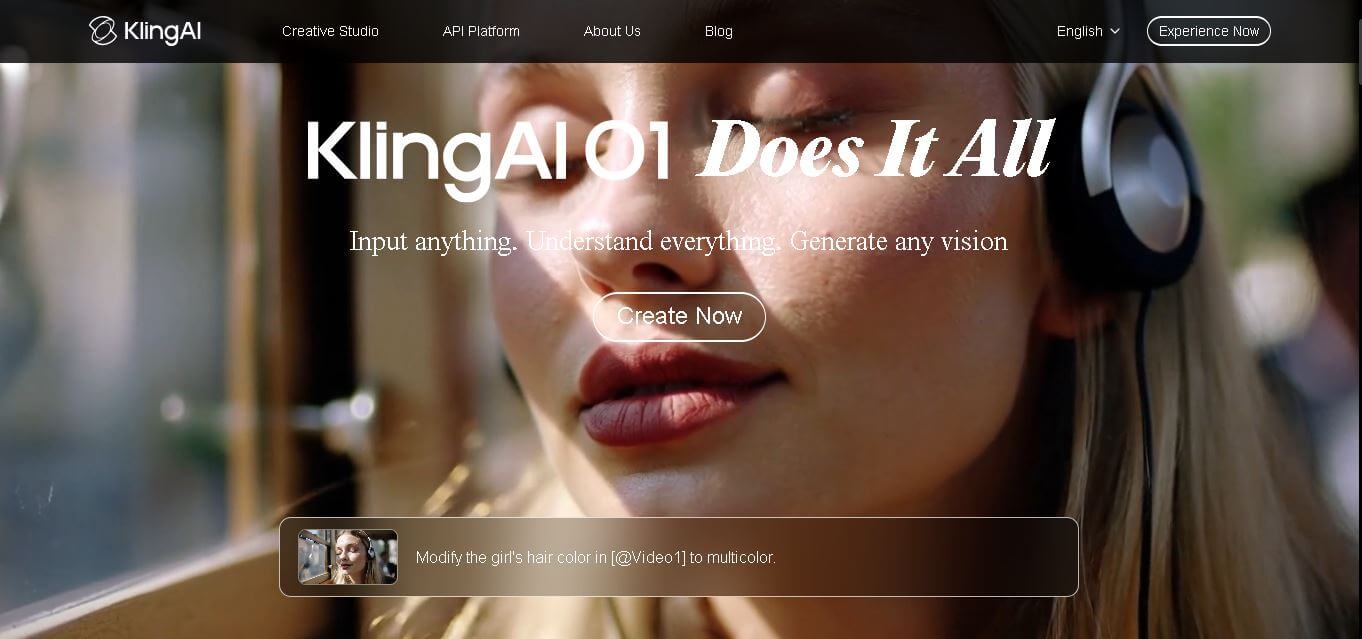
Kling AI is a flagship text-to-video and image-to-video creative studio developed by Kuaishou Technology, renowned for realistic physical motion, up to 4K cinematic video generation, native audio and lip-sync, start/end frame control, and 3D spatio-temporal camera direction.
 4.7
4.7Emu Video
Text-to-Video
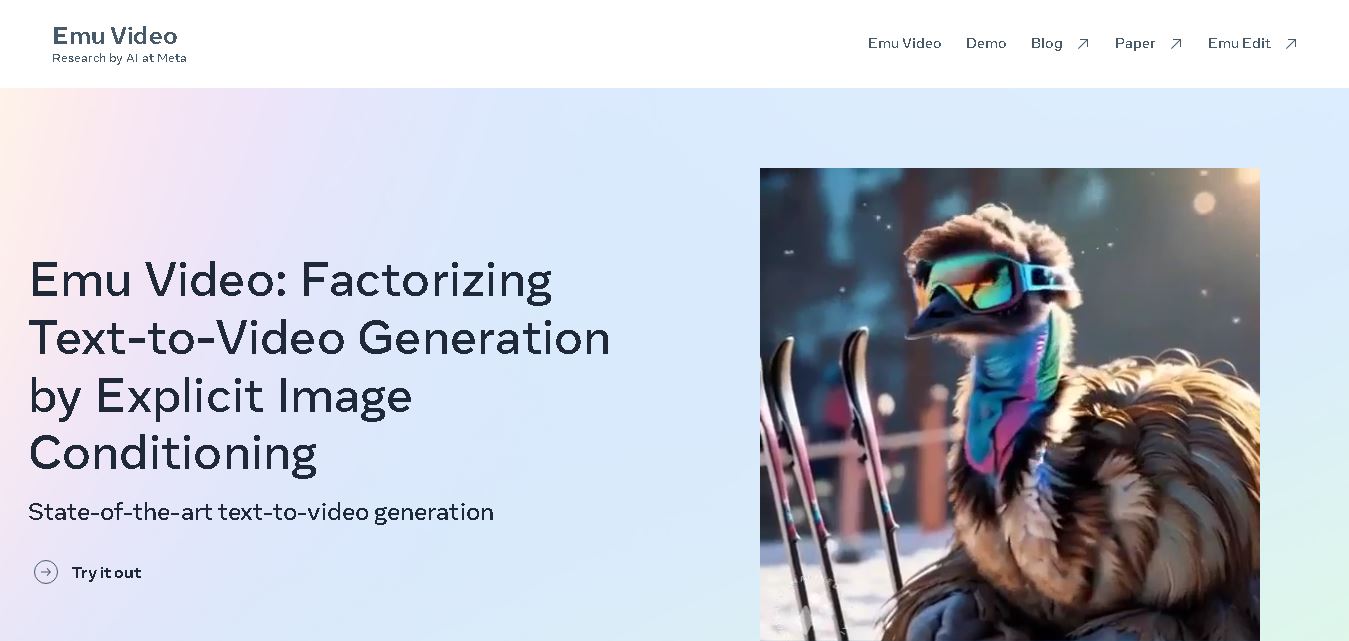
Emu Video is a text-to-video generation model developed by Meta that transforms written prompts into short, high-quality videos. It follows a two-step generation process to improve visual consistency, motion quality, and realism. The model also supports image-guided animation, making it suitable for creative storytelling, research, and multimedia content generation.
 4.9
4.9Stivio
Video Generator
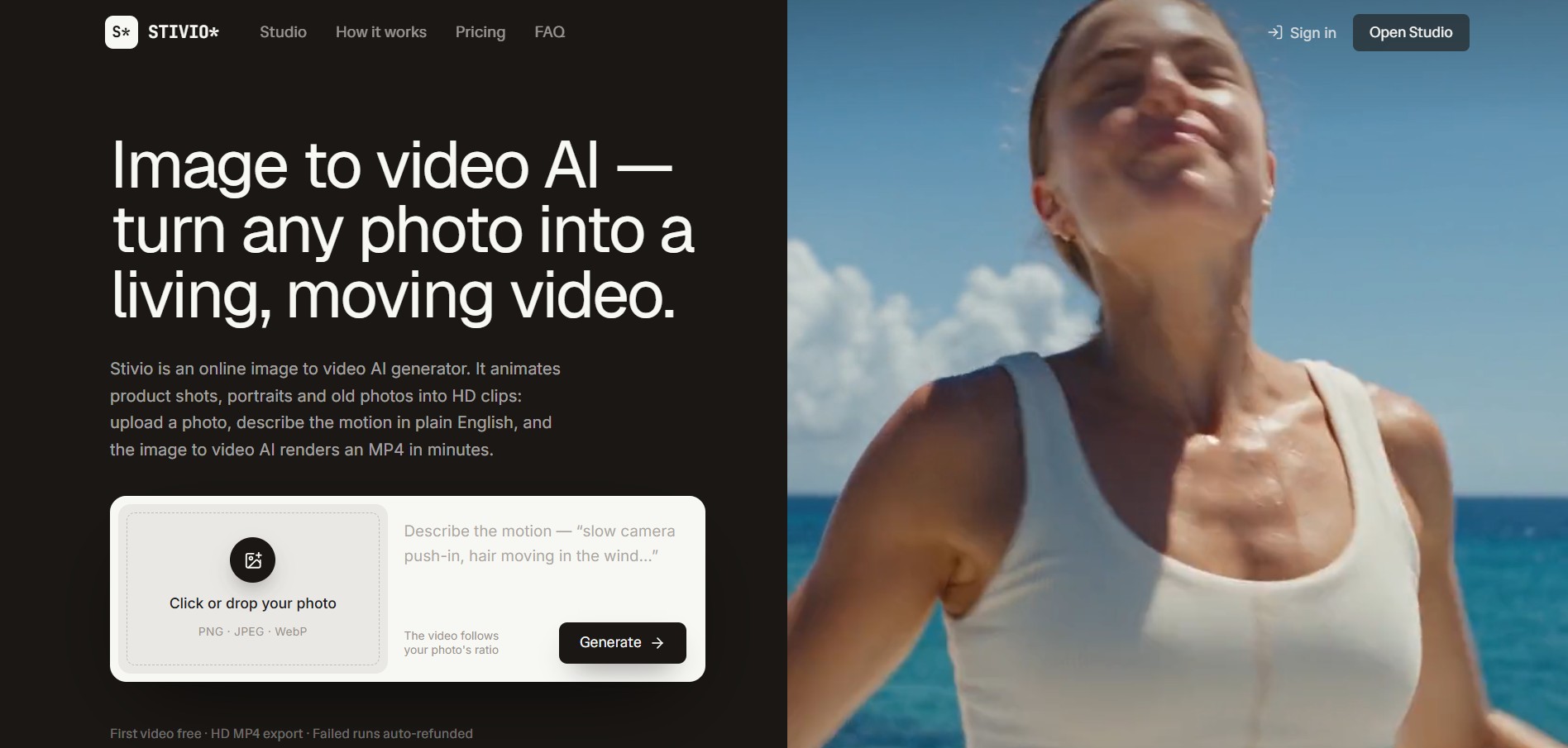
Stivio is an online image-to-video AI generator and multi-model animation studio that turns static product shots, portraits, and vintage photos into 3- to 30-second HD MP4 video clips using plain-English motion prompts across six foundation engines including Kling, Wan, MiniMax, and Seedance.
 4.8
4.8GeniLoop AI
Text-to-Video
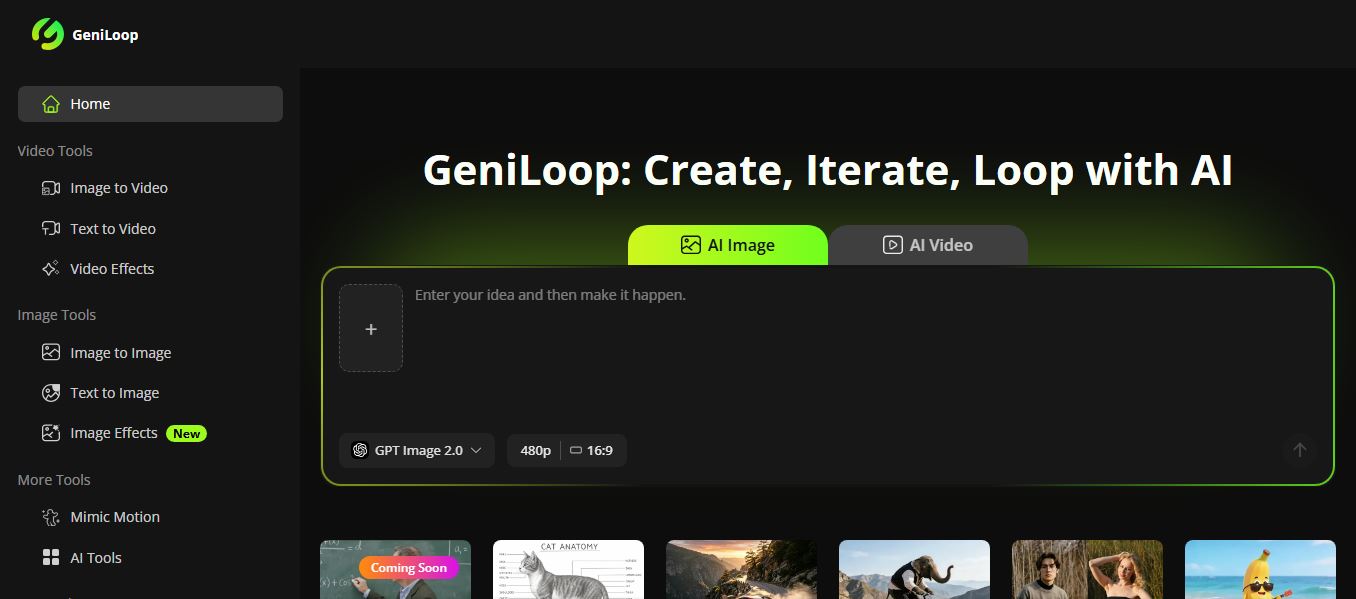
GeniLoop AI is an all-in-one AI studio that lets you create images, videos, and visual content from simple prompts. It supports tools like text-to-video, image-to-video, and hundreds of effects, helping creators generate high-quality visuals quickly without editing skills.
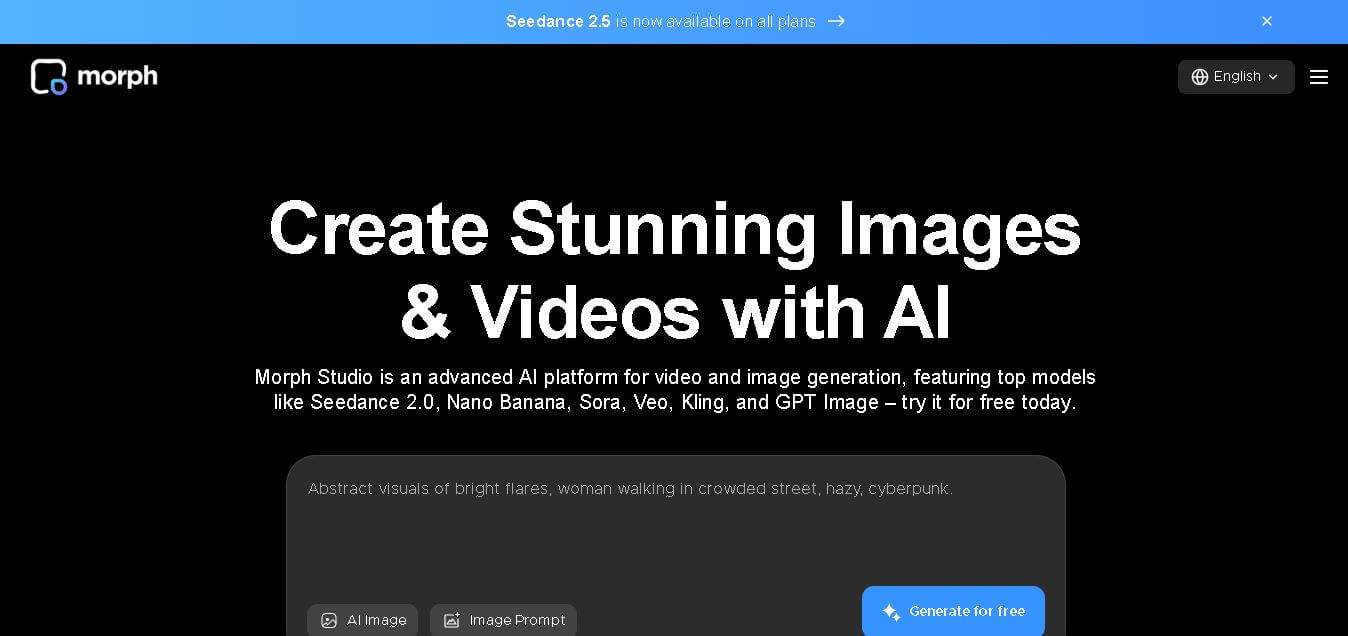 4.6
4.6Morph Studio
Text-to-Video
Morph Studio is a creative workspace that helps users generate, edit, and transform images and videos from text prompts or existing visuals. It combines multiple AI models, visual editing tools, and a flexible canvas into one platform, making professional-quality content creation faster and more accessible for creators, marketers, educators, and businesses.