
VEED IO
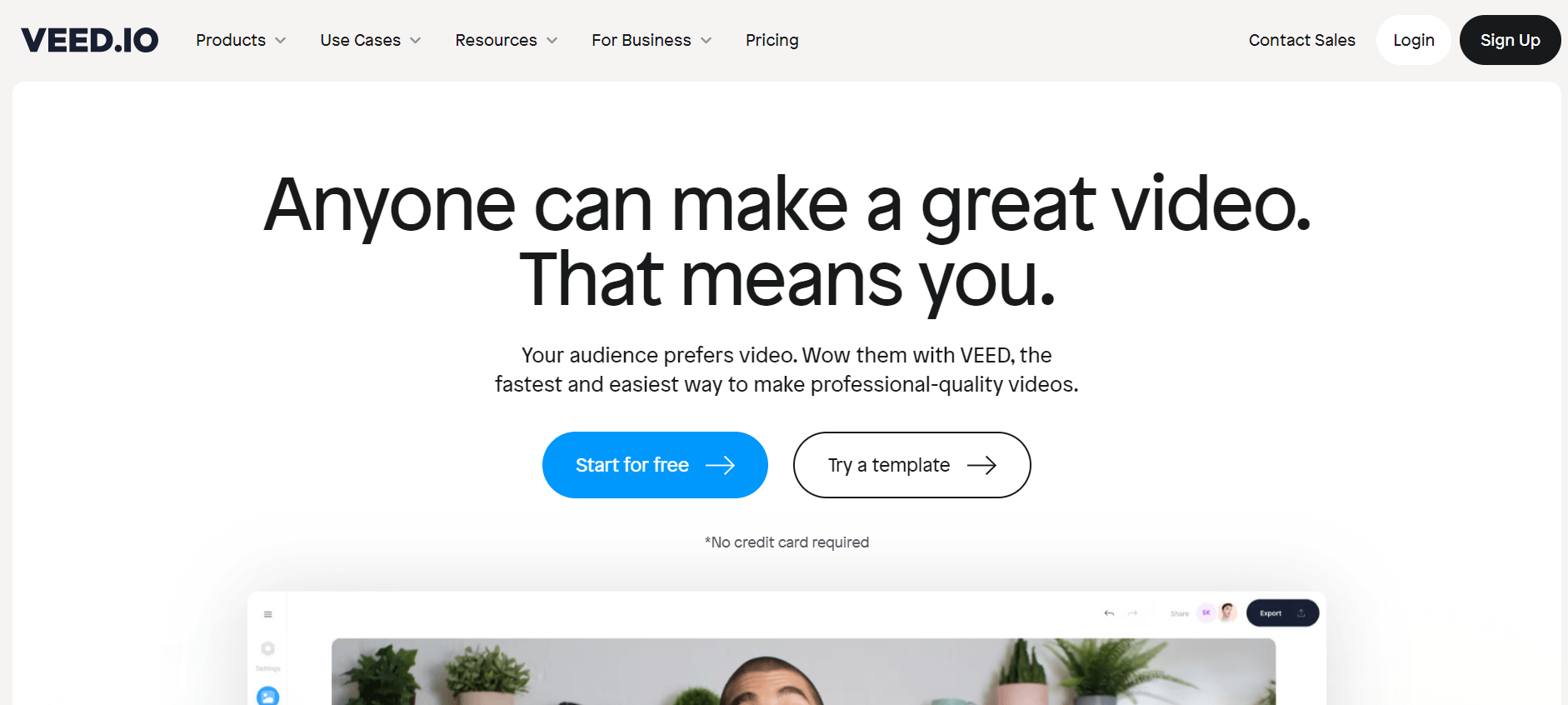
VEED is an AI-powered online video editing platform that helps creators produce, edit, and enhance videos without complex software. It offers automatic subtitles, AI video generation, voiceovers, avatars, background removal, audio cleanup, and translation tools for social media, marketing, education, and business content.
What is VEED IO?
Veed IO is a cloud-based video editing platform designed to make video creation quick, simple, and accessible to everyone, from beginners to teams and organizations. Veed IO, founded in 2019 by Sabba Keynejad and Tim Beech, eliminates the need for complex, installed software by providing browser-based AI editing with capabilities such as auto-subtitles, voice dubbing, AI avatars, and background noise cancellation. It's ideal for creating social media content, educational videos, webinars, podcasts, and corporate training materials because of its user-friendly drag-and-drop interface and real-time collaboration. Veed IO, backed by a bootstrapped growth story and trusted by big enterprises like Netflix, Meta, and Amazon, has emerged as a go-to solution for artists seeking speedy, professional video outcomes without the learning curve.
VEED is an AI-powered online video editing platform that helps users create, edit, and enhance videos directly in a web browser. It combines traditional editing tools with AI features for subtitles, voiceovers, video generation, background removal, audio cleanup, and translation. Unlike a basic video editor that focuses primarily on trimming and arranging clips, VEED brings several parts of the video production process together. Users can upload existing footage, generate videos from text prompts, add captions, create AI presenter videos, clean up audio, and prepare content for different social platforms.
The platform is designed for YouTubers, social media creators, marketing teams, educators, and businesses that want to produce videos without learning complicated editing software. VEED also offers AI avatars, text-to-speech, voice dubbing, and tools for repurposing longer recordings into shorter clips. These capabilities can help teams create tutorials, product demonstrations, training materials, advertisements, and short-form content more efficiently.
EED is an all-in-one online video editor that combines conventional editing with AI-powered video creation, subtitles, audio tools, and virtual presenters.
Its primary features include over 95% accurate automated subtitles, AI avatars, screen recording, text-to-video conversion, voice translation, background noise removal, and collaborative editing. The platform supports 4K exporting and includes hundreds of social media content templates. VEED IO, unlike competitors such as Canva and Descript, focuses on speedier browser-based editing and easier AI automation for creators and marketers.
VEED: Key Facts
|
Category |
Details |
|---|---|
|
Tool name |
VEED |
|
Category |
AI video creation and editing |
|
Platform |
Browser-based editor and mobile apps |
|
Primary purpose |
Creating, editing, and enhancing videos |
|
AI capabilities |
Video generation, avatars, voiceovers, subtitles, translation |
|
Editing features |
Trimming, cropping, resizing, text, music, and effects |
|
Audio tools |
Audio cleanup, voice generation, and dubbing |
|
Subtitle features |
Automatic captions, subtitle editing, and translation |
|
Target users |
Creators, marketers, educators, and businesses |
|
Pricing model |
Free access with paid subscription plans |
|
Official website |
In this review, we'll explore VEED.io's features, pricing, AI capabilities, real-world use cases, advantages, and disadvantages and compare it with leading AI video editing platforms such as Descript, CapCut, Canva, and InVideo.

VEED IO at a Glance
| Attribute | Details |
|---|---|
| Product Name | VEED.io |
| Developer | VEED |
| Category | AI Video Editor |
| Platform | Web-based |
| Free Plan | Yes |
| Paid Plans | Creator, Pro, Studio, Enterprise |
| AI Video Generator | Yes |
| AI Avatars | Yes |
| AI Voice Cloning | Yes |
| Auto Subtitles | Yes |
| Video Translation | Yes |
| API Available | Yes |
| Best For | Video Editing, Social Media Content, Marketing Videos, YouTube |
VEED.io evolved from a browser-based video editor to a full-featured AI video creation platform. Its growing set of AI features, which includes text-to-video creation, AI avatars, voice cloning, automatic subtitles, multilingual dubbing, and prompt-based editing, making it ideal for creators, marketers, educators, and businesses.
Support for 29+ languages allows users to translate videos for foreign audiences, while cloud-based editing removes the need for expensive hardware. The platform's adoption by multinational businesses like as Amazon, Google, Meta, Netflix, and the BBC enhances its credibility and enterprise appeal.
VEED.IO Key Features
VEED.IO key features are
- AI Video Editor: VEED provides AI-powered capabilities like text-to-video, avatars, auto-subtitles, and voice translations, allowing users to produce professional-quality films without effort.
- Intuitive Editing Tools: The platform has various editing features such as cutting, cropping, text, subtitles, and effects, making it simple for users to customize their movies.
- Audio editing: Mix and edit audio tracks, add sound effects, and create voiceovers.
- Screen Recording: VEED allows screen recording, making it ideal for generating tutorials, presentations, and other content without extra applications.
- Social Media Optimization: The platform provides options to optimize videos for various social media platforms, ensuring the right format and resolution for each channel.
- AI Avatars: Create professional presenter videos using AI avatars. Simply enter your script and VEED.IO generates a realistic spokesperson video for training, marketing, or business communication.
- Collaboration Tools: Work with teammates in real time by sharing projects, collecting feedback, and managing edits from a single cloud-based workspace.
- AI Voice Generator and Voice Cloning: VEED includes text-to-speech and voice-generation features that turn written scripts into spoken audio. Supported workflows can also include voice cloning. These tools help creators produce narration for tutorials, advertisements, training videos, and product demonstrations. Before cloning a voice, users should ensure they have the necessary authorization and follow the platform's applicable rules.
VEED.IO provides AI-powered video editing solutions to millions of creators and businesses across the world. The company reportedly crossed $40M ARR in 2024, serves nearly 200,000 paying subscribers, and has over 10 million monthly users globally. VEED raised $35 million in funding from Sequoia and reached an estimated valuation of around $160 million. The platform widely supports AI subtitles, video generation, screen recording, and social media editing. Major brands including Meta, Google, Netflix, Disney, and P&G have reportedly used VEED for content creation and marketing workflows.
VEED Pricing: How Much Does It Cost?
VEED offers free access to selected editing tools and paid plans with higher export quality and additional AI capabilities. Its official video editor page lists starting prices of $9 per month when billed yearly and $19 per month when billed monthly. These are advertised starting prices, not necessarily the cost of every plan or feature.
Free Plan:
- Allows export video in 720 px
- Allows exporting a 10-minute video
- Allows maximum storage of 2 GB
- Allows uploading a 1 GB file
- Allows the creation of 2 videos per day
Lite Plan:
- The plan starts at $12 per month
- Allows no watermark on video
- Offers auto-subtitle on videos
- Allows you to export videos in 1080px.
- Offers full stock audio and video library
- Allows uploading unlimited files
- Allows the creation of 5 videos per day
Pro Plan:
- The plan starts at $18 per month
- Allows generating video with AI studio
- Allows no watermark on video
- Offers auto-subtitle on videos
- Allows you to export videos in 1080px.
- Offers full stock audio and video library
- Allows uploading unlimited files
- Allows the creation of 5 videos per day
- Offers translation to 50+ languages
- Offers 4K ultra HD exports
- Offers AI avatars & voice dubbing
Is VEED free to use?
Yes, VEED offers free access to selected video editing features. Free users can perform basic edits and try some AI features, but usage limits apply and exported videos include a watermark.
Is VEED.io Worth Paying For?
If you regularly create marketing videos, YouTube content, online courses, or social media campaigns, VEED's paid plans are a great value. Removing watermarks, enabling AI capabilities, exporting at better resolutions, and gaining access to advanced collaborative tools can all significantly enhance production productivity. Casual users can start with the free plan to learn about the platform before upgrading.
Disclaimer: For the latest and most accurate pricing information, please visit the official VEED.IO website.
Veed IO Video/Demo
Who Should Use VEED IO?
A diverse range of users and organizations utilize VEED IO
- Content Creators: Social media influencers, vloggers, and YouTubers use the VEED video editor to create video content.
- Educators and Students: Educators use VEED to create online courses, video content, tutorials, and presentations.
- Freelancers: Professionals use VEED to create engaging videos for clients, including social media posts and ads.
- Event Organizers: Use VEED to create event highlights, promotional clips, and videos.
- Businesses: Businesses use VEED for creating marketing videos, ads, promotional content, and demos.
VEED may be less suitable for users who need advanced cinematic editing, highly specialized visual effects, or extensive offline editing capabilities.
VEED IO Alternatives
Some of the VEED.IO alternatives are
- Synthesia
- HeyGen
- Descript
- Camtasia
- Simplified
Which VEED alternative should you choose?
- Choose VEED for browser-based editing combined with subtitles, AI avatars, audio tools, and video generation.
- Choose CapCut for creator-focused editing and short-form social content.
- Choose Descript if you primarily edit podcasts, interviews, and dialogue-heavy videos.
- Choose Canva if templates and brand consistency are central to your workflow.
- Choose InVideo AI if your priority is generating videos from prompts and scripts.
- Choose Adobe Premiere Pro if you need more advanced editing and post-production control.
Why Has VEED.io Become So Popular?
- Browser-Based Editing: Unlike traditional editors, which require software installation, VEED.io runs entirely in the browser. Users can edit videos on practically any current computer without worrying about technical requirements or lengthy installation times.
- AI Video Generation: VEED utilizes AI to help users produce videos from simple text instructions. This allows marketers, educators, and creators to create videos far more quickly than manual editing.
- Automatic Subtitles: One of VEED's most popular features is the AI subtitle generator, which automatically transcribes spoken speech and generates editable captions. This enhances accessibility, engagement, and social media performance.
- AI Avatars & Voice Cloning: The platform allows customers to create AI presenters, generate realistic voiceovers, and clone voices for multilingual video production, making it ideal for training videos, product presentations, and advertising campaigns.
- Multilingual Video Translation: VEED offers AI-powered translation and dubbing in over 29 languages, enabling businesses to translate content for foreign audiences without having to re-record videos manually.
- Collaboration Features: Teams can collaborate on projects using shared workspaces, making VEED ideal for agencies, marketing teams, and organizations that manage large amounts of video content.
Veed IO vs Filmora vs Descript vs Kapwing vs Synthesia
| Feature | Veed IO (Online) | Filmora (Desktop) | Descript (AI Editing) | Kapwing (Online) | Synthesia (AI Avatars) |
|---|---|---|---|---|---|
| Integration with Assets | Moderate (stock media, templates) | Limited (manual imports) | Moderate (text/audio focus) | Moderate (templates, stock) | Limited (avatars only) |
| Editing Technology | AI-powered, browser-based | Desktop-based, advanced | AI transcription & editing | Template-driven, cloud-based | AI avatars & dubbing |
| User Interface | Intuitive, web-based | Desktop, traditional NLE | Text-based + UI | Intuitive, web-based | Web-based, simple UI |
| Customization Options | High (subtitles, brand kit, AI tools) | High (multi-track editing) | Moderate (focus on audio & text) | Moderate (social templates) | Low (avatar-driven only) |
| Pricing | Free + $12–59/month plans | $39.99 lifetime or monthly | Free + $12–24/month plans | Free + $16–24/month plans | From $30/month |
| Free Tier Availability | Yes (watermark, 720p) | Trial only | Yes (limited exports) | Yes (basic features) | No |
| Ideal For | Creators, marketers, teams | Professional editors, YouTubers | Podcasters, educators | Social media content creators | Businesses, training, and localization |
Why Choose VEED?
VEED is a practical choice if you want to create and edit videos without maintaining a complex production setup.
- Save editing time: Use AI-assisted editing and automatic subtitles to speed up repetitive tasks.
- Create videos from scripts: Generate content using prompts, narration, and supported AI visuals.
- Improve accessibility: Add captions and translate content for different audiences.
- Create presenter videos: Use AI avatars for tutorials, onboarding, and product demonstrations.
- Repurpose existing footage: Resize videos and create shorter clips for social media.
- Keep production in one workflow: Edit footage, improve audio, add captions, and export from the same platform.
Its value is greatest for teams that need a reliable, repeatable video production workflow rather than a tool for only one isolated task.
Pros and Cons of VEED
Pros
- Browser-based editing without a traditional desktop installation.
- Combines conventional editing with AI video creation tools.
- Generates automatic subtitles for supported videos.
- Offers AI avatars, text-to-speech, and voice-generation features.
- Helps clean up audio and remove filler words.
- Supports subtitle translation and video dubbing.
- Provides tools for resizing and repurposing content for social platforms.
- Offers free access to selected editing features.
Cons
- Free exports include a watermark.
- AI generation and advanced features may have usage limits or require paid plans.
- Automatic subtitles and translations can contain errors.
- AI-generated videos may need substantial manual refinement.
- Browser-based workflows depend on a stable internet connection.
- Pricing and feature access vary by subscription and AI usage.
- It may not provide the depth of control available in professional desktop editing software.
How We Rated VEED IO?
| Rating Parameter | Score (/5) |
|---|---|
| Video Editing Features | 4.9 |
| Ease of Use | 5.0 |
| AI Tools & Automation | 4.8 |
| Templates & Branding | 4.8 |
| Export Quality | 4.8 |
| Speed & Performance | 4.9 |
| Collaboration Features | 4.7 |
| Value for Money | 4.8 |
| Overall Rating | 4.9/5 |
VEED.IO Review
VEED brings several common video production tasks into one browser-based platform. Users can edit existing footage, generate videos from prompts, create subtitles, improve audio, and build AI presenter videos without switching between multiple specialized applications. Its biggest advantage is convenience. For creators and marketing teams that publish frequently, combining editing, captions, and audio tools in one place can reduce repetitive work and simplify production.
However, not every AI feature will produce a finished video on its own. Generated footage may need refinement, subtitles may require corrections, and advanced production work may still be easier in professional desktop software. Free users also need to account for watermarks and AI usage restrictions.
Verdict: VEED is a strong option for creators, marketers, educators, and businesses looking for accessible online video editing with AI assistance. It is especially useful when speed and ease of use matter more than highly specialized editing controls.
Conclusion
VEED is an AI-powered online video editing platform that combines conventional editing with automated subtitles, audio enhancement, AI video generation, avatars, and translation tools. Its broad feature set makes it useful for creators and businesses that want to produce polished videos without managing several separate applications. The free plan is a practical starting point, while paid plans may be more suitable for frequent publishing, higher-quality exports, and expanded AI usage. Users who need advanced post-production controls should also consider professional desktop editors.
People are also reading:
FAQ
Is VEED completely free?
No, VEED is not completely free. It offers a free plan with limited features and a watermark, while advanced tools like HD exports, brand kits, and subtitles require paid subscriptions.
What is the use of VEED?
VEED is an online video editing tool used to create, edit, and share videos easily. It offers AI-powered features like subtitles, translations, templates, screen recording, and collaborative editing for businesses and creators.
Who is the founder of VEED.IO?
Veed was founded in 2018 by Sabba Keynejad and Timothy Constant, aiming to simplify online video editing with AI-powered tools, enabling creators, marketers, and businesses to produce professional videos quickly and efficiently.
Can VEED translate videos into other languages?
VEED supports subtitle translation and AI dubbing workflows. These features help creators adapt video content for international audiences, although translations and generated speech should be reviewed for accuracy.
Can VEED.io generate subtitles automatically?
Yes. VEED includes an AI subtitle generator that automatically transcribes speech and creates editable captions.
Does VEED.io support video translation?
Yes. The platform offers AI-powered translation and dubbing in multiple languages.
Is VEED.io good for YouTube creators?
Yes. Many YouTubers use VEED for editing videos, creating captions, generating shorts, and producing marketing content.
Is VEED.io better than CapCut?
VEED is particularly useful for browser-based workflows involving subtitles, AI avatars, and audio tools. CapCut is popular for social media editing and creator-focused effects. The better option depends on your workflow and the features available in your region and plan.
What are the best VEED alternatives?
Popular alternatives include CapCut, Descript, Canva, InVideo AI, and Adobe Premiere Pro. The best option depends on whether you prioritize short-form editing, transcript-based workflows, branded content, AI generation, or professional post-production.
User Reviews
No reviews yet for VEED IO.
Featured Tools
Featured AI tools from TechShark

Melody Genie
MelodyGenie is an AI-powered music generator that creates original songs from simple text prompts. Users can choose styles, moods, and genres, then instantly generate melodies and full tracks, making it easy for creators, marketers, and hobbyists to produce custom music without musical expertise.
Freemium

Kimi AI
Kimi AI is an advanced AI assistant developed by Moonshot AI that helps you chat, research, write, code, and automate tasks in one place. It supports web search, file analysis, and multimodal inputs, and can even run autonomous “agent” workflows to complete complex tasks end-to-end.
Freemium

Fashion Diffusion AI
Fashion Diffusion is an AI-powered fashion design platform that helps brands and designers create clothing designs, virtual try-ons, AI models, product photos, and marketing visuals faster and cost-effectively.
Paid

Veo 4
Veo 4 AI is an AI video creation platform that generates dramatic videos from text, images, audio, and video prompts using realistic motion and synchronized sound.
Paid
Alternatives
Alternatives to VEED IO
Popular alternatives to VEED.IO include tools like InVideo, Canva, Descript, and Adobe Premiere Pro. Platforms such as Filmora and DaVinci Resolve are also strong options, especially for more advanced editing. These tools offer similar features like video editing, subtitles, templates, and AI enhancements, but vary in ease of use, pricing, and professional capabilities.
Neural.love
AI Image Enhancer
Neural.love is an AI-powered creative platform for generating images, editing photos, enhancing videos, restoring old media, and animating pictures. It combines multiple AI tools in a browser-based workspace, helping content creators, marketers, photographers, designers, and businesses improve visual content without relying entirely on traditional editing software.
 4.8
4.8Shuffll
Video Editing
Shuffll goes beyond traditional video creation by connecting personalized video directly to enterprise data and workflows. Its API-first infrastructure, 40+ AI models, automated production, and built-in brand governance make it suitable for organizations that need video at scale. For businesses seeking higher engagement without building large production teams, Shuffll offers a practical way to turn existing data into personalized, on-brand video experiences.
 4.8
4.8Opus Clip (Opus Pro)
Video Editing
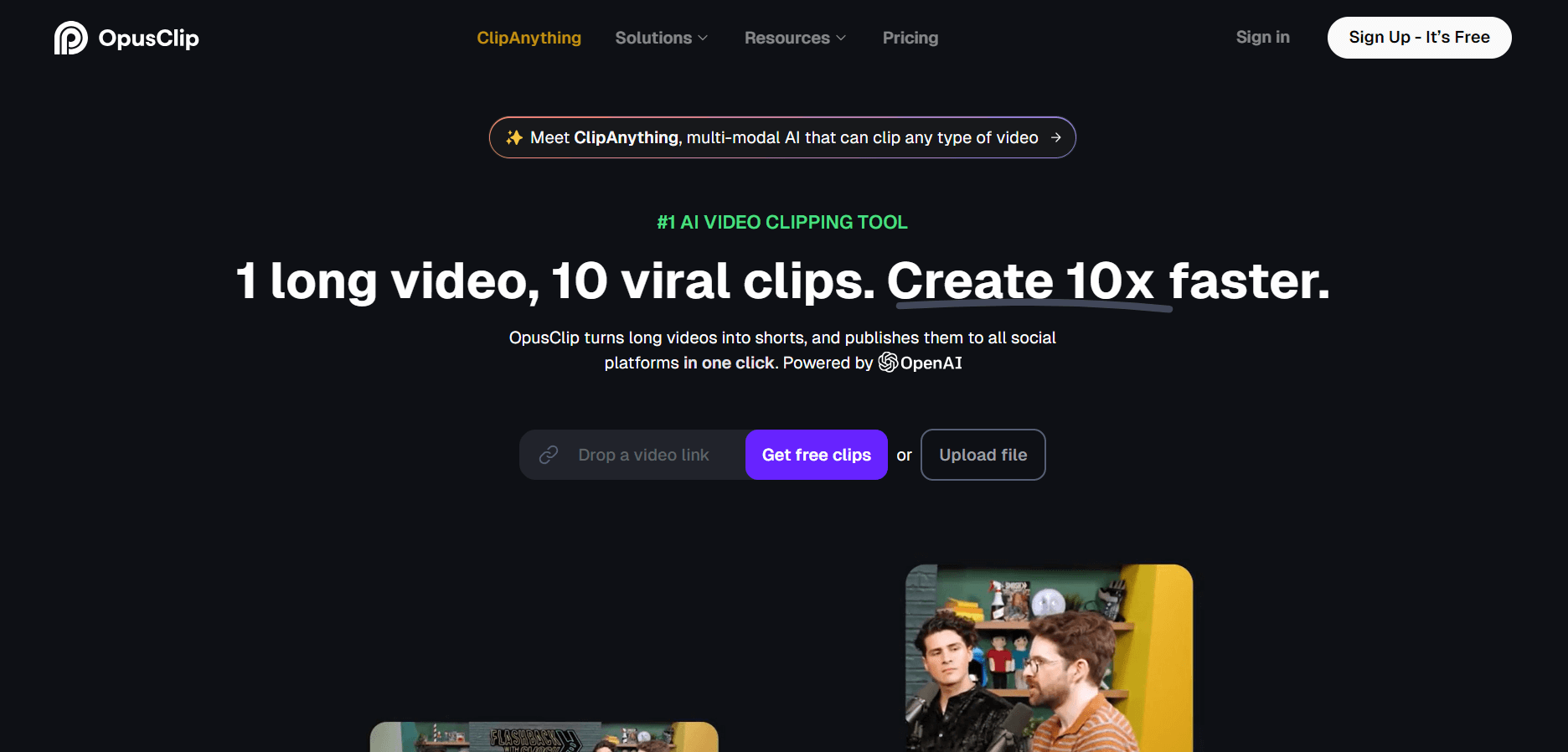
OpusClip helps creators transform long-form videos into short, social-ready clips. It can identify engaging moments, generate captions, reframe footage, add B-roll, enhance audio, and support publishing across major social platforms. It is designed for creators, marketers, podcasters, businesses, and teams that want to scale video content production.
 4.8
4.8Dubbah
Video Editing
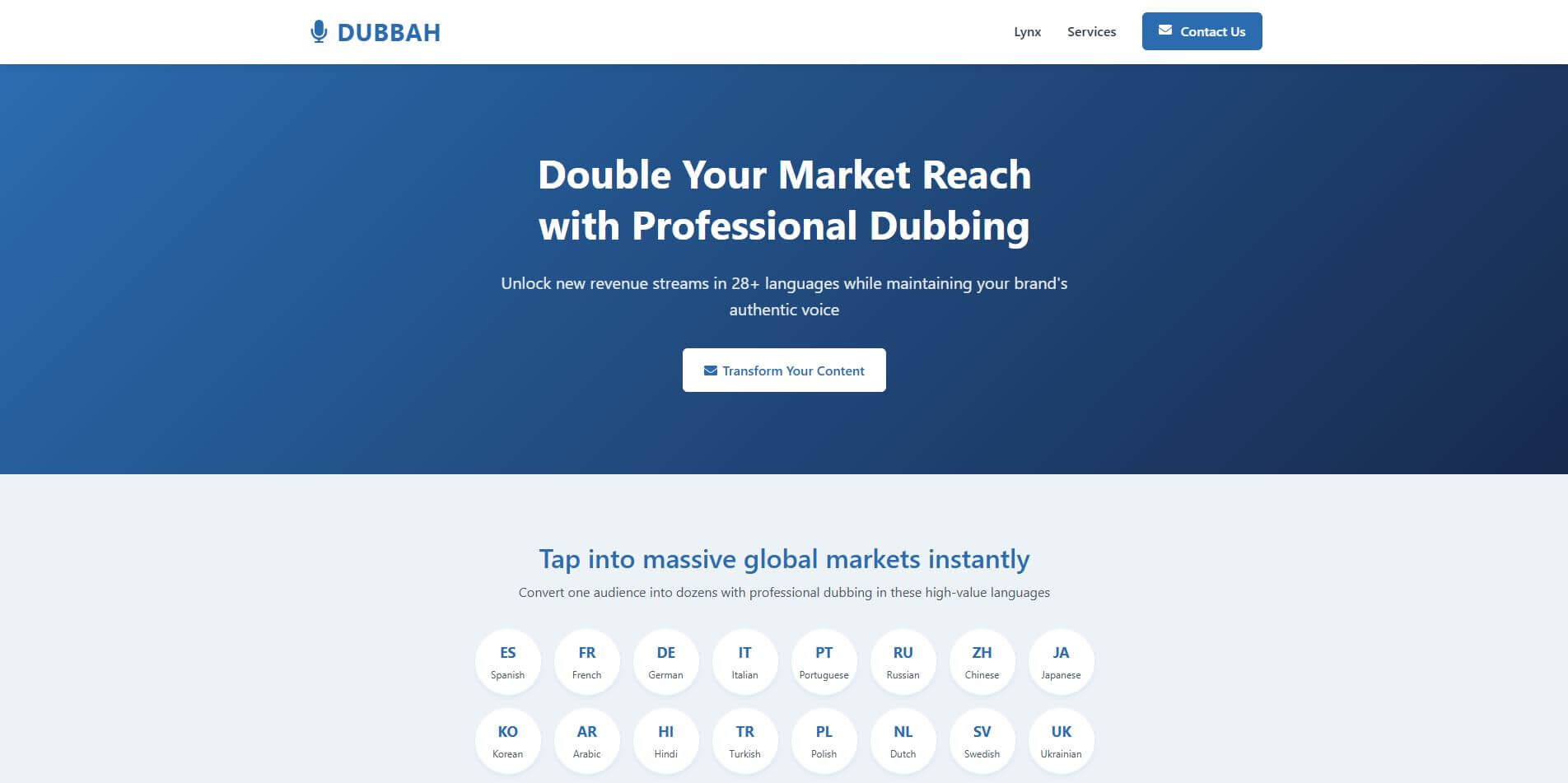
Dubbah helps Mac users translate and dub videos into 14 languages while preserving a familiar speaker voice. The app processes media locally, supports editing translated lines, and works offline after setup. With no account, subscription, or per-minute fee, it offers a simple, straightforward option for creators producing multilingual video content.
 4.9
4.9Clipchamp
Video Generator
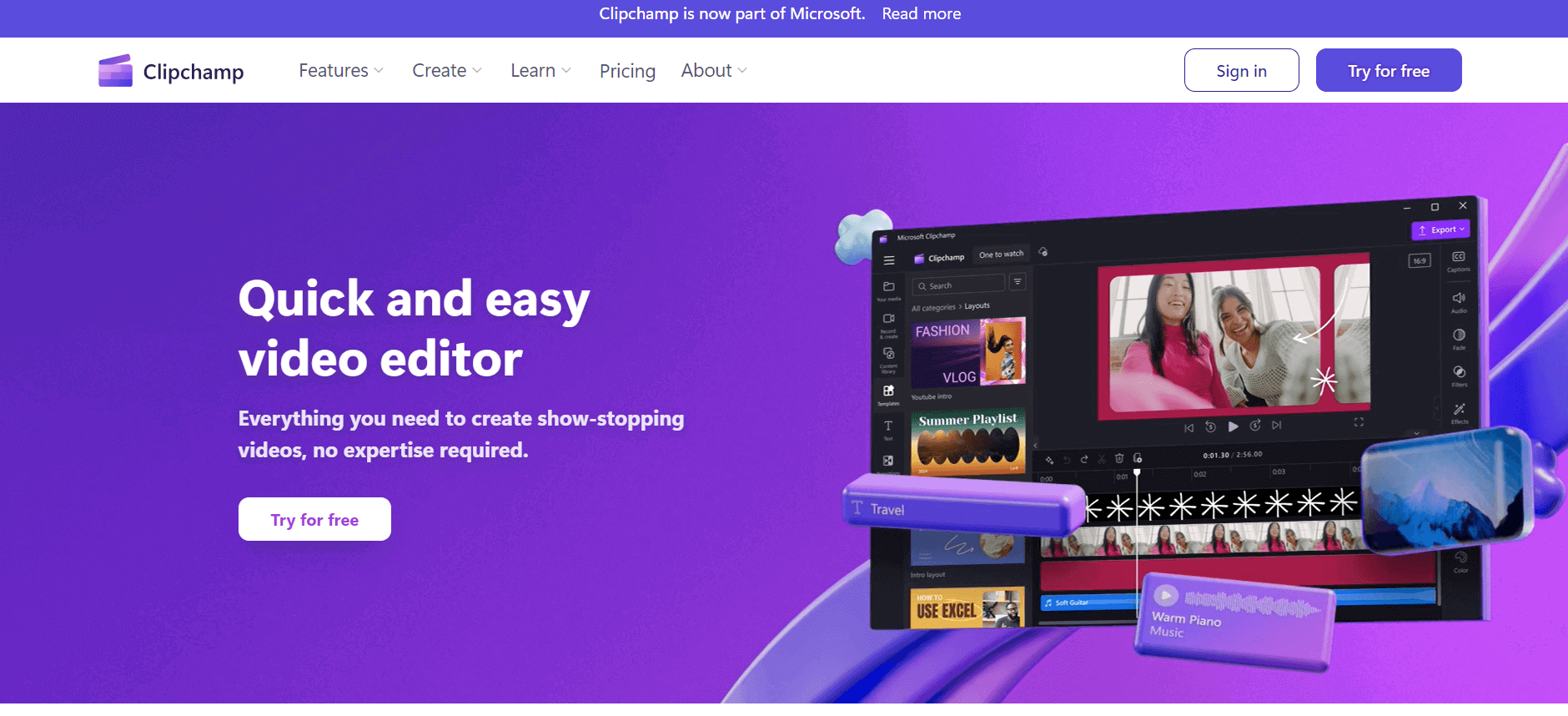
Clipchamp is an AI-powered online video editor by Microsoft that helps users record, edit, and share videos directly from the browser. It offers templates, stock media, and AI tools like subtitles, voiceovers, and noise removal, enabling fast, professional video creation without advanced editing skills.
 4.9
4.9CapCut
Video Editing
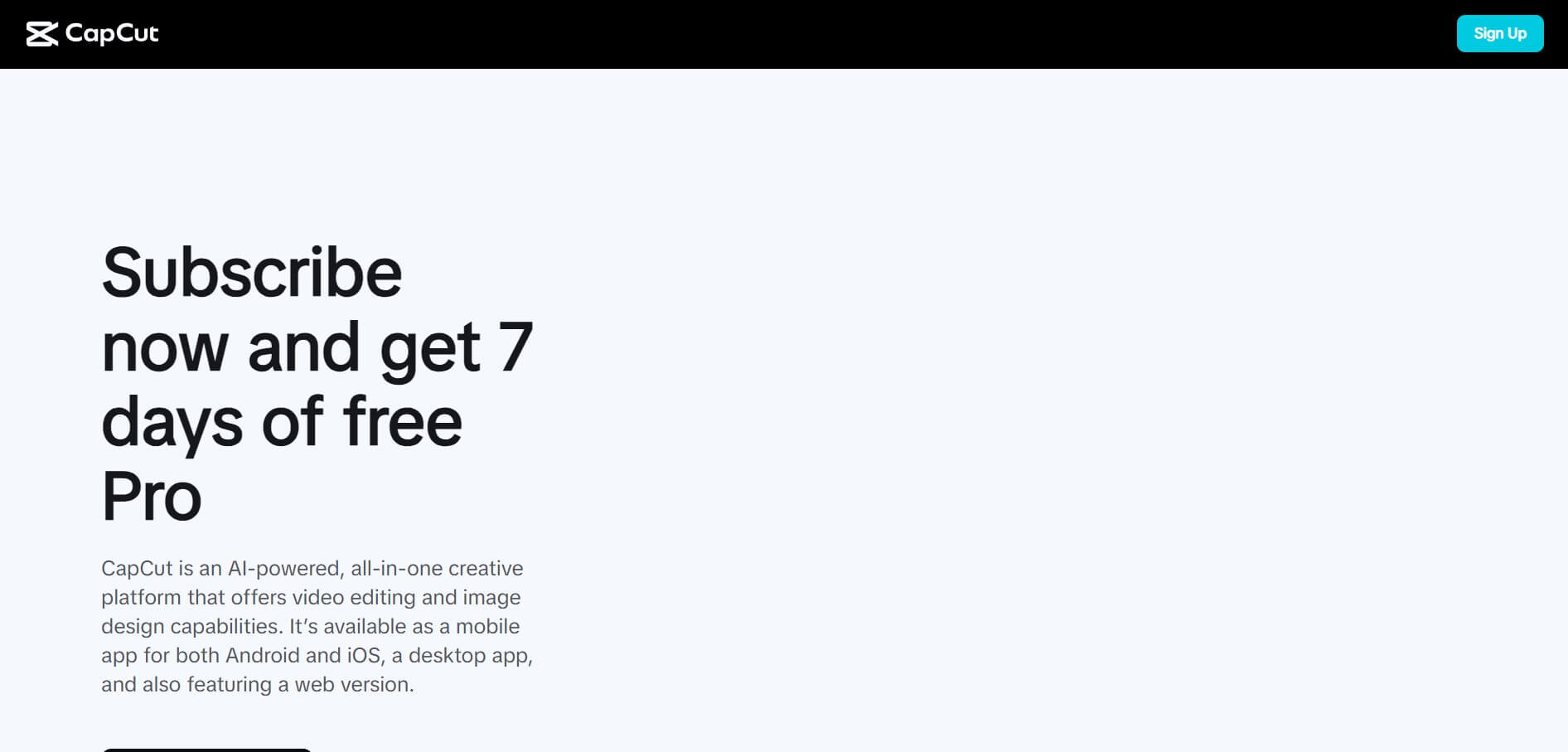
CapCut is a popular video editing tool that helps creators produce engaging videos with effects, transitions, filters, templates, subtitles, and AI-powered features. Available on multiple platforms, CapCut makes it easy to edit videos for TikTok, Instagram Reels, YouTube Shorts, and other social media channels.
 4.9
4.9Media.io
Video Editing
Media.io is an AI-powered creative platform that helps users generate, edit, and enhance videos, images, audio, and ads from simple prompts or assets. It combines AI generation, editing, and workflows in one place, enabling creators to turn ideas into polished content quickly without switching tools.
 4.9
4.9Video Candy
Video Editing
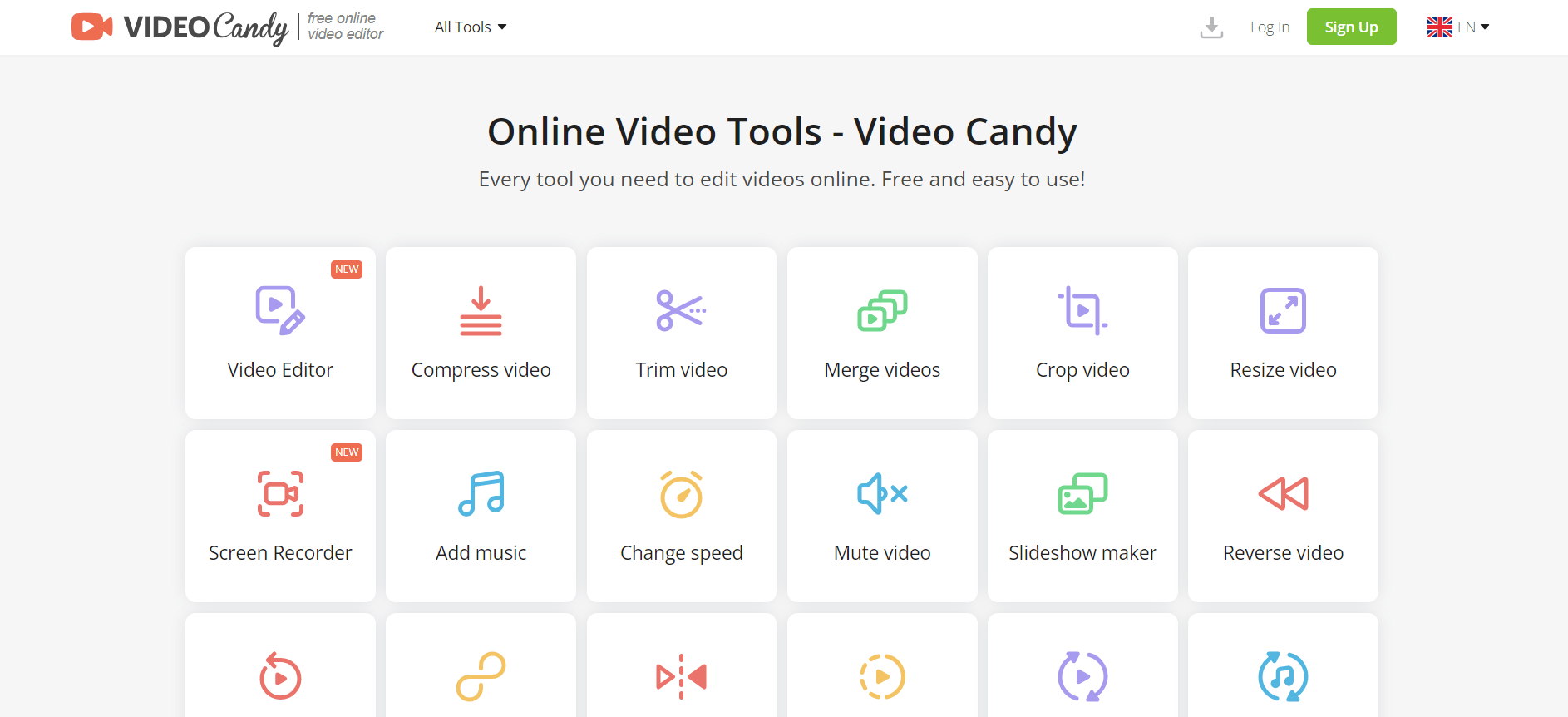
Video Candy is a free online video editing platform that helps users trim, merge, compress, convert, and enhance videos directly in the browser. It offers 70+ tools with a simple drag-and-drop interface, making video editing fast, accessible, and efficient without installing complex software.
 4.8
4.8Vheer
Image
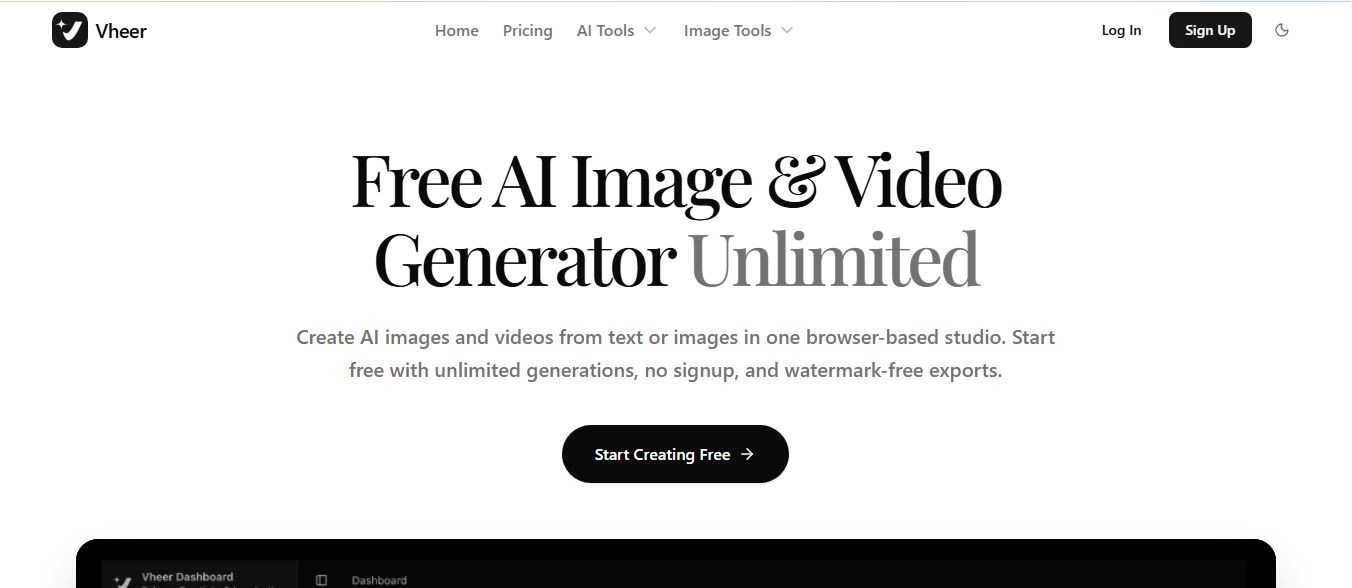
Vheer is a free AI image and video generator that helps users create visuals from text or photos instantly. It includes tools for image editing, background removal, and image-to-video conversion, offering unlimited generations without signup, making it ideal for quick, creative content production.