
Pika
Pika is an AI video generation and creative effects platform that transforms text prompts, still images, and video clips into cinematic video sequences, meme animations, and viral visual effects using its proprietary generative video models.
What is Pika?
Pika is an industry-leading generative AI video creation platform and creative visual effects studio designed for digital creators, social media marketers, animators, filmmakers, and advertising agencies. Operating as a responsive web application and native iOS app, Pika enables users to transform natural-language text prompts, still photographs, and source footage into high-definition cinematic video clips. Featuring specialized camera movement controls, seamless video region inpainting (Modify Region), automated lip-syncing, sound effects generation, and viral Pikaffects physics animations (such as inflate, melt, explode, crush, and cake-ify), Pika simplifies generative motion design for professionals and hobbyists alike.
Founded in 2023 by Stanford AI lab doctoral researchers Demi Guo and Chenlin Meng, Pika (formerly Pika Labs) has raised over $135 million in venture funding from premier technology investors including Lightspeed Venture Partners, Matrix Partners, Greycroft, Spark Capital, Elad Gil, and Adam D’Angelo, reaching a valuation of $470 million. Built on state-of-the-art latent video diffusion architectures, Pika processes millions of generative video prompts monthly. Creators deploying Pika produce Hollywood-grade visual effects, animated commercial teasers, and viral social shorts at a fraction of traditional 3D rendering and motion graphics production costs.
- Founder / Leadership: Demi Guo (Co-founder & CEO) and Chenlin Meng (Co-founder & CTO)
- Launch Year: 2023 (Expanded globally with Pika 1.5 and Pika 2.0+ video engines)
Use Cases:
- Converting static concept art, midjourney portraits, and product photography into smooth, dynamic video sequences
- Applying viral physics transformations (melt, explode, squish, peel, disintegrate) to real-world objects using Pikaffects
- Editing specific areas of a video (such as swapping clothing, backgrounds, or accessories) via Modify Region inpainting
- Producing animated marketing teasers, brand commercials, and social video reels with synchronized audio and sound effects
Technology:
- Proprietary generative video diffusion models (Pika 1.0, 1.5, and 2.0+) optimized for temporal consistency and photorealism
- Precise camera motion control engine handling dynamic pans, tilts, zooms, and rotation vectors
- Integrated multimodal audio synthesis generating automated environmental sound effects and synchronized character lip-sync
Target Users:
- Social media video creators, TikTokers, and YouTubers generating eye-catching viral visual effects and meme formats
- Commercial creative directors and ad agencies prototyping storyboards, concept reels, and product animations
- Independent animators, game developers, and filmmakers rendering dynamic scene cutaways without 3D animation rigs
- Content creators using writing tools to brainstorm cinematic scripts, scene prompt recipes, and video production outlines
Corporate Entity: Operates as Pika Labs, Inc. (Palo Alto, CA)

Key features of Pika
Pika's key features are
- Pikaffects Physics FX: One-click viral visual effect templates that allow creators to realistically melt, crush, inflate, explode, dissolve, or turn everyday objects into cake.
- Text-to-Video & Image-to-Video: Generate high-definition video clips (1080p and up to 4K upscaling) from descriptive text prompts or uploaded reference imagery.
- Modify Region (Video Inpainting): Select any area or object within a video frame using an interactive brush tool and prompt new elements (such as changing outfits, vehicles, or weather).
- Granular Camera & Motion Controls: Direct camera movement using precise pan, tilt, zoom, and rotational trajectories, alongside motion strength sliders.
- Extend Video & Canvas Expansion: Lengthen existing video clips seamlessly by appending additional seconds or expand the canvas aspect ratio (16:9, 9:16, 1:1, 4:5) without distortion.
- Synchronized Lip Sync & Audio Generation: Upload voice audio tracks or type dialog scripts to automatically generate character mouth movements matching spoken cadence.
- Sound Effects Generation: Automatically generates contextual environmental sounds and foley audio matching the motion inside your video.
- Multi-Platform Studio & iOS App: Seamless cross-platform creation across desktop web browsers and native mobile apps with cloud-synchronized generation queues.
Pika Pricing
Pika operates on a freemium credit-based subscription model, offering a recurring free tier alongside scalable paid subscriptions with annual discount options.
Basic Plan (Free):
- $0/month (Free to explore)
- Includes 150 initial credits, daily refill credits upon depletion, standard video generation queues, standard resolution, and community access (outputs include a subtle watermark)
Standard Plan:
- Starts at $8/month (billed annually as $96/year) or $10/month (billed monthly)
- Includes 700 recurring monthly credits, watermark removal, commercial usage rights, 1080p generation, video length extension, and priority generation queues
Unlimited Plan (Most Popular):
- Starts at $28/month (billed annually as $336/year) or $35/month (billed monthly)
- Includes 2,000 recurring monthly credits for fast generations, unlimited relaxed video generations, commercial rights, Pikaffects access, priority support, and up to 4K upscaling
Pro Plan:
- Starts at $58/month (billed annually as $696/year) or $70/month (billed monthly)
- Includes everything in Unlimited plus 4,000 fast credits per month, highest priority rendering speeds, extended video generation limits, and dedicated team support
Disclaimer: Video generation consumes approximately 10 credits per standard 4-second clip. Relaxed mode on Unlimited/Pro tiers allows unmetered generations after fast credits expire. Visit trypika.com / pika.art/pricing for live details.
Who is using Pika?
Pika is designed for modern visual storytellers, motion designers, and creative marketing teams, including
- Social Media Content Creators: Crafting viral short-form videos, memes, and surreal Pikaffects transformations for TikTok, Instagram Reels, and YouTube Shorts
- Creative Directors & Ad Agencies: Rapidly producing cinematic commercials, product concept reels, and visual treatments for brand campaigns
- Game Developers & Animators: Animating static 2D character assets, environmental landscapes, and cinematics without lengthy 3D pipelines
- E-Commerce Marketers: Adding dynamic camera fly-throughs, lifestyle motion, and visual flair to static e-commerce catalog photography
- Content Creators: Using writing tools to brainstorm cinematic scripts, scene prompt recipes, and video production outlines
- Film & Music Video Storyboarders: Creating animated animatics and mood reels to visualize lighting, camera angles, and blocking before filming
Best Pika Alternatives
Some of the strongest Pika alternatives include
- Runway (Gen-2 / Gen-3 Alpha)
- Luma Dream Machine
- Kling AI
- OpenAI Sora
- Hailuo AI (MiniMax)
- Haiper AI
Pros and Cons of Pika
Pros
- Industry benchmark for playful and viral visual effects via Pikaffects (inflate, melt, crush, explode, cake-ify)
- Exceptional Modify Region feature enables localized inpainting and element swapping directly on video timelines
- Precise camera motion controls (pan, tilt, zoom, rotate) give creators fine-grained directorial authority
- Unlimited relaxed generation mode on Unlimited ($28/mo) and Pro tiers removes the anxiety of running out of credits
- Generous free plan with recurring daily credit refreshes allows ongoing creative exploration without payment
Cons
- Free plan applies a persistent watermark to downloaded video clips and restricts commercial publishing rights
- Generations default to short 3-to-4-second clips, requiring sequential multi-clip extension for long-form storytelling
- Complex physical interactions and fast human anatomical motions can occasionally introduce visual warping or motion blur
- Relaxed queue processing during peak platform hours can experience longer waiting times on Unlimited tiers
Why Choose Pika?
Pika is the premier choice for creators and digital marketers who want an intuitive, fast, and feature-rich AI video studio capable of producing cinematic motion and viral visual effects.
- Delivers viral, scroll-stopping physics effects that cannot be easily replicated in standard video editors
- Gives creators total directional control over camera movements, framing, and regional video edits
- Offers an affordable Unlimited generation tier starting at just $28/month (billed annually)
- Seamlessly adds sound effects and lip-synced audio to bring generated characters to life
- Backed by premier Silicon Valley AI investors and trusted by millions of creative professionals worldwide
Pika vs. Competitors
The main difference between Pika, Runway Gen-3 Alpha, Luma Dream Machine, and Kling AI is that Pika focuses on creative accessibility, playful viral physics effects (Pikaffects), video inpainting (Modify Region), and affordable unlimited generation plans, whereas Runway Gen-3 emphasizes high-end Hollywood cinematic fidelity with advanced keyframe controls, Luma Dream Machine specializes in continuous realistic 3D camera sweeps, and Kling AI provides long single-take video generations. Pika stands out for its creative flexibility, viral effects suite, and user-friendly interface.
| Feature / Tool | Pika (trypika.com) | Runway Gen-3 Alpha | Luma Dream Machine | Kling AI |
|---|---|---|---|---|
| Core Focus | Creative AI Video & Viral FX (Pikaffects) | Cinematic Gen AI & Production Suite | Hyper-Realistic 3D Motion Video | High-Fidelity Long-Take Video |
| Viral Physics Effects | Yes (Melt, Explode, Crush, Inflate) | Prompt Dependant Only | Prompt Dependent Only | Prompt Dependent Only |
| Regional Inpainting | Yes (Modify Region Brush) | Motion Brush / Inpainting | No Direct Inpainting | No Direct Brush |
| Unlimited Generation Mode | Yes (On Unlimited & Pro Tiers) | Yes (Unlimited on Pro $76/mo) | No (Credit Metered) | No (Credit Metered) |
| Starting Paid Price | $8.00/mo (annual) / $10.00/mo | $12.00–$15.00/month (Standard) | $7.99–$9.99/month (Lite) | From ~$10.00/month |
| Best For | Social Creators, Memes & Motion FX | Professional Film & VFX Studios | Cinematic Camera Movements | Longer Clips & Realistic Human Motion |
How do we rate Pika?
| Parameter | Rating (out of 5) |
|---|---|
| Pikaffects & Visual Physics Effects | 5.0 |
| Text & Image-to-Video Generation Quality | 4.8 |
| Modify Region Inpainting & Camera Controls | 4.9 |
| Audio Synthesis & Lip Sync Capabilities | 4.8 |
| Value for Money | 4.9 |
| Overall Score | 4.88 |
Pika Review
Pika stands out as one of the most inventive and user-friendly platforms in the generative video landscape. While early AI video tools focused strictly on generating brief, unpredictable video loops, Pika elevated the entire category by providing genuine directorial tools. Its Modify Region feature makes surgical video edits possible without re-rendering the entire scene, while its camera trajectory controls give creators intentional control over visual pacing. The introduction of Pikaffects demonstrated Pika's deep understanding of Internet culture, making viral video creation as simple as clicking a button. Backed by accessible unlimited generation plans and top-tier Stanford AI founders, Pika is an exceptional platform for creators, animators, and digital agencies.
Conclusion
Pika is an industry-leading AI video generation and creative effects platform that redefines how creators transform ideas into dynamic moving visuals. By uniting text-to-video, image-to-video, viral Pikaffects physics animations, regional video inpainting, and audio synchronization into a unified web and mobile studio, it democratizes motion picture production. While creators producing feature films will pair it with traditional editing software, Pika’s visual flair, ease of use, and unlimited generation tiers make it an indispensable generative video platform.
FAQ
What is Pika and how does it work?
Pika is an AI video generation platform that allows users to create videos from text prompts, images, or existing footage. It works by using generative AI models to turn simple instructions into short videos, animations, or cinematic clips with motion, effects, and transitions automatically applied.
What can you create with Pika?
With Pika, you can create text-to-video clips, image-to-video animations, cinematic scenes, social media videos, and short AI-generated films. It’s commonly used for storytelling, marketing visuals, content creation, and experimental creative projects.
What features does Pika offer?
Pika includes features like text-to-video generation, image animation, video editing, style transformation, motion control, and prompt-based scene creation. It also supports modifying existing videos by changing backgrounds, styles, or effects using AI.
How is Pika different from other AI video tools?
Pika stands out for its ease of use and fast generation, allowing users to create high-quality videos with simple prompts. Compared to complex tools, it focuses on quick creative outputs with cinematic styles, making it accessible even for beginners.
Can Pika generate videos from images?
Yes, Pika supports image-to-video generation, where you can upload an image and turn it into an animated clip with motion, camera effects, and transitions. This is useful for creating engaging visuals from static content.
Is Pika free to use?
Pika offers free access with limited credits, allowing users to generate a certain number of videos. Additional usage and higher-quality outputs typically require upgrading to a paid plan.
How much does Pika cost?
Pika follows a credit-based pricing model, where users pay for video generations based on usage. Pricing may vary depending on resolution, duration, and generation volume, with premium plans offering more credits and faster processing.
Who should use Pika?
Pika is ideal for content creators, marketers, designers, filmmakers, and social media users who want to create videos quickly without advanced editing skills. It’s especially useful for short-form content, ads, and creative storytelling.
User Reviews
No reviews yet for Pika.
Featured Tools
Featured AI tools from TechShark

Melody Genie
MelodyGenie is an AI-powered music generator that creates original songs from simple text prompts. Users can choose styles, moods, and genres, then instantly generate melodies and full tracks, making it easy for creators, marketers, and hobbyists to produce custom music without musical expertise.
Freemium

Kimi AI
Kimi AI is an advanced AI assistant developed by Moonshot AI that helps you chat, research, write, code, and automate tasks in one place. It supports web search, file analysis, and multimodal inputs, and can even run autonomous “agent” workflows to complete complex tasks end-to-end.
Freemium

Fashion Diffusion AI
Fashion Diffusion is an AI-powered fashion design platform that helps brands and designers create clothing designs, virtual try-ons, AI models, product photos, and marketing visuals faster and cost-effectively.
Paid

Veo 4
Veo 4 AI is an AI video creation platform that generates dramatic videos from text, images, audio, and video prompts using realistic motion and synchronized sound.
Paid
Alternatives
Alternatives to Pika
The best Pika alternatives include Runway (Gen-2 / Gen-3 Alpha), Luma Dream Machine, Kling AI, OpenAI Sora, Hailuo AI, and Haiper AI. These platforms provide text-to-video, image-to-video, and generative visual effects software. While Pika specializes in accessible video generation with viral physics animations (Pikaffects), video region inpainting (Modify Region), camera controls, and affordable unlimited generation tiers, alternatives like Runway cater to high-end cinematic VFX production, and Kling AI specializes in extended single-take generations. Choosing the right tool depends on whether you require viral social visual effects and unlimited generations, cinematic camera motions, or long-take video rendering.
 4.9
4.9Clipchamp
Video Generator
Clipchamp is an AI-powered online video editor by Microsoft that helps users record, edit, and share videos directly from the browser. It offers templates, stock media, and AI tools like subtitles, voiceovers, and noise removal, enabling fast, professional video creation without advanced editing skills.
 4.9
4.9CapCut
Video Editing
CapCut is a popular video editing tool that helps creators produce engaging videos with effects, transitions, filters, templates, subtitles, and AI-powered features. Available on multiple platforms, CapCut makes it easy to edit videos for TikTok, Instagram Reels, YouTube Shorts, and other social media channels.
 4.7
4.7Hotshot AI
Video Generator
Hotshot is an everyday technology publication covering AI tools, gadgets, smart home technology, comparisons, research, and practical how-to guides. It helps readers understand products, evaluate software, compare options, and solve common technology problems through accessible articles created for people who want clearer information before making technology-related decisions online with confidence.
 4.7
4.7VideoPlus AI
Video Generator
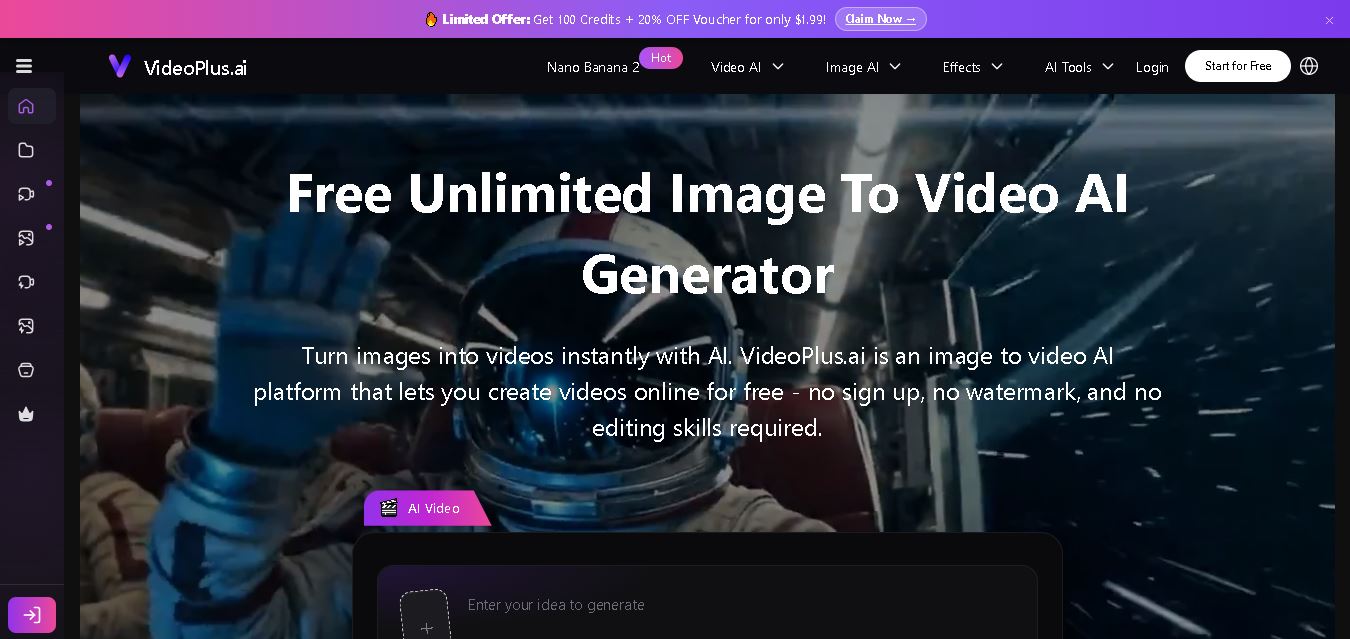
VideoPlus.ai is a versatile AI creation platform for generating and transforming videos and images. It supports text-to-video, image-to-video, reference-to-video, video-to-video, animation, image generation, enhancement, lip syncing, and creative effects. Multiple AI video models are available, making it useful for creators, marketers, designers, and businesses.
 4.7
4.7VideoTube
Video Generator
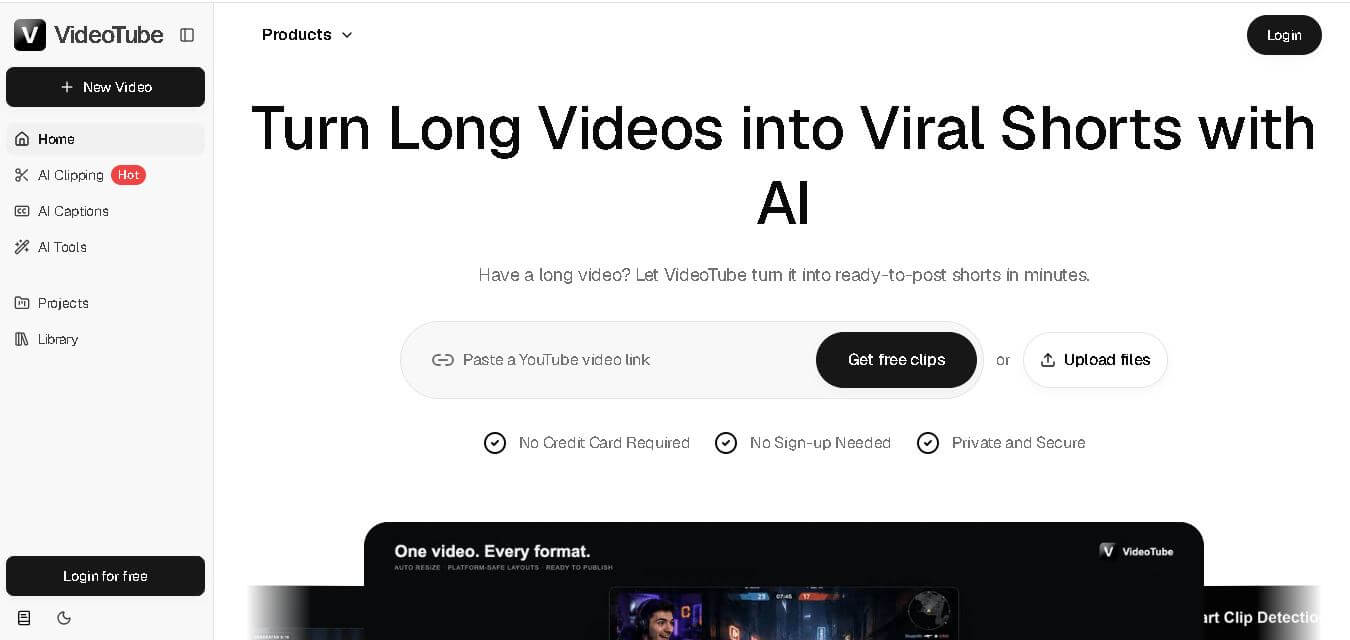
VideoTube helps creators transform long videos into short, social-ready content with AI. It can detect engaging moments, generate captions, remove filler, add B-roll, and automatically reframe videos for vertical platforms. Podcasters, YouTubers, educators, marketers, and agencies can repurpose existing content faster without relying on complicated video editing workflows.
 4.7
4.7TYPPO
Video Generator
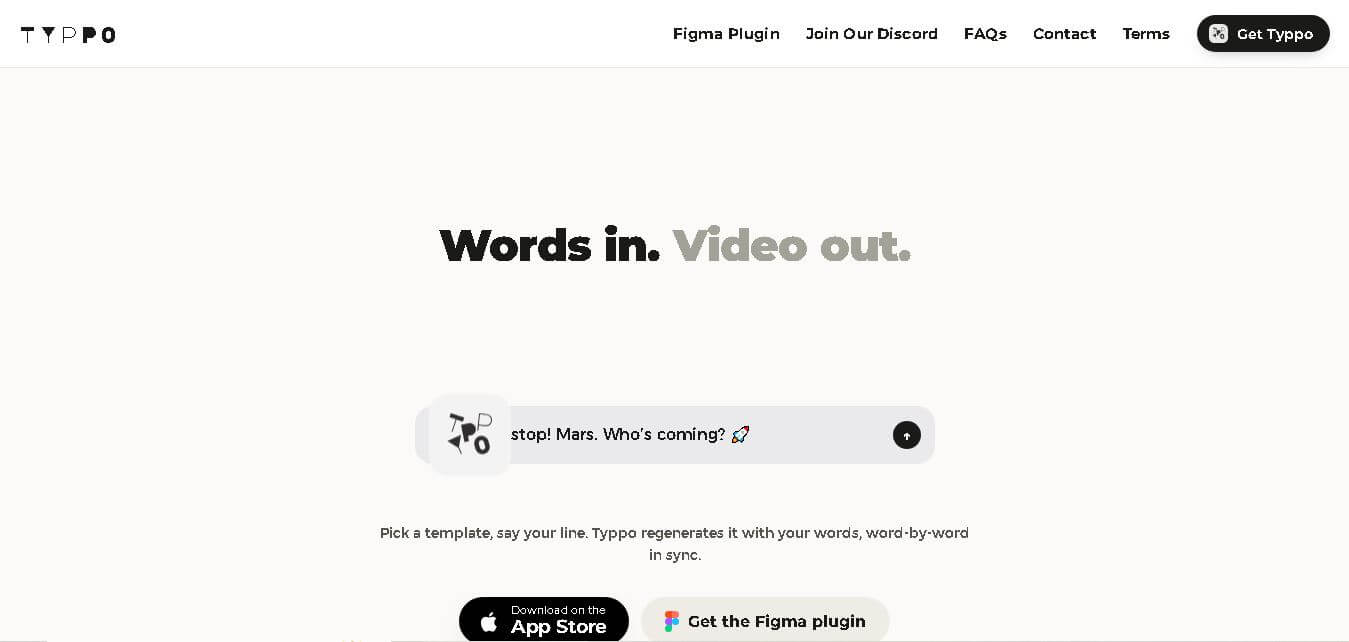
Typpo turns spoken words into animated videos without requiring design skills. Record a message, let the app transform your voice into motion graphics, and share the result on mobile-focused social channels. It supports multiple languages and offers a simple workflow for creators, marketers, communicators, and anyone wanting faster visual content creation.
 4.8
4.8Pollo AI
Video Generator
Pollo AI helps creators generate videos and visual content from text, images, and creative prompts. It combines multiple AI video models in one platform and supports workflows such as text-to-video, image-to-video, avatars, video transformation, and reference-based generation. A free tier lets users explore its core creative capabilities before upgrading.
iMini AI
Video Generator
iMini AI (imini.com) is an all-in-one AI creative agent and generative content hub that combines leading AI models into a single interface for generating images, videos, presentations, branding, and deep research reports.
 4.8
4.8Guidde
Video Generator
Guidde is a generative AI video documentation and training platform that captures screen workflows across web and desktop apps, automatically producing structured, step-by-step how-to videos and written guides complete with synthetic voiceovers in 100+ languages.