Notion
Notion is an all-in-one productivity and AI workspace that helps individuals and teams manage documents, notes, projects, databases, and company knowledge. Its AI features support writing, research, meeting summaries, enterprise search, and workflow automation, while customizable templates and integrations keep everyday work organized in one place.
What is Notion?
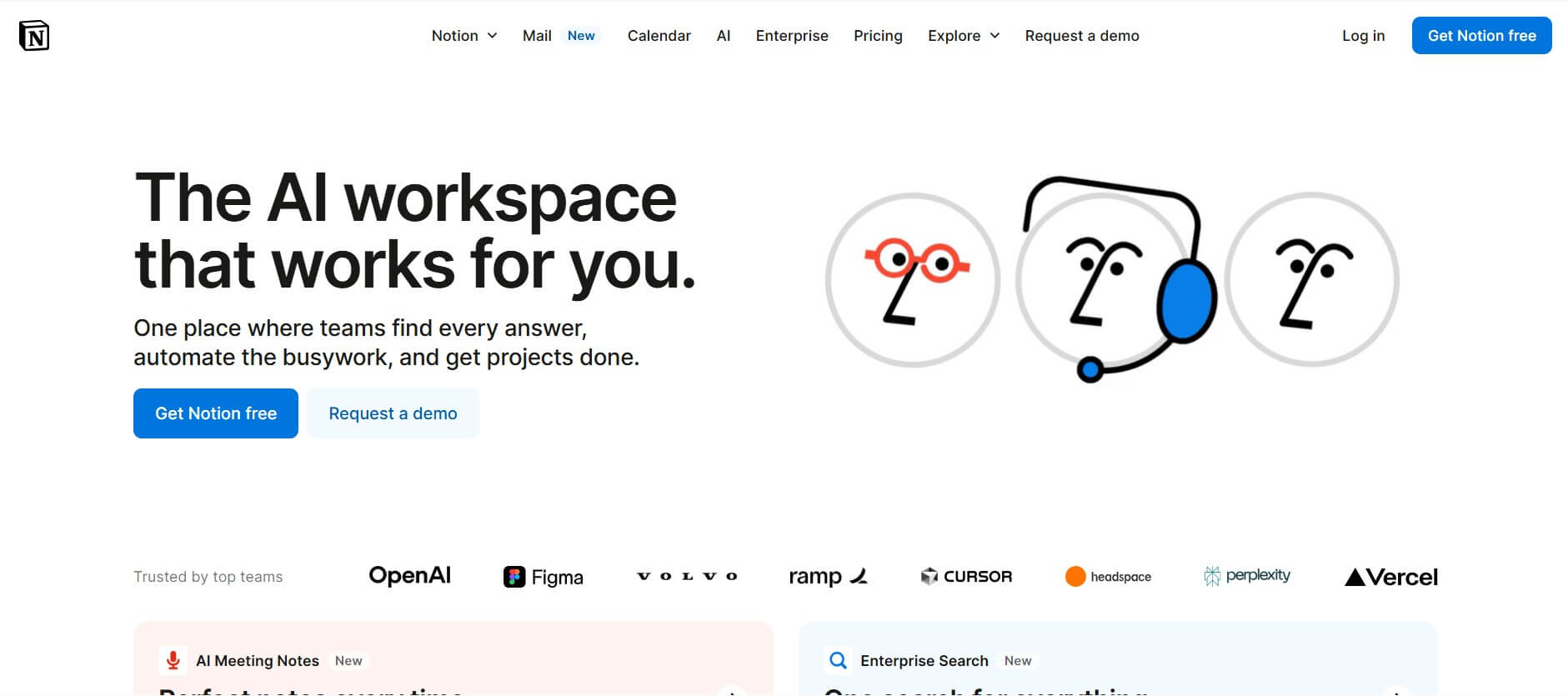
Notion is an all-in-one productivity and workspace platform that helps individuals and teams organize information, manage projects, create documents, and collaborate in one place. It combines notes, task management, databases, wikis, calendars, and project planning tools with AI-powered features for writing, summarizing, searching, and automating workflows. Users can customize their workspace with flexible templates and connected databases to manage everything from personal tasks to complex team projects. Notion is useful for startups, businesses, students, and professionals looking to streamline their daily work.
Founded in 2013 by Ivan Zhao and Simon Last in San Francisco, California, Notion powers over 100 million users and hundreds of thousands of organizations worldwide. Headquartered in San Francisco with international hubs across Europe and Asia, the platform has evolved from a document editor into an AI-augmented organizational operating system. Notion integrates flexible markdown docs, multi-view relational databases (Kanban, Table, Timeline, Calendar, Gallery), team wikis, Notion Sites publishing, Notion Calendar, and deeply embedded Notion AI capabilities.
- Founders / Leadership: Ivan Zhao (Co-founder & CEO) and Simon Last (Co-founder); operated by Notion Labs, Inc. (San Francisco, CA, USA & Global; founded in 2013)
- Platform Architecture: Universal block-based canvas powered by real-time collaborative synchronization, relational database engines, REST APIs, and embedded AI neural workflows
- Evolution / AI Integration: Evolved from standard note-taking into an AI-driven operational hub featuring the Notion Agent, autonomous custom agents, cross-app enterprise search, and automated database properties
Use Cases:
- Building centralized company wikis, onboarding hubs, standard operating procedures (SOPs), and engineering documentation
- Managing agile software sprints, product roadmaps, and marketing campaigns using linked Kanban and Timeline databases
- Leveraging Notion AI to summarize meeting transcripts, draft research briefs, extract action items, and autofill database properties
- Querying organization-wide knowledge and integrated third-party platforms (Slack, Google Drive, GitHub) via AI Enterprise Search
Technology:
- Modular block architecture treating text, headers, callouts, toggles, media, and code snippets as rearrangeable objects
- Relational database engine supporting formulas, rollups, bidirectional relations, multi-property filters, and sub-items
- Notion AI Layer utilizing leading language models for contextual Q&A, automated page summaries, grammar editing, and custom task agents
Target Users:
- Product managers, software engineers, and UX designers tracking feature roadmaps, bug reports, and design specs
- Marketing and growth teams planning content calendars, editorial pipelines, and multi-channel campaign assets
- Founders, executives, and RevOps leaders maintaining investor updates, meeting records, and company-wide wikis
- Writers and knowledge workers using writing tools to draft articles, capture thoughts, and organize personal research libraries
Corporate Entity: Operates as Notion Labs, Inc. (San Francisco, CA, USA & Global)

Key features of Notion
Notion's key features are
- Modular Block-Based Editor: Compose pages using drag-and-drop text blocks, interactive toggles, callout boxes, synched blocks, and embedded media.
- Relational Multi-View Databases: Switch dynamically between Table, Board (Kanban), List, Timeline, Calendar, and Gallery views with relations and rollups.
- Notion AI & Notion Agent: Query your entire workspace using natural language, summarize lengthy documents, autofill database columns, and generate drafts.
- Enterprise Search: Search and synthesize information across connected workplace apps, including Slack, GitHub, Google Drive, and Microsoft Teams.
- Teamspaces & Permissions: Organize company departments into dedicated teamspaces with granular page-level and role-based access controls.
- Notion Sites & Custom Domains: Publish any document or public wiki directly to the web with custom domain support and SEO controls.
- Ecosystem & Integrations: Connect with thousands of platforms via public REST APIs, webhooks, and native Zapier Make automations and custom agents.
Notion Pricing
Notion operates on a tiered seat-based subscription model featuring a free-forever tier for solo users alongside Plus, Business (which bundles core Notion AI), and custom Enterprise plans.
Free Plan:
- $0 / Free forever
- Includes unlimited pages and blocks for individuals (limited block trial for 2+ members), up to 5 MB file uploads, 7-day page history, up to 10 guest collaborators, and basic AI trials
Plus Plan (Small Teams & Professionals):
- Starts from ~$10.00 / member / month (billed annually) or ~$12.00 / member / month (billed monthly)
- Includes unlimited blocks for teams, unlimited file uploads, 30-day page history, up to 100 guest invites, and custom website publishing
Business Plan (Scaling Teams & Full AI):
- Starts from ~$20.00 / member / month (billed annually) or ~$24.00 / member / month (billed monthly)
- Includes full Notion AI (Notion Agent, AI meeting notes, Q&A search), SAML SSO, private teamspaces, 90-day page history, 250 guest invites, and expanded 600 req/min API limits
Enterprise Plan (Large Organizations):
- Custom quote pricing (billed annually)
- Includes unlimited page history, SCIM provisioning, enterprise audit logs, customer success manager, dedicated security compliance, and zero data retention with AI providers
Disclaimer: Custom autonomous task agents use separate credit pools ($10 per 1,000 monthly credits). Custom domains for Notion Sites cost extra. Visit notion.com/pricing for active plans.
Who is using Notion?
Notion is designed for cross-functional teams, knowledge creators, and growing businesses, including
- Product & Engineering Teams: Documenting system architecture, managing development backlogs, and standardizing product requirements docs (PRDs)
- Marketing & Content Agencies: Organizing collaborative editorial calendars, brand style guides, client deliverables, and creative briefs
- Founders & Startup Operators: Building all-in-one company operating systems covering investor decks, hiring pipelines, and central wikis
- Project Managers & Operations Leads: Tracking multi-departmental deliverables through linked relational database views and automated statuses
- Students & Solopreneurs: Structuring study notes, task lists, reading trackers, and personal life organizers inside a free modular canvas
Best Notion Alternatives
Some of the strongest Notion alternatives include
Pros and Cons of Notion
Pros
- Unmatched organizational versatility with drag-and-drop modular blocks and customizable layouts
- Powerful relational databases allow data to be organized into tables, Kanban boards, timelines, and galleries
- Native Notion AI and Enterprise Search synthesize insights across workspace docs and connected external platforms
- Vast global template ecosystem allowing teams to launch pre-built workflows in seconds
- Generous free plan offering unlimited blocks and pages for individual users
Cons
- Full Notion AI capabilities require the Business plan or dedicated credit usage for custom task agents
- Heavy workspace databases with thousands of records can experience occasional browser rendering latency
- Steep initial learning curve for new users unfamiliar with relational database properties and rollups
- Offline support remains limited compared to purely local-first tools like Obsidian
Why Choose Notion?
Notion is the premier workspace choice for teams that want a single, flexible canvas to replace disconnected note-taking, project management, and wiki software.
- Replace multiple single-purpose subscriptions with one unified, connected workspace
- Tailor pages, dashboards, and databases to mirror your exact team workflows
- Accelerate documentation and automate database properties using built-in Notion AI
- Search across company wikis, Slack conversations, and GitHub pull requests from one search bar
- Publish public documentation, portfolios, and job boards to the web in one click
Notion vs. Competitors
The main difference between Notion, Obsidian, Coda, and Confluence is that Notion provides a visual, database-driven canvas designed for team collaboration and company wikis. In contrast, Obsidian is a local-first markdown tool aimed at private personal knowledge management, Coda focuses on deep programmatic formulas and spreadsheet automation, and Confluence targets structured enterprise technical documentation within the Atlassian Jira ecosystem. Notion delivers the ideal balance between design elegance, relational organization, and AI assistance.
| Feature / Platform | Notion (notion.com) | Obsidian | Coda | Confluence |
|---|---|---|---|---|
| Primary Focus | Connected Team Workspace & AI Docs | Local-First Personal Knowledge Base | Doc-Driven App Building & Automations | Enterprise Wiki & Engineering Docs |
| Data Storage | Cloud-based (Multi-device sync) | Local plain text Markdown files | Cloud-based document architecture | Cloud / Enterprise Data Center |
| Relational Databases | Yes (Tables, Boards, Timelines, Rollups) | Community plugins (Dataview) | Yes (Advanced programmable tables) | Basic tables & Jira issue tracking |
| AI Integration | Notion AI (Agent, Search, Autofill) | Community plugins / Bring-your-own-key | Coda AI (Integrated writing & data) | Atlassian Intelligence |
| Starting Price | Free tier / Plus ~$10.00/member/mo | Free (Personal) / Sync $4.00/mo | Free tier / Pro ~$10.00/doc maker/mo | Free tier / Standard ~$5.75/user/mo |
| Best For | Agile Teams, Startups & Unified Wikis | Solo Researchers & Privacy-First Notes | Teams Building Complex Automated Docs | Enterprises Deeply Tied to Jira/Atlassian |
How do we rate Notion?
| Parameter | Rating (out of 5) |
|---|---|
| Workspace Flexibility & Block Customization | 5.0 |
| Database Structure & View Management | 4.9 |
| Notion AI & Enterprise Search Utility | 4.8 |
| Team Collaboration & Wiki Organization | 4.9 |
| Value for Money | 4.7 |
| Overall Score | 4.86 |
Notion Review
Notion remains the standard-bearer for modern connected workspaces by bridging flexible document editing with relational data organization. Instead of forcing teams into rigid layouts, its block system allows any page to evolve from a simple meeting memo into a multi-layered departmental dashboard. The inclusion of Notion AI and cross-tool Enterprise Search elevates the platform from passive documentation to active knowledge retrieval, saving teams hours of manual browsing. While complex enterprise databases require intentional architecture to avoid clutter, Notion offers an unmatched blend of design polish, collaborative utility, and workflow customization.
Conclusion
Notion is a versatile all-in-one productivity platform that consolidates docs, wikis, project management, and AI workflows into an adaptable modular environment. By allowing users to link databases, publish websites in seconds, and query company-wide knowledge with AI agents, it eliminates organizational silos and boosts team velocity. For startups, creative agencies, and modern knowledge teams seeking a unified workspace, Notion continues to be a premier choice.
FAQ
What is Notion used for?
Notion is an all-in-one productivity and workspace platform used to create documents, manage projects, organize company knowledge, build databases, and collaborate with teams. It combines note-taking, task management, wikis, project tracking, and AI-powered automation in one customizable workspace.
What is Notion AI and how does it work?
Notion AI is an AI-powered assistant integrated into the Notion workspace. It helps users generate and edit content, summarize documents, translate text, extract information from databases, answer questions, and automate repetitive tasks using relevant workspace context.
Can Notion be used for project management?
Yes. Notion provides project management features such as task databases, Kanban boards, timelines, calendars, dependencies, subtasks, and customizable dashboards. Teams can assign tasks, track project progress, manage deadlines, and collaborate on projects within a shared workspace.
Is Notion a good alternative to Trello, Asana, or Monday.com?
Notion is a flexible alternative to Trello, Asana, and Monday.com for teams that want project management alongside documentation, databases, and internal knowledge management. Unlike dedicated project management platforms, Notion allows users to customize workflows and connect project information with other workspace content.
Can Notion replace Google Docs and Microsoft Word?
Notion can replace many everyday document creation and collaboration workflows handled by Google Docs and Microsoft Word. It supports collaborative editing, formatting, comments, templates, databases, and embedded content. However, users with advanced document formatting or specialized office requirements may still need traditional office software.
What are Notion databases?
Notion databases are structured collections of information that help users organize tasks, projects, contacts, documents, and other records. They support customizable properties, filters, sorting, relations, rollups, and multiple views, including tables, boards, calendars, galleries, and timelines.
What is Notion Agent?
Notion Agent is an AI assistant that can perform multi-step tasks using information from a Notion workspace, connected applications, and the web. It can help create and edit pages, organize information, update databases, and complete workflows based on user instructions and available permissions.
Can Notion integrate with other business applications?
Yes. Notion supports integrations and connections with tools such as Slack, Google Drive, GitHub, Jira, Figma, and other business applications. These integrations help teams connect external information, automate workflows, and access relevant business context from one workspace.
Can I create a website using Notion?
Yes. Notion allows users to publish workspace pages as public websites through Notion Sites. Users can share documentation, portfolios, knowledge bases, landing pages, and other web content. Paid plans offer additional customization options, and custom domains are available through an additional paid option.
What is the difference between Notion Free, Plus, Business, and Enterprise?
Notion offers four main subscription plans. Free is designed for individuals, Plus supports small teams and professionals, Business provides advanced AI and collaboration capabilities, and Enterprise offers additional security, administration, and governance features for larger organizations.
What are the best alternatives to Notion?
Popular Notion alternatives include Coda, ClickUp, Confluence, Asana, Obsidian, and Anytype. The best alternative depends on the use case. ClickUp and Asana focus more on project management, Confluence specializes in team documentation, while Obsidian focuses on personal knowledge management and interconnected notes.
User Reviews
No reviews yet for Notion.
Featured Tools
Featured AI tools from TechShark

Melody Genie
MelodyGenie is an AI-powered music generator that creates original songs from simple text prompts. Users can choose styles, moods, and genres, then instantly generate melodies and full tracks, making it easy for creators, marketers, and hobbyists to produce custom music without musical expertise.
Freemium

Kimi AI
Kimi AI is an advanced AI assistant developed by Moonshot AI that helps you chat, research, write, code, and automate tasks in one place. It supports web search, file analysis, and multimodal inputs, and can even run autonomous “agent” workflows to complete complex tasks end-to-end.
Freemium

Fashion Diffusion AI
Fashion Diffusion is an AI-powered fashion design platform that helps brands and designers create clothing designs, virtual try-ons, AI models, product photos, and marketing visuals faster and cost-effectively.
Paid

Veo 4
Veo 4 AI is an AI video creation platform that generates dramatic videos from text, images, audio, and video prompts using realistic motion and synchronized sound.
Paid
Alternatives
Alternatives to Notion
The best Notion alternatives include Obsidian, Coda, Confluence, ClickUp, Airtable, and Anytype. These platforms provide knowledge management, document editing, and project tracking. While Notion provides a universal block-based canvas combining docs, relational databases, and built-in Notion AI starting from a generous free tier up to ~$10-$20/member/month, alternatives like Obsidian offer local-first privacy with markdown files, Coda emphasizes complex programmable document formulas, and Confluence caters to enterprise technical documentation within Jira. Selecting the right platform depends on whether you value flexible visual block building, local offline control, or enterprise software development workflows.
 4.8
4.8AiDash
Personal Assistant
AiDASH helps utilities and infrastructure organizations monitor assets, identify vegetation and climate-related risks, predict storm and wildfire impacts, and prioritize inspections. Its platform combines satellite imagery, AI models, weather, GIS, and historical operational data to provide actionable intelligence for improving reliability, reducing costs, and strengthening infrastructure resilience.
 4.8
4.8AutoDraw
Personal Assistant
AutoDraw is a free Google drawing tool that recognizes rough sketches and suggests polished illustrations. You can draw using a phone, tablet, or computer, select a matching suggestion, add colors and shapes, and create simple visual content quickly. It is useful for beginners, students, educators, presentations, invitations, and casual creative projects.
 4.8
4.8Inngest
Personal Assistant
Inngest helps developers build reliable workflows and AI agents by adding durable execution to application code. It handles retries, waits, saved step results, concurrency, scheduling, and execution traces, while allowing teams to keep existing infrastructure. It is designed for background jobs, long-running workflows, integrations, and multi-step automated processes.
 4.8
4.8Qdrant
Personal Assistant
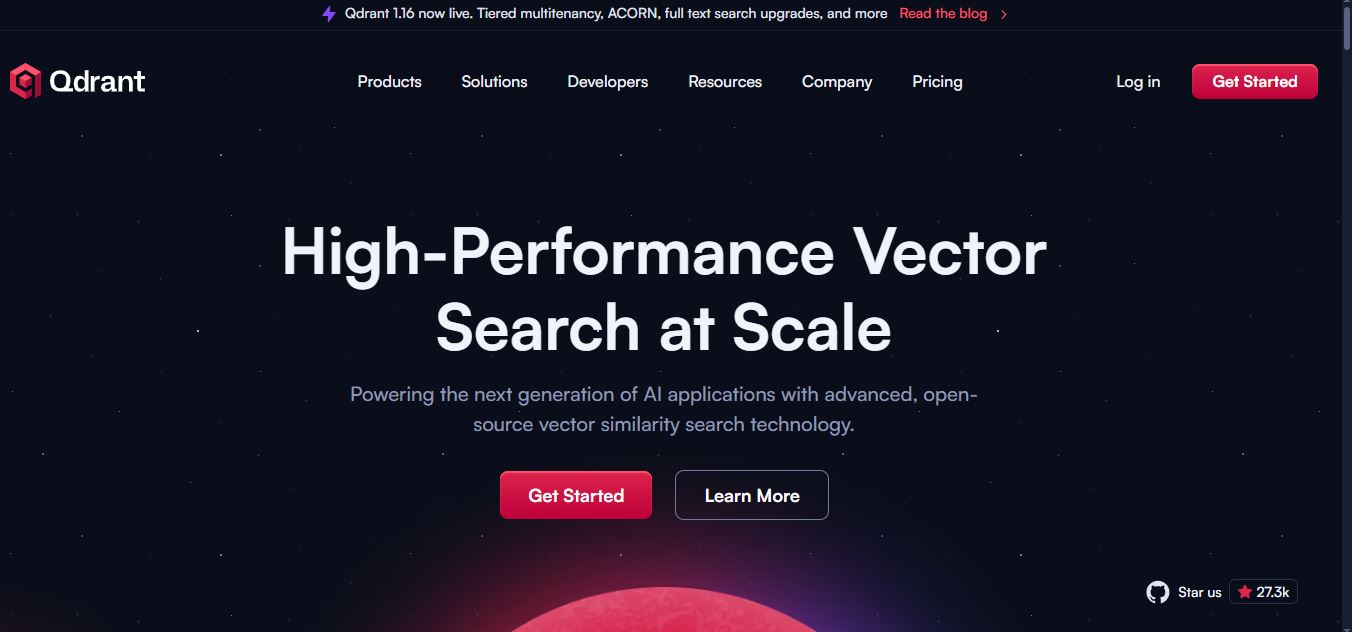
Qdrant is a vector search engine for building fast, scalable AI retrieval systems. It supports semantic search, RAG, recommendations, AI agents, hybrid dense-sparse retrieval, metadata filtering, reranking, and multimodal search. Developers can self-host Qdrant or use Qdrant Cloud for managed infrastructure, scaling, backups, monitoring, and enterprise deployment options for applications.
 4.8
4.8Fellow
Personal Assistant
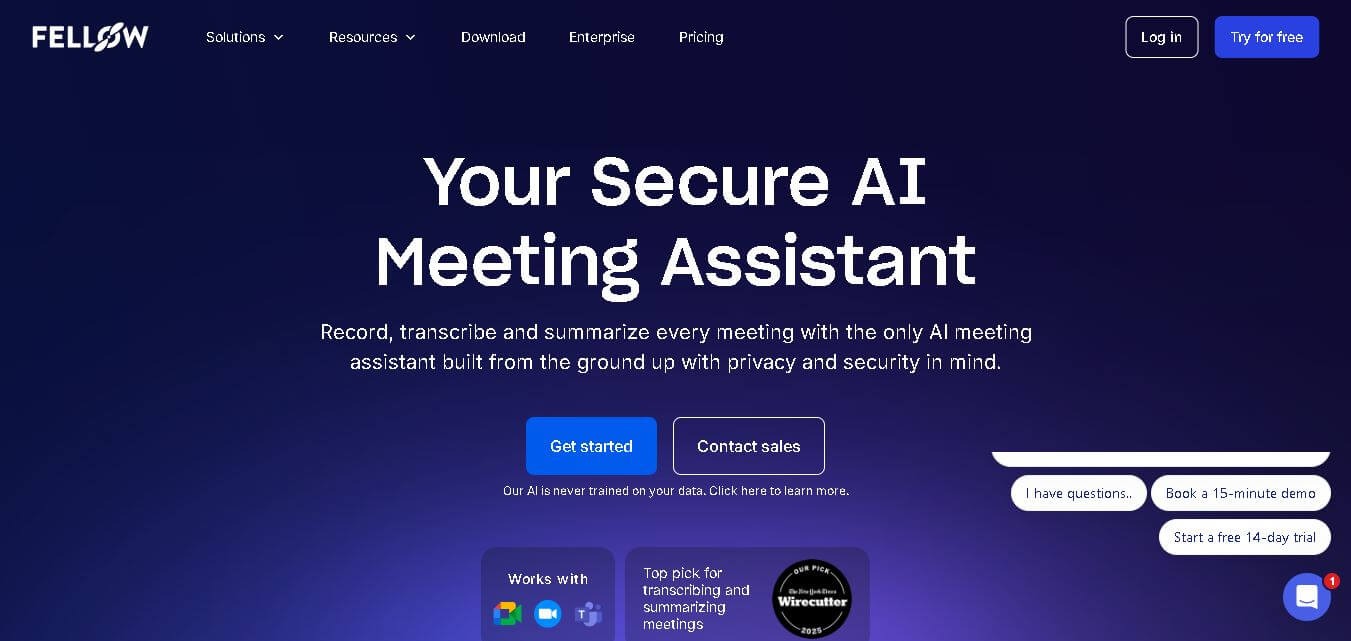
Fellow is an AI-powered meeting assistant and team management platform designed to streamline collaborative agendas, AI meeting transcriptions, summaries, action items, and 1-on-1 accountability structures.
 4.6
4.6Tarotoo
Personal Assistant
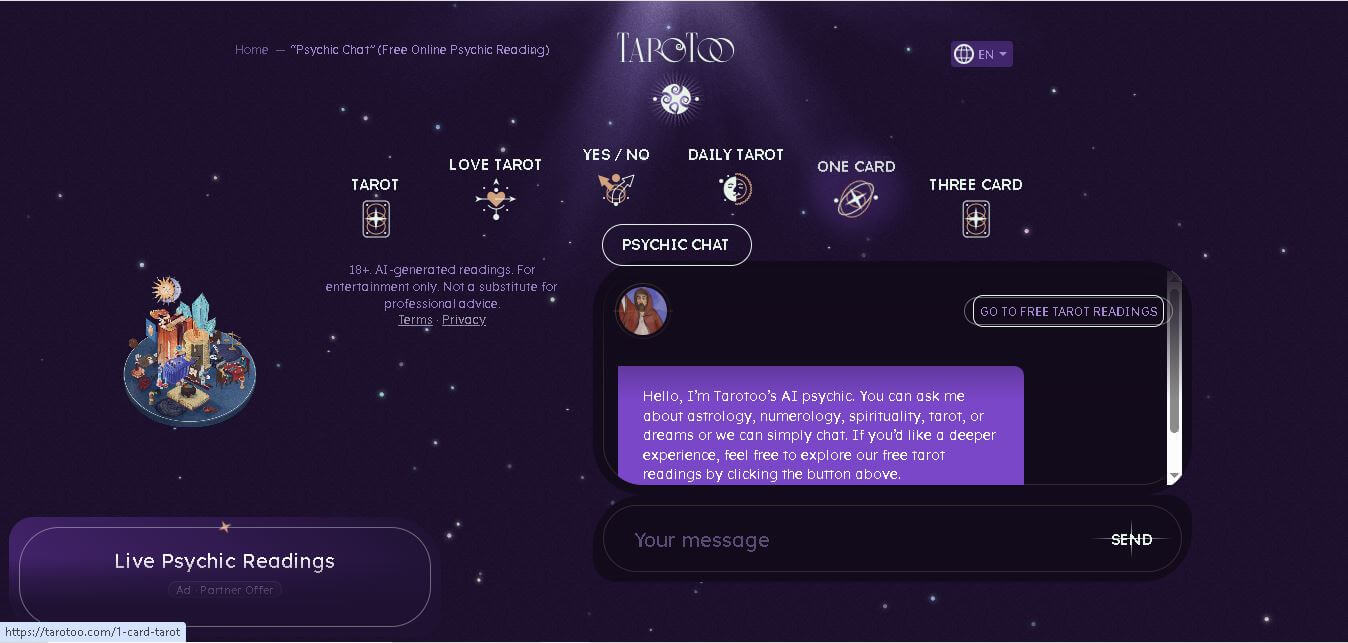
Tarotoo Psychic is an online spiritual guidance tool that helps users explore questions related to love, relationships, career, personal growth, astrology, numerology, and tarot symbolism. It offers personalized AI-generated conversations for self-reflection rather than predicting the future, making it suitable for anyone seeking thoughtful insights in a private, free, and accessible environment.
 4.9
4.9Luzia
Personal Assistant
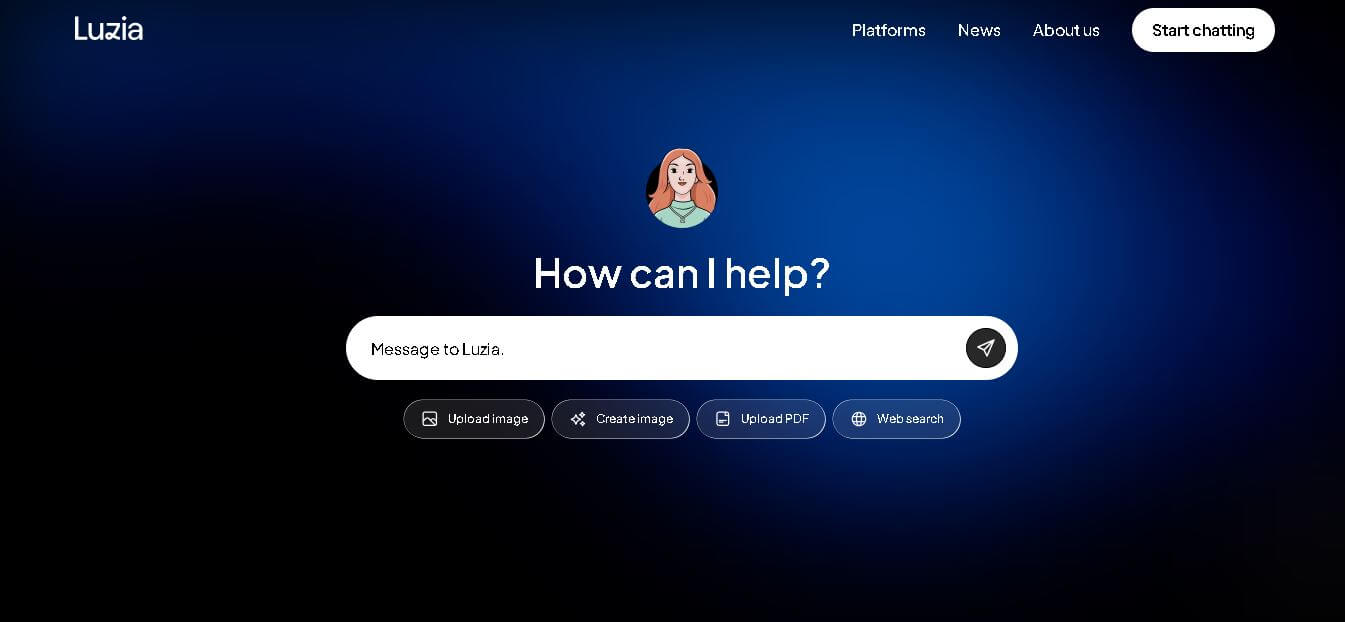
Luzia is a free, mobile-first AI personal assistant designed to bring conversational AI, instant voice note transcription, document analysis, and daily task automation directly into WhatsApp, Telegram, iOS, and Android.
 4.5
4.5MaestroLabs
Email Assistant
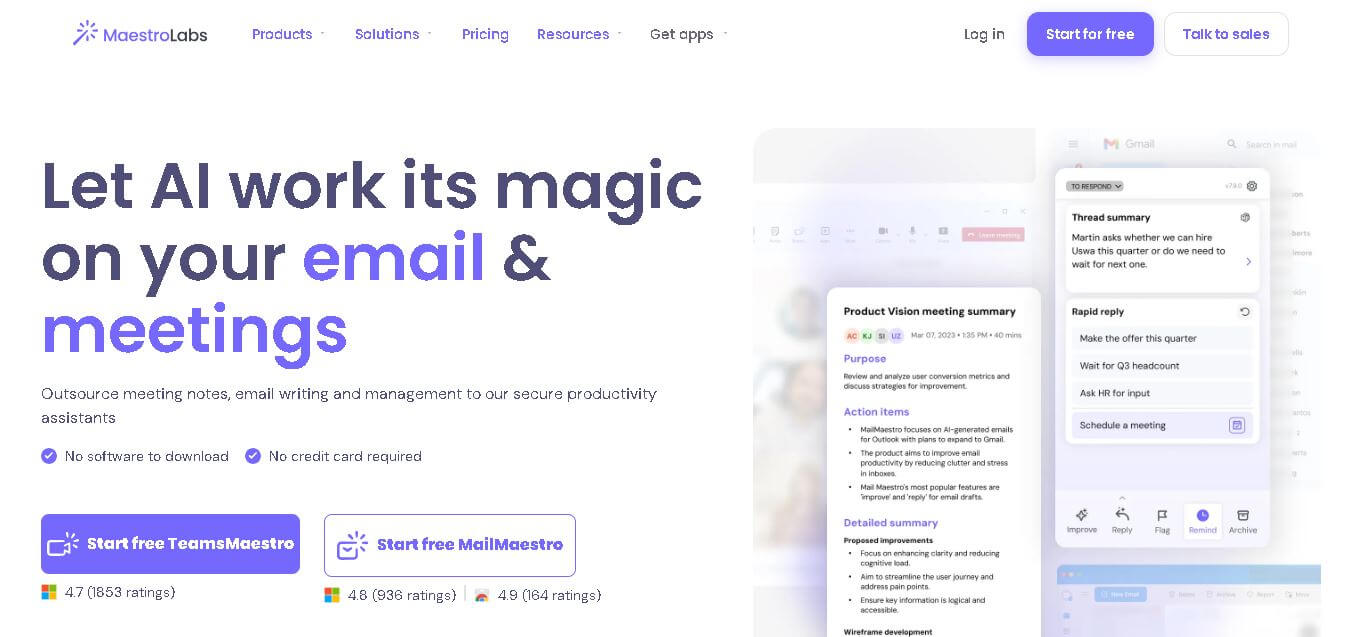
Maestro Labs is an AI-powered productivity platform that streamlines email writing, meeting notes, scheduling, and inbox management for Outlook, Gmail, and Microsoft Teams, helping professionals save valuable time.
 4.5
4.5Wellpin
Personal Assistant
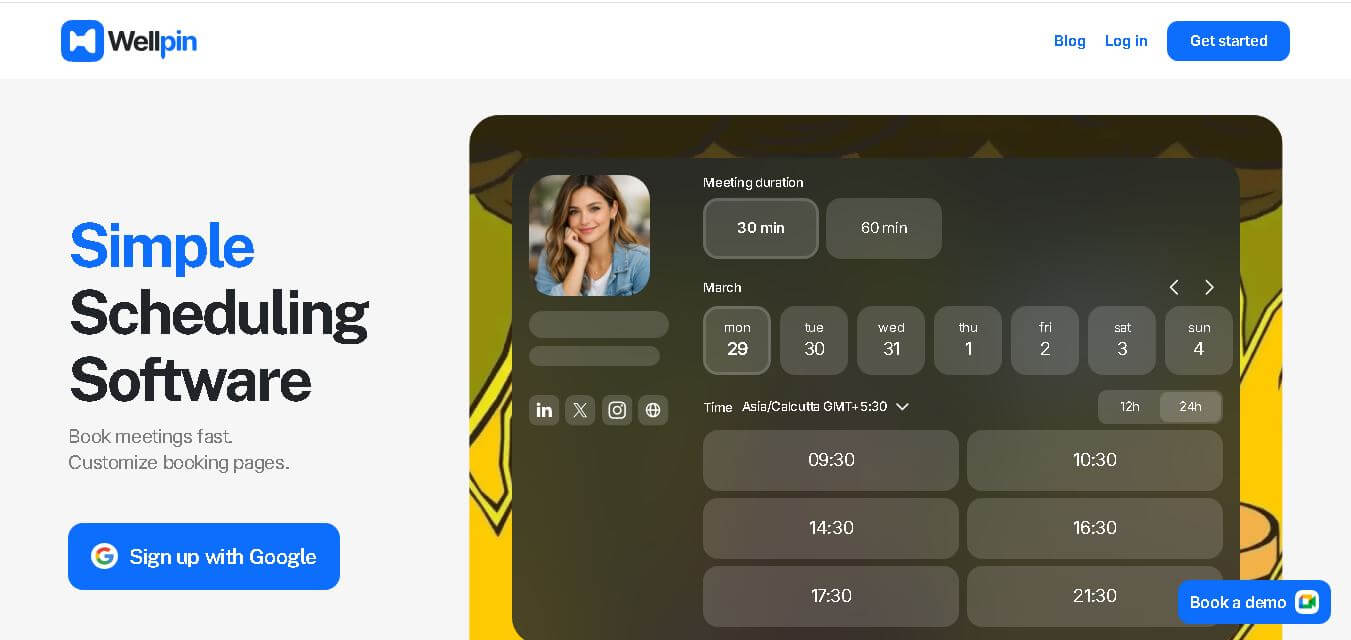
Wellpin is an AI-powered scheduling platform that simplifies appointment booking with smart calendar synchronization, automated reminders, customizable booking pages, and team scheduling for businesses, freelancers, and professionals.