Canva AI Image Generator
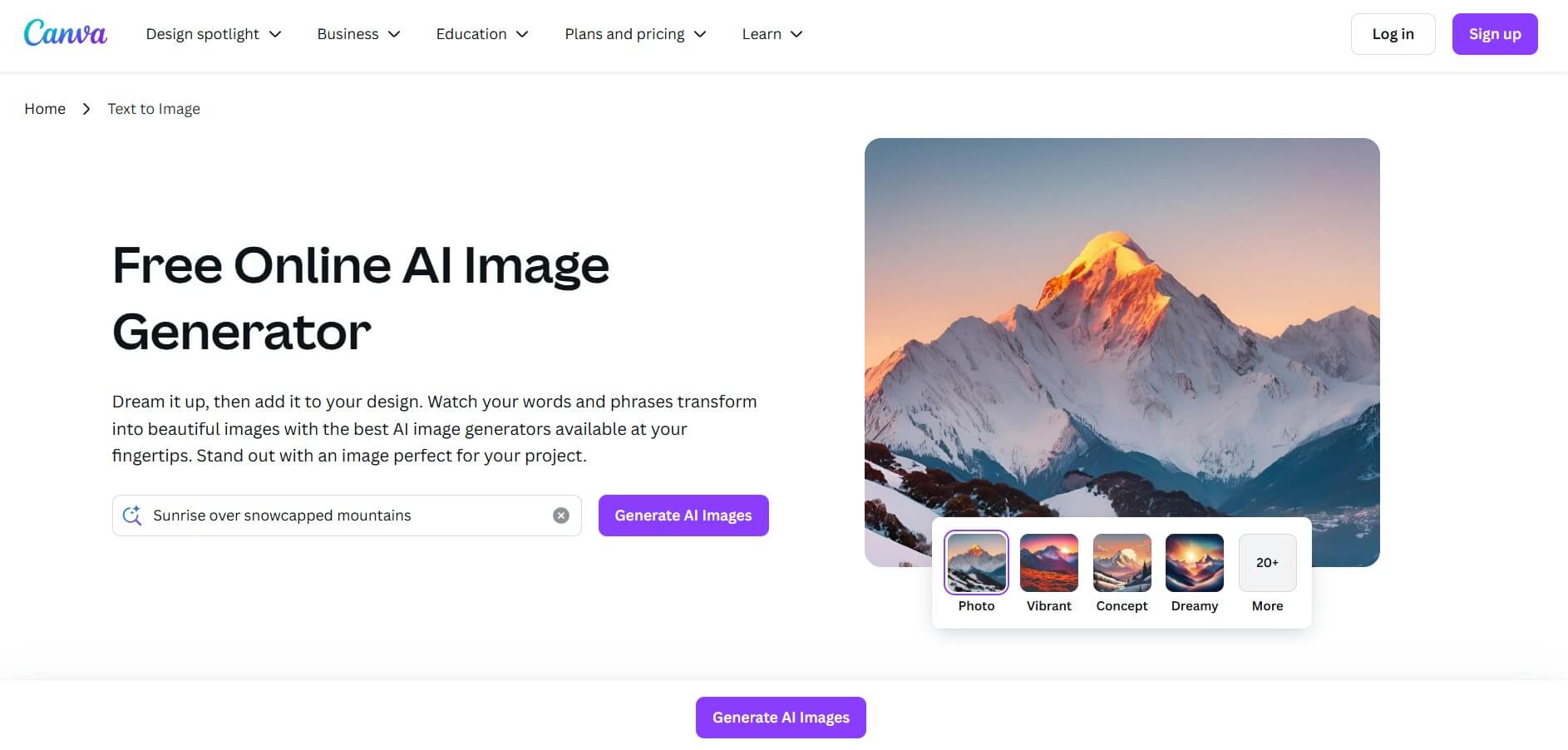
The Canva AI Image Generator converts text into images using the Stable Diffusion and Phoenix models, integrated within Canva’s design platform.
What is Canva AI Image Generator?
- Fuunder/CEO: Melanie Perkins, Cliff Obrecht, and Cameron Adams; Melanie Perkins (CEO)
- Launch Date: 2022
- Technology: Uses Leonardo.ai’s Phoenix foundational model alongside Canva’s Magic Studio suite. Deep integration allows prompt refinement and style control
- Use Cases: Ideal for marketing visuals, social media posts, presentations, branding materials, educational graphics, concept art, and quick design drafts.
Canva AI Image Generator is an AI-powered image generator that allows users to convert prompts into visuals such as images, illustrations, infographics, and more. The tool uses Leonardo.ai's Phoenix foundation model to generate high-quality, multi-style results. It integrates seamlessly with Canva's design ecosystem and allows for the instant placement of generated images into projects. It's designed for both non-designers and pros, offering intuitive prompt-based generating, style selection, and direct embedding, making the image creation process fast, flexible, and accessible even to people without design abilities.
Canva AI Image Generator Video/Demo
Key Features
Canva AI Image Generator key features are
- Prompt-based image generation: Canva AI image generator visuals are created instantly from natural language cues using AI models such as Stable Diffusion and Phoenix.
- Seamless Canva integration: Canva AI Image Generator generates images that can be inserted directly into projects, with support for layout and editing.
- Style reference & multi-subject support: Canva AI Image Generator's dream Lab can take reference images or generate complex scenes.
- Magic Suite synergy: Canva AI Image Generator works with tools like Magic Eraser, Magic Edit, Magic Expand, Magic Animate, and design/layout engines.
- User-friendly no-design experience: Offers a user-friendly and easy-to-use user interface.
Pricing
Canva AI Image Generator offers both free and paid plans
Disclaimer: Please visit the official Canva AI Image Generator website for the latest and most accurate pricing information.
Who is Using Canva AI Image Generator?
A diverse range of users and organizations utilize Canva AI Image Generator
- Small Business Owner
- Marketers
- Educators
- Students
- Content Creators
Canva AI Image Generator Alternatives
Some Canva AI Image Generator Alternatives
Conclusion
Canva AI Image Generator allows users to transform ideas into visuals in a matter of minutes by skillfully fusing creativity and simplicity. It is ideal for marketers, designers, educators, and entrepreneurs since it has strong models like Stable Diffusion and Phoenix in the background, as well as user-friendly features like Magic Edit and style presets. Because Canva's design suite is integrated, there is no need to switch between tools—everything takes place in one location. Canva makes high-quality AI image creation safe and accessible for users of all skill levels, no matter whether they are on a free or premium account.
Also Check:
FAQ
How does Canva AI Image Generator work?
Type a description, and Canva’s AI instantly generates a custom image based on your input.
Is Canva AI Image Generator free?
Yes, free users can try it with limited credits. Canva Pro users get more access.
Can I use AI-generated images commercially?
Yes, images generated with Canva AI can be used for personal and commercial projects under Canva’s license.
Is Canva AI Image Generator safe to use?
Yes, Canva filters harmful content and ensures safe, creative outputs.
Can I edit AI-generated images in Canva?
Absolutely, you can resize, add text, apply effects, and integrate them into your Canva projects.
User Reviews
No reviews yet for Canva AI Image Generator.
Featured Tools
Featured AI tools from TechShark

Melody Genie
MelodyGenie is an AI-powered music generator that creates original songs from simple text prompts. Users can choose styles, moods, and genres, then instantly generate melodies and full tracks, making it easy for creators, marketers, and hobbyists to produce custom music without musical expertise.
Freemium

Kimi AI
Kimi AI is an advanced AI assistant developed by Moonshot AI that helps you chat, research, write, code, and automate tasks in one place. It supports web search, file analysis, and multimodal inputs, and can even run autonomous “agent” workflows to complete complex tasks end-to-end.
Freemium

Fashion Diffusion AI
Fashion Diffusion is an AI-powered fashion design platform that helps brands and designers create clothing designs, virtual try-ons, AI models, product photos, and marketing visuals faster and cost-effectively.
Paid

Veo 4
Veo 4 AI is an AI video creation platform that generates dramatic videos from text, images, audio, and video prompts using realistic motion and synchronized sound.
Paid
Alternatives
Alternatives to Canva AI Image Generator
Canva AI Image Generator is an AI-powered text-to-image, marketing, and design generator tool that creates high-quality images from text prompts, helping users design visuals quickly. Alternatives include Adobe Firefly, Midjourney, DALL·E, Lexica Art, and Bing Image Creator for diverse creative and stylistic outputs.
 4.8
4.8Airbrush AI
Image
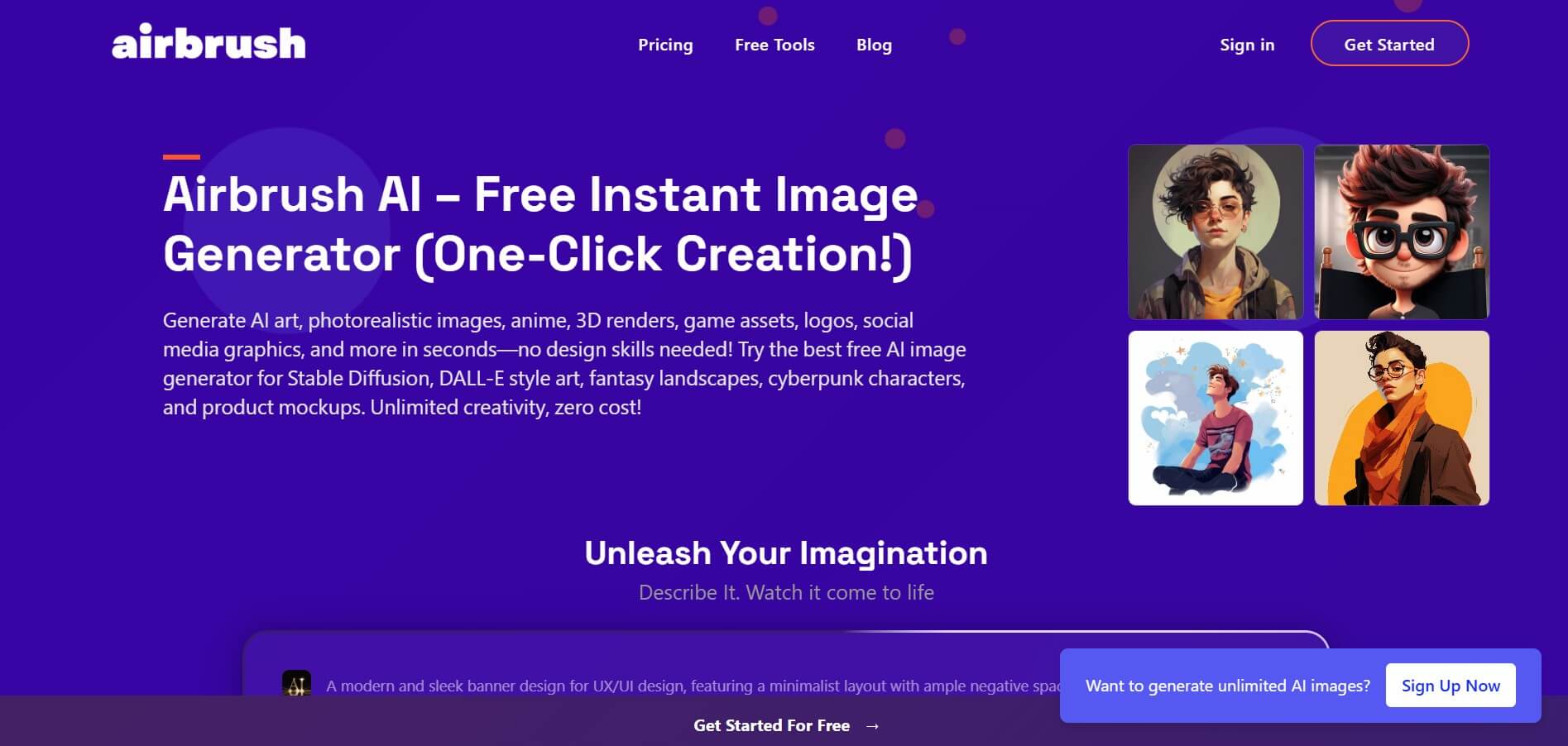
Airbrush is an AI-powered image generation and editing platform that helps users create, enhance, and customize visuals from simple text prompts. It supports multiple AI models and styles, enabling creators to generate artwork, marketing assets, and realistic images quickly without advanced design skills.
 4.8
4.8AliveAI
Image
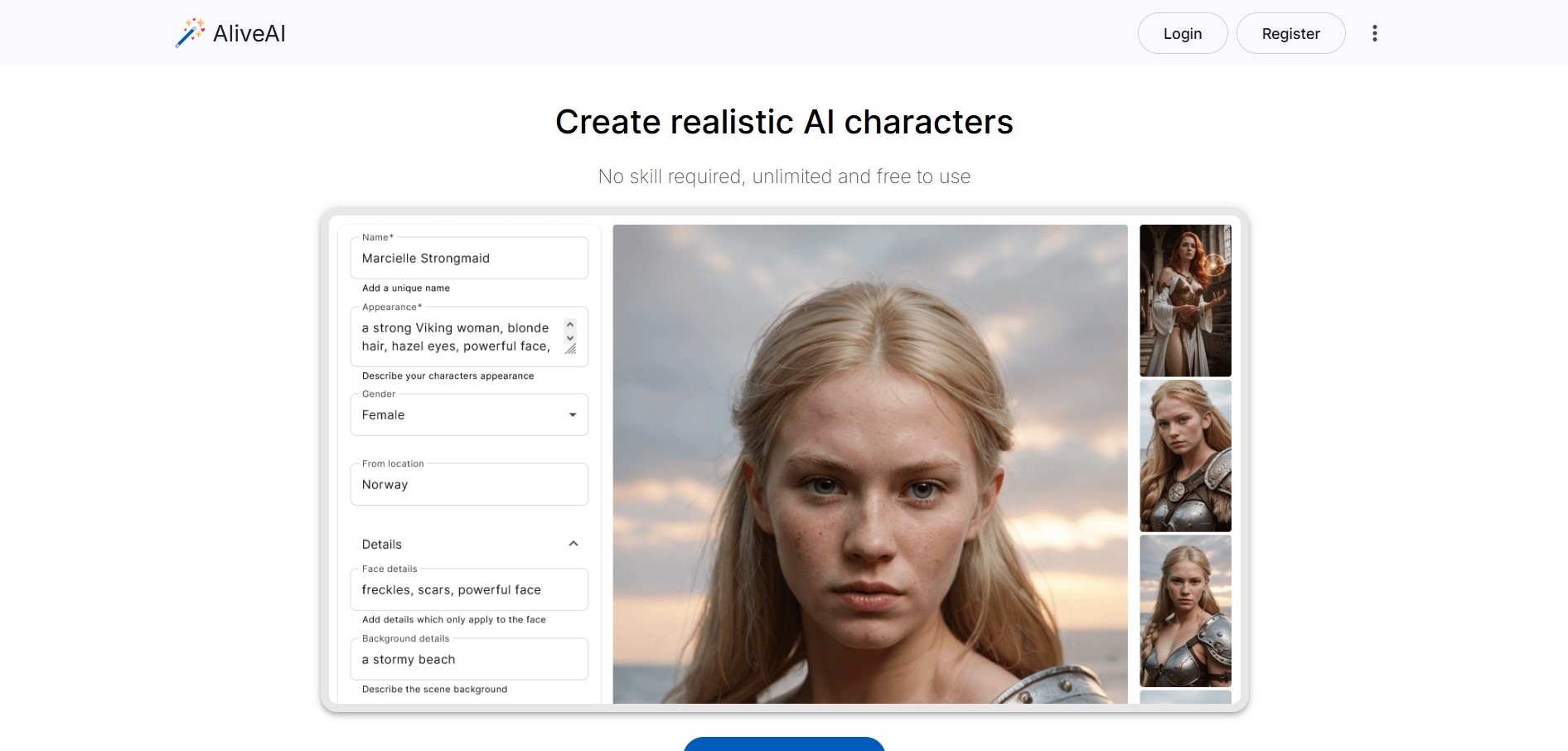
Alive AI is an AI content generation platform that lets users create realistic images, videos, and characters from simple text prompts. It supports multiple styles like realistic and anime, offers editing tools, and even enables interactive character chat, making it useful for creators and apps.
 4.9
4.9iPic Ai
Image
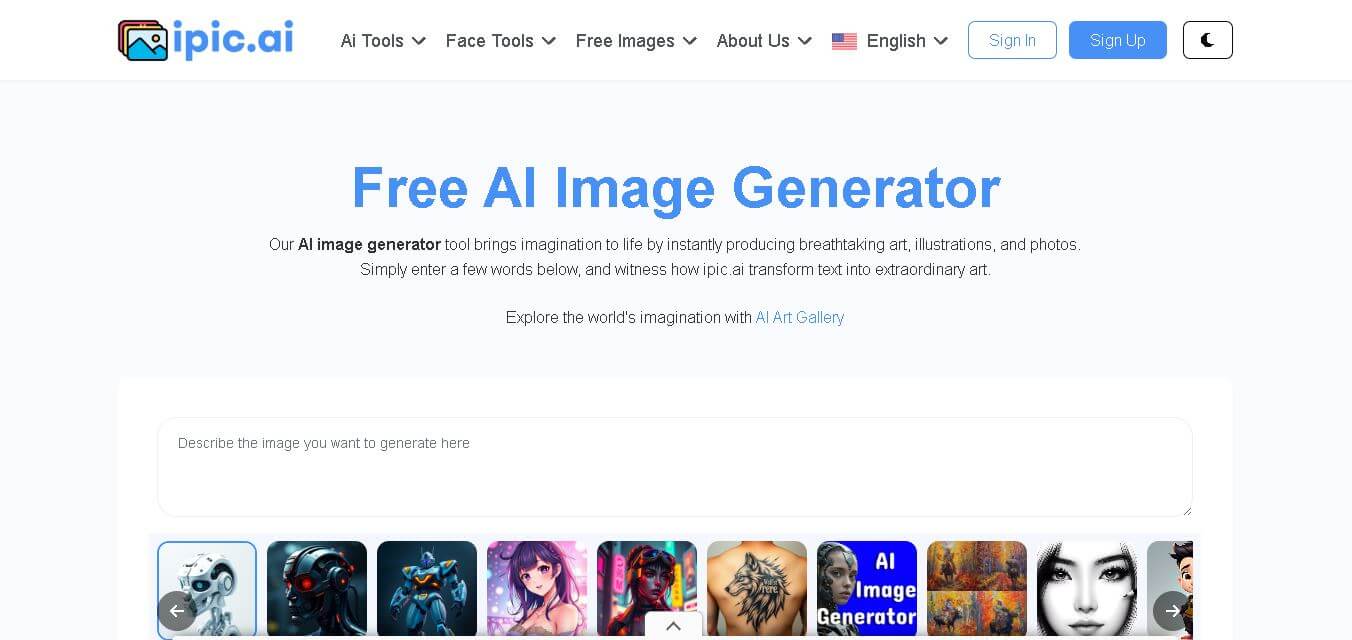
iPic is an AI-powered image generation and editing platform that lets users create visuals from text prompts and enhance photos with tools like background removal, upscaling, and style filters. It’s designed for quick, creative image creation for marketing, social media, and design needs.
Photoleap
Image
Photoleap is an AI-powered photo editing app that helps users create and enhance images with tools like background removal, AI image generation, effects, and retouching. It’s designed for both beginners and creators to easily transform photos into professional-looking visuals and creative designs.
 4.8
4.8Facewow
Image
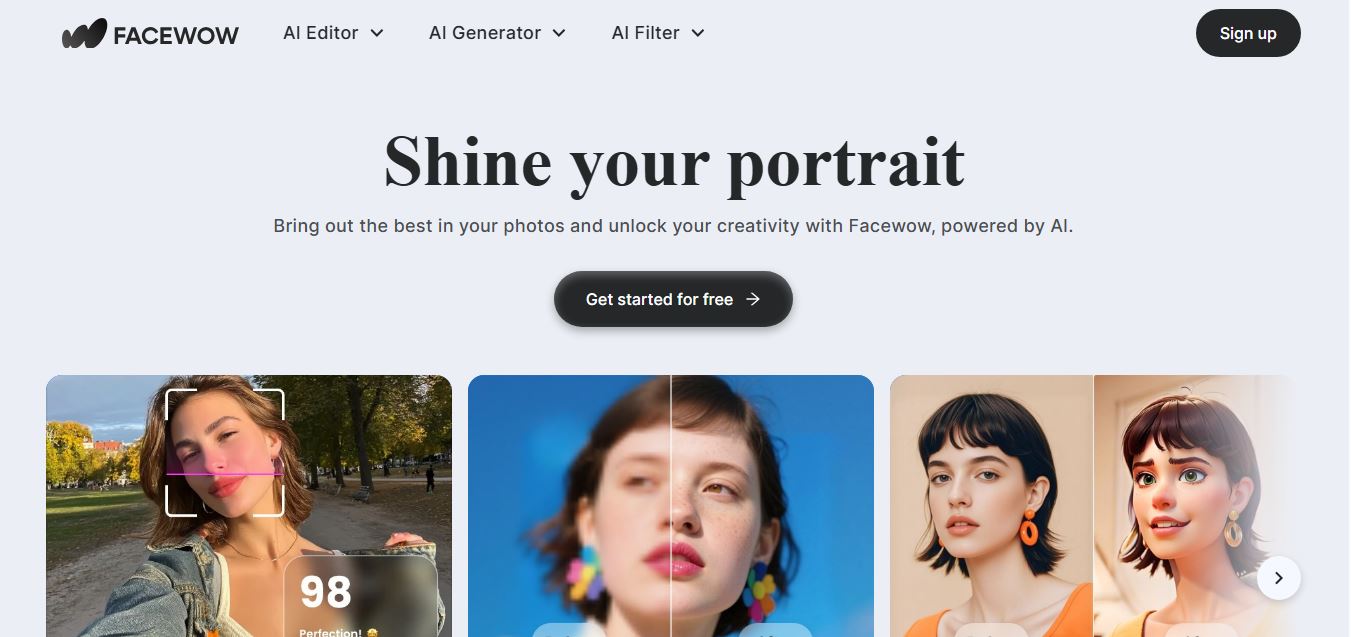
Facewow is an AI-powered photo enhancement tool that helps users improve portraits with features like face retouching, background editing, and image upscaling. It automatically enhances facial details and overall quality, making photos look clearer, more polished, and ready for social media or professional use.
 4.8
4.8Getimg AI
Image
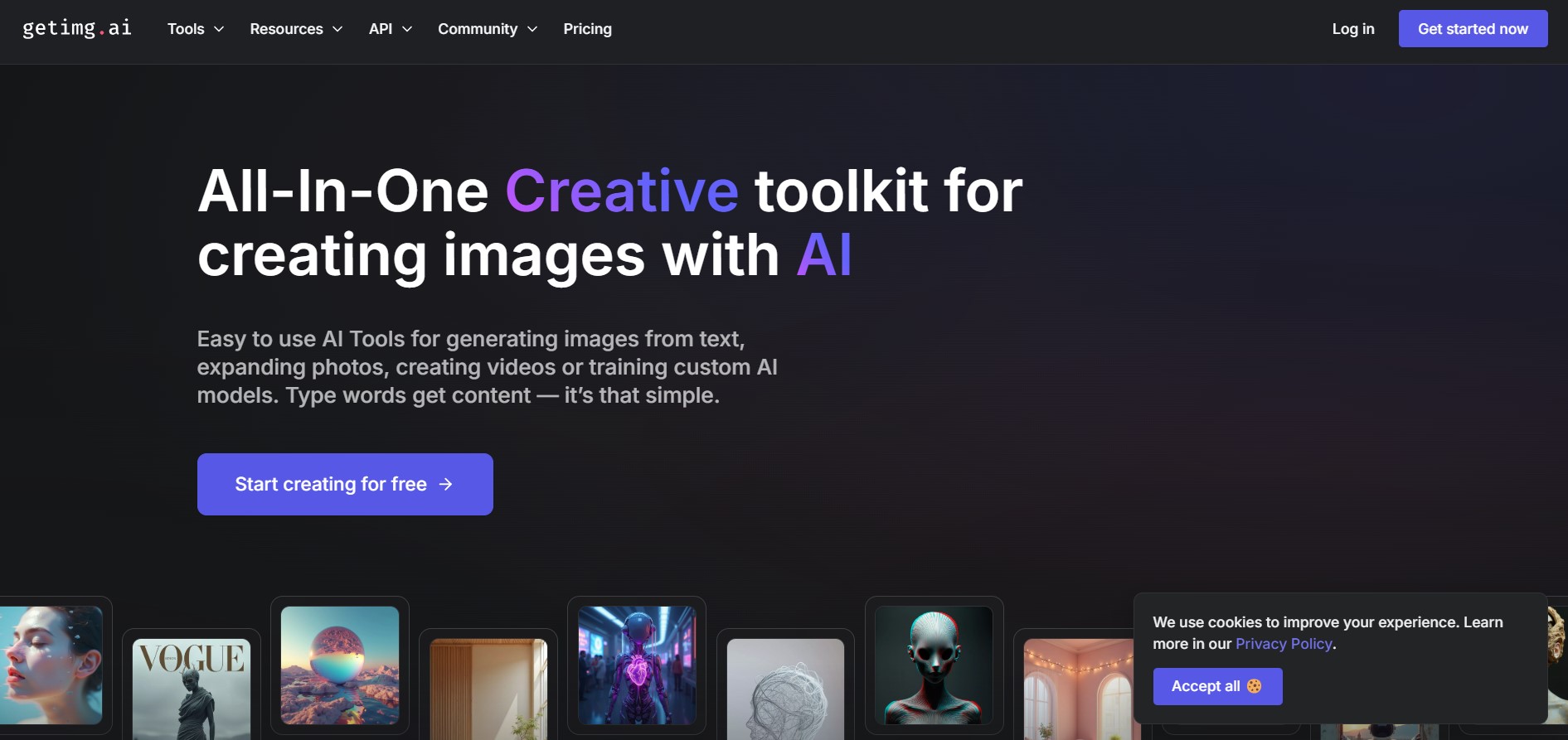
Getimg AI is an all-in-one AI creative studio and API platform that consolidates 20+ foundation models (including FLUX, Google Veo, Kling, Sora, Seedream, and Wan) across text-to-image, video generation, audio synthesis, and canvas editing under a unified credit balance.
 4.9
4.9Civitai
Image
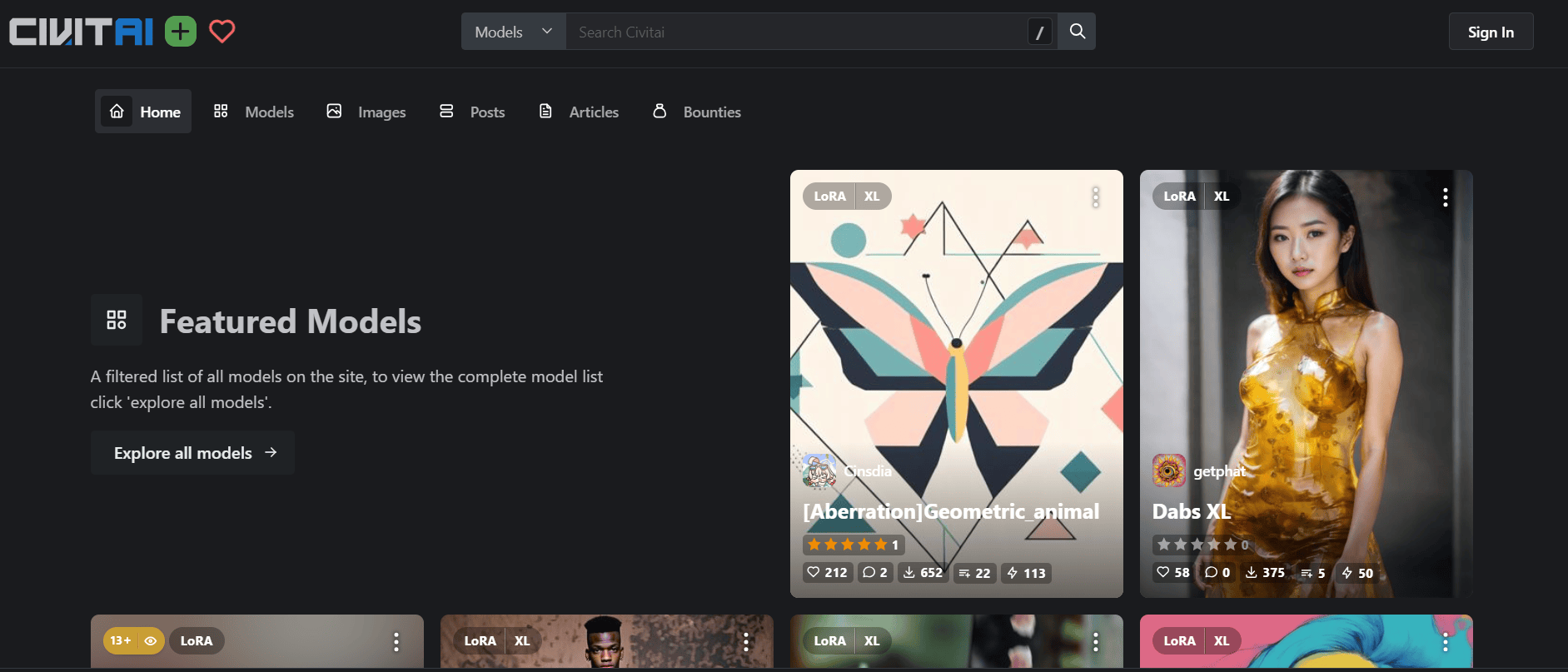
Civitai is the world's largest open-source generative AI model repository and creative community platform, hosting hundreds of thousands of checkpoints, LoRAs, and embeddings across SD 1.5, SDXL, Pony, Illustrious, and FLUX.1 with integrated cloud generation, LoRA training, and creator monetization.
 4.9
4.9OpenAI Sora
Text-to-Image
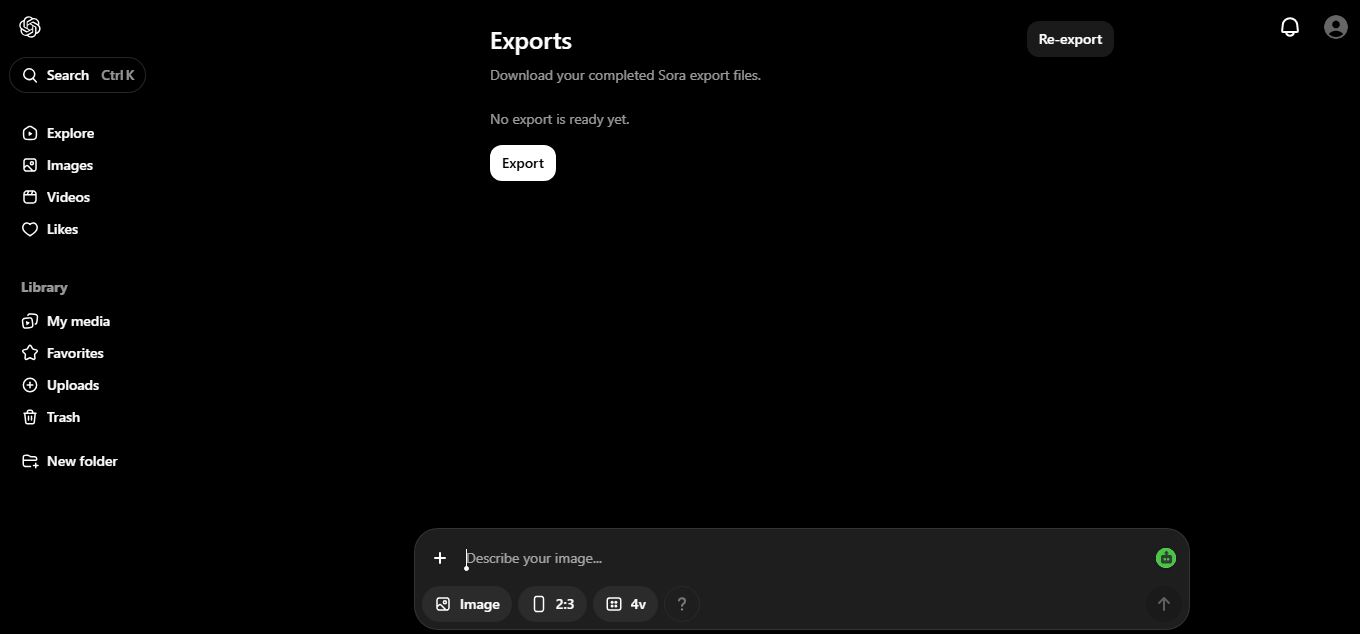
OpenAI Sora is a flagship diffusion-transformer text-to-video and image-to-video generation model developed by OpenAI, capable of simulating complex real-world physical dynamics, camera movement, synchronized audio, and multi-shot cinematic video sequences up to 1080p resolution.
 4.9
4.9Leonardo AI
Design
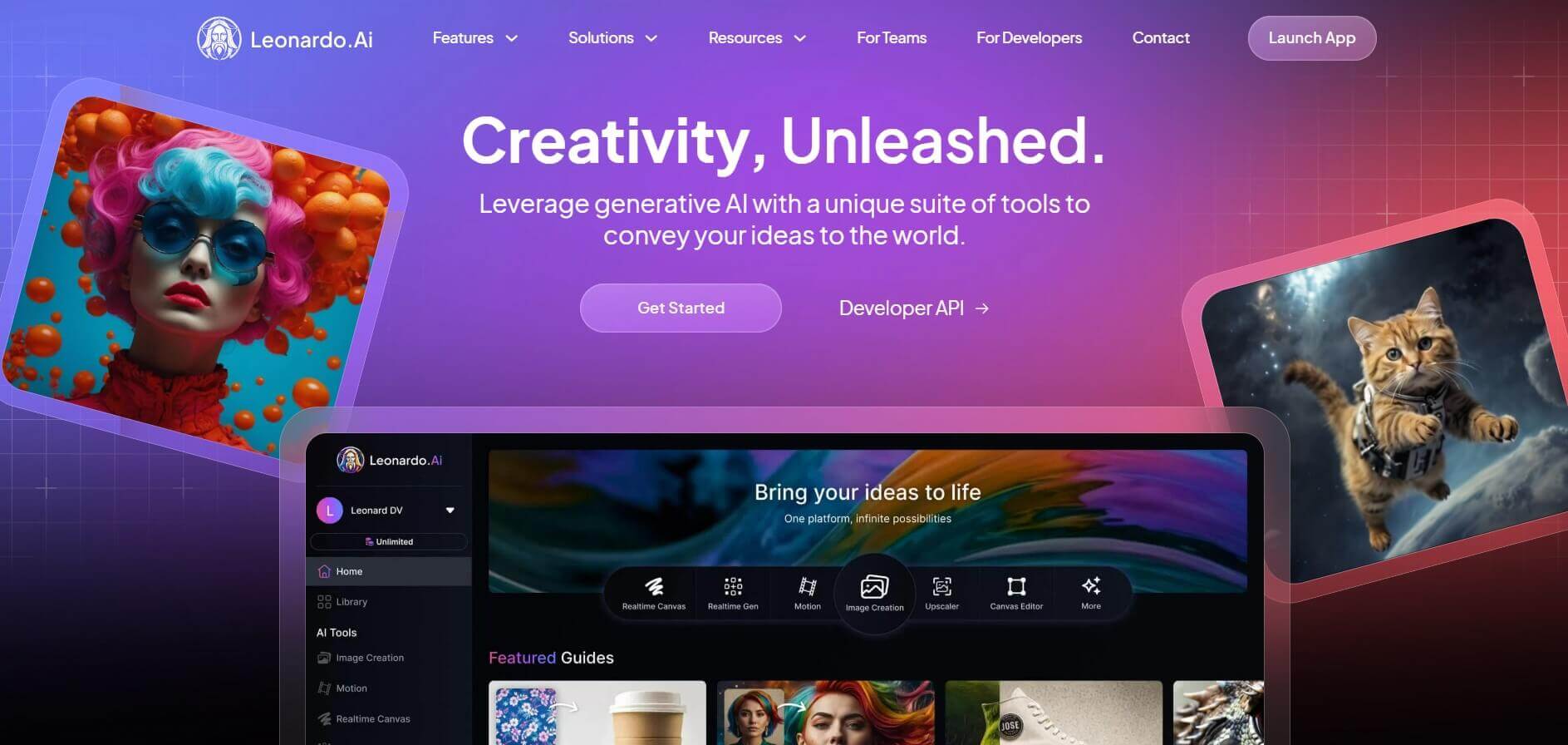
Leonardo is an advanced generative AI platform for image and video creation, featuring custom model fine-tuning (LoRA training), Real-Time Canvas, Real-Time Generation, and multi-model support across proprietary Phoenix, Lucid, and FLUX architectures.