
Media.io
Media.io is an AI-powered creative platform that helps users generate, edit, and enhance videos, images, audio, and ads from simple prompts or assets. It combines AI generation, editing, and workflows in one place, enabling creators to turn ideas into polished content quickly without switching tools.

What is Media.io?
Media.io is an AI-powered online video editing platform that allows users to create, edit, and enhance video, audio, and images directly in the browser. It offers tools like video editing, audio conversion, noise removal, subtitle generation, text-to-speech, and AI image editing, all without needing to install software. Designed for creators, marketers, and everyday users, Media.io simplifies content production with an easy-to-use interface and fast processing, making it easy to produce professional-quality media assets quickly.
Backed by Wondershare Technology (the creators behind Filmora, PDFelement, and UniConverter), Media.io serves tens of millions of digital creators and enterprise users across 160+ countries. The platform brings together dozens of specialized micro-utilities powered by deep learning models—including AI Auto Subtitles, AI Video Enhancers, Vocal Removers, Audio Denoising, AI Portrait Generation, Background & Watermark Removers, and multi-format media conversion/compression (MP4, MP3, MOV, WAV, MKV, WebM)—delivering quick 1080p and 4K outputs without local GPU rendering overhead.
- Developer / Parent Company: Wondershare Technology Group Co., Ltd. (Shenzhen & Vancouver; Global Creative Software Leader)
- Evolution / Launch: Grown from an online media conversion utility into a full AI creative studio featuring text-to-video, AI voice cloning, vocal isolation, auto subtitle translation, and developer API credits through 2024–2026
Use Cases:
- Automatically generating and translating video subtitles with animated captions for TikTok, Instagram Reels, and YouTube Shorts
- Separating vocals, acapellas, and instrumentals from music tracks and eliminating background room hum using AI audio denoisers
- Upscaling blurry photographs, enhancing lighting, and removing backgrounds and watermarks for e-commerce listings
- Trimming, cropping, compressing, and converting video and audio files across hundreds of formats without quality loss
Technology:
- Deep learning speech recognition (ASR) engines powering multi-language auto-subtitles and voice cloning
- Neural acoustic separation networks isolating stems (vocals, drums, bass, instruments) and eliminating ambient noise
- Cloud-accelerated GPU pipelines delivering fast online rendering, compression, and super-resolution upscaling
Target Users:
- Social media managers, YouTubers, and TikTok creators producing short-form videos with burned-in animated subtitles
- Podcasters, musicians, and voiceover artists cleaning up microphone hiss and extracting clean acapella stems
- E-commerce merchants and digital marketers polishing product photos and banners without dedicated retouchers
- Content creators using writing tools to draft programmatic content briefs, ad variants, and multichannel marketing templates
Corporate Entity: Operates as Wondershare Technology Group Co., Ltd. (Global)

Key features of Media.io
Media.io's key features are
- AI Auto Subtitle Generator: Transcribe speech to text in seconds with 95%+ accuracy across 100+ languages and style animated captions.
- AI Vocal Remover & Isolator: Accurately split audio and music tracks into clean vocals and instrumental karaoke stems.
- AI Audio Denoiser: Eliminate background noise, wind, microphone static, HVAC hum, and room echo with a single click.
- AI Image & Video Enhancer: Sharpen blurry photos, upscale video resolution, and restore fine details and face clarity.
- Background & Watermark Remover: Erase unwanted objects, people, logos, text overlays, and backgrounds from images and videos.
- Browser-Based Video Editor: Cut, split, crop, add music, overlay filters, and apply dynamic transitions without installing software.
- Batch Converter & Compressor: Convert and compress hundreds of video, audio, and image formats (MP4, MP3, WAV, GIF, WebM) simultaneously.
- Developer API Infrastructure: High-performance pay-as-you-go REST API endpoints for automated multimedia processing at commercial scale.
Media.io Pricing
Media.io operates on a freemium model offering free web tools alongside monthly credit plans, full editor subscriptions, and pay-as-you-go packs.
Free Plan:
- $0 / Free access
- Includes access to standard web tools, basic file conversion, auto-subtitle previews, standard cloud storage, and watermark-inclusive exports on advanced AI features
Monthly Credit Plan:
- Starts at $4.99 / month (100 credits) up to $26.99 / month (500 credits)
- Includes full access to AI tools (enhancer, denoiser, vocal remover, watermark remover) without video editor subscription overhead
Standard / Premium Video Editor Subscriptions:
- Standard Plan: ~$11.99 / month – includes 1080p watermark-free exports, 20GB cloud storage, 60 minutes/month of auto-subtitles, and 1,000+ templates
- Premium Plan: ~$18.32 / month (billed annually at $219.88/year) – includes 50GB storage, 120 minutes/month of auto-subtitles, subtitle translation, and wide use of 10+ AI features
Pay-As-You-Go Credit Bundles:
- Ranging from $2.99 (10 credits) to $34.99 (500 credits), valid for 2 years with no recurring commitments
Disclaimer: Prices are listed in USD. Certain features and export resolutions may vary based on chosen plan type. Visit media.io/pricing for active discounts and credit bundles.
Who is using Media.io?
Media.io is designed for creators, marketers, and multimedia editors, including
- Short-Form Video Creators: Adding viral animated subtitles and dynamic captions to TikToks, Reels, and YouTube Shorts
- Musicians & Content Podcasters: Isolating vocal tracks, creating acapellas, and eliminating room reverberation from podcast episodes
- E-Commerce Retailers & Dropshippers: Removing backgrounds, cleaning watermarks, and upscaling low-res product photos
- Educators & Course Creators: Translating lecture subtitles and compressing video files for web learning portals
- Content Creators: Using writing tools to draft programmatic content briefs, ad variants, and multichannel marketing templates
- Everyday Web Users: Quickly converting audio or video files across uncommon formats without downloading desktop converters
Best Media.io Alternatives
Some of the strongest Media.io alternatives include
- VEED.io
- CapCut (Online Video Editor)
- Descript
- ai-coustics
- Cutout.pro Photo Enhancer
- Clipchamp
Pros and Cons of Media.io
Pros
- Comprehensive all-in-one suite combining video, audio, and image tools inside one browser tab
- High-accuracy AI auto subtitles with customizable styles and 100+ language support
- Excellent AI vocal remover that separates acapellas and instrumentals cleanly in seconds
- Flexible pricing options ranging from cheap credit packs ($4.99/mo) to full video editor subscriptions
- Backed by Wondershare’s mature media processing technology and fast cloud GPU servers
Cons
- Free exports for advanced video editing features include watermark branding
- Processing large 4K video files in the browser can be constrained by local internet upload bandwidth
- Lacks advanced multi-track keyframe animation and color grading curves found in desktop NLEs like Filmora or Premiere
- Separate pricing structures for monthly credits vs. video editor subscriptions can be slightly confusing for newcomers
Why Choose Media.io?
Media.io is the premier choice for creators and marketers who want a dependable, zero-install multimedia toolbox that handles video editing, auto subtitles, audio restoration, and image enhancement from one unified web interface.
- Generate and translate animated video subtitles with high accuracy
- Extract vocals and remove background noise with dedicated AI audio tools
- Enhance photos, erase watermarks, and swap backgrounds in seconds
- Convert and compress media files across hundreds of formats in the cloud
- Access flexible plans starting at just $4.99 per month without long-term lock-in
Media.io vs. Competitors
The main difference between Media.io, VEED.io, CapCut, and Descript is that Media.io provides a broad multimodal toolbox spanning image enhancement, vocal separation, and file conversion alongside standard video editing from $4.99/mo, whereas VEED.io focuses primarily on browser video editing and screen recording starting at $12/mo, CapCut specializes in mobile-first social media video templates, and Descript is centered around text-based podcast audio and video editing. Media.io stands out for its versatile audio/image micro-tools, format conversion engine, and flexible credit entry point.
| Feature / Tool | Media.io | VEED.io | CapCut | Descript |
|---|---|---|---|---|
| Core Focus | All-in-One AI Multimedia Toolbox | Browser Video Editor & Subtitles | Social Video Creation & Effects | Text-Based Audio & Video Editor |
| Vocal / Stem Isolation | Yes (Dedicated AI Vocal Remover) | Basic audio cleaning | Voice isolation tools | Studio Sound enhancement |
| Image Enhancement & Upscale | Yes (Full image toolbox & deblur) | No dedicated photo tool | Basic image filters | No photo upscaling |
| Format Converter & Compress | Yes (Hundreds of media formats) | Basic web exports | Social format presets | Standard media exports |
| Starting Price | Free tier / Credits from $4.99/mo | Free tier / Basic $12.00/mo | Free tier / Pro $9.99/mo | Free tier / Creator $12.00/mo |
| Best For | Creators Needing Video, Audio & Photo Tools | Video Marketers & Subtitle Polish | TikTok Creators & Mobile Editors | Podcasters & Script-Based Editors |
How do we rate Media.io?
| Parameter | Rating (out of 5) |
|---|---|
| Multimedia Versatility (Video, Audio, Photo) | 5.0 |
| AI Subtitle & Transcription Accuracy | 4.9 |
| Audio Processing & Vocal Removal Quality | 4.9 |
| Ease of Use & Zero-Install Speed | 4.9 |
| Value for Money | 4.8 |
| Overall Score | 4.90 |
Media.io Review
Media.io delivers an efficient answer to the fragmented world of creative editing tools. Usually, a creator needing to generate captions for a reel, remove hum from a microphone track, and clean up a thumbnail image has to open three separate desktop applications or manage multiple web tool accounts. Media.io consolidates these essential operations into a single online workspace. Its AI Auto Subtitle generator handles speech transcription with high accuracy, while the Vocal Remover isolates vocals from tracks cleanly. Combined with handy tools for media compression, background removal, and format conversion, Media.io provides a dependable and accessible creative toolbox for creators and marketing teams.
Conclusion
Media.io is an established all-in-one AI multimedia platform that streamlines video, audio, and photo editing directly in the browser. By combining auto subtitle generation, AI vocal isolation, audio denoising, photo upscaling, and format conversion into a cloud-native workspace starting at just $4.99 per month, it eliminates the need for expensive multi-app subscriptions. While dedicated high-end video editors will continue relying on professional desktop suites like Premiere Pro or Filmora for complex timelines, Media.io’s tool breadth, speed, and accessible pricing make it an essential multimedia utility.
FAQ
What is Media.io and how does Media.io work?
Media.io is an all-in-one AI creative platform that allows users to generate and edit videos, images, audio, and marketing content from simple prompts or uploaded assets. It works by combining multiple AI tools—like text-to-video, image generation, and editing—into connected workflows, so users can move from idea to finished content in one place without switching tools.
What problem does Media.io solve for users?
Media.io solves the problem of fragmented creative workflows where users need multiple tools for video editing, image generation, and audio production. Instead of juggling different platforms, Media.io brings everything together, allowing creators to generate, edit, and finalize content faster and more efficiently.
What are the key features of Media.io?
Media.io offers features like text-to-video generation, AI image creation, video enhancement, face swap, background editing, AI ad generation, and music video creation. It also includes tools like Viral Studio, AI Story Generator, and workflow automation that connect multiple steps into a single creative process.
Can Media.io create videos from text or images?
Yes, Media.io can generate videos from text prompts or images using AI models. Users can describe a scene or upload visuals, and the platform creates complete videos with motion, effects, and sometimes audio, making it ideal for social media, ads, and storytelling.
Is Media.io free to use?
Media.io offers a free experience with certain tools, including AI image generation without login or daily limits. However, advanced features, higher-quality outputs, and extended capabilities may require paid plans or upgrades depending on usage.
Can Media.io be used for marketing and social media content?
Yes, Media.io is widely used for marketing and social media content creation. It can generate product ads, viral videos, and campaign assets from existing images or URLs, helping marketers quickly create multiple variations for testing and scaling campaigns.
Who should use Media.io?
Media.io is ideal for content creators, marketers, social media managers, designers, and businesses that need to produce visual content quickly. It is especially useful for users who want an all-in-one platform for video, image, and audio creation without technical complexity.
User Reviews
No reviews yet for Media.io.
Featured Tools
Featured AI tools from TechShark

Melody Genie
MelodyGenie is an AI-powered music generator that creates original songs from simple text prompts. Users can choose styles, moods, and genres, then instantly generate melodies and full tracks, making it easy for creators, marketers, and hobbyists to produce custom music without musical expertise.
Freemium

Kimi AI
Kimi AI is an advanced AI assistant developed by Moonshot AI that helps you chat, research, write, code, and automate tasks in one place. It supports web search, file analysis, and multimodal inputs, and can even run autonomous “agent” workflows to complete complex tasks end-to-end.
Freemium

Fashion Diffusion AI
Fashion Diffusion is an AI-powered fashion design platform that helps brands and designers create clothing designs, virtual try-ons, AI models, product photos, and marketing visuals faster and cost-effectively.
Paid

Veo 4
Veo 4 AI is an AI video creation platform that generates dramatic videos from text, images, audio, and video prompts using realistic motion and synchronized sound.
Paid
Alternatives
Alternatives to Media.io
The best Media.io alternatives include VEED.io, CapCut (Online Video Editor), Descript, ai-coustics, Cutout.pro Photo Enhancer, and Clipchamp. These platforms provide AI video editing, subtitle generation, and audio processing. While Media.io specializes in an all-in-one multimedia toolbox combining video editing, auto subtitles, photo enhancement, vocal removal, and format conversion starting at $4.99/month, alternatives like VEED.io focus primarily on browser video editing and screen recording, CapCut specializes in mobile-first social video templates, and Descript is tailored for script-based podcast editing. Choosing the right tool depends on whether you require a versatile multimedia suite spanning audio, photo, and video, a dedicated video editor, or a podcast production workstation.
 4.9
4.9Artlist
Image
Artlist is a subscription-based platform that provides high-quality royalty-free music, sound effects, and video assets for creators. It helps filmmakers, YouTubers, and marketers access unlimited creative resources, making it easy to produce professional content without worrying about licensing issues.
 4.8
4.8Loqua
Text-to-Video
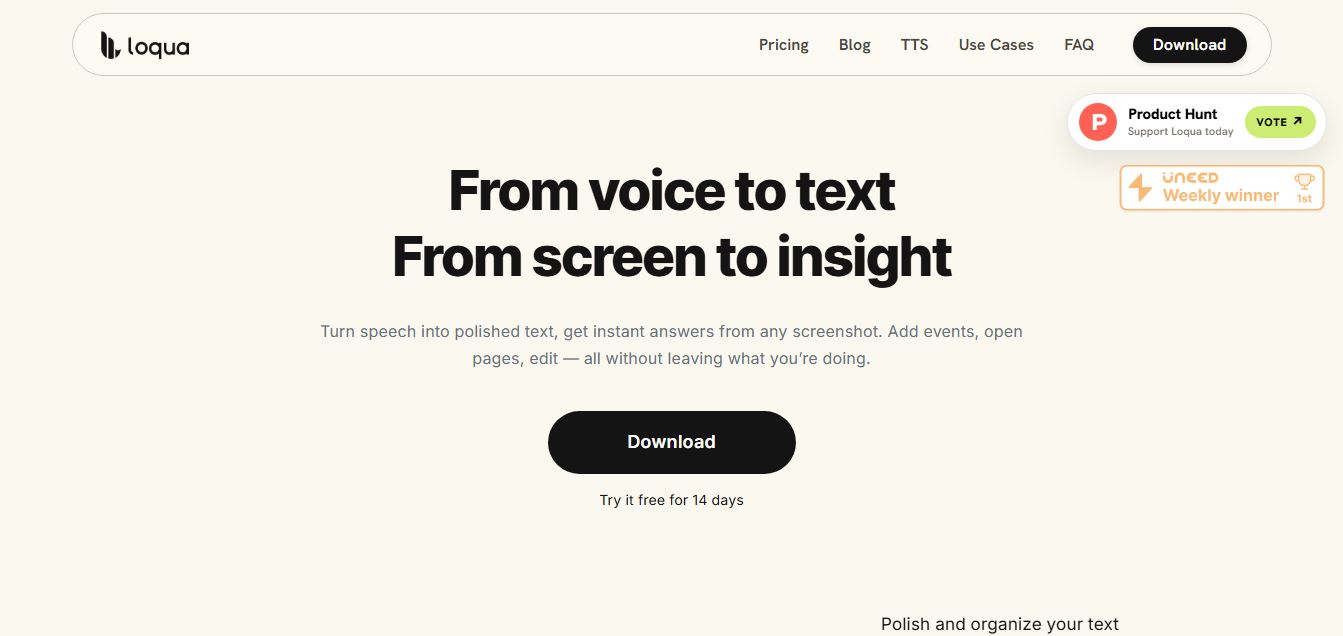
Loqua is an AI-powered voice typing, multimodal desktop agent, and intelligent dictation software for macOS and Windows that turns natural speech into structured, filler-free text across any app at 220 WPM, paired with Capture to Ask visual screen queries, speak-to-edit rewriting, and voice-triggered desktop automations.
 4.8
4.8InVideo
Text-to-Video
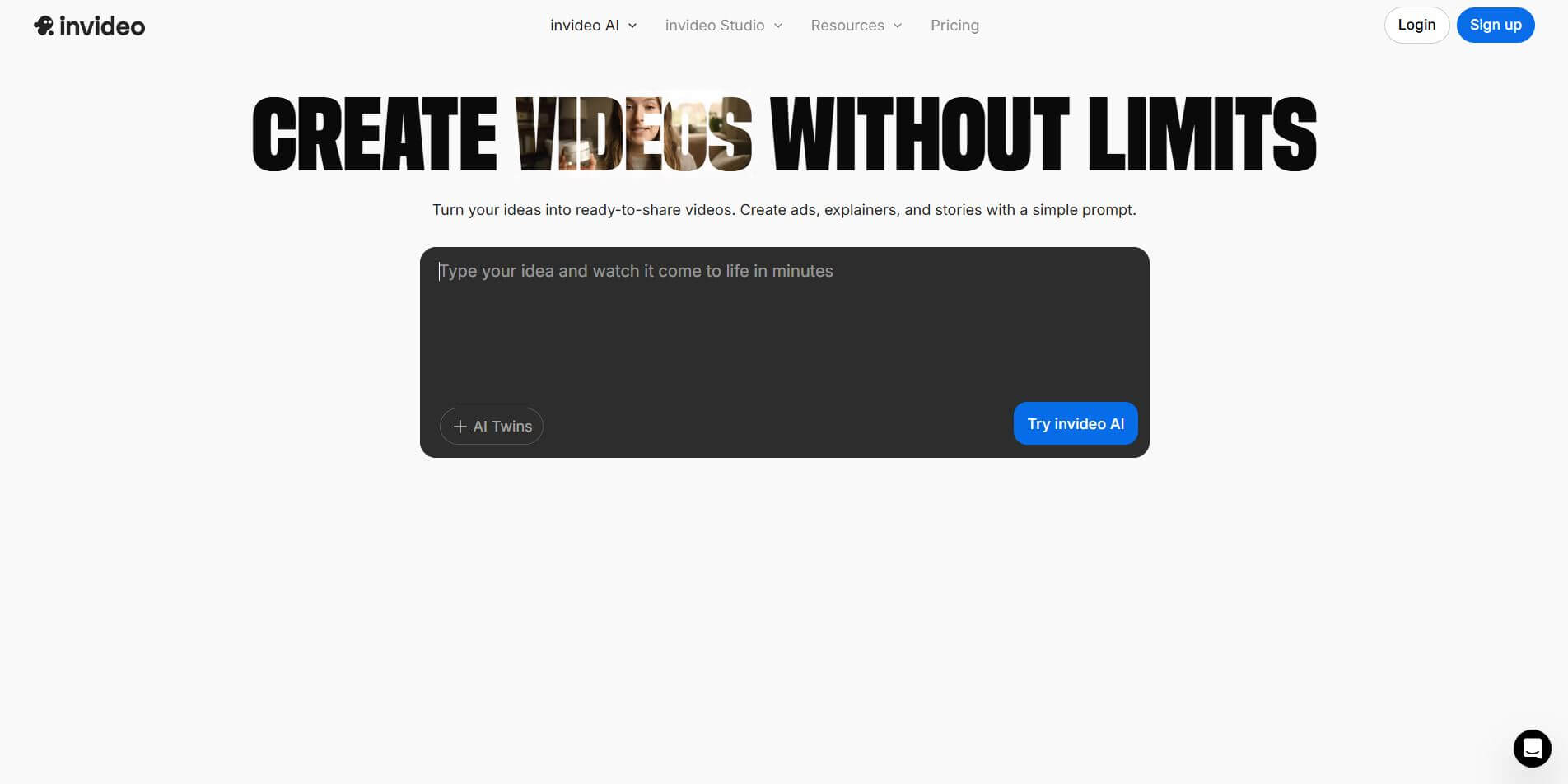
InVideo (invideo.io) is an AI-native video creation and production platform featuring InVideo AI, which turns text prompts, topics, and scripts into fully produced, narrated, and stock-matched videos with automated voiceovers, subtitles, and conversational editing.
 4.9
4.9Kling AI
Text-to-Video
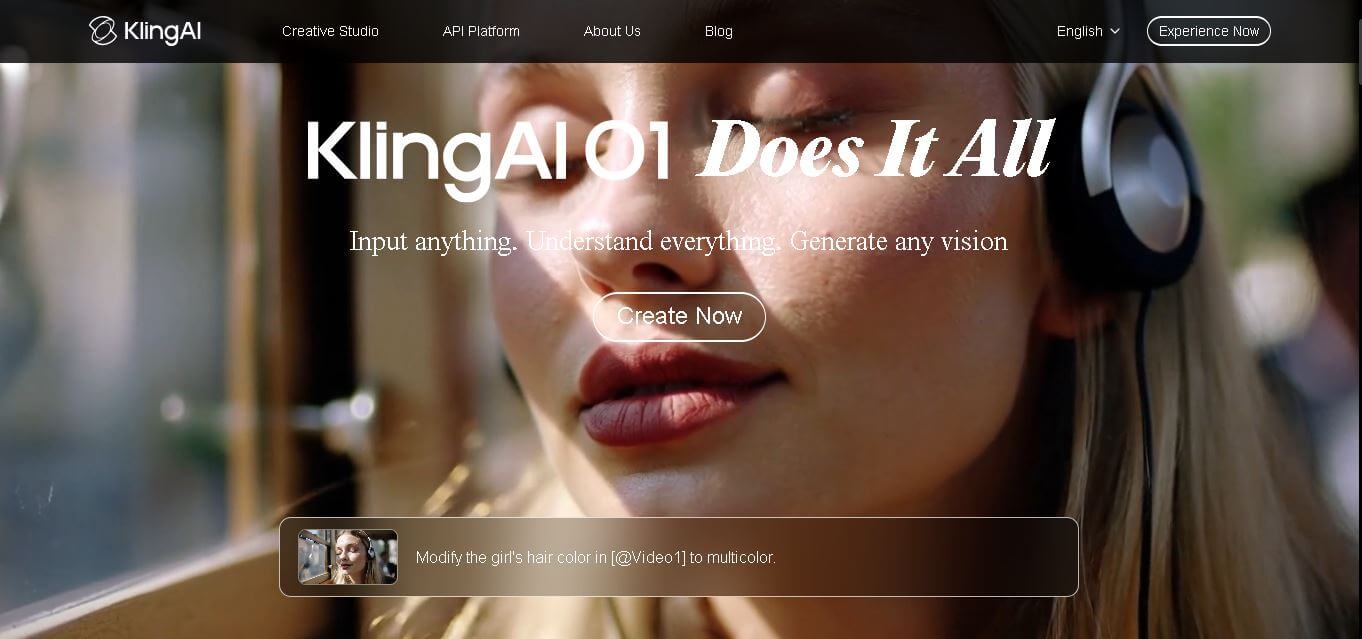
Kling AI is a flagship text-to-video and image-to-video creative studio developed by Kuaishou Technology, renowned for realistic physical motion, up to 4K cinematic video generation, native audio and lip-sync, start/end frame control, and 3D spatio-temporal camera direction.
 4.7
4.7Emu Video
Text-to-Video
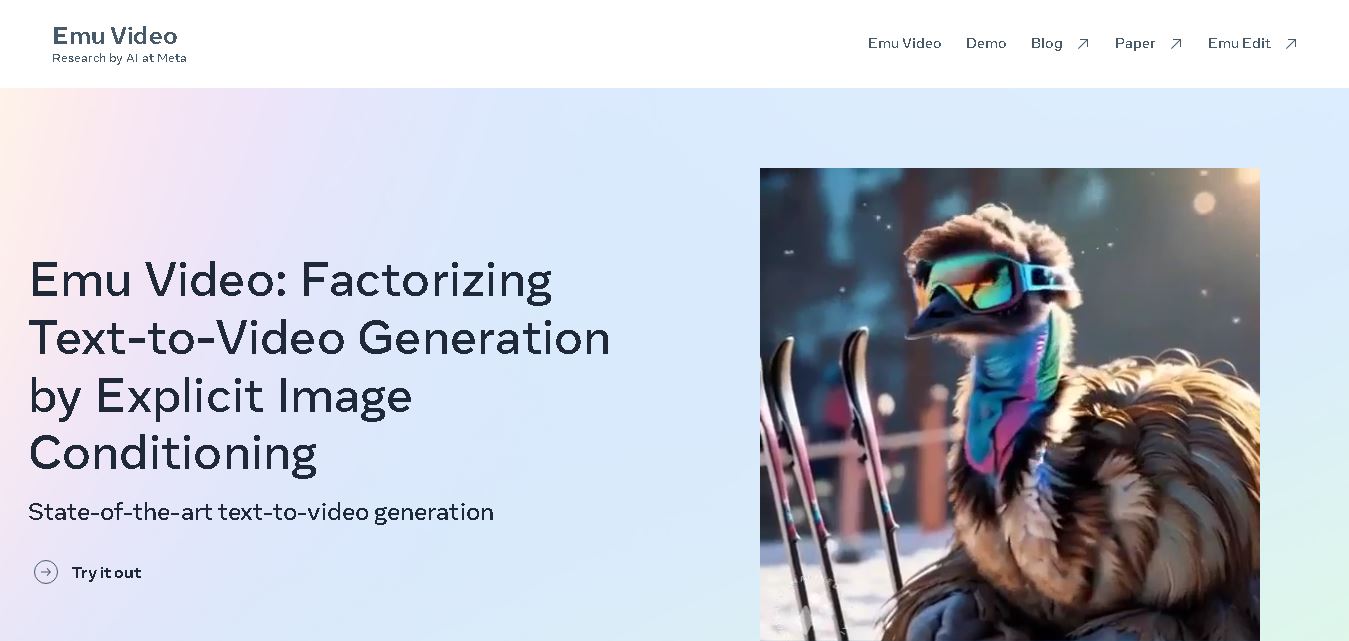
Emu Video is a text-to-video generation model developed by Meta that transforms written prompts into short, high-quality videos. It follows a two-step generation process to improve visual consistency, motion quality, and realism. The model also supports image-guided animation, making it suitable for creative storytelling, research, and multimedia content generation.
 4.9
4.9Stivio
Video Generator
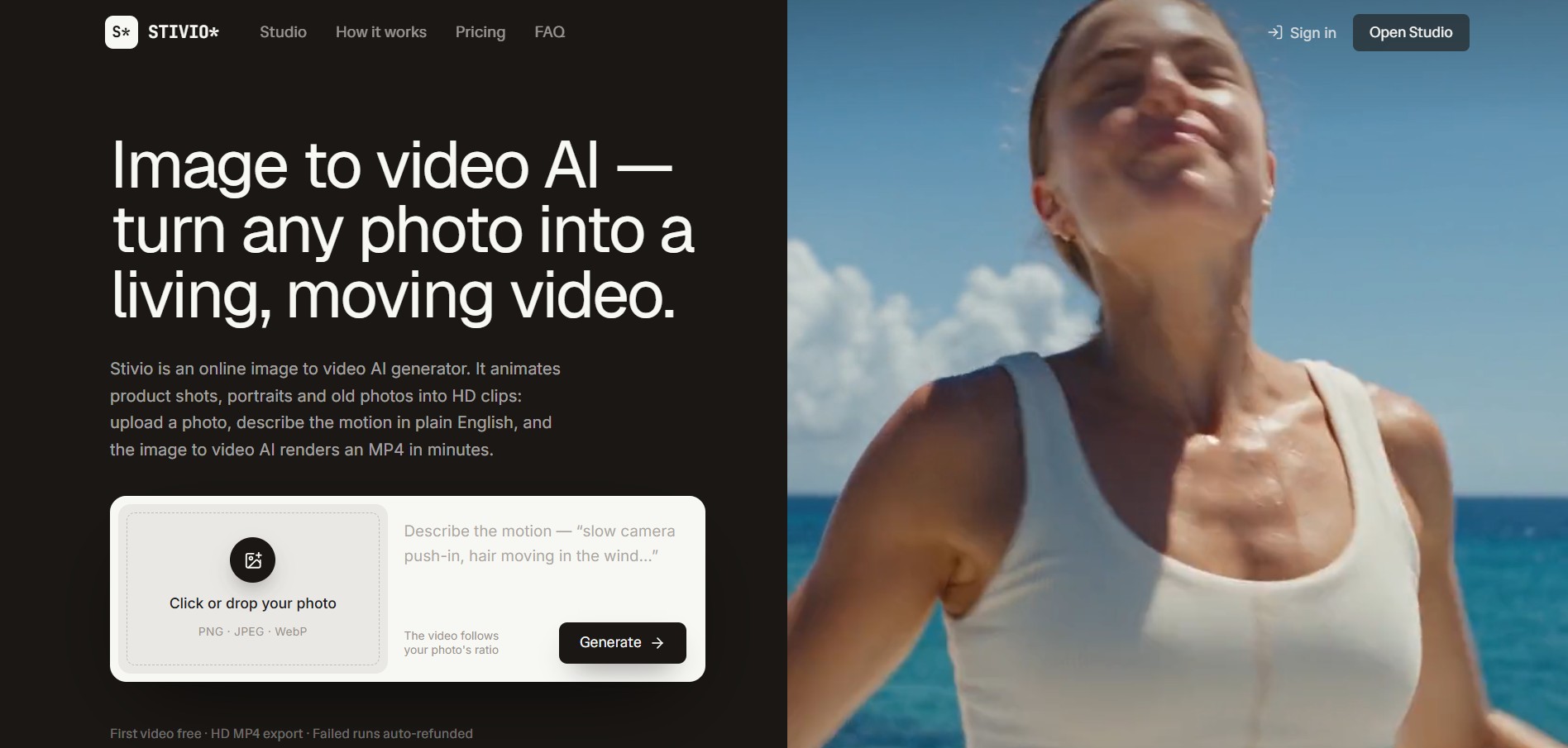
Stivio is an online image-to-video AI generator and multi-model animation studio that turns static product shots, portraits, and vintage photos into 3- to 30-second HD MP4 video clips using plain-English motion prompts across six foundation engines including Kling, Wan, MiniMax, and Seedance.
 4.8
4.8GeniLoop AI
Text-to-Video
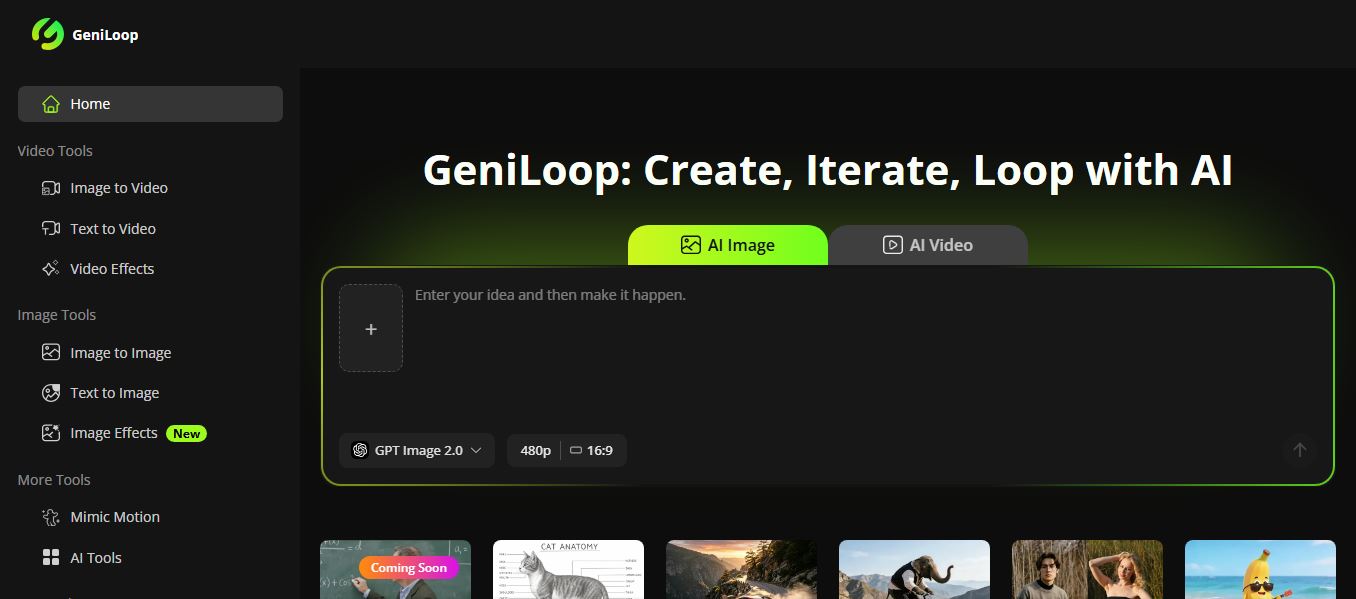
GeniLoop AI is an all-in-one AI studio that lets you create images, videos, and visual content from simple prompts. It supports tools like text-to-video, image-to-video, and hundreds of effects, helping creators generate high-quality visuals quickly without editing skills.
 4.7
4.7PixVerse AI
Text-to-Video
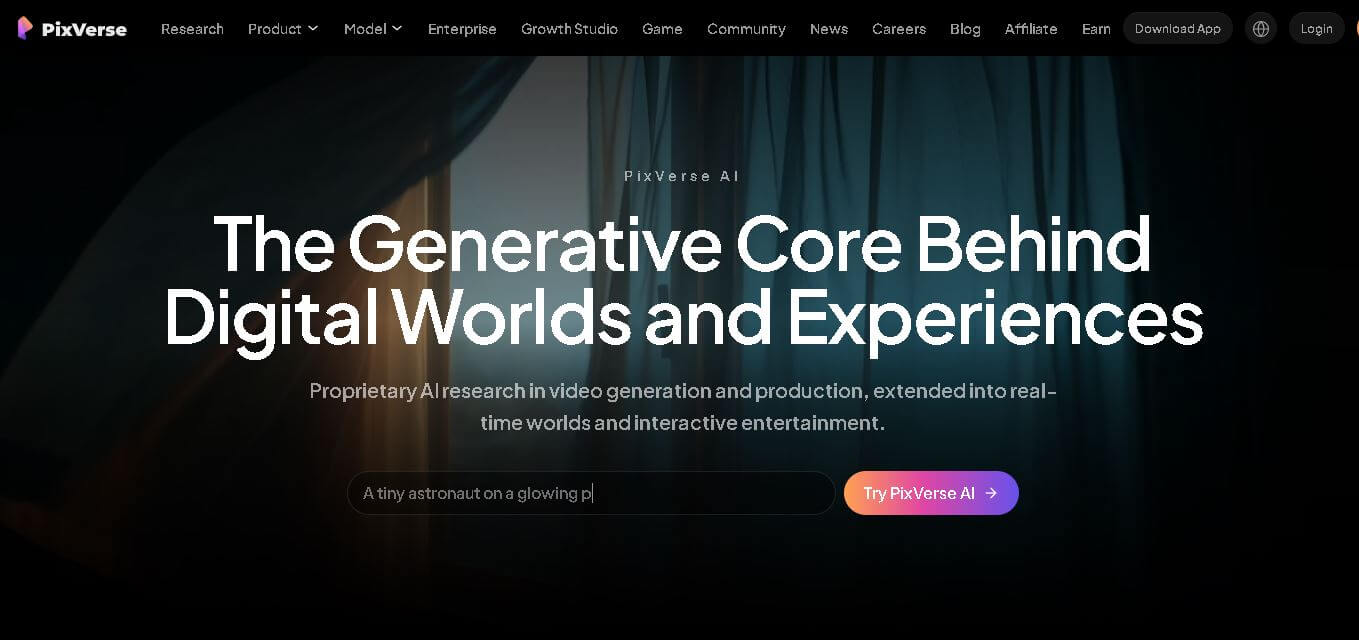
PixVerse is a generative video creation tool that transforms text prompts, images, and reference media into high-quality videos. It enables individuals, creators, marketers, and businesses to produce cinematic clips, social media content, advertisements, and animations with customizable styles, motion controls, templates, lip-sync, and AI-assisted editing in just a few steps.
 4.6
4.6Morph Studio
Text-to-Video
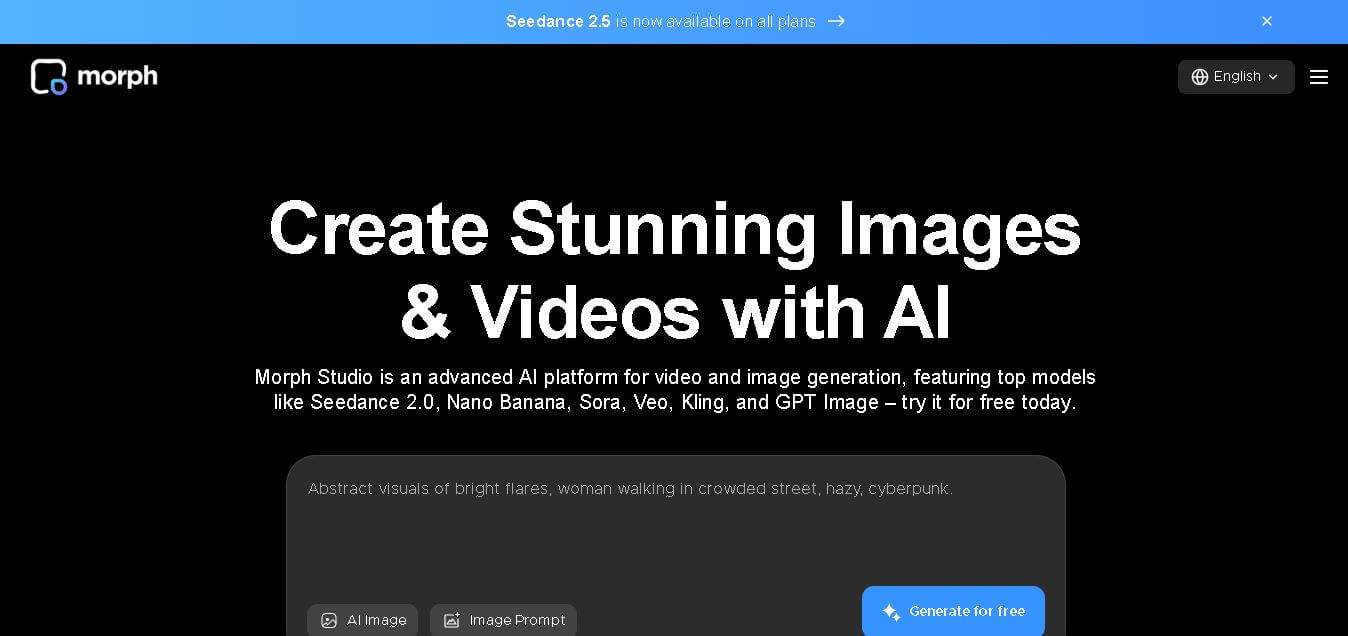
Morph Studio is a creative workspace that helps users generate, edit, and transform images and videos from text prompts or existing visuals. It combines multiple AI models, visual editing tools, and a flexible canvas into one platform, making professional-quality content creation faster and more accessible for creators, marketers, educators, and businesses.