
InVideo
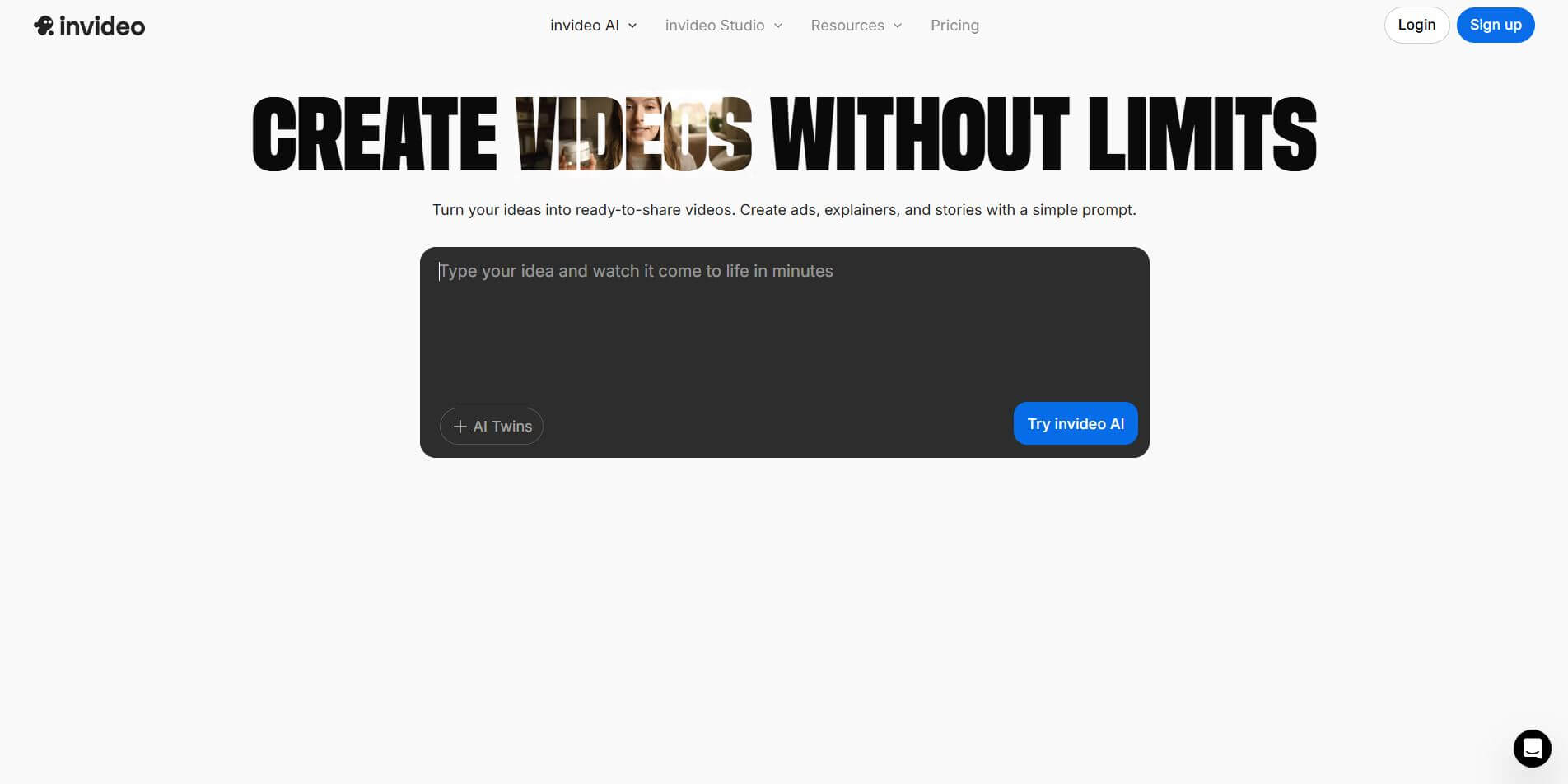
InVideo (invideo.io) is an AI-native video creation and production platform featuring InVideo AI, which turns text prompts, topics, and scripts into fully produced, narrated, and stock-matched videos with automated voiceovers, subtitles, and conversational editing.
What is InVideo?
InVideo is an AI-powered video creation platform that helps you turn ideas, scripts, or prompts into full videos without needing advanced editing skills. You can generate videos and add voiceovers, captions, and visuals automatically while still having a timeline editor for customization. It also supports text-to-video, image-to-video, and social media formats like Reels or YouTube Shorts. Overall, it’s built for creators and marketers who want to produce high-quality videos faster and at scale.
At the center of InVideo's ecosystem is InVideo AI, a generative co-pilot that accepts high-level text prompts to generate full multi-scene video projects. It writes the script, selects and splices licensed stock media from iStock and Storyblocks, generates human-like AI voiceovers, adds dynamic subtitle animations, and allows users to make granular video adjustments using conversational text commands.
- Platform Role: Text-to-Video Generator, AI Video Co-Pilot & Cloud Video Production Suite
- Founders & Leadership: Sanket Shah (CEO) & Harsh Kavadiya (Co-founder), InVideo, Inc.
- Runtime & Ecosystem: Web browser studio, iOS/Android mobile apps, and direct integration with 16M+ premium stock media assets (iStock by Getty Images and Storyblocks)
Use Cases:
- Generating complete YouTube explainer videos, video essays, and documentary-style shorts from conversational prompts
- Producing high-volume social media ads and vertical reels for TikTok, Instagram, and YouTube Shorts
- Automating faceless YouTube channels with recurring AI scripting, stock B-roll selection, and voiceover pairing
- Creating internal corporate communications, training guides, and customer onboarding tutorials rapidly
- Translating and localizing video narration across multiple languages with realistic accents and voice cloning
Technology:
- Generative Script & Storyboard Engine converting brief ideas into structured, multi-scene video compositions
- Conversational Text Command Interface allowing scene-by-scene editing, asset swapping, and pacing tweaks via chat
- Automated Stock Asset Matcher drawing context-relevant licensed footage from iStock and Storyblocks libraries
- Neural voice synthesis and voice cloning technology generating natural, expressive multilingual narrations
Target Users:
- YouTubers, TikTokers, and solo creators scaling video publication without dedicated production crews
- Digital marketing agencies and media teams split-testing high volumes of paid ad creatives
- Small business owners and entrepreneurs creating branded promotional content on a budget
- Educators, instructors, and corporate trainers building engaging presentation videos
Acquisition: Global cloud video generation platform headquartered in San Francisco, California
What are the key features of InVideo?
InVideo's key platform features are
- Conversational Prompt-to-Video: Generate complete, multi-scene videos simply by typing a prompt describing your topic, target audience, and desired tone.
- Chat-Based Magic Box Editing: Modify scenes, replace B-roll footage, rewrite voiceovers, or change background music using natural language conversational instructions.
- Extensive Premium Stock Catalog: Built-in access to over 16 million royalty-free stock video clips, photos, and soundtrack assets from iStock and Storyblocks.
- Hyper-Realistic AI Voice Narration: Realistic multi-accent neural voiceovers with emotion control, pacing adjustments, and custom voice cloning.
- Automated Dynamic Subtitles: Transcribe speech to text with trendy animated presets, karaoke-style highlights, and customizable social typography.
- InVideo Studio Classic Editor: Access 5,000+ customizable drag-and-drop templates, timeline multi-track controls, and brand preset kits.
- Cross-Platform Mobile Apps: Generate, prompt, and refine videos directly on smartphones with the InVideo AI iOS and Android applications.
How much does InVideo cost?
InVideo offers a free tier to test the platform alongside tiered monthly and annual subscription packages for individual creators and high-volume teams.
Free Plan:
- $0 / month (Free): Explore prompt workflows and test AI video generation with weekly generative credit allowances, 4 exports/week with InVideo watermarks, and standard media library access.
Plus Plan:
- $20 - $25 / month (approx. $200/year billed annually or $35 monthly): Watermark-free video exports, 50 to 75 minutes of monthly generation capacity (or generative credit equivalent), 100 iStock assets, 20 GB cloud storage, and AI voice cloning access.
Max & Generative Plans:
- Max Plan (approx. $48 - $60 / month): 200 minutes of AI video generation per month, 320+ premium iStock assets, 100 GB storage, multiple voice clones, and priority rendering speeds.
- Generative / Team Plans ($120 - $170+ / month): High-volume generation allowances, expanded concurrent rendering, 2 TB+ storage, multiple collaborative team seats, and dedicated account support.
Disclaimer: InVideo offers separate tiers for InVideo AI and InVideo Studio. Subscription pricing, credit allocations, and stock allowances may vary based on promotional updates. Visit invideo.io/pricing for up-to-date figures.
Who should use InVideo?
InVideo is designed for creators, performance marketers, and growth-oriented businesses, including
- Faceless Video Publishers: Building sustainable YouTube and TikTok channels without filming on-camera or hiring voice actors.
- Performance Advertisers & E-commerce Brands: Producing rapid variations of video ads to lower cost-per-click and optimize conversion rates.
- Content Marketers & Bloggers: Transforming written articles, research reports, and newsletters into high-retention video formats.
- Social Media Agencies: Fulfilling demanding video publishing quotas across multiple client accounts without workflow bottlenecks.
What are the best alternatives to InVideo?
Some of the strongest InVideo alternatives include
What are the pros and cons of InVideo?
What are the pros of InVideo?
- Generates complete, cohesive multi-scene videos from a single prompt including script, B-roll, voiceover, and captions
- Conversational AI chat box makes making revisions as easy as typing "change the second scene to a faster pace"
- Extensive integrated commercial stock media catalog from iStock eliminates third-party licensing fees
- High-quality neural voiceover options with expressive delivery and natural multi-language support
- Combines autonomous generative AI (InVideo AI) with granular manual template controls (InVideo Studio)
What are the cons of InVideo?
- AI stock matching can occasionally misinterpret abstract concepts, requiring manual B-roll replacement
- Cloud video rendering and high-resolution exports can experience delays during peak network hours
- Monthly generation minutes and premium iStock credit limits require monitoring on entry-level plans
Why should you choose InVideo?
Traditional video production requires scripting, voice talent recording, hunting for licensed B-roll, and piecing together timelines in complex editing software. InVideo collapses this entire workflow into a prompt-first conversational experience. Simply describe what you need, and InVideo AI constructs a complete video draft in minutes that you can effortlessly fine-tune using plain text commands.
- Create complete, published videos directly from natural language prompts
- Edit video scenes and pacing conversationally without touching complex timeline keyframes
- Tap into millions of premium iStock and Storyblocks clips with full commercial clearance
- Publish dynamic vertical Shorts, Reels, and widescreen YouTube videos from one unified platform
How does InVideo compare to competitors?
InVideo bridges prompt-based generative video with traditional cloud editing. While Pictory focuses heavily on converting blog articles and text transcripts, Klap specializes in slicing long recordings into short clips, and CapCut offers manual timeline manipulation, InVideo stands out for its end-to-end conversational prompt-to-video workflow and deep iStock integration.
| Feature / Platform | InVideo | Pictory | CapCut | Klap |
|---|---|---|---|---|
| Core Focus | Prompt-to-video & conversational video AI | Article-to-video & text transcript editing | Manual multi-track timeline editing | Long-form video to short viral clips |
| Creation Workflow | Conversational text prompts & AI co-pilot | URL import & script-to-storyboard | Manual drag-and-drop timeline layering | Automatic highlight detection & clipping |
| Conversational Edits | Yes (Command box AI revisions) | No (Transcript text deletion) | No (Manual UI tools) | No (Manual trim & templates) |
| Stock Media Access | 16M+ iStock & Storyblocks assets | 18M+ Getty Images & Storyblocks | Standard royalty-free media library | Uses uploaded source footage |
| Pricing Structure | Free tier / Plus ($20-$35/mo) / Max ($48-$60/mo) | Trial / Starter from $25/mo | Free tier / Pro from $9.99/mo | Trial / Basic from $14/mo |
| Best For | Creators and marketers wanting prompt-first video generation | Bloggers turning articles into videos | Video editors wanting precision timeline control | Podcasters repurposing hour-long recordings |
How do we rate InVideo?
| Parameter | Rating (out of 5) |
|---|---|
| Prompt-to-Video Generation Quality | 4.8 |
| Conversational Editing & Flexibility | 4.9 |
| Stock Media Library (iStock) | 4.9 |
| Voiceover Naturalness & Audio Pacing | 4.7 |
| Value for Money | 4.7 |
| Overall Score | 4.80 |
What is our review and verdict on InVideo?
InVideo has set a high standard for AI-driven video creation. By combining full-length script generation, premium iStock asset curation, neural voiceovers, and a conversational chat-based editing interface, it significantly lowers the barrier to producing engaging video content. It is an indispensable tool for content creators, growth marketers, and brands aiming to scale their video presence without hiring extensive editing teams.
Conclusion
InVideo makes video creation accessible by combining ready-made templates with AI-powered editing tools. Instead of starting from scratch, users can quickly turn ideas, scripts, or content into polished videos for marketing, social media, or business use. Its balance of flexibility and ease of use makes it suitable for both beginners and experienced creators. Overall, InVideo simplifies the production process, helping users create professional-quality videos faster without needing advanced editing skills.
FAQ
What is InVideo and what does it actually do?
InVideo AI Video Creator is an AI-powered video creation platform that helps you turn ideas, scripts, or prompts into complete videos. It combines templates, stock media, AI voiceovers, and editing tools so you can create professional videos without needing advanced editing skills.
How is InVideo different from traditional video editors like Premiere Pro or CapCut?
InVideo removes the complexity of timeline editing by offering AI-driven workflows. Instead of manually cutting clips and adding effects, you can describe your video or use templates, and the platform generates scenes, visuals, and structure automatically—saving hours of work.
What features does InVideo offer?
InVideo includes text-to-video generation, pre-built templates, AI script generation, voiceovers, subtitles, stock footage (millions of assets), transitions, branding kits, and resizing for different platforms. It also supports real-time collaboration and exports in multiple formats.
Can InVideo create videos from a prompt or script?
Yes, InVideo AI allows you to generate full videos from prompts or scripts. You can input a topic or paste a script, and it will automatically create scenes, add visuals, voiceovers, and transitions to produce a ready-to-edit video.
Is InVideo good for social media content?
Yes, InVideo is widely used for creating YouTube videos, Instagram Reels, ads, and TikTok content. It provides templates optimized for each platform, along with auto-resizing and captioning features to make publishing easier.
Is InVideo free or paid?
InVideo offers a free plan with watermarked exports and limited features. Paid plans (starting around $20/month) remove watermarks and unlock premium templates, stock media, and advanced AI features.
Who should use InVideo?
InVideo is ideal for content creators, marketers, agencies, YouTubers, and small businesses who want to produce videos quickly. It’s especially useful if you need to create marketing videos, ads, or social media content at scale without hiring editors.
User Reviews
No reviews yet for InVideo.
Featured Tools
Featured AI tools from TechShark

Melody Genie
MelodyGenie is an AI-powered music generator that creates original songs from simple text prompts. Users can choose styles, moods, and genres, then instantly generate melodies and full tracks, making it easy for creators, marketers, and hobbyists to produce custom music without musical expertise.
Freemium

Kimi AI
Kimi AI is an advanced AI assistant developed by Moonshot AI that helps you chat, research, write, code, and automate tasks in one place. It supports web search, file analysis, and multimodal inputs, and can even run autonomous “agent” workflows to complete complex tasks end-to-end.
Freemium

Fashion Diffusion AI
Fashion Diffusion is an AI-powered fashion design platform that helps brands and designers create clothing designs, virtual try-ons, AI models, product photos, and marketing visuals faster and cost-effectively.
Paid

Veo 4
Veo 4 AI is an AI video creation platform that generates dramatic videos from text, images, audio, and video prompts using realistic motion and synchronized sound.
Paid
Alternatives
Alternatives to InVideo
The best InVideo alternatives include Pictory, CapCut, Vibeo, Klap, and HeyGen. While InVideo excels at generating full videos from text prompts with conversational revisions and built-in iStock footage, alternatives like Pictory specialize in URL-based article conversion and Klap focuses on repurposing existing long-form video content.
 4.9
4.9Media.io
Video Editing
Media.io is an AI-powered creative platform that helps users generate, edit, and enhance videos, images, audio, and ads from simple prompts or assets. It combines AI generation, editing, and workflows in one place, enabling creators to turn ideas into polished content quickly without switching tools.
 4.9
4.9Artlist
Image
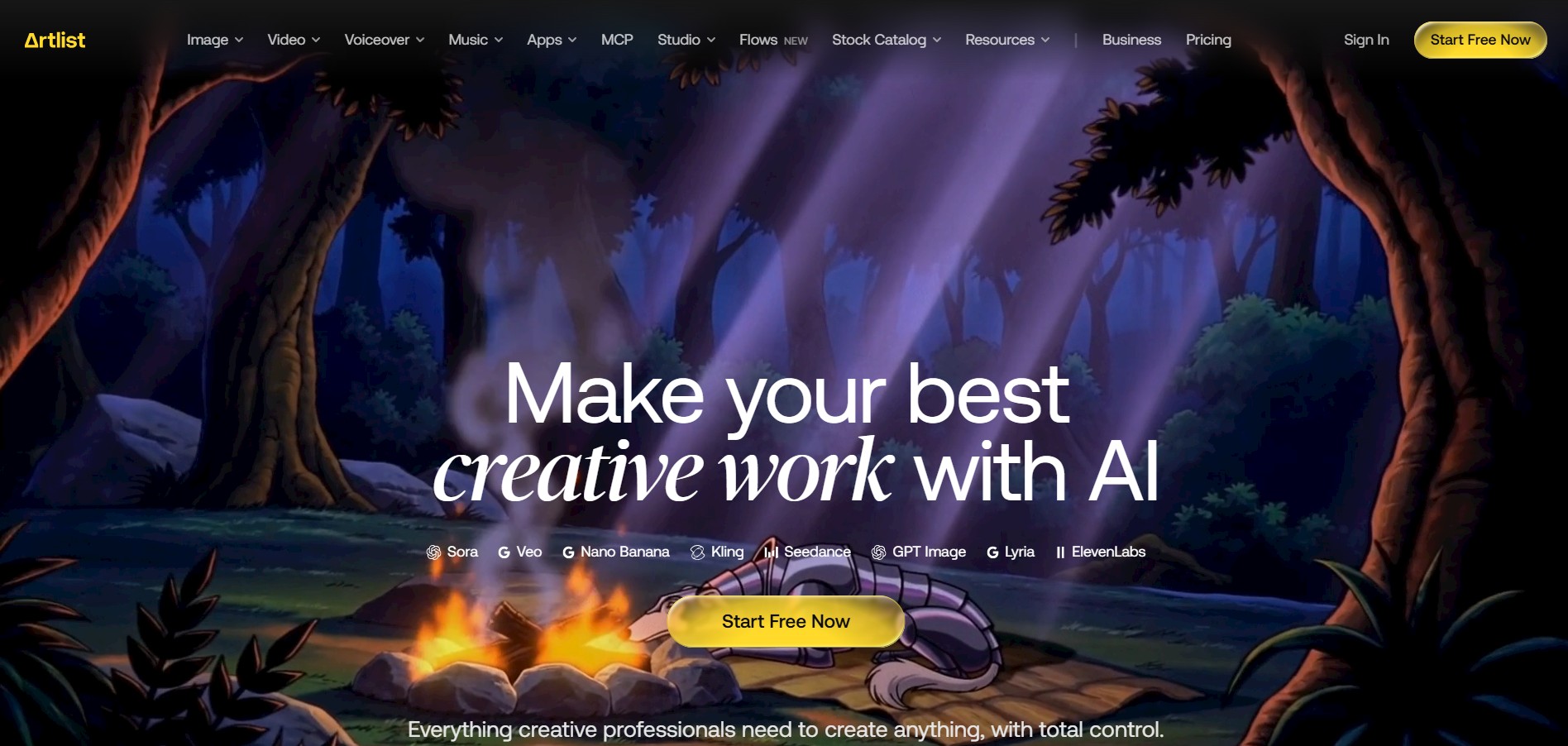
Artlist is a subscription-based platform that provides high-quality royalty-free music, sound effects, and video assets for creators. It helps filmmakers, YouTubers, and marketers access unlimited creative resources, making it easy to produce professional content without worrying about licensing issues.
 4.8
4.8Loqua
Text-to-Video
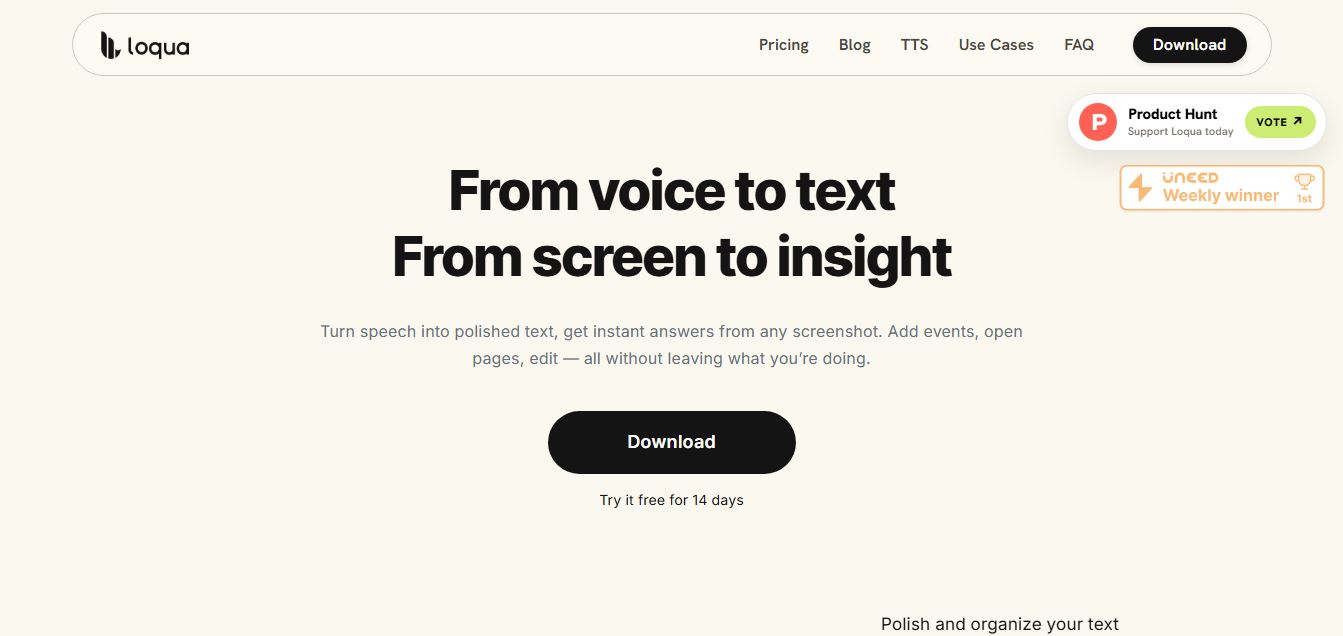
Loqua is an AI-powered voice typing, multimodal desktop agent, and intelligent dictation software for macOS and Windows that turns natural speech into structured, filler-free text across any app at 220 WPM, paired with Capture to Ask visual screen queries, speak-to-edit rewriting, and voice-triggered desktop automations.
 4.9
4.9Kling AI
Text-to-Video
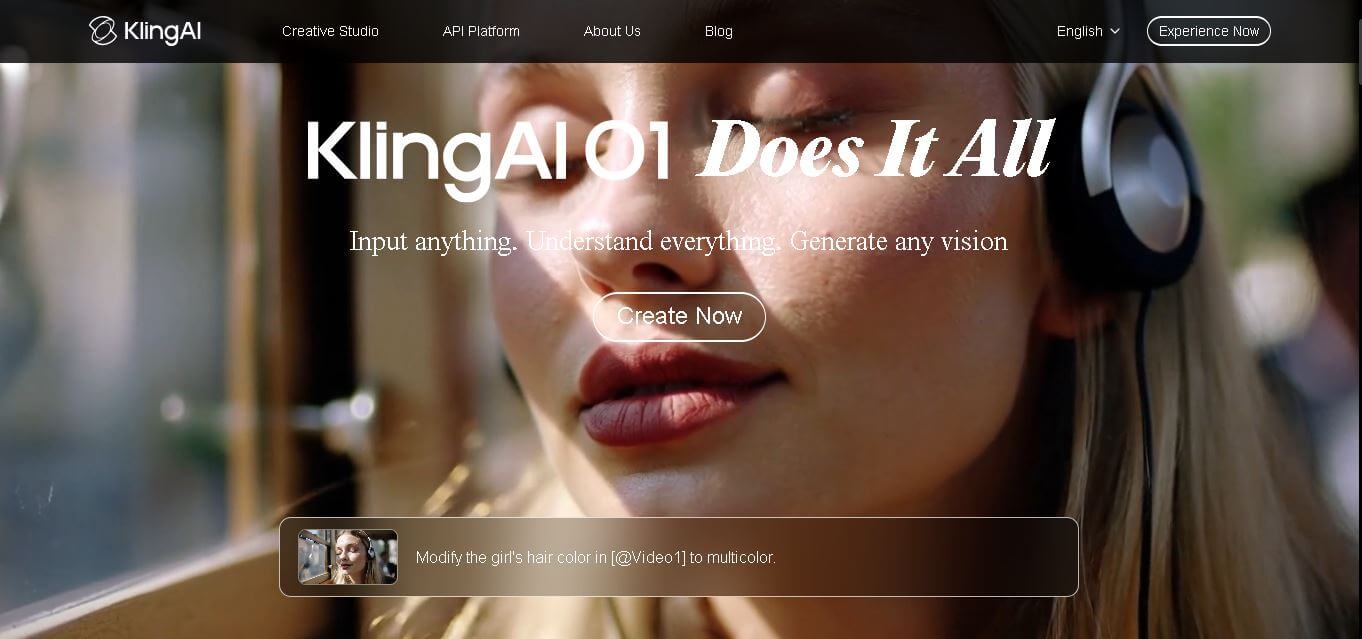
Kling AI is a flagship text-to-video and image-to-video creative studio developed by Kuaishou Technology, renowned for realistic physical motion, up to 4K cinematic video generation, native audio and lip-sync, start/end frame control, and 3D spatio-temporal camera direction.
 4.7
4.7Emu Video
Text-to-Video
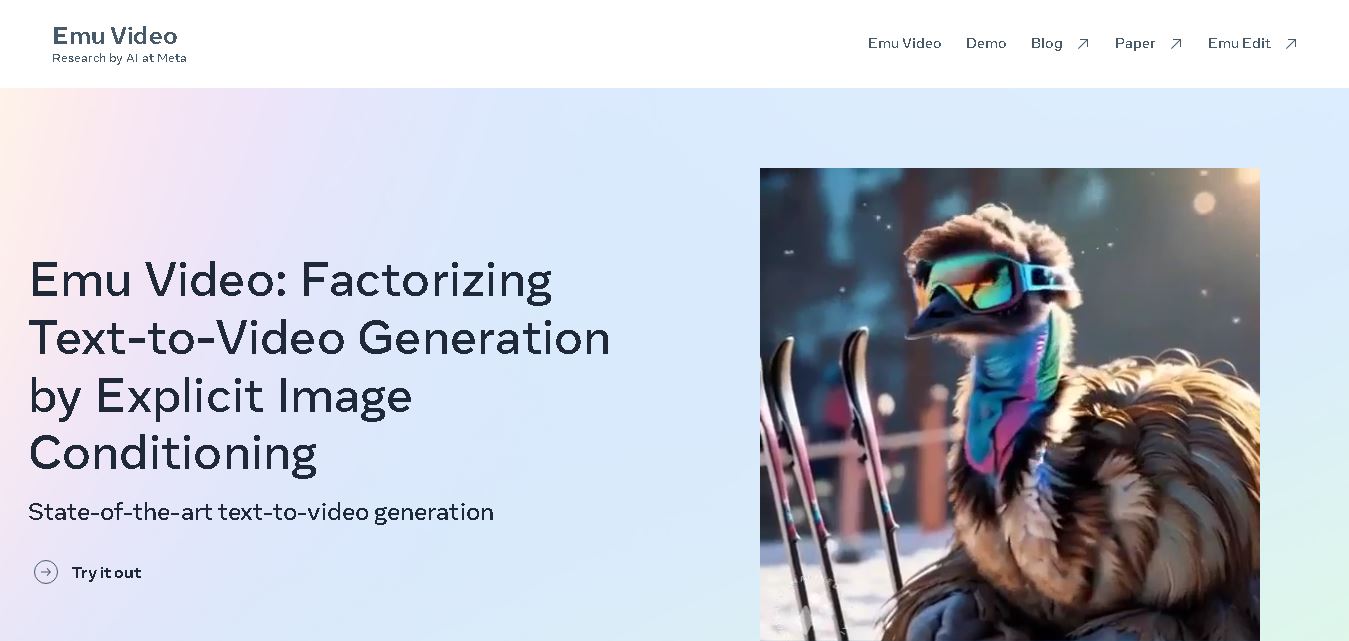
Emu Video is a text-to-video generation model developed by Meta that transforms written prompts into short, high-quality videos. It follows a two-step generation process to improve visual consistency, motion quality, and realism. The model also supports image-guided animation, making it suitable for creative storytelling, research, and multimedia content generation.
 4.9
4.9Stivio
Video Generator
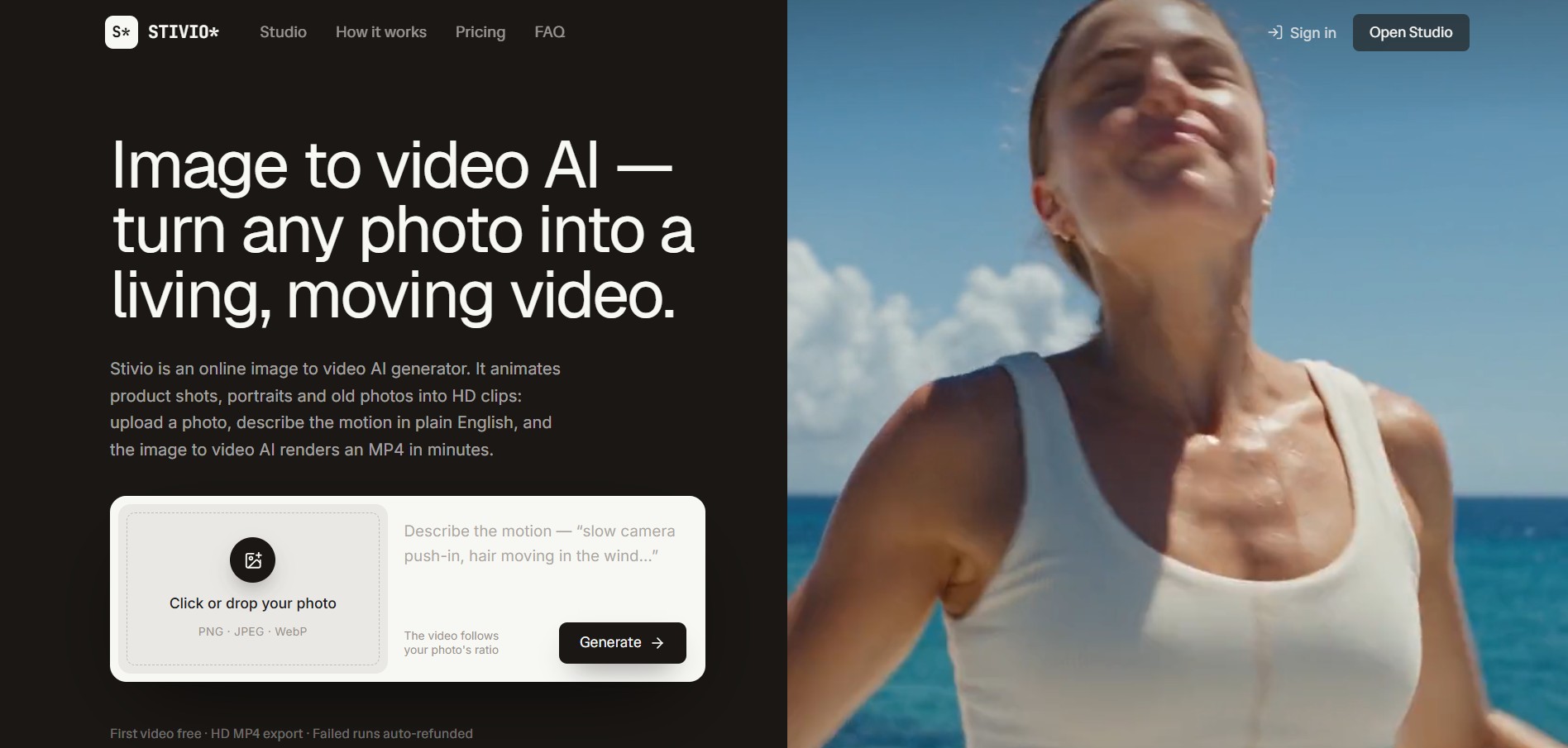
Stivio is an online image-to-video AI generator and multi-model animation studio that turns static product shots, portraits, and vintage photos into 3- to 30-second HD MP4 video clips using plain-English motion prompts across six foundation engines including Kling, Wan, MiniMax, and Seedance.
 4.8
4.8GeniLoop AI
Text-to-Video
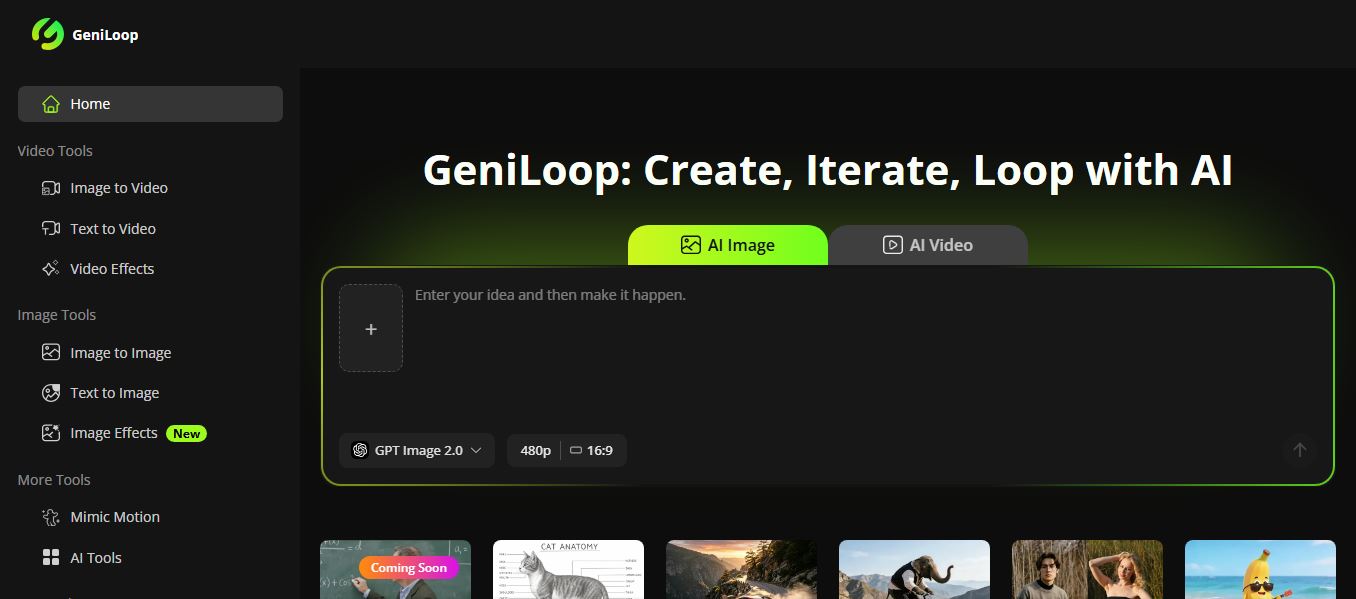
GeniLoop AI is an all-in-one AI studio that lets you create images, videos, and visual content from simple prompts. It supports tools like text-to-video, image-to-video, and hundreds of effects, helping creators generate high-quality visuals quickly without editing skills.
 4.7
4.7PixVerse AI
Text-to-Video
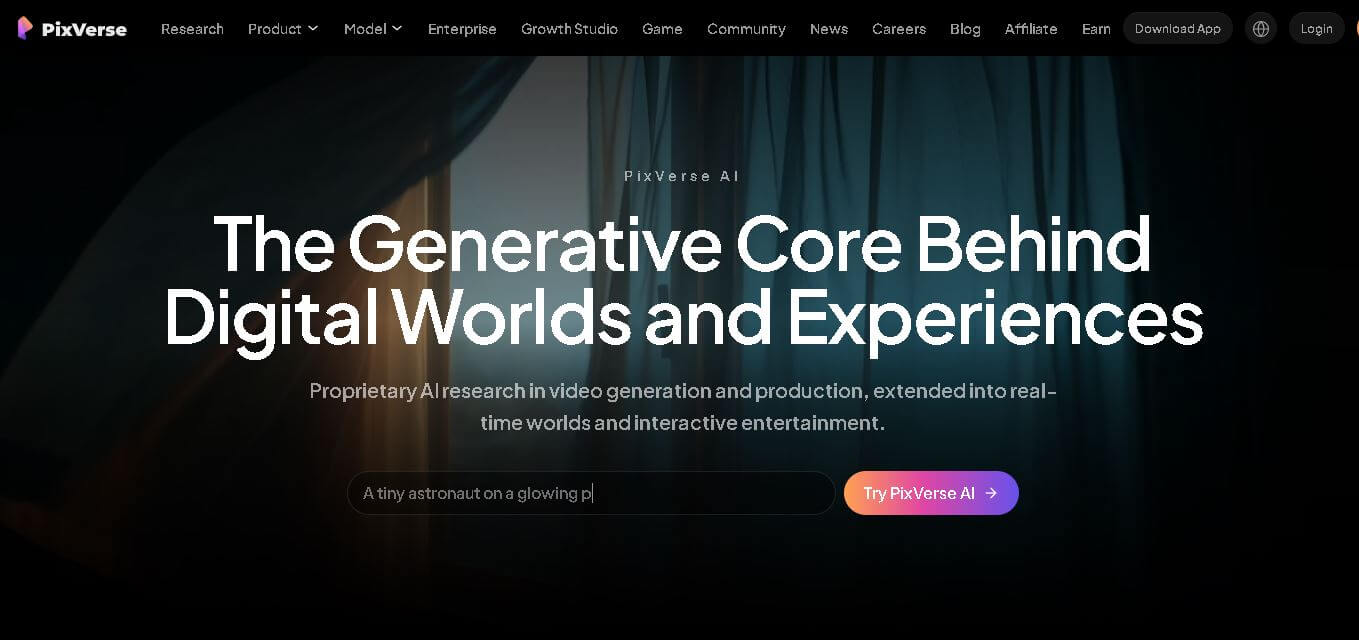
PixVerse is a generative video creation tool that transforms text prompts, images, and reference media into high-quality videos. It enables individuals, creators, marketers, and businesses to produce cinematic clips, social media content, advertisements, and animations with customizable styles, motion controls, templates, lip-sync, and AI-assisted editing in just a few steps.
 4.6
4.6Morph Studio
Text-to-Video
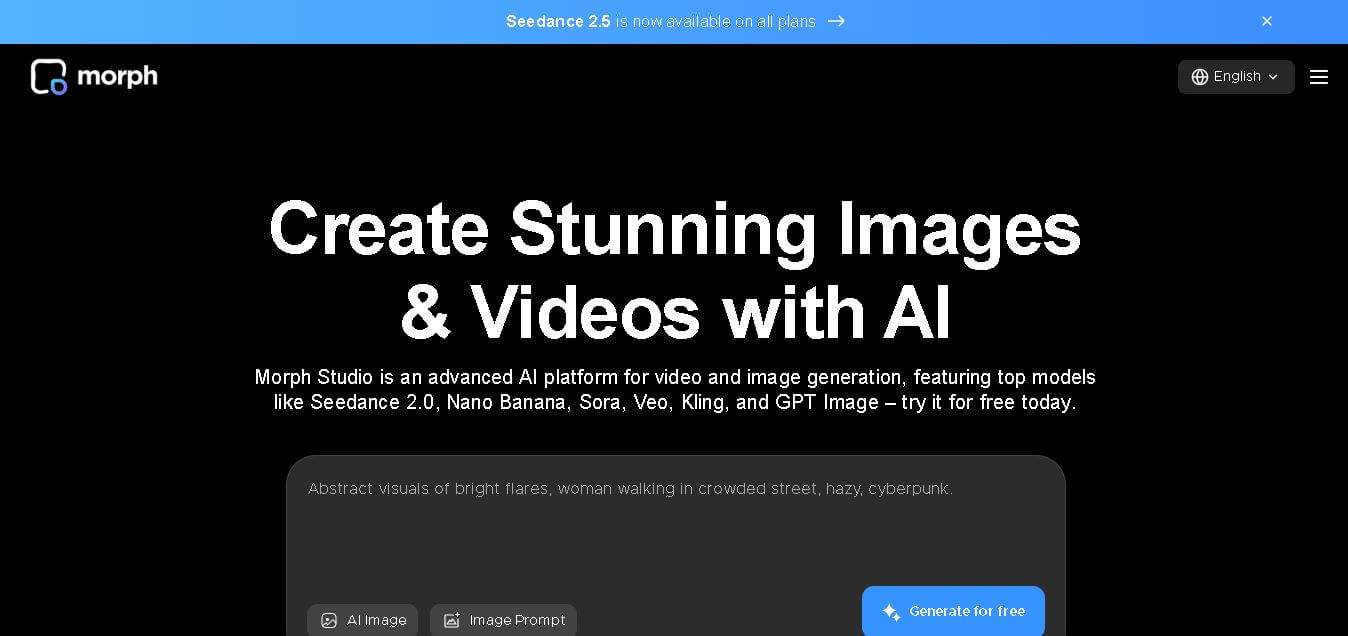
Morph Studio is a creative workspace that helps users generate, edit, and transform images and videos from text prompts or existing visuals. It combines multiple AI models, visual editing tools, and a flexible canvas into one platform, making professional-quality content creation faster and more accessible for creators, marketers, educators, and businesses.