
Descript
Descript is an AI-powered audio and video editing platform that enables text-based editing, transcription, screen recording, voice cloning, and content creation for creators and teams.
What is Descript?
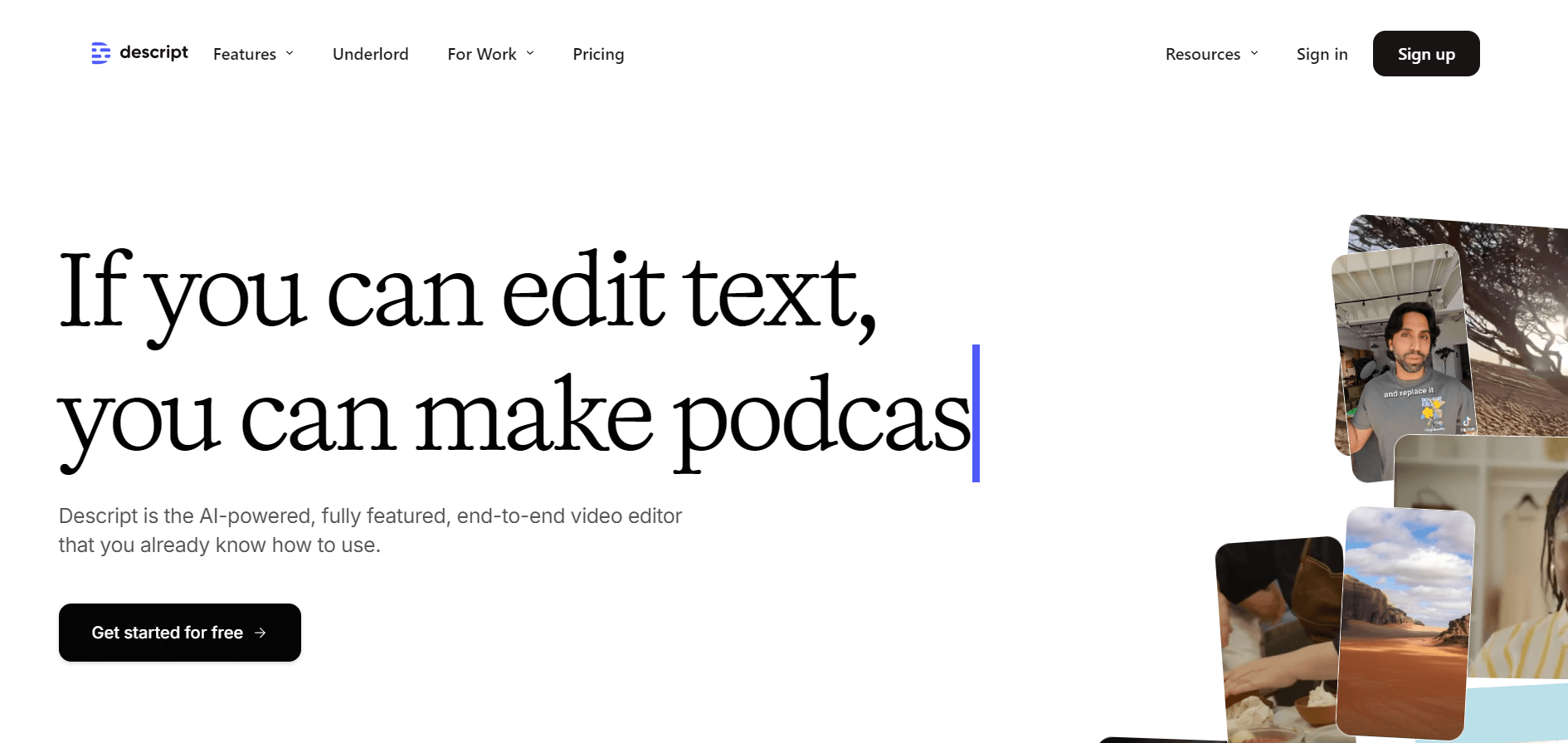
Descript is an AI-powered audio and video editing platform that allows users to edit videos, podcasts, and recordings by editing text instead of traditional timelines. It combines video editing, transcription, screen recording, AI voice generation, and collaboration tools into one workspace. Unlike traditional editing software that requires users to manually cut clips on a timeline, Descript uses AI-powered text-based editing. When users upload a video or audio file, Descript's transcription engine automatically converts it into text.
Users can then edit the transcript, and the changes automatically apply to the original media. Descript is widely used by podcasters, YouTubers, marketers, educators, journalists, businesses, and content creators who need a faster way to create professional audio and video content. With features like the Descript AI video editor, Descript audio to text, a voice recorder with transcription, AI voices, and automatic captions, the platform simplifies content creation for both beginners and professionals.
Descript, founded in 2017 by Andrew Mason, is an AI-powered audio and video editing platform designed to simplify content creation through text-based editing. The company has raised over $100 million in funding and is valued at approximately $550 million. Descript uses AI transcription, natural language processing, voice cloning, and generative AI technologies to enable users to edit videos by editing text. It is widely used by podcasters, YouTubers, marketers, educators, businesses, and media teams for transcription, screen recording, video editing, subtitles, and content creation.
- Founder: Descript was founded in 2017 by Andrew Mason, the former CEO and founder of Groupon. The company was created to simplify audio and video editing through AI-powered tools and text-based editing workflows.
- Launch: Descript launched in 2017 initially as an audio transcription and editing platform before expanding into full AI-powered video editing, screen recording, podcast creation, and collaboration tools.
- Use Cases: Descript is used for podcast editing, video production, screen recording, transcription, AI voice editing, subtitle generation, removing filler words, audio enhancement, social media content creation, and collaborative video workflows.
- Technology: Descript uses AI-powered transcription, natural language processing (NLP), voice cloning, generative AI, and text-based video editing technology that allows users to edit videos by modifying the transcript instead of manually working with traditional timelines.
- Target Users: Descript is designed for content creators, podcasters, YouTubers, marketers, educators, businesses, media teams, and professionals who want faster and easier audio/video production without advanced editing skills.

How Does Descript Work?
Descript works by converting audio and video content into editable text. Once the transcription is generated, users can edit the transcript like a document, and Descript automatically updates the corresponding audio or video.
For example:
- Upload a podcast recording or video.
- Descript automatically creates a transcript.
- Edit words, sentences, or sections in the transcript.
- Remove unwanted parts instantly.
- Export the final video or audio file.
This text-based approach speeds up Descript video editing compared to traditional editing software.
Descript Key Features
Describe key features:
- Text-Based Editing: It allows users to edit video and audio files by just copying, cutting, and pasting text.
- Descript AI Video Editor: The Descript AI video editor combines artificial intelligence with traditional editing features to simplify video production.
- Screen Recording: The tool offers screen recording features that are useful for creating product demos, tutorials, and presentations.
- Multitrack Editing: Offers multitasking features allowing users to edit multiple audio and video file tracks easily.
- AI Voices: The tool offers a voice cloning feature; users can choose stock AI voices for their projects.
- Transcription: Descript is also a powerful descript transcription tool that automatically converts audio and video into accurate text.
- Descript Audio to Text: The Descript audio to text feature converts recorded speech into editable written content.
Descript Pricing
Descript offers different pricing plans based on transcription limits, AI features, and export capabilities.
Hobbyist
- The plan starts at $12 per month
- Offer 10 transcription hours/month
- 30 minutes/month of AI speech
- Users can download 1080p videos with watermark-free
Creator
- The plan starts at $24 per month
- Offer 30 transcription hours/month
- 120 minutes/month of AI speech
- Users can download 4K videos with watermark-free
Business
- The plan starts at $40 per month
- Offer 40 transcription hours/month
- 300 minutes/month of AI speech
- Users can download 4K videos with watermark-free
Note: AI model availability, pricing, credits, and plan limits can change. Check Descript official website official pricing page for the latest information.
Who is Using the Descript?
A diverse range of users and organizations utilize Descript
- Content Creators
- Educators
- Marketers
- Journalists
- Youtube
- Social Media influences
Descript Alternatives
Some popular Descript alternatives include:
- Riverside
- CapCut
- Adobe Premiere Pro
- VEED.io
- Runway
- Camtasia
- Otter.ai
- Maestra
- Reduct Video
Descript Video
Pros and Cons of Descript
Pros
- Simple text-based editing
- Powerful AI transcription
- AI video editing features
- Automatic captions
- Screen recording
- AI voice generation
- Podcast editing tools
- Beginner-friendly interface
- Collaboration features
- Faster content production
Cons
- Limited advanced editing compared to professional software
- AI features require higher-tier plans
- Transcription accuracy can vary with poor audio quality
- Large projects may require more powerful hardware
- Not designed for complex cinematic editing
Why Choose Descript?
Descript is ideal for users who want a faster and easier way to edit audio and video content.
Reasons to choose Descript:
- Edit videos by editing text
- Save time on manual editing
- Generate transcripts automatically
- Create captions quickly
- Record and transcribe audio
- Produce podcasts efficiently
- Create AI-powered voiceovers
- Collaborate with teams
- Repurpose content easily
For creators who publish frequently, Descript can significantly reduce production time.
Descript vs Competitors
Descript stands out because it combines transcription and editing in one platform.
| Feature | Description | Riverside | CapCut | Adobe Premiere Pro |
| AI Transcription | Yes. | Yes. | Limited | Yes. |
| Text-Based Editing | Yes. | Limited | No | No |
| Screen Recording | Yes. | Yes. | No | No |
| AI Voice | Yes. | Limited | Yes. | Limited |
| Podcast Editing | Excellent | Excellent | Moderate | Good |
| Professional Editing | Moderate | Limited | Moderate | Excellent |
| Beginner Friendly | Excellent | Good | Excellent | Moderate |
How We Rate Descript?
| Category | Rating |
| Ease of Use | 4.8/5 |
| AI Features | 4.7/5 |
| Transcription Accuracy | 4.8/5 |
| Video Editing | 4.6/5 |
| Audio Editing | 4.7/5 |
| Collaboration | 4.6/5 |
| Value for Money | 4.5/5 |
| Overall Rating | 4.7/5 |
Descript Review
Descript is one of the most innovative AI-powered editing platforms because it changes how users approach video and audio production. Instead of learning complex timelines and editing tools, users can edit content by modifying text. Its strongest features are transcription, text-based editing, AI voice tools, and podcast workflows. These features make it especially valuable for creators who regularly produce videos, interviews, courses, and podcasts.
The platform is not designed to replace professional editing tools like Adobe Premiere Pro for advanced filmmaking projects. However, for creators who need fast editing, automatic transcription, and AI-powered content production, Descript provides an excellent balance between simplicity and functionality. Overall, Descript is a powerful choice for anyone looking to create professional content faster with AI assistance.
Conclusion
Descript is a powerful AI-powered video and audio editing platform designed for creators, businesses, and professionals who want faster content production. Its combination of AI video editing, transcription, audio-to-text conversion, screen recording, AI voices, and text-based editing makes it one of the easiest tools for producing professional multimedia content. While advanced filmmakers may still prefer traditional editing software, Descript is an excellent choice for podcasters, YouTubers, marketers, educators, and businesses looking for an efficient AI content creation workflow.
People are also reading:
FAQ
What is Descript?
Descript is an AI-powered audio and video editing platform that allows users to edit videos and recordings using text-based editing.
Is Descript an AI video editor?
Yes, Descript is an AI video editor that uses artificial intelligence for editing, transcription, captions, voice generation, and content creation.
What is Descript used for?
Descript is used for video editing, podcast production, transcription, screen recording, AI voice creation, and content repurposing.
Does Descript convert audio to text?
Yes, Descript automatically converts audio files into text using its AI transcription technology.
Does Descript have a free plan?
Yes, Descript offers a free plan with limited features and transcription allowances.
User Reviews
No reviews yet for Descript.
Featured Tools
Featured AI tools from TechShark

Melody Genie
MelodyGenie is an AI-powered music generator that creates original songs from simple text prompts. Users can choose styles, moods, and genres, then instantly generate melodies and full tracks, making it easy for creators, marketers, and hobbyists to produce custom music without musical expertise.
Freemium

Kimi AI
Kimi AI is an advanced AI assistant developed by Moonshot AI that helps you chat, research, write, code, and automate tasks in one place. It supports web search, file analysis, and multimodal inputs, and can even run autonomous “agent” workflows to complete complex tasks end-to-end.
Freemium

Fashion Diffusion AI
Fashion Diffusion is an AI-powered fashion design platform that helps brands and designers create clothing designs, virtual try-ons, AI models, product photos, and marketing visuals faster and cost-effectively.
Paid

Veo 4
Veo 4 AI is an AI video creation platform that generates dramatic videos from text, images, audio, and video prompts using realistic motion and synchronized sound.
Paid
Alternatives
Alternatives to Descript
Top Descript alternatives include Adobe Premiere Pro, Riverside, VEED.io, CapCut, Camtasia, DaVinci Resolve, and Kapwing. Premiere Pro suits professional editors, Riverside is ideal for podcasts and remote recording, while VEED.io and CapCut offer easy AI video creation. Camtasia focuses on tutorials, DaVinci Resolve provides advanced editing, and Kapwing supports collaboration.
Neural.love
AI Image Enhancer
Neural.love is an AI-powered creative platform for generating images, editing photos, enhancing videos, restoring old media, and animating pictures. It combines multiple AI tools in a browser-based workspace, helping content creators, marketers, photographers, designers, and businesses improve visual content without relying entirely on traditional editing software.
 4.8
4.8Shuffll
Video Editing
Shuffll goes beyond traditional video creation by connecting personalized video directly to enterprise data and workflows. Its API-first infrastructure, 40+ AI models, automated production, and built-in brand governance make it suitable for organizations that need video at scale. For businesses seeking higher engagement without building large production teams, Shuffll offers a practical way to turn existing data into personalized, on-brand video experiences.
 4.8
4.8Opus Clip (Opus Pro)
Video Editing
OpusClip helps creators transform long-form videos into short, social-ready clips. It can identify engaging moments, generate captions, reframe footage, add B-roll, enhance audio, and support publishing across major social platforms. It is designed for creators, marketers, podcasters, businesses, and teams that want to scale video content production.
 4.8
4.8Dubbah
Video Editing
Dubbah helps Mac users translate and dub videos into 14 languages while preserving a familiar speaker voice. The app processes media locally, supports editing translated lines, and works offline after setup. With no account, subscription, or per-minute fee, it offers a simple, straightforward option for creators producing multilingual video content.
 4.9
4.9Clipchamp
Video Generator
Clipchamp is an AI-powered online video editor by Microsoft that helps users record, edit, and share videos directly from the browser. It offers templates, stock media, and AI tools like subtitles, voiceovers, and noise removal, enabling fast, professional video creation without advanced editing skills.
 4.9
4.9CapCut
Video Editing
CapCut is a popular video editing tool that helps creators produce engaging videos with effects, transitions, filters, templates, subtitles, and AI-powered features. Available on multiple platforms, CapCut makes it easy to edit videos for TikTok, Instagram Reels, YouTube Shorts, and other social media channels.
 4.9
4.9Media.io
Video Editing
Media.io is an AI-powered creative platform that helps users generate, edit, and enhance videos, images, audio, and ads from simple prompts or assets. It combines AI generation, editing, and workflows in one place, enabling creators to turn ideas into polished content quickly without switching tools.
 4.9
4.9Video Candy
Video Editing
Video Candy is a free online video editing platform that helps users trim, merge, compress, convert, and enhance videos directly in the browser. It offers 70+ tools with a simple drag-and-drop interface, making video editing fast, accessible, and efficient without installing complex software.
 4.8
4.8Vheer
Image
Vheer is a free AI image and video generator that helps users create visuals from text or photos instantly. It includes tools for image editing, background removal, and image-to-video conversion, offering unlimited generations without signup, making it ideal for quick, creative content production.