
FlexClip
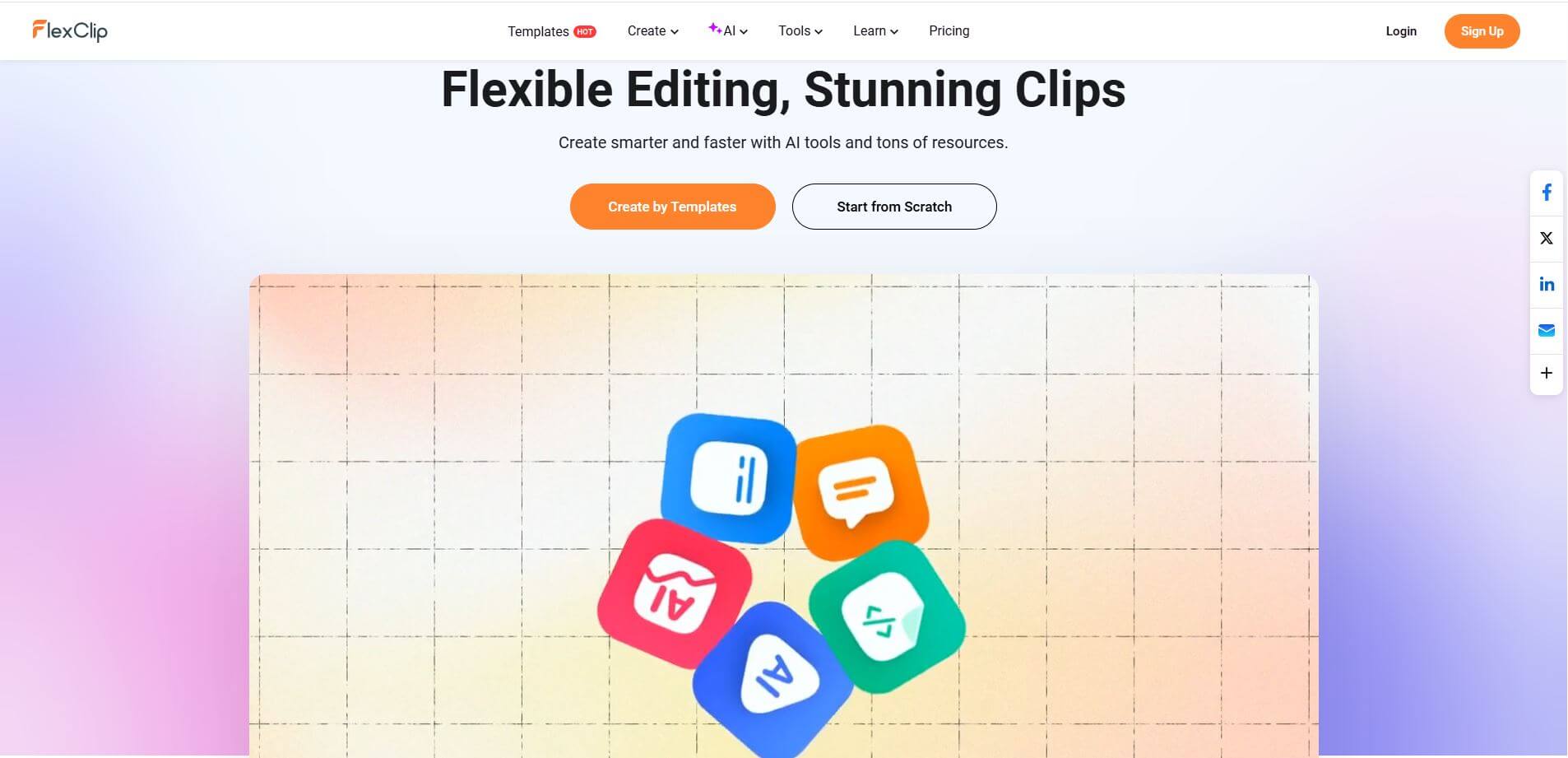
FlexClip AI is an easy-to-use video editing tool that helps creators design, edit, and produce professional-quality videos quickly with AI.
What is FlexClip?
FlexClip is an AI-powered online video creation platform that helps businesses, creators, educators, and marketers edit and create videos that look very professional in minutes. FlexClip was launched in 2019 by a company called PearlMountain and brings together an easy-to-use and simple drag-and-drop editor with tons of features like video trimming, transitions, screen recording, voiceover, and stock media integration. It offers thousands of customizable templates for a variety of marketing purposes, such as marketing ads, social media content, presentations, tutorials, and home projects.
FlexClip launched in 2018; it offers 6,000+ templates, millions of stock media assets, and AI features like text-to-video, auto subtitles, and video scripts. Trusted by millions of users globally, FlexClip enables fast, browser-based editing. It helps marketers, businesses, and creators produce professional, SEO-friendly videos quickly, improving engagement and digital content performance.
FlexClip also offers AI-powered tools for text-to-speech, automatic subtitles, and background removal—drastically streamlining workflows and making video production easy enough for anyone to be able to do it. Users can also operate in the cloud, making projects always accessible and shareable across devices. Moreover, FlexClip offers multiple export options and aspect ratios—customizing content for YouTube, Instagram, or TikTok or even for business presentations has never been easier. In short, by balancing creativity, speed, and cost, FlexClip allows individuals and teams to create quality finished videos without having to possess advanced editing skills and with the affordability of software.
- Founder: PearlMountain Limited
- Launch: 2019
- Use Cases: Video marketing, social media content, business presentations, educational videos, personal storytelling
- Technology: AI-powered editing, text-to-video, media library, cloud-based video processing
FleClip Video/Demo
People are also reading:
FAQ
Is FlexClip AI free to use?
Yes, FlexClip AI offers a free plan with basic features, while premium plans unlock advanced tools, higher resolution, and unlimited projects.
Do I need editing experience to use FlexClip AI?
No, FlexClip AI is beginner-friendly with drag-and-drop tools, ready-made templates, and AI assistance to guide users.
Can I create videos for social media with FlexClip AI?
Absolutely. FlexClip AI provides pre-sized templates and export options optimized for platforms like Instagram, YouTube, Facebook, and TikTok.
Does FlexClip AI support text-to-video generation?
Yes, the AI feature allows you to convert scripts or text prompts into engaging video content automatically.
What file formats does FlexClip AI support?
FlexClip AI supports popular formats like MP4, MOV, and WEBM, ensuring compatibility across different devices and platforms.
User Reviews
No reviews yet for FlexClip.
Featured Tools
Featured AI tools from TechShark

Melody Genie
MelodyGenie is an AI-powered music generator that creates original songs from simple text prompts. Users can choose styles, moods, and genres, then instantly generate melodies and full tracks, making it easy for creators, marketers, and hobbyists to produce custom music without musical expertise.
Freemium

Kimi AI
Kimi AI is an advanced AI assistant developed by Moonshot AI that helps you chat, research, write, code, and automate tasks in one place. It supports web search, file analysis, and multimodal inputs, and can even run autonomous “agent” workflows to complete complex tasks end-to-end.
Freemium

Fashion Diffusion AI
Fashion Diffusion is an AI-powered fashion design platform that helps brands and designers create clothing designs, virtual try-ons, AI models, product photos, and marketing visuals faster and cost-effectively.
Paid

Veo 4
Veo 4 AI is an AI video creation platform that generates dramatic videos from text, images, audio, and video prompts using realistic motion and synchronized sound.
Paid
Alternatives
Alternatives to FlexClip
Canva, VEED, InVideo, CapCut, and Wondershare Filmora are FlexClip alternatives. It AI is an AI-powered online video editor platform offering AI-driven tools for effortless video creation, editing, and customization. It is ideal for marketers, educators, and businesses seeking engaging, professional-quality content.
 4.9
4.9Clipchamp
Video Generator
Clipchamp is an AI-powered online video editor by Microsoft that helps users record, edit, and share videos directly from the browser. It offers templates, stock media, and AI tools like subtitles, voiceovers, and noise removal, enabling fast, professional video creation without advanced editing skills.
 4.9
4.9CapCut
Video Editing
CapCut is a popular video editing tool that helps creators produce engaging videos with effects, transitions, filters, templates, subtitles, and AI-powered features. Available on multiple platforms, CapCut makes it easy to edit videos for TikTok, Instagram Reels, YouTube Shorts, and other social media channels.
 4.9
4.9Media.io
Video Editing
Media.io is an AI-powered creative platform that helps users generate, edit, and enhance videos, images, audio, and ads from simple prompts or assets. It combines AI generation, editing, and workflows in one place, enabling creators to turn ideas into polished content quickly without switching tools.
 4.9
4.9Pika
Video Generator
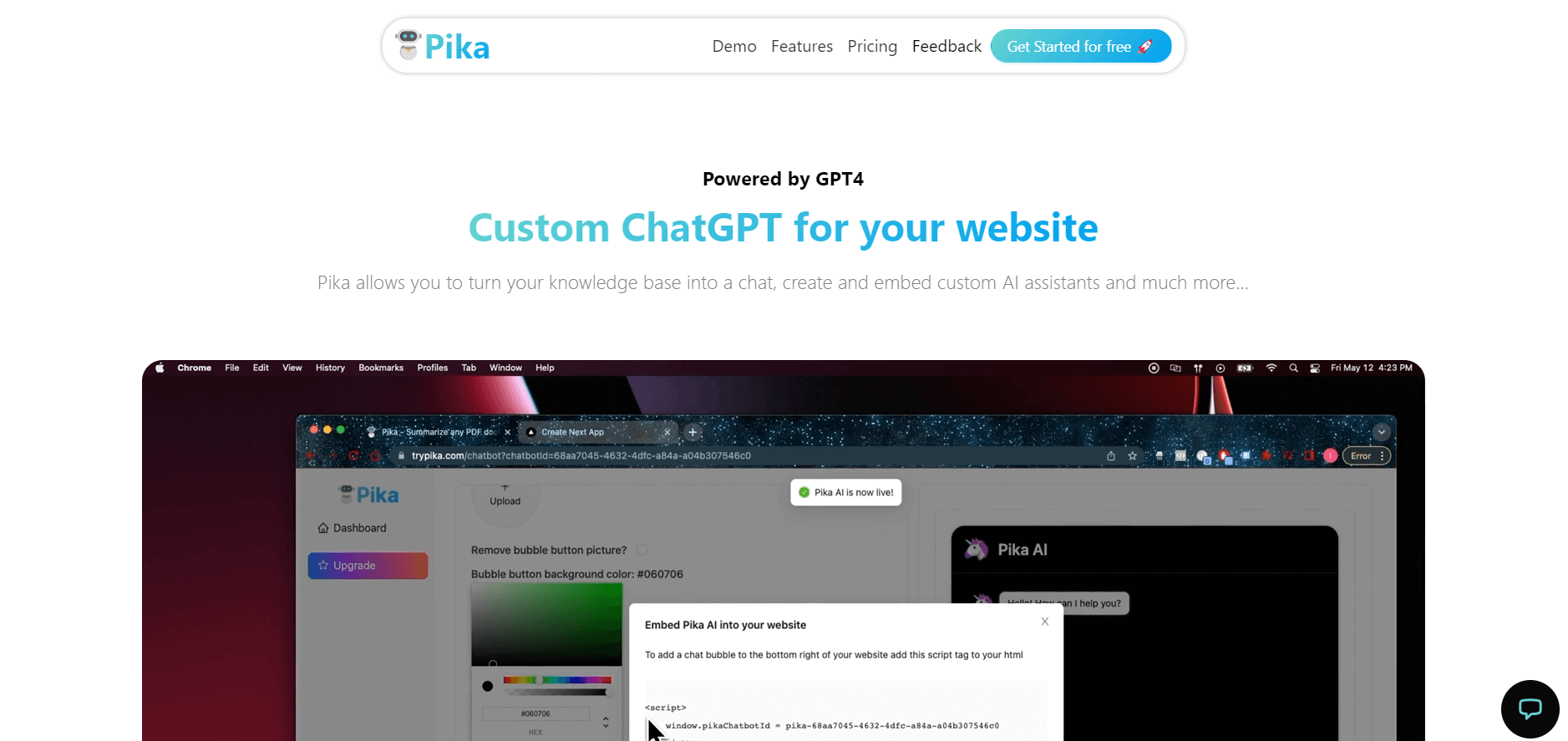
Pika is an AI video generation and creative effects platform that transforms text prompts, still images, and video clips into cinematic video sequences, meme animations, and viral visual effects using its proprietary generative video models.
 4.9
4.9Artlist
Image
Artlist is a subscription-based platform that provides high-quality royalty-free music, sound effects, and video assets for creators. It helps filmmakers, YouTubers, and marketers access unlimited creative resources, making it easy to produce professional content without worrying about licensing issues.
 4.7
4.7Hotshot AI
Video Generator
Hotshot is an everyday technology publication covering AI tools, gadgets, smart home technology, comparisons, research, and practical how-to guides. It helps readers understand products, evaluate software, compare options, and solve common technology problems through accessible articles created for people who want clearer information before making technology-related decisions online with confidence.
 4.7
4.7VideoPlus AI
Video Generator
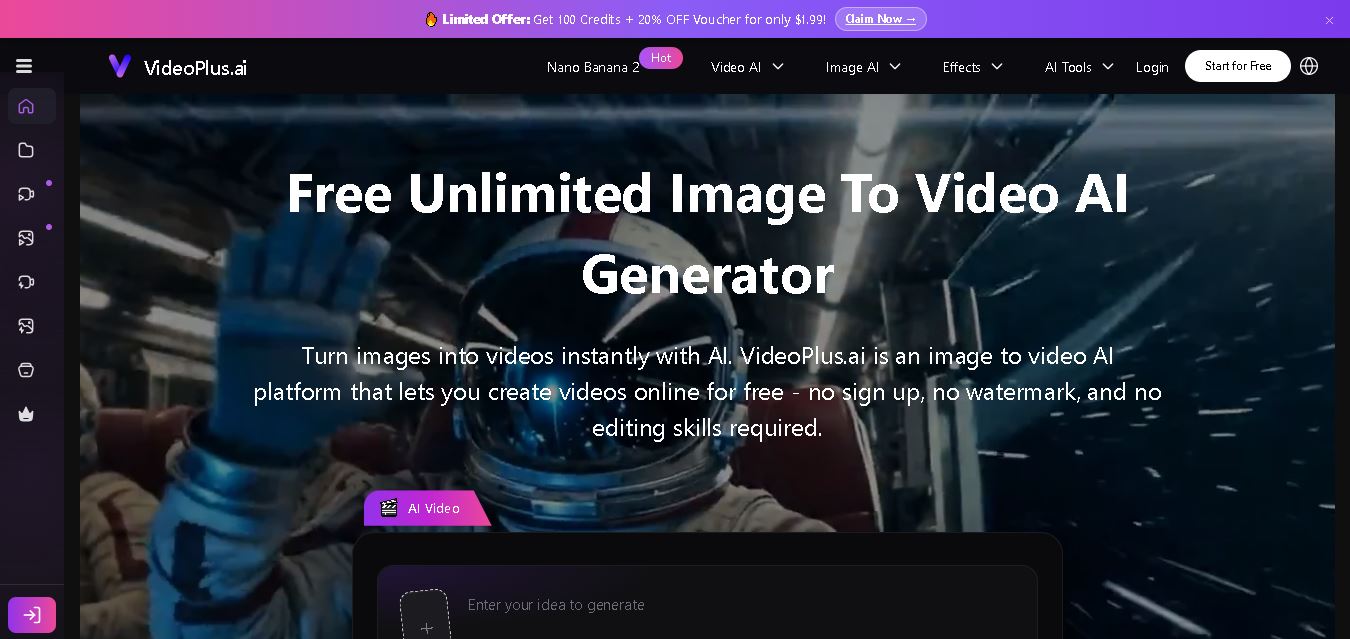
VideoPlus.ai is a versatile AI creation platform for generating and transforming videos and images. It supports text-to-video, image-to-video, reference-to-video, video-to-video, animation, image generation, enhancement, lip syncing, and creative effects. Multiple AI video models are available, making it useful for creators, marketers, designers, and businesses.
 4.7
4.7VideoTube
Video Generator
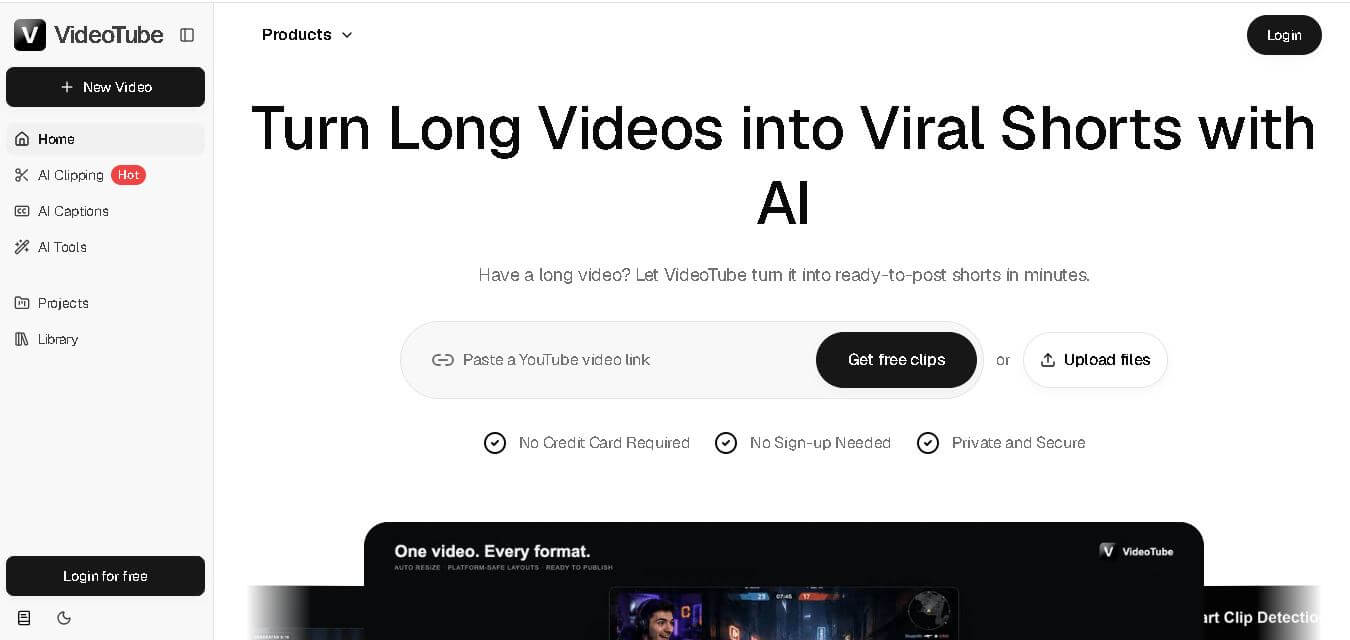
VideoTube helps creators transform long videos into short, social-ready content with AI. It can detect engaging moments, generate captions, remove filler, add B-roll, and automatically reframe videos for vertical platforms. Podcasters, YouTubers, educators, marketers, and agencies can repurpose existing content faster without relying on complicated video editing workflows.
 4.7
4.7TYPPO
Video Generator
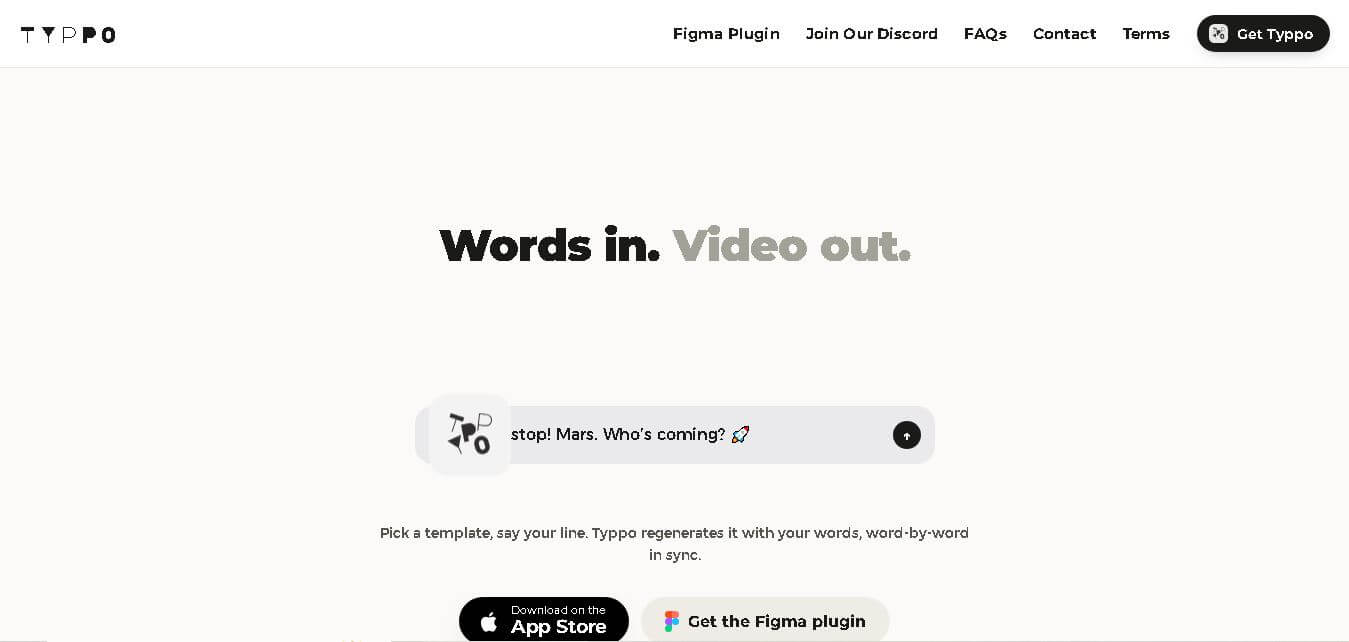
Typpo turns spoken words into animated videos without requiring design skills. Record a message, let the app transform your voice into motion graphics, and share the result on mobile-focused social channels. It supports multiple languages and offers a simple workflow for creators, marketers, communicators, and anyone wanting faster visual content creation.