Best AI Video Editing Tools, & Software in 2026
Find the best AI video editing tools and software to enhance your content with smart features, automation, and seamless editing for professional-quality videos.
 4.7
Kaiber
Video Generator
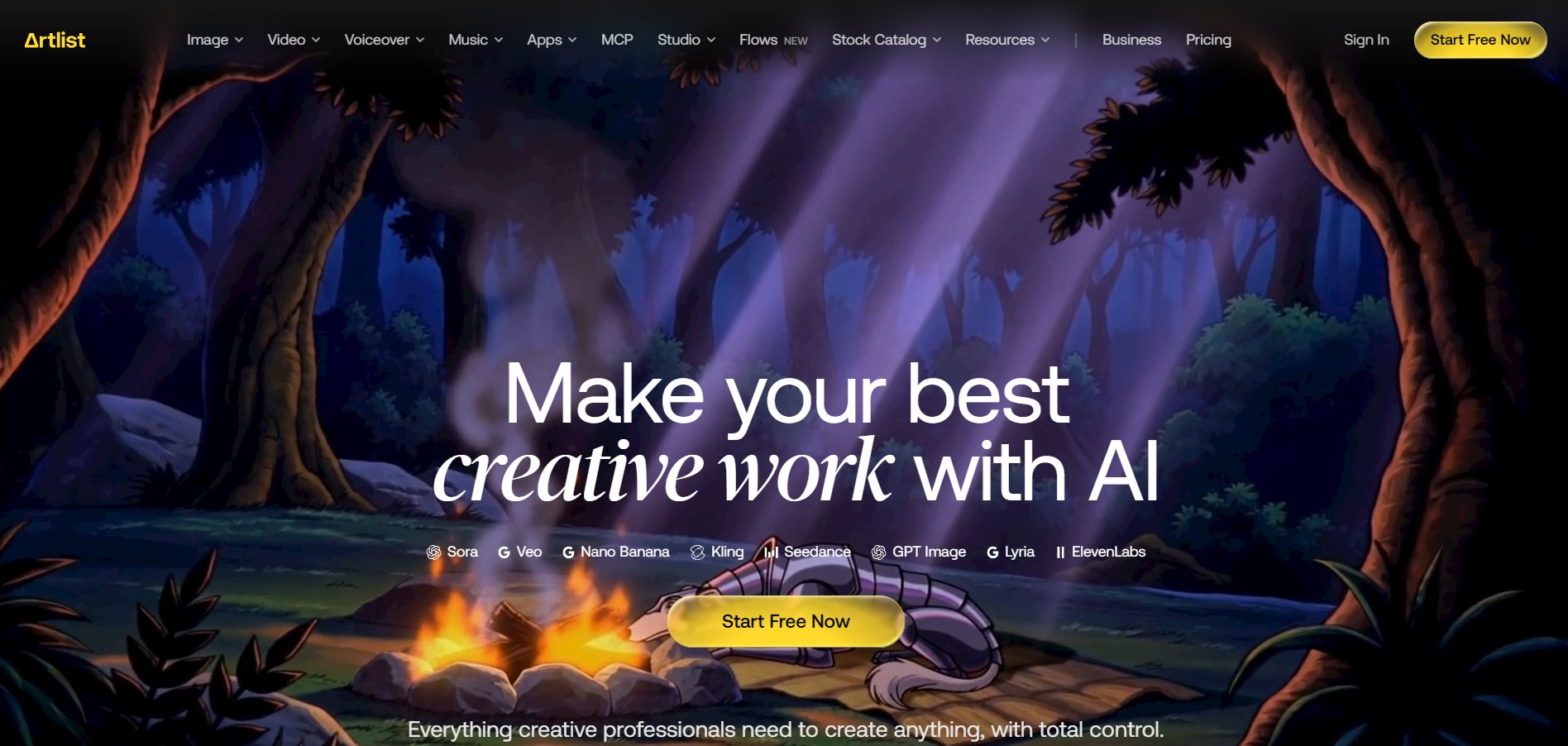
Kaiber is an AI-powered creative suite for generating videos, images, and audio. It helps musicians, content creators, and marketers turn text prompts, images, and music into engaging visuals. Its tools support image animation, beat-synced video creation, lip-sync, visual restyling, and timeline editing for social media and music videos.
FreemiumView tool
N
17.6Neural.love
AI Image Enhancer
Neural.love is an AI-powered creative platform for generating images, editing photos, enhancing videos, restoring old media, and animating pictures. It combines multiple AI tools in a browser-based workspace, helping content creators, marketers, photographers, designers, and businesses improve visual content without relying entirely on traditional editing software.
FreemiumView tool
 4.8
Shuffll
Video Editing
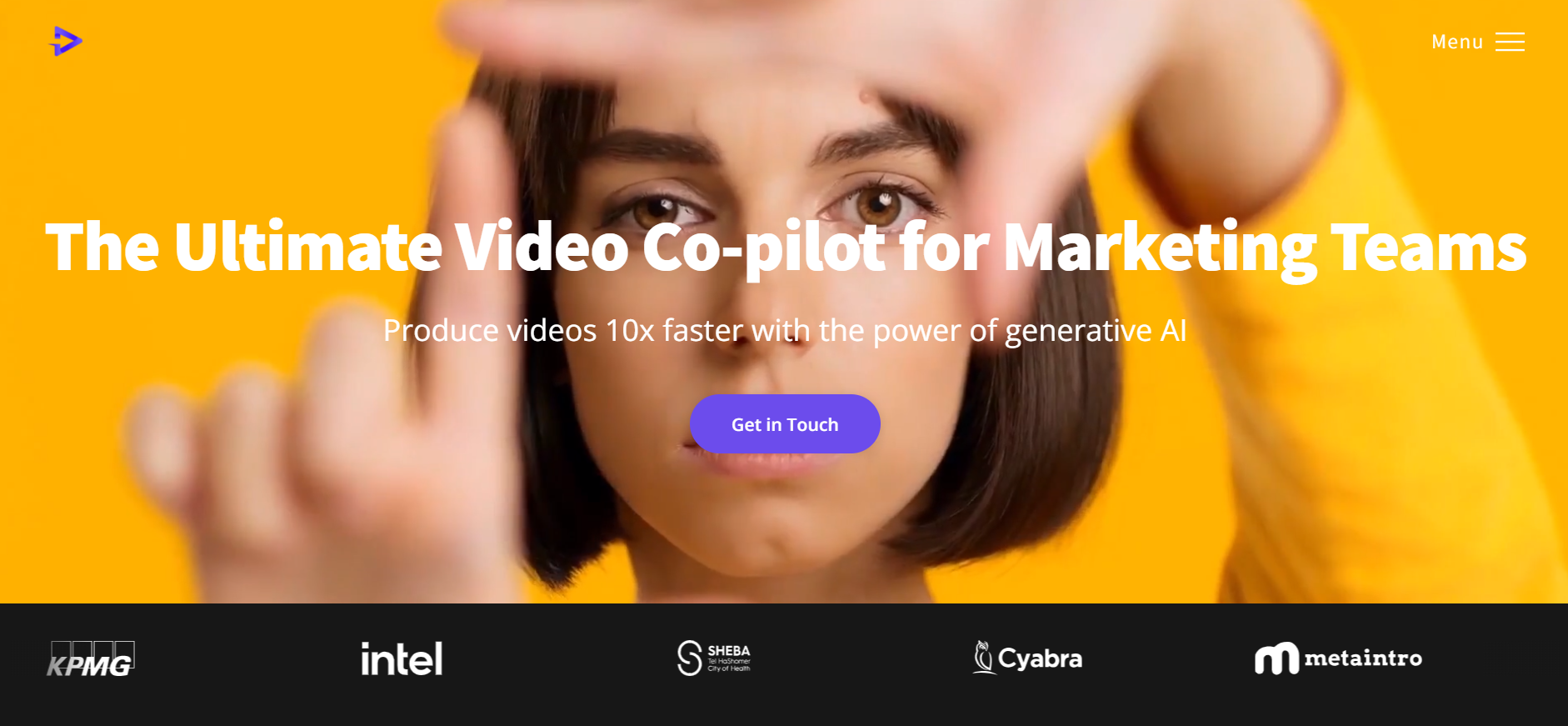
Shuffll goes beyond traditional video creation by connecting personalized video directly to enterprise data and workflows. Its API-first infrastructure, 40+ AI models, automated production, and built-in brand governance make it suitable for organizations that need video at scale. For businesses seeking higher engagement without building large production teams, Shuffll offers a practical way to turn existing data into personalized, on-brand video experiences.
PaidView tool
 4.8
Opus Clip (Opus Pro)
Video Editing
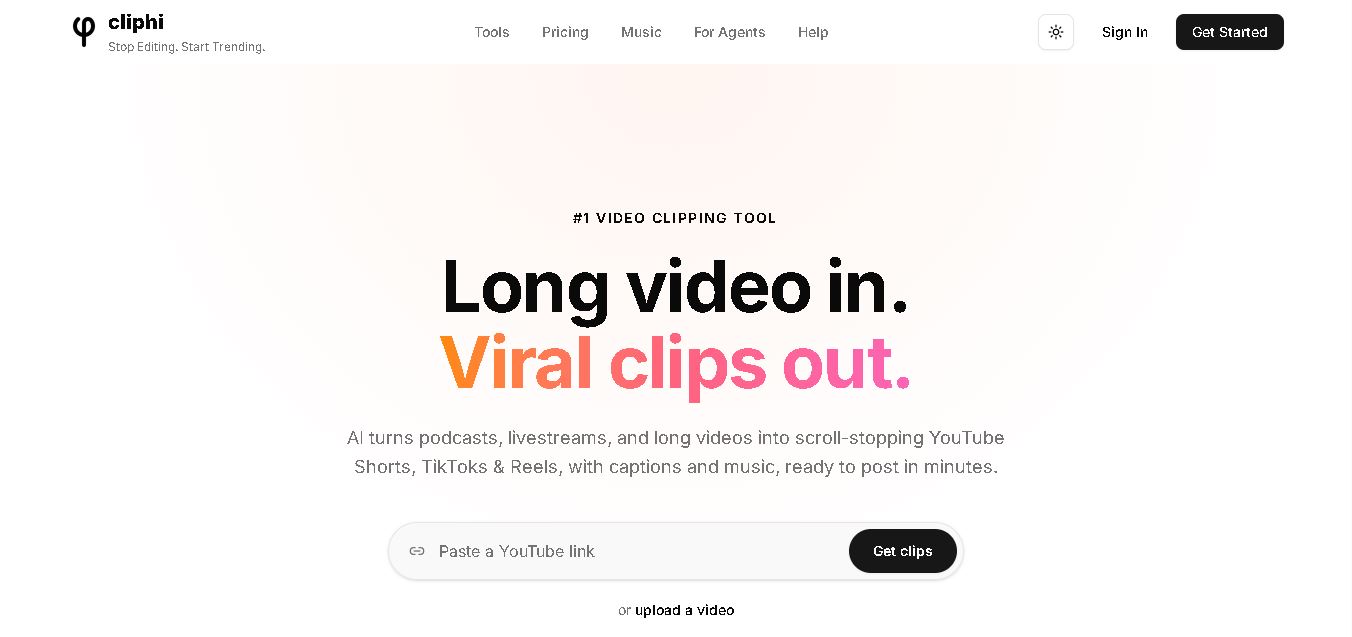
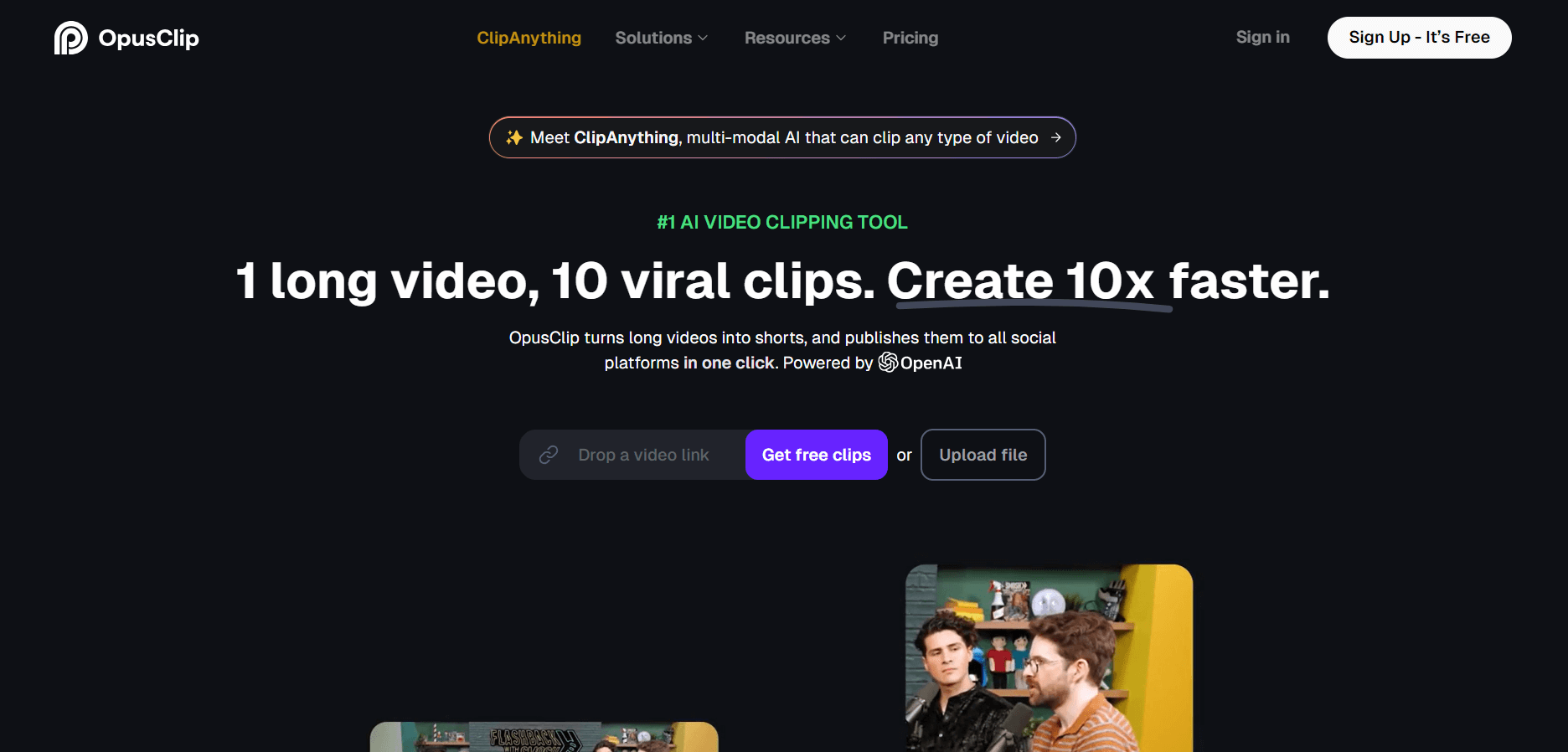
OpusClip helps creators transform long-form videos into short, social-ready clips. It can identify engaging moments, generate captions, reframe footage, add B-roll, enhance audio, and support publishing across major social platforms. It is designed for creators, marketers, podcasters, businesses, and teams that want to scale video content production.
FreemiumView tool
 4.8
Dubbah
Video Editing
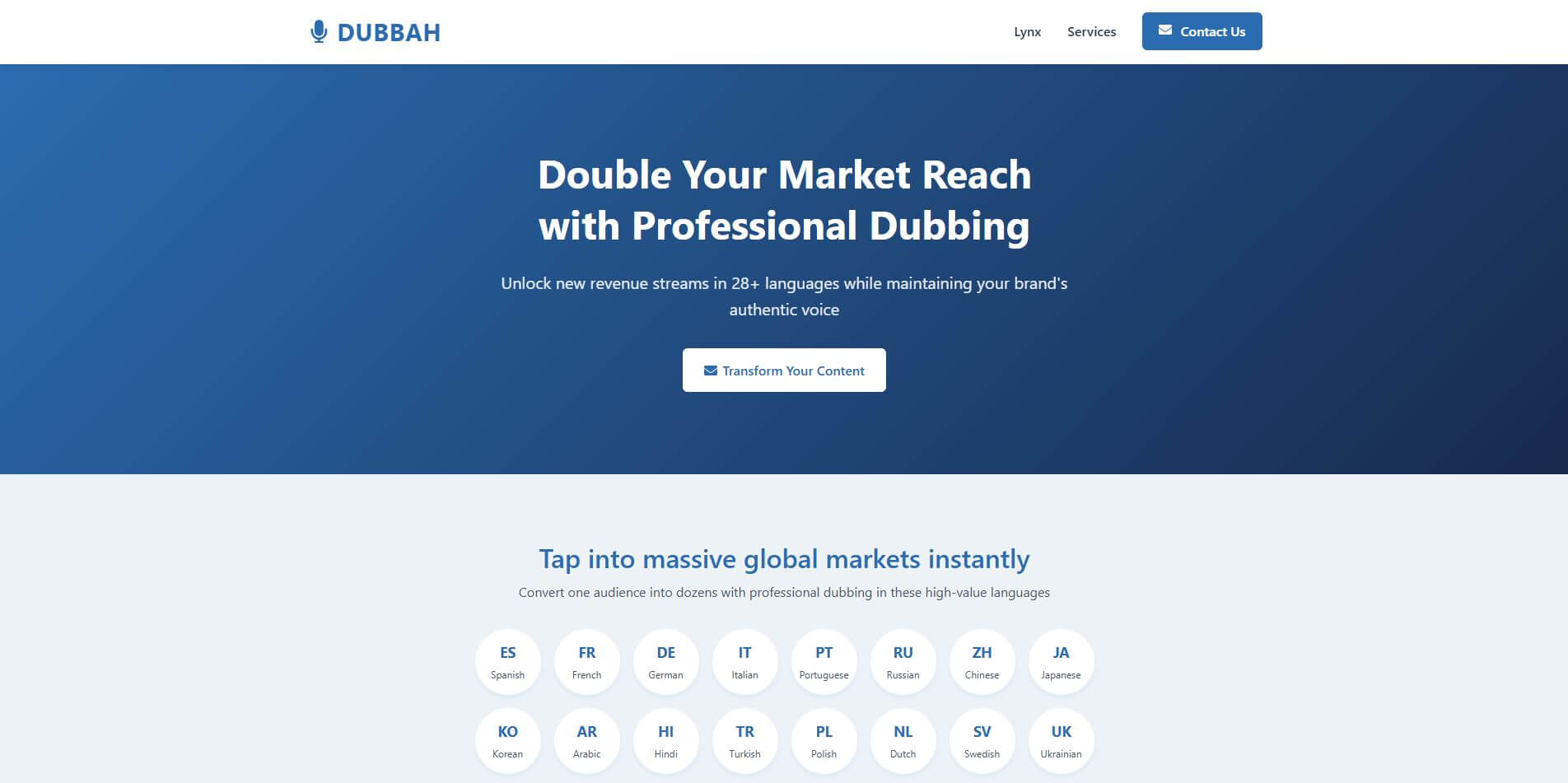
Dubbah helps Mac users translate and dub videos into 14 languages while preserving a familiar speaker voice. The app processes media locally, supports editing translated lines, and works offline after setup. With no account, subscription, or per-minute fee, it offers a simple, straightforward option for creators producing multilingual video content.
FreeView tool
 4.9
Clipchamp
Video Generator
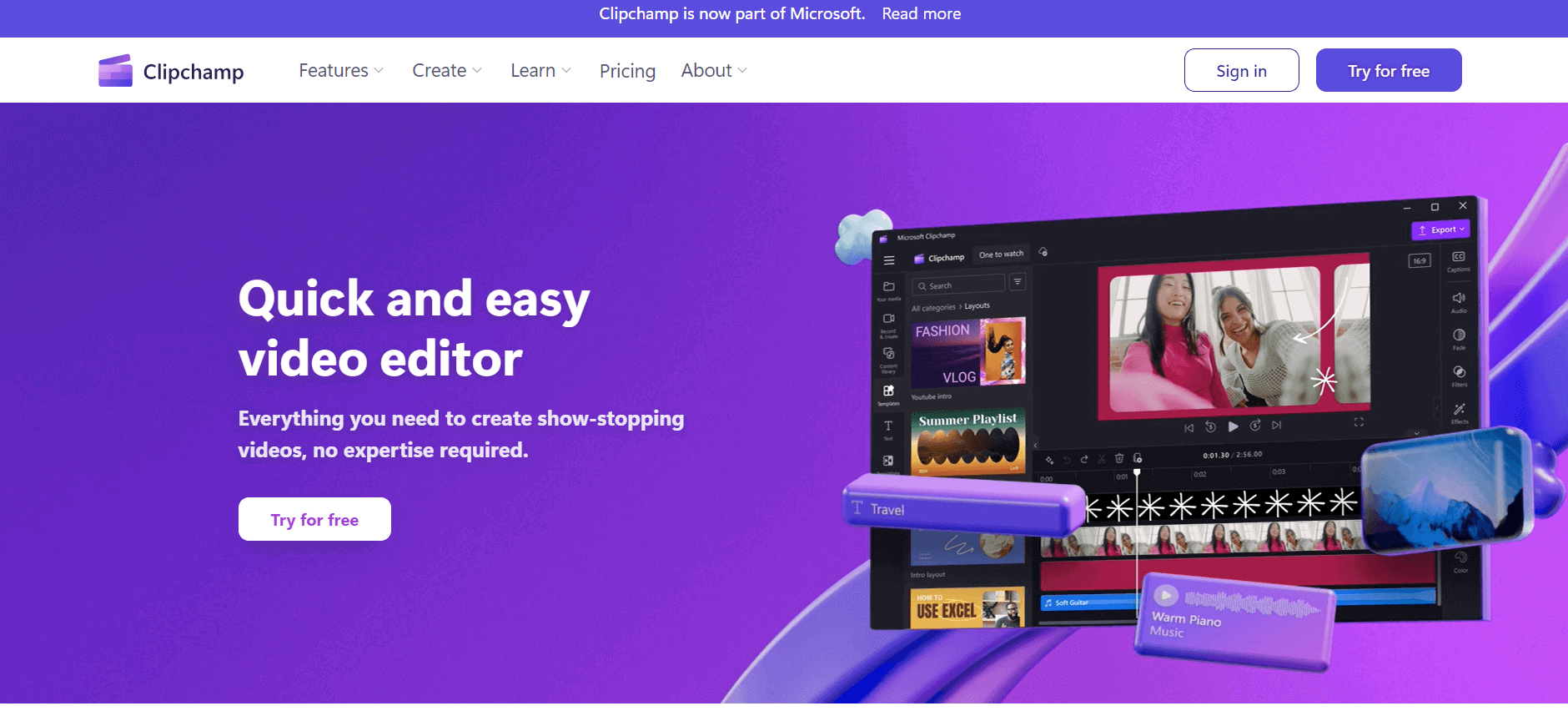
Clipchamp is an AI-powered online video editor by Microsoft that helps users record, edit, and share videos directly from the browser. It offers templates, stock media, and AI tools like subtitles, voiceovers, and noise removal, enabling fast, professional video creation without advanced editing skills.
FreemiumView tool
What Are AI Video Editing Tools?
AI video editing tools are software platforms that use artificial intelligence to simplify and automate the video production process. These tools help users edit videos, generate captions, add effects, and optimize content without requiring advanced editing skills.
On TechShark, AI video editing tools focus on real use cases like short-form content creation, YouTube editing, ad production, and social media automation. Instead of spending hours on manual editing, creators can use AI to streamline workflows and produce professional-quality videos faster.
For example, a content creator can automatically generate captions and cut clips, while a marketer can create high-performing video ads using AI.
Benefits of AI Video Editing Tools
AI is transforming video production by making editing faster and more accessible.
Key advantages include:
- Faster editing: Automate cuts, transitions, and effects
- Auto captions & subtitles: Generate accurate captions instantly
- Time savings: Reduce manual editing effort
- High-quality output: Improve video quality with AI enhancements
- Scalability: Create multiple videos quickly
- Ease of use: Beginner-friendly tools for non-editors
These benefits make AI video tools essential for modern content creation.
What Can You Do With AI Video Editing Tools?
AI video editing tools support a wide range of workflows across creators and businesses.
You can use them to:
- Edit YouTube videos and short-form content
- Create social media reels and ads
- Generate captions and subtitles automatically
- Add AI effects, transitions, and enhancements
- Convert text into video content
- Repurpose long videos into short clips
- Optimize videos for different platforms
- Automate video production workflows
On TechShark, tools are grouped by use case so you can quickly find what fits your needs.
How to Choose the Best AI Video Editing Tool
Not all video tools offer the same features. Choosing the right one depends on your content goals.
When comparing tools on TechShark, consider:
- Use case: YouTube, ads, social media, or professional editing
- Automation level: Basic editing vs full AI automation
- Output quality: Resolution and visual enhancements
- Ease of use: Beginner-friendly vs advanced editors
- Features: Captions, effects, templates, and AI generation
- Integration: Social media platforms and workflows
- Pricing: Free vs premium plans
TechShark filters help you compare tools based on these factors.
Who Should Use AI Video Editing Tools?
AI video editing tools are useful across multiple roles:
- Content Creators: For YouTube, reels, and short videos
- Marketers: For ad creatives and campaigns
- Social Media Managers: For consistent content production
- Businesses: For product videos and branding
- Agencies: For managing multiple video projects
- Beginners: For easy, no-skill video editing
If you create video content, AI tools can significantly improve speed and quality.
Free vs Paid AI Video Editing Tools
AI video tools come with different pricing models depending on features.
- Free tools: Basic editing and limited exports
- Freemium tools: Limited features with upgrade options
- Paid tools: Advanced editing, automation, and high-quality exports
On TechShark, pricing is clearly labeled to help you choose the right option.
Popular Types of AI Video Editing Tools
To simplify discovery, TechShark organizes tools into key categories:
- Auto Video Editors: Automated editing and cuts
- Caption & Subtitle Tools: Generate and edit captions
- Text-to-Video Tools: Create videos from text
- Short-Form Video Tools: Reels, TikTok, and Shorts creation
- AI Effects Tools: Enhance visuals and transitions
- Video Repurposing Tools: Convert long content into short clips
This structure helps you quickly find tools based on your specific needs.
How TechShark Curates AI Video Editing Tools
TechShark focuses on intent-driven discovery, helping users find tools based on content creation goals.
Each tool listing includes:
- Clear use cases (YouTube, ads, social media, etc.)
- Features and capabilities
- Pricing (free, freemium, paid)
- Tags for filtering and comparison
The directory is regularly updated with new tools.
The Future of AI in Video Editing
AI is rapidly transforming video editing with automation, real-time processing, and generative capabilities. Future developments will include:
- Fully automated video production
- Real-time editing and rendering
- AI-generated scenes and effects
- Deep integration with content platforms
As AI continues to evolve, video creation will become faster, smarter, and more scalable.
Explore the Best AI Video Editing Tools on TechShark
Browse the tools above to compare features, pricing, and use cases. Whether you're editing content, creating ads, or scaling video production, TechShark helps you find the right tools faster.
You Can Also Explore These Related Categories
- AI Video Generator Tools
- AI Animation Tools
- AI Content Creation Tools
- AI Social Media Tools
- AI Marketing Tools