
GeniLoop AI
GeniLoop AI is an all-in-one AI studio that lets you create images, videos, and visual content from simple prompts. It supports tools like text-to-video, image-to-video, and hundreds of effects, helping creators generate high-quality visuals quickly without editing skills.
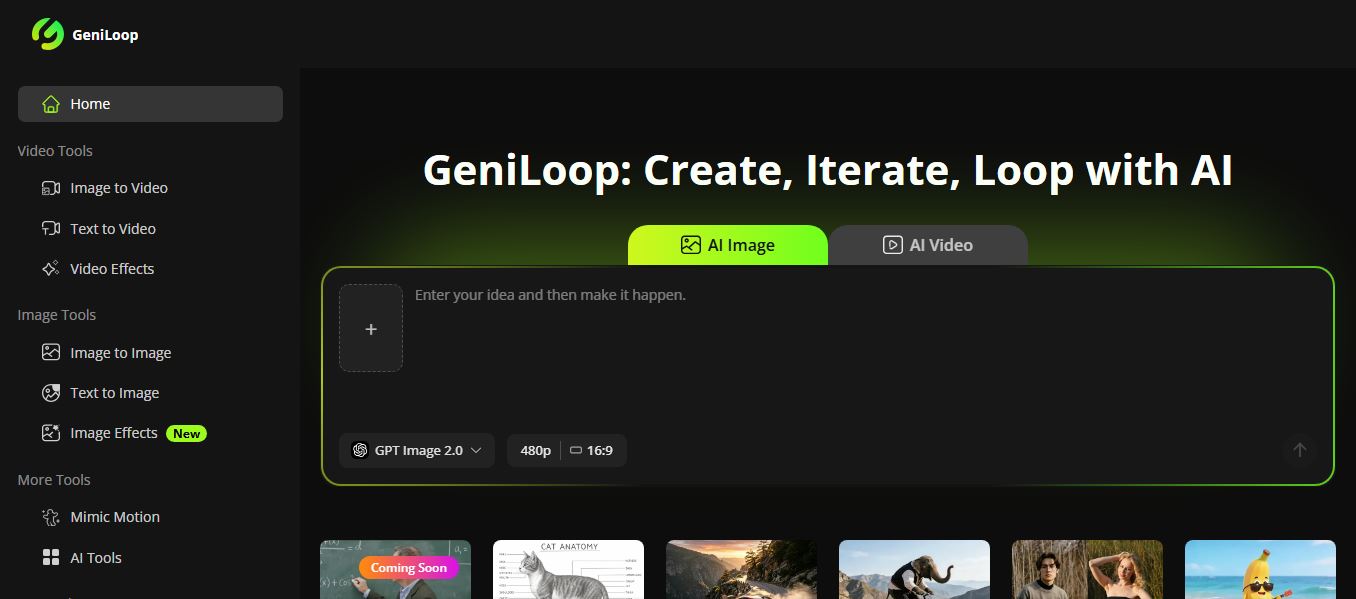
What is GeniLoop AI?
GeniLoop is an all-in-one AI creative studio that lets you generate images, videos, and animations from simple text or photos without needing editing skills. You can create content using tools like text-to-video, image-to-video, and text-to-image, then enhance it with hundreds of built-in effects and styles in just a few clicks. It supports multiple advanced AI models and formats, allowing users to customize resolution, aspect ratio, and output type based on their needs. Designed for creators and marketers, it simplifies the entire workflow—turning ideas into shareable visual content quickly and efficiently.
Built around the guiding philosophy of “Create, Iterate, Loop with AI,” GeniLoop AI provides centralized access to premier video and image generation models—including Kling 3.0, FLUX, Seedance 2.0, Runway, Hailuo, Veo, Wan, GPT Image, and Grok. The platform allows creators to produce text-to-video scenes, animate static images with photo-to-video tools, transfer artistic styles (anime, cartoon, Ghibli aesthetics), and apply over 500 pre-built video and image effects without writing code or managing complex local environments. Operating on a unified credit system with commercial licensing on paid tiers, GeniLoop AI offers a free trial with starter credits alongside flexible monthly subscription plans starting from $9.99 per month.
- Platform Role: Multi-Model AI Video Studio, Text-to-Video Engine & Creative Visual Hub
- Integrated AI Model Roster: Kling, FLUX, Runway, Hailuo, Seedance, Google Veo, Wan, and Grok
- Supported Generation Workflows: Text-to-Video, Image-to-Video, Text-to-Image, Image-to-Image & 500+ Visual Effects
Use Cases:
- Generating high-converting vertical video clips and short-form video ads for TikTok, Instagram Reels, and YouTube Shorts
- Transforming still product photos and e-commerce shots into dynamic moving video clips with realistic motion
- Testing and comparing visual outputs across different models (like Kling vs. Runway vs. FLUX) without switching browser tabs
- Converting portraits into stylized anime, 3D cartoons, or cinematic oil paintings for digital branding
- Building rapid storyboards, concept art decks, and visual pitch reels for multimedia campaigns
Technology:
- Multi-model inference routing layer orchestrating prompt requests across leading third-party video and image models
- Frame interpolation and motion trajectory algorithms translating still 2D photography into coherent 3D video sequences
- Cloud rendering cluster delivering queue priority and watermark-free video exports on paid tiers
Target Users:
- Social media content creators and viral video publishers producing daily Reels, Shorts, and TikTok clips
- Performance marketers and e-commerce merchants building dynamic video ad variations for paid social campaigns
- Graphic designers, concept artists, and creative directors prototyping visual storyboards and campaign moods
- Solo entrepreneurs and small marketing teams seeking multi-model creative power without managing multiple billing subscriptions
Acquisition: Operates as an independent private visual AI creative platform

What are the key features of GeniLoop AI?
GeniLoop AI's key platform features are
- Unified Multi-Model Hub: Access top AI video and image models—including Kling, FLUX, Seedance, Hailuo, Runway, and Veo—from a single account.
- Text-to-Video Generation: Turn descriptive natural-language prompts into high-definition cinematic video sequences with customizable aspect ratios.
- Image-to-Video Animation: Upload static photographs, character portraits, or digital illustrations and breathe natural motion and camera movement into them.
- 500+ Video & Image Effects: Apply trending transitions, stylized lighting, camera motions, and aesthetic presets with one click.
- Artistic Style Transformation: Convert ordinary photography into Ghibli-inspired art, 3D cartoons, anime visuals, or traditional oil paintings.
- Nano Banana Conversational Editing: Edit images naturally by chatting, swapping backgrounds, replacing objects, and refining details through text prompts.
- Watermark-Free Commercial Exports: Paid tiers allow you to export high-resolution media without platform branding for commercial promotional use.
- Centralized Credit System: Allocate a single pool of monthly generation credits flexibly across whatever models and tools your project demands.
How much does GeniLoop AI cost?
GeniLoop AI operates on a tiered monthly and annual subscription model powered by reusable credits, backed by a trial option.
Free Evaluation:
- Free Trial / Starter Credits: Sign up to explore the interface, test basic image-to-video tools, and preview generated visual quality before subscribing
Standard Monthly Subscription Plans:
- Starter Plan: $9.99 / month | Includes 1,100 credits/month (up to ~73 videos or ~822 images), access to core video and image models, 500+ effects, priority queue, watermark-free exports, and commercial licensing
- Creator Plan (Most Popular): $29.99 / month | Includes 3,800 credits/month (up to ~253 videos or ~2,850 images), access to advanced models (Kling, FLUX, Runway, Veo), priority rendering, and commercial usage rights
- Pro Plan: $59.99 / month | Includes 7,500 credits/month (up to ~500 videos or ~5,622 images), extended model allowances, high-resolution rendering, and expedited queue status
- Business Plan: $99.99 / month | Includes 14,000 credits/month (up to ~933 videos or ~10,500 images), maximum generation capacity, and dedicated support
Disclaimer: Video and image generation costs vary based on the specific underlying model selected. Unused monthly credits are subject to billing cycle resets. For current pricing updates and refund terms, visit geniloop.ai.
Who should use GeniLoop AI?
GeniLoop AI is designed for digital content creators, marketers, and video editors, including
- Short-Form Video Creators: Crafting visual hooks, transitions, and cinematic b-roll for viral TikToks, Reels, and Shorts
- E-Commerce & DTC Marketers: Turning catalog product stills into eye-catching animated promotional video ads without production crews
- Digital Storytellers & Filmmakers: Prototyping multi-scene video concepts, character motion tests, and cinematic visual styling
- Creative Agencies: Exploring multiple AI generation engines for client campaigns under a single, predictable monthly invoice
What are the best alternatives to GeniLoop AI?
Some of the strongest GeniLoop AI alternatives include
What are the pros and cons of GeniLoop AI?
What are the pros of GeniLoop AI?
- Consolidates multiple leading AI video and image models (Kling, FLUX, Runway, Hailuo) into one unified account
- Eliminates the cost and operational hassle of managing four or five separate AI tool subscriptions
- Includes more than 500 creative effects, style transformations, and animation presets out of the box
- Clean, beginner-friendly web interface that makes generating video clips simple for non-technical users
- Accessible $9.99/month starter plan makes testing AI video creation affordable
What are the cons of GeniLoop AI?
- Generation quality depends directly on the chosen underlying third-party model
- Lacks advanced multi-track non-linear timeline editing features like audio cutting or complex keyframing
- Heavy video generation can deplete monthly credit allowances rapidly on entry-level plans
Why should you choose GeniLoop AI?
The biggest challenge in generative AI video production is platform fragmentation. Keeping up with which model does text-to-video best, which excels at photorealistic motion, and which creates top-tier images often forces creators to spend hundreds of dollars each month across disconnected platforms. GeniLoop AI simplifies this creative landscape.
- Switch between premier generation engines like Kling, Runway, and FLUX using one unified credit pool
- Animate static assets into motion video clips in seconds without complex prompt engineering
- Apply over 500 trending visual filters and animation styles directly from a single browser dashboard
- Cut software overhead by replacing multiple single-model subscriptions with one flexible plan
How does GeniLoop AI compare to competitors?
The main difference between GeniLoop AI, Runway, Luma Dream Machine, and Pika Labs lies in platform architecture and model accessibility. While Runway and Luma focus on developing and deploying their own proprietary foundation video models within dedicated standalone ecosystems, GeniLoop AI acts as a multi-model creative aggregator, allowing users to leverage models like Kling, FLUX, Runway, and Seedance inside a single workspace under unified credits.
| Feature / Platform | GeniLoop AI | Runway (Gen-3) | Luma Dream Machine | Pika Labs |
|---|---|---|---|---|
| Platform Model | Multi-Model Aggregator Studio | Proprietary Foundation Model Studio | Proprietary Video Foundation Model | Proprietary Video & Effects Platform |
| Supported Models | Kling, FLUX, Runway, Veo, Hailuo, Wan | Runway Gen-2 & Gen-3 Alpha | Luma Dream Machine Models | Pika 1.0 & 2.0 Engines |
| Built-in Effects Library | 500+ Video & Image Effects | Motion Brush, Camera Controls | Camera & Keyframe Controls | Pikaffects (Inflate, Melt, Explode) |
| Image & Style Converters | Yes (Anime, Cartoon, Ghibli, Oil) | Style presets & Gen-1 styles | Photorealistic visual focus | Style prompt controls |
| Starting Price | Free trial / From $9.99/mo | Free tier / Standard from $15/mo | Free tier / Paid from $9.99/mo | Free tier / Standard from $10/mo |
| Best For | Creators wanting multi-model video generation in one hub | Professional filmmakers needing fine motion control | High-coherence 3D camera sweeps and realism | Playful social effects and fast visual transformations |
How do we rate GeniLoop AI?
| Parameter | Rating (out of 5) |
|---|---|
| Model Diversity & Selection Breadth | 4.9 |
| Text-to-Video & Animation Quality | 4.8 |
| Visual Effects & Style Presets (500+ Effects) | 4.9 |
| User Interface & Workflow Simplicity | 4.8 |
| Value for Money (All-in-One Credit Pricing) | 4.8 |
| Overall Score | 4.84 |
What is our review and verdict on GeniLoop AI?
GeniLoop AI delivers a practical and cost-effective solution for digital creators navigating the fragmented generative video space. By unifying leading foundation models like Kling, FLUX, Runway, and Veo under one intuitive interface, it removes the financial burden and friction of managing multiple individual tool subscriptions. Its collection of over 500 creative effects, fast image-to-video animation, and flexible credit-based pricing make it an attractive creative suite for short-form video editors, marketing teams, and content creators looking to streamline their production workflow.
Conclusion
GeniLoop AI simplifies modern AI visual production by bringing the industry's best video and image generation models into a single creative workspace. With its multi-model support, intuitive photo-to-video tools, rich effect library, and consolidated pricing structure, GeniLoop AI equips creators and marketers with an adaptable platform to produce engaging visual content with ease.
FAQ
What is GeniLoop and what does it actually do?
GeniLoop is an all-in-one AI creative studio designed to generate images, videos, and animations from text or existing media. Instead of using multiple tools, it combines features like text-to-video, image-to-video, and AI image generation into a single platform, making it easier for creators to produce visual content quickly from one dashboard.
How is GeniLoop different from other AI video or image tools?
Most AI tools specialize in one function, like only images or only videos, but GeniLoop acts as a multi-model workspace that integrates different AI engines in one place. This means you can switch between models, apply effects, and generate different types of content without jumping between platforms, which simplifies the overall workflow significantly.
What kind of content can you create with GeniLoop?
You can create a wide variety of visual content including cinematic videos, social media clips, AI-generated photos, animations, and stylized artwork. The platform also supports creative formats like anime, POV videos, character generation, and themed templates, making it useful for both casual creators and marketing teams.
Does GeniLoop support multiple AI models?
Yes, GeniLoop integrates multiple leading AI models (such as GPT Image, Kling, Runway, and others) into one system. This allows users to choose different models for different outputs, improving flexibility and giving better results depending on the type of content being generated.
How does GeniLoop pricing work?
GeniLoop uses a credit-based subscription model, where each image or video generation consumes credits depending on quality and duration. Plans start around $9.99/month and scale up based on usage, while additional credits can be purchased separately if needed.
Is GeniLoop safe and reliable to use?
GeniLoop appears to be a relatively new platform with a moderate trust profile. While it uses standard security practices like encrypted connections and does not share user content without permission, users should still be cautious with sensitive data and review outputs before using them commercially.
User Reviews
No reviews yet for GeniLoop AI.
Featured Tools
Featured AI tools from TechShark

Melody Genie
MelodyGenie is an AI-powered music generator that creates original songs from simple text prompts. Users can choose styles, moods, and genres, then instantly generate melodies and full tracks, making it easy for creators, marketers, and hobbyists to produce custom music without musical expertise.
Freemium

Kimi AI
Kimi AI is an advanced AI assistant developed by Moonshot AI that helps you chat, research, write, code, and automate tasks in one place. It supports web search, file analysis, and multimodal inputs, and can even run autonomous “agent” workflows to complete complex tasks end-to-end.
Freemium

Fashion Diffusion AI
Fashion Diffusion is an AI-powered fashion design platform that helps brands and designers create clothing designs, virtual try-ons, AI models, product photos, and marketing visuals faster and cost-effectively.
Paid

Veo 4
Veo 4 AI is an AI video creation platform that generates dramatic videos from text, images, audio, and video prompts using realistic motion and synchronized sound.
Paid
Alternatives
Alternatives to GeniLoop AI
The best GeniLoop AI alternatives include Runway Gen-3, Luma Dream Machine, Kling AI, Pika Labs, Haiper AI, and Viggle AI. These generative AI video and animation platforms offer text-to-video synthesis, image animation, and visual motion effects. While GeniLoop AI functions as an all-in-one aggregator studio combining multiple premier models (including Kling, FLUX, Runway, Hailuo, and Veo) along with over 500 creative video effects under a single unified credit subscription, standalone alternatives like Runway specialize in proprietary cinematic foundation models with advanced motion brush controls, Luma Dream Machine delivers realistic camera sweeps, and Pika Labs excels at playful physical effects.
 4.9
4.9Media.io
Video Editing
Media.io is an AI-powered creative platform that helps users generate, edit, and enhance videos, images, audio, and ads from simple prompts or assets. It combines AI generation, editing, and workflows in one place, enabling creators to turn ideas into polished content quickly without switching tools.
 4.9
4.9Artlist
Image
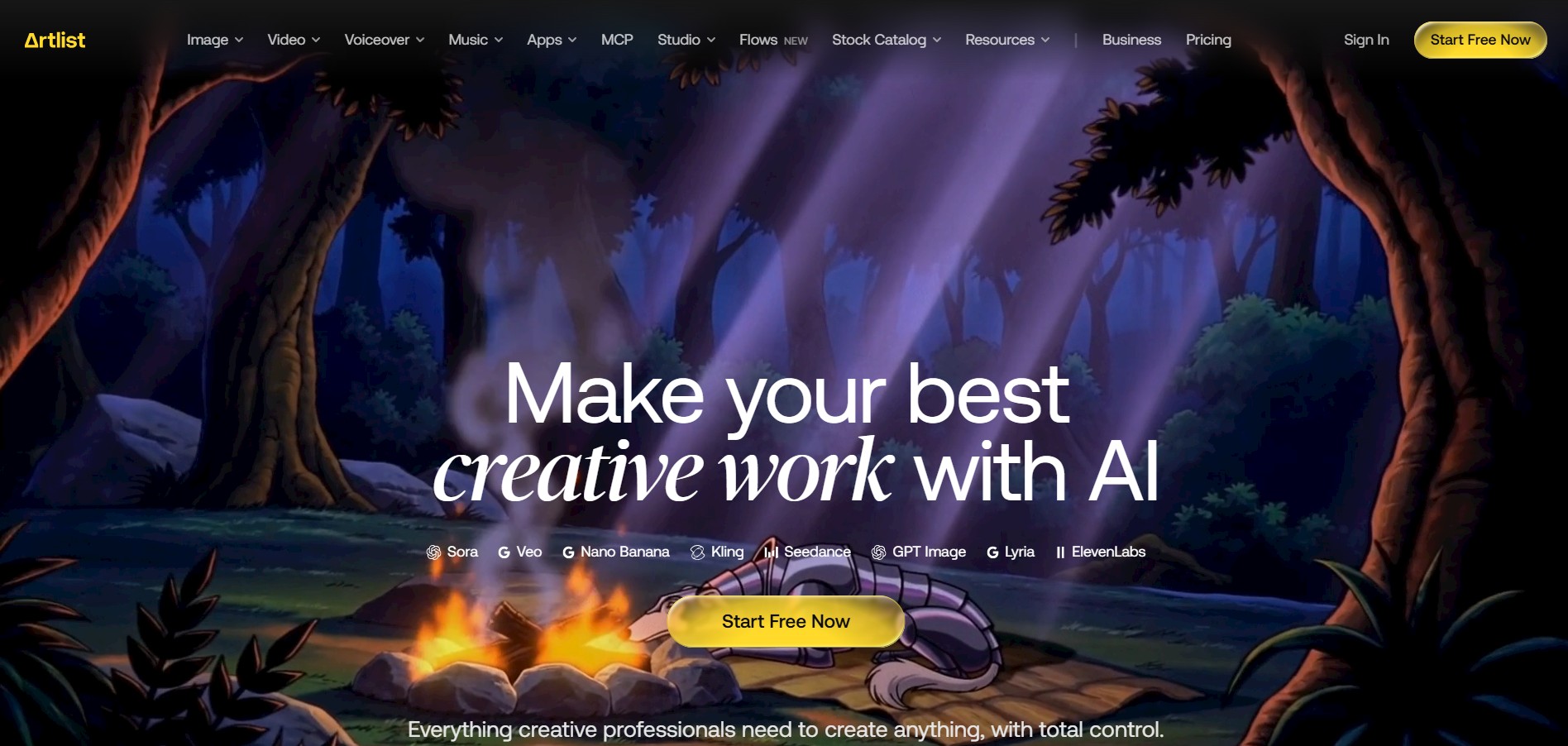
Artlist is a subscription-based platform that provides high-quality royalty-free music, sound effects, and video assets for creators. It helps filmmakers, YouTubers, and marketers access unlimited creative resources, making it easy to produce professional content without worrying about licensing issues.
 4.8
4.8Loqua
Text-to-Video
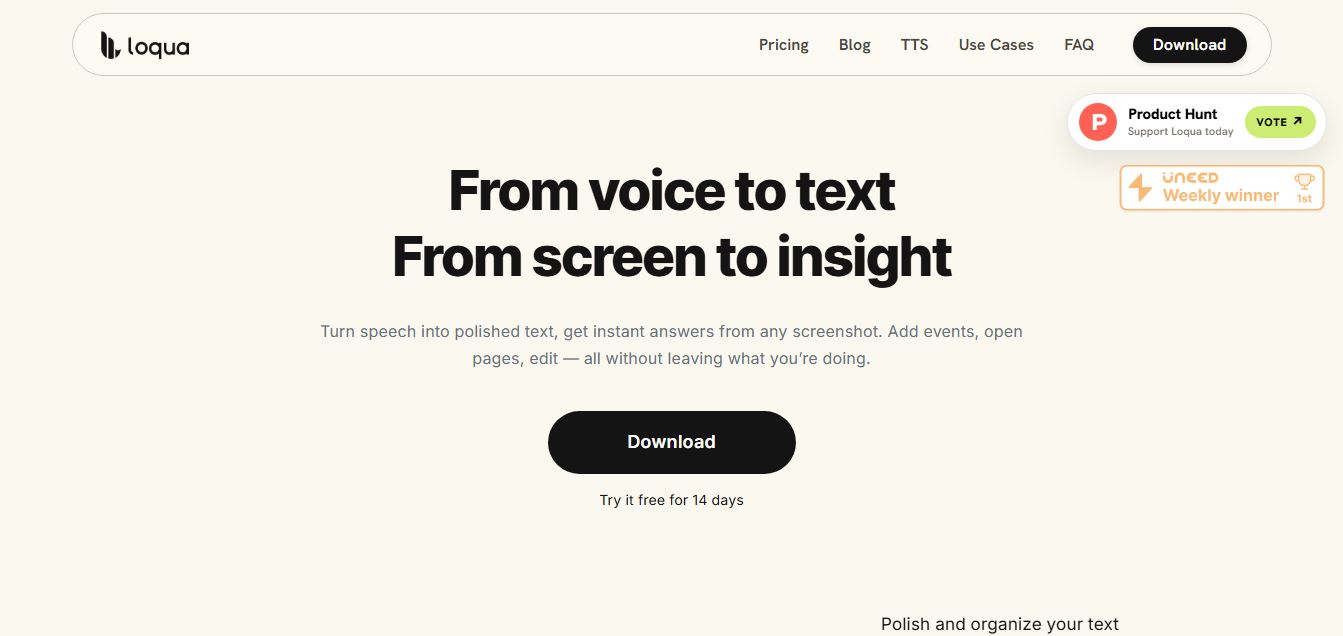
Loqua is an AI-powered voice typing, multimodal desktop agent, and intelligent dictation software for macOS and Windows that turns natural speech into structured, filler-free text across any app at 220 WPM, paired with Capture to Ask visual screen queries, speak-to-edit rewriting, and voice-triggered desktop automations.
 4.8
4.8InVideo
Text-to-Video
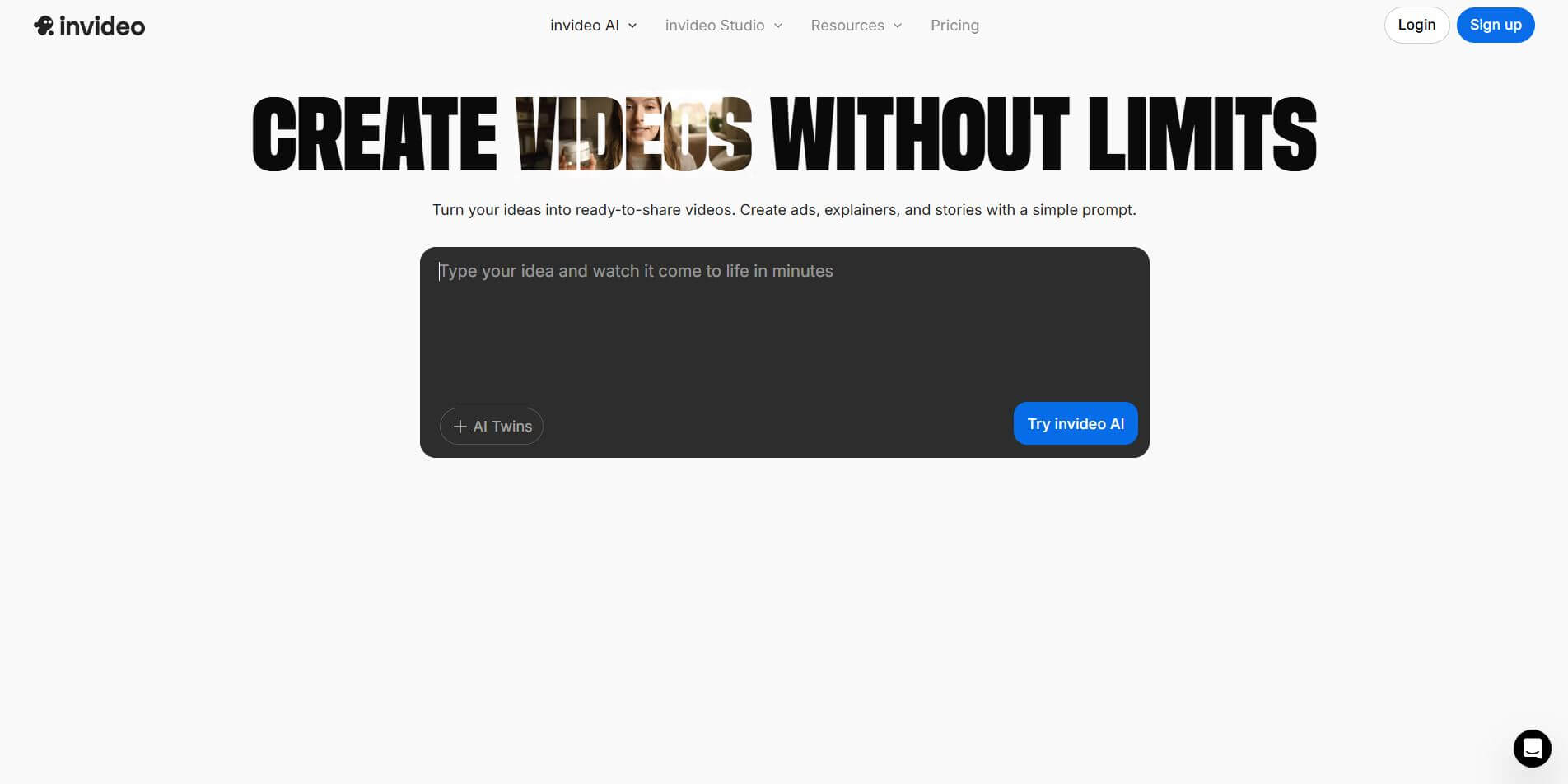
InVideo (invideo.io) is an AI-native video creation and production platform featuring InVideo AI, which turns text prompts, topics, and scripts into fully produced, narrated, and stock-matched videos with automated voiceovers, subtitles, and conversational editing.
 4.9
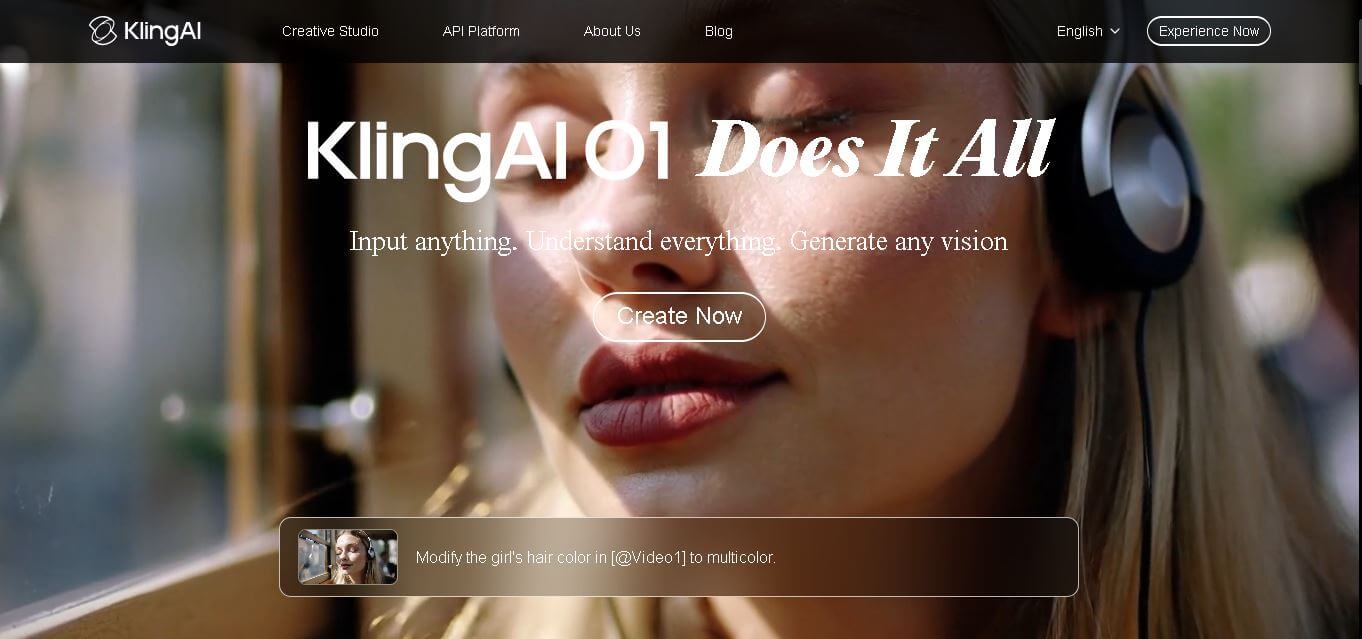
4.9Kling AI
Text-to-Video
Kling AI is a flagship text-to-video and image-to-video creative studio developed by Kuaishou Technology, renowned for realistic physical motion, up to 4K cinematic video generation, native audio and lip-sync, start/end frame control, and 3D spatio-temporal camera direction.
 4.7
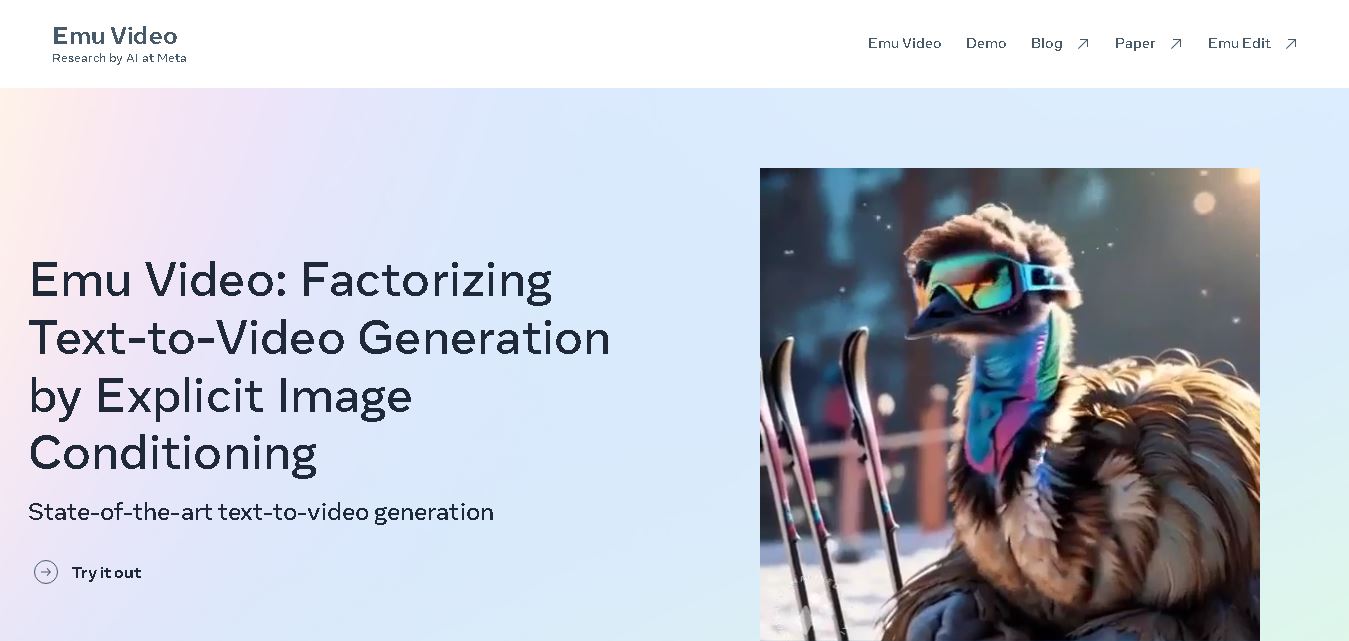
4.7Emu Video
Text-to-Video
Emu Video is a text-to-video generation model developed by Meta that transforms written prompts into short, high-quality videos. It follows a two-step generation process to improve visual consistency, motion quality, and realism. The model also supports image-guided animation, making it suitable for creative storytelling, research, and multimedia content generation.
 4.9
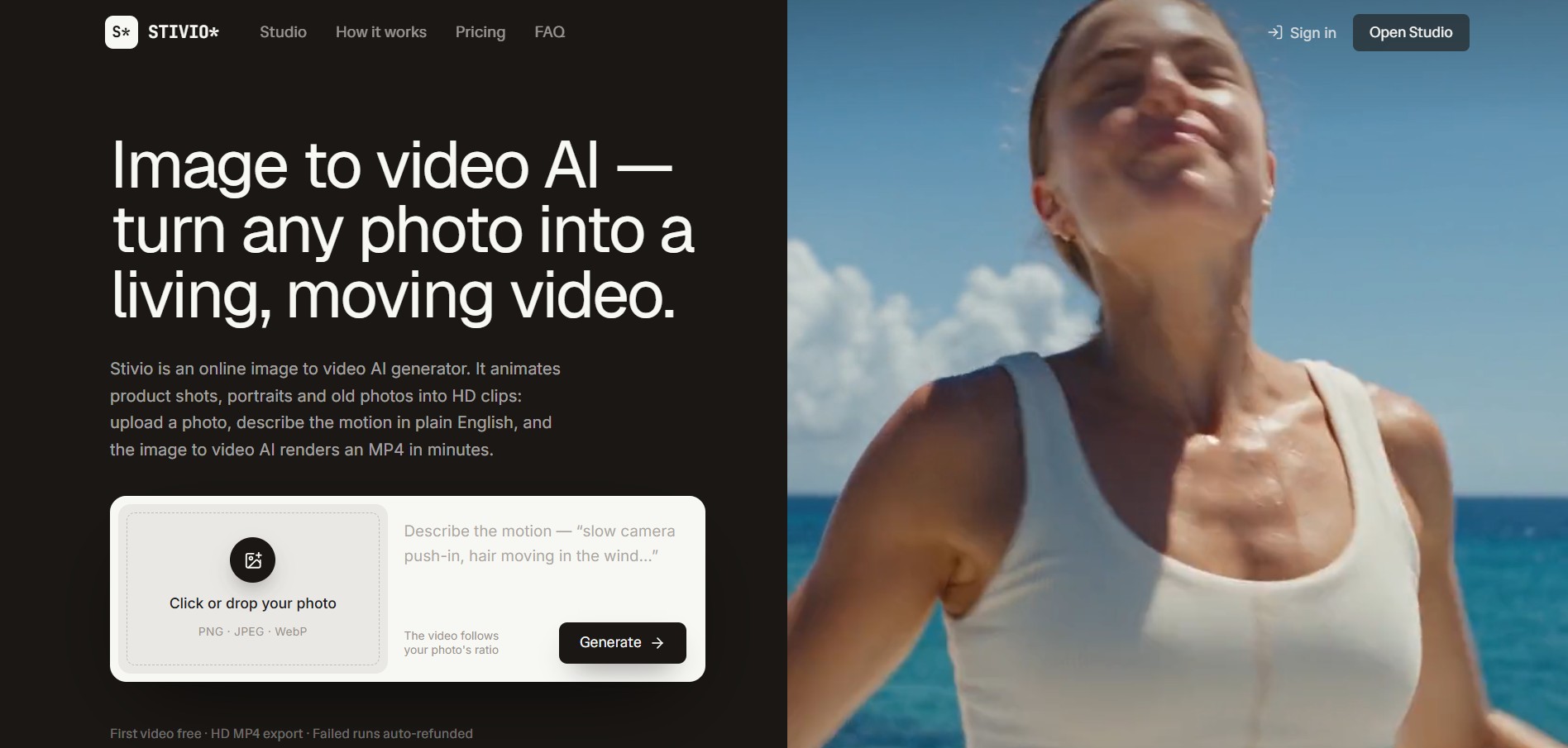
4.9Stivio
Video Generator
Stivio is an online image-to-video AI generator and multi-model animation studio that turns static product shots, portraits, and vintage photos into 3- to 30-second HD MP4 video clips using plain-English motion prompts across six foundation engines including Kling, Wan, MiniMax, and Seedance.
 4.7
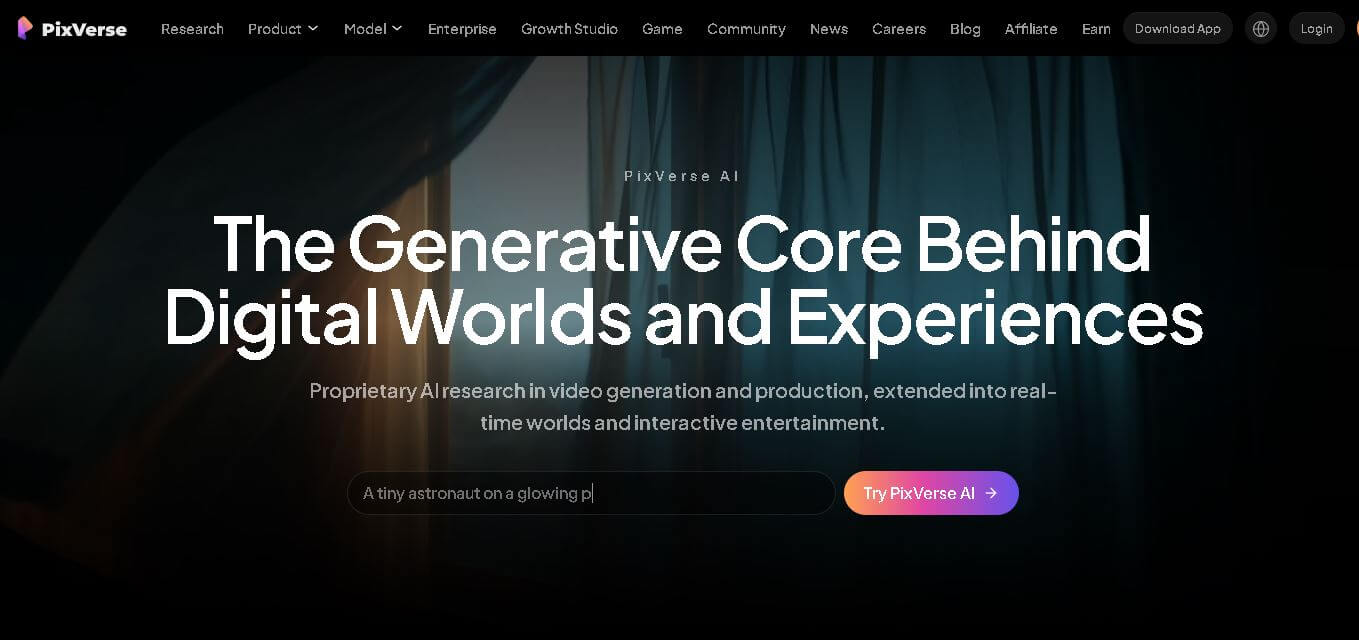
4.7PixVerse AI
Text-to-Video
PixVerse is a generative video creation tool that transforms text prompts, images, and reference media into high-quality videos. It enables individuals, creators, marketers, and businesses to produce cinematic clips, social media content, advertisements, and animations with customizable styles, motion controls, templates, lip-sync, and AI-assisted editing in just a few steps.
 4.6
4.6Morph Studio
Text-to-Video
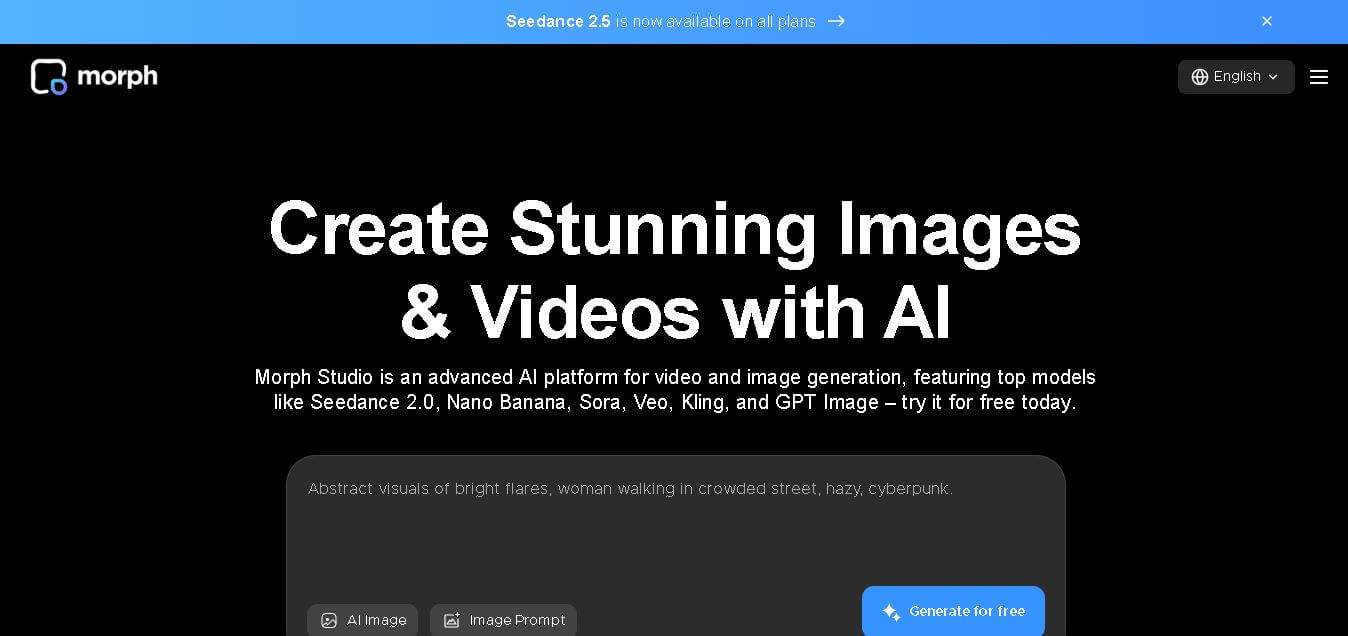
Morph Studio is a creative workspace that helps users generate, edit, and transform images and videos from text prompts or existing visuals. It combines multiple AI models, visual editing tools, and a flexible canvas into one platform, making professional-quality content creation faster and more accessible for creators, marketers, educators, and businesses.