
EbSynth
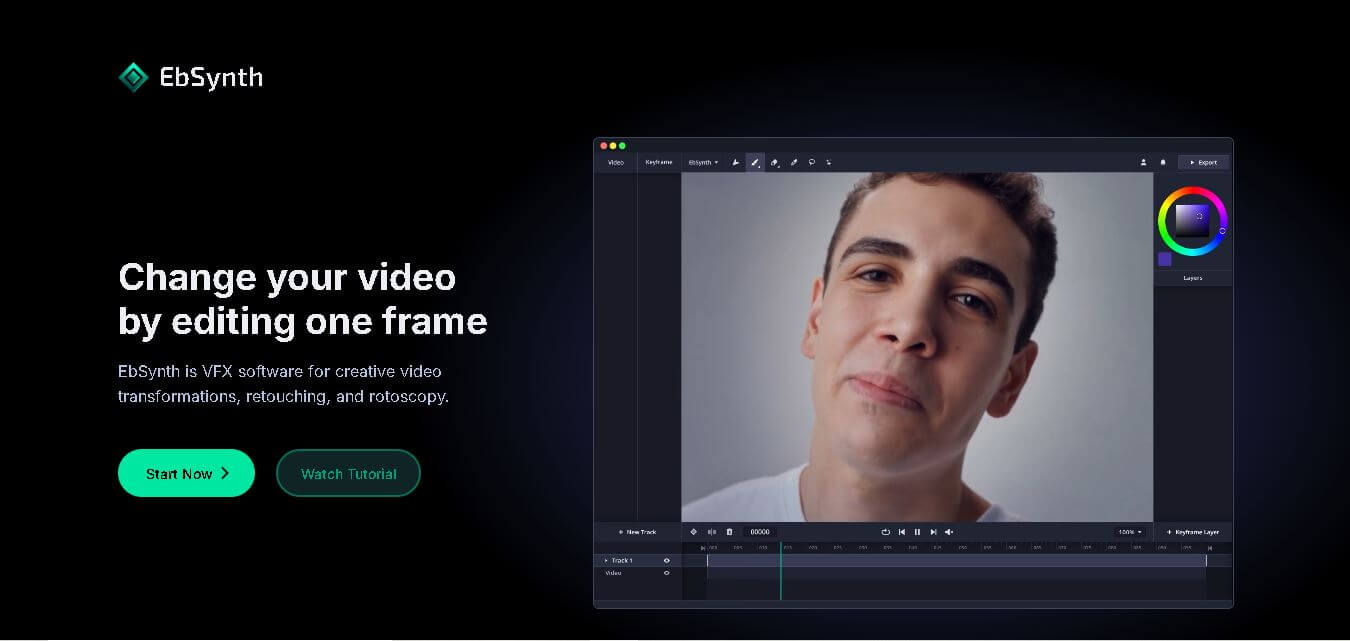
EbSynth is an AI-powered video stylization tool that transforms edited keyframes into complete video sequences, enabling artists and creators to produce stunning animations, visual effects, and artistic videos faster.
What is Eb Synth AI?
EbSynth is an AI powered video editing platform that uses stylization software made for artists, filmmakers, animators, and people who make content and want to turn regular videos into, like, really striking pieces of art. Instead of messing with every single frame by hand, you just tweak a small set of keyframes, and then EbSynth takes care of applying those adjustments across the full clip, pretty much on its own. That cuts down the production time a lot, but it still keeps the artistic vibe consistent. Whether you are doing hand-painted animations, adding digital makeup effects, colorizing old footage, or going for cinematic visual effects, EbSynth gives you a smoother workflow that blends advanced image synthesis with creative flexibility for both newcomers and seasoned creators.
EbSynth allows creators to stylize entire videos by editing only a few keyframes instead of thousands of individual frames. It supports high-definition and 4K video exports, PNG image sequences, and offline rendering for professional workflows. The software is compatible with Windows and macOS, making it accessible to a wide range of creators. Thousands of artists, filmmakers, and VFX professionals use EbSynth to reduce editing time while maintaining consistent visual quality across long video sequences.

Founder Name
- Šárka Sochorová
- Ondřej Jamriška
Launch Date: 2019
Use Cases
- Hand-painted animation
- Video stylization
- Digital painting
- Rotoscoping
- Video colorization
- Digital makeup
- Visual effects production
- Independent filmmaking
- Motion graphics
- Content creation
- Artistic video transformation
- Video restoration
Technology
- Texture Synthesis
- Computer Vision
- Keyframe Propagation
- Motion Tracking
- AI-Assisted Image Generation
- Video Stylization Engine
- Cloud Rendering
- Offline Processing
Key Features
EbSynth AI's key features are
- AI-Powered Keyframe Propagation: Edit one or more keyframes, and EbSynth automatically transfers the same artistic style across the remaining video frames.
- Artistic Video Stylization: Transform ordinary footage into paintings, sketches, watercolors, comic-style videos, or any custom artistic look.
- Digital Painting Workflow: Artists can paint over a single frame using Photoshop or other image editors and let EbSynth reproduce that style throughout the video.
- Rotoscoping Assistance: Reduce manual frame-by-frame editing by automatically propagating masks and visual modifications.
- Video Retouching: Enhance videos by removing imperfections, applying digital makeup, or making cosmetic improvements.
- High-Resolution Export: Supports HD and 4K exports for professional-quality video production.
- PNG Sequence Export: Allows exporting image sequences for advanced VFX and post-production workflows.
- Offline Rendering: Professional users can process projects locally without relying on cloud-based services.
- User-Friendly Interface: Simple workflow that requires minimal technical knowledge while offering advanced creative control.
- Professional Production Ready: Suitable for filmmakers, animation studios, advertising agencies, and independent creators.
Pricing
Free Plan
- Free to use
- Core video stylization features
- HD video export
- Suitable for beginners and hobbyists
Pro Plan
- Starts at approximately $20 per month
- 4K video export
- PNG sequence export
- Faster rendering
- Additional AI-powered features
Studio Plan
- Custom pricing
- Offline rendering
- Enterprise deployment
- Advanced automation
- Dedicated professional support
Disclaimer: For the latest and most accurate pricing information, please visit the official EbSynth AI website.
Who is using it?
A diverse range of users and organizations utilize EbSynth AI
- Animators
- VFX Artists
- Video Editors
- Filmmakers
- Motion Designers
- Advertising Agencies
- Creative Studios
- Digital Artists
- YouTube Creators
- Content Creators
- Marketing Teams
- Production Houses
Alternatives
Some EbSynth AI alternatives are
- Runway
- Adobe After Effects
- DaVinci Resolve
- Kaiber AI
- Pika
- Luma Dream Machine
- Stable Video Diffusion
- Toon Boom Harmony
EbSynth Comparison with Competitors
| Feature | EbSynth | Runway | Adobe After Effects | Kaiber AI |
|---|---|---|---|---|
| AI Video Stylization | ✅ | ✅ | Limited | ✅ |
| Keyframe Propagation | ✅ | ❌ | ❌ | ❌ |
| Hand-Painted Animation | ✅ | Limited | Manual | Limited |
| Rotoscoping Support | ✅ | Partial | ✅ | ❌ |
| 4K Export | ✅ | ✅ | ✅ | ✅ |
| Offline Workflow | ✅ | ❌ | ✅ | ❌ |
| Beginner-Friendly | High | High | Medium | High |
| Professional VFX | Excellent | Very Good | Excellent | Moderate |
How Did We Rate EbSynth?
- Creative Accuracy: 9.5/10
- User Experience: 8.9/10
- Tools & Capabilities: 9.4/10
- Speed & Efficiency: 9.3/10
- Creative Freedom: 9.7/10
- Trust & Transparency: 9.0/10
- Help & Community: 8.7/10
- Value for Money: 9.4/10
- Ecosystem Fit: 8.9/10
- Overall Score: 9.2/10
Conclusion
EbSynth is one of the most powerful AI- assisted video stylization tools, yk, for creators who want to make artistic videos without putting in countless hours editing each frame by hand. It uses intelligent keyframe propagation technology that significantly speeds up animation, visual effects, colorization, and digital painting workflows while still maintaining high-quality results. Whether you’re a solo artist, a professional filmmaker, an animator, or even a creative agency, EbSynth gives you a pretty good balance between automation and creative freedom. With a beginner-friendly workflow, professional-grade capabilities, and flexible pricing options, EbSynth remains an excellent solution for modern video stylization and creating artistic content.
People are also reading
FAQ
What is EbSynth?
EbSynth is an AI-powered video stylization tool that applies edits made to keyframes across an entire video automatically.
Is EbSynth free?
Yes, EbSynth offers a free version with essential video stylization features.
What is EbSynth mainly used for?
It is commonly used for animation, rotoscoping, digital painting, video colorization, and visual effects.
Does EbSynth support 4K video export?
Yes, 4K export is available in the Pro version.
Can beginners use EbSynth?
Yes, its workflow is simple enough for beginners while providing advanced features for professionals.
User Reviews
No reviews yet for EbSynth.
Featured Tools
Featured AI tools from TechShark

Melody Genie
MelodyGenie is an AI-powered music generator that creates original songs from simple text prompts. Users can choose styles, moods, and genres, then instantly generate melodies and full tracks, making it easy for creators, marketers, and hobbyists to produce custom music without musical expertise.
Freemium

Kimi AI
Kimi AI is an advanced AI assistant developed by Moonshot AI that helps you chat, research, write, code, and automate tasks in one place. It supports web search, file analysis, and multimodal inputs, and can even run autonomous “agent” workflows to complete complex tasks end-to-end.
Freemium

Fashion Diffusion AI
Fashion Diffusion is an AI-powered fashion design platform that helps brands and designers create clothing designs, virtual try-ons, AI models, product photos, and marketing visuals faster and cost-effectively.
Paid

Veo 4
Veo 4 AI is an AI video creation platform that generates dramatic videos from text, images, audio, and video prompts using realistic motion and synchronized sound.
Paid
Alternatives
Alternatives to EbSynth
EbSynth AI alternatives include Verisl, Cytora, Shift Technology, Socotra, Earnix, and Guidewire. EbSynth is an AI-powered video editing and stylization software that allows users to edit a single keyframe and automatically applies those edits across an entire video. It simplifies animation, rotoscoping, digital painting, colorization, and visual effects, helping creators save time while producing professional-quality artistic videos.
 4.9
4.9Clipchamp
Video Generator
Clipchamp is an AI-powered online video editor by Microsoft that helps users record, edit, and share videos directly from the browser. It offers templates, stock media, and AI tools like subtitles, voiceovers, and noise removal, enabling fast, professional video creation without advanced editing skills.
 4.9
4.9CapCut
Video Editing
CapCut is a popular video editing tool that helps creators produce engaging videos with effects, transitions, filters, templates, subtitles, and AI-powered features. Available on multiple platforms, CapCut makes it easy to edit videos for TikTok, Instagram Reels, YouTube Shorts, and other social media channels.
 4.9
4.9Pika
Video Generator
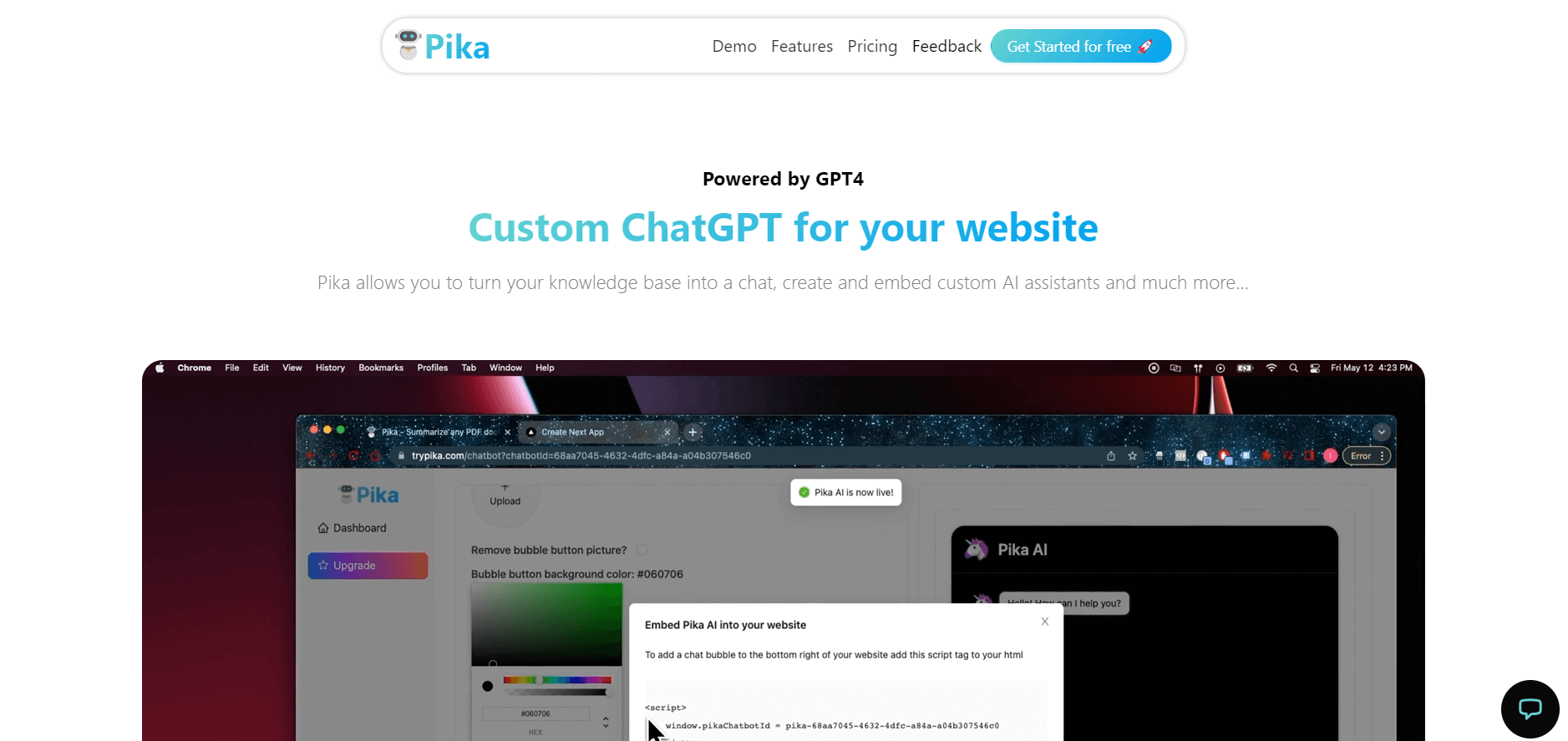
Pika is an AI video generation and creative effects platform that transforms text prompts, still images, and video clips into cinematic video sequences, meme animations, and viral visual effects using its proprietary generative video models.
 4.7
4.7Hotshot AI
Video Generator
Hotshot is an everyday technology publication covering AI tools, gadgets, smart home technology, comparisons, research, and practical how-to guides. It helps readers understand products, evaluate software, compare options, and solve common technology problems through accessible articles created for people who want clearer information before making technology-related decisions online with confidence.
 4.7
4.7VideoPlus AI
Video Generator
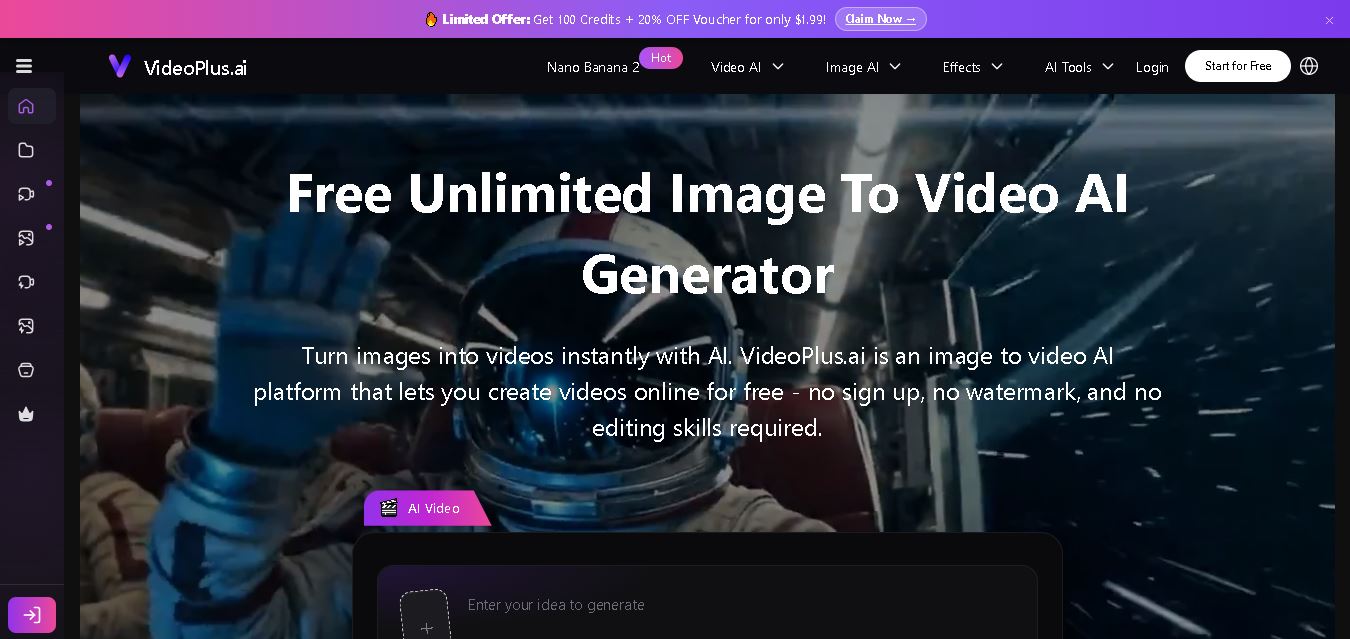
VideoPlus.ai is a versatile AI creation platform for generating and transforming videos and images. It supports text-to-video, image-to-video, reference-to-video, video-to-video, animation, image generation, enhancement, lip syncing, and creative effects. Multiple AI video models are available, making it useful for creators, marketers, designers, and businesses.
 4.7
4.7VideoTube
Video Generator
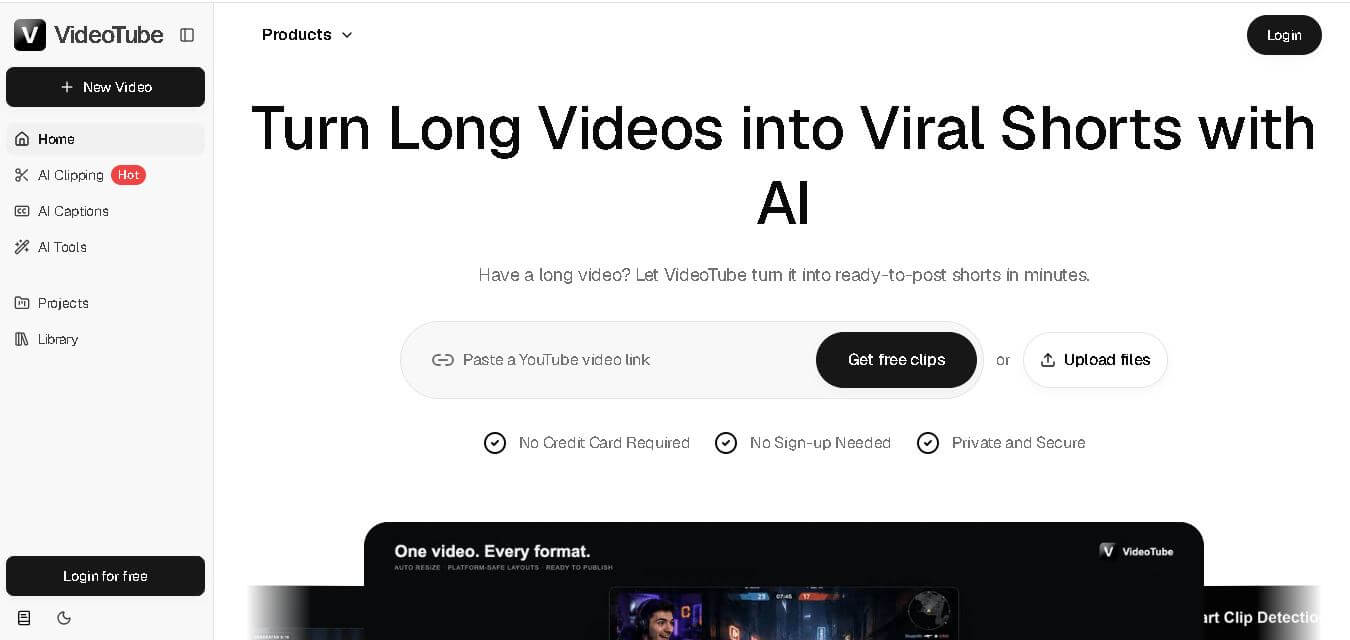
VideoTube helps creators transform long videos into short, social-ready content with AI. It can detect engaging moments, generate captions, remove filler, add B-roll, and automatically reframe videos for vertical platforms. Podcasters, YouTubers, educators, marketers, and agencies can repurpose existing content faster without relying on complicated video editing workflows.
 4.7
4.7TYPPO
Video Generator
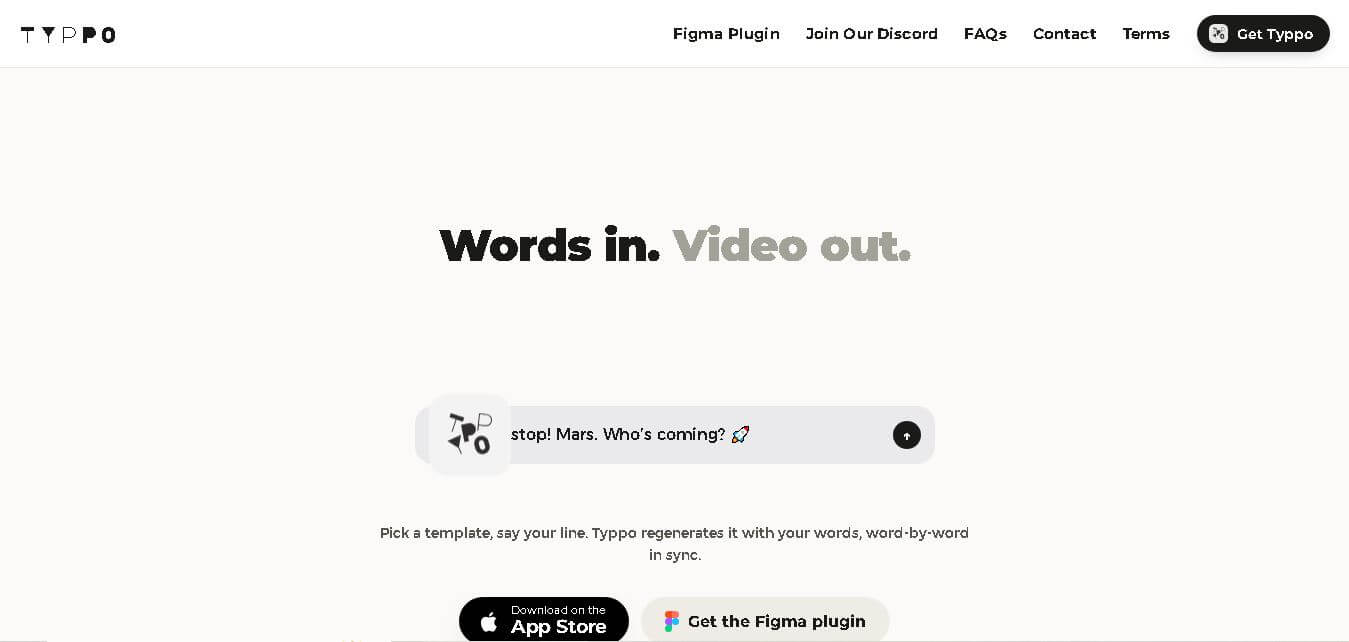
Typpo turns spoken words into animated videos without requiring design skills. Record a message, let the app transform your voice into motion graphics, and share the result on mobile-focused social channels. It supports multiple languages and offers a simple workflow for creators, marketers, communicators, and anyone wanting faster visual content creation.
 4.8
4.8Pollo AI
Video Generator
Pollo AI helps creators generate videos and visual content from text, images, and creative prompts. It combines multiple AI video models in one platform and supports workflows such as text-to-video, image-to-video, avatars, video transformation, and reference-based generation. A free tier lets users explore its core creative capabilities before upgrading.
iMini AI
Video Generator
iMini AI (imini.com) is an all-in-one AI creative agent and generative content hub that combines leading AI models into a single interface for generating images, videos, presentations, branding, and deep research reports.