
CapCut
CapCut is a popular video editing tool that helps creators produce engaging videos with effects, transitions, filters, templates, subtitles, and AI-powered features. Available on multiple platforms, CapCut makes it easy to edit videos for TikTok, Instagram Reels, YouTube Shorts, and other social media channels.

What is CapCut?
CapCut is an all-in-one video editing platform that allows users to create, edit, and enhance videos using both basic and AI-powered tools. It offers features like trimming, transitions, effects, filters, subtitles, text-to-speech, background removal, and advanced editing options for professional-quality content. Available on web, desktop, and mobile, CapCut is widely used by creators, marketers, and social media users for platforms like TikTok, YouTube, and Instagram. With its intuitive interface and built-in templates, it makes video editing fast, easy, and accessible without requiring advanced skills.
Developed by ByteDance (the parent company of TikTok), CapCut serves over 500 million active creators and businesses worldwide. Available seamlessly across web browsers, Windows/Mac desktop apps, and iOS/Android mobile devices, the platform offers deep creative synergy with trending audio and viral social formats. It integrates high-utility AI features—including AI Auto-Captions (with animated word-by-word highlight styles in 20+ languages), Script-to-Video generation, Auto Background Removal, AI Voice Cloning, Text-to-Speech voices, and smart aspect ratio reframing—enabling creators to deliver 4K 60fps exports without steep software licensing costs.
- Developer / Parent Company: ByteDance Ltd. (Beijing, Singapore & Global; TikTok Parent Company)
- Evolution / Launch: Originally launched as Viamaker in 2020; rebranded as CapCut and expanded through 2023–2026 into a full cross-platform AI creative ecosystem with desktop studio applications, team collaboration cloud spaces, and commerce video suites
Use Cases:
- Creating short-form video content with animated dynamic auto-captions and sound effects for TikTok, Instagram Reels, and YouTube Shorts
- Generating complete video drafts from text scripts using the AI Script-to-Video engine with matched stock footage, voiceovers, and music
- Removing video backgrounds instantly without a physical green screen and replacing them with custom backdrops, logos, or 3D animations
- Editing long-form video podcasts, webinars, and tutorials by cutting filler words and reframing clips for multiple social aspect ratios
Technology:
- Deep learning automatic speech recognition (ASR) engine powering real-time, highly accurate auto-captions and multi-language translations
- Neural computer vision models executing real-time portrait segmentation, subject isolation, body effects, and chromatic keying
- High-performance GPU-accelerated video rendering engine supporting 4K resolution, 60fps frame rates, and HDR color spaces
Target Users:
- TikTok creators, YouTubers, and Instagram influencers producing high-volume social content under daily deadlines
- E-commerce merchants, Amazon sellers, and dropshippers creating product demo videos, TikTok Shop showcases, and video ad creatives
- Social media marketing agencies managing collaborative video production across diverse client brand accounts
- Content creators using writing tools to draft video scripts, voiceover prompts, and multichannel marketing briefs
Corporate Entity: Operates as ByteDance Ltd. (Singapore & Global)

Key features of CapCut
CapCut's key features are
- AI Auto Captions & Subtitles: Transcribe spoken dialogue into styled, word-by-word animated subtitles across 20+ languages in seconds with high accuracy.
- Script-to-Video Generator: Input a topic or full marketing script to automatically generate an edited video with stock B-roll, AI voiceover, and music.
- One-Click Smart Background Removal: Cut out human subjects and remove backgrounds cleanly without requiring physical green screens or manual rotoscoping.
- Text-to-Speech & AI Voice Cloning: Transform written text into realistic human speech using dozens of natural voice avatars or clone your own voice.
- Cross-Platform Cloud Synchronization: Edit projects across mobile (iOS/Android), desktop (Windows/macOS), and web browsers with real-time cloud storage sync.
- Vast Royalty-Free Creative Library: Direct access to thousands of trending TikTok sounds, copyright-cleared music, sound effects, stickers, and transitions.
- Auto Reframe & Aspect Ratio Switcher: Automatically reframe 16:9 widescreen videos into 9:16 vertical or 1:1 square formats while keeping the subject centered.
- Commercial 4K 60fps Export: Export finished videos in crisp 1080p, 2K, and 4K resolutions at up to 60fps with custom bitrate and codec controls.
CapCut Pricing
CapCut operates on a freemium model offering a generous free suite across web, desktop, and mobile, alongside affordable CapCut Pro subscription packages for creators and businesses.
Free Plan:
- $0 / Free forever
- Includes access to multi-track timeline editing, basic auto-captions, standard video transitions, royalty-free audio tracks, watermark-free exports (standard video export without CapCut watermark), and 1GB cloud space
CapCut Pro (Individual):
- Monthly: ~$9.99 / month
- Annual: ~$74.99 to $89.99 / year (~$6.25 to $7.50 / month billed annually – save up to 37%)
- Includes full access to advanced AI tools (vocal isolation, smart motion tracking, noise reduction, smooth slow motion), premium transitions and visual effects, 100GB cloud storage, and priority rendering speeds
CapCut for Business & Team Spaces:
- Starts from ~$14.99 to $24.99 / month
- Includes commercial licensing for enterprise marketing, brand kit asset management, team collaborative workspaces, and high-volume batch video generation tools
Disclaimer: Prices are listed in USD and adjust according to regional billing. Many essential features and standard exports are free without watermarks. Visit capcut.com/pricing for active plans.
Who is using CapCut?
CapCut is designed for content creators, marketers, and video editors, including
- TikTok, Instagram & Shorts Creators: Editing daily vertical videos, adding trending stickers, and using animated karaoke-style captions
- E-Commerce Sellers & Dropshippers: Producing high-converting product showcase videos and TikTok Shop promotional ads
- YouTubers & Podcasters: Trimming talking-head footage, applying voice isolation filters, and extracting short clips from full episodes
- Digital Marketing Agencies: Rapidly producing multiple creative video ad variations for paid Meta and TikTok campaigns
- Content Creators: Using writing tools to draft video scripts, voiceover prompts, and multichannel marketing briefs
- Educators & Small Businesses: Creating step-by-step training reels and brand announcements without high production costs
Best CapCut Alternatives
Some of the strongest CapCut alternatives include
- Media.io
- VEED.io
- Descript
- InVideo
- Adobe Premiere Rush
- DaVinci Resolve
Pros and Cons of CapCut
Pros
- Extremely generous free tier that exports high-definition videos without forced watermarks
- Industry-leading AI auto-caption generator with stylish kinetic text presets and high transcription accuracy
- Full cross-platform availability across web browsers, desktop apps (Mac/Windows), and mobile devices
- Direct access to viral trending TikTok audio clips, transitions, sound effects, and video templates
- Fast hardware-accelerated rendering and multi-track editing capable of handling 4K 60fps footage
Cons
- Advanced AI features (like optical-flow slow motion, vocal isolation, and certain body effects) require a Pro subscription
- Cloud storage is limited to 1GB on the free tier, requiring local file management or paid upgrades
- Commercial usage rights for certain trending audio tracks are restricted to personal social accounts rather than paid ads
- Lacks advanced color management (LUT creation, node trees) and deep audio mixing tools found in DaVinci Resolve
Why Choose CapCut?
CapCut is the premier choice for creators and digital marketers who need an all-in-one video editing platform that combines viral social templates, accurate AI auto-captions, and smooth multi-track editing across desktop, web, and mobile.
- Generate dynamic animated auto-captions in seconds across 20+ languages
- Create complete video drafts from text scripts using the AI Script-to-Video tool
- Remove backgrounds cleanly without requiring physical green screens
- Access thousands of trending TikTok audios, transitions, and effects
- Export high-quality 1080p and 4K videos for free without intrusive watermarks
CapCut vs. Competitors
The main difference between CapCut, Media.io, VEED.io, and Descript is that CapCut combines a powerful desktop, web, and mobile timeline editor with viral social templates and watermark-free free exports, whereas Media.io operates as a browser-native toolbox covering video, audio, and image enhancement, VEED.io focuses on browser-based marketing videos and screen recording starting at $12/mo, and Descript specializes in text-based editing for podcasts and video interviews. CapCut stands out for its social media alignment, free export policy, and cross-platform flexibility.
| Feature / Tool | CapCut (capcut.com) | Media.io | VEED.io | Descript |
|---|---|---|---|---|
| Core Focus | Social Video Creation & AI Effects | All-in-One AI Multimedia Toolbox | Browser Video Editor & Subtitles | Text-Based Audio & Video Editor |
| Platform Support | Web, Windows, Mac, iOS, Android | Web Browser Only | Web Browser Only | Desktop (Mac/Windows) & Web |
| Free Export Watermark | No Watermark on Standard Exports | Watermark on Advanced AI Free Tier | Watermarked on Free Tier | Watermarked on Free Tier (720p) |
| Viral Social Templates | Yes (Direct TikTok Integration) | Basic Marketing Templates | Social Templates | Podcast & Presentation Layouts |
| Starting Price | Free tier / Pro ~$6.25–$9.99/mo | Free tier / Credits from $4.99/mo | Free tier / Basic $12.00/mo | Free tier / Creator $12.00/mo |
| Best For | TikTok, Shorts & Mobile Video Creators | Creators Needing Video, Audio & Photo Tools | Video Marketers & Subtitle Polish | Podcasters & Script-Based Editors |
| User Ratings | 4.9 / 5.0 | 4.9 / 5.0 | 4.8 / 5.0 | 4.8 / 5.0 |
How do we rate CapCut?
| Parameter | Rating (out of 5) |
|---|---|
| AI Auto Captions & Subtitle Accuracy | 5.0 |
| Cross-Platform Usability (Desktop, Web, Mobile) | 5.0 |
| Visual Effects & Template Breadth | 4.9 |
| Export Quality & Watermark-Free Value | 5.0 |
| Value for Money | 5.0 |
| Overall Score | 4.98 |
CapCut Review
CapCut has become an essential software utility in modern digital content creation. Before CapCut, editing social media videos required either steep learning curves in professional NLE software or dealing with clumsy mobile apps that plastered large watermarks across exports. CapCut fundamentally changed this by combining desktop-grade timeline editing with smartphone speed and accessibility. Its AI Auto-Captions feature alone saves creators hours of tedious manual subtitling, producing viral animated karaoke-style text with exceptional timing. Combined with intelligent background removal, trending audio integration, and a free tier that exports clean, watermark-free videos, CapCut is a standout video editing tool for social media creators.
Conclusion
CapCut is a leading AI-powered video editing platform that simplifies short-form video creation for social media. By uniting multi-track timeline editing, accurate AI auto-captions, script-to-video generation, and one-click background removal across desktop, mobile, and web apps, it removes traditional barriers to high-quality video production. While Hollywood colorists and cinema editors will remain on DaVinci Resolve or Adobe Premiere Pro for specialized studio grading, CapCut’s speed, viral templates, and watermark-free value make it an indispensable video creation platform.
FAQ
What is CapCut and how does CapCut work?
CapCut is an all-in-one video editing platform that combines traditional editing tools with AI-powered features for creating professional videos quickly. It works through a simple drag-and-drop interface where users can import clips, add effects, transitions, text, and music, and enhance videos using AI tools like auto captions, background removal, and text-to-video. It is available on web, desktop, and mobile, making it accessible across devices.
What problem does CapCut solve for users?
CapCut solves the problem of complex and time-consuming video editing by simplifying the process with ready-to-use templates and AI automation. Instead of learning advanced editing software, users can create high-quality videos quickly, which is especially useful for social media creators and marketers.
What are the key features of CapCut?
CapCut offers features like video trimming, transitions, filters, effects, text overlays, and music integration. It also includes AI tools such as auto captions, text-to-speech, background removal, video upscaling, and script-to-video generation. These features allow users to create engaging content without needing advanced editing skills.
Can CapCut create videos using AI?
Yes, CapCut includes AI-powered tools that can generate videos from text, automatically add captions, and enhance visuals. Users can input scripts or prompts, and CapCut helps turn them into ready-to-publish videos with animations, transitions, and effects.
Is CapCut free to use?
CapCut offers a free plan with access to many editing features and templates. However, some advanced AI tools, premium effects, and cloud storage options are part of paid plans or require a subscription for full access.
Who should use CapCut?
CapCut is ideal for content creators, influencers, marketers, small businesses, and beginners who want to create videos without learning complex software. It is especially useful for users focused on short-form and social media content.
an CapCut be used for social media content creation?
Yes, CapCut is widely used for creating content for platforms like TikTok, Instagram, and YouTube. It provides ready-made templates, aspect ratio presets, and export settings optimized for social media, making it easy to produce engaging short-form videos quickly.
What is the price of CapCut Pro in 2026?
CapCut Pro pricing in 2026 varies by country, subscription plan, and platform. Monthly and annual subscriptions are available in many regions, but the exact price may differ between the CapCut website, Google Play Store, and Apple App Store. Users in India should check the app or official website for the latest INR pricing before subscribing.
Can I use CapCut Pro for free?
Yes, you may be able to access CapCut Pro features for free through an official free trial if one is available in your region. However, CapCut Pro is a paid subscription, and free-trial eligibility and duration vary by account and platform. CapCut also offers a free version with basic video editing tools, effects, transitions, and templates.
Is CapCut illegal in India?
CapCut is generally unavailable through official Indian app stores, but its legal status should be distinguished from its availability. The Government of India's publicly published lists of apps blocked in 2020 do not include CapCut by name. Users should check current government notifications for confirmation and avoid unofficial APK downloads because they may pose security risks.
Is CapCut Pro better than Final Cut?
CapCut Pro is a good choice for beginners, social media creators, and short-form video editing because it offers easy-to-use tools, templates, effects, and AI-powered features. Final Cut Pro is better suited for professional video editors who need advanced editing controls, detailed color grading, and efficient workflows on Mac. The best option depends on your editing experience, budget, and project requirements.
What is a keyframe in CapCut Desktop?
A keyframe in CapCut Desktop is a tool that lets you animate changes in a video over time, such as position, scale, rotation, opacity, or volume. By setting two or more keyframes at different points on the timeline, you can create smooth zoom-ins, zoom-outs, moving text, transitions, and other animations. For example, you can set one keyframe at the beginning of a clip and another later with a larger scale to create a gradual zoom-in effect.
User Reviews
No reviews yet for CapCut.
Featured Tools
Featured AI tools from TechShark

Melody Genie
MelodyGenie is an AI-powered music generator that creates original songs from simple text prompts. Users can choose styles, moods, and genres, then instantly generate melodies and full tracks, making it easy for creators, marketers, and hobbyists to produce custom music without musical expertise.
Freemium

Kimi AI
Kimi AI is an advanced AI assistant developed by Moonshot AI that helps you chat, research, write, code, and automate tasks in one place. It supports web search, file analysis, and multimodal inputs, and can even run autonomous “agent” workflows to complete complex tasks end-to-end.
Freemium

Fashion Diffusion AI
Fashion Diffusion is an AI-powered fashion design platform that helps brands and designers create clothing designs, virtual try-ons, AI models, product photos, and marketing visuals faster and cost-effectively.
Paid

Veo 4
Veo 4 AI is an AI video creation platform that generates dramatic videos from text, images, audio, and video prompts using realistic motion and synchronized sound.
Paid
Alternatives
Alternatives to CapCut
The best CapCut alternatives include Media.io, VEED.io (Online Video Editor), Descript, InVideo, Adobe Premiere Rush, and DaVinci Resolve. These platforms provide video editing, automatic subtitle generation, and AI-assisted post-production. While CapCut specializes in mobile, desktop, and web timeline editing with viral social templates and watermark-free free exports starting around $6.25 to $9.99/month for Pro, alternatives like Media.io provide a multimodal browser suite combining video, audio, and photo tools, VEED.io focuses on browser-based marketing videos and screen recording, and Descript is tailored for script-based podcast and interview editing. Choosing the right tool depends on whether you require fast social video production with auto-captions, an all-in-one media conversion suite, or text-based podcast editing.
 4.9
4.9Clipchamp
Video Generator
Clipchamp is an AI-powered online video editor by Microsoft that helps users record, edit, and share videos directly from the browser. It offers templates, stock media, and AI tools like subtitles, voiceovers, and noise removal, enabling fast, professional video creation without advanced editing skills.
 4.9
4.9Pika
Video Generator
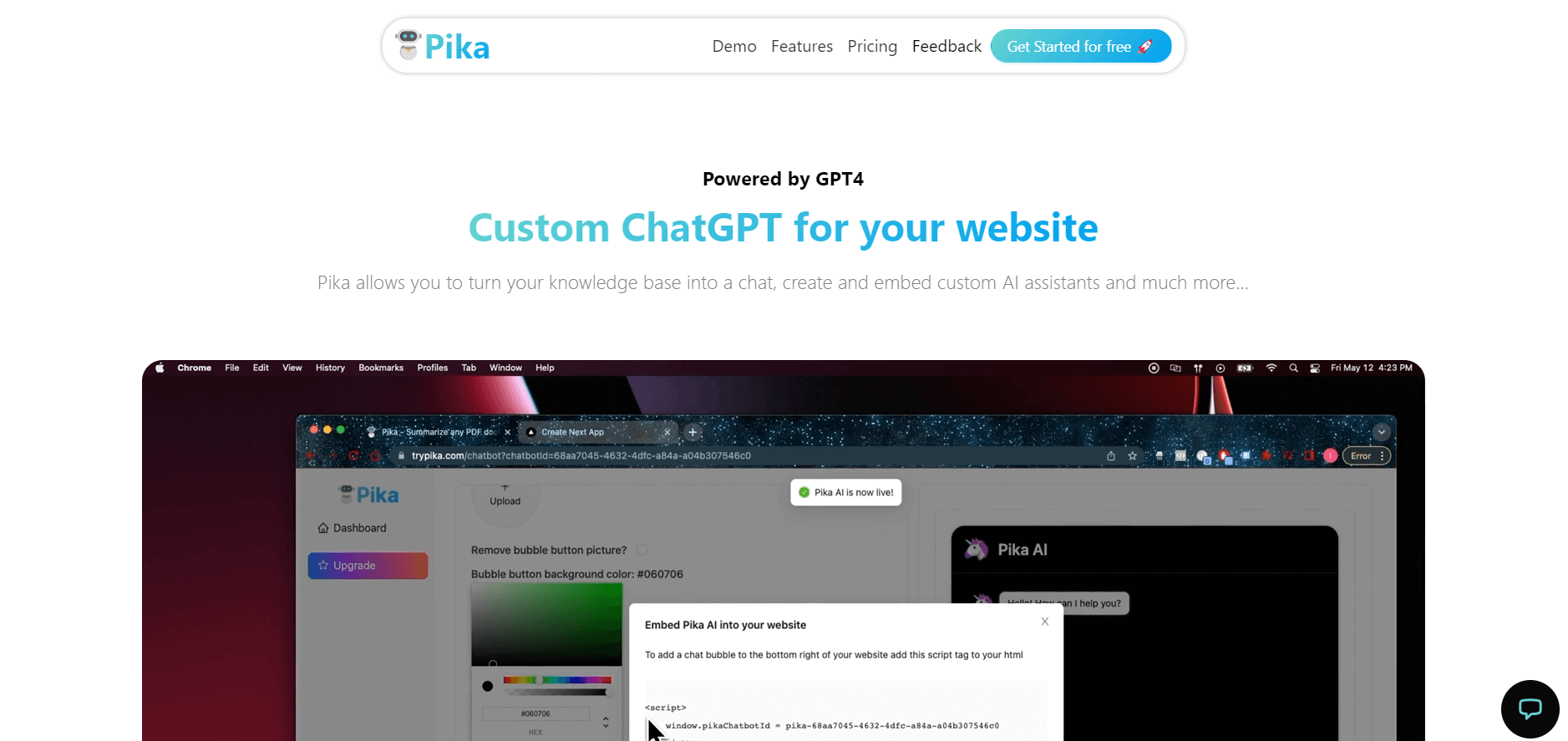
Pika is an AI video generation and creative effects platform that transforms text prompts, still images, and video clips into cinematic video sequences, meme animations, and viral visual effects using its proprietary generative video models.
 4.7
4.7Hotshot AI
Video Generator
Hotshot is an everyday technology publication covering AI tools, gadgets, smart home technology, comparisons, research, and practical how-to guides. It helps readers understand products, evaluate software, compare options, and solve common technology problems through accessible articles created for people who want clearer information before making technology-related decisions online with confidence.
 4.7
4.7VideoPlus AI
Video Generator
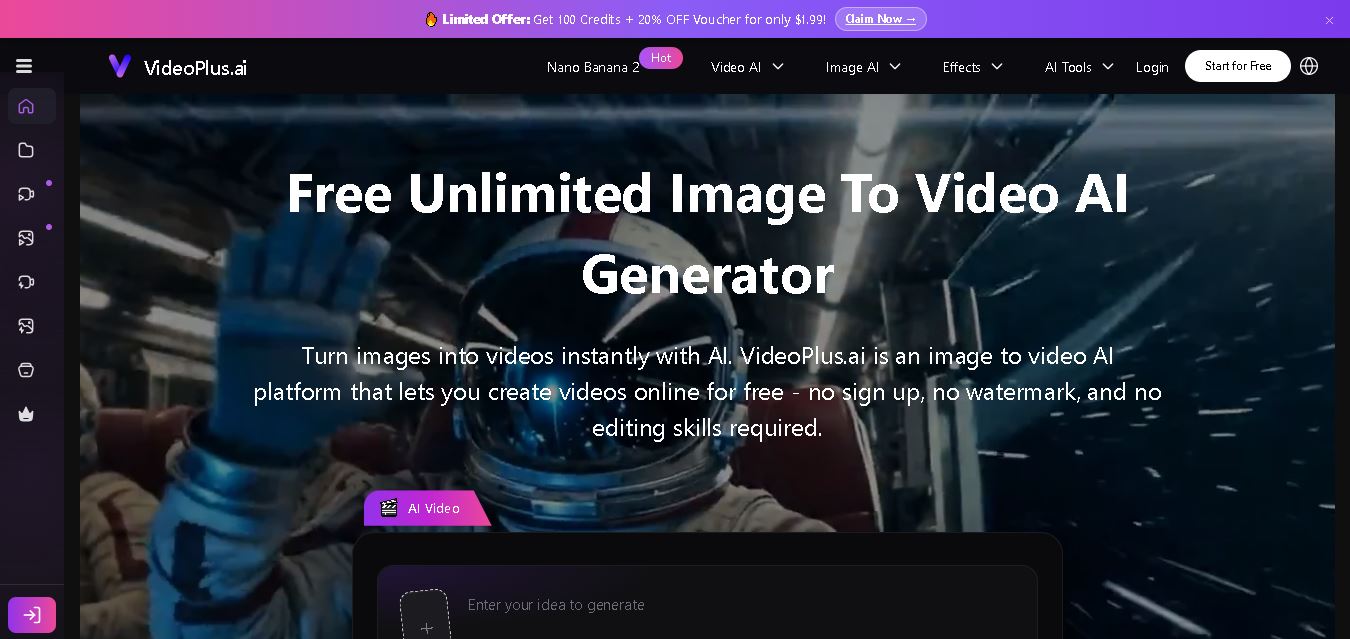
VideoPlus.ai is a versatile AI creation platform for generating and transforming videos and images. It supports text-to-video, image-to-video, reference-to-video, video-to-video, animation, image generation, enhancement, lip syncing, and creative effects. Multiple AI video models are available, making it useful for creators, marketers, designers, and businesses.
 4.7
4.7VideoTube
Video Generator
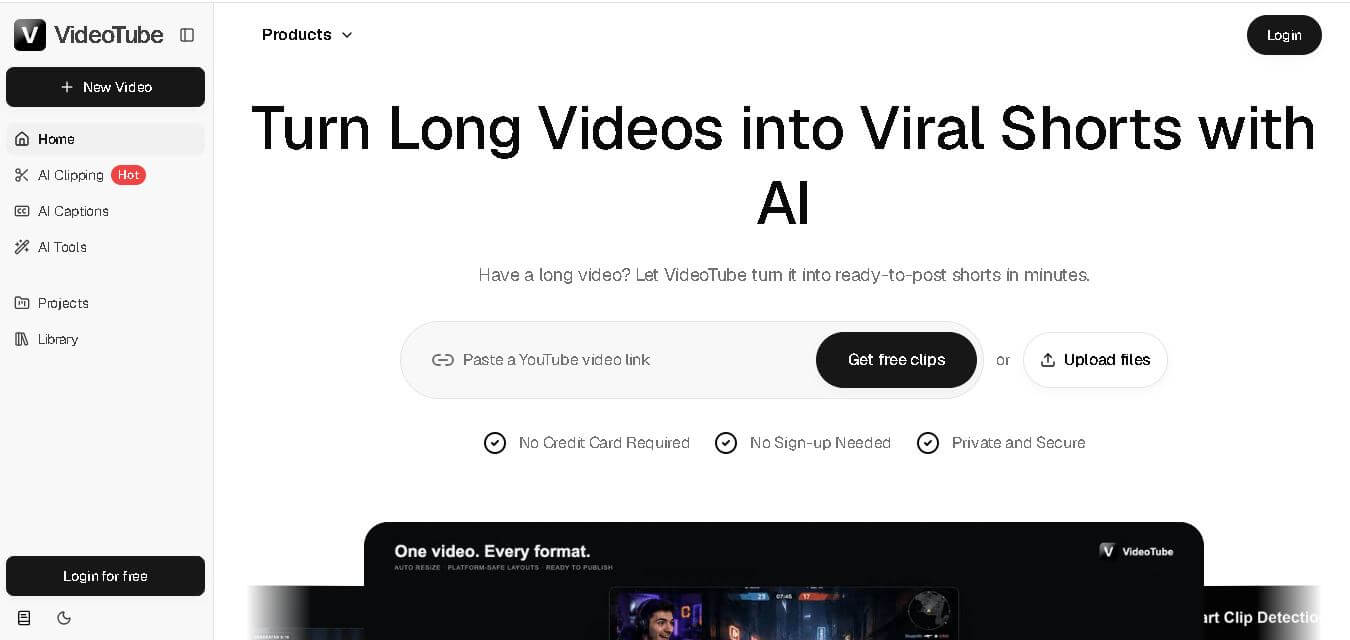
VideoTube helps creators transform long videos into short, social-ready content with AI. It can detect engaging moments, generate captions, remove filler, add B-roll, and automatically reframe videos for vertical platforms. Podcasters, YouTubers, educators, marketers, and agencies can repurpose existing content faster without relying on complicated video editing workflows.
 4.7
4.7TYPPO
Video Generator
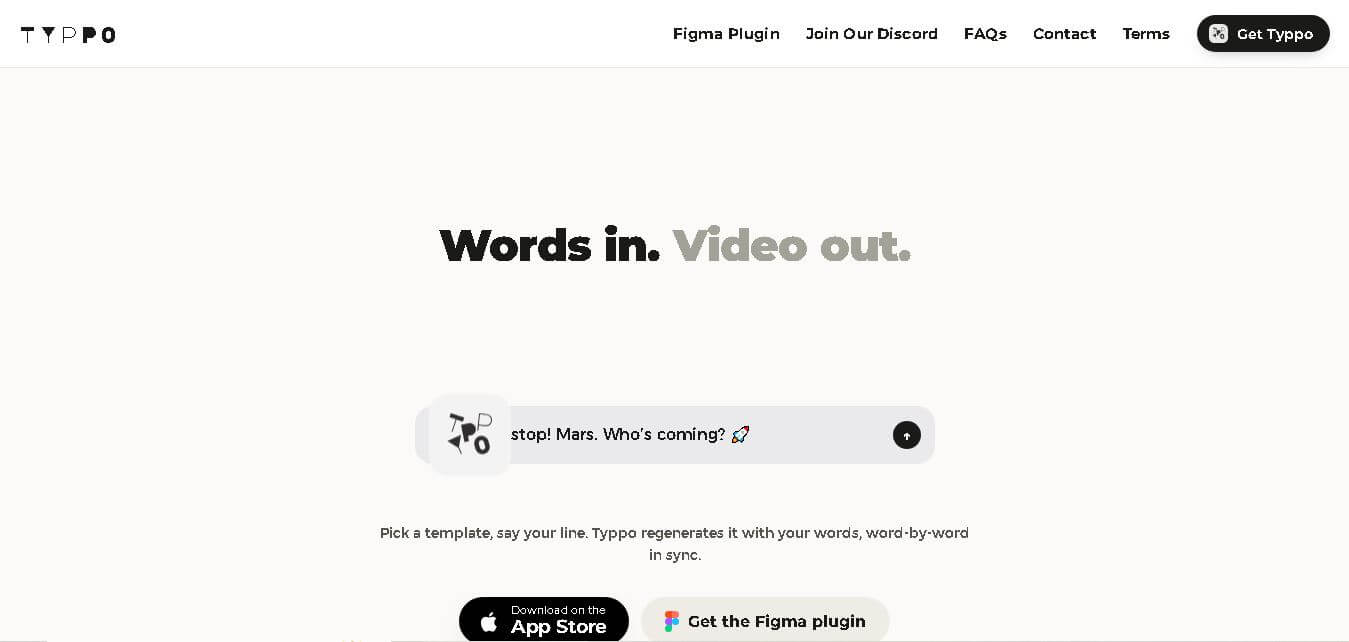
Typpo turns spoken words into animated videos without requiring design skills. Record a message, let the app transform your voice into motion graphics, and share the result on mobile-focused social channels. It supports multiple languages and offers a simple workflow for creators, marketers, communicators, and anyone wanting faster visual content creation.
 4.8
4.8Pollo AI
Video Generator
Pollo AI helps creators generate videos and visual content from text, images, and creative prompts. It combines multiple AI video models in one platform and supports workflows such as text-to-video, image-to-video, avatars, video transformation, and reference-based generation. A free tier lets users explore its core creative capabilities before upgrading.
iMini AI
Video Generator
iMini AI (imini.com) is an all-in-one AI creative agent and generative content hub that combines leading AI models into a single interface for generating images, videos, presentations, branding, and deep research reports.
 4.8
4.8Guidde
Video Generator
Guidde is a generative AI video documentation and training platform that captures screen workflows across web and desktop apps, automatically producing structured, step-by-step how-to videos and written guides complete with synthetic voiceovers in 100+ languages.