Basecamp
Basecamp is an all-in-one project management and team communication software created by 37signals to organize tasks, discussions, files, and schedules in one centralized platform.
What is Basecamp?
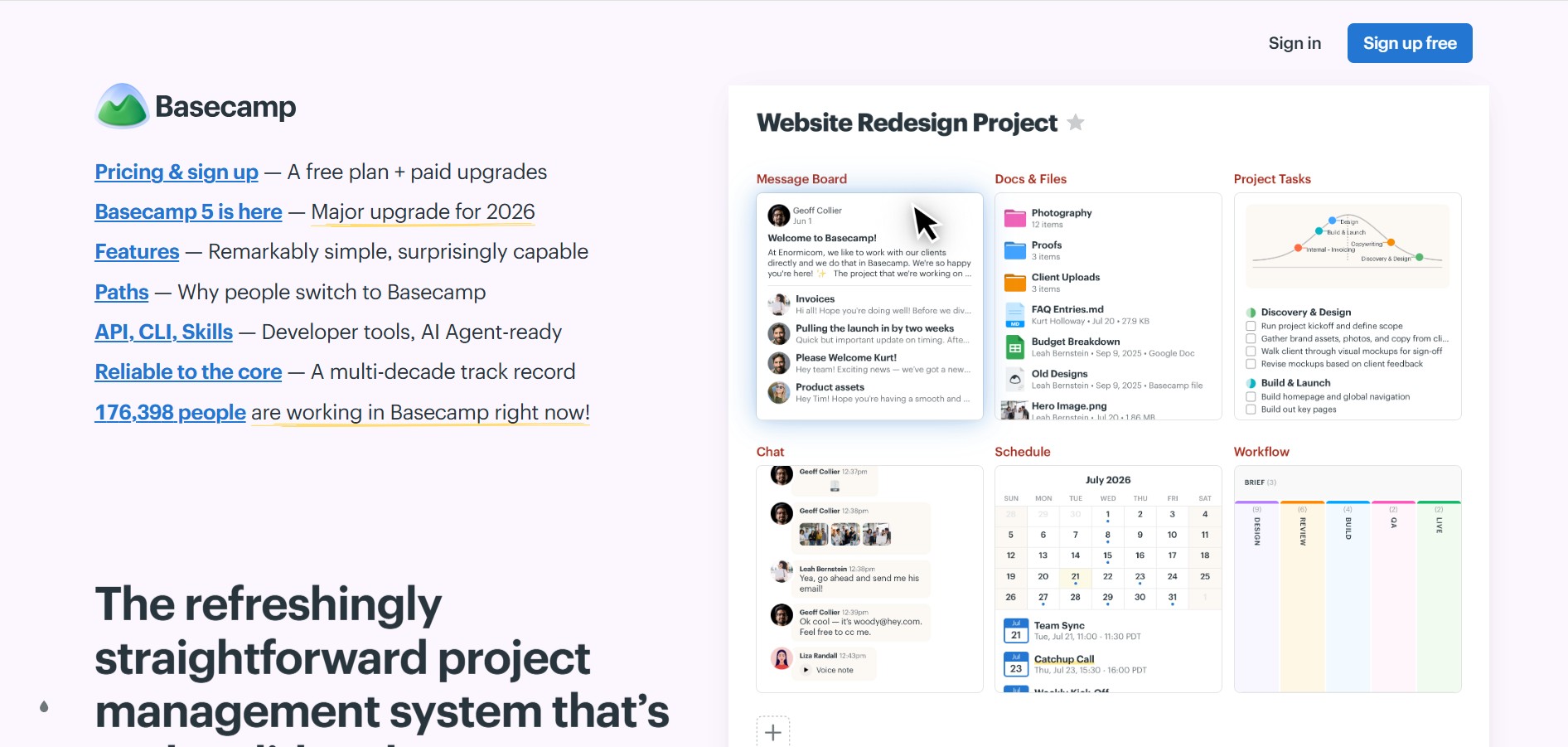
Basecamp is an all-in-one project management and collaboration platform developed by 37signals. Built as an alternative to fragmented software stacks that mix separate chat, task management, document storage, and calendar tools, Basecamp combines essential workplace communication and organization tools into a single, structured system.
Engineered around modern remote work principles, Basecamp eliminates workspace clutter by organizing projects into distinct, self-contained hubs equipped with message boards, task lists, group chats, schedules, and cloud document storage.
- Platform Role: All-in-One Project Management & Team Collaboration Software
- Core Architecture: Project Hub Model, Flat-Rate Pricing Infrastructure, Integrated Communication Channels, and Asynchronous Check-In Engine
- Deployment: Web Application, Native Desktop App (macOS, Windows), and Mobile Apps (iOS, Android)
Use Cases:
- Managing multi-phase client and internal projects in centralized, dedicated project hubs
- Replacing fragmented tools (Slack, Asana, Google Drive, Dropbox) with a single integrated system
- Facilitating focused asynchronous discussions on message boards without real-time chat distractions
- Collecting automated daily or weekly status updates via recurring automatic check-ins
- Sharing files, deliverables, and project schedules securely with external clients and stakeholders
Technology:
- Ruby on Rails web architecture paired with modern real-time WebSockets for instant message delivery
- HILL Charts: A visual tracking system for mapping project progress based on psychological certainty rather than percentage estimates
- Granular guest access controls allowing seamless client collaboration with hidden internal discussion toggles
- Direct cloud integration with major file systems, including Google Drive, Figma, and Dropbox
Target Users:
- Remote-first businesses, agencies, and consultancies wanting clean, organized project tracking
- Small to mid-sized businesses seeking predictable flat-rate software pricing over per-seat models
- Project managers and team leaders looking to cut down on unnecessary status meetings and noisy group chats
Acquisition: Cloud SaaS platform, desktop apps, and mobile apps (basecamp.com)
What are the key features of Basecamp?
Basecamp's key platform features are
- Message Boards: Pitch ideas, post announcements, and hold focused async conversations on dedicated pages instead of burring them in chat streams.
- To-Dos & Lists: Organize tasks, assign work, set due dates, add attachments, and track completion progress effortless.
- Campfires & Pings: Real-time group chat rooms for casual team banter alongside 1:1 direct messaging (Pings).
- Docs & Files: Centralized file library for storing, sharing, and version-controlling documents, images, and spreadsheet assets.
- Schedule & Timelines: Integrated calendar highlighting milestones, task deadlines, and project dates linked directly to external calendars.
- Automatic Check-ins: Automate recurring progress questions (e.g., "What did you work on today?") to replace status meeting overhead.
- Hill Charts: Visual progress tracking tool that measures work in two phases: figuring things out (up the hill) and executing (down the hill).
How much does Basecamp cost?
Basecamp offers straight-forward options including per-user pricing for small teams and a signature flat-rate unlimited plan for growing businesses.
Pricing Overview:
- Free Trial: Fully functional 30-day trial allowing complete access to Basecamp tools without credit card commitments.
- Basecamp Per-User Plan (~$15/user/month): Pay-as-you-go pricing suitable for freelancers and smaller teams needing access for a few members.
- Basecamp Pro Unlimited (~$299/month billed annually or $349/month billed monthly): Fixed flat-rate tier offering unlimited team members, 5TB file storage, priority support, and no per-seat extra costs.
Disclaimer: Plan structures, billing limits, and current pricing details are subject to change. Visit basecamp.com/pricing for official terms.
Who should use Basecamp?
Basecamp is tailored specifically for organizations prioritizing asynchronous calm and centralized work, including
- Remote Teams: Requiring clear asynchronous boundaries, structured message boards, and automated check-ins.
- Agencies & Client Services: Needing streamlined client access portals to share progress without revealing internal team chatter.
- Growing Startups & Businesses: Looking to cap software costs with predictable flat-rate enterprise pricing as their team scales.
What are the best alternatives to Basecamp?
Some of the strongest Basecamp alternatives include
What are the pros and cons of Basecamp?
What are the pros of Basecamp?
- Replaces multiple paid tools (chat, storage, task manager, calendar) with one subscription
- Flat-rate pricing model (Pro Unlimited) provides massive cost savings for larger or growing teams
- Opinionated design promotes focused, calm work and reduces real-time chat noise
- Exceptional client management permissions hide internal notes while sharing project progress
- Automatic check-ins minimize the need for daily standup meetings
What are the cons of Basecamp?
- Lacks advanced agile engineering features like Kanban Swimlanes, Gantt charts, or complex custom database fields
- Opinionated workflow offers limited deep visual customization compared to tools like Monday.com or ClickUp
Why should you choose Basecamp?
Basecamp cures the chaos of managing projects across endless browser tabs and chaotic chat notifications. By combining messages, tasks, schedules, files, and automatic check-ins into standardized project hubs, Basecamp allows teams to work calmly and predictably.
- Consolidate scattered software tools into one unified, clean operational platform
- Eliminate daily status standups through automated background check-ins
- Scale your team without ballooning software costs using predictable flat-rate pricing
How does Basecamp compare to competitors?
While tools like ClickUp, Asana, and Monday.com offer highly customizable databases, complex automation engines, and per-seat pricing models, Basecamp focuses on simplicity, asynchronous communication, and flat-rate predictability for the entire company.
| Feature / Platform | Basecamp | Asana | Monday.com | ClickUp |
|---|---|---|---|---|
| Pricing Structure | Flat-rate Pro tier / Per-user option | Per-seat monthly tier | Per-seat monthly tier | Per-seat monthly tier |
| Communication Philosophy | Async-first (Boards & Check-ins) | Task-based comments | Board updates & chat widgets | Integrated chat & task notes |
| Built-in Client Access | Native permission toggles | Guest seat access controls | Guest seats on higher tiers | Guest seat allocations |
| Customizability Depth | Streamlined & opinionated | High (custom fields & views) | Very high (custom workflows) | Extremely high (modular layout) |
| Target Vibe | Calm, structured remote work | Structured enterprise workflows | Visual team operations | Feature-rich project tracking |
How do we rate Basecamp?
| Parameter | Rating (out of 5) |
|---|---|
| Ease of Use & Organization | 4.8 |
| Async Communication Tools | 4.9 |
| Client Collaboration & Access | 4.8 |
| Value for Money (Flat Rate) | 4.9 |
| Flexibility & Customization | 4.4 |
| Overall Score | 4.76 |
What is our review and verdict on Basecamp?
Basecamp remains one of the best solutions for teams suffering from software overload and notification fatigue. Its opinionated, all-in-one architecture creates a structured, calm environment where communication stays on topic, work is visible, and software costs remain predictable.
Conclusion
Basecamp provides a refreshing, structured approach to project management and team collaboration. By integrating message boards, task lists, file sharing, schedules, and automated check-ins into a single platform with predictable flat-rate pricing, Basecamp empowers remote teams and businesses to ship work efficiently without workplace clutter.
FAQ
What is Basecamp?
Basecamp is a project-management and team-collaboration platform that brings tasks, discussions, schedules, files, and project information into one workspace. Its tools include to-dos, message boards, Card Tables, Campfires, Docs & Files, scheduling, reports, and automatic check-ins.
How does Basecamp help teams manage projects?
Basecamp organizes work into separate projects, with each project containing the tools needed for that team's workflow. Teams can track responsibilities with to-dos, discuss work through message boards and chats, manage deadlines with schedules, and keep project files and documents together.
What are Card Tables in Basecamp?
Card Tables are Basecamp's built-in Kanban-style tool for visually tracking work through different stages. Teams can use cards to represent tasks, ideas, requests, or workflow items and move them through columns as the work progresses.
Does Basecamp have AI features?
Yes. Basecamp 5 has been redesigned to work with AI agents and provides official support for connecting tools such as ChatGPT and Claude. Its CLI, API, SDKs, and agent skills allow AI agents to perform actions such as creating documents, adding or completing to-dos, and responding to check-ins.
Can Basecamp be used to collaborate with clients?
Yes. Basecamp allows teams to invite clients or external collaborators to projects while controlling what they can access. This makes it possible to keep internal discussions private while sharing selected project information, files, tasks, and communication with clients.
Does Basecamp include calendars and time tracking?
Yes. Basecamp 5 includes global and project-level calendars for deadlines, milestones, events, repeating events, and task assignments. Its paid plans also include time tracking, allowing teams to record the time spent working on projects.
Is Basecamp free to use?
Yes. Basecamp currently offers a free plan that supports one project, up to five users, and 1 GB of storage. Paid plans include Freelancer at $25/month, Studio at $59/month, Pro at $99/month, and Unlimited at $299/month when billed annually; Basecamp uses fixed account pricing rather than charging per user on its paid plans.
User Reviews
No reviews yet for Basecamp.
Featured Tools
Featured AI tools from TechShark

Melody Genie
MelodyGenie is an AI-powered music generator that creates original songs from simple text prompts. Users can choose styles, moods, and genres, then instantly generate melodies and full tracks, making it easy for creators, marketers, and hobbyists to produce custom music without musical expertise.
Freemium

Kimi AI
Kimi AI is an advanced AI assistant developed by Moonshot AI that helps you chat, research, write, code, and automate tasks in one place. It supports web search, file analysis, and multimodal inputs, and can even run autonomous “agent” workflows to complete complex tasks end-to-end.
Freemium

Fashion Diffusion AI
Fashion Diffusion is an AI-powered fashion design platform that helps brands and designers create clothing designs, virtual try-ons, AI models, product photos, and marketing visuals faster and cost-effectively.
Paid

Veo 4
Veo 4 AI is an AI video creation platform that generates dramatic videos from text, images, audio, and video prompts using realistic motion and synchronized sound.
Paid
Alternatives
Alternatives to Basecamp
The best Basecamp alternatives include Asana, Monday.com, ClickUp, Trello, and Notion. While Basecamp provides a calm, all-in-one async hub with flat-rate pricing for the entire team, alternatives like ClickUp and Monday.com offer deep custom fields, complex automation rules, and per-seat subscription models.
 4.9
4.9Mixpanel
Project Management
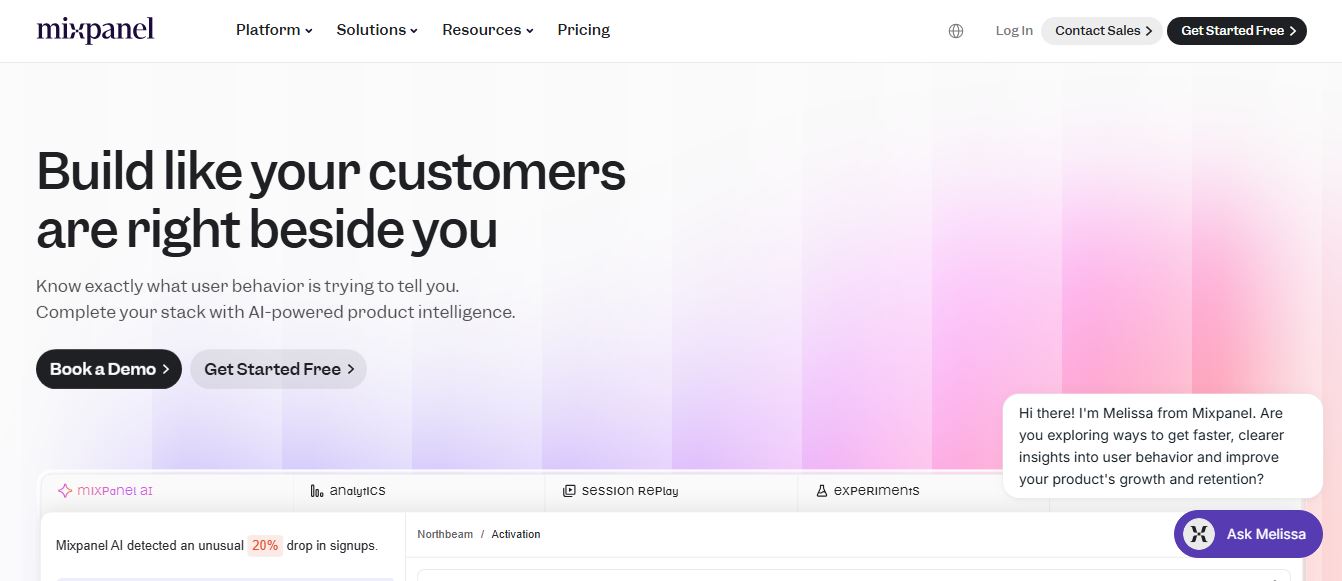
Mixpanel is a product analytics platform that helps businesses track user behavior, analyze engagement, and measure key metrics across apps and websites. It provides real-time insights, funnels, and cohort analysis, enabling teams to understand user journeys and improve retention, conversion, and overall product performance.
 4.9
4.9Amplitude
Project Management
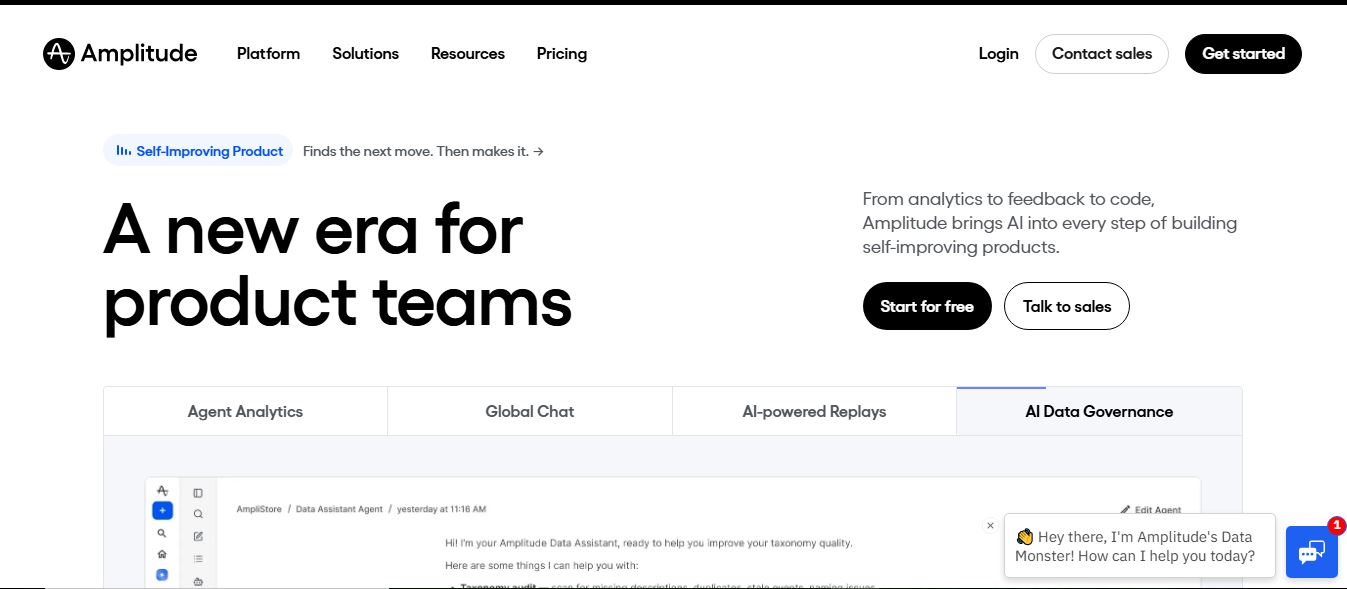
Amplitude is a digital analytics platform that helps businesses track user behavior, measure product performance, and understand customer journeys. It provides insights into how users interact with apps and websites, enabling teams to optimize experiences, improve retention, and drive growth through data-driven decisions.
 4.8
4.8Productboard
Project Management
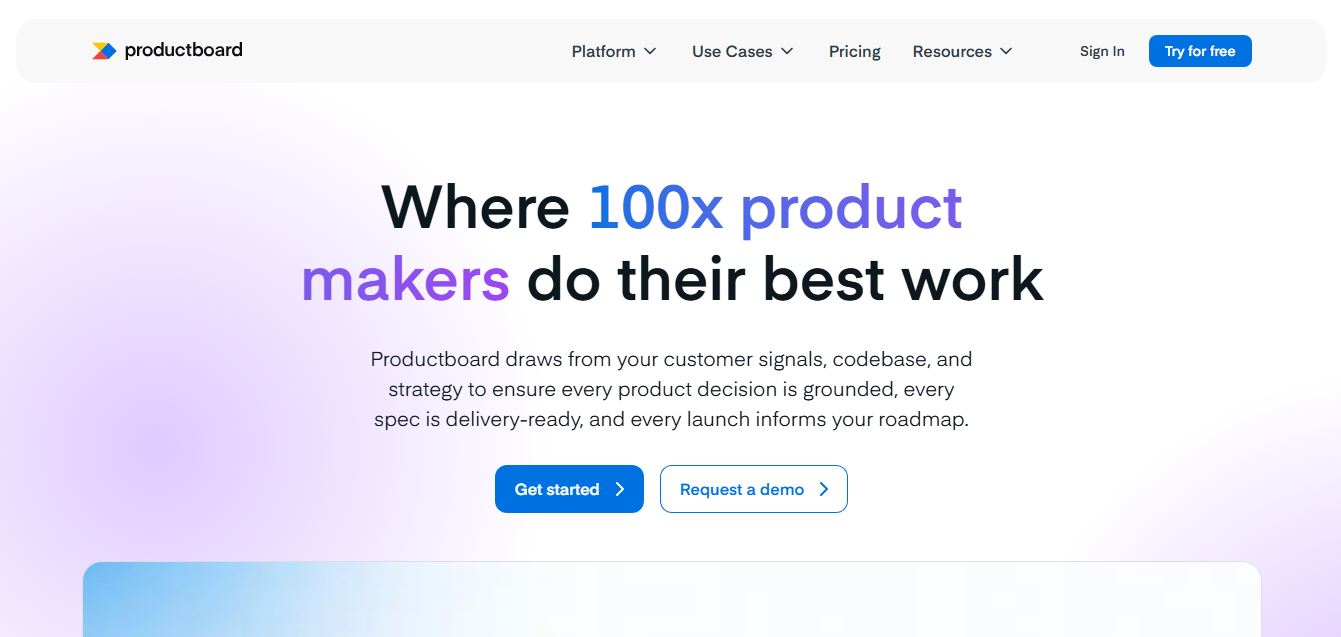
Productboard is a product management platform that helps teams collect user feedback, prioritize features, and plan roadmaps. It centralizes customer insights and aligns teams around what to build next, enabling companies to create products that better meet user needs.
Wrike
Project Management
Wrike is a work management and collaboration platform that helps teams plan projects, assign tasks, track progress, and meet deadlines in one place. It offers dashboards, automation, and reporting tools, making it easier for teams to stay organized, collaborate efficiently, and manage complex workflows at scale.
 4.9
4.9Kroolo
Project Management
Kroolo is an AI-powered productivity and project management platform that helps teams plan tasks, track progress, and collaborate in one place. It combines project tracking, document management, and AI assistance to streamline workflows, automate routine work, and improve team efficiency across projects.
 4.7
4.7Morgen
Project Management
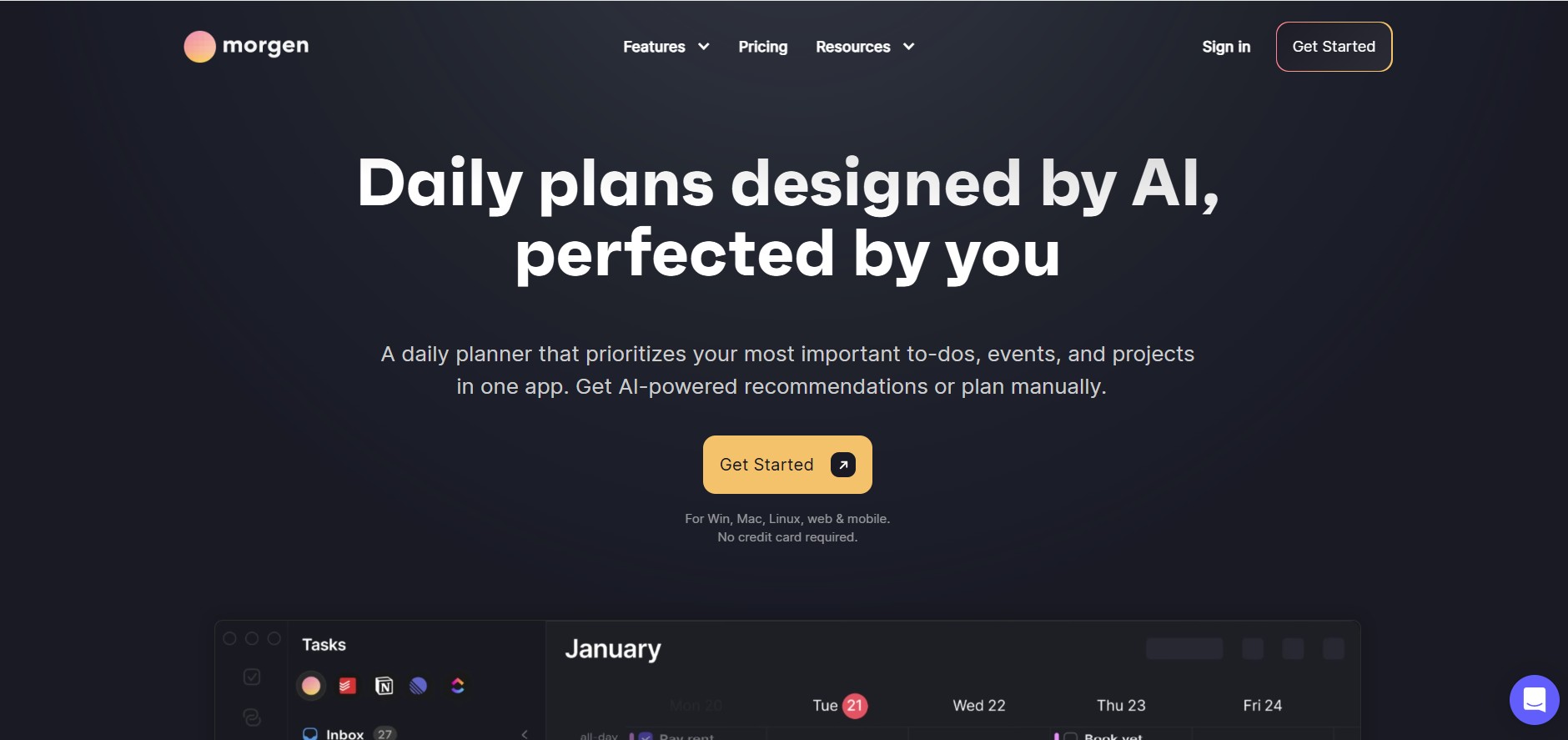
Morgen is a time management desktop and mobile app that unifies multiple calendars, aggregates tasks from third-party tools, and uses AI-driven time-blocking to create structured daily schedules.
 4.9
4.9Todoist
Project Management
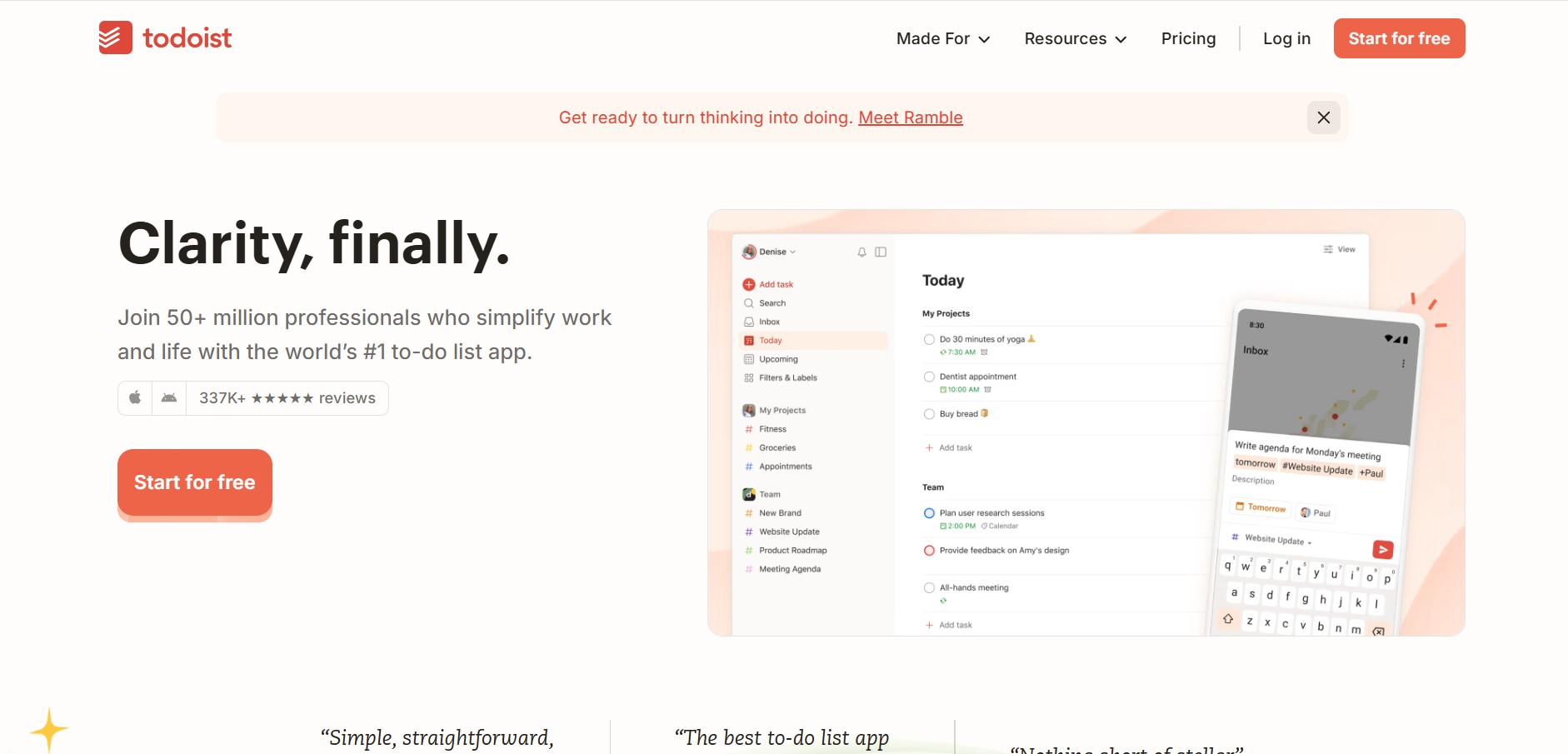
Todoist is a widely popular task management and to-do list application developed by Doist, featuring natural language task creation, sub-tasks, productivity tracking, and multi-platform syncing.
 4.9
4.9Linear
Project Management
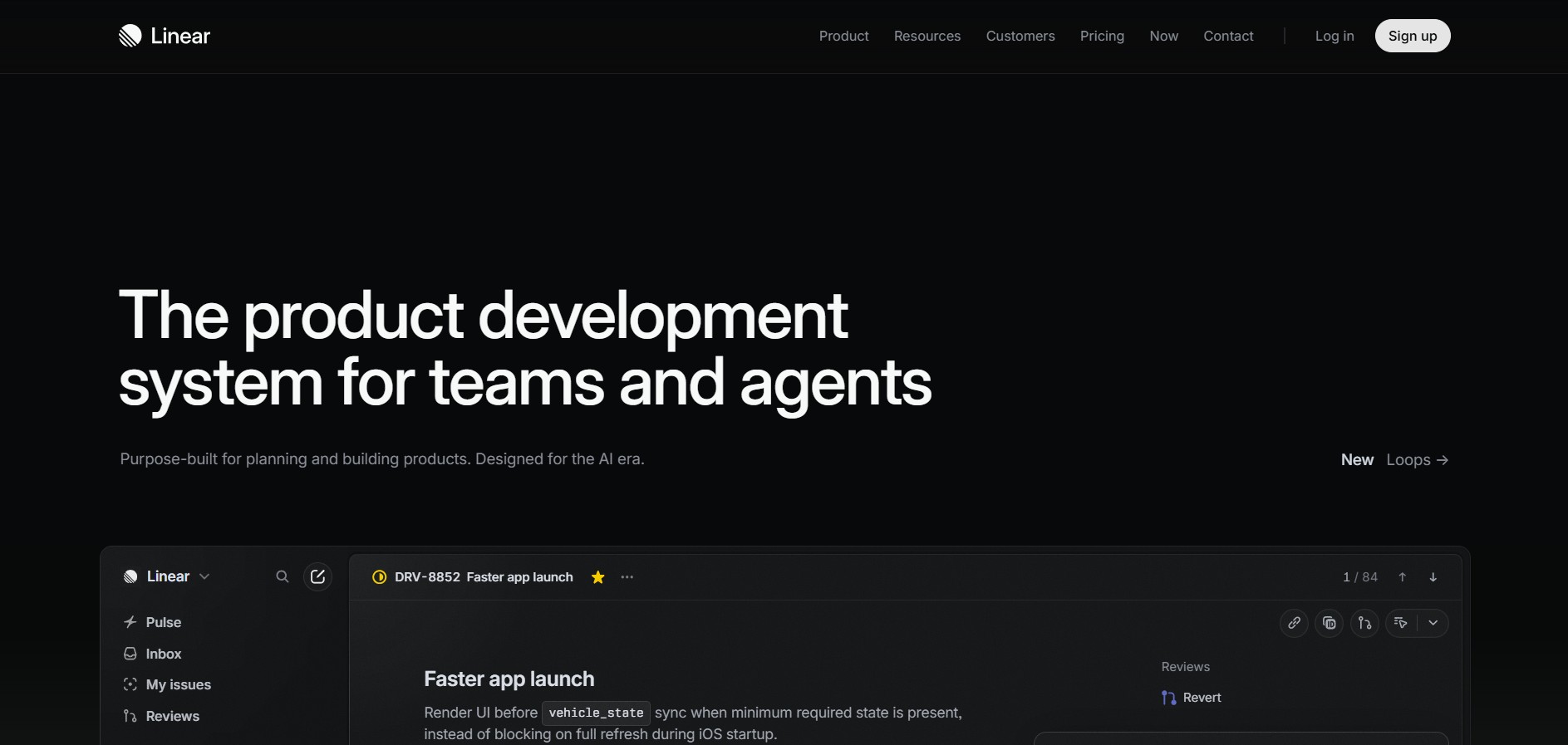
Linear is a high-performance project management and issue tracking software built specifically for software engineering and product development teams.
 4.8
4.8RescueTime
Project Management
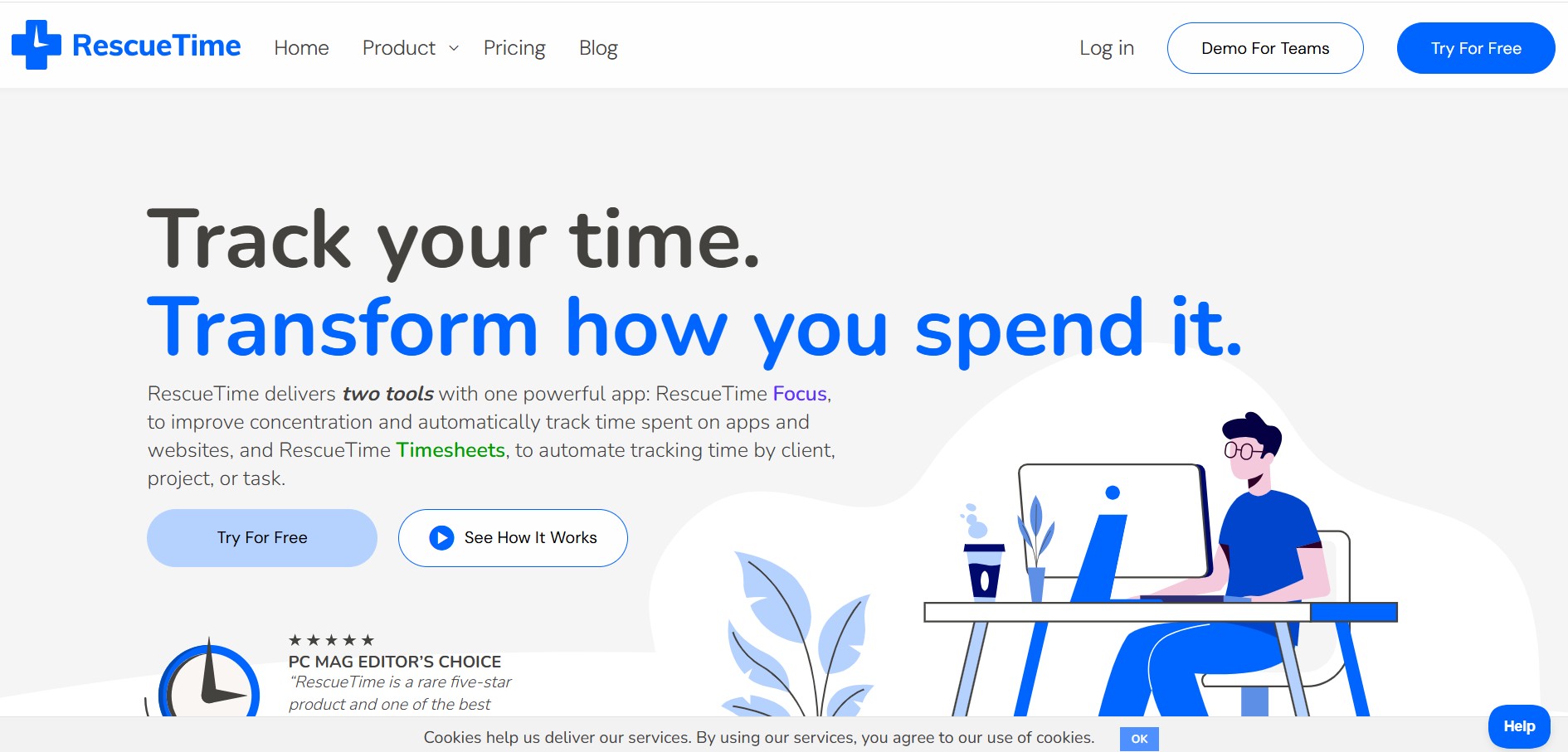
RescueTime is an automatic time tracking, distraction blocking, and personal productivity software that monitors app and website usage in the background to provide detailed activity reports and automated project timesheets.