
Figma AI
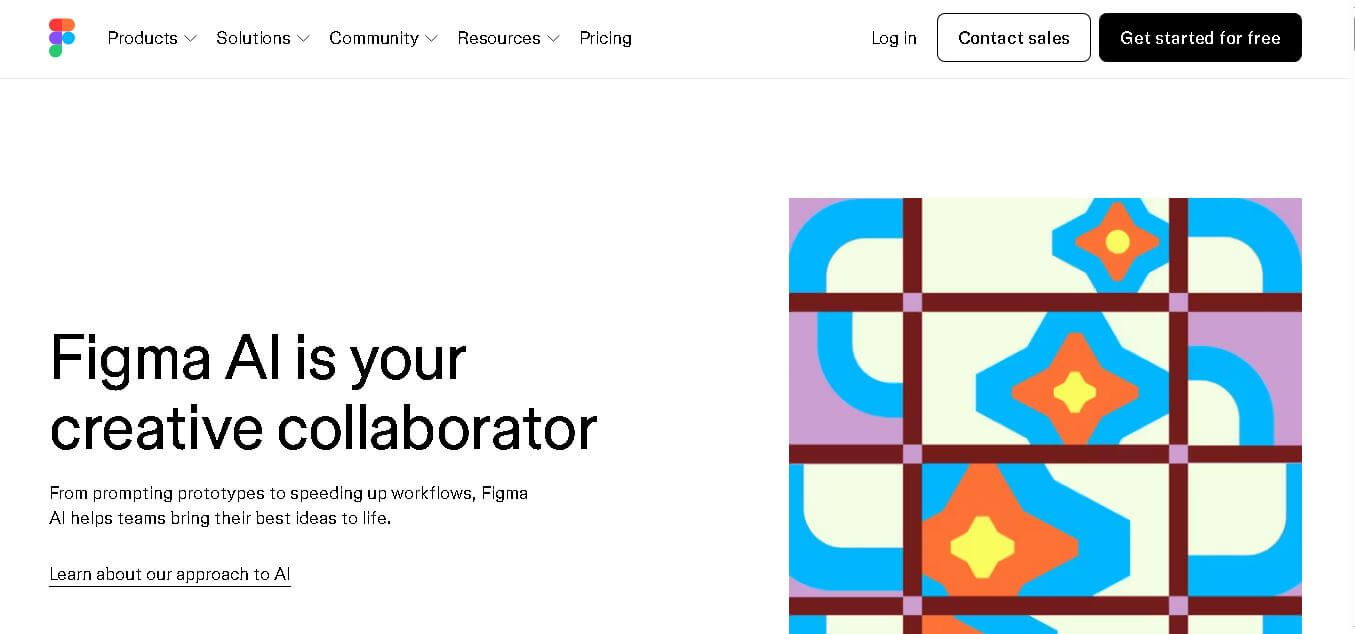
Figma AI brings generative and assistive tools directly into Figma workflows, helping designers move from ideas to editable designs, visuals, prototypes, and production-ready experiences faster. Users can generate concepts, edit images, search files, automate repetitive work, and collaborate with teammates while keeping creative exploration inside the familiar Figma design environment.
What is Figma AI?
Figma AI is a collection of intelligent features built into Figma’s design ecosystem to help users generate, refine, search, and ship creative work faster. It supports workflows such as creating editable design directions, generating and editing images, producing diagrams, automating repetitive tasks, and turning designs into code-backed prototypes. Figma combines its agent with focused AI tools across products, including Figma Design, FigJam, Slides, Sites, and Buzz, keeping AI assistance directly inside collaborative workflows.
Figma AI now spans multiple products and uses a credit-based system for AI actions. The free Starter plan includes 150 AI credits per day, capped at 500 monthly. Professional Full seats receive 3,000 credits monthly, Organization Full seats get 3,500, and Enterprise Full seats receive 4,250. Figma announced more than 10 AI features at Config 2024, while First Draft can create editable designs within minutes. No unused seat credits roll over into the following month for individual users currently.
- Platform Role: Generative UI/UX Design Assistant, Automated Content Editor & Visual Search Engine
- Developer & Organization: Figma, Inc.
- Cross-Platform Access: Web Application and Desktop App (macOS, Windows)
Use Cases:
- Generating editable UI component layouts, web pages, and mobile screen designs from natural language prompts
- Instantly populating design wireframes with realistic contextual text copy, realistic user data, and placeholder images
- Searching existing team design systems using visual similarity search and natural language queries
- Automating canvas cleanup, layer organization, auto-layout application, and component naming
- Removing background elements from uploaded user images and auto-generating functional interactive prototypes
Technology:
- Custom generative layout engines trained on digital interface component structures and auto-layout patterns
- Multimodal visual search models capable of indexing vector elements, components, and design tokens
- Context-aware Large Language Models (LLMs) tuned for microcopy generation, translation, and text tone adjustment
- Automated layer categorization algorithms that structure design files for seamless developer handoff
Target Users: Product designers, UI/UX designers, design system managers, product managers, front-end developers, and creative directors.
Acquisition: Native access within Figma at figma.com/ai for Starter, Professional, Organization, and Enterprise plans.

What are the key features of Figma AI?
Figma AI's core generative and workflow features include
- First-Draft UI Generation: Input detailed text prompts to produce fully customizable, vector-based mobile and web application layouts.
- Contextual Text & Copy Editing: Generate, rewrite, shorten, translate, or adapt UX copy directly within canvas text boxes.
- Visual & Natural Language Asset Search: Locate specific components, frames, or design system assets by uploading an image or describing visual styles.
- Automated Layer Naming & Organization: Clean up chaotic canvas files with one click by organizing layers into structured hierarchies.
- One-Click Image Background Removal: Isolate subject assets and remove image backdrops without leaving the design workspace.
- Instant Interactive Prototyping: Automatically wire static UI frames together into interactive prototype flows.
How much does Figma AI cost?
Figma AI features are integrated across Figma's existing plan structure during rollout periods.
Pricing Overview:
- Starter Plan (Free): Includes basic access to Figma canvas tools and introductory AI generation usage limits.
- Professional Plan ($12 - $15/editor/month): Unlocks extended AI generation quotas, full design systems, and unlimited Figma files.
- Organization Plan ($45 - $75/editor/month): Provides enterprise-grade AI controls, custom design system integration, advance security, and governance.
Disclaimer: Feature availability, generation usage limits, and tier structures are subject to change. Visit Figma's official site for current details.
Who should use Figma AI?
Figma AI is engineered for digital product teams, including
- UI/UX & Product Designers: Accelerate early exploration, overcome blank-canvas block, and automate tedious canvas maintenance.
- Product Managers & Founders: Quickly wireframe product ideas and create interactive prototypes for stakeholder testing.
- Design System Leads: Enable team members to discover and re-use existing design components across massive organization libraries.
What are the best alternatives to Figma AI?
Top alternatives to Figma AI include
- Uizard
- v0.dev by Vercel
- Relume AI
- Galileo AI
- Penpot AI
- Framers AI
What are the pros and cons of Figma AI?
What are the pros of Figma AI?
- Natively built inside the world's leading collaborative UI/UX platform
- Generates fully editable, vector-based frames with native Auto-Layout applied
- Drastically reduces time spent on repetitive copy fitting, layer naming, and asset searching
- Seamless team collaboration with centralized AI governance and data controls
What are the cons of Figma AI?
- Generative UI drafts still require fine-tuning by human designers for complex UX logic
- Requires an active internet connection and Figma account to utilize generative models
- High-volume prompt generation may be constrained by tier usage limits
Why should you choose Figma AI?
Unlike third-party AI generators that produce static image exports, Figma AI generates fully structured, vector-based UI components that utilize Auto-Layout, typography styles, and design system variables. It respects standard UX design principles while saving hours of manual layout setup.
How does Figma AI compare to competitors?
Figma AI stands out by combining generative layout creation with deep design system integration, automated canvas organization, and native real-time team collaboration.
| Feature / Platform | Figma AI | Uizard | Relume AI | v0.dev |
|---|---|---|---|---|
| Primary Focus | Native Generative UI & Workspace Automation | Rapid Wireframing & Prototyping | Web Sitemap & Wireframe Component Builder | Generative UI Code (React/Tailwind) |
| Output Format | Editable Figma Vector Frames + Auto-Layout | Editable UI Canvas Screens | Figma Components & Webflow Code | Production React Code & Web Components |
| Design System Integration | Native Enterprise Integration | Basic Asset Libraries | Relume Library Focus | Shadcn/UI & Custom Tokens |
| Ease of Use | High (integrated into existing Figma workflow) | Extremely High | High | High (Developer Focus) |
| Best For | Professional UI/UX designers and product teams | Non-designers and rapid prototype builders | Web designers building sitemaps and marketing layouts | Frontend developers generating React UI code |
How do we rate Figma AI?
| Parameter | Rating (out of 5) |
|---|---|
| UI Generation Quality | 4.8 |
| Workflow & Speed Integration | 4.9 |
| Asset Search & Canvas Automation | 4.9 |
| Design System Compatibility | 4.8 |
| Value for Money | 4.8 |
| Overall Score | 4.8 |
What is our review and verdict on Figma AI?
Figma AI is a game-changing enhancement to the industry-standard UI design tool. By automating repetitive tasks like layer naming and background removal while offering intuitive first-draft generation, it allows product designers to focus on high-level UX strategy and design craft.
Conclusion
Figma AI extends familiar collaborative design workflows with tools for generating, editing, exploring, and shipping ideas more efficiently. Its agent, image capabilities, First Draft functionality, and code-backed prototyping can reduce repetitive work while preserving editable outputs. With AI credits included across Figma plans, individuals and teams can experiment at different usage levels. Because generated results can still require review, Figma AI works best as an acceleration layer alongside human design judgment and iteration.
FAQ
What is Figma AI and how does it work?
Figma AI is an integrated set of AI-powered tools built directly into Figma’s design platform that helps users generate, edit, and refine designs using natural language prompts. It includes features like an AI design agent, generative tools, and automation workflows that allow designers to create layouts, modify content, and prototype ideas without starting from scratch. Instead of switching between tools, users can collaborate with AI directly on the canvas, speeding up the entire design-to-development process.
Who should use Figma AI?
Figma AI is designed for UI/UX designers, product teams, developers, and creative professionals who want to accelerate design workflows and improve collaboration. It is especially useful for teams working on web apps, mobile interfaces, or digital products where rapid prototyping and iteration are essential. Beginners can use it to quickly generate ideas, while experienced designers benefit from automation and deeper integration with design systems.
What features does Figma AI offer?
Figma AI offers a wide range of features including an AI design agent that can generate and edit layouts, prompt-based image and content generation, automatic layer naming, background removal, visual search, and text rewriting or translation. It also includes tools like Figma Make, which turns prompts into working prototypes or apps, and generative plugins that can be customized for specific workflows. These features help reduce repetitive work while enabling faster creative exploration.
Can Figma AI generate complete UI designs?
Yes, Figma AI can generate complete UI layouts and wireframes based on simple prompts using features like the AI design agent and “First Draft.” It uses built-in design libraries and components to create structured, editable designs that match real-world UI patterns. Users can then refine, iterate, and customize these designs directly in the canvas, making it a powerful tool for rapid prototyping and ideation.
How does Figma AI improve design workflow?
Figma AI improves workflow by automating repetitive tasks such as content generation, layer organization, and asset searching, while also enabling faster ideation through prompt-based design creation. It allows teams to explore multiple design directions in parallel, collaborate in real time, and convert designs into interactive prototypes or production-ready outputs. This reduces manual effort and helps teams move from concept to launch much faster.
Is Figma AI free or paid?
Figma AI is mostly available on paid plans such as Professional, Organization, and Enterprise tiers, although some limited features may be accessible in starter or draft environments. It also uses an AI credit system, where usage is tracked and managed across teams, allowing organizations to control costs and scale usage based on their needs
User Reviews
No reviews yet for Figma AI.
Featured Tools
Featured AI tools from TechShark

Melody Genie
MelodyGenie is an AI-powered music generator that creates original songs from simple text prompts. Users can choose styles, moods, and genres, then instantly generate melodies and full tracks, making it easy for creators, marketers, and hobbyists to produce custom music without musical expertise.
Freemium

Kimi AI
Kimi AI is an advanced AI assistant developed by Moonshot AI that helps you chat, research, write, code, and automate tasks in one place. It supports web search, file analysis, and multimodal inputs, and can even run autonomous “agent” workflows to complete complex tasks end-to-end.
Freemium

Fashion Diffusion AI
Fashion Diffusion is an AI-powered fashion design platform that helps brands and designers create clothing designs, virtual try-ons, AI models, product photos, and marketing visuals faster and cost-effectively.
Paid

Veo 4
Veo 4 AI is an AI video creation platform that generates dramatic videos from text, images, audio, and video prompts using realistic motion and synchronized sound.
Paid
Alternatives
Alternatives to Figma AI
Top Figma AI alternatives include Uizard, Relume AI, v0.dev, and Galileo AI. While Figma AI provides natively integrated vector UI generation and design system automation inside Figma's collaborative ecosystem, tools like v0.dev focus on React code generation and Uizard on beginner-friendly wireframing.
 4.8
4.8SWAPP
Design
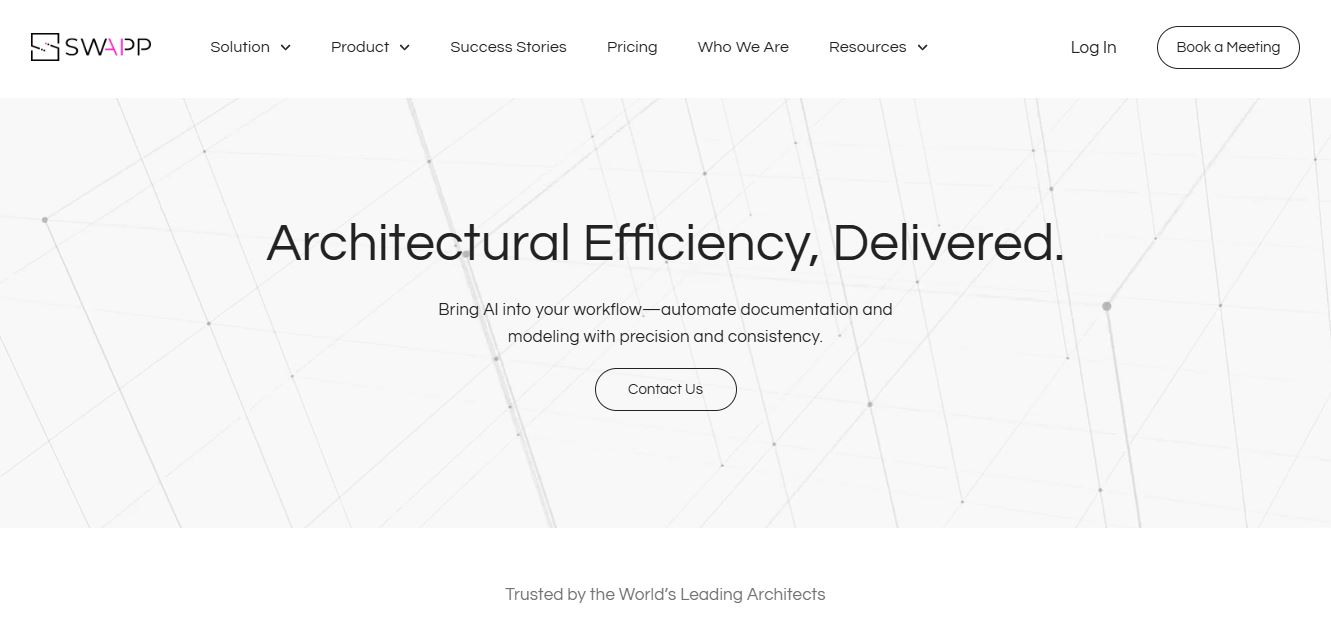
SWAPP helps architecture firms automate construction documentation, BIM modeling, and QA work inside Revit and ArchiCAD. Its Frank agent applies firm-specific standards to repetitive production tasks, while workflow memory preserves organizational knowledge. The platform is suited to teams seeking faster delivery, consistency, and less manual production effort across complex projects.
 4.9
4.9Adobe Stock
Design
Adobe Stock is a creative asset marketplace that helps designers and businesses access millions of royalty-free images, videos, templates, and 3D assets. It integrates with Adobe Creative Cloud, enabling users to search, customize, and license high-quality visuals quickly for marketing, design, and content creation.
 4.9
4.9Yellow Images
Design
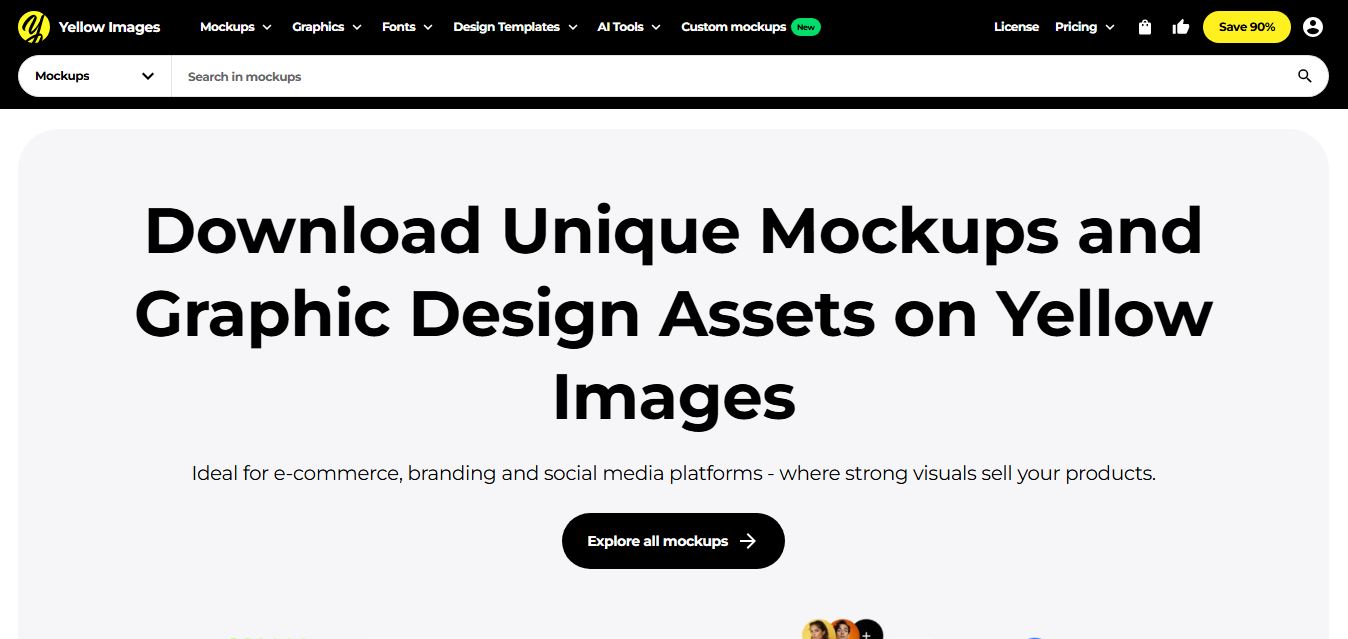
Yellow Images is a digital marketplace that helps designers create branding and marketing visuals using high-quality mockups, fonts, PNGs, and graphic assets. It offers a large library of ready-to-use creative resources, enabling faster design workflows for agencies, freelancers, and ecommerce businesses.
 4.9
4.9Placeit
Design
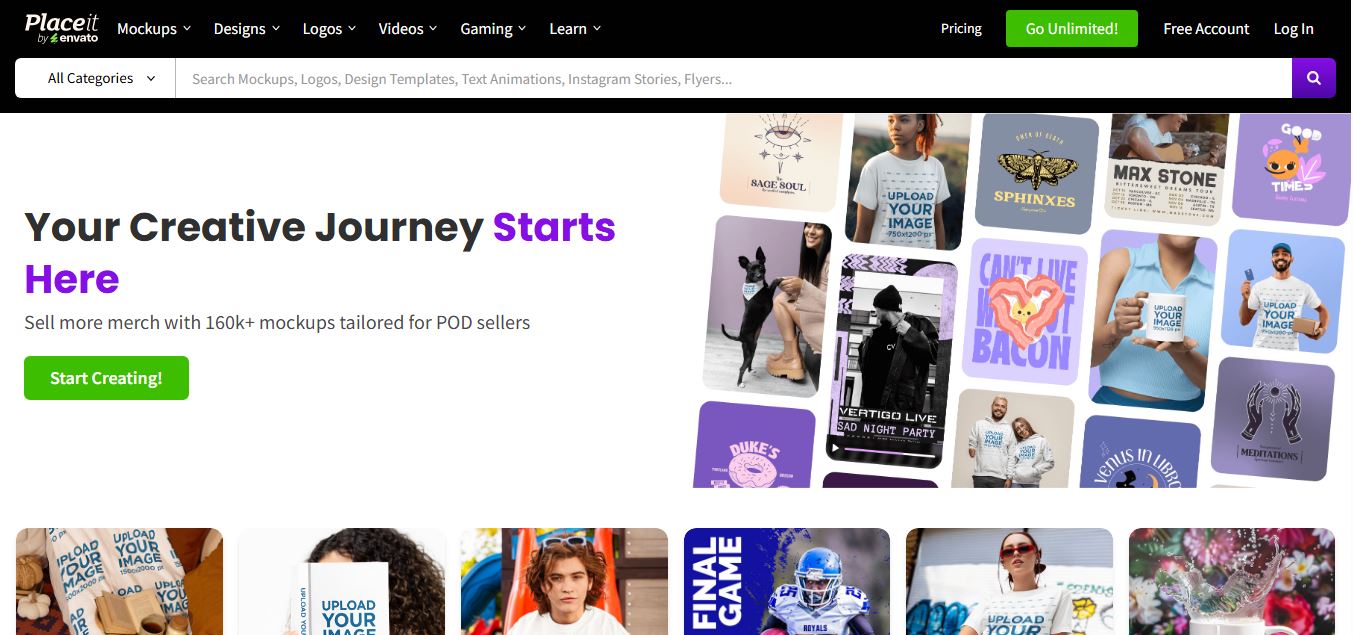
Placeit is a browser-based design platform that helps creators and businesses generate mockups, logos, videos, and marketing visuals using ready-made templates. It allows users to quickly customize designs and download professional assets, making it ideal for ecommerce, social media, and branding without advanced design skills.
 4.7
4.7PageGPT
Design
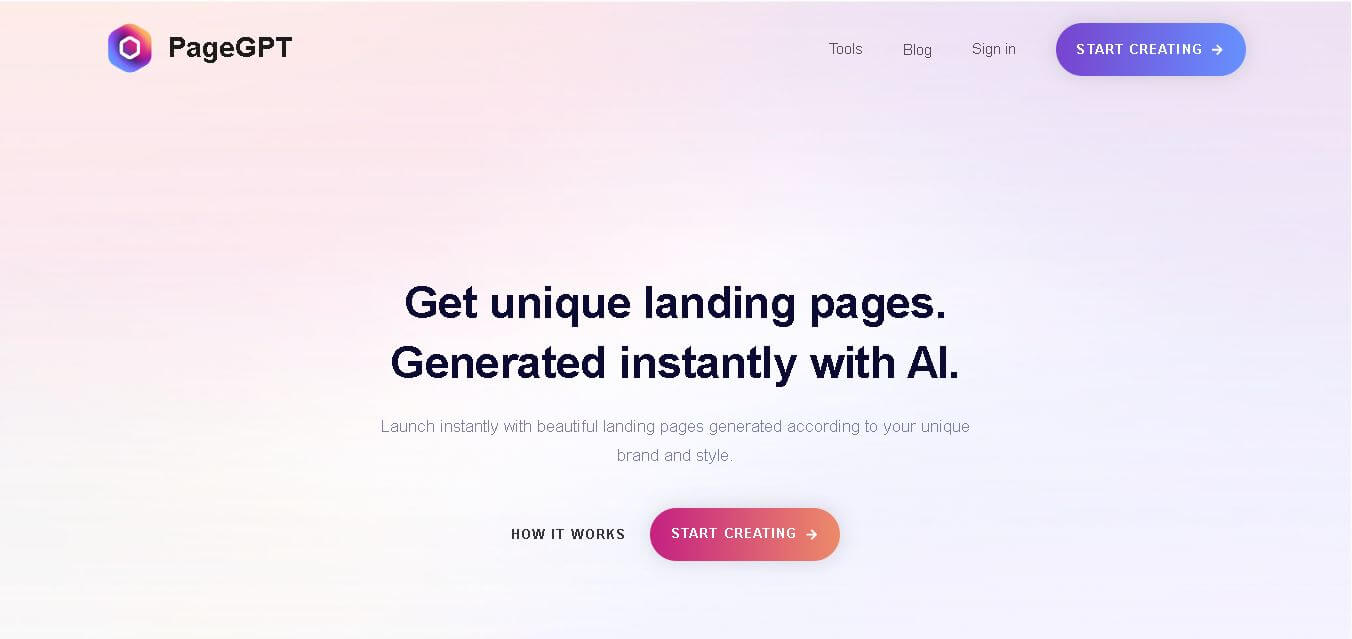
PageGPT helps businesses, creators, marketers, and entrepreneurs create customized landing pages and websites with AI. Users can describe their product and preferred style, generate designs with copy and images, then refine the result through chat or drag-and-drop editing. It also supports responsive pages, custom effects, and publishing options.
 4.8
4.8Locofy.ai
Design
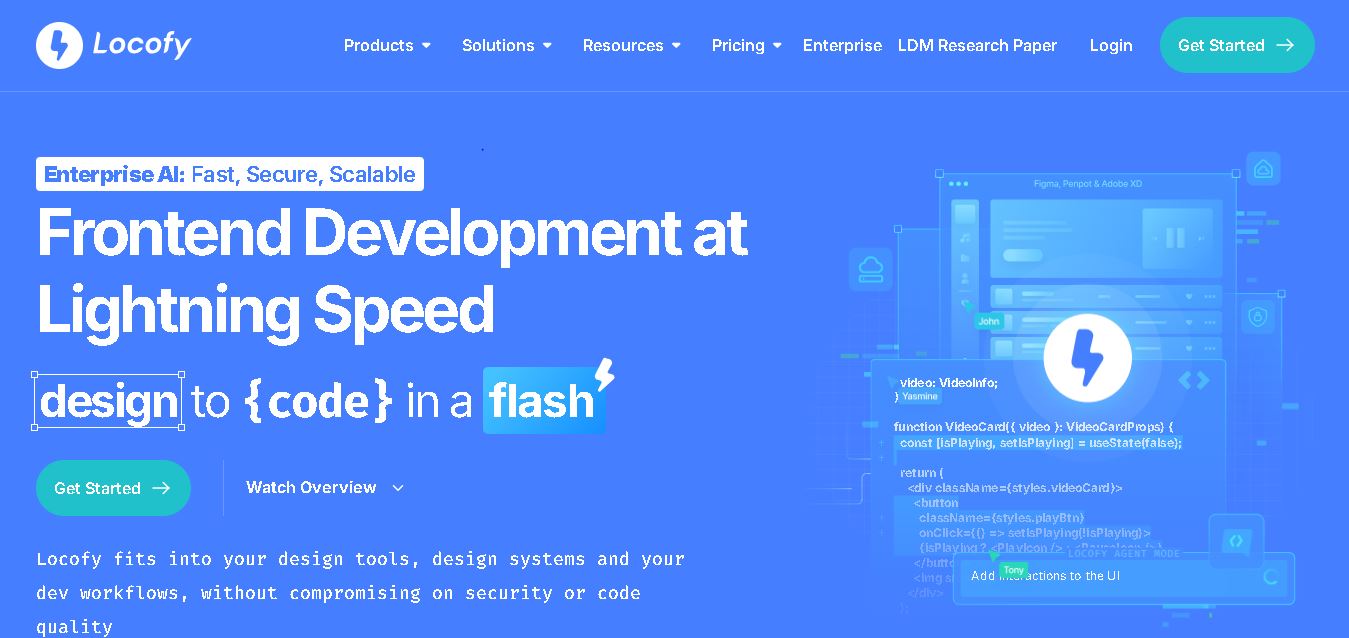
Locofy helps teams transform UI designs into developer-friendly frontend code without rebuilding interfaces manually. It supports popular design tools, web and mobile frameworks, responsive layouts, reusable components, and AI-assisted refinement. Designers can prepare screens while developers customize, export, synchronize, and continue development within familiar workflows and coding environments for teams.
 4.8
4.8Rooms.xyz
Design
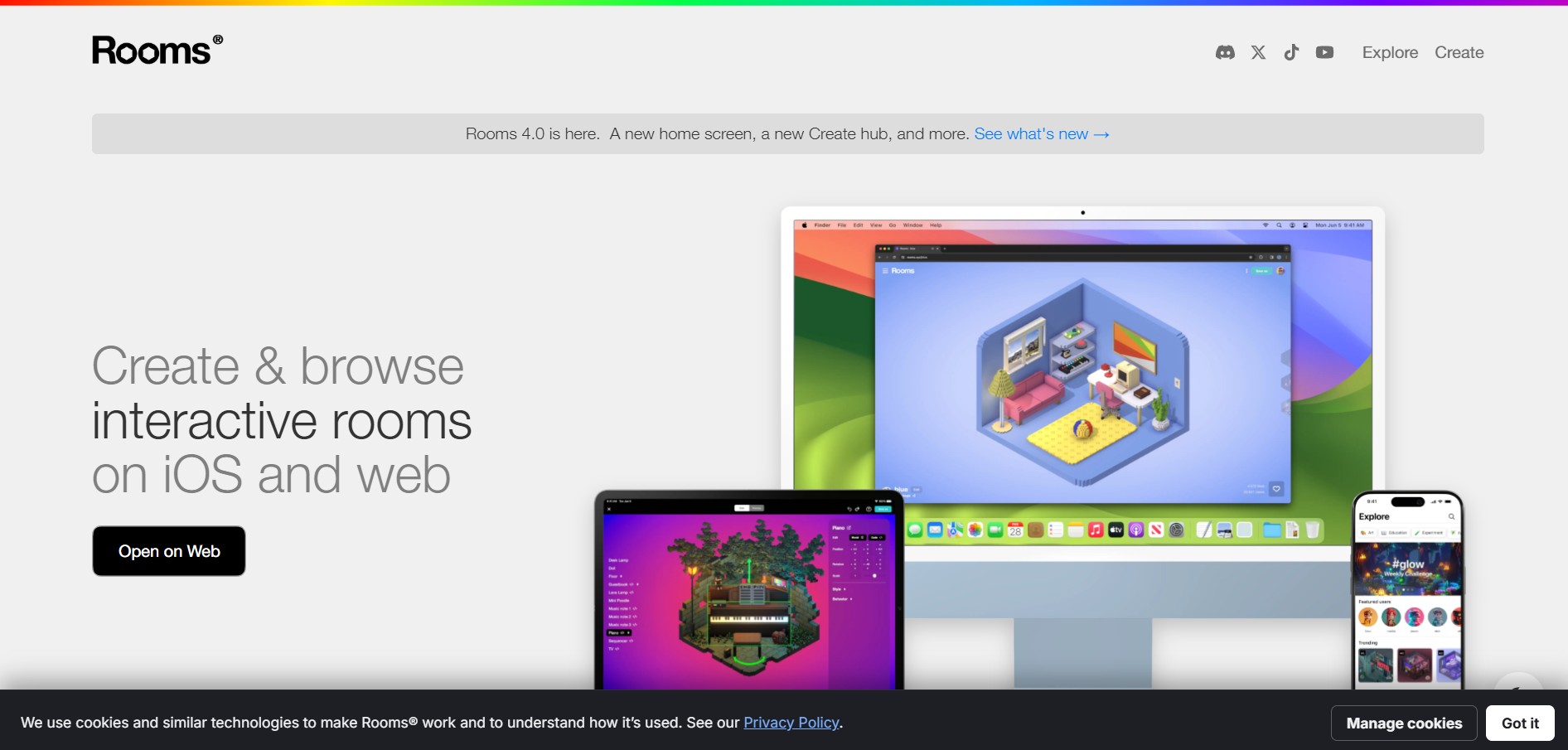
Rooms.xyz is a browser and mobile-based 3D design and game creation platform that allows users to build, code, and remix interactive 3D rooms and mini-games. Built by Things, Inc., the platform features a TikTok-like vertical feed for browsing user-generated worlds, a no-code Actions editor, deep Lua scripting support, and AI-powered voice/character integrations via Google's Gemini API.
 4.6
4.6UiMagic
Design
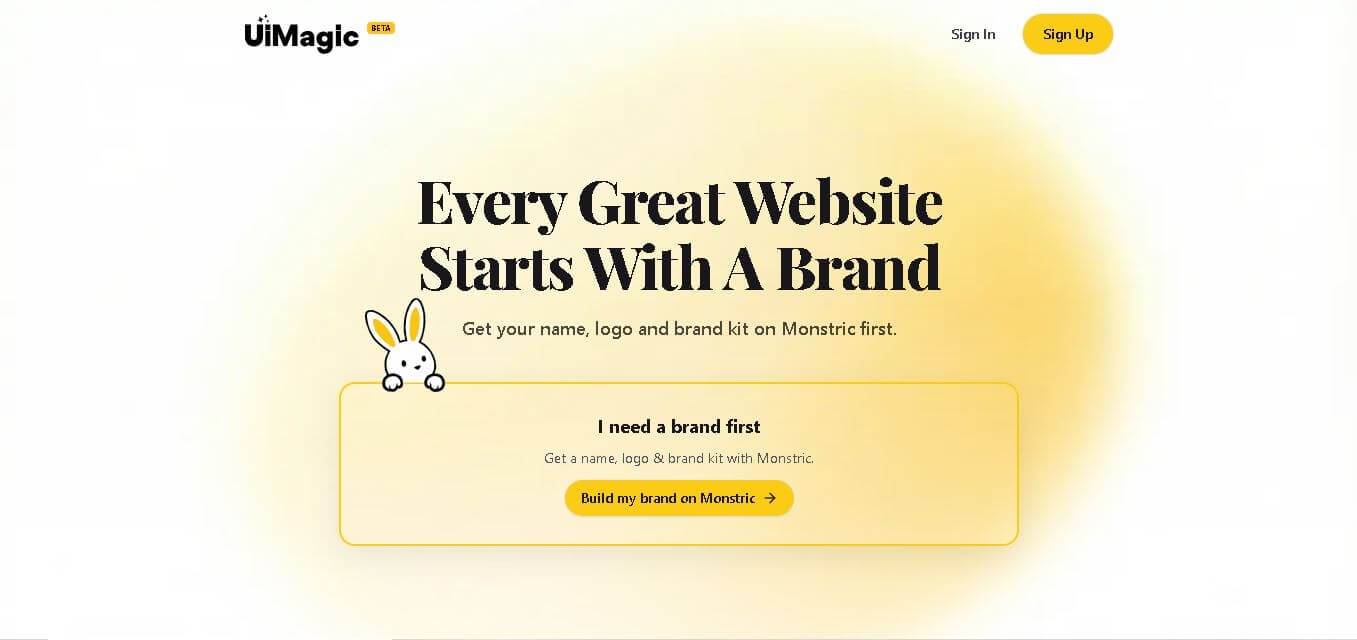
UiMagic helps users transform natural-language product ideas into full-stack applications without beginning from a blank coding environment. Its text-based approach can help developers, founders, designers, and creators quickly experiment with application concepts and move toward working products. The platform is currently presented as a beta product focused on faster application development.
 4.9
4.9Canva
Design
Canva is a versatile online design and visual communication tool for creating presentations, social media graphics, videos, documents, websites, marketing materials, and more. Its drag-and-drop editor, templates, collaboration features, creative assets, and AI tools make content creation easier for beginners, professionals, teams, educators, marketers, and businesses.