
Linear
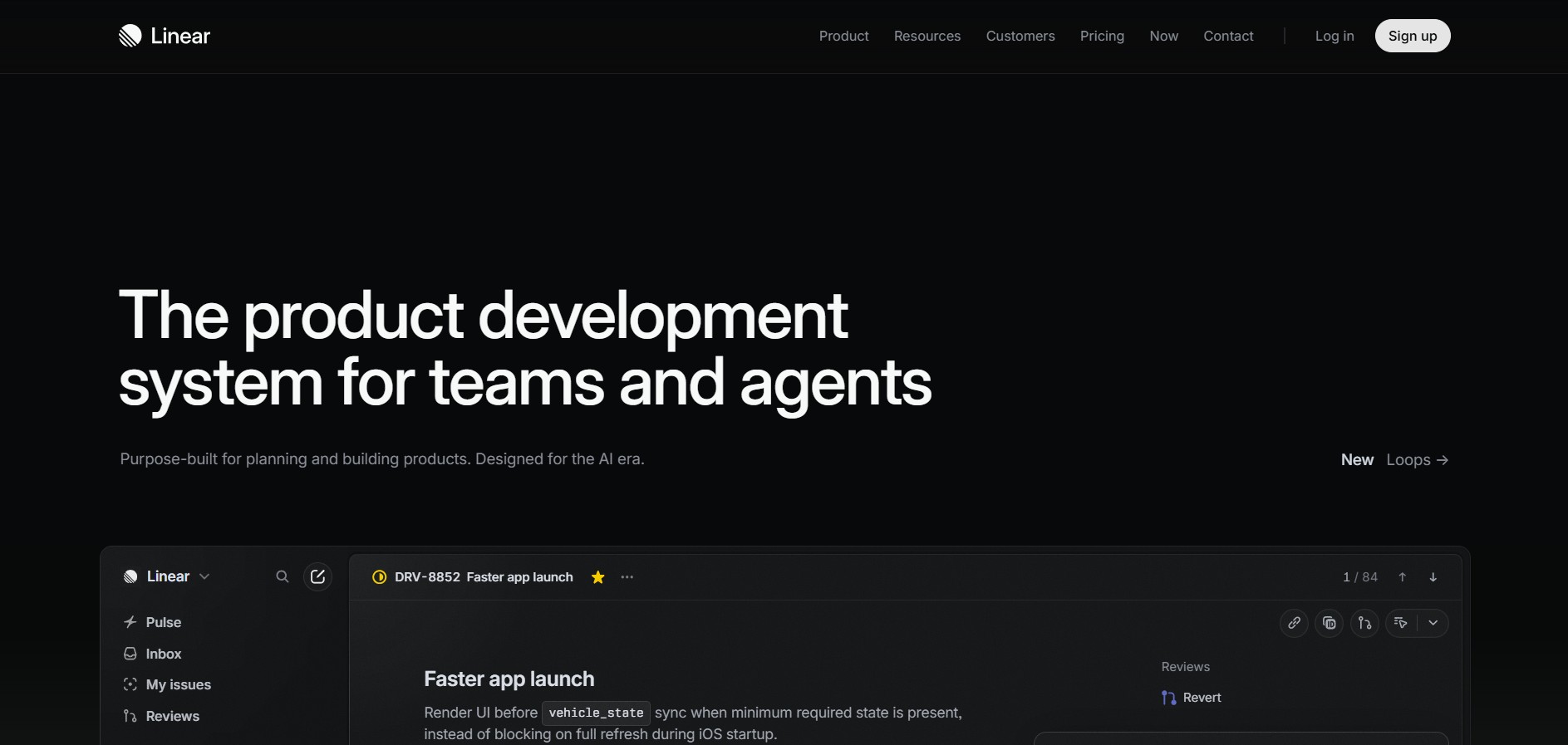
Linear is a high-performance project management and issue tracking software built specifically for software engineering and product development teams.
What is Linear?
Linear is a streamlined issue tracking and project management system created by Linear Orbit, Inc. Designed as a modern alternative to traditional tools like Jira, Linear prioritizes speed, high-performance UI responsiveness, keyboard navigation shortcuts, and structured developer workflows.
Built for modern product teams, Linear emphasizes extreme speed, keyboard-first interaction, and structured issue tracking. By integrating directly with code repositories, Git platforms, and design tools, Linear enables software teams to plan sprints, track bugs, and ship features with minimal administrative overhead.
- Platform Role: Modern Project Management, Issue Tracking & Software Development Operations
- Core Architecture: Local-First Real-Time Synchronization Engine, Keyboard-Driven Interface, Cycle/Sprint Framework, and Git Integration
- Deployment: Web Application, Native Desktop App (macOS, Windows), and Mobile Web/Apps
Use Cases:
- Managing software development backlogs, sprints (Cycles), and feature roadmaps
- Tracking bugs and feature requests directly connected to GitHub/GitLab pull requests and commits
- Collaborating cross-functionally between product managers, software engineers, and UI/UX designers
- Automating issue status transitions based on developer Git actions (e.g., closing issues when PRs merge)
- Gaining insight into velocity, team workload distribution, and project completion estimates
Technology:
- Local-first data synchronization architecture delivering near-instantaneous page loads and UI transitions
- Command menu (Cmd+K / Ctrl+K) providing keyboard navigation for virtually all platform actions
- Bi-directional integrations with GitHub, GitLab, Figma, Slack, Sentry, Notion, and Zendesk
- Robust GraphQL API and webhook infrastructure for custom development extensions
Target Users:
- Software engineers and product managers seeking a fast, clutter-free alternative to Jira
- High-growth startup product teams managing agile development workflows
- Designers, QA testers, and technical founders needing clear visibility into release cycles
Acquisition: Cloud SaaS platform, desktop apps, and web interface
What are the key features of Linear?
Linear's key platform features are
- Keyboard-First Navigation & Command Menu: Execute tasks, assign issues, and navigate projects using intuitive shortcuts (Cmd+K).
- Cycles & Sprints: Automatically group work into recurring timeboxes (Cycles) without manual administrative overhead.
- Interactive Roadmaps: Visualize high-level strategic initiatives, project milestones, and real-time completion progress.
- Deep Git Automation: Link issues with pull requests and branches; automatically update statuses on code reviews or merges.
- Linear Asks (Customer Support Triage): Convert customer requests from Slack or Zendesk directly into actionable engineering issues.
- Insights & Analytics: Track project velocity, cycle progress, and workload distribution through built-in reporting dashboards.
How much does Linear cost?
Linear offers a flexible pricing model suited for small startups up to large enterprise organizations.
Pricing Overview:
- Free Plan: Unlimited members, up to 250 active issues, core integrations, and basic workspace features.
- Basic Plan: Standard subscription tier removing active issue limits and offering unlimited file uploads.
- Standard / Business Plan: Advanced tier including unlimited issues, admin roles, guest access, Linear Asks, and advanced insights.
- Enterprise Plan: Designed for large orgs with SSO (SAML), advanced security controls, dedicated support, and custom data residency options.
Disclaimer: Plan pricing and feature limits are subject to change. Visit linear.app/pricing for current details.
Who should use Linear?
Linear is tailored specifically for modern software development teams, including
- Software Engineers: Who want a blazingly fast issue tracker that stays out of their way and integrates with Git.
- Product Managers: Planning roadmaps, organizing backlogs, and managing Cycles without administrative overhead.
- Startup Founders: Seeking a modern, high-design system to scale engineering velocity from day one.
What are the best alternatives to Linear?
Some of the strongest Linear alternatives include
- Jira (Atlassian)
- GitHub Issues / Projects
- Height
- Plane
- Shortcut (formerly Clubhouse)
- ClickUp
What are the pros and cons of Linear?
What are the pros of Linear?
- Exceptionally fast user interface powered by local-first architecture
- Keyboard-driven shortcuts speed up issue creation and navigation significantly
- Seamless integration with modern development tools (GitHub, GitLab, Figma, Sentry)
- Clean, aesthetic, and opinionated UI that reduces clutter and cognitive overload
- Automated sprint management (Cycles) saves hours of team project administration
What are the cons of Linear?
- Opinionated workflow design offers less customizability compared to legacy enterprise platforms like Jira
- Built strictly around product and engineering workflows; less suited for general HR or sales operations
Why should you choose Linear?
Linear solves the frustration software teams face with slow, bloated project management platforms. By prioritizing speed, keyboard shortcuts, and developer-centric workflows, Linear minimizes administrative friction so software teams can focus on shipping features.
- Experience sub-second load times and instantaneous interaction via local-first sync
- Streamline engineering workflows with bi-directional Git integrations and automated status changes
- Maintain product clarity across strategic roadmaps, project milestones, and daily sprint cycles
How does Linear compare to competitors?
While Jira provides extensive customization and complex workflow engines for large enterprises, Linear focuses on raw speed, minimalist design, and developer ergonomics. Compared to GitHub Issues, Linear delivers far superior project roadmapping, Cycle management, and cross-team visibility.
| Feature / Platform | Linear | Jira | GitHub Issues | Shortcut |
|---|---|---|---|---|
| UI Performance & Speed | Blazing fast (Local-first) | Slower, complex cloud loading | Fast, web-native | Fast, modern UI |
| Keyboard Ergonomics | Full keyboard navigation (Cmd+K) | Limited shortcuts | Basic shortcuts | Moderate shortcuts |
| Workflow Design | Opinionated & streamlined | Highly customizable | Lightweight / basic | Balanced agile workflow |
| Git Integration Depth | Native, automated PR tracking | Extensive via plugins | Native within GitHub | Strong Git integrations |
| Primary Target | Modern product & dev teams | Enterprise IT & software orgs | Developers hosting code on GitHub | Growing software startups |
How do we rate Linear?
| Parameter | Rating (out of 5) |
|---|---|
| Speed & Performance | 5.0 |
| User Experience & UI Design | 4.9 |
| Developer Tooling & Integrations | 4.9 |
| Roadmapping & Cycle Management | 4.8 |
| Value for Money | 4.7 |
| Overall Score | 4.86 |
What is our review and verdict on Linear?
Linear sets the gold standard for modern, developer-focused software management. Its local-first performance, intuitive keyboard navigation, and deep code repository integrations eliminate administrative friction. For software and product teams wanting a fast, beautifully designed alternative to traditional issue trackers, Linear is a top choice.
Conclusion
Linear provides a refined, high-performance issue tracking and project management environment engineered for speed. By aligning closely with modern developer workflows, robust Git platforms, and strategic product roadmaps, Linear empowers teams to execute efficiently and ship software faster.
FAQ
What is Linear?
Linear is a product-development and project-management platform built for teams to plan, track, and ship software. It combines issue tracking, projects, cycles, roadmaps, customer requests, analytics, and AI-powered workflows in one workspace.
How does Linear help software development teams?
Linear organizes development work around issues, projects, and cycles. Teams can use issues to track bugs, feature development, follow-up tasks, or internal requests, while projects provide a larger structure for work with defined outcomes and target dates.
Does Linear have AI features?
Yes. Linear Agent can understand a team's issues, projects, comments, documents, and history to answer questions, summarize work, create or update issues, and assist with project planning. Linear also provides AI-powered triage, coding sessions, and Loops, which can run recurring AI workflows based on schedules or workspace events.
Can Linear integrate with coding and development tools?
Yes. Linear connects development workflows with coding tools and services. Developers can work from Linear issues with tools such as Cursor, Claude Code, and Codex, while integrations such as GitHub can connect issues with pull requests and development activity
Can teams use Linear to manage product roadmaps and projects?
Yes. Linear supports initiatives, projects, milestones, cycles, and product roadmaps to help teams move from an initial idea to release. Projects can contain issues and documents and can also span multiple teams, making them suitable for larger product-development efforts
Can Linear automatically organize incoming issues?
Yes. Linear provides Triage Intelligence and automation rules that can suggest or assign teams, projects, labels, and related issues based on existing workspace patterns. Teams can also create rules to prioritize important issues, route incoming work, or delegate certain issues to AI agents.
Is Linear free to use?
Yes. Linear currently has a Free plan that costs $0 and includes unlimited members, up to 2 teams, 250 issues, the Agent platform, and Linear Agent. Paid plans currently start at $10 per user/month when billed yearly for Basic, while Business is $16 per user/month when billed yearly; Enterprise pricing is custom.
User Reviews
No reviews yet for Linear.
Featured Tools
Featured AI tools from TechShark

Melody Genie
MelodyGenie is an AI-powered music generator that creates original songs from simple text prompts. Users can choose styles, moods, and genres, then instantly generate melodies and full tracks, making it easy for creators, marketers, and hobbyists to produce custom music without musical expertise.
Freemium

Kimi AI
Kimi AI is an advanced AI assistant developed by Moonshot AI that helps you chat, research, write, code, and automate tasks in one place. It supports web search, file analysis, and multimodal inputs, and can even run autonomous “agent” workflows to complete complex tasks end-to-end.
Freemium

Fashion Diffusion AI
Fashion Diffusion is an AI-powered fashion design platform that helps brands and designers create clothing designs, virtual try-ons, AI models, product photos, and marketing visuals faster and cost-effectively.
Paid

Veo 4
Veo 4 AI is an AI video creation platform that generates dramatic videos from text, images, audio, and video prompts using realistic motion and synchronized sound.
Paid
Alternatives
Alternatives to Linear
The best Linear alternatives include Jira, GitHub Issues, Height, Plane, and Shortcut. While Linear excels in local-first performance, keyboard navigation, and streamlined dev workflows, Jira offers greater enterprise customizability and GitHub Issues provides basic issue tracking directly inside GitHub repositories.
 4.9
4.9Mixpanel
Project Management
Mixpanel is a product analytics platform that helps businesses track user behavior, analyze engagement, and measure key metrics across apps and websites. It provides real-time insights, funnels, and cohort analysis, enabling teams to understand user journeys and improve retention, conversion, and overall product performance.
 4.9
4.9Amplitude
Project Management
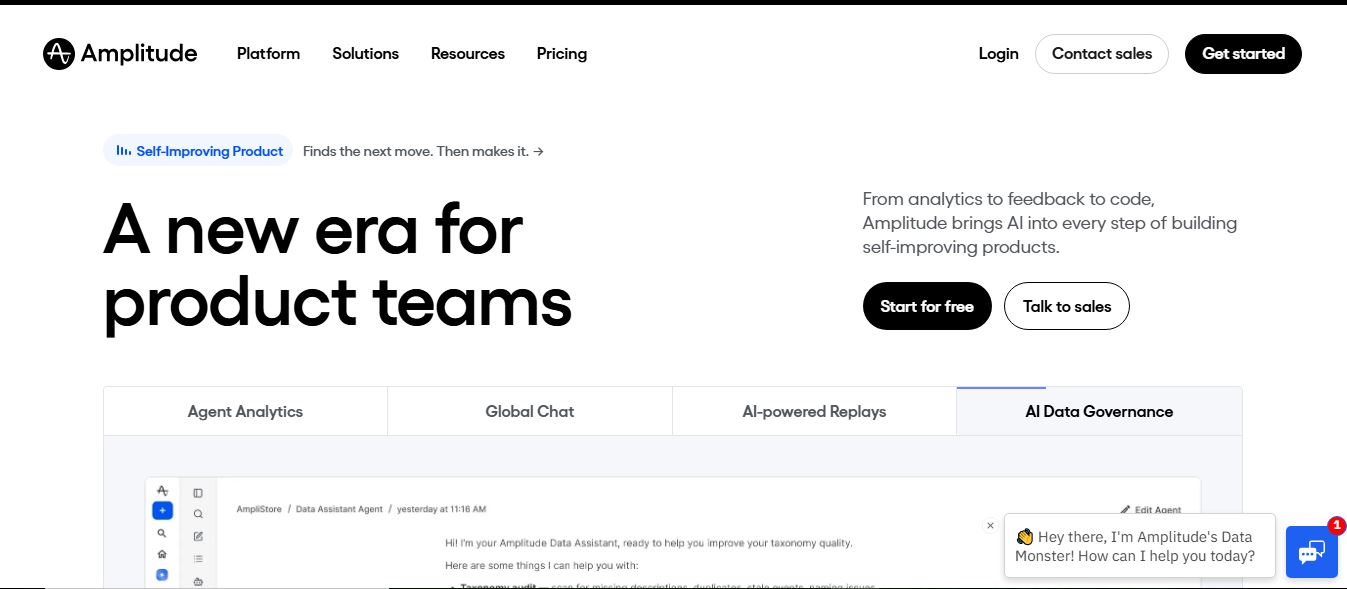
Amplitude is a digital analytics platform that helps businesses track user behavior, measure product performance, and understand customer journeys. It provides insights into how users interact with apps and websites, enabling teams to optimize experiences, improve retention, and drive growth through data-driven decisions.
 4.8
4.8Productboard
Project Management
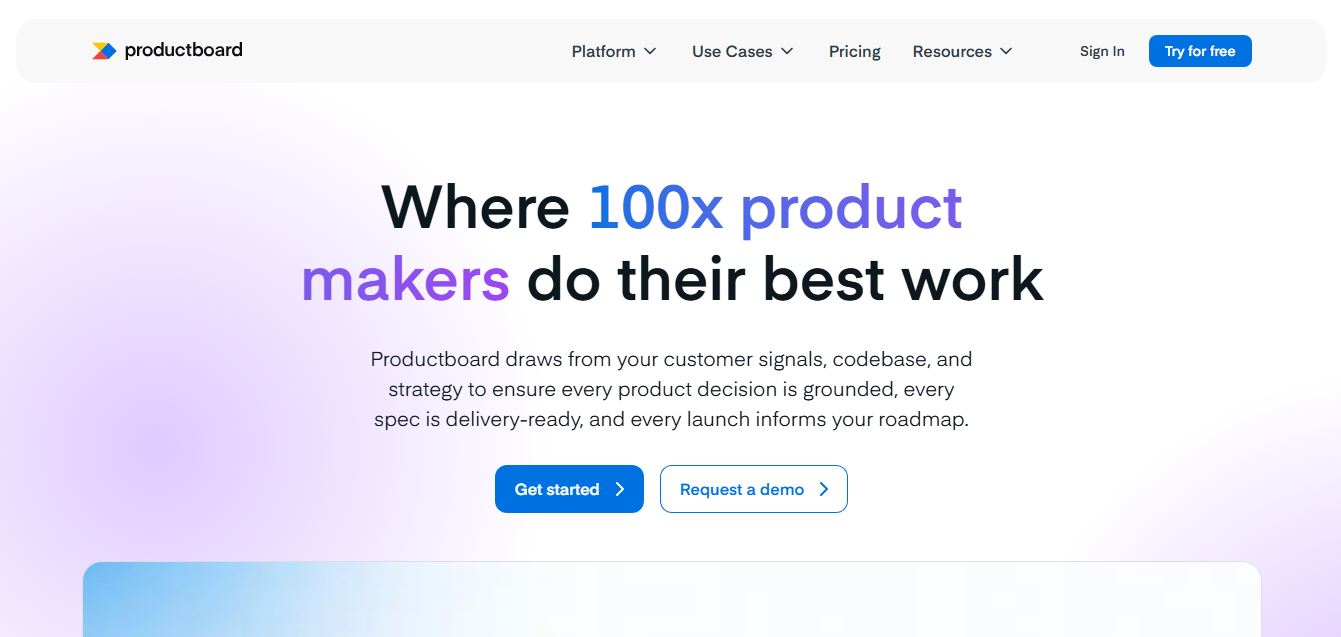
Productboard is a product management platform that helps teams collect user feedback, prioritize features, and plan roadmaps. It centralizes customer insights and aligns teams around what to build next, enabling companies to create products that better meet user needs.
Wrike
Project Management
Wrike is a work management and collaboration platform that helps teams plan projects, assign tasks, track progress, and meet deadlines in one place. It offers dashboards, automation, and reporting tools, making it easier for teams to stay organized, collaborate efficiently, and manage complex workflows at scale.
 4.9
4.9Kroolo
Project Management
Kroolo is an AI-powered productivity and project management platform that helps teams plan tasks, track progress, and collaborate in one place. It combines project tracking, document management, and AI assistance to streamline workflows, automate routine work, and improve team efficiency across projects.
 4.7
4.7Morgen
Project Management
Morgen is a time management desktop and mobile app that unifies multiple calendars, aggregates tasks from third-party tools, and uses AI-driven time-blocking to create structured daily schedules.
 4.9
4.9Todoist
Project Management
Todoist is a widely popular task management and to-do list application developed by Doist, featuring natural language task creation, sub-tasks, productivity tracking, and multi-platform syncing.
 4.8
4.8Basecamp
Project Management
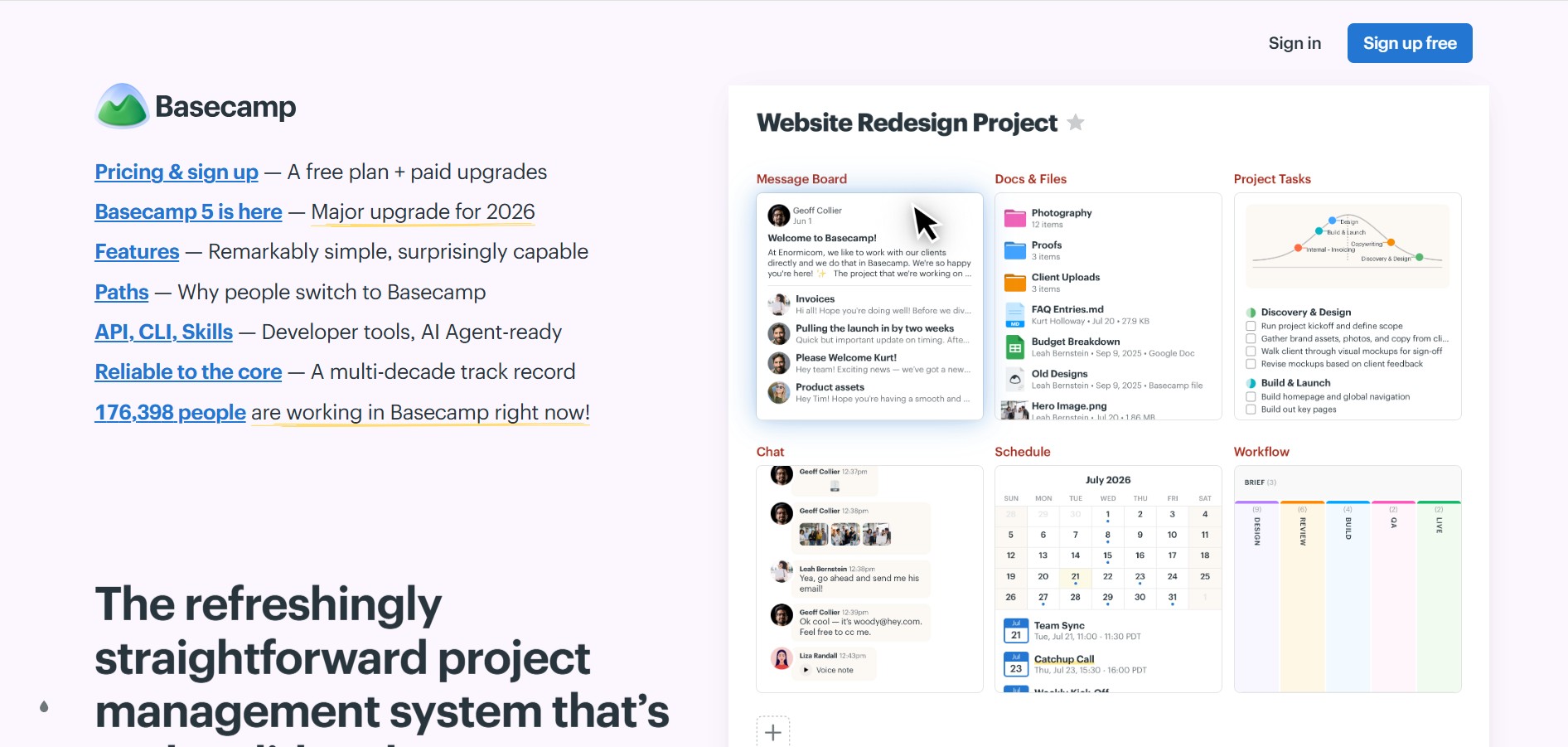
Basecamp is an all-in-one project management and team communication software created by 37signals to organize tasks, discussions, files, and schedules in one centralized platform.
 4.8
4.8RescueTime
Project Management
RescueTime is an automatic time tracking, distraction blocking, and personal productivity software that monitors app and website usage in the background to provide detailed activity reports and automated project timesheets.