Wrike
Wrike is a work management and collaboration platform that helps teams plan projects, assign tasks, track progress, and meet deadlines in one place. It offers dashboards, automation, and reporting tools, making it easier for teams to stay organized, collaborate efficiently, and manage complex workflows at scale.
What is Wrike?
Wrike is an AI-powered work management and project collaboration platform that helps teams plan, manage, and deliver work from a single workspace. It combines task management, workflow automation, real-time collaboration, and reporting tools to give full visibility across projects. Teams can assign tasks, track progress, automate repetitive work, and analyze performance through dashboards. Used by over 20,000 organizations worldwide, Wrike enables faster execution, better coordination, and more efficient project delivery across departments.
Wrike was founded in 2006 by Andrew Filev and was acquired in 2021 by Citrix Systems before operating as an independent entity backed by Vista Equity Partners following a $1.08 billion transaction. Wrike serves over 20,000 organizations globally—including industry leaders such as Mars, Tiffany & Co., Hootsuite, and L'Oreal. Trusted by millions of enterprise users worldwide, Wrike integrates with over 400 enterprise applications and is consistently recognized as a Leader in enterprise collaborative work management Gartner Magic Quadrant reports.
- Founder / Leadership: Andrew Filev (Founder); Tom Libretto (CEO)
- Launch Year: 2006
Use Cases:
- Planning multi-phase enterprise projects using interactive Gantt charts and critical path dependencies
- Managing team capacity, weekly allocations, and time-off to prevent resource burnout
- Standardizing incoming project requests using dynamic intake forms that auto-generate tasks
- Reviewing and approving creative assets (images, videos, PDFs) directly inside task view proofing tools
Technology:
- Relational database architecture supporting multi-tiered folder hierarchies and cross-project tagging
- Interactive Gantt timeline engine with real-time dependency recalculation
- Wrike Work Intelligence AI layer summarizing threads and predicting project delivery risks
Target Users:
- Enterprise project managers and PMO directors
- Creative operations leads and marketing agency directors
- Professional services executives tracking billable hours and project profitability
- Enterprise IT and software development teams coordinating cross-functional releases
Corporate Entity: Operates as an independent enterprise software company (Wrike, Inc., San Jose, CA)

Key features of Wrike
Wrike's key features are
- Interactive Gantt Charts & Dependencies: Plan multi-phase projects with drag-and-drop timeline dependencies, critical path analysis, and automated schedule adjustments.
- Advanced Resource Allocation & Workload Management: Visual resource management boards track team capacity, time-off, and weekly allocations to prevent burnout and optimize utilization.
- Custom Request Forms: Standardize incoming project requests from stakeholders using dynamic forms that automatically generate tasks and assign owners.
- Multi-Tiered Folder & Space Hierarchies: Organize projects across enterprise departments with granular permissions, custom item types, and cross-project tagging.
- Wrike Work Intelligence (AI): Summarize long discussion threads, predict project risks based on historical data, auto-create subtasks, and suggest workflow improvements.
- Built-in Proofing & Approval Workflows: Review, annotate, and approve images, videos, and PDF documents directly inside task views without external review tools.
- Time Tracking & Timesheets: Monitor billable and non-billable hours natively within tasks to calculate project profitability and support client invoicing.
- Enterprise Security & Governance: SOC 2 Type II compliance, HIPAA readiness, SAML/SSO integration, two-factor authentication, and advanced data encryption.
Wrike Pricing
Wrike operates on a tiered per-user subscription model billed annually or monthly, offering specialized plans tailored for growing teams, professional services, and enterprises.
Free Plan:
- $0/month
- Basic task management, board view, spreadsheet view, file sharing, and 2 GB of storage
Team Plan:
- $9.80/user/month (for teams of 2 to 25 users)
- Interactive Gantt charts, custom item types, unlimited projects, shared dashboards, request forms, and 5 GB storage/user
Business Plan:
- $24.80/user/month (for teams of 5 to 200+ users)
- Custom workflows, field types, branded workspace, request forms with file sharing, time tracking, 50 AI credits/user/mo, and 15 GB storage/user
Enterprise Plan:
- Custom pricing
- Advanced security, SAML/SSO, password policies, user access controls, 100 GB storage per user, and dedicated support
Pinnacle Plan:
- Custom pricing for PMOs needing advanced budgeting, resource allocation, task locking, and heavy portfolio management
Disclaimer: For the latest per-seat licensing rules, minimum team sizes, and annual billing terms, please visit the official Wrike pricing page at wrike.com/price/.
Who is using Wrike?
Wrike is designed for a broad range of enterprise and professional teams, including
- Enterprise PMOs & Directors: Overseeing complex, multi-departmental corporate project portfolios
- Creative & Marketing Agencies: Managing high-volume design requests, asset proofing, and client sign-offs
- Professional Services Firms: Tracking billable hours, client budgets, and resource capacity utilization
- IT & Software Teams: Coordinating cross-functional technology releases and infrastructure upgrades
- Content Creators: Using writing tools to draft project charters, executive summaries, and client service-level agreements
- Global Organizations: Enforcing strict data governance and role-based access control across international offices
Best Wrike Alternatives
Some of the strongest Wrike alternatives include
- Asana
- Monday.com
- ClickUp
- Smartsheet
- Microsoft Project / Planner
- Planview
Pros and Cons of Wrike
Pros
- Powerful enterprise-grade resource management and workload planning capabilities
- Highly customizable folder structures, custom item types, and cross-project tagging
- Built-in proofing tools allow visual annotation on images and videos without leaving the platform
- Robust enterprise security, compliance, and granular permission controls
- Excellent request intake forms streamline project commissioning and eliminate email chaos
Cons
- Steeper learning curve for new users due to the platform's vast customization options and depth
- Entry-level paid plans require minimum user seat commitments
- Advanced portfolio management, budgeting, and resource forecasting require upgrading to higher Enterprise/Pinnacle tiers
- Interface can feel dense and corporate compared to lightweight consumer task apps
Why Choose Wrike?
Wrike is the ideal choice for enterprise organizations, PMOs, and agencies that require sophisticated resource planning, rigorous cross-project governance, and deep workflow customization.
- Delivers advanced workload management and resource capacity forecasting
- Standardizes incoming project requests with dynamic intake forms
- Accelerates approvals with built-in visual proofing for creative assets
- Integrates AI automation to summarize discussions and predict project risks
- Scales securely across thousands of enterprise users with SOC 2 compliance
Wrike vs. Competitors
The main difference between Wrike, Asana, Monday.com, and ClickUp is that Wrike is architected specifically for complex enterprise PMOs and professional services with advanced resource allocation, multi-layered folder hierarchies, and billable time tracking, whereas Asana emphasizes collaborative team workflows, Monday.com focuses on visual work OS flexibility, and ClickUp provides feature-heavy general task management. Wrike stands out for its enterprise resource capacity planning and rigorous cross-project governance.
| Feature / Tool | Wrike (wrike.com) | Asana | Monday.com | ClickUp |
|---|---|---|---|---|
| Core Focus | Enterprise PMO & Resource Planning | Collaborative Team Workflows | Visual Work OS & Dashboards | Feature-Rich Task Management |
| Resource Workload Management | Yes (Advanced Capacity Planning) | Workload Add-on | Workload View | Workload Views |
| Built-In Creative Proofing | Yes (Image, Video & PDF Proofing) | Third-Party Integrations | Third-Party Apps | Third-Party Integrations |
| Custom Request Forms | Yes (Advanced Intake & Automation) | Form Builder | WorkForms | Form View |
| Starting Paid Price | ~$9.80/user/month (Team) | $10.99/user/month | $9 – $19/user/month | $7 – $12/user/month |
| Best For | Enterprise PMOs & Professional Services | Cross-Functional Team Collaboration | Visual Agile & Operations Teams | Feature-Driven Power Users |
How do we rate Wrike?
| Parameter | Rating (out of 5) |
|---|---|
| Resource Allocation & Workload Planning | 5.0 |
| Gantt Charts & Project Dependencies | 4.9 |
| Custom Workflows & Request Intake | 4.9 |
| Enterprise Security & Governance | 5.0 |
| Value for Money | 4.6 |
| Overall Score | 4.88 |
Wrike Review
Wrike remains a cornerstone platform for enterprise project management. While many project tools cater primarily to small teams or lightweight task tracking, Wrike is built for the complex realities of large corporate environments where resource bottlenecks, budget tracking, and cross-departmental dependencies dictate success. Its advanced workload management, dynamic request intake forms, and visual proofing tools make it an indispensable command center for PMOs and creative agencies alike. For organizations managing intricate project portfolios that require enterprise-grade security and resource forecasting, Wrike is an exceptional platform.
Conclusion
Wrike helps teams manage projects and workflows by centralizing tasks, timelines, and collaboration in one platform. Instead of scattered communication and tracking, it provides clear visibility into progress and priorities. Its automation and reporting features make it easier to stay on schedule and optimize performance. Overall, Wrike streamlines work management, helping teams stay organized, collaborate effectively, and deliver projects more efficiently.
FAQ
What is Wrike and how does it work?
Wrike is an AI-powered work management and project management platform that helps teams plan, collaborate, and deliver projects from one centralized workspace. It works by organizing tasks, projects, and workflows into a structured system where teams can assign work, track progress, and collaborate in real time. Wrike combines task management, automation, reporting, and AI insights to streamline work from planning to execution.
What features does Wrike offer?
Wrike offers a comprehensive set of features including task and project management, Gantt charts, dashboards, time tracking, workflow automation, approvals, and reporting. It also includes AI-powered capabilities like content generation, task summaries, and workflow automation, along with integrations with 400+ tools such as Slack, Salesforce, and Google Workspace.
How does Wrike use AI in project management?
Wrike uses AI through features like Wrike Copilot and AI agents to automate repetitive tasks, summarize updates, generate project plans, and provide insights. It can also predict risks, recommend actions, and automate workflows, helping teams reduce manual work and make faster decisions based on real-time data.
Is Wrike free to use?
Yes, Wrike offers a free plan that includes basic task and project management features such as Kanban boards, table views, and collaboration tools. This plan is suitable for individuals or small teams, while advanced features like AI tools, automation, and reporting are available in paid plans.
How much does Wrike cost?
Wrike pricing starts with a free plan, followed by paid plans like Team (around $10/user/month) and Business (around $25/user/month). Enterprise-level plans such as Pinnacle and Apex offer advanced features like resource planning, budgeting, AI automation, and analytics, with custom pricing based on business needs.
Who should use Wrike?
Wrike is ideal for project managers, marketing teams, IT teams, agencies, and enterprises that need to manage complex workflows. It’s especially useful for organizations handling multiple projects, cross-functional collaboration, and large-scale operations where visibility, automation, and reporting are critical.
Does Wrike integrate with other tools?
Yes, Wrike integrates with over 400 applications, including Slack, Microsoft Teams, Salesforce, Google Workspace, and Adobe tools. It also offers APIs and integration tools like Wrike Integrate and Sync, allowing businesses to automate workflows and connect their existing software stack seamlessly.
User Reviews
No reviews yet for Wrike.
Featured Tools
Featured AI tools from TechShark

Melody Genie
MelodyGenie is an AI-powered music generator that creates original songs from simple text prompts. Users can choose styles, moods, and genres, then instantly generate melodies and full tracks, making it easy for creators, marketers, and hobbyists to produce custom music without musical expertise.
Freemium

Kimi AI
Kimi AI is an advanced AI assistant developed by Moonshot AI that helps you chat, research, write, code, and automate tasks in one place. It supports web search, file analysis, and multimodal inputs, and can even run autonomous “agent” workflows to complete complex tasks end-to-end.
Freemium

Fashion Diffusion AI
Fashion Diffusion is an AI-powered fashion design platform that helps brands and designers create clothing designs, virtual try-ons, AI models, product photos, and marketing visuals faster and cost-effectively.
Paid

Veo 4
Veo 4 AI is an AI video creation platform that generates dramatic videos from text, images, audio, and video prompts using realistic motion and synchronized sound.
Paid
Alternatives
Alternatives to Wrike
The best Wrike alternatives include Asana, Monday.com, ClickUp, Smartsheet, Microsoft Project, and Planview. These platforms provide enterprise project management, task tracking, and resource planning software. While Wrike specializes in complex enterprise portfolio management, advanced resource workload forecasting, and built-in creative proofing, alternatives like Asana focus on collaborative team workflows, and Monday.com offers a highly visual Work OS interface. Choosing the right tool depends on whether you require rigorous enterprise resource governance or flexible team-level task tracking.
 4.9
4.9Mixpanel
Project Management
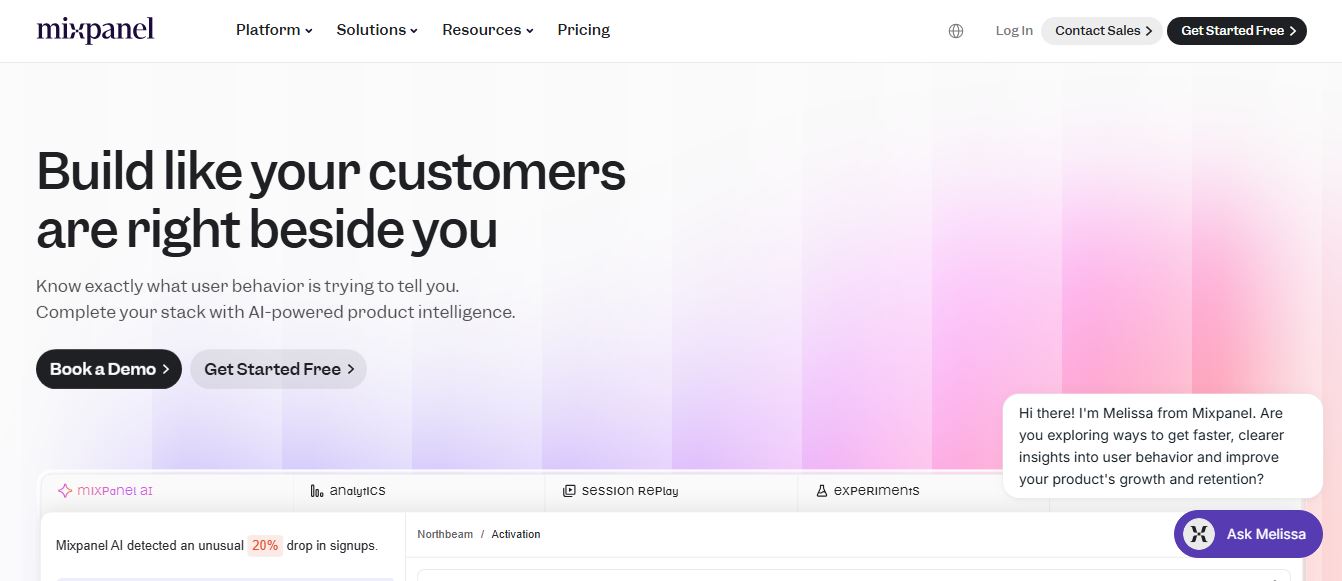
Mixpanel is a product analytics platform that helps businesses track user behavior, analyze engagement, and measure key metrics across apps and websites. It provides real-time insights, funnels, and cohort analysis, enabling teams to understand user journeys and improve retention, conversion, and overall product performance.
 4.9
4.9Amplitude
Project Management
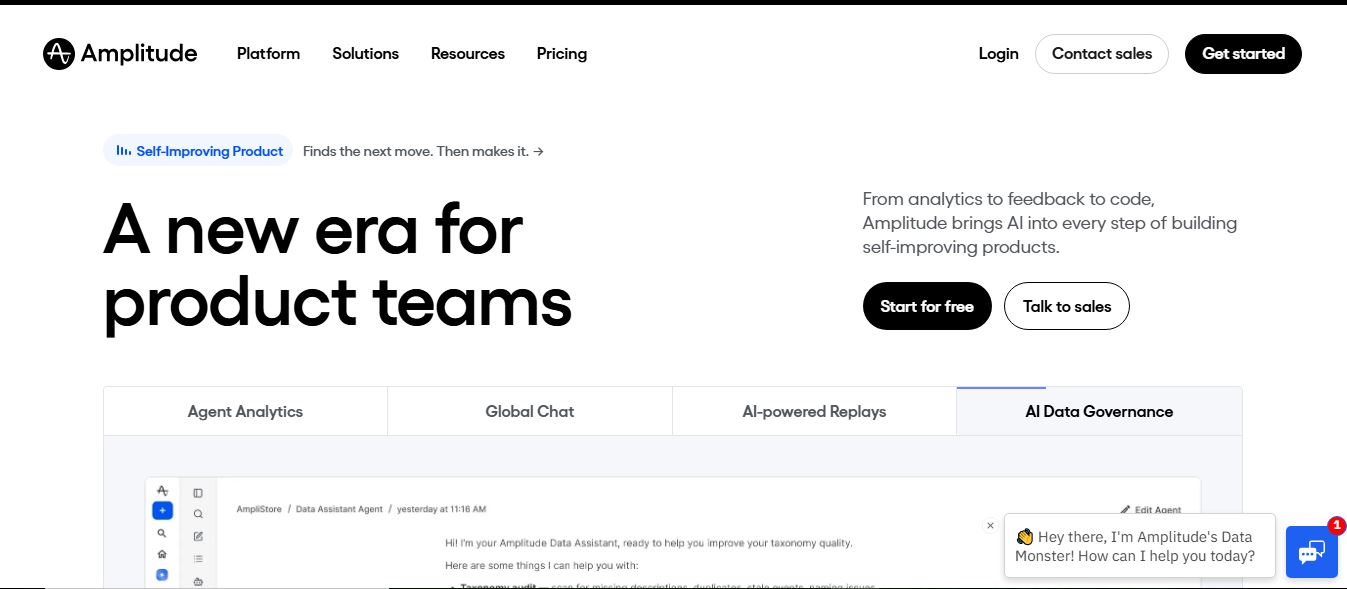
Amplitude is a digital analytics platform that helps businesses track user behavior, measure product performance, and understand customer journeys. It provides insights into how users interact with apps and websites, enabling teams to optimize experiences, improve retention, and drive growth through data-driven decisions.
 4.8
4.8Productboard
Project Management
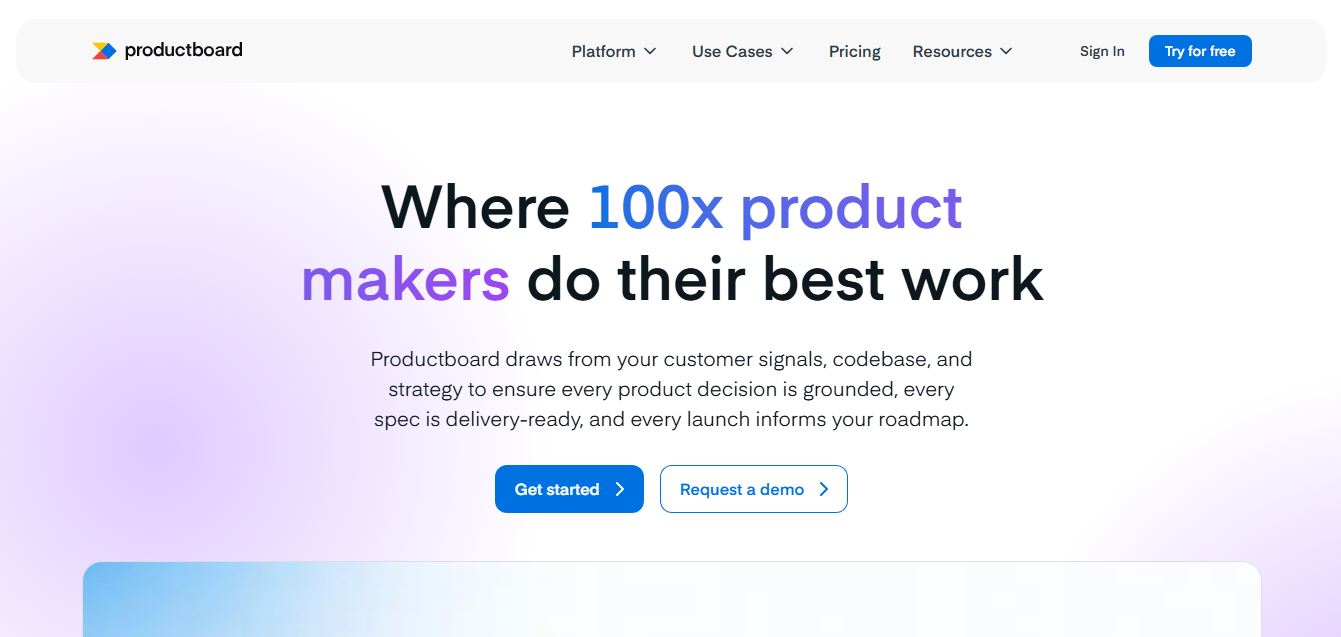
Productboard is a product management platform that helps teams collect user feedback, prioritize features, and plan roadmaps. It centralizes customer insights and aligns teams around what to build next, enabling companies to create products that better meet user needs.
 4.9
4.9Kroolo
Project Management
Kroolo is an AI-powered productivity and project management platform that helps teams plan tasks, track progress, and collaborate in one place. It combines project tracking, document management, and AI assistance to streamline workflows, automate routine work, and improve team efficiency across projects.
 4.7
4.7Morgen
Project Management
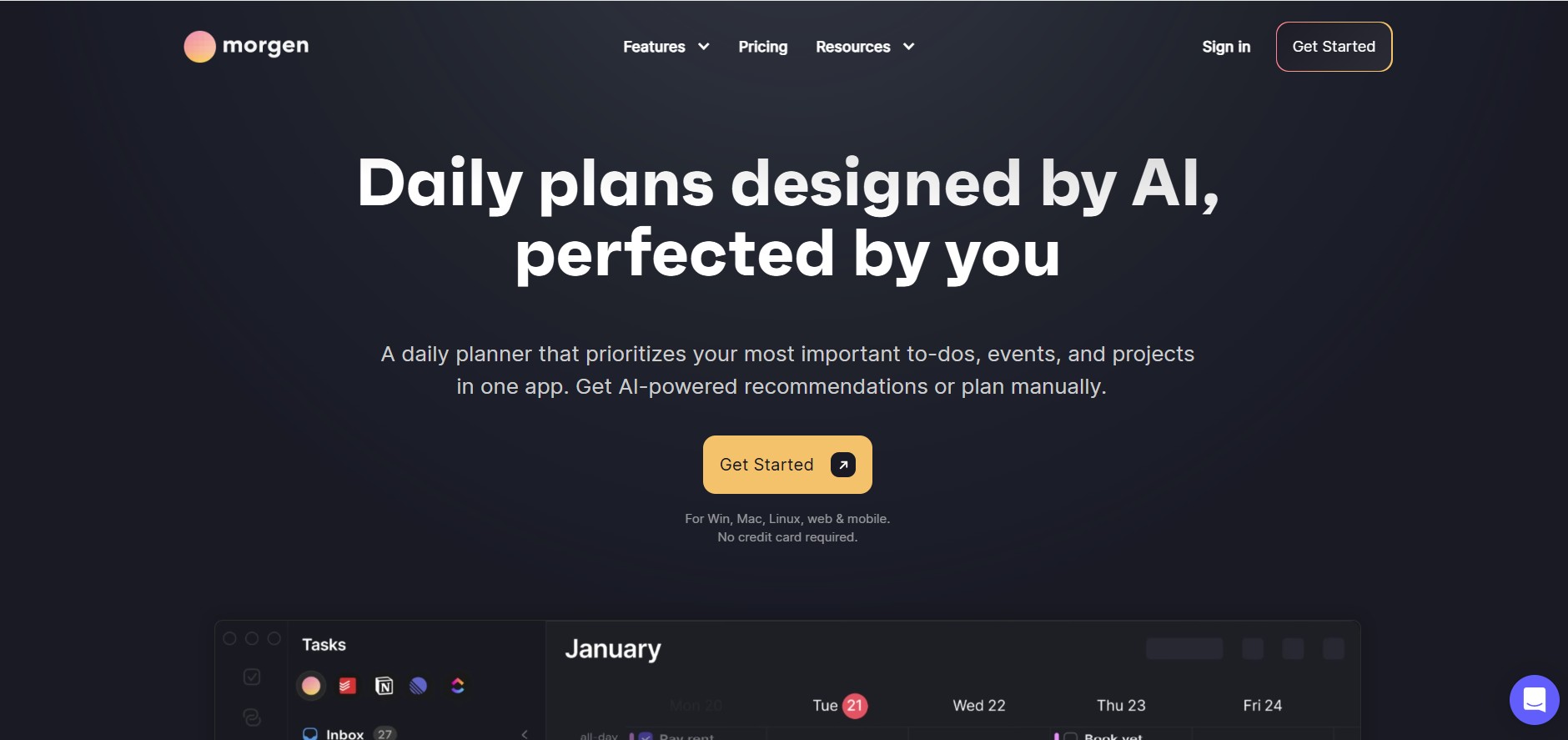
Morgen is a time management desktop and mobile app that unifies multiple calendars, aggregates tasks from third-party tools, and uses AI-driven time-blocking to create structured daily schedules.
 4.9
4.9Todoist
Project Management
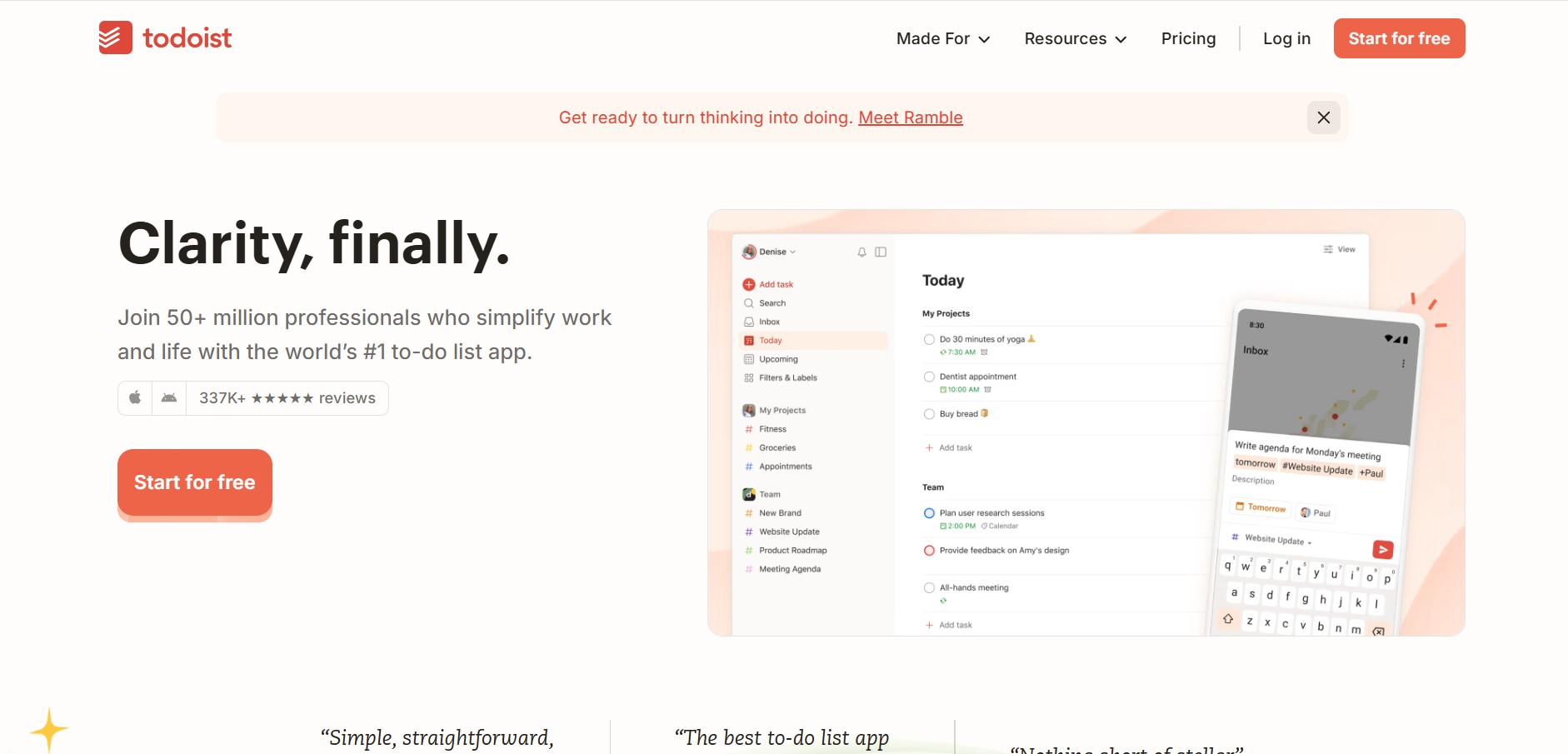
Todoist is a widely popular task management and to-do list application developed by Doist, featuring natural language task creation, sub-tasks, productivity tracking, and multi-platform syncing.
 4.8
4.8Basecamp
Project Management
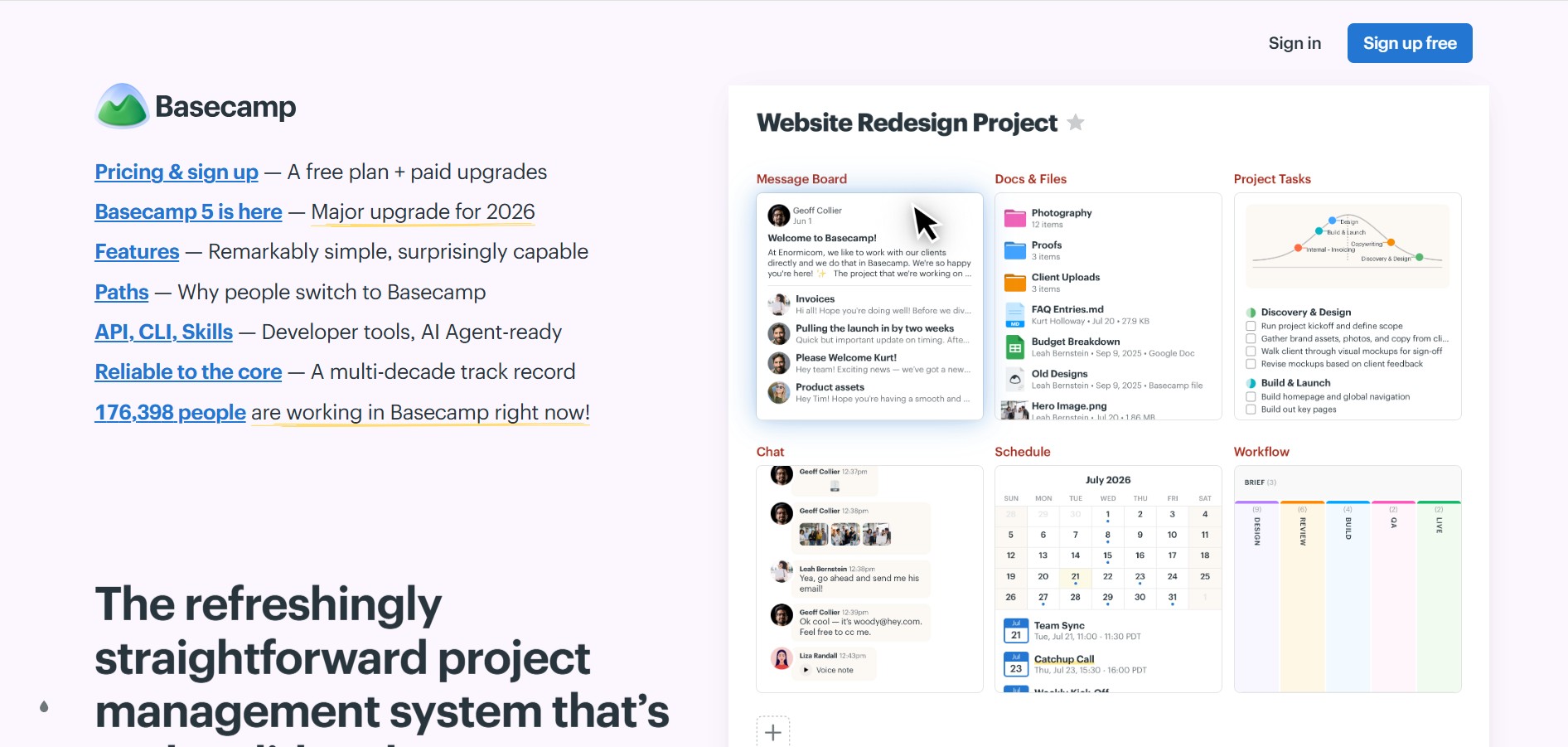
Basecamp is an all-in-one project management and team communication software created by 37signals to organize tasks, discussions, files, and schedules in one centralized platform.
 4.9
4.9Linear
Project Management
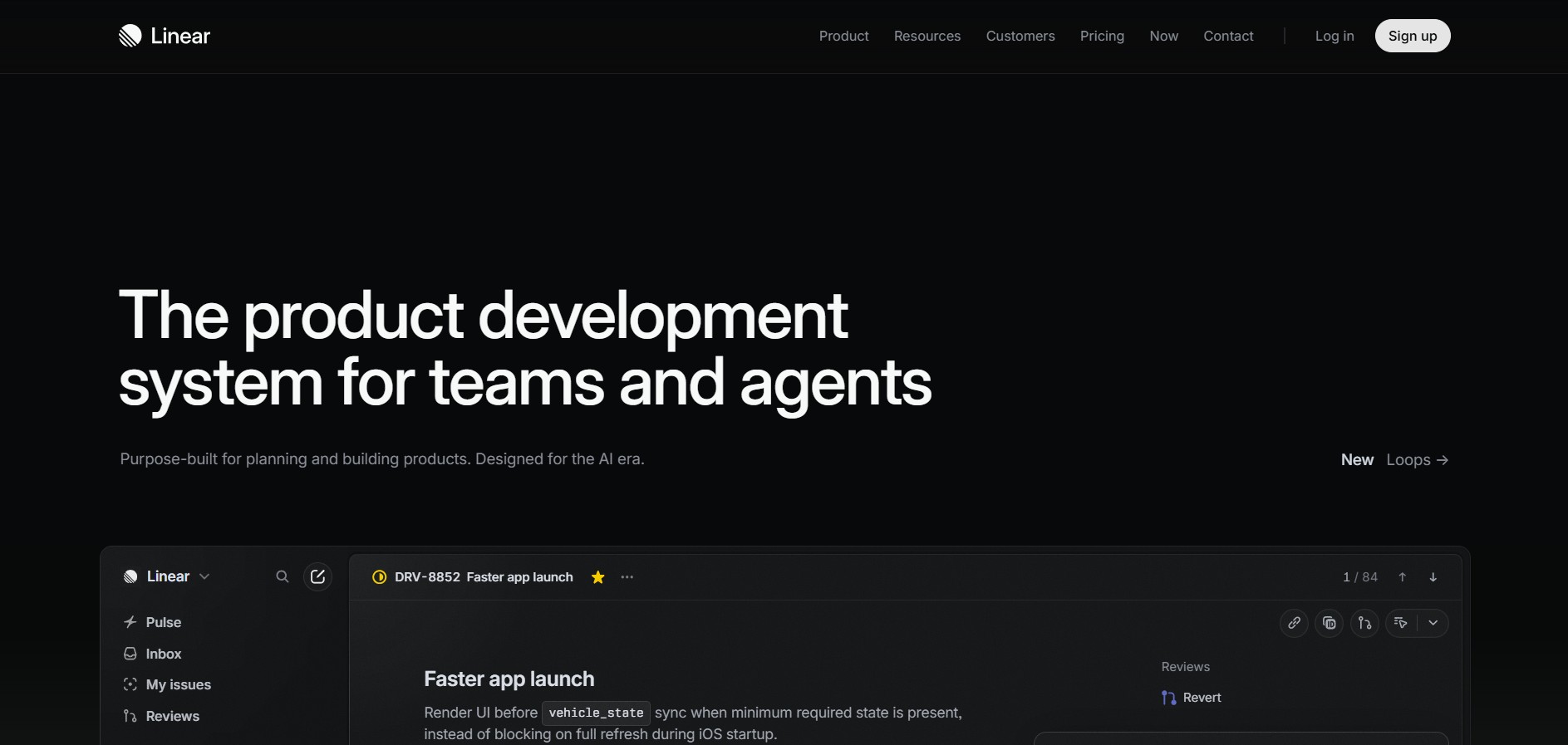
Linear is a high-performance project management and issue tracking software built specifically for software engineering and product development teams.
 4.8
4.8RescueTime
Project Management
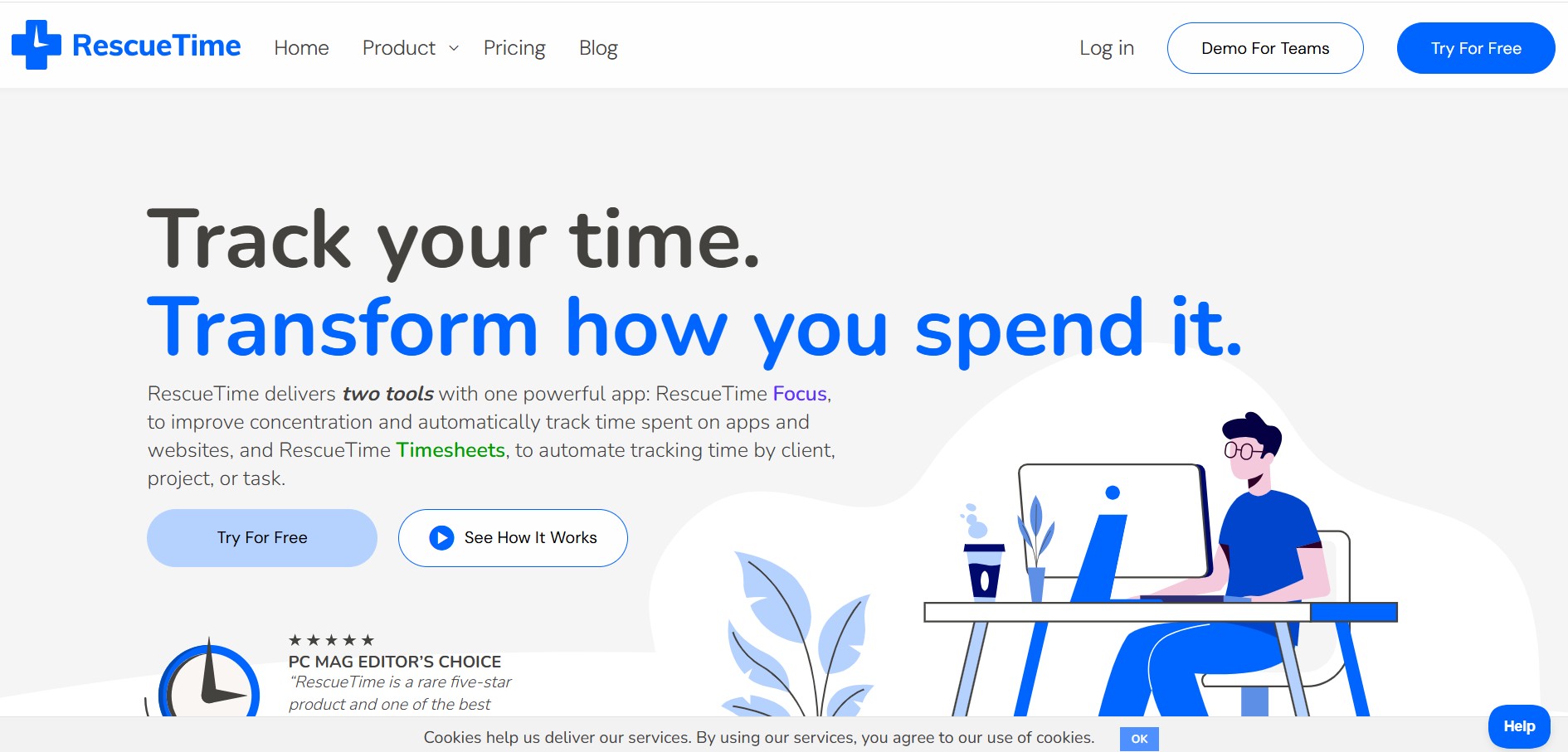
RescueTime is an automatic time tracking, distraction blocking, and personal productivity software that monitors app and website usage in the background to provide detailed activity reports and automated project timesheets.