
Morgen
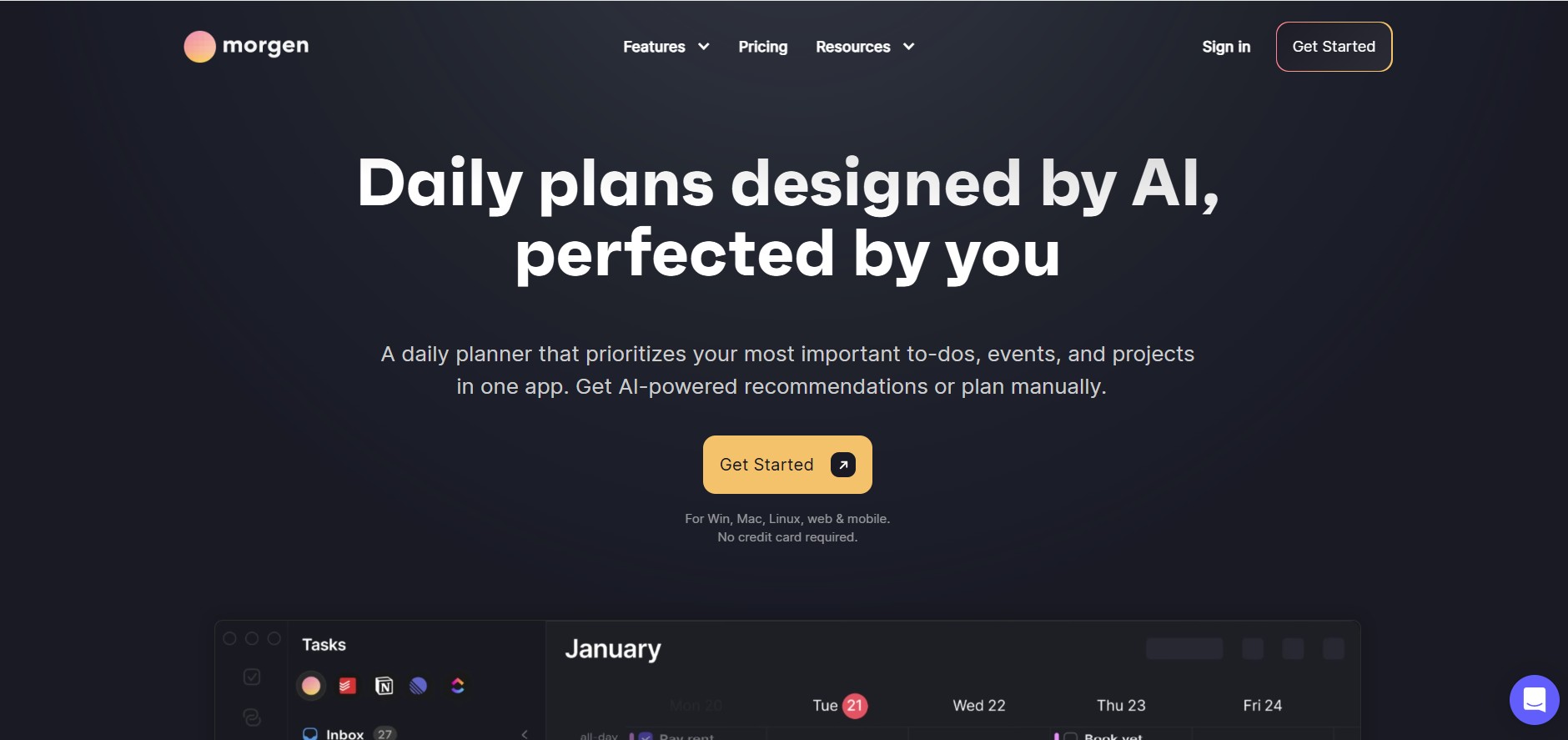
Morgen is a time management desktop and mobile app that unifies multiple calendars, aggregates tasks from third-party tools, and uses AI-driven time-blocking to create structured daily schedules.
What is Morgen?
Morgen is an all-in-one AI calendar, task aggregator, and daily planner designed to bring scattered time management tools into a single desktop interface. By connecting multiple calendar accounts and project management apps, Morgen allows users to time-block tasks, manage meeting availability, and run AI-assisted daily planning.
Morgen unifies calendars, to-do lists, and booking tools into a single workspace, using AI-assisted time-blocking to convert task backlogs into executable daily plans.
- Platform Role: AI Time Management Command Center & Calendar Aggregator
- Core Capabilities: Unified Multi-Calendar Sync, Task Tool Aggregation, AI Planner Time-Blocking, Customizable Booking Links, Open Invite Scheduling, Multi-Time Zone Support
- Deployment: Desktop Apps (macOS, Windows, Linux), Mobile Apps (iOS, Android), and Web Application
Use Cases:
- Consolidating Google Calendar, Outlook, Apple Calendar, and Fastmail into one cross-platform desktop app to eliminate schedule overlaps
- Dragging tasks directly from Notion, Todoist, ClickUp, Linear, and Google Tasks onto calendar time slots for structured time-blocking
- Using AI Planner recommendations to automatically find open focus slots based on task due dates, priority, and working hours
- Replacing external scheduling services by sharing custom booking pages and co-hosted team meeting links
Technology:
- Multi-Calendar Engine: Native bi-directional synchronization for Google Calendar, Microsoft Exchange/Outlook, Apple iCloud, and CalDAV
- Task Synchronization API: Two-way task status syncing across project management platforms (Notion, Linear, Todoist, ClickUp, Microsoft To Do)
- AI Planning Engine: Capacity-aware algorithms that analyze calendar gaps, priority tags, and duration estimates to suggest optimal execution windows
Target Users:
- Busy executives, founders, and knowledge workers juggling multiple calendar accounts
- Software engineers, designers, and project leads needing protected focus blocks alongside task lists
- Remote and cross-functional teams managing multi-time-zone availability and shared scheduling
Acquisition: Native desktop application downloads (macOS, Windows, Linux) and mobile apps (morgen.so)
What are the key features of Morgen?
Morgen's key platform features are
- Unified Multi-Calendar Sync: Connect unlimited Google, Outlook, iCloud, Fastmail, and CalDAV calendars in a single view with custom color-coding.
- Integrated Task Hub: Pull tasks from Notion, Todoist, ClickUp, Linear, Google Tasks, and Microsoft To Do into a unified sidebar.
- AI Daily Planner: Generates priority-driven time-blocking recommendations based on task deadlines, estimated durations, and open calendar capacity.
- Scheduling Pages & Links: Create personalized booking links with buffer times, custom availability parameters, and multi-host options.
- Keyboard & Time Zone Command: Rapidly navigate schedules, create events, and compare multiple time zones side-by-side.
- Offline Access: Native desktop client performance with local offline caching and background synchronization.
How much does Morgen cost?
Morgen provides a 14-day free trial followed by paid individual and team subscription tiers.
Pricing Overview:
- Pro Individual ($15/mo or $10/mo billed annually): Full access to unlimited calendar connections, task integrations, AI Planner features, calendar automations, and booking pages.
- Team Yearly ($10/user/mo billed annually, min 2 seats): Includes all Pro features plus team availability overlays, co-hosted scheduling links, and central billing admin controls.
- Team Monthly ($15/user/mo billed monthly, min 2 seats): All team capabilities on a flexible monthly subscription.
Disclaimer: Plan pricing and feature availability may vary based on billing cycles. Visit morgen.so/pricing for official plan details.
Who should use Morgen?
Morgen is tailored for individual time management and cross-platform scheduling, including
- Power Planners & Freelancers: Managing multiple client calendars alongside personal commitments in one app.
- Developers & Designers: Converting task backlogs in Linear, ClickUp, or Notion into dedicated deep work blocks.
- Cross-Functional Teams: Coordinating internal availability, co-hosted client meetings, and focus days.
What are the best alternatives to Morgen?
Some of the top alternatives to Morgen include
- Akiflow
- Reclaim.ai
- Motion
- Sunsama
- Clockwise
- Notion Calendar
What are the pros and cons of Morgen?
What are the pros of Morgen?
- Excellent cross-platform desktop apps with fast native performance and keyboard shortcuts
- Broad integration support connecting both major calendar ecosystems (Google, Outlook, Apple) and task tools (Notion, Linear, Todoist)
- Combines time-blocking, task aggregation, and scheduling links within a single software license
What are the cons of Morgen?
- No permanent free tier available after the 14-day trial period
- Does not offer continuous, fully automated real-time schedule reshuffling like Motion or Reclaim
Why should you choose Morgen?
Morgen provides a desktop-first productivity hub. By unifying scattered task managers, multiple calendar providers, and scheduling links into a clean interface, Morgen helps professionals stay organized and execute their daily plans.
- Consolidate all personal, work, and client calendars into a single secure app
- Bridge the gap between task management tools and daily calendar time-blocking
- Streamline meeting availability sharing without relying on standalone third-party scheduling apps
How do we rate Morgen?
| Parameter | Rating (out of 5) |
|---|---|
| Calendar Aggregation & Multi-Sync | 4.9 |
| Task Tool Integrations | 4.8 |
| Desktop UI & User Experience | 4.9 |
| AI Planning & Automation | 4.6 |
| Value for Money | 4.5 |
| Overall Score | 4.74 |
What is our review and verdict on Morgen?
Morgen is a well-crafted time management application for users who prefer a sleek desktop environment to coordinate their tasks and calendars. Its ability to pull to-dos from platforms like Notion, Linear, and Todoist directly onto calendars makes it a strong choice for time-blocking enthusiasts.
What is the final conclusion on Morgen?
If you need a cross-platform command center that connects your existing calendars and task software into an integrated daily planner with scheduling links, Morgen offers an efficient, well-designed solution.
FAQ
What is Morgen?
Morgen is an AI-powered daily planner that combines calendars, tasks, scheduling, and time blocking in one workspace. It helps users organize work and personal commitments, prioritize important tasks, and create a realistic daily plan around their available time.
How does Morgen's AI Planner create daily schedules?
Morgen's AI Planner analyzes tasks, priorities, deadlines, available capacity, and the user's preferred working patterns to recommend when tasks should be completed. Users can review the suggested plan, adjust it manually, and approve it before the changes are added to their calendar.
Can Morgen combine multiple calendars?
Yes. Morgen can consolidate calendars from services such as Google Calendar, Outlook, Apple Calendar, Fastmail, and other CalDAV-compatible calendars. It provides two-way synchronization, so changes made in connected calendars can be reflected in Morgen and vice versa.
Which task-management apps can Morgen integrate with?
Morgen can bring tasks from tools including Notion, Todoist, ClickUp, Linear, Obsidian, Google Tasks, Microsoft To Do, and Apple Reminders into its planning workflow. Users can then time-block these tasks directly on their calendar instead of managing their task list and schedule separately.
Can Morgen automatically reschedule tasks when plans change?
Yes. When scheduling conflicts occur, Morgen's AI Planner can identify the conflict and recommend a revised schedule. It can also remind users about unfinished tasks and help reprioritize them, while keeping the user in control of the final changes.
Does Morgen offer scheduling links for meetings?
Yes. Morgen provides built-in scheduling links that users can share with others so they can choose available meeting times. The availability is checked against the connected calendars, and Morgen also supports integrations with conferencing services such as Zoom, Google Meet, and Microsoft Teams.
Is Morgen free to use?
Morgen offers a 14-day free trial with full access and no credit card required. Its current individual Pro pricing is listed at $30 per month when billed monthly or $15 per month when billed yearly; team plans are also available with separate per-seat pricing.
User Reviews
No reviews yet for Morgen.
Featured Tools
Featured AI tools from TechShark

Melody Genie
MelodyGenie is an AI-powered music generator that creates original songs from simple text prompts. Users can choose styles, moods, and genres, then instantly generate melodies and full tracks, making it easy for creators, marketers, and hobbyists to produce custom music without musical expertise.
Freemium

Kimi AI
Kimi AI is an advanced AI assistant developed by Moonshot AI that helps you chat, research, write, code, and automate tasks in one place. It supports web search, file analysis, and multimodal inputs, and can even run autonomous “agent” workflows to complete complex tasks end-to-end.
Freemium

Fashion Diffusion AI
Fashion Diffusion is an AI-powered fashion design platform that helps brands and designers create clothing designs, virtual try-ons, AI models, product photos, and marketing visuals faster and cost-effectively.
Paid

Veo 4
Veo 4 AI is an AI video creation platform that generates dramatic videos from text, images, audio, and video prompts using realistic motion and synchronized sound.
Paid
Alternatives
Alternatives to Morgen
Top alternatives to Morgen include Akiflow, Reclaim.ai, Motion, and Sunsama. While Motion and Reclaim lean more heavily into automatic schedule reshuffling, Morgen stands out with its cross-platform native desktop experience, multi-calendar syncing, and broad task tool aggregation.
 4.9
4.9Mixpanel
Project Management
Mixpanel is a product analytics platform that helps businesses track user behavior, analyze engagement, and measure key metrics across apps and websites. It provides real-time insights, funnels, and cohort analysis, enabling teams to understand user journeys and improve retention, conversion, and overall product performance.
 4.9
4.9Amplitude
Project Management
Amplitude is a digital analytics platform that helps businesses track user behavior, measure product performance, and understand customer journeys. It provides insights into how users interact with apps and websites, enabling teams to optimize experiences, improve retention, and drive growth through data-driven decisions.
 4.8
4.8Productboard
Project Management
Productboard is a product management platform that helps teams collect user feedback, prioritize features, and plan roadmaps. It centralizes customer insights and aligns teams around what to build next, enabling companies to create products that better meet user needs.
Wrike
Project Management
Wrike is a work management and collaboration platform that helps teams plan projects, assign tasks, track progress, and meet deadlines in one place. It offers dashboards, automation, and reporting tools, making it easier for teams to stay organized, collaborate efficiently, and manage complex workflows at scale.
 4.9
4.9Kroolo
Project Management
Kroolo is an AI-powered productivity and project management platform that helps teams plan tasks, track progress, and collaborate in one place. It combines project tracking, document management, and AI assistance to streamline workflows, automate routine work, and improve team efficiency across projects.
 4.9
4.9Todoist
Project Management
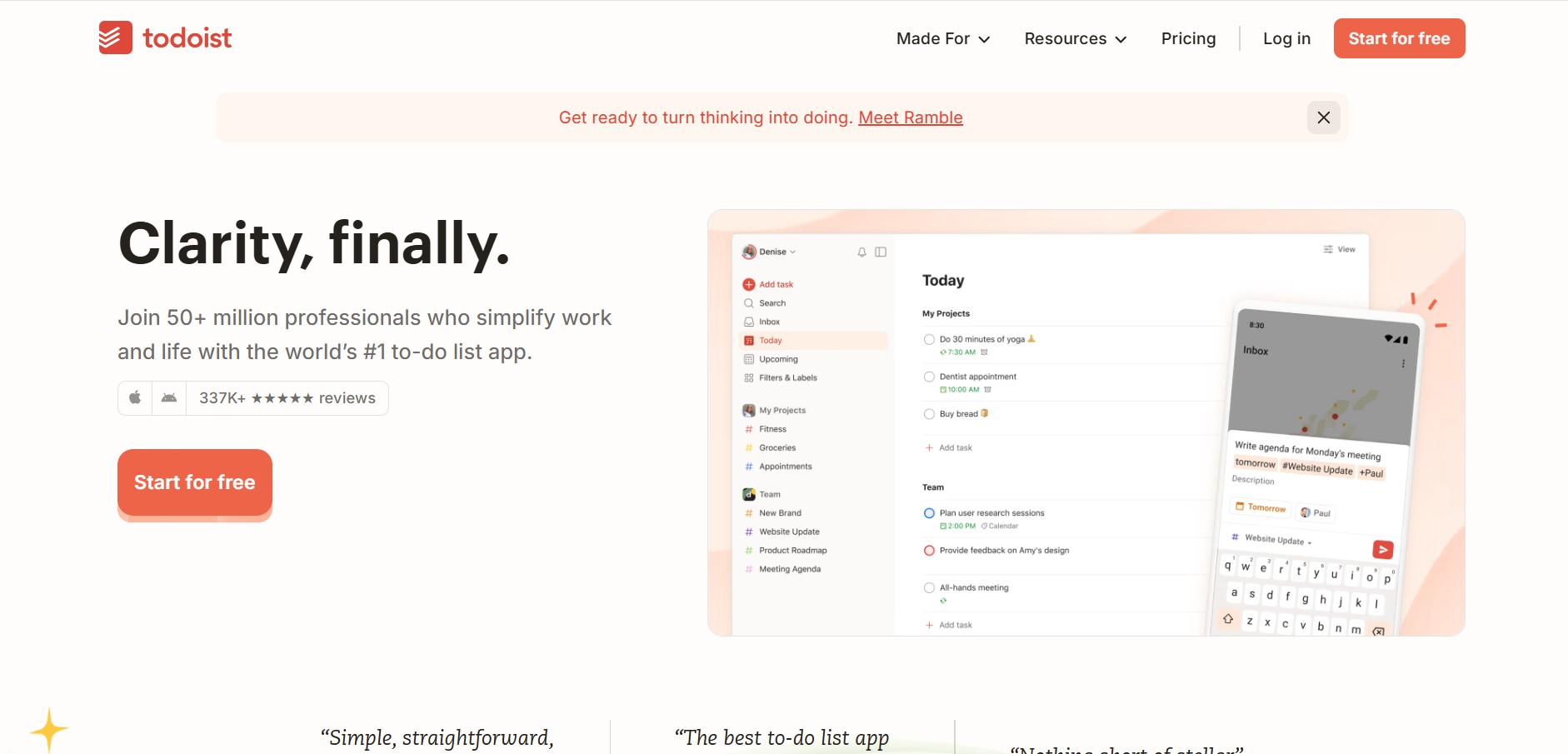
Todoist is a widely popular task management and to-do list application developed by Doist, featuring natural language task creation, sub-tasks, productivity tracking, and multi-platform syncing.
 4.8
4.8Basecamp
Project Management
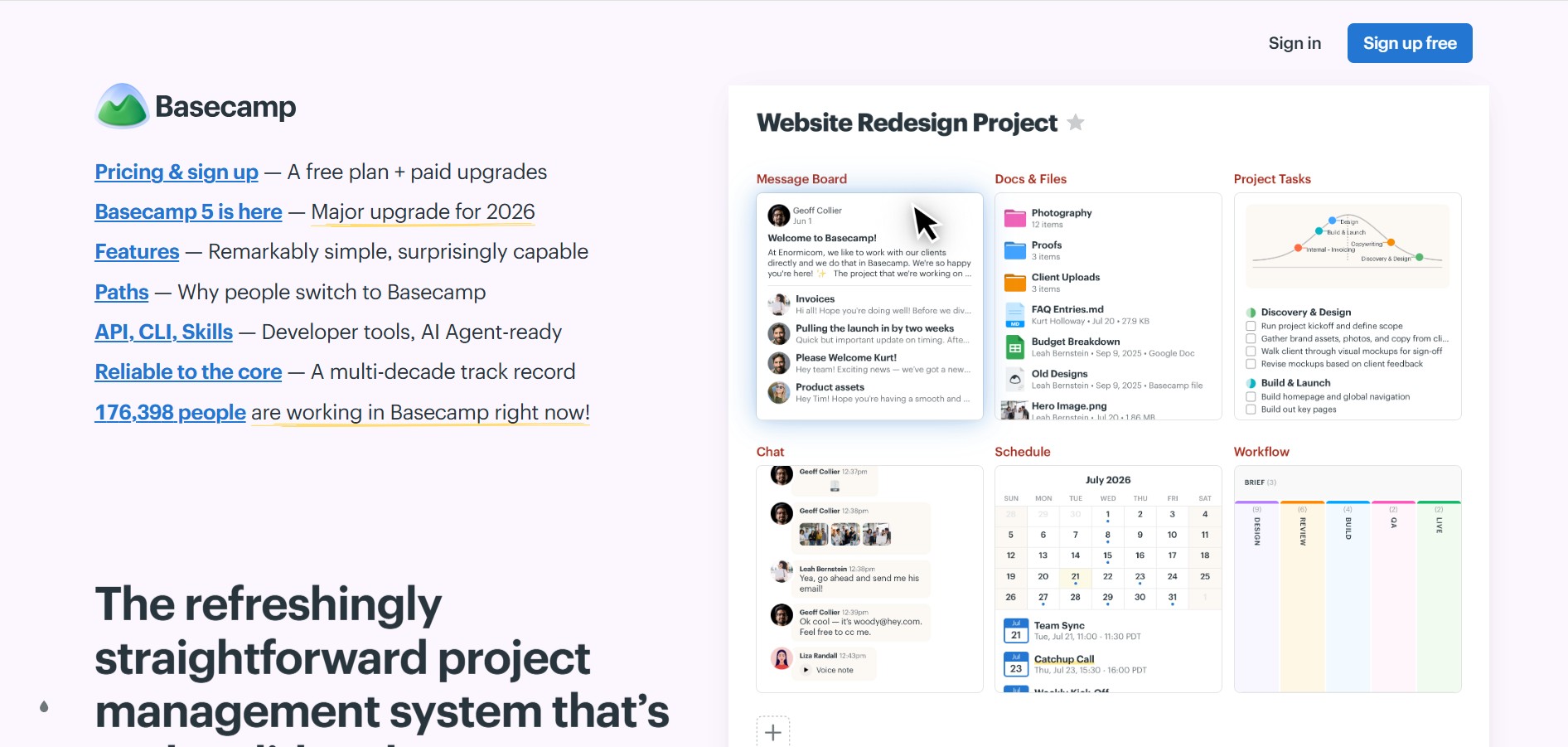
Basecamp is an all-in-one project management and team communication software created by 37signals to organize tasks, discussions, files, and schedules in one centralized platform.
 4.9
4.9Linear
Project Management
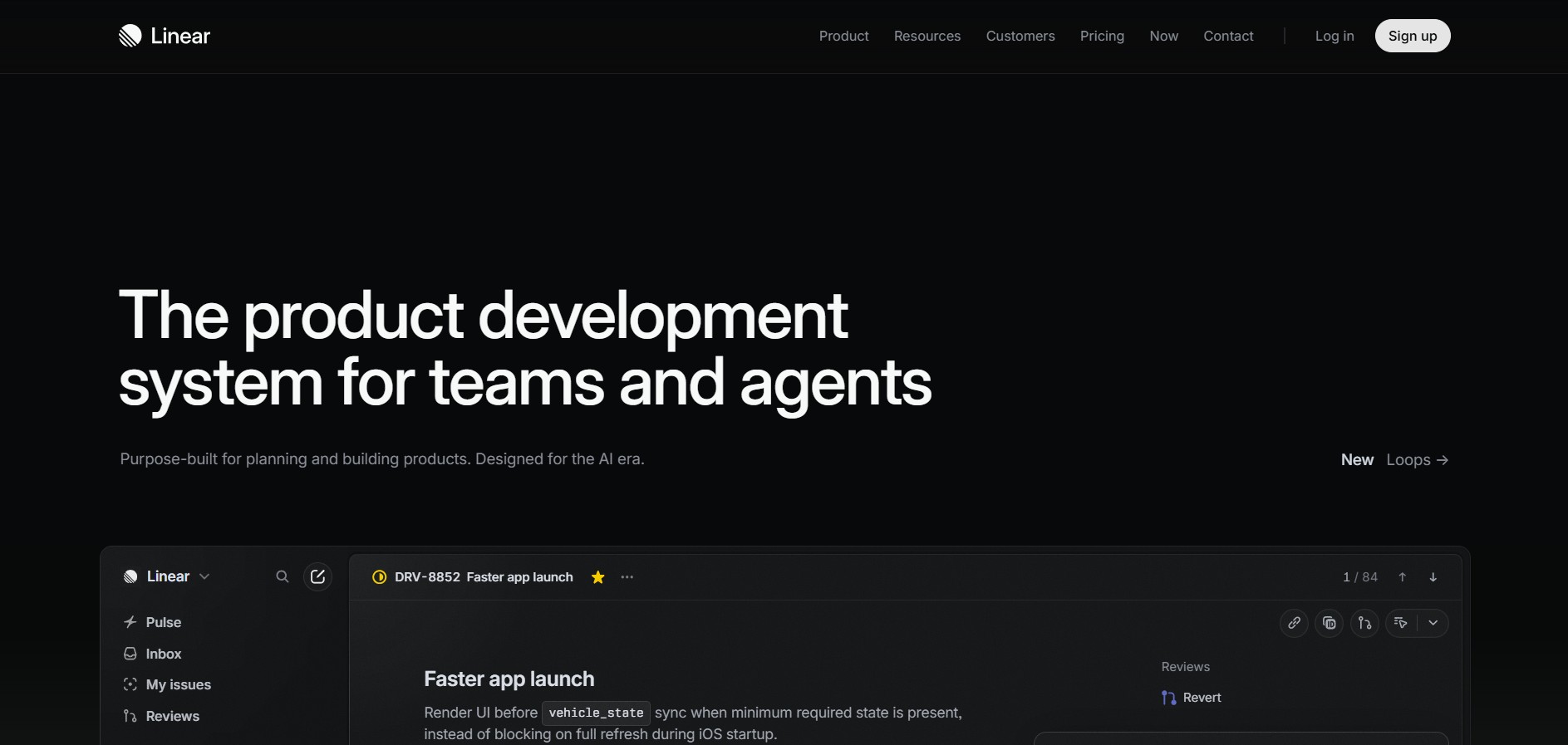
Linear is a high-performance project management and issue tracking software built specifically for software engineering and product development teams.
 4.8
4.8RescueTime
Project Management
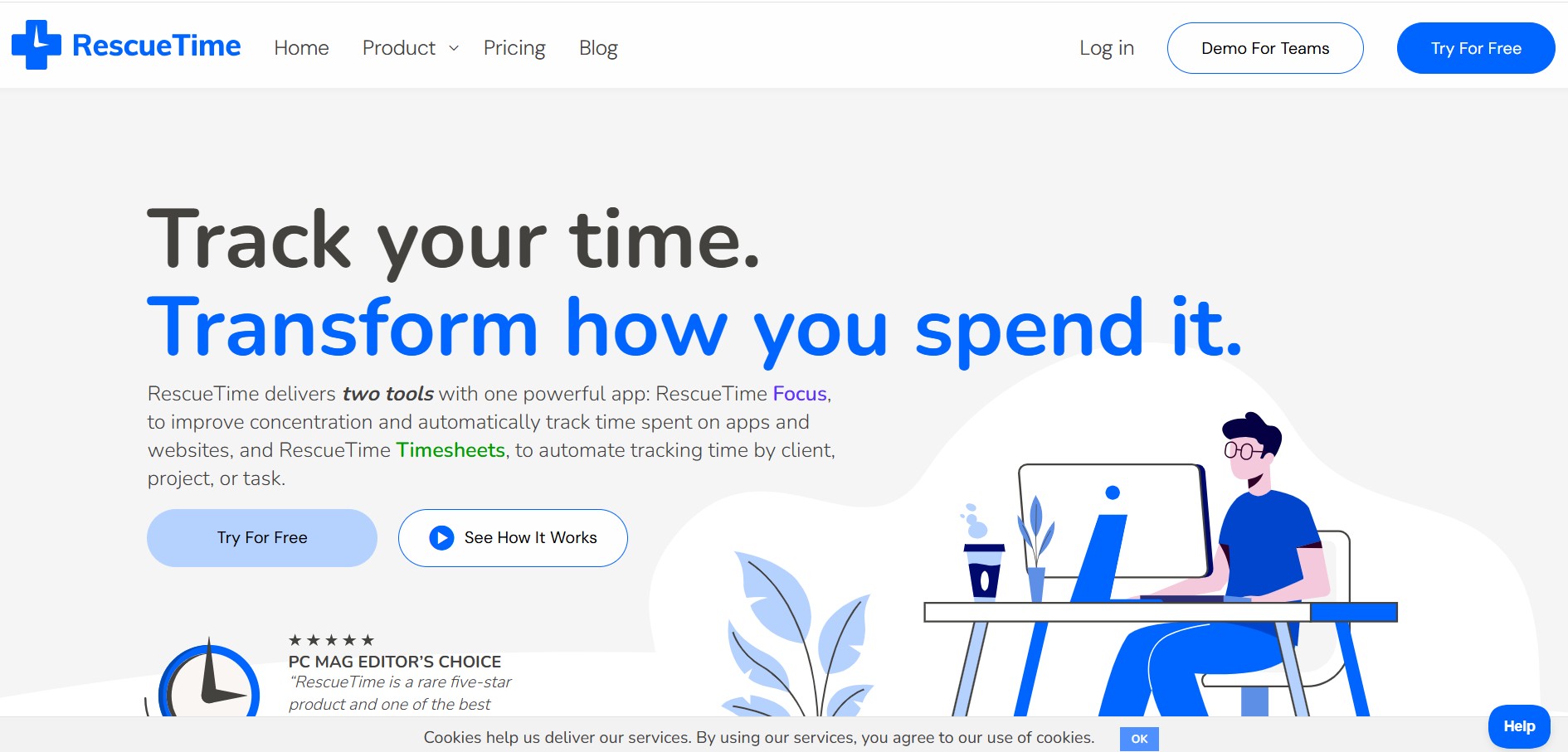
RescueTime is an automatic time tracking, distraction blocking, and personal productivity software that monitors app and website usage in the background to provide detailed activity reports and automated project timesheets.