
RescueTime
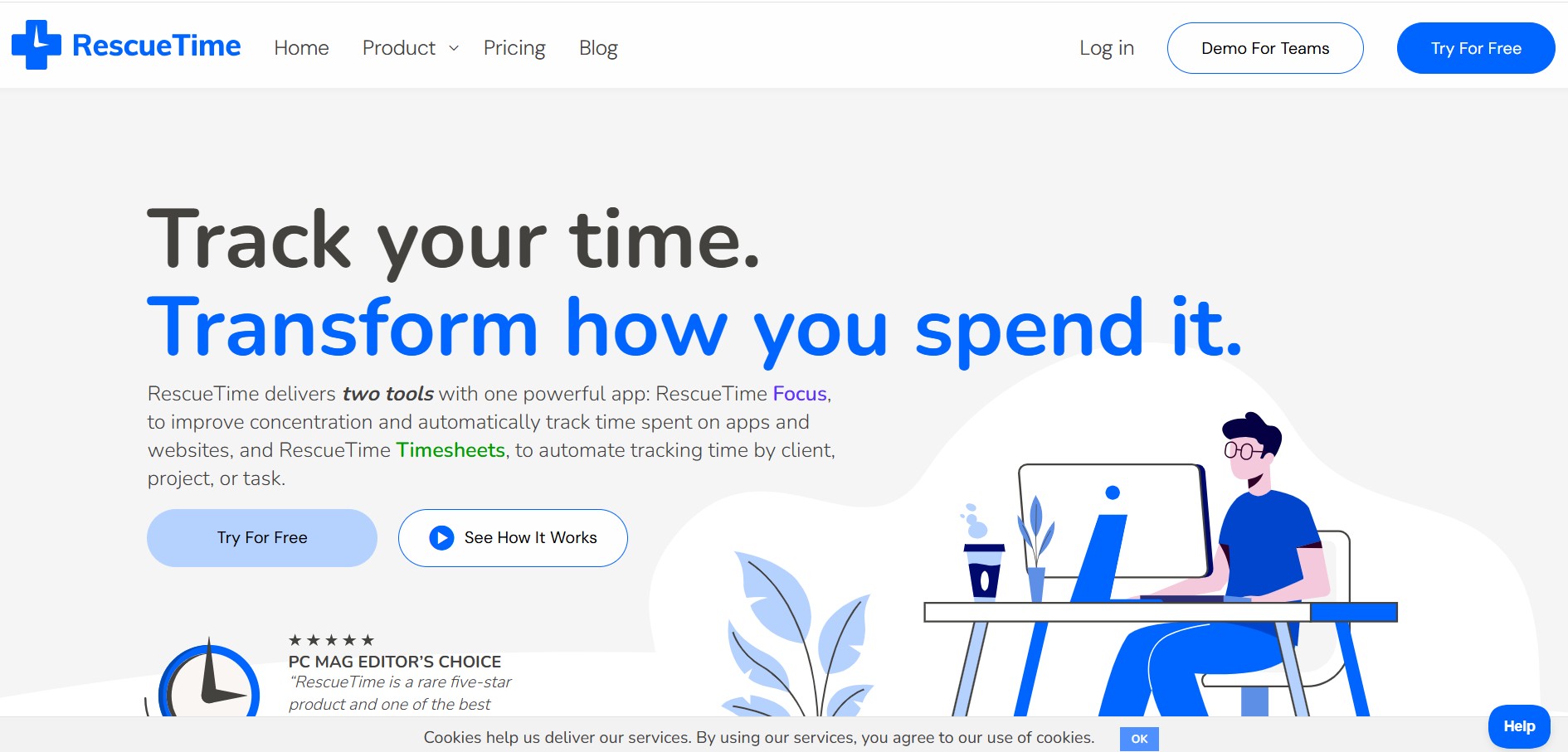
RescueTime is an automatic time tracking, distraction blocking, and personal productivity software that monitors app and website usage in the background to provide detailed activity reports and automated project timesheets.
What is RescueTime?
RescueTime is an automatic time tracking, distraction management, and workforce analytics platform. Engineered to run seamlessly in the background on desktop and mobile operating systems, RescueTime eliminates manual timers and spreadsheets by recording time spent on apps, websites, projects, and specific documents.
Designed around automated activity monitoring, focus enforcement, and friction-free project timesheets, RescueTime helps knowledge workers, freelancers, and distributed teams optimize their daily routines. The platform combines two core product pillars: RescueTime Focus (for personal habit optimization, goal setting, and site blocking) and RescueTime Timesheets (for automatic project tracking and client billing generation).
- Platform Role: Automatic Time Tracker, Distraction Blocker & Automated Timesheet Generator
- Core Architecture: Silent desktop/mobile background tracker, RescueTime Focus engine, RescueTime Timesheets module, and Team Analytics dashboard
- Deployment: Multi-platform desktop apps (macOS, Windows), mobile applications (iOS, Android), and browser extensions
Use Cases:
- Automatically logging billable client work, research, and project hours without manually starting or stopping timers
- Blocking distracting websites, news portals, social media feeds, and email notifications during dedicated focus sessions
- Gaining visibility into team workload distribution, key tool adoption, and collaboration patterns across distributed teams
- Generating accurate timesheets and project activity reports for client invoicing, legal billing, and financial compliance
- Setting daily personal productivity goals and receiving smart alerts when distraction levels exceed custom thresholds
Technology:
- Background OS-level tracking client that records active window usage, app names, and website URLs without capturing keystrokes or screenshots
- Smart Fill and auto-completion algorithms that automatically categorize logged activity into projects, clients, and custom categories
- Focus Session distraction blocking engine operating at system and network browser levels
- Privacy-first data aggregation architecture designed to protect personal user privacy while giving teams macro-level insights
Target Users:
- Freelancers, solopreneurs, and consultants looking to capture every billable minute without administrative overhead
- Software developers, designers, and creative teams who require uninterrupted deep-work time
- Remote and hybrid companies seeking transparent productivity metrics without invasive monitoring or keystroke logging
- Legal, accounting, and healthcare professionals tracking precise client and case management hours
Acquisition: Automatic productivity & time tracking platform
What are the key features of RescueTime?
RescueTime's key platform features are
- Automatic Activity Tracking: Runs silently in the background, logging time spent across applications, websites, and documents.
- Focus Sessions & Distraction Blocking: Temporarily blocks distracting websites, apps, and communication tools to protect deep work blocks
- Automated Project Timesheets: Categorizes background activity by project, client, and task to produce detailed timesheets effortlessly
- Goals & Smart Alerts: Lets users set daily productivity benchmarks and sends real-time nudges when distraction levels spike
- Offline Work Entry: Allows users to log offline meetings, phone calls, and manual work sessions to keep timelines complete
- Billable Rates & Invoicing Reports: Assigns custom rates to projects and exports formatted summaries for client billing
- Team Productivity Analytics: Gives team managers macro-level visibility into work patterns, tool usage, and potential burnout risks
How much does RescueTime cost?
RescueTime provides a 14-day free trial on new signups alongside flexible subscription plans for both individual users and teams
Pricing Overview:
- 14-Day Free Trial: Full access to all RescueTime Focus and Timesheet capabilities during the trial period
- Solo Focus & Timesheets Plans: Tiered individual subscriptions (monthly or discounted annual billing) unlocking unlimited activity history, focus blocking, and automated timesheets
- Team Focus & Timesheets Plans: Per-seat enterprise and team licensing featuring centralized admin dashboards, shared client billable rates, and team calendar reports
Disclaimer: Pricing details and active trial options are subject to change. Check rescuetime.com/pricing for current rates and plan bundles
Who should use RescueTime?
RescueTime is designed for professionals and teams prioritizing focused work and accurate time tracking, including
- Freelancers & Solopreneurs: Tracking billable client time automatically without manual timers or guesswork
- Software Engineers & Tech Teams: Blocking online distractions during coding sessions and analyzing daily focused work blocks
- Legal & Financial Consultants: Documenting client research and case preparation hours accurately for billing
- Remote & Hybrid Managers: Spotting team burnout, workload imbalances, and tool usage without invasive screen surveillance
What are the best alternatives to RescueTime?
Some of the strongest RescueTime alternatives include
- Toggl Track
- Clockify
- Timely
- Memtime
- Time Doctor
- Rize
What are the pros and cons of RescueTime?
What are the pros of RescueTime?
- 100% automatic background tracking removes the need to manually start or stop timers
- Combines personal distraction blocking (Focus Sessions) with automated project timesheets in one tool
- Respects privacy by avoiding invasive keystroke logging, screenshots, or webcam monitoring
- Detailed productivity scoring helps users identify peak focus hours and habit leaks
- Cross-platform support across desktop operating systems, web browsers, and mobile devices
What are the cons of RescueTime?
- Requires initial categorization tuning to distinguish between productive and distracting websites
- Requires installing background software clients on desktop devices to operate effectively
Why should you choose RescueTime?
Manual time tracking is easy to forget, leading to lost billable hours, while unmonitored digital distractions erode daily productivity. RescueTime solves both problems in a single application. By tracking app and site usage automatically while giving users the tools to block distractions and generate timesheets, RescueTime provides a comprehensive system for personal focus and professional time accounting.
- Automate project time tracking without manual spreadsheets or timers
- Block distracting websites and apps during deep-work Focus Sessions
- Generate accurate, filterable timesheets for client billing and invoicing
- Protect team member privacy while gaining actionable productivity insights
How does RescueTime compare to competitors?
While Toggl and Clockify rely heavily on manual timers or manual entry, and Time Doctor relies on invasive screenshots, RescueTime offers an automatic, privacy-first approach combining distraction blocking with project timesheet generation
| Feature / Platform | RescueTime | Toggl Track | Timely | Clockify |
|---|---|---|---|---|
| Tracking Method | Automatic background tracking | Manual timer & auto-reminders | Automatic memory tracking | Manual timer & punch card |
| Distraction Blocking | Yes (Focus Sessions) | No | No | No |
| Automated Timesheets | Yes (Smart Fill project allocation) | Manual timesheet logs | AI-assisted timesheets | Manual timesheet logs |
| Privacy Approach | No screenshots or keystroke tracking | No screenshots | Private memory timeline | Optional screenshot add-ons |
| Best For | Automatic tracking & focus management | Simple manual timer billing | AI timeline auto-billing | Free basic team time tracking |
How do we rate RescueTime?
| Parameter | Rating (out of 5) |
|---|---|
| Automatic Tracking Accuracy | 4.9 |
| Focus & Distraction Blocking | 4.8 |
| Timesheet & Project Reporting | 4.7 |
| Privacy & Data Security | 5.0 |
| Value for Money | 4.8 |
| Overall Score | 4.84 |
What is our review and verdict on RescueTime?
RescueTime remains one of the most effective automatic time tracking and productivity suites available. By taking a privacy-first approach that captures background app usage without invasive monitoring, it gives freelancers, professionals, and teams an honest look at where their hours go. Combined with website blocking and automatic project timesheets, RescueTime is an invaluable tool for taking back control of your time.
Conclusion
RescueTime transforms personal productivity and project accounting. With automatic background tracking, intelligent focus sessions, automated timesheets, and privacy-respecting team reporting, RescueTime empowers users to eliminate distractions and spend time on what matters most.
FAQ
What is RescueTime?
RescueTime is an automatic time-tracking and productivity tool that monitors how users spend time across apps and websites. It turns this activity into reports and insights that can help users understand their work habits, identify distractions, and improve their focus.
How does RescueTime track your time?
RescueTime runs in the background and records the active application or website being used and how long it remains active. It does not require users to start and stop timers manually, making it useful for automatically building a record of daily computer activity.
Can RescueTime block distracting websites and apps?
Yes. Its Focus Sessions can block apps and websites that have been categorized as personal or distracting for a selected period. Users can start sessions manually or configure them around certain activities, helping create distraction-free periods for focused work.
What productivity reports does RescueTime provide?
RescueTime provides reports covering apps, websites, categories, productivity levels, and longer-term activity patterns. Paid plans add features such as unlimited report history, detailed tracking, keyword search, advanced time filters, and additional insights for analyzing how time is being used.
Does RescueTime support timesheets and project tracking?
Yes. The Solo+ and team Timesheets offerings can automatically track project time and organize work around clients, projects, and tasks. Features include billable rates, timesheet exports, project goals, and project tracking, which can be useful for freelancers, consultants, and teams that need to document working hours.
Does RescueTime collect private information such as keystrokes or screenshots?
RescueTime states that it does not record keystrokes, form input, screenshots, or webpage content. Its tracking focuses on information such as the active app or website and window titles, which it uses to generate productivity and time-tracking reports.
Is RescueTime free to use?
Yes. RescueTime offers a Lite free plan with basic automatic tracking and reporting, while paid plans provide additional features such as Focus Sessions, alerts, detailed reporting, offline activity tracking, and unlimited history. Current paid pricing starts at $7/month for Solo when billed annually, with a 14-day free trial available for paid plans
User Reviews
No reviews yet for RescueTime.
Featured Tools
Featured AI tools from TechShark

Melody Genie
MelodyGenie is an AI-powered music generator that creates original songs from simple text prompts. Users can choose styles, moods, and genres, then instantly generate melodies and full tracks, making it easy for creators, marketers, and hobbyists to produce custom music without musical expertise.
Freemium

Kimi AI
Kimi AI is an advanced AI assistant developed by Moonshot AI that helps you chat, research, write, code, and automate tasks in one place. It supports web search, file analysis, and multimodal inputs, and can even run autonomous “agent” workflows to complete complex tasks end-to-end.
Freemium

Fashion Diffusion AI
Fashion Diffusion is an AI-powered fashion design platform that helps brands and designers create clothing designs, virtual try-ons, AI models, product photos, and marketing visuals faster and cost-effectively.
Paid

Veo 4
Veo 4 AI is an AI video creation platform that generates dramatic videos from text, images, audio, and video prompts using realistic motion and synchronized sound.
Paid
Alternatives
Alternatives to RescueTime
The best RescueTime alternatives include Toggl Track, Timely, Clockify, and Memtime. While RescueTime combines automatic background tracking with distraction blocking Focus Sessions and automated project timesheet generation, alternatives like Toggl focus primarily on manual timer tracking and Timely offers AI-assisted memory timelines.
 4.9
4.9Mixpanel
Project Management
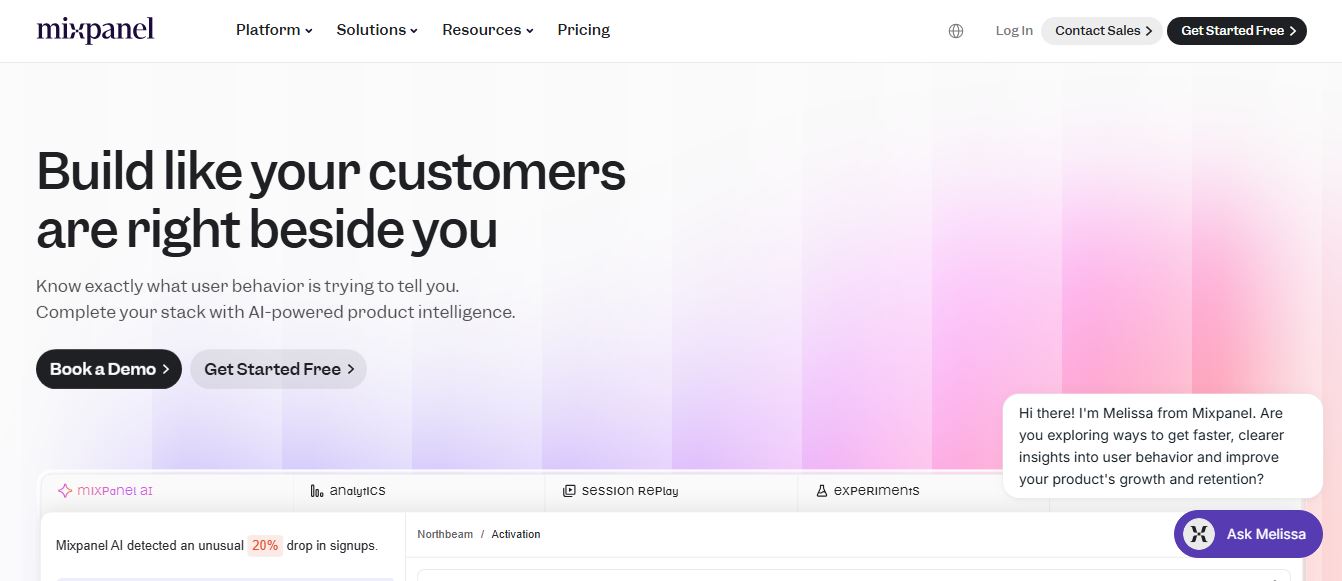
Mixpanel is a product analytics platform that helps businesses track user behavior, analyze engagement, and measure key metrics across apps and websites. It provides real-time insights, funnels, and cohort analysis, enabling teams to understand user journeys and improve retention, conversion, and overall product performance.
 4.9
4.9Amplitude
Project Management
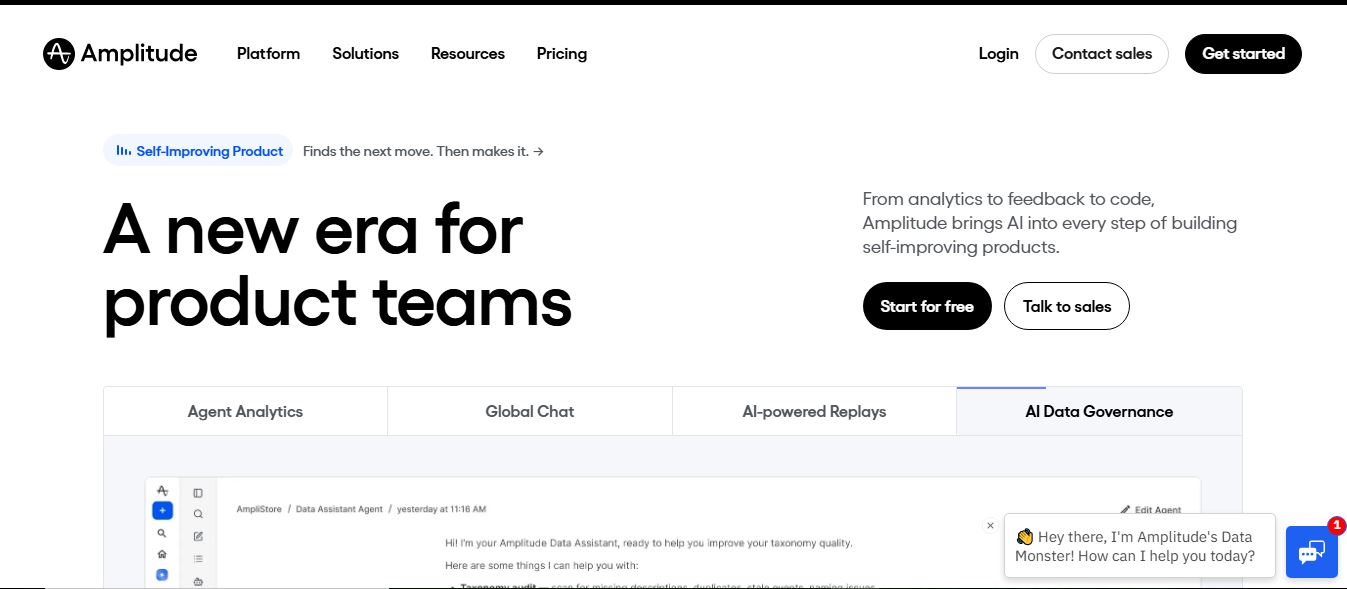
Amplitude is a digital analytics platform that helps businesses track user behavior, measure product performance, and understand customer journeys. It provides insights into how users interact with apps and websites, enabling teams to optimize experiences, improve retention, and drive growth through data-driven decisions.
 4.8
4.8Productboard
Project Management
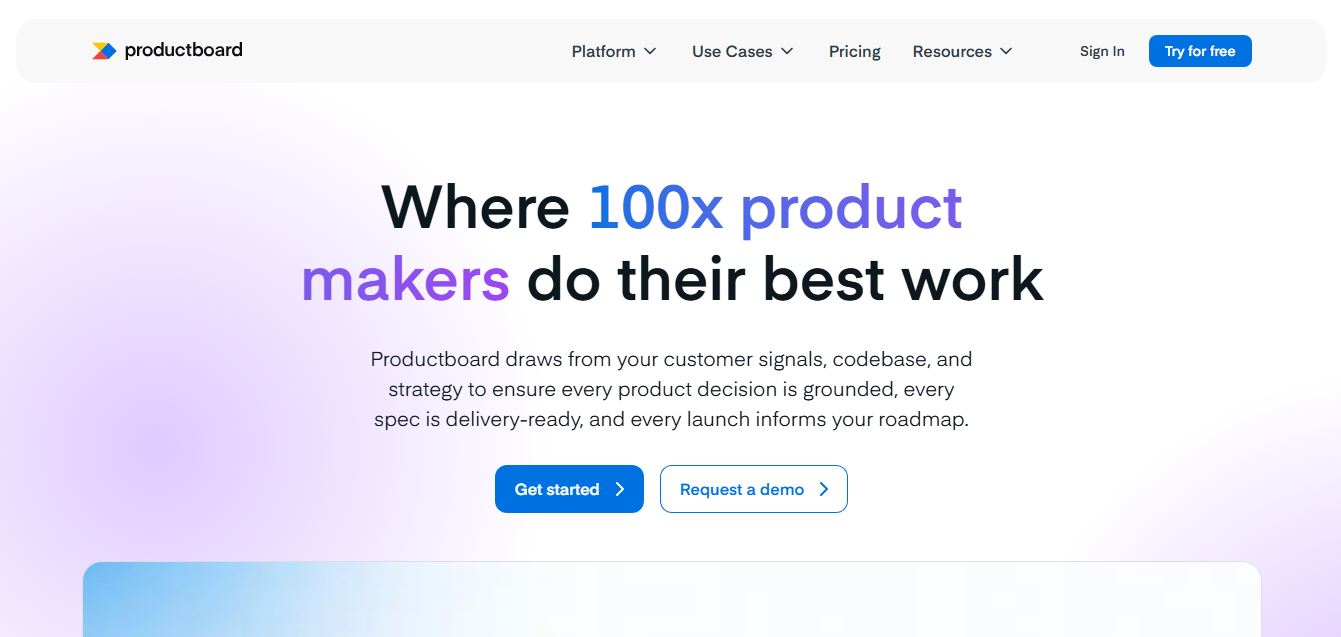
Productboard is a product management platform that helps teams collect user feedback, prioritize features, and plan roadmaps. It centralizes customer insights and aligns teams around what to build next, enabling companies to create products that better meet user needs.
Wrike
Project Management
Wrike is a work management and collaboration platform that helps teams plan projects, assign tasks, track progress, and meet deadlines in one place. It offers dashboards, automation, and reporting tools, making it easier for teams to stay organized, collaborate efficiently, and manage complex workflows at scale.
 4.9
4.9Kroolo
Project Management
Kroolo is an AI-powered productivity and project management platform that helps teams plan tasks, track progress, and collaborate in one place. It combines project tracking, document management, and AI assistance to streamline workflows, automate routine work, and improve team efficiency across projects.
 4.7
4.7Morgen
Project Management
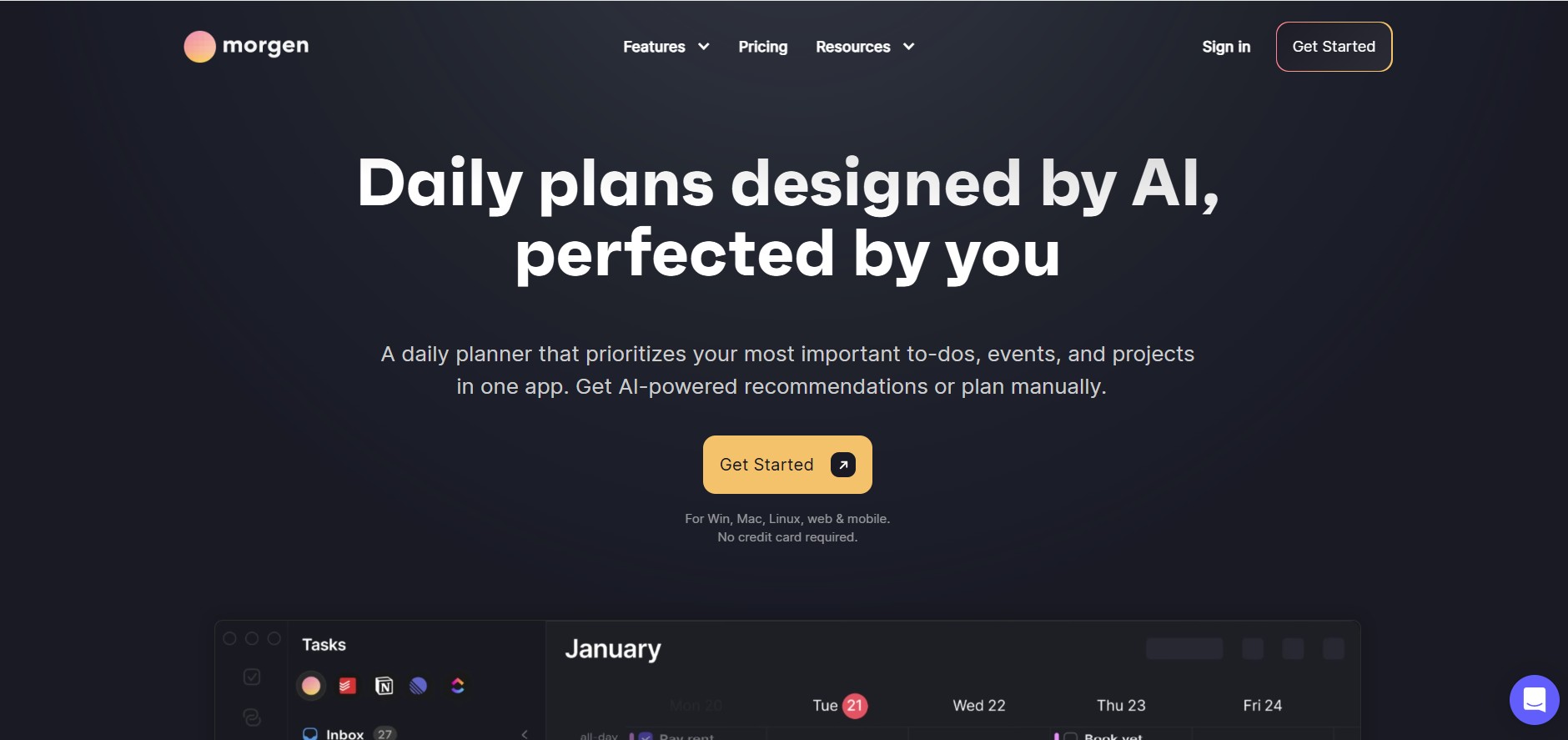
Morgen is a time management desktop and mobile app that unifies multiple calendars, aggregates tasks from third-party tools, and uses AI-driven time-blocking to create structured daily schedules.
 4.9
4.9Todoist
Project Management
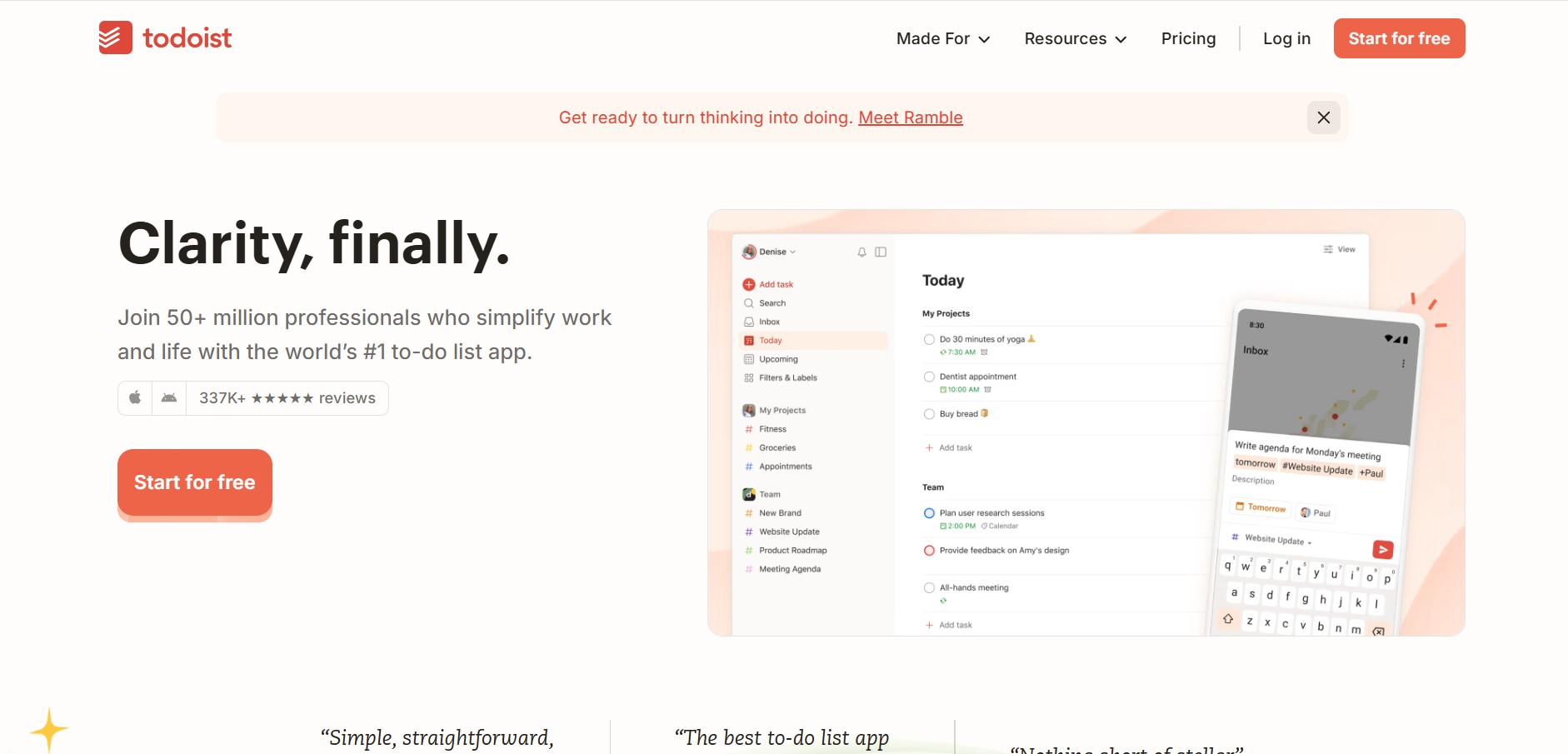
Todoist is a widely popular task management and to-do list application developed by Doist, featuring natural language task creation, sub-tasks, productivity tracking, and multi-platform syncing.
 4.8
4.8Basecamp
Project Management
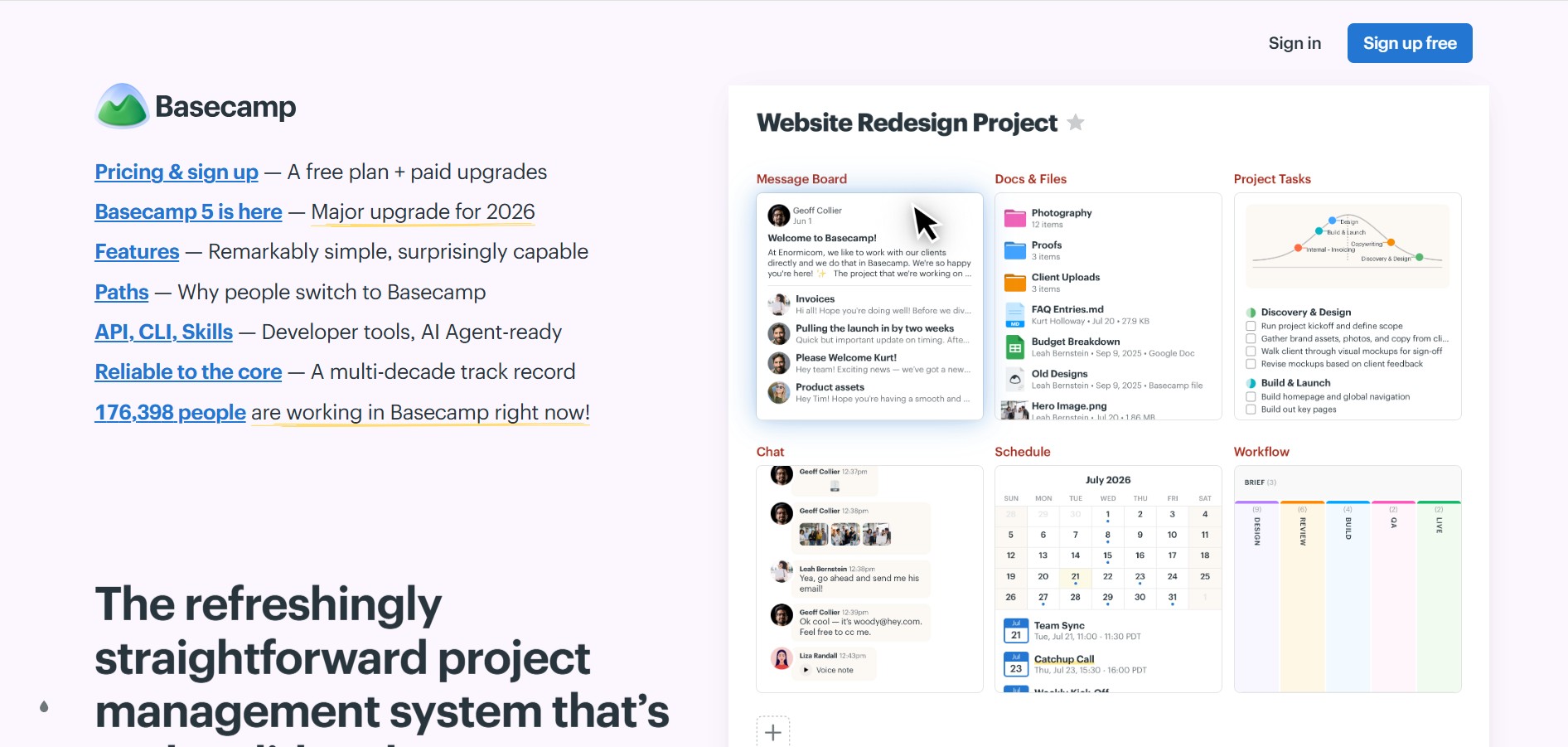
Basecamp is an all-in-one project management and team communication software created by 37signals to organize tasks, discussions, files, and schedules in one centralized platform.
 4.9
4.9Linear
Project Management
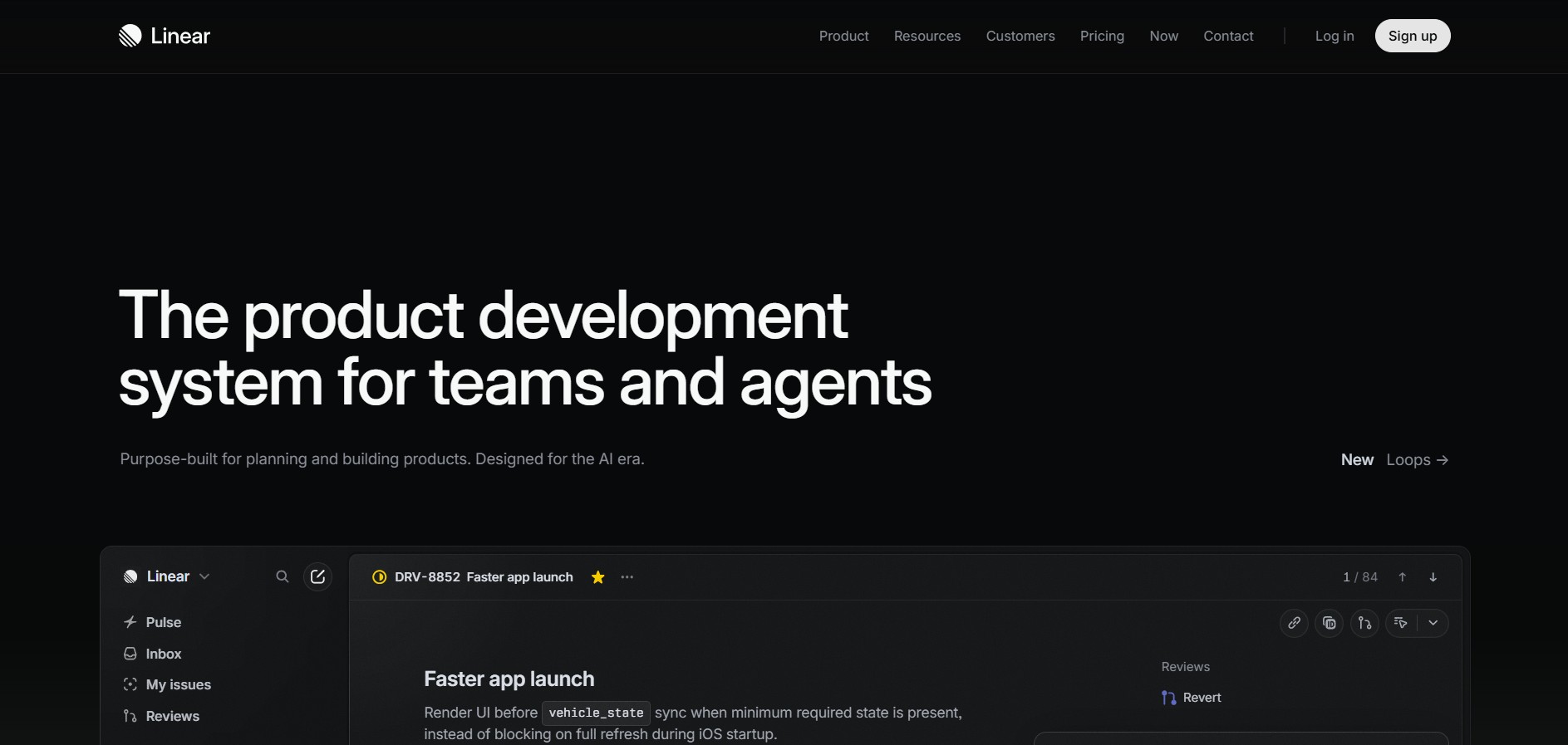
Linear is a high-performance project management and issue tracking software built specifically for software engineering and product development teams.