
Asana
Asana is a work management platform that helps teams organize tasks, track projects, and collaborate in one place. It combines project planning, workflow automation, and team communication tools to improve productivity and keep work aligned with goals.
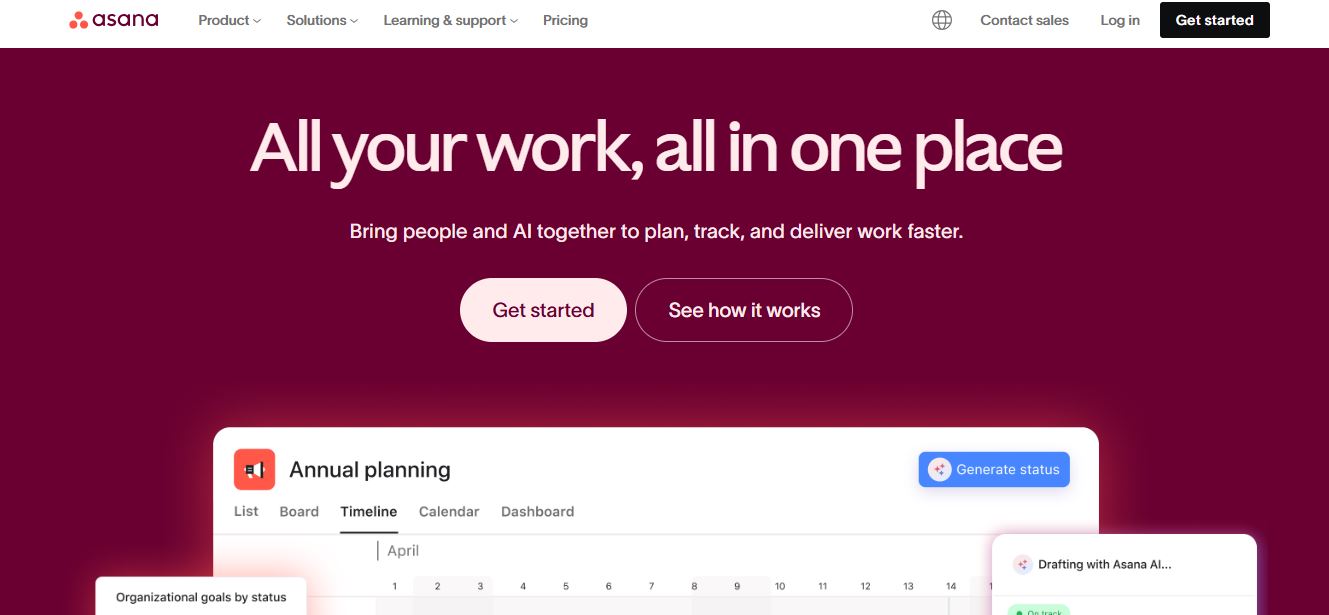
What is Asana?
Asana is a work management platform that helps teams organize tasks, track projects, and collaborate more effectively. It allows you to create workflows, assign responsibilities, and monitor progress in one place. With features like timelines, task automation, and integrations, Asana makes it easier to keep projects on track, improve team communication, and ensure that work gets completed efficiently.
Positioned around the core focus of “Cross-functional project, program, and portfolio coordination,” Asana offers versatile project views including List, Board, Calendar, Timeline, and Gantt charts. The platform features AI Studio, AI Teammates, and Asana Dash, enabling automated workflows and intelligent prioritization. Asana operates on a freemium model starting with a free Personal plan for up to 2 users, scaling up to paid tiers—including Starter, Advanced, Enterprise, and Enterprise Plus—with pricing beginning at $10.99 per user per month (billed annually).
- Platform Role: Work Management Platform, Project Tracking & AI Workflow Suite
- Core Capabilities: Task Dependencies, Project Portfolios, Goal Tracking, Workflow Builder, and AI Automation
- Ecosystem Integrations: Slack, Microsoft Teams, Zoom, Google Drive, Salesforce, Tableau, and 100+ native apps
Use Cases:
- Managing cross-functional marketing campaigns, product launches, and engineering sprints across distributed teams
- Tracking high-level strategic company goals and connecting them to daily task execution
- Automating repetitive administrative workflows, status notifications, and task assignments using custom rules
- Monitoring team workload capacity and project portfolio health using visual reporting dashboards
- Collecting project requests and intake forms directly from clients or stakeholders into structured project boards
Technology:
- Asana AI Studio: A no-code builder enabling teams to embed intelligent AI agents and automated workflows into repeatable processes
- Advanced relational database structure mapping task dependencies, custom fields, and multi-project portfolios
- Secure cloud infrastructure supporting enterprise-grade compliance, SAML authentication, and data residency protocols
Target Users:
- Project managers, operations leaders, and PMOs coordinating complex corporate portfolios
- Software and product teams managing agile development cycles and bug tracking
- Creative and marketing departments handling design approvals, proofing, and content calendars
- Fast-growing businesses scaling structured execution and accountability across departments
Acquisition: Enterprise software platform developed by Asana, Inc.

What are the key features of Asana?
Asana's key platform features are
- Multiple Project Views: Toggle seamlessly between List, Board (Kanban), Calendar, Timeline, and Gantt chart layouts.
- Workflow Builder: A visual tool to design automated multi-step processes, rules, and task handoffs.
- AI Studio & AI Teammates: Build custom AI agents and intelligent workflows that participate inside shared projects.
- Portfolios & Goals: Monitor the real-time status of multiple projects and tie them directly to overarching company objectives.
- Custom Fields & Templates: Track specific metadata (budgets, priority levels, status) and standardize repeatable project layouts.
- Forms: Standardize incoming work requests through customizable forms that feed directly into project boards.
- Reporting Dashboards: Visualize project metrics, bottlenecks, and progress trends with real-time charts.
How much does Asana cost?
Asana operates on a tiered subscription model, offering a free entry plan alongside robust paid packages billed monthly or annually.
Pricing Plans:
- Personal Plan ($0 / Free Forever): Designed for individuals and tiny teams (up to 2 users); includes unlimited tasks, projects, basic views (list, board, calendar), and 100+ free integrations.
- Starter Plan ($10.99 / user / mo billed annually): Unlocks unlimited automations, Workflow Builder, custom fields, Timeline/Gantt views, forms, and AI Studio basic access.
- Advanced Plan ($24.99 / user / mo billed annually): Built for medium teams managing portfolios; adds 100 portfolios, goal tracking, workload management, native time tracking, approvals, and advanced reporting.
- Enterprise Plan ($35.00 / user / mo): Tailored for large organizations requiring advanced administrative controls, SAML single sign-on, and security features.
- Enterprise Plus ($45.00 / user / mo): Built for highly regulated industries requiring HIPAA compliance, data residency, and advanced governance.
Disclaimer: Prices reflect annual billing commitments. Monthly subscription rates are slightly higher. For complete enterprise breakdowns, visit asana.com/pricing.
Who should use Asana?
Asana is designed for modern teams, enterprises, and project managers, including
- Cross-functional project and program managers tracking complex initiatives across multiple departments
- Engineering and product teams organizing sprints, backlogs, and bug tracking workflows
- Marketing and creative agencies coordinating multi-channel campaigns, approvals, and creative asset proofing
- Enterprise executives requiring portfolio visibility, resource workload planning, and goal alignment
What are the best alternatives to Asana?
Some of the strongest Asana alternatives include
- Monday.com
- ClickUp
- Trello
- Smartsheet
- Wrike
- Notion
What are the pros and cons of Asana?
What are the pros of Asana?
- Clean, intuitive interface that balances everyday task tracking with high-level portfolio oversight
- Extensive project layout choices, including Kanban boards, timelines, lists, and Gantt charts
- Powerful automation engine and workflow builder streamline repetitive operational handoffs
- Robust AI Studio features and AI teammates enhance prioritization and process execution
- Extensive integration ecosystem connecting seamlessly with Slack, Microsoft Teams, and Google Drive
What are the cons of Asana?
- The free personal plan is strictly limited to a maximum of 2 users
- Advanced management tools (such as portfolios, workload capacity, and goals) require higher-tier paid plans
- Large workspaces can become cluttered and complex without strict governance and naming conventions
Why should you choose Asana?
Managing projects across scattered spreadsheets and disconnected communication channels leads to missed deadlines and poor visibility. Asana solves this fragmentation by unifying task ownership, dependencies, portfolios, and automated workflows under a single cohesive platform.
- Keep your entire team aligned by mapping daily tasks directly to overarching company goals
- Automate manual processes and eliminate busywork using visual workflow builders
- Gain instant visibility into project health, team workloads, and cross-departmental portfolios
- Leverage next-gen AI capabilities to prioritize work and manage intelligent agents
How does Asana compare to competitors?
The main difference between Asana, Monday.com, ClickUp, and Trello lies in its structured approach to multi-project coordination, task dependencies, and portfolio visibility. While Trello prioritizes lightweight Kanban simplicity and ClickUp leans toward extreme, highly customizable modularity, Asana strikes a powerful balance by providing structured task execution, robust cross-functional dependencies, automated workflows, and high-level goal mapping within a polished enterprise environment.
| Feature / Platform | Asana | Monday.com | ClickUp | Trello |
|---|---|---|---|---|
| Core Focus | Task Ownership, Portfolios & Workflow AI | Customizable Workflows & CRM Dashboards | All-in-One Workspace & Modularity | Simple Kanban Task Management |
| Project Views | List, Board, Calendar, Timeline, Gantt | Table, Kanban, Chart, Timeline | List, Board, Box, Calendar, Mind Map | Kanban Board, Calendar |
| Goal & Portfolio Tracking | Yes (Robust portfolios & company goals) | Yes (Dashboard widgets) | Yes (Goals feature) | Limited (Power-Ups required) |
| AI Capabilities | AI Studio, AI Teammates, Asana Dash | AI Assistant for summaries & text | ClickUp Brain & AI writer | Atlassian Intelligence features |
| Starting Price | Free tier (2 users) / Starter from $10.99/mo | Free tier / Paid from ~$9/mo | Free tier / Paid from ~$7/mo | Free tier / Paid from ~$5/mo |
| Best For | Cross-functional project coordination & portfolios | Highly customizable visual team operations | Power users wanting an all-in-one customizable tool | Individuals and small teams needing simple task boards |
How do we rate Asana?
| Parameter | Rating (out of 5) |
|---|---|
| Task Management & Cross-Functional Coordination | 4.8 |
| Workflow Automation & AI Studio | 4.9 |
| Portfolios & Strategic Goal Tracking | 4.8 |
| User Interface & Multi-View Versatility | 4.7 |
| Value for Money | 4.5 |
| Overall Score | 4.74 |
What is our review and verdict on Asana?
Asana maintains its position as a top-tier work management platform by combining structured task execution with robust portfolio and goal oversight. Its workflow builder, diverse project views, and innovative AI Studio capabilities provide organizations with powerful tools to streamline operations. While the 2-user limit on the free plan and the cost of advanced features require careful budgeting, Asana delivers exceptional value for teams seeking disciplined project coordination.
Conclusion
Asana is a powerful work management and project collaboration platform that helps teams organize, track, and execute tasks from start to finish in one centralized workspace. It brings everything together—tasks, projects, timelines, goals, and communication—so everyone knows who is doing what and by when, eliminating confusion and improving accountability. What really sets Asana apart is its combination of automation and AI-driven workflows, which reduce manual work and help teams focus on high-impact tasks. With flexible views (list, calendar, Kanban, and timeline), real-time reporting, and deep integrations with tools like Slack, Google, and Microsoft, it adapts to any team or workflow. Asana represents the future of work—where planning, execution, and collaboration happen seamlessly in one intelligent system, enabling teams to move faster and achieve goals more efficiently.
FAQ
What is Asana and what does it actually do?
Asana is a work management and project management platform that helps teams organize, track, and manage their work from start to finish. It allows users to create tasks, assign responsibilities, set deadlines, and collaborate in one place, making it easier to plan projects, streamline workflows, and achieve business goals.
How is Asana different from other project management tools?
Asana stands out because it combines task management, workflow automation, and AI-powered features into one platform. It doesn’t just track tasks but also connects them to larger goals, automates repetitive work, and provides real-time visibility into team progress, making it more scalable than simple to-do list tools.
What features does Asana offer for teams?
Asana includes features like task and project management, timeline (Gantt) views, Kanban boards, calendars, automation rules, reporting dashboards, and integrations with tools like Slack and Google Workspace. It also offers AI capabilities to generate summaries, automate workflows, and improve decision-making.
an Asana automate workflows and repetitive tasks?
Yes, Asana provides automation through rules and AI workflows that can assign tasks, update statuses, send notifications, and trigger actions automatically. This reduces manual work and helps teams focus on higher-value tasks while ensuring processes run consistently.
Is Asana free or does it require a paid plan?
Asana offers a free plan (Personal) that supports basic task and project management for small teams, while paid plans like Starter and Advanced unlock features such as automation, reporting dashboards, timelines, and AI tools. Pricing typically starts around $10–$25 per user per month depending on the plan and features.
Who should use Asana?
Asana is ideal for startups, marketing teams, product managers, agencies, and enterprises that need to manage projects and collaborate efficiently. It’s also useful for individuals managing personal tasks, but its real strength lies in helping teams coordinate complex workflows across departments.
Does Asana integrate with other tools and apps?
Yes, Asana integrates with hundreds of tools including Slack, Microsoft Teams, Google Drive, Zoom, Salesforce, and more. These integrations allow teams to connect their workflows, sync data, and manage everything from a single platform without switching between multiple apps.
User Reviews
No reviews yet for Asana.
Featured Tools
Featured AI tools from TechShark

Melody Genie
MelodyGenie is an AI-powered music generator that creates original songs from simple text prompts. Users can choose styles, moods, and genres, then instantly generate melodies and full tracks, making it easy for creators, marketers, and hobbyists to produce custom music without musical expertise.
Freemium

Kimi AI
Kimi AI is an advanced AI assistant developed by Moonshot AI that helps you chat, research, write, code, and automate tasks in one place. It supports web search, file analysis, and multimodal inputs, and can even run autonomous “agent” workflows to complete complex tasks end-to-end.
Freemium

Fashion Diffusion AI
Fashion Diffusion is an AI-powered fashion design platform that helps brands and designers create clothing designs, virtual try-ons, AI models, product photos, and marketing visuals faster and cost-effectively.
Paid

Veo 4
Veo 4 AI is an AI video creation platform that generates dramatic videos from text, images, audio, and video prompts using realistic motion and synchronized sound.
Paid
Alternatives
Alternatives to Asana
The best Asana alternatives include Monday.com, ClickUp, Trello, Smartsheet, Wrike, and Notion. These project management and team collaboration tools provide task tracking, custom boards, and workflow automation. While Asana specializes in structured cross-functional project coordination, advanced portfolio tracking, multi-project dependencies, and AI Studio automation, alternatives like Trello offer lightweight Kanban simplicity and ClickUp focuses on hyper-customizable modular workspaces.
 4.9
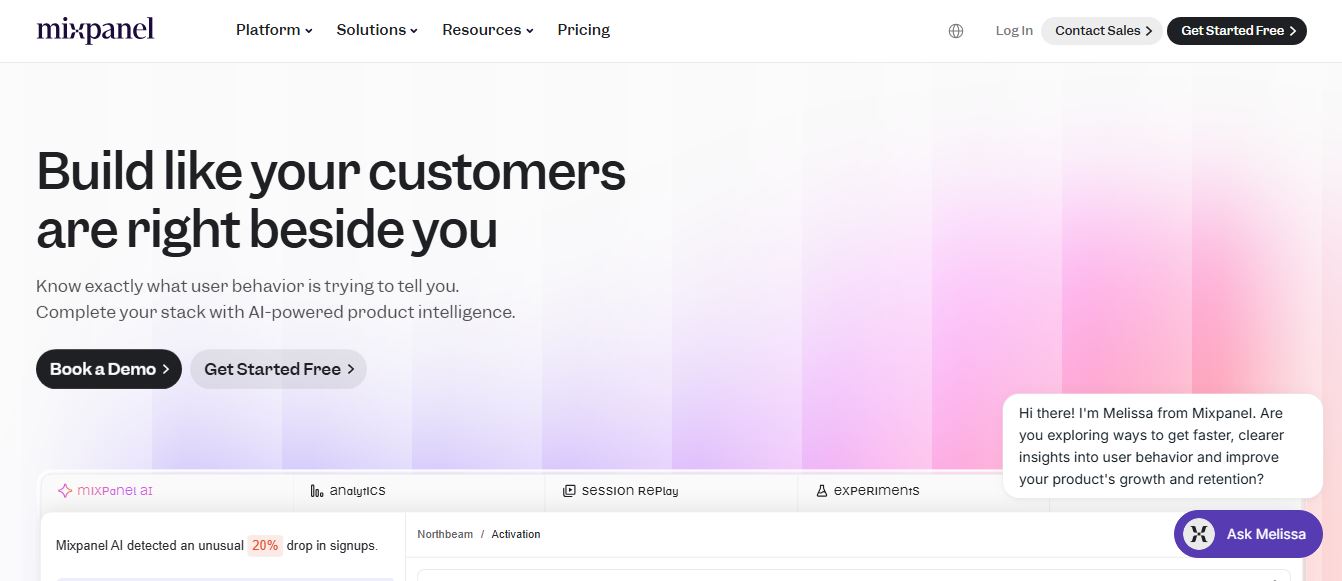
4.9Mixpanel
Project Management
Mixpanel is a product analytics platform that helps businesses track user behavior, analyze engagement, and measure key metrics across apps and websites. It provides real-time insights, funnels, and cohort analysis, enabling teams to understand user journeys and improve retention, conversion, and overall product performance.
 4.9
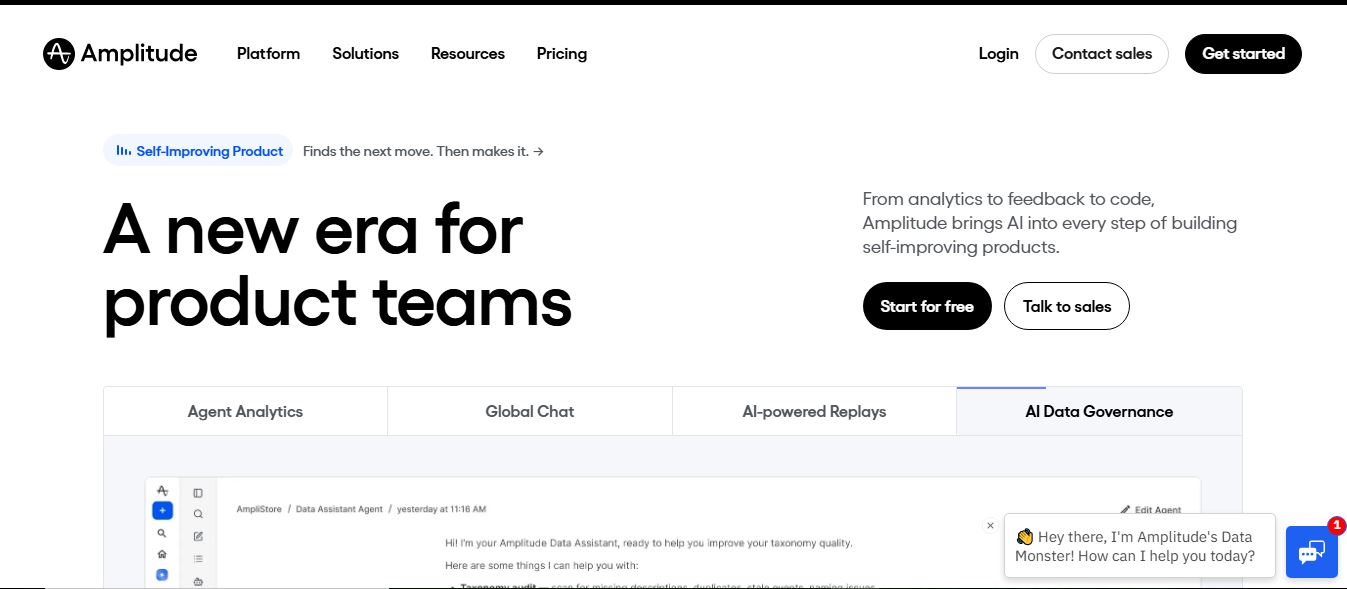
4.9Amplitude
Project Management
Amplitude is a digital analytics platform that helps businesses track user behavior, measure product performance, and understand customer journeys. It provides insights into how users interact with apps and websites, enabling teams to optimize experiences, improve retention, and drive growth through data-driven decisions.
 4.8
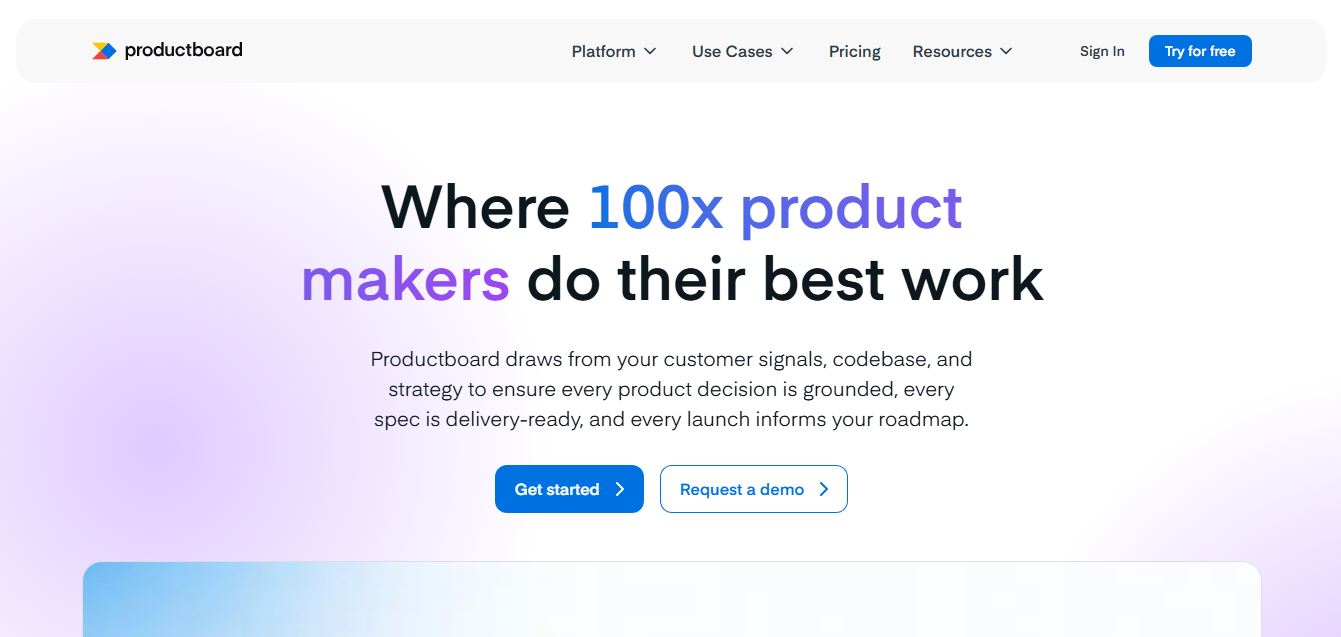
4.8Productboard
Project Management
Productboard is a product management platform that helps teams collect user feedback, prioritize features, and plan roadmaps. It centralizes customer insights and aligns teams around what to build next, enabling companies to create products that better meet user needs.
Wrike
Project Management
Wrike is a work management and collaboration platform that helps teams plan projects, assign tasks, track progress, and meet deadlines in one place. It offers dashboards, automation, and reporting tools, making it easier for teams to stay organized, collaborate efficiently, and manage complex workflows at scale.
 4.9
4.9Kroolo
Project Management
Kroolo is an AI-powered productivity and project management platform that helps teams plan tasks, track progress, and collaborate in one place. It combines project tracking, document management, and AI assistance to streamline workflows, automate routine work, and improve team efficiency across projects.
 4.7
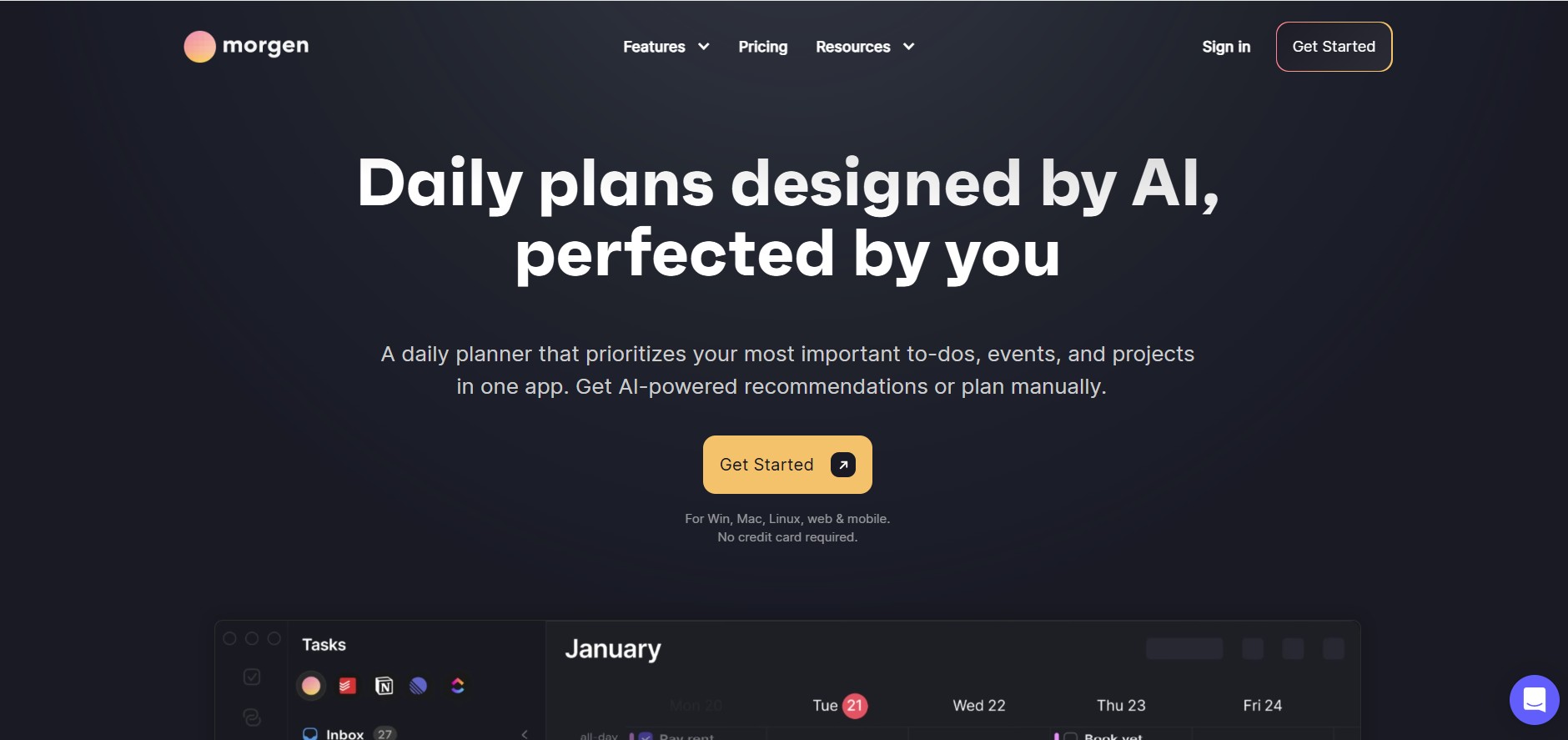
4.7Morgen
Project Management
Morgen is a time management desktop and mobile app that unifies multiple calendars, aggregates tasks from third-party tools, and uses AI-driven time-blocking to create structured daily schedules.
 4.9
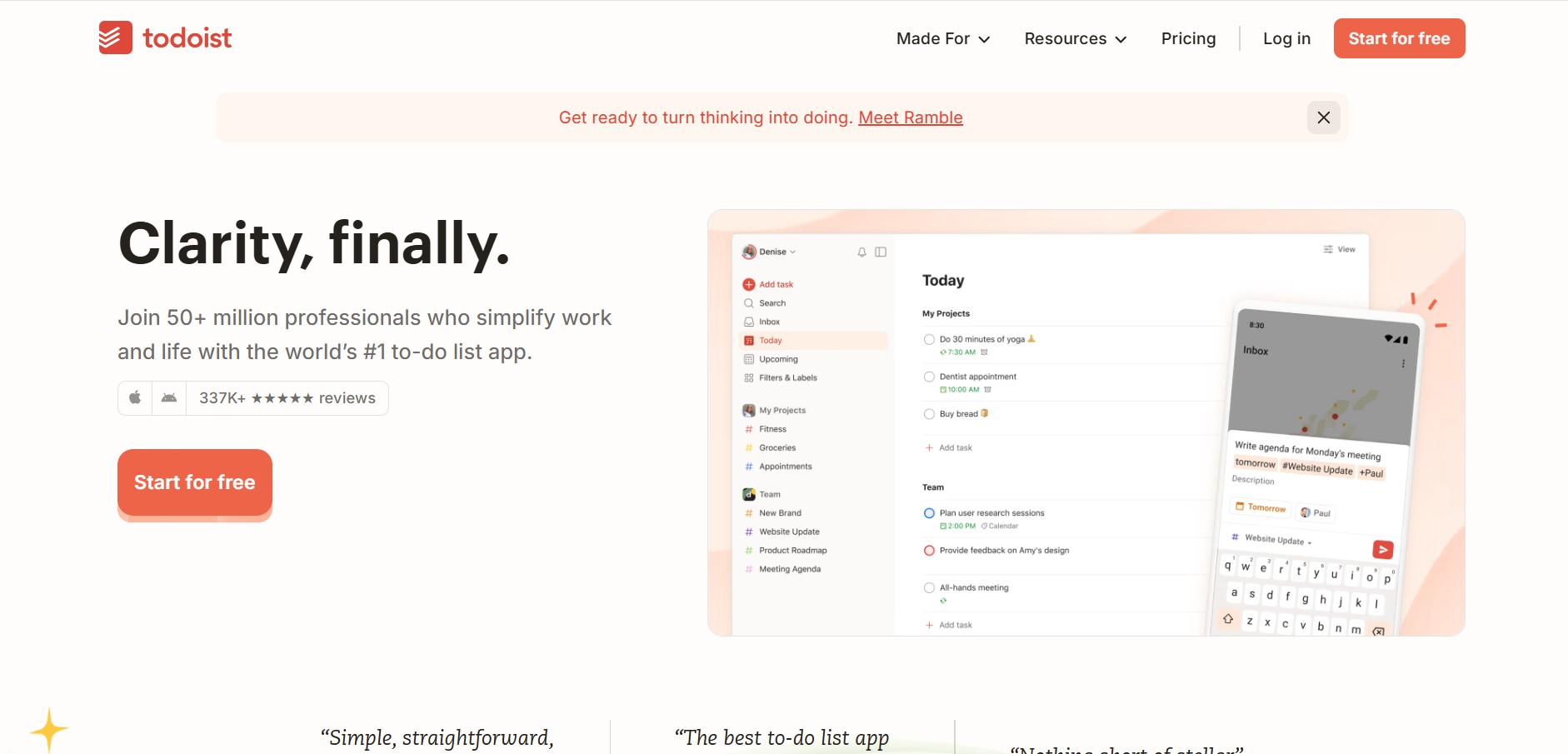
4.9Todoist
Project Management
Todoist is a widely popular task management and to-do list application developed by Doist, featuring natural language task creation, sub-tasks, productivity tracking, and multi-platform syncing.
 4.8
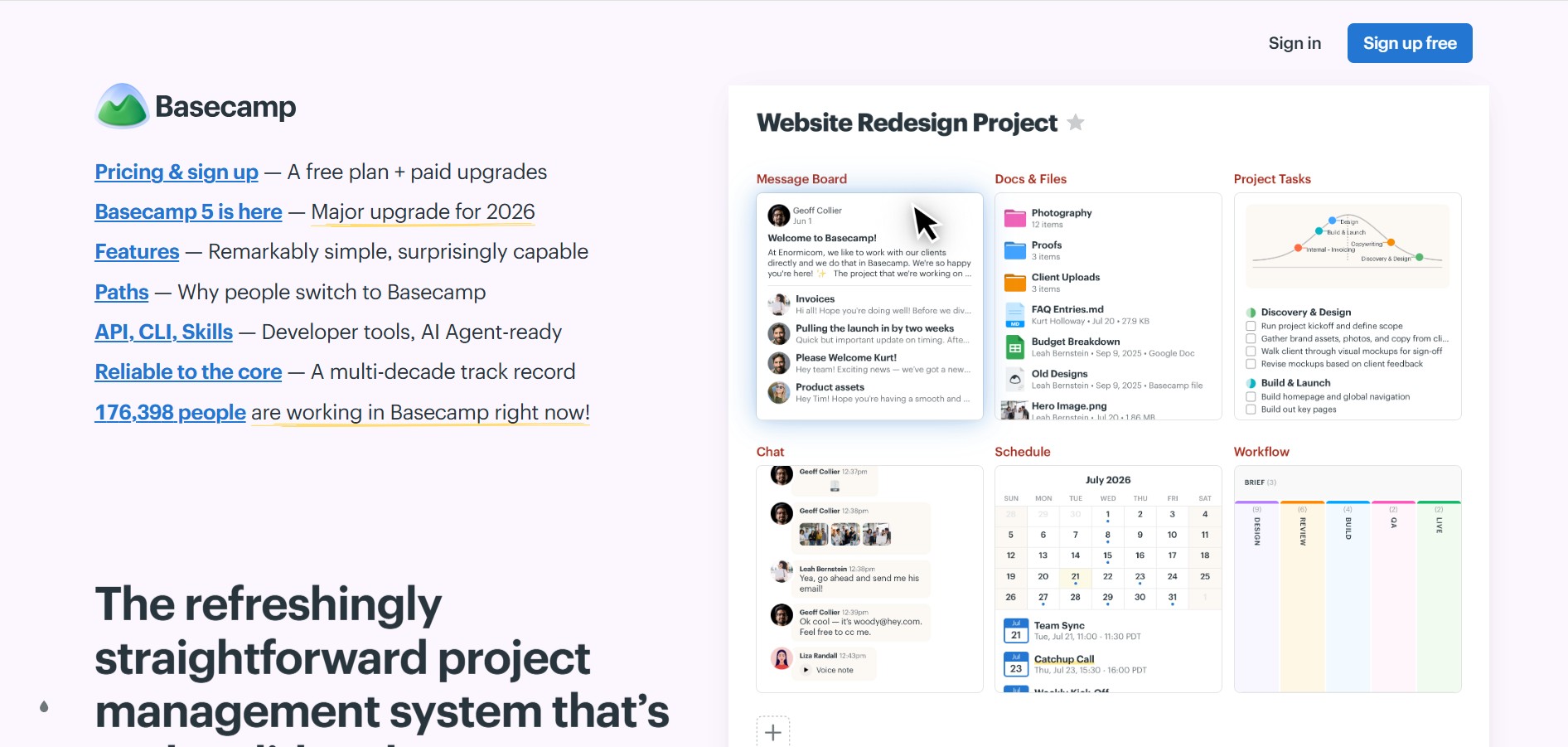
4.8Basecamp
Project Management
Basecamp is an all-in-one project management and team communication software created by 37signals to organize tasks, discussions, files, and schedules in one centralized platform.
 4.9
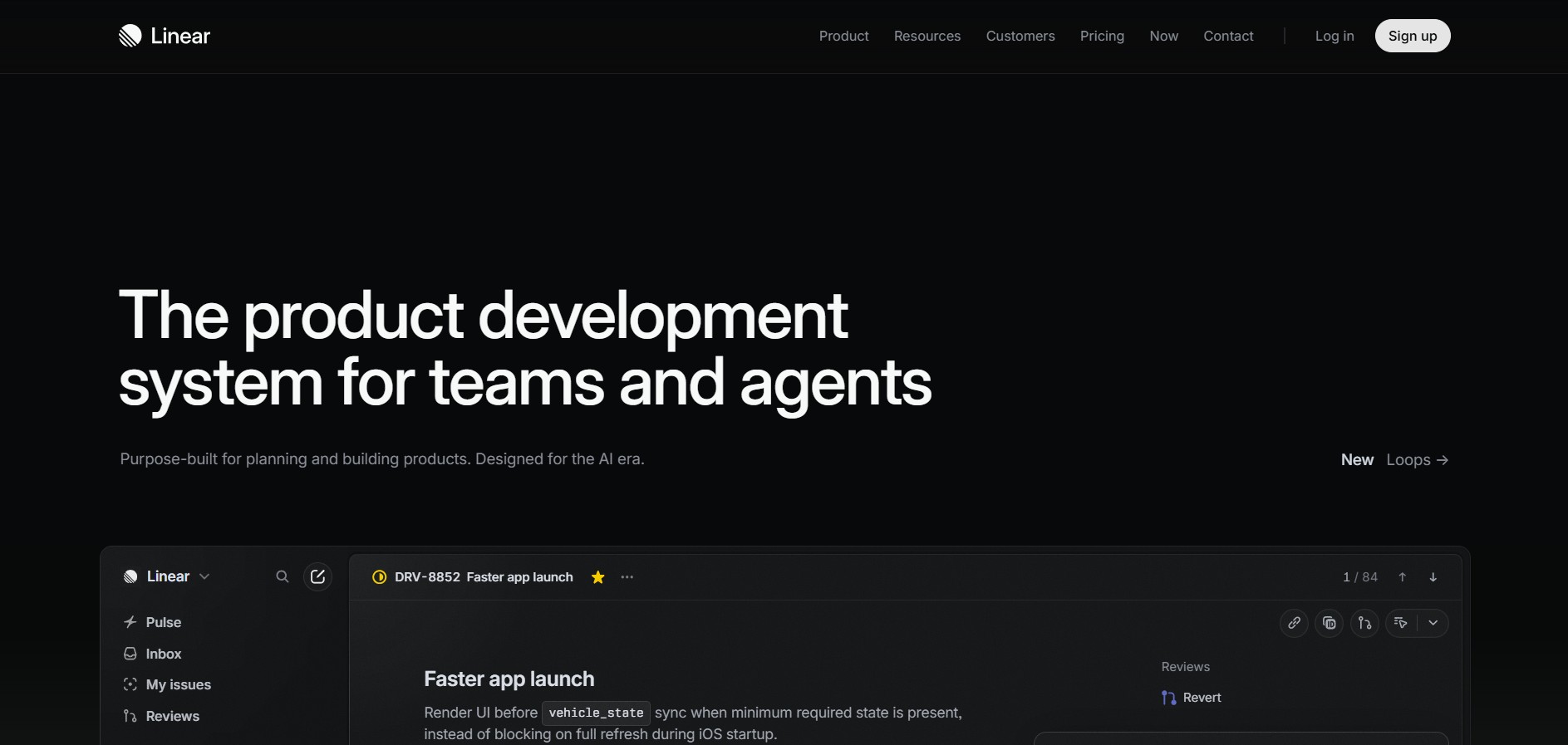
4.9Linear
Project Management
Linear is a high-performance project management and issue tracking software built specifically for software engineering and product development teams.