Dropbox Sign
Dropbox Sign (formerly HelloSign) is an intuitive, legally binding electronic signature platform that enables businesses and individuals to send, sign, and track documents with tamper-proof audit trails, automated reminders, and robust API integrations.
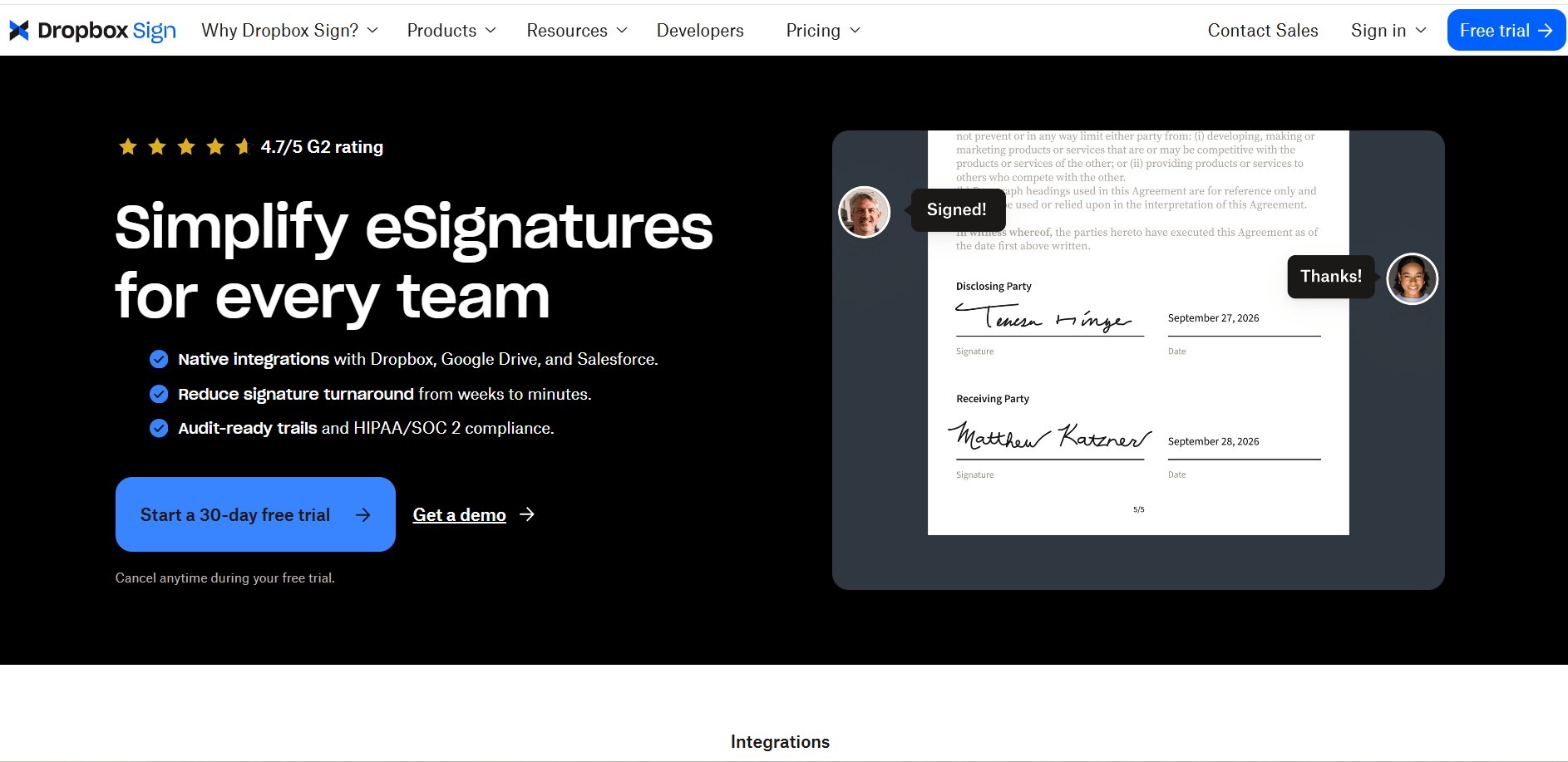
What is Dropbox Sign?
Dropbox Sign (formerly known as HelloSign) is a cloud-based electronic signature solution developed by Dropbox, Inc. Built to modernize and digitize contract execution workflows, Dropbox Sign allows individuals, fast-scaling startups, and enterprise teams to sign, track, and manage legally enforceable agreements directly from any web browser, mobile device, or via developer APIs.
Dropbox Sign is an eSignature platform that helps businesses send, sign, and manage documents digitally with legally binding signatures. It supports 22 languages, integrates with tools like Google Drive and Salesforce, and offers a 30-day free trial plus a free plan (up to 3 signature requests/month). Documents can be signed 80% faster than paper workflows, with 256-bit encryption, audit trails, and a strong 4.7/5 G2 rating.
- Platform Role: Electronic Signature Platform, Document Workflow Solution & Developer eSign API
- Parent Company & Leadership: Dropbox, Inc., headquartered in San Francisco, California
- Compliance & Security: ESIGN Act, UETA, eIDAS compliant, SOC 2 Type II certified, ISO 27001, and AES-256 bit encryption at rest
Use Cases:
- Closing sales deals, customer proposals, and service contracts with automated signing orders and notifications
- Streamlining employee onboarding, non-disclosure agreements (NDAs), and internal policy acknowledgments
- Embedding native signing and requesting experiences directly into internal company portals via developer APIs
- Distributing standardized forms in bulk to hundreds of signers simultaneously via CSV upload
- Collecting in-person electronic signatures on mobile tablets and field devices with immediate sync
Technology:
- Cryptographic digital seals and tamper-proofing ensuring post-signature document integrity
- Comprehensive non-editable audit trail capturing signer IP addresses, email logs, and timestamped actions
- Modern REST APIs and client SDKs available across Python, Node.js, PHP, Java, Ruby, and C#
- Native deep integrations with Dropbox, Google Workspace, Microsoft 365, Salesforce, and HubSpot
Target Users:
- Freelancers, solo consultants, and contractors needing reliable, legally valid client signing
- Sales teams looking to reduce contract cycle times and prevent deal drop-offs with automated reminders
- Human resources and operations leaders managing employee agreements and vendor paperwork
- Software engineers and product builders embedding white-labeled e-sign flows into web applications
Acquisition: Core electronic signature arm of Dropbox, Inc. (sign.dropbox.com)
What are the key features of Dropbox Sign?
Dropbox Sign's key platform features are
- Intuitive Drag-and-Drop Editor: Easily position signature fields, text boxes, dates, checkboxes, and data validation rules on any document.
- Reusable Document Templates: Convert repetitive agreements into reusable templates and shareable template links to streamline high-frequency requests.
- Tamper-Proof Audit Trails: Automatically generate legally recognized audit logs with timestamps and IP records for complete evidentiary defensibility.
- Bulk Send Workflows: Send a single standardized document template to up to 250 signers simultaneously using a CSV spreadsheet.
- Automated Reminders & Tracking: Receive live progress notifications and trigger automated reminder emails to pending signers.
- In-Person Mobile Signing: Collect legal handwritten eSignatures directly on mobile devices and tablets without paper.
- Developer-Friendly API: Embed responsive signing iframes and signature request workflows directly into custom applications.
How much does Dropbox Sign cost?
Dropbox Sign operates on a tiered subscription pricing model with a free plan for occasional signing and scalable team tiers.
Free Plan:
- Free Tier ($0 / month): Unlimited personal self-signing and up to 3 signature requests per month with basic audit trails.
Essentials Plan:
- $15 / month (billed annually at $180/year) or $20 monthly: Designed for 1 user, offering unlimited signature requests, 5 reusable templates, signer data validation, and basic cloud storage integrations.
Standard & Premium Plans:
- Standard Plan ($25 / user / month billed annually or $30 monthly): Starts with 2 users ($600/year minimum), includes unlimited signature requests, 15 templates, centralized admin controls, custom team branding, and bulk sending.
- Premium Plan (Custom Quote): Tailored for large organizations requiring unlimited templates, advanced team roles, SSO/SAML integration, multi-team administration, and dedicated support.
Disclaimer: Dedicated developer API plans are priced separately based on monthly API signature request volumes. Review sign.dropbox.com/pricing for active details.
Who should use Dropbox Sign?
Dropbox Sign is designed for modern professionals and growing companies, including
- Freelancers & Independent Agencies: Executing client service agreements without managing complex enterprise contract software.
- Sales & Account Executives: Accelerating deal closings by making it simple for prospects to review and sign agreements on any device.
- HR Professionals: Eliminating onboarding bottlenecks through templated offer letters and employee handbook releases.
- SaaS Product Developers: Integrating streamlined, developer-friendly e-signature capabilities directly into customer-facing applications.
What are the best alternatives to Dropbox Sign?
Some of the strongest Dropbox Sign alternatives include
- DocuSign
- Adobe Acrobat Sign
- PandaDoc
- Signeasy
- SignWell
- Xodo Sign
What are the pros and cons of Dropbox Sign?
What are the pros of Dropbox Sign?
- Exceptionally clean and user-friendly interface requiring zero onboarding training for signers
- Unlimited signature requests included on all paid plans, eliminating per-document transaction anxiety
- Legally robust compliance certifications with clear, non-editable audit trail documentation
- Seamless native synchronization with Dropbox, Google Drive, and major cloud repositories
- Well-documented API with responsive SDKs for frictionless developer implementation
What are the cons of Dropbox Sign?
- Standard plan requires a mandatory minimum of 2 users, making it more expensive for solo users who need team features
- Template limits apply to lower tiers (5 templates on Essentials, 15 on Standard)
- Lacks advanced CPQ (Configure, Price, Quote) interactive calculation fields found in full contract lifecycle platforms
Why should you choose Dropbox Sign?
Many legacy electronic signature solutions are burdened by cluttered interfaces, steep learning curves, and restrictive document limits that penalize business growth. Dropbox Sign strips away unnecessary friction by focusing on what matters most: lightning-fast document preparation, an effortless signing experience for your recipients, and reliable legal defensibility. Backed by the robust cloud infrastructure of Dropbox, it offers an optimal balance between affordability, enterprise compliance, and everyday usability.
- Send unlimited signature requests without unexpected per-document charges
- Provide signers with a clean, mobile-optimized signing flow in 22+ languages
- Automate repetitive paperwork using reusable templates and bulk distribution
- Maintain audit readiness with tamper-evident digital seals and timestamped logs
How does Dropbox Sign compare to competitors?
Dropbox Sign positions itself as the most accessible and cost-predictable e-signature platform. While DocuSign emphasizes deep enterprise CLM (Contract Lifecycle Management) and Adobe Acrobat Sign centers around PDF ecosystems, Dropbox Sign focuses on core e-signature simplicity with unlimited sending allowances, clean API integration, and straightforward team management.
| Feature / Platform | Dropbox Sign | DocuSign | Adobe Acrobat Sign | PandaDoc |
|---|---|---|---|---|
| Core Focus | Intuitive eSignatures & developer API | Enterprise agreements & CLM workflows | PDF document ecosystem & signatures | Document creation, CPQ & eSignatures |
| Signature Request Limits | Unlimited on all paid plans | Often capped (e.g. 100/yr envelope limits) | Tier-based transaction allowances | Unlimited on paid plans |
| Audit Trail & Legality | Yes (ESIGN, eIDAS, SOC 2 compliant) | Yes (Industry-grade compliance) | Yes (Adobe certified audit logs) | Yes (Legally binding audit trail) |
| Pricing Structure | Free tier / Essentials ($15/mo) / Standard ($25/user/mo) | Personal from $10/mo / Standard from $25/user/mo | Plans starting around $13 - $23/user/mo | Free eSign / Starter from $19/user/mo |
| Best For | Small businesses, sales teams, and developers | Enterprises needing complex governance & CLM | Organizations deeply invested in Adobe Acrobat | Sales proposals requiring built-in quotes & billing |
How do we rate Dropbox Sign?
| Parameter | Rating (out of 5) |
|---|---|
| Ease of Use & Signer Experience | 4.9 |
| Legal Compliance & Security | 4.9 |
| Template & Workflow Capabilities | 4.7 |
| API & Developer Integration | 4.8 |
| Value for Money | 4.7 |
| Overall Score | 4.80 |
What is our review and verdict on Dropbox Sign?
Dropbox Sign excels at providing a modern, frictionless e-signature solution that avoids the unnecessary complexity of legacy contract software. Its unlimited signature requests on paid plans, combined with an outstanding recipient signing experience and rock-solid legal compliance, make it an exceptional tool for growing businesses, sales professionals, and developers looking for reliable contract automation.
Conclusion
Dropbox Sign makes handling documents faster and more reliable by turning traditional paperwork into a smooth digital signing process. Instead of printing, scanning, or chasing signatures, users can send, sign, and manage agreements entirely online. Its clean interface and workflow automation make it easy for teams to stay organized and move deals forward quickly. Overall, Dropbox Sign simplifies document management and helps businesses save time while maintaining a professional and secure signing experience.
FAQ
What is Dropbox Sign and what does it actually do?
Dropbox Sign is an electronic signature (eSignature) platform that lets you send, sign, and manage documents online. Instead of printing, scanning, or emailing PDFs back and forth, you can upload a file, add signature fields, and get legally binding signatures in minutes.
How does Dropbox Sign work step-by-step?
You upload a document (PDF, Word, etc.), add signer details and signature fields, and send it via email. Recipients can sign instantly—no account required—and the signed document is automatically stored with a full audit trail.
Are Dropbox Sign signatures legally binding?
Yes, Dropbox Sign eSignatures are legally binding and compliant with regulations like the U.S. ESIGN Act, eIDAS, and GDPR. Each document includes a tamper-proof audit trail that tracks every action and timestamp.
What features does Dropbox Sign offer?
Key features include reusable templates, automated reminders, drag-and-drop signature fields, audit trails, integrations (Google Drive, Salesforce, etc.), and security tools like 2FA and encryption. It also supports 22+ languages and customizable workflows.
Can Dropbox Sign integrate with other tools?
Yes, it integrates with tools like Dropbox, Google Drive, Microsoft apps, Salesforce, and HubSpot. This allows you to send documents for signature directly from your existing workflow without switching platforms.
Is Dropbox Sign free or paid?
There’s a free plan (limited usage) and a 30-day free trial for premium features. Paid plans start around $15/month for individuals and ~$25/user/month for teams, depending on features and usage.
Who should use Dropbox Sign?
Dropbox Sign is ideal for sales teams, HR, legal teams, freelancers, and businesses that need contracts signed quickly—like NDAs, offer letters, agreements, and proposals. It’s especially useful if you want to remove manual paperwork from your workflow.
User Reviews
No reviews yet for Dropbox Sign.
Featured Tools
Featured AI tools from TechShark

Melody Genie
MelodyGenie is an AI-powered music generator that creates original songs from simple text prompts. Users can choose styles, moods, and genres, then instantly generate melodies and full tracks, making it easy for creators, marketers, and hobbyists to produce custom music without musical expertise.
Freemium

Kimi AI
Kimi AI is an advanced AI assistant developed by Moonshot AI that helps you chat, research, write, code, and automate tasks in one place. It supports web search, file analysis, and multimodal inputs, and can even run autonomous “agent” workflows to complete complex tasks end-to-end.
Freemium

Fashion Diffusion AI
Fashion Diffusion is an AI-powered fashion design platform that helps brands and designers create clothing designs, virtual try-ons, AI models, product photos, and marketing visuals faster and cost-effectively.
Paid

Veo 4
Veo 4 AI is an AI video creation platform that generates dramatic videos from text, images, audio, and video prompts using realistic motion and synchronized sound.
Paid
Alternatives
Alternatives to Dropbox Sign
The best Dropbox Sign alternatives include DocuSign, Adobe Acrobat Sign, PandaDoc, and Signeasy. While Dropbox Sign provides simple, unlimited signature requests on paid tiers with transparent pricing and developer APIs, alternatives like DocuSign cater to complex enterprise CLM and PandaDoc provides built-in proposal creation and CPQ quoting tools.
 4.9
4.9Manupatra AI
Legal
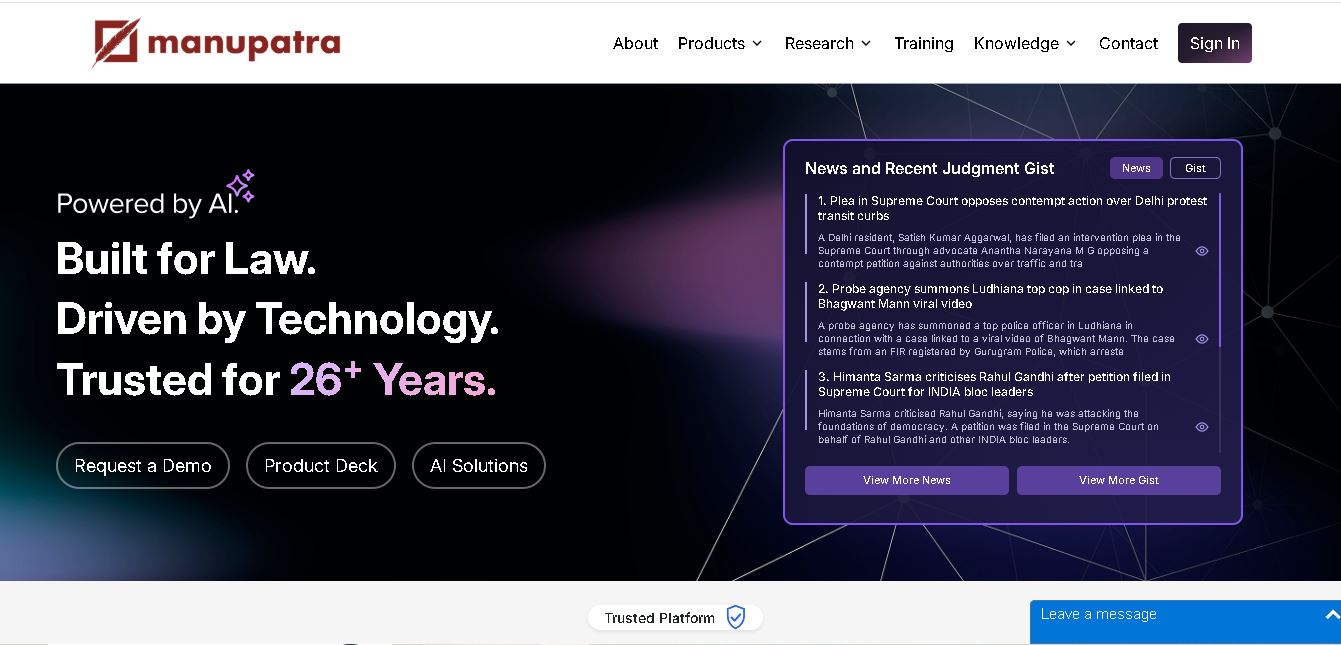
Manupatra AI is a legal technology solution that helps lawyers, law firms, students, and researchers conduct legal research and analyze documents. It offers AI-assisted search, judgment summaries, document comparison, OCR, translation, and drafting tools. Its broader ecosystem also supports case management, compliance, and contract workflows for legal professionals and businesses.
 4.9
4.9LegitQuest
Legal
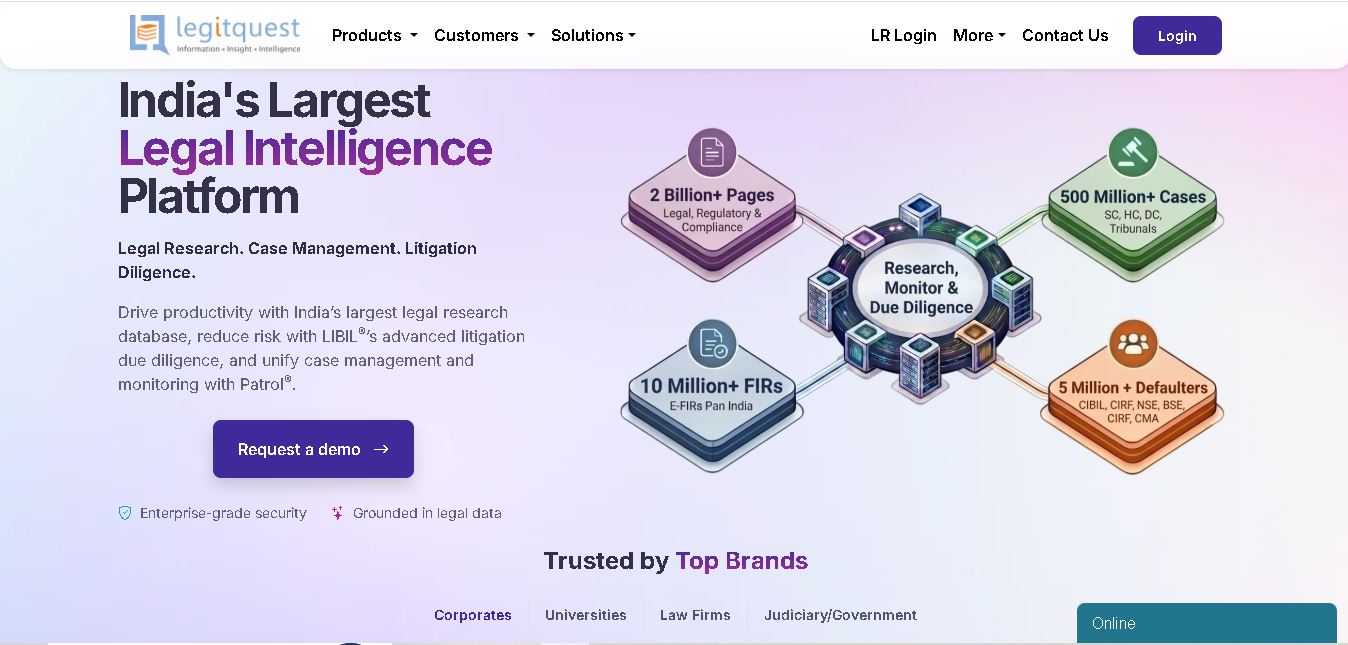
LegitQuest is an Indian legal technology platform offering AI-assisted legal research, litigation management, and due diligence solutions. Its tools help lawyers, researchers, and businesses explore judgments, analyse case decisions, track legal matters, and investigate litigation risks. The platform combines legal information and workflow capabilities to support informed professional decision-making.
 4.8
4.8Jhana AI
Legal
Jhana AI is a legal intelligence tool for lawyers and legal teams. It supports legal research, document analysis, contract review, due diligence, and professional drafting. With source-linked workflows and document verification, it helps users organize complex matters and review legal information more efficiently, while keeping qualified professionals responsible for decisions.
 4.9
4.9Lysa
Legal
Lysa Legal is an AI-assisted legal research and practice management tool for Indian advocates, law firms, and legal teams. It helps users find cited legal information, draft documents, review contracts, monitor regulatory updates, and organize client matters. Its goal is to reduce routine administrative work and support more efficient legal workflows.
 4.9
4.9LegalInk AI
Legal
LegalInk AI helps Indian legal professionals and individuals draft documents, review contracts, research judgments, and prepare legal notice replies. With BNS/BNSS templates, Hindi and English support, and case analysis tools, it streamlines routine legal work. Users can export drafts and use research assistance, while qualified professionals should verify important outputs.
 4.8
4.8Josef
Legal
Josef is a legal automation platform that helps law firms and legal teams streamline everyday tasks. It offers AI-powered question answering, contract generation, document automation, and workflow management. With its no-code approach, organizations can create self-service legal tools, improve operational efficiency, and make legal information easier for employees and clients to access.
 4.9
4.9Ontra
Legal
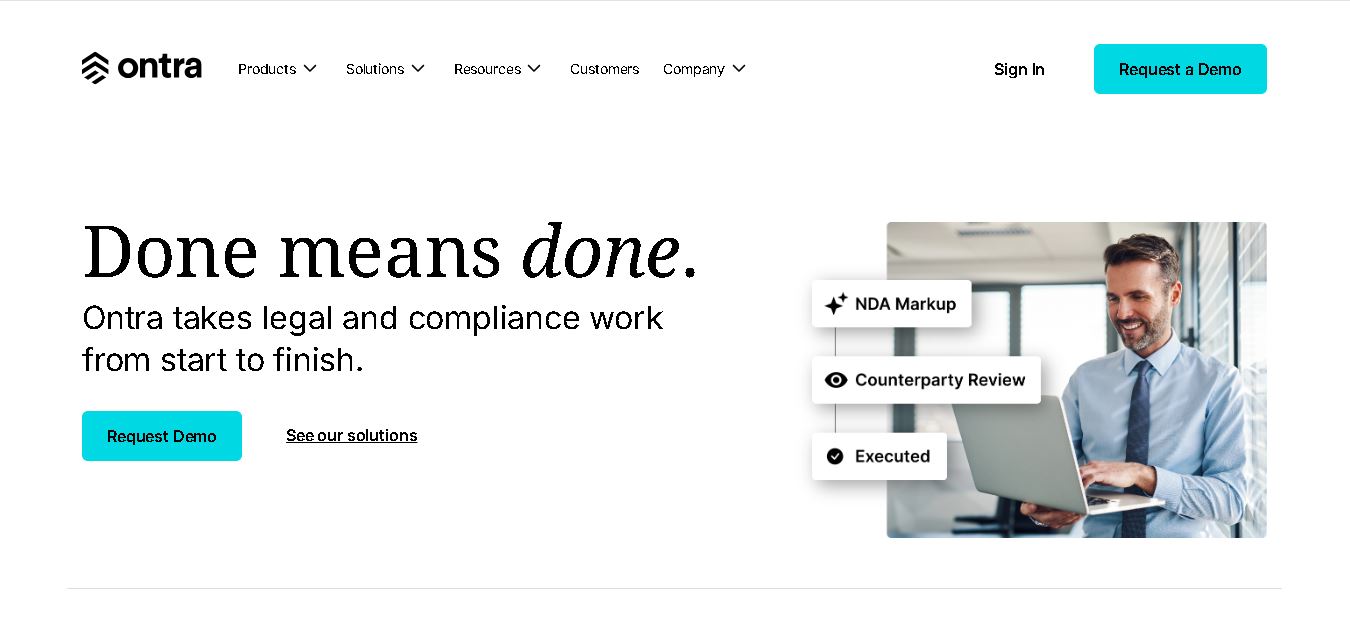
Ontra helps private equity firms, investment managers, and other private market organizations streamline legal and compliance operations. Its solutions support contract automation, fund obligation management, entity governance, due diligence questionnaires, and reverse KYC. By combining AI technology with legal expertise, Ontra helps teams improve efficiency, maintain consistency, and manage complex documentation.
 4.9
4.9Smokeball
Legal
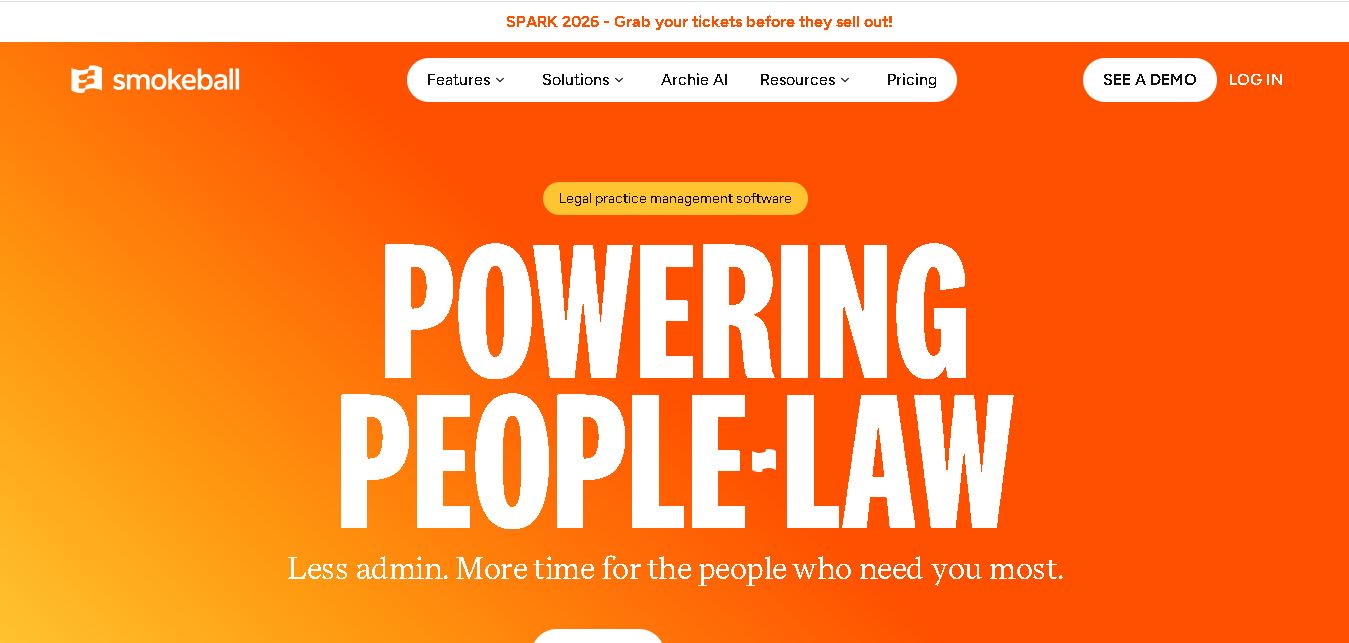
Smokeball is legal practice management software that helps law firms manage cases, automate documents, track billable hours, organize client communications, and simplify invoicing. With Microsoft integrations, customizable workflows, reporting tools, and Archie AI assistance, it helps legal professionals reduce administrative workloads, improve organization, and focus more time on delivering quality client service.
 4.9
4.9MyCase
Legal
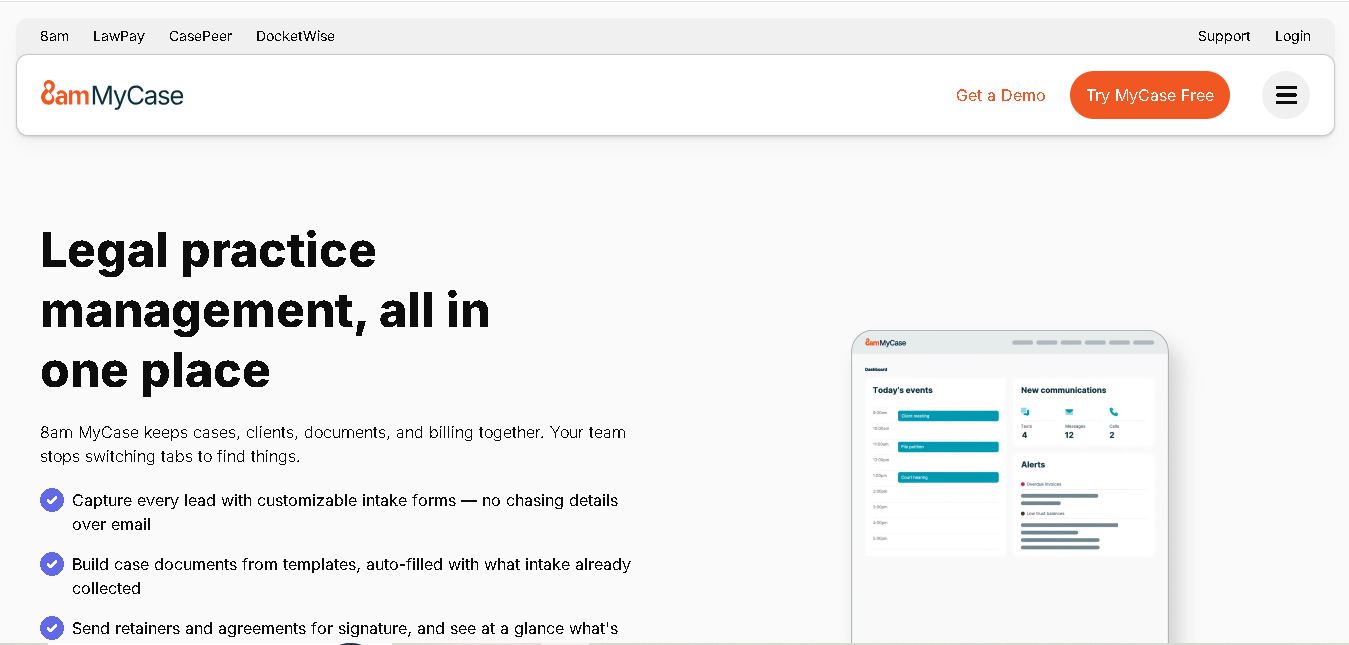
MyCase is legal practice management software that helps law firms manage cases, organize documents, communicate with clients, track billable time, and process payments. With client portals, electronic signatures, workflow automation, reporting, and AI-assisted case management, it supports more organized legal operations while helping attorneys reduce repetitive administrative work and improve client service.