Todoist
Todoist is a widely popular task management and to-do list application developed by Doist, featuring natural language task creation, sub-tasks, productivity tracking, and multi-platform syncing.
What is Todoist?
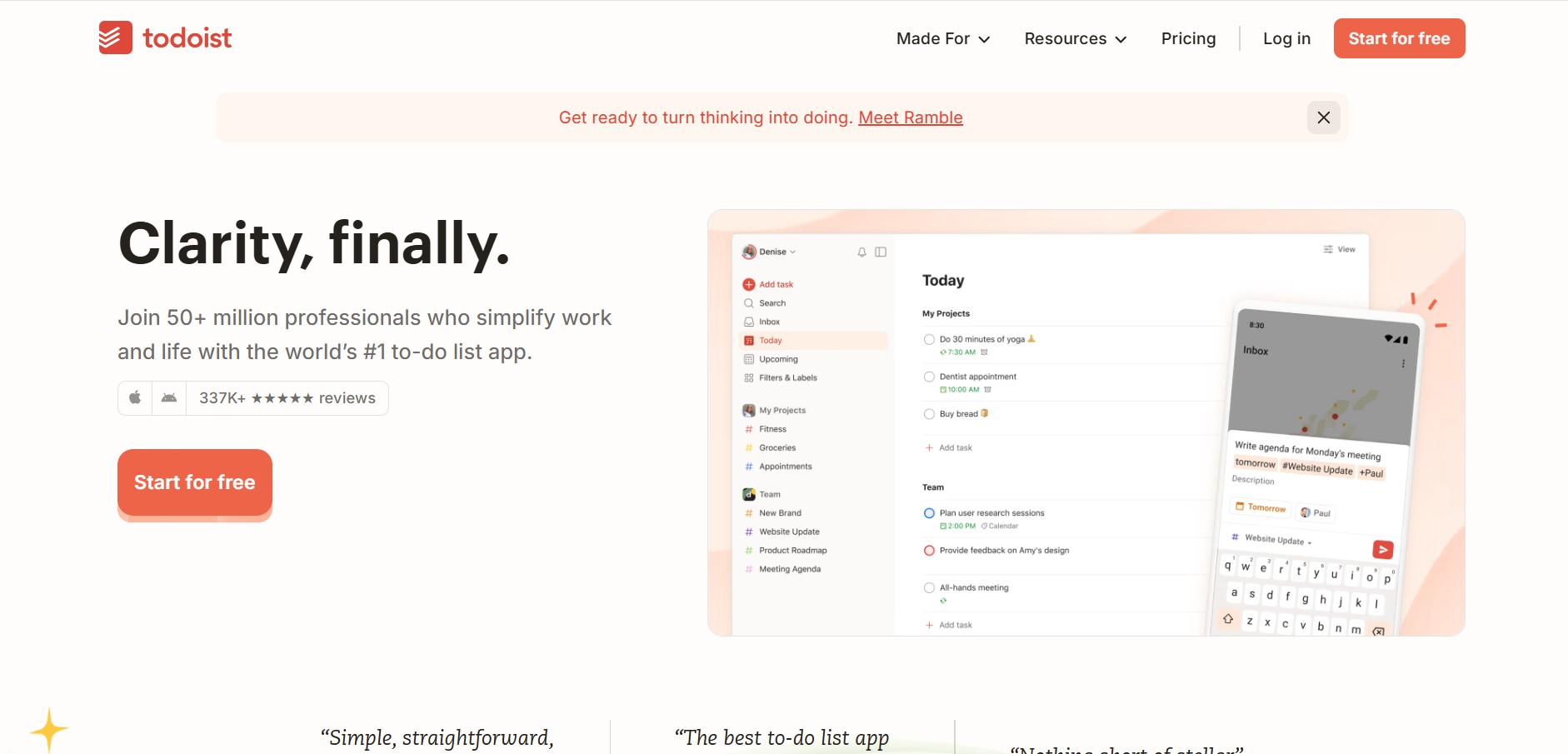
Todoist is an industry-leading task management application developed by Doist. Designed to organize personal projects, daily routines, and team workflows, Todoist simplifies task capture with fast natural language processing, priority levels, organized project folders, and cross-platform synchronization.
Built around intuitive natural language task input, visual project organization, and gamified productivity tracking, Todoist allows users to turn chaotic thoughts into structured to-do lists in seconds. From daily personal errands to complex team initiatives, Todoist provides flexible views including lists, Kanban boards, and calendar timelines.
- Platform Role: Task Management, To-Do List Application & Team Work Management System
- Core Architecture: Natural Language Parsing Engine, Karma Gamification System, Project Hierarchy, and Multi-Platform Sync
- Deployment: Web Application, Desktop Apps (macOS, Windows, Linux), Mobile Apps (iOS, Android), Browser Extensions, and Wearables
Use Cases:
- Capturing daily tasks on the go using natural language shortcuts (e.g., "Submit report every Friday at 4pm p1 #Work")
- Organizing personal goals, grocery lists, travel planning, and work deliverables into structured sub-tasks and projects
- Managing team task assignments, due dates, comments, and project milestones in shared workspaces
- Visualizing workflow pipelines using flexible List, Kanban Board, or Calendar layouts
- Tracking long-term productivity patterns and building consistent habits using Todoist Karma points
Technology:
- Smart natural language recognition engine for auto-detecting due dates, recurring schedules, priority levels, labels, and projects
- Real-time synchronization infrastructure across desktop, mobile, tablet, smartwatch, and browser platforms
- Extensive API and integration hub connecting with Google Calendar, Outlook, Slack, Zapier, Make, and AI time-blockers like Reclaim AI
- Enterprise-ready data security with TLS encryption, SOC 2 compliance, and automated cloud backups
Target Users:
- Individual professionals, students, and freelancers needing a reliable daily task planner
- Busy managers looking to assign tasks and manage team deliverables without project overhead
- GTD (Getting Things Done) practitioners seeking a digital implementation of task capture and review
- Cross-functional business teams coordinating recurring operational checklists
Acquisition: Cloud SaaS platform, desktop/mobile apps, and extensions
What are the key features of Todoist?
Todoist's key platform features are
- Quick Add & Natural Language Parsing: Type tasks naturally to instantly set due dates, recurring schedules, priorities, and tags.
- Multiple Project Views: Switch seamlessly between traditional List views, Kanban Boards, and Calendar scheduling views.
- Sub-tasks & Sections: Divide complex projects into manageable sections, sub-tasks, and checklists.
- Filters & Custom Views: Create personalized views based on task priority, due dates, labels, or assigned team members.
- Todoist Karma: A gamified productivity system that rewards consistency with points, levels, and streak tracking.
- Shared Workspaces & Collaboration: Share project folders, assign tasks, attach files, and discuss details via task comments.
- Deep Integration Ecosystem: Connects with Google Calendar, Outlook, Slack, Voice Assistants (Siri, Google Assistant), and automation suites.
How much does Todoist cost?
Todoist offers a functional free plan along with paid individual and business tiers billed monthly or annually.
Pricing Overview:
- Beginner Plan (Free): Up to 5 active projects, 5 collaborators per project, basic filters, and 3-day activity history.
- Pro Plan: Designed for power users with up to 300 active projects, custom filters, task reminders, calendar view, and unlimited activity history.
- Business Plan: Tailored for teams with shared team workspaces, admin roles, centralized billing, and priority support.
Disclaimer: Plan pricing and feature limits are subject to change. Visit todoist.com/pricing for current details.
Who should use Todoist?
Todoist is ideal for anyone seeking an intuitive, multi-device task manager, including
- Freelancers & Knowledge Workers: Capture fast-moving daily to-dos and manage client deliverables.
- GTD Method Enthusiasts: Implementing clear task capture, weekly reviews, and priority sorting.
- Small Business Teams: Delegating tasks and maintaining shared project checklists without bloated software.
- Students & Academics: Organizing assignment due dates, study schedules, and research projects.
What are the best alternatives to Todoist?
Some of the strongest Todoist alternatives include
- TickTick
- Things 3 (Apple ecosystem)
- Microsoft To Do
- Any.do
- Asana
- Sunsama
What are the pros and cons of Todoist?
What are the pros of Todoist?
- Best-in-class natural language input makes task entry virtually instantaneous
- Flawless cross-platform synchronization across almost every operating system and device
- Clean, distraction-free interface with customizable color themes and dark mode
- Flexible project organization with lists, sections, Kanban boards, and custom filters
- Robust ecosystem of integrations with calendars, voice assistants, and time-tracking apps
What are the cons of Todoist?
- Core features like task reminders and full calendar view require a paid subscription tier
- Lacks native built-in time blocking or built-in Pomodoro timers (requires third-party tools like TickTick or Reclaim AI)
Why should you choose Todoist?
Many task apps suffer from either being too simplistic or overly complex. Todoist hits a perfect middle ground by offering effortless task capture through natural language while retaining the depth needed for complex project hierarchies, custom filters, and team collaboration.
- Capture tasks instantly without navigating through endless forms or dropdown menus
- Access your to-do lists anywhere with universal device support and fast syncing
- Stay motivated using Karma points, streak tracking, and visual productivity insights
- Organize both personal life and professional work in one unified workspace
How does Todoist compare to competitors?
While TickTick integrates built-in habit tracking and Pomodoro timers, and Things 3 provides a minimalist one-time purchase design for Apple devices, Todoist stands out for its superior cross-platform accessibility, natural language processing, and deep integration options.
| Feature / Platform | Todoist | TickTick | Things 3 | Microsoft To Do |
|---|---|---|---|---|
| Natural Language Entry | Industry-best natural language parsing | Strong natural language support | Basic date parsing | Basic date recognition |
| Platform Availability | Universal (Web, iOS, Android, Mac, Win, Linux) | Universal cross-platform | Apple Ecosystem Only (macOS, iOS, watchOS) | Universal cross-platform |
| Project Views | List, Kanban Board, Calendar | List, Kanban, Calendar, Timeline | Minimalist List views | List views only |
| Built-in Timers / Habits | No (via third-party integrations) | Yes (Pomodoro & Habit tracker) | No | No |
| Team Collaboration | Advanced team workspaces & roles | Basic list sharing | No (Individual focus only) | Basic list sharing |
How do we rate Todoist?
| Parameter | Rating (out of 5) |
|---|---|
| Ease of Task Entry | 5.0 |
| Cross-Platform Syncing | 4.9 |
| User Interface & Design | 4.8 |
| Integrations & Ecosystem | 4.9 |
| Value for Money | 4.7 |
| Overall Score | 4.86 |
What is our review and verdict on Todoist?
Todoist remains the benchmark for modern digital task management. Its lightning-fast quick-add capability, combined with smart natural language processing, eliminates friction when capturing to-dos. Combined with cross-platform availability, Kanban boards, and strong calendar integrations, Todoist is an essential tool for keeping personal and team tasks organized.
Conclusion
Todoist offers a premier task management experience that scales effortlessly from basic daily to-do lists to structured team project management. Through rapid natural language parsing, flexible organization options, and seamless sync across all devices, Todoist helps users stay clear-headed, focused, and productive.
FAQ
What is Todoist?
Todoist is a task-management and productivity platform designed to help individuals and teams organize work, personal tasks, projects, deadlines, and recurring activities. It provides task lists, projects, priorities, labels, filters, reminders, and multiple ways to view and organize tasks.
How does Todoist help users manage their tasks?
Todoist lets users organize tasks into projects and sections, assign priorities and labels, add due dates, and create recurring tasks. Its filters can then create custom views based on criteria such as dates, projects, priorities, labels, and task names, making it easier to find specific work.
Does Todoist have AI features?
Yes. Todoist includes AI-assisted features such as Filter Assist, which can turn a plain-language description into a task filter query. Todoist also offers AI-related integrations, including connections with ChatGPT and Claude, which can be used to manage tasks and gain insights from Todoist projects.
Can Todoist connect with Google Calendar and Outlook Calendar?
Yes. Todoist can connect with either Google Calendar or Outlook Calendar so users can see calendar events alongside their Todoist tasks. Scheduled Todoist tasks can also be synchronized to a dedicated Todoist calendar, allowing task schedules to appear in the connected calendar.
Does Todoist provide reminders for tasks?
Yes. Todoist supports automatic, custom, recurring, and location-based reminders. Users can receive notifications at a selected time or, for supported location reminders, when they arrive at a particular place.
Can Todoist be used for team projects?
Yes. Todoist supports shared projects where teams can organize tasks, collaborate, and assign work to other members. Its broader integration ecosystem also connects Todoist with tools for project management, communication, calendars, email, automation, and other workplace workflows.
Can Todoist be used with voice assistants?
Yes. On supported Apple devices, Todoist can work with Siri so users can create tasks using natural-language voice commands. With newer Siri AI capabilities, users can include details such as the task name, project, section, date, time, priority, labels, recurrence, and location trigger in a single request.
User Reviews
No reviews yet for Todoist.
Featured Tools
Featured AI tools from TechShark

Melody Genie
MelodyGenie is an AI-powered music generator that creates original songs from simple text prompts. Users can choose styles, moods, and genres, then instantly generate melodies and full tracks, making it easy for creators, marketers, and hobbyists to produce custom music without musical expertise.
Freemium

Kimi AI
Kimi AI is an advanced AI assistant developed by Moonshot AI that helps you chat, research, write, code, and automate tasks in one place. It supports web search, file analysis, and multimodal inputs, and can even run autonomous “agent” workflows to complete complex tasks end-to-end.
Freemium

Fashion Diffusion AI
Fashion Diffusion is an AI-powered fashion design platform that helps brands and designers create clothing designs, virtual try-ons, AI models, product photos, and marketing visuals faster and cost-effectively.
Paid

Veo 4
Veo 4 AI is an AI video creation platform that generates dramatic videos from text, images, audio, and video prompts using realistic motion and synchronized sound.
Paid
Alternatives
Alternatives to Todoist
The best Todoist alternatives include TickTick, Things 3, Microsoft To Do, and Sunsama. While Todoist leads in cross-platform natural language task entry and flexible project boards, TickTick includes built-in Pomodoro timers and Things 3 offers a minimalist native Apple experience.
 4.9
4.9Mixpanel
Project Management
Mixpanel is a product analytics platform that helps businesses track user behavior, analyze engagement, and measure key metrics across apps and websites. It provides real-time insights, funnels, and cohort analysis, enabling teams to understand user journeys and improve retention, conversion, and overall product performance.
 4.9
4.9Amplitude
Project Management
Amplitude is a digital analytics platform that helps businesses track user behavior, measure product performance, and understand customer journeys. It provides insights into how users interact with apps and websites, enabling teams to optimize experiences, improve retention, and drive growth through data-driven decisions.
 4.8
4.8Productboard
Project Management
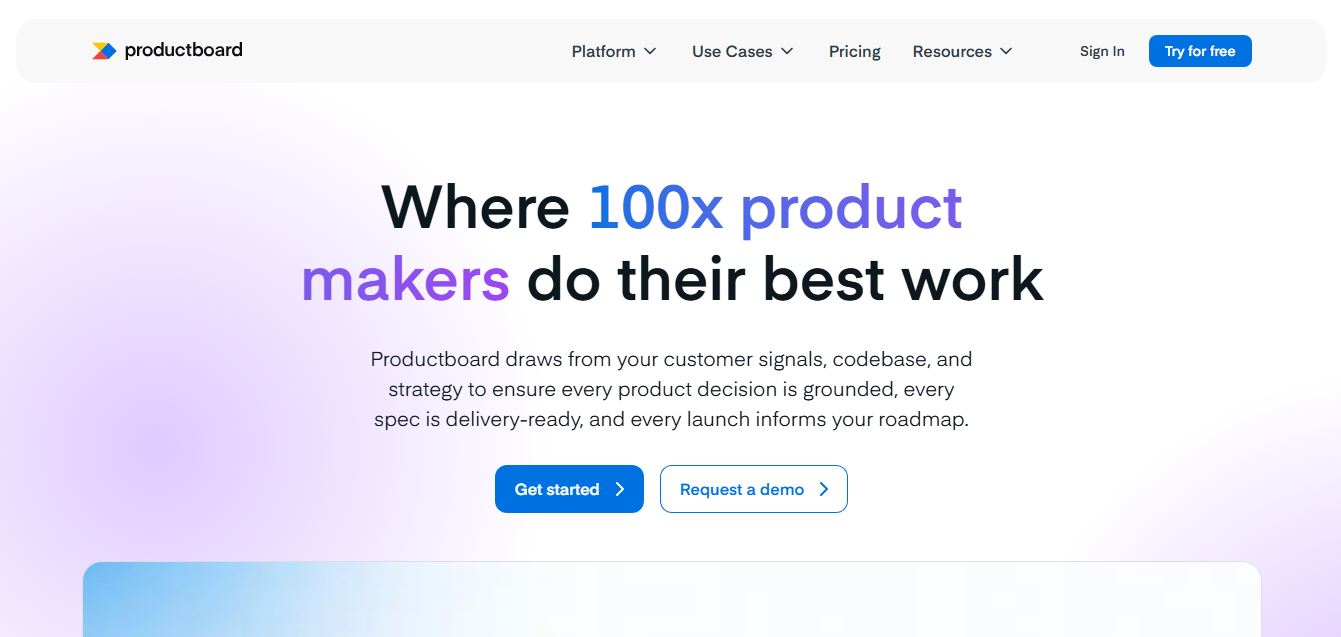
Productboard is a product management platform that helps teams collect user feedback, prioritize features, and plan roadmaps. It centralizes customer insights and aligns teams around what to build next, enabling companies to create products that better meet user needs.
Wrike
Project Management
Wrike is a work management and collaboration platform that helps teams plan projects, assign tasks, track progress, and meet deadlines in one place. It offers dashboards, automation, and reporting tools, making it easier for teams to stay organized, collaborate efficiently, and manage complex workflows at scale.
 4.9
4.9Kroolo
Project Management
Kroolo is an AI-powered productivity and project management platform that helps teams plan tasks, track progress, and collaborate in one place. It combines project tracking, document management, and AI assistance to streamline workflows, automate routine work, and improve team efficiency across projects.
 4.7
4.7Morgen
Project Management
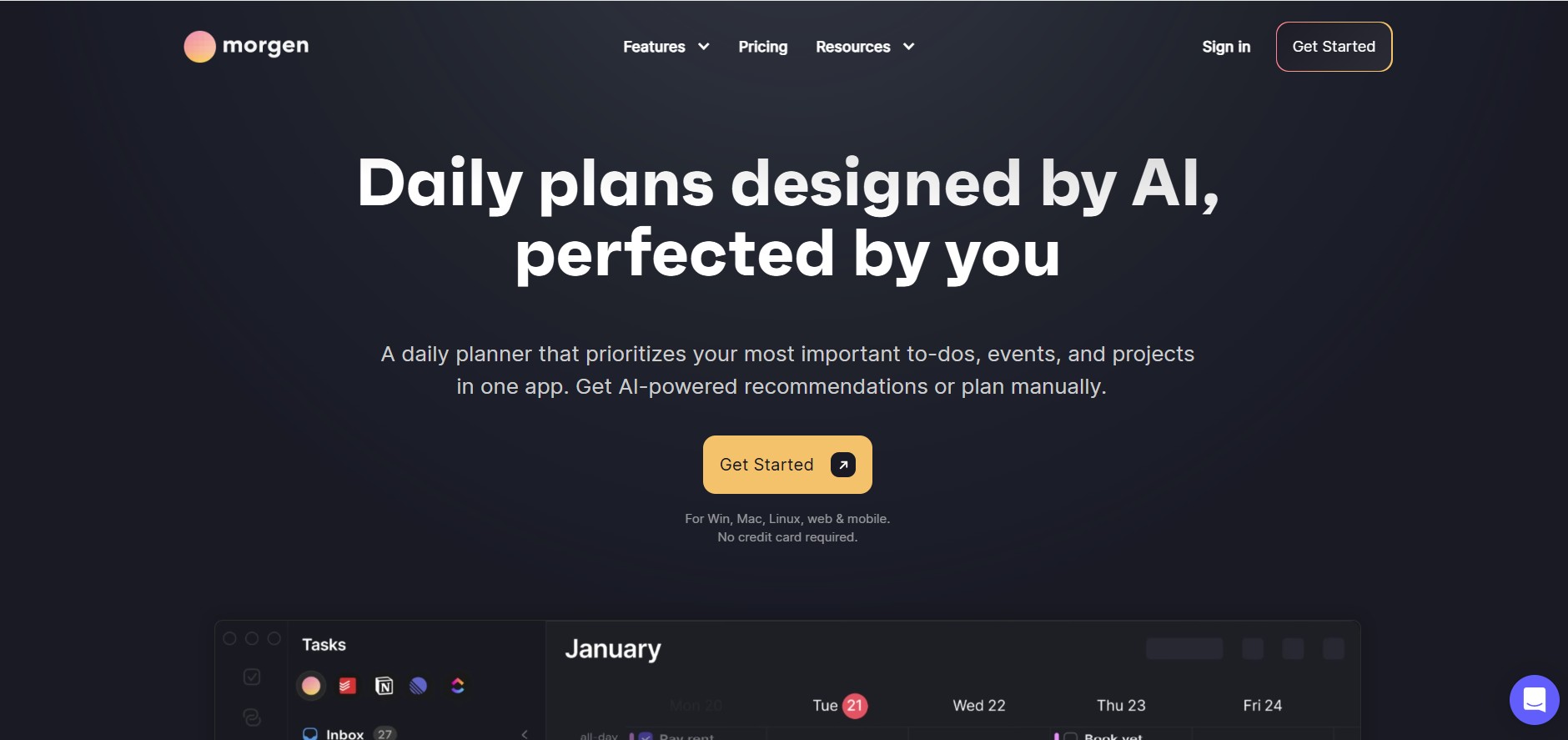
Morgen is a time management desktop and mobile app that unifies multiple calendars, aggregates tasks from third-party tools, and uses AI-driven time-blocking to create structured daily schedules.
 4.8
4.8Basecamp
Project Management
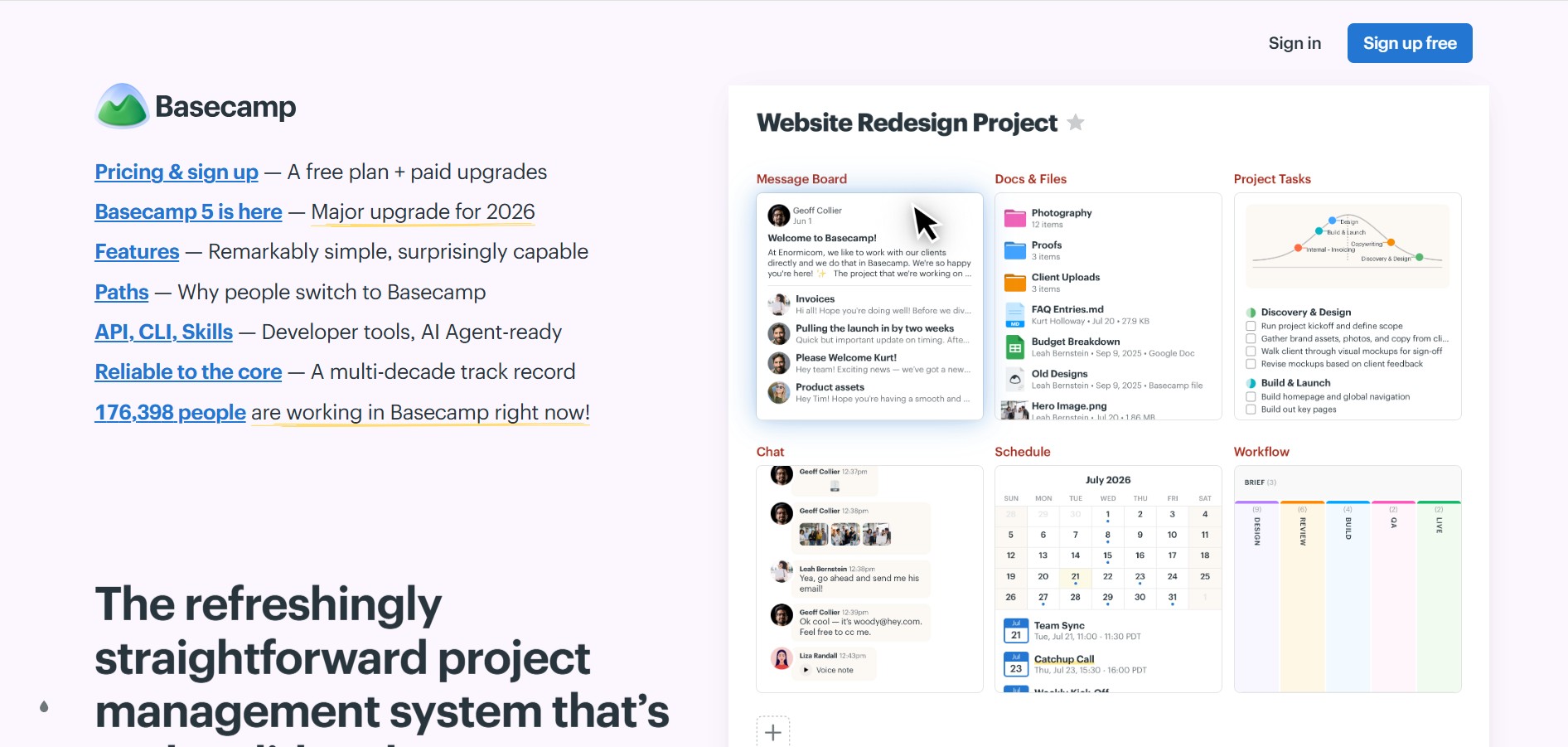
Basecamp is an all-in-one project management and team communication software created by 37signals to organize tasks, discussions, files, and schedules in one centralized platform.
 4.9
4.9Linear
Project Management
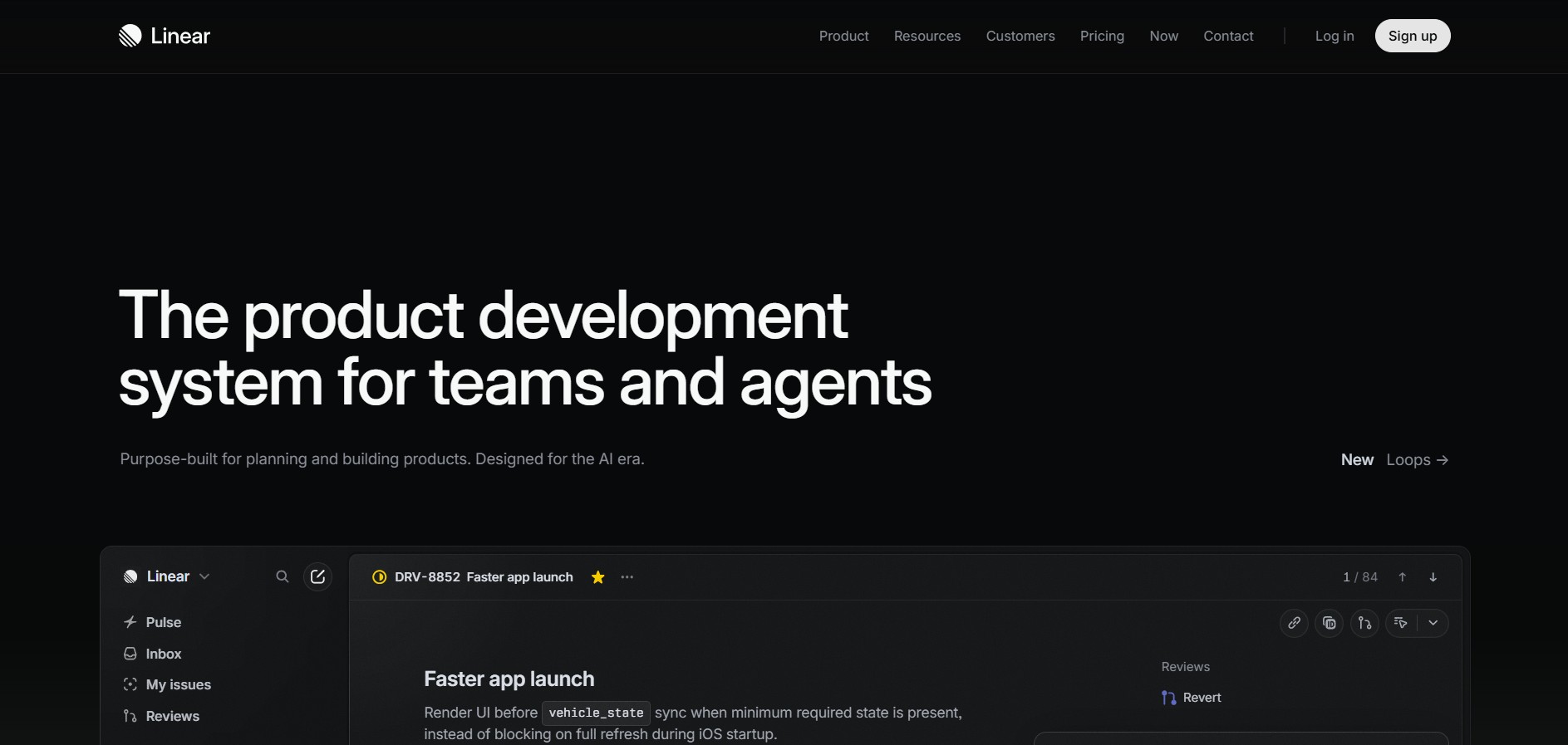
Linear is a high-performance project management and issue tracking software built specifically for software engineering and product development teams.
 4.8
4.8RescueTime
Project Management
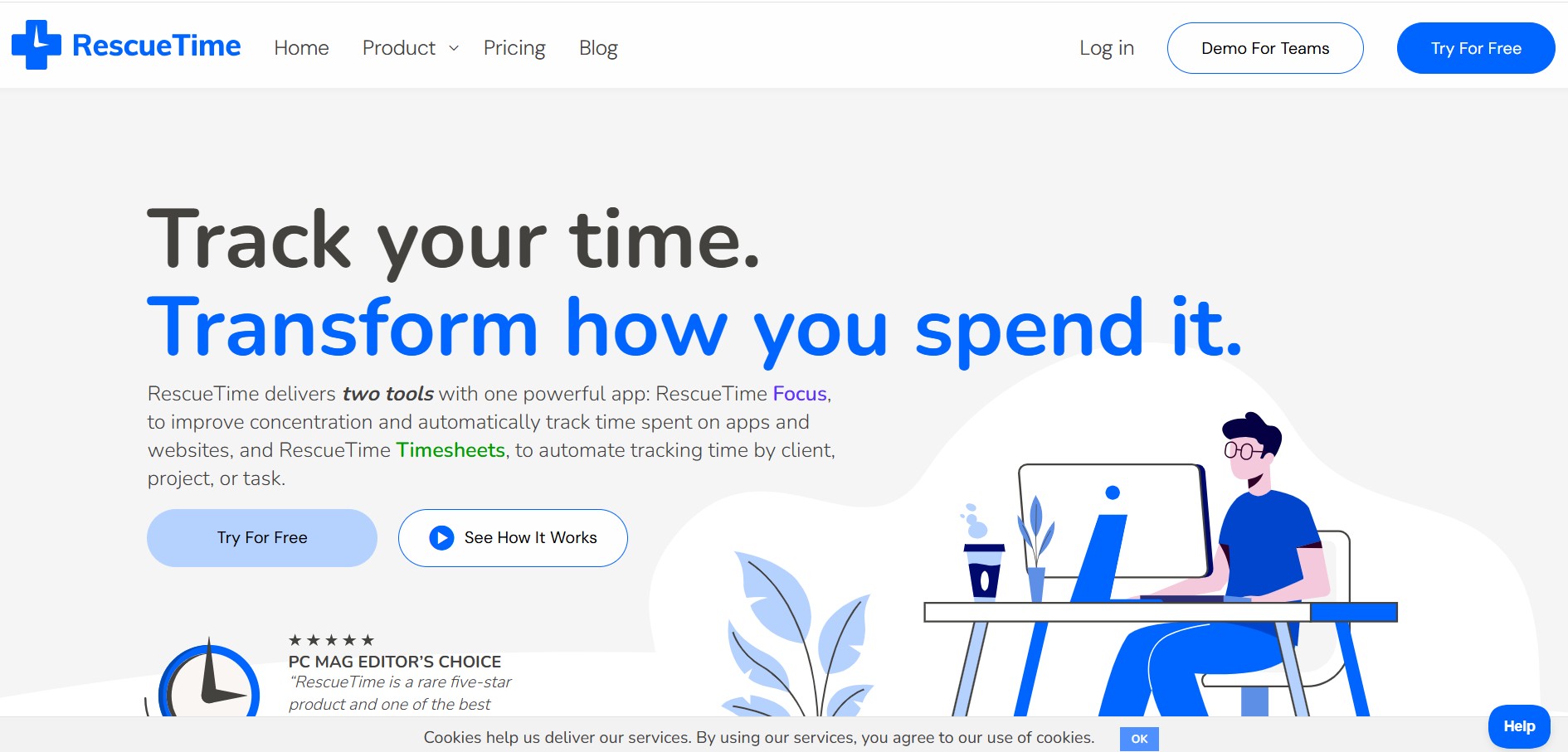
RescueTime is an automatic time tracking, distraction blocking, and personal productivity software that monitors app and website usage in the background to provide detailed activity reports and automated project timesheets.