
Veo 4
FeaturedVeo 4 AI is an AI video creation platform that generates dramatic videos from text, images, audio, and video prompts using realistic motion and synchronized sound.

What is Veo 4?
Veo 4 is an AI-powered video production platform that allows creators to create dramatic videos with text prompts, images, music, and reference clips. Veo 4 AI simplifies AI filmmaking and content development by focusing on realistic motion, synced sound, and character consistency. The platform enables text-to-video and image-to-video processes, making it helpful for marketers, social media creators, filmmakers, and creative firms. Users may create short cinematic sequences, animated images, and stories using a browser-based interface. Veo 4 AI provides an effective solution for current AI video creation, with extensive editing capabilities, camera motion controls, and different aspect ratios.
Veo 4 AI allows AI-powered text-to-video, image-to-video, and audio-based cinematic video production processes. The platform supports various aspect ratios, including 16:9, 9:16, and 1:1, and is planned to handle outputs up to 4K resolution. It has extensive capabilities like as character consistency, synced lip-sync audio, camera motion controls, and browser-based editing tools. Veo 4 AI is designed for filmmakers, marketers, social media producers, and creative agencies that want to rapidly and efficiently create quality AI-generated videos for narrative, advertising, and short-form content creation.

- Founder: Public information about its founders or leadership team is currently unavailable.
- Launch: 2026
- Use Cases:
- AI filmmaking and cinematic storytelling
- Social media reels and YouTube Shorts
- Marketing and advertising campaigns
- Ecommerce product promotions
- Animated scenes and creative visuals
- Brand storytelling videos
- Promotional and explainer videos
- Short-form AI content creation
- Technology:
- Advanced generative AI video technology
- Diffusion-based video generation models
- Text-to-video and image-to-video workflows
- AI-powered lip-sync and synchronized audio
- Character consistency across scenes
- Camera motion and cinematic controls
- Multi-modal AI content generation
- Browser-based AI video editing platform
Key Features
Veo 4 key features are
- AI Text-to-Video Generation: Creates cinematic videos from detailed text prompts using advanced artificial intelligence technology.
- Image-to-Video Animation: Converts static images into animated cinematic scenes with realistic motion and effects.
- Lip-Sync Audio Support: Generates synchronized voice and audio effects for more realistic AI video production.
- Character Consistency: Maintains the same character appearance across multiple scenes and video sequences automatically.
- Camera Motion Controls: Simulates cinematic camera movements for professional-looking AI-generated video storytelling.
- Multi-Modal Inputs: Supports text, images, audio, and video references for flexible AI content creation workflows.
- Video Editing Tools: Allows users to extend, modify, and refine AI-generated scenes directly in the browser.
- Multiple Aspect Ratios: Supports 16:9, 9:16, and 1:1 formats for social media and cinematic videos.
Pricing
Veo 4 offers various pricing plans
Basic Plan:
- Plan starts at $19.90 per month
- Offers 500 credits per month
- Offers Veo AI video
- Offers multiple AI video model
- Offers AI image generation
- Offers customer support
Standard Plan:
- Plan starts at $39.90 per month
- Offers 1200 credits per month
- Offers Veo AI video
- Offers multiple AI video model
- Offers AI image generation
- Offers customer support
- Allow priority generation
Pro Plan:
- Plan starts at $90.90 per month
- Offers 4000 credits per month
- Offers Veo AI video
- Offers multiple AI video model
- Offers AI image generation
- Offers customer support
- Allow priority generation
- Offers fastest video generation
Disclaimer: For the latest and most accurate pricing information, please visit the official Veo 4 website.
Who is Using Veo 4?
A diverse range of users and organizations utilize Dream by Veo 4
- Content creators
- YouTubers
- Social media marketers
- Ecommerce brands
- Filmmakers
- Creative agencies
- Educators and trainers
Alternatives
Some Veo 4 alternatives are
Pros & Cons
Pros
- Easy-to-use AI video generation platform for beginners and professionals
- Supports text-to-video and image-to-video cinematic creation
- Generates synchronized audio and realistic lip-sync effects
- Maintains character consistency across multiple scenes
- Includes cinematic camera movement and motion controls
- Browser-based workflow with no complex software installation required
- Useful for marketing, storytelling, social media, and filmmaking content
- Supports multiple aspect ratios for different platforms
Cons
- Limited public information about founders and company background
- Output quality may vary depending on prompt accuracy and complexity
- Advanced features may require higher processing time
- Limited transparency about underlying AI model architecture
- Internet connection required for browser-based generation
- May lack detailed manual editing controls compared to professional video software
- Public user reviews and performance benchmarks are still limited
Veo 4 vs Runway ML Vs Kling AI Vs OpenAI Sora
| Feature | Veo 4 AI | Runway | Kling AI | OpenAI Sora |
|---|---|---|---|---|
| Main Focus | Cinematic AI videos | Professional video editing | Realistic motion videos | Photorealistic AI video |
| Text-to-Video | Yes | Yes | Yes | Yes |
| Image-to-Video | Yes | Yes | Yes | Yes |
| Native Audio Generation | Yes | Limited | Yes | Limited |
| Character Consistency | Strong | Strong | Very Strong | Good |
| Camera Motion Controls | Advanced | Advanced | Good | Advanced |
| Ease of Use | Beginner-Friendly | Moderate | Easy | Moderate |
| Best For | Storytelling & marketing | Professional creators | Social media content | Realistic cinematic scenes |
| Aspect Ratios | 16:9, 9:16, 1:1 | Multiple | Multiple | Multiple |
| Platform Type | Browser-based | Browser/Desktop | Browser-based | Cloud-based |
How Did We Rate Veo 4?
- Creative Accuracy: 4.4/5
- User Experience: 4.5/5
- Tools & Capabilities: 4.4/5
- Speed & Efficiency: 4.6/5
- Creative Freedom: 4.3/5
- Trust & Transparency: 4.1/5
- Help & Community: 4.0/5
- Value for Money: 4.3/5
- Ecosystem Fit: 4.4/5
- Overall Score: 4.4/5
Conclusion
Veo 4 AI is a powerful AI video generating platform for creators, marketers, filmmakers, and enterprises who want to create cinematic content rapidly and effectively. Its mix of text-to-video production, synced audio, character consistency, and cinematic camera controls makes it an excellent choice for current AI filmmaking and narrative processes. The platform is ideal for social media videos, commercials, and creative visual projects. While public information about the business and its technology is sparse, Veo 4 AI has excellent creative skills and a user-friendly experience, putting it among the emerging leaders in AI video production technology.
People are also reading:
FAQ
What is Veo 4 AI?
Veo 4 AI is an AI-powered video generation platform that creates cinematic videos from text prompts, images, audio, and video references.
What can Veo 4 AI be used for?
It is used for AI filmmaking, social media reels, YouTube Shorts, marketing campaigns, product advertisements, and storytelling videos.
Does Veo 4 AI support text-to-video generation?
Yes, the platform supports text-to-video workflows that transform written prompts into cinematic AI-generated videos.
Can Veo 4 AI generate videos from images?
Yes, Veo 4 AI includes image-to-video animation features for creating moving cinematic scenes from static images.
Does Veo 4 AI support audio and lip-syncing?
Yes, the platform offers synchronized audio and AI-powered lip-sync support for more realistic video generation.
What are the best alternatives to Veo 4 AI?
Popular alternatives include Runway ML, Kling AI, OpenAI Sora, Pika AI, Luma AI, and HeyGen.
Does Veo 4 AI support multiple video formats?
Yes, it supports aspect ratios like 16:9, 9:16, and 1:1 for cinematic videos and social media content.
User Reviews
No reviews yet for Veo 4.
Featured Tools
Featured AI tools from TechShark

Melody Genie
MelodyGenie is an AI-powered music generator that creates original songs from simple text prompts. Users can choose styles, moods, and genres, then instantly generate melodies and full tracks, making it easy for creators, marketers, and hobbyists to produce custom music without musical expertise.
Freemium

Kimi AI
Kimi AI is an advanced AI assistant developed by Moonshot AI that helps you chat, research, write, code, and automate tasks in one place. It supports web search, file analysis, and multimodal inputs, and can even run autonomous “agent” workflows to complete complex tasks end-to-end.
Freemium

Fashion Diffusion AI
Fashion Diffusion is an AI-powered fashion design platform that helps brands and designers create clothing designs, virtual try-ons, AI models, product photos, and marketing visuals faster and cost-effectively.
Paid
Happy Horse
HappyHorse AI is an AI-powered video generator that creates cinematic videos with synchronized audio from text, images, and prompts instantly.
Paid
Alternatives
Alternatives to Veo 4
Veo 4 alternatives includes Runway ML, Kling AI, OpenAI Sora, Pika AI, Luma AI, Synthesia, and HeyGen. These AI video generation platforms offer cinematic video creation, realistic motion effects, AI avatars, text-to-video workflows, synchronized audio, and advanced storytelling tools for creators, marketers, filmmakers, and social media content production.
 4.9
4.9Media.io
Video Editing
Media.io is an AI-powered creative platform that helps users generate, edit, and enhance videos, images, audio, and ads from simple prompts or assets. It combines AI generation, editing, and workflows in one place, enabling creators to turn ideas into polished content quickly without switching tools.
 4.9
4.9Artlist
Image
Artlist is a subscription-based platform that provides high-quality royalty-free music, sound effects, and video assets for creators. It helps filmmakers, YouTubers, and marketers access unlimited creative resources, making it easy to produce professional content without worrying about licensing issues.
 4.8
4.8Loqua
Text-to-Video
Loqua is an AI-powered voice typing, multimodal desktop agent, and intelligent dictation software for macOS and Windows that turns natural speech into structured, filler-free text across any app at 220 WPM, paired with Capture to Ask visual screen queries, speak-to-edit rewriting, and voice-triggered desktop automations.
 4.8
4.8InVideo
Text-to-Video
InVideo (invideo.io) is an AI-native video creation and production platform featuring InVideo AI, which turns text prompts, topics, and scripts into fully produced, narrated, and stock-matched videos with automated voiceovers, subtitles, and conversational editing.
 4.9
4.9Kling AI
Text-to-Video
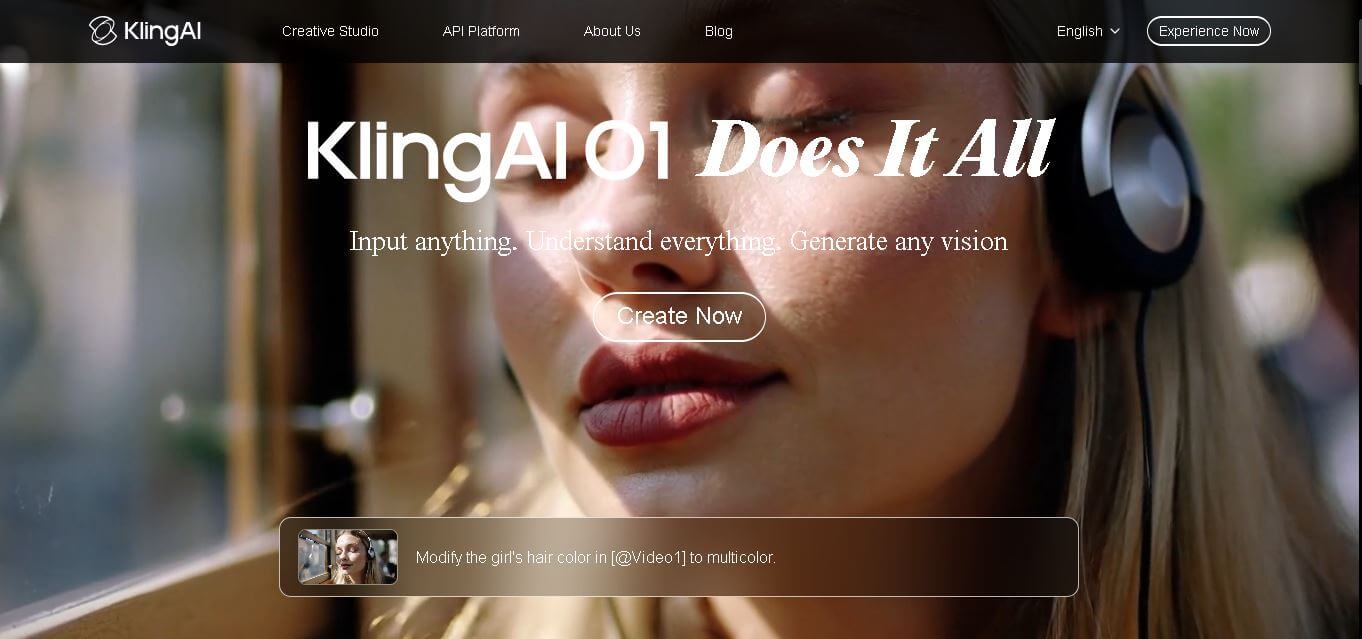
Kling AI is a flagship text-to-video and image-to-video creative studio developed by Kuaishou Technology, renowned for realistic physical motion, up to 4K cinematic video generation, native audio and lip-sync, start/end frame control, and 3D spatio-temporal camera direction.
 4.7
4.7Emu Video
Text-to-Video
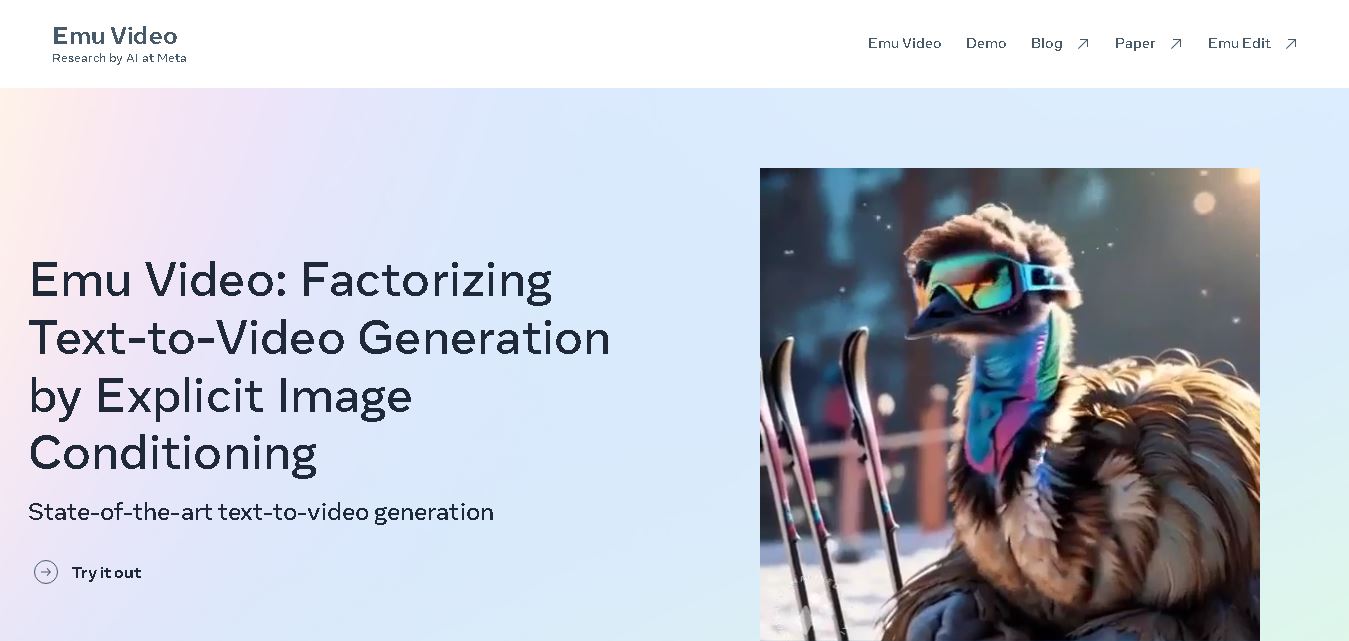
Emu Video is a text-to-video generation model developed by Meta that transforms written prompts into short, high-quality videos. It follows a two-step generation process to improve visual consistency, motion quality, and realism. The model also supports image-guided animation, making it suitable for creative storytelling, research, and multimedia content generation.
 4.9
4.9Stivio
Video Generator
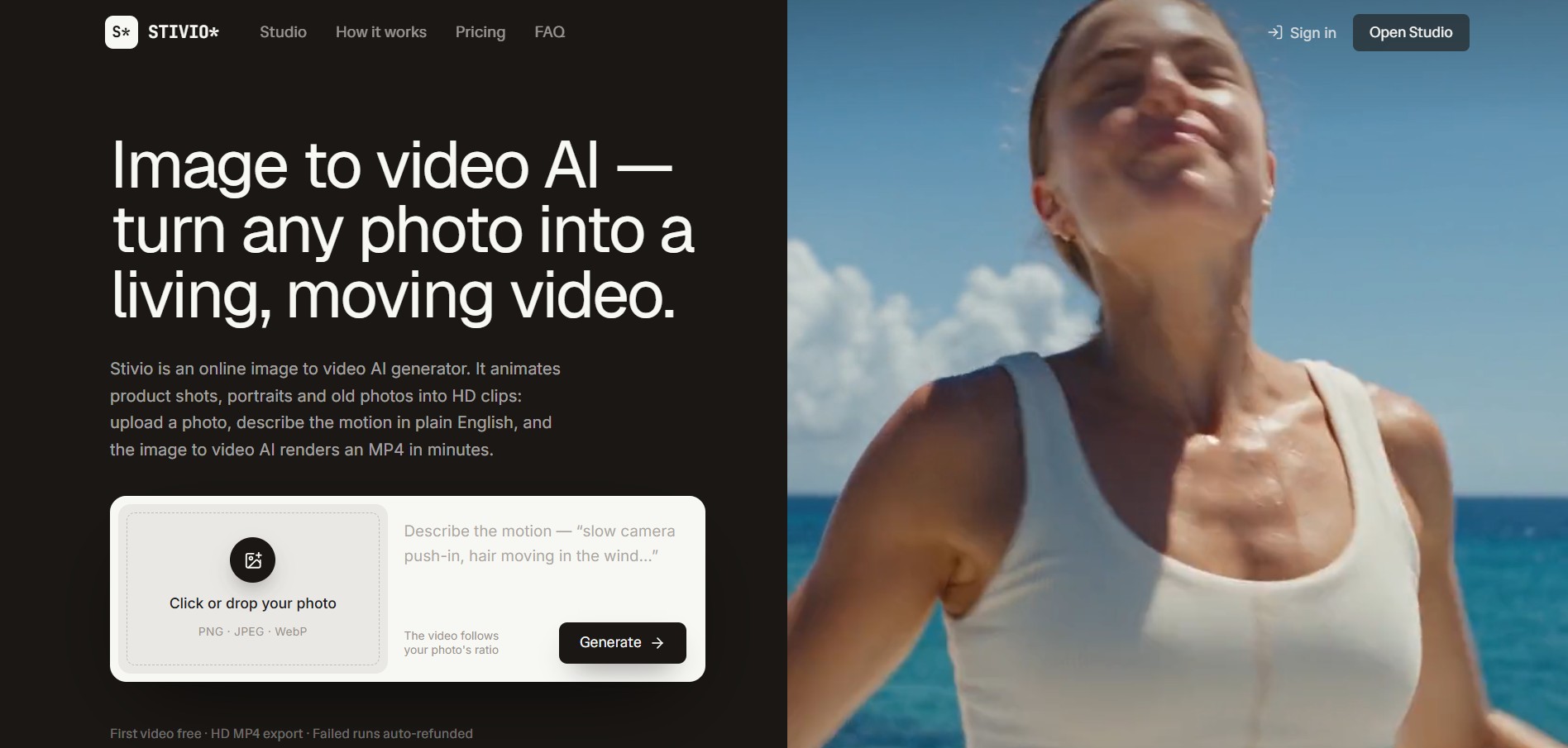
Stivio is an online image-to-video AI generator and multi-model animation studio that turns static product shots, portraits, and vintage photos into 3- to 30-second HD MP4 video clips using plain-English motion prompts across six foundation engines including Kling, Wan, MiniMax, and Seedance.
 4.8
4.8GeniLoop AI
Text-to-Video
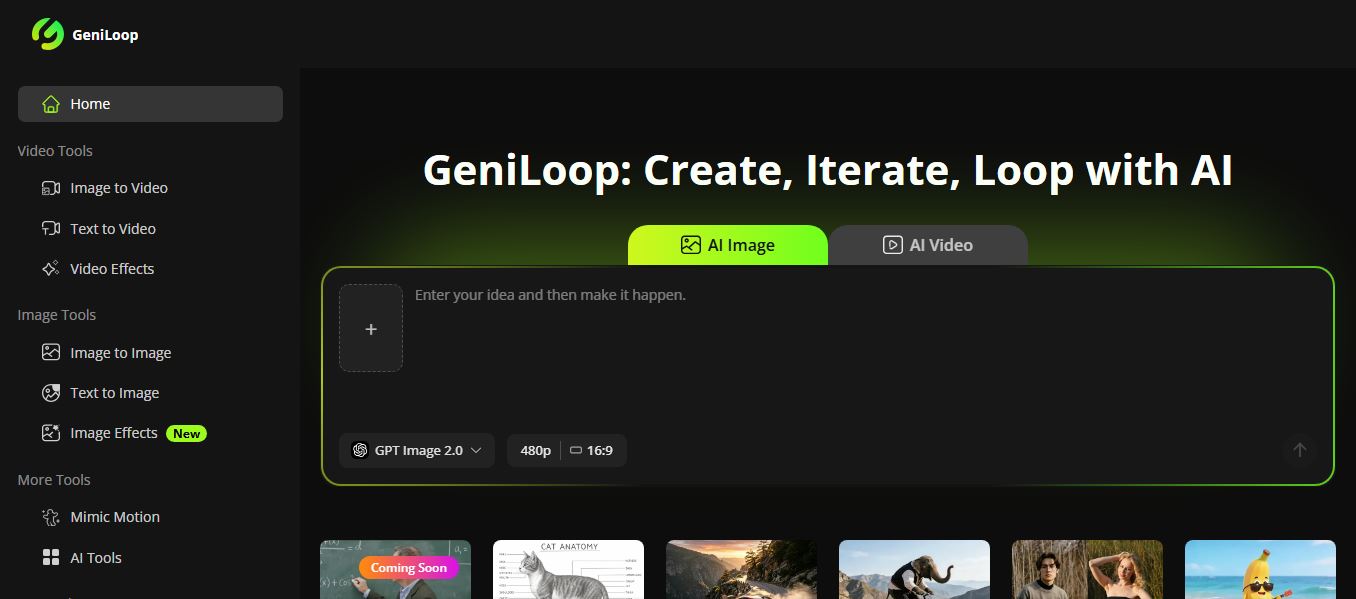
GeniLoop AI is an all-in-one AI studio that lets you create images, videos, and visual content from simple prompts. It supports tools like text-to-video, image-to-video, and hundreds of effects, helping creators generate high-quality visuals quickly without editing skills.
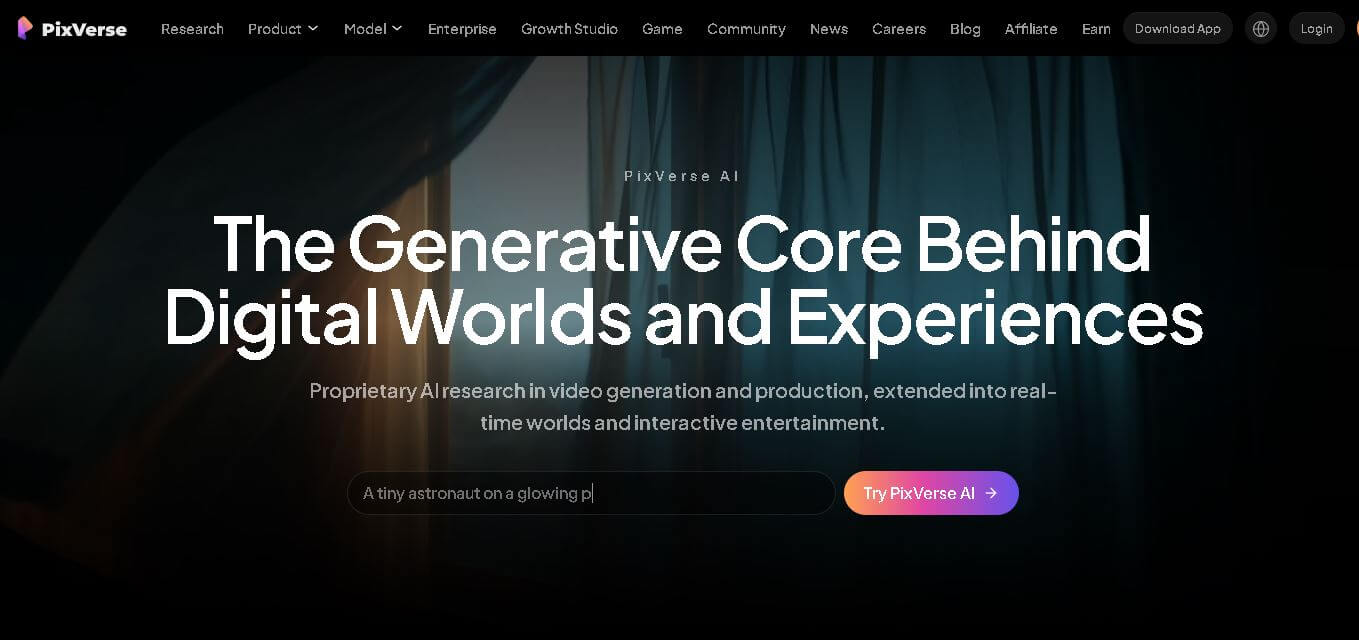 4.7
4.7PixVerse AI
Text-to-Video
PixVerse is a generative video creation tool that transforms text prompts, images, and reference media into high-quality videos. It enables individuals, creators, marketers, and businesses to produce cinematic clips, social media content, advertisements, and animations with customizable styles, motion controls, templates, lip-sync, and AI-assisted editing in just a few steps.