10 Best AI Video Transcription Tools in 2027: Features, Pricing & Comparison
Discover the 10 best AI video transcription tools in 2027. Compare features, accuracy, languages, subtitles, pricing, and video-to-text conversion.
Explore moreVideo content is everywhere, from YouTube videos and online courses to podcasts, webinars, interviews, product demonstrations, and business meetings. But watching an entire video to find one specific statement or manually writing down every spoken word can take a lot of time.
That's where AI video transcription tools come in.
These tools use speech recognition technology to convert spoken words in videos into searchable text. Depending on the platform, you can also generate subtitles, identify different speakers, translate transcripts, summarize conversations, and export captions for video editing. For content creators, transcription makes it easier to repurpose videos into blog posts, social media content, and newsletters. Businesses can use it to document meetings, interviews, and training sessions. Educators can turn recorded lectures into searchable learning materials.
However, not every transcription platform offers the same capabilities. Some are designed for editing videos through text, others specialize in multilingual subtitles, and some focus on meeting recordings or human-verified transcripts. In this guide, we compare the 10 best AI video transcription tools to consider in 2027. You'll find their features, advantages, limitations, pricing considerations, and best use cases to help you choose the right software.
What Are the Best AI Video Transcription Tools in 2027?
The best AI video transcription tools in 2027 include Descript, Sonix, Happy Scribe, Rev, VEED, TurboScribe, Notta, Otter.ai, Trint, and Riverside.
Here are our recommendations based on their primary use cases:
- Descript: Best overall for video creators who want to edit videos by editing transcripts.
- Sonix: Best for multilingual video transcription, subtitles, and translation.
- Happy Scribe: Best for transcription and subtitles across multiple languages.
- Rev: Best for transcripts that need human verification.
- VEED: Best for creating and customizing subtitles for social media videos.
- TurboScribe: Best for affordable transcription of long video and audio files.
- Notta: Best for transcribing meetings, interviews, and uploaded recordings.
- Otter.ai: Best for live meeting transcription and searchable meeting notes.
- Trint: Best for journalists and editorial teams working with recorded interviews.
- Riverside: Best for podcasters and video creators who record and transcribe content in one workflow.
The right tool depends on what you want to do with your transcript. If you need a downloadable text file, a simple transcription service may be enough. If you want synchronized subtitles, translated captions, speaker identification, or transcript-based video editing, look for a platform that supports those specific workflows.
Key Facts and Statistics About AI Video Transcription
AI video transcription is built on automatic speech recognition (ASR), a technology that converts spoken language into text. Modern systems can also identify speakers, add timestamps, recognize different languages, and produce subtitle files.
Here are some useful facts and technical benchmarks to consider when evaluating transcription software.
1. Speech Recognition Accuracy Is Measured Using Word Error Rate
Word Error Rate (WER) is a common metric for evaluating speech recognition systems. It measures the proportion of words that are incorrectly substituted, deleted, or inserted compared with a reference transcript. A lower WER generally indicates better transcription performance.
According to AssemblyAI's speech recognition benchmarks, its November 2026 benchmark comparison reported mean WER figures of approximately:
- 5.0%: AssemblyAI Universal-3.5 Pro on the selected clean-reference datasets.
- 5.0%: Cohere Transcribe on the same benchmark comparison.
- 5.2%: AssemblyAI STT-3.7.
These results are based on selected English-language datasets and specific test configurations. They are not a guarantee that every video will achieve the same accuracy. Background noise, accents, overlapping speakers, technical terminology, and recording quality can change the result.
2. Transcription Quality Can Vary With Audio Conditions
YouTube's official documentation explains that automatic captions can misrepresent spoken content because of mispronunciations, accents, dialects, and background noise. This is why creators should review generated captions before publishing.
Resource: YouTube Help – Use Automatic Captioning
3. AI Transcription Tools Support Different Language Requirements
Language coverage varies significantly between platforms.
For example:
- Sonix advertises transcription and translation support across 54+ languages.
- Happy Scribe advertises support for more than 150 languages and dialects.
- Descript lists transcription support for 25 languages.
These are vendor-published product claims, not a standardized comparison of transcription quality. Check whether your required language and dialect are supported before purchasing.
4. Video Transcription Can Produce More Than Plain Text
Depending on the platform, one uploaded video can generate several useful outputs:
- TXT and DOCX transcripts.
- SRT and VTT subtitle files.
- Speaker-labeled transcripts.
- Time-stamped text.
- Translated subtitles.
- Searchable transcripts.
- Summaries and key points.
This makes AI transcription useful for video editing, accessibility, content repurposing, research, and documentation.
Additional research resources:
What Is an AI Video Transcription Tool?
An AI video transcription tool is software that converts the spoken audio in a video into written text using automatic speech recognition. For example, if you upload a 30-minute interview, the tool analyzes its audio and generates a written transcript of the conversation. Depending on the software, it may also identify speakers, add timestamps, generate subtitles, and summarize the discussion.
Some platforms support uploaded files such as MP4, MOV, and other video formats. Others can process video links, cloud recordings, or live meetings.
Common Features of AI Video Transcription Software
- Automatic speech recognition: Converts spoken words into text.
- Speaker identification: Separates conversations by speaker.
- Timestamp generation: Connects transcript sections with video timing.
- Subtitle generation: Creates SRT or VTT caption files.
- Multilingual transcription: Recognizes speech in supported languages.
- Subtitle translation: Converts captions into other languages.
- Transcript editing: Allows users to correct and format generated text.
- AI summaries: Extracts key points and important information.
- Searchable transcripts: Helps users find specific words or statements.
- Video editing integration: Connects transcript text with editing workflows.
Video Transcription vs. Subtitles vs. Meeting Transcription
These terms are related, but they describe different outputs.
| Type | What It Does | Example Use Case |
|---|---|---|
| Video transcription | Converts spoken audio into written text | Turning an interview into a document |
| Subtitle generation | Creates synchronized captions for a video | Adding SRT subtitles to a YouTube video |
| Meeting transcription | Records and converts live or recorded meetings into text | Creating searchable meeting notes |
| Transcript-based editing | Allows users to edit video through its transcript | Removing unwanted dialogue from a podcast |
| Translation | Converts transcript or subtitles into another language | Publishing a video for international audiences |
If your main requirement is turning uploaded videos into text, prioritize file transcription and export options. If you want to edit videos, look for transcript-based editing. If you regularly attend online meetings, a meeting assistant may be more suitable.
10 Best AI Video Transcription Tools in 2027
1. Descript
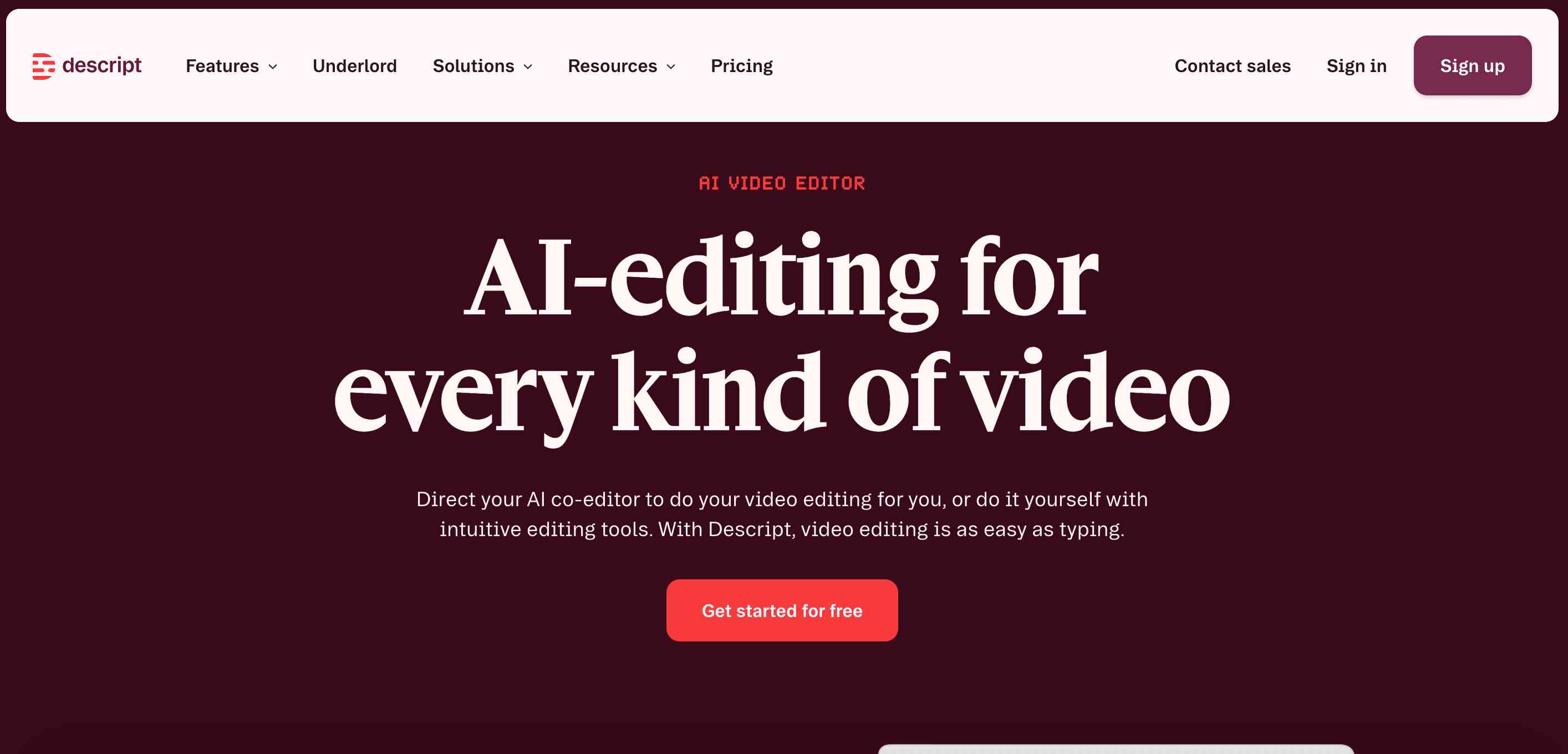
Descript is an AI-powered audio and video editing platform that combines transcription, editing, and content production in one workspace. Its main advantage is transcript-based editing. Instead of working entirely through a traditional video timeline, users can edit the transcript and make corresponding changes to the media.
This approach is particularly useful for podcasters, YouTubers, interview producers, and marketing teams that regularly work with spoken video content. Descript can generate transcripts, identify speakers, create captions, and help users remove unwanted sections of recordings.
Key Features
- AI-powered video and audio transcription.
- Transcript-based video editing.
- Speaker identification and labeling.
- Automatic captions and subtitles.
- Text-based editing and filler-word removal.
- AI-powered audio enhancement.
- Screen recording and video editing.
- Export options for transcripts and captions.
- Collaboration features for content teams.
Pros
- Combines transcription and video editing.
- Makes editing spoken content more accessible.
- Useful for podcasts and interviews.
- Supports speaker identification.
- Helps repurpose long recordings into shorter content.
Cons
- More complex than a basic transcription tool.
- Some advanced AI features depend on subscription limits.
- Not the cheapest option if you only need a plain text transcript.
- AI-generated text still needs proofreading.
Pricing: Offers free access with limitations and paid plans. Check the official pricing page for current media hours, AI features, and export allowances.
Best For: YouTubers, podcasters, video editors, content creators, and marketing teams.
Review
Descript is a strong choice for people who work with video and audio regularly. Its biggest advantage is that transcription is connected directly to the editing process. You can work with the spoken content instead of treating the transcript as a separate document. If your goal is to transcribe a video and then edit, clean up, or repurpose it, Descript is one of the most practical options to consider.
2. Sonix
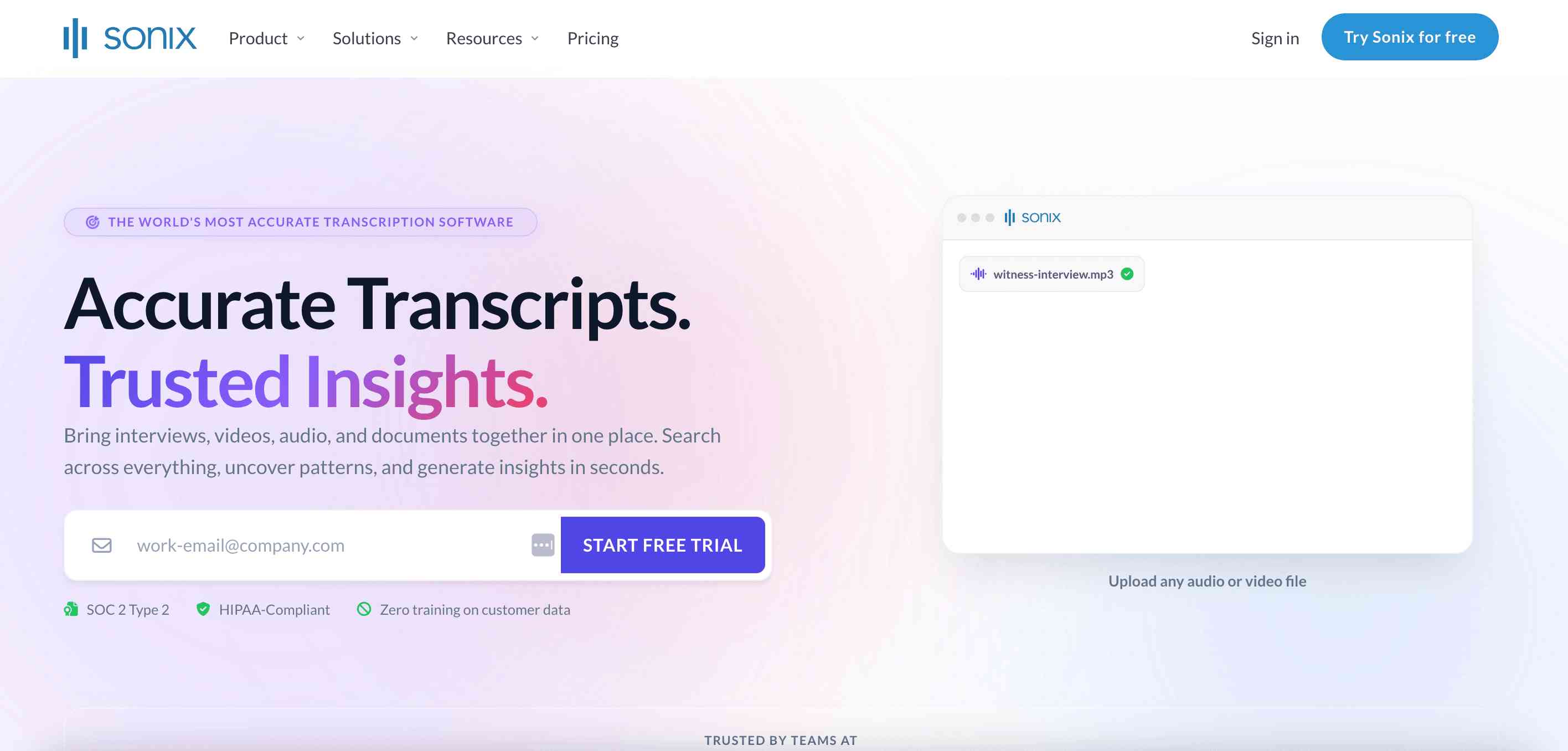
Sonix is an AI transcription platform designed to convert audio and video recordings into searchable text. It is particularly useful for businesses, researchers, journalists, and content teams working with recordings in multiple languages. Users can upload video files and generate transcripts with timestamps and speaker identification. The platform also supports subtitle creation, translation, and transcript editing. Sonix is worth considering when a business needs to process recorded interviews, webinars, documentaries, training videos, or other long-form content.
Key Features
- Automated video and audio transcription.
- Multilingual transcription.
- AI-powered subtitle generation.
- Transcript translation.
- Speaker identification.
- Word-level timestamps.
- Searchable transcript editor.
- SRT and VTT subtitle exports.
- API access for supported workflows.
- Collaboration and sharing features.
Pros
- Useful for multilingual content workflows.
- Supports transcription and subtitle creation.
- Offers transcript editing and search.
- Suitable for longer recordings.
- Provides API options for automation.
Cons
- Usage-based pricing can become expensive for large volumes.
- Transcription accuracy depends on audio quality.
- Advanced features may require higher-tier plans.
- Users should check language-specific support before uploading files.
Pricing: Offers a trial and paid options, including subscription and usage-based plans. Check the official pricing page for current rates and transcription allowances.
Best For: Businesses, researchers, journalists, and creators who need multilingual transcription and subtitle translation.
Review
Sonix is a strong option for users who need more than a basic transcript. Its combination of transcription, translation, subtitle exports, and searchable editing makes it suitable for teams working with international video content. If you regularly publish videos in multiple languages, Sonix is worth comparing with Happy Scribe.
3. Happy Scribe
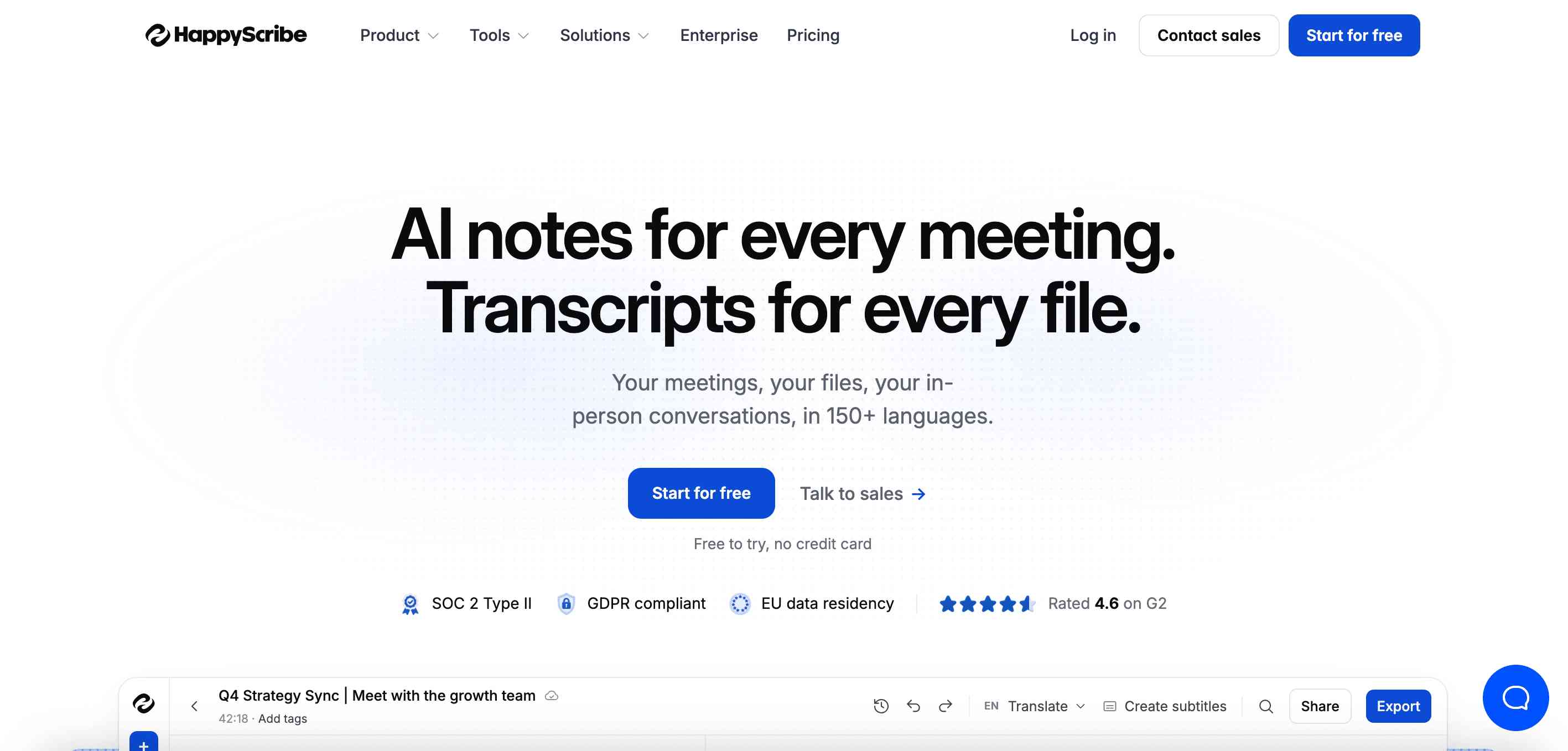
Happy Scribe is a transcription and subtitle platform that helps users convert audio and video into written text. It is particularly relevant to content creators, media companies, educational organizations, and businesses that need transcripts and subtitles in different languages. The platform offers AI transcription, subtitle generation, translation, and editing tools. Users can review generated text, correct mistakes, and prepare subtitles for publication.
Key Features
- AI video transcription.
- Audio-to-text conversion.
- Automatic subtitle generation.
- Multilingual transcription.
- Subtitle translation.
- Transcript editing and proofreading.
- Speaker identification.
- SRT and VTT export options.
- Human transcription and subtitling services.
- Collaboration features.
Pros
- Strong focus on transcription and subtitles.
- Broad advertised language coverage.
- Useful for international video publishing.
- Offers AI and human-assisted workflows.
- Supports subtitle editing and export.
Cons
- Some features require paid plans.
- Translation quality should be reviewed.
- Advanced exports and allowances may depend on the subscription.
- Large transcription projects can increase costs.
Pricing: Offers limited free access and paid plans. Human transcription and other services may have separate pricing. Check the official website for current details.
Best For: Content creators, publishers, educators, and businesses that need multilingual subtitles.
Review
Happy Scribe is a practical option for teams that regularly publish videos for audiences who speak different languages. Its combination of transcription, translation, and subtitle editing makes it more suitable for localization workflows than a basic video-to-text converter.
4. Rev
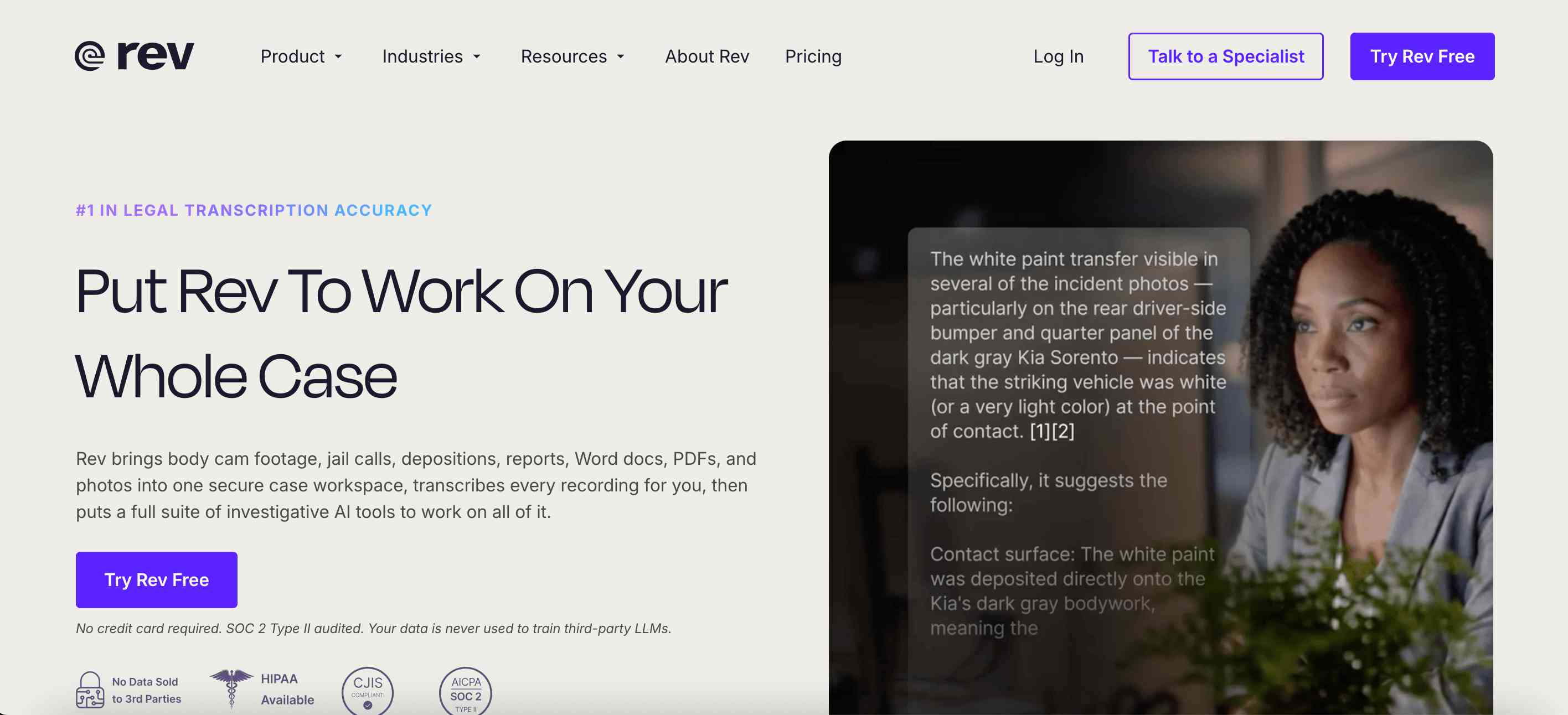
Rev provides AI transcription and human transcription services. This makes it useful for businesses and professionals who need different levels of transcription accuracy and review. AI transcription can help process recordings quickly, while human transcription services provide an additional review option for projects where accuracy is particularly important. Rev is relevant for interviews, research recordings, business documentation, legal content, and media production.
Key Features
- AI video and audio transcription.
- Human transcription services.
- AI-generated captions.
- Human-reviewed captions.
- Transcript editing tools.
- Speaker identification.
- Subtitle and caption exports.
- Transcription API.
- Collaboration and workflow options.
Pros
- Offers both AI and human transcription.
- Useful when human review is important.
- Supports business and media workflows.
- Provides caption and subtitle services.
- Offers API options.
Cons
- Human transcription costs more than automated transcription.
- Processing time depends on the selected service.
- Pricing varies by service type.
- Not every project requires the additional human review cost.
Pricing: Offers AI transcription, subscriptions, and human transcription services. Check the official pricing page for current per-minute and subscription rates.
Best For: Businesses, researchers, journalists, and professionals who need reviewed transcripts or captions.
Review
Rev is worth considering when transcription quality matters more than simply getting a quick draft. Its combination of AI and human services gives users different options depending on the importance of the recording. For interviews, research, or business documents that need careful review, Rev offers a useful alternative to fully automated transcription platforms.
5. VEED
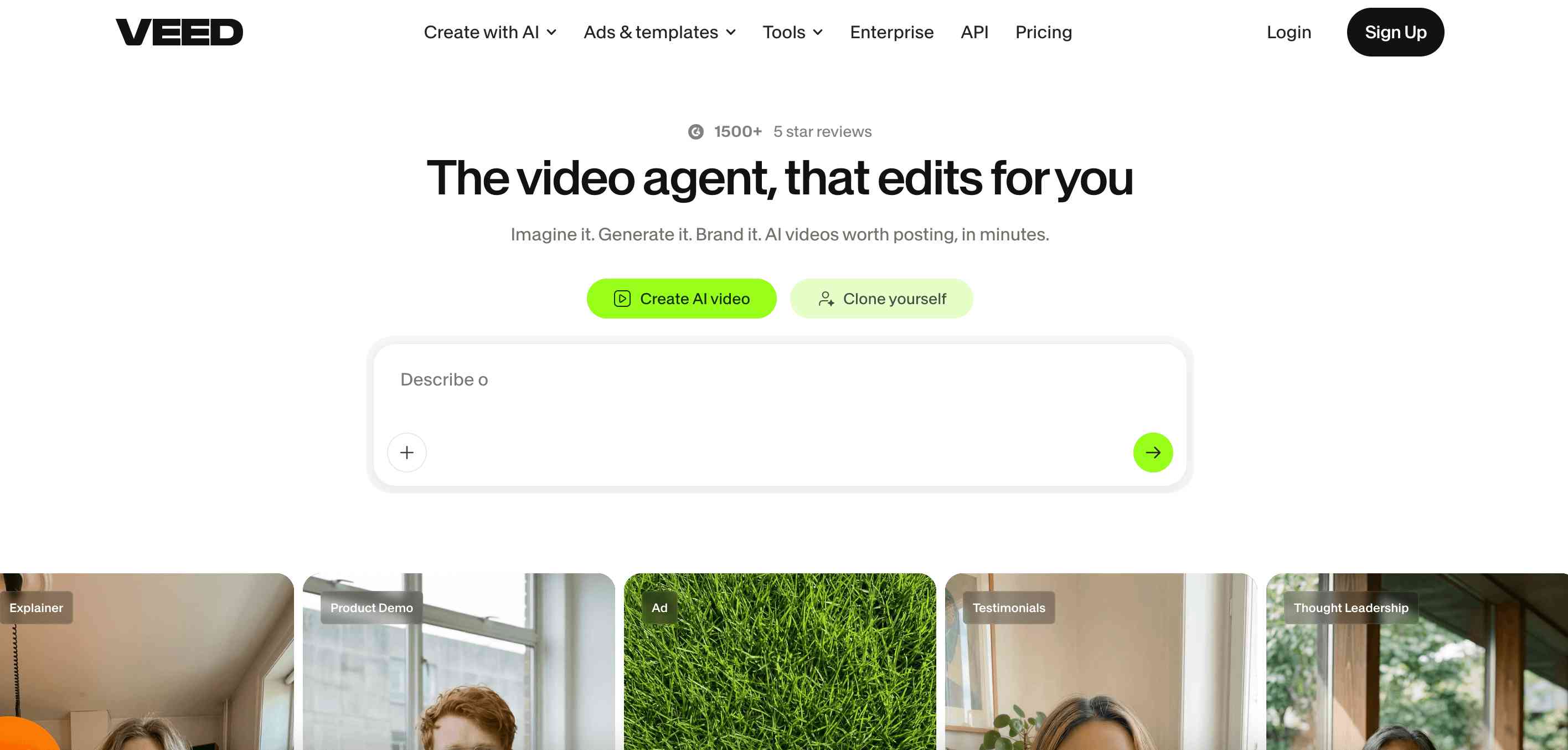
VEED is an online video editing platform with AI-powered transcription and subtitle features. It is particularly useful for content creators who want to generate captions and edit videos in the same browser-based workspace. Users can upload a video, generate subtitles, review the text, adjust caption styling, and export the finished video. This makes VEED suitable for YouTube videos, social media clips, marketing content, and educational videos.
Key Features
- AI video transcription.
- Automatic subtitle generation.
- Subtitle editing and styling.
- Multiple caption designs.
- Translation features.
- Browser-based video editor.
- Video resizing and formatting.
- Social media export options.
- AI-assisted video editing features.
Pros
- Combines transcription and video editing.
- Useful for social media creators.
- Easy-to-use browser-based interface.
- Offers customizable subtitle styles.
- Helps create captioned videos without separate software.
Cons
- Free exports may include limitations or watermarks.
- Advanced features depend on subscription plans.
- Not as specialized in long-form transcript research as dedicated tools.
- Export quality and limits should be checked before choosing a plan.
Pricing: Offers free access and paid plans. Check the official pricing page for current subtitle, export, and AI limits.
Best For: YouTubers, social media managers, marketers, and creators who need captions and video editing.
Review
VEED is a good choice when the final goal is a captioned video rather than just a transcript document. Its browser-based editor allows users to generate subtitles and customize their appearance without moving between multiple applications. If you regularly publish short videos for social platforms, VEED is worth considering.
6. TurboScribe
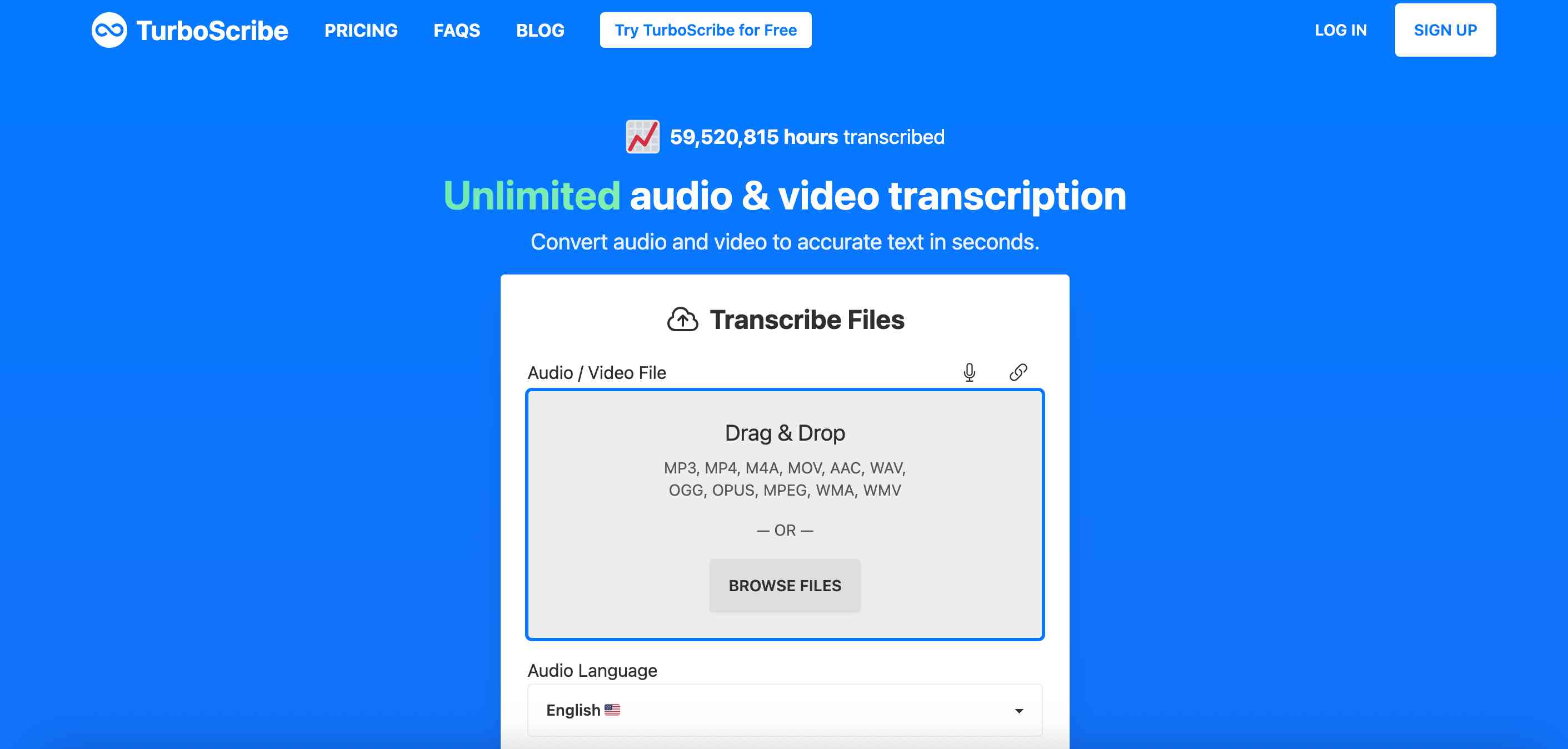
TurboScribe is an AI transcription platform designed to convert audio and video recordings into text. It is useful for people who need to transcribe interviews, webinars, lectures, podcasts, and long recordings without using a full video editing platform. The platform supports different file formats and offers transcription exports for users who want to work with transcripts outside the application.
Key Features
- AI video and audio transcription.
- Support for multiple file formats.
- Multilingual transcription.
- Speaker recognition.
- Timestamped transcripts.
- SRT and VTT subtitle exports.
- TXT, PDF, and DOCX exports.
- Batch transcription capabilities, depending on plan.
- Long-form recording support.
Pros
- Focuses on straightforward transcription.
- Useful for long recordings.
- Supports multiple export formats.
- Offers a free allowance.
- More affordable than some full video editing platforms.
Cons
- Does not provide the same editing environment as Descript.
- Users may need separate software for video production.
- Advanced usage limits depend on the subscription.
- Transcript quality still requires review.
Pricing: Offers free transcription with daily limits and paid subscriptions. Check the official website for current file limits, duration allowances, and pricing.
Best For: Students, researchers, podcasters, and creators who need to transcribe longer recordings.
Review
TurboScribe is a practical choice if you mainly want to convert recordings into text without paying for a complete video editing suite. Its straightforward workflow makes it useful for lectures, interviews, and other long-form recordings.
7. Notta
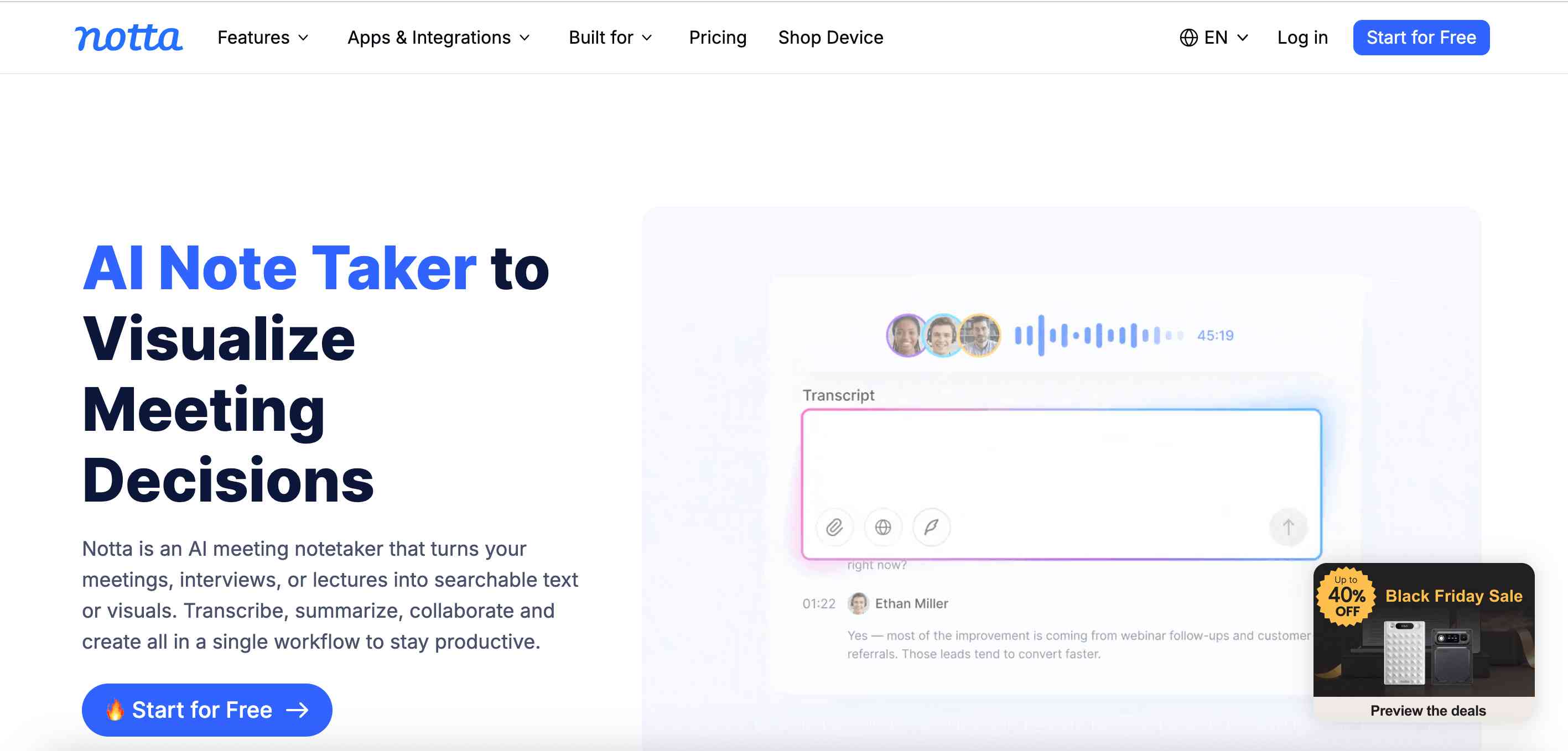
Notta is an AI transcription platform that supports recorded audio, video files, and meeting transcription. It helps users convert conversations into searchable text and can generate summaries and other useful outputs. This makes it relevant for business teams, students, researchers, and content creators who regularly work with recorded discussions. Notta is especially useful when a user needs both transcription and a summary of the recording.
Key Features
- AI video transcription.
- Audio-to-text conversion.
- Meeting transcription.
- Speaker identification.
- AI-generated summaries.
- Key-point extraction.
- Translation features.
- Transcript editing.
- Export options.
- Integrations with supported meeting and productivity applications.
Pros
- Supports different recording workflows.
- Useful for meeting documentation.
- Provides summaries alongside transcripts.
- Supports multilingual workflows.
- Offers file and meeting transcription options.
Cons
- Free plan has usage limits.
- Some export and AI features require paid plans.
- Meeting-focused capabilities may be unnecessary for simple video transcription.
- Accuracy varies with recording quality and language.
Pricing: Offers a free plan and paid subscriptions. Check the official pricing page for current monthly minutes, file limits, and AI features.
Best For: Business teams, students, researchers, and professionals who need transcripts and summaries.
Review
Notta is a useful option for users who need more than a plain transcript. Its combination of video transcription, meeting notes, and AI summaries makes it relevant for business and educational workflows. If you regularly transcribe interviews, meetings, or recorded discussions, Notta is worth comparing with Otter.ai.
8. Otter.ai
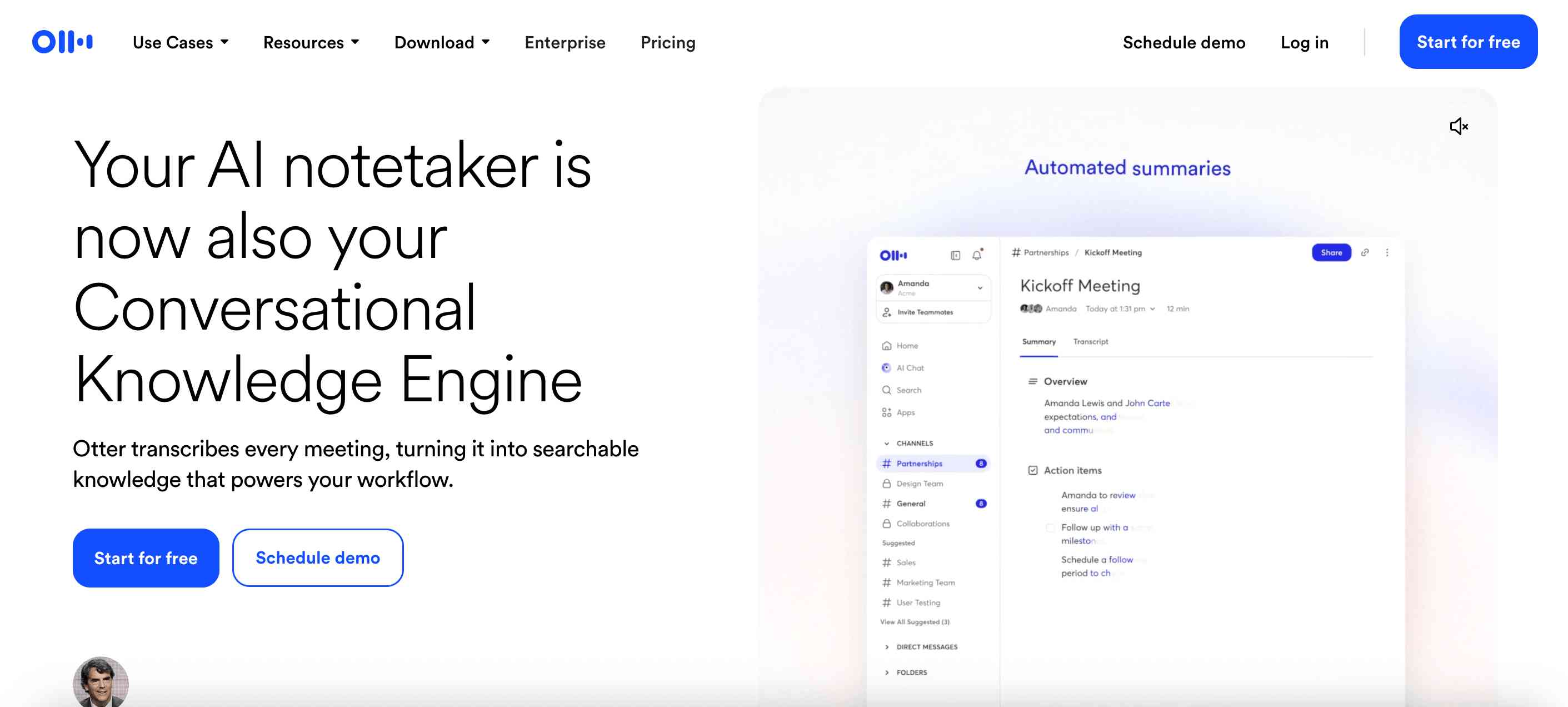
Otter.ai is an AI meeting assistant that converts conversations into searchable transcripts and meeting notes. Its primary strength is live meeting transcription rather than professional video editing. It can capture discussions from supported meeting platforms and generate summaries, speaker labels, and action items. Otter also supports importing certain audio and video files, making it useful for users who want to transcribe recorded conversations.
Key Features
- Live meeting transcription.
- Audio and video file transcription.
- Speaker identification.
- AI meeting summaries.
- Action item extraction.
- Searchable conversation history.
- Meeting integrations.
- Transcript editing and sharing.
- Team collaboration features.
Pros
- Strong focus on meeting documentation.
- Useful for interviews and discussions.
- Generates summaries and action items.
- Supports searchable transcripts.
- Integrates with supported meeting platforms.
Cons
- Not designed primarily for video editing.
- Free file import limits may be restrictive.
- Language support differs from some multilingual transcription tools.
- Advanced collaboration features may require paid subscriptions.
Pricing: Offers a free Basic plan and paid subscriptions. Check the official pricing page for current monthly transcription limits, import restrictions, and export options.
Best For: Business professionals, sales teams, researchers, and organizations that need searchable meeting transcripts.
Review
Otter.ai is a good choice when your main transcription requirement involves meetings, interviews, and business discussions. Its summaries and action items make it more useful for documenting conversations than simply converting video into text. For creators who need subtitles or transcript-based video editing, Descript or VEED may be more suitable.
9. Trint
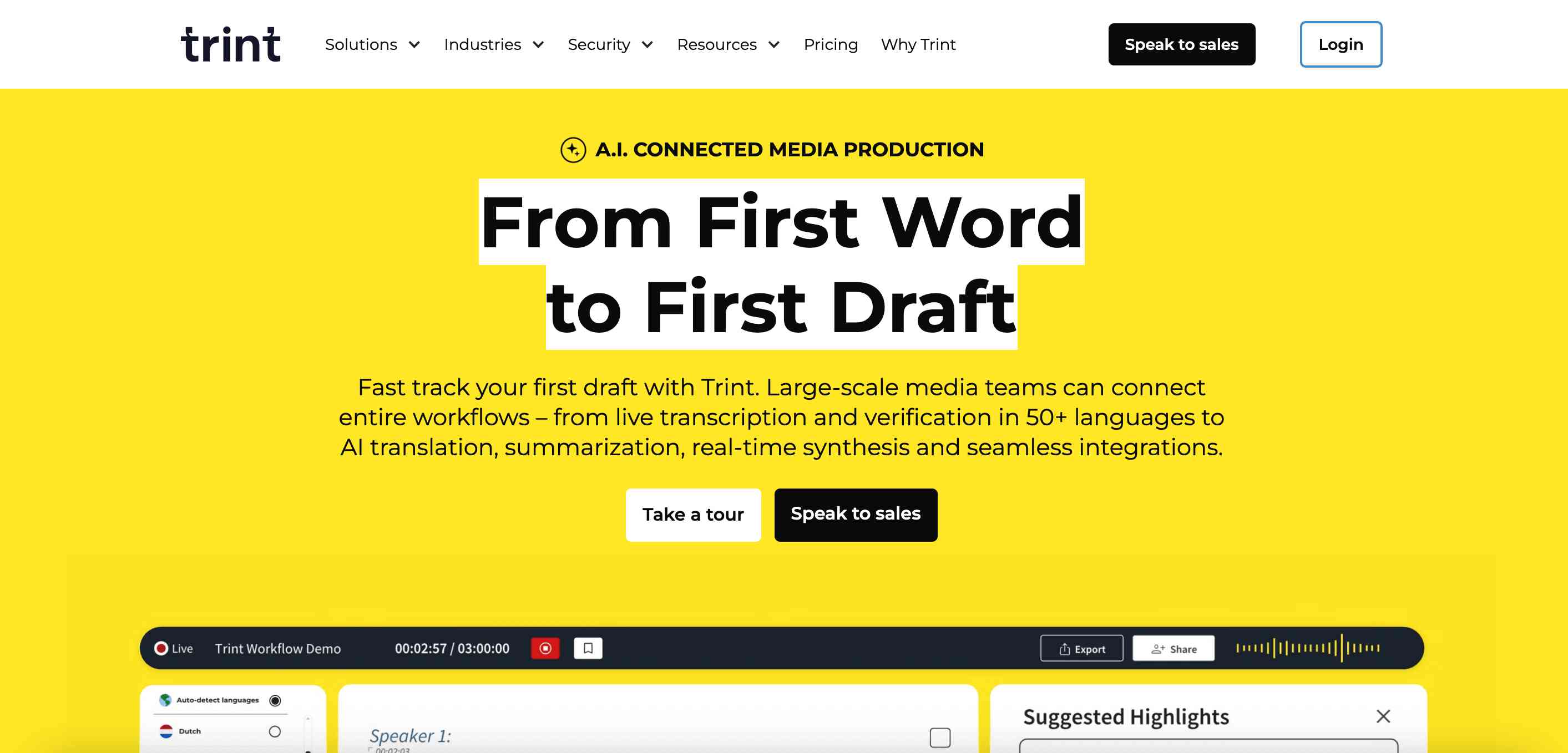
Trint is a transcription platform designed for journalists, media organizations, researchers, and editorial teams. It helps users convert recorded interviews, video footage, and audio recordings into searchable transcripts. Its collaborative tools make it useful for teams that need to review, edit, and organize transcripts during content production. Trint is particularly relevant to organizations that work with interviews, documentaries, news stories, and recorded research material.
Key Features
- AI audio and video transcription.
- Speaker identification.
- Searchable transcripts.
- Collaborative transcript editing.
- Team sharing and permissions.
- Translation capabilities.
- Subtitle and caption workflows.
- Editorial collaboration tools.
- Integrations and workflow options.
Pros
- Designed for professional editorial workflows.
- Useful for journalists and media teams.
- Supports collaborative transcript review.
- Helps organize large collections of recordings.
- Suitable for interview-heavy projects.
Cons
- May be expensive for individual users.
- Some features are designed for larger teams.
- Pricing and usage allowances depend on subscription.
- May offer more functionality than casual creators need.
Pricing: Offers paid plans and trial options subject to current terms. Check the official website for pricing, team limits, and language support.
Best For: Journalists, newsrooms, documentary producers, and research teams.
Review
Trint is worth considering when transcription is part of a larger editorial workflow. Its collaborative tools make it relevant for teams that need to review interviews, search recorded material, and organize transcripts before publishing content.
10. Riverside
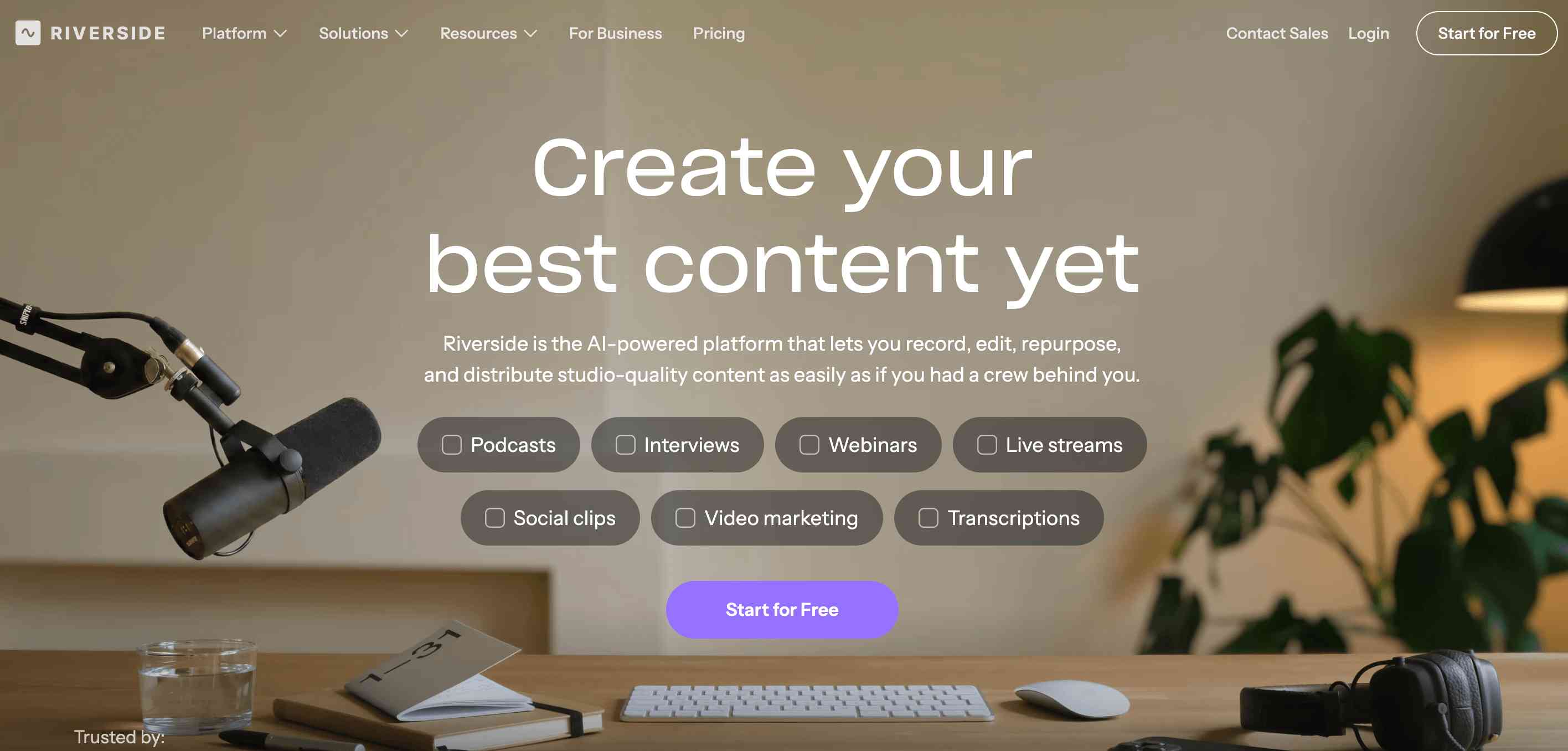
Riverside is a remote recording and editing platform designed for podcasts, interviews, and video content. It combines recording, transcription, and content production features in one workflow. This is useful for creators who want to record conversations and generate transcripts without switching between separate applications. Riverside supports recording high-quality audio and video, then using its editing and transcription capabilities to prepare content for publishing.
Key Features
- Remote video and audio recording.
- AI transcription.
- Speaker identification.
- Text-based editing.
- AI-generated captions.
- Podcast and interview production.
- Audio enhancement.
- AI-powered content repurposing.
- Video editing and export options.
Pros
- Combines recording and transcription.
- Useful for remote interviews and podcasts.
- Supports content production workflows.
- Helps creators prepare captions and transcripts.
- Offers editing and repurposing features.
Cons
- More than necessary if you only need a transcript.
- Some AI features require paid plans.
- Recording quality depends on participant setup and connection.
- Advanced editing and export features may have subscription restrictions.
Pricing: Offers free and paid plans. Check the official pricing page for current recording limits, transcription allowances, and AI features.
Best For: Podcasters, interviewers, YouTubers, and remote content production teams.
Review
Riverside is a strong option for creators who want to record and transcribe content within the same platform. Rather than treating transcription as a separate step, it connects it with the recording and editing workflow. If you regularly produce interviews, podcasts, or video discussions, Riverside can simplify several stages of content production.
Best AI Video Transcription Tools Compared
The following table summarizes the main differences between the ten platforms.
| Tool | Best For | Main Strength | Primary Workflow |
|---|---|---|---|
| Descript | Video creators | Transcript-based editing | Transcription and editing |
| Sonix | Multilingual content | Transcription and translation | Uploaded video files |
| Happy Scribe | Subtitles and localization | Multilingual captions | Transcription and subtitles |
| Rev | Human-verified transcripts | AI and human transcription | Professional transcription |
| VEED | Social media creators | Styled captions | Video editing and subtitles |
| TurboScribe | Long recordings | Straightforward file transcription | Video and audio to text |
| Notta | Interviews and meetings | Transcripts and summaries | Files and meetings |
| Otter.ai | Live meetings | Meeting notes and action items | Live and recorded conversations |
| Trint | Editorial teams | Collaborative transcript workflows | Interviews and newsroom content |
| Riverside | Podcasters | Recording and transcription | Recording and editing |
Which AI Video Transcription Tool Should You Choose?
The best software depends on what you want to do after generating a transcript.
| Your Requirement | Recommended Tool |
|---|---|
| Edit a video using its transcript | Descript |
| Transcribe videos in multiple languages | Sonix |
| Generate translated subtitles | Happy Scribe |
| Get human-verified transcription | Rev |
| Create captions for social media | VEED |
| Transcribe long recordings | TurboScribe |
| Summarize interviews and meetings | Notta |
| Transcribe live business meetings | Otter.ai |
| Collaborate on interview transcripts | Trint |
| Record and transcribe podcasts | Riverside |
Best AI Video Transcription Tool for YouTube Creators
Descript and VEED are useful options for YouTube creators. Descript is suitable for editing spoken content through transcripts, while VEED is useful for adding and customizing subtitles.
Best AI Video Transcription Tool for Students
TurboScribe and Notta are worth considering for lectures, recorded lessons, and educational videos. Both can help convert spoken content into text that is easier to review and search.
Best AI Video Transcription Tool for Businesses
Notta and Otter.ai are useful for business meetings, interviews, and internal discussions. Rev is another option when a transcript requires additional human review.
Best AI Video Transcription Tool for Multiple Languages
Sonix and Happy Scribe are strong options to evaluate when multilingual transcription and subtitle translation are important.
Best AI Video Transcription Tool for Podcasts
Descript and Riverside are worth considering for podcast production. Descript focuses on transcript-based editing, while Riverside combines recording, transcription, and editing.
How to Choose the Best AI Video Transcription Software in 2027
Choosing transcription software based only on its advertised accuracy or price can lead to the wrong decision. Before subscribing, evaluate the following factors.
1. Transcription Accuracy
Accuracy should be one of your first considerations. Look for tools that perform well with the type of recordings you actually use. A platform may work well with clear English interviews but struggle with regional accents, multiple speakers, technical vocabulary, or noisy environments. Test the same sample recording across a few tools before committing to a subscription.
2. Language and Dialect Support
If you work with international content, check which languages and dialects the platform supports. For example, a creator working with English, Hindi, and regional Indian languages should verify support for the exact languages and speaking patterns they need. Do not rely only on a platform's total language count. Check whether it supports transcription, translation, and subtitle exports in your required languages.
3. Speaker Identification
Speaker identification, also called speaker diarization, separates a conversation into sections associated with different speakers.
This is especially useful for:
- Interviews.
- Podcasts.
- Panel discussions.
- Business meetings.
- Research recordings.
- Educational conversations.
Check whether the tool can identify speakers automatically and whether users can correct speaker labels manually.
4. Subtitle and Export Formats
A transcript in a Word document is not the same as a synchronized subtitle file.
Look for the formats you need:
- TXT for plain text.
- DOCX for editable documents.
- PDF for sharing.
- SRT for video subtitles.
- VTT for web video captions.
- CSV or JSON for data and automation workflows, where supported.
5. Video and Audio File Support
Check whether the software supports your recording formats. Common formats include MP4, MOV, MP3, WAV, and M4A. File size limits, maximum duration, and batch upload support can also affect your workflow.
6. Editing and Proofreading
AI-generated transcripts are not always ready for publication. Choose a platform that allows you to correct words, adjust punctuation, rename speakers, and review timestamps. If the transcript is intended for legal, research, or professional publication, consider whether a human verification service is necessary.
7. Translation Capabilities
If you publish videos for international audiences, look for tools that support subtitle translation. Check whether translation is included in the subscription or charged separately. Also review the quality of translated captions before publishing.
8. Pricing and Usage Limits
Compare more than the advertised starting price.
Check:
- Monthly transcription minutes.
- Maximum file duration.
- File size limits.
- Number of users.
- Language availability.
- Subtitle export permissions.
- AI credit limits.
- Human review costs.
- API access and usage fees.
A low-cost subscription may become expensive if you regularly process long videos.
9. Privacy and Data Security
Video recordings can contain confidential discussions, customer information, or personal data. Before uploading sensitive content, review the platform's privacy policy, data retention practices, security documentation, access controls, and AI data usage terms. For regulated or confidential recordings, confirm that the platform meets your organization's requirements.
Benefits of Using AI Video Transcription Tools
AI transcription software can make video content easier to edit, search, understand, and reuse.
1. Saves Manual Transcription Work
Instead of typing every spoken word manually, users can upload a recording and generate an initial transcript automatically. The transcript still needs review, but the software can reduce repetitive work.
2. Makes Video Content Searchable
A transcript allows users to search for specific words, topics, names, and statements without watching the entire video again. This is especially useful for interviews, training libraries, webinars, and research recordings.
3. Simplifies Subtitle Creation
Many tools can generate SRT or VTT files that can be used to add captions to videos. This helps creators prepare content for viewers who prefer or need captions.
4. Helps Repurpose Video Content
A transcript can become the starting point for other content formats, such as:
- Blog posts.
- Newsletter articles.
- Social media posts.
- Video descriptions.
- Educational notes.
- Podcast show notes.
- Knowledge-base articles.
The transcript should be edited for the new format rather than published as-is.
5. Supports Multilingual Content
Transcription and subtitle translation can help creators prepare content for audiences who speak different languages. However, translated subtitles should be checked for meaning, names, and context before publication.
6. Improves Documentation
Businesses can use transcripts to document interviews, meetings, training sessions, and presentations. Searchable records make it easier to revisit important discussions and locate specific information.
How to Transcribe a Video Using AI
Most AI video transcription platforms follow a similar process.
Step 1: Choose a Transcription Tool
Select a platform based on your requirements. For example, use Descript for transcript-based editing, Sonix for multilingual transcription, or TurboScribe for straightforward file conversion.
Step 2: Upload Your Video
Upload a supported file, such as MP4 or MOV. Some platforms also accept video links or cloud storage sources.
Step 3: Select the Language
Choose the spoken language if the tool requires manual language selection. Some platforms offer automatic language detection.
Step 4: Generate the Transcript
Start the transcription process. The platform analyzes the audio and converts the spoken content into written text.
Step 5: Review the Transcript
Check names, numbers, technical terms, punctuation, and speaker labels. Pay particular attention to sections with background noise or overlapping voices.
Step 6: Export the Transcript
Download the transcript in your preferred format, such as TXT, DOCX, PDF, SRT, or VTT.
Step 7: Repurpose or Publish the Content
Use the transcript for subtitles, blog posts, notes, research, or other content. Make sure the final version is edited for its intended purpose.
How to Use Video Transcripts for SEO, GEO, and AEO
Transcription can support content marketing and search visibility, but simply generating a transcript does not guarantee better rankings. The value comes from turning spoken information into useful, well-structured content that search engines and readers can understand.
1. Turn Video Transcripts Into Search-Focused Articles
A video transcript can provide the raw material for a blog article. For example, a 20-minute interview about project management software may contain useful explanations, examples, and expert opinions.
You can turn that material into an article by:
- Organizing the discussion into relevant sections.
- Creating descriptive H2 and H3 headings.
- Removing unnecessary repetition.
- Adding context and supporting information.
- Including relevant keywords naturally.
- Linking to related resources.
Do not publish an unedited transcript as a replacement for a useful article.
2. Create Content That Answers Specific Questions
Transcripts often contain questions that audiences naturally ask.
Extract these questions and use them to create:
- FAQ sections.
- How-to guides.
- Comparison articles.
- Short explanatory content.
- Video summaries.
This can make the content more useful for answer-focused search experiences.
3. Improve Video Accessibility With Captions
Captions can make video content more accessible to viewers who are deaf or hard of hearing, people watching without sound, and viewers who benefit from reading along. Review the captions for accuracy, timing, and readability before publishing.
4. Build More Context Around Video Content
Use a transcript to create a descriptive video page with:
- A clear title.
- A useful summary.
- Chapter timestamps.
- Key discussion points.
- Speaker information.
- Relevant internal links.
- A well-edited transcript where appropriate.
This gives visitors more ways to understand and navigate the video.
5. Make Content Easier for AI Search Systems to Understand
For GEO and LLM visibility, transcripts can help you extract accurate facts, definitions, and explanations from recorded content. Organize those insights into clear, self-contained sections. Attribute quotes to the correct speaker and include supporting sources for factual claims. Do not assume that adding a transcript automatically makes a video eligible for an AI-generated answer or citation.
Common Mistakes to Avoid When Using AI Video Transcription Software
AI transcription is useful, but poor workflows can lead to inaccurate transcripts and publishing problems.
Avoid these mistakes:
- Publishing transcripts without proofreading: AI can misinterpret names, numbers, accents, and technical terms.
- Choosing a tool only by its accuracy claim: Test the platform with your own recordings.
- Ignoring speaker identification: Incorrect speaker labels can change the meaning of an interview.
- Using the wrong subtitle format: Choose SRT or VTT based on the publishing platform.
- Ignoring language support: Verify regional languages and dialects before purchasing.
- Assuming translation is always accurate: Review translated captions before publication.
- Uploading confidential recordings without checking privacy policies: Understand how your files and transcripts are handled.
- Treating transcripts as finished blog posts: Edit and restructure them for the intended audience.
- Ignoring timestamps: Time-coded transcripts are useful for editing and navigating long videos.
- Forgetting accessibility: Captions should be readable, synchronized, and reviewed before publishing.
Conclusion
AI video transcription tools make it easier to convert recorded conversations into searchable text, generate subtitles, document interviews, and repurpose video content. Descript is a strong option for creators who want to edit videos through transcripts. Sonix and Happy Scribe are worth considering for multilingual transcription and subtitles, while Rev is relevant when human verification matters. For social media captions, VEED provides a convenient editing workflow. TurboScribe is a practical option for straightforward file transcription, Notta and Otter.ai are useful for meetings and interviews, Trint supports editorial collaboration, and Riverside combines recording with transcription.
Before selecting a platform, test it with a real recording. Check the transcript quality, language support, speaker identification, export formats, privacy terms, and total subscription cost. The best AI video transcription software is not necessarily the one with the most features. It is the one that turns your recordings into accurate, usable content with the least friction.
People are also reading:
- Best AI Fitness Tools
- AI Facts for Kids
- AI Sales Tools
- Best AI Marketing Tool
- Best AI Chat Character Tools
- Best AI Shopify Store Builder
- Best AI Visibility Tools
- Best AI Browsers
- AI Video Editing Tools
- AI Project Management Tools
- AI Landing Page Builders
Frequently Asked Questions (FAQs)
1. What is the best AI video transcription tool in 2027?
Descript is a strong overall option for creators who want to transcribe and edit videos through text. Sonix is useful for multilingual transcription, Happy Scribe for subtitles and translation, and Rev for human-verified transcripts. The best tool depends on your workflow.
2. Are there free AI video transcription tools?
Yes. Several platforms offer free plans, trials, or limited transcription allowances. Examples include Descript, TurboScribe, Notta, Otter.ai, and other transcription services. Free plans may restrict minutes, file length, exports, or AI features.
3. How can I convert a video to text using AI?
Choose a video transcription platform, upload your video, select the spoken language if required, and start transcription. Once the transcript is generated, review it for errors and export it as TXT, DOCX, PDF, SRT, or another supported format.
4. Which AI tool is best for transcribing YouTube videos?
Descript, Sonix, TurboScribe, and Notta are worth considering for YouTube-related transcription workflows. Check whether the platform accepts video links directly or requires you to upload a supported video or audio file.
5. Can AI video transcription tools identify different speakers?
Yes. Many platforms support speaker identification, also known as speaker diarization. It separates a conversation into sections associated with different speakers. However, speaker labels may need manual correction.
6. What is the difference between AI transcription and subtitles?
Transcription converts spoken audio into written text. Subtitles are text displayed alongside a video and synchronized with the audio. Some transcription platforms can generate subtitle files such as SRT and VTT.
7. Which AI transcription tool supports multiple languages?
Sonix and Happy Scribe are useful options for multilingual transcription. Notta and other platforms also support multiple languages. Always check whether the specific language and dialect you need are available.
8. Can AI transcription tools generate SRT files?
Yes. Several platforms, including Descript, Sonix, Happy Scribe, VEED, and TurboScribe, offer subtitle export options. SRT availability may depend on the subscription plan.
9. How accurate are AI video transcription tools?
Accuracy depends on the speech recognition model, recording quality, background noise, language, accent, and number of speakers. WER is a common measurement, but vendor accuracy claims should not be treated as directly comparable unless they use the same benchmark and conditions.
10. Which AI video transcription tool is best for YouTube creators?
Descript and VEED are useful options. Descript is better suited to transcript-based editing, while VEED is useful for generating and styling subtitles for published videos.
11. Can I convert video to text without downloading software?
Yes. Many platforms offer browser-based transcription. You can upload a supported video file or provide a compatible link and generate a transcript online.
12. Can AI transcription tools translate subtitles?
Some platforms support subtitle translation. Sonix and Happy Scribe are particularly relevant for multilingual workflows. Review translated subtitles before publishing because automated translation can miss context and specialized terminology.
13. Are AI-generated transcripts suitable for professional use?
They can provide a useful first draft, but professional transcripts should be reviewed. For legal, research, medical, or other high-stakes work, consider human verification and the applicable confidentiality requirements.
14. Can I use video transcripts to create blog posts?
Yes. Transcripts can provide source material for articles, guides, FAQs, and social media content. However, you should edit the transcript, organize the information, verify factual claims, and add useful context before publishing.
15. What should I look for when choosing AI video transcription software?
Prioritize transcription accuracy, language support, speaker identification, subtitle exports, file limits, editing tools, privacy, and pricing. If you also edit videos, choose a platform that connects transcription with video production.