
Otter.ai
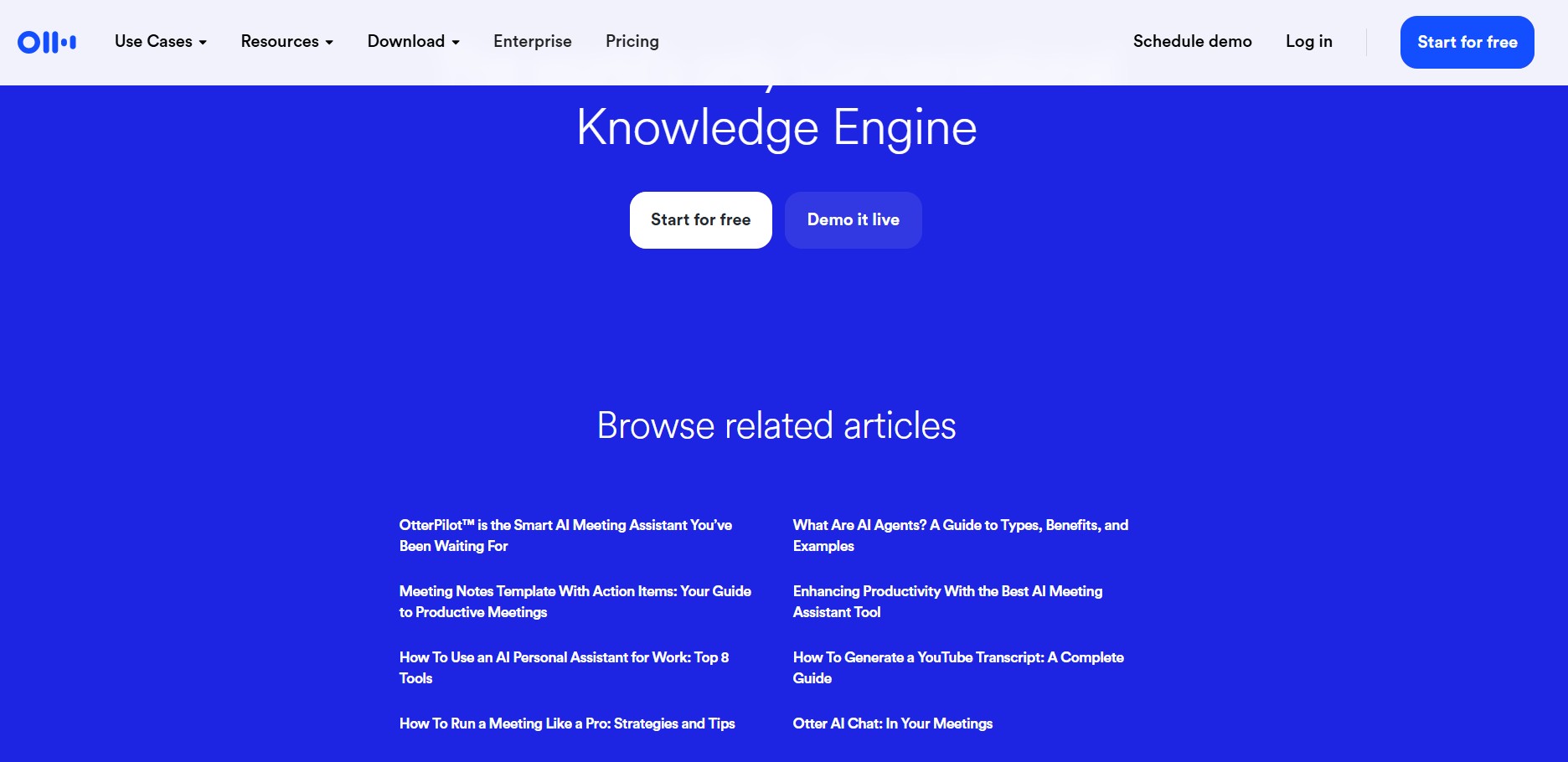
Otter.ai is an AI-powered meeting assistant and transcription tool that records audio, generates real-time automated meeting notes, creates summaries, and captures action items across virtual meetings and live conversations.
What is Otter.ai?
Otter.ai is an intelligent meeting assistant designed to capture, transcribe, and summarize virtual meetings and live discussions in real time. By integrating directly with major video conferencing platforms like Zoom, Google Meet, and Microsoft Teams, Otter Pilot automatically joins scheduled meetings to generate searchable, interactive transcripts and action items.
Otter.ai transforms real-time conversations into searchable, shareable knowledge bases, helping teams stay aligned without manual note-taking.
- Developer / Publisher: Otter.ai Inc.
- Platform Availability: Web, iOS, Android, and Web Browser Extensions
Use Cases:
- Automating meeting notes, agendas, and summaries for cross-functional teams
- Extracting key takeaways and action items automatically from team syncs and client calls
- Transcribing audio uploads, interviews, and lectures into searchable text
- Querying conversation history via Otter AI Chat to quickly catch up on missed meetings
Technology:
- Proprietary automatic speech recognition (ASR) engine optimized for multi-speaker identification
- Generative AI meeting summarization and action-item extraction module
- Real-time sync and integration engine for calendar and conferencing ecosystems
- Interactive Otter AI Chat assistant for cross-meeting knowledge querying
Target Users:
- Remote and hybrid teams seeking accurate meeting records without dedicated note-takers
- Sales reps and account managers capturing customer requirements and follow-ups
- Students, researchers, and journalists needing fast transcription of interviews and lectures
- Executives and project managers needing structured summaries of key operational decisions
Acquisition: Operates as an independent platform
Key features of Otter.ai
Otter.ai's key features are
- OtterPilot for Meetings: Automatically joins scheduled Zoom, Google Meet, and Microsoft Teams calls to record and transcribe.
- Automated Summaries & Action Items: Generates structured meeting summaries with highlighted tasks and assigned owners.
- Otter AI Chat: Ask questions in real time or post-meeting to extract specific insights across past conversations.
- Automated Slide Capture: Automatically captures and inserts presentation slides into the transcript timeline.
- Speaker Identification: Detects and labels different speakers throughout live audio and imported recordings.
- Team Workspaces & Sharing: Shared folders, channels, and centralized workspace permissions for collaborative review.
Otter.ai Pricing
Otter.ai operates on a Freemium model with monthly and annual billing plans catering to individuals, teams, and enterprises.
Basic (Free Plan):
- $0 / month
- Includes 300 monthly transcription minutes (30 minutes per conversation limit) and basic automated summaries
Pro Plan:
- ~$8.33 - $16.99 / user / month
- Includes 1,200 monthly transcription minutes (90 minutes per conversation), audio file imports, and custom vocabulary
Business Plan:
- ~$19.99 - $30.00 / user / month
- Includes 6,000 monthly transcription minutes (4 hours per conversation), admin controls, usage analytics, and CRM integrations
Enterprise Tier:
- Custom pricing tailored for enterprise-wide deployment, advanced compliance, SSO, and dedicated customer success management
Disclaimer: For the latest and most accurate pricing information, please visit the official Otter.ai website.
Who is using Otter.ai?
Otter.ai is designed for professionals and teams, including
- Sales Teams: Recording client calls, capturing commitments, and syncing insights to CRM platforms
- Product & Engineering Teams: Documenting sprint planning sessions and technical discovery calls
- Educators & Students: Transcribing lectures, study group sessions, and academic research interviews
- Consultants & Agencies: Archiving client meetings and maintaining transparent project records
Best Otter.ai Alternatives
Some of the top Otter.ai alternatives include
- Fireflies.ai
- Fathom
- Descript
- Notta
- Tl;dv
- Read AI
Pros and Cons of Otter.ai
Pros
- High accuracy real-time speech-to-text transcription
- Seamless integration across all major video conferencing apps
- Interactive Otter AI Chat allows quick Q&A over meeting transcripts
- Automated slide capture keeps transcripts visual and contextual
- Generous entry-tier features for casual users and individual professionals
Cons
- Free plan context limits may feel restrictive for long multi-hour meetings
- Accent accuracy can vary depending on audio clarity and background noise
- OtterPilot joining calls automatically requires careful notification management for user privacy
Why Choose Otter.ai?
Otter.ai stands out by offering robust, real-time meeting transcription combined with conversational AI querying. Rather than acting as a simple recorder, Otter's integrated assistant captures presentation slides, highlights dynamic action items, and allows team members to ask questions directly about past discussions.
- Automate meeting notes across Zoom, Teams, and Google Meet
- Never miss key commitments with automated action item extraction
- Search and query past meetings with conversational AI Chat
- Sync automatically with team tools and calendar schedules
Otter.ai vs. Competitors
The primary difference between Otter.ai, Fireflies.ai, and Fathom lies in workflow integration and analysis focus. While Fathom provides light free-tier recording for individuals and Fireflies stresses deep CRM workflow automation, Otter.ai offers an intuitive user experience centered around real-time transcript editing, interactive Q&A, and visual slide integration.
| Feature / Tool | Otter.ai | Fireflies.ai | Fathom | Tl;dv |
|---|---|---|---|---|
| Core Focus | Real-time transcription & interactive notes | Conversation intelligence & workflow automation | Free personal meeting recorder & AI summary | Async video snippet sharing & meeting highlights |
| Real-Time Transcript | Yes | Yes | Yes | Yes |
| Slide Capture | Yes | No | No | Yes |
| Interactive AI Chat | Yes (Otter AI Chat) | Yes (Ask Fred) | Yes | Yes |
| Best For | Individuals, Students & General Workplaces | Sales Teams & Deep CRM Workflows | Individual Professionals needing quick summaries | Product & Remote Teams prioritizing video snippets |
How do we rate Otter.ai?
| Parameter | Rating (out of 5) |
|---|---|
| Transcription Accuracy | 4.7 |
| User Interface & UX | 4.8 |
| Meeting Integration & Automation | 4.9 |
| Search & AI Summarization | 4.7 |
| Value for Money | 4.6 |
| Overall Score | 4.74 |
Otter.ai Review
Otter.ai remains one of the premier automated transcription and meeting note platforms available. Its seamless integration with major video conferencing platforms, combined with automatic slide capturing and interactive transcript Q&A, makes it an indispensable tool for teams and individuals looking to optimize their meeting productivity.
Conclusion
Otter.ai provides a powerful, intuitive solution for capturing and managing meeting knowledge. By automating real-time transcription, summaries, and action-item tracking, it allows teams to focus on conversation rather than taking notes.
FAQ
What is Otter.ai?
Otter.ai is an AI meeting assistant that automatically transcribes conversations and turns meetings into searchable notes, summaries, decisions, and action items. It can work with Zoom, Google Meet, and Microsoft Teams, as well as recordings made through its apps.
What can Otter.ai be used for?
Otter.ai can be used for real-time transcription, automated meeting summaries, speaker identification, action-item tracking, meeting search, and follow-up content. It is commonly used by business, sales, education, marketing, and media teams to reduce the time spent taking notes manually.
Does Otter.ai work with Zoom, Google Meet, and Microsoft Teams?
Yes. Otter.ai can connect with Zoom, Google Meet, and Microsoft Teams to automatically capture and transcribe meetings. It can generate notes, key takeaways, and action items while the meeting is taking place.
Can Otter.ai summarize meetings automatically?
Yes. Otter.ai automatically generates meeting summaries that highlight important points, decisions, and action items. Its AI Chat can also search across meetings and help users find information or create follow-up content from their conversations.
Is Otter.ai free to use?
Yes. Otter.ai offers a free Basic plan with 300 transcription minutes per month, live transcription, speaker identification, AI meeting summaries, and integrations with platforms such as Zoom, Google Meet, and Microsoft Teams. Paid plans provide higher transcription limits and additional features.
How much does Otter.ai cost?
Otter.ai currently offers a Pro plan at $16.99 per user per month and a Business plan at $19.99 per user per month when billed according to the current pricing structure. An Enterprise plan with custom pricing is also available. Annual billing can provide additional savings.
Who should use Otter.ai?
Otter.ai is useful for professionals, sales teams, educators, marketers, recruiters, media teams, and businesses that regularly conduct meetings or interviews. It is particularly helpful for anyone who wants searchable transcripts, automated notes, and action items without manually documenting every conversation.
User Reviews
No reviews yet for Otter.ai.
Featured Tools
Featured AI tools from TechShark

Melody Genie
MelodyGenie is an AI-powered music generator that creates original songs from simple text prompts. Users can choose styles, moods, and genres, then instantly generate melodies and full tracks, making it easy for creators, marketers, and hobbyists to produce custom music without musical expertise.
Freemium

Kimi AI
Kimi AI is an advanced AI assistant developed by Moonshot AI that helps you chat, research, write, code, and automate tasks in one place. It supports web search, file analysis, and multimodal inputs, and can even run autonomous “agent” workflows to complete complex tasks end-to-end.
Freemium

Fashion Diffusion AI
Fashion Diffusion is an AI-powered fashion design platform that helps brands and designers create clothing designs, virtual try-ons, AI models, product photos, and marketing visuals faster and cost-effectively.
Paid

Veo 4
Veo 4 AI is an AI video creation platform that generates dramatic videos from text, images, audio, and video prompts using realistic motion and synchronized sound.
Paid
Alternatives
Alternatives to Otter.ai
The best Otter.ai alternatives include Fireflies.ai, Fathom, Descript, Notta, Tl;dv, and Read AI. These tools specialize in automated transcription, conversation intelligence, and video snippet generation for remote teams.
 4.7
4.7Novoresume
Resume
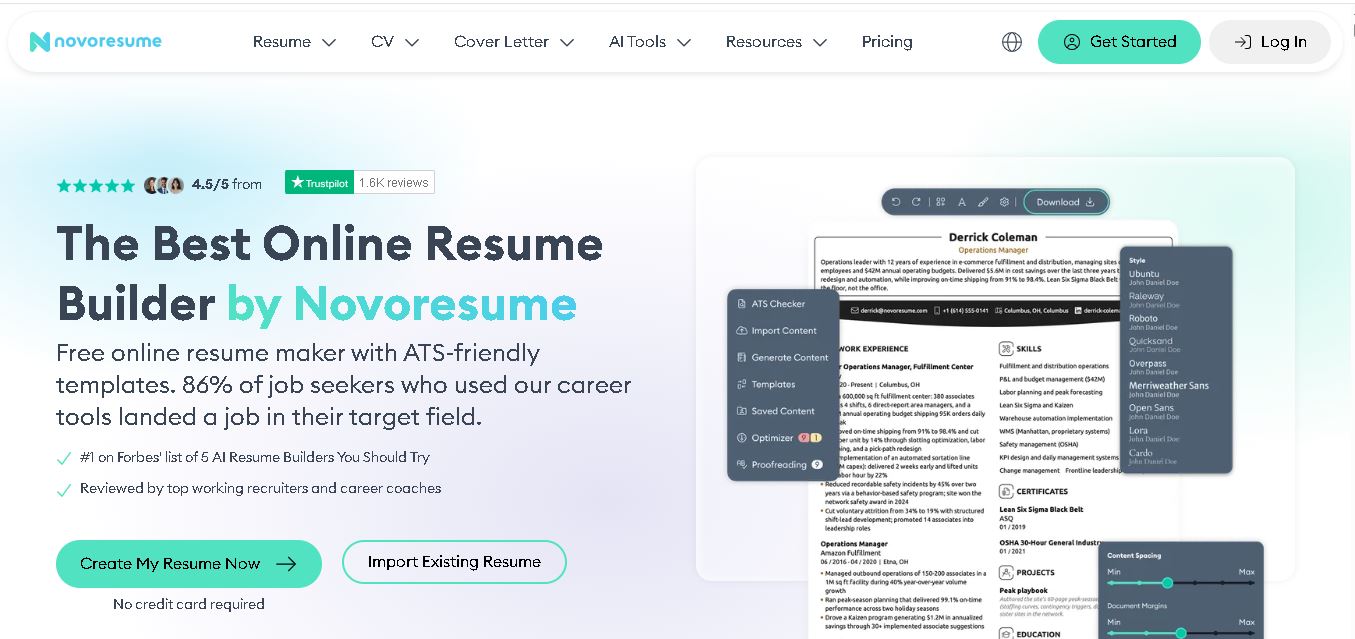
Novorésumé is an online resume and CV builder for creating professional, ATS-friendly job application documents. It offers free templates, premium customization, AI-assisted suggestions, cover letters, PDF downloads, and career tools. With multiple layouts and mobile browser support, it helps students, graduates, and experienced professionals build polished resumes efficiently today online.
 4.6
4.6Zety
Resume
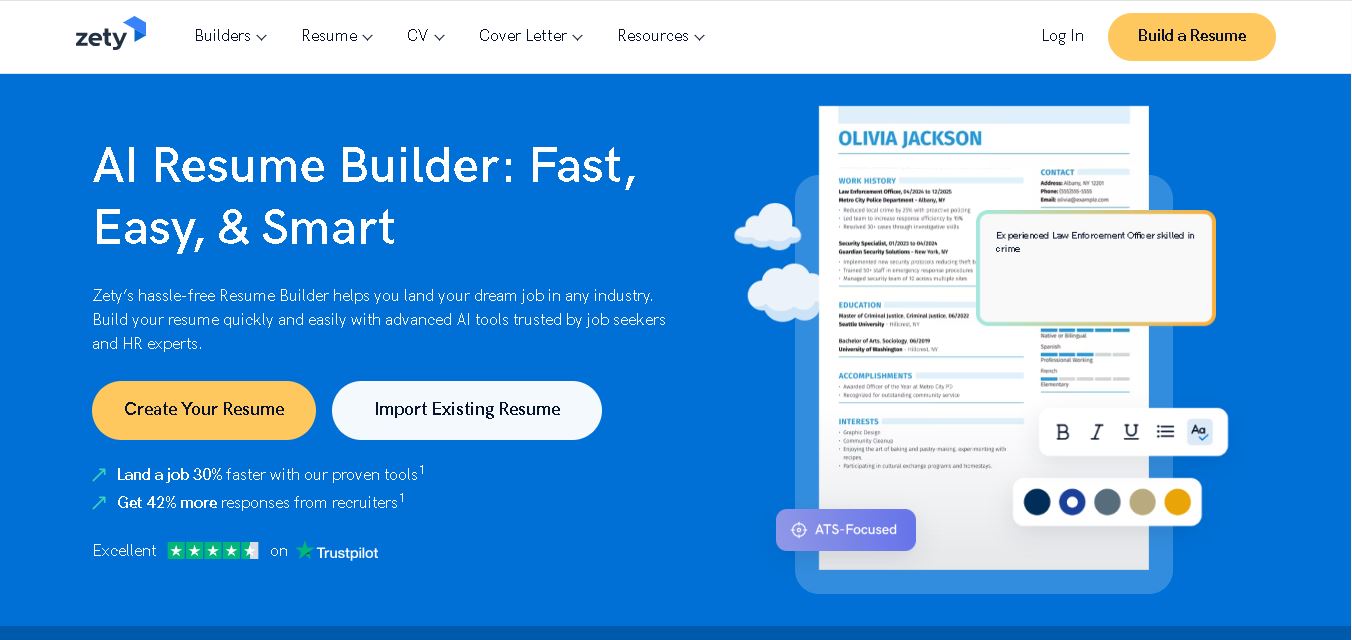
Zety is a career-building platform for creating resumes, CVs, and cover letters. It provides professionally designed templates, ready-made content suggestions, ATS-focused guidance, resume checking tools, and career advice. Users can customize their documents for different industries and experience levels, then download them in supported formats for job applications.
 4.4
4.4Resume.io
Resume
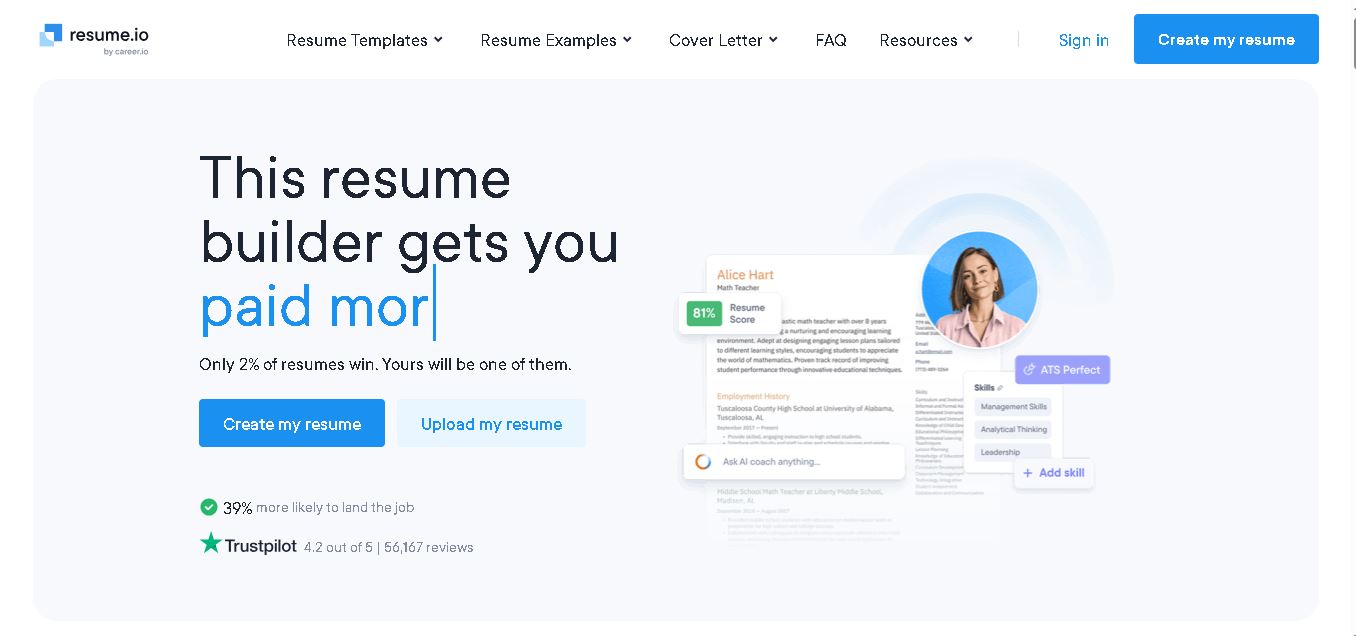
Resume.io helps job seekers build resumes and cover letters with guided editing, customizable templates, AI-assisted writing, and career resources. Users can start with examples or create documents from scratch, then tailor applications for different roles. Its free and premium options support different needs, from resume creation to broader job-search tools.
 4.9
4.9MatchBuilt
Resume
MatchBuilt is a specialized homebuilding executive search firm that connects residential builders with experienced leadership talent. It recruits executives and senior professionals across construction, land acquisition, sales, purchasing, finance, marketing, and operations. The company serves national, regional, private, luxury, custom, land-development, and build-to-rent organizations throughout the United States.
 4.8
4.8ResumeWriting.com
Resume
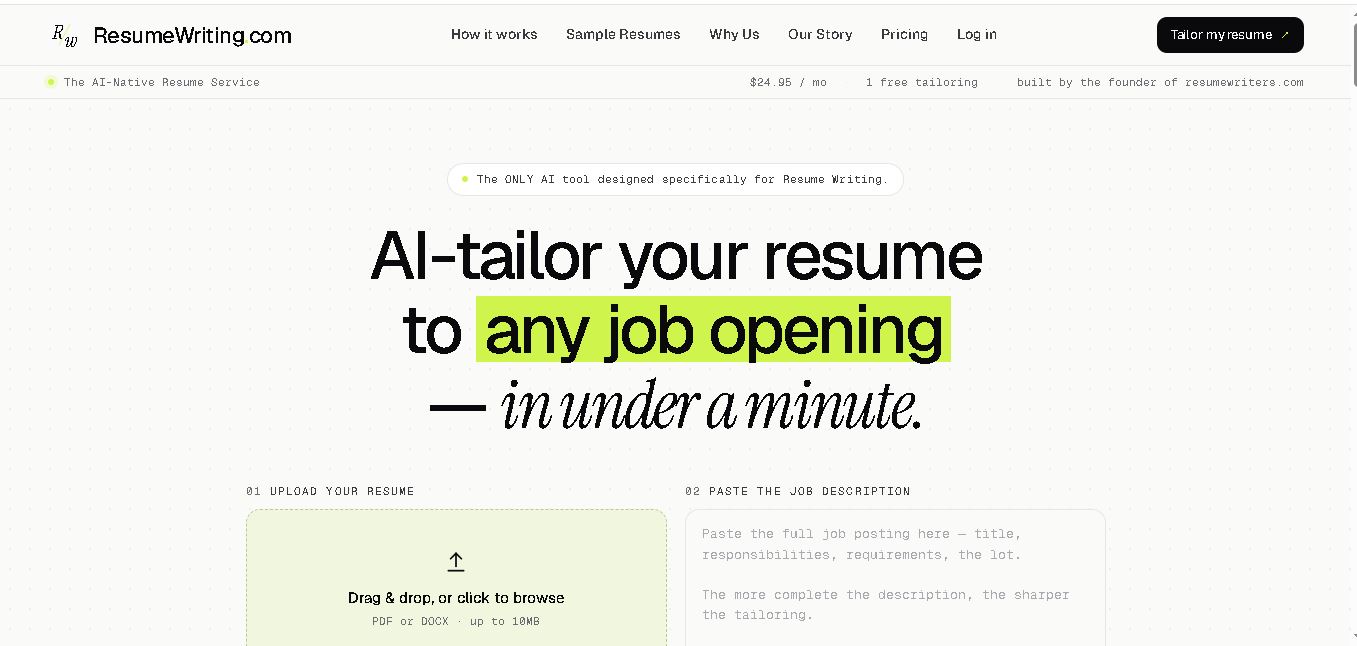
ResumeWriting.com helps job seekers tailor resumes to specific job descriptions in under a minute. Upload a resume, paste the role requirements, and receive rewritten bullets aligned with the opportunity. It offers a free lifetime tailoring, Core subscriptions, multiple templates, iterative rewrites, and PDF or DOCX exports designed for use.
 4.8
4.8PitchMe AI
Resume
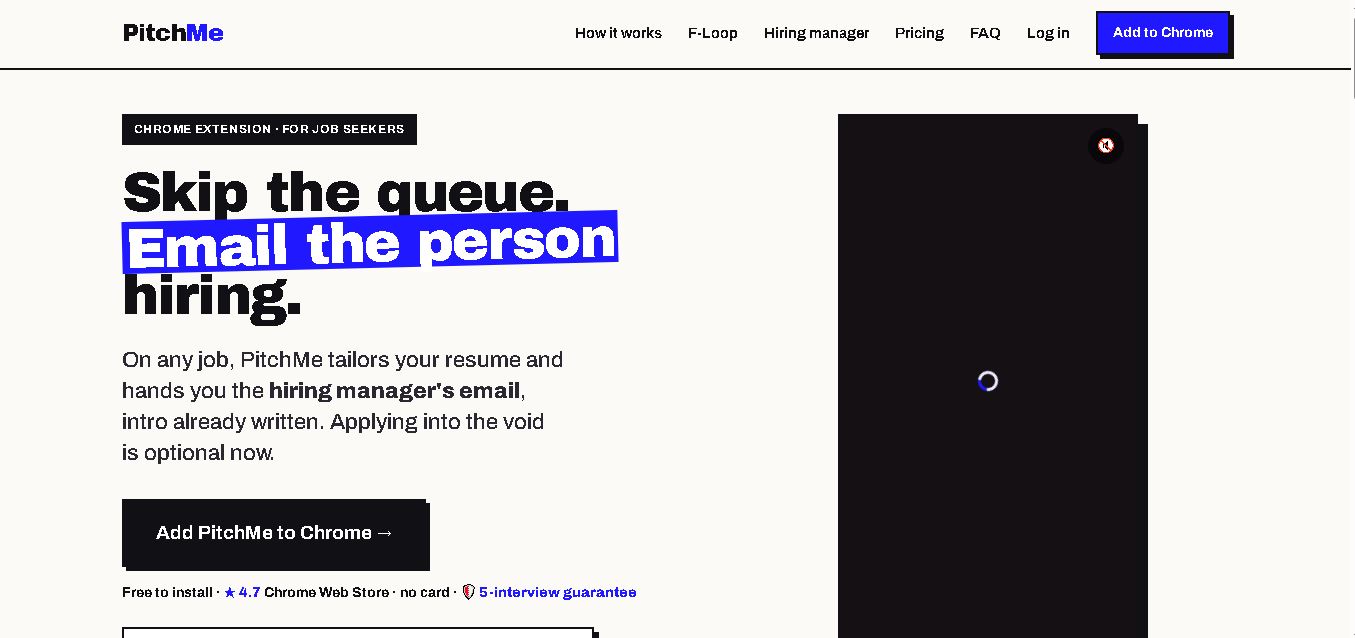
PitchMeAI helps job seekers personalize resumes, discover hiring managers, and prepare direct outreach for specific job openings. Its Chrome extension works across major job sites, while its broader workflow supports resume tailoring and application assistance. Users can start free, test the service, and upgrade to unlimited features when needed today.
 4.4
4.4Resume Now
Resume
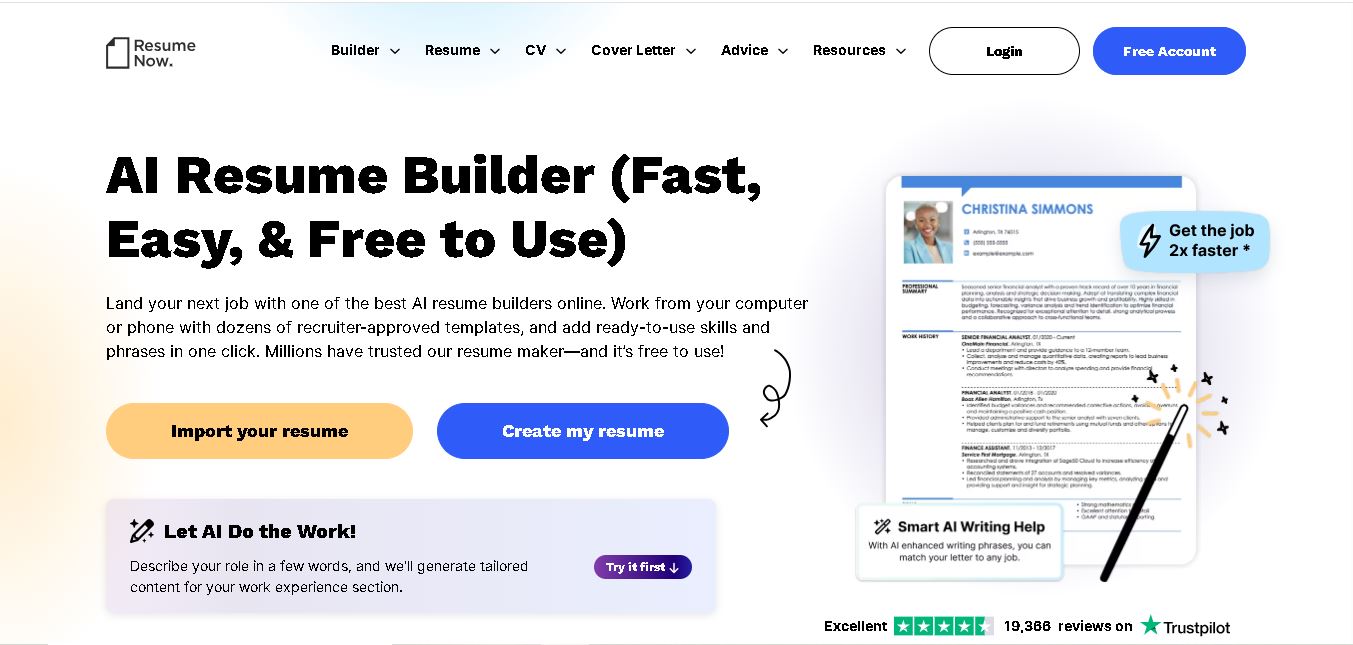
Resume Now is a resume and career-building platform for creating resumes, cover letters, job application materials. It provides customizable templates, AI-assisted writing suggestions, ATS-friendly designs, resume checking, career guidance, downloadable formats. Job seekers can build documents quickly while tailoring content to specific roles industries. It suits students, professionals, career changers, seekers.
 4.7
4.7VMock
Resume
VMock helps students and job seekers improve resumes through automated, personalized feedback. Upload a resume to receive guidance on content, formatting, competencies, and presentation. The platform is designed to support career preparation by identifying areas for improvement and helping users refine application materials before sharing them with recruiters or employers.
 4.6
4.6Resumaker.ai
Resume
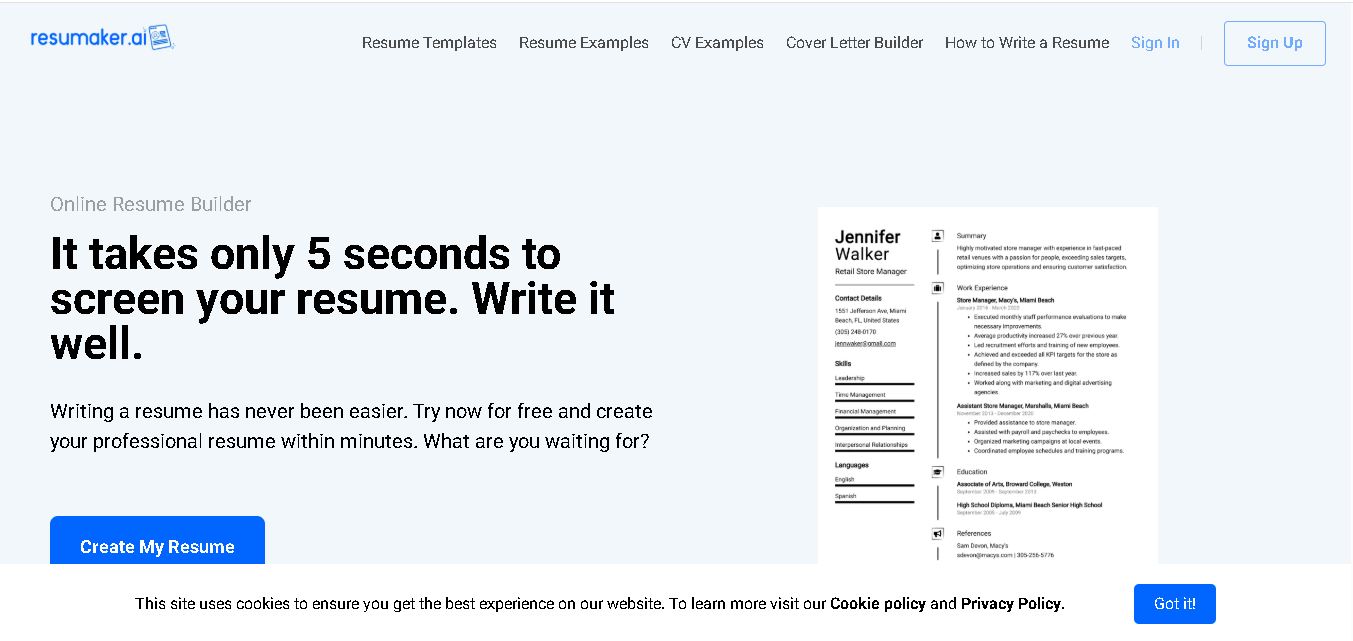
Resumaker.ai helps job seekers build professional resumes online with customizable templates, an AI engine, career guidance, spell checking, and cover-letter tools. Users can create, edit, and download application documents while choosing layouts designed for recruiter readability. It is useful for students, experienced professionals, career changers, and anyone updating their resume.