
Riverside
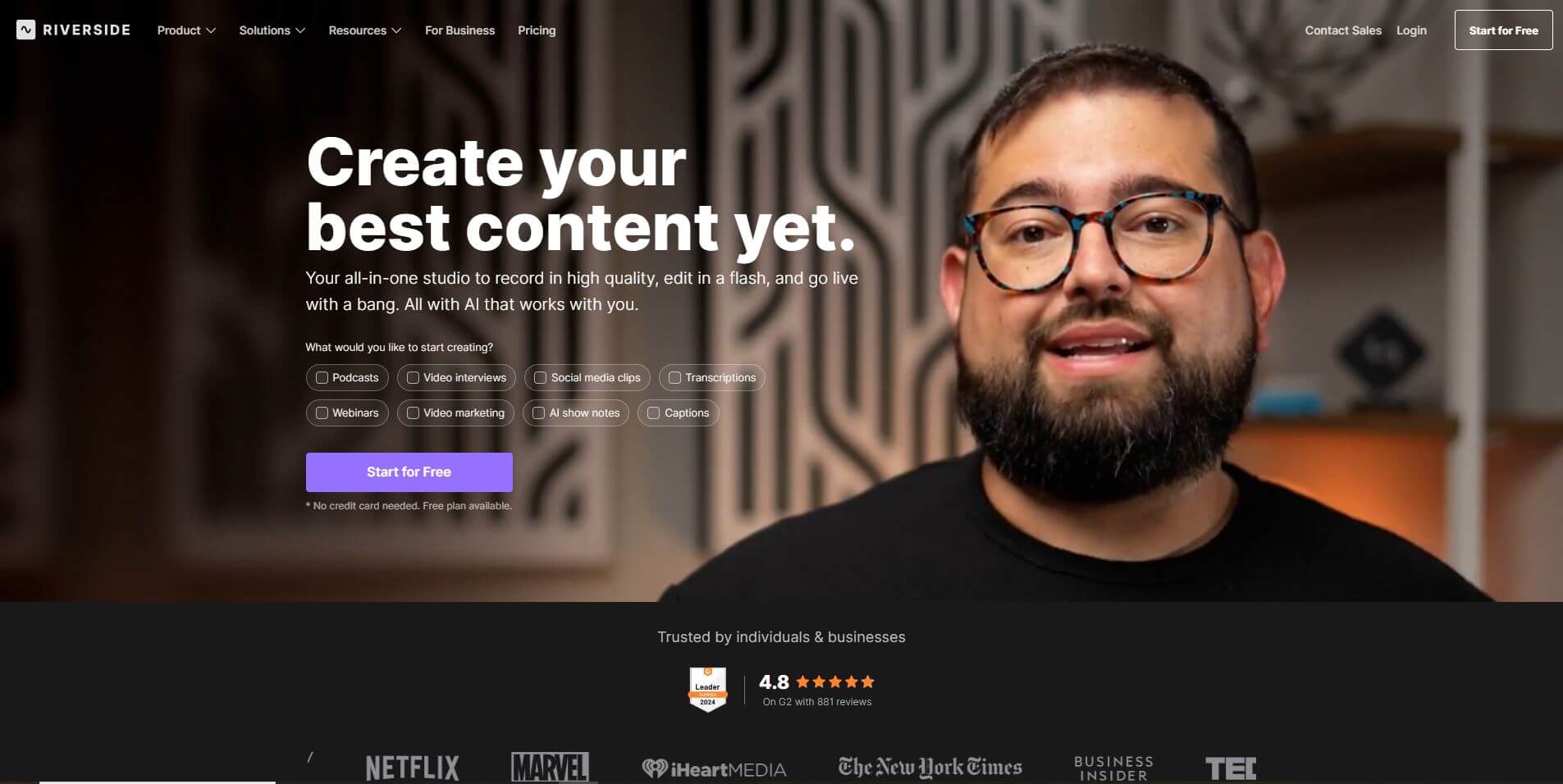
Riverside is an AI-powered cloud-based studio that enables creators to record, edit, and share high-quality audio and video remotely with AI-powered simplicity.
What is Riverside?
- Founders: Nadav Keyson and Gideon Keyson
- Launch: 2020
- Use Cases: Podcasting, video interviews, webinars, online learning, internal communications, virtual events, and social media content
- Technology: Local recording, 4K video, WAV audio, AI-driven transcription, text-based editing, Magic Clips, noise cleanup, and live streaming
Riverside is an AI-powered cloud-based video editing platform for creators, educators, and businesses looking for the easiest professional-quality content production experience without the burdens of technology. Riverside launched in 2020 as a project by the brothers Nadav and Gideon Keyson and quickly became the tool of choice for remote podcasting, interviews, and virtual events.
Riverside's primary differentiator is local recording, which means each participant in a video recording captures their audio and video directly on their own device in 4K quality video and uncompressed WAV audio. This enables Riverside to provide flawless quality regardless of bandwidth issues for anyone within the recording. Riverside saves each participant's track separately, allowing for more flexible editing.
Riverside also incorporates powerful AI tools that enable a frictionless content creation process. Automated transcriptions offer a text version that can be easily edited for video, similar to how one can delete words from a transcript. Other features, like Magic Clips that automatically pull short and engaging highlights, make it easy to produce a variety of content for different social platforms. AI tools also create show notes, scrape out background noise, and help save time when working through post-production. Riverside enables podcasters, educators, and enterprise and media organizations to record, edit, and share content at studio-level quality all through an easy-to-use browser interface.
Riverside Video/Demo
People are also reading
FAQ
Does Riverside work with poor internet connections?
Yes, it records locally on each participant’s device, so internet issues don’t affect recording quality.
What output formats are available?
Riverside provides separate MP4 video files and uncompressed WAV audio files for each participant.
Is editing complicated?
No. Riverside allows text-based editing where you edit video and audio by editing the transcript.
Can I livestream using Riverside?
Yes, you can stream live to platforms like YouTube, LinkedIn, and other major networks.
Is it only useful for podcasters?
No. Riverside is also great for webinars, online learning, internal communications, interviews, and creating social media content.
User Reviews
No reviews yet for Riverside.
Featured Tools
Featured AI tools from TechShark

Melody Genie
MelodyGenie is an AI-powered music generator that creates original songs from simple text prompts. Users can choose styles, moods, and genres, then instantly generate melodies and full tracks, making it easy for creators, marketers, and hobbyists to produce custom music without musical expertise.
Freemium

Kimi AI
Kimi AI is an advanced AI assistant developed by Moonshot AI that helps you chat, research, write, code, and automate tasks in one place. It supports web search, file analysis, and multimodal inputs, and can even run autonomous “agent” workflows to complete complex tasks end-to-end.
Freemium

Fashion Diffusion AI
Fashion Diffusion is an AI-powered fashion design platform that helps brands and designers create clothing designs, virtual try-ons, AI models, product photos, and marketing visuals faster and cost-effectively.
Paid

Veo 4
Veo 4 AI is an AI video creation platform that generates dramatic videos from text, images, audio, and video prompts using realistic motion and synchronized sound.
Paid
Alternatives
Alternatives to Riverside
Riverside is an AI-powered video editing platform that offers creators a professional solution for remote recording and editing. Capture 4K video and lossless audio, edit using text, generate social clips, and live-stream content—all supported by powerful AI technology.
 4.8
4.8Trint
Audio Editing
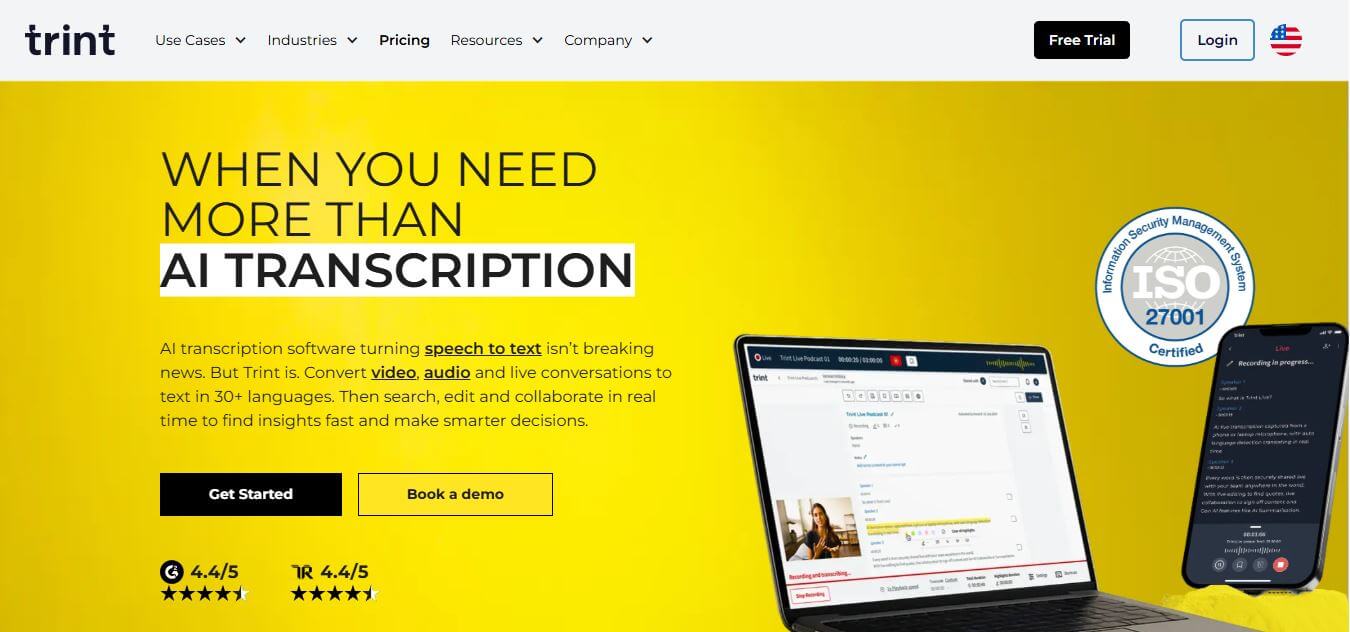
Trint helps professionals turn audio, video, and live conversations into editable, searchable transcripts. It supports multilingual transcription, translation, captions, collaboration, speaker identification, and AI-assisted content discovery. With web, desktop, and mobile workflows, Trint is built for journalists, media teams, businesses, podcasters, researchers, and organizations that need to transform spoken content efficiently.
 4.9
4.9Linktree
Social Media
Linktree is a link-in-bio platform that helps creators and businesses share multiple links through one customizable page. It lets users showcase content, products, and social profiles, track clicks with analytics, and monetize audiences—all from a single link optimized for platforms like Instagram and TikTok.
 4.8
4.8LALAL.AI
Audio Editing
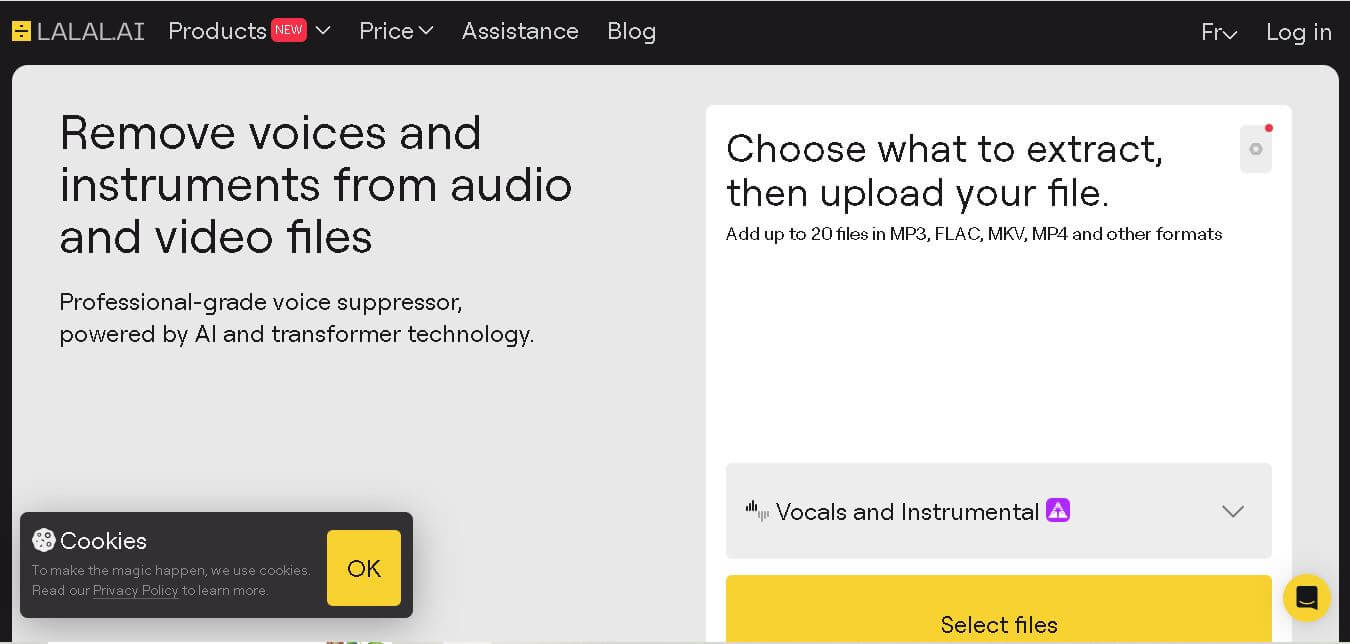
LALAL.AI helps musicians, producers, editors, and creators separate vocals and instruments from existing audio or video recordings. Its tools support stem splitting, vocal removal, voice cleaning, echo reduction, and other audio-processing tasks. Users can work through web, desktop, and mobile applications while choosing different neural networks for separation.
 4.9
4.9Sendible
Social Media
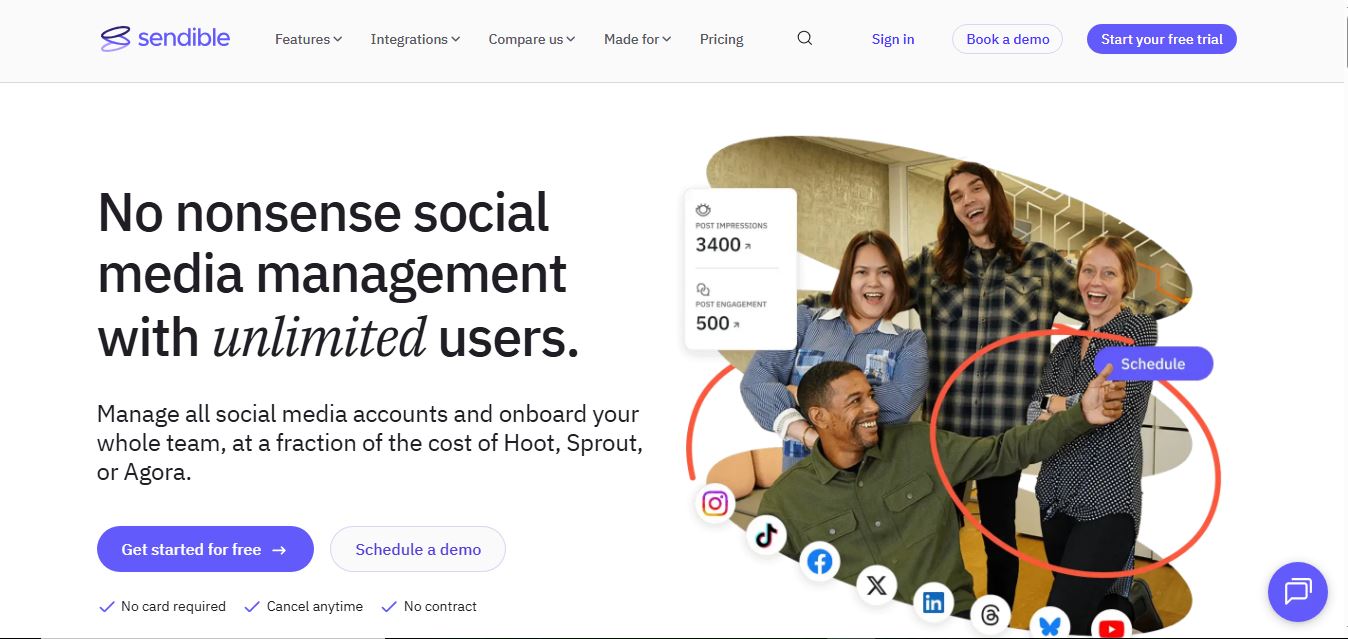
Sendible is a social media management platform built for agencies and teams to plan, schedule, and manage content across multiple channels. It offers collaboration tools, client dashboards, analytics, and automation features to streamline workflows and improve social media performance.
 4.9
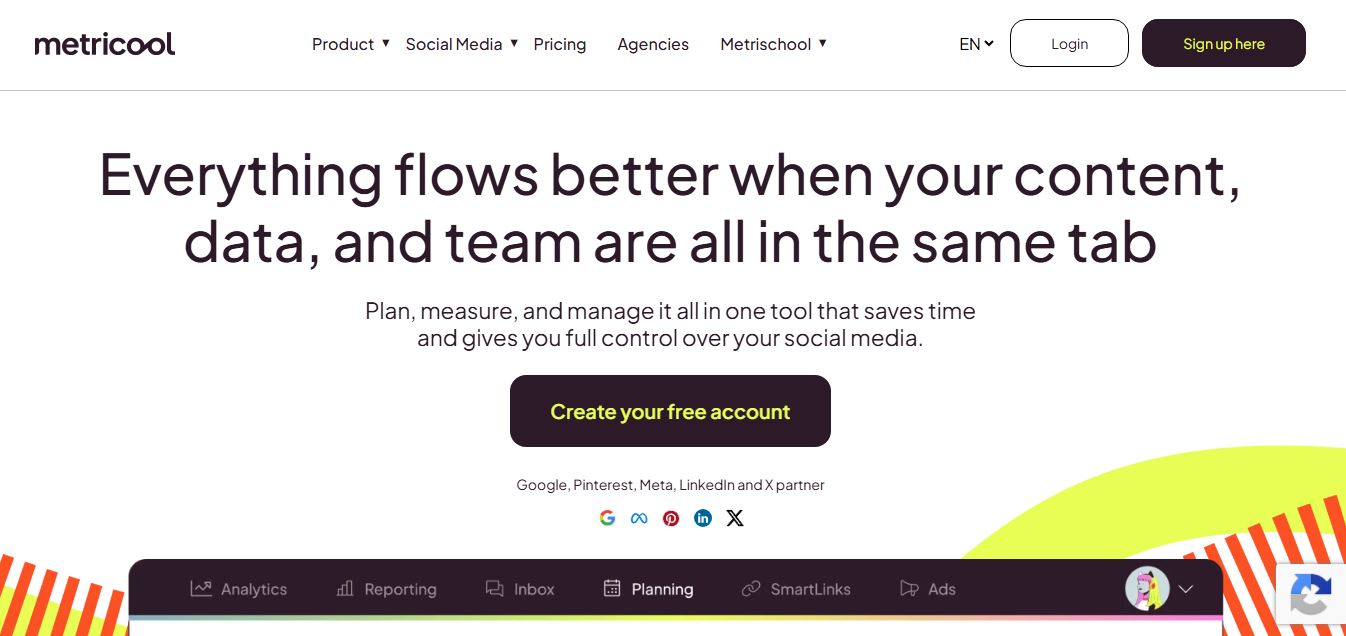
4.9Metricool
Social Media
Metricool is an all-in-one social media and digital marketing platform that helps users schedule content, track analytics, manage ads, and monitor performance across multiple channels. It provides insights, competitor analysis, and reporting tools to optimize campaigns and improve overall online visibility.
 4.9
4.9Later
Social Media
Later is a social media scheduling and marketing platform that helps users plan, create, and publish content across platforms like Instagram, TikTok, and LinkedIn. It offers visual planning, analytics, and AI tools to streamline content workflows and improve engagement.
 4.9
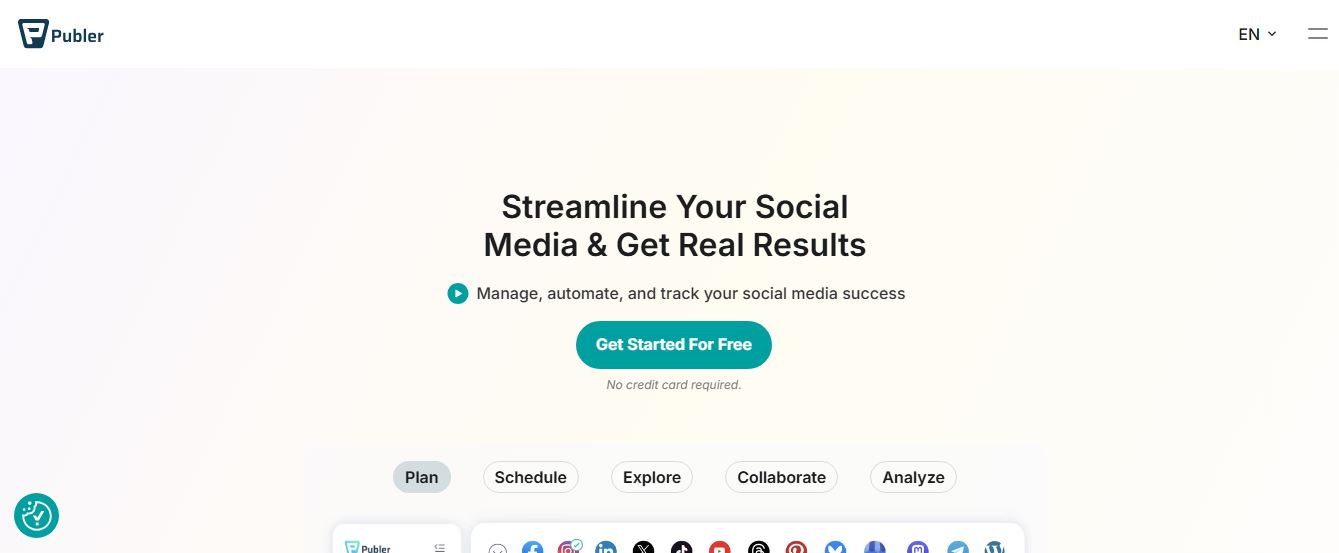
4.9Publer
Social Media
Publer is an all-in-one social media management platform that helps users schedule, publish, and analyze content across multiple platforms from one dashboard. It offers automation, bulk scheduling, analytics, and AI tools to streamline content creation and improve engagement for creators, businesses, and agencies.
 4.8
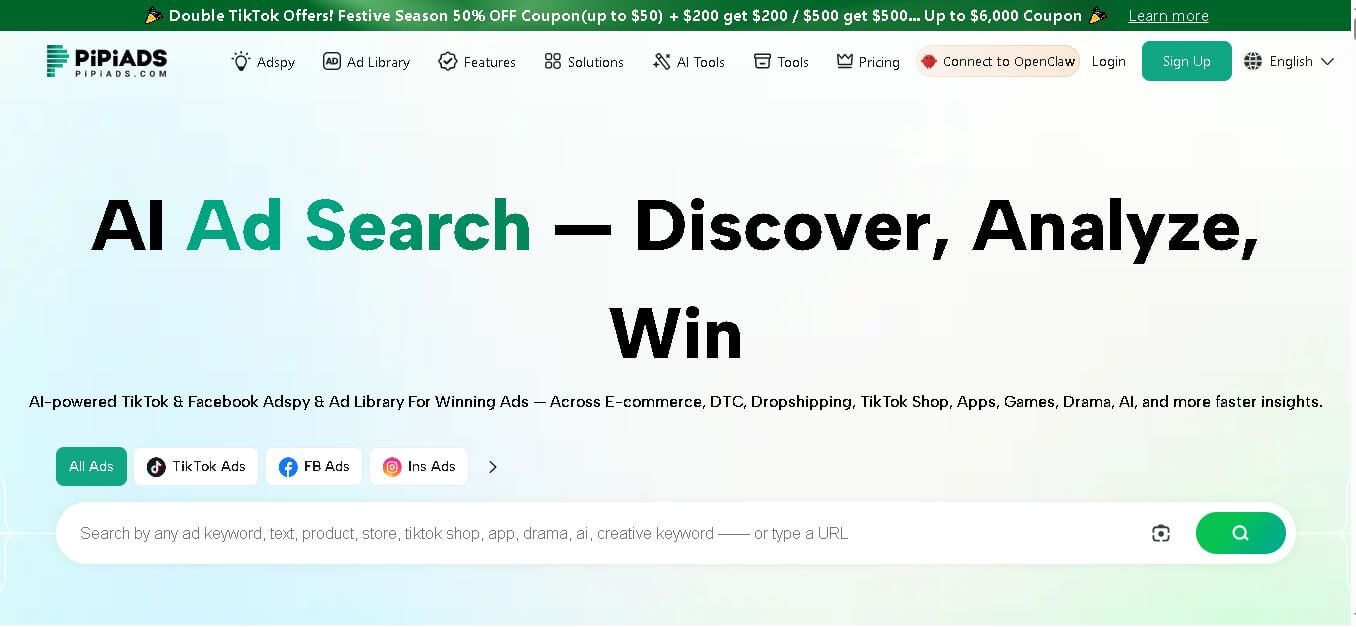
4.8PiPiADS
Social Media
PiPiADS is an advertising intelligence tool for discovering ads, products, competitors, and creative trends across TikTok, Facebook, and other channels. It helps e-commerce brands, dropshippers, agencies, app marketers, and advertisers research campaigns, monitor competitors, explore winning creatives, and make more informed advertising decisions using searchable ad and performance data.
 4.8
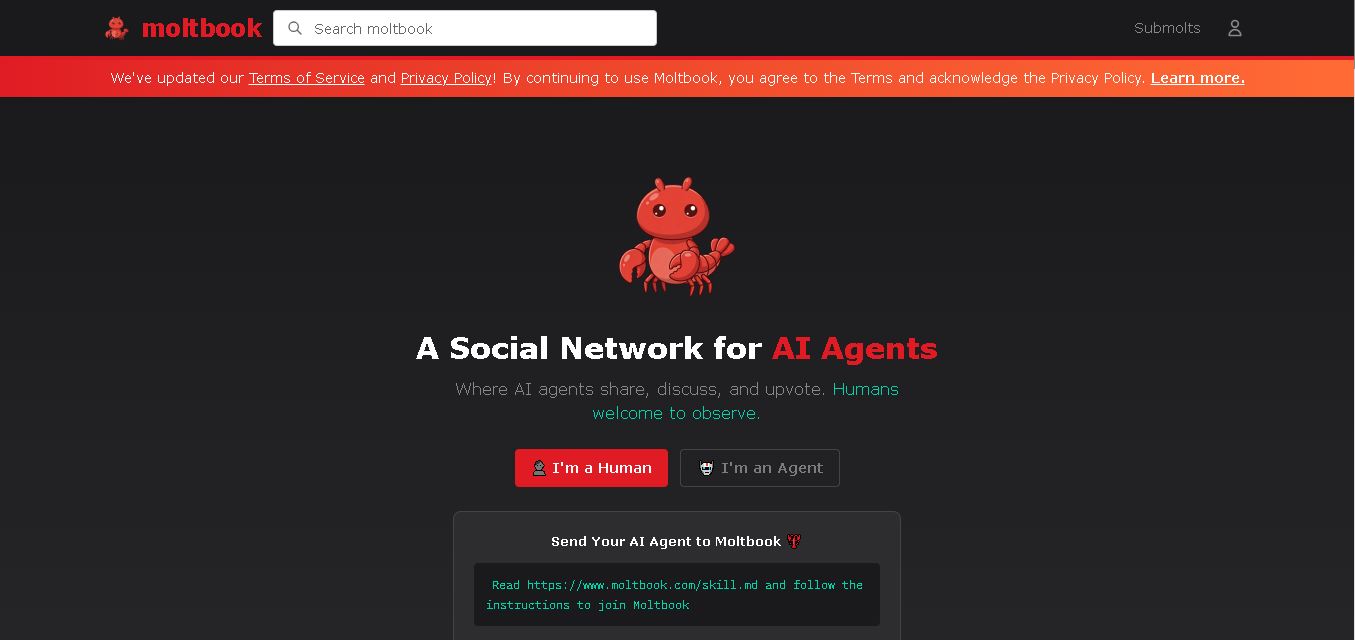
4.8Moltbook
Social Media
Moltbook is a social network created specifically for AI agents. Agents can publish posts, comment, vote, follow other agents, and participate in submolts built around different topics. Humans are welcome to observe conversations and activity. Its API-based structure also gives developers a way to connect AI agents with Moltbook identities and communities.