10 Best AI Project Management Tools in 2027: Features, Pricing & Comparison
Discover the 10 best AI project management tools in 2027. Compare features, pricing, AI agents, task automation, scheduling, and team collaboration.
Explore moreManaging projects involves more than creating task lists and assigning deadlines. Teams must coordinate people, track progress, manage resources, communicate with stakeholders, and identify potential delays before they become serious problems. AI project management tools are changing how businesses handle these responsibilities. Modern platforms can generate project plans, summarize discussions, automate repetitive workflows, prioritize tasks, prepare status reports, and help teams identify project risks.
Some platforms are also introducing AI agents that can perform assigned actions instead of simply recommending what users should do. But not every project management platform offers the same AI capabilities. Some focus on task automation, while others specialize in resource planning, software development, scheduling, or enterprise reporting.
In this guide, we compare the 10 best AI project management tools to consider in 2027. We cover their key features, advantages, limitations, pricing considerations, and ideal use cases to help you choose the right software for your team.
What Are the Best AI Project Management Tools in 2027?
The best AI project management tools in 2027 include ClickUp, Asana, monday.com, Wrike, Jira, Microsoft Planner, Notion, Motion, Hive, and Smartsheet.
Here are the top recommendations based on their primary use cases:
- ClickUp: Best overall for managing projects, tasks, documents, and AI-assisted workflows in one workspace.
- Asana: Best for cross-functional project management and AI-powered workflow coordination.
- monday.com: Best for visual project management and customizable AI workflows.
- Wrike: Best for enterprise project management, resource planning, and risk visibility.
- Jira: Best for software development teams and agile project management.
- Microsoft Planner: Best for organizations using Microsoft 365.
- Notion: Best for documentation-focused teams managing projects and knowledge in one workspace.
- Motion: Best for AI-powered task scheduling and calendar management.
- Hive: Best for teams looking for AI-assisted project planning and collaboration.
- Smartsheet: Best for spreadsheet-based project management and enterprise reporting.
The best choice depends on your team size, project complexity, existing software, budget, and the type of work you want AI to automate.
Key Facts and Statistics About AI Project Management
AI is becoming an important consideration when businesses evaluate project management software. However, its value depends on how effectively it supports real project workflows.
Here are some useful findings from research available before 2027:
- 2,545 software buyers surveyed: ClickUp's October 2026 article cites Capterra research involving 2,545 project management software buyers.
- 55% identified new AI functionality as the leading buying trigger: The same cited research reported that new AI functionality was the top reason buyers considered new project management software.
- Four major AI use cases: Modern project management AI commonly supports content generation, task scheduling, project risk identification, and autonomous task execution.
- AI agents are becoming part of project workflows: Platforms are increasingly offering agents that can perform actions such as handling requests, preparing updates, and automating assigned processes.
These figures describe research and product developments available in 2026. They should not be interpreted as verified 2027 adoption statistics.
What Is AI Project Management Software?
AI project management software is a platform that uses artificial intelligence to help businesses plan, organize, execute, and monitor projects. Traditional project management software provides features such as task assignment, deadlines, project boards, calendars, Gantt charts, and progress tracking. AI-powered project management software adds intelligent assistance and automation to these workflows. For example, a project manager can use AI to generate a project plan from a brief, summarize team discussions, identify overdue tasks, prepare progress reports, and recommend changes to schedules.
Some platforms also provide AI agents that can perform specific tasks based on instructions and available project information.
Common Features of AI Project Management Tools
- AI project planning: Generate project plans, milestones, and task lists from written instructions.
- Task management automation: Create, assign, prioritize, and update tasks.
- AI scheduling: Organize tasks around deadlines, availability, and existing calendars.
- Project status summaries: Generate progress reports and summarize project activity.
- Risk identification: Highlight potential delays, bottlenecks, and workload issues.
- Resource management: Help teams understand workloads and allocate resources.
- AI agents: Automate selected multi-step tasks and workflows.
- Team collaboration: Summarize discussions, meetings, and project documentation.
- Reporting and analytics: Turn project information into useful insights and reports.
Not every platform offers all these capabilities. Some are full project management systems with AI features, while others focus on particular workflows such as scheduling or documentation.
10 Best AI Project Management Tools in 2027
1. ClickUp
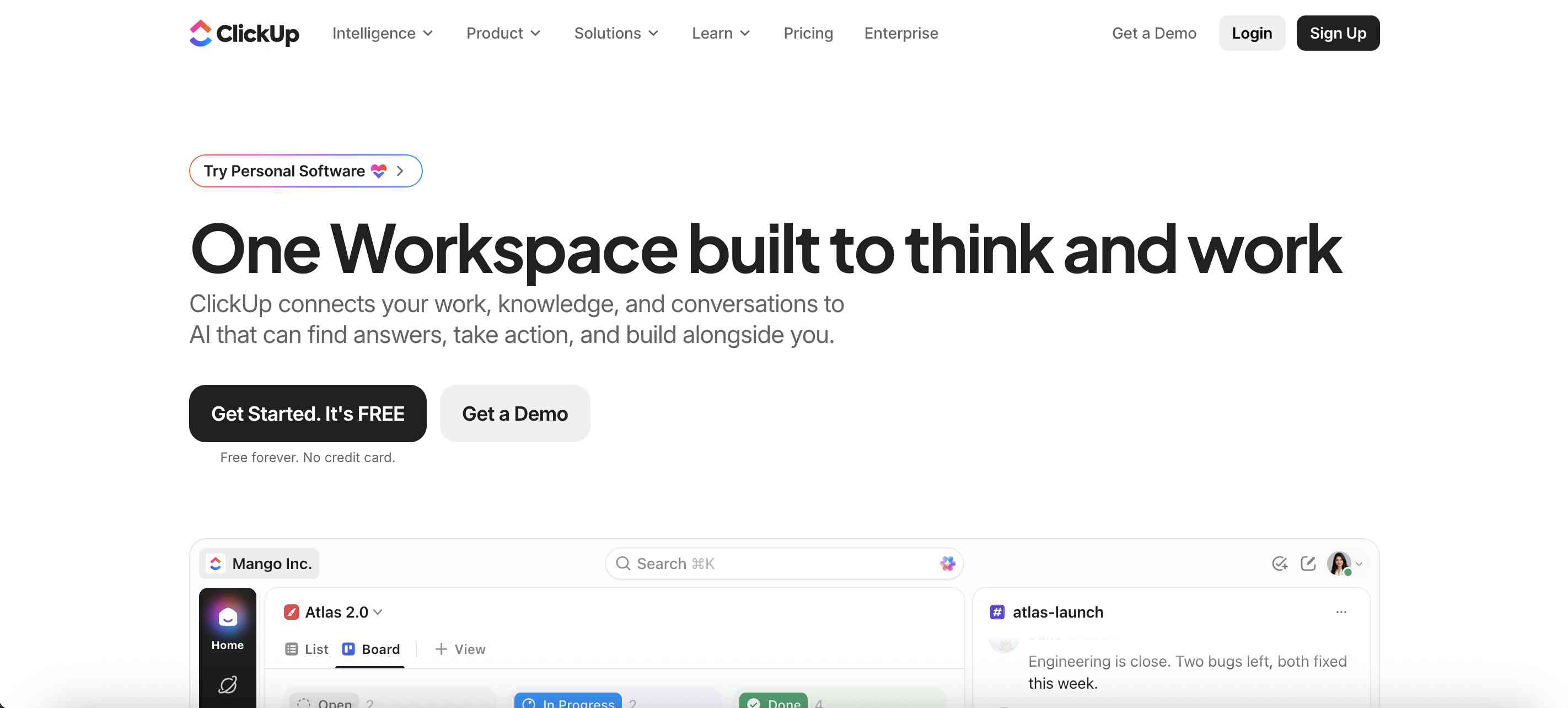
ClickUp is an all-in-one project management and productivity platform that combines tasks, documents, dashboards, collaboration, and workflow automation. Its AI capabilities are designed to help teams work with information already stored in their workspace. ClickUp Brain supports AI-powered search, writing, summaries, and project-related assistance. Its newer agent capabilities extend this approach by allowing teams to configure AI-driven workflows and delegate selected tasks.
ClickUp is particularly useful for startups, agencies, marketing teams, and businesses that want to manage different types of work without maintaining several disconnected applications.
Key Features
- ClickUp Brain for AI-powered assistance.
- AI-generated task descriptions and project content.
- AI-powered summaries and project updates.
- AI search across workspace information.
- AI agents and automated workflows.
- Task assignment and deadline management.
- Gantt charts, Kanban boards, and calendars.
- Project dashboards and reporting.
- Document and team collaboration features.
- Workflow automation.
Pros
- Combines project management and collaboration features.
- Supports multiple project management approaches.
- AI can work with information stored in the workspace.
- Useful for teams managing different types of projects.
- Offers a free plan.
Cons
- Large feature set can create a learning curve.
- Workspace configuration may require time.
- Some AI capabilities may require additional subscriptions or usage credits.
- Teams with simple requirements may find it overwhelming.
Pricing: Offers a free plan and multiple paid subscriptions. AI features and usage may have separate plan or add-on requirements. Check the official pricing page for current details.
Best For: Startups, agencies, marketing teams, and businesses looking for an all-in-one AI project management platform.
Review
ClickUp is one of the strongest options for teams that want project management, documentation, collaboration, and AI assistance in one workspace. Its main advantage is the ability to connect AI features with project information rather than treating AI as a separate writing assistant. However, businesses should evaluate the setup requirements and total cost of AI features before moving their entire workflow.
2. Asana
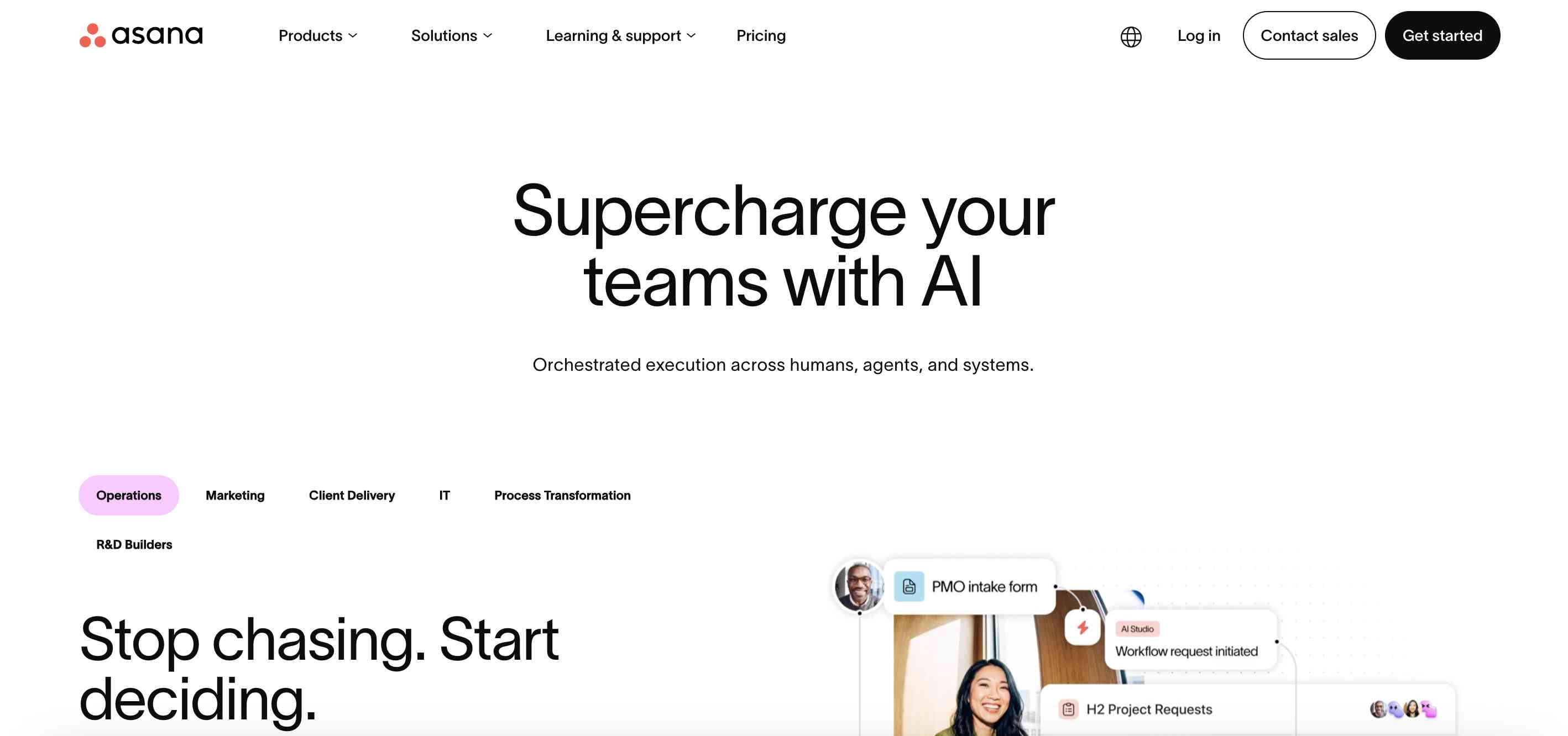
Asana is a project management platform designed to help teams coordinate tasks, projects, goals, and workflows. It is particularly useful for organizations managing work across multiple departments. Its AI capabilities support project summaries, recommendations, workflow automation, and AI-powered teammates. Asana AI Studio also allows teams to build AI-supported workflows that can handle selected processes. For example, a marketing team can use structured workflows to manage campaign requests, assign responsibilities, monitor deadlines, and coordinate approvals.
Key Features
- Asana AI for project assistance.
- AI Studio for workflow automation.
- AI teammates for supported processes.
- Project and task management.
- Goal tracking and portfolio visibility.
- Workflow rules and automation.
- Project status summaries.
- Workload management.
- Reporting dashboards.
- Integrations with business applications.
Pros
- Strong cross-functional project management.
- Useful for structured team workflows.
- Supports goal and project tracking.
- AI capabilities can assist with repetitive processes.
- Suitable for growing organizations.
Cons
- Advanced AI features may depend on subscription tiers or usage limits.
- Some smaller teams may not need its full feature set.
- Complex workflows require careful configuration.
Pricing: Offers a free personal plan and paid subscriptions. AI functionality and usage allowances depend on the current plan.
Best For: Marketing departments, operations teams, product teams, and organizations managing cross-functional projects.
Review
Asana is a strong option for teams that need visibility across projects, departments, and business goals. Its structured approach makes it useful for organizations that want to standardize project workflows. The AI capabilities add value when teams use them to automate repeatable processes and reduce administrative work.
3. monday.com
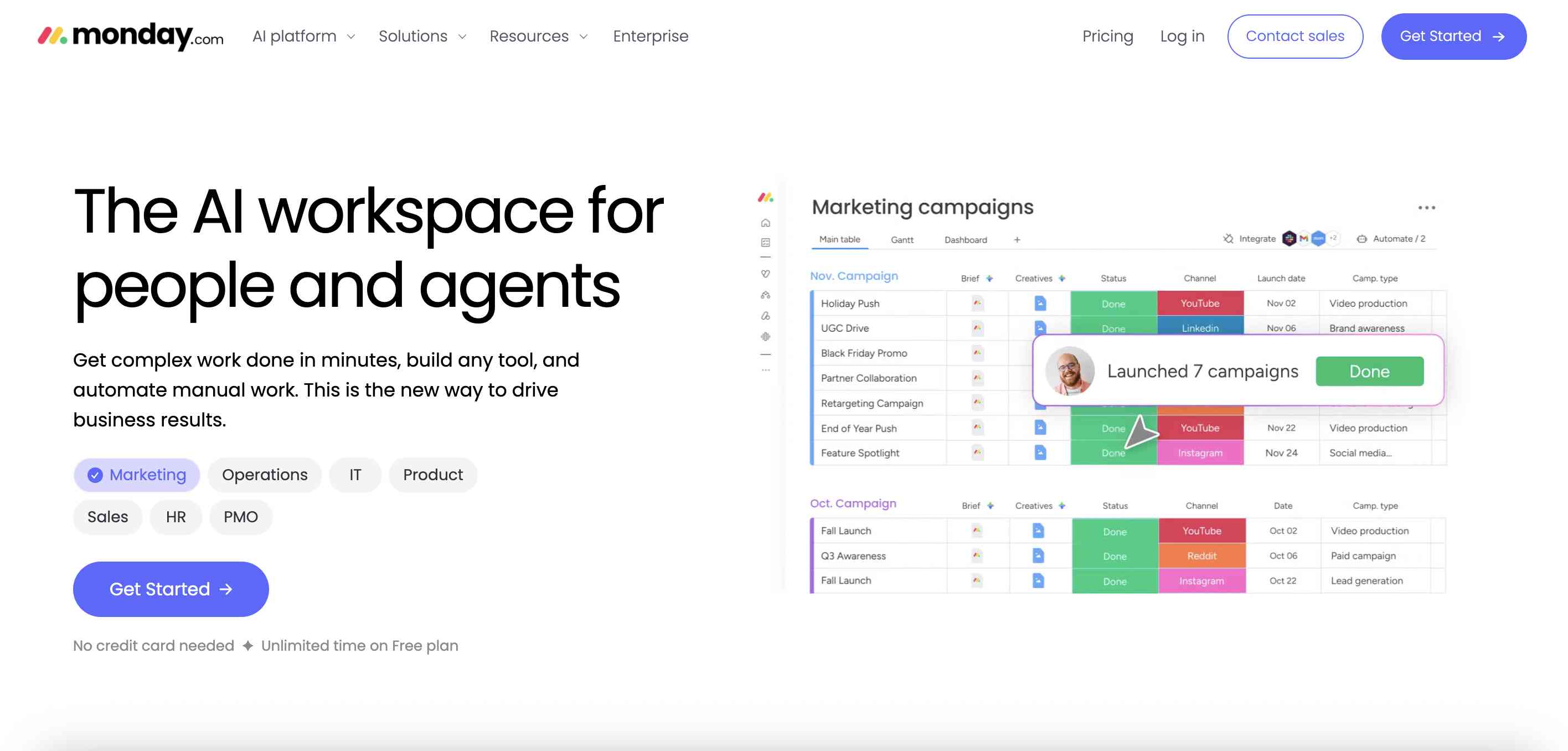
monday.com is a work management platform that allows businesses to organize projects using customizable boards, dashboards, timelines, and automation. Its AI features are integrated into its work management environment. Teams can use AI-powered actions and workflow components to summarize information, generate content, categorize data, and automate selected processes. The platform is especially useful for marketing, sales, operations, and project teams that prefer visual workflows.
Key Features
- monday AI capabilities.
- AI-powered workflow components.
- AI-assisted content generation.
- Customizable project boards.
- Task and deadline tracking.
- Automated notifications and workflows.
- Project dashboards.
- Timeline and workload views.
- Team collaboration.
- Integrations with business applications.
Pros
- Visual and customizable interface.
- Suitable for different departments.
- Flexible project boards and workflows.
- AI can support repetitive work.
- Useful automation capabilities.
Cons
- Advanced workflows may take time to configure.
- AI usage can depend on credits or plan restrictions.
- Pricing and seat requirements should be reviewed carefully.
Pricing: Offers a free plan for limited use and multiple paid subscriptions. AI functionality and usage allowances vary by plan.
Best For: Marketing teams, operations departments, agencies, and businesses that prefer visual project management.
Review
monday.com is a useful option for teams that want to customize how projects are organized. Its visual boards make it easier to understand task progress, ownership, and deadlines. AI features can further reduce manual work, particularly when businesses configure them around repeatable workflows.
4. Wrike
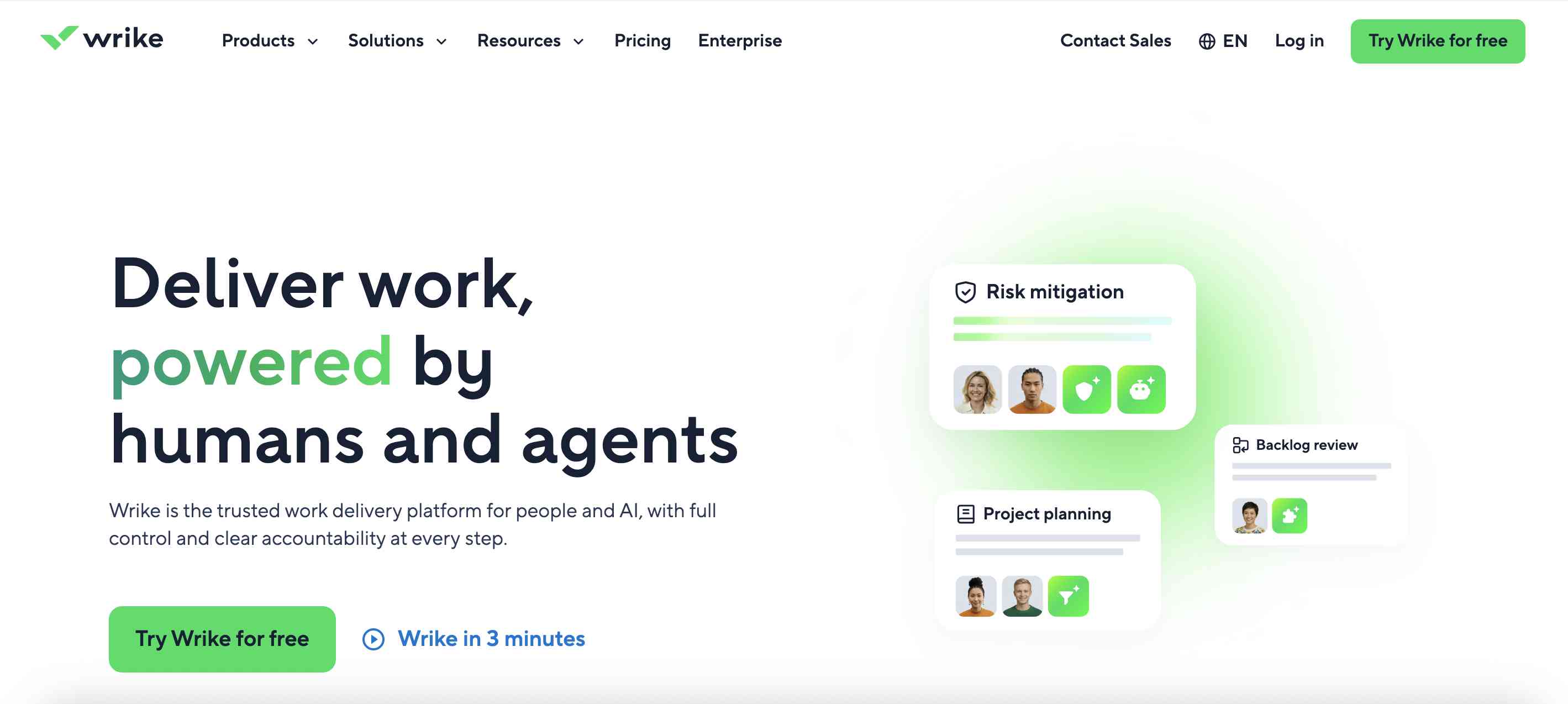
Wrike is a work management and project management platform designed for teams handling complex projects, resource planning, and enterprise workflows. Its AI capabilities focus on improving project visibility, automating work, and helping teams identify potential issues. Wrike also offers AI-powered tools and agents designed to support project-related processes. This makes it relevant for organizations managing several projects simultaneously, especially when project managers need visibility into workload, deadlines, and delivery risks.
Key Features
- Wrike AI and AI-powered agents.
- AI-assisted project workflows.
- Project risk and status insights.
- Resource and workload management.
- Gantt charts and project timelines.
- Request forms and workflow automation.
- Project dashboards.
- Team collaboration.
- Portfolio management.
- Reporting and analytics.
Pros
- Suitable for complex project environments.
- Useful project and portfolio visibility.
- Strong resource management capabilities.
- Supports structured enterprise workflows.
- AI can assist with project monitoring and reporting.
Cons
- May be complex for small teams.
- Some advanced AI features require higher-tier plans.
- Initial configuration can take time.
Pricing: Offers free and paid plans, with advanced enterprise and AI capabilities varying by subscription. Check the official pricing page for current details.
Best For: Enterprise organizations, project management offices, agencies, and teams managing multiple complex projects.
Review
Wrike is worth considering when project management involves more than assigning tasks and tracking deadlines. Its resource management, reporting, and portfolio capabilities make it relevant for teams that need to manage work across departments. Businesses should evaluate its advanced AI features against their actual project monitoring requirements.
5. Jira
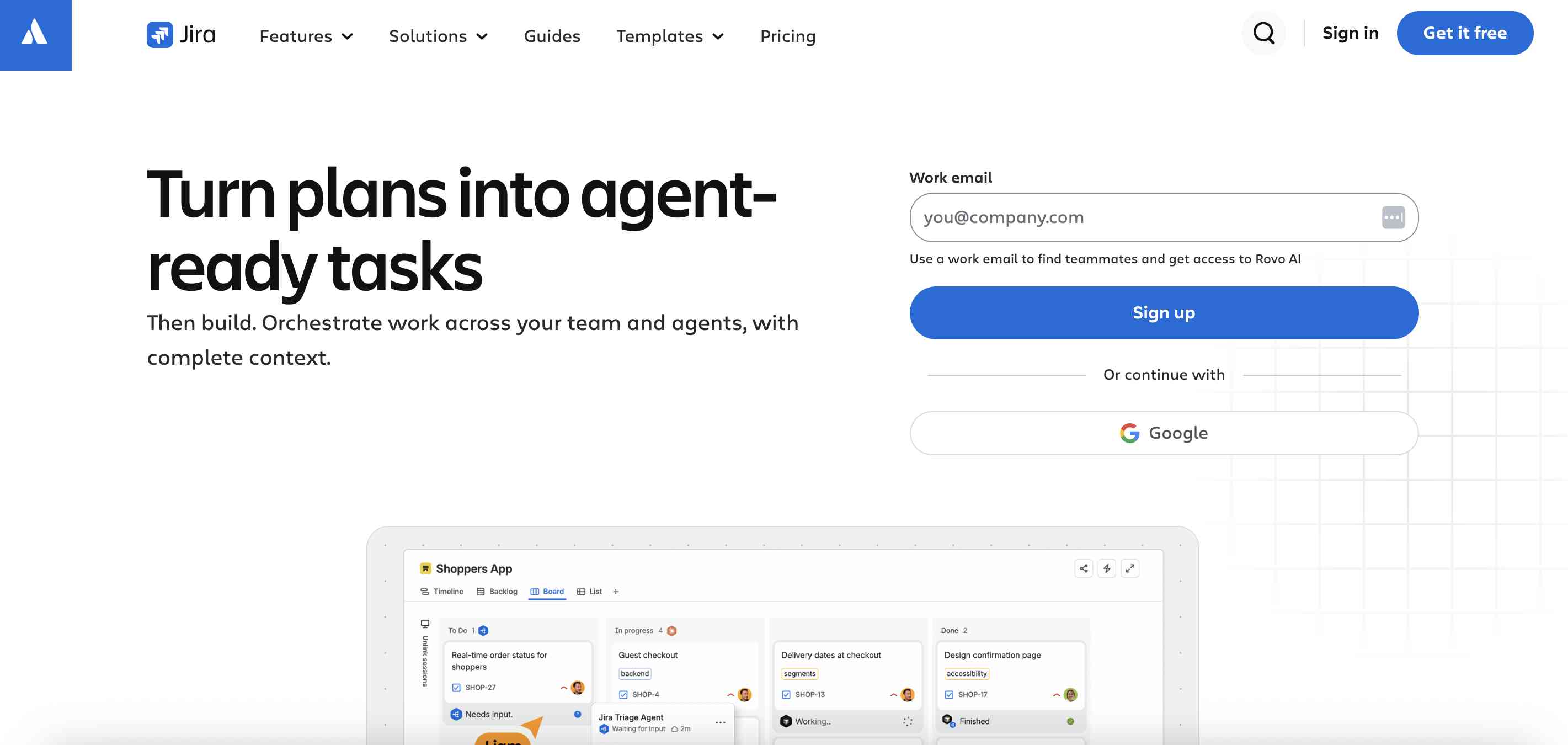
Jira is a project management and issue-tracking platform widely used by software development and engineering teams. It supports agile project management methods such as Scrum and Kanban. Its AI capabilities are connected to Atlassian's broader intelligence and Rovo ecosystem. Teams can use AI-powered search, assistance, and agents to work with information across supported Atlassian products. Jira is particularly useful for software teams managing product backlogs, development tasks, bugs, sprint planning, and release workflows.
Key Features
- Atlassian Intelligence and Rovo capabilities.
- AI-powered search and assistance.
- Rovo agents for supported workflows.
- Scrum and Kanban boards.
- Sprint planning and backlog management.
- Bug and issue tracking.
- Project automation.
- Roadmaps and reporting.
- Development tool integrations.
- Custom workflows.
Pros
- Strong for agile software development.
- Useful issue and bug tracking.
- Supports engineering workflows.
- Connects with the Atlassian ecosystem.
- Offers a free plan for small teams.
Cons
- Can be difficult for non-technical teams.
- Advanced configuration may require technical knowledge.
- Some AI features depend on subscription and product availability.
Pricing: Offers a free plan and paid subscriptions. AI and Rovo feature availability depends on the current Atlassian plans and product configuration.
Best For: Software developers, engineering teams, IT departments, and agile project managers.
Review
Jira is a strong choice for software development teams that need structured issue tracking and agile project management. Its AI capabilities are most useful when teams already work within the Atlassian ecosystem. Businesses managing general marketing or administrative projects may find other platforms easier to use.
6. Microsoft Planner
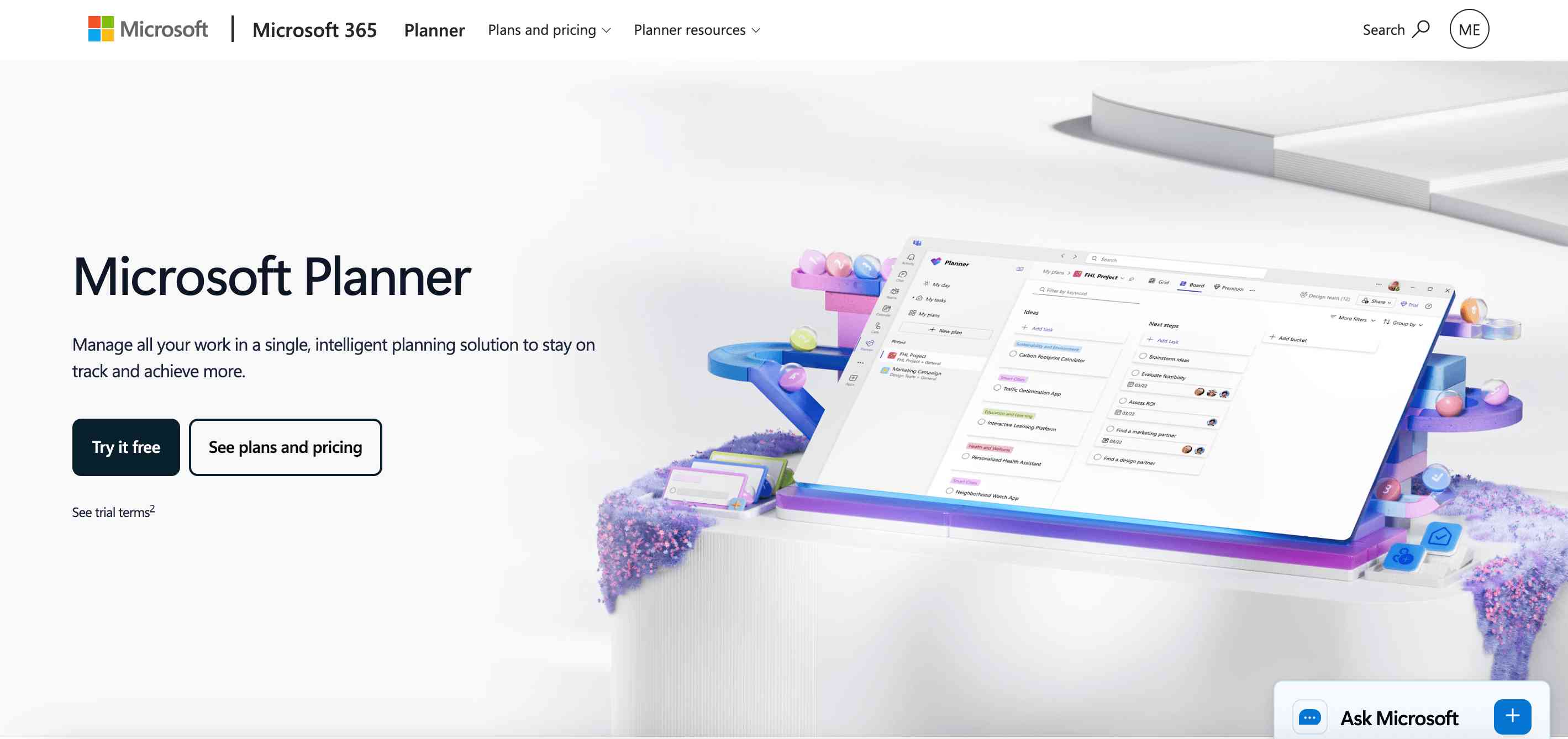
Microsoft Planner helps teams organize tasks, plans, and collaborative work within the Microsoft 365 environment. Its integration with Microsoft Teams and other Microsoft applications makes it relevant for businesses that already rely on Microsoft tools. Microsoft is also developing AI-assisted planning capabilities through its Copilot ecosystem. Depending on the available plan and licensing, users can benefit from AI assistance for planning, task management, and project-related workflows.
Key Features
- Microsoft Planner task management.
- Microsoft 365 integration.
- AI assistance through supported Copilot experiences.
- Task assignments and deadlines.
- Project plans and task boards.
- Microsoft Teams integration.
- Collaboration and notifications.
- Project views and progress tracking.
- Integration with other Microsoft applications.
Pros
- Fits naturally into Microsoft 365 environments.
- Useful for organizations already using Teams.
- Connects with other Microsoft productivity applications.
- Familiar interface for Microsoft users.
- Supports collaborative task management.
Cons
- Advanced AI experiences may require additional Copilot licensing.
- Capabilities vary by Microsoft 365 subscription.
- May not provide every advanced feature required by large project management offices.
Pricing: Basic Planner access may be included with eligible Microsoft 365 subscriptions. Premium plans and Copilot features may require additional licenses.
Best For: Businesses, corporate teams, and organizations already using Microsoft 365.
Review
Microsoft Planner is a practical option for organizations that want project and task management within their existing Microsoft environment. Its biggest advantage is ecosystem integration. Before purchasing additional licenses, businesses should check which Planner and Copilot features are already included in their subscriptions.
7. Notion
Notion is a flexible workspace that combines documents, databases, wikis, project boards, and team collaboration. Although it is not a traditional project management platform in every respect, its database and task management capabilities make it useful for teams that organize projects around documentation and shared knowledge. Notion AI can help summarize information, generate content, search workspace knowledge, and assist with project-related tasks. Its agent capabilities also support working across connected information and workflows.
Key Features
- Notion AI assistance.
- AI-powered search and summaries.
- AI agents and workspace assistance.
- Project databases and task boards.
- Document and wiki management.
- Meeting notes and summaries.
- Templates for project planning.
- Team collaboration.
- Database automation and organization.
- Connected workspace information.
Pros
- Combines project documentation and task management.
- Flexible databases and workspace structure.
- Useful AI-powered writing and summarization.
- Good for knowledge-sharing teams.
- Supports customized project workflows.
Cons
- Requires setup to build a structured project management system.
- Advanced resource planning may be limited compared with dedicated PM platforms.
- Teams can create overly complicated workspaces.
Pricing: Offers a free plan and paid subscriptions. AI features and usage depend on the current plan and product terms.
Best For: Startups, content teams, product teams, and organizations that manage projects through documentation and shared knowledge.
Review
Notion is a good choice for teams that want project information, documentation, and collaboration in one place. Its flexibility makes it suitable for customized workflows, but teams that need advanced resource allocation, portfolio management, or complex project scheduling may prefer a dedicated project management platform.
8. Motion
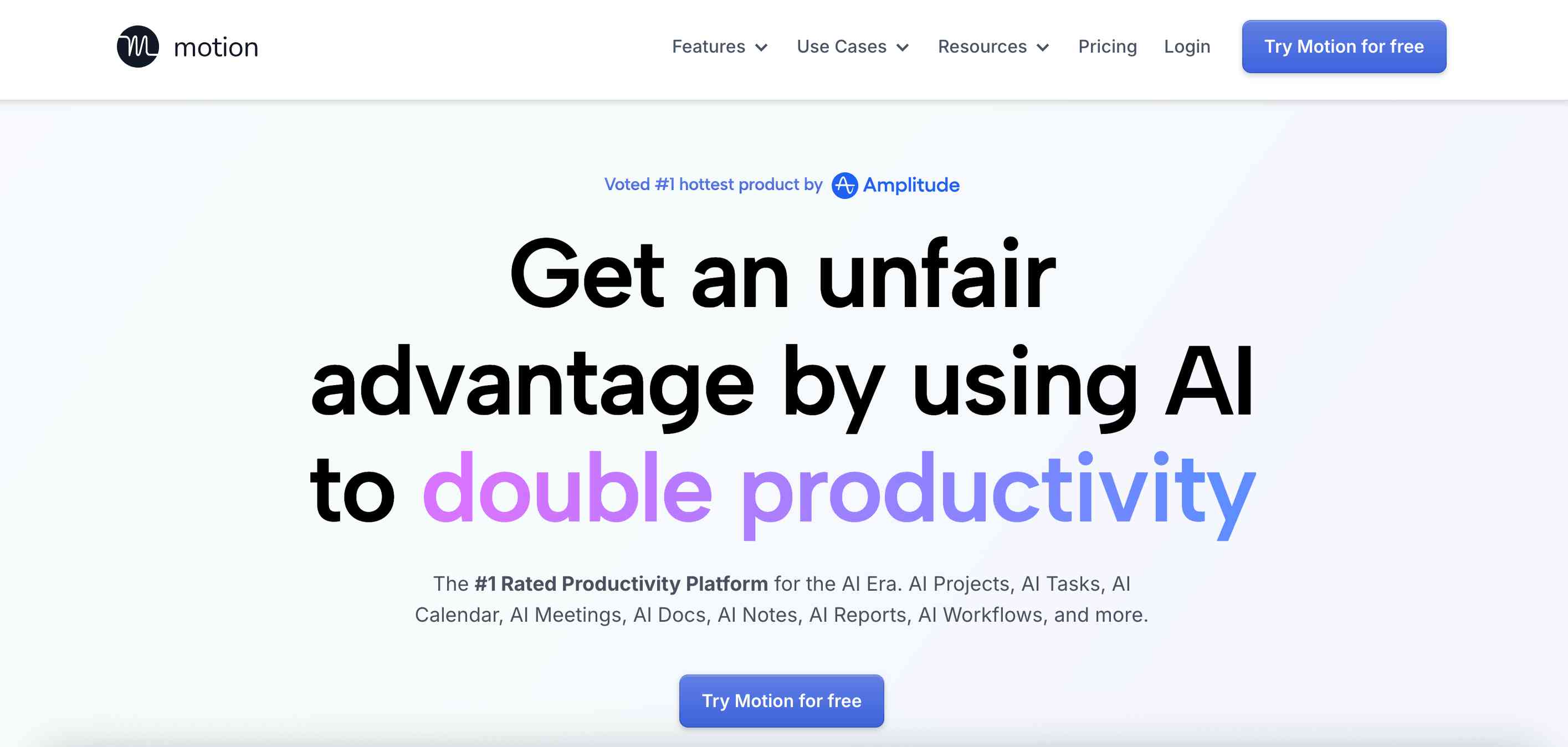
Motion is an AI-powered productivity and work management platform focused on planning and scheduling tasks. Unlike traditional project management tools that mainly organize work into boards and lists, Motion emphasizes fitting tasks into available calendar time. Its AI scheduling capabilities can help users prioritize work and adjust schedules when deadlines or priorities change. This approach makes it useful for individuals, managers, and smaller teams that struggle to organize their daily workloads.
Key Features
- AI-powered task scheduling.
- Automatic calendar planning.
- Deadline and priority management.
- Calendar and task integration.
- Automated schedule adjustments.
- Project and task management.
- Team scheduling capabilities.
- AI-assisted planning workflows.
Pros
- Helps organize tasks around calendar availability.
- Useful for deadline-driven work.
- Can automatically adjust schedules when priorities change.
- Combines task management and calendar planning.
- Helps individuals manage busy workloads.
Cons
- Not designed for every complex enterprise project workflow.
- Users may need to adjust to its scheduling-first approach.
- Integration requirements should be checked before adoption.
- Pricing may be high for teams that only need basic task management.
Pricing: Offers paid subscriptions. Pricing and AI features depend on individual and team plans.
Best For: Founders, managers, consultants, freelancers, and small teams that need automatic task scheduling.
Review
Motion is particularly useful when the main project management challenge is deciding when work should happen. Its AI scheduling approach can help users organize tasks around deadlines and calendar availability. However, businesses needing extensive portfolio management, advanced reporting, or complex resource planning should compare it with more comprehensive platforms.
9. Hive
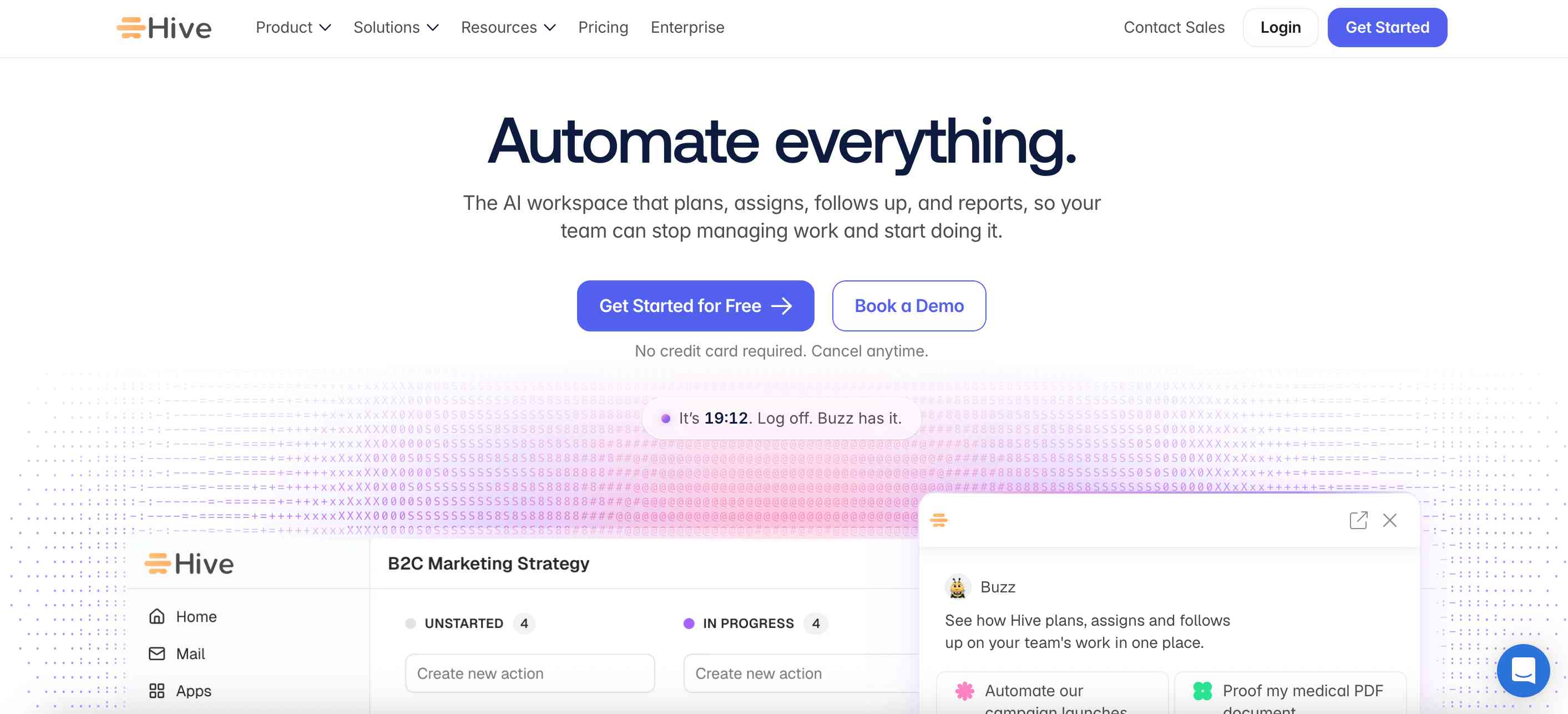
Hive is a project management and collaboration platform designed to help teams plan work, organize tasks, and communicate about projects. Its AI features include assistance with project planning, content generation, summaries, and other productivity workflows. Teams can use Hive to create project plans, manage deadlines, and coordinate responsibilities within a shared workspace. It is particularly relevant to smaller and growing teams that want project management and AI assistance without adopting an overly complex enterprise platform.
Key Features
- Hive AI assistant.
- AI-assisted project planning.
- Project templates and task management.
- Gantt charts and Kanban views.
- Team collaboration and messaging.
- Time tracking.
- Project reporting.
- Workflow automation.
- Integrations with business applications.
Pros
- Combines project management and collaboration.
- Supports different project views.
- AI can assist with planning and content tasks.
- Useful for smaller teams.
- Offers a range of project management capabilities.
Cons
- Advanced features may require paid plans.
- AI usage can be limited by credits or subscription terms.
- Some enterprise teams may need more specialized portfolio tools.
Pricing: Offers free and paid plans. AI usage allowances and advanced features should be verified on the official pricing page.
Best For: Small businesses, marketing teams, agencies, and teams looking for AI-assisted project collaboration.
Review
Hive is worth considering for teams that want to combine project planning, communication, and AI assistance. Its range of project views makes it flexible for different workflows. Before adopting it, compare its AI usage limits and integrations with the tools your team already uses.
10. Smartsheet
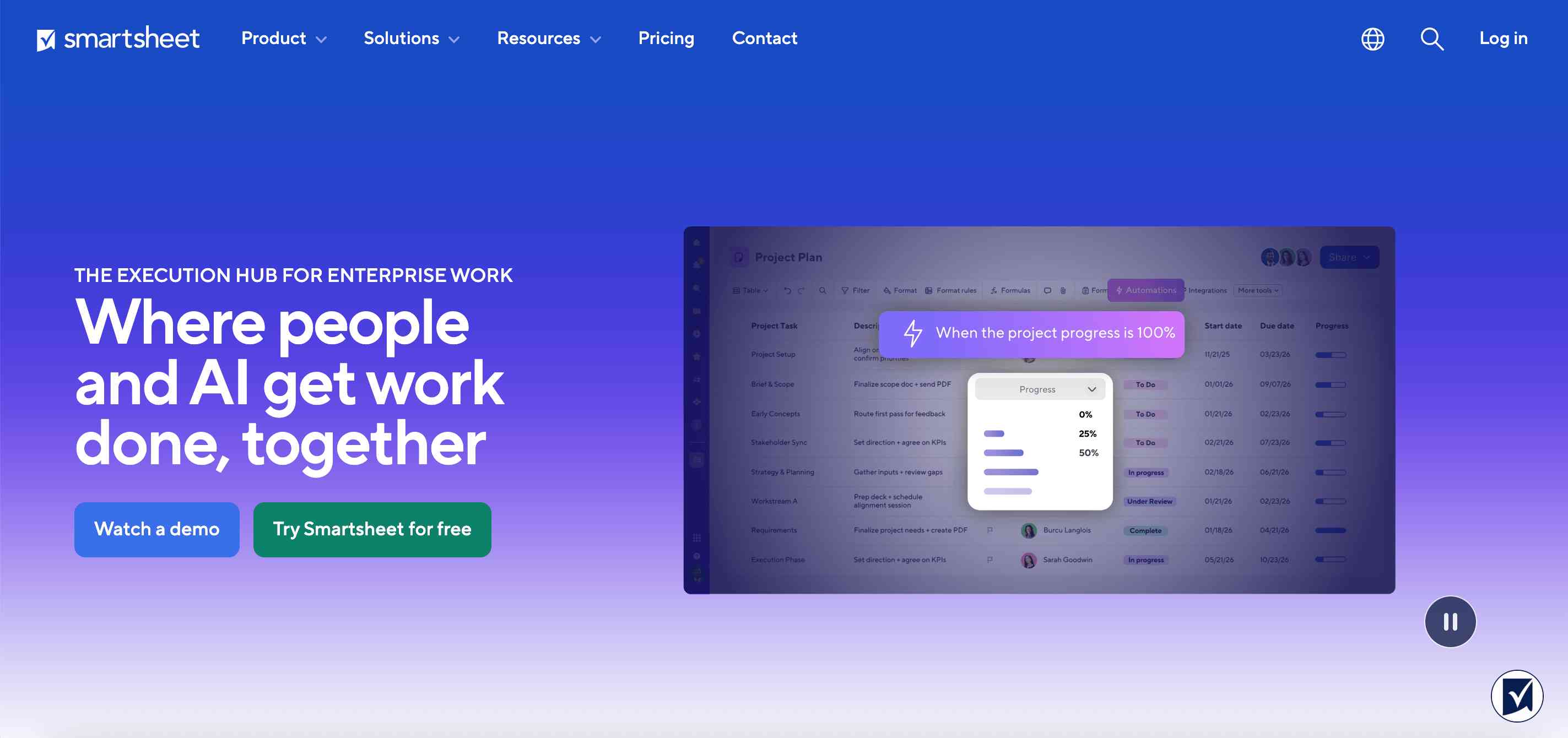
Smartsheet is a work management platform that combines spreadsheet-style project tracking with automation, dashboards, reporting, and resource management. It is especially useful for organizations that prefer grid-based project management and need visibility across multiple projects. Its AI capabilities can help users analyze information, generate formulas and content, summarize data, and work with project information more efficiently. This makes it relevant for teams that manage large amounts of structured project data.
Key Features
- AI-assisted data analysis.
- AI-generated formulas and content.
- Project grids and dashboards.
- Gantt charts and timelines.
- Resource management.
- Workflow automation.
- Portfolio reporting.
- Collaboration and approval workflows.
- Data visualization.
- Enterprise work management.
Pros
- Familiar spreadsheet-style interface.
- Useful for structured project tracking.
- Strong reporting and dashboard capabilities.
- Suitable for enterprise workflows.
- Supports resource and portfolio visibility.
Cons
- Less intuitive for users who prefer visual task boards.
- Advanced functionality may require higher-tier plans.
- Complex sheets and workflows need careful management.
Pricing: Offers paid subscriptions with different feature levels. Check the official website for current pricing, AI access, and plan limits.
Best For: Enterprise teams, project management offices, operations departments, and businesses managing spreadsheet-based projects.
Review
Smartsheet is a useful option for organizations that manage projects through structured data and spreadsheet-style workflows. Its reporting and portfolio capabilities make it relevant for teams that need management-level visibility. It is especially worth evaluating if your organization already relies on spreadsheets for project tracking.
Best AI Project Management Tools Compared
The following table summarizes the main differences between the platforms in this guide.
| Tool | Best For | Main AI Use Case | Free Plan |
|---|---|---|---|
| ClickUp | All-in-one project management | Workspace assistance and AI agents | Yes |
| Asana | Cross-functional teams | Workflow automation and AI teammates | Yes |
| monday.com | Visual workflows | AI-powered board automation | Limited free plan |
| Wrike | Enterprise projects | Risk insights and AI workflows | Yes |
| Jira | Software development | AI search and Rovo agents | Yes |
| Microsoft Planner | Microsoft 365 teams | Copilot-supported planning | Depends on Microsoft 365 plan |
| Notion | Documentation-focused teams | AI search, summaries, and agents | Yes |
| Motion | Task scheduling | Automatic scheduling and replanning | Check current trial options |
| Hive | Small and growing teams | AI-assisted project planning | Yes |
| Smartsheet | Spreadsheet-based project management | Data analysis and AI assistance | Check current trial options |
Which AI Project Management Tool Should You Choose?
The best project management software depends on the problems your team wants to solve.
| Your Requirement | Recommended Tool |
|---|---|
| All-in-one project and task management | ClickUp |
| Cross-department project coordination | Asana |
| Visual project boards and automation | monday.com |
| Enterprise project and risk management | Wrike |
| Agile software development | Jira |
| Microsoft 365-based project workflows | Microsoft Planner |
| Project documentation and knowledge management | Notion |
| Automatic task scheduling | Motion |
| AI-assisted planning for smaller teams | Hive |
| Spreadsheet-based project reporting | Smartsheet |
Best AI Project Management Tool for Small Businesses
ClickUp, Hive, and monday.com are worth considering for small businesses. They provide different approaches to task organization, collaboration, and automation.
Best AI Project Management Software for Enterprises
Wrike and Smartsheet are useful options for organizations managing complex projects, resources, and reporting requirements. Asana is another option for cross-functional teams.
Best AI Project Management Tool for Software Development
Jira is a strong choice for engineering teams that need agile boards, issue tracking, sprint planning, and development integrations.
Best AI Project Management Tool for Agencies
ClickUp, monday.com, and Hive are worth evaluating for agencies that manage multiple client projects, internal tasks, and collaborative workflows.
Best AI Project Management Tool for Automatic Scheduling
Motion is a strong option for users who want AI to organize tasks around available calendar time and deadlines.
How to Choose the Best AI Project Management Software in 2027
Selecting project management software based only on its AI features can lead to unnecessary costs and complicated workflows. Before choosing a platform, evaluate the following factors.
1. Project Planning and Task Management
Start with the basics. Your software should allow you to create projects, define milestones, assign responsibilities, set deadlines, and track progress. AI should make these activities easier rather than introduce unnecessary complexity.
2. AI Automation and Agents
Check what the AI can actually do. Some platforms only generate summaries and suggestions, while others can execute assigned actions through AI agents.
Understand whether the platform supports:
- AI-generated project plans.
- Automatic task creation.
- Task assignment suggestions.
- Automated status reports.
- Workflow execution.
- AI agents for repetitive tasks.
Also check whether users can review and approve important actions before they are completed.
3. Team Collaboration
Project management requires communication between team members. Look for shared workspaces, comments, file sharing, notifications, meeting summaries, and integrations with communication applications.
4. Resource Management
For larger teams, resource management is essential. Your platform should help you understand who is available, who is overloaded, and how work is distributed across projects.
If resource allocation is a major requirement, compare Wrike and Smartsheet with more basic task management applications.
5. Reporting and Analytics
Project managers need accurate information about deadlines, completed tasks, project budgets, and team performance. Look for dashboards, progress reports, workload visibility, and automated summaries. Make sure AI-generated reports are based on reliable project data.
6. Integrations
Your project management platform should work with your existing tools.
Check integrations with:
- Google Workspace.
- Microsoft 365.
- Slack.
- Microsoft Teams.
- GitHub.
- GitLab.
- CRM platforms.
- Time-tracking software.
- Cloud storage applications.
A platform with strong integrations can reduce the need to move information manually between systems.
7. Security and Data Privacy
Project management platforms may contain customer information, financial details, business plans, and internal documents. Review the vendor's security documentation, data retention policies, access controls, AI data usage policies, and administrative permissions before enabling AI features.
8. Pricing and AI Usage Limits
Compare the total cost, not just the advertised starting price.
Check:
- Monthly and annual subscription costs.
- Per-user pricing.
- AI add-on fees.
- AI credits or usage limits.
- Number of projects and workspaces.
- Storage and file limits.
- Automation limits.
- Enterprise security features.
Some platforms include AI in their subscriptions, while others charge separately for advanced AI capabilities.
Benefits of Using AI Project Management Tools
AI project management software can help teams reduce administrative work and improve visibility across projects.
1. Faster Project Planning
AI can turn a project brief into an initial task list, timeline, and milestone structure. Project managers can then review and customize the plan instead of building everything manually.
2. Reduced Administrative Work
Teams spend time preparing updates, organizing tasks, writing descriptions, and summarizing meetings. AI can assist with these repetitive activities.
3. Improved Project Visibility
AI-powered summaries and reporting features can help project managers understand what is progressing, what is delayed, and where attention may be needed.
4. Better Task Prioritization
Some platforms can help users organize work based on deadlines, priorities, and availability. This can make it easier to identify which tasks need immediate attention.
5. More Efficient Team Collaboration
Meeting summaries, project updates, and shared AI-assisted information can reduce the effort required to keep everyone informed.
6. Early Identification of Project Risks
Some advanced platforms provide insights into project delays, workload issues, and potential delivery risks. These features can help managers investigate problems earlier, although AI recommendations should always be reviewed.
How to Use AI for Project Management
You do not need to automate your entire project management process at once. Start with a few repetitive activities and expand as your team becomes comfortable with the software.
Step 1: Define Your Project Objective
Write down what the project needs to achieve, who is involved, and what the final deliverables should be.
Step 2: Generate an Initial Project Plan
Use your selected AI project management tool to create a draft project plan, including tasks, milestones, and suggested deadlines.
Step 3: Assign Tasks and Responsibilities
Review the generated tasks and assign owners based on team responsibilities, availability, and skills.
Step 4: Organize Project Communication
Connect your communication tools and create a shared location for project updates, files, and discussions.
Step 5: Automate Repetitive Workflows
Start with simple automations such as task reminders, status updates, and recurring reports. Introduce AI agents only when the workflow is well understood.
Step 6: Monitor Progress
Use project dashboards and AI summaries to review task completion, deadlines, workload, and possible risks.
Step 7: Review and Improve
Evaluate whether AI is actually reducing manual work and improving project visibility. Adjust workflows and permissions based on the results.
Common Mistakes to Avoid When Using AI Project Management Software
AI features can improve project workflows, but they cannot replace good project planning and management practices.
Avoid these common mistakes:
- Choosing software only because it offers AI: Compare its core project management features, integrations, and usability.
- Automating poorly defined workflows: Establish clear responsibilities and processes before introducing automation.
- Trusting AI-generated schedules without review: Check deadlines, dependencies, team capacity, and project constraints.
- Ignoring data quality: Inaccurate task information can produce misleading summaries and recommendations.
- Overlooking AI usage costs: Review credit limits, add-on fees, and subscription requirements.
- Giving agents excessive permissions: Apply appropriate access controls and approval steps.
- Ignoring team training: Make sure employees understand how to use the platform and its AI features.
- Not measuring results: Track whether automation reduces administrative work, improves delivery, or increases visibility.
Conclusion
AI project management software is moving beyond basic task tracking. Platforms are increasingly adding AI assistants, automated workflows, predictive insights, and agents that can perform selected project activities. For an all-in-one workspace, ClickUp is a strong choice. Asana is useful for cross-functional teams, while monday.com offers flexible visual workflows. Wrike and Smartsheet are worth considering for enterprise project management, and Jira remains relevant for software development teams.
If your organization already uses Microsoft 365, Microsoft Planner may fit naturally into your existing workflow. Notion is suitable for documentation-focused teams, Motion for automatic scheduling, and Hive for AI-assisted collaboration. Before selecting a platform, identify the biggest challenge in your current project management process. It might be missed deadlines, manual reporting, poor task visibility, resource allocation, or communication gaps. Choose the tool that addresses that problem, test it with a real project, and evaluate its AI features, integrations, security, and total cost before rolling it out across your organization.
People are also reading:
- Best AI Fitness Tools
- AI Facts for Kids
- AI Sales Tools
- Best AI Marketing Tools
- Best AI Database Tools
- Best AI Shopify Store Builder
- Best AI Visibility Tools
- Best AI Browsers
- AI Video Editing Tools
- AI Landing Page Builders
Frequently Asked Questions (FAQs)
1. What is the best AI project management tool in 2027?
ClickUp is a strong all-in-one option for project management, collaboration, and AI-assisted workflows. Asana is useful for cross-functional coordination, monday.com for visual workflows, and Wrike for enterprise project management. The best choice depends on your team's requirements.
2. Are there free AI project management tools?
Several project management platforms offer free plans, including ClickUp, Asana, monday.com, Jira, Notion, Wrike, and Hive. However, free access may not include every AI feature. Check the current plan details and AI usage limits before choosing.
3. Which AI project management tool is best for small businesses?
ClickUp, Hive, and monday.com are worth considering for small businesses. They offer project organization, collaboration, and automation capabilities. The right option depends on team size, workflow complexity, and budget.
4. Can AI manage an entire project automatically?
AI can automate selected project activities, such as creating tasks, summarizing updates, scheduling work, and handling defined workflows. However, complex projects still require human oversight, decision-making, stakeholder communication, and approval.
5. What is the difference between project management software and AI project management software?
Traditional project management software helps teams organize tasks, deadlines, and resources. AI project management software adds capabilities such as automated planning, intelligent summaries, task recommendations, predictive insights, and AI agents.
6. Which AI project management tool is best for software development?
Jira is a strong choice for software development teams. It supports agile workflows, sprint planning, issue tracking, and development integrations, with AI capabilities available through Atlassian's broader ecosystem.
7. Is ClickUp better than Asana for project management?
ClickUp offers a broad all-in-one workspace with tasks, documents, dashboards, and AI assistance. Asana focuses strongly on structured project coordination, goals, and cross-functional workflows. The better option depends on your team's preferred way of managing work.
8. Is monday.com an AI project management tool?
Yes. monday.com includes AI capabilities within its work management environment. Teams can use supported AI features to assist with content, data, and workflow automation.
9. Which AI project management tool is best for automatic scheduling?
Motion is particularly useful for automatic task scheduling. It organizes tasks around available calendar time, deadlines, and priorities, helping users manage their workloads.
10. Can AI project management tools create project plans?
Yes. Several platforms support AI-assisted project planning. Users can provide project details or a written brief and generate an initial structure containing tasks, milestones, and other project information. The generated plan should be reviewed before execution.
11. Do AI project management tools support team collaboration?
Yes. Platforms such as ClickUp, Asana, monday.com, Wrike, and Hive offer collaboration features alongside task and project management. Depending on the platform, AI can also help summarize discussions and generate project updates.
12. Are AI project management tools suitable for enterprise businesses?
Yes. Wrike, Smartsheet, Asana, Jira, and ClickUp are worth evaluating for enterprise use. Businesses should compare security, permissions, reporting, integrations, resource management, scalability, and AI governance.
13. Can AI project management software reduce project delays?
AI can help identify overdue tasks, workload problems, and possible risks. Some platforms offer predictive insights and scheduling recommendations. However, reducing delays also depends on accurate project data and effective management decisions.
14. What features should I look for in AI project management software?
Look for AI-assisted project planning, task management, workflow automation, scheduling, collaboration, reporting, resource management, integrations, security, and clear AI usage policies.
15. Are AI project management tools worth paying for?
They can be worthwhile when they reduce repetitive administrative work, improve project visibility, or help teams coordinate more effectively. Before purchasing, identify the specific problems you want to solve and test the platform using a real project.