Best AI Browsers in 2027: Best Web Browsers for AI Agents, Research & Automation
Discover the 10 best AI browsers in 2027 for AI agents, research, automation, and privacy. Compare features and find the right browser.
Explore moreThe best AI browsers to consider in 2027 include Perplexity Comet, Google Chrome with Gemini, Microsoft Edge with Copilot, Brave with Leo, Opera Neon, Dia, Fellou, BrowserOS, Genspark AI Browser, and Sigma AI Browser. Perplexity Comet is useful for AI-powered research and everyday browsing. Chrome with Gemini and Microsoft Edge with Copilot bring AI assistance into familiar browsers. Brave with Leo is a privacy-focused option, while Opera Neon, Fellou, BrowserOS, and Genspark are worth considering for agentic browsing and task automation.
Web browsers are evolving beyond simply opening websites and displaying search results. With AI becoming part of everyday online work, browsers are starting to help users research information, summarize webpages, compare products, manage multiple tabs, and complete repetitive online tasks. The next stage of this evolution is agentic browsing. Instead of only answering questions, AI agents can interact with websites, navigate pages, click buttons, fill out forms, and perform multi-step tasks with user permission.
This creates new opportunities for researchers, developers, marketers, business owners, and professionals who spend hours working online. For example, an AI browser could help compare software products, collect information from different websites, summarize research, or organize findings into a report. However, not every AI browser offers the same capabilities. Some focus on research and AI-powered search, while others are designed for privacy, productivity, or autonomous browser automation.
In this guide, we explore the 10 best AI browsers in 2027, comparing their features, advantages, limitations, and ideal use cases. Whether you are looking for the best web browser for AI agents, an AI browser for research, or a browser that can automate online tasks, this list will help you choose the right option.
Key Facts and Statistics About AI Browsers
AI browsers are an emerging software category. Although browser companies are introducing AI assistants and agentic capabilities, adoption is still developing as users evaluate their usefulness, reliability, and privacy implications.
Here are some relevant findings from 2026 research:
- 8% of consumers in Forrester's July 2026 ConsumerVoices research said they used AI browsers often.
- 61% of respondents in the same research said they never used AI browsers.
- Only 19% of consumers said they would consider switching their primary browser for stronger AI features.
- Privacy and security features were more compelling reasons to switch browsers than AI features alone, according to Forrester's analysis.
- AI browsers are expanding from basic page summarization into agentic systems that can navigate websites and interact with page elements.
- Technologies such as the Model Context Protocol (MCP) are helping developers connect browser environments with external AI agents and tools.
These figures suggest that AI browsers have significant potential, but mainstream adoption will depend on practical value, trust, privacy, and reliability.
What Is an AI Browser?
An AI browser is a web browser that integrates artificial intelligence to help users search, understand, organize, and interact with online information. Traditional browsers mainly display websites and provide access to online services. AI browsers add features such as webpage summarization, contextual answers, research assistance, content generation, and browser automation. Some advanced AI browsers also include AI agents. These agents can interpret user instructions and perform supported actions, such as opening websites, clicking buttons, navigating pages, and filling out forms.
For example, you could ask an AI browser to compare several software products, review their pricing pages, and prepare a summary. A browser with agentic capabilities may be able to visit the websites and collect the information itself, although you should verify the results before relying on them.
Also check: AI Browser vs Traditional Browser
AI Assistant Browser vs. AI Agent Browser
Not every browser with AI features is an agentic browser. Understanding the difference helps you choose software that matches your needs.
| Feature | AI Assistant Browser | AI Agent Browser |
|---|---|---|
| Summarize webpages | Yes | Yes |
| Answer questions about open tabs | Yes | Yes |
| Generate text | Often | Often |
| Compare information across websites | Some support it | Common use case |
| Click buttons and navigate websites | Usually limited | Supported |
| Fill out online forms | Limited or unavailable | Supported by some agents |
| Complete multi-step tasks | Usually limited | Core capability |
| Human approval | Depends on feature | Important for sensitive actions |
An AI assistant mainly helps you understand information. An AI agent can go further and interact with websites to complete tasks.
10 Best AI Browsers in 2027
1. Perplexity Comet
Perplexity Comet is an AI-powered browser developed by Perplexity. It brings AI search and research capabilities directly into the browsing experience. Instead of opening a separate chatbot whenever you need help understanding a webpage, Comet lets you interact with an AI assistant while browsing. You can ask questions about the current page, summarize information, compare sources, and work with multiple tabs.
It is particularly useful for people who regularly research products, services, companies, and industry topics.
Key Features
- AI assistant integrated into the browser.
- Summarization of webpages and online content.
- Contextual assistance across browser tabs.
- AI-powered research and information discovery.
- Support for agentic browsing tasks.
- Desktop and mobile availability.
Pros
- Combines browsing with AI research assistance.
- Useful for comparing information from multiple websites.
- Helps reduce repetitive research work.
- Available across major desktop and mobile platforms.
Cons
- Some advanced agent capabilities depend on subscription and usage limits.
- AI-generated summaries still require source verification.
- Users should review actions before allowing agents to interact with sensitive websites.
Pricing: A free option is available. Advanced AI features and usage limits depend on the available Perplexity subscription.
Best For: Researchers, students, marketers, professionals, and users who regularly work with multiple websites.
Review: Comet is a strong option for people who want AI assistance built directly into their browsing workflow. Its research-focused approach makes it useful for gathering and understanding information without constantly moving between a browser and a chatbot. It is a good starting point for users exploring AI-powered browsing.
2. Google Chrome with Gemini
Google Chrome remains one of the most widely used browsers, and Google's Gemini integration brings AI assistance into the familiar Chrome experience. Users can ask Gemini questions about the content they are viewing, summarize webpages, clarify information, and work with multiple open tabs. Google is also introducing Auto Browse capabilities that allow eligible users to delegate certain multi-step tasks to Gemini.
For people who already use Chrome for work, research, and everyday browsing, these features offer a way to use AI without moving to a completely different browser.
Key Features
- Gemini AI assistant integrated into Chrome.
- Summarization and explanation of webpage content.
- Contextual assistance using open tabs.
- AI-powered image creation and editing features where supported.
- Skills and productivity features.
- Auto Browse for eligible multi-step web tasks.
Pros
- Familiar browsing interface.
- Integrates AI into an established browser.
- Useful for people who already use Google services.
- Supports contextual assistance across webpages.
Cons
- Feature availability varies by region, account, and subscription.
- Advanced Auto Browse access has eligibility requirements.
- AI-generated answers may still need verification.
Pricing: Chrome is free. Gemini features and Auto Browse access depend on Google's available plans and regional rollout.
Best For: Chrome users, students, professionals, researchers, and people who want AI assistance without switching browsers.
Review: Chrome with Gemini is a practical choice for users who do not want to change their existing browsing habits. Its biggest advantage is convenience: users can access AI assistance while continuing to use their familiar extensions, bookmarks, and browsing environment. Check the availability of advanced agent features in your region before relying on them for automated tasks.
3. Microsoft Edge with Copilot
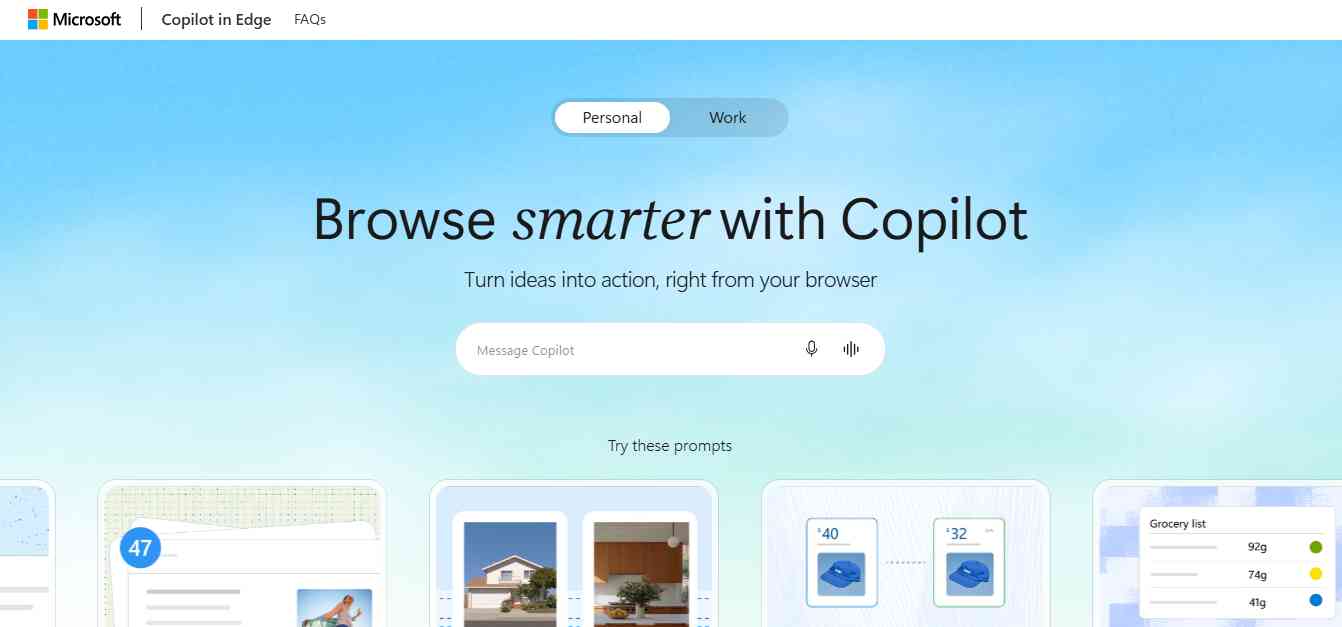
Microsoft Edge includes Copilot, an AI assistant that helps users understand webpages, summarize information, research topics, and work with online content. It is particularly relevant for people who already use Windows and Microsoft 365 applications. Users can access AI assistance while browsing and use it to understand documents, videos, and other online material.
Edge is also worth considering for business environments where Microsoft tools are already part of everyday operations.
Key Features
- Built-in Copilot assistant.
- Webpage and PDF summarization.
- Contextual answers based on browsing content.
- Voice-based AI interactions where supported.
- Integration with Microsoft's broader ecosystem.
- Privacy and context-access controls.
Pros
- Useful for Microsoft 365 users.
- AI assistance is built into the browser.
- Helps summarize online information and documents.
- Available across desktop and mobile platforms.
Cons
- Some features depend on account type and regional availability.
- Advanced capabilities may require a subscription.
- AI responses still need human review.
Pricing: Microsoft Edge is free. Copilot and advanced AI capabilities may have different access conditions and subscription requirements.
Best For: Windows users, Microsoft 365 customers, business professionals, and organizations using Microsoft's ecosystem.
Review: Edge with Copilot is a convenient option for users who already work with Microsoft products. It provides AI assistance without requiring a separate AI-first browser. Businesses should review account settings and administrative controls before enabling access to workplace browsing context.
4. Brave with Leo
Brave is a privacy-focused browser that includes Leo, its built-in AI assistant. Leo can help users summarize webpages, generate content, translate information, and analyze documents without requiring a separate chatbot window. Privacy is one of Brave's main differentiators. According to Brave, Leo does not retain or share chats or use them for additional model training, and users do not need to create an account to access its basic AI assistant.
Brave has also introduced agentic browsing capabilities for early testing, with a cautious approach because of the security challenges involved in giving AI agents control over browser actions.
Key Features
- Built-in Leo AI assistant.
- Webpage and document summarization.
- AI-powered content generation and translation.
- Support for multiple AI models.
- Privacy-focused chat handling.
- Experimental agentic browsing capabilities.
Pros
- Strong privacy-focused positioning.
- Basic Leo access does not require an account.
- Supports several AI models.
- Available on desktop and mobile.
Cons
- Some advanced capabilities require a premium subscription.
- Agentic browsing features may still be in testing.
- Not every AI feature is available across all platforms.
Pricing: Brave is free. Leo offers free and premium access, with additional models and usage limits depending on the plan.
Best For: Privacy-conscious users, researchers, professionals, and people who want an AI assistant built into their browser.
Review: Brave Leo is a good option for people who want AI assistance without giving up a privacy-focused browsing experience. Its ability to summarize webpages and analyze documents makes it useful for everyday research. Users interested in agentic browsing should check the current release status and permissions before enabling experimental features.
5. Opera Neon
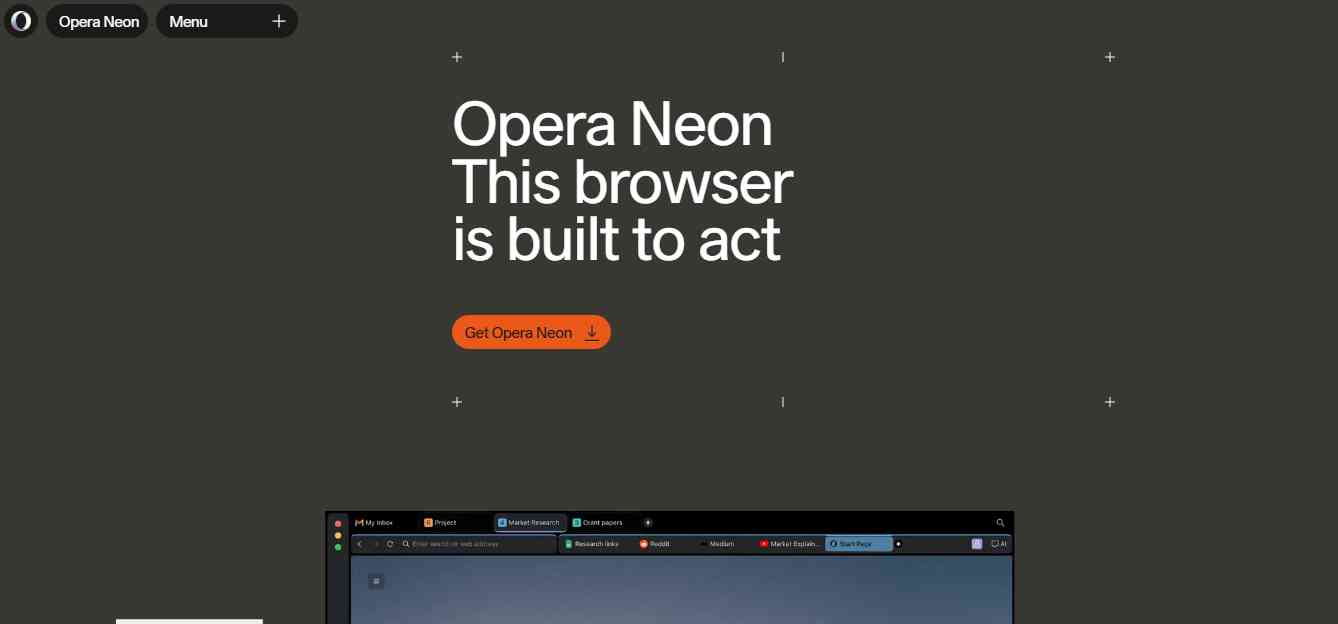
Opera Neon is an AI-first browser designed around the idea that a browser should do more than display websites. It combines browsing with AI agents that can research information, interpret web content, and help complete tasks. Its features include AI-powered research, task-based workspaces, and integrations that allow users to connect the browser with external tools and agent workflows.
Opera Neon is particularly interesting for professionals and developers who want a browser that can act as part of a larger AI-powered workflow.
Key Features
- AI agents for browsing and task execution.
- Deep Research capabilities.
- AI chat and content generation.
- Task-based workspaces with contextual information.
- Scheduled tasks.
- MCP and CLI integrations.
- Connections to external tools and services.
Pros
- Designed specifically around agentic browsing.
- Supports research and multi-step workflows.
- Offers integrations for developers and advanced users.
- Combines browsing with AI productivity features.
Cons
- Advanced agentic capabilities require a subscription.
- New users may need time to understand its workflow.
- Automated actions should be monitored and reviewed.
Pricing: Opera Neon offers subscription-based access to agentic functionality. Check its official website for current pricing.
Best For: AI enthusiasts, researchers, developers, and professionals who want to automate browser-based tasks.
Review: Opera Neon is one of the more interesting options for people looking beyond basic AI summaries. Its focus on agents, scheduled tasks, and integrations makes it relevant for users who want to connect browser activity with larger workflows. It is worth exploring if you want your browser to become an active part of your work.
6. Dia

Dia is an AI-focused browser developed by The Browser Company, the team behind Arc. It is designed to make browsing more contextual and useful for everyday work. Instead of treating every tab as a separate browsing session, Dia aims to help users work with information across their browsing environment. Its AI capabilities support tasks such as summarizing information, writing, and working with connected applications.
This makes it relevant for people who spend a lot of time switching between documents, emails, research pages, and productivity applications.
Key Features
- AI assistant integrated into the browsing experience.
- Contextual assistance across tabs.
- Writing and summarization support.
- Work-oriented AI features.
- Connections with selected productivity applications.
- Features designed for knowledge work.
Pros
- Designed around everyday knowledge work.
- Helps users work with information across tabs.
- Useful for writing and research tasks.
- Offers an alternative to traditional browsing workflows.
Cons
- Platform availability may be limited compared with established browsers.
- Some advanced features require paid access.
- Users should check supported integrations before switching.
Pricing: Check the official website for current free and paid feature availability.
Best For: Researchers, writers, professionals, and people who regularly work across multiple productivity applications.
Review: Dia is worth considering if your browser is your primary workspace. Its focus on contextual AI assistance makes it useful for people who regularly move between research, writing, and productivity tools. It is less about replacing search engines and more about making everyday browsing work feel connected.
7. Fellou
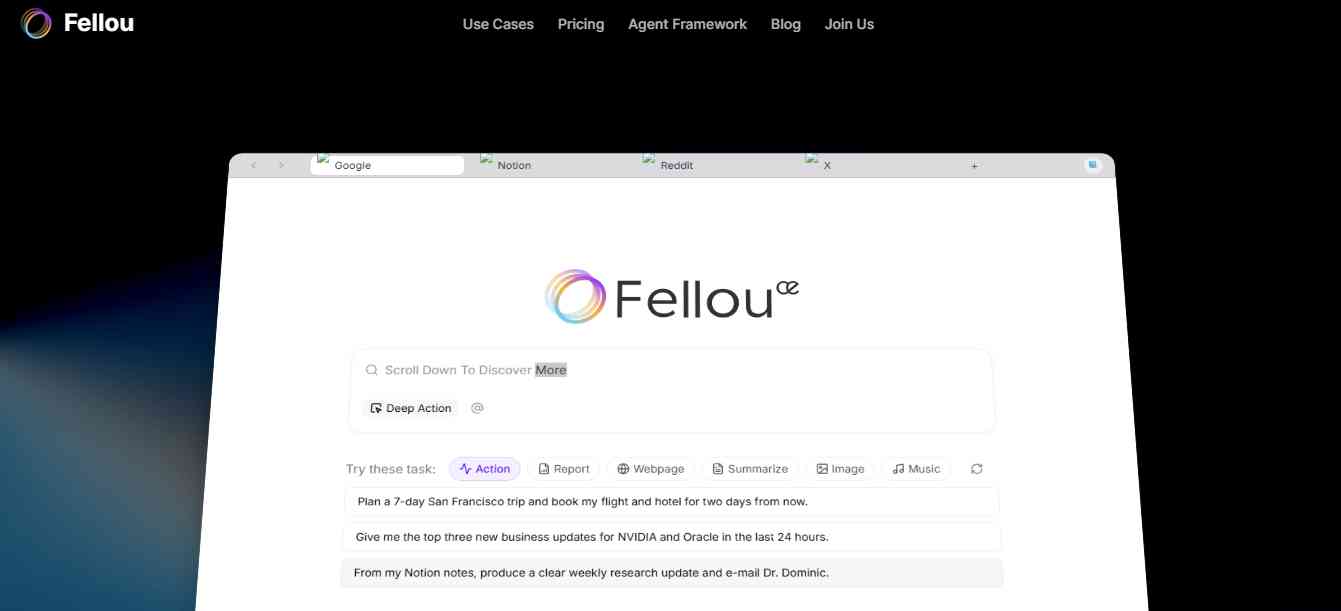
Fellou is an agentic AI browser designed to help users perform complex online tasks. Instead of simply responding to questions, it can plan workflows and interact with websites to complete different steps. Its capabilities include deep research, browser automation, and computer-use features that can extend beyond ordinary webpage interactions when the user grants the necessary permissions.
Fellou is especially relevant for users who want to delegate repetitive online activities and monitor how the AI completes them.
Key Features
- AI-powered deep research.
- Multi-step browser automation.
- Computer-use capabilities with granted permissions.
- Step-by-step task visibility.
- Ability to intervene during workflows.
- Agentic memory features.
Pros
- Designed for multi-step online tasks.
- Provides visibility into the agent's workflow.
- Useful for research and repetitive browser activities.
- Can support workflows involving local applications where permitted.
Cons
- Advanced automation may require permissions and setup.
- AI agents can make mistakes when interacting with complex websites.
- Users need to review actions involving sensitive information.
Pricing: Free and paid usage options may be available. Check the official website for current limits and subscription details.
Best For: Researchers, business professionals, and users who want to automate repetitive web tasks.
Review: Fellou is a relevant option for users who want more than an AI assistant that summarizes webpages. Its focus on planning, multi-step execution, and user intervention makes it interesting for complex research and browser-based workflows. As with any agentic browser, review the agent's actions before allowing it to submit information or make changes.
8. BrowserOS
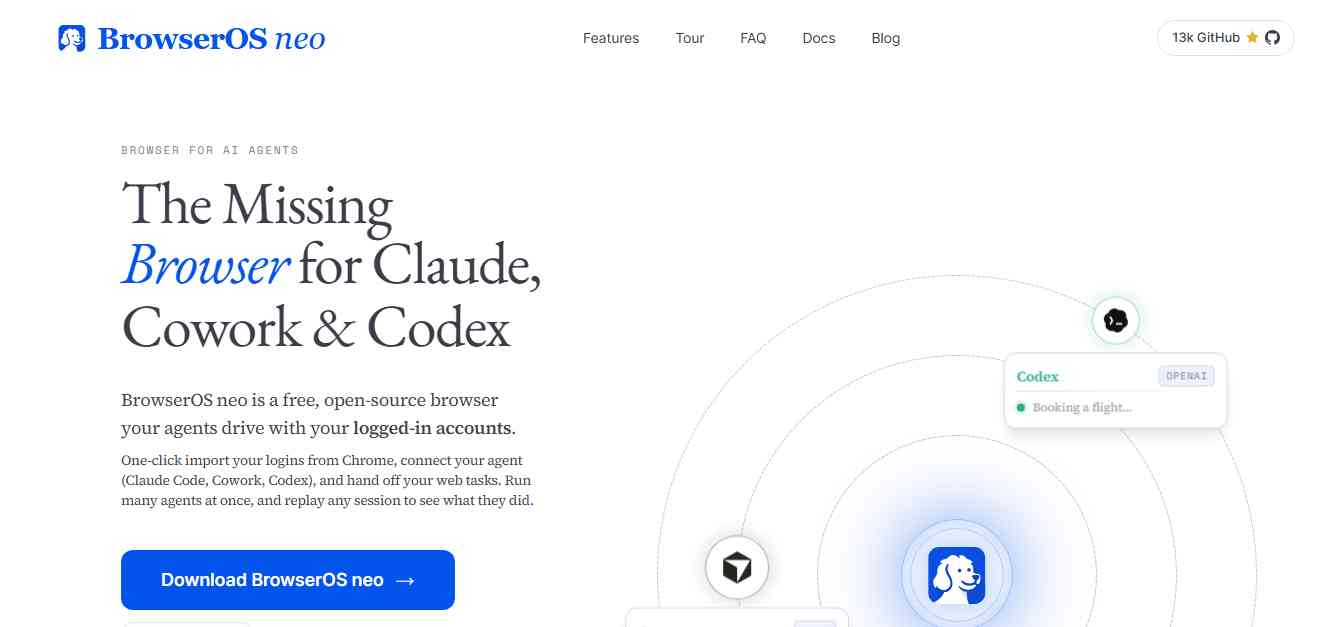
BrowserOS is an open-source AI browser designed for users who want more control over how AI interacts with their browsing environment. Unlike closed AI browser platforms that rely on a vendor's built-in assistant, BrowserOS gives users the ability to work with their own AI models and agent frameworks. Its BrowserOS neo offering is designed to let external agents interact with a browser through MCP.
This makes it particularly relevant for developers, technical teams, and users interested in building custom browser automation workflows.
Key Features
- Open-source browser under the AGPL-3.0 license.
- Local browser execution.
- Support for external AI models and provider keys.
- MCP-based agent connections.
- Browser automation and session visibility.
- Session replay and monitoring features.
Pros
- Open-source approach.
- Greater flexibility for developers.
- Supports external AI agents and models.
- Designed with local execution and privacy controls in mind.
Cons
- May require more technical knowledge than mainstream browsers.
- Users may need to configure model providers and integrations.
- Feature maturity and compatibility should be checked before production use.
Pricing: The project describes its browser software as free and open source. AI model usage may involve separate provider costs.
Best For: Developers, AI automation enthusiasts, technical teams, and users who want an open-source AI browser.
Review: BrowserOS is particularly interesting for people who want to build or control their own agentic browsing setup. Its open-source approach provides more flexibility than a closed browser assistant, although the additional control comes with some configuration work. It is a strong option to evaluate if privacy, transparency, and agent integration are priorities.
9. Genspark AI Browser
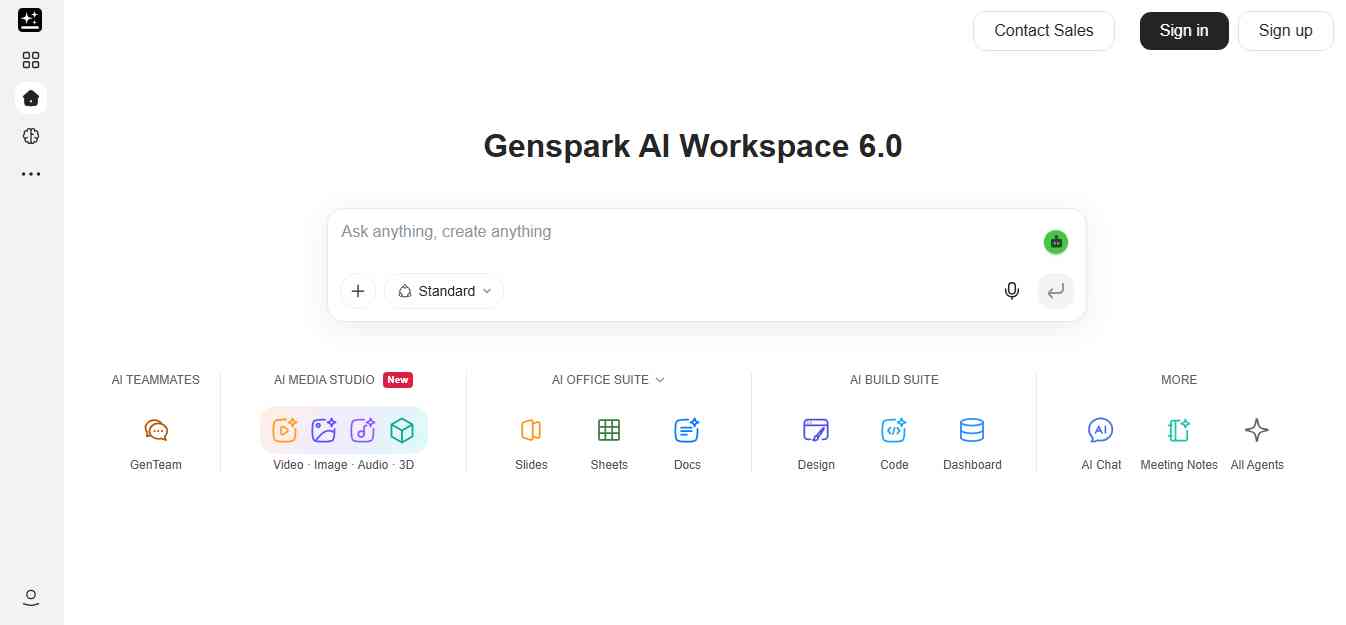
Genspark AI Browser is designed to let users delegate online tasks to an AI-powered browser environment. Instead of manually opening pages, navigating through menus, and collecting information, users can provide a goal and let the browser work through the steps. The platform can open websites, interact with forms, navigate paginated pages, and collect information. It also provides a task trace so users can inspect what the browser did.
This approach is useful for business workflows that involve repeated interactions with websites and online portals.
Key Features
- AI-powered browser task execution.
- Website navigation and interaction.
- Form filling and data extraction.
- Multi-step browser workflows.
- Task monitoring and action traces.
- Private cloud browser environment for supported workflows.
Pros
- Useful for delegating repetitive web tasks.
- Supports workflows involving multiple website interactions.
- Provides visibility into browser actions.
- Relevant for business and operational automation.
Cons
- Complex tasks may still require human intervention.
- Availability and usage limits depend on the product plan.
- Users should carefully manage account access and permissions.
Pricing: Free trial or entry access and business plans may be available. Check the official website for current pricing and eligibility.
Best For: Business teams, operations professionals, researchers, and users who need browser-based task automation.
Review: Genspark AI Browser is worth considering when the main goal is to delegate browser work rather than simply ask questions about webpages. Its ability to interact with websites and provide a record of actions makes it relevant for structured business workflows. Review task traces and confirm results before using extracted information in important business processes.
10. Sigma AI Browser
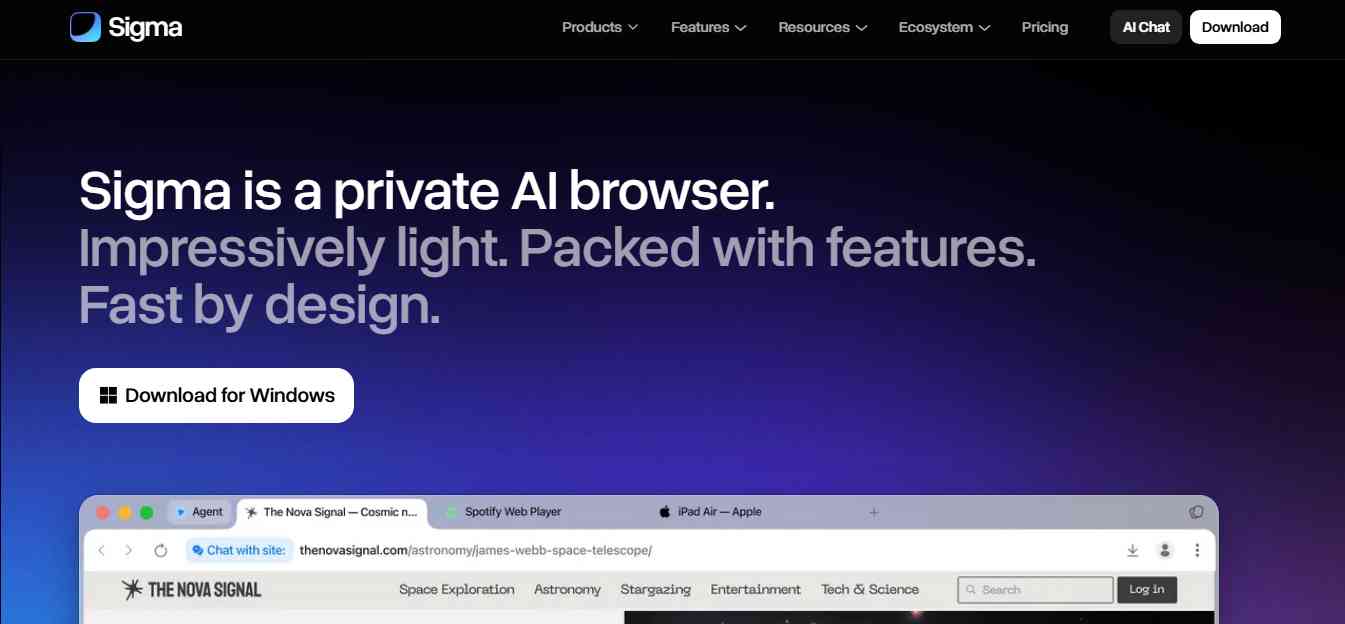
Sigma AI Browser combines traditional browsing with built-in AI tools for research, writing, summarization, and content creation. Its approach is designed for people who want AI assistance available while browsing rather than switching between a browser and separate AI applications. Users can work with webpage content, generate text, summarize information, and use other AI-supported capabilities within the browsing experience.
Key Features
- Built-in AI chat.
- Webpage summarization and analysis.
- AI-assisted writing and rewriting.
- Research and information discovery.
- Image generation capabilities.
- Browser-based productivity features.
Pros
- Combines browsing with several AI features.
- Useful for research and everyday content tasks.
- Reduces the need to switch between applications.
- Suitable for users exploring AI-assisted browsing.
Cons
- Advanced agentic capabilities should be verified before relying on them.
- Feature availability may vary by version.
- Users should check privacy policies and data handling practices.
Pricing: Check the official website for current pricing and available plans.
Best For: Everyday users, students, researchers, writers, and people who want AI tools integrated into their browsing experience.
Review: Sigma AI Browser is an option for users who want a combination of standard browsing and built-in AI assistance. Its research, writing, and summarization features can help with everyday tasks. Before choosing it for complex agent automation, confirm that its current version supports the specific actions you need.
Comparison Table: Best AI Browsers in 2027
| AI Browser | Best For | Main AI Capability | Agentic Browsing |
|---|---|---|---|
| Perplexity Comet | Research and everyday browsing | Page and multi-tab assistance | Supported features |
| Chrome with Gemini | Existing Chrome users | Contextual AI and Auto Browse | Eligible users |
| Microsoft Edge with Copilot | Microsoft ecosystem | Page and document assistance | Depends on available features |
| Brave with Leo | Privacy-focused browsing | Private AI assistant | Experimental features |
| Opera Neon | Agentic workflows | AI agents and deep research | Yes |
| Dia | Knowledge workers | Contextual work assistance | Depends on current features |
| Fellou | Multi-step research | Agentic automation | Yes |
| BrowserOS | Open-source agent workflows | External agent integration | Yes |
| Genspark AI Browser | Delegated browser tasks | Website interaction and task execution | Yes |
| Sigma AI Browser | Everyday AI assistance | Research, writing, and summaries | Verify current capabilities |
Best Web Browser for AI Agents: Which One Should You Choose?
If your main requirement is an AI agent that can interact with websites, the best browser depends on how much control you need and whether you want a ready-made assistant or an open environment for your own agents.
| Your Requirement | Browser Worth Considering | Why |
|---|---|---|
| General AI-powered browsing | Perplexity Comet | Combines browsing with contextual AI assistance |
| AI tasks inside Chrome | Chrome with Gemini | Adds AI features without changing browsers |
| Microsoft-based workflows | Edge with Copilot | Fits into the Microsoft ecosystem |
| Agentic browser workflows | Opera Neon | Built around AI agents and task execution |
| Deep research and computer use | Fellou | Supports multi-step workflows |
| Open-source AI agents | BrowserOS | Offers local and external agent integrations |
| Delegating business tasks | Genspark AI Browser | Designed for website interaction and task execution |
| Privacy-focused AI assistance | Brave with Leo | Offers privacy-oriented AI features |
If you want a browser that can execute tasks rather than just summarize pages, start by evaluating Opera Neon, Fellou, BrowserOS, and Genspark. If you want a more familiar browsing experience with AI assistance, consider Comet, Chrome, or Edge.
How to Choose the Right AI Browser in 2027
Choosing an AI browser is not only about which one has the most AI features. You should consider how it fits into your existing workflow and what level of access you are comfortable giving an AI assistant.
1. Decide Whether You Need an Assistant or an Agent
If you mainly want to summarize webpages, understand articles, or ask questions about open tabs, a browser with an AI assistant may be enough. If you want software that can navigate websites, fill forms, or complete multi-step tasks, look for an agentic browser with explicit action controls.
2. Check Platform Compatibility
Before switching, confirm that the browser works on your operating system and devices. Some AI browsers have broad desktop and mobile support, while others focus on a smaller set of platforms. If you regularly switch between a laptop and smartphone, cross-device support may be important.
3. Review Privacy and Security
AI browsers may process webpage content, browsing context, and information from logged-in sessions. Before using one, review:
- What browsing data is sent to external servers.
- Whether conversations are stored.
- Whether data is used for model training.
- Whether the browser supports local processing.
- Which websites the agent can access.
- Whether sensitive actions require approval.
Do not give an AI browser unrestricted access to banking, financial, or other sensitive accounts unless you understand its security controls.
4. Compare AI Models and Integrations
Some browsers offer a fixed AI assistant, while others support multiple models or connections to external agent frameworks. If you are a developer or advanced user, check whether the browser supports MCP, external model providers, local models, and automation tools.
5. Check Pricing and Usage Limits
Some browsers are free to download but charge for advanced AI features or agent usage. Check whether pricing is based on monthly subscriptions, credits, tasks, or model usage. Also review whether the features you need are included in the free plan.
6. Test the Browser With Real Tasks
Do not choose a browser based only on its product demonstration. Test it with practical tasks such as:
- Summarizing several research articles.
- Comparing product specifications across websites.
- Collecting information from multiple sources.
- Preparing a research report.
- Navigating a non-sensitive website.
- Filling a sample form without submitting it.
This helps you understand how reliable the browser is in your actual workflow.
Benefits of Using AI Browsers
AI browsers can make everyday browsing more productive by reducing repetitive tasks and helping users work with information more efficiently.
- Faster Online Research: AI assistants can summarize long articles, extract key information, and help users compare multiple sources. This is useful for students, researchers, marketers, and business professionals.
- Less Manual Tab Switching: A browser that understands multiple open tabs can help users work with information from different websites without repeatedly copying and pasting content into a separate AI application.
- Automated Online Tasks: Agentic browsers can interact with websites to perform supported tasks such as navigation, form filling, and information collection. This can reduce manual work when the process is repetitive and well-defined.
- Better Productivity: AI features can support writing, summarization, translation, and research. Users can spend less time on routine browsing activities and more time reviewing information and making decisions.
- More Flexible Workflows for Developers: Browsers with MCP support and external agent integrations can become part of a larger automation environment. Developers can connect browser activity with coding agents and other tools.
Risks and Limitations of AI Browsers
AI browsers offer useful capabilities, but giving an AI agent access to a browser also creates new risks.
- Prompt Injection: A malicious webpage can contain instructions designed to influence an AI agent. This is known as indirect prompt injection. It can potentially cause an agent to take unintended actions or expose information.
- Incorrect Actions: AI agents can misunderstand instructions, click the wrong buttons, or enter incorrect information. Always review important actions before submission.
- Privacy Concerns: Some AI browsers process webpage content or browsing context through cloud-based services. Check what information is shared and how it is stored.
- Limited Website Compatibility: Some websites use CAPTCHAs, complex interfaces, or security restrictions that can prevent agents from completing tasks reliably.
- Subscription and Usage Limits: Advanced browsing agents may require paid plans or consume credits. Check usage limits before depending on them for regular business workflows.
Conclusion
AI browsers are changing how people interact with the web. Instead of simply opening pages and searching for information, users can ask questions about their browsing activity, compare multiple sources, generate content, and delegate certain online tasks to AI agents. For everyday browsing, Perplexity Comet, Chrome with Gemini, and Microsoft Edge with Copilot are practical options. Brave with Leo is worth considering for privacy-focused AI assistance, while Opera Neon, Fellou, BrowserOS, and Genspark are more relevant for users exploring agentic browsing and automation.
The important thing is to choose a browser based on the work you actually need to do. If you only need summaries and research assistance, a built-in AI assistant may be enough. If you want an AI agent to interact with websites and complete tasks, look more closely at its automation capabilities, security controls, and approval process. As AI browsers develop through 2027, reliability, privacy, security, and real-world usefulness will be just as important as the number of AI features a browser offers.
People are also reading:
- Best AI Fitness Tools
- AI Facts for Kids
- AI Sales Tools
- Best AI Marketing Tools
- Best AI Database Tools
- Best AI Shopify Store Builder
- Best AI Visibility Tools
- Best AI Cybersecurity Tools
- AI Video Editing Tools
Key resources and references
Use these links in the article's research and resources section:
- Forrester – AI Browsers Are a Successful Failure — AI browser adoption and consumer switching behavior.
- Google Chrome – Gemini in Chrome — AI assistance and browser features.
- Google Support – Auto Browse in Chrome — Auto Browse availability and supported tasks.
- Microsoft Edge — Official browser and Copilot information.
- Brave Leo — AI assistant features and privacy approach.
- Brave – AI Browsing and Security — Agentic browsing and security considerations.
- Opera Neon — AI agents and browser automation.
- Fellou — Agentic browsing and multi-step research.
- BrowserOS — Open-source AI browser and agent integration.
- Genspark AI Browser — Browser automation and task execution.
- Dia Browser — AI-assisted browsing and knowledge work.
- Sigma AI Browser — AI-assisted browsing and productivity.
Frequently Asked Questions About AI Browsers in 2027
1. What are the best AI browsers in 2027?
Perplexity Comet, Chrome with Gemini, Microsoft Edge with Copilot, Brave with Leo, and Opera Neon are among the AI browsers worth considering in 2027. Comet is useful for research, Chrome and Edge offer familiar AI-assisted browsing, Brave focuses on privacy, and Opera Neon is designed around agentic workflows.
2. What is the best web browser for AI agents?
Opera Neon, Fellou, BrowserOS, and Genspark AI Browser are worth considering for agentic browsing and multi-step task automation. BrowserOS is relevant for users who want open-source agent integrations, while Opera Neon focuses on built-in AI agents and connected workflows.
3. What is an agentic AI browser?
An agentic AI browser is a web browser that uses AI agents to perform actions on websites. Depending on its capabilities, it may navigate pages, click buttons, fill forms, collect information, and complete multi-step tasks based on user instructions.
4. Which AI browser is best for research?
Perplexity Comet is a strong choice for AI-powered research because it combines browsing with contextual AI assistance. Opera Neon and Fellou are also worth considering for more advanced research workflows and multi-step tasks.
5. Are there free AI browsers?
Yes. Some AI browsers offer free access or free entry-level features, including Brave and Perplexity Comet. Chrome and Microsoft Edge are also free browsers with integrated AI capabilities. Advanced AI models, automation features, and higher usage limits may require paid subscriptions.
6. Which AI browser is best for privacy?
Brave with Leo is worth considering if privacy is a priority. Brave states that Leo does not retain or share chats or use them for additional model training, and basic access does not require an account. Users should still review privacy settings and policies before using any AI browser.
7. Can AI browsers automate website tasks?
Yes. Some agentic browsers can navigate websites, click buttons, fill forms, and collect information. The exact capabilities vary by product, website, account permissions, and subscription.
8. Is Google Chrome an AI browser?
Google Chrome includes Gemini AI features that can help users summarize webpages, answer questions, and work with browsing context. Eligible users may also have access to Auto Browse for certain multi-step tasks.
9. What is the difference between an AI browser and an AI search engine?
An AI search engine primarily helps users find and understand information through AI-generated answers. An AI browser combines browsing with AI assistance and may also let agents interact with websites. Some products offer both types of capabilities.
10. Are AI browsers safe to use?
AI browsers can be useful, but agentic browsing introduces security risks such as indirect prompt injection and unintended actions. Use limited permissions, review actions before submitting information, and avoid giving agents unrestricted access to sensitive accounts.
11. Can AI browsers replace traditional web browsers?
AI browsers can replace traditional browsers for some users, but many people still prefer established browsers because of their extensions, saved passwords, bookmarks, and familiar workflows. AI features are increasingly being added to existing browsers, so switching is not always necessary.
12. What should I look for in an AI browser for business?
Businesses should evaluate security controls, data privacy, account permissions, automation reliability, audit logs, platform support, integrations, and subscription costs. For agentic workflows, human approval and clear activity records are especially important.
13. Which AI browser is best for web automation?
Opera Neon, Fellou, BrowserOS, and Genspark AI Browser are worth evaluating for web automation. Compare their ability to interact with websites, handle multi-step tasks, maintain session context, and provide a record of completed actions.
14. What is the best open-source AI browser?
BrowserOS is an option for users looking for an open-source AI browser with external agent integrations. It is particularly relevant for developers who want more control over model providers, browser automation, and their AI workflows.
15. Do AI browsers support MCP?
Some AI browser projects and agentic browsing environments support Model Context Protocol (MCP), which allows external AI systems to interact with tools and browser capabilities through a standardized interface. Check each browser's current documentation to confirm its supported MCP integrations.