10 Best AI Shopify Store Builders for 2027: Create an Online Store Faster
Discover the best AI Shopify store builders for 2027. Compare tools that create Shopify stores, product pages, themes, and e-commerce content using AI.
Explore moreThe best AI Shopify store builders for 2027 include Shopify's AI store-building features, Atlas, BuildYourStore.ai, Storebuild.ai, Dropmagic, PageFly, GemPages, Shogun, Zipify Pages, and EComposer. These tools help entrepreneurs create Shopify storefronts, generate product pages, customize themes, build landing pages, and improve ecommerce content. Shopify's native AI features are useful for merchants who want tools within the Shopify ecosystem, while dedicated AI store builders can help speed up store creation. PageFly, GemPages, Shogun, Zipify Pages, and EComposer are particularly useful for building and customizing conversion-focused pages.
Building a Shopify store used to involve several steps: choosing a theme, designing the homepage, writing product descriptions, creating images, organizing collections, and configuring essential store settings. For beginners, getting everything ready for launch could take days or even weeks. AI is changing how people approach e-commerce store creation. Today, AI Shopify store builders can help entrepreneurs generate storefront designs, create product pages, write marketing copy, find products, and customize their stores with less manual work.
Whether you're starting a dropshipping business, launching a private-label brand, or building an online store for an existing business, these tools can help simplify the setup process. But not every AI store builder does the same thing. Some generate an entire Shopify storefront, while others focus on product imports, landing pages, theme customization, or ecommerce content.
In this guide, we'll explore 10 of the best AI Shopify store builders in 2026, compare their features, pricing considerations, strengths, and limitations, and explain which tools are worth considering for different ecommerce business models.
Key Facts and Statistics About AI Shopify Store Builders
AI store builders are part of a wider shift toward AI-assisted ecommerce. The following figures provide context about the ecommerce market and Shopify's business ecosystem.
- $6.86 trillion: Estimated global retail ecommerce sales in 2025, according to eMarketer.
- Around 20.5%: Estimated share of global retail sales accounted for by e-commerce in 2025, according to eMarketer.
- Millions of merchants: Shopify supports merchants across more than 175 countries, according to its company information.
- 175+ countries: Shopify's global merchant ecosystem operates across more than 175 countries.
- Shopify Magic: Shopify provides built-in AI capabilities for tasks such as generating product descriptions, editing images, and creating content.
- Shopify Sidekick: Shopify's AI assistant helps merchants understand their business and perform supported tasks using conversational prompts.
What Is an AI Shopify Store Builder?
An AI Shopify store builder is a tool that uses artificial intelligence to help create, design, customize, or manage parts of a Shopify online store. Depending on the platform, you may be able to enter a business description, select a product category, upload product information, or provide a design prompt.
The tool then helps generate elements such as:
- Homepage layouts and storefront designs.
- Product descriptions and product pages.
- Product images and marketing content.
- Collection pages and landing pages.
- Store branding, colors, and visual elements.
- Ecommerce copy and promotional sections.
Some tools can generate a complete store structure, while others work as Shopify apps that add specific design or content capabilities.
Important: An AI-generated storefront is not automatically a ready-to-run business. You'll still need to review product information, configure payments and shipping, check policies, test checkout, and make sure the store complies with applicable laws.
The key distinction in this category is that some tools generate an entire Shopify store, while others build individual pages or improve an existing storefront. I've kept both types in the comparison but clearly identified what each one is designed to do so readers can choose the right tool rather than assume every page builder creates a complete store.
10 Best AI Shopify Store Builders in 2026
1. Shopify AI Store Builder
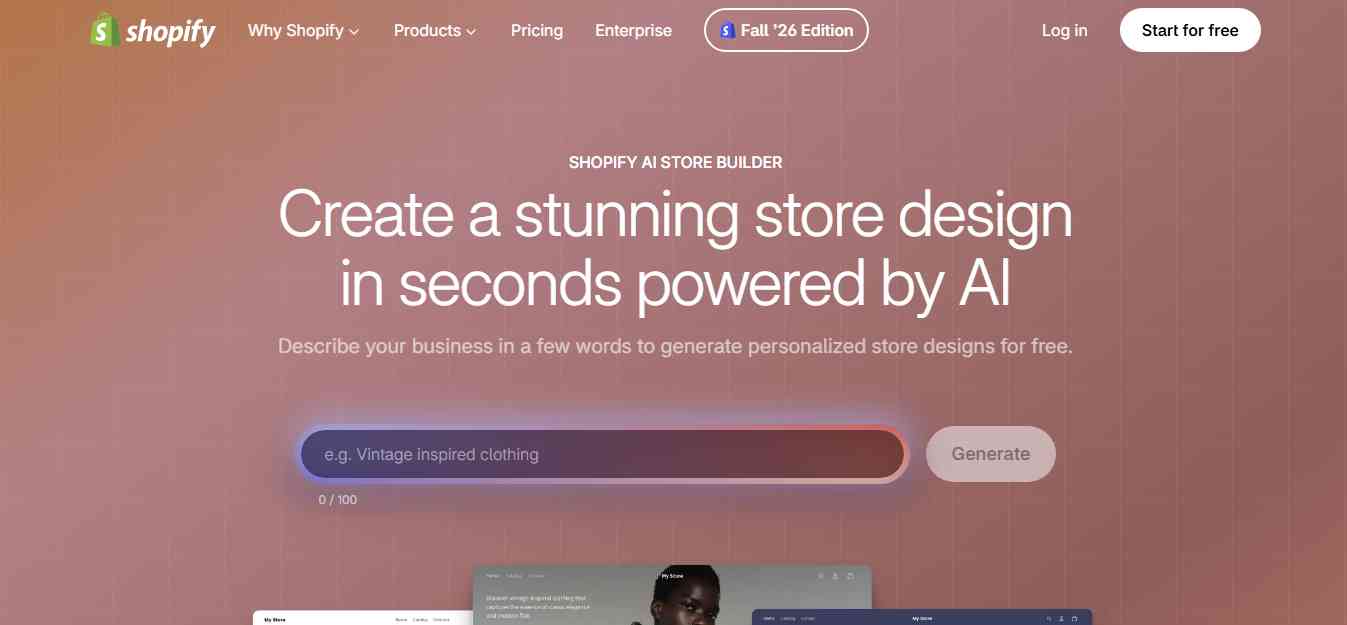
Shopify's AI store-building capabilities are a natural starting point for entrepreneurs who want to create a storefront within the Shopify ecosystem. Instead of relying entirely on a third-party store generator, merchants can use Shopify's AI-powered features to generate storefront concepts and work on store content. Shopify Magic and Sidekick provide additional assistance with content creation and store management.
The AI Store Builder can generate storefront design ideas from a short description of your business. You can describe your brand, product category, and the type of shopping experience you want. Shopify then provides design options that you can customize. Shopify Magic helps with tasks such as product descriptions and image editing, while Sidekick provides conversational assistance inside the Shopify admin.
Key Features
- AI-generated storefront design concepts.
- Shopify Magic for AI-assisted product descriptions.
- AI image editing and content generation features.
- Sidekick for conversational store assistance.
- Native integration with Shopify's ecommerce ecosystem.
- Access to Shopify themes, apps, products, and checkout features.
Pros
- Works within Shopify's own ecosystem.
- Useful for merchants who want to avoid installing another AI store-building app.
- AI assistance is available for different store management tasks.
- Supports further customization through Shopify themes and apps.
Cons
- AI assistance does not eliminate the need for manual store setup.
- Some advanced design requirements may need a separate page builder or developer.
- Generated content and storefront concepts need editing before publication.
Pricing: Shopify's AI features are available through its platform, but a paid Shopify subscription is required to operate a live store. Check Shopify's pricing page for current plan costs.
Best For: Beginners and existing Shopify merchants who want built-in AI assistance for storefront creation and everyday ecommerce tasks.
Review
Shopify's native AI tools are a practical starting point because they work within the platform where your products, orders, customers, and store settings already exist. Sidekick is particularly useful for merchants who want help understanding or managing their stores through conversational instructions. However, merchants looking for a fully automated, highly customized storefront may still need dedicated AI store builders or page-building apps.
Website: https://www.shopify.com/
2. Framer
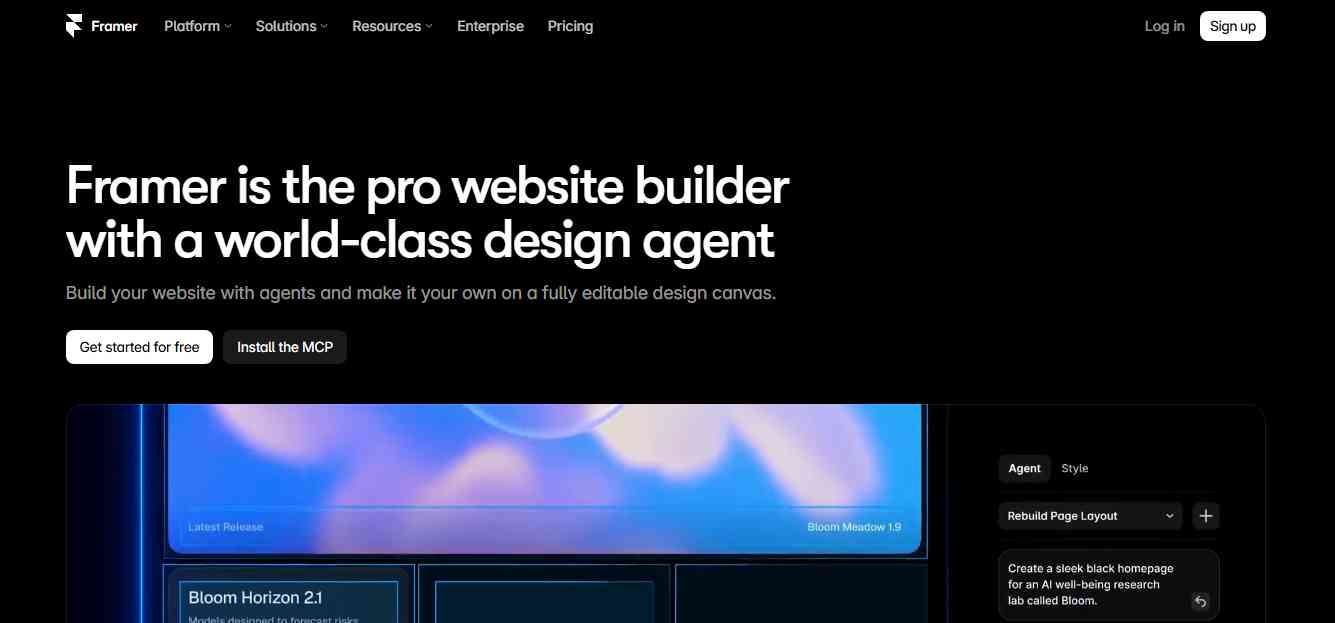
Framer is an AI-powered website builder that helps users create professional websites from prompts, customize layouts, and publish responsive websites without extensive coding. It is particularly useful for entrepreneurs, designers, and ecommerce brands that want greater creative control over their online storefronts. Although Framer is not a native Shopify store builder, merchants can connect it with Shopify through plugins available in the Framer Marketplace. This allows businesses to combine Framer's visual design capabilities with Shopify's ecommerce infrastructure.
With compatible integrations, you can sync Shopify products into Framer, design custom product pages, display product listings, and add shopping cart functionality. Customers can then complete their purchases through Shopify's checkout.
This makes Framer an interesting option for brands that want a more customized storefront instead of relying entirely on standard Shopify themes.
Key Features
- AI website generation: Create website layouts, sections, and draft content from prompts and briefs.
- Visual website editor: Customize typography, colors, layouts, animations, and responsive designs.
- Shopify integration: Connect Shopify through compatible Framer Marketplace plugins.
- Product synchronization: Sync Shopify products and collections into Framer CMS using supported integrations.
- Custom product pages: Design product layouts, galleries, and product listings.
- Shopping cart functionality: Add cart and checkout components through compatible plugins.
- SEO tools: Manage metadata, indexing settings, redirects, and structured content.
- Responsive design: Customize website layouts for desktop, tablet, and mobile devices.
Pros
- AI-assisted website creation from prompts.
- Flexible visual design and customization.
- Shopify product integrations through Marketplace plugins.
- Suitable for building distinctive ecommerce storefronts.
- Built-in CMS, hosting, and SEO capabilities.
- Useful for brands that prioritize website design and user experience.
Cons
- Not a complete native Shopify store generator.
- Shopify integration requires compatible third-party plugins.
- Some commerce integrations may have separate subscription or licensing costs.
- Requires additional setup compared with using a standard Shopify theme.
- Advanced ecommerce functionality depends on the selected integration.
Pricing: Framer offers a free starting option, with paid website plans available for custom domains and additional features. Shopify subscriptions and any third-party integration costs may apply separately. Check the official Framer pricing page for current plans.
Best For: Ecommerce brands, designers, and entrepreneurs who want to create highly customized storefronts using Framer's AI website builder while keeping Shopify as their ecommerce backend.
Review:
Framer is a strong option for businesses that care about storefront design and want more creative flexibility than traditional Shopify themes may provide. Its AI website generation features help create an initial website structure, while its visual editor allows users to customize the final experience. Through Shopify integrations such as ShopifyConnect, merchants can bring product catalogs, shopping carts, and Shopify checkout into their Framer websites. However, it is better described as an AI website builder with Shopify commerce integrations rather than a dedicated AI Shopify store generator.
3. BuildYourStore.ai
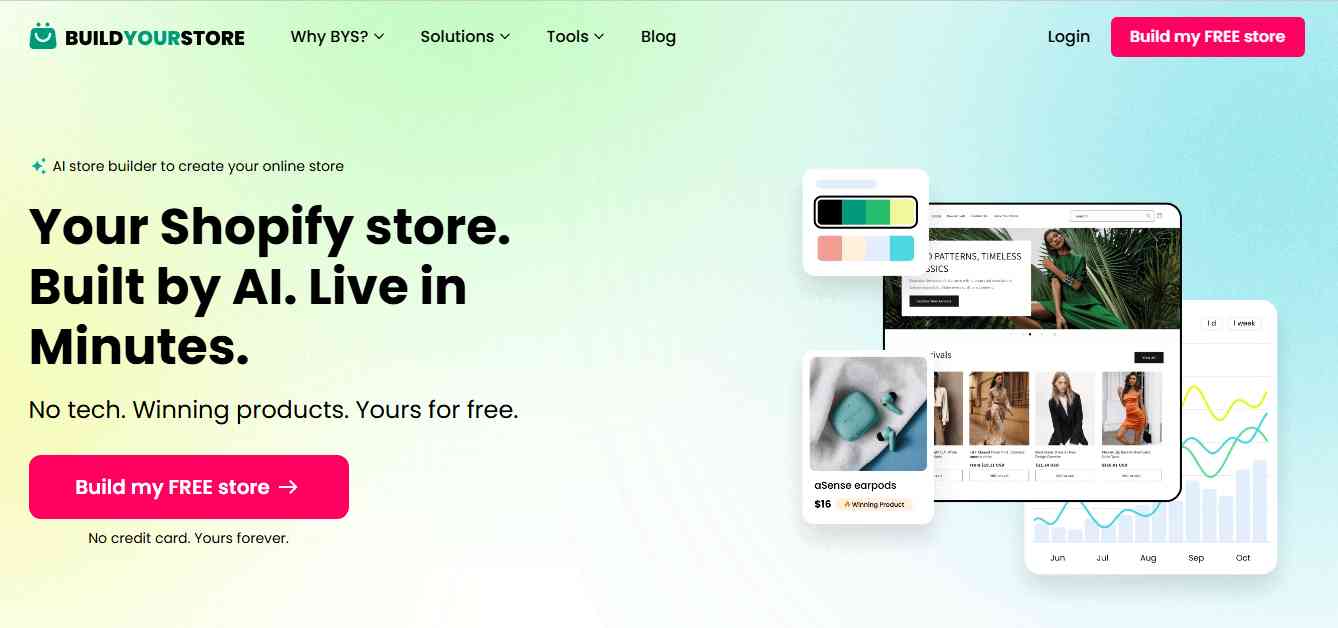
BuildYourStore.ai is designed for people who want to launch a Shopify dropshipping store without building every page manually. The platform focuses on generating a store around a selected niche. Its offering includes storefront design, product-related content, and store setup elements that help beginners get started.
This can be useful for entrepreneurs who have an ecommerce business idea but do not have experience with Shopify themes, product page design, or store structure. Rather than starting with an empty Shopify dashboard, users can begin with an AI-assisted store and customize the generated content to match their brand.
Key Features
- AI-assisted Shopify dropshipping store creation.
- Niche-based store setup.
- Preloaded product options.
- Homepage and product page layouts.
- Store design and branding elements.
- Ecommerce setup resources for beginners.
Pros
- Designed for people new to Shopify.
- Helps reduce the amount of manual setup required.
- Provides a starting point for niche-based stores.
- Useful for entrepreneurs exploring dropshipping.
Cons
- Generated store designs may require additional branding work.
- Preloaded products should be researched before selling.
- A generated storefront does not guarantee product demand or sales.
- Merchants may need additional apps for advanced ecommerce features.
Pricing: BuildYourStore.ai advertises a free initial store-building option. Check the official website for any paid upgrades, conditions, and current offers.
Best For: Beginners who want a starting Shopify dropshipping store without handling every setup task themselves.
Review
BuildYourStore.ai is useful for entrepreneurs who want to get past the initial store-building stage quickly. Its niche-oriented approach can provide a starting structure for a new ecommerce business. However, sellers should not treat a prebuilt store as a finished business. Product quality, supplier reliability, branding, pricing, and customer experience still require careful attention.
Website: https://buildyourstore.ai/
4. Storebuild.ai
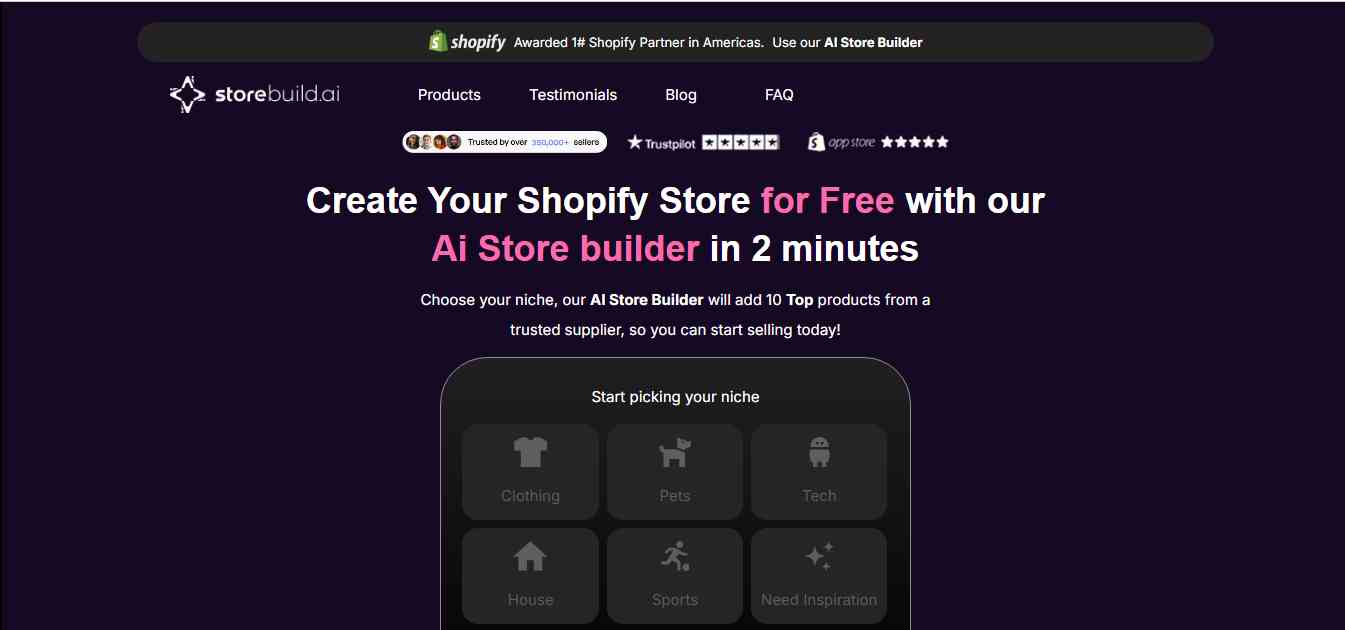
Storebuild.ai is an AI-powered Shopify store-building tool designed to simplify storefront creation and product setup. It is particularly relevant to merchants exploring dropshipping workflows. The platform connects store-building with product-related processes, helping users create a store foundation and prepare product pages.
Storebuild.ai is associated with the Zendrop ecosystem, which makes it worth considering for sellers who already intend to use Zendrop for product sourcing and fulfillment.
Key Features
- AI-assisted Shopify store creation.
- Product page generation.
- Store layout and design assistance.
- Product import workflows.
- Dropshipping-oriented setup.
- Zendrop ecosystem connection.
Pros
- Useful for merchants interested in dropshipping.
- Helps simplify product and storefront setup.
- Can reduce manual product page creation work.
- Relevant for sellers using compatible supplier workflows.
Cons
- Some workflows may be more suitable for Zendrop users.
- Product sourcing options should be checked before committing.
- Generated content and product information require review.
- Not necessarily the best option for a highly customized branded store.
Pricing: Check the official website for current free and paid plan details. Shopify subscription costs and any supplier-related fees may apply separately.
Best For: Dropshippers who want an AI-assisted store-building workflow connected to product sourcing and fulfillment.
Review
Storebuild.ai is worth exploring if you are building a dropshipping store and want product setup to be part of the store creation process. Its connection with Zendrop may be useful for sellers who plan to use that ecosystem. Before choosing it, check whether its product sourcing and fulfillment options match your business requirements.
Website: https://storebuild.ai/
5. Dropmagic
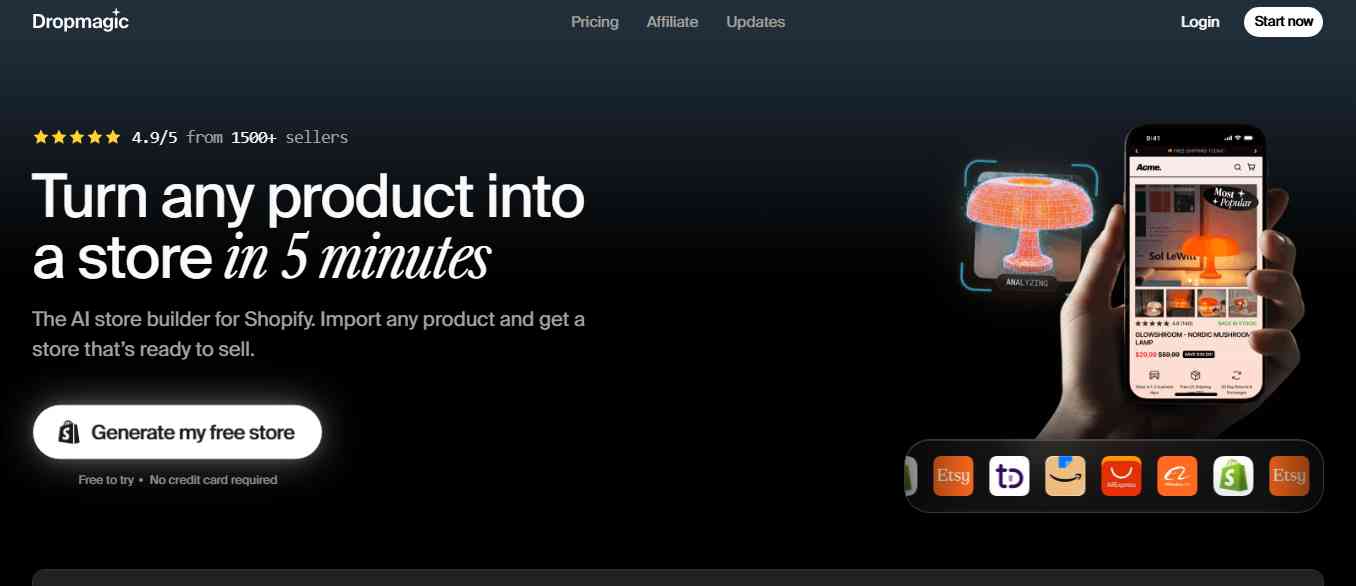
Dropmagic is an AI-powered Shopify store builder focused on helping entrepreneurs create branded ecommerce storefronts. The platform aims to simplify the process of turning a product or business idea into a store. Its AI features can help generate product descriptions, storefront content, images, and page layouts. One of its notable strengths is its focus on marketing positioning. Instead of only creating a basic product page, Dropmagic emphasizes the messaging and presentation used to communicate a product's value to potential customers.
This can be useful for dropshippers who want to test different product angles and create more tailored shopping experiences.
Key Features
- AI-powered Shopify store generation.
- AI-generated product descriptions and marketing copy.
- Storefront layouts and product page creation.
- AI-generated product visuals.
- Brand positioning and marketing messaging.
- Product-focused ecommerce content.
- Shopify integration.
Pros
- Helps create branded store designs.
- Useful for testing product positioning.
- Reduces manual copywriting and design work.
- Designed around ecommerce and dropshipping workflows.
Cons
- Publishing and advanced capabilities may require a paid subscription.
- Generated copy may need editing to match the brand's voice.
- Product images and claims should be checked for accuracy.
- Subscription costs should be considered when testing multiple products.
Pricing: Dropmagic offers a free entry or preview experience, with its Pro plan commonly listed around $79 per month. Confirm current pricing and publishing limits on the official website.
Best For: Dropshippers who want AI-generated storefronts, product content, and marketing messaging.
Review
Dropmagic is an interesting option for sellers who want more than a generic store template. Its focus on product messaging and branded presentation can help merchants create a more consistent shopping experience. It is especially relevant for entrepreneurs testing products through paid advertising, although generated marketing claims should always be reviewed before publishing.
Website: https://dropmagic.ai/
6. PagePilot
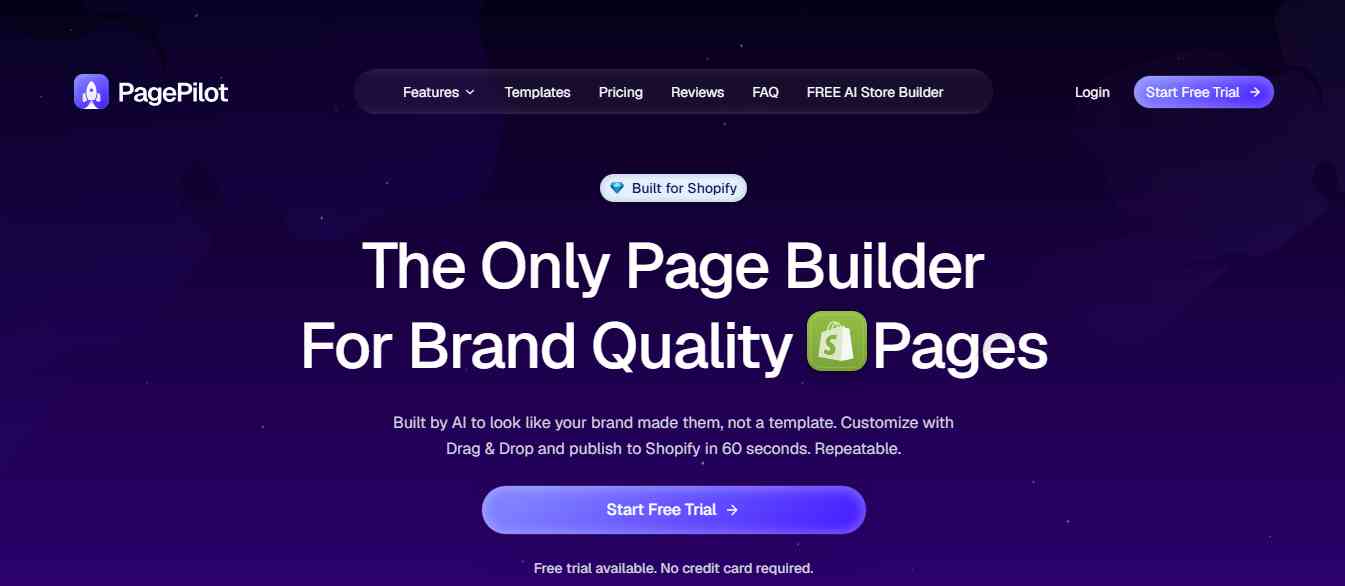
PagePilot is an AI-powered product page builder designed for Shopify merchants, especially those working with dropshipping products. Rather than generating an entire ecommerce business from scratch, PagePilot focuses on creating product pages from product information or supplier links. This can help sellers who want to test multiple products without manually writing descriptions, arranging page sections, and preparing marketing content for every item.
A well-structured product page can make it easier for shoppers to understand the product, explore its benefits, and decide whether it meets their needs.
Key Features
- AI-generated Shopify product pages.
- Product information extraction from supported links.
- Product descriptions and marketing copy.
- Product page layouts and visual sections.
- Product import and publishing workflows.
- Shopify integration.
Pros
- Useful for quickly creating product pages.
- Reduces repetitive product copywriting.
- Relevant for dropshipping product testing.
- Helps create product-focused landing experiences.
Cons
- Does not replace a complete Shopify store builder.
- Imported product information needs verification.
- Page designs may require customization to match a brand.
- Advanced usage may require a paid plan.
Pricing: Check the official website for current subscription options and generation limits.
Best For: Dropshippers and product testers who need to create Shopify product pages quickly.
Review
PagePilot is more specialized than a full AI store generator. Its value is in helping merchants create product-focused pages without starting every design and copywriting task from zero. It is a good option when your Shopify store already exists and your priority is preparing product pages for new products or advertising campaigns.
Website: https://pagepilot.ai/
7. PageFly
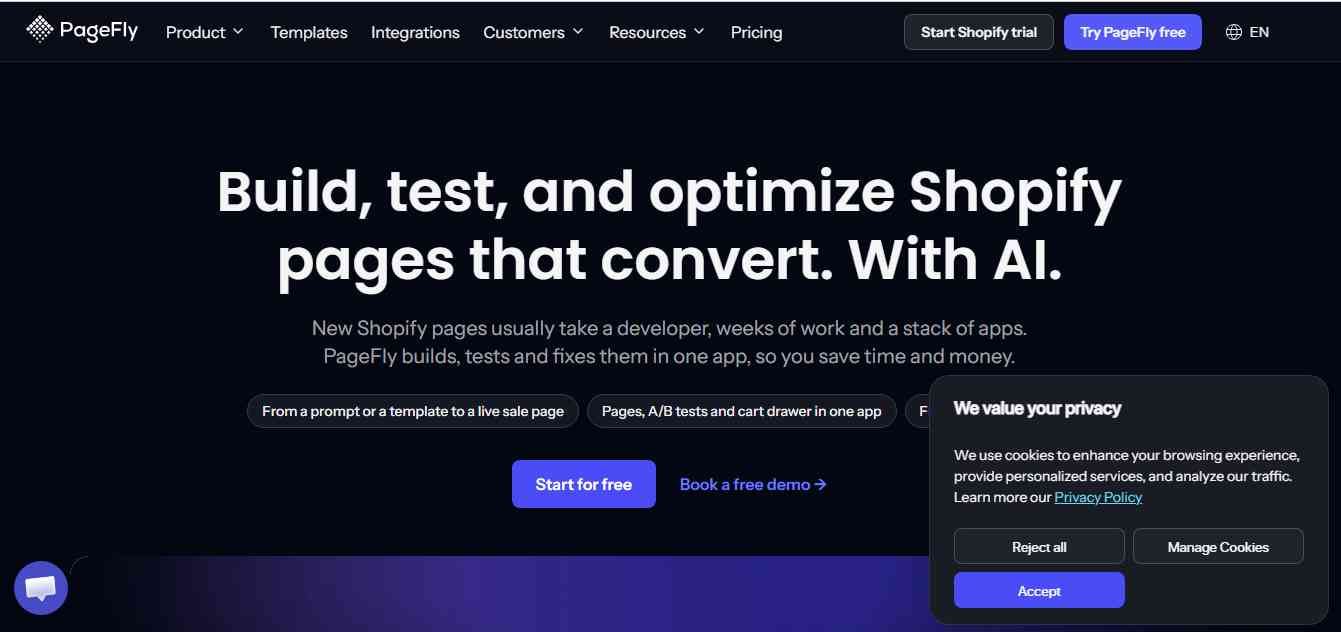
PageFly is a Shopify page builder that helps merchants design and customize different types of e-commerce pages without coding. It is particularly useful for businesses that already have a Shopify store but want more control over the appearance and structure of their website. With its drag-and-drop editor, merchants can build product pages, landing pages, homepages, collection pages, and other store sections. PageFly also provides AI-powered page-building capabilities and tools for conversion optimization.
Its template library can help merchants get started without designing every section from scratch.
Key Features
- Drag-and-drop Shopify page builder.
- AI-assisted page creation.
- Product, homepage, and landing page templates.
- Custom page sections and layouts.
- Responsive design editing.
- Analytics and conversion optimization features.
- A/B testing and heatmap features on eligible plans.
Pros
- Offers flexibility for Shopify page design.
- Includes a large template library.
- Useful for building campaign-specific landing pages.
- Supports conversion-focused page optimization.
- Provides a free entry plan.
Cons
- Requires merchants to build and customize pages.
- Advanced optimization features may require higher-tier plans.
- Too many apps or heavy page elements can affect store performance if not managed carefully.
Pricing: PageFly offers a free plan. Its paid Builder plan has been listed from $24 per month, with higher plans available for optimization and additional features. Check the official pricing page for current limits and costs.
Best For: Shopify merchants who want to create customized landing pages, product pages, and promotional pages without coding.
Review
PageFly is a practical option for merchants who already have a Shopify store and want more design flexibility. Its drag-and-drop editor and templates make it easier to create campaign-specific pages, while its AI and optimization features can support ongoing improvements. It is not a full-store generator, but it can be valuable when the goal is to improve the shopping experience on an existing store.
Website: https://pagefly.io/
8. GemPages
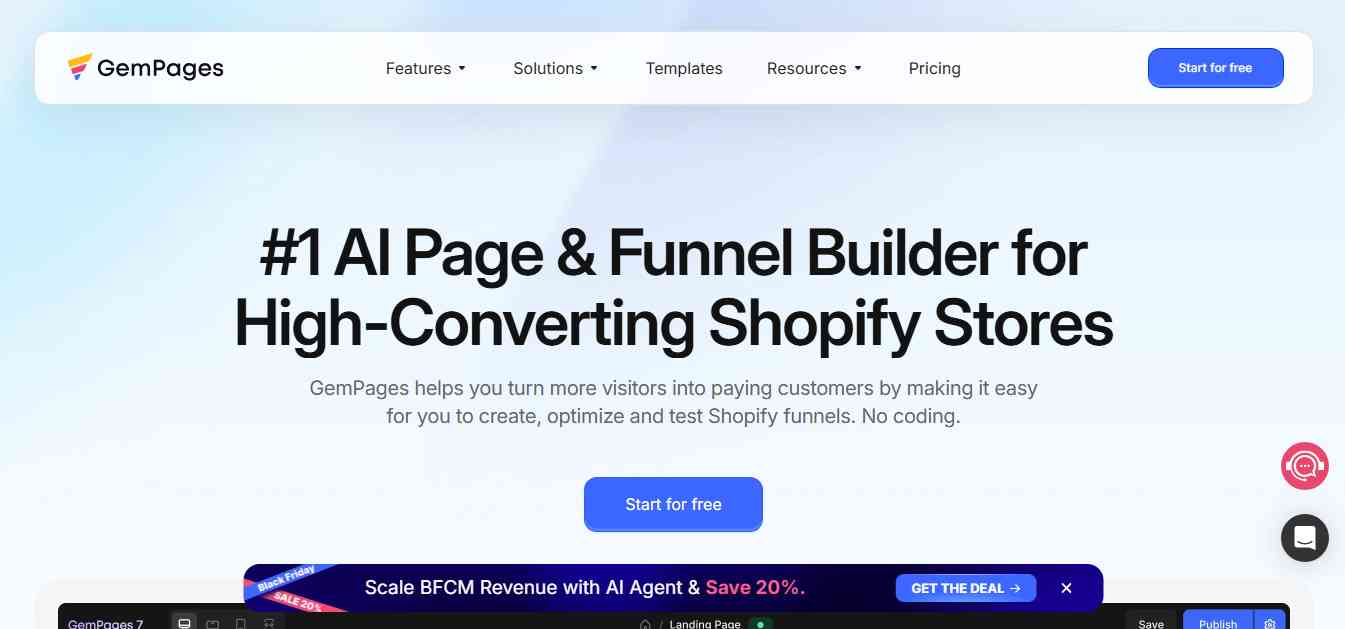
GemPages is a Shopify page-building platform designed to help ecommerce merchants create visually engaging storefronts, landing pages, and sales funnels. Its visual editor allows users to build pages using pre-designed sections and templates. This is useful for businesses that want to create promotional pages for product launches, seasonal campaigns, and paid advertising.
GemPages also provides AI-assisted features to support page creation and content workflows. Merchants can use these capabilities to speed up the process of creating product-focused shopping experiences.
Key Features
- Drag-and-drop Shopify page editor.
- AI-assisted page creation.
- Product and landing page templates.
- Sales funnel and campaign page elements.
- Customizable page sections.
- Mobile-responsive page design.
- Shopify app integrations.
Pros
- Useful for building custom ecommerce pages.
- Offers templates for different store types.
- Helps create campaign-specific landing pages.
- Supports product-focused sales experiences.
- Suitable for merchants who want more design control.
Cons
- Not designed to generate a complete Shopify store automatically.
- Advanced features may require a paid subscription.
- Complex page designs can require additional optimization.
- Users still need to review the content and layout.
Pricing: GemPages offers a free plan, with paid plans commonly starting around $29 per month. Check the official website for current pricing and feature limits.
Best For: Shopify merchants who want to build custom landing pages, product pages, and sales funnels.
Review
GemPages is a useful choice for ecommerce brands that want more control over how products and offers are presented. Its visual editor and templates can help reduce reliance on developers for routine page design. It is especially relevant for merchants running marketing campaigns and needing dedicated landing pages for different products or audiences.
Website: https://gempages.net/
9. Shogun
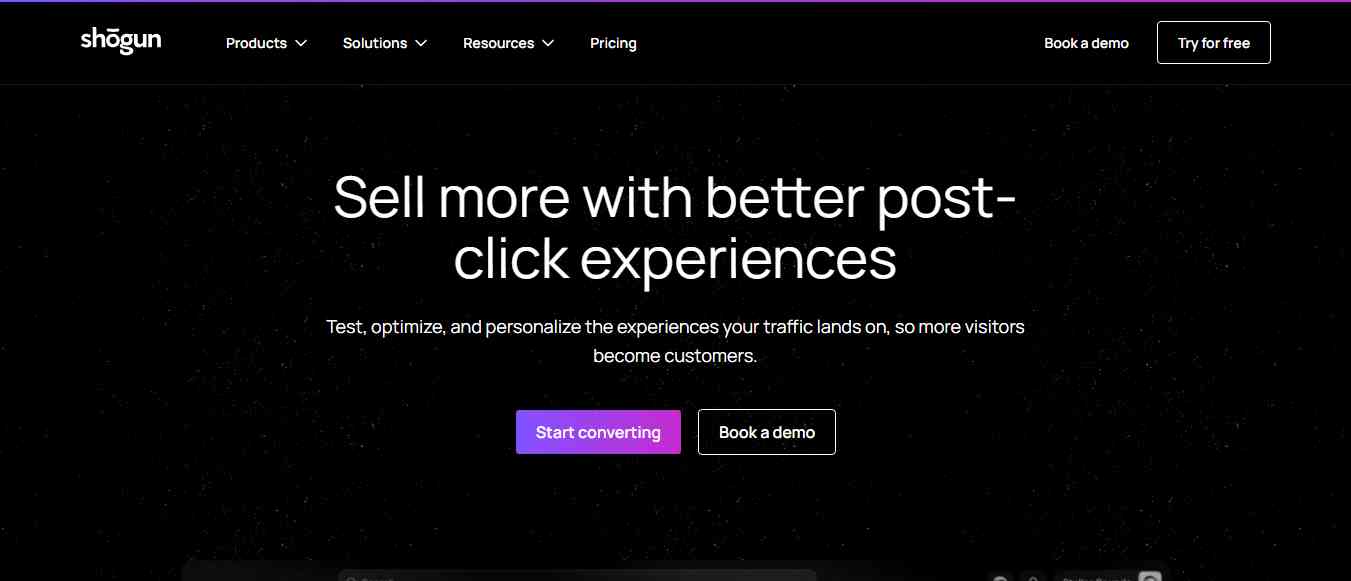
Shogun is an ecommerce page-building and optimization platform designed for merchants who need more control over their storefront experience. It is particularly relevant to established Shopify brands that want to create custom landing pages, product pages, and promotional experiences without making every change through a developer. Shogun provides visual page-building tools and features for managing and improving ecommerce content. Depending on the plan, merchants can also access testing and optimization capabilities.
Rather than focusing on creating a complete store from a short prompt, Shogun is designed to help businesses improve and customize existing storefronts.
Key Features
- Visual Shopify page editor.
- Custom landing page creation.
- Product page customization.
- Reusable page sections and templates.
- Content management features.
- A/B testing and optimization capabilities on eligible plans.
- Shopify integration.
Pros
- Suitable for established ecommerce businesses.
- Provides control over storefront design.
- Useful for creating campaign and product pages.
- Supports experimentation and conversion optimization.
- Helps teams manage ecommerce content.
Cons
- Not a complete AI store generator.
- Advanced capabilities may be more than a small store needs.
- Paid plans can be a significant expense for new businesses.
- Requires time to learn and manage more complex page experiences.
Pricing: Shogun offers different plans for ecommerce businesses. Its paid page-building options have been listed from around $39 per month. Check the official pricing page for current availability and plan limits.
Best For: Established Shopify brands, ecommerce teams, and businesses that need advanced page customization and optimization.
Review
Shogun is better suited to businesses that have already launched a Shopify store and want to improve its design and content experience. Its visual editing and optimization capabilities can support ongoing experimentation. For a beginner who simply wants a store generated automatically, a dedicated AI store builder may be a more appropriate starting point.
Website: https://getshogun.com/
10. EComposer
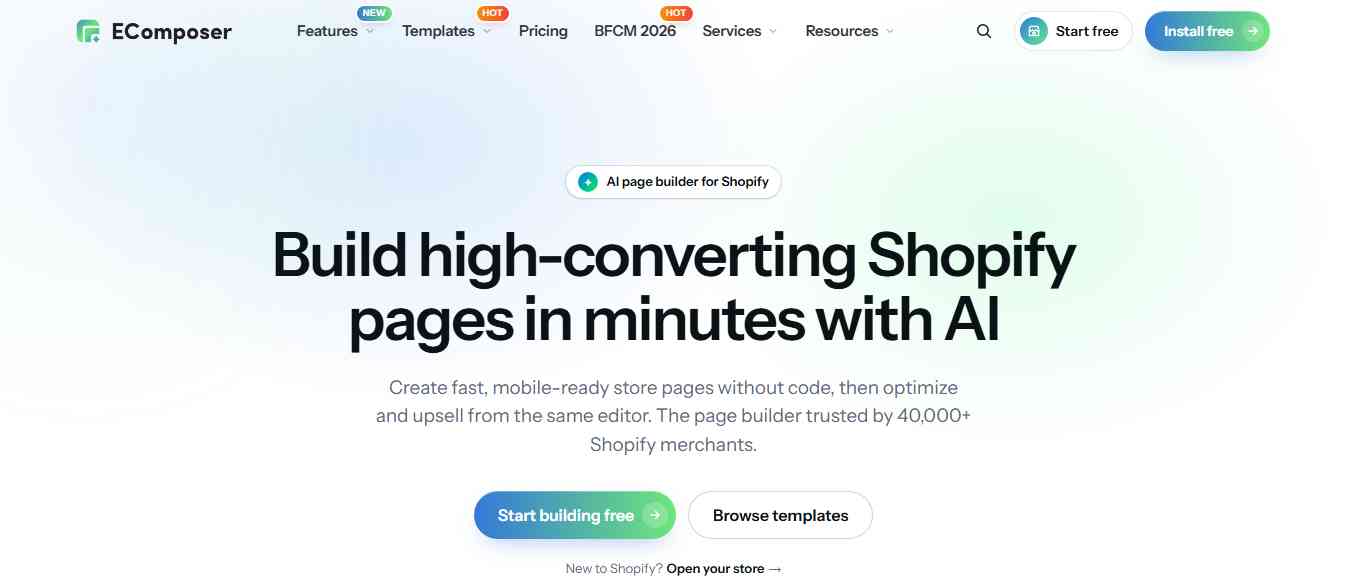
EComposer is a Shopify page builder that helps merchants create custom storefront pages using a visual editing interface. It provides templates and reusable sections that can help merchants design homepages, product pages, landing pages, collection pages, and other parts of an ecommerce website. The platform is useful for people who want more design flexibility without having to write code. Its AI-assisted features can also help speed up some content and page-building tasks.
For example, a fashion store could use EComposer to create a campaign landing page, highlight seasonal collections, and organize product sections around a specific promotion.
Key Features
- Drag-and-drop Shopify page builder.
- AI-assisted page creation and content workflows.
- Homepage and product page templates.
- Collection and landing page design.
- Reusable content sections.
- Mobile-responsive editing.
- Shopify app integrations.
Pros
- Offers a visual approach to page creation.
- Includes ready-made templates and sections.
- Useful for promotional and collection pages.
- Reduces the need for custom coding.
- Provides a free entry option.
Cons
- Not a complete AI-generated store solution.
- Some advanced features require paid plans.
- Complex layouts may require additional customization.
- Page performance should be checked after adding multiple sections and apps.
Pricing: EComposer offers a free plan, with paid plans commonly starting around $25 per month. Confirm the latest pricing and publishing limits on its official website.
Best For: Small and medium-sized Shopify merchants who want to create custom pages without hiring a developer.
Review
EComposer is a practical option for merchants who want to customize their Shopify stores using a visual editor. Its templates and reusable sections can make it easier to build promotional pages and improve the presentation of products. It is not a replacement for a full AI store generator, but it can be useful once your store is live and you want more control over its design.
Website: https://ecomposer.io/
Comparison of the 10 Best AI Shopify Store Builders
| Tool | Best For | Main Capability | Full Store Generation? |
|---|---|---|---|
| Shopify AI Store Builder | Native Shopify AI | Storefront concepts and AI assistance | Storefront concepts; manual setup remains |
| Farmer | AI store and product pages | Store creation and ecommerce features | Yes, subject to workflow |
| BuildYourStore.ai | Beginners and dropshipping | Niche-based store setup | Yes |
| Storebuild.ai | Dropshipping workflows | Store and product setup | Yes, subject to workflow |
| Dropmagic | Branded dropshipping stores | AI storefronts and product content | Yes |
| PagePilot | Product page creation | AI-generated product pages | No |
| PageFly | Page customization | Visual page builder and CRO | No |
| GemPages | Landing pages and funnels | Visual page builder | No |
| Shogun | Advanced storefront customization | Page building and optimization | No |
| EComposer | Template-based page design | Visual page builder | No |
Which AI Shopify Store Builder Should You Choose?
The best tool depends on whether you're launching a new store or improving an existing one.
| Your Requirement | Recommended Tool |
|---|---|
| Start with Shopify's built-in AI | Shopify AI Store Builder |
| Generate a Shopify store using AI | Farmer |
| Create a beginner-friendly dropshipping store | BuildYourStore.ai |
| Build a store around a dropshipping workflow | Storebuild.ai |
| Generate branded storefronts and product content | Dropmagic |
| Create product pages quickly | PagePilot |
| Build custom landing pages | PageFly |
| Create sales funnels and promotional pages | GemPages |
| Optimize an established ecommerce storefront | Shogun |
| Customize pages using templates | EComposer |
How to Choose the Best AI Shopify Store Builder
Before subscribing to an AI store builder, consider the following factors.
1. Decide Whether You Need a Full Store or Individual Pages
This is the most important distinction. If you're starting from scratch, look for tools that generate a complete store structure, including the homepage, product pages, collections, and essential content. If you already have a Shopify store, a page builder such as PageFly, GemPages, Shogun, or EComposer may be more useful.
2. Check Product and Supplier Integrations
Dropshipping businesses need more than a good-looking storefront. They also need reliable product sourcing, inventory information, shipping options, and order fulfillment. Before selecting a tool, check whether it integrates with your preferred supplier or fulfillment platform.
3. Evaluate Design Customization
AI-generated templates can save time, but your store should still reflect your brand.
Look for features that allow you to customize:
- Brand colors and typography.
- Homepage sections.
- Product images and descriptions.
- Navigation and collections.
- Mobile layouts.
- Promotional banners and landing pages.
4. Consider SEO Features
A professional-looking Shopify store also needs search visibility.
Look for features that support:
- Editable SEO titles and meta descriptions.
- Descriptive product URLs.
- Image alt text.
- Structured product information.
- Fast-loading pages.
- Mobile-friendly layouts.
- Logical internal linking.
AI-generated content should be reviewed for accuracy, originality, and usefulness before publishing.
5. Check Pricing Beyond the Subscription
The cost of running a Shopify store includes more than the AI builder.
Your total budget may include:
- Shopify subscription.
- AI store builder subscription.
- Paid themes or design apps.
- Domain registration.
- Product sourcing and fulfillment.
- Payment processing fees.
- Marketing and advertising.
- Additional Shopify apps.
Calculate the total monthly cost before choosing a platform.
Benefits of Using AI Shopify Store Builders
- Faster Store Creation: AI can generate initial layouts, product descriptions, and page content, reducing the amount of manual work required to launch a store.
- Less Dependence on Coding: Visual editors and AI-assisted design features make it easier for beginners to create storefronts without writing code.
- Faster Product Page Creation: Merchants selling multiple products can use AI to create initial descriptions, organize page sections, and prepare product content.
- Easier Store Customization: Page builders provide reusable sections and templates that help merchants update their storefronts without rebuilding every page.
- Support for Product Testing: Dropshippers can use AI tools to prepare product-focused pages and test different offers or product categories more quickly.
- More Efficient Content Creation: AI can help create promotional copy, product descriptions, SEO titles, and other ecommerce content. Human editing remains important to maintain accuracy and brand consistency.
Common Mistakes to Avoid When Using AI Shopify Store Builders
AI can speed up store creation, but using it without a clear ecommerce strategy can lead to poor results.
- Publishing AI content without reviewing it: Check product specifications, claims, spelling, and descriptions before publishing.
- Using generic store designs: Customize the layout, colors, images, and messaging to create a recognizable brand.
- Ignoring mobile responsiveness: Many shoppers browse ecommerce websites on mobile devices. Test your storefront on different screen sizes.
- Installing too many apps: Too many unnecessary apps can increase costs and affect store performance.
- Ignoring product research: A well-designed store cannot compensate for products with weak demand, poor quality, or unreliable suppliers.
- Forgetting technical SEO: Review page titles, descriptions, image alt text, URL structures, redirects, and indexing settings.
- Assuming AI guarantees sales: AI builders help with store creation, but sales depend on product-market fit, pricing, customer experience, marketing, and trust.
Useful Resources for Shopify Store Owners
AI store builders can help create a storefront, but building a successful ecommerce business also requires reliable information about ecommerce operations, payments, search visibility, and store performance.
Here are some useful resources to explore:
| Resource | What You Can Learn |
|---|---|
| Shopify Help Center – https://help.shopify.com/ | Store setup, themes, products, payments, and platform guidance |
| Shopify AI Tools – https://help.shopify.com/en/manual/ai-powered-tools | Shopify Magic, Sidekick, and AI-powered features |
| Shopify Blog – https://www.shopify.com/blog | Ecommerce strategies, store growth, and marketing |
| Google Search Central – https://developers.google.com/search/docs | SEO best practices and search indexing |
| Google PageSpeed Insights – https://pagespeed.web.dev/ | Store performance and Core Web Vitals checks |
| Google Merchant Center – https://merchants.google.com/ | Product feeds and shopping visibility |
| Baymard Institute – https://baymard.com/ | Ecommerce usability and checkout research |
| W3C Web Accessibility Initiative – https://www.w3.org/WAI/ | Website accessibility guidelines |
Conclusion
AI Shopify store builders are making e-commerce store creation more accessible. They can help entrepreneurs generate storefront designs, create product pages, write product descriptions, and customize shopping experiences without handling every task manually. However, the best tool depends on what you actually need.
Shopify's native AI features are a good starting point for merchants who want built-in assistance. Atlas, BuildYourStore.ai, Storebuild.ai, and Dropmagic are worth exploring for AI-assisted store creation and dropshipping workflows. PagePilot is useful for product pages, while PageFly, GemPages, Shogun, and EComposer help merchants customize and improve existing Shopify stores. Before choosing a platform, compare its actual capabilities, publishing limits, integrations, and total cost. Most importantly, remember that an AI-generated store is only the beginning. Product quality, branding, customer experience, SEO, and marketing are what help turn an online storefront into a sustainable ecommerce business.
People are also reading:
- Best AI Fitness Tools
- AI Facts for Kids
- AI Sales Tools
- Best AI Music Tools
- Best AI Compliance Tools
- Best AI Presentation Tools
- Best AI Cybersecurity Tools
- AI Video Editing Tools
Frequently Asked Questions (FAQs)
1. What are the best AI Shopify store builders in 2026?
Some of the best AI Shopify store builders in 2026 are Shopify AI Store Builder, Atlas, BuildYourStore.ai, Storebuild.ai, Dropmagic, PagePilot, PageFly, GemPages, Shogun, and EComposer. They offer different capabilities, including full-store generation, product page creation, and visual page customization.
2. Can AI build a complete Shopify store?
Yes. Some AI store builders can generate a Shopify storefront with a homepage, product pages, layouts, and other store elements. However, merchants still need to review the content, configure payments and shipping, check legal policies, and test the checkout process before launching.
3. What is the best free AI Shopify store builder?
Shopify's native AI features are a good starting point for merchants already using Shopify. BuildYourStore.ai and Wonder-style store generation alternatives may also offer free entry options, but users should check publishing limits, subscription requirements, and what is included in the free offer.
4. Can I create a Shopify dropshipping store with AI?
Yes. Platforms such as Atlas, BuildYourStore.ai, Storebuild.ai, and Dropmagic are designed to support AI-assisted store creation and dropshipping workflows. You still need to research products, verify suppliers, and configure fulfillment.
5. Do I need coding skills to use an AI Shopify store builder?
No. Most AI store builders and Shopify page builders are designed for users without coding experience. They use prompts, templates, visual editors, and drag-and-drop interfaces to simplify store creation.
6. What is the difference between an AI store builder and a Shopify page builder?
An AI store builder helps generate a broader storefront, potentially including the homepage, product pages, and store structure. A Shopify page builder focuses on creating or customizing individual pages and sections within an existing store.
7. Can AI write Shopify product descriptions?
Yes. Shopify Magic and several third-party AI tools can generate product descriptions based on product information. You should review the output to make sure it accurately reflects the product and does not include unsupported claims.
8. Are AI Shopify store builders good for beginners?
Yes. They can reduce the amount of manual design and content work required to get started. Beginners should still learn the basics of product research, pricing, fulfillment, customer service, and ecommerce marketing.
9. Do AI Shopify store builders improve SEO?
They can help generate SEO titles, descriptions, product copy, and page content. However, using an AI builder does not automatically improve search rankings. Technical SEO, page speed, content quality, product information, and internal linking remain important.
10. Can I customize an AI-generated Shopify store?
Most AI store builders allow users to edit generated content and design elements. The available level of customization depends on the platform, theme, and subscription plan.
11. Do I need a Shopify subscription to use an AI store builder?
If you want to operate a live Shopify store, you generally need an active Shopify plan. Some third-party tools may let you preview or generate a store before connecting it to a paid Shopify account. Check the tool's current publishing requirements.
12. Which AI Shopify builder is best for existing stores?
PageFly, GemPages, Shogun, and EComposer are useful options for existing Shopify stores that need custom pages or design improvements. Shopify's native AI tools can also help with content and store management.