
Trint
Trint helps professionals turn audio, video, and live conversations into editable, searchable transcripts. It supports multilingual transcription, translation, captions, collaboration, speaker identification, and AI-assisted content discovery. With web, desktop, and mobile workflows, Trint is built for journalists, media teams, businesses, podcasters, researchers, and organizations that need to transform spoken content efficiently.
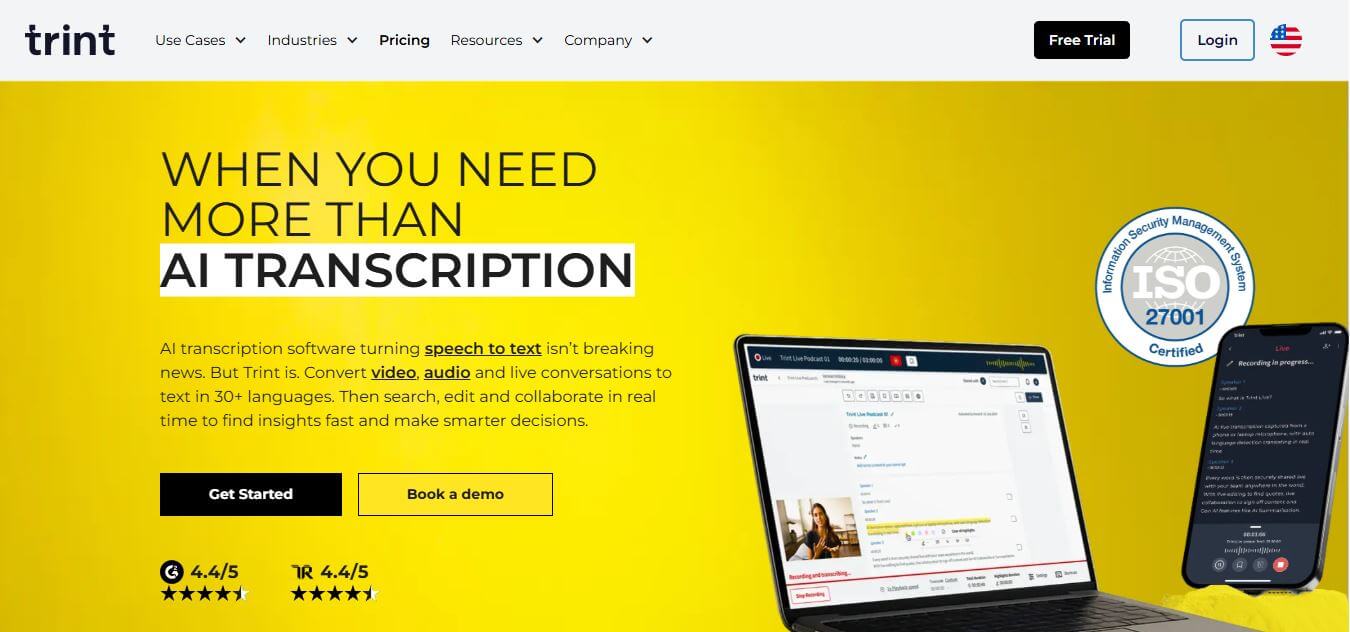
What is Trint?
Trint is a transcription and media workflow platform that turns recorded or live audio and video into searchable, editable text. It combines time-coded transcripts with speaker recognition, collaboration, translation, captioning, and AI-assisted insights. Founded in 2014 by journalist Jeff Kofman, Trint helps content teams move from interviews and recordings to verified quotes, summaries, stories, and publishable assets.
Trint was founded in 2014 by Emmy Award-winning journalist Jeff Kofman and developers who wanted to reduce manual transcription work. Today, Trint supports transcription across 50+ languages, live transcription in 40+ languages in supported workflows, and transcript translation into 70+ languages. Its 7-day free trial allows up to 3 files, while supported uploads can reach 3 hours or 3GB per file. Trint also offers 9 export formats and serves newsrooms, businesses, podcasters, and professional content teams.
- Platform Role: Automated Speech-to-Text, Audio/Video Transcription & Collaborative Editorial Tool
- Developer & Organization: Trint Ltd.
- Cross-Platform Access: Web Application, iOS/Android Mobile Apps, and Enterprise Integrations
Use Cases:
- Transcribing journalist interviews, press conferences, and investigative recordings with word-level timecode sync
- Generating subtitles, closed captions, and localized translations for video broadcasts and online media
- Collaborating in real time with remote editorial teams using highlight tags, comment threads, and shared workspaces
- Drafting articles, scripts, and audio soundbites directly inside the interactive text editor alongside audio playback
- Executing live transcription during breaking news events or live events for rapid quote extraction
Technology:
- Advanced Speech Recognition (ASR) engine optimized for multi-speaker recognition and noisy environments
- Interactive text-editor player pairing transcript text directly to media playback for instant verification
- AI-powered multi-language translation and automated speaker identification engines
- ISO 27001 certified cloud infrastructure offering enterprise-grade encryption and privacy controls
Target Users:
- Journalists, newsroom editors, and investigative reporters verifying sources under tight deadlines
- Media production houses, video editors, and podcasters building soundbites and captions
- Academic researchers, market analysts, and corporate communications teams reviewing long-form interviews
Acquisition: Free trial registration, web SaaS access, and enterprise plans available at trint.com.

What are the key features of Trint?
Trint's key platform features are
- Interactive Text-Editor Player: Edit text like a word document while syncing directly with audio/video playback at double speed.
- Multi-Language Transcription & Translation: Transcribe in 40+ languages and translate transcripts instantly for global distribution.
- Real-Time Live Transcription: Capture and transcribe live audio streams or phone calls as they happen for instant quote extraction.
- Collaborative Workspaces: Shared folders, live comment threads, user access permissions, and highlight markers for team editorial projects.
- Custom Dictionaries: Add custom vocabulary, industry jargon, and brand names to improve speech recognition accuracy.
- Flexible Media Exports: Export verified content into DOCX, SRT, VTT, STL, CSV, or direct integration with Premiere Pro and Final Cut.
How much does Trint cost?
Trint offers flexible subscription tiers tailored for individual creators, teams, and enterprise organizations.
Individual & Team Tiers:
- Starter / Individual Plan: Fixed transcription files per month with standard export formats and editing suite access.
- Advanced / Team Plan: Unlimited transcription, multi-language translation, advanced team collaboration features, and custom dictionaries.
Enterprise Tier:
- Enterprise Plan: Custom seat pricing, dedicated account management, single sign-on (SSO), advanced security compliance, and custom workflows.
Disclaimer: Pricing terms and feature allocations vary based on billing frequency and user licenses. Visit trint.com/pricing for current details.
Who should use Trint?
Trint is designed for content creators and media professionals, including
- Newsrooms & Broadcasters: Editorial organizations needing quick quote verification and live event transcription.
- Video Production Teams: Editors creating video captions, paper edits, and rough-cut scripts.
- Research & Market Intelligence Firms: Analysts conducting qualitative study interviews and focus group transcriptions.
What are the best alternatives to Trint?
Some of the strongest Trint alternatives include
What are the pros and cons of Trint?
What are the pros of Trint?
- Seamless integration between transcript text and media playback for rapid editing and verification
- Excellent multi-language transcription and built-in translation capabilities
- Robust security and ISO 27001 data compliance suitable for confidential journalism and corporate data
- Strong live transcription features for real-time reporting environments
What are the cons of Trint?
- Requires clean audio recordings to achieve highest accuracy without manual correction
- Pricing is higher compared to basic automated note-taking tools aimed purely at meeting notes
- Does not offer full-text-based video multitrack timeline editing like Descript
Why should you choose Trint?
For journalists, newsrooms, and media professionals, standard meeting assistants fall short on precision and workflow depth. Trint provides a purpose-built editorial workspace where verifying quotes, building story lines, and exporting professional captions happens in a single, secure environment.
How does Trint compare to competitors?
While Otter.ai focuses primarily on capturing business meetings and Descript emphasizes full video editing, Trint focuses deeply on the editorial process—combining verified speech-to-text, security, multi-language translation, and rapid newsroom publishing.
| Feature / Platform | Trint | Descript | Otter.ai | Rev |
|---|---|---|---|---|
| Primary Focus | Editorial & Media Transcription | Text-Based Audio & Video Editing | AI Meeting Assistant & Notes | Human & AI Transcription |
| Live Transcription | Yes (Live Stream & Audio) | No | Yes (Live Meeting Bots) | No |
| Multi-Language Translation | Yes (40+ languages) | Limited / Selective | English Primary | Paid Translation Add-on |
| Target Market | Journalists, Media & Enterprise | Podcasters & Video Creators | Corporate Teams & Students | Legal, Academic & Media |
How do we rate Trint?
| Parameter | Rating (out of 5) |
|---|---|
| Transcription Accuracy & Speed | 4.8 |
| Editorial & Text-Editor Interface | 4.9 |
| Collaboration & Team Workflow | 4.7 |
| Multi-Language Support | 4.8 |
| Value for Enterprise & Media | 4.6 |
| Overall Score | 4.76 |
What is our review and verdict on Trint?
Trint is a top-tier automated transcription platform built specifically for the rigor of journalism and media production. Its combination of audio-synced editing, live transcription, multi-language support, and enterprise security makes it an invaluable asset for editorial teams turning raw recordings into polished content rapidly.
Conclusion
Trint is a strong choice for teams that need more than basic speech-to-text. Its combination of transcription, live capture, editing, collaboration, translation, captions, and AI-assisted insights supports a complete content workflow. With multilingual capabilities and a 7-day trial, Trint can help organizations reduce manual work, verify information faster, and turn recorded conversations into useful content.
FAQ
How accurate is Trint’s transcription?
Trint delivers up to 90–95% accuracy with clear recordings, though accuracy may vary depending on accents, background noise, and audio quality.
Does Trint support real-time transcription?
Yes, Trint can transcribe live events and streaming audio or video in real time, enabling immediate editing and publishing.
Can Trint handle multiple languages?
Absolutely, Trint supports transcription in several languages and also provides instant translation options for global content sharing.
Is team collaboration available on Trint?
Yes, multiple users can edit, review, and comment on the same transcript, making it ideal for collaborative projects.
What types of media files can be uploaded?
Trint accepts a wide range of audio and video file formats, offering flexibility for different media workflows.
User Reviews
No reviews yet for Trint.
Featured Tools
Featured AI tools from TechShark

Melody Genie
MelodyGenie is an AI-powered music generator that creates original songs from simple text prompts. Users can choose styles, moods, and genres, then instantly generate melodies and full tracks, making it easy for creators, marketers, and hobbyists to produce custom music without musical expertise.
Freemium

Kimi AI
Kimi AI is an advanced AI assistant developed by Moonshot AI that helps you chat, research, write, code, and automate tasks in one place. It supports web search, file analysis, and multimodal inputs, and can even run autonomous “agent” workflows to complete complex tasks end-to-end.
Freemium

Fashion Diffusion AI
Fashion Diffusion is an AI-powered fashion design platform that helps brands and designers create clothing designs, virtual try-ons, AI models, product photos, and marketing visuals faster and cost-effectively.
Paid

Veo 4
Veo 4 AI is an AI video creation platform that generates dramatic videos from text, images, audio, and video prompts using realistic motion and synchronized sound.
Paid
Alternatives
Alternatives to Trint
The best Trint alternatives include Descript, Otter.ai, Sonix.ai, and Rev. While Descript focuses on full audio/video multitrack editing and Otter.ai caters to routine meeting notes, Trint excels in secure editorial transcription and media publication workflows.
 4.8
4.8LALAL.AI
Audio Editing
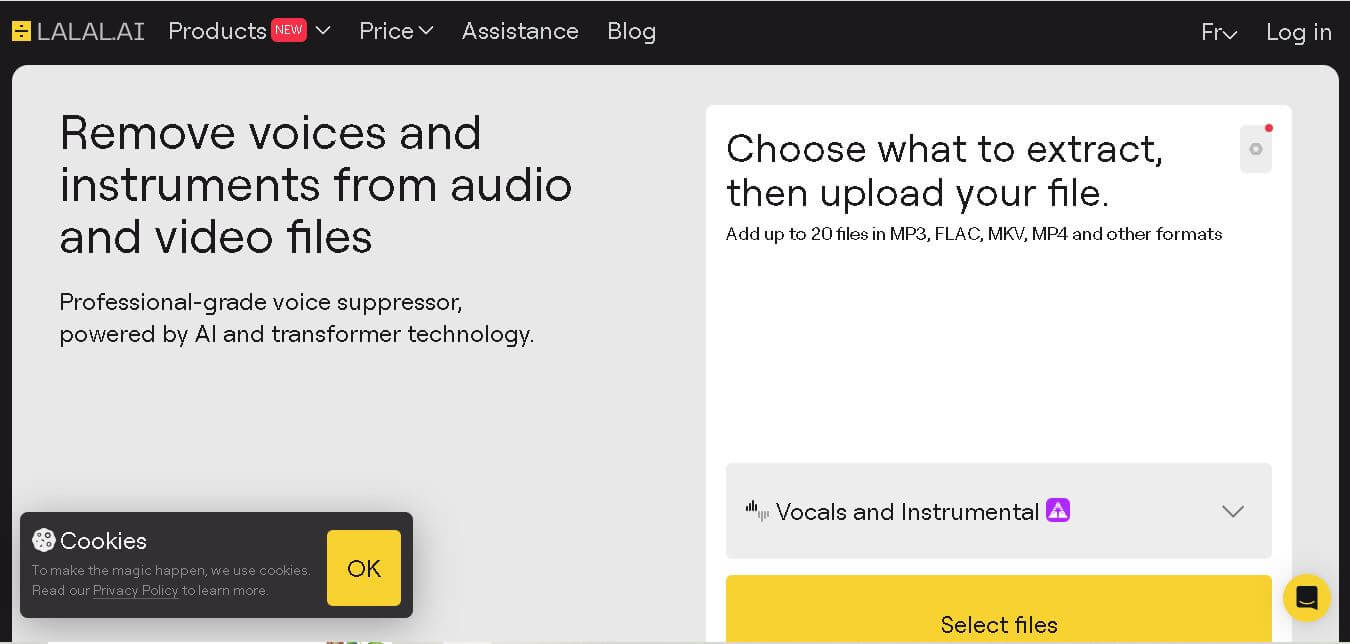
LALAL.AI helps musicians, producers, editors, and creators separate vocals and instruments from existing audio or video recordings. Its tools support stem splitting, vocal removal, voice cleaning, echo reduction, and other audio-processing tasks. Users can work through web, desktop, and mobile applications while choosing different neural networks for separation.
 4.8
4.8AI Coustics
Audio Editing
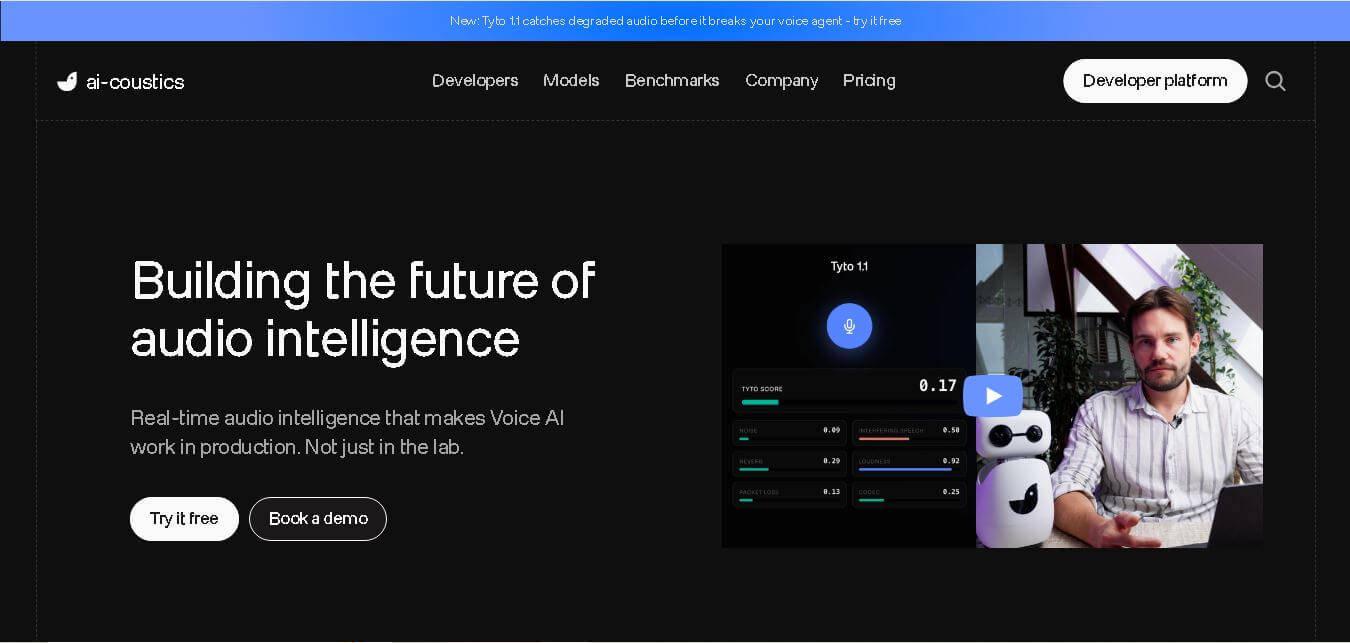
AI Coustics is an AI-powered audio intelligence platform that helps developers improve speech quality for voice AI systems. It enhances, isolates, and analyzes audio in real time, reducing noise and errors, so tools like speech recognition and voice agents perform reliably in real-world conditions.
 4.7
4.7FineVoice AI
Audio Editing
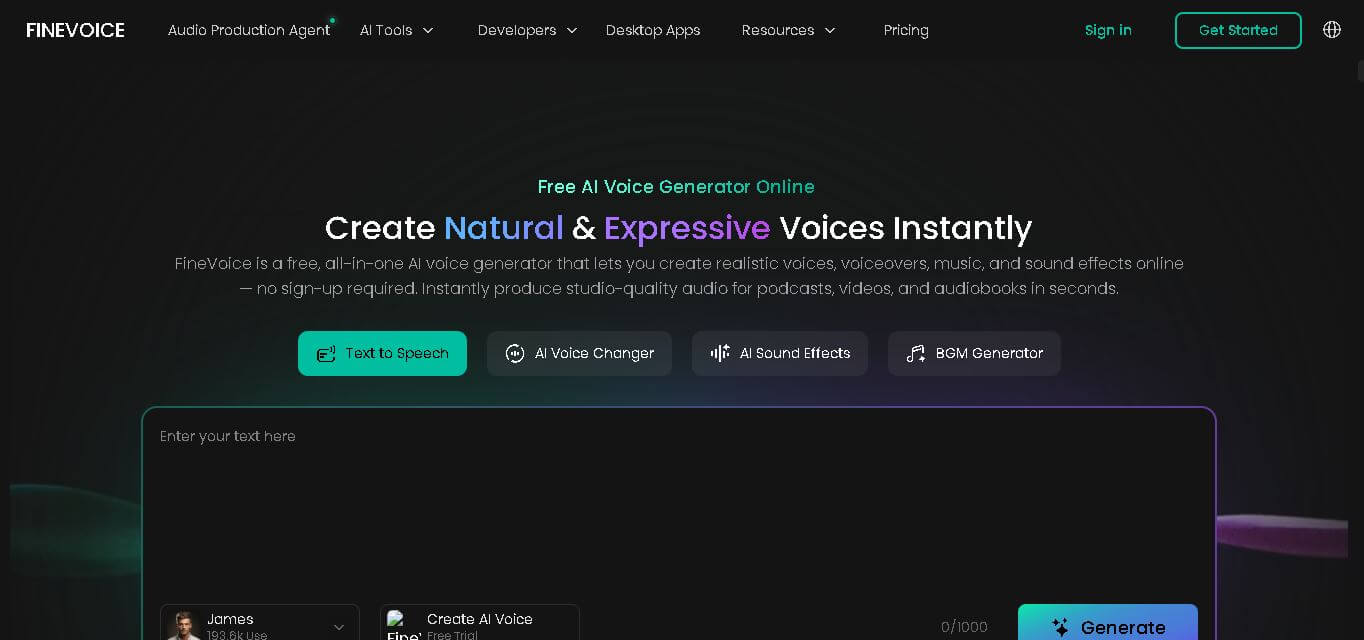
FineVoice helps creators turn text and recordings into natural audio using voice generation, cloning, voice changing, enhancement, transcription, music, and sound-effect tools. With support for 154 languages and 1,500+ voices, it can simplify voiceover production for videos, podcasts, education, gaming, marketing, audiobooks, and other digital content.
 4.6
4.6Cleanvoice AI
Audio Editing
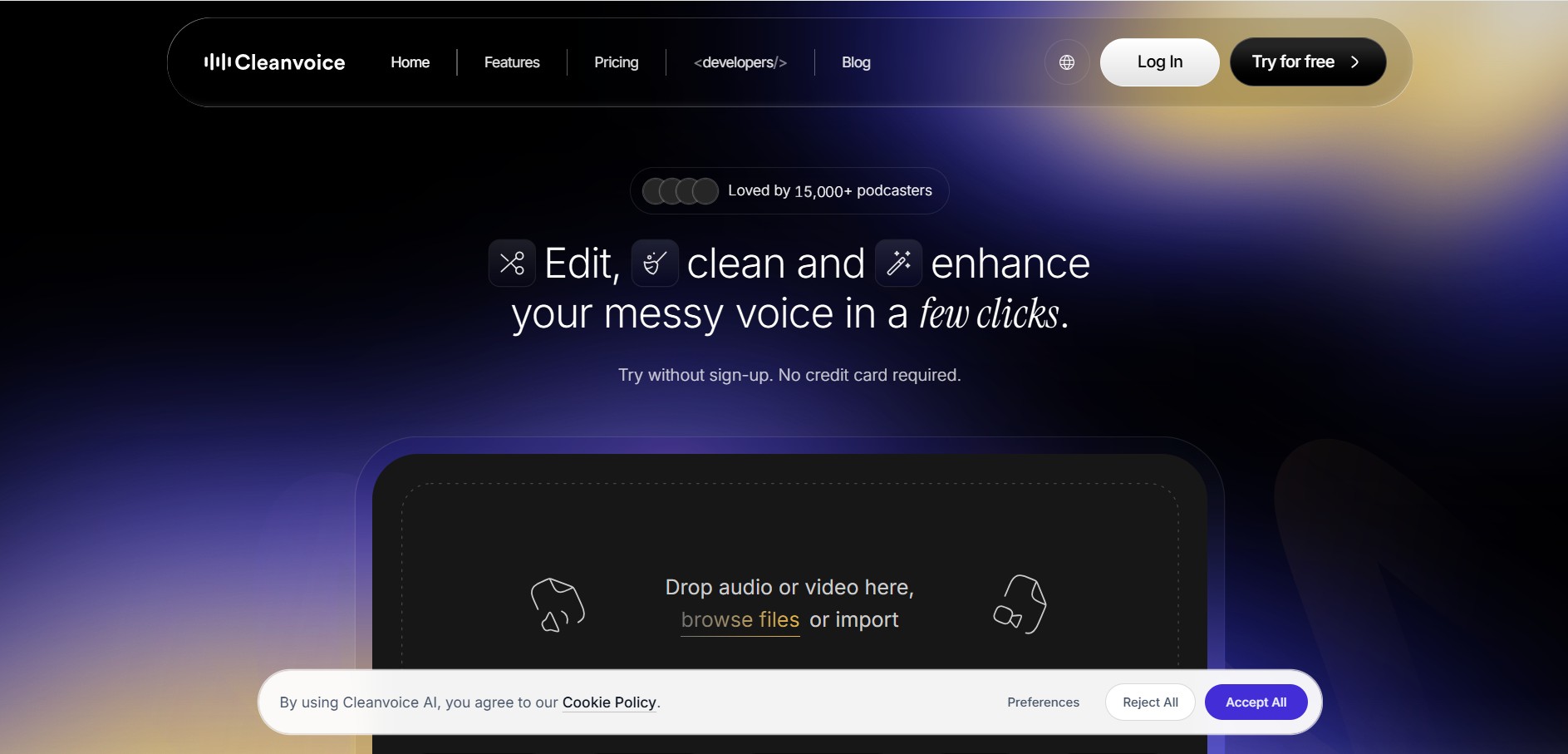
Cleanvoice is a podcast and audio editing tool that automatically improves recordings by removing filler words, background noise, mouth sounds, stutters, and long pauses. It also generates transcripts, summaries, and show notes, helping creators, businesses, and agencies produce professional-quality audio and video content with minimal manual editing.
 4.6
4.6AudioCleaner AI
Audio Editing
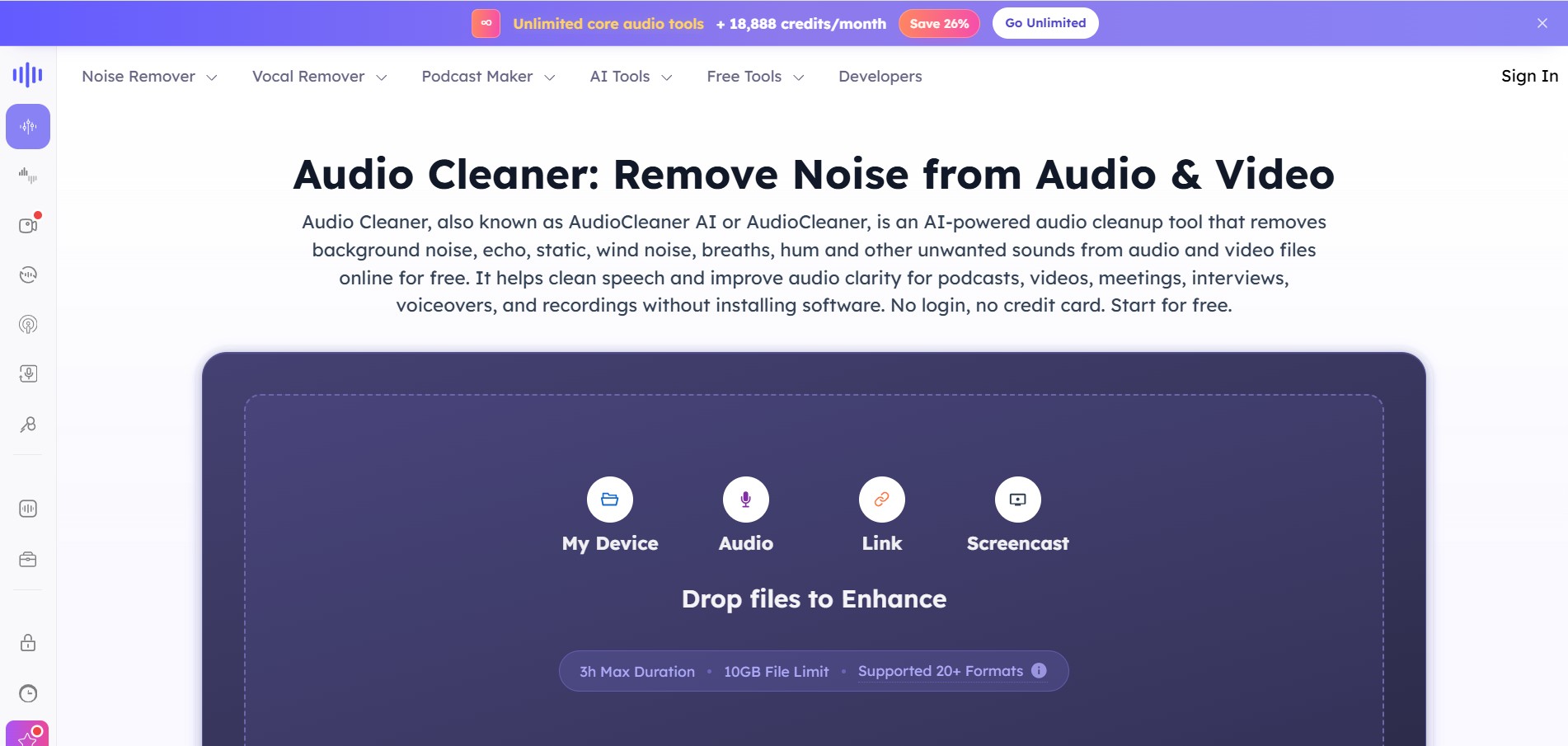
AudioCleaner AI is an online audio enhancement tool that improves sound quality by removing unwanted background noise, echo, static, mouth clicks, and other distractions from audio and video files. It also offers vocal separation, podcast generation, voice transformation, and text-to-speech features, making audio editing faster, simpler, and more accessible.
 4.6
4.6Fathom
Audio Editing
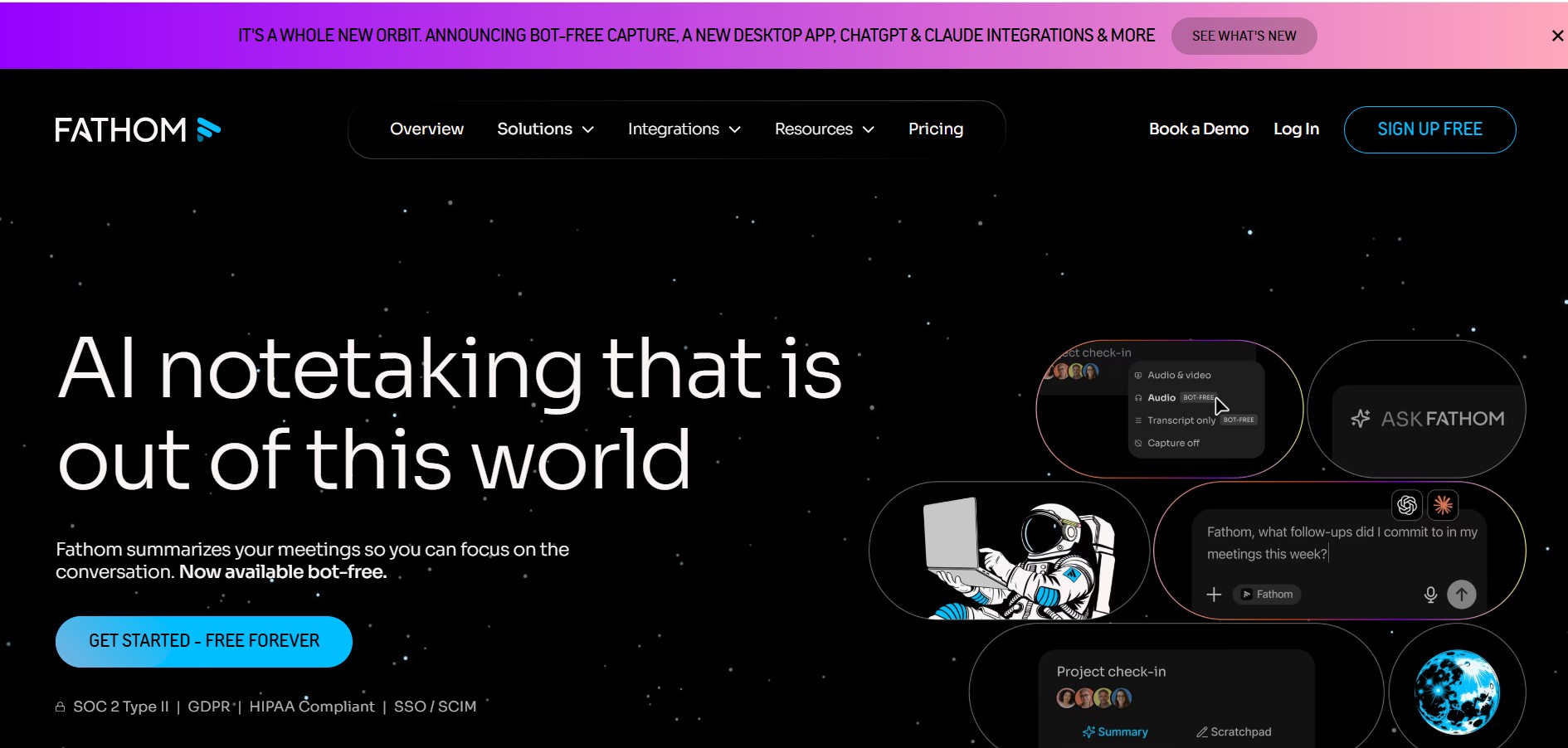
Fathom is an AI-powered notetaker that records, transcribes, highlights, and summarizes meetings instantly, allowing you to stay focused on the conversation rather than taking notes. It integrates with major video conferencing platforms and CRM systems.
 4.8
4.8Speak AI
Transcriber
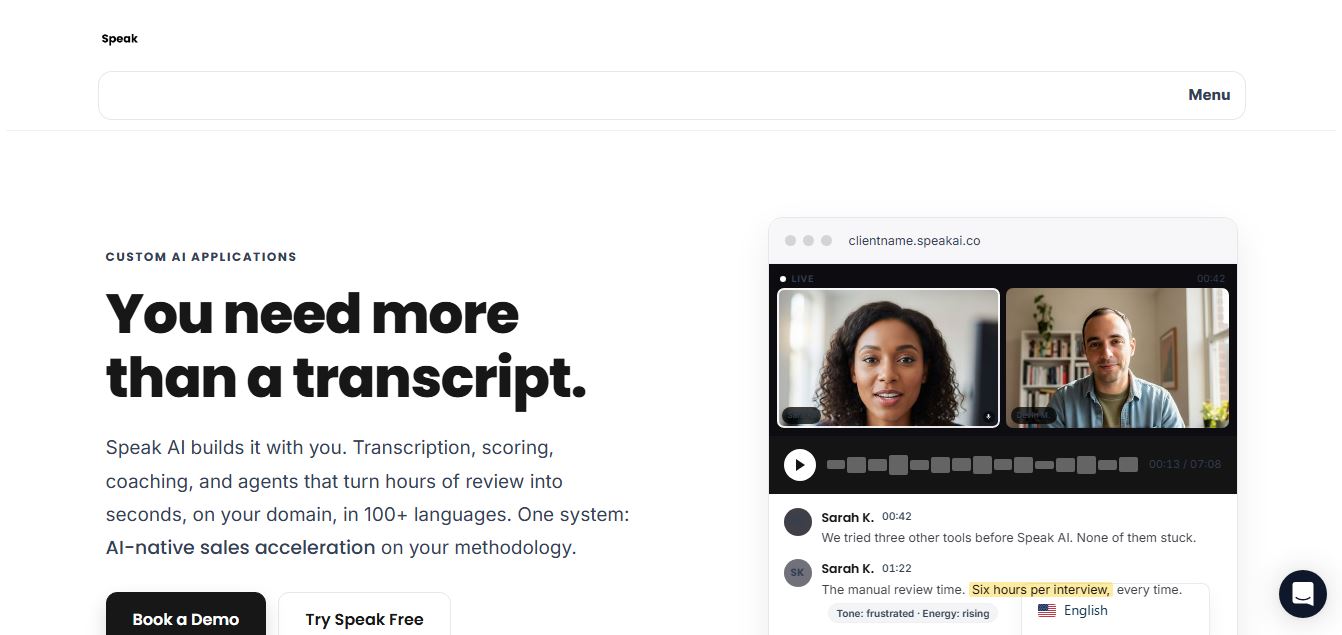
Speak AI is an AI-powered audio transcription, qualitative research, and NLP analysis platform that converts unstructured speech, video recordings, and text into searchable transcripts, sentiment insights, and multi-model AI summaries.
 4.8
4.8Altered AI
Audio Editing
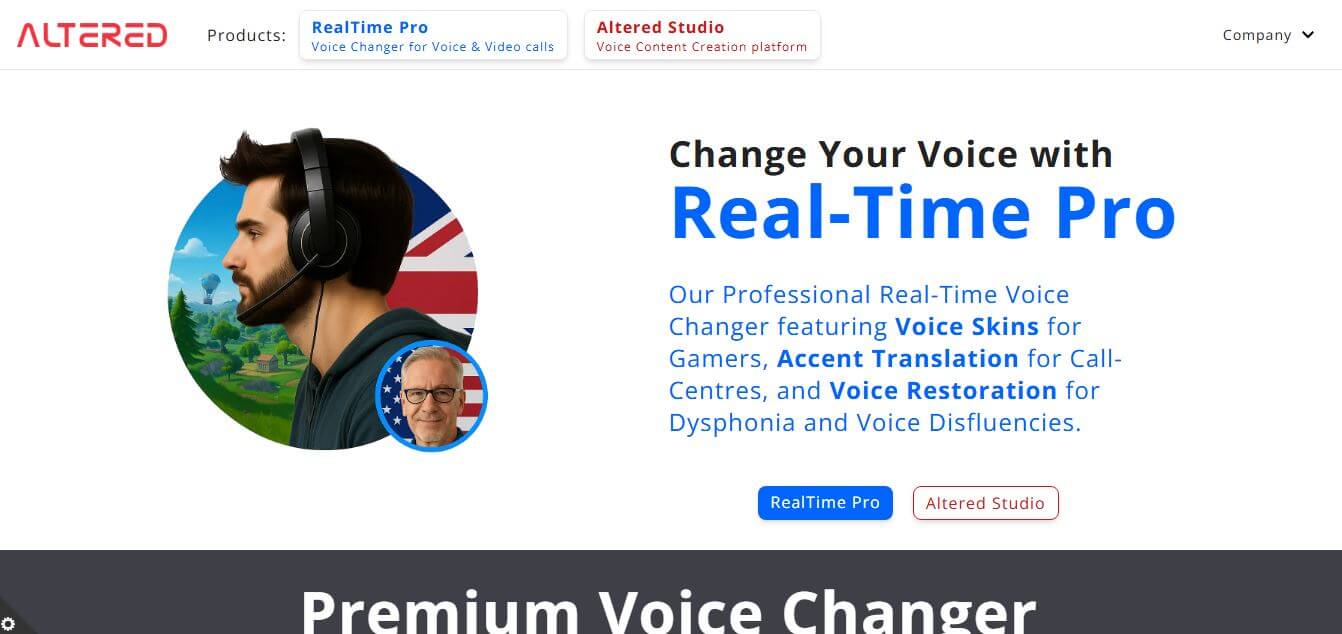
Altered AI (Altered Studio) is a professional Voice AI platform and Speech-to-Speech voice changer that morphs your voice into diverse characters, alters accents, and provides voice cloning, real-time voice skins, and audio cleanup for media production and games.
 4.7
4.7TemPolor
Audio Editing
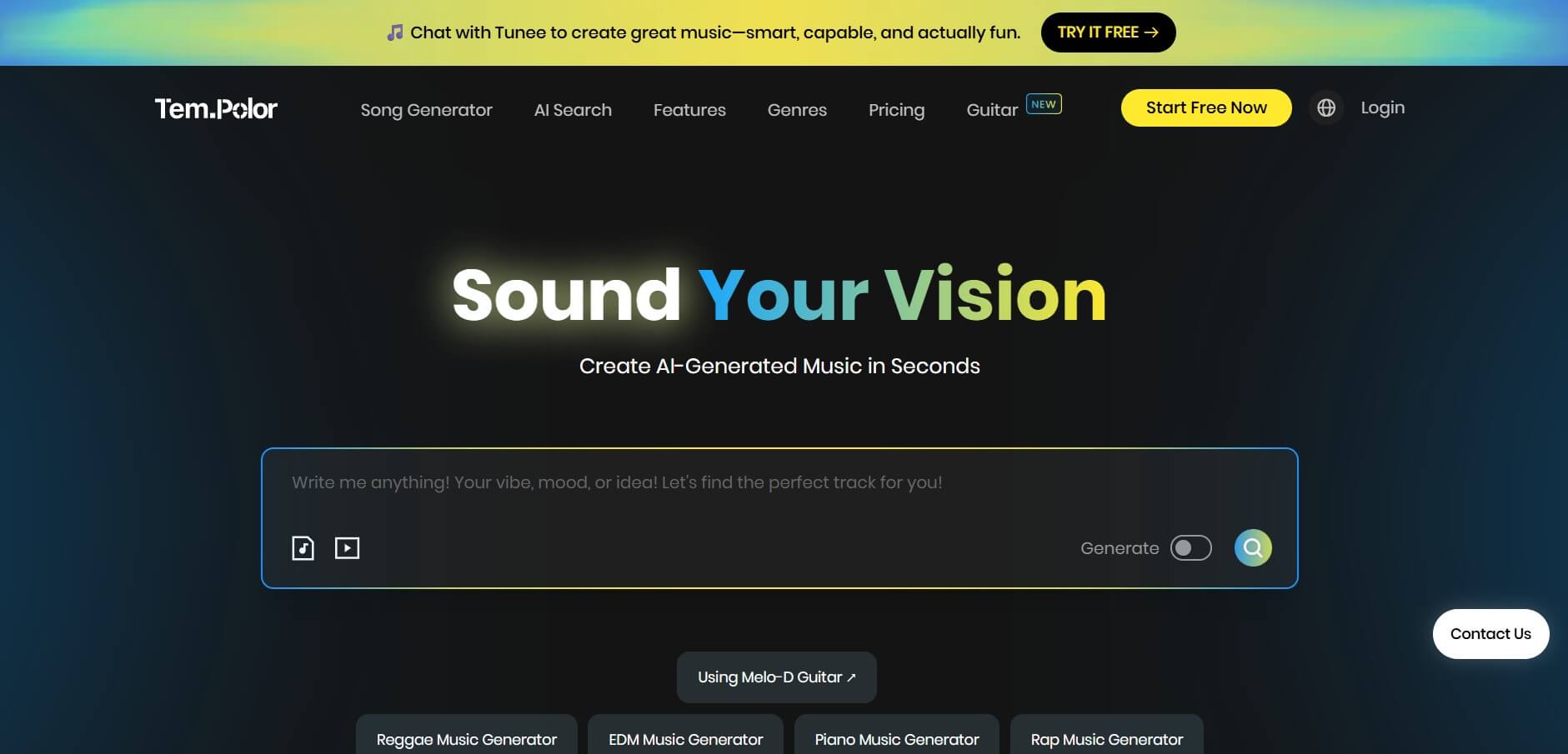
TemPolor is an AI music and song generator that creates professional, royalty-free tracks, lyrics, vocals, and instrumentals in seconds. It provides creators and developers with tools like voice cloning, stem splitting, MIDI arranging, and a scalable AI Music API.