10 Best AI Video Editing Tools in 2026: Features, Pricing & Comparison
Discover the 10 best AI video editing tools in 2026. Compare Klap, OpusClip, Descript, Runway, and more for short clips, captions, and video creation.
Explore moreThe best AI video editing tools in 2026 include Klap, OpusClip, Descript, VEED, CapCut, Runway, InVideo AI, Filmora, Adobe Premiere Pro, and Wisecut. These tools help creators automate video editing, generate captions, remove silence, create short-form clips, and produce videos from text prompts.
Creating professional videos no longer requires hours of manual editing or advanced technical skills. AI-powered video editing software can automatically identify important moments, remove unwanted pauses, generate subtitles, improve audio, create short clips, and adapt videos for different social media platforms.
The best AI video editing tools help creators, marketers, businesses, and agencies produce engaging content with less manual effort. Whether you want to turn long YouTube videos into Instagram Reels, edit podcast recordings, generate videos from text prompts, or create marketing videos, there is an AI tool designed for your workflow. For creators who regularly publish long-form videos, Klap is our top pick for automatically turning existing videos into short-form social media content. Other tools on this list offer different capabilities, including transcript-based editing, AI video generation, professional editing, and automated captions.
In this guide, we compare the 10 best AI video editing tools in 2026, including their key features, advantages, disadvantages, pricing considerations, and ideal use cases.
What Are AI Video Editing Tools?
AI video editing tools are software applications that use artificial intelligence to automate or simplify video production and editing tasks. They can analyze video and audio, identify important moments, generate subtitles, remove unwanted sections, create short clips, and help users produce content for different platforms.
Traditional video editing often requires users to manually review footage, select clips, arrange timelines, adjust audio, and add captions. AI-powered editors can automate parts of this process, making video creation more accessible to beginners and helping experienced editors work more efficiently.
Common uses of AI video editing software include:
- AI video clipping: Automatically identify interesting moments in long videos and turn them into short clips.
- Automatic subtitles: Generate captions and subtitles from spoken audio.
- Text-based video editing: Edit videos by modifying their transcripts or written content.
- AI video generation: Create videos from text prompts, images, or other media.
- Silence removal: Detect and remove unnecessary pauses from recordings.
- AI voiceovers: Generate narration using artificial voices.
- Background editing: Remove or replace video backgrounds.
- Social media resizing: Adapt videos to vertical, square, and horizontal formats.
- Audio enhancement: Reduce background noise and improve speech clarity.
Not every AI video editor offers all these features. Some specialize in repurposing existing footage, while others focus on generating new videos or providing a complete editing workspace.
10 Best AI Video Editing Tools in 2026
Here are 10 AI video editing platforms worth considering, depending on your content creation requirements.
1. Klap
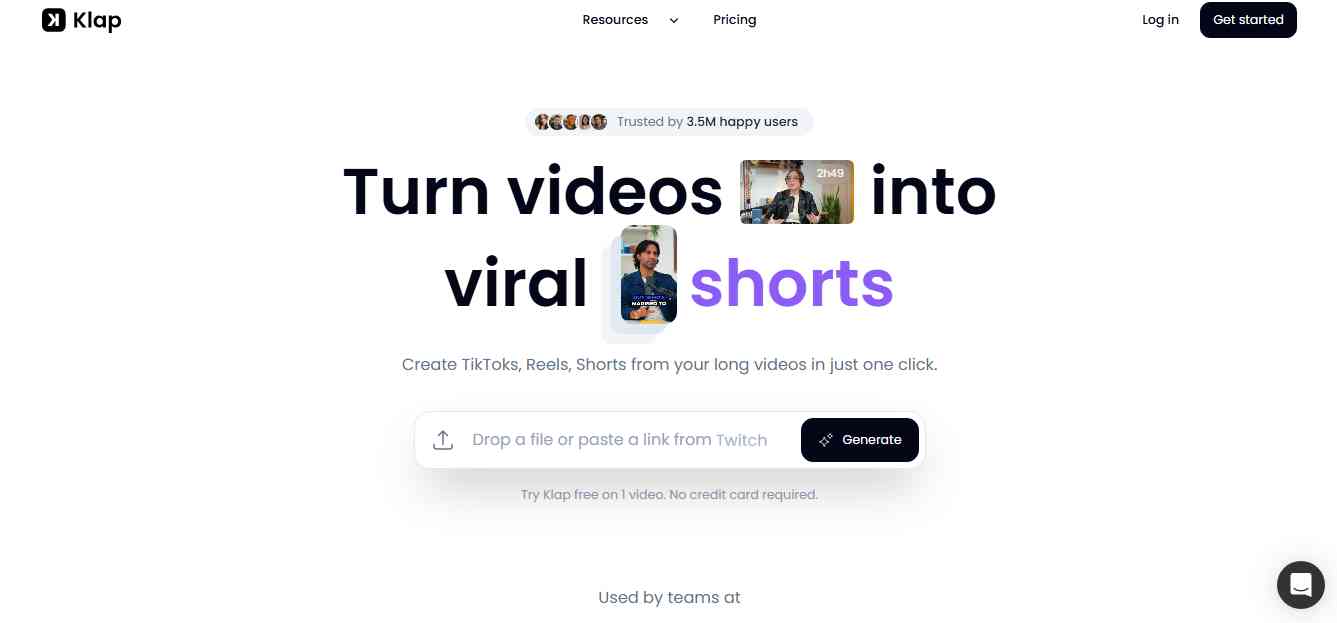
Klap is an AI-powered video editing platform that helps creators convert long-form videos into short, engaging clips for platforms such as YouTube Shorts, Instagram Reels, and TikTok. Instead of manually reviewing an entire video to find interesting moments, users can upload a video or provide a supported video link. Klap analyzes the content, identifies potential highlights, and generates short clips that can be edited and customized before publishing.
The platform is particularly useful for podcast creators, YouTubers, educators, coaches, and businesses that regularly produce long-form video content. One of Klap's main advantages is its focus on video repurposing. Creators can use one long recording to generate multiple short-form videos, helping them maintain a consistent publishing schedule across social media platforms.
Key Features of Klap
- AI-powered short video generation.
- Automatic identification of engaging moments.
- AI-generated captions and subtitles.
- Automatic reframing for vertical video.
- Face detection and speaker-focused framing.
- Customizable video templates and editing options.
- Support for social media content formats.
- Multiple short clips generated from longer videos.
Pros
- Saves time when creating short-form content.
- Helps repurpose podcasts, interviews, and YouTube videos.
- Automatically identifies potential highlights.
- Simplifies vertical video creation.
- Useful for creators who publish across multiple platforms.
Cons
- Primarily focused on turning existing videos into short clips.
- AI-selected highlights may need manual editing.
- Results depend on the quality and structure of the original recording.
- Advanced usage may require a paid subscription.
Pricing: Klap offers paid subscription options, with features and video-processing limits depending on the selected plan. Check its official website for current pricing and included usage.
Best For: YouTubers, podcast creators, social media managers, influencers, marketing agencies, and businesses that want to turn long videos into short-form content.
Review: Klap is a strong choice for creators who already produce long-form videos and want to get more content from each recording. Its automatic clipping, captions, and reframing capabilities reduce the amount of manual work required to prepare videos for social media. Rather than replacing a complete professional video editor, Klap focuses on making video repurposing faster and easier. If your primary goal is to create Shorts, Reels, and TikTok videos from existing footage, Klap is a tool worth considering.
2. OpusClip
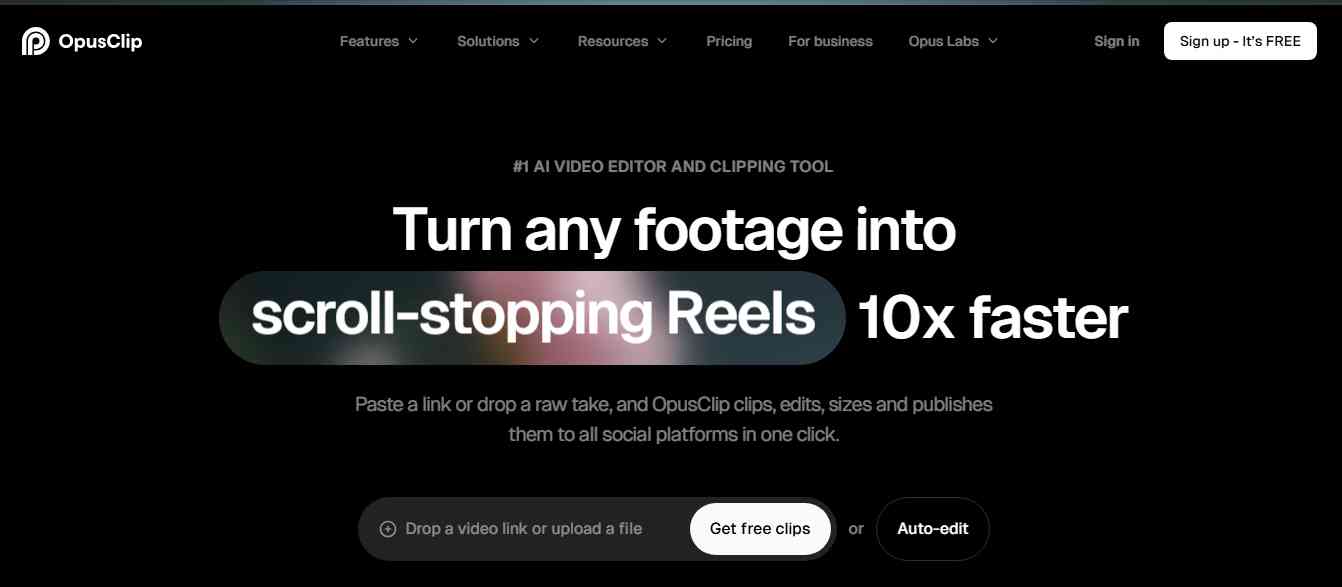
OpusClip is an AI-powered video repurposing platform that helps creators turn long videos into short-form content. It analyzes uploaded videos and identifies segments that may work well as standalone clips for social media. The platform is designed for creators who publish podcasts, webinars, interviews, educational videos, and other long-form content. Instead of editing every clip manually, users can let the AI identify potential highlights and generate multiple short videos.
OpusClip also provides tools for captions, reframing, and editing, making it easier to prepare clips for different social media formats.
Key Features of OpusClip
- AI-powered video clipping.
- Automatic highlight detection.
- AI-generated captions.
- Automatic video reframing.
- Speaker detection and tracking.
- Short-form video editing.
- Social media publishing workflows.
- Video performance and clip-related insights on supported plans.
Pros
- Useful for repurposing long-form content.
- Generates multiple clips from one recording.
- Supports automatic captions and reframing.
- Helps creators produce content more consistently.
- Suitable for podcasts and interviews.
Cons
- AI-selected clips may need manual review.
- Results depend on the source video's content and audio.
- Some advanced features require paid plans.
- Not designed to replace every function of a full video editor.
Pricing: OpusClip offers free and paid subscription options. Video processing limits, export features, and AI credits depend on the selected plan.
Best For: Podcast creators, YouTubers, content agencies, educators, and businesses that publish long-form videos.
Review: OpusClip is a useful alternative for creators who want to automate the process of finding highlights in longer recordings. Its clipping and captioning capabilities can reduce editing time, especially for interview-based content. However, creators should review generated clips before publishing to make sure the selected moments have enough context and communicate the intended message.
3. Descript
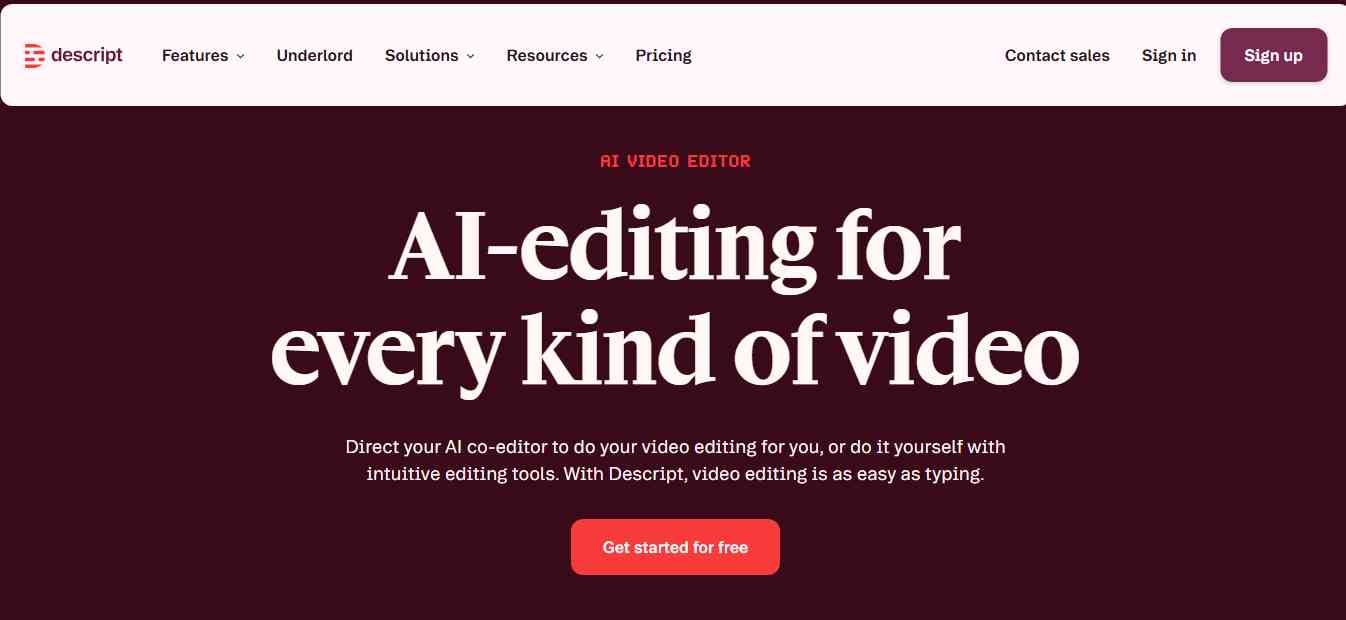
Descript is an AI-powered audio and video editing platform that allows users to edit recordings by working with their transcripts. Instead of relying entirely on a traditional timeline, creators can modify the text transcript to make corresponding changes to the video or audio. This approach is especially useful for podcasts, interviews, tutorials, online courses, and talking-head videos. For example, users can remove unnecessary words or sections by editing the transcript rather than manually locating every section in the timeline.
Descript also offers AI-powered features for transcription, filler-word removal, audio enhancement, and recording workflows.
Key Features of Descript
- Text-based video and audio editing.
- Automatic transcription.
- AI-powered filler-word removal.
- Studio Sound for audio enhancement.
- Screen and webcam recording.
- AI voice features and overdubbing capabilities.
- Captions and subtitles.
- Multitrack editing and collaboration features.
Pros
- Makes editing spoken content easier.
- Useful for podcast and interview production.
- Combines video editing and transcription.
- Helps remove filler words and unwanted sections.
- Supports collaborative workflows.
Cons
- May take time to learn all available features.
- Transcript accuracy depends on audio quality and language support.
- Advanced AI features may have usage restrictions.
- Less suitable for complex cinematic editing workflows.
Pricing: Descript offers free access and paid plans. Pricing and usage limits depend on the subscription, transcription hours, and available AI features.
Best For: Podcasters, YouTubers, educators, interview creators, and teams producing talking-head videos.
Review: Descript is particularly useful for people who create content based on spoken conversations. Its text-based editing approach makes it easier to remove mistakes, shorten recordings, and improve audio without working entirely through a traditional editing timeline. It is a strong choice for podcasts and educational content, although creators producing highly visual or cinematic videos may need a more advanced editor.
4. VEED
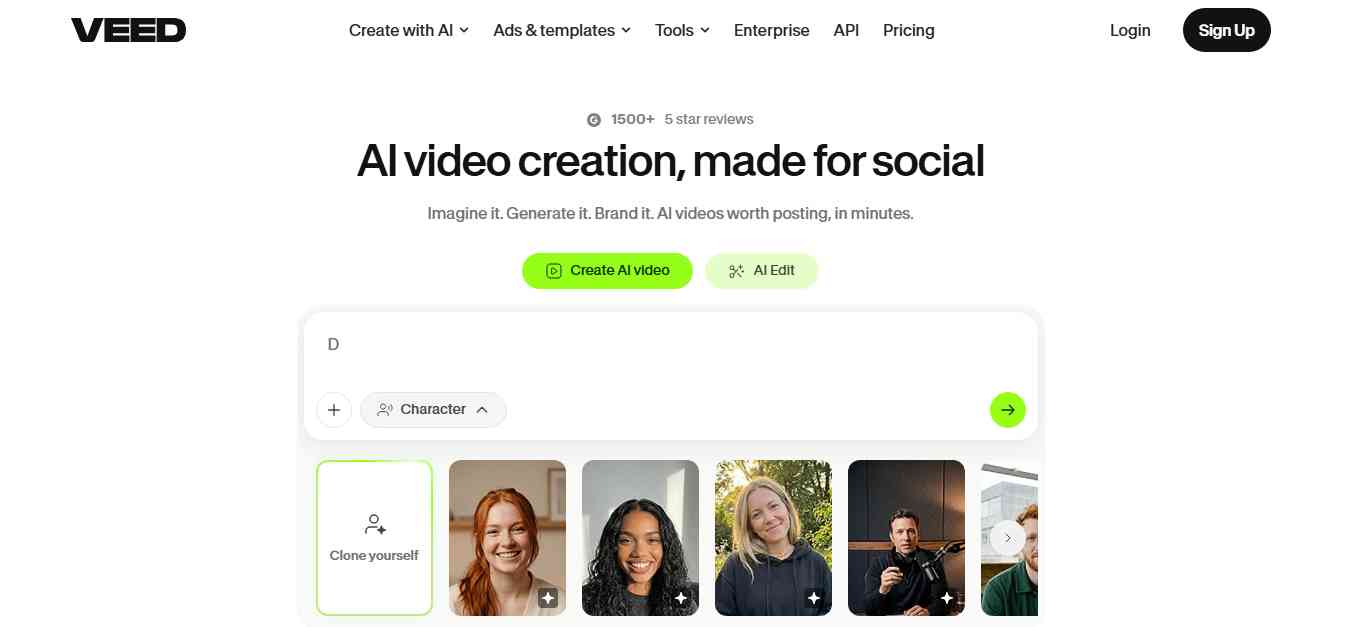
VEED is a browser-based video editing platform that provides AI-powered tools for creating, editing, and improving videos. It is designed for creators and businesses that want to produce professional-looking videos without installing complicated editing software. The platform offers tools for subtitles, transcription, translations, background removal, audio cleanup, and video editing. Users can also create videos for social media, advertisements, tutorials, presentations, and marketing campaigns.
One of VEED's main advantages is its accessible online editing environment. Users can work on video projects through a browser and collaborate with other team members.
Key Features of VEED
- AI-generated subtitles and captions.
- Automatic transcription and translation.
- Text-to-speech capabilities.
- Background removal.
- AI-powered video editing features.
- Audio cleanup and enhancement.
- Screen recording.
- Social media video templates.
- Online video collaboration.
Pros
- Easy-to-use browser-based editor.
- Offers several AI video and audio features.
- Useful for creating social media content.
- Supports subtitles and translations.
- Suitable for teams and businesses.
Cons
- Free plan may include export restrictions or watermarks.
- Advanced features require paid subscriptions.
- Browser-based editing depends on a reliable internet connection.
- Not every AI feature is available in every plan.
Pricing: VEED offers free and paid subscription options. Pricing varies by plan, export limits, AI usage, and team requirements.
Best For: Social media managers, marketers, businesses, educators, and creators looking for an online video editing platform.
Review: VEED is a practical option for users who want multiple editing and AI capabilities in one browser-based workspace. Its subtitle generation, translation, and audio tools are especially useful for marketing and educational videos. It may not replace advanced desktop editing software for complex productions, but it offers a convenient workflow for everyday content creation.
5. CapCut
CapCut is a popular video editing platform used by creators to produce content for TikTok, Instagram Reels, YouTube Shorts, and other social media channels. It combines traditional editing tools with AI-assisted features that simplify tasks such as caption generation, background removal, video enhancement, and editing. Its templates and effects also help users create visually engaging videos without advanced editing experience.
CapCut is particularly useful for short-form content because it offers an accessible editing workflow and a range of tools designed around social media formats.
Key Features of CapCut
- AI auto-caption generation.
- Text-to-speech features.
- Background removal.
- AI video and image editing tools.
- Templates, transitions, and effects.
- Audio and voice editing.
- Video resizing and formatting.
- Social media-focused editing tools.
Pros
- Beginner-friendly editing interface.
- Useful templates for short-form content.
- Offers a range of AI-assisted editing features.
- Supports mobile and desktop workflows.
- Suitable for social media creators.
Cons
- Some features may vary by region and platform.
- Advanced AI tools may require a paid subscription.
- Templates can make content look repetitive.
- Availability and functionality can change across markets.
Pricing: CapCut offers free and paid options. Subscription availability, features, and pricing vary by country and platform.
Best For: TikTok creators, Instagram users, YouTubers, influencers, and social media managers.
Review: CapCut is a useful video editor for creators who prioritize short-form social media content. Its templates, captions, and accessible editing tools make it easier to create videos without advanced technical skills. It is especially suitable for beginners, although professional editors may prefer software with more advanced timeline and post-production controls.
6. Runway
Runway is an AI-powered creative platform focused on video generation, visual effects, and advanced video editing workflows. It is particularly useful for creators who want to generate new visual content rather than simply edit existing recordings. Its AI models and tools support workflows involving text-to-video, image-to-video, video transformation, and other generative media tasks. This makes Runway useful for creative professionals, filmmakers, advertisers, and content teams experimenting with AI-generated visuals.
Unlike tools focused mainly on automatic captions or short-form clipping, Runway offers a more creative approach to AI-assisted video production.
Key Features of Runway
- Text-to-video generation.
- Image-to-video generation.
- AI-powered video transformation.
- Generative visual effects.
- Background and object editing tools.
- Creative video production workflows.
- AI image and video capabilities.
- Tools for experimentation with visual storytelling.
Pros
- Useful for creating original AI-generated visuals.
- Offers creative video transformation capabilities.
- Suitable for advertisements and visual storytelling.
- Supports experimental video production.
- Provides tools beyond traditional video editing.
Cons
- AI-generated footage may require multiple attempts.
- Results can vary depending on prompts and source images.
- Generative video usage may consume credits.
- Not a complete replacement for conventional editing software.
Pricing: Runway offers free access with limitations and paid plans with additional credits and capabilities. Check its official pricing page for current generation limits and subscription options.
Best For: Filmmakers, creative agencies, advertisers, designers, and creators who want to generate or transform video using AI.
Review: Runway is a strong option for creators interested in generative video and creative visual effects. Its capabilities make it useful for producing scenes, experimenting with concepts, and creating visual assets that would otherwise require more production resources. However, it serves a different purpose from tools such as Klap and OpusClip, which focus on repurposing existing footage.
7. InVideo AI
InVideo AI is an AI-powered video creation platform that helps users turn text prompts and scripts into videos. It is designed for people who want to create videos without manually collecting footage, arranging scenes, and editing every element. Users can provide a topic or prompt, and the platform can help generate a video structure with scenes, visuals, narration, and other elements. This makes it useful for marketing videos, explainers, educational content, promotional videos, and social media posts.
InVideo AI is particularly relevant for creators who want to produce videos from written ideas rather than edit existing recordings.
Key Features of InVideo AI
- Text-to-video generation.
- AI-generated scripts and video structures.
- AI voiceovers.
- Stock media and visual assets.
- Automated scene creation.
- Video editing through prompts.
- Social media video formats.
- Templates for marketing and promotional content.
Pros
- Simplifies video creation from text prompts.
- Useful for marketing and explainer videos.
- Provides AI voiceover capabilities.
- Helps users create videos without advanced editing skills.
- Supports different video formats.
Cons
- Generated scenes may need manual adjustments.
- Stock visuals may not always match the intended message.
- Export and AI generation limits depend on the plan.
- Results may require editing to achieve a distinctive brand style.
Pricing: InVideo AI offers free and paid subscription options. Pricing depends on generation limits, export restrictions, and available AI features.
Best For: Marketing teams, YouTube creators, educators, small businesses, and users creating videos from scripts or text prompts.
Review: InVideo AI is a useful choice for people who want to create videos from written ideas without starting from a blank editing timeline. It can help speed up the production of explainers, promotional videos, and educational content. However, creators should review the generated visuals, narration, and factual details before publishing.
8. Wondershare Filmora
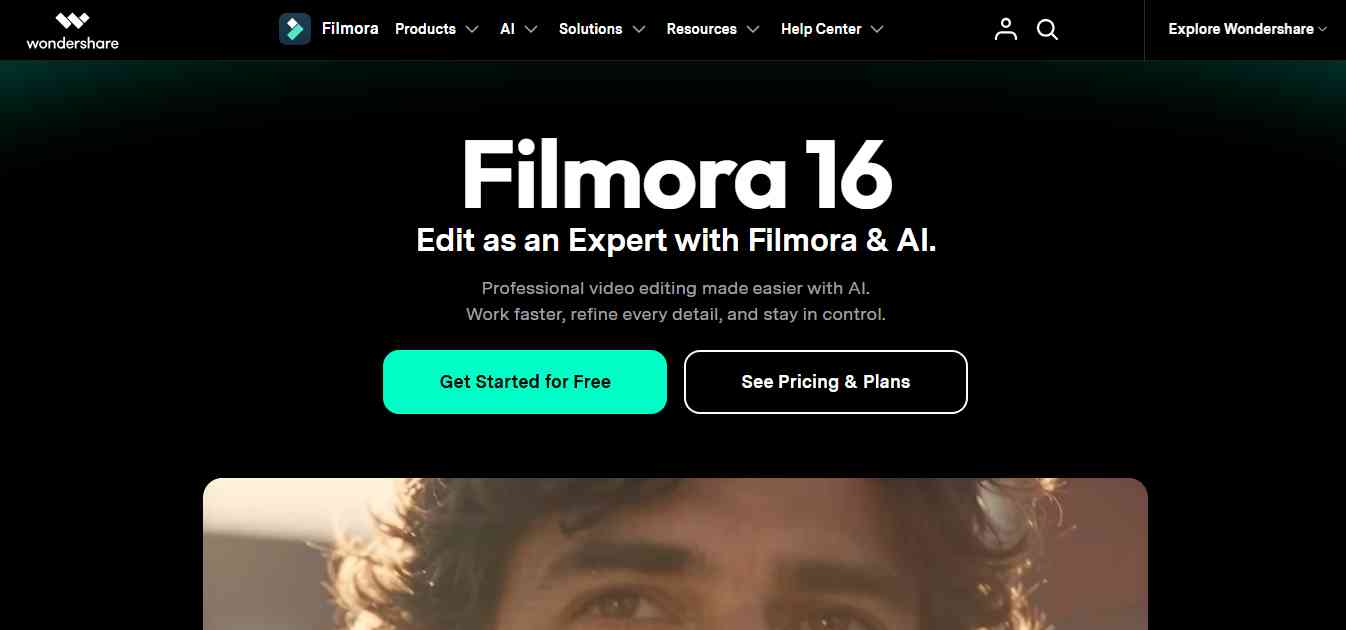
Wondershare Filmora is a video editing platform that combines traditional editing capabilities with AI-assisted tools. It is designed for creators who want more control over their video projects while still benefiting from automation. Filmora offers a timeline-based editing experience along with features such as AI-assisted editing, background removal, audio enhancement, smart captions, and other creative tools.
It can be useful for YouTube videos, tutorials, product demonstrations, marketing videos, and personal projects. Its combination of traditional editing and AI features makes it suitable for users who want to learn video editing without immediately moving to complex professional software.
Key Features of Filmora
- AI-assisted video editing.
- AI text and content tools.
- Automatic captions and subtitles.
- Background removal.
- Audio enhancement.
- Smart scene and editing features.
- Video effects and transitions.
- Timeline-based editing.
Pros
- Beginner-friendly interface.
- Combines AI tools with traditional editing.
- Suitable for different video formats.
- Provides creative effects and templates.
- Offers more editing control than basic clip generators.
Cons
- Some AI features may require additional credits.
- Advanced editing may require time to learn.
- Free exports may include restrictions or watermarks.
- Subscription and perpetual-license options may differ by region.
Pricing: Filmora offers paid subscription and licensing options, with features and AI credits depending on the selected plan.
Best For: Beginners, YouTubers, educators, small businesses, and intermediate video editors.
Review: Filmora is a practical option for users who want a complete editing workspace with additional AI assistance. It provides more traditional editing control than automatic clipping tools while keeping the interface accessible. It is a good choice for creators who want to grow from basic editing into more advanced video production.
9. Adobe Premiere Pro
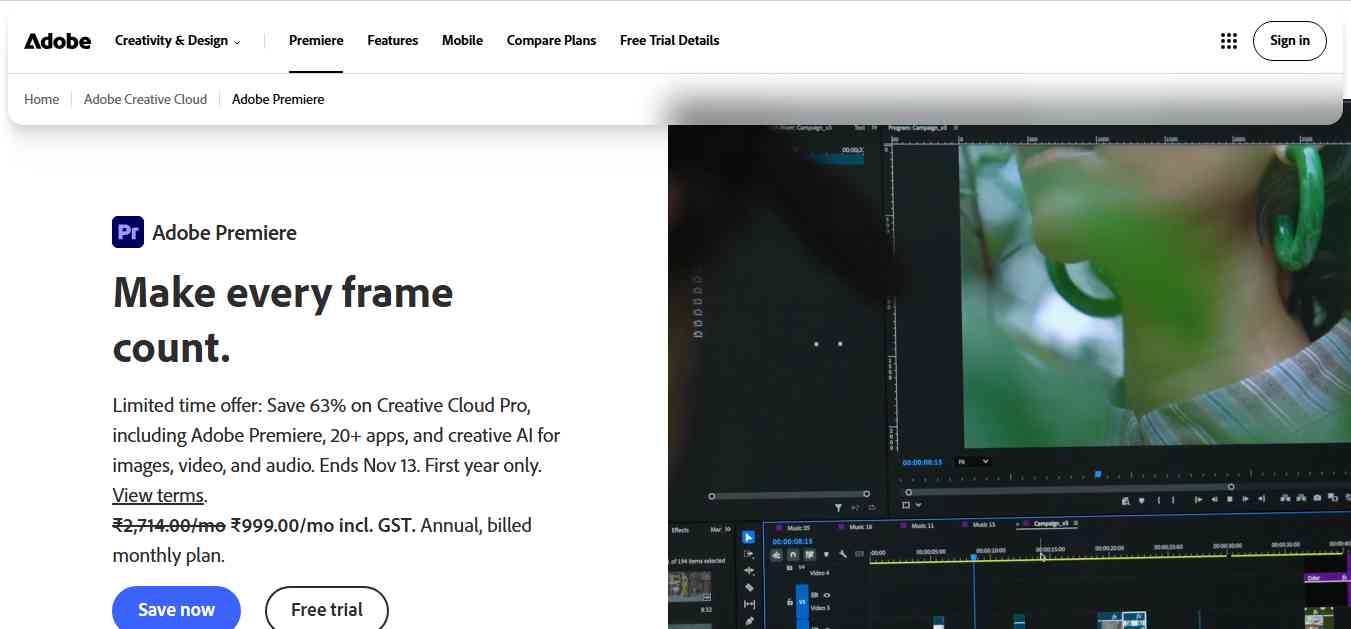
Adobe Premiere Pro is a professional video editing application used by filmmakers, production teams, content creators, and agencies. It combines advanced timeline editing capabilities with AI-powered features designed to improve editing efficiency. Its AI-related capabilities include speech-to-text transcription, text-based editing, audio enhancement, scene-related workflows, and generative features through Adobe's wider creative ecosystem.
Premiere Pro is particularly useful for projects that require detailed editing control, professional color workflows, audio adjustments, and collaboration with other creative applications.
Key Features of Adobe Premiere Pro
- AI-powered speech-to-text transcription.
- Text-based video editing.
- Automatic captions and subtitles.
- AI-assisted audio enhancement.
- Advanced timeline editing.
- Color correction and grading.
- Professional video effects and transitions.
- Integration with Adobe Creative Cloud applications.
Pros
- Professional-level editing capabilities.
- Suitable for complex video projects.
- Offers AI-assisted editing features.
- Integrates with other Adobe applications.
- Supports detailed audio and visual adjustments.
Cons
- Has a steeper learning curve for beginners.
- Requires a capable computer for demanding projects.
- Subscription-based pricing may be expensive for casual users.
- Advanced workflows require editing knowledge.
Pricing: Adobe Premiere Pro is available through subscription plans. Pricing depends on the selected individual, business, or Creative Cloud package and regional billing terms.
Best For: Professional video editors, filmmakers, production agencies, YouTubers, and businesses producing high-quality video content.
Review: Adobe Premiere Pro is one of the strongest options for creators who need professional editing control. Its AI features help simplify tasks such as transcription, captions, and audio adjustments without removing access to advanced editing tools. It may be more complex than necessary for beginners who only want to generate short clips, but it remains a powerful choice for professional video production.
10. Wisecut
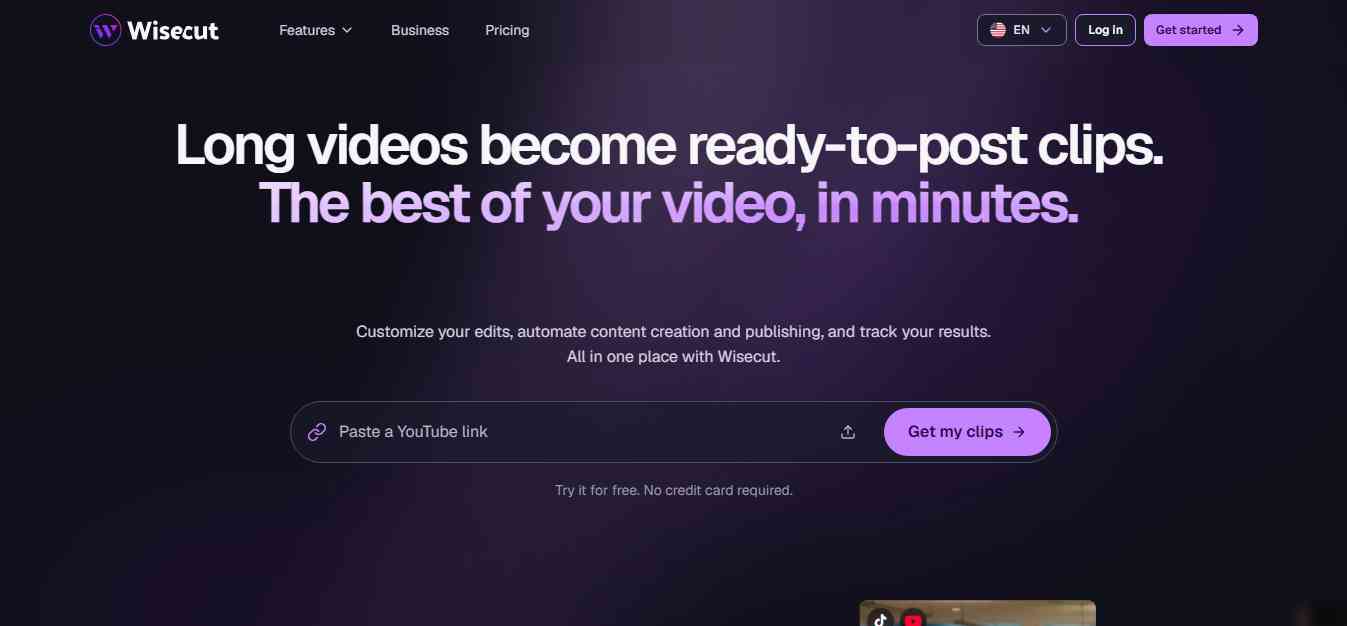
Wisecut is an AI-powered video editing platform designed to simplify the editing of talking-head videos, interviews, tutorials, and other spoken content. Its main purpose is to automate repetitive editing tasks such as removing long pauses, creating subtitles, and adjusting background music. This makes it useful for creators who record videos regularly but do not want to spend hours manually cleaning up every recording.
Wisecut is especially relevant for educational videos, online courses, presentations, and YouTube content where spoken communication is the main focus.
Key Features of Wisecut
- Automatic silence removal.
- AI-powered video editing.
- Automatic subtitles.
- Background music management.
- Speech-focused editing workflows.
- Video reframing capabilities.
- Support for talking-head videos.
- Editing assistance for recorded content.
Pros
- Helps reduce manual editing time.
- Useful for talking-head videos.
- Automates silence removal and caption generation.
- Suitable for educational and informational content.
- Simplifies repetitive editing tasks.
Cons
- Less suitable for complex cinematic projects.
- AI editing decisions may need manual review.
- Results depend on audio quality and recording structure.
- Advanced functionality may require paid access.
Pricing: Check Wisecut's official website for current subscription availability, features, and processing limits.
Best For: YouTubers, online educators, course creators, presenters, and businesses producing talking-head videos.
Review: Wisecut is a useful option for creators who regularly record spoken videos and want to reduce repetitive editing work. Its silence removal and subtitle capabilities can help speed up production, especially for tutorials and educational content. However, creators producing complex visual projects may need a more comprehensive video editing application.
AI Video Editing Tools Comparison Table
Choosing the right AI video editor depends on whether you want to repurpose existing videos, create new videos from prompts, edit podcasts, or produce professional content. The following table compares the 10 platforms based on their primary use cases.
| AI Video Tool | Best For | Main AI Features | Pricing Approach |
|---|---|---|---|
| Klap | Turning long videos into short clips | AI clipping, captions, reframing | Free/paid availability varies |
| OpusClip | Video repurposing | Highlight detection, captions, clip generation | Free and paid plans |
| Descript | Text-based video editing | Transcription, filler-word removal, audio enhancement | Free and paid plans |
| VEED | Online video editing | AI subtitles, translation, background removal | Free and paid plans |
| CapCut | Social media videos | Auto captions, templates, AI editing | Free and paid options |
| Runway | Generative video creation | Text-to-video, image-to-video, visual effects | Free and paid plans |
| InVideo AI | Text-to-video creation | AI scripts, scenes, voiceovers | Free and paid plans |
| Filmora | Beginner-friendly video editing | AI editing, captions, audio tools | Paid plans and licensing options |
| Adobe Premiere Pro | Professional video editing | Transcription, text-based editing, audio tools | Subscription |
| Wisecut | Automatic editing of spoken videos | Silence removal, subtitles, speech-focused editing | Check current plans |
Which AI Video Editing Tool Should You Choose?
The best AI video editor depends on the type of content you produce and how much editing control you need.
| Your Requirement | Recommended Tool | Why Choose It? |
|---|---|---|
| Turn YouTube videos into Shorts and Reels | Klap | Automatically finds highlights and creates short clips |
| Repurpose podcasts and interviews | OpusClip | Generates multiple short clips from longer recordings |
| Edit videos using text transcripts | Descript | Allows transcript-based editing |
| Create subtitles and edit videos online | VEED | Combines browser-based editing with AI tools |
| Create TikTok and Instagram videos | CapCut | Offers social media-focused editing tools |
| Generate original AI video scenes | Runway | Supports generative video workflows |
| Turn scripts into videos | InVideo AI | Creates videos from text prompts |
| Edit YouTube and tutorial videos | Filmora | Combines traditional editing with AI assistance |
| Produce professional video projects | Adobe Premiere Pro | Offers advanced editing and post-production controls |
| Remove silence from talking-head videos | Wisecut | Automates speech-focused editing tasks |
Our recommendation: If you already have long-form videos and want to create more short-form content, start with Klap or OpusClip. If you need to create new videos from scripts, explore InVideo AI or Runway. For more detailed editing control, consider Descript, Filmora, or Adobe Premiere Pro.
How to Choose the Best AI Video Editing Software
Before purchasing an AI video editor, consider your content requirements, editing experience, publishing frequency, and budget.
1. Identify Your Video Editing Requirements
Start by deciding what type of videos you create.
- YouTube Shorts and Instagram Reels: Choose Klap, OpusClip, or CapCut.
- Podcast editing: Consider Descript or OpusClip.
- Text-to-video creation: Explore InVideo AI or Runway.
- Professional video production: Consider Adobe Premiere Pro or Filmora.
- Online editing and subtitles: Explore VEED.
- Talking-head videos: Consider Wisecut or Descript.
2. Check AI Features
Different AI video editors offer different capabilities. Before choosing one, check whether it supports the features you actually need, such as automatic clipping, subtitles, text-based editing, voiceovers, background removal, or generative video. Do not pay for advanced AI features that you are unlikely to use.
3. Compare Pricing and Usage Limits
Review the subscription cost, video processing limits, export resolution, watermark restrictions, AI credits, and commercial usage terms. Some platforms charge based on processing minutes or generation credits, while others offer monthly subscriptions. A low starting price does not necessarily mean the tool will be affordable for high-volume video production.
4. Evaluate Export Quality and Platform Support
Check whether the editor supports the resolutions, aspect ratios, formats, and export quality required for your publishing channels. For example, creators publishing on YouTube Shorts, TikTok, and Instagram Reels generally need reliable vertical video exports.
5. Test the Tool Before Subscribing
Use a free plan, trial, or demonstration to test the software with your actual footage. Evaluate caption accuracy, editing quality, processing speed, and how much manual correction is required. The best AI video editor is the one that saves time without compromising the quality of your content.
Benefits of Using AI Video Editing Tools
AI-powered video editors can improve different stages of content production.
- Faster Video Production: Automated clipping, transcription, and editing features can reduce repetitive work and help creators publish more frequently.
- Easier Short-Form Content Creation: AI clipping tools can turn long videos into multiple short videos, making it easier to repurpose existing content.
- Automatic Captions and Subtitles: Speech recognition can generate captions without requiring users to type every line manually.
- Improved Editing Productivity: Silence removal, text-based editing, and audio enhancement can help creators spend less time on basic editing tasks.
- Lower Production Complexity: Beginners can use AI assistance to create videos without mastering every professional editing technique.
- Better Content Distribution: Automatic resizing and reframing make it easier to prepare videos for different social media platforms.
- More Creative Possibilities: Generative AI tools can help creators experiment with new scenes, backgrounds, and visual concepts.
Common Mistakes to Avoid When Using AI Video Editors
AI can make video editing easier, but automated results should not be published without review.
- Publishing clips without checking context: Make sure AI-selected highlights communicate the original message accurately.
- Ignoring subtitle accuracy: Review names, technical terms, numbers, and punctuation in automatically generated captions.
- Overusing templates and effects: Too many effects can make videos look repetitive or distract viewers.
- Using AI-generated visuals without review: Check that generated scenes match the intended message and do not misrepresent real products or people.
- Ignoring copyright and licensing: Check the usage rights for music, stock footage, generated assets, and other media.
- Choosing software based only on price: Consider export quality, processing limits, workflow compatibility, and the amount of manual correction required.
Conclusion
AI video editing software has made it easier for creators and businesses to produce videos, repurpose long-form content, and publish across multiple social media platforms. If your primary goal is to turn existing YouTube videos, interviews, or podcasts into short-form clips, Klap is our first recommendation. It focuses on automated video repurposing and helps creators generate short videos without manually reviewing every recording.
OpusClip is another strong choice for short-form video creation, while Descript is useful for transcript-based editing and podcast production. VEED and CapCut are practical options for social media content, and Runway is worth exploring for generative video creation. For script-based video production, InVideo AI offers a convenient workflow. Filmora and Adobe Premiere Pro provide more traditional editing control with AI-assisted capabilities, while Wisecut is useful for automating repetitive editing tasks in spoken videos. Ultimately, the best AI video editing tool depends on the content you create. Choose a platform that fits your workflow, test it with real footage, and measure how much time it saves without compromising video quality.
People are also reading:
- Best AI Fitness Tools
- AI Facts for Kids
- AI Sales Tools
- Best AI Music Tools
- Best AI Compliance Tools
- Best AI Presentation Tools
- Best AI Cybersecurity Tools
- Best AI Stock Market Tools
- Free AI Tools for Students
Frequently Asked Questions (FAQs)
1. What are the best AI video editing tools in 2026?
Some of the best AI video editing tools in 2026 include Klap, OpusClip, Descript, VEED, CapCut, Runway, InVideo AI, Filmora, Adobe Premiere Pro, and Wisecut. Each platform serves different needs, including short-form video creation, transcript-based editing, AI video generation, and professional editing.
2. Which AI video editor is best for YouTube Shorts?
Klap is a strong option for turning long YouTube videos into short clips for YouTube Shorts, Instagram Reels, and TikTok. OpusClip is another useful alternative for automatically identifying highlights and creating short-form videos.
3. Which AI tool can turn long videos into short clips?
Klap and OpusClip are designed to convert longer recordings into short-form videos. They analyze source footage, identify potential highlights, and generate clips that users can review and customize before publishing.
4. Are there free AI video editing tools?
Yes. CapCut, VEED, Descript, Runway, InVideo AI, and OpusClip offer free access options or limited free plans, although features, processing limits, and export restrictions vary. Always check the current free-plan terms before using a tool for commercial projects.
5. Which AI video editing tool is best for beginners?
CapCut, VEED, and Filmora are useful options for beginners because they provide accessible editing interfaces and AI-assisted features. Users who primarily want to turn long videos into short clips can also try Klap.
6. Can AI edit videos automatically?
Yes. AI video editors can automate tasks such as identifying highlights, generating subtitles, removing silence, reframing footage, and improving audio. However, users should review the results to ensure the editing is accurate and the final video communicates the intended message.
7. Which AI video editor is best for podcasts?
Descript, Klap, and OpusClip are useful for podcast creators. Descript supports transcript-based editing, while Klap and OpusClip help turn longer podcast recordings into short social media clips.
8. What is the best AI tool for text-to-video generation?
Runway and InVideo AI are useful options for text-to-video workflows. Runway focuses on generative video and creative visual production, while InVideo AI helps create complete videos from written prompts and scripts.
9. Can AI generate subtitles automatically?
Yes. Tools such as Klap, OpusClip, Descript, VEED, and CapCut can generate captions or subtitles using speech recognition. Accuracy depends on audio quality, accents, language support, and background noise.
10. How much do AI video editing tools cost?
AI video editing software ranges from free access options to paid subscriptions and usage-based plans. Pricing depends on video processing limits, export quality, AI credits, transcription hours, and advanced editing features. Check each vendor's official pricing page for current costs.