
Rev
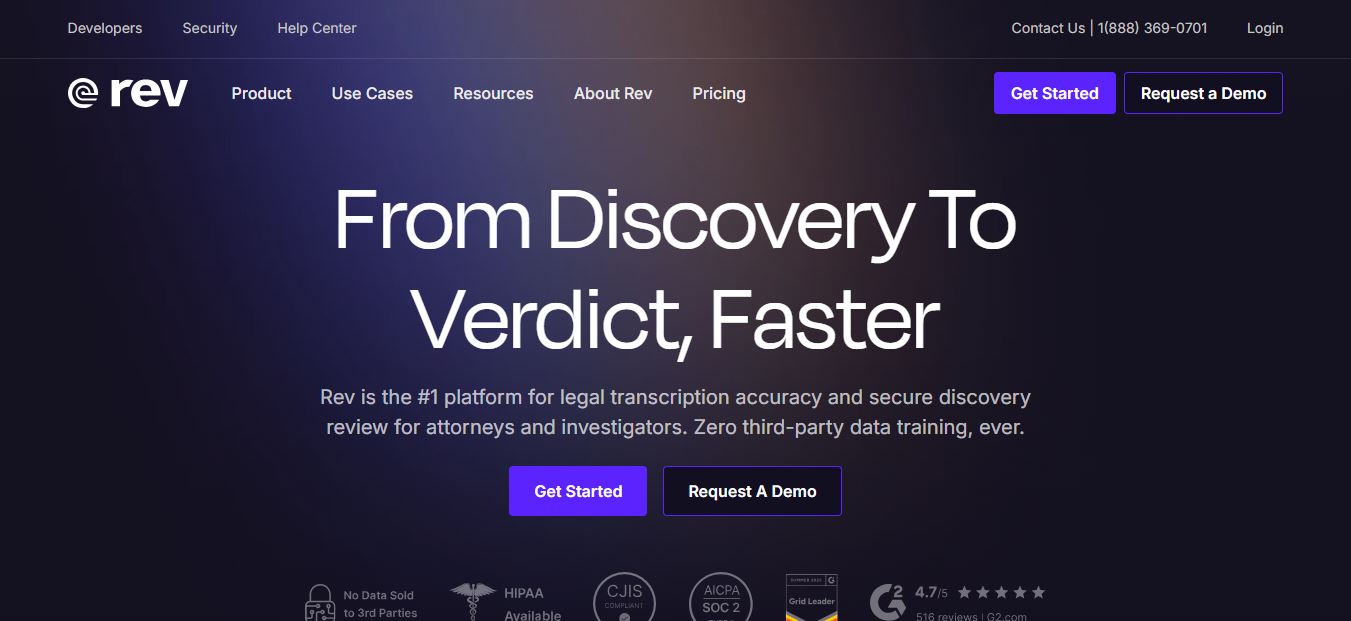
Rev is a speech-to-text platform providing AI-powered and 99% accurate human transcription, closed captioning, burned-in video subtitles, and developer speech APIs across 37+ languages for legal, media, and enterprise organizations.
What is Rev?
Rev is an AI-powered speech-to-text platform that converts audio and video into accurate written content like transcripts, captions, and subtitles. It combines automated speech recognition with optional human transcription to deliver both speed and high accuracy. Businesses, creators, journalists, and legal teams use Rev to transcribe interviews, meetings, and media files, making content easier to search, analyze, and share. It also offers translation and integrations, helping teams scale content workflows efficiently while maintaining reliable, verifiable results.
Rev is an AI-powered speech-to-text and transcription platform founded in 2010, offering services like captions, subtitles, and audio/video transcription for media, legal, and enterprise use cases. It has processed over 18B+ words from 7M+ hours of speech data, delivering around 96% AI accuracy and up to 99% with human review. The platform is trusted by 1M+ users, supports 75+ languages, and handles ~1.83M monthly website visits. With a global workforce of ~1,000+ employees, Rev combines AI models with a network of 72,000+ human transcriptionists to deliver fast, scalable, and highly accurate speech intelligence solutions.
- Platform Role: Speech-to-Text Platform, AI & Human Transcription Engine, Closed Captioning & Subtitle Provider
- Core Delivery Models: On-demand pay-per-minute services, monthly/annual software subscriptions, and developer Speech-to-Text REST APIs
- Compliance Standards: HIPAA-compliant transcription pipelines, CJIS compliance readiness, FCC and ADA-compliant captioning formats
Use Cases:
- Transcribing recorded legal depositions, witness interviews, law enforcement bodycam footage, and 911 dispatch calls with verbatim precision
- Generating ADA-compliant and FCC-certified closed captions (SRT, VTT, SCC) for broadcast television, YouTube creators, and online course materials
- Translating video content into 17+ global languages with translated on-screen subtitles to expand international viewership
- Summarizing recorded team meetings, qualitative user research interviews, and focus groups using AI multi-file analysis
- Embedding real-time streaming speech recognition or batch audio processing into custom applications via developer APIs
Technology:
- Proprietary Automatic Speech Recognition (ASR) models trained on extensive datasets across diverse accents, background noise, and industry vernacular
- Global crowdsourced network of vetted human transcriptionists and professional native-speaking translators delivering 99%+ verified accuracy
- Interactive browser-based transcript editor synchronized with audio playback, speaker relabeling, and highlight clipping tools
- Secure cloud infrastructure featuring end-to-end encryption, automated redaction, SSO integration, and role-based workspace permissions
Target Users:
- Legal professionals, paralegals, and law firms producing court-ready certified transcripts and rough drafts
- Video producers, media publishers, and digital creators adding captions and burned-in subtitles to video content
- Academic researchers, journalists, and podcasters turning hours of interview recordings into searchable, quotable text
- Enterprise teams and compliance officers needing secure transcription for internal meetings and investigations
Acquisition: Speech-to-text cloud platform and mobile recorder
What are the key features of Rev?
Rev's key platform features are
- Dual AI & Human Services: Choose between fast automated AI transcription in under 5 minutes or 99%+ accurate human transcription delivered in 12 hours or less.
- FCC/ADA Closed Captioning: Generates compliant English and Spanish captions in all standard formats (SRT, VTT, SCC, burned-in video) for video creators and broadcasters.
- Global Subtitles & Translation: Translate spoken video into 17+ global languages crafted by native language specialists with 99% accuracy.
- Interactive Transcript Editor: Review, highlight, search, and edit transcripts with real-time synchronized audio and video playback.
- Multi-File AI Analysis: Query multiple transcripts at once to generate automated summaries, extract quotes, and spot key thematic topics.
- Specialized Legal Transcripts: Access rough drafts, certified page-based legal formatting, and dedicated legal workflows integrated with Clio Manage.
- Developer Speech APIs: Integrate asynchronous batch audio transcription and real-time streaming speech-to-text directly into custom software.
How much does Rev cost?
Rev offers flexible pay-per-minute on-demand pricing alongside monthly and annual subscription plans with discounted human transcription rates.
On-Demand Pay-As-You-Go Pricing:
- AI Transcription / Captions: $0.25 per audio/video minute (delivered in ~5 minutes, 95%+ accuracy across 37+ languages).
- Human Transcription: $1.99 per audio minute (guaranteed 99%+ accuracy, 12-hour turnaround; add-ons include Verbatim at +$0.50/min and Rush delivery at +$1.25/min).
- Human English Captions: $1.99 per video minute (includes all caption file formats; burned-in video captions at +$0.30/min).
- Global Subtitles: $6.49 to $15.99 per video minute depending on the target language, translated by human professionals with 99%+ accuracy.
Monthly & Annual Subscriptions:
- Free Plan ($0 / month): 45 AI transcription/caption minutes per month, 1 user seat, multi-file analysis up to 5 files, and mobile app voice recording.
- Essentials ($25.49 / seat / month billed annually or $29.99 / month): 5,000 AI minutes per user/month, up to 3 seats, analysis across 10 files, and 10% discount on human-verified transcription.
- Pro ($47.99 / seat / month billed annually or $59.99 / month): 10,000 AI minutes per user/month, up to 5 seats, 37+ languages, image analysis, Clio integration, and 15% discount on human services.
- Unlimited / Enterprise (Custom Quote): Unlimited AI minutes, custom human transcription discounts, CJIS and HIPAA compliance controls, SSO, and dedicated account specialists.
Disclaimer: Per-minute rates are calculated in USD and rounded up to the nearest full minute. Check rev.com/pricing for active service rates and volume discounts.
Who should use Rev?
Rev is designed for professionals and organizations needing speech-to-text accuracy, including
- Attorneys & Legal Teams: Ordering certified verbatim transcripts and deposition records requiring legal compliance.
- Video Editors & Broadcasters: Fulfilling broadcast closed-captioning standards and adding multi-language subtitles for social channels.
- Journalists & Media Houses: Converting investigative audio recordings into searchable, timestamped text quickly.
- University Faculty & Researchers: Transcribing qualitative research interviews and ensuring lecture videos meet accessibility compliance.
What are the best alternatives to Rev?
Some of the strongest Rev alternatives include
What are the pros and cons of Rev?
What are the pros of Rev?
- Offers both automated AI transcription and 99%+ guaranteed human transcription under one roof
- Clear pay-as-you-go per-minute option without requiring recurring monthly subscriptions
- Strong legal and compliance options including HIPAA, CJIS support, and verbatim formatting
- Full caption format support (SRT, VTT, SCC) compatible with all major video editing suites
- Powerful interactive browser editor with synchronized media playback and multi-file AI summaries
What are the cons of Rev?
- Human transcription ($1.99/min) adds up quickly for high-volume audio projects
- Automated AI transcription rate ($0.25/min pay-as-you-go) is higher than raw cloud APIs like Whisper
- Turnaround times for human-verified orders can take up to 12–24 hours during peak demand
Why should you choose Rev?
While automated AI transcription has improved, challenging accents, crosstalk, and poor recording quality still cause errors that AI models struggle to resolve. In legal proceedings, documentary production, and compliance audits, even minor transcription errors can lead to serious consequences. Rev provides the optimal balance. By combining fast, affordable AI transcription for routine internal notes with a vetted network of human professionals delivering 99%+ accuracy for high-stakes recordings, Rev ensures you never have to compromise between turnaround speed and transcription reliability.
- Choose between 5-minute AI transcription and 99%+ verified human transcripts
- Ensure full ADA and FCC compliance with broadcast-ready closed captions
- Translate video content into 17+ languages using native human subtitle translators
- Pay strictly for what you transcribe with flexible pay-per-minute pricing
How does Rev compare to competitors?
While Otter.ai focuses almost exclusively on real-time live meeting notes and Descript functions as a full video/podcast editing suite, Rev stands out by offering verified human transcriptionists, certified legal formatting, and global subtitle translation alongside automated AI transcription.
| Feature / Platform | Rev | Otter.ai | Descript | Sonix.ai |
|---|---|---|---|---|
| Human Transcription | Yes (99%+ accurate, 12h turnaround) | No (AI only) | No (AI only) | No (AI only) |
| Pay-As-You-Go Option | Yes (Per-minute rates available) | No (Monthly subscription only) | No (Monthly subscription only) | Yes ($10/hour standard) |
| Legal & Certified Options | Yes (Verbatim, certified legal drafts) | No | No | No |
| Subtitles & Captions | Yes (FCC/ADA captions & 17+ languages) | Basic meeting captions | Social captions & video subtitles | Automated subtitle translation |
| Pricing Structure | AI from $0.25/min; Human $1.99/min | Free tier / Paid from $10/mo | Free tier / Paid from $12/mo | From $10/hr or $22/mo sub |
| Best For | High-stakes legal, research & video captions | Live Zoom/Teams meeting transcription | Podcast and video content creators | Automated multilingual translation |
How do we rate Rev?
| Parameter | Rating (out of 5) |
|---|---|
| Transcription Accuracy (Human & AI) | 4.9 |
| Captioning & Compliance Standards | 4.9 |
| Turnaround Speed & Reliability | 4.8 |
| Interactive Editor & Usability | 4.8 |
| Value for Money | 4.7 |
| Overall Score | 4.82 |
What is our review and verdict on Rev?
Rev remains one of the most reliable and versatile speech-to-text platforms available. Its ability to handle both instant, low-cost AI transcription and guaranteed 99%+ human transcription makes it an indispensable asset across legal, academic, media, and corporate sectors. With full FCC-compliant captioning capabilities, foreign language subtitling, and a rich interactive editor, Rev is a top-tier solution for converting speech into accurate, actionable text.
Conclusion
Rev makes audio and video content more accessible by providing accurate transcription, captions, and subtitles through a mix of AI and human review. Instead of manually converting speech to text, users can quickly generate reliable transcripts for meetings, content, and media. This is especially useful for creators, businesses, and professionals. Overall, Rev simplifies speech-to-text workflows, helping users save time, improve accessibility, and make content easier to understand and share.
FAQ
What is Rev and how does it work?
Rev is an AI-powered transcription and speech-to-text platform that converts audio and video into accurate text, captions, and subtitles. It offers both AI-generated and human-verified services, allowing users to choose between speed and accuracy. You can upload files, record meetings, or integrate tools like Zoom and Google Meet, and Rev will automatically generate transcripts, summaries, and insights to help you manage content more efficiently.
How accurate is Rev transcription?
Rev offers two levels of accuracy depending on the service you choose. Its human transcription service delivers around 99%+ accuracy, making it ideal for legal, medical, and professional use cases where precision is critical. AI transcription is faster and more affordable but may have lower accuracy depending on audio quality, accents, and background noise.
What is the difference between AI and human transcription in Rev?
AI transcription is automated, fast, and cost-effective, typically used for quick drafts, meeting notes, or internal content. Human transcription, on the other hand, involves professional transcriptionists who review and refine the output to ensure high accuracy and proper formatting. This makes human transcription better suited for official documents, interviews, and compliance-heavy use cases.
How much does Rev cost?
Rev pricing depends on the service type. Human transcription starts at around $1.99 per minute, while AI transcription costs about $0.25 per minute or is included in subscription plans. Subscription tiers range from free plans with limited usage to paid plans that offer monthly transcription hours, collaboration features, and discounts on human services.
What file formats does Rev support?
Rev supports a wide range of audio and video formats, including MP3, MP4, WAV, and more. Users can also upload files from cloud platforms like Google Drive and Dropbox or record directly using the Rev mobile app or browser-based recorder. This flexibility makes it easy to transcribe content from meetings, podcasts, interviews, and videos.
Can Rev generate captions and subtitles?
Yes, Rev provides captioning and subtitle services for videos. It offers human-generated captions with high accuracy as well as AI-powered captions for faster turnaround. Additionally, it supports multilingual subtitles across various languages, making it suitable for global content distribution and accessibility compliance.
What are the main use cases of Rev?
Rev is widely used for transcribing meetings, interviews, podcasts, webinars, legal proceedings, and research content. It is also popular for generating captions for YouTube videos, creating searchable transcripts, and extracting insights from conversations using AI summaries. Businesses, journalists, content creators, and legal professionals commonly rely on Rev for these workflows
Is Rev secure and compliant?
Rev follows strong security and compliance standards, including SOC 2 Type II, GDPR, and other enterprise-grade protections. It uses encryption and strict data handling policies to ensure that user content remains secure and confidential, making it suitable for sensitive industries like legal and healthcare.
Can Rev integrate with other tools?
Yes, Rev integrates with tools like Zoom, Microsoft Teams, Google Meet, and cloud storage platforms. It also offers APIs for developers, enabling businesses to embed transcription and captioning services directly into their workflows and applications.
User Reviews
No reviews yet for Rev.
Featured Tools
Featured AI tools from TechShark

Melody Genie
MelodyGenie is an AI-powered music generator that creates original songs from simple text prompts. Users can choose styles, moods, and genres, then instantly generate melodies and full tracks, making it easy for creators, marketers, and hobbyists to produce custom music without musical expertise.
Freemium

Kimi AI
Kimi AI is an advanced AI assistant developed by Moonshot AI that helps you chat, research, write, code, and automate tasks in one place. It supports web search, file analysis, and multimodal inputs, and can even run autonomous “agent” workflows to complete complex tasks end-to-end.
Freemium

Fashion Diffusion AI
Fashion Diffusion is an AI-powered fashion design platform that helps brands and designers create clothing designs, virtual try-ons, AI models, product photos, and marketing visuals faster and cost-effectively.
Paid

Veo 4
Veo 4 AI is an AI video creation platform that generates dramatic videos from text, images, audio, and video prompts using realistic motion and synchronized sound.
Paid
Alternatives
Alternatives to Rev
The best Rev alternatives include Otter.ai, Descript, Notta, and Sonix.ai. While Rev uniquely provides both automated AI transcription ($0.25/min) and 99%+ accurate human-verified transcription ($1.99/min) alongside FCC-compliant closed captioning and 17+ language subtitles, alternatives like Otter.ai focus strictly on automated live meeting notes and Descript functions as an all-in-one video and podcast editor.
 4.9
4.9KittenTTS Web
Text-to-Speech
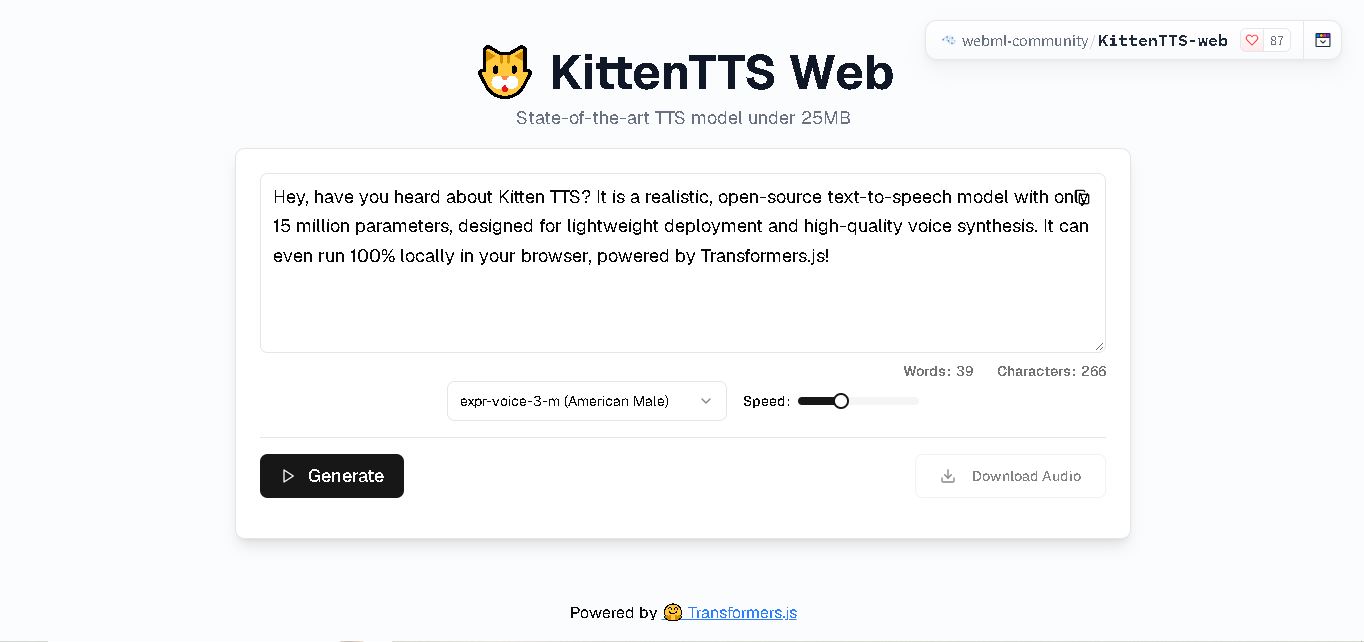
KittenTTS Web is a lightweight text-to-speech demo hosted on Hugging Face Spaces. It helps users explore how written text can be transformed into spoken audio using neural voice synthesis. The project is particularly relevant to developers, content creators, and accessibility-focused users interested in experimenting with compact speech generation technology directly through a web browser.
 4.9
4.9Parler-TTS
Text-to-Speech
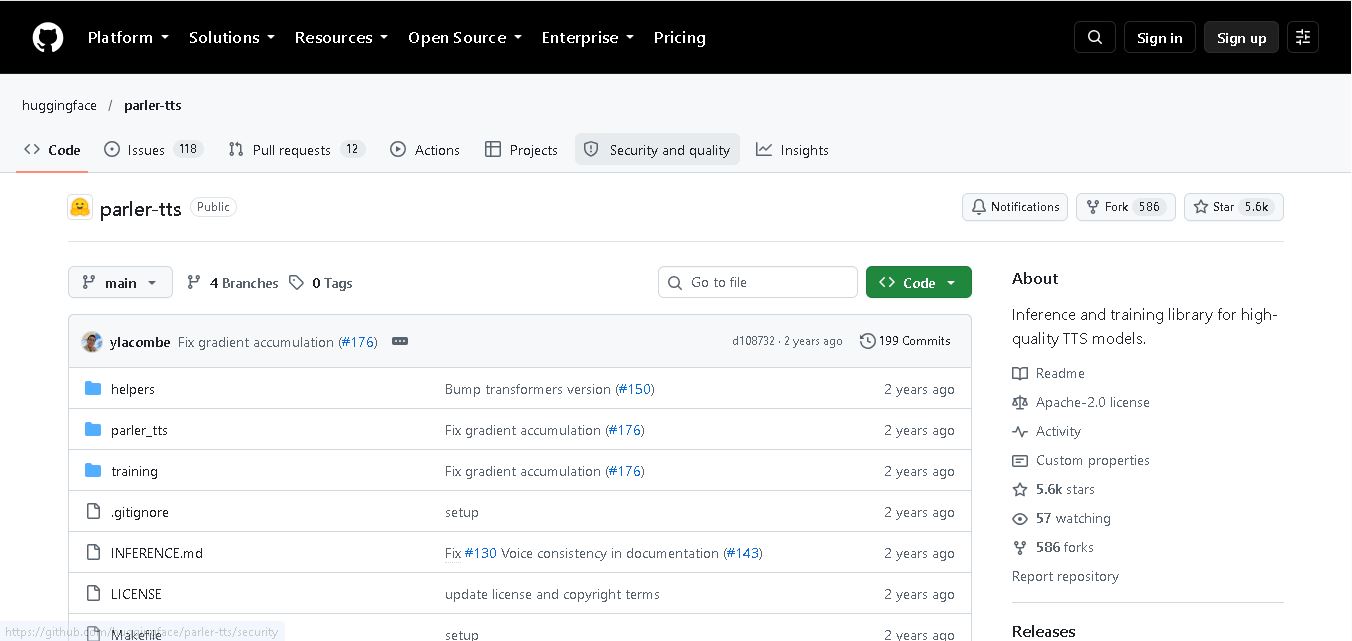
Parler-TTS is an open-source text-to-speech tool that transforms written content into natural-sounding audio. It lets developers describe voice characteristics using natural language, including pitch, speaking speed, and recording quality. With publicly available model weights, training resources, and customizable checkpoints, it supports experimentation, research, and tailored speech-generation applications across projects.
 4.9
4.9IMS Toucan
Text-to-Speech
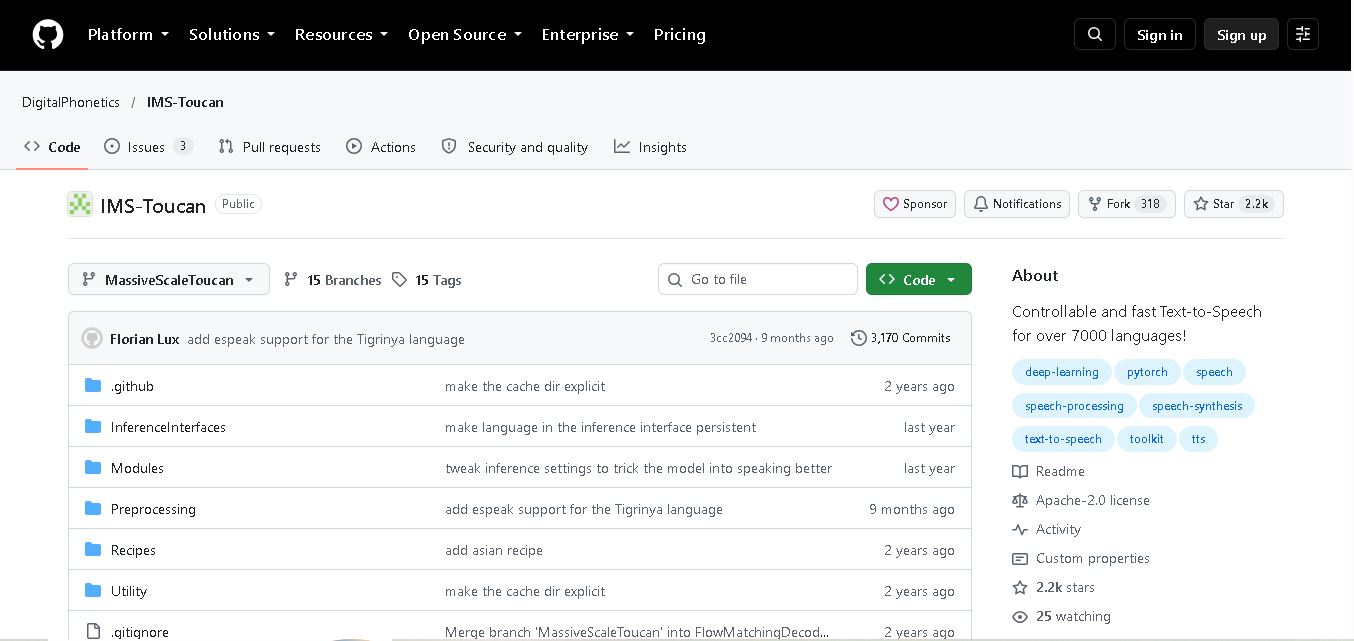
IMS Toucan is an open-source text-to-speech toolkit from the University of Stuttgart designed for multilingual speech generation. It converts text into audio and provides tools for inference, voice and prosody control, and model training. Supporting more than 7,000 languages, it serves developers and researchers exploring technology across linguistic contexts.
 4.8
4.8Verbatik
Text-to-Speech
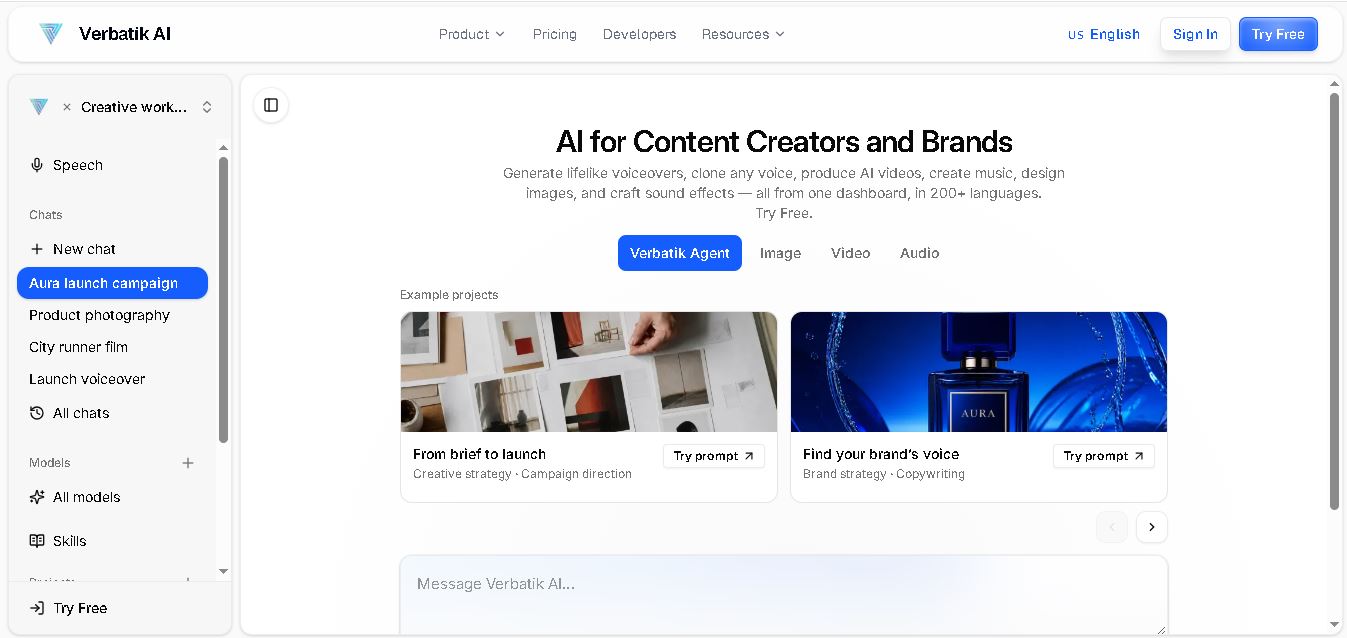
Verbatik AI helps users create realistic voiceovers, clone voices, generate music, and produce multimedia content using artificial intelligence. With multilingual speech, customizable voice settings, and developer APIs, it supports content creators, marketers, educators, and businesses. The platform simplifies audio production, video creation, and content localization from one workspace.
 4.8
4.8Narration Box
Text-to-Speech
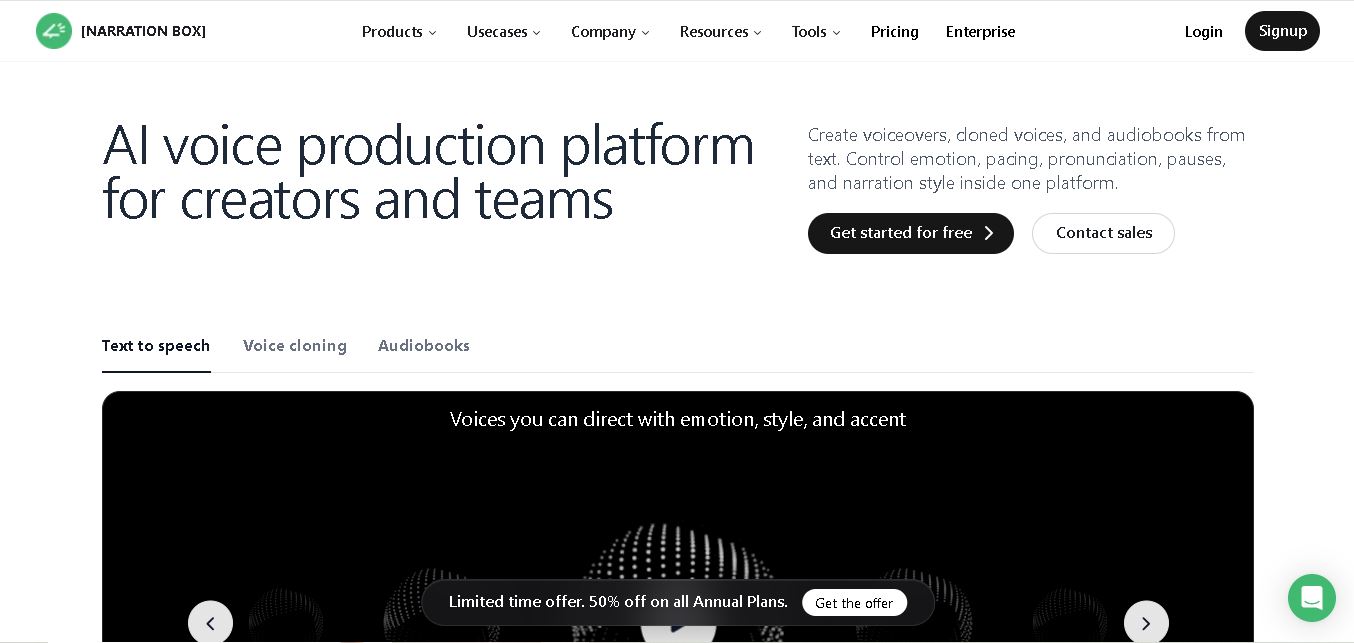
Narration Box is an AI voice generator for creating realistic voiceovers, audiobooks, podcasts, and educational audio from text. It offers over 1,500 AI narrators, 80+ languages and accents, voice cloning, and customizable emotional delivery. Its editing tools help creators produce consistent, multilingual audio content for personal and professional projects.
 4.7
4.7AudioBot
Text-to-Speech
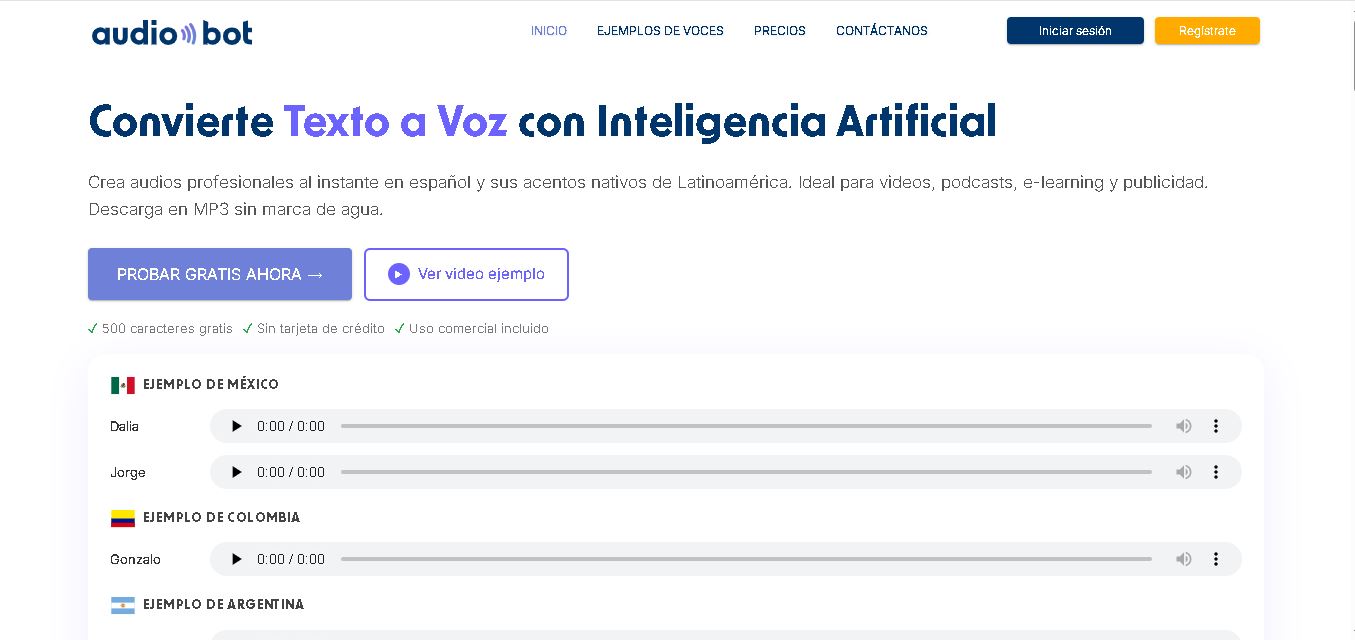
AudioBot converts written text into natural-sounding speech using AI-generated voices. It supports multiple languages and regional accents, making it useful for video voiceovers, presentations, educational materials, and audio content. Users can generate and download audio files, helping simplify narration workflows without requiring traditional recording equipment or voice talent.
 4.7
4.7Audie AI
Text-to-Speech
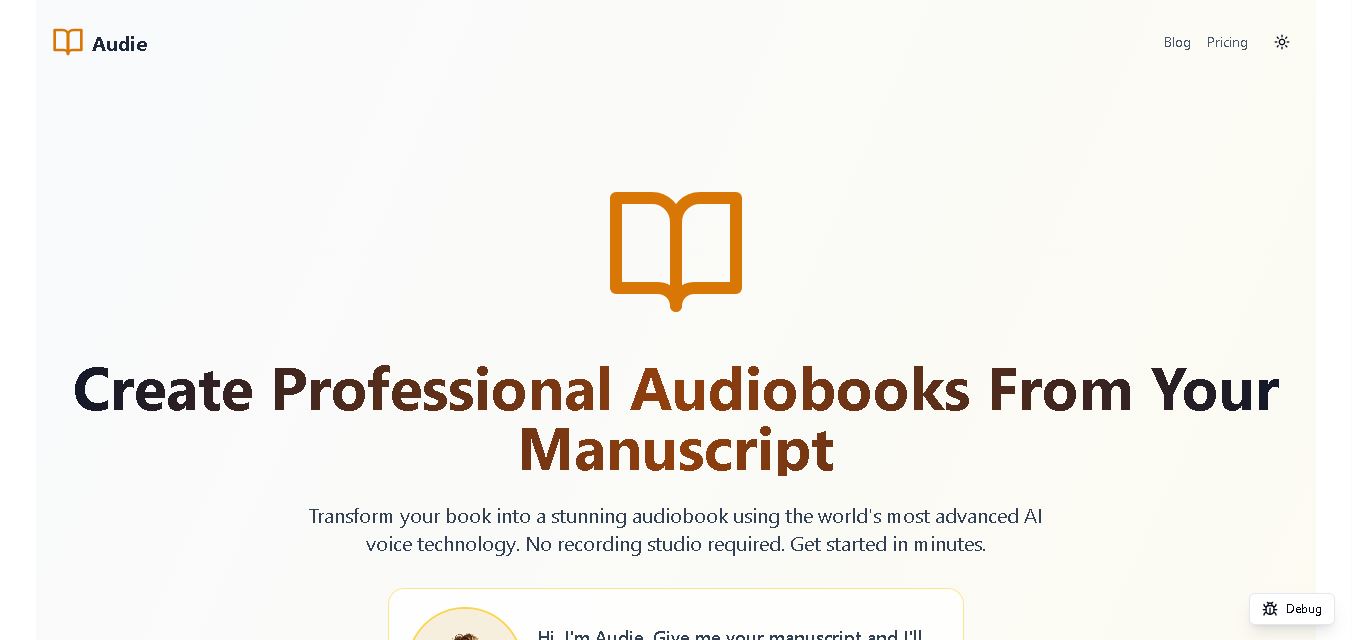
Audie AI is an audiobook creation tool that converts written manuscripts into narrated audio using AI-generated voices. It helps authors and publishers simplify production, explore different narration styles, and reduce reliance on traditional recording studios. With voice selection, advertised voice cloning, and downloadable audio, it supports more accessible audiobook creation for independent creators.
 4.6
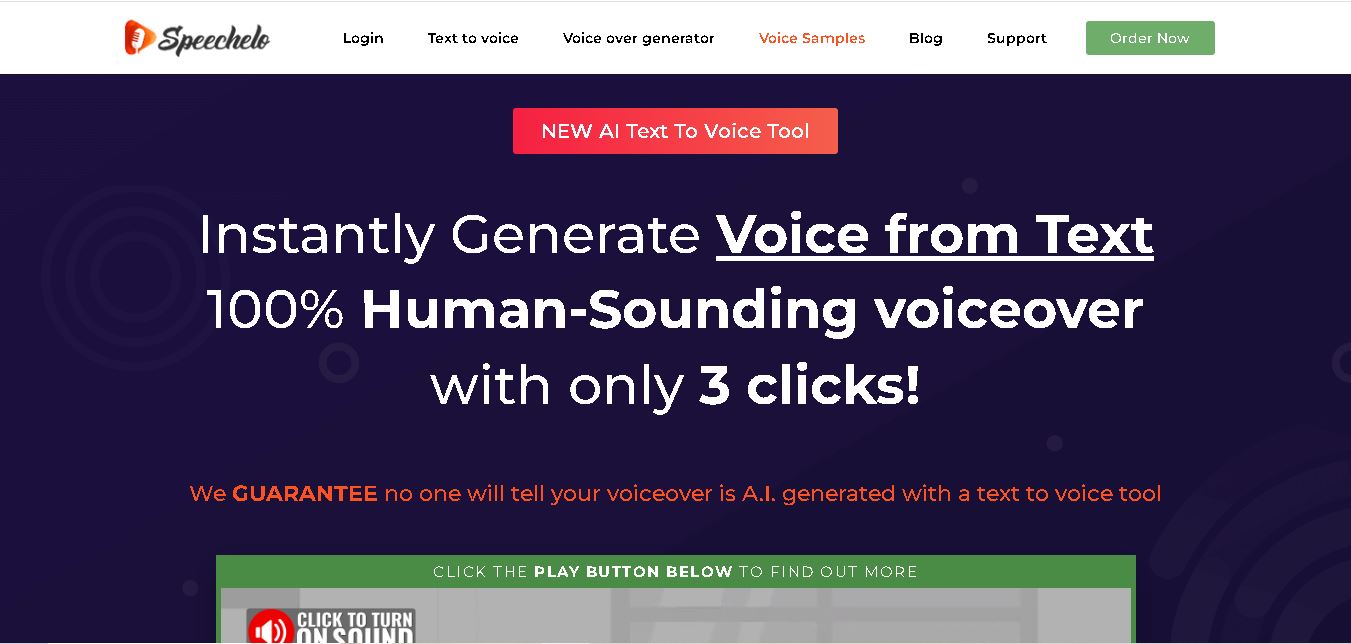
4.6Speechelo
Text-to-Speech
Speechelo is a text-to-speech tool designed to help creators turn written scripts into voiceovers. It offers different voices, languages, tones, and audio adjustments for creating narration. Video creators, educators, marketers, and content teams can use it to produce audio for tutorials, presentations, promotional videos, and other digital content projects.
 4.7
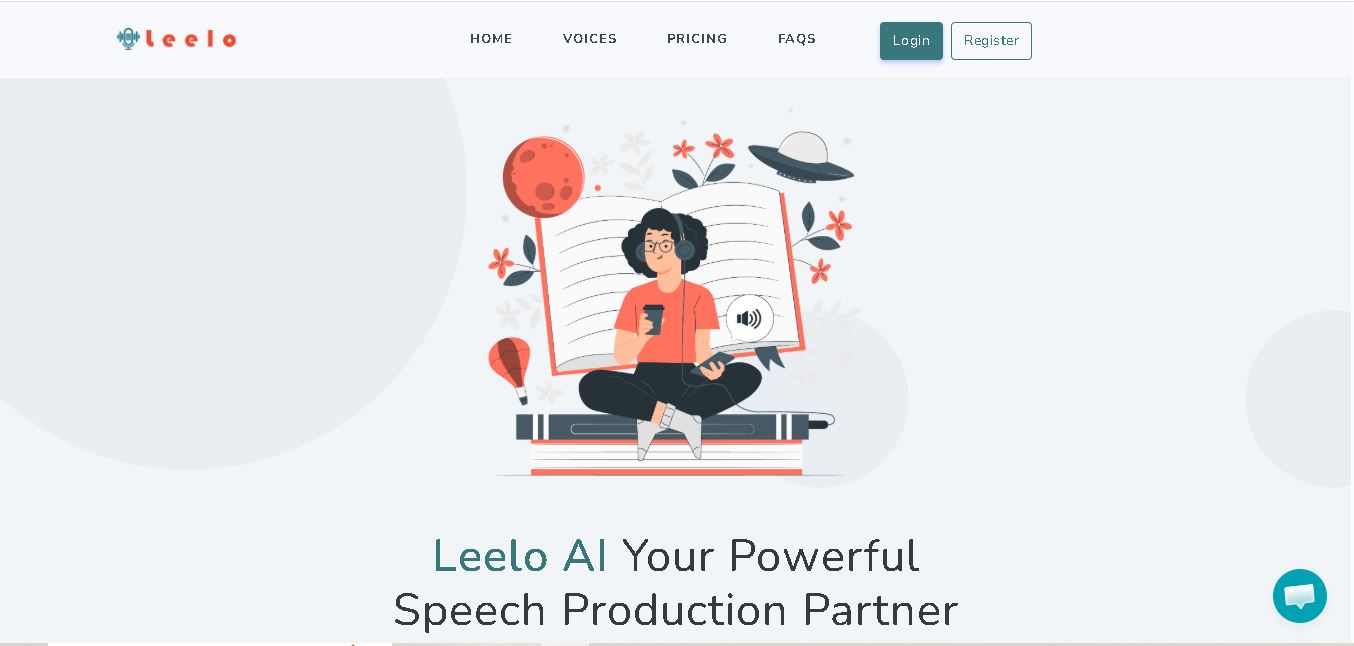
4.7Leelo AI
Text-to-Speech
Leelo AI helps you turn written content into natural-sounding speech without recording your own voice. You can choose from 800+ voices across 142 languages and accents, adjust available voice settings, generate audio, store files in the cloud, export recordings, and use generated speech commercially for different content and communication needs.