
Motion
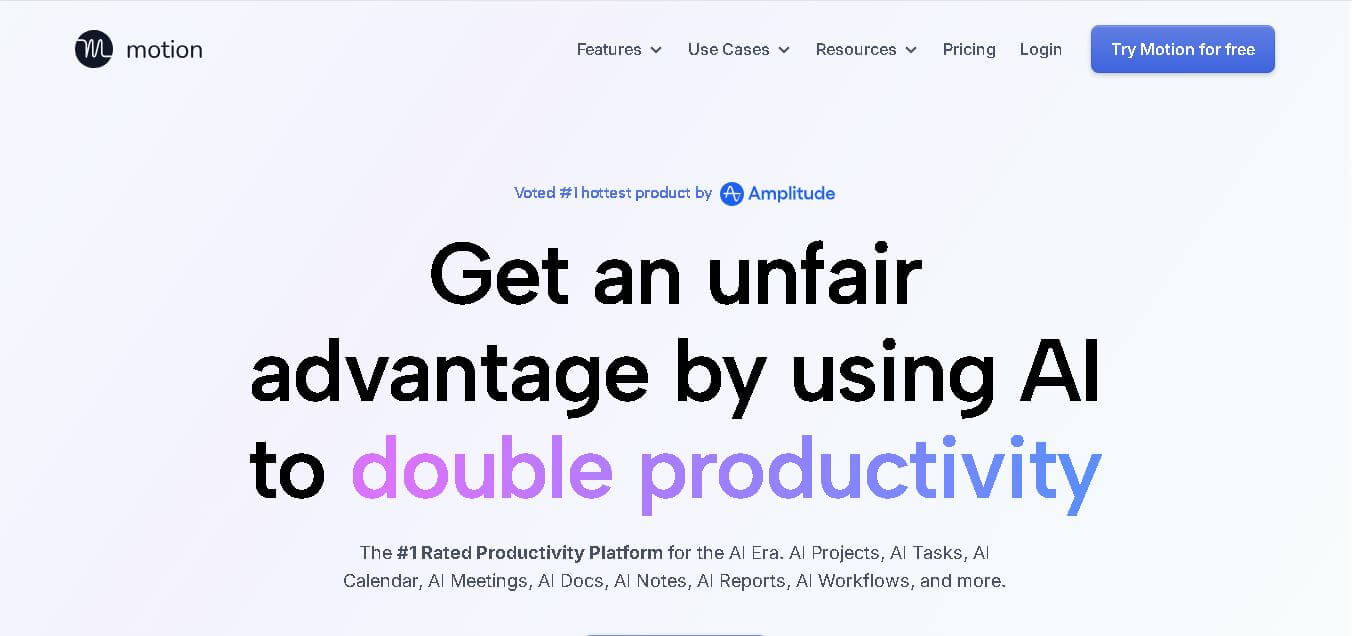
Motion is an AI-powered productivity tool that automatically plans your day, manages tasks, and boosts focus for maximum efficiency.
What is Motion AI?
-
Founders: Harry Qi and Tommy Fang
-
Launch Year: 2019
-
Use Cases: Project planning, time management, automated scheduling, productivity optimization, and workflow organization
-
Technology Used: Artificial intelligence, natural language processing, and calendar automation technology
Motion is an AI-powered personal-assistant platform that simplifies how you plan your day, manage tasks, and collaborate with your team. Built for professionals and businesses, Motion uses advanced machine learning to automate scheduling, prioritize work, and optimize time. By intelligently organizing meetings, projects, and daily tasks, it ensures you focus on what truly matters. Designed for individuals and teams alike, Motion transforms complex workflows into a seamless system that drives efficiency and productivity. With its intuitive interface, real-time updates, and automation, Motion helps users achieve more every day without the stress of manual planning.
Key Features
Motion AI key features are
- AI Scheduling Automation: Motion automatically creates your daily schedule by analyzing your tasks, meetings, and priorities. It rearranges plans dynamically based on real-time changes—ensuring nothing important is missed.
- Smart Task Prioritization: The platform intelligently prioritizes tasks using AI algorithms. This means high-impact tasks get the attention they deserve while routine work gets slotted efficiently.
- Unified Calendar Management: Sync all your calendars—Google, Outlook, or others—into a single interface. Motion offers a clear, organized view of your entire workday or week.
- Project Management Dashboard: Motion isn’t just a scheduler; it’s a full-fledged project management solution. Users can assign tasks, set deadlines, monitor progress, and receive automatic updates.
- Automated Meeting Scheduling: Eliminate the back-and-forth of setting appointments. Motion sends smart meeting links that adapt to your availability and auto-book meetings at optimal times.
- Workload Balancing: For teams, Motion distributes tasks based on individual workload capacity. This ensures balanced productivity and prevents burnout across departments.
- Task Tracking and Reporting: Track progress in real-time with insightful reports. Motion visualizes performance and project timelines, helping teams make data-driven decisions.
- Email Integration: Turn emails into actionable tasks with a single click. Whether you’re on Gmail or Outlook, Motion integrates directly for seamless workflow conversion.
- Collaboration Tools: Collaborate effortlessly with your team. Share tasks, communicate updates, and align priorities in a single dashboard without switching apps.
- Mobile and Desktop Access: Use Motion on any device—desktop or mobile—to stay productive on the go. Cloud syncing ensures that your schedule is always up to date.
Pricing
Pro Plan
- Ideal for individuals and freelancers
- Includes AI scheduling, calendar automation, and task management features
- Real-time task updates and reminders
- Access to all integrations
- Price: Starts at $19/month
Team Plan
- Designed for startups, SMEs, and large teams
- Includes all Pro features plus shared calendars, workload insights, and collaboration tools
- Team analytics and role management options
- Price: Starts at $12 per user/month
Enterprise Plan (Custom)
- Tailored for organizations requiring advanced analytics, priority support, and security compliance
- Pricing upon request
Disclaimer: For the latest and most accurate pricing information, please visit the official Motion AI website.
Who is using Motion?
A wide range of users and organizations are using Motion AI
- Freelancers
- Startup teams
- Remote workers
- Founders & executives
- Productivity-focused professionals
Alternatives
Some Motion AI alternatives are
- ClickUp
- Notion
- Asana
- Todoist
- Trello
Conclusion
In an era where time is the ultimate asset, Motion delivers a revolutionary solution for modern professionals. Its AI-powered scheduling engine automates everyday planning, eliminates manual task management, and enhances productivity. Whether you’re a freelancer juggling multiple clients or a company managing a large workforce, Motion adapts to your needs. With continuous improvements and user-centric design, it empowers you to achieve more in less time.
If you’re looking to replace cluttered to-do lists and endless planning with intelligent automation, Motion is the perfect tool to transform how you work.
People are also reading
FAQ
Is Motion free to use?
Motion offers a 7-day free trial. After that, users can choose between Pro, Team, or Enterprise plans.
Can I integrate Motion with my calendar?
Yes. Motion integrates with Google Calendar, Outlook, and other scheduling apps to maintain real-time synchronization.
Does Motion work for remote teams?
Absolutely. Motion’s shared calendar and workload features make it ideal for remote and hybrid teams managing projects across locations.
Is Motion suitable for personal use?
Yes. Individuals can use Motion to plan personal tasks, meetings, and daily goals with AI-driven assistance.
What makes Motion different from tools like Asana or Trello?
Unlike traditional tools, Motion uses artificial intelligence to automate scheduling and adjust plans dynamically based on your priorities and time.
User Reviews
No reviews yet for Motion.
Featured Tools
Featured AI tools from TechShark

Melody Genie
MelodyGenie is an AI-powered music generator that creates original songs from simple text prompts. Users can choose styles, moods, and genres, then instantly generate melodies and full tracks, making it easy for creators, marketers, and hobbyists to produce custom music without musical expertise.
Freemium

Kimi AI
Kimi AI is an advanced AI assistant developed by Moonshot AI that helps you chat, research, write, code, and automate tasks in one place. It supports web search, file analysis, and multimodal inputs, and can even run autonomous “agent” workflows to complete complex tasks end-to-end.
Freemium

Fashion Diffusion AI
Fashion Diffusion is an AI-powered fashion design platform that helps brands and designers create clothing designs, virtual try-ons, AI models, product photos, and marketing visuals faster and cost-effectively.
Paid

Veo 4
Veo 4 AI is an AI video creation platform that generates dramatic videos from text, images, audio, and video prompts using realistic motion and synchronized sound.
Paid
Alternatives
Alternatives to Motion
Explore other Personal Assistant tools from the TechShark directory.
 4.8
4.8Soroco
Workflow Automation
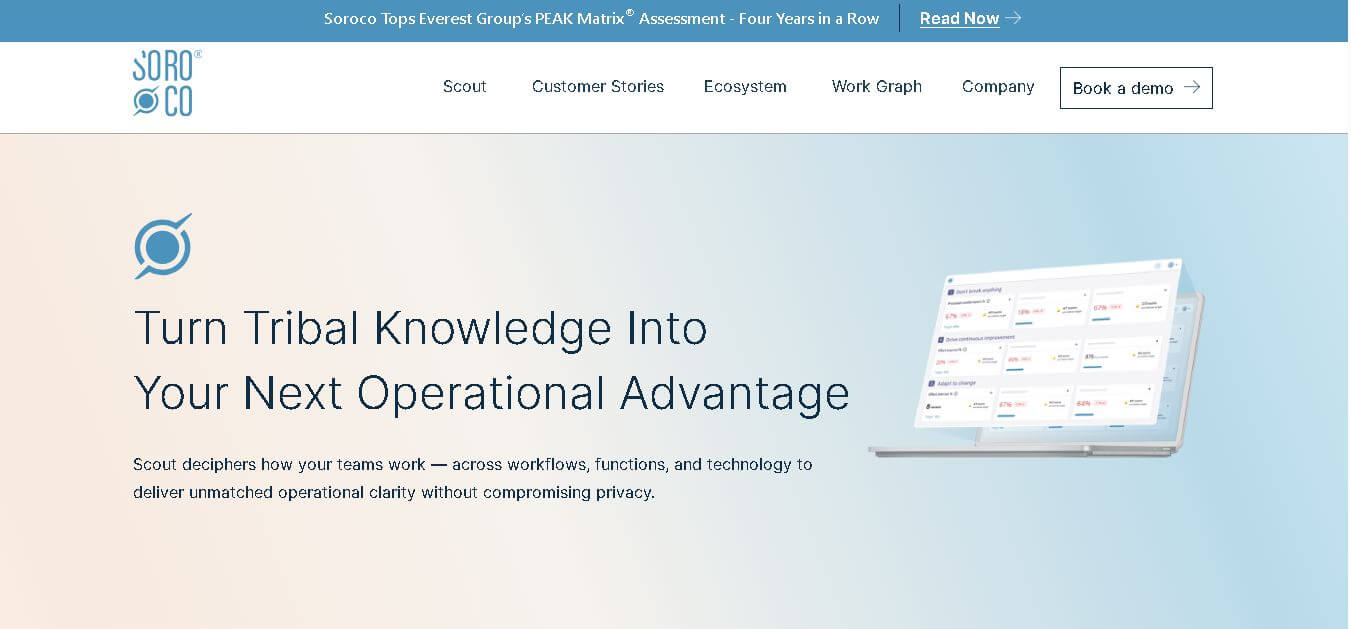
Soroco helps enterprises understand and improve how people and AI agents perform everyday work. Its Scout platform maps real workflows, identifies bottlenecks, measures operational effort, and highlights automation opportunities. Organizations can use its insights to improve productivity, optimize costs, strengthen decision-making, and build more effective human-AI workflows.
 4.9
4.9Gemini 4 Argon
Workflow Automation
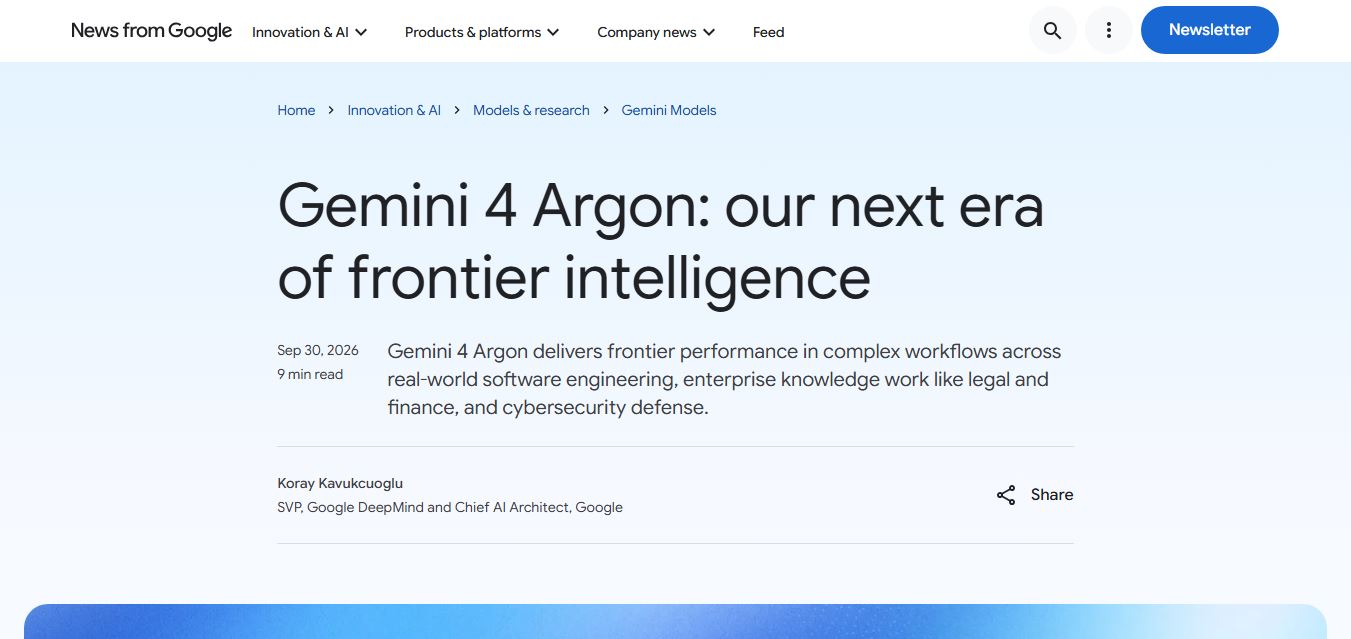
Gemini 4 Argon is Google DeepMind’s most advanced AI model, built for complex, long-running tasks like software engineering, finance, legal work, and cybersecurity. It delivers deep reasoning, handles multi-step workflows, and processes large context inputs, making it ideal for enterprise automation and high-level problem solving.
 4.9
4.9Mixpanel
Project Management
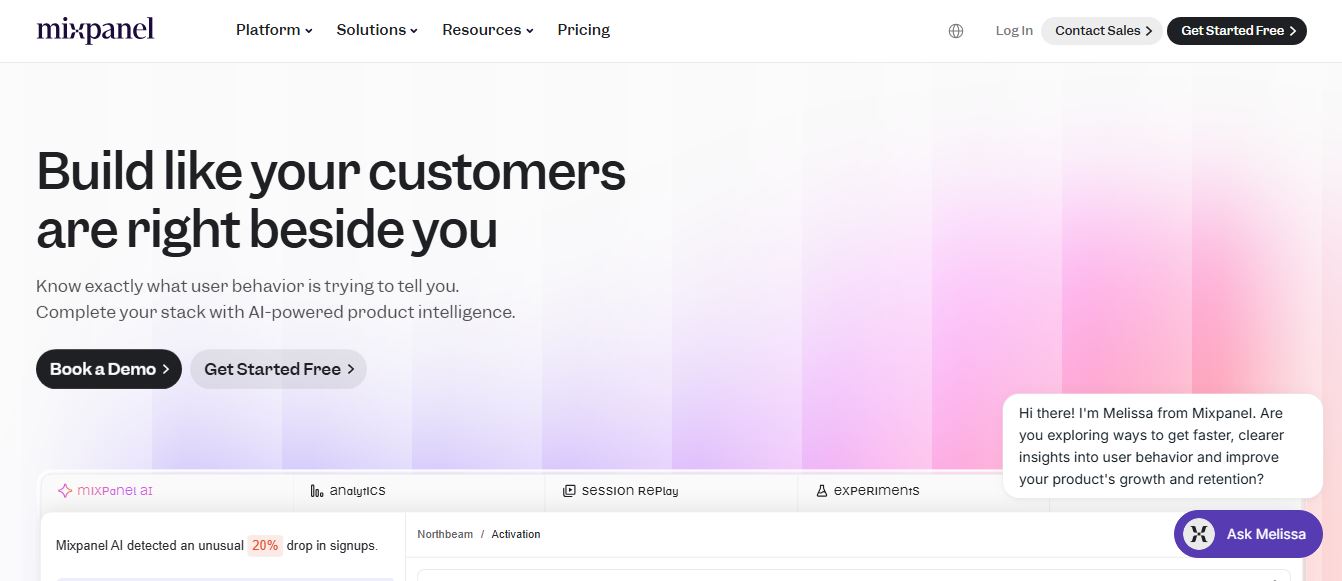
Mixpanel is a product analytics platform that helps businesses track user behavior, analyze engagement, and measure key metrics across apps and websites. It provides real-time insights, funnels, and cohort analysis, enabling teams to understand user journeys and improve retention, conversion, and overall product performance.
 4.9
4.9Amplitude
Project Management
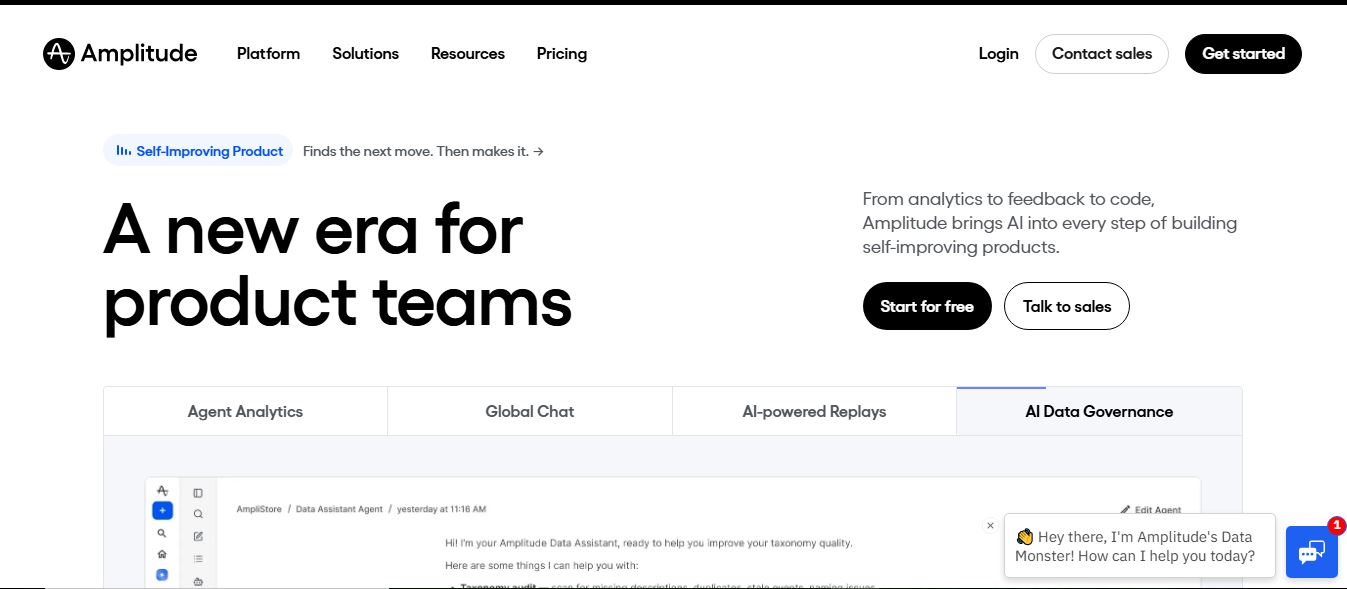
Amplitude is a digital analytics platform that helps businesses track user behavior, measure product performance, and understand customer journeys. It provides insights into how users interact with apps and websites, enabling teams to optimize experiences, improve retention, and drive growth through data-driven decisions.
 4.8
4.8Productboard
Project Management
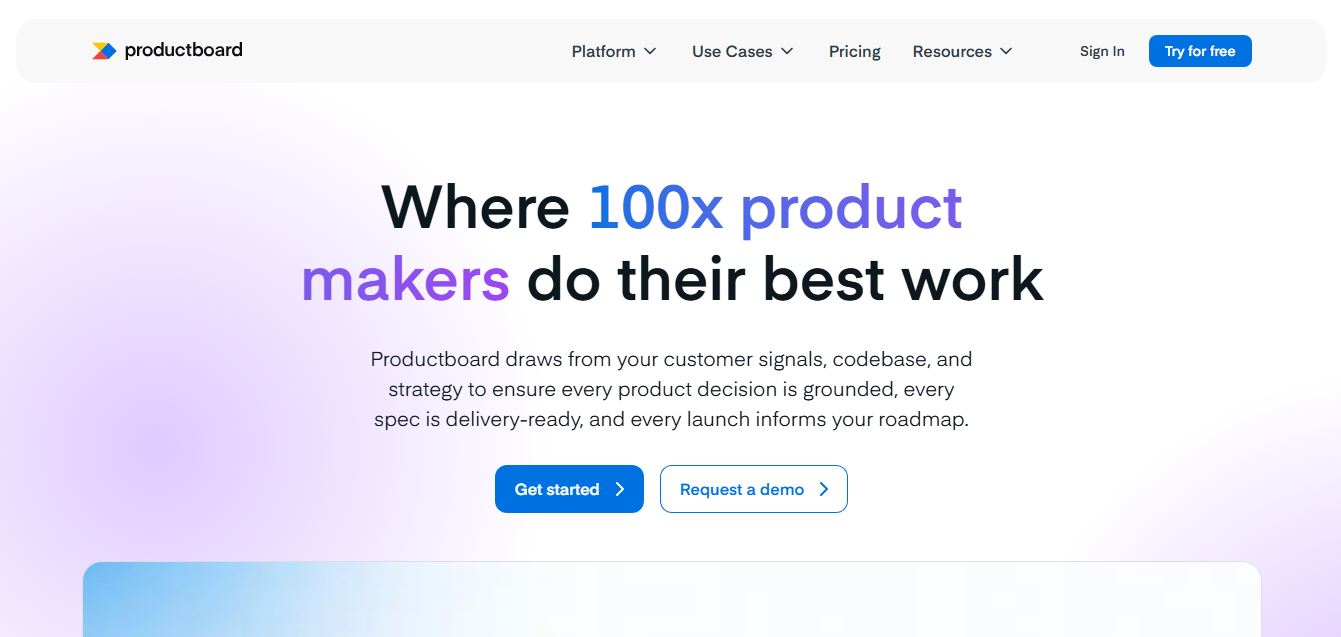
Productboard is a product management platform that helps teams collect user feedback, prioritize features, and plan roadmaps. It centralizes customer insights and aligns teams around what to build next, enabling companies to create products that better meet user needs.
 4.8
4.8Kissflow
No Code
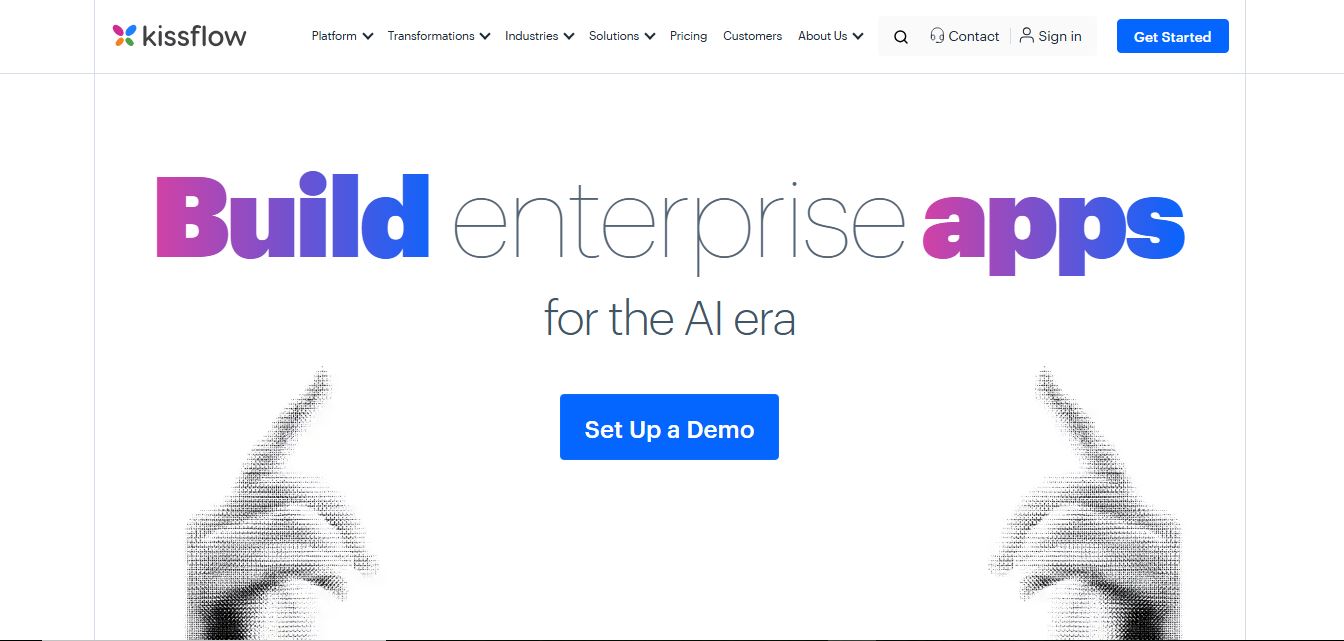
Kissflow is a low-code workflow automation and business process management platform that helps teams build apps, automate approvals, and manage operations without heavy coding. It centralizes workflows, improves visibility, and speeds up processes across departments like HR, finance, and procurement.
ROK Solution
Workflow Automation
ROK Solution is an organization-centric hyperautomation and Identity Governance and Administration (IGA) platform that aligns no-code app development, BPM, generative AI, and automated access rights directly with a real-time, living organizational chart.
Wrike
Project Management
Wrike is a work management and collaboration platform that helps teams plan projects, assign tasks, track progress, and meet deadlines in one place. It offers dashboards, automation, and reporting tools, making it easier for teams to stay organized, collaborate efficiently, and manage complex workflows at scale.
 4.9
4.9Kroolo
Project Management
Kroolo is an AI-powered productivity and project management platform that helps teams plan tasks, track progress, and collaborate in one place. It combines project tracking, document management, and AI assistance to streamline workflows, automate routine work, and improve team efficiency across projects.