10 Best AI Database Tools for 2027: Features, Pricing & Comparison
Explore the best AI database tools for 2027. Compare AI-powered databases, natural-language queries, data management, automation, and analytics platforms.
Explore moreThe best AI database tools in 2026 include Pinecone, Weaviate, Qdrant, Milvus, Chroma, Supabase, MongoDB Atlas, Neon, Databricks Lakebase, and Wren AI. These platforms help developers build AI applications, store vector embeddings, perform semantic searches, manage structured data, and query databases using natural language. Pinecone is useful for managed vector search, Weaviate for hybrid retrieval, Qdrant for filtered vector search, Milvus for large-scale AI workloads, and Chroma for RAG prototypes. Supabase, MongoDB Atlas, and Neon support application databases with AI capabilities, while Databricks Lakebase supports enterprise AI workflows and Wren AI helps users query business data in plain English.
Managing data is becoming more complex as businesses collect information from websites, applications, customers, sales platforms, and internal systems. Traditional database management often requires technical knowledge, SQL queries, and time-consuming manual processes. For teams without dedicated database engineers, working with large datasets can quickly become challenging.
AI database tools are changing how people create, manage, query, and analyze data. They can help users generate SQL queries from natural-language instructions, build database applications, automate workflows, search information using AI, and make data easier to understand. Whether you're a developer building an application, a startup managing customer information, or a business team looking to automate database operations, the right AI database tool can make your workflow more efficient.
In this guide, we'll explore 10 of the best AI database tools for 2027, compare their features and use cases, and explain which platforms are suitable for developers, startups, analysts, and businesses.
Key Facts and Statistics About AI Database Tools
AI databases are becoming an important part of modern application development, particularly for generative AI, semantic search, retrieval-augmented generation (RAG), and AI agents.
Here are some notable figures from industry research:
- $161 billion: Gartner forecasts the worldwide database management system market will reach approximately $161 billion in 2026.
- 18.4%: Forecast growth in the global database management system market in 2026.
- 75.3% CAGR: Gartner forecasts this growth rate for vector databases over its 2025–2029 forecast period, driven by generative AI, RAG, and hybrid search.
- 218,433 exabytes: IDC estimates the amount of data generated worldwide in 2025.
- 718,484 exabytes: IDC forecasts worldwide data generation to reach this level by 2030.
- 26.9% CAGR: IDC's forecast growth rate for worldwide data generation between 2025 and 2030.
- 40,000+ GitHub stars: Milvus reports more than 40,000 GitHub stars for its open-source vector database project.
What Is an AI Database Tool?
An AI database tool is a database platform or supporting application that helps store, retrieve, query, or manage data used by AI-powered systems.
The term covers several types of products:
- Vector databases: Store numerical representations called embeddings and retrieve information based on semantic similarity.
- AI-enabled databases: Add vector search, natural-language querying, or AI assistance to traditional database systems.
- Database development platforms: Help developers build application backends that store and retrieve data for AI features.
- AI data query tools: Convert natural-language questions into SQL queries or business insights.
For example, a company building an AI customer-support assistant might use a vector database to retrieve relevant help articles. A developer building a SaaS application might use Supabase or MongoDB Atlas to store customer records and support AI-powered search. The right tool depends on what you are building, how much data you have, and whether you need semantic search, traditional database operations, or both.
10 Best AI Database Tools for 2027
1. Pinecone
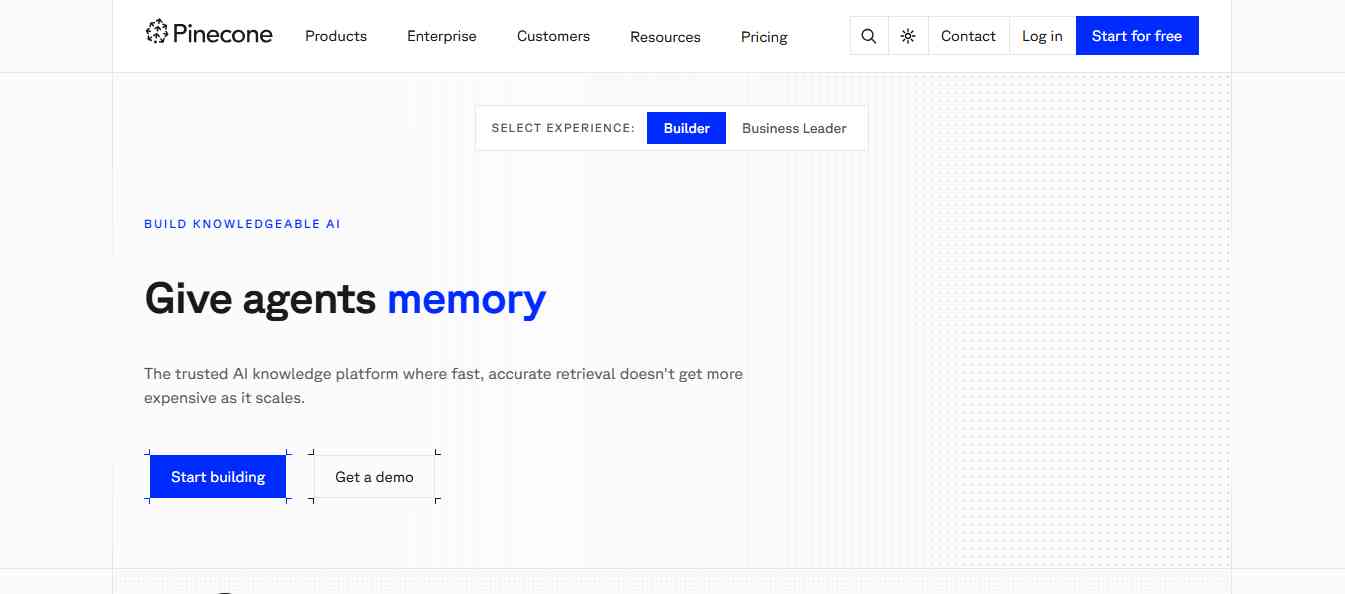
Pinecone is a managed vector database designed for applications that need to search large collections of information based on meaning rather than exact keyword matches. It is particularly useful for developers building AI chatbots, recommendation systems, semantic search engines, and retrieval-augmented generation (RAG) applications.
For example, imagine building an AI customer support assistant that needs to find relevant answers from thousands of help articles. Pinecone can store vector embeddings of those documents and retrieve information that is semantically similar to a user's question. Pinecone also offers tools for managing embeddings, indexing information, and integrating vector search into AI applications.
Key Features
- Managed vector database infrastructure.
- Semantic similarity search.
- Dense, sparse, and full-text indexes.
- Metadata filtering.
- Hybrid search capabilities.
- Integration with AI development frameworks.
- Pinecone Assistant for building knowledge-based AI experiences.
- Serverless database infrastructure.
Pros
- Fully managed infrastructure reduces database maintenance.
- Designed for production AI and RAG applications.
- Supports multiple search approaches.
- Provides developer-friendly APIs and integrations.
- Offers a free starting plan.
Cons
- Usage costs can increase as data and query volumes grow.
- Primarily focused on vector search rather than general-purpose relational database management.
- Developers may need additional infrastructure for application data and business logic.
Pricing: Pinecone offers a free starter plan. Its Builder plan is listed at $20 per month, while production plans use usage-based pricing and minimum spending requirements. Check the official pricing page for current limits.
Best For: Developers and businesses building production AI applications, semantic search systems, and RAG-powered chatbots.
Review
Pinecone is a strong option when vector search is a central part of your application. Its managed infrastructure makes it easier to get started without operating your own distributed database. It is particularly useful for teams that want to focus on building AI features instead of managing database infrastructure.
Website: https://www.pinecone.io/
2. Weaviate
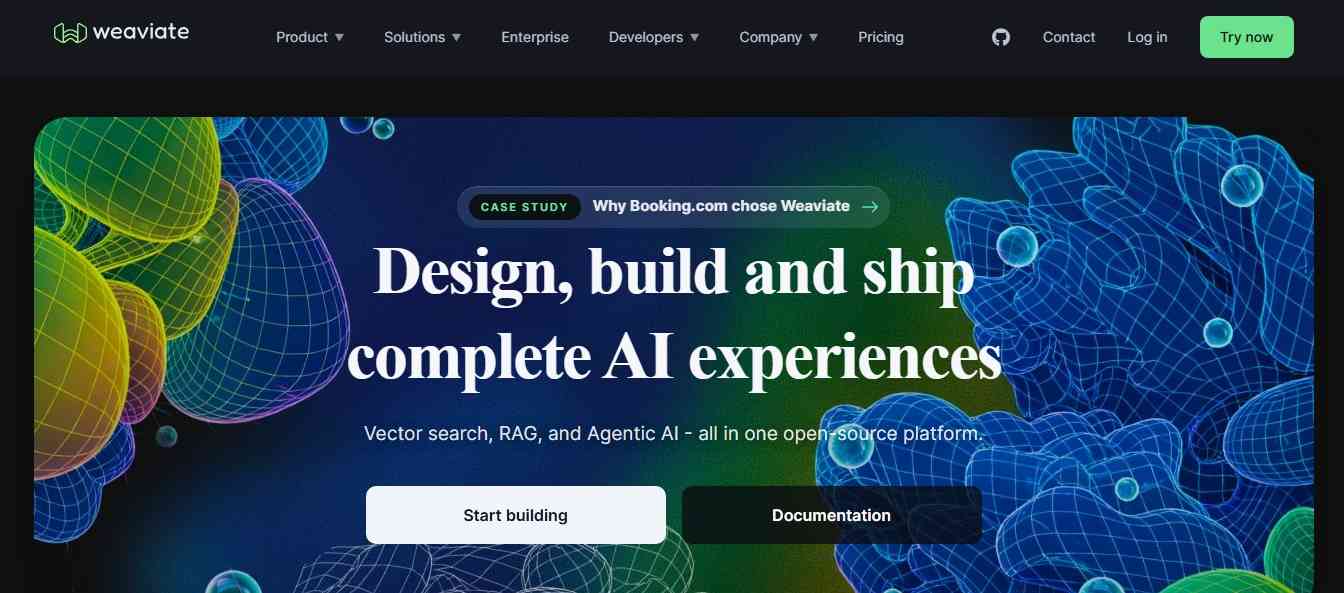
Weaviate is an open-source vector database designed for AI applications that need semantic search, structured data filtering, and hybrid retrieval. It allows developers to store information as objects with vector embeddings and retrieve relevant results based on their semantic meaning. This makes it useful for AI assistants, recommendation engines, knowledge management systems, and RAG applications.
One of Weaviate's notable capabilities is hybrid search. It combines vector-based semantic search with traditional keyword search, helping applications retrieve information based on both meaning and exact terms. For example, an AI research assistant could use Weaviate to find documents related to a topic even when the user's question does not contain the exact words used in those documents.
Key Features
- Open-source vector database.
- Semantic vector search.
- Hybrid keyword and vector search.
- Metadata filtering.
- Multi-tenancy support.
- Managed cloud and self-hosted deployment.
- AI integrations and embedding support.
- Query Agent for natural-language data exploration.
Pros
- Supports semantic and hybrid search.
- Open-source option provides deployment flexibility.
- Useful for knowledge retrieval and RAG systems.
- Offers managed cloud infrastructure.
- Supports structured metadata filtering.
Cons
- Requires technical knowledge for advanced deployments.
- Infrastructure configuration can become complex at scale.
- Some managed and advanced features require paid plans.
Pricing: Weaviate offers a free cloud plan with limits. Its Flex plan starts at approximately $45 per month, with usage-based options and higher-tier plans available.
Best For: Developers building AI search applications that need semantic search, keyword retrieval, and structured filtering.
Review
Weaviate is a flexible choice for teams that need more than basic vector similarity search. Its hybrid search capabilities make it useful for applications where both context and exact keywords matter. The option to self-host or use managed cloud infrastructure also gives developers flexibility as their projects grow.
Website: https://weaviate.io/
3. Qdrant
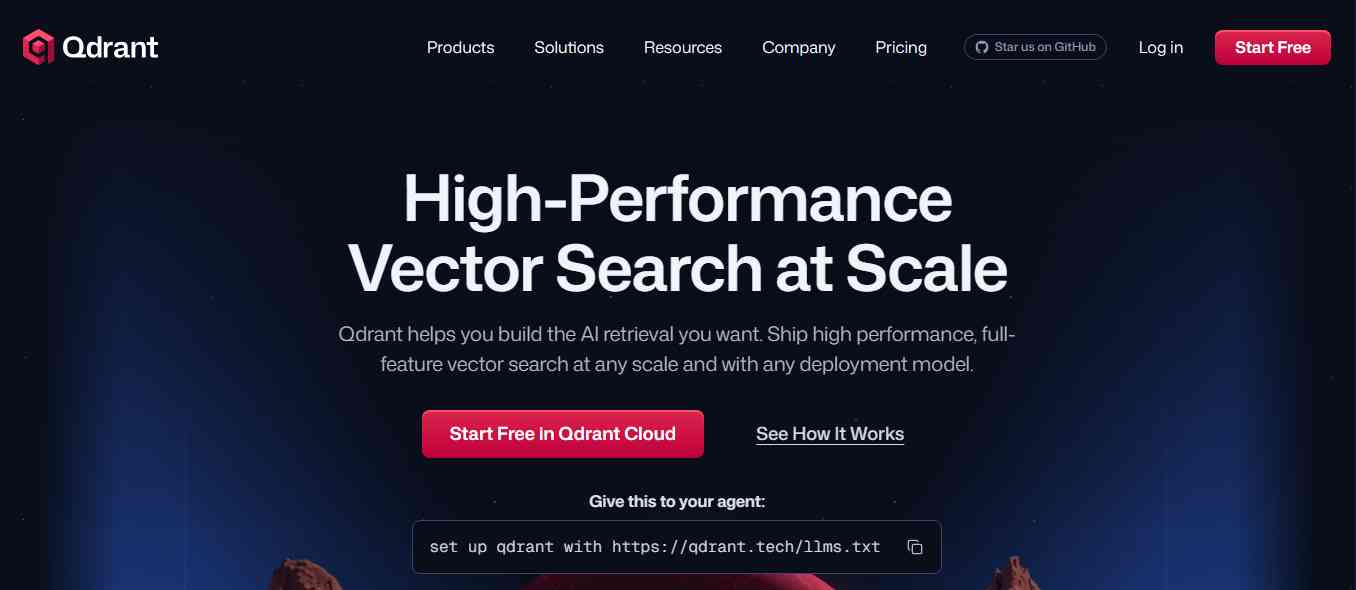
Qdrant is an open-source vector database designed for similarity search and AI-powered information retrieval. It helps developers store vector embeddings and retrieve relevant records using similarity search. Its filtering capabilities allow applications to combine semantic retrieval with additional conditions, such as categories, locations, user types, and other metadata. This makes Qdrant useful for recommendation systems, document search, image retrieval, AI assistants, and RAG applications.
For example, an ecommerce recommendation engine could use Qdrant to identify products with similar descriptions, features, or characteristics instead of relying only on exact product names.
Key Features
- Open-source vector database.
- Vector similarity search.
- Metadata and payload filtering.
- Hybrid search capabilities.
- Managed Qdrant Cloud.
- Self-hosted deployment.
- API and developer SDK support.
- Integrations with AI frameworks.
Pros
- Designed specifically for vector search workloads.
- Supports detailed metadata filtering.
- Open-source and managed deployment options.
- Useful for recommendation and retrieval applications.
- Provides a free cloud tier for testing.
Cons
- Requires developers to understand embeddings and vector indexing.
- Not a complete replacement for traditional relational databases.
- Production infrastructure requires capacity planning and monitoring.
Pricing: Qdrant offers an open-source version and a free cloud tier. Paid cloud plans use usage-based pricing, with additional enterprise options.
Best For: Developers who need a flexible vector database for semantic search, recommendations, and production AI retrieval systems.
Review
Qdrant is a practical choice for developers who want control over their vector search infrastructure. Its metadata filtering and deployment options make it useful for building applications that need to retrieve information based on both semantic similarity and specific conditions. It is particularly worth considering when vector retrieval is an important part of your application architecture.
Website: https://qdrant.tech/
4. Milvus
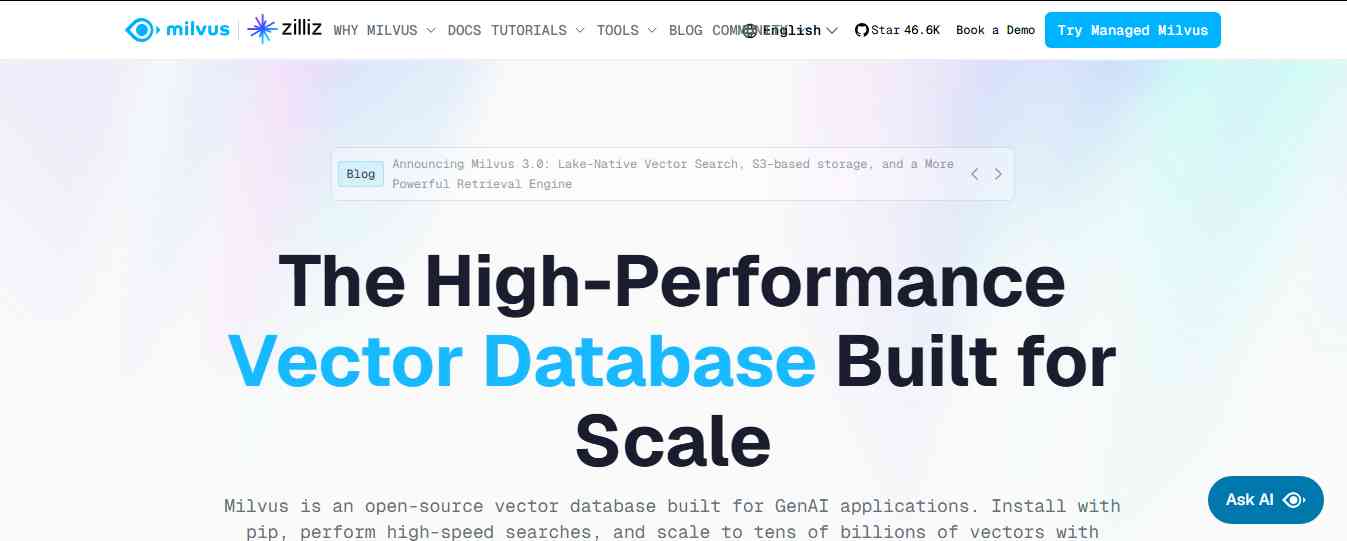
Milvus is an open-source vector database built for storing, indexing, and searching large collections of vector embeddings. It is designed for AI and machine learning applications that require similarity search across substantial datasets. Developers can use it to build recommendation engines, semantic search systems, image retrieval applications, and RAG pipelines. Milvus supports multiple indexing methods and deployment models, allowing teams to start with smaller projects and scale their infrastructure as their data grows.
For example, a company developing an AI-powered research platform could use Milvus to store embeddings from millions of documents and retrieve relevant information based on a user's query.
Key Features
- Open-source vector database under the Apache 2.0 license.
- Vector similarity search.
- Multiple vector indexing methods.
- Metadata filtering.
- Hybrid search capabilities.
- Milvus Lite for local development.
- Distributed deployment for large workloads.
- Integration with AI and machine learning frameworks.
Pros
- Designed for large-scale vector search.
- Open-source and self-hosted options.
- Supports different indexing approaches.
- Useful for RAG and recommendation systems.
- Can scale across distributed infrastructure.
Cons
- Distributed deployments require technical expertise.
- Infrastructure management can be complex.
- May be more than small AI applications need.
Pricing: Milvus is free and open source under the Apache 2.0 license. Managed hosting is available through Zilliz Cloud, with pricing depending on usage and deployment requirements.
Best For: Enterprises, AI developers, and engineering teams managing large vector datasets.
Review
Milvus is a strong option for teams that expect their vector workloads to grow significantly. Its open-source architecture and distributed deployment capabilities provide flexibility for large AI applications. However, smaller projects may find simpler managed vector databases easier to operate.
Website: https://milvus.io/
5. Chroma
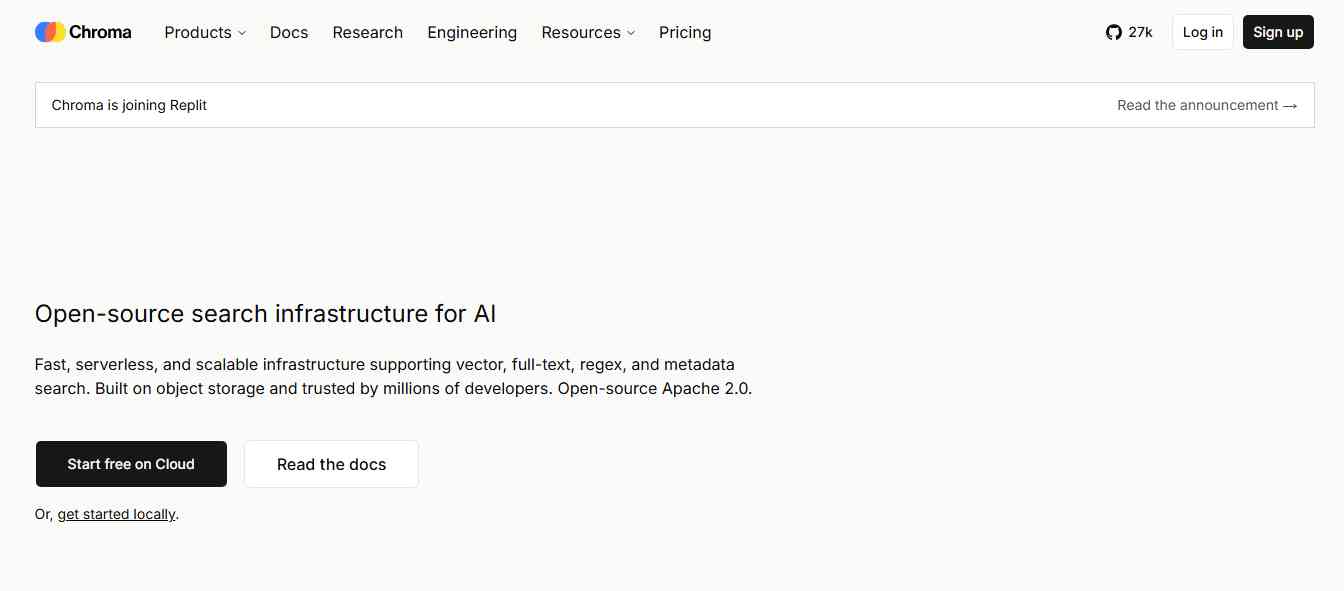
Chroma is an open-source database designed to make it easier for developers to store and retrieve information for AI applications. It is particularly popular in workflows involving large language models, semantic search, and retrieval-augmented generation. Developers can store text, metadata, and vector embeddings, then retrieve relevant information based on semantic similarity. Chroma is useful for building AI prototypes because its developer experience is straightforward. Teams can experiment locally and explore managed deployment options as their applications develop.
For example, a developer creating an AI assistant for company documentation can use Chroma to store document embeddings and retrieve relevant content when users ask questions.
Key Features
- Open-source vector database.
- Vector similarity search.
- Metadata filtering.
- Full-text search capabilities.
- Local development support.
- Managed Chroma Cloud.
- Integration with AI development frameworks.
- RAG application support.
Pros
- Beginner-friendly development experience.
- Useful for AI prototypes and smaller applications.
- Supports local development.
- Open-source option.
- Helps simplify document retrieval for LLM applications.
Cons
- Large production workloads require careful infrastructure planning.
- Not a complete replacement for a transactional database.
- Advanced deployments may require additional configuration.
Pricing: Chroma offers an open-source option and a managed cloud service. Check the official website for current usage-based pricing and plan availability.
Best For: Developers, startups, and AI engineers experimenting with semantic search and RAG applications.
Review
Chroma is a good starting point for developers who want to add vector retrieval to an AI application without immediately managing a complex database infrastructure. Its straightforward development workflow makes it useful for prototypes, internal assistants, and early-stage RAG systems.
Website: https://www.trychroma.com/
6. Supabase
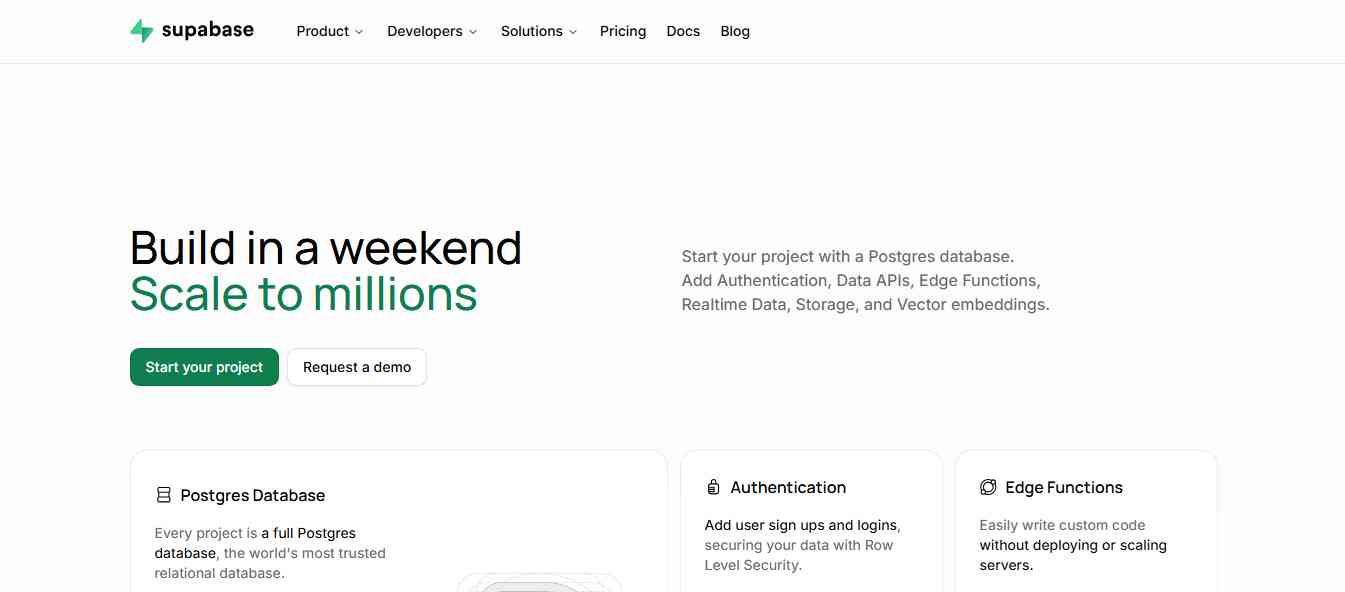
Supabase is an open-source backend development platform built around PostgreSQL. It provides database hosting, authentication, storage, APIs, and other tools for building web and mobile applications. For AI developers, Supabase supports vector embeddings through the PostgreSQL pgvector extension. This allows developers to store traditional application data and vector embeddings within the same database environment. Its AI features also help developers work with database schemas, SQL queries, and other database tasks.
For example, a SaaS company building an AI-powered customer support platform can use Supabase to store customer accounts, support tickets, and document embeddings in a PostgreSQL database.
Key Features
- PostgreSQL database.
- pgvector extension for vector embeddings.
- Semantic and hybrid search support.
- Authentication and user management.
- Database APIs.
- Edge Functions.
- File storage.
- Realtime database capabilities.
- AI Assistant for database development.
Pros
- Combines database and backend development features.
- Supports traditional SQL and vector search.
- Useful for full-stack AI applications.
- Open-source ecosystem.
- Provides authentication, storage, and APIs.
Cons
- Requires PostgreSQL knowledge for advanced use cases.
- Database performance depends on indexing and configuration.
- Some AI functionality and integrations may have additional requirements.
Pricing: Supabase offers a free plan and paid plans. The Pro plan has commonly been listed from $25 per month, with additional usage charges depending on resources.
Best For: Developers building SaaS products, AI applications, and web platforms that need both relational data and vector search.
Review
Supabase is a practical choice when you want to build an AI application without managing several separate backend services. Its PostgreSQL foundation makes it suitable for structured data, while pgvector adds semantic search capabilities. For startups and developers who already work with SQL, it offers a flexible foundation for building AI-powered products.
Website: https://supabase.com/
7. MongoDB Atlas
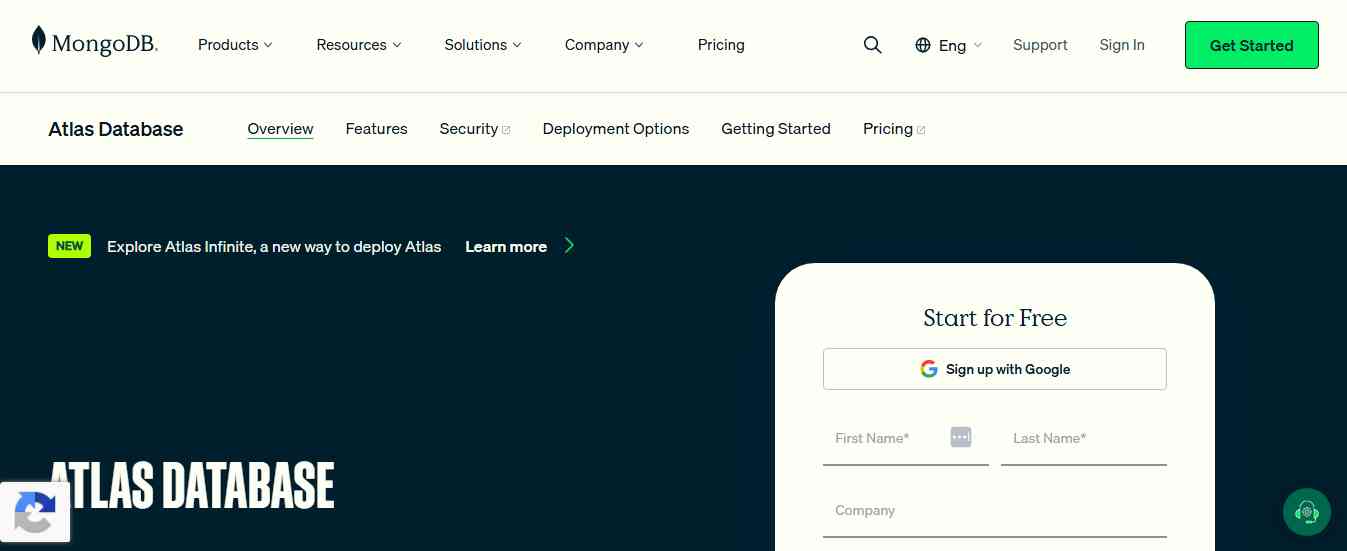
MongoDB Atlas is a managed cloud database platform built around MongoDB's document-oriented data model. It is particularly useful for applications that handle flexible or frequently changing data structures. With MongoDB Vector Search, developers can store and retrieve vector embeddings alongside regular application data. This makes it possible to combine semantic search, full-text search, and metadata filtering within a MongoDB-based application.
For example, an AI-powered ecommerce application could store product details, customer preferences, and vector embeddings in MongoDB Atlas. It could then use vector search to recommend products based on the meaning of a user's request.
Key Features
- Managed cloud database.
- Document-oriented data storage.
- MongoDB Vector Search.
- Semantic similarity search.
- Hybrid search capabilities.
- Metadata filtering.
- Automated embedding capabilities in supported workflows.
- Integration with AI frameworks and application services.
Pros
- Combines operational data and vector search.
- Flexible document data model.
- Managed database infrastructure.
- Useful for AI-powered applications and agents.
- Supports semantic and hybrid search.
Cons
- Vector search requires appropriate configuration and indexing.
- Costs depend on cluster size and usage.
- Developers need to understand MongoDB's document model.
- May not be the best fit for every relational database workload.
Pricing: MongoDB Atlas offers a free M0 cluster for eligible development use cases. Paid plans depend on cloud provider, region, cluster configuration, and usage.
Best For: Developers and businesses building AI applications that already use MongoDB or need flexible document storage alongside vector search.
Review
MongoDB Atlas is worth considering when your application already stores operational data in MongoDB. Instead of introducing another database solely for vector retrieval, you can use MongoDB Vector Search alongside existing application records. This can simplify data architecture for some AI products, particularly those built around document-based data.
Website: https://www.mongodb.com/atlas
8. Neon
Neon is a serverless PostgreSQL platform designed for developers who want a flexible database for modern applications. It provides features such as database branching, autoscaling, and serverless compute. These capabilities can be helpful when developers build, test, and deploy AI-powered applications that need reliable database infrastructure. Neon also supports PostgreSQL extensions, including pgvector, allowing developers to store and query vector embeddings alongside relational data.
For example, a startup building an AI-powered SaaS product can use Neon to store user accounts, application records, and embeddings while using database branches for development and testing.
Key Features
- Serverless PostgreSQL.
- Autoscaling compute.
- Database branching.
- PostgreSQL extension support.
- pgvector compatibility.
- Developer APIs and integrations.
- Usage-based infrastructure.
- Support for AI application development workflows.
Pros
- Familiar PostgreSQL environment.
- Useful for serverless application backends.
- Database branching helps development workflows.
- Supports vector search through PostgreSQL extensions.
- Reduces the need to manage traditional database servers.
Cons
- Requires PostgreSQL knowledge for advanced configuration.
- Vector search performance depends on workload and indexing.
- Not a dedicated vector database.
- Usage costs should be monitored as applications scale.
Pricing: Neon offers a free starting plan and paid usage-based plans. Check its current pricing page for compute, storage, and usage limits.
Best For: Developers and startups building AI-powered applications with PostgreSQL and serverless infrastructure.
Review
Neon is a useful option for teams that prefer PostgreSQL but want a more flexible cloud development experience. Its branching and autoscaling features can simplify development workflows, while pgvector makes it possible to support AI search without introducing a separate vector database immediately.
Website: https://neon.com/
9. Databricks Lakebase
Databricks Lakebase is a managed serverless PostgreSQL database designed to bring transactional application workloads closer to the Databricks data and AI ecosystem. It is particularly relevant for businesses building AI agents that need access to operational data, application records, and analytical information. Lakebase supports features such as autoscaling, database branching, and integration with the wider Databricks platform. These capabilities can help teams build applications and AI workflows that need both transactional database operations and access to governed enterprise data.
For example, an enterprise AI agent could use Lakebase to store application state, customer interactions, and operational records while working with data from the broader Databricks environment.
Key Features
- Managed serverless PostgreSQL.
- Autoscaling and scale-to-zero capabilities.
- Database branching.
- Point-in-time recovery.
- Integration with Databricks data and AI services.
- Vector and keyword retrieval capabilities through Lakebase Search.
- Support for AI agent application workflows.
Pros
- Designed for modern enterprise application workloads.
- Connects transactional data with the Databricks ecosystem.
- Serverless infrastructure helps manage changing workloads.
- Database branching supports safer development workflows.
- Useful for AI agents that interact with business data.
Cons
- May be more than small applications need.
- Most valuable for teams already using Databricks.
- Enterprise architecture and governance can require technical expertise.
- Pricing depends on the selected Databricks services and usage.
Pricing: Lakebase pricing depends on the Databricks environment and usage. Check the official Databricks pricing and product documentation.
Best For: Enterprises building AI agents and applications that need transactional PostgreSQL alongside governed enterprise data.
Review
Lakebase is an interesting option for organizations developing AI agents that interact with operational business systems. Its integration with Databricks can help connect application data with broader analytics and AI workflows. However, it is most relevant to teams already investing in the Databricks ecosystem rather than developers looking for a simple standalone vector database.
Website: https://www.databricks.com/product/lakebase
10. Wren AI
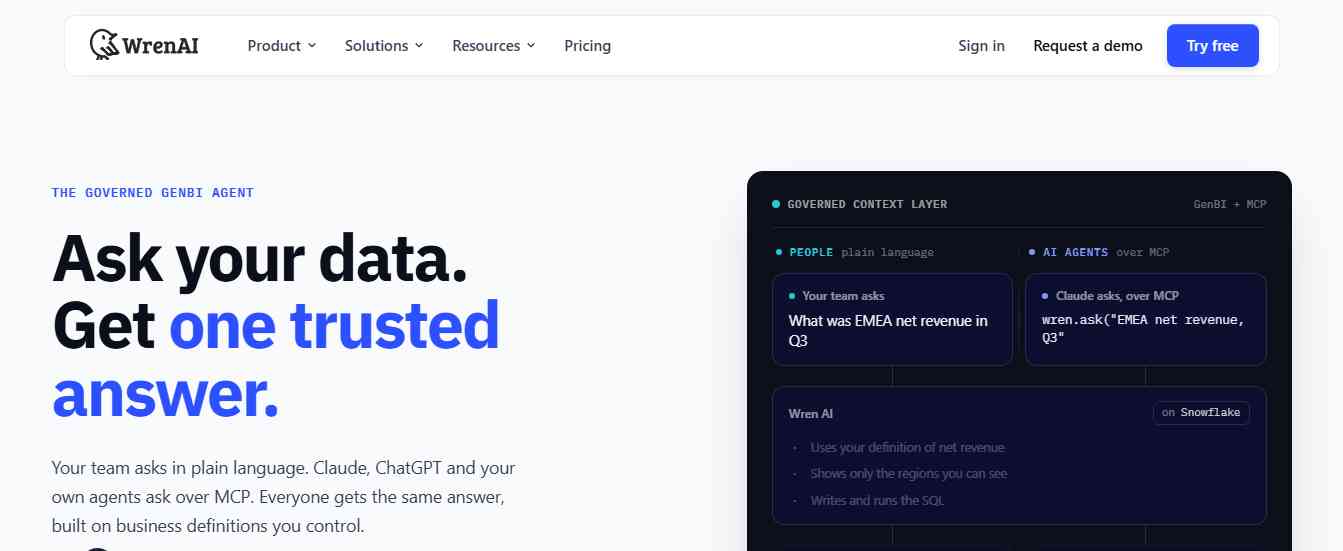
Wren AI is an AI-powered analytics platform designed to help users interact with business data using natural language. Instead of writing complex SQL queries for every question, users can describe what they want to know. Wren AI helps translate those questions into database queries and provides results in a more accessible format. Its semantic layer helps connect business terminology with underlying database structures. This is important because a question such as "Which product category generated the most revenue last month?" may involve multiple tables, relationships, and business definitions.
Wren AI is useful for teams that want to make database information more accessible to analysts and business users.
Key Features
- Natural-language data querying.
- Text-to-SQL capabilities.
- Semantic modeling.
- Business data exploration.
- AI-generated analytical insights.
- Integration with supported data sources.
- Open-source and cloud deployment options, depending on the product offering.
Pros
- Helps non-technical users explore data.
- Reduces repetitive SQL writing.
- Useful for business intelligence workflows.
- Semantic modeling helps standardize business definitions.
- Can connect natural-language questions with database information.
Cons
- Query accuracy depends on data quality and semantic modeling.
- Complex business questions may need human review.
- Requires configuration and connection to supported databases.
- It is an AI analytics layer rather than a replacement for a database engine.
Pricing: Wren AI offers open-source and commercial offerings. Check the official website for current plans and deployment options.
Best For: Data analysts, business teams, and organizations that want to query databases using natural language.
Review
Wren AI addresses a different problem from dedicated vector databases. Its focus is helping people understand and query existing business data without writing SQL for every request. This makes it useful for teams where business users need access to database insights but do not have advanced database skills.
Website: https://www.getwren.ai/
Comparison of the 10 Best AI Database Tools
| Tool | Best For | Database Type | Standout Feature |
|---|---|---|---|
| Pinecone | Production AI search | Managed vector database | Serverless vector search |
| Weaviate | Hybrid AI search | Open-source vector database | Vector and keyword retrieval |
| Qdrant | Vector similarity search | Open-source vector database | Metadata filtering |
| Milvus | Large-scale AI workloads | Distributed vector database | Scalable vector indexing |
| Chroma | AI prototypes and RAG | Open-source vector database | Developer-friendly retrieval |
| Supabase | Full-stack AI apps | PostgreSQL platform | pgvector and backend tools |
| MongoDB Atlas | Document-based AI apps | Document database | MongoDB Vector Search |
| Neon | Serverless AI backends | Serverless PostgreSQL | Branching and autoscaling |
| Databricks Lakebase | Enterprise AI agents | Serverless PostgreSQL | Databricks integration |
| Wren AI | Natural-language analytics | AI data query platform | Text-to-SQL and semantic layer |
Which AI Database Tool Should You Choose?
Different database tools solve different problems. Here's a quick guide based on your requirements.
| Your Requirement | Recommended Tool |
|---|---|
| Build a production RAG application | Pinecone |
| Combine semantic and keyword search | Weaviate |
| Build a filtered vector search system | Qdrant |
| Manage very large vector datasets | Milvus |
| Experiment with an AI retrieval application | Chroma |
| Build a full-stack AI application | Supabase |
| Add vector search to MongoDB data | MongoDB Atlas |
| Build a serverless PostgreSQL application | Neon |
| Develop enterprise AI agents | Databricks Lakebase |
| Query business databases in plain English | Wren AI |
How to Choose the Best AI Database Tool
Before selecting an AI database, consider what kind of data your application needs to store and how users will retrieve it.
1. Identify Your Database Requirements
Start by understanding the type of application you are building. If your application needs semantic search over documents, a vector database may be suitable. If it needs user accounts, payments, orders, and transactional records, a relational or document database may be more appropriate. Some applications need both, so consider whether a database with built-in vector support can meet your requirements.
2. Check Vector Search and Hybrid Search Capabilities
If you're building a RAG application or AI assistant, check how the database handles vector similarity, metadata filtering, and keyword search. Hybrid search is particularly useful when an application needs to understand the meaning of a query while also matching exact terms, product names, or identifiers.
3. Evaluate Scalability and Performance
Your database should support your expected data volume and query workload.
Consider:
- Number of records or embeddings.
- Query volume and concurrent users.
- Response time requirements.
- Indexing and update frequency.
- Storage and compute requirements.
- Scaling and backup options.
Do not choose a database based only on vendor benchmark claims. Test it using your own data and queries.
4. Review Security and Data Governance
Database security is especially important when handling customer records, internal documents, or business information.
Look for:
- Authentication and access control.
- Encryption in transit and at rest.
- Role-based permissions.
- Data backup and recovery.
- Audit logging.
- Data residency options.
- Compliance requirements relevant to your business.
Also check how your AI models and external services access database information.
5. Compare Pricing and Infrastructure Costs
A database's advertised starting price may not represent the total cost of running it in production. Consider storage, compute, indexing, queries, data transfer, backups, and support costs. Managed platforms can reduce infrastructure work, while self-hosted options may offer more control but require operational resources.
Benefits of Using AI Database Tools
- Faster Information Retrieval: Vector databases help applications retrieve information based on semantic similarity rather than relying exclusively on exact keyword matches.
- Better AI Application Development: AI database platforms provide the infrastructure needed to build chatbots, recommendation engines, document assistants, and other intelligent applications.
- Natural-Language Database Access: AI query tools can translate everyday questions into SQL, making database information more accessible to non-technical users.
- Improved Search Experiences: Semantic and hybrid search can help applications return more relevant results by considering meaning, keywords, and metadata.
- Reduced Development Complexity: Managed databases and integrated backend platforms can reduce the amount of infrastructure developers need to configure and maintain.
- Support for AI Agents: AI agents often need to retrieve information, maintain application state, and interact with business records. Suitable database infrastructure helps support these workflows.
Common Mistakes to Avoid When Choosing an AI Database
- Choosing a vector database for every use case: Not every application needs vector search. A traditional relational database may be sufficient for structured business records.
- Ignoring data quality: Poorly structured, outdated, or duplicated data can reduce the quality of AI search results.
- Overlooking metadata filtering: Semantic similarity alone may not be enough when results need to follow permissions, categories, dates, or other business rules.
- Ignoring security: AI applications should not expose private records simply because an embedding is searchable.
- Selecting based only on benchmark performance: Database performance depends on hardware, indexing, query patterns, data size, and configuration.
- Underestimating operational costs: Managed services, storage, compute, and data transfer can become expensive as usage grows.
- Skipping evaluation: Test the database using real application data before committing to a production architecture.
Useful Resources for AI Database Developers
Alongside AI database platforms, these resources can help developers understand database architecture, vector search, embeddings, and AI application development.
| Resource | What You Can Learn |
|---|---|
| Google Cloud AI Database Guide – https://cloud.google.com/discover/ai-database | AI database concepts and use cases |
| PostgreSQL Documentation – https://www.postgresql.org/docs/ | Relational database management and SQL |
| pgvector – https://github.com/pgvector/pgvector | Vector similarity search in PostgreSQL |
| LangChain – https://www.langchain.com/ | Building LLM-powered applications and retrieval workflows |
| LlamaIndex – https://www.llamaindex.ai/ | Connecting LLMs with external data |
| Hugging Face – https://huggingface.co/ | Embedding models and machine learning resources |
| Pinecone Learning Center – https://www.pinecone.io/learn/ | Vector search and RAG tutorials |
| Weaviate Documentation – https://docs.weaviate.io/ | Vector database development |
| Qdrant Documentation – https://qdrant.tech/documentation/ | Vector search and filtering |
| Milvus Documentation – https://milvus.io/docs | Large-scale vector database development |
Conclusion
AI database tools are becoming an important part of modern software development. They help developers store embeddings, retrieve information based on meaning, build RAG applications, and make business data easier to access. However, not every AI database is designed for the same purpose.
Pinecone, Weaviate, Qdrant, Milvus, and Chroma are worth considering for vector search and AI retrieval. Supabase, MongoDB Atlas, and Neon are useful for building application backends that combine traditional data with AI capabilities. Databricks Lakebase is relevant for enterprise AI agents, while Wren AI helps business users query existing databases using natural language. Before selecting a platform, identify your application's data requirements, search patterns, security needs, and expected workload. The best AI database is not necessarily the one with the most features; it is the one that fits your architecture and can support your application as it grows.
Frequently Asked Questions (FAQs)
1. What are the best AI database tools in 2026?
Some of the best AI database tools in 2026 include Pinecone, Weaviate, Qdrant, Milvus, Chroma, Supabase, MongoDB Atlas, Neon, Databricks Lakebase, and Wren AI. They support different use cases, including vector search, AI application development, database management, and natural-language analytics.
2. What is an AI database?
An AI database is a database platform or data management system designed to support AI workloads. It may provide vector storage, semantic search, hybrid retrieval, natural-language queries, or integrations with machine learning and large language models.
3. What is the best vector database for AI applications?
Pinecone, Weaviate, Qdrant, Milvus, and Chroma are popular vector database options. The right choice depends on your deployment preferences, search requirements, data volume, and infrastructure needs.
4. What is the difference between a vector database and a traditional database?
A traditional database is generally designed to store and retrieve structured or semi-structured records using queries and indexes. A vector database stores numerical embeddings and retrieves information based on similarity. Some modern databases support both types of workloads.
5. Which AI database is best for RAG applications?
Pinecone, Weaviate, Qdrant, Milvus, Chroma, and PostgreSQL with pgvector can all support RAG applications. The best choice depends on the size of your knowledge base, retrieval requirements, filtering needs, and infrastructure.
6. Can AI databases understand natural-language queries?
Some AI database platforms and supporting tools can convert natural-language questions into SQL or semantic search requests. Wren AI and database-native assistants are examples of tools designed to make data access more conversational.
7. Are AI database tools free?
Several AI database tools offer free or open-source options. Milvus, Chroma, Qdrant, and Weaviate have open-source offerings, while Pinecone, Supabase, Neon, and other managed services offer free starting plans with usage limits.
8. What is the best AI database for developers?
Supabase, Neon, MongoDB Atlas, Pinecone, and Qdrant are useful options for developers, depending on the application. Supabase and Neon are suitable for PostgreSQL-based applications, while Pinecone and Qdrant focus on vector search.
9. Can PostgreSQL be used as an AI database?
Yes. PostgreSQL can support AI applications through extensions such as pgvector. Developers can store vector embeddings alongside relational records and perform similarity searches using SQL.
10. What is hybrid search in an AI database?
Hybrid search combines vector-based semantic retrieval with keyword-based search. It helps applications find results based on meaning while also considering exact words, phrases, and metadata.
11. Are vector databases required for every AI application?
No. Some AI applications can use traditional databases, search engines, or external retrieval services. A dedicated vector database is useful when semantic similarity search is an important requirement, but it is not mandatory for every AI project.
12. How do I choose between Pinecone, Weaviate, and Qdrant?
Pinecone is useful for teams that prefer managed vector infrastructure. Weaviate is worth considering for hybrid search and flexible deployment. Qdrant is a strong option for vector similarity search with metadata filtering and open-source control. Test all shortlisted options with your actual workload before making a decision.