Microsoft Teams
Microsoft Teams is a collaboration platform that combines chat, video meetings, file sharing, and app integrations in one place, helping teams communicate, manage projects, and work together efficiently whether in office, remote, or hybrid environments.
What is Microsoft Teams?
Microsoft Teams is a collaboration platform that brings chat, video meetings, file sharing, and teamwork into one place. It helps teams communicate in real time, organize conversations, and work together on documents without switching tools. With built-in integrations across Microsoft 365, Teams makes it easier to manage projects, stay connected, and keep everyone aligned whether working remotely or in the office.
Positioned around the mission to “Bring together people, conversations, content, and tools into one collaboration hub,” Microsoft Teams supports advanced features including intelligent meeting recaps, live transcription, Copilot AI integration, and multi-line phone capabilities. Available via a robust Free tier with 60-minute meeting limits, paid commercial subscriptions—such as Teams Essentials, Microsoft 365 Business Basic, Standard, and Enterprise E3/E5 tiers—range in price from $4.00 to over $57.00 per user per month.
- Platform Role: Unified Communications Platform, Enterprise Chat & Video Conferencing Hub
- Core Capabilities: Persistent Channel Chat, HD Video Meetings, Intelligent Meeting Recaps, and Copilot AI
- Ecosystem Integrations: Microsoft 365 Suite (Word, Excel, SharePoint), Outlook, Viva Engage, LinkedIn Hiring Assistant, and 100+ third-party apps
Use Cases:
- Hosting large virtual conferences, webinars, and internal syncs with up to 1,000 participants
- Collaborating on shared documents in real time during active video calls without switching windows
- Automating meeting catch-up using intelligent transcriptions, action items, and podcast-style audio summaries
- Managing multi-line phone queues and customer support call centers directly within the app
- Connecting decentralized departments through centralized team channels and Viva Engage communities
Technology:
- Advanced cloud-based audio and video codecs optimizing bandwidth and performance across desktop, mobile, and web
- Microsoft Copilot generative AI integration providing conversational search, summaries, and action extraction
- Enterprise-grade security framework supporting end-to-end encryption, data residency compliance, and multi-factor authentication
Target Users:
- Enterprise organizations and corporate workforces standardizing internal communications on Microsoft 365
- Remote and hybrid teams requiring reliable video conferencing and document co-authoring tools
- Customer support and IT help desk departments managing collaborative call queues
- Educational institutions conducting virtual classrooms and remote student workshops
Acquisition: Enterprise communications software developed by Microsoft Corporation (microsoft.com)

What are the key features of Microsoft Teams?
Microsoft Teams' key platform features are
- Intelligent Meeting Recaps: Automatically organize notes, transcripts, and audio summaries in a dedicated sidebar to catch up on missed meetings quickly.
- Microsoft Copilot Integration: Use natural language to search chats, query documents, and generate instant meeting takeaways.
- Teams Phone Multi-Line: Manage up to 10 distinct phone numbers on a single mobile or desktop account across different roles or regions.
- Refreshed Meeting Controls: Clean, center-aligned meeting layouts with redesigned sharing panels and efficiency mode to lower CPU usage.
- LinkedIn Hiring Assistant: Streamline candidate reviews and hiring manager collaboration directly inside Teams channels.
- Transcribe Only Mode: Start meeting transcriptions automatically without storing a video recording file.
- Queues App for Call Management: Enterprise-grade call queue routing and supervision tools for customer support desks.
How much does Microsoft Teams cost?
Microsoft Teams offers a free consumer tier alongside standalone business options and comprehensive Microsoft 365 bundles.
Pricing Plans:
- Free Plan ($0): Includes unlimited group chat, 60-minute meeting limits for up to 100 participants, and 5 GB of team cloud storage.
- Teams Essentials ($4.00 / user / mo): Standalone paid plan supporting 30-hour meetings for up to 300 participants and 10 GB of cloud storage per user.
- Microsoft 365 Business Basic ($6.00 / user / mo): Adds meeting recording, transcription, custom business email, 1 TB of storage, and web versions of Office apps.
- Microsoft 365 Business Standard ($12.50 / user / mo): Includes desktop Office applications along with all collaboration and meeting features.
- Enterprise Plans (E3 / E5): Ranging from $36.00 to $57.00+ per user per month, offering advanced security, compliance, telephony, and larger participant limits.
Disclaimer: Prices reflect commercial subscription tiers and may vary based on annual commitment or regional licensing agreements. For complete details, visit microsoft.com/microsoft-teams.
Who should use Microsoft Teams?
Microsoft Teams is designed for businesses, schools, and enterprises, including
- Corporate organizations already invested in the Microsoft 365 software ecosystem
- Remote and hybrid teams requiring secure video conferencing and document sharing
- Customer support teams utilizing advanced telephony call queues and help desk tools
- Educational institutions managing virtual classrooms and remote student lectures
What are the best alternatives to Microsoft Teams?
Some of the strongest Microsoft Teams alternatives include
- Zoom Workplace
- Google Meet / Google Workspace
- Slack
- Webex by Cisco
- GoTo Meeting
- Zoho Meeting
What are the pros and cons of Microsoft Teams?
What are the pros of Microsoft Teams?
- Seamless native integration with the entire Microsoft 365 productivity suite (Word, Excel, SharePoint, Outlook)
- Robust enterprise-grade security, compliance, and data governance controls
- Advanced AI capabilities via Copilot and intelligent meeting recaps
- Supports up to 1,000 participants in large enterprise meetings and webinars
- Comprehensive telephony and multi-line call handling features
What are the cons of Microsoft Teams?
- Interface can feel heavy and resource-intensive compared to lightweight chat apps
- Steep configuration learning curve for advanced administrative and telephony setups
- Free version imposes strict 60-minute meeting duration limits
Why should you choose Microsoft Teams?
Organizations that seek a disconnected array of standalone chat and video tools often experience fragmented communication and security blind spots. Microsoft Teams solves this by unifying chat, video conferencing, file storage, and business telephony into a single regulated workspace.
- Unify all team communications, file sharing, and video meetings under one secure platform
- Leverage deep Microsoft 365 integration to co-author documents directly inside calls
- Automate meeting follow-ups using advanced AI transcripts and audio recaps
- Scale confidently with enterprise-grade security and compliance standards
How does Microsoft Teams compare to competitors?
The main difference between Microsoft Teams, Zoom, Slack, and Google Meet lies in enterprise ecosystem breadth and unified communications depth. While Slack focuses primarily on developer-friendly channel messaging and Zoom specializes in standalone video conferencing, Microsoft Teams delivers an all-in-one corporate suite combining persistent chat, high-capacity video meetings, native Office file co-authoring, and full enterprise telephony.
| Feature / Platform | Microsoft Teams | Zoom Workplace | Slack | Google Meet |
|---|---|---|---|---|
| Core Focus | Unified Enterprise M365 Collaboration & Voice | High-Performance Video Meetings & Team Chat | Channel-Based Messaging & Integrations | Cloud Video Conferencing & Workspace |
| Office Suite Integration | Native (Microsoft 365, Word, Excel) | Limited integrations | Third-party app integrations | Native (Google Docs, Drive) |
| Max Meeting Participants | Up to 1,000 (Enterprise tier) | Up to 1,000 (with add-ons) | Huddles up to 50 users | Up to 500 (Enterprise tier) |
| AI Assistant | Microsoft Copilot & Intelligent Recaps | AI Companion | Slack AI | Google Gemini in Workspace |
| Starting Price | Free tier / Essentials from $4/mo | Free tier / Pro from $13.33/mo | Free tier / Pro from $7.25/mo | Free tier / Business from $6/mo |
| Best For | Organizations embedded in the Microsoft 365 ecosystem | Fast, reliable external video calls and webinars | Engineering and tech teams loving channel chat | Lightweight browser-based video meetings |
How do we rate Microsoft Teams?
| Parameter | Rating (out of 5) |
|---|---|
| Ecosystem Integration & M365 Synergy | 5.0 |
| Video Meetings & Intelligent Recaps | 4.8 |
| Security & Compliance Standards | 4.9 |
| Telephony & Call Queue Management | 4.7 |
| Value for Money | 4.6 |
| Overall Score | 4.80 |
What is our review and verdict on Microsoft Teams?
Microsoft Teams remains a powerhouse for enterprise collaboration, particularly for organizations already utilizing the Microsoft 365 suite. By seamlessly blending persistent chat, high-capacity video meetings, AI meeting recaps, and robust telephony, it serves as a central operating hub for modern businesses. While resource utilization and administrative configuration can be demanding, Teams delivers unmatched value and security for large-scale operations.
Conclusion
Microsoft Teams unifies corporate communications into a single, compliant ecosystem. With its powerful video conferencing tools, Copilot AI integrations, multi-line phone capabilities, and deep Office compatibility, Microsoft Teams equips enterprises with everything needed to keep distributed workforces connected.
FAQ
What is Microsoft Teams and what does it actually do?
Microsoft Teams is a collaboration platform that combines chat, video meetings, file sharing, and app integrations into one workspace. It allows teams to communicate in real time, collaborate on documents, and manage work without switching between multiple tools, making it a central hub for teamwork inside organizations.
How is Microsoft Teams different from tools like Zoom or Slack?
Microsoft Teams goes beyond just messaging or video calls by combining both into a single ecosystem along with deep integration with Microsoft 365 apps like Word, Excel, and SharePoint. This makes it more suitable for end-to-end work management, whereas tools like Zoom focus on meetings and Slack focuses mainly on chat.
What features does Microsoft Teams offer for businesses?
Microsoft Teams includes features like chat and channels for communication, video conferencing, screen sharing, file collaboration, task management, and integrations with third-party apps. It also offers AI-powered tools like Copilot for meeting summaries, automation, and workflow assistance, helping teams work more efficiently.
Can Microsoft Teams be used for remote work and online meetings?
Yes, Microsoft Teams is widely used for remote and hybrid work environments. It supports video meetings, webinars, live events, and real-time collaboration, allowing teams to communicate and work together from anywhere while maintaining productivity and alignment.
What are Teams and Channels in Microsoft Teams?
Teams are groups of people, tools, and content organized around a project or department, while channels are sub-sections within a team used to organize discussions by topic. This structure helps keep conversations, files, and workflows organized and easy to access for all members involved.
Is Microsoft Teams free or does it require a subscription?
Microsoft Teams offers a free version with basic features like chat and limited meeting capabilities. However, most advanced features—such as larger meetings, integrations, security controls, and AI tools—are included in paid Microsoft 365 plans designed for businesses and enterprises.
Who should use Microsoft Teams?
Microsoft Teams is ideal for businesses, startups, enterprises, educators, and remote teams that need a unified platform for communication and collaboration. It is especially useful for organizations already using Microsoft 365, as it seamlessly integrates with existing tools and workflows to improve productivity.
User Reviews
No reviews yet for Microsoft Teams.
Featured Tools
Featured AI tools from TechShark

Melody Genie
MelodyGenie is an AI-powered music generator that creates original songs from simple text prompts. Users can choose styles, moods, and genres, then instantly generate melodies and full tracks, making it easy for creators, marketers, and hobbyists to produce custom music without musical expertise.
Freemium

Kimi AI
Kimi AI is an advanced AI assistant developed by Moonshot AI that helps you chat, research, write, code, and automate tasks in one place. It supports web search, file analysis, and multimodal inputs, and can even run autonomous “agent” workflows to complete complex tasks end-to-end.
Freemium

Fashion Diffusion AI
Fashion Diffusion is an AI-powered fashion design platform that helps brands and designers create clothing designs, virtual try-ons, AI models, product photos, and marketing visuals faster and cost-effectively.
Paid

Veo 4
Veo 4 AI is an AI video creation platform that generates dramatic videos from text, images, audio, and video prompts using realistic motion and synchronized sound.
Paid
Alternatives
Alternatives to Microsoft Teams
The best Microsoft Teams alternatives include Zoom Workplace, Google Meet, Slack, Webex by Cisco, and GoTo Meeting. These team communication and video conferencing platforms provide messaging, file sharing, and virtual meetings. While Microsoft Teams excels with deep native integration into the Microsoft 365 product suite, enterprise-grade compliance, and advanced telephony features, alternatives like Zoom focus on standalone video meetings and Slack specializes in lightweight developer channel messaging.
 4.9
4.9Mixpanel
Project Management
Mixpanel is a product analytics platform that helps businesses track user behavior, analyze engagement, and measure key metrics across apps and websites. It provides real-time insights, funnels, and cohort analysis, enabling teams to understand user journeys and improve retention, conversion, and overall product performance.
 4.9
4.9Amplitude
Project Management
Amplitude is a digital analytics platform that helps businesses track user behavior, measure product performance, and understand customer journeys. It provides insights into how users interact with apps and websites, enabling teams to optimize experiences, improve retention, and drive growth through data-driven decisions.
 4.8
4.8Productboard
Project Management
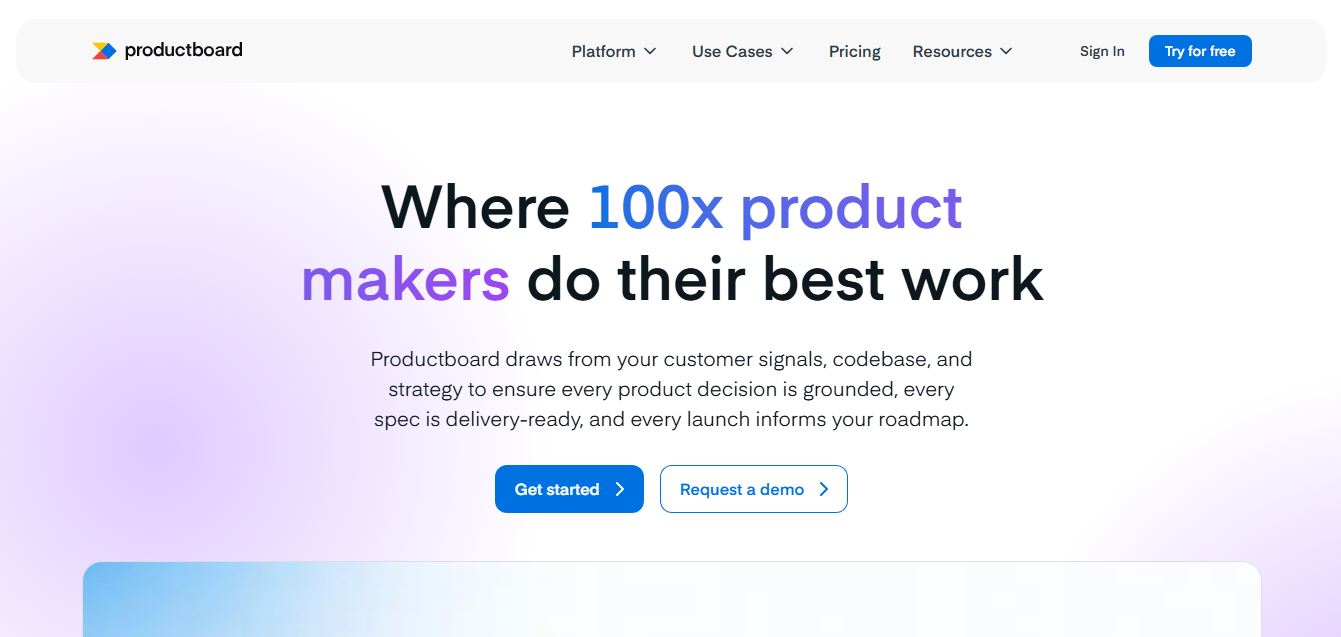
Productboard is a product management platform that helps teams collect user feedback, prioritize features, and plan roadmaps. It centralizes customer insights and aligns teams around what to build next, enabling companies to create products that better meet user needs.
Wrike
Project Management
Wrike is a work management and collaboration platform that helps teams plan projects, assign tasks, track progress, and meet deadlines in one place. It offers dashboards, automation, and reporting tools, making it easier for teams to stay organized, collaborate efficiently, and manage complex workflows at scale.
 4.9
4.9Kroolo
Project Management
Kroolo is an AI-powered productivity and project management platform that helps teams plan tasks, track progress, and collaborate in one place. It combines project tracking, document management, and AI assistance to streamline workflows, automate routine work, and improve team efficiency across projects.
 4.7
4.7Morgen
Project Management
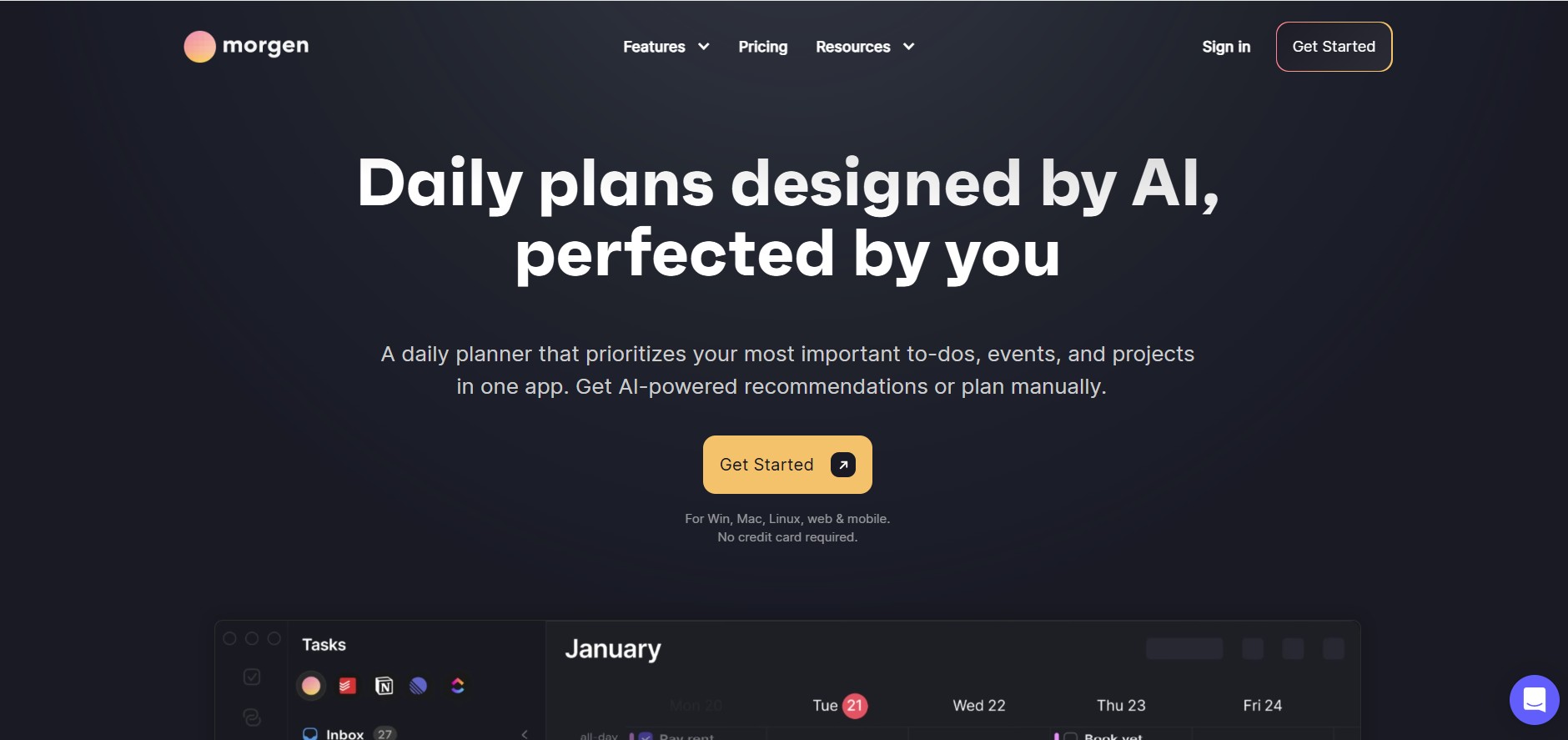
Morgen is a time management desktop and mobile app that unifies multiple calendars, aggregates tasks from third-party tools, and uses AI-driven time-blocking to create structured daily schedules.
 4.9
4.9Todoist
Project Management
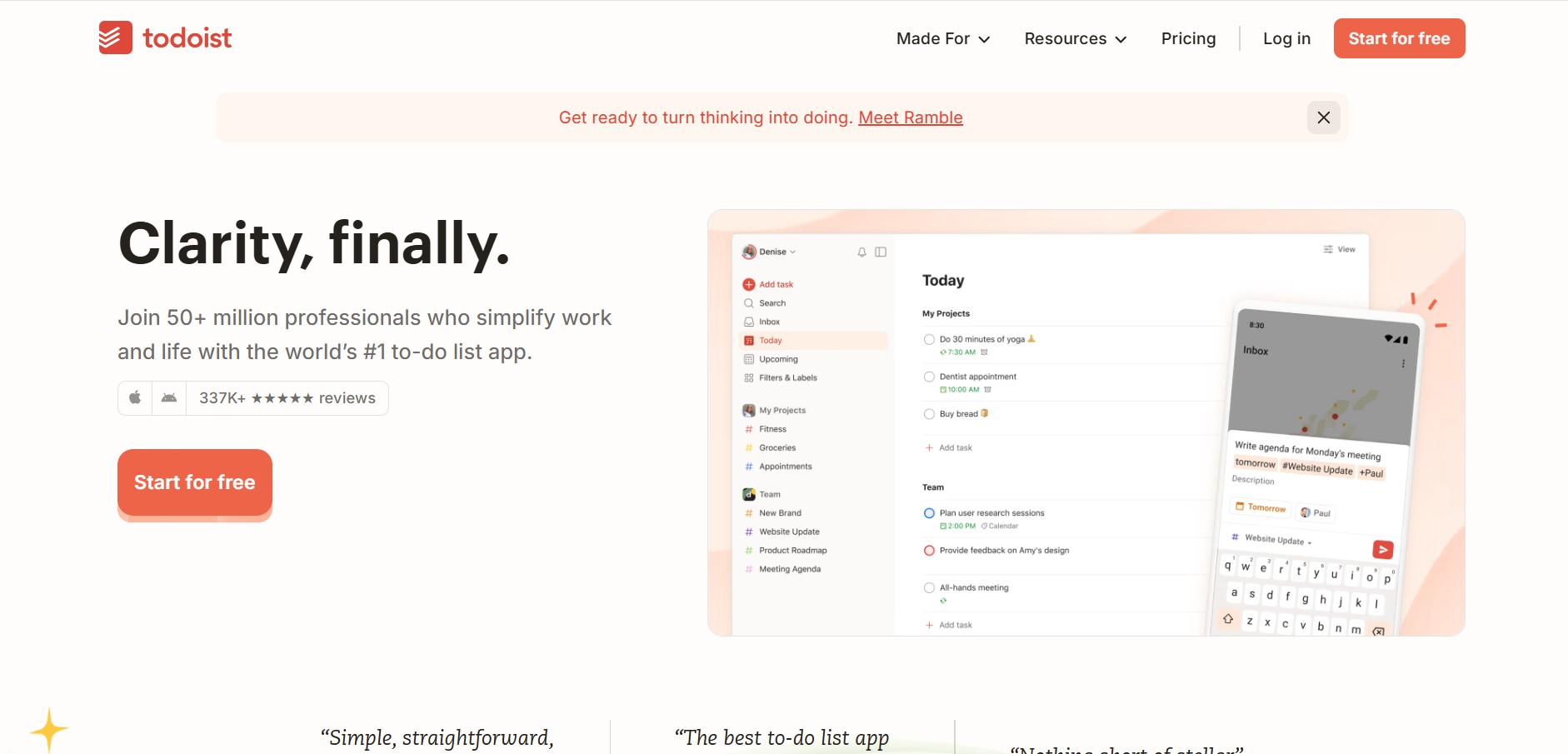
Todoist is a widely popular task management and to-do list application developed by Doist, featuring natural language task creation, sub-tasks, productivity tracking, and multi-platform syncing.
 4.8
4.8Basecamp
Project Management
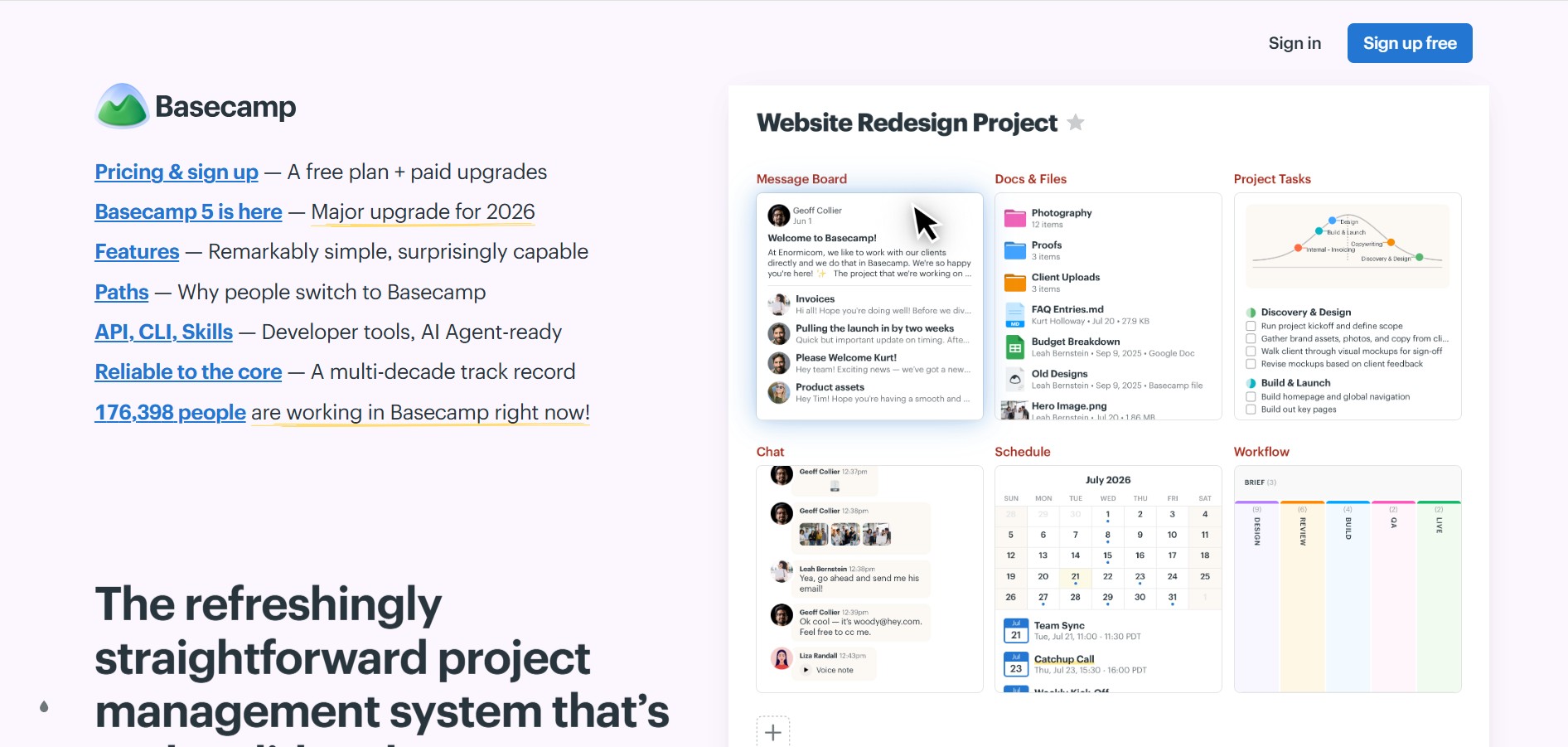
Basecamp is an all-in-one project management and team communication software created by 37signals to organize tasks, discussions, files, and schedules in one centralized platform.
 4.9
4.9Linear
Project Management
Linear is a high-performance project management and issue tracking software built specifically for software engineering and product development teams.