
Make
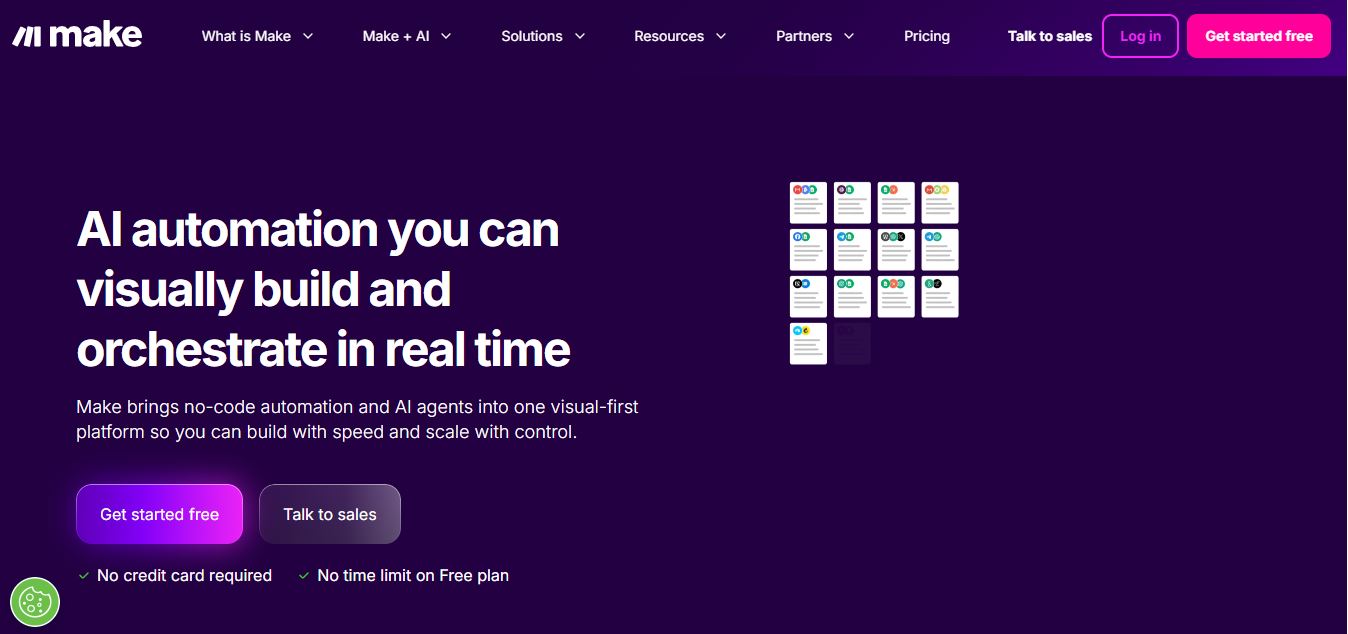
Make is a visual workflow automation platform that connects apps and services, helping users automate repetitive tasks, build complex workflows, and manage AI-powered automations without extensive coding.
What is Make.com?
Make is a visual workflow automation platform that allows users to connect various apps, services, and business tools to automate routine processes. It allows users to create workflows using a drag-and-drop interface, allowing data to flow between applications without the need for extensive coding knowledge. Make offers for thousands of connectors, including CRM, marketing, productivity, communication, and artificial intelligence products. Users can build simple automations or large multi-step workflows that include conditions and custom logic. Organizations, marketers, developers, and teams commonly use it to save time, decrease manual labor, and streamline everyday activities.
- Founder: Ondřej Gazda and team (originally launched as Integromat)
- Launch: 2012 (rebranded as Make in 2022)
- Use Cases: Automating business tasks, CRM integration, workflow orchestration, AI-powered operations, enterprise process automation
- Technology: Visual no-code builder, 2,000+ app integrations, AI toolkit, webhooks, APIs, enterprise-grade security
Make.com, formerly Integromat
Make.com was formerly known as Integromat. The company launched in 2012 and rebranded Integromat as Make in 2022.
The rebrand represented a broader focus on visual automation and workflow orchestration rather than simple app-to-app integrations. Today, Make combines its visual scenario builder with thousands of app integrations, APIs, webhooks, AI tools, and AI agents. This means users searching for Make.com formerly Integromat, are essentially looking at the same automation platform under its newer Make brand.
Make AI Key Features
Make key features are
- Visual Workflow Builder: Make provides a visual canvas where users can build workflows by connecting modules together. Each module represents an action, trigger, search, or transformation.
- Make Connector: A Make connector allows Make to communicate with an external application or service. Connectors provide ready-made modules for performing actions such as creating records, retrieving information, sending messages, updating databases, or triggering workflows. If a particular application is not available as a pre-built connector, users can often connect it through Make's API, HTTP modules, webhooks, or custom integration capabilities.
- 3,000+ App Integrations: Connect popular business, marketing, productivity, CRM, and communication applications.
- AI Automation: Build workflows that use AI models and AI applications to automate tasks and decision-making.
- Multi-Step Workflows: Create complex scenarios with multiple actions, conditions, filters, and branching paths.
- API Integration: Connect custom applications and services using APIs, webhooks, and HTTP requests.
- Data Transformation: Automatically filter, format, map, and transform information as it moves between applications.
- Webhooks: Trigger workflows instantly when they receive new data or events.
- Make AI Agents: Make AI Agents bring goal-driven AI capabilities into Make workflows. Instead of following only fixed instructions, an AI agent can interpret a task, choose available tools, and determine which actions are needed to reach a goal.
- Make Social Media Automation Tool: Make can also be used as a social media automation tool by connecting social platforms with content, marketing, CRM, analytics, and scheduling applications.
- Workflow Monitoring: Track automation runs, identify errors, and monitor workflow performance from a centralized dashboard.
- AI Agents: Build autonomous workflows that can perform tasks and make decisions based on defined goals and available tools.
Make Pricing
Make.com pricing is based on monthly credits. Make defines a credit as the unit consumed when an automation performs an operation, although AI-related credit usage can vary depending on the feature and AI provider.
- Free: $0/month — 1,000 credits/month, with access to core automation features.
- Core: Starts at around $9/month for 10,000 credits/month.
- Pro: Starts at around $16/month for 10,000 credits/month, with additional advanced features.
- Teams: Starts at around $29/month for 10,000 credits/month, designed for collaboration and team workflows.
- Enterprise: Custom pricing, with advanced security, governance, analytics, SSO, audit logs, and dedicated support.
The free plan includes up to 1,000 credits per month, 3,000+ apps, routers and filters, and a 15-minute minimum interval between scheduled runs. Core adds unlimited active scenarios and more scheduling control, while Pro adds features such as priority execution, custom variables, and full-text execution-log search. Make's pricing can vary based on the number of credits selected, and additional credits may incur an additional charge.
Disclaimer: For the latest and most accurate pricing information, please visit the official Make.com website.
Who Is Using Make?
Make is used by individuals, startups, agencies, marketing teams, developers, operations teams, and enterprises.
- Startups & Small Businesses – Automate repetitive tasks and connect essential business tools.
- Marketing Teams – Automate lead management, campaigns, reporting, and content workflows.
- Sales Teams – Automate lead capture, CRM updates, follow-ups, and notifications.
- Operations Teams – Connect different systems and streamline day-to-day processes.
- Developers – Build API-based workflows, webhooks, and custom integrations.
- Agencies – Manage automation projects and workflows for multiple clients.
- HR Teams – Automate employee onboarding, notifications, and administrative processes.
- Enterprise Organizations – Manage complex, large-scale workflows with advanced security and governance features.
What Make.com is used for?
Make.com (formerly Integromat) is a no-code/low-code automation platform used to connect apps and automate workflows. it helps you automatically move data and trigger actions between different tools without manual work.
- Workflow Automation: Automate repetitive tasks (e.g., when a form is submitted → send email → save to Google Sheets)
- App Integrations: Connect apps like Gmail, Slack, Notion, Shopify, etc.
- Data Processing: Transform, filter, and organize data between apps
- Marketing Automation: Automate emails, leads, and CRM updates
- E-commerce Automation: Order processing, inventory updates, customer notifications
- Scheduling Tasks: Run workflows at specific times or triggers
What are the best Make Alternatives?
Some Make alternatives are
Make was founded in 2012 and has grown into a major visual workflow automation platform. Today, it serves more than 400,000 customers worldwide and provides access to 3,000+ pre-built app integrations. The platform also offers 300+ AI app integrations and supports custom API connections for tools that are not available in its app library. Make has expanded into AI agents and advanced workflow orchestration, while its enterprise platform includes features such as analytics, SSO, audit logs, and governance controls. Make also maintains strong user ratings, including 4.7/5 on G2 and 4.8/5 on Capterra.
Pros and Cons of Make
Pros
- Visual drag-and-drop workflow builder
- 3,000+ app integrations
- Powerful multi-step automation capabilities
- Supports APIs, webhooks, filters, and custom logic
- Flexible AI automation features
- Free plan available
- Suitable for both simple and complex workflows
- Detailed workflow monitoring and error handling
Cons
- Can have a learning curve for beginners
- Complex workflows may become difficult to manage
- Credit-based pricing can become expensive at higher usage
- Advanced features are mainly available on paid plans
- Some integrations may require technical knowledge
- Troubleshooting complex scenarios can take time
Make Vs Competitors
Make's biggest advantage is its visual approach to complex workflow automation. Compared with Zapier, Make generally provides more granular control over branching, data handling, and multi-step scenarios. n8n offers strong customization and self-hosting capabilities, while Power Automate integrates particularly well with Microsoft's ecosystem. Workato is more focused on enterprise automation and integration.
| Feature | Make | Zapier | n8n | Microsoft Power Automate | Workato |
|---|---|---|---|---|---|
| Ease of Use | Moderate (visual builder) | Very easy (beginner-friendly) | Technical (developer-focused) | Moderate | Moderate |
| Workflow Builder | Visual canvas with branching | Linear workflows | Node-based canvas | Flow-based builder | Enterprise workflows |
| Integrations | 3,000+ apps | 6,000–9,000+ apps | ~1,500 apps | Strong Microsoft ecosystem | Enterprise integrations |
| AI Capabilities | Moderate | Basic to moderate | Advanced (AI + custom models) | Moderate | Advanced |
| Customization | High | Medium | Very high (code support) | Medium | Very high |
| Self-Hosting | No | No | Yes | No | No |
| Pricing Model | Per operation (credits) | Per task | Per workflow/self-hosted free | Per user/flow | Enterprise pricing |
| Best For | Advanced no-code workflows | Beginners & simple automations | Developers & custom workflows | Microsoft users | Large enterprises |
| Key Strength | Visual control & flexibility | Simplicity & integrations | Flexibility & open-source | Deep Microsoft integration | Scalable enterprise automation |
Make Video/Demo
How We Rate Make?
| Category | Rating (out of 5) |
|---|---|
| Ease of Use | 4.5 |
| User Experience | 4.5 |
| Tools & Capabilities | 4.75 |
| Integrations | 4.75 |
| Automation Power | 4.75 |
| Speed & Efficiency | 4.5 |
| Customization | 4.75 |
| Value for Money | 4.5 |
| Ecosystem Fit | 4.5 |
| Overall Rating | 4.6 |
Make.com Review
Make is one of the strongest options for users who need more control over their workflow automation than simple trigger-and-action tools typically provide. Its visual scenario builder makes complex processes easier to understand, while routers, filters, webhooks, APIs, data transformation, and thousands of integrations provide considerable flexibility.
The addition of Make AI and Make AI Agents makes the platform more relevant for businesses moving from traditional automation toward AI-assisted and agentic workflows. Make AI Agents can use connected tools and scenarios to handle tasks that require more flexible decision-making.
The biggest downside is the learning curve. Beginners may find the visual builder more complex than simpler automation platforms, particularly when workflows contain many branches and conditions. Credit-based pricing also means businesses need to monitor usage as automation volume increases.
Overall, Make is a strong choice for businesses, marketers, developers, agencies, and operations teams that want a flexible platform for both traditional workflow automation and newer AI-powered processes.
Conclusion
Make is a powerful visual workflow automation platform for connecting applications, automating repetitive tasks, and building complex business processes. Its 3,000+ app integrations, visual scenario builder, APIs, webhooks, routers, filters, and data-processing capabilities make it suitable for everything from simple personal automations to sophisticated business workflows.
The platform becomes even more capable with Make AI and Make AI Agents, which add AI-powered processing and goal-driven automation to traditional workflows. Businesses can use Make AI Agents for customer support, sales research, content marketing, SEO, market research, and other processes that require more flexible decision-making.
With a free plan and paid options starting at $12/month for 10,000 credits, Make is worth considering for teams that need more flexibility than basic automation platforms provide. Its main drawback is the learning curve, but users willing to learn the visual builder can create highly customized and powerful automations.
People are also reading:
FAQ
What is Make and how can Make help me?
Make is a visual automation platform that helps you connect apps, move data, and automate workflows without coding. Make allows businesses, creators, and teams to eliminate repetitive tasks and build smart processes that run automatically, saving time and improving efficiency.
How does Make actually work?
Make works through a visual workflow builder where you create “scenarios” (automations) using drag-and-drop modules. You connect apps, define triggers and actions, and control how data flows between them. This visual approach makes it easy to design even complex workflows with branching logic and filters.
What makes Make different from other automation tools?
Make stands out because of its visual-first approach. Unlike simple “if this then that” tools, Make lets you see the entire workflow as a map, including branches, conditions, and data paths. This makes it more powerful for complex automations while still being beginner-friendly.
What features does Make offer?
Make includes a drag-and-drop builder, 3,000+ app integrations, AI automation tools, custom API connections, webhooks, and real-time analytics. It also supports low-code customization with JavaScript or Python for advanced workflows.
Can Make connect different apps together?
Yes, Make can connect thousands of apps like CRM tools, email platforms, databases, and AI services. It acts as a bridge that allows these tools to share data and trigger actions automatically across your tech stack.
Does Make support AI automation?
Yes, Make includes AI capabilities such as AI agents, text generation, sentiment analysis, and integrations with AI models. You can build workflows that include AI-powered steps like content creation, data analysis, or decision-making.
What kind of workflows can I automate with Make?
Make can automate tasks like sending emails, syncing data between apps, managing leads, updating databases, generating reports, and even running AI-powered processes. It’s widely used in marketing, sales, operations, and IT workflows.
Is Make better than Zapier?
It depends on your needs. Make is particularly strong for complex visual workflows, branching logic, data transformation, and granular automation control. Zapier is often easier for beginners and has a large integration ecosystem.
What are the best Make alternatives?
Popular Make alternatives include Zapier, n8n, Pipedream, Microsoft Power Automate, Workato, Activepieces, and Boomi.
Can Make automate social media?
Yes. Make can be used as a social media automation tool by connecting social platforms with marketing tools, CRMs, content systems, spreadsheets, and other applications.
Is Make.com the same as n8n?
No, Make and n8n are not the same; both are automation tools, but Make.com is a no-code platform, while n8n is open-source and more developer-focused.
User Reviews
No reviews yet for Make.
Featured Tools
Featured AI tools from TechShark

Melody Genie
MelodyGenie is an AI-powered music generator that creates original songs from simple text prompts. Users can choose styles, moods, and genres, then instantly generate melodies and full tracks, making it easy for creators, marketers, and hobbyists to produce custom music without musical expertise.
Freemium

Kimi AI
Kimi AI is an advanced AI assistant developed by Moonshot AI that helps you chat, research, write, code, and automate tasks in one place. It supports web search, file analysis, and multimodal inputs, and can even run autonomous “agent” workflows to complete complex tasks end-to-end.
Freemium

Fashion Diffusion AI
Fashion Diffusion is an AI-powered fashion design platform that helps brands and designers create clothing designs, virtual try-ons, AI models, product photos, and marketing visuals faster and cost-effectively.
Paid

Veo 4
Veo 4 AI is an AI video creation platform that generates dramatic videos from text, images, audio, and video prompts using realistic motion and synchronized sound.
Paid
Alternatives
Alternatives to Make
Alternatives to Make include Zapier, n8n, Pipedream, Microsoft Power Automate, Workato, and Activepieces. These tools offer similar automation features such as connecting apps, building workflows, and reducing manual tasks, with options ranging from beginner-friendly solutions to developer-focused and enterprise-grade platforms.
 4.8
4.8Soroco
Workflow Automation
Soroco helps enterprises understand and improve how people and AI agents perform everyday work. Its Scout platform maps real workflows, identifies bottlenecks, measures operational effort, and highlights automation opportunities. Organizations can use its insights to improve productivity, optimize costs, strengthen decision-making, and build more effective human-AI workflows.
 4.9
4.9Gemini 4 Argon
Workflow Automation
Gemini 4 Argon is Google DeepMind’s most advanced AI model, built for complex, long-running tasks like software engineering, finance, legal work, and cybersecurity. It delivers deep reasoning, handles multi-step workflows, and processes large context inputs, making it ideal for enterprise automation and high-level problem solving.
 4.8
4.8Kissflow
No Code
Kissflow is a low-code workflow automation and business process management platform that helps teams build apps, automate approvals, and manage operations without heavy coding. It centralizes workflows, improves visibility, and speeds up processes across departments like HR, finance, and procurement.
ROK Solution
Workflow Automation
ROK Solution is an organization-centric hyperautomation and Identity Governance and Administration (IGA) platform that aligns no-code app development, BPM, generative AI, and automated access rights directly with a real-time, living organizational chart.
 4.8
4.8Lindy
AI Agent
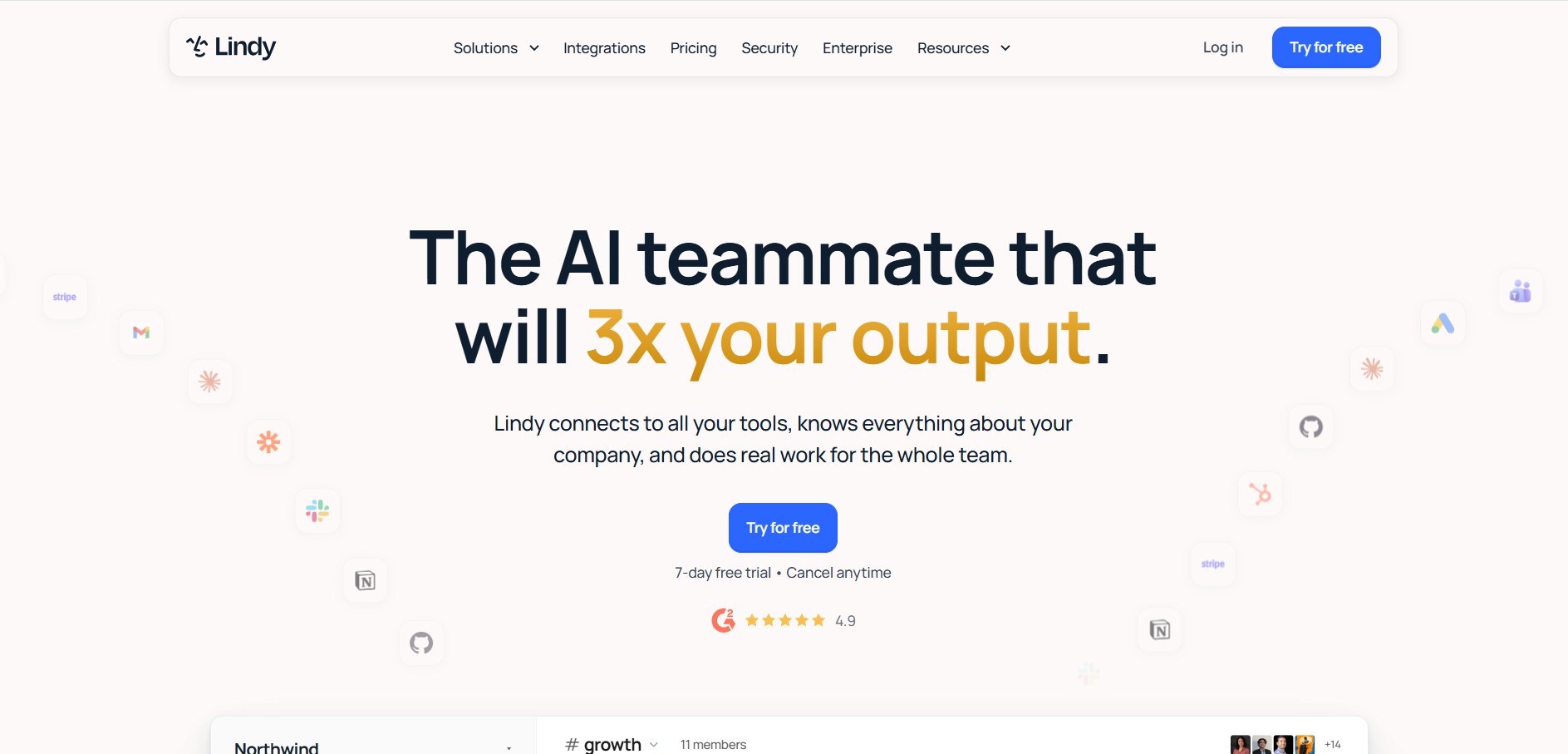
Lindy is an AI medical and business workflow automation platform that builds autonomous AI agents ('Lindys') capable of handling inbox management, customer support, lead qualification, medical scribing, and voice operations.
 4.9
4.9Jinba
Workflow Automation
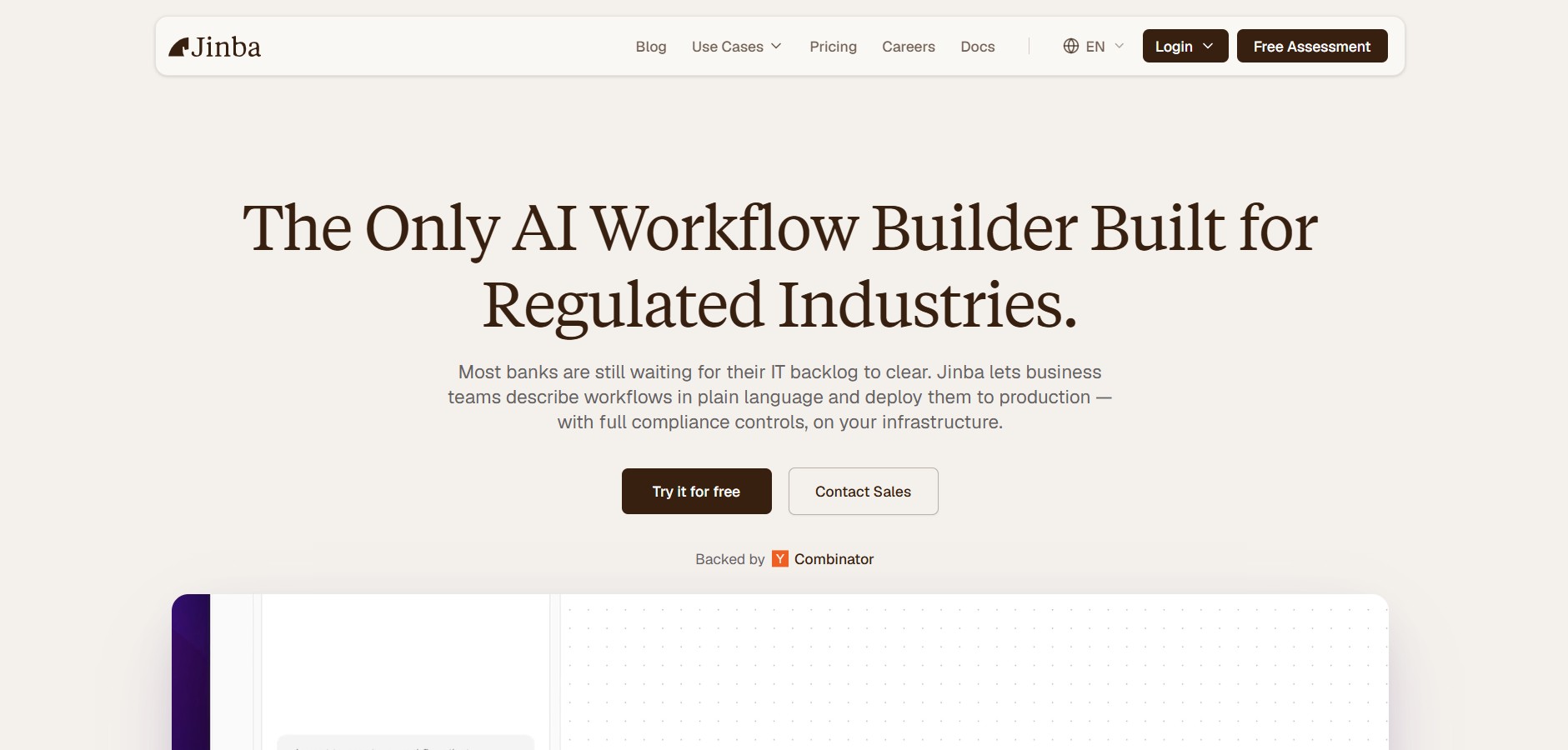
Jinba is an enterprise AI workflow automation platform that enables teams to build, edit, and deploy production-ready automations using natural language prompts, visual drag-and-drop orchestration, and SOC II compliant execution environments.
 4.9
4.9Replit
Code Assistant
Replit is an AI-powered, cloud-native software development platform and multiplayer IDE featuring the Replit Agent, which autonomously plans, builds, debugs, and deploys full-stack applications from natural language prompts directly in the browser.
 4.9
4.9Zapier
Workflow Automation
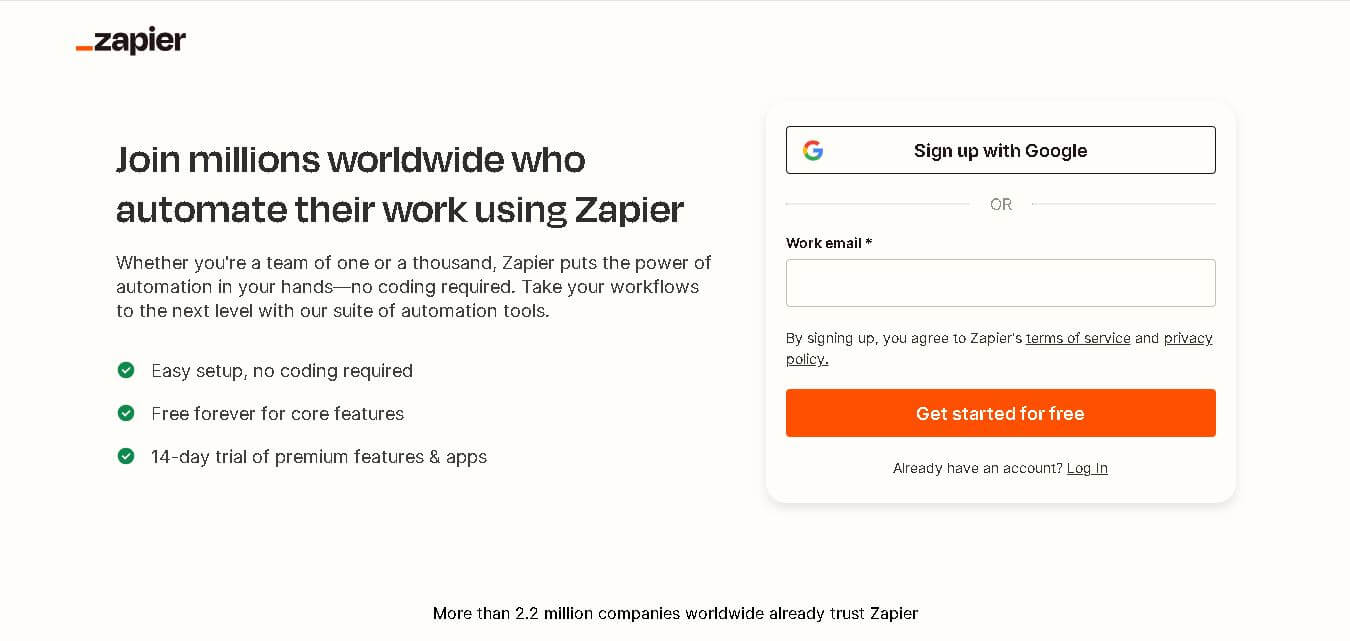
Zapier is a no-code automation platform that connects your apps and automates workflows. It lets you trigger actions between tools like Gmail, Slack, and Google Sheets, saving time by eliminating repetitive manual tasks.
 4.8
4.8Taku AI
AI Agent
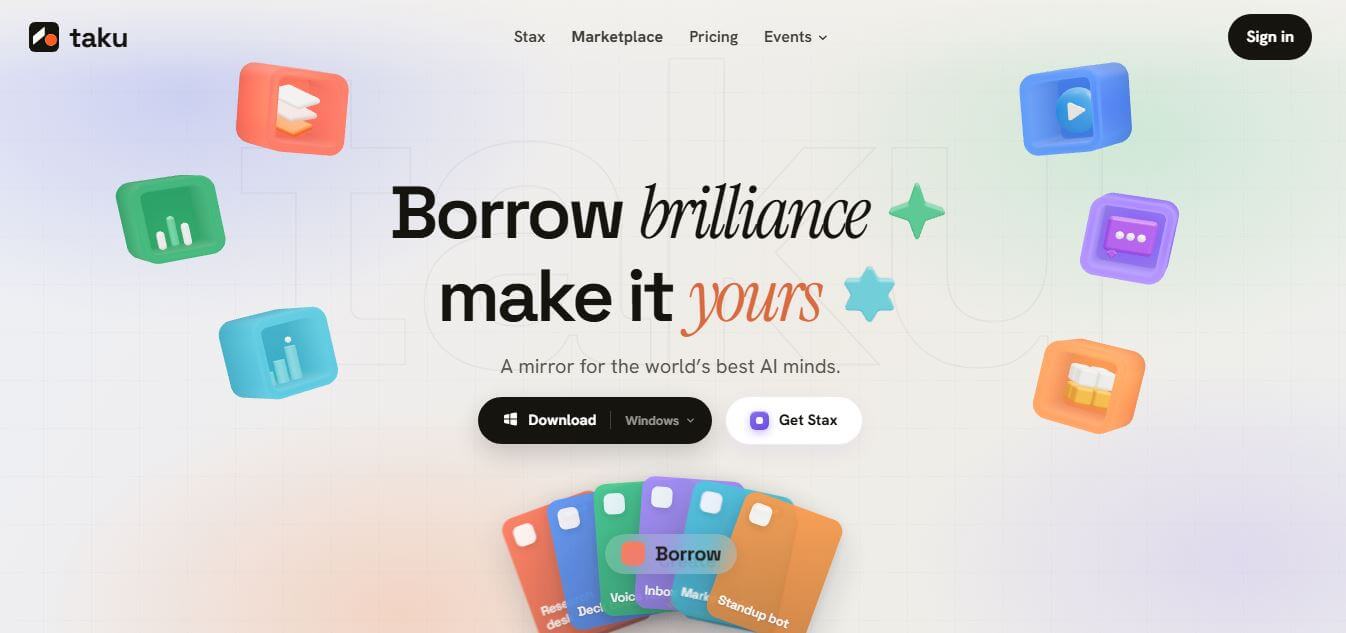
Taku AI is a no-code AI workspace that lets users discover, run, and remix proven AI tools, agents, and workflows in one place. It removes setup complexity by turning ready-made AI systems into one-click apps, helping individuals and teams quickly build and automate tasks.