
Zapier
Zapier is a no-code automation platform that connects your apps and automates workflows. It lets you trigger actions between tools like Gmail, Slack, and Google Sheets, saving time by eliminating repetitive manual tasks.
What is Zapier?
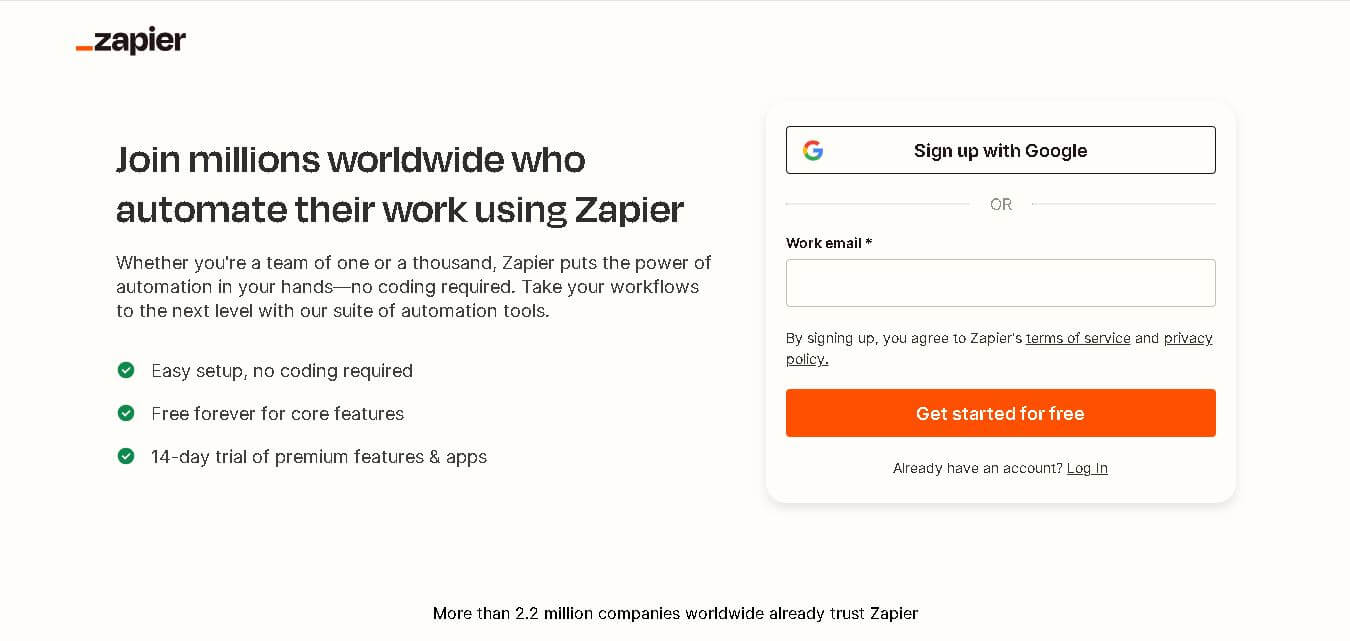
Zapier is the industry-standard no-code automation and AI workflow platform connecting over 9,000 distinct web applications. Founded by Wade Foster, Mike Knoop, and Bryan Helmig, Zapier enables individuals, growing teams, and global enterprises to automate repetitive digital tasks, build custom AI agents, and orchestrate complex multi-app data pipelines without writing code.
Built around the mission to “Make automation work for everyone,” Zapier bridges the gap between isolated software tools. From simple triggers and actions (Zaps) to advanced AI orchestration, Zapier allows users to connect apps like Slack, Salesforce, HubSpot, and ChatGPT, empowering organizations to eliminate manual data entry and scale operational efficiency effortlessly.
- Platform Role: No-Code Workflow Automation Platform, AI Agent Orchestration Engine & App Integration Ecosystem
- Founders & Organization: Wade Foster, Mike Knoop, and Bryan Helmig (Zapier, Inc., headquartered in San Francisco, CA)
- Ecosystem Connectors: 9,000+ native app integrations, Model Context Protocol (MCP) servers, and developer SDKs
Use Cases:
- Automating lead management by instantly syncing form submissions from Facebook and Typeform into CRM tools like Salesforce and HubSpot
- Deploying AI chatbots and automated customer support agents to resolve IT tickets and route inquiries across Slack and Zendesk
- Connecting large language models (Claude, ChatGPT) directly to internal databases using Zapier MCP for secure, governed AI workflows
- Managing relational data storage using Zapier Tables to read, write, and update records across automated workflows
- Streamlining marketing campaigns by automating report generation, cross-channel publishing, and customer follow-up sequences
Technology:
- Robust event-driven trigger-and-action runtime infrastructure supporting over 66,000 distinct app actions with built-in error retries
- Zapier MCP (Model Context Protocol) and Zapier SDK enabling AI assistants and coding agents to execute secure actions across 9,000+ apps
- Enterprise security framework featuring Bring Your Own Model (BYOM), SOC 2 Type II compliance, and granular action restrictions
- Canvas workflow mapping tool equipped with AI assistance to visualize, plan, and document automated business processes
Target Users:
- RevOps, marketing, and sales teams seeking to automate lead handoffs, reporting, and customer engagement
- IT leaders and CISOs requiring centralized governance, audit logs, and app access controls over corporate AI automation
- Software developers building custom integrations using the Zapier SDK and MCP developer tools
- Founders, small business owners, and solo operators looking to replace manual administration with automated workflows
Acquisition: Independent workflow automation giant headquartered in San Francisco, California

What are the key features of Zapier?
Zapier's key platform features are
- Zap Workflows: Intuitive trigger-and-action rule builder connecting thousands of apps without manual intervention.
- Zapier MCP & AI Agents: Connects AI chat clients (Claude, ChatGPT, Cursor) directly to 9,000+ apps via Model Context Protocol.
- Zapier Tables: Built-in no-code database storage allowing Zaps to read, store, filter, and update custom data records.
- Zapier Interfaces & Forms: Capture inputs, build custom web forms, and deploy interactive client portals connected directly to workflows.
- Canvas Workflow Planner: AI-powered visual mapping tool for designing, documenting, and structuring complex business processes.
- Enterprise IT Governance: Advanced security controls featuring Action Restrictions, BYOM (Amazon Bedrock), managed connections, and SCIM provisioning.
- Audit Logs & Log Streaming: Complete visibility into every workflow run with real-time log streaming to Datadog, Splunk, and security endpoints.
How much does Zapier cost?
Zapier operates on a freemium pricing model scaling with task volume, multi-step Zaps, and enterprise governance features.
Free & Professional Tiers:
- Free Plan ($0 / month): 100 tasks per month, single-step Zaps (1 trigger, 1 action), and basic app integrations.
- Professional Plan (Starts ~$19.99/mo): Multi-step Zaps, paths, filters, formatter tools, and higher task quotas (e.g., 750+ tasks/month).
- Team & Company Plans: Shared workspaces, unlimited users, advanced admin controls, and higher monthly task allotments.
Enterprise Tier:
- Custom Enterprise Pricing: Tailored pricing for large organizations requiring SAML SSO, SCIM provisioning, Bring Your Own Model (BYOM), action restrictions, and dedicated account support.
Disclaimer: Zapier offers a free tier with basic single-step automations. Paid tiers scale according to monthly task execution volume and advanced team collaboration features.
Who should use Zapier?
Zapier is designed for business professionals, IT administrators, and developers, including
- Operations & Marketing Teams: Eliminating manual data entry across CRM, email, and social media marketing platforms.
- Customer Support Managers: Automating ticket routing, triage, and AI-powered FAQ responses in Slack and Zendesk.
- IT Leaders & CISOs: Governing organizational AI usage, enforcing security policies, and eliminating shadow IT.
- Software Engineers: Building custom applications and extending AI agent capabilities using the Zapier SDK and MCP.
What are the best alternatives to Zapier?
Some of the strongest Zapier alternatives include
What are the pros and cons of Zapier?
What are the pros of Zapier?
- Unmatched ecosystem with over 9,000 native app integrations, far surpassing competitors
- Extremely user-friendly interface requiring zero coding knowledge for basic and multi-step workflows
- Advanced AI capabilities, including Zapier MCP, custom AI agents, and Canvas workflow mapping
- Robust enterprise security controls like BYOM, action restrictions, and SOC 2 Type II compliance
- Reliable production runtime infrastructure backed by over a decade of continuous uptime reliability
What are the cons of Zapier?
- Task-based pricing can become expensive quickly for high-frequency, high-volume automated data pipelines
- Complex conditional loops and heavy data manipulation can sometimes be easier to build in visual node-based builders like Make or n8n
- Advanced developer features and enterprise governance tools are locked behind higher-tier paid plans
Why should you choose Zapier?
Connecting disparate business software usually requires expensive custom API engineering or maintaining fragile, hardcoded scripts. Zapier solves this by providing a rock-solid, no-code automation platform that bridges over 9,000 apps instantly. Whether you want to automate simple email notifications or orchestrate complex multi-step AI agents governed by strict IT policies, Zapier delivers unmatched reliability and speed.
- Connect your entire software stack with over 9,000 pre-built app integrations
- Empower AI assistants like Claude and ChatGPT to take secure actions across your business tools via MCP
- Eliminate human error by automating repetitive administrative data entry 24/7
- Maintain complete administrative oversight with enterprise governance, audit logs, and security controls
How does Zapier compare to competitors?
The primary distinction between Zapier, Make, n8n, and Microsoft Power Automate lies in app ecosystem breadth, ease of use, and AI integration. While Make offers node-based visual routing and n8n provides open-source self-hosting options, Zapier leads the industry with over 9,000 app integrations, robust enterprise security governance, and cutting-edge Model Context Protocol (MCP) support for AI agents.
| Feature / Platform | Zapier | Make (Integromat) | n8n | Microsoft Power Automate |
|---|---|---|---|---|
| Core Focus | Universal No-Code Automation & AI Orchestration | Visual Node-Based Advanced Workflows | Extensible & Self-Hostable Workflow Automation | Enterprise Microsoft 365 & RPA Automation |
| App Integrations | 9,000+ Apps | 1,600+ Apps | 400+ Native Apps (Extensible via JS) | Deep Microsoft Ecosystem & 500+ Connectors |
| AI & MCP Support | Advanced (Zapier MCP, SDK, AI Agents) | OpenAI / AI module integrations | Advanced AI node orchestration | Copilot Studio integration |
| Pricing Model | Task-based tiers + Free plan | Operations-based tiers + Free plan | Execution-based / Self-host free option | Per-user / Per-flow enterprise pricing |
| Best For | Universal app connectivity, ease of use, and AI agent workflows | Complex multi-branch data transformations | Technical teams wanting self-hosted control and cost efficiency | Organizations deeply embedded in the Microsoft 365 stack |
How do we rate Zapier?
| Parameter | Rating (out of 5) |
|---|---|
| App Integration Ecosystem & Breadth | 5.0 |
| Ease of Use & No-Code Builder | 4.9 |
| AI Capabilities & MCP Integration | 4.9 |
| Enterprise Security & Governance | 4.8 |
| Value for Money | 4.7 |
| Overall Score | 4.86 |
What is our review and verdict on Zapier?
Zapier is one of those tools that quietly saves hours once you start using it. It connects apps and automates repetitive tasks without coding, which is perfect for non-technical users. The setup is straightforward, and the app library is massive. While advanced workflows can get pricey, the time saved often justifies it. Overall, it’s a reliable way to streamline everyday business processes.
Conclusion
Zapier makes automation accessible by connecting the tools you already use into seamless, no-code workflows. Instead of manually moving data between apps, it lets you build “Zaps” that handle repetitive tasks automatically. This not only saves time but also reduces errors and keeps processes consistent. With its wide range of integrations and growing AI capabilities, Zapier fits teams of all sizes. Overall, it turns everyday busywork into efficient, scalable systems that run in the background.
FAQ
What is Zapier and what does it actually do?
Zapier is an automation platform that connects different apps and services so they can work together without manual effort. It lets you create automated workflows (called “Zaps”) where an action in one app triggers tasks in another, helping you move data, automate processes, and streamline business operations.
How does Zapier automation work?
Zapier works on a simple trigger-and-action model, where a specific event (like receiving a new email or form submission) automatically triggers one or more actions in other apps, such as adding data to a CRM or sending a Slack message. These workflows can include filters, logic paths, and AI steps to handle more complex processes.
Which apps can you connect with Zapier?
Zapier supports integrations with over 9,000 apps, including popular tools like Gmail, Slack, Salesforce, Google Sheets, and many AI platforms. This wide ecosystem allows users to connect almost any tool they use and automate workflows across marketing, sales, support, and operations.
Do you need coding skills to use Zapier?
No, Zapier is primarily a no-code platform designed for non-technical users. You can build workflows using a visual editor without writing code, although it also offers advanced options like webhooks and SDKs for developers who want more customization.
What features does Zapier offer beyond basic automation?
Zapier includes advanced features like multi-step workflows, conditional logic, scheduling, webhooks, built-in databases (tables), and AI-powered steps for tasks like summarizing or classifying data. It also offers tools like chatbots and AI agents that can automate more complex workflows across apps.
Is Zapier free or paid?
Zapier offers a free plan with basic automation features and a limited number of tasks per month, making it suitable for individuals getting started. Paid plans unlock more tasks, multi-step workflows, premium app integrations, faster execution, and advanced features for teams and businesses.
Who should use Zapier?
Zapier is ideal for marketers, sales teams, founders, agencies, and operations professionals who want to automate repetitive tasks and reduce manual work. It’s especially useful for businesses using multiple tools and looking to create seamless workflows without building custom integrations.
User Reviews
No reviews yet for Zapier.
Featured Tools
Featured AI tools from TechShark

Melody Genie
MelodyGenie is an AI-powered music generator that creates original songs from simple text prompts. Users can choose styles, moods, and genres, then instantly generate melodies and full tracks, making it easy for creators, marketers, and hobbyists to produce custom music without musical expertise.
Freemium

Kimi AI
Kimi AI is an advanced AI assistant developed by Moonshot AI that helps you chat, research, write, code, and automate tasks in one place. It supports web search, file analysis, and multimodal inputs, and can even run autonomous “agent” workflows to complete complex tasks end-to-end.
Freemium

Fashion Diffusion AI
Fashion Diffusion is an AI-powered fashion design platform that helps brands and designers create clothing designs, virtual try-ons, AI models, product photos, and marketing visuals faster and cost-effectively.
Paid

Veo 4
Veo 4 AI is an AI video creation platform that generates dramatic videos from text, images, audio, and video prompts using realistic motion and synchronized sound.
Paid
Alternatives
Alternatives to Zapier
The best Zapier alternatives include Make (Integromat), Workato, n8n, Microsoft Power Automate, and Tray.io. While Zapier offers an unmatched ecosystem of 9,000+ app integrations, user-friendly multi-step Zaps, and cutting-edge Zapier MCP AI agent connectivity, alternatives like Make provide advanced visual node-based branching, and n8n offers self-hosted open-source flexibility.
 4.8
4.8Soroco
Workflow Automation
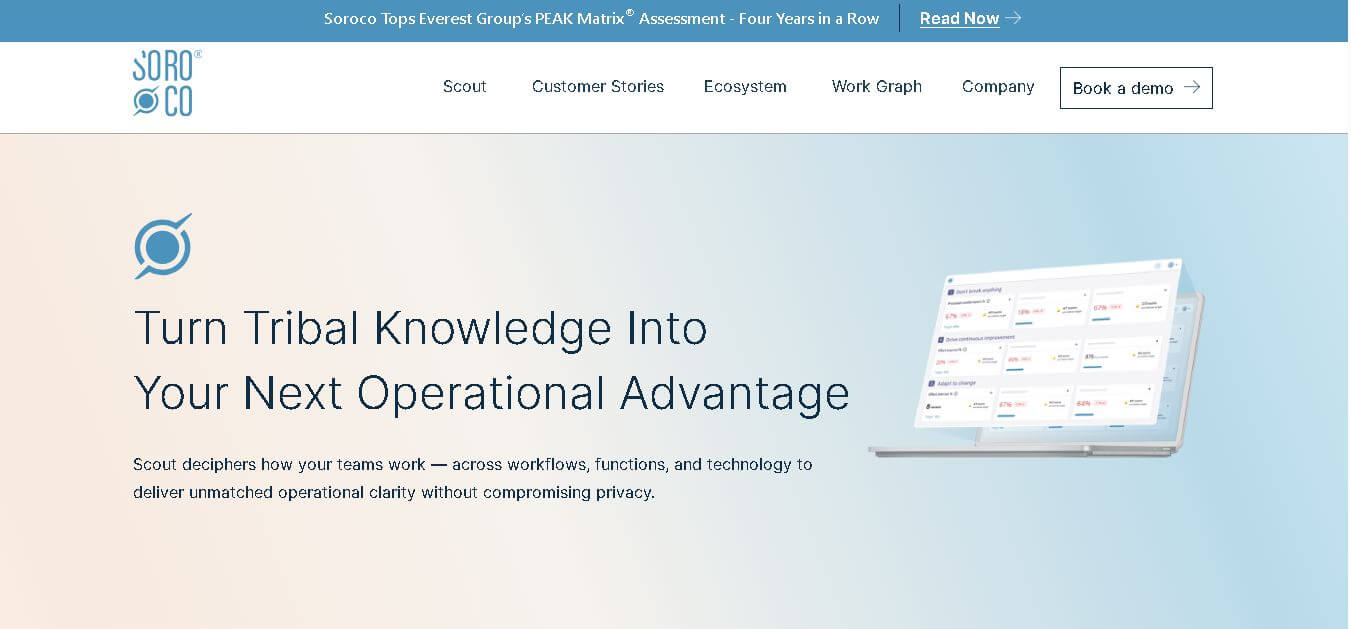
Soroco helps enterprises understand and improve how people and AI agents perform everyday work. Its Scout platform maps real workflows, identifies bottlenecks, measures operational effort, and highlights automation opportunities. Organizations can use its insights to improve productivity, optimize costs, strengthen decision-making, and build more effective human-AI workflows.
 4.9
4.9Gemini 4 Argon
Workflow Automation
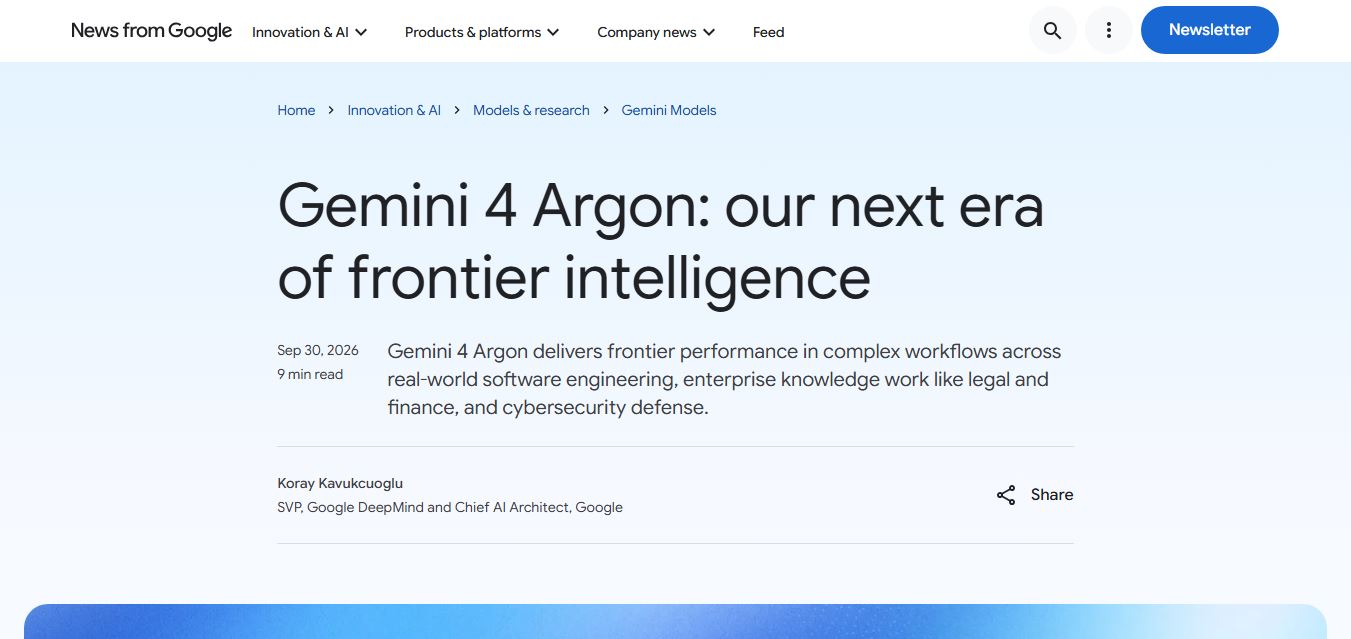
Gemini 4 Argon is Google DeepMind’s most advanced AI model, built for complex, long-running tasks like software engineering, finance, legal work, and cybersecurity. It delivers deep reasoning, handles multi-step workflows, and processes large context inputs, making it ideal for enterprise automation and high-level problem solving.
 4.8
4.8Kissflow
No Code
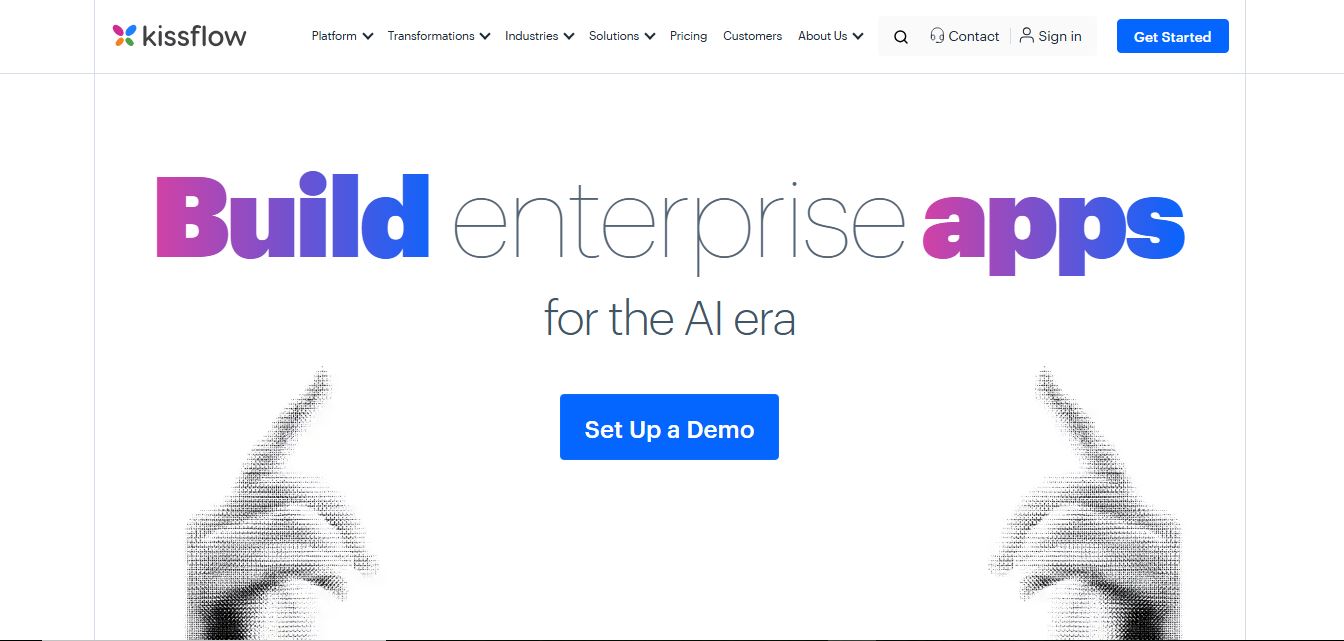
Kissflow is a low-code workflow automation and business process management platform that helps teams build apps, automate approvals, and manage operations without heavy coding. It centralizes workflows, improves visibility, and speeds up processes across departments like HR, finance, and procurement.
ROK Solution
Workflow Automation
ROK Solution is an organization-centric hyperautomation and Identity Governance and Administration (IGA) platform that aligns no-code app development, BPM, generative AI, and automated access rights directly with a real-time, living organizational chart.
 4.8
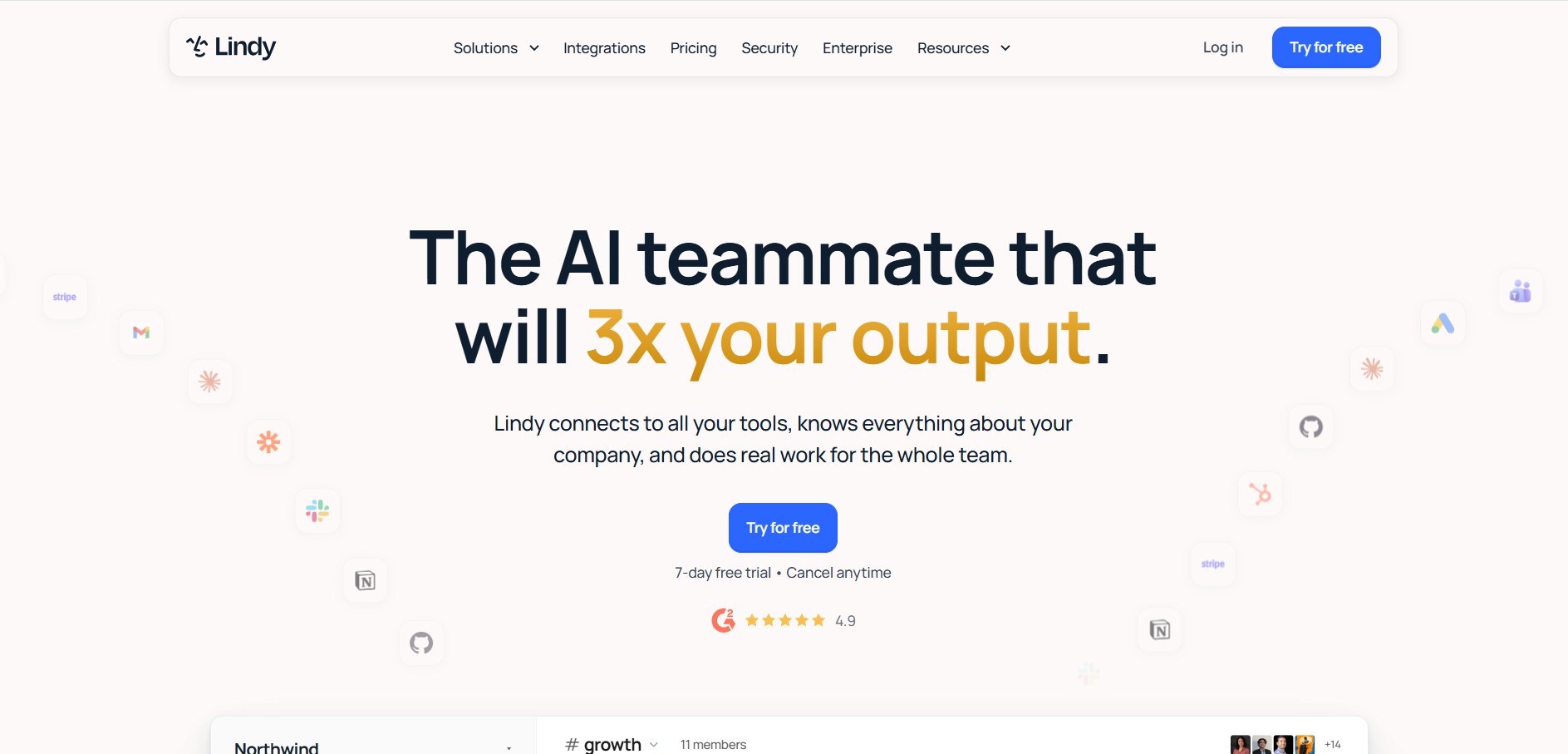
4.8Lindy
AI Agent
Lindy is an AI medical and business workflow automation platform that builds autonomous AI agents ('Lindys') capable of handling inbox management, customer support, lead qualification, medical scribing, and voice operations.
 4.9
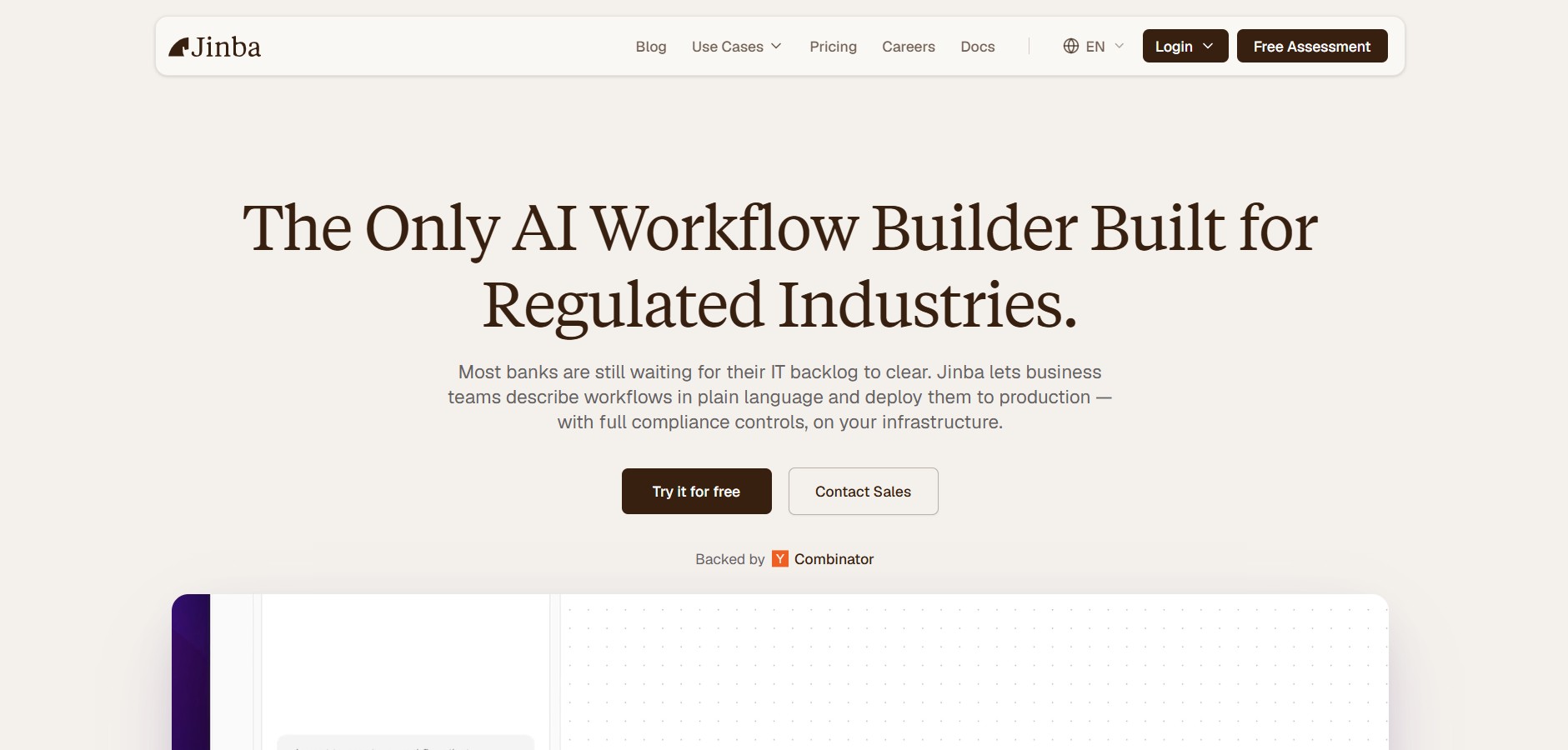
4.9Jinba
Workflow Automation
Jinba is an enterprise AI workflow automation platform that enables teams to build, edit, and deploy production-ready automations using natural language prompts, visual drag-and-drop orchestration, and SOC II compliant execution environments.
 4.9
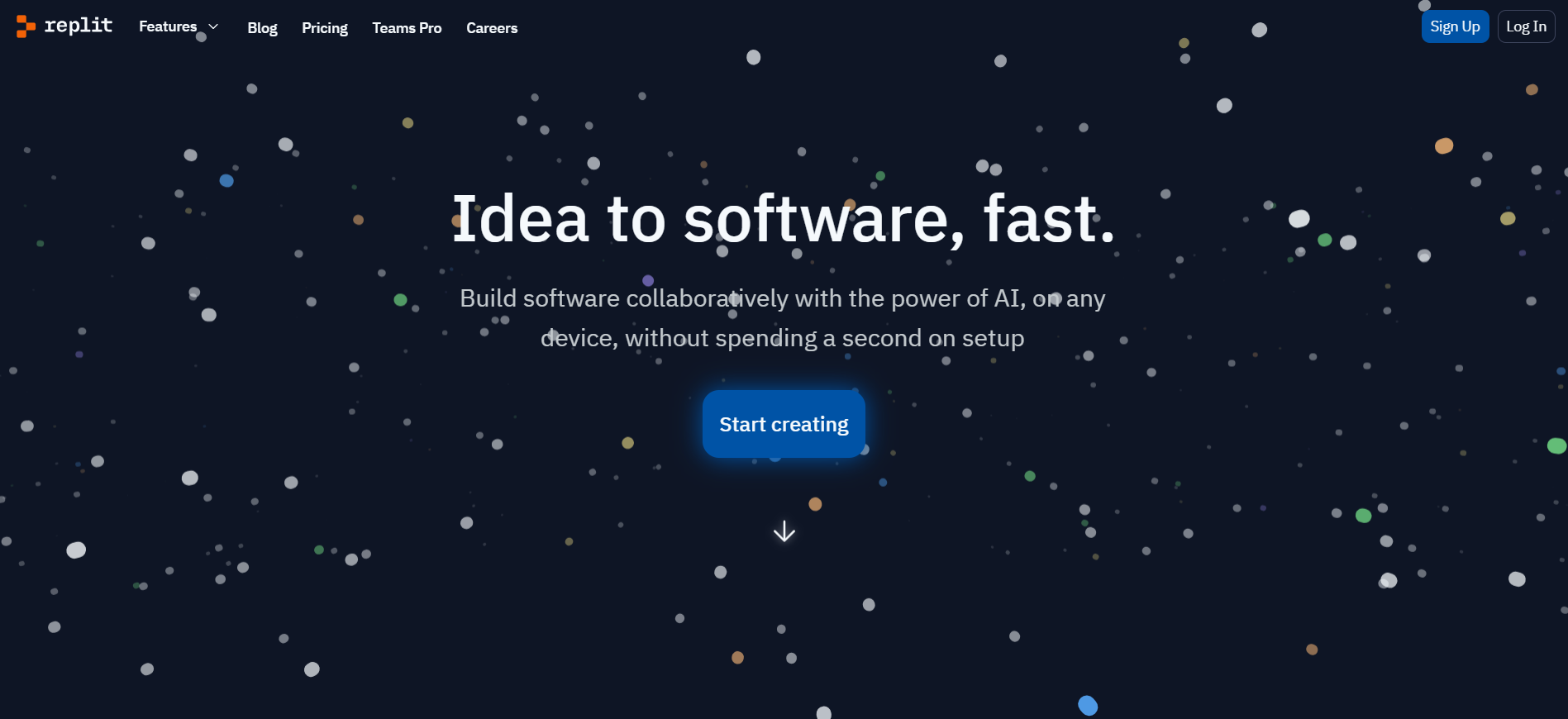
4.9Replit
Code Assistant
Replit is an AI-powered, cloud-native software development platform and multiplayer IDE featuring the Replit Agent, which autonomously plans, builds, debugs, and deploys full-stack applications from natural language prompts directly in the browser.
 4.8
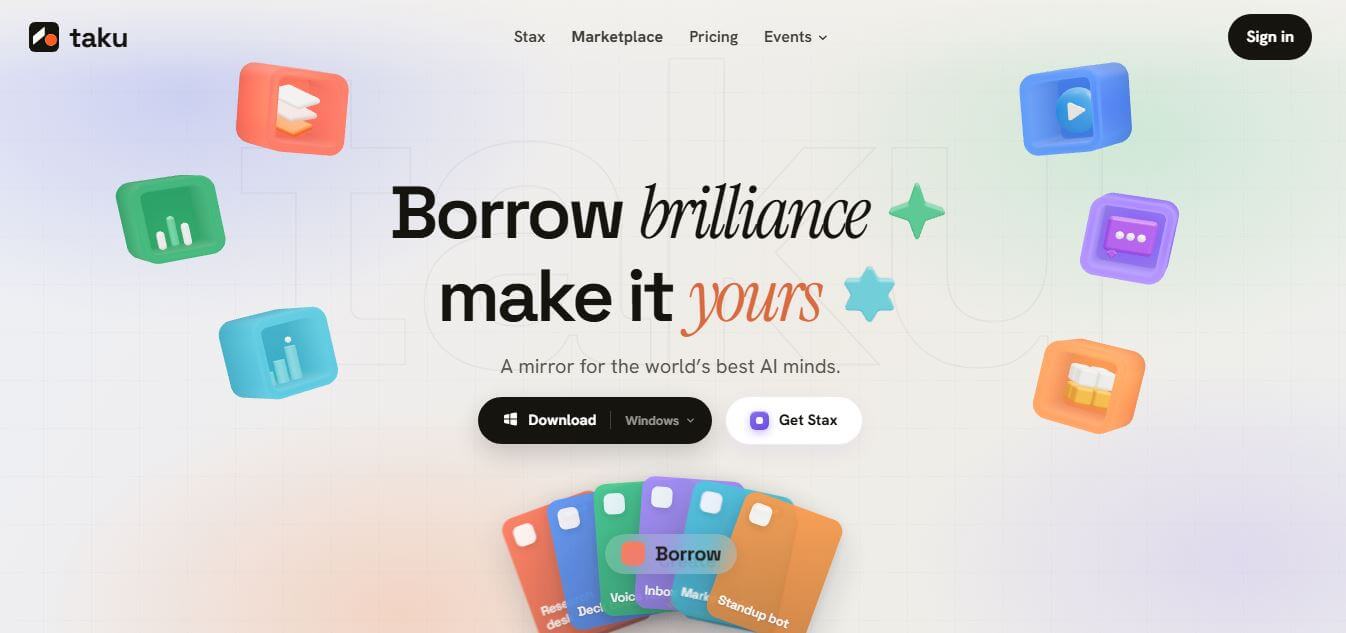
4.8Taku AI
AI Agent
Taku AI is a no-code AI workspace that lets users discover, run, and remix proven AI tools, agents, and workflows in one place. It removes setup complexity by turning ready-made AI systems into one-click apps, helping individuals and teams quickly build and automate tasks.
 4.7
4.7Viktor AI
Workflow Automation
Viktor is an AI employee and autonomous agent platform that integrates into workspace environments like Slack and Microsoft Teams to automate complex tasks, build reports, run campaigns, and connect across thousands of business tools.