
Morph Studio
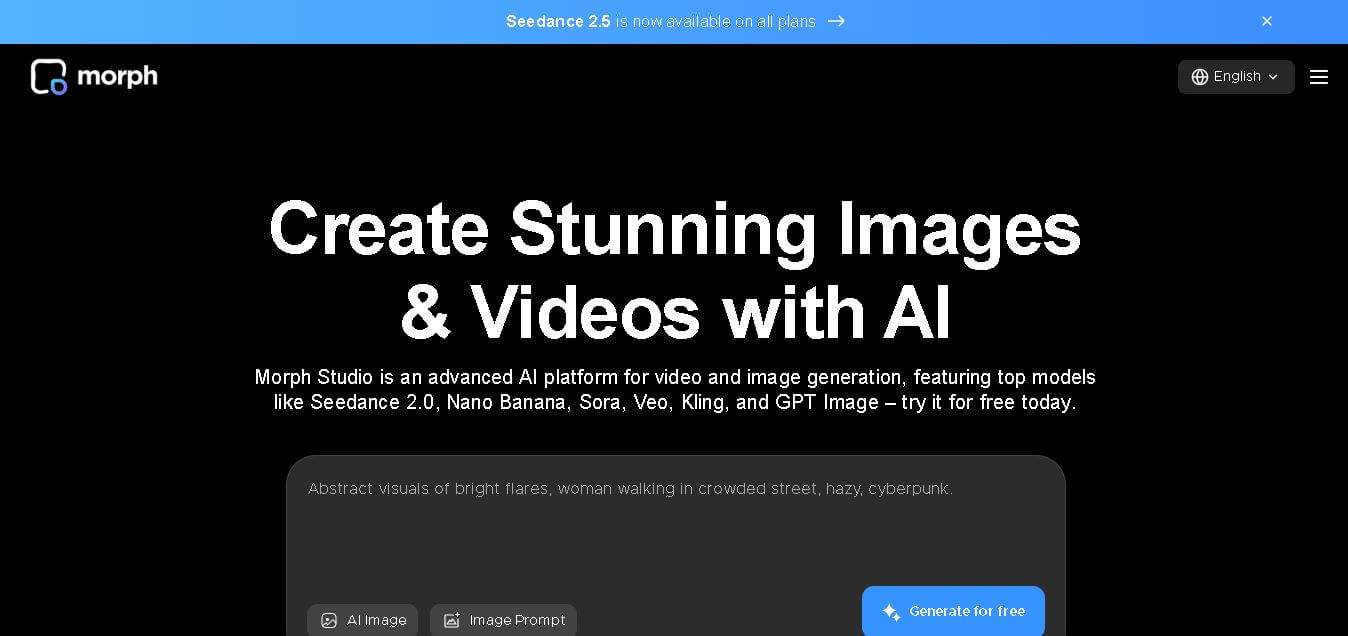
Morph Studio is a creative workspace that helps users generate, edit, and transform images and videos from text prompts or existing visuals. It combines multiple AI models, visual editing tools, and a flexible canvas into one platform, making professional-quality content creation faster and more accessible for creators, marketers, educators, and businesses.
What is Morph Studio?
Morph Studio is a web-based creative content generation and editing solution designed for producing high-quality images, videos, and visual stories. It provides a unified workspace where users can create content from text prompts, animate images, apply artistic styles, edit scenes, and organize projects on an interactive canvas. Instead of switching between multiple applications, creators can complete their entire workflow within one interface. The platform integrates several leading AI generation models, enabling users to experiment with different creative styles and outputs. It is suitable for individuals and teams looking to streamline visual production while maintaining flexibility, quality, and creative control.
Morph Studio supports 10+ premium AI models for image and video creation, including Seedance, Veo, Kling, GPT Image, and Nano Banana. The free plan offers 75 monthly credits, while paid subscriptions provide up to 40,000 credits per month. Users can create approximately 50 to 20,000 images or 75 to 1,000 videos, depending on their subscription tier. The platform also includes video style transfer, image editing, motion control, voice generation, and commercial usage options for professional creators.
- Core Focus: Multi-Model AI Video Generation, Open Canvas Storyboarding, and Video Style Transfer
- Launch Year: 2023
Use Cases:
- Transforming text prompts and static hero images into animated short-form video clips
- Building visual storyboards and organizing sequential video shots on an infinite visual canvas
- Applying video-to-video style transfer and AI motion control to replicate choreography or character movement
- Comparing outputs from multiple underlying AI video engines inside a single unified dashboard
Technology:
- Multi-model routing engine integrating leading video generators (such as Kling, Seedance, and open video models)
- Borderless canvas workspace for node-based visual asset organization and frame sequence mapping
- AI reference-based motion tracking and video style transformation pipelines
Target Users:
- Social media content creators producing short-form videos for TikTok, Instagram Reels, and YouTube Shorts
- Visual storytellers, animators, and indie filmmakers drafting rapid pre-visualization storyboards
- E-commerce brands and marketing agencies converting static product shots into motion ads
Ecosystem: Includes a web-based infinite canvas editor, text-to-image generator, video style transfer engine, motion control suite, and AI object remover.

Key features of Morph Studio
Morph Studio's key features are
- Multi-Model AI Video Engine: Access and switch between multiple top-tier AI video generation models without maintaining separate subscriptions.
- Infinite Canvas Workspace: Arrange source images, text prompts, visual references, and generated clips on a borderless interactive canvas.
- AI Motion Control: Transfer human motion, posture, and facial performance from reference videos onto custom AI-generated characters.
- Video Style Transfer: Transform existing video uploads into distinct artistic styles, anime looks, or cinematic aesthetics while retaining motion paths.
- Image-to-Video Animation: Animate still photos and generated graphics with precise camera movement and motion intensity controls.
- Text-to-Image & Asset Editing: Prepare and refine visual subjects with built-in text-to-image generation and AI object removal prior to video rendering.
Morph Studio Pricing
Morph Studio operates on a credit-based freemium pricing structure, offering annual billing discounts up to 30%.
Free Plan:
- $0/month
- Includes 75 monthly credits, access to basic video models (~2 models), text-to-image generation (~50 images), video style transfer, and 90-day asset retention.
Basic Plan:
- Starts at $12/month (or $8.40/month billed annually)
- Includes 3,000 monthly credits (~75 videos), access to 10+ top-tier video models, commercial usage rights, and unlimited asset retention.
Pro Plan:
- Starts at $35/month (or $24.50/month billed annually)
- Includes 12,000 monthly credits (~300 videos), access to 10+ top-tier video models, priority queueing, commercial rights, and unlimited asset retention.
Premier Plan:
- Starts at $90/month (or $63/month billed annually)
- Includes 40,000 monthly credits (~750 videos), high-volume self-serve capacity, fast generation speeds, and full commercial usage rights.
Disclaimer: For the latest and most accurate pricing information, please visit the official Morph Studio website.
Is Morph Studio Worth It?
Morph Studio is exceptionally worth it for creators, storytellers, and visual artists who want to experiment across multiple AI video engines within a single unified workspace. By eliminating the need for standalone subscriptions to individual video models, its open canvas UI makes rapid storyboarding and shot iteration significantly faster and more cost-effective.
Real-World Use Cases
- Short-Form Video Production: Content creators generate dynamic 5-second video clips from prompts to assemble engaging TikTok and Instagram Reels.
- Commercial Pre-Visualization: Creative directors lay out entire commercial scene sequences on the infinite canvas before full production.
- Product Motion Ads: E-commerce brands convert high-res static product photographs into subtle motion videos for social media campaigns.
- AI Character Animation: Digital animators apply reference motion videos to transfer realistic movement onto stylized custom avatars.
Who is using Morph Studio?
Morph Studio is designed for a wide range of visual creators and media professionals, including
- Social Media Creators: Producing fast-paced video clips and motion graphics for digital audiences
- Animators & Storyboard Artists: Mapping out complex visual narrative sequences and camera movements
- Digital Marketers & Agencies: Scaling ad asset generation across diverse aesthetic styles
- Indie Filmmakers & Concept Artists: Testing scene compositions and pre-vis animations on a visual canvas
Best Morph Studio Alternatives
Some of the strongest Morph Studio alternatives include
- Runway
- Pika Labs
- Luma Dream Machine
- Kling AI
- Higgsfield AI
Pros and Cons of Morph Studio
Pros
- Aggregates multiple AI video models under a single credit subscription
- Intuitive infinite canvas UI for organizing references and storyboards side-by-side
- Powerful AI motion control and video style transfer capabilities
- Affordable entry price tier ($12/mo) with commercial licensing rights
- Built-in text-to-image preparation and object removal features
Cons
- Free tier offers limited credit allowance (75 credits) and 90-day asset retention
- Video credit consumption varies depending on selected underlying AI models
- Rendering times can vary based on third-party model queue congestion
Why Choose Morph Studio?
Morph Studio stands out by functioning as a multi-model aggregator wrapped in a visual canvas UI rather than a single isolated AI video generator. Creators can seamlessly prepare source images, test multiple text-to-video engines, apply motion control from reference clips, and organize sequences on one screen.
- Compare outputs across top-tier AI video generation models without buying separate accounts
- Organize shots and visual references effortlessly on a node-style infinite canvas
- Transfer realistic human motion and dance choreography onto visual avatars with precision
- Retain 100% commercial usage rights across paid subscription tiers
How Morph Studio Works
- 1. Set Up Visual Assets: Generate a starting image using text-to-image prompts or upload static images and character reference files onto the canvas.
- 2. Choose AI Video Model: Select an underlying AI video engine based on desired motion style, realism, duration, and credit cost.
- 3. Apply Motion & Effects: Optional step to apply reference motion control or video style transfer to guide camera movement and visual styling.
- 4. Arrange & Export: Compare generated video clips directly on the canvas, arrange key scenes into sequences, and export high-resolution MP4 clips.
Morph Studio vs. Competitors
The main difference between Morph Studio, Runway, and Pika Labs is that Morph Studio serves as an open-canvas multi-model aggregator that hosts third-party models alongside motion tools, whereas Runway and Pika rely primarily on single proprietary model ecosystems.
| Feature | Morph Studio | Runway | Pika Labs |
|---|---|---|---|
| Primary Architecture | Multi-Model Canvas Aggregator | Proprietary Gen Engine Suite | Proprietary Generative Model |
| Interface Style | Infinite Open Canvas | Timeline & Tool Dashboard | Web Studio / Prompt Box |
| Starting Price | Free / $12 per month | Free / $15 per month | Free / $10 per month |
| Motion Control | Yes (Video & Image References) | Yes (Motion Brush & Camera) | Yes (Pika Effects & Motion) |
| Model Choice | 10+ Integrated AI Models | Single Engine (Gen-2 / Gen-3) | Single Engine (Pika 2.0) |
How do we rate Morph Studio?
| Parameter | Rating (out of 5) |
|---|---|
| Ease of Use | 4.6 |
| Generation Quality & Variety | 4.7 |
| Canvas & Workflow Flexibility | 4.8 |
| Value for Money | 4.6 |
| Feature Depth & Control | 4.5 |
| Overall Score | 4.6 |
Morph Studio Review
Morph Studio is a versatile AI video creation platform that solves the multi-account headache for content creators. By combining top AI video models into a borderless storyboarding canvas with robust motion control and style transfer tools, it streamlines visual pre-visualization and video production into a single fluid workspace.
Conclusion
Morph Studio is a comprehensive creative platform that simplifies AI image and video production through an integrated workspace and access to multiple leading generation models. Its combination of text-to-image, text-to-video, image editing, animation, and style transfer tools makes it suitable for beginners as well as professional creators. Flexible pricing plans, commercial usage options, and a generous credit-based system allow users to scale their creative workflows according to project needs. Whether you are producing social media content, marketing campaigns, educational materials, or cinematic visuals, Morph Studio provides an efficient environment for transforming ideas into high-quality visual content with minimal effort.
FAQ
What is Morph Studio used for?
Morph Studio is used to create AI-generated images, videos, animations, and visual stories from text prompts or existing images. It also helps users edit backgrounds, apply artistic styles, animate photos, and organize creative projects within a single workspace. The platform is suitable for content creators, marketers, educators, filmmakers, and businesses seeking faster production without complex editing software.
Is Morph Studio free to use?
Yes. Morph Studio offers a free plan that includes 75 credits every month, allowing users to explore image generation, selected video models, and video style transfer features. Those requiring higher usage, commercial rights, additional AI models, and more monthly credits can upgrade to paid subscription plans whenever their creative needs increase.
Which AI models are available in Morph Studio?
Morph Studio brings together several advanced AI models in one platform, including Seedance, Veo, Kling, GPT Image, Nano Banana, Wan, and other supported generation models. This allows users to compare results, experiment with different creative styles, and select the model that best matches their project requirements without changing applications.
Who should use Morph Studio?
Morph Studio is designed for YouTubers, social media creators, digital artists, marketing teams, designers, educators, filmmakers, startups, and businesses. Anyone who regularly creates visual content can benefit from its AI-powered workflow, helping reduce production time while maintaining consistent quality across images, videos, and promotional materials.
Can Morph Studio create videos from text prompts?
Yes. Morph Studio lets users generate videos directly from text prompts and also convert images into animated videos. Users can further customize outputs with style transfer, motion controls, background changes, and editing features, making it easier to create engaging marketing videos, social media clips, and storytelling content.
Does Morph Studio support commercial use?
Yes. Commercial usage is available with Morph Studio's paid subscription plans. Businesses, agencies, freelancers, and professional creators can use generated content for commercial projects while accessing additional AI models, higher monthly credits, and extended asset retention compared to the free plan.
User Reviews
No reviews yet for Morph Studio.
Featured Tools
Featured AI tools from TechShark

Melody Genie
MelodyGenie is an AI-powered music generator that creates original songs from simple text prompts. Users can choose styles, moods, and genres, then instantly generate melodies and full tracks, making it easy for creators, marketers, and hobbyists to produce custom music without musical expertise.
Freemium

Kimi AI
Kimi AI is an advanced AI assistant developed by Moonshot AI that helps you chat, research, write, code, and automate tasks in one place. It supports web search, file analysis, and multimodal inputs, and can even run autonomous “agent” workflows to complete complex tasks end-to-end.
Freemium

Fashion Diffusion AI
Fashion Diffusion is an AI-powered fashion design platform that helps brands and designers create clothing designs, virtual try-ons, AI models, product photos, and marketing visuals faster and cost-effectively.
Paid

Veo 4
Veo 4 AI is an AI video creation platform that generates dramatic videos from text, images, audio, and video prompts using realistic motion and synchronized sound.
Paid
Alternatives
Alternatives to Morph Studio
The best Morph Studio alternatives include Runway, Pika Labs, Luma Dream Machine, Kling AI, and Higgsfield AI. Runway provides industry-leading generative video models and advanced video editing suites. Pika Labs specializes in dynamic video generation, motion control, and lip-syncing. Luma Dream Machine offers realistic camera movement and high-fidelity video synthesis. Kling AI delivers high-motion character physics, while Higgsfield AI focuses on reference-led character animation.
 4.9
4.9Media.io
Video Editing
Media.io is an AI-powered creative platform that helps users generate, edit, and enhance videos, images, audio, and ads from simple prompts or assets. It combines AI generation, editing, and workflows in one place, enabling creators to turn ideas into polished content quickly without switching tools.
 4.9
4.9Artlist
Image
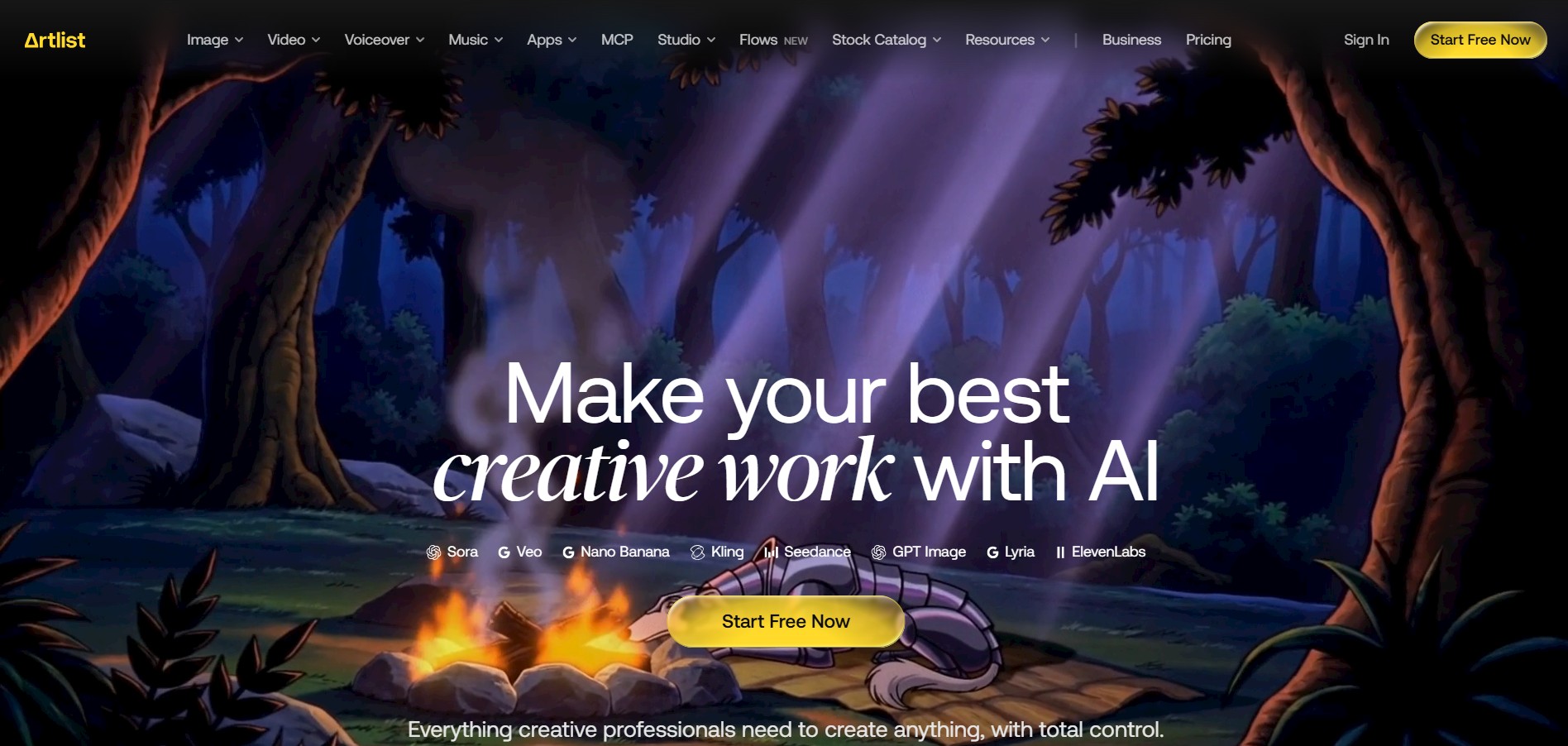
Artlist is a subscription-based platform that provides high-quality royalty-free music, sound effects, and video assets for creators. It helps filmmakers, YouTubers, and marketers access unlimited creative resources, making it easy to produce professional content without worrying about licensing issues.
 4.8
4.8Loqua
Text-to-Video
Loqua is an AI-powered voice typing, multimodal desktop agent, and intelligent dictation software for macOS and Windows that turns natural speech into structured, filler-free text across any app at 220 WPM, paired with Capture to Ask visual screen queries, speak-to-edit rewriting, and voice-triggered desktop automations.
 4.8
4.8InVideo
Text-to-Video
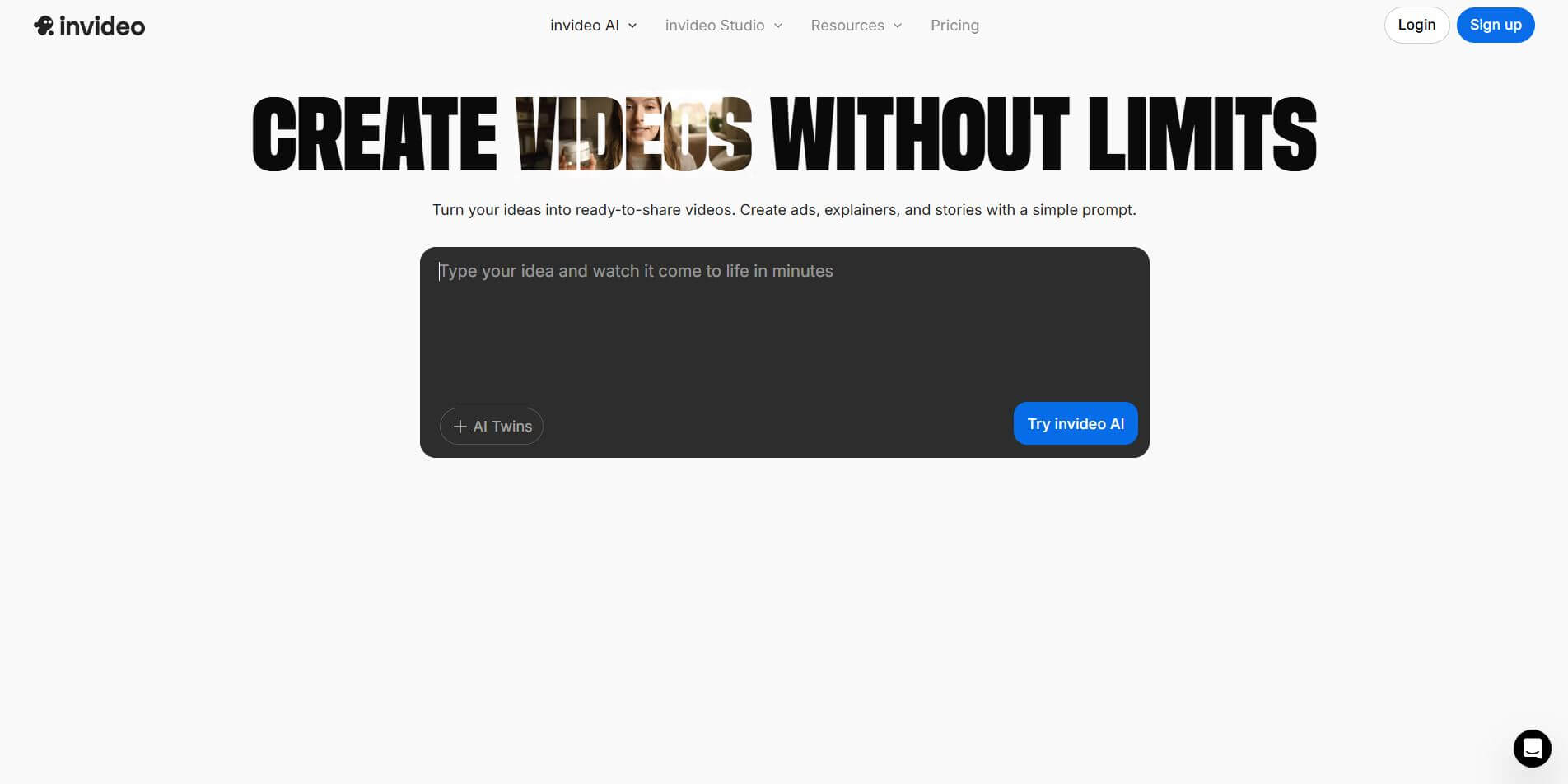
InVideo (invideo.io) is an AI-native video creation and production platform featuring InVideo AI, which turns text prompts, topics, and scripts into fully produced, narrated, and stock-matched videos with automated voiceovers, subtitles, and conversational editing.
 4.9
4.9Kling AI
Text-to-Video
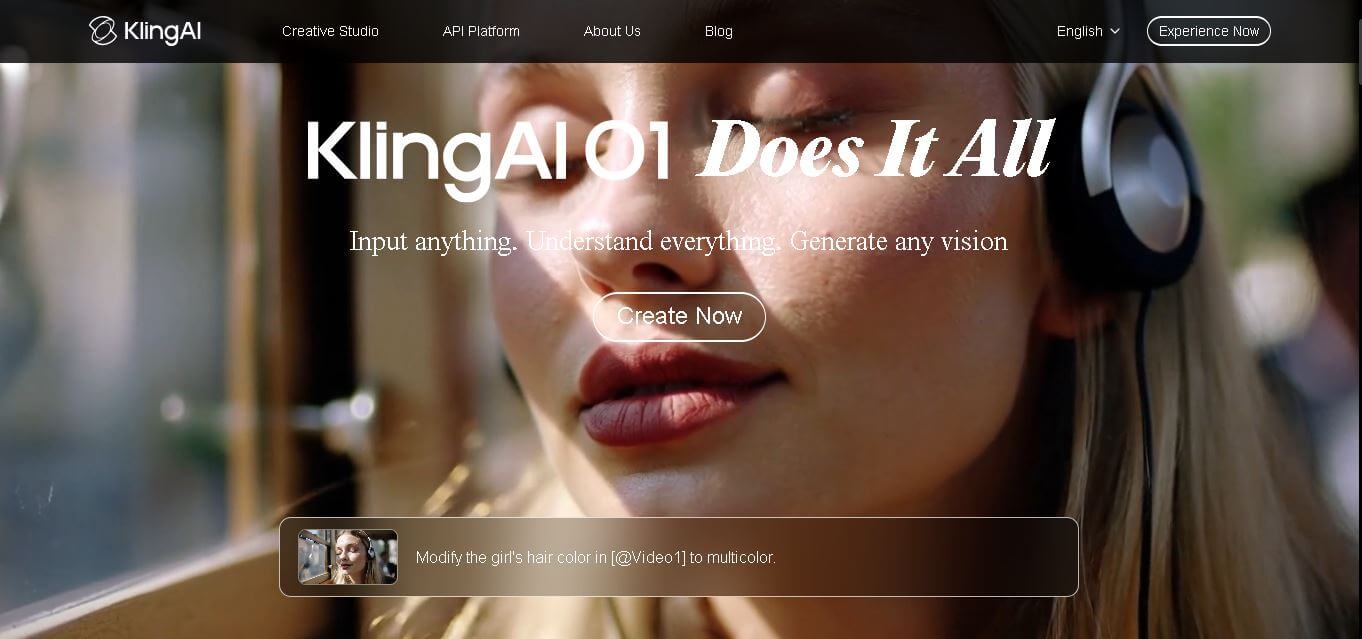
Kling AI is a flagship text-to-video and image-to-video creative studio developed by Kuaishou Technology, renowned for realistic physical motion, up to 4K cinematic video generation, native audio and lip-sync, start/end frame control, and 3D spatio-temporal camera direction.
 4.7
4.7Emu Video
Text-to-Video
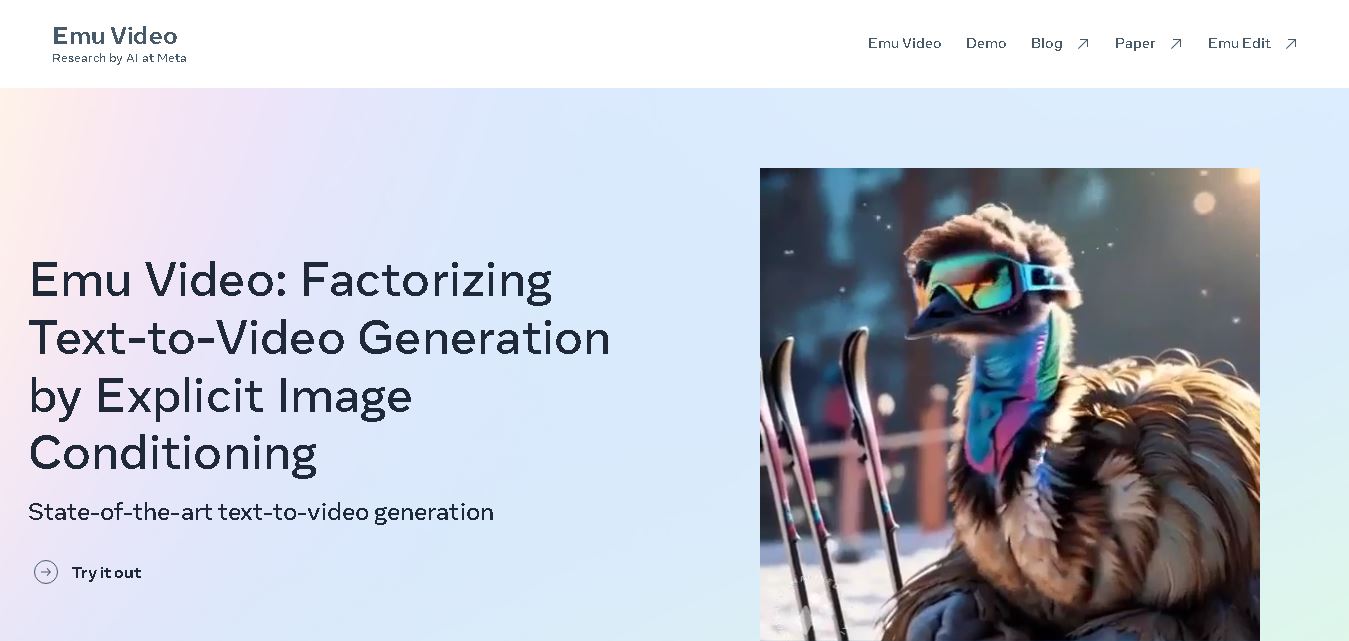
Emu Video is a text-to-video generation model developed by Meta that transforms written prompts into short, high-quality videos. It follows a two-step generation process to improve visual consistency, motion quality, and realism. The model also supports image-guided animation, making it suitable for creative storytelling, research, and multimedia content generation.
 4.9
4.9Stivio
Video Generator
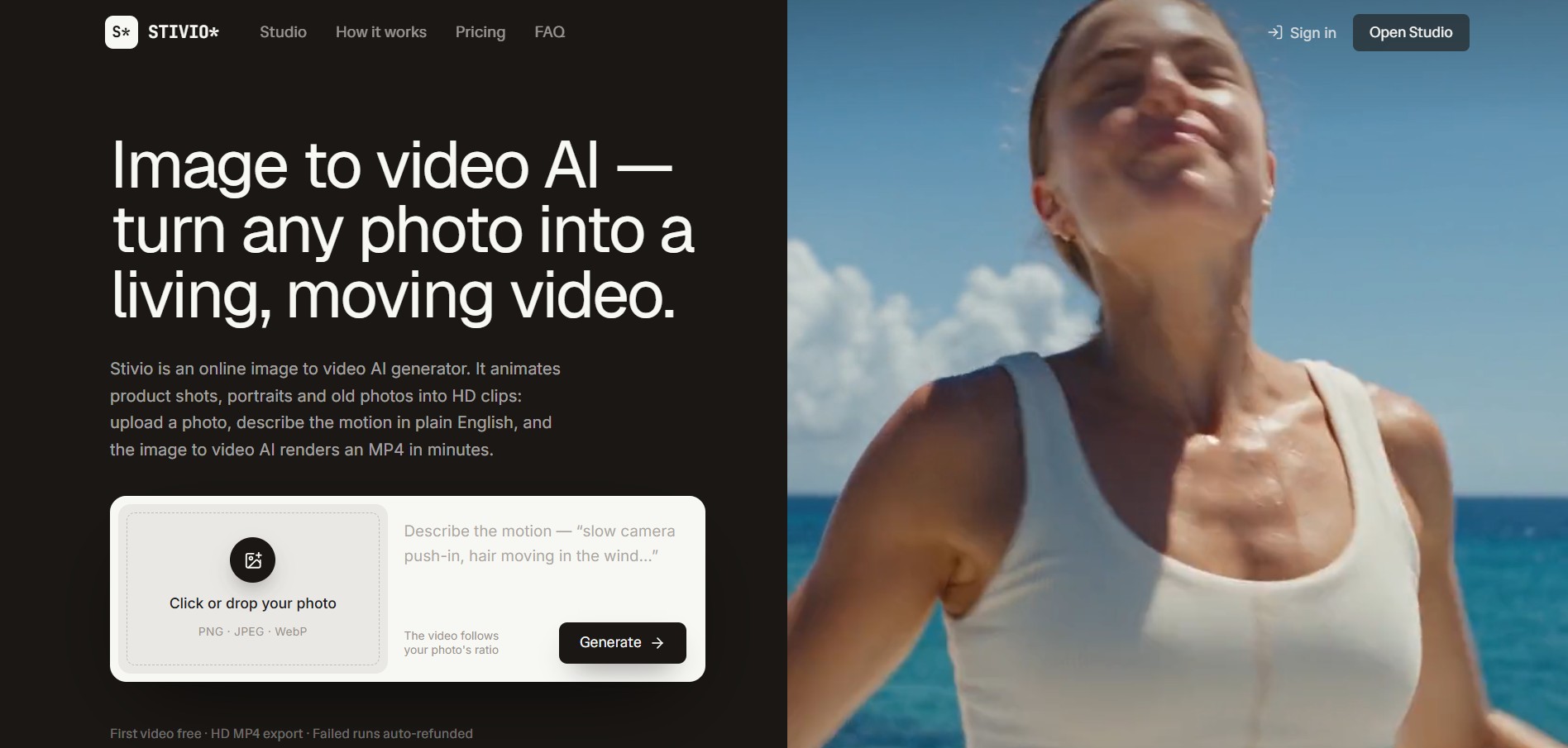
Stivio is an online image-to-video AI generator and multi-model animation studio that turns static product shots, portraits, and vintage photos into 3- to 30-second HD MP4 video clips using plain-English motion prompts across six foundation engines including Kling, Wan, MiniMax, and Seedance.
 4.8
4.8GeniLoop AI
Text-to-Video
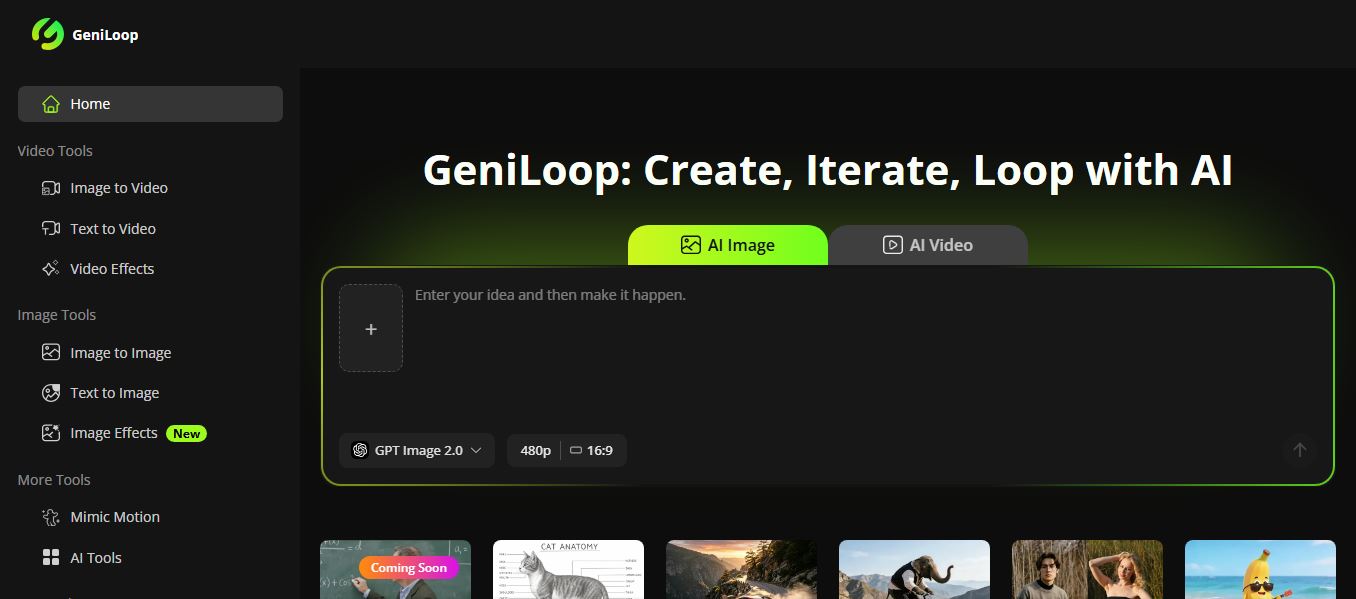
GeniLoop AI is an all-in-one AI studio that lets you create images, videos, and visual content from simple prompts. It supports tools like text-to-video, image-to-video, and hundreds of effects, helping creators generate high-quality visuals quickly without editing skills.
 4.7
4.7PixVerse AI
Text-to-Video
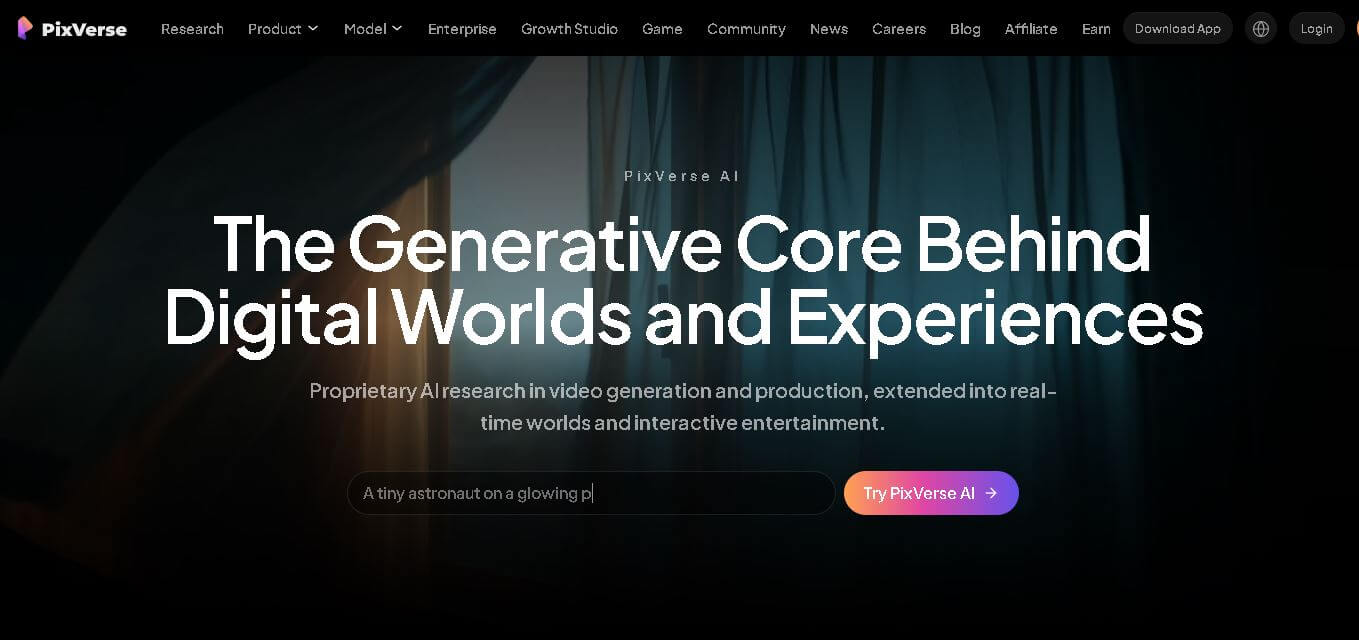
PixVerse is a generative video creation tool that transforms text prompts, images, and reference media into high-quality videos. It enables individuals, creators, marketers, and businesses to produce cinematic clips, social media content, advertisements, and animations with customizable styles, motion controls, templates, lip-sync, and AI-assisted editing in just a few steps.