
Cutout.pro Photo Enhancer & Upscaler
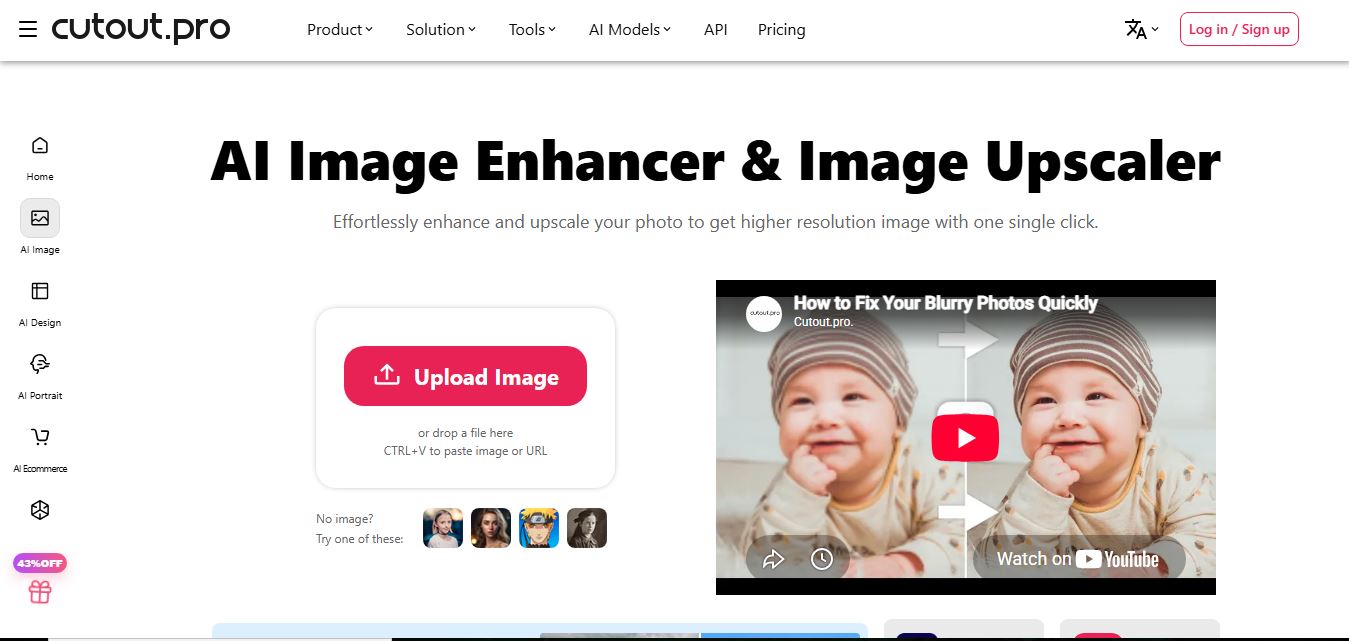
Cutout.Pro Photo Enhancer is an AI-powered image enhancement tool that helps users upscale resolution, sharpen blurry photos, and remove noise automatically. It uses advanced AI to restore details, improve clarity, and convert low-quality images into high-resolution visuals suitable for printing, ecommerce, and marketing.
What is Cutout.pro Photo Enhancer & Upscaler?
Cutout.Pro Photo Enhancer is an AI-powered tool that improves image quality by sharpening details, reducing noise, and upscaling resolution automatically. It can restore blurry or low-resolution photos, enhance textures, and make images clearer for uses like eCommerce, social media, or printing. The tool works online with a simple upload process and delivers results in seconds without manual editing. Designed for creators, photographers, and businesses, it helps produce high-quality visuals quickly without requiring advanced editing skills.
Founded in 2018 by computer vision and machine learning engineers, Cutout.pro has scaled into an acclaimed creative processing ecosystem serving millions of monthly users across more than 100 countries. The Photo Enhancer leverages deep neural networks trained on diverse visual datasets spanning human portraits, anime artwork, real estate interiors, and e-commerce merchandise. By combining AI Super Enlargement (up to 4K resolution) with AI Portrait Enhancement, AI Night Scene de-noising, batch processing via desktop software, and high-throughput developer REST APIs, the platform delivers a fast, automated pipeline for elevating low-quality visuals into high-definition digital assets.
- Developer / Company: Cutout.pro (Global Computer Vision & AI Multimedia Suite)
- Launch / Evolution: Founded in 2018; updated through 2024–2026 with Photo Enhance Pro engines, Anime Enhancers, 4K super-resolution upscaling, batch processing software, and scalable developer APIs
Use Cases:
- Unblurring and restoring facial clarity in out-of-focus portraits, family snapshots, and vintage photographs
- Upscaling low-resolution merchandise photos for Shopify, Amazon, and eBay product listings to meet marketplace image standards
- Sharpening anime artwork, cartoon illustrations, and 3D CGI renders up to 4K resolution for print posters and wallpapers
- De-noising grain in low-light night photography and compressed digital screenshots to recover crisp edge details
Technology:
- Deep convolutional neural networks and generative adversarial networks (GANs) specialized in super-resolution texture synthesis
- Facial landmark restoration models that sharpen eyes, eyebrows, hair strands, and skin textures while preserving natural facial geometry
- Scalable cloud GPU infrastructure supporting high-speed single-image web processing, desktop batch queues, and REST API calls
Target Users:
- E-commerce retailers, print-on-demand (POD) sellers, and catalog teams transforming phone snapshots into clean commercial listings
- Photographers, retouchers, and graphic designers pre-processing client photos before detailed layout composition
- Software engineers and product teams embedding automated image upscaling into web applications and mobile photo tools via API
- Content creators using writing tools to draft product listings, design briefs, and promotional marketing collateral
Corporate Entity: Operates as Cutout.pro

Key features of Cutout.pro Photo Enhancer & Upscaler
Cutout.pro's key features are
- AI Super Enlargement (Up to 4K): Upscales image resolution by 200% up to 4K resolution, increasing actual pixel dimensions while preserving structural clarity.
- AI Portrait Deblur & Face Retouch: Intelligently detects human faces in low-resolution images, restoring crisp detail to eyes, lips, skin textures, and hair strands.
- AI Image Denoiser: Eliminates digital grain and sensor noise from photos taken with smartphone cameras or under poor indoor lighting conditions.
- AI Night Scene Repair: Corrects noisy, underexposed evening photos by reducing background grain and restoring foreground clarity.
- Dedicated Anime & Cartoon Enhancer: Specialized enhancement engine that sharpens clean vector-style lines and color flats in anime art and digital illustrations.
- Desktop Batch Processing Software: Process multiple low-resolution files simultaneously through Cutout.pro's dedicated bulk desktop software for Windows and Mac.
- High-Throughput Developer REST API: Integrate AI sharpening and upscaling directly into external web applications, e-commerce backends, and creative pipelines.
- Ecosystem Synergy: Connect enhanced images into Cutout.pro's companion utilities, including background removal, photo colorizer, and passport photo maker.
Cutout.pro Photo Enhancer Pricing
Cutout.pro operates on a credit-based model offering free preview accounts alongside monthly subscription credits and non-expiring pay-as-you-go bundles. The Photo Enhancer requires 2 credits per full-resolution download.
Free Account:
- $0 / Free forever
- Includes unlimited low-resolution web previews, 5 free download credits upon sign-up, and bonus credits for referral invitations
Monthly Subscription Plans:
- 80 Credits / month: $5.00 ($0.063 / credit) → ~$0.126 per enhanced photo (2 credits)
- 170 Credits / month: $9.90 ($0.058 / credit) → ~$0.116 per enhanced photo
- 300 Credits / month: $16.90 ($0.056 / credit) → ~$0.112 per enhanced photo
- 550 Credits / month: $29.00 ($0.053 / credit) → ~$0.106 per enhanced photo
- 1,000 Credits / month: $49.00 ($0.049 / credit) → ~$0.098 per enhanced photo
- 1,450 Credits / month: $69.00 ($0.048 / credit); unused subscription credits roll over up to 5 times your monthly allowance
Pay-As-You-Go Credit Packs:
- 30 Credits: $4.99 ($0.166 / credit) → ~$0.33 per enhanced photo
- 300 Credits: $39.00 ($0.130 / credit) → ~$0.26 per enhanced photo
- 900 Credits: $79.00 ($0.088 / credit) → ~$0.17 per enhanced photo
- 3,000 Credits: $199.00 ($0.066 / credit) → ~$0.13 per enhanced photo
- Pay-as-you-go credits do not expire and remain valid for lifetime use
Disclaimer: Prices are listed in USD. Photo Enhancer and Colorizer operations consume 2 credits per finished image, whereas standard background removals consume 1 credit. Subscriptions include a 14-day refund guarantee (restricted to 50 downloads). Visit cutout.pro/image-pricing for current terms.
Who is using Cutout.pro Photo Enhancer?
Cutout.pro Photo Enhancer is designed for e-commerce sellers, creators, and developers, including
- E-Commerce Sellers & Amazon Merchants: Transforming low-resolution supplier product photos into sharp, high-converting catalog listings
- Print-on-Demand (POD) Vendors: Upscaling digital designs, logos, and artwork to 4K resolution before sending them to apparel and mug printers
- Anime Artists & Digital Illustrators: Sharpening line art and cleaning up compression artifacts on digital illustrations and wallpapers
- Real Estate Agents: Brightening noisy, underexposed interior and exterior property photographs
- Content Creators: Using writing tools to draft product listings, design briefs, and promotional marketing collateral
- Software Engineers: Integrating image deblurring and super-resolution pipelines into mobile photo editors and web portals via API
Best Cutout.pro Photo Enhancer Alternatives
Some of the strongest Cutout.pro Photo Enhancer alternatives include
- Picsart AI Image Enhancer
- Pixelcut Image Upscaler
- Topaz Photo AI
- Remini
- Upscayl
- Vmake AI Image Enhancer
Pros and Cons of Cutout.pro Photo Enhancer
Pros
- Effective facial detail reconstruction that sharpens portraits, eyes, and hair without excessive plastic distortion
- Specialized modes for general photos, anime illustrations, and noisy low-light night scenes
- Unused subscription credits roll over up to 5 times your monthly allowance
- Pay-as-you-go lifetime credit packages provide flexibility for seasonal or irregular image editing projects
- Developer-friendly REST API with comprehensive documentation and code samples for programmatic scaling
Cons
- Enhancement jobs cost 2 credits per download, which is double the cost of basic background removal (1 credit)
- Free accounts are restricted to low-resolution preview viewing, requiring paid credits for full-resolution exports
- Extremely blurry images with heavy motion distortion may require multiple passes to achieve acceptable clarity
- Lacks granular manual control sliders (like specific micro-contrast or color balance curves) found in desktop software like Topaz Photo AI
Why Choose Cutout.pro Photo Enhancer?
Cutout.pro Photo Enhancer is an effective choice for e-commerce brands, digital creators, and developers who need an automated, credit-flexible tool to sharpen blurry photos and upscale images up to 4K resolution.
- Restore blurry photos and unblur portraits in seconds with automated AI
- Upscale low-resolution images by 200% up to 4K resolution
- Clean up noise in low-light evening shots with specialized Night Scene repair
- Process high-volume image batches via desktop software or developer REST APIs
- Benefit from credits that roll over with active subscriptions or lifetime packs that never expire
Cutout.pro vs. Competitors
The main difference between Cutout.pro Photo Enhancer, Picsart AI Image Enhancer, Remini, and Topaz Photo AI is that Cutout.pro provides an automated, credit-based image utility supporting both web tools, desktop bulk apps, and scalable REST APIs with non-expiring pay-as-you-go packs, whereas Picsart integrates upscaling directly into a full browser graphic design studio, Remini specializes in mobile-first face restoration, and Topaz Photo AI is a premium desktop-grade utility for professional photographers. Cutout.pro stands out for its API throughput, flexible credit rollover structure, and multi-model visual toolkit.
| Feature / Tool | Cutout.pro Photo Enhancer | Picsart AI Image Enhancer | Remini | Topaz Photo AI |
|---|---|---|---|---|
| Core Focus | AI Photo Enhancement & API Upscaling | All-in-One Design Studio & Enhancer | Mobile AI Face Restoration & Retouching | Professional Desktop Photo Upscaling |
| Credit / Pricing Model | Credit-Based ($5/mo for 80 credits; 2/img) | Subscription Based ($10.50–$15/mo) | Subscription Based (~$6.99–$9.99/wk) | $199.00 One-Time Desktop License |
| Developer REST API | Yes (Comprehensive REST API) | Enterprise API Available | API Available for Enterprise | Command-Line Interface (CLI) |
| Maximum Upscaling | Up to 4K Super-Resolution | Up to 4K UHD | High-Resolution Mobile HD | Up to 16x (Gigapixel Quality) |
| Credit Rollover Policy | Yes (Rolls over up to 5x allowance) | Monthly Reset (No long rollover) | Weekly Reset (No rollover) | Perpetual License (No credits) |
| Best For | Catalog Sellers & Developers Needing APIs | Social Creators Needing Design Templates | Quick Mobile Portrait Restorations | Professional Photographers & Print Studios |
How do we rate Cutout.pro Photo Enhancer?
| Parameter | Rating (out of 5) |
|---|---|
| Sharpening Clarity & Face Restoration | 4.8 |
| 4K Super-Resolution Upscaling Quality | 4.8 |
| API Performance & Desktop Batch Tools | 4.9 |
| Ease of Use & Web Interface | 4.8 |
| Value for Money | 4.7 |
| Overall Score | 4.80 |
Cutout.pro Photo Enhancer Review
Cutout.pro Photo Enhancer provides a dependable, accessible solution for sharpening blurry photographs and enlarging low-resolution digital files. While high-end photography studios often rely on resource-heavy desktop suites like Topaz Photo AI, Cutout.pro provides an automated, browser-first alternative that delivers solid facial deblurring and super-resolution results without requiring dedicated GPU hardware. Its multi-tool ecosystem is a clear advantage: users can take a low-resolution product or portrait, upscale it, remove its background, and format it for marketplace listings within the same platform. While the 2-credit cost per enhancement makes it more credit-intensive than simple cutouts, its flexible subscription rollover rules and non-expiring credit packs make it an effective tool for e-commerce merchants and creators.
Conclusion
Cutout.pro Photo Enhancer & Upscaler is a capable AI photo restoration and super-resolution platform that helps creators and businesses elevate poor-quality images. By uniting one-click automated deblurring, 4K upscaling, portrait face reconstruction, noise reduction, and high-throughput developer REST APIs into an accessible web and desktop client, it removes the complexity of manual photo retouching. While photographers doing fine-art large-format gallery prints may prefer standalone desktop tools, Cutout.pro’s speed, API accessibility, and credit flexibility make it a valuable visual enhancement utility.
FAQ
What is Cutout.Pro Photo Enhancer and how does it work?
Cutout.Pro Photo Enhancer is an AI-powered image enhancement tool that automatically improves photo quality by increasing resolution, sharpening details, and reducing noise. You upload an image, and the AI enhances it instantly—no manual editing required. It can upscale images (up to ~200% or more) while preserving detail, making it useful for both personal and professional use.
What problem does this tool solve?
It solves the problem of blurry, pixelated, or low-resolution images—a common issue in e-commerce, social media, and old photos. Instead of using complex tools like Photoshop, this tool automates enhancement, saving time and making images usable for marketing, printing, or content creation.
What are the key features of Cutout.Pro Photo Enhancer?
Core features include AI upscaling, image sharpening, noise reduction, portrait enhancement, night photo enhancement, and old photo restoration. It also offers specialized modes like “Quality” (strong enhancement) and “Fidelity” (natural enhancement), giving users control over output style.
Can it upscale images without losing quality?
Yes, the tool uses AI super-resolution techniques to increase image size while adding realistic detail, rather than just stretching pixels. This allows images to be used for high-resolution outputs like printing or product listings.
Is Cutout.Pro Photo Enhancer free to use?
Yes, it offers a free plan with limited credits and low-resolution previews. However, downloading high-quality (HD) images requires credits, making the free version more suitable for testing rather than full-scale usage.
Can it handle bulk image enhancement?
Yes, Cutout.Pro supports batch processing and API integration, allowing users to enhance large numbers of images automatically. This is especially useful for e-commerce stores and content teams working at scale.
Who should use Cutout.Pro Photo Enhancer?
This tool is ideal for e-commerce sellers, marketers, photographers, designers, and social media creators who need high-quality visuals quickly. It’s particularly valuable for product images, ads, thumbnails, and restoring old photos.
User Reviews
No reviews yet for Cutout.pro Photo Enhancer & Upscaler.
Featured Tools
Featured AI tools from TechShark

Melody Genie
MelodyGenie is an AI-powered music generator that creates original songs from simple text prompts. Users can choose styles, moods, and genres, then instantly generate melodies and full tracks, making it easy for creators, marketers, and hobbyists to produce custom music without musical expertise.
Freemium

Kimi AI
Kimi AI is an advanced AI assistant developed by Moonshot AI that helps you chat, research, write, code, and automate tasks in one place. It supports web search, file analysis, and multimodal inputs, and can even run autonomous “agent” workflows to complete complex tasks end-to-end.
Freemium

Fashion Diffusion AI
Fashion Diffusion is an AI-powered fashion design platform that helps brands and designers create clothing designs, virtual try-ons, AI models, product photos, and marketing visuals faster and cost-effectively.
Paid

Veo 4
Veo 4 AI is an AI video creation platform that generates dramatic videos from text, images, audio, and video prompts using realistic motion and synchronized sound.
Paid
Alternatives
Alternatives to Cutout.pro Photo Enhancer & Upscaler
The best Cutout.pro Photo Enhancer alternatives include Picsart AI Image Enhancer, Pixelcut Image Upscaler, Topaz Photo AI (Gigapixel), Remini (Bending Spoons), Upscayl, and Vmake AI Image Enhancer. These platforms provide AI photo enhancement, image sharpening, and super-resolution upscaling. While Cutout.pro specializes in automated facial deblurring, 4K super-resolution upscaling, and desktop bulk software with developer REST APIs operating on rollover credit plans, alternatives like Picsart combine image enhancement with a full browser design studio and templates, Remini focuses on mobile face restoration, and Topaz Photo AI provides professional desktop-grade image enlargements. Choosing the right tool depends on whether you require developer API scalability and rollover credits, an integrated graphic design studio, or dedicated desktop editing software.
Neural.love
AI Image Enhancer
Neural.love is an AI-powered creative platform for generating images, editing photos, enhancing videos, restoring old media, and animating pictures. It combines multiple AI tools in a browser-based workspace, helping content creators, marketers, photographers, designers, and businesses improve visual content without relying entirely on traditional editing software.
 4.9
4.9EnhancePhoto AI
AI Image Enhancer
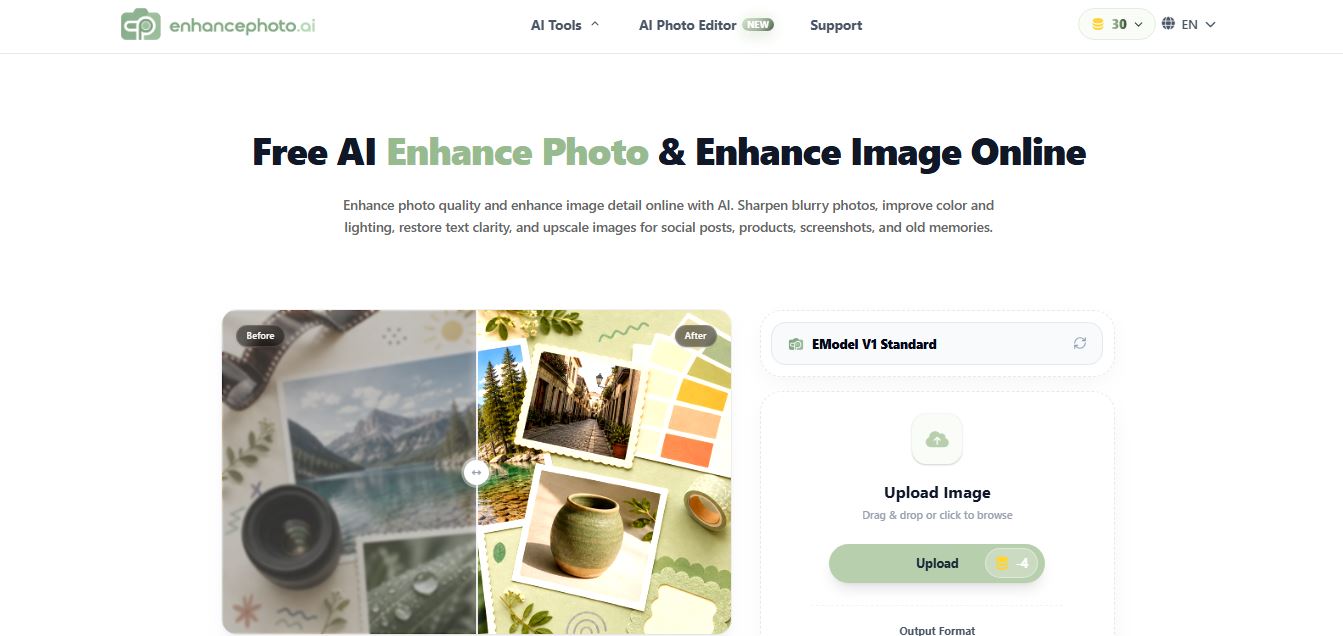
EnhancePhoto.ai is an AI-powered image enhancement tool that helps users sharpen blurry photos, improve colors, fix lighting, and upscale resolution up to high-quality outputs. It works directly in the browser with no login, offering fast, watermark-free results for social media, ecommerce, and content creation.
 4.8
4.8EzEnhancer AI
AI Image Enhancer
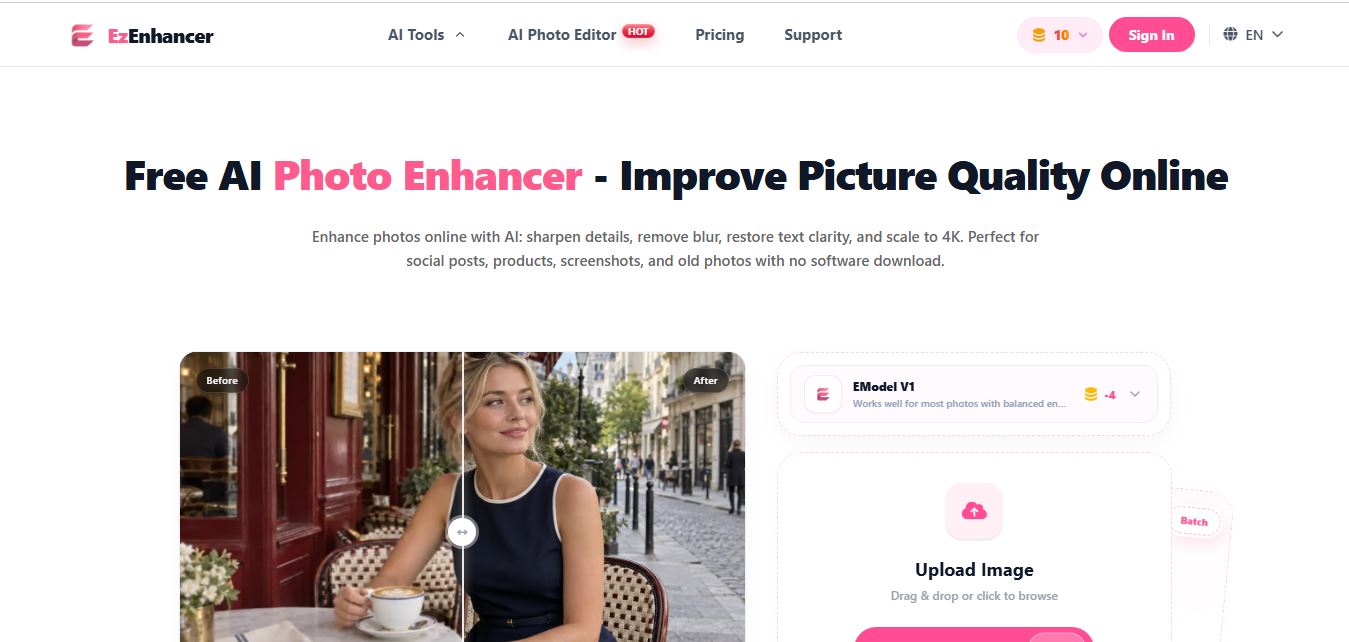
EzEnhancer is an AI-powered image and video enhancement platform that helps users upscale resolution, sharpen details, remove blur, and restore old or low-quality media. It offers tools like background removal, colorization, and noise reduction, enabling fast, browser-based editing without installing software.
 4.9
4.9Deep Image AI
AI Image Enhancer
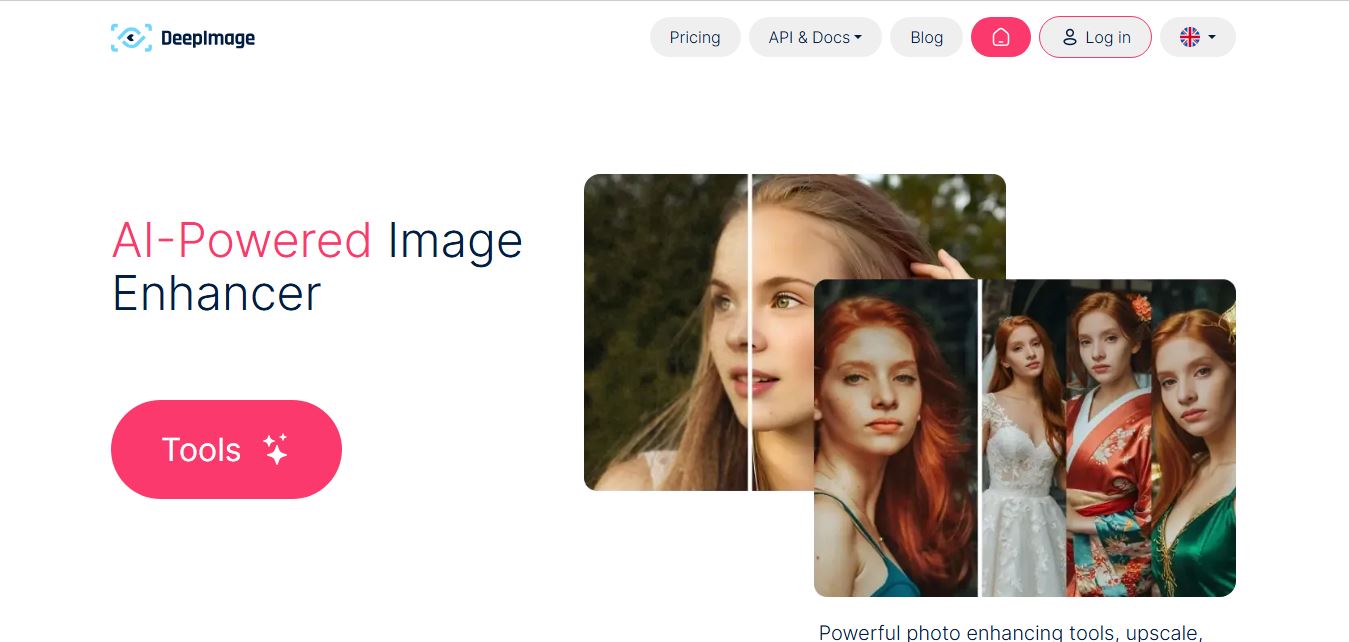
Deep Image AI is an AI-powered image enhancement platform that helps users upscale resolution, sharpen details, reduce noise, and improve colors automatically. It uses neural networks to analyze images and apply enhancements, enabling fast, high-quality results for ecommerce, design, printing, and professional visual workflows.
 4.9
4.9Krea AI Enhancer
AI Image Enhancer
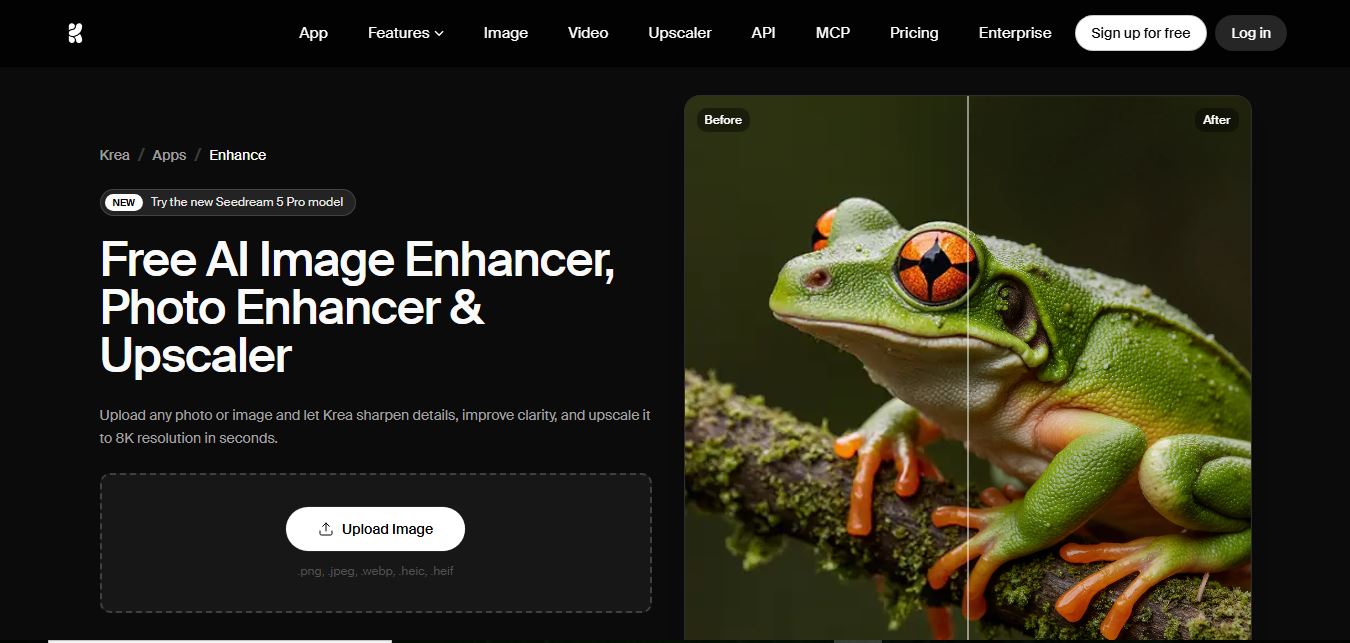
Krea AI Image Enhancer is an AI-powered tool that helps users upscale, sharpen, and restore low-quality images instantly. It improves resolution, reduces noise, and reconstructs missing details, turning blurry or pixelated photos into high-quality visuals suitable for design, ecommerce, and content creation.
 4.8
4.8Visual Paradigm Image Enhancer
AI Image Enhancer
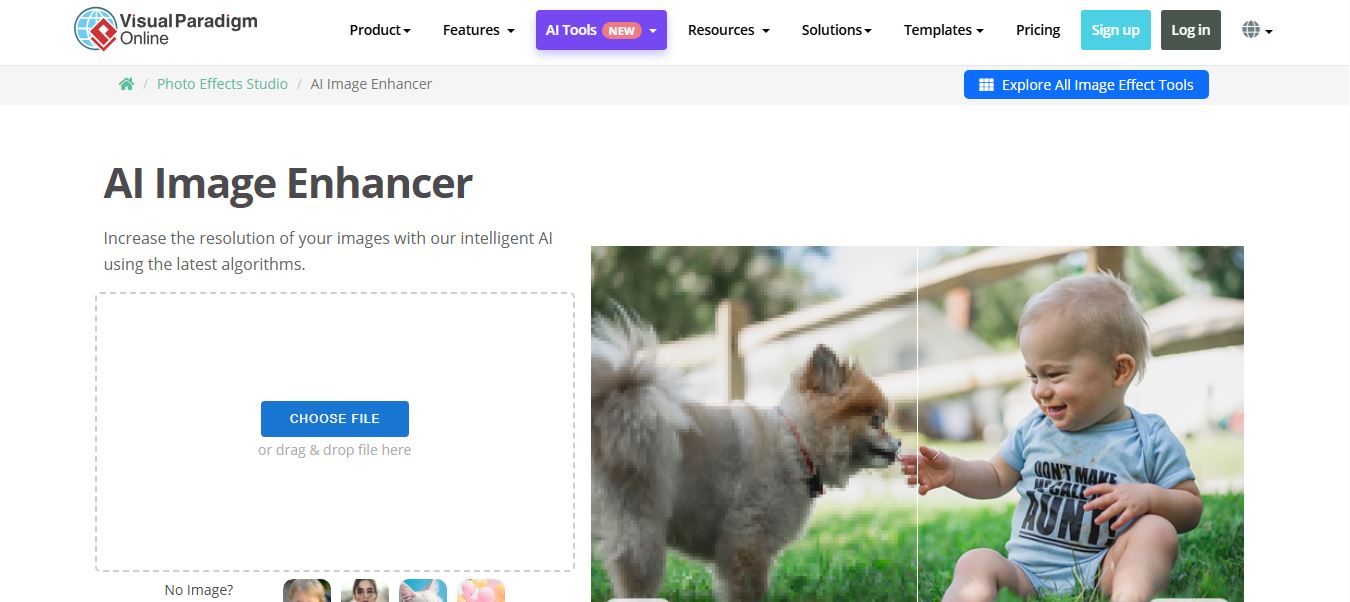
Visual Paradigm Image Enhancer is an AI-powered online tool that helps users upscale resolution, sharpen details, and improve photo quality instantly. It offers one-click enhancement, noise reduction, and unblur features, making it easy to create clear, high-resolution images without installing software.
 4.9
4.9Adobe Express Image Enhancer
AI Image Enhancer
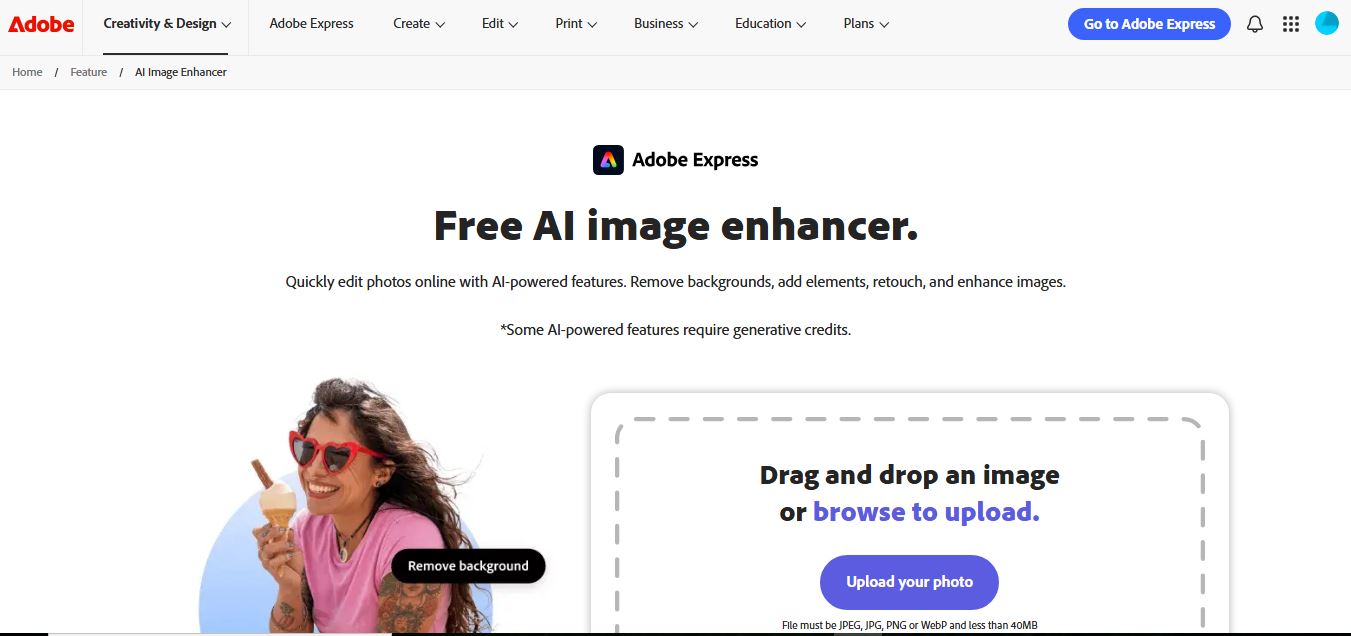
Adobe Express Image Enhancer is a free AI-powered tool that helps users improve photo quality with one-click auto-enhance, background removal, and object editing. It also offers manual controls for brightness, contrast, and sharpness, making it easy to create polished visuals for design, marketing, and social media.
 4.8
4.8Picsart AI Image Enhancer
AI Image Enhancer
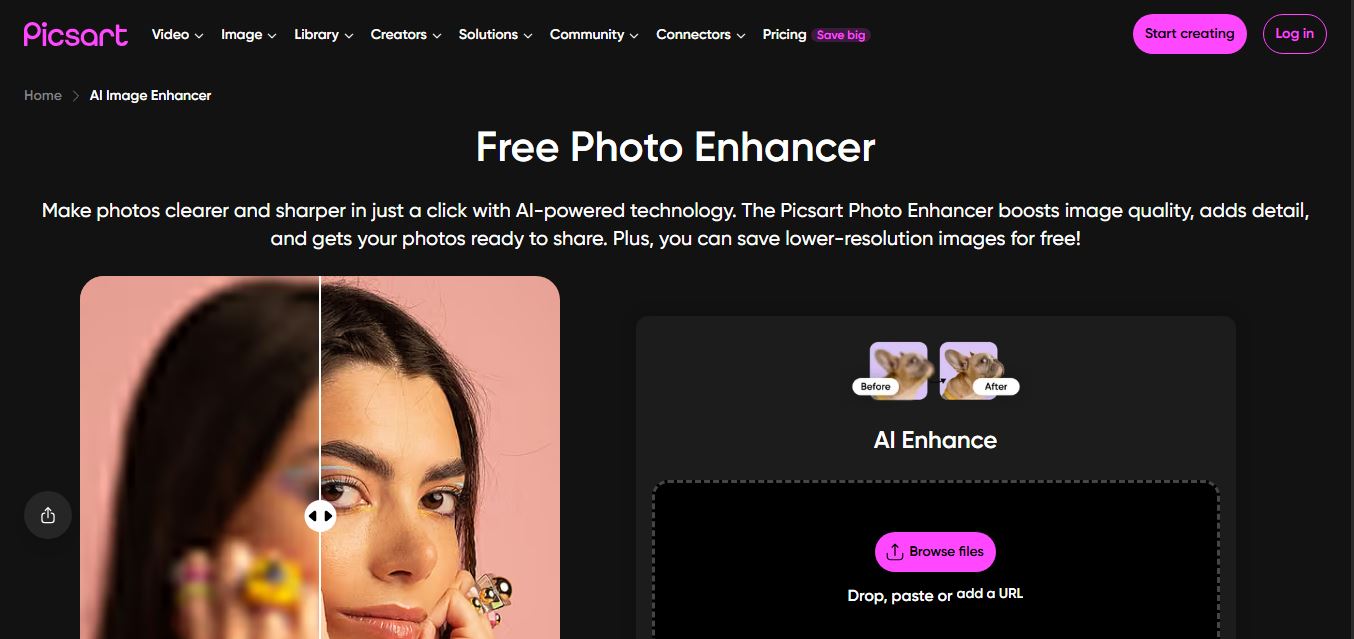
Picsart AI Image Enhancer is an AI-powered tool that helps users improve photo quality by sharpening details, removing noise, fixing blur, and increasing resolution instantly. It uses advanced AI to restore clarity, enhance colors, and upscale images, making visuals sharper and more professional in seconds.