
Pictory AI
Pictory is an AI-powered cloud video creation platform that automatically transforms long-form text, blog posts, scripts, and webinars into professional, short-form branded videos using stock media, automated subtitles, and AI voiceovers.

What is Pictory?
Pictory is an AI video generation and editing platform that allows creators, marketers, and businesses to convert written text and long recordings into polished videos without manual timeline editing. By utilizing natural language processing and computer vision, Pictory extracts key concepts from scripts, articles, or URLs, matches them with relevant licensed stock footage, and generates ready-to-publish video assets complete with captions and voiceovers.
Designed around the mission of making video creation effortless, Pictory automates text-to-video synthesis, article repurposing, and video summarization. Users can paste a blog post URL or script, and Pictory automatically pieces together scenes, syncs ElevenLabs-powered AI voiceovers, and adds dynamic animated subtitles.
- Platform Role: Text-to-Video Generator, Blog-to-Video Converter & AI Video Editor
- Core Focus: Repurposing long-form content, blog articles, and scripts into YouTube videos, Reels, and Shorts
- Runtime & Infrastructure: Cloud-based rendering engine with integrated access to 10M+ Getty Images and Storyblocks royalty-free media assets
Use Cases:
- Converting written blog posts and news articles into engaging YouTube videos and social snippets via URL input
- Creating faceless YouTube video essays and explainer guides from text scripts with automated stock B-roll selection
- Editing long-form video recordings (webinars, Zoom meetings, podcasts) simply by editing the text transcript and removing filler words
- Adding automated, synchronized captions and subtitles to boost retention across social media channels
- Extracting bite-sized highlight reels from lengthy webinars and customer interviews for marketing campaigns
Technology:
- NLP-driven semantic text parsing that matches script sentences with royalty-free video clips and music
- Text-based video editing engine enabling trimming, cutting, and silences removal directly from transcripts
- Deep integration with ElevenLabs providing realistic multi-lingual neural voice narration
- Automated Whisper-grade speech recognition for auto-captioning and instant subtitle styling
Target Users:
- Content marketers and bloggers looking to repurpose SEO articles into video formats for higher SERP reach
- YouTubers and faceless channel creators producing consistent informational and educational content
- Course creators and educators turning written lessons into visual lecture recaps
- Small business owners and social media managers needing high-volume video assets without video editing skills
Acquisition: Global cloud AI video platform headquartered in Bothell, Washington
What are the key features of Pictory?
Pictory's key platform features are
- Script-to-Video & Article-to-Video: Input a raw script or a live blog URL to generate a complete multi-scene video storyboard automatically.
- Edit Video Using Text: Edit recorded videos like a Word document—deleting words from the auto-generated transcript removes the corresponding video frames.
- Automatic Highlight Extraction: Automatically isolates key quotes and summaries from lengthy webinars, Zoom calls, and podcasts.
- Automated Dynamic Subtitles: Transcribe and burn captions into video with customizable colors, fonts, positioning, and highlight presets.
- Extensive Royalty-Free Media Library: Direct commercial access to millions of stock video clips, background music tracks, and photos via Getty Images and Storyblocks.
- Hyper-Realistic AI Voiceovers: Integrated ElevenLabs neural voices across multiple languages, accents, and tones, plus easy custom voiceover uploading.
- Custom Brand Kits: Save logos, brand colors, fonts, and intro/outro animations to maintain consistent brand identity across all video outputs.
How much does Pictory cost?
Pictory offers a 14-day free trial along with tiered monthly and annual subscription plans based on video generation minutes and advanced feature access.
Free Trial:
- 14-Day Free Trial ($0): Allows creators to generate up to 3 video projects (up to 15 video minutes total) with standard preview features.
Starter Plan:
- $25 / month (billed annually at $300/year) or $29 monthly: 200 video minutes per month, 1 brand kit, 5 GB storage, 1080p video exports, 60 minutes of ElevenLabs AI voices, and access to standard stock media libraries.
Professional & Team Plans:
- Professional ($35 / month billed annually at $420/year or $59 monthly): 600 video minutes per month, 5 brand kits, 20 GB storage, 120 minutes of ElevenLabs AI voices, access to 18M+ premium Getty/Storyblocks assets, custom avatars, and voice cloning.
- Team ($119 / month billed annually at $1,428/year or $199 monthly): 3+ user seats, 1,800 video minutes per month, 10 brand kits, 100 GB storage, 240 minutes of ElevenLabs AI voices, and shared workspace collaboration.
Disclaimer: Pictory provides a 14-day free trial to test generation features. Long-form video exports, custom avatar access, and extended minute allocations require active paid tiers. Review pictory.ai/pricing for the most current tier information.
Who should use Pictory?
Pictory is designed for content creators, marketers, and business professionals, including
- SEO & Content Marketers: Multiplying the reach of high-performing blog posts by turning them into rankable YouTube videos.
- Faceless YouTube Channels: Producing informational listicles, news recaps, and video essays efficiently from text outlines.
- Webinar Organizers & Podcasters: Trimming hours of raw event recordings into short highlight reels and social snippets.
- Small Business Teams: Creating product teasers, social ads, and customer onboarding tutorials without a dedicated video production staff.
What are the best alternatives to Pictory?
Some of the strongest Pictory alternatives include
What are the pros and cons of Pictory?
What are the pros of Pictory?
- Exceptional blog-to-video workflow that parses article URLs into multi-scene videos automatically
- Text-based transcript editing makes cutting filler words and trimming footage as simple as editing a text document
- Huge built-in library of licensed stock footage from Getty Images and Storyblocks eliminates copyright concerns
- High-quality voiceover integration with realistic ElevenLabs narration
- Cloud-based rendering allows video creation on standard laptops without GPU bottlenecks
What are the cons of Pictory?
- AI image and video clip matching occasionally picks literal or awkward stock footage that requires manual swapping
- No permanent free tier beyond the initial 14-day trial period
- Rendering speeds can occasionally slow down during peak server utilization hours
Why should you choose Pictory?
Transforming text into video content traditionally demands a multi-person workflow: a scriptwriter, a voice actor, a stock footage researcher, and a video editor. Pictory collapses these complex steps into an automated, browser-based workflow. By simply entering a script or blog link, you can create fully captioned, narrated, and visually matched videos in a fraction of the time, allowing you to dominate video search and social platforms at scale.
- Repurpose existing blog articles into polished videos in minutes via direct URL import
- Edit video footage directly from auto-transcribed text transcripts with zero timeline experience
- Access over 18 million royalty-free stock clips and music tracks with commercial licensing
- Add retention-boosting animated subtitles automatically to any video
How does Pictory compare to competitors?
While tools like CapCut focus on manual timeline editing and Klap or Opus Clip prioritize clipping existing podcasts, Pictory excels at converting long-form text, blogs, and scripts into full-length narrated video storyboards backed by commercial stock libraries.
| Feature / Platform | Pictory | InVideo AI | Klap | HeyGen |
|---|---|---|---|---|
| Core Focus | Article-to-video & text-based editing | Prompt-to-video generative storytelling | Repurposing long videos to short clips | AI presenter avatars & talking heads |
| Input Type | URL, script, or long video file | Text prompt or detailed brief | YouTube URL or video file | Script & custom avatar configuration |
| Text-Based Video Editing | Yes (Edit video via transcript) | Prompt command revisions | Transcript trimming | Script editor |
| Stock Media Access | 18M+ Getty Images & Storyblocks | iStock & Storyblocks library | Uses original footage only | Stock graphics & avatar backgrounds |
| Pricing Structure | Trial / Starter ($25-$29/mo) / Pro ($35-$59/mo) | Free tier / Plus from $25/mo | Trial / Basic from $14-$29/mo | Free tier / Creator from $24-$29/mo |
| Best For | Bloggers, marketers, and faceless video creators | Prompt-first social video creation | Podcasters turning long shows into reels | Corporate training and avatar presentations |
How do we rate Pictory?
| Parameter | Rating (out of 5) |
|---|---|
| Script & Article-to-Video Conversion | 4.8 |
| Text-Based Video Editing | 4.7 |
| Stock Asset & Voice Quality | 4.8 |
| Auto-Captioning Accuracy | 4.7 |
| Value for Money | 4.6 |
| Overall Score | 4.72 |
What is our review and verdict on Pictory?
Pictory remains one of the most effective solutions for transforming written publications into engaging video content. Its seamless URL ingestion, combined with massive commercial stock media integration and transcript-based editing, saves creators dozens of production hours every week. For bloggers, affiliate marketers, and educators seeking to scale their video presence, Pictory offers an efficient and practical creative toolkit.
Conclusion
Pictory makes video creation simple by turning scripts, articles, or long content into polished videos without requiring editing skills. Instead of handling complex timelines, users can quickly generate visuals, add captions, and optimize content for different platforms. Its ease of use makes it especially valuable for marketers, educators, and creators. Overall, Pictory streamlines the entire process, helping users produce engaging, professional-looking videos faster while reducing the effort usually needed for video production.
FAQ
What is Pictory AI and what does it actually do?
Pictory AI is an AI video creation platform that turns scripts, blog posts, or long-form content into professional videos automatically. It selects visuals, adds voiceovers, captions, and transitions—so you can create videos without editing skills.
How is Pictory different from traditional video editing tools?
Unlike tools like Premiere Pro or CapCut, Pictory removes manual editing. You don’t work on a timeline—instead, you provide text or a video, and the AI automatically generates scenes, visuals, and structure, saving hours of editing time.
What features does Pictory AI offer?
Pictory includes script-to-video, blog-to-video conversion, video summarization, auto captions, AI voiceovers, stock media library access, branding customization, and scene-based editing. It also allows easy resizing for different platforms.
Can Pictory turn long videos into short clips?
Yes, Pictory can analyze long videos (like webinars or podcasts) and extract short highlight clips. It automatically identifies key moments and creates social-ready videos with captions and formatting.
Does Pictory support AI voiceovers and subtitles?
Yes, Pictory provides AI voiceovers in multiple languages and accents, along with automatic subtitle generation. You can also edit captions and sync them with visuals easily.
Is Pictory free or paid?
Pictory offers a free trial with limited usage, while paid plans start around $19/month. Pricing depends on features like video length, exports, and access to premium assets.
Who should use Pictory AI?
Pictory is ideal for content creators, bloggers, marketers, educators, and businesses who want to repurpose content into videos. It’s especially useful for turning blogs, scripts, or webinars into engaging visual content quickly.
User Reviews
No reviews yet for Pictory AI.
Featured Tools
Featured AI tools from TechShark

Melody Genie
MelodyGenie is an AI-powered music generator that creates original songs from simple text prompts. Users can choose styles, moods, and genres, then instantly generate melodies and full tracks, making it easy for creators, marketers, and hobbyists to produce custom music without musical expertise.
Freemium

Kimi AI
Kimi AI is an advanced AI assistant developed by Moonshot AI that helps you chat, research, write, code, and automate tasks in one place. It supports web search, file analysis, and multimodal inputs, and can even run autonomous “agent” workflows to complete complex tasks end-to-end.
Freemium

Fashion Diffusion AI
Fashion Diffusion is an AI-powered fashion design platform that helps brands and designers create clothing designs, virtual try-ons, AI models, product photos, and marketing visuals faster and cost-effectively.
Paid

Veo 4
Veo 4 AI is an AI video creation platform that generates dramatic videos from text, images, audio, and video prompts using realistic motion and synchronized sound.
Paid
Alternatives
Alternatives to Pictory AI
The best Pictory alternatives include InVideo AI, CapCut, Vibeo, Klap, and HeyGen. While Pictory specializes in converting written articles and scripts into full-length stock-matched videos and offers transcript-based editing, alternatives like InVideo AI provide prompt-first generative flows and Klap focuses on clipping existing long-form podcast recordings.
 4.9
4.9Clipchamp
Video Generator
Clipchamp is an AI-powered online video editor by Microsoft that helps users record, edit, and share videos directly from the browser. It offers templates, stock media, and AI tools like subtitles, voiceovers, and noise removal, enabling fast, professional video creation without advanced editing skills.
 4.9
4.9CapCut
Video Editing
CapCut is a popular video editing tool that helps creators produce engaging videos with effects, transitions, filters, templates, subtitles, and AI-powered features. Available on multiple platforms, CapCut makes it easy to edit videos for TikTok, Instagram Reels, YouTube Shorts, and other social media channels.
 4.9
4.9Pika
Video Generator
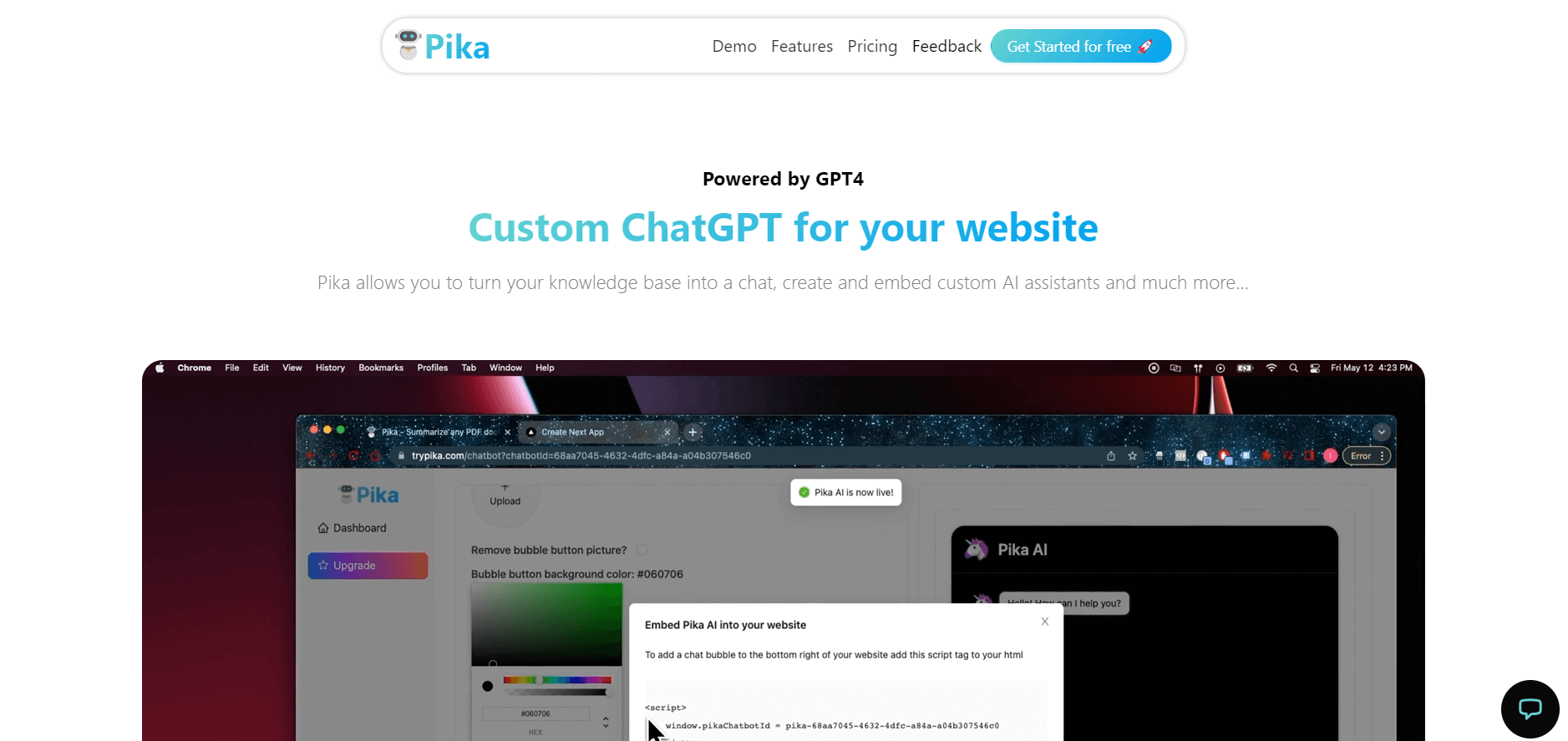
Pika is an AI video generation and creative effects platform that transforms text prompts, still images, and video clips into cinematic video sequences, meme animations, and viral visual effects using its proprietary generative video models.
 4.7
4.7Hotshot AI
Video Generator
Hotshot is an everyday technology publication covering AI tools, gadgets, smart home technology, comparisons, research, and practical how-to guides. It helps readers understand products, evaluate software, compare options, and solve common technology problems through accessible articles created for people who want clearer information before making technology-related decisions online with confidence.
 4.7
4.7VideoPlus AI
Video Generator
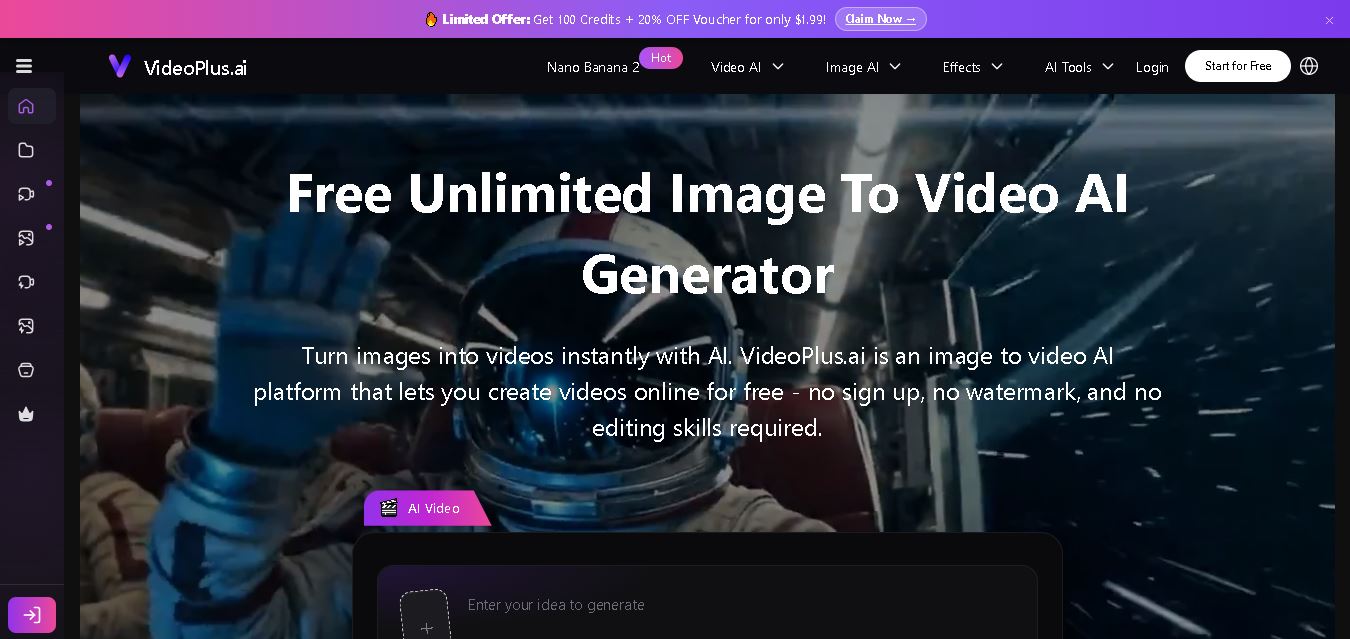
VideoPlus.ai is a versatile AI creation platform for generating and transforming videos and images. It supports text-to-video, image-to-video, reference-to-video, video-to-video, animation, image generation, enhancement, lip syncing, and creative effects. Multiple AI video models are available, making it useful for creators, marketers, designers, and businesses.
 4.7
4.7VideoTube
Video Generator
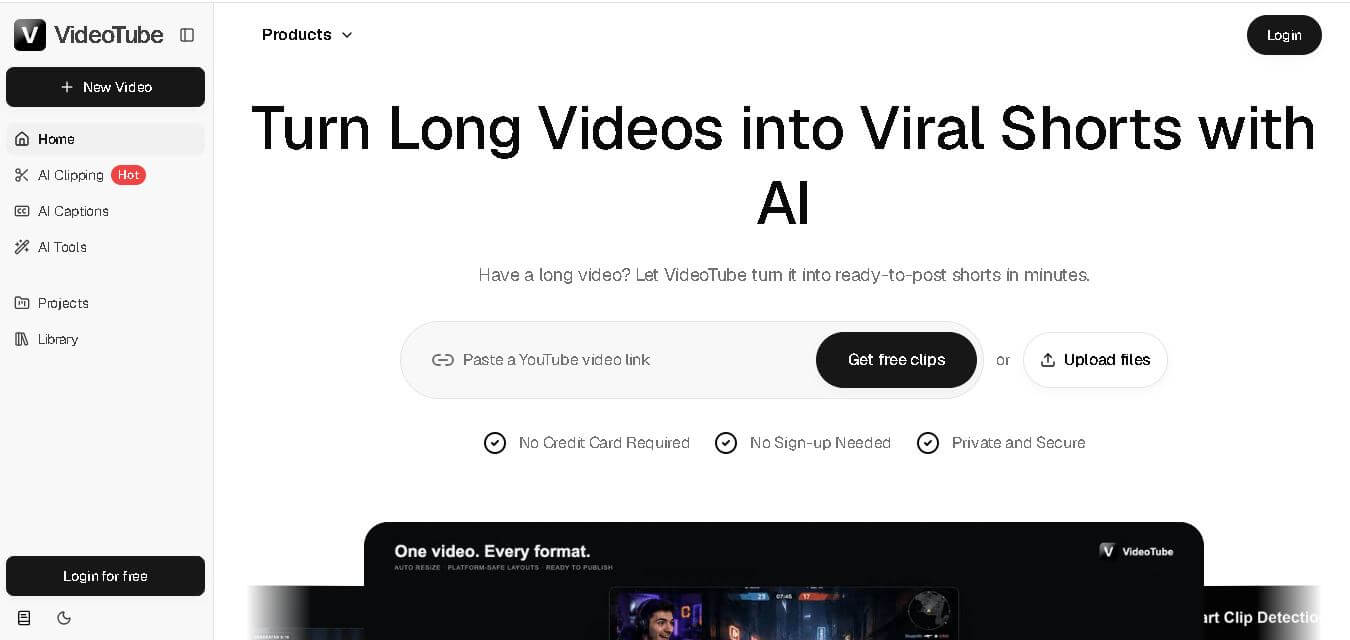
VideoTube helps creators transform long videos into short, social-ready content with AI. It can detect engaging moments, generate captions, remove filler, add B-roll, and automatically reframe videos for vertical platforms. Podcasters, YouTubers, educators, marketers, and agencies can repurpose existing content faster without relying on complicated video editing workflows.
 4.7
4.7TYPPO
Video Generator
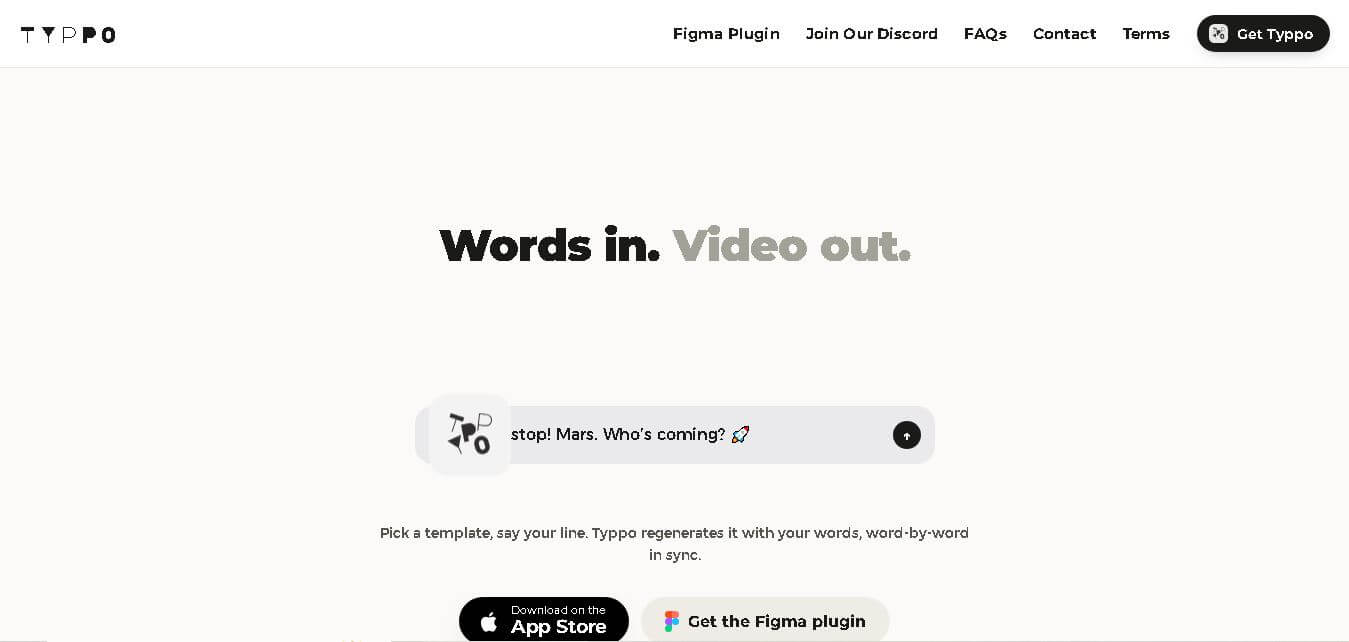
Typpo turns spoken words into animated videos without requiring design skills. Record a message, let the app transform your voice into motion graphics, and share the result on mobile-focused social channels. It supports multiple languages and offers a simple workflow for creators, marketers, communicators, and anyone wanting faster visual content creation.
 4.8
4.8Pollo AI
Video Generator
Pollo AI helps creators generate videos and visual content from text, images, and creative prompts. It combines multiple AI video models in one platform and supports workflows such as text-to-video, image-to-video, avatars, video transformation, and reference-based generation. A free tier lets users explore its core creative capabilities before upgrading.
iMini AI
Video Generator
iMini AI (imini.com) is an all-in-one AI creative agent and generative content hub that combines leading AI models into a single interface for generating images, videos, presentations, branding, and deep research reports.