Vibeo AI
Vibeo is an AI-powered video creation and social content platform designed to transform scripts, ideas, and prompts into high-converting short-form videos, viral clips, and social ads with automated voiceovers, captions, and visual styling.
What is Vibeo AI?
Vibeo is an AI-native video generation and automated editing platform built to streamline the short-form video production pipeline for creators, marketers, and digital brands. By replacing manual timeline editing, asset sourcing, and audio synchronization with intelligent generative workflows, Vibeo enables users to create engaging, viral-ready vertical videos (TikTok, Instagram Reels, YouTube Shorts) directly from prompts or raw scripts in minutes.
Engineered for the fast-paced creator economy, Vibeo combines text-to-video synthesis, intelligent B-roll matching, hyper-realistic AI voiceovers, and animated viral captions. Instead of spending hours keyframing transitions and formatting subtitles, creators can simply enter a topic or paste a script to produce high-retention content ready for immediate social distribution.
- Platform Role: AI Video Generator, Automated Content Repurposing & Short-Form Editing Suite
- Core Focus: Viral TikToks, Instagram Reels, YouTube Shorts, and paid social ads
- Runtime & Delivery: Cloud-based rendering engine, browser-accessible studio, and automated cloud asset management
Use Cases:
- Generating high-retention short-form videos for TikTok, YouTube Shorts, and Instagram Reels from simple text prompts
- Producing high-converting video ad creatives and UGC-style promotional assets for e-commerce and DTC brands
- Automating faceless channel operations with scheduled AI-driven video synthesis and dynamic voiceovers
- Adding dynamic, karaoke-style animated captions and sound effects to maximize watch time and retention
- Translating and localizing existing video scripts into multiple international languages with native AI accents
Technology:
- Context-aware NLP pipeline for script generation, hook crafting, and social pacing optimization
- Automated visual matching engine selecting context-relevant B-roll, AI visual assets, and dynamic motion graphics
- Neural voice synthesis engine providing human-like voiceovers across diverse tones, demographics, and languages
- Precise speech-to-text alignment generating frame-perfect animated captions with customizable styling
Target Users:
- Content creators, TikTokers, and YouTubers scaling vertical video production without expensive editing software
- Performance marketers and agencies building high-volume ad variations for TikTok Ads and Meta Ads
- Solopreneurs and small business owners creating promotional video content without hiring production teams
- Faceless channel operators managing automated theme pages across multiple social platforms
Acquisition: Next-generation AI video production platform accessible globally via web
What are the key features of Vibeo?
Vibeo's key platform features are
- Prompt-to-Video Engine: Turn basic concepts, headlines, or detailed prompts into polished, multi-scene video clips automatically.
- Dynamic Animated Captions: Automatically transcribed subtitles with popular viral presets, customizable fonts, word-by-word highlights, and emoji accents.
- Hyper-Realistic AI Voiceovers: Access a library of studio-grade neural voices with natural cadence, emotional inflection, and multi-language capabilities.
- Intelligent B-Roll & Media Matching: Cloud engine automatically selects and stitches relevant stock footage, animations, and transitions matching your script.
- Aspect Ratio Adaptability: Export seamlessly across 9:16 vertical, 1:1 square, and 16:9 widescreen formats for cross-platform publishing.
- Built-in Script Doctor & Hook Generator: Optimize narrative structure and opening hooks to maximize viewer retention and engagement metrics.
- Cloud-Based Rendering: Fast video export without hardware limitations, local GPU strain, or complex software installations.
How much does Vibeo cost?
Vibeo operates on a tiered freemium subscription model with credit-based generation allowances designed for hobbyists, individual creators, and marketing teams.
Free / Trial Tier:
- Free Tier / Trial: Limited video generation credits, standard-definition preview exports, access to base AI voices, and community support to test core features.
Creator & Pro Plans:
- Starter / Creator Plan (approx. $19 - $29 / month): High-definition (1080p) watermark-free exports, expanded monthly video generation credits, full stock media library access, and premium neural voice selection.
- Pro / Agency Plan (approx. $49 - $99 / month): Maximum credit allocations, 4K rendering capabilities, priority queue processing, custom brand kit uploads, and multi-seat collaboration features.
Disclaimer: Pricing, tier designations, and credit allocations are subject to updates. Visit vibeo.ai for the most current pricing structure and feature availability.
Who should use Vibeo?
Vibeo is designed for modern creators, digital marketers, and agile businesses, including
- Short-Form Video Creators: Producing daily vertical content across TikTok, Instagram Reels, and YouTube Shorts efficiently.
- Social Media Managers & Growth Teams: Maintaining high-frequency posting schedules across multiple brand profiles without bandwidth bottlenecks.
- Performance Advertisers: Rapidly producing and testing multiple video ad hooks and creative iterations to lower customer acquisition costs.
- Faceless Niche Page Operators: Running automated information, motivation, or entertainment channels at scale.
What are the best alternatives to Vibeo?
Some of the strongest Vibeo alternatives include
- InVideo AI
- CapCut
- Opus Clip
- HeyGen
- Pictory
- Klap
What are the pros and cons of Vibeo?
What are the pros of Vibeo?
- Significantly accelerates short-form video creation by automating scripting, B-roll curation, and subtitles
- High-quality animated caption styling tailored to boost viewer retention on TikTok and Reels
- No advanced video editing skills or expensive desktop editing hardware required
- Diverse collection of natural-sounding AI voices with multi-language capabilities
- Clean, browser-based user experience built specifically for rapid social content workflows
What are the cons of Vibeo?
- Less granular timeline control compared to professional desktop NLEs like Premiere Pro or DaVinci Resolve
- High-volume creators may need to monitor monthly credit and rendering quotas
- Automated B-roll selection occasionally requires manual fine-tuning to perfectly match abstract narrative concepts
Why should you choose Vibeo?
Traditional video editing is time-intensive, requiring manual timeline cutting, keyframing captions, audio mastering, and stock footage curation. Vibeo eliminates this production drag by consolidating the entire pipeline into an intelligent, AI-guided browser studio. Whether you need to test ten ad creatives in a day or maintain an active social media presence across three channels, Vibeo delivers professional-grade video output with minimal friction.
- Convert ideas and text prompts directly into finished vertical videos
- Automate animated subtitle synchronization with proven viral styling
- Produce professional content without expensive camera gear, studio microphones, or video editing teams
- Iterate creative hooks and split-test variations rapidly across platforms
How does Vibeo compare to competitors?
Vibeo distinguishes itself by centering directly on social-first, viral video mechanics. While tools like InVideo AI focus broadly on traditional marketing presentations, CapCut emphasizes manual timeline editing, and Opus Clip specializes in re-editing existing long videos, Vibeo is purpose-built for fast prompt-to-video generation and automated short-form creative production.
| Feature / Platform | Vibeo | InVideo AI | CapCut | Opus Clip |
|---|---|---|---|---|
| Core Focus | Prompt-to-video & viral short-form creation | Prompt-driven marketing & YouTube videos | Manual desktop/mobile timeline editing | Long-form to short-form video repurposing |
| Workflow Style | Fully automated prompt & script synthesis | Prompt-based generation with script editing | Manual timeline layering & AI filters | One-click automated video splitting |
| Primary Formats | 9:16 vertical reels, shorts & ads | 16:9 widescreen & 9:16 vertical | All formats (Custom timeline canvas) | 9:16 vertical clips from podcasts/webinars |
| Automated Captions | Built-in dynamic viral animation presets | Standard & dynamic subtitles | Auto-captions with custom animation templates | AI viral captions with highlight keywords |
| Best For | Creators and advertisers needing rapid short-form assets | Explainer videos, YouTube essays, and brand promos | Editors who prefer fine-grained timeline control | Podcasters and streamers slicing long video files |
How do we rate Vibeo?
| Parameter | Rating (out of 5) |
|---|---|
| Generation Speed & Ease of Use | 4.8 |
| Video Quality & Asset Matching | 4.6 |
| Voiceover Naturalness & Audio Quality | 4.7 |
| Caption Customization & Social Optimization | 4.8 |
| Value for Money | 4.6 |
| Overall Score | 4.70 |
What is our review and verdict on Vibeo?
Vibeo effectively solves the production bottleneck faced by short-form creators and performance marketers. By uniting script logic, intelligent visual curation, realistic voice synthesis, and dynamic viral captions in a simple cloud studio, it allows solo operators to publish at the volume of a dedicated media agency. While not intended as a replacement for high-end cinematic post-production tools, it is an outstanding asset for rapid digital content production.
Conclusion
Vibeo makes video creation more accessible by turning ideas into ready-to-share content with minimal effort. Instead of dealing with complex editing tools, users can quickly generate videos tailored for marketing, social media, or business needs. Its focus on simplicity and speed helps creators stay consistent without sacrificing quality. Overall, Vibeo streamlines the entire video workflow, making it easier for individuals and teams to produce engaging content at scale.
FAQ
What is Vibeo AI and what does it actually do?
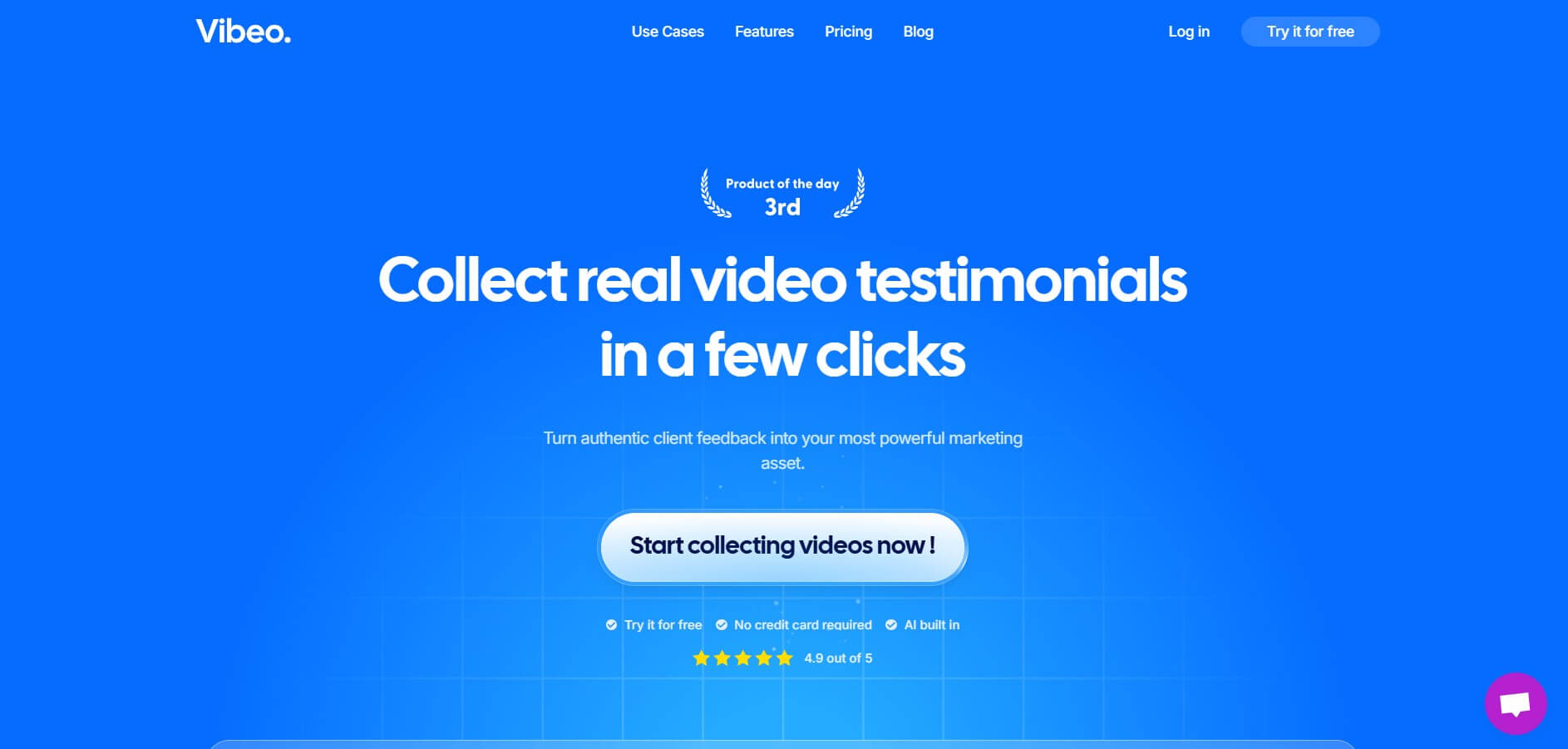
Vibeo AI is an AI-powered video testimonial platform that helps businesses collect, edit, and publish customer video reviews at scale. Instead of manually recording and editing testimonials, you can send a simple link to customers, collect videos, and automatically turn them into polished marketing assets.
How is Vibeo different from typical video tools?
Most video tools focus on editing, but Vibeo is built for end-to-end testimonial workflows. It handles everything—from collecting videos to editing and sharing—so you don’t need separate tools or a video team. It’s designed specifically for marketing use cases like social proof and case studies.
How does Vibeo collect video testimonials?
Vibeo lets you create a campaign with custom questions and send a link to customers. They can record responses directly from their phone or browser, without installing anything. The platform then stores, organizes, and prepares those videos for editing and publishing.
What features does Vibeo AI offer?
Vibeo includes video collection campaigns, AI-powered editing, subtitles, branding overlays, templates, analytics, and shareable landing pages. It also supports multiple languages, consent collection (GDPR), and customizable workflows for businesses.
Can Vibeo automatically edit videos?
Yes, one of its biggest advantages is AI-driven video editing. It automatically trims clips, adds captions, applies branding, and generates ready-to-publish testimonial videos—saving hours of manual editing work.
Is Vibeo free or paid?
Vibeo offers a paid plan (around $67/month) with features like unlimited video collection, AI editing, branding, and exports. Some versions also provide a free trial to test the platform before committing.
Who should use Vibeo AI?
Vibeo is ideal for SaaS companies, marketers, agencies, and founders who rely on customer testimonials for growth. It’s especially useful if you want to turn customer feedback into high-converting video content without hiring editors or managing complex workflows.
User Reviews
No reviews yet for Vibeo AI.
Featured Tools
Featured AI tools from TechShark

Melody Genie
MelodyGenie is an AI-powered music generator that creates original songs from simple text prompts. Users can choose styles, moods, and genres, then instantly generate melodies and full tracks, making it easy for creators, marketers, and hobbyists to produce custom music without musical expertise.
Freemium

Kimi AI
Kimi AI is an advanced AI assistant developed by Moonshot AI that helps you chat, research, write, code, and automate tasks in one place. It supports web search, file analysis, and multimodal inputs, and can even run autonomous “agent” workflows to complete complex tasks end-to-end.
Freemium

Fashion Diffusion AI
Fashion Diffusion is an AI-powered fashion design platform that helps brands and designers create clothing designs, virtual try-ons, AI models, product photos, and marketing visuals faster and cost-effectively.
Paid

Veo 4
Veo 4 AI is an AI video creation platform that generates dramatic videos from text, images, audio, and video prompts using realistic motion and synchronized sound.
Paid
Alternatives
Alternatives to Vibeo AI
The best Vibeo alternatives include InVideo AI, CapCut, Opus Clip, HeyGen, and Pictory. While Vibeo specializes in prompt-driven viral vertical video generation with automated captions, voiceovers, and dynamic B-roll matching for TikTok and Reels, alternatives like InVideo AI offer broader marketing formats and CapCut provides traditional manual timeline editing.
 4.9
4.9Clipchamp
Video Generator
Clipchamp is an AI-powered online video editor by Microsoft that helps users record, edit, and share videos directly from the browser. It offers templates, stock media, and AI tools like subtitles, voiceovers, and noise removal, enabling fast, professional video creation without advanced editing skills.
 4.9
4.9CapCut
Video Editing
CapCut is an AI-powered video editing platform that helps creators edit, generate, and enhance videos using smart tools like auto captions, text-to-speech, templates, and one-click video creation. It supports social media content, marketing videos, and storytelling with fast, easy, and professional editing workflows.
 4.9
4.9Pika
Video Generator
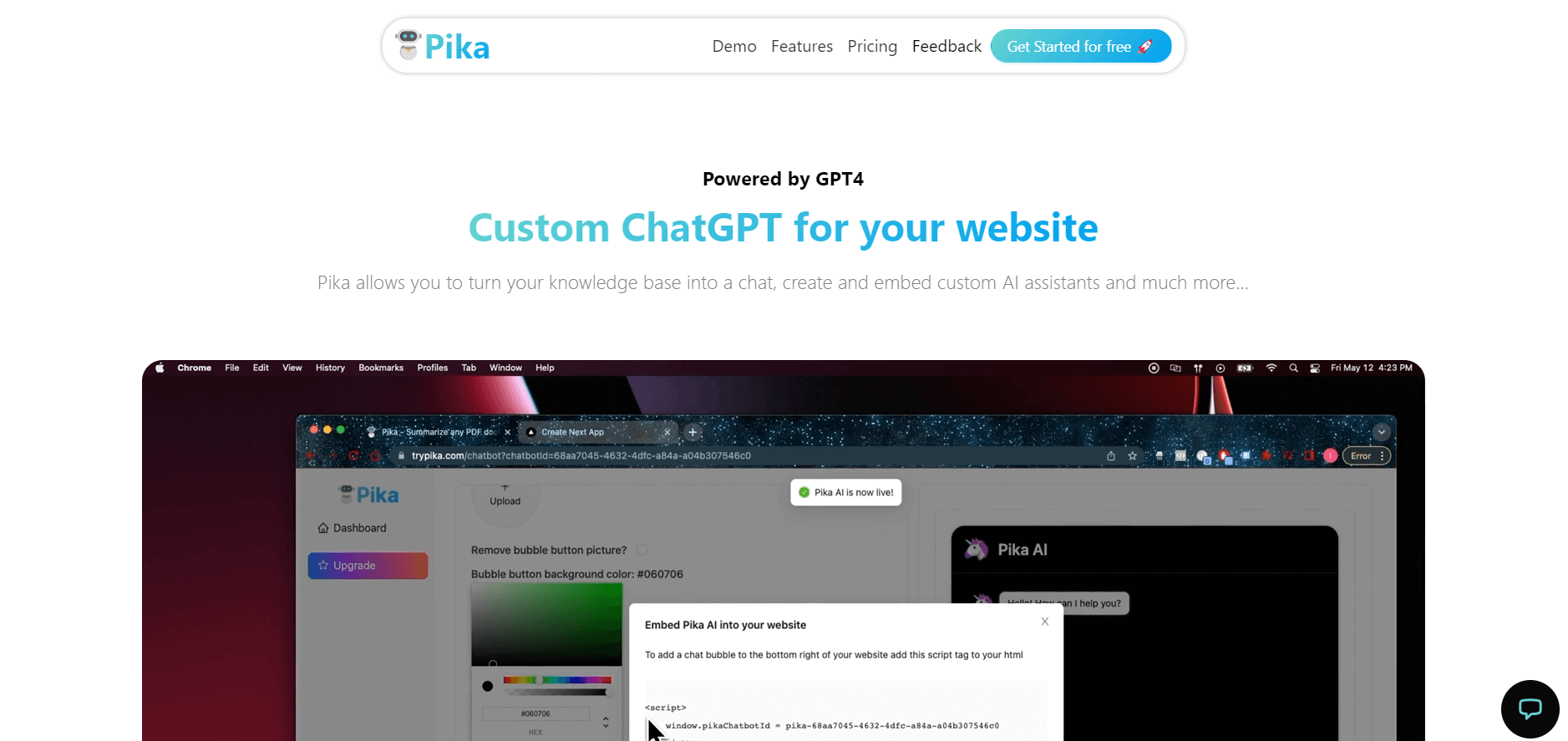
Pika is an AI video generation and creative effects platform that transforms text prompts, still images, and video clips into cinematic video sequences, meme animations, and viral visual effects using its proprietary generative video models.
 4.7
4.7Hotshot AI
Video Generator
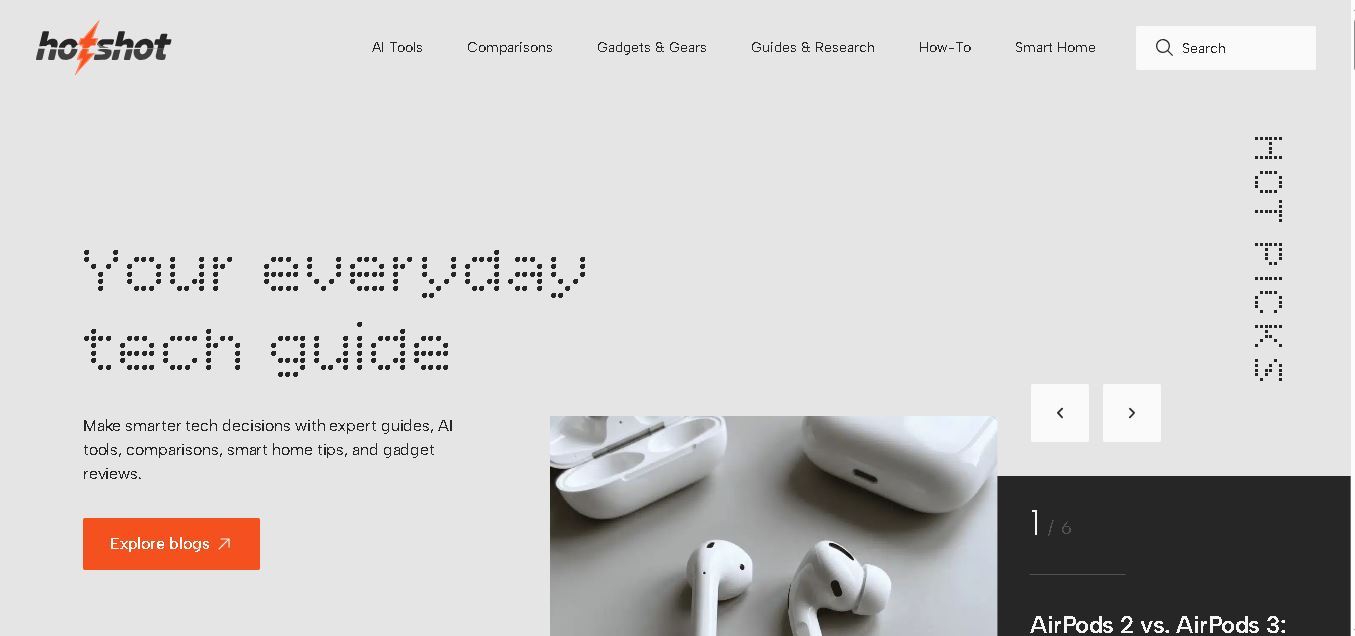
Hotshot is an everyday technology publication covering AI tools, gadgets, smart home technology, comparisons, research, and practical how-to guides. It helps readers understand products, evaluate software, compare options, and solve common technology problems through accessible articles created for people who want clearer information before making technology-related decisions online with confidence.
 4.7
4.7VideoPlus AI
Video Generator
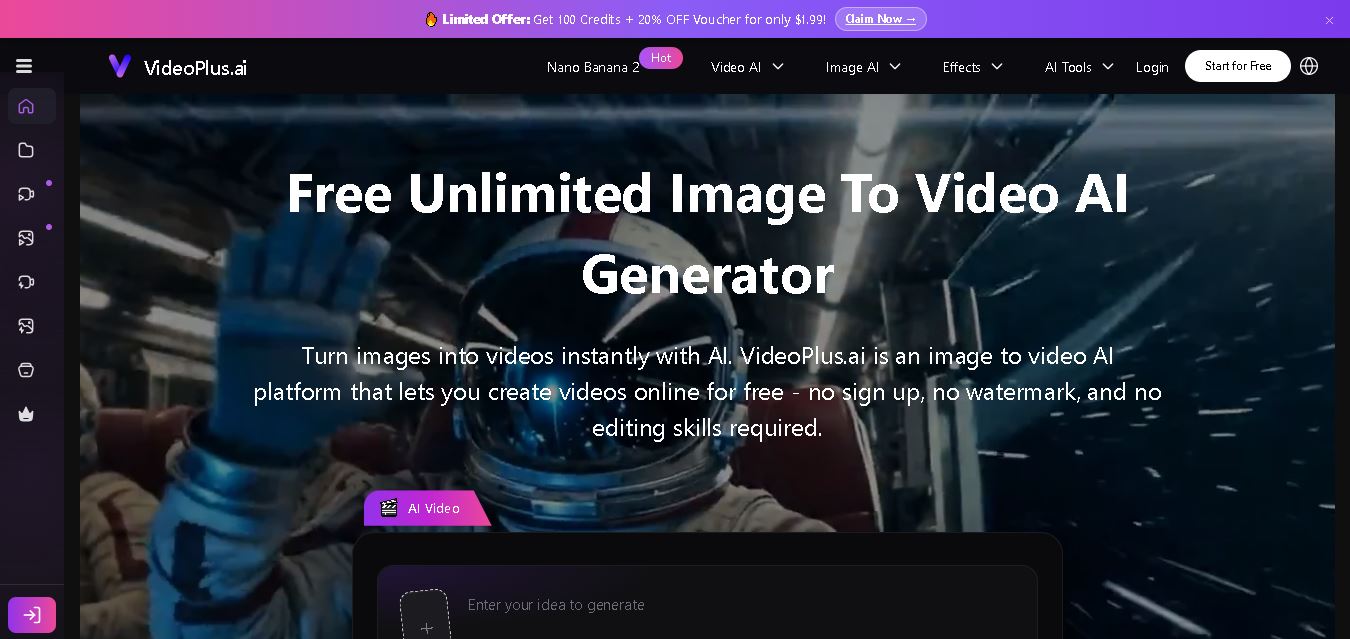
VideoPlus.ai is a versatile AI creation platform for generating and transforming videos and images. It supports text-to-video, image-to-video, reference-to-video, video-to-video, animation, image generation, enhancement, lip syncing, and creative effects. Multiple AI video models are available, making it useful for creators, marketers, designers, and businesses.
 4.7
4.7VideoTube
Video Generator
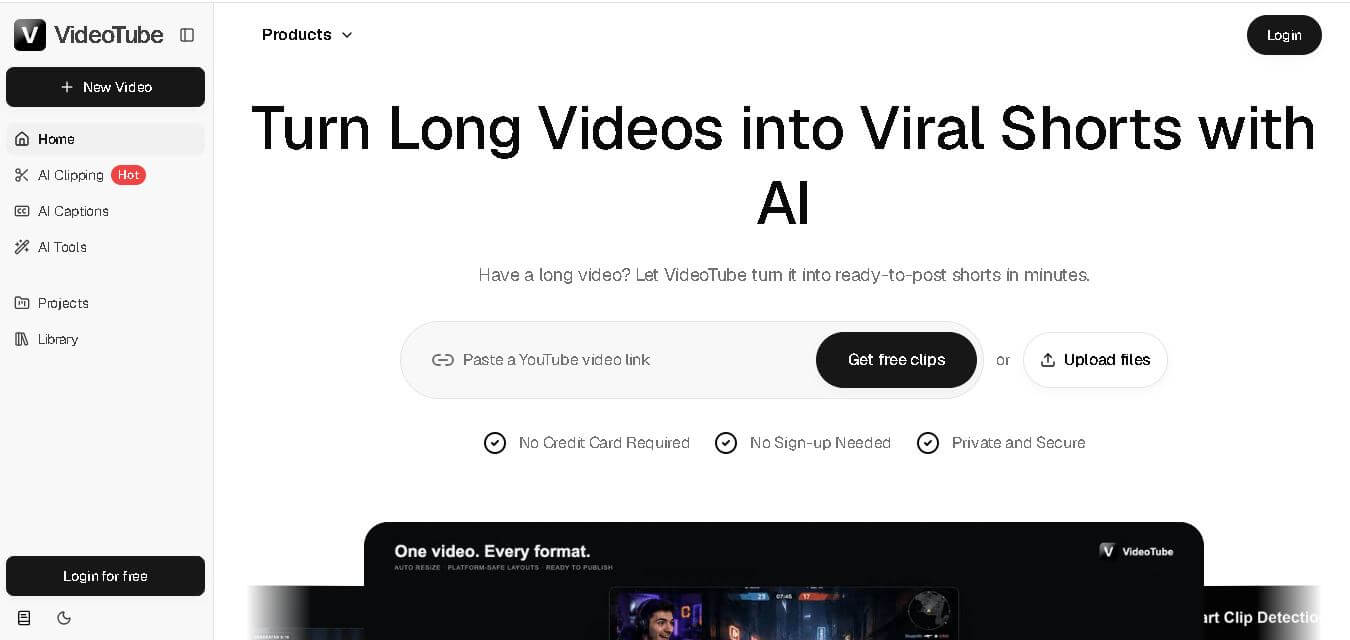
VideoTube helps creators transform long videos into short, social-ready content with AI. It can detect engaging moments, generate captions, remove filler, add B-roll, and automatically reframe videos for vertical platforms. Podcasters, YouTubers, educators, marketers, and agencies can repurpose existing content faster without relying on complicated video editing workflows.
 4.7
4.7TYPPO
Video Generator
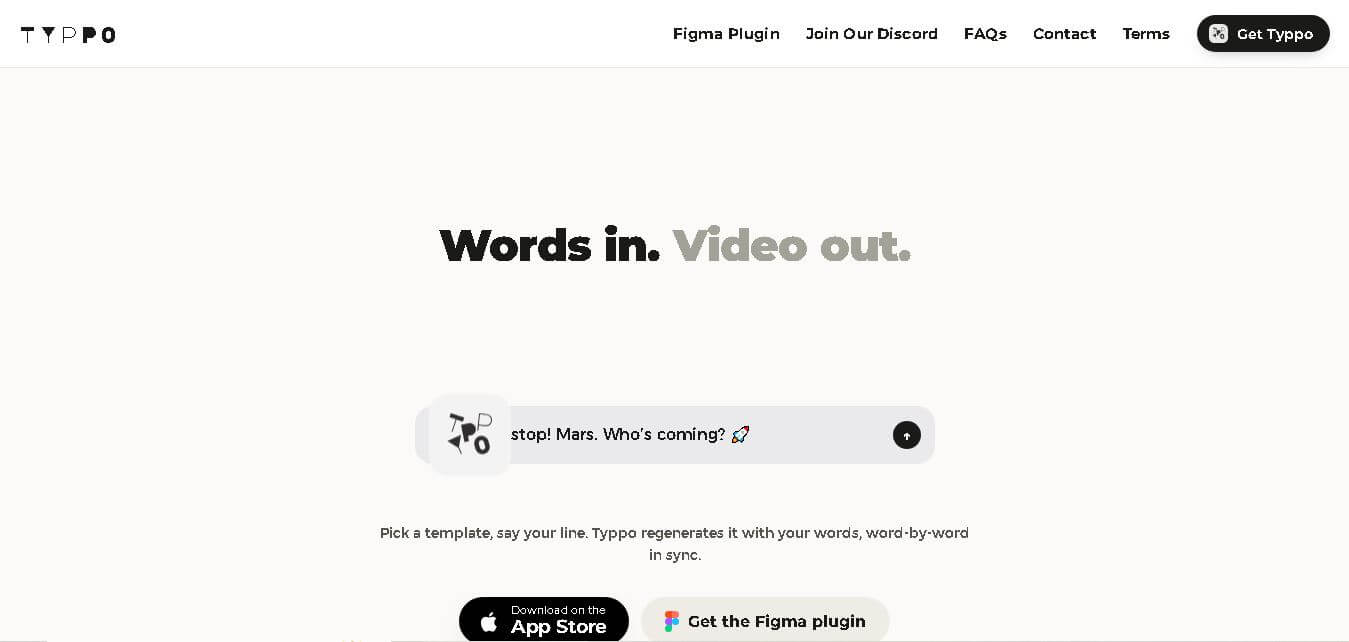
Typpo turns spoken words into animated videos without requiring design skills. Record a message, let the app transform your voice into motion graphics, and share the result on mobile-focused social channels. It supports multiple languages and offers a simple workflow for creators, marketers, communicators, and anyone wanting faster visual content creation.
 4.8
4.8Pollo AI
Video Generator
Pollo AI helps creators generate videos and visual content from text, images, and creative prompts. It combines multiple AI video models in one platform and supports workflows such as text-to-video, image-to-video, avatars, video transformation, and reference-based generation. A free tier lets users explore its core creative capabilities before upgrading.
iMini AI
Video Generator
iMini AI (imini.com) is an all-in-one AI creative agent and generative content hub that combines leading AI models into a single interface for generating images, videos, presentations, branding, and deep research reports.