
Alai
Alai is an AI presentation and design maker backed by Y Combinator that generates on-brand pitch decks, slide decks, infographics, carousels, and social visuals from prompts, documents, or links using custom design systems and native PPT/PDF exports.

What is Alai?
Alai is an AI-powered presentation and visual design platform backed by Y Combinator. Designed to replace clunky template pickers and rigid generative presentation tools, Alai allows founders, product managers, consultants, and marketers to generate fully editable, on-brand slide decks, infographics, social carousels, and posters in seconds.
Built around the mission of providing “On-brand AI design for presentations, pitch decks, and visual content,” Alai solves the biggest problem with early AI slide tools: robotic design and broken layouts. By extracting or building custom design systems from existing brand guidelines, websites, or previous decks, Alai ensures every generated slide maintains typographical hierarchy, consistent color palettes, and polished aesthetic harmony.
- Platform Role: AI Presentation Maker, Pitch Deck Generator & Multi-Format Visual Design Suite
- Accelerator & Backing: Y Combinator (YC)
- Export Formats & Compatibility: Native PowerPoint (.pptx), PDF documents, image assets, and web share links
Use Cases:
- Drafting high-stakes startup pitch decks from rough notes, business plans, or notion docs with clean storytelling flows
- Converting dense PDF documents, research whitepapers, or website links directly into structured PowerPoint slides
- Generating LinkedIn carousels, infographics, and social marketing graphics across responsive canvas aspect ratios
- Redesigning and “prettifying” ugly, text-heavy legacy decks into professional corporate presentation standards
- Collaborating iteratively on slide narratives using natural language chat prompts or hands-on manual canvas editing
Technology:
- Proprietary Design System Engine analyzing typography, color tokens, margins, and brand rules to maintain aesthetic cohesion
- Multi-LLM reasoning backend optimizing slide narrative pacing, concise bulleting, and visual balance across deck outlines
- Vector layout engine enabling fluid manual repositioning, shape resizing, and lossless exports to Microsoft PowerPoint (.pptx) and PDF
- Developer-ready API infrastructure for programmatically generating decks and brand assets from structured data
Target Users:
- Startup founders and entrepreneurs preparing investor pitch decks and accelerator applications without an in-house designer
- Consultants, strategists, and investment bankers building executive presentations, client proposals, and market reports
- Growth marketers and content creators publishing educational slide carousels and infographics across social channels
- Sales engineers and account executives creating tailored product demonstration decks and sales collateral on demand
Acquisition: Independent generative design startup backed by Y Combinator

What are the key features of Alai?
Alai's key platform features are
- Custom Brand Design Systems: Ingests brand colors, logos, and typography from a website or uploaded template to generate slides that stay 100% on-brand.
- Multi-Format Canvas: Moves beyond standard 16:9 presentation slides to support square carousels, vertical mobile graphics, posters, and infographics.
- Document & Link to Deck: Instantly converts PDFs, raw text summaries, articles, or web links into organized, cohesive presentations.
- Dual Editing Modes: Update slide structure, replace graphics, or refine text conversationally via AI prompts, or take over with manual drag-and-drop tools.
- Native PowerPoint (.pptx) Export: Exports fully vector-editable PowerPoint and PDF files with preserved text blocks, charts, and image assets.
- Deck Prettifier: Analyzes cluttered, amateur slides and restructures them into modern, visually balanced layouts automatically.
- Watermark-Free Presentation Sharing: Delivers clean presentation links and exports ready for client reviews and investor pitches on paid plans.
How much does Alai cost?
Alai operates on a freemium model with free introductory access alongside monthly and annual subscription tiers based on AI generation credits and export capabilities.
Free & Individual Tiers:
- Free Plan ($0 / month): Basic presentation creation, limited AI generation credits, community design systems, and standard export options.
- Plus Plan ($20 / month): 600 monthly AI credits, up to 20 AI slides generated per prompt, unlimited presentation creation, watermark-free slides, native PPT/PDF exports, and priority Discord/email support.
- Pro & Ultra Plans: Higher credit allocations for power creators, expanded PDF import capacities, team workspace tools, and priority queue processing.
Custom & Agency Services:
- Bespoke Deck Building: White-glove presentation building and design services starting at $1,500 for enterprise teams and founders needing hands-on polish.
Disclaimer: A free tier is available to test deck generation. Paid plans unlock higher AI generation credits, watermark removal, and editable PowerPoint exports. Pricing details are available at getalai.com/pricing.
Who should use Alai?
Alai is designed for professionals, founders, and creators, including
- Early-Stage Founders: Crafting cohesive, high-conviction pitch decks that match top venture standards without paying high agency fees.
- Product & Project Managers: Transforming release notes, strategic roadmaps, and stakeholder updates into digestible slide summaries.
- Management Consultants: Generating client-ready deliverables from spreadsheets and meeting briefs under tight deadlines.
- Content Marketers & Influencers: Repurposing written blog posts into viral multi-slide LinkedIn carousels and infographics.
What are the best alternatives to Alai?
Some of the strongest Alai alternatives include
What are the pros and cons of Alai?
What are the pros of Alai?
- Focuses heavily on custom design systems, ensuring outputs look genuinely designed rather than generated from generic AI templates
- Supports native, fully editable PowerPoint (.pptx) exports rather than locking presentations into proprietary web-only viewers
- Versatile multi-canvas engine accommodates presentations, social carousels, and vertical infographics in one tool
- Intuitive hybrid editing lets you tweak layouts with quick AI prompts or drag-and-drop precision
- Fast document conversion turns complex PDFs and web links into polished slides in under a minute
What are the cons of Alai?
- AI generation runs on a monthly credit budget, which can be depleted during heavy deck iterations
- Data-heavy corporate reporting with live bi-directional spreadsheet links may still require manual financial modeling in Excel
- Enterprise team collaboration features and real-time multiplayer co-editing are still expanding
Why should you choose Alai?
Many AI presentation tools create slides that look like unstyled web pages or generic, cookie-cutter templates that fail to reflect your brand identity. Alai solves this by anchoring its generative models in established design systems. Whether you are pitching investors, summarizing a 50-page PDF, or building social carousels, Alai delivers visually consistent, fully editable decks ready for export to PowerPoint or PDF with zero designer headaches.
- Create stunning, presentation-ready slide decks from simple prompts, PDFs, or links
- Ensure 100% brand consistency with automated design systems that enforce typography and color standards
- Export directly to editable PowerPoint (.pptx) and high-res PDF files with no vendor lock-in
- Refine individual slides conversationally or fine-tune elements manually on an open canvas
How does Alai compare to competitors?
The primary distinction between Alai, Gamma, Beautiful.ai, and Pitch lies in brand fidelity and layout philosophy. While Gamma formats presentations like vertical, document-style web cards and Beautiful.ai uses rigid template constraints, Alai provides true slide-based design system generation with dual prompt/manual editing and clean, editable PowerPoint exports.
| Feature / Platform | Alai | Gamma App | Beautiful.ai | Pitch |
|---|---|---|---|---|
| Core Focus | On-Brand AI Presentations, Decks & Carousels | Web-Native Decks, Docs & Webpages | Smart Template Presentation Software | Collaborative Team Deck Design Platform |
| Design System Extraction | Advanced (Ingests custom brand rules/sites) | Basic color and theme picker | Corporate brand guidelines setup | Workspace design system & fonts |
| Canvas Versatility | Slides, Carousels, Posters & Infographics | Fluid card-based vertical/horizontal web pages | Strictly standard slide aspect ratios | Traditional presentation slide deck canvas |
| PPTX Export Fidelity | High (Native editable text, shapes, and layouts) | Moderate (Can feel like converted web blocks) | Moderate (Vector conversion) | High (PowerPoint export support) |
| Pricing Structure | Free tier / Plus at $20/mo | Free tier / Plus from $10/mo / Pro $20/mo | From $12/mo (billed annually) | Free tier / Pro from $20/mo |
| Best For | Founders and creators wanting polished, on-brand decks and PPTX exports | Fast, interactive web presentations and document sharing | Corporate teams wanting automated slide formatting rules | Design-forward teams building presentations collaboratively |
How do we rate Alai?
| Parameter | Rating (out of 5) |
|---|---|
| Design Aesthetics & Brand Consistency | 4.9 |
| Narrative Structure & AI Slide Pacing | 4.8 |
| Editing Flexibility (Prompt + Manual) | 4.9 |
| Export Fidelity (PPTX & PDF) | 4.8 |
| Value for Money | 4.7 |
| Overall Score | 4.82 |
What is our review and verdict on Alai?
Alai sets a new standard in AI-assisted visual presentation software. By solving the core design pitfalls that have plagued first-generation slide makers—namely, awkward visual spacing, generic themes, and rigid locked blocks—Alai feels like a true design co-pilot. Its ability to extract and respect custom brand systems, combined with seamless PowerPoint and PDF exports, makes it an invaluable tool for founders and operators who need top-tier decks in a fraction of the time.
Conclusion
Alai focuses on simplifying long-form content creation by combining AI writing with structured workflows and SEO guidance. Instead of juggling multiple tools, it brings research, outlining, and drafting into one streamlined process. This helps teams produce consistent, optimized content without losing speed or quality. Its workflow-driven approach is especially useful for agencies and content teams managing scale. Overall, Alai turns content production into a more organized, repeatable system that delivers results with less manual effort.
FAQ
What is Alai and what does it actually do?
Alai is an AI-powered presentation and design tool that helps you create high-quality slides, infographics, and visual content from a simple prompt or input. Instead of starting from a blank page, you can paste notes, upload files, or describe your idea, and it generates a structured, ready-to-use presentation in minutes.
How is Alai different from other AI presentation tools?
Most AI presentation tools generate generic slides, but Alai focuses on on-brand design and structured thinking. It builds a design system using your fonts, colors, and assets, ensuring every slide stays consistent, while also generating multiple variations and layouts to improve quality and clarity.
What can you create with Alai besides presentations?
Alai goes beyond slides and allows you to create infographics, social media posts, carousels, posters, and other visual assets. It adapts content to different formats and canvas sizes automatically, so you can reuse the same idea across multiple channels without redesigning everything manually.
Can Alai generate presentations from files or links?
Yes, Alai can turn notes, documents, PDFs, or even links into structured presentations. It analyzes the content, organizes it into logical sections, and creates editable slides, helping users skip manual outlining and formatting work.
Does Alai allow editing and customization?
Alai supports both AI-driven and manual editing. You can refine slides by giving prompts (like changing tone or layout) or directly edit text, images, and design elements yourself, making it flexible for both quick drafts and polished final outputs.
Is Alai free or paid?
Alai offers a free plan with limited AI credits and basic features, allowing users to create presentations and export them. Paid plans provide more credits, advanced features, higher slide limits per prompt, and watermark-free exports, making them suitable for professionals and teams.
Who should use Alai?
Alai is ideal for founders, marketers, consultants, students, and teams who frequently create presentations or visual content. It’s especially useful for people who want professional-quality slides quickly without relying on designers or spending hours formatting decks.
User Reviews
No reviews yet for Alai.
Featured Tools
Featured AI tools from TechShark

Melody Genie
MelodyGenie is an AI-powered music generator that creates original songs from simple text prompts. Users can choose styles, moods, and genres, then instantly generate melodies and full tracks, making it easy for creators, marketers, and hobbyists to produce custom music without musical expertise.
Freemium

Kimi AI
Kimi AI is an advanced AI assistant developed by Moonshot AI that helps you chat, research, write, code, and automate tasks in one place. It supports web search, file analysis, and multimodal inputs, and can even run autonomous “agent” workflows to complete complex tasks end-to-end.
Freemium

Fashion Diffusion AI
Fashion Diffusion is an AI-powered fashion design platform that helps brands and designers create clothing designs, virtual try-ons, AI models, product photos, and marketing visuals faster and cost-effectively.
Paid

Veo 4
Veo 4 AI is an AI video creation platform that generates dramatic videos from text, images, audio, and video prompts using realistic motion and synchronized sound.
Paid
Alternatives
Alternatives to Alai
The best Alai alternatives include Gamma App, Beautiful.ai, Tome, Pitch, and Canva Magic Design. While Alai specializes in custom brand design systems, dual prompt/manual editing, and clean native PowerPoint (.pptx) exports across slides, carousels, and infographics, alternatives like Gamma offer continuous card-style web layouts and Beautiful.ai relies on constrained smart rules.
 4.7
4.7Flux.ai
Design
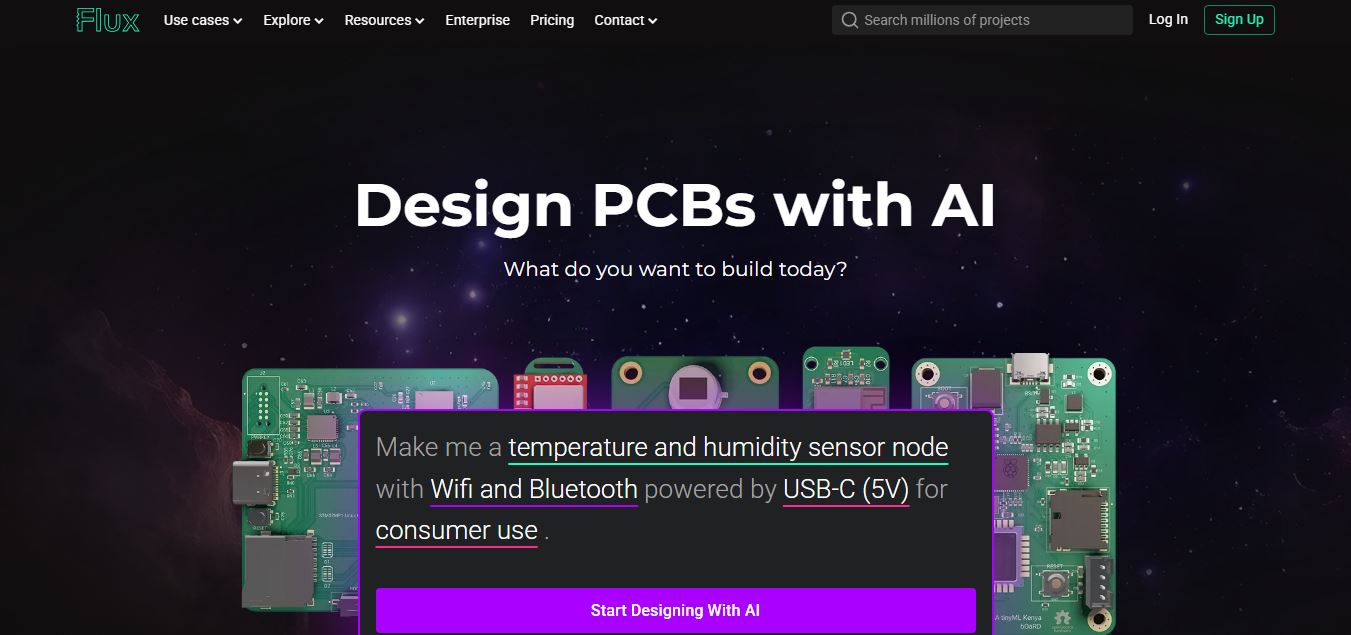
Flux AI is an AI-powered electronics design platform that helps engineers create schematics, design printed circuit boards (PCBs), select components, and optimize routing. Its browser-based workspace supports real-time collaboration, design validation, and manufacturing exports, making hardware development more accessible for individuals, startups, and engineering teams.
 4.8
4.8Repaint
Design
Repaint helps entrepreneurs and small businesses build websites, online stores, booking systems, and custom web applications using AI chat. Users can generate designs, edit content, manage customer accounts, accept payments, and organize business data without traditional coding. It offers subscription plans with different usage limits and business management capabilities.
 4.8
4.8SWAPP
Design
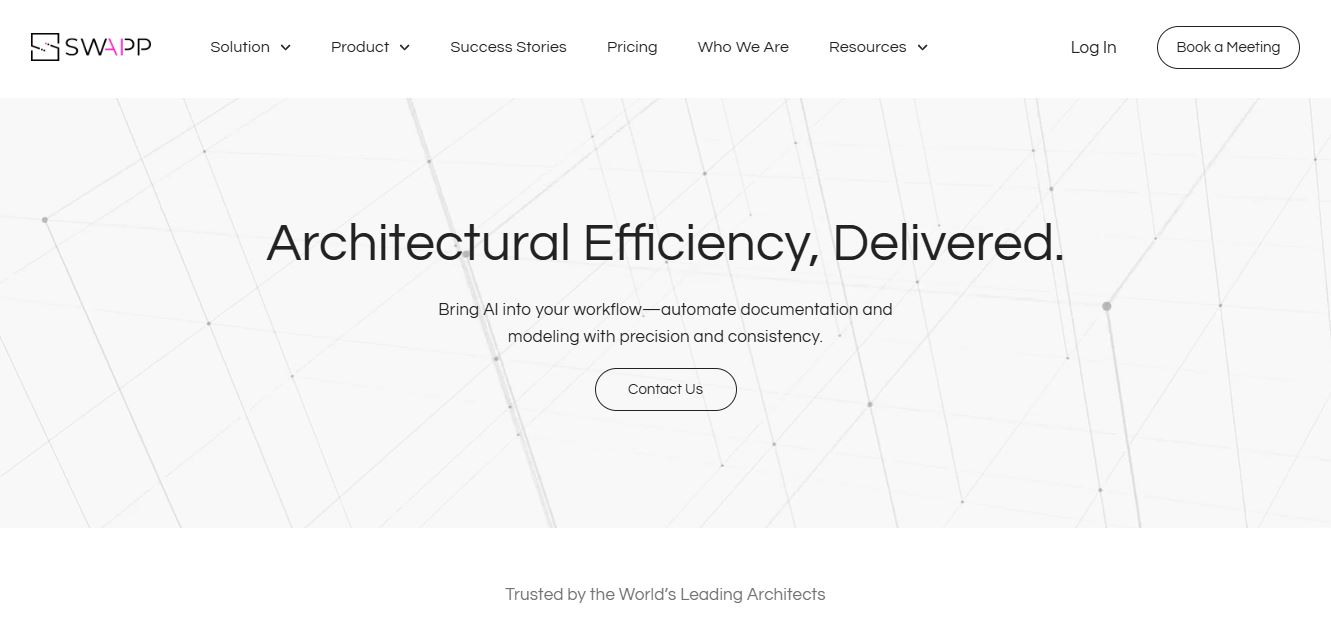
SWAPP helps architecture firms automate construction documentation, BIM modeling, and QA work inside Revit and ArchiCAD. Its Frank agent applies firm-specific standards to repetitive production tasks, while workflow memory preserves organizational knowledge. The platform is suited to teams seeking faster delivery, consistency, and less manual production effort across complex projects.
 4.9
4.9Adobe Stock
Design
Adobe Stock is a creative asset marketplace that helps designers and businesses access millions of royalty-free images, videos, templates, and 3D assets. It integrates with Adobe Creative Cloud, enabling users to search, customize, and license high-quality visuals quickly for marketing, design, and content creation.
 4.9
4.9Yellow Images
Design
Yellow Images is a digital marketplace that helps designers create branding and marketing visuals using high-quality mockups, fonts, PNGs, and graphic assets. It offers a large library of ready-to-use creative resources, enabling faster design workflows for agencies, freelancers, and ecommerce businesses.
 4.9
4.9Placeit
Design
Placeit is a browser-based design platform that helps creators and businesses generate mockups, logos, videos, and marketing visuals using ready-made templates. It allows users to quickly customize designs and download professional assets, making it ideal for ecommerce, social media, and branding without advanced design skills.
 4.8
4.8Figma AI
Design
Figma AI brings generative and assistive tools directly into Figma workflows, helping designers move from ideas to editable designs, visuals, prototypes, and production-ready experiences faster. Users can generate concepts, edit images, search files, automate repetitive work, and collaborate with teammates while keeping creative exploration inside the familiar Figma design environment.
 4.7
4.7PageGPT
Design
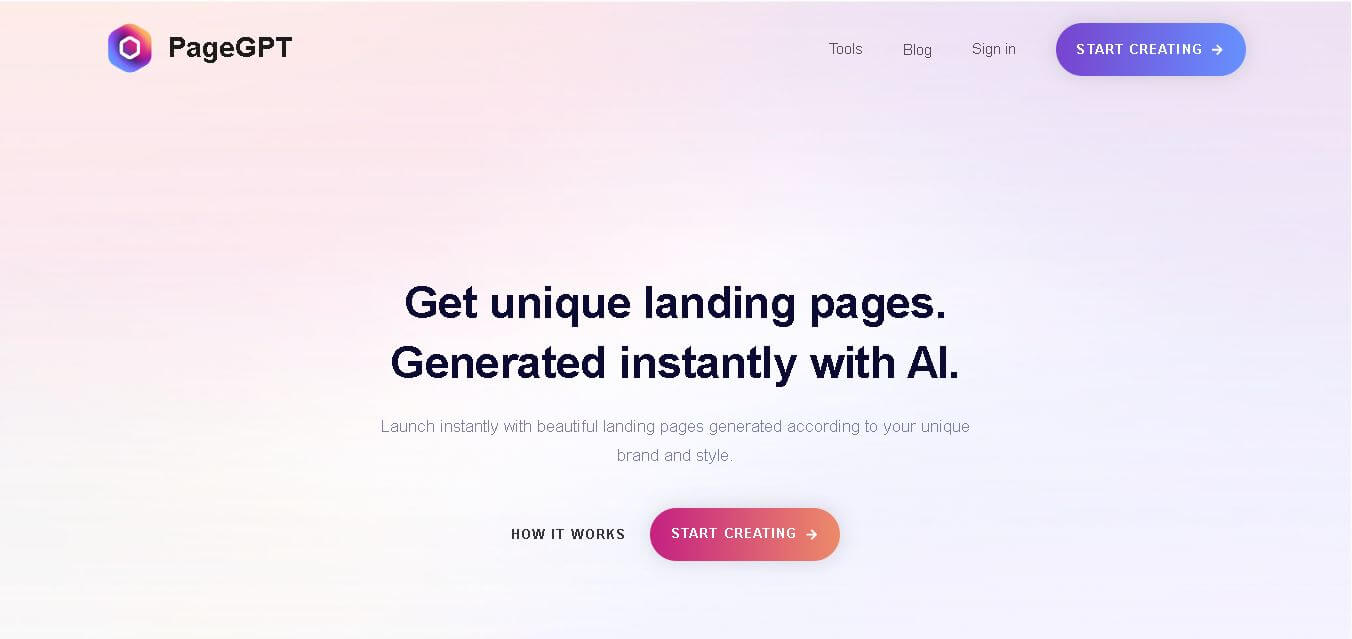
PageGPT helps businesses, creators, marketers, and entrepreneurs create customized landing pages and websites with AI. Users can describe their product and preferred style, generate designs with copy and images, then refine the result through chat or drag-and-drop editing. It also supports responsive pages, custom effects, and publishing options.
 4.8
4.8Locofy.ai
Design
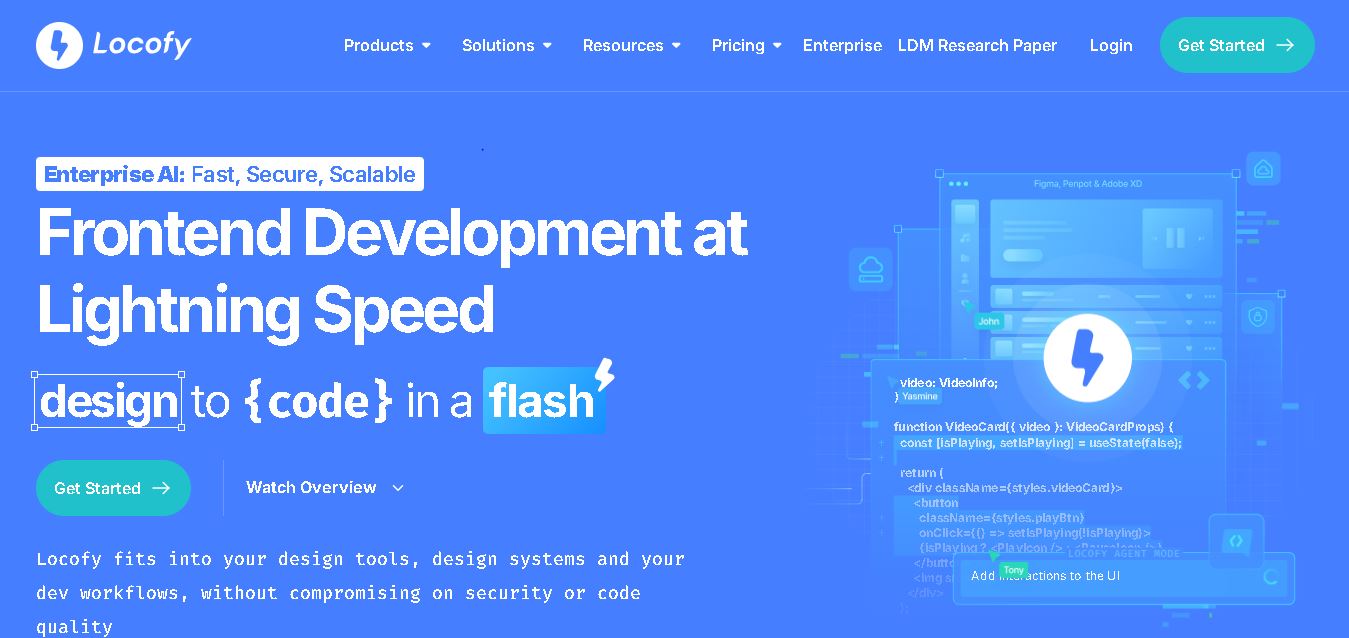
Locofy helps teams transform UI designs into developer-friendly frontend code without rebuilding interfaces manually. It supports popular design tools, web and mobile frameworks, responsive layouts, reusable components, and AI-assisted refinement. Designers can prepare screens while developers customize, export, synchronize, and continue development within familiar workflows and coding environments for teams.