Gamma App
Gamma is a content creation platform that helps users quickly build presentations, documents, and web pages with automated layouts, visuals, and structured content, without needing design or formatting skill
What is Gamma App?
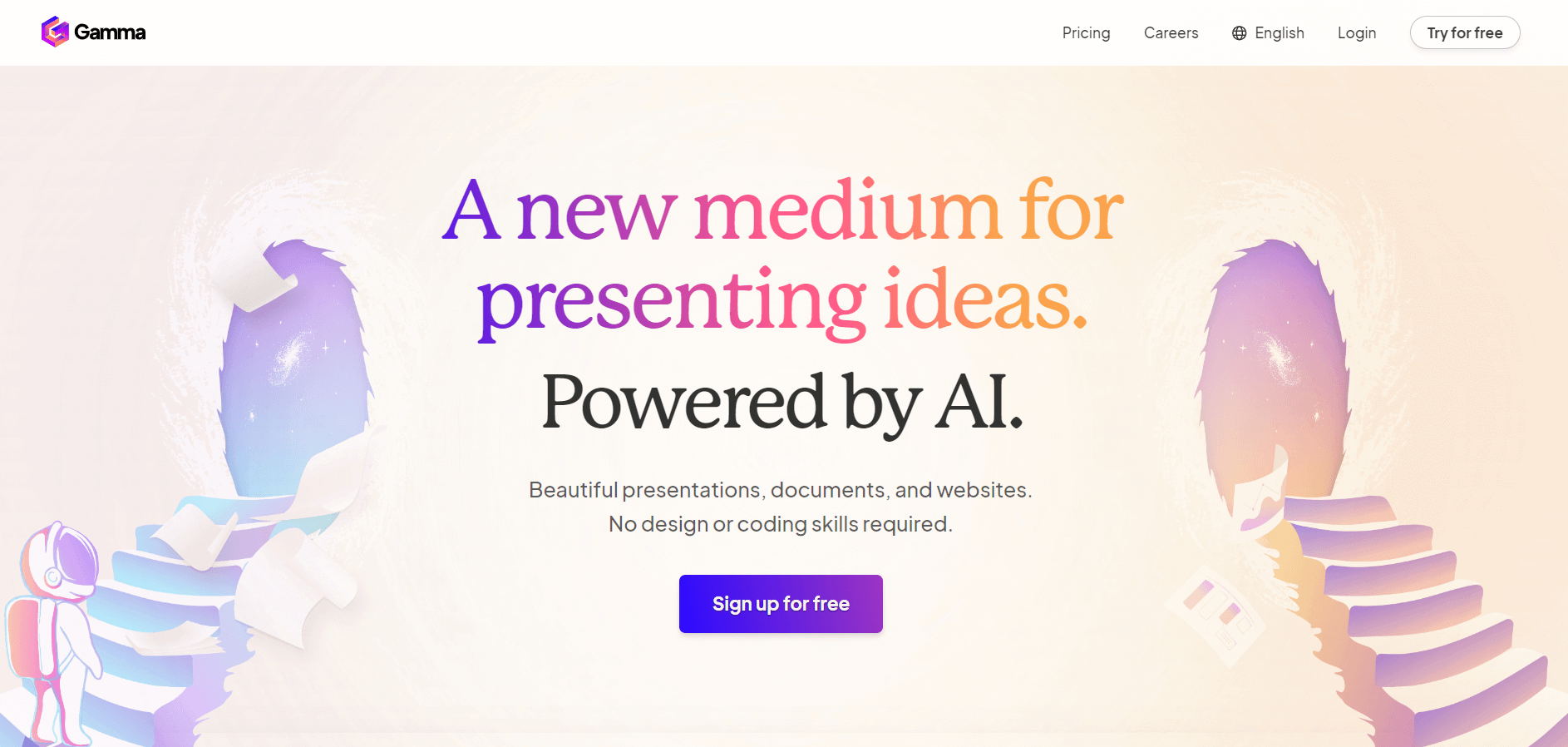
Gamma is a modern content creation platform that helps users turn ideas into polished documents, presentations, and web pages quickly. It focuses on a card-based layout system that makes content more interactive and visually engaging compared to traditional formats. Users can generate content, add visuals, and structure information with minimal effort, reducing the need for manual design work. Professionals, marketers, educators, and teams commonly use Gamma to create presentations, reports, and shareable content efficiently.
Gamma was launched in 2022 and has quickly gained popularity as a modern content creation tool. By 2024–2025, the platform had attracted millions of users globally, with users generating millions of documents, presentations, and web pages. Gamma has also raised over $12 million in funding to expand its product and features. It continues to grow rapidly due to its simple workflow, modern design approach, and strong adoption among professionals, startups, educators, and content creators.
- Founded: 2020
- Founders: Grant Lee, Jamie Quint, and Matt Seymour
- Category: AI Productivity / Presentation & Document Creation
- Use Case: AI-generated presentations, documents, and webpages
- Core Technology: Generative AI, Natural Language Processing
- Interface: No-code, drag-and-drop, real-time collaboration
- Target Users: Professionals, educators, marketers, startups, creators
- Unique Features: AI slide generation, smart formatting, engagement analytics, responsive design
Gamma App Key Features
Gamma App's key features are:
- AI-Powered Content Creation: Gamma AI generates automatically structured presentations, webpages, and documents based on user input.
- Customizable Templates: Gamma AI PPT offers a wide range of customizable templates for different needs.
- Interactive Elements: Gamma App offers features like GIFs, image galleries, importing documents, presentations, and many more.
- Real-Time Collaboration: Gamma.ai PPT supports team collaboration with live feedback and edits.
- Collaboration: It’s easy to work with your team and share content using a simple link.
- Mobile-Friendly: Your content looks good on any device without extra effort.
- Flexible Sharing: You can present, share as a webpage, or export your work when needed.
Gamma App Pricing
Gamma AI offers both free and paid plans
Free Plan:
- Offers 400 AI credits
- Offers basic AI image generation
- Users can generate up to 10 cards
- Users can import and export PPTs and PDFs
Plus Plan:
- The plan starts at €8 per month
- Offers unlimited AI creation
- Users can generate up to 15 cards
- Offers 10,000 AI tokens per generation
Pro Plan:
- The plan starts at €15 per month
- Offers unlimited AI creation
- Offers a premium AI image generation tool
- Offers advanced AI editing operations
- Users can generate up to 15 cards
- Offers 25,000 AI tokens per generation
Disclaimer: For the latest and most accurate pricing information, please visit the official Gamma App website.
Who is Using the Gamma App?
A diverse range of users and organizations utilize the Gamma App:
- Students
- Marketing Teams
- Educators
- Startups and Entrepreneurs
- Small Businesses
- Corporate Teams
- Consultants
What are the best Gamma alternatives?
Some of the Gamma alternatives are:
- Prezi
- Google Slides
- Sozi
- Figma Slides
- Keynote
- Marp
Pros and Cons of Gamma
Pros
- Simple and clean interface that’s easy to use
- Creates structured content quickly from ideas
- Modern card-based layout feels more engaging than traditional formats
- No need for advanced design or formatting skills
- Supports images, videos, and embeds easily
- One-click restyling makes design changes fast
- Works well for teams and sharing via links
- Mobile-friendly and responsive design
Cons
- Limited advanced customization compared to traditional design tools
- Some features are restricted to paid plans
- Not ideal for highly detailed or complex layouts
- Export options can be limited compared to other tools
- Requires internet connection to use
- May not fully replace traditional presentation or document tools for all use cases
Gamma Video/Demo
Gamma Vs Competitors
| Feature | Gamma | Prezi | Canva | Beautiful.ai |
|---|---|---|---|---|
| Primary Focus | Fast content creation (docs + decks) | Storytelling presentations | Graphic design + content | Smart slide design |
| Ease of Use | Very easy | Moderate | Easy | Easy |
| Design Style | Card-based, scrollable | Zoom-based, non-linear | Drag-and-drop canvas | Template-driven slides |
| AI Capabilities | Strong (content + layout generation) | Moderate (story + visuals) | Moderate (design assist) | Limited AI content |
| Customization | Limited | High | Very high | Limited (structured) |
| Speed | Very fast (prompt → output) | Moderate | Moderate | Moderate |
| Collaboration | Basic | Strong | Strong | Moderate |
| Best For | Quick decks, docs, sharing | Engaging presentations | Design-heavy content | Consistent business slides |
How We Rate Gamma?
| Category | Rating (out of 5) |
|---|---|
| Ease of Use | 4.75 |
| User Experience | 4.5 |
| Tools & Capabilities | 4.25 |
| Design Quality | 4.5 |
| Speed & Efficiency | 4.75 |
| Creative Freedom | 4.0 |
| Collaboration | 4.25 |
| Value for Money | 4.25 |
| Ecosystem Fit | 4.25 |
| Overall Rating | 4.4/5 |
Conclusion
Gamma App is transforming the way people create and share content by integrating the power of AI with easy design. Its ability to instantly create polished presentations, documents, and webpages saves time while enhancing creativity and teamwork. Gamma is ideal for professionals, educators, and creators looking for a better approach to convey ideas. It offers built-in analytics, seamless collaboration, and many export possibilities. As AI tools evolve, Gamma emerges as a powerful solution for dynamic and entertaining content creation.
People are also reading:
FAQ
Who uses the Gamma App?
Gamma App is used by businesses, marketing teams, educators, consultants, and many more to produce presentations, documents, and web pages.
Can I customize the templates?
Yes, the Gaama app offers a wide range of customizable temples, users can modify according to their needs.
Is there a free version of Gamma App?
Yes, Gamma offers both free and paid plans. The free plan offers limited features, but with the paid plan, users can use advanced tools and features.
User Reviews
No reviews yet for Gamma App.
Featured Tools
Featured AI tools from TechShark

Melody Genie
MelodyGenie is an AI-powered music generator that creates original songs from simple text prompts. Users can choose styles, moods, and genres, then instantly generate melodies and full tracks, making it easy for creators, marketers, and hobbyists to produce custom music without musical expertise.
Freemium

Kimi AI
Kimi AI is an advanced AI assistant developed by Moonshot AI that helps you chat, research, write, code, and automate tasks in one place. It supports web search, file analysis, and multimodal inputs, and can even run autonomous “agent” workflows to complete complex tasks end-to-end.
Freemium

Fashion Diffusion AI
Fashion Diffusion is an AI-powered fashion design platform that helps brands and designers create clothing designs, virtual try-ons, AI models, product photos, and marketing visuals faster and cost-effectively.
Paid

Veo 4
Veo 4 AI is an AI video creation platform that generates dramatic videos from text, images, audio, and video prompts using realistic motion and synchronized sound.
Paid
Alternatives
Alternatives to Gamma App
Alternatives to Gamma include Canva, Prezi, Beautiful.ai, Microsoft PowerPoint, and Google Slides. These tools offer different approaches to creating visual content, from design-heavy platforms like Canva to storytelling-focused tools like Prezi and traditional slide-based options like PowerPoint and Google Slides, depending on your workflow and customization needs.
 4.8
4.8PitchBob
Presentation
PitchBob.io helps entrepreneurs develop startup ideas and create pitch decks, investor letters, business plans, and executive summaries. Through guided AI conversations, it organizes business information, offers pitch feedback, and supports fundraising preparation. It is useful for founders who want structured startup documents without starting from a blank page.
 4.6
4.6Xavier AI
Presentation
Xavier AI is a strategy-focused presentation tool designed to help professionals create consulting-style business decks quickly. It can transform prompts or uploaded documents into structured presentations, support market and competitive analysis, and provide sourced information. Users can also customize presentations to company branding and export finished decks to PowerPoint files.
 4.9
4.9Zoho Sheet
Spreadsheets
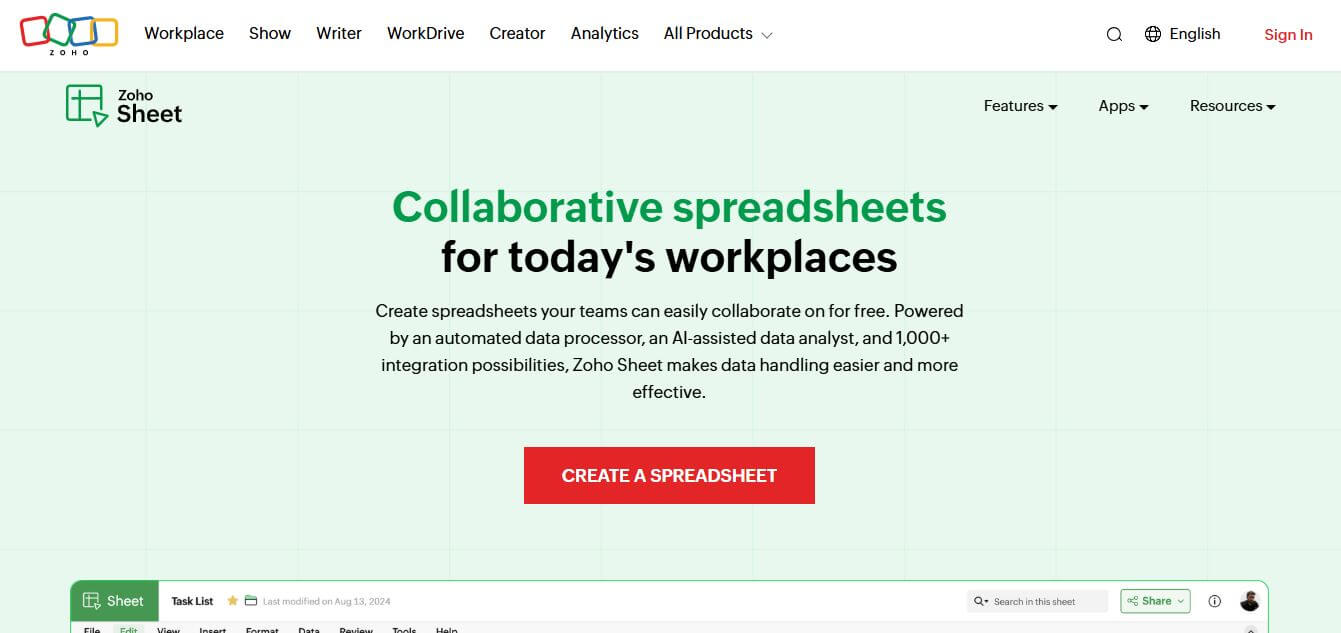
Zoho Sheet is a cloud-based spreadsheet tool that lets users create, edit, and collaborate on data in real time. It offers formulas, charts, automation, and AI-powered insights, helping teams analyze data, manage workflows, and work together efficiently from anywhere.
 4.9
4.9Slidesgo
Presentation
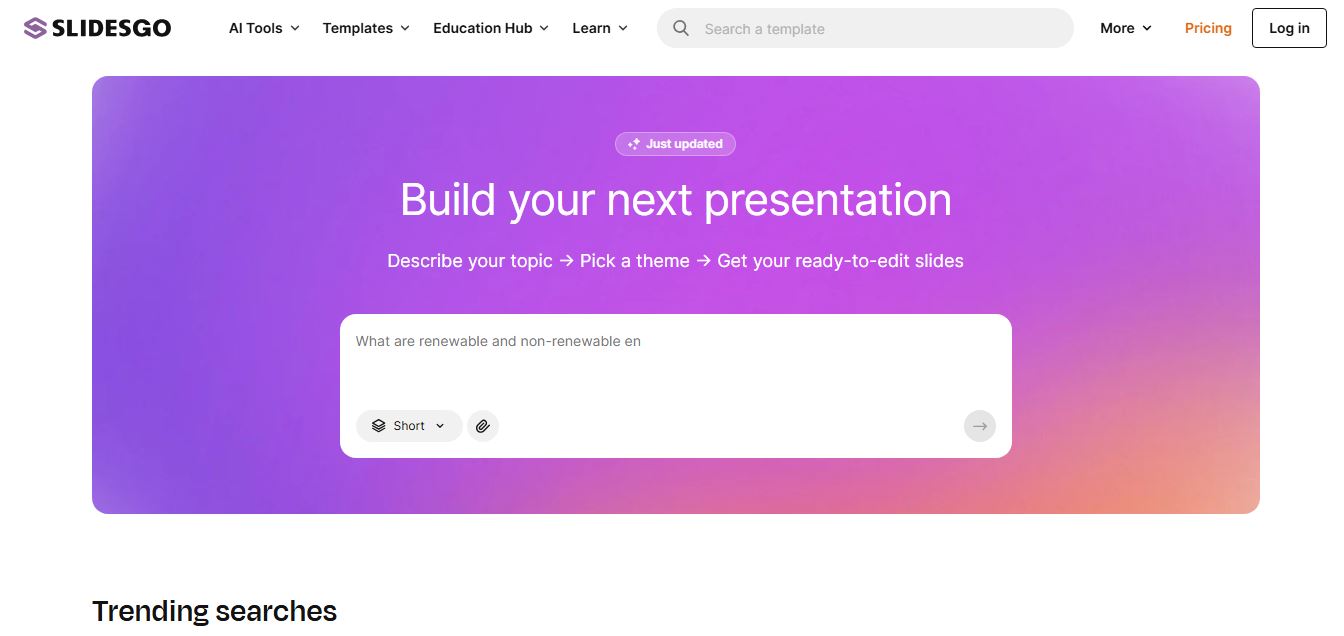
Slidesgo is a platform that offers free and premium presentation templates for Google Slides and PowerPoint. It provides professionally designed slides for business, education, and creative use, helping users create visually appealing presentations quickly without starting from scratch.
 4.8
4.8SlideSpeak
Presentation
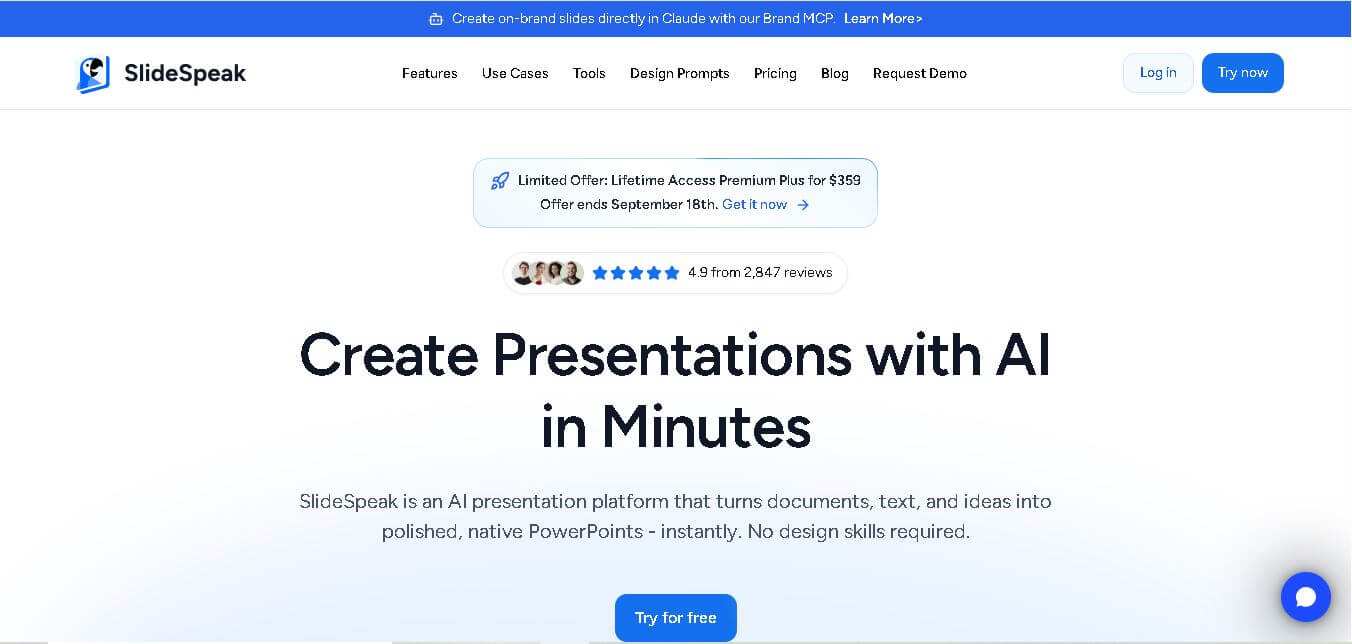
SlideSpeak is an AI-powered presentation tool that lets users chat with PowerPoint files, summarize slides, and generate new presentations from documents or prompts. It helps extract insights, create slides quickly, and turn content into clear, structured presentations with minimal effort.
 4.8
4.8MagicSlides
Presentation
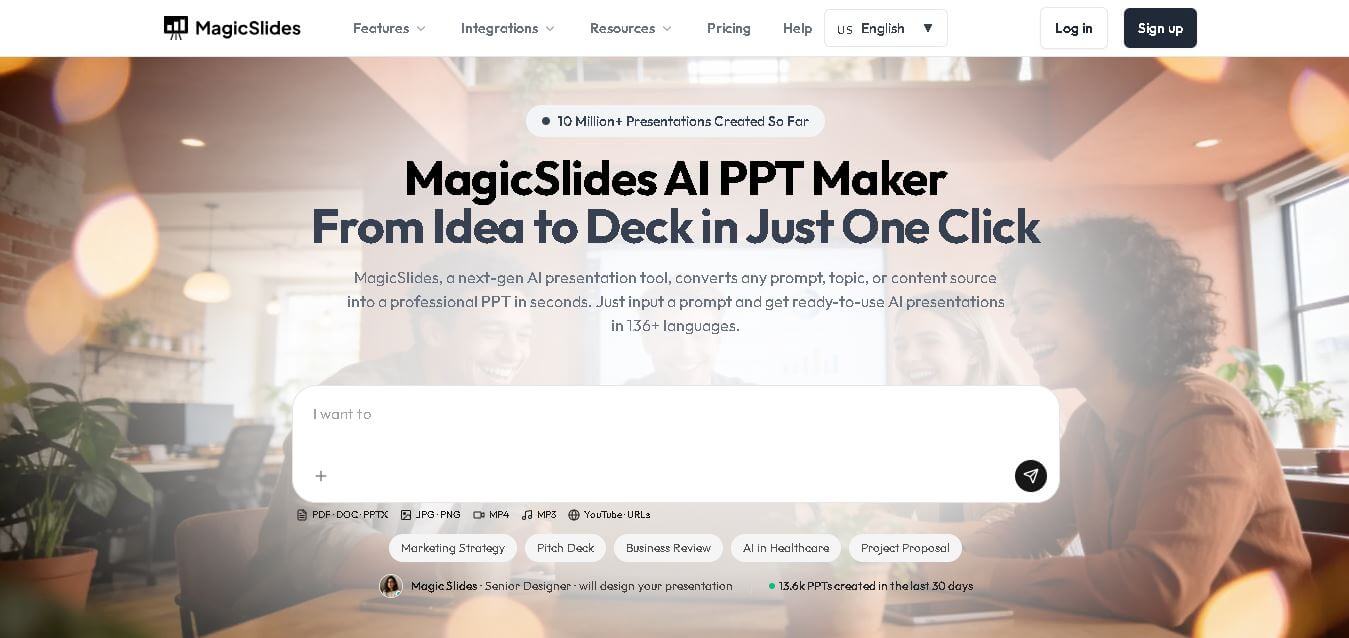
MagicSlides helps users create polished presentations from ideas, text, documents, URLs, and other content. It combines automated slide generation with templates, design systems, AI editing, image support, and multiple export formats. Students, teachers, professionals, consultants, and entrepreneurs can use it to produce presentations faster without building every slide manually.
 4.8
4.8Alai
Presentation
Alai is an AI presentation and design maker backed by Y Combinator that generates on-brand pitch decks, slide decks, infographics, carousels, and social visuals from prompts, documents, or links using custom design systems and native PPT/PDF exports.
 4.9
4.9Beautiful AI
Presentation
Beautiful.ai is an AI-powered presentation software that helps users create professional slides quickly with smart design automation. It automatically adjusts layouts, formatting, and visuals, allowing teams to build polished, consistent presentations without manual design work or advanced skills.
 4.8
4.8GitMind
Project Management
GitMind is an AI-powered mind mapping and visual workspace that turns text, videos, audio, PDFs, and websites into structured mind maps, summaries, and diagrams. It helps you organize ideas, brainstorm, plan projects, and simplify complex information using AI-driven insights and visual layouts.