
SlidesAI
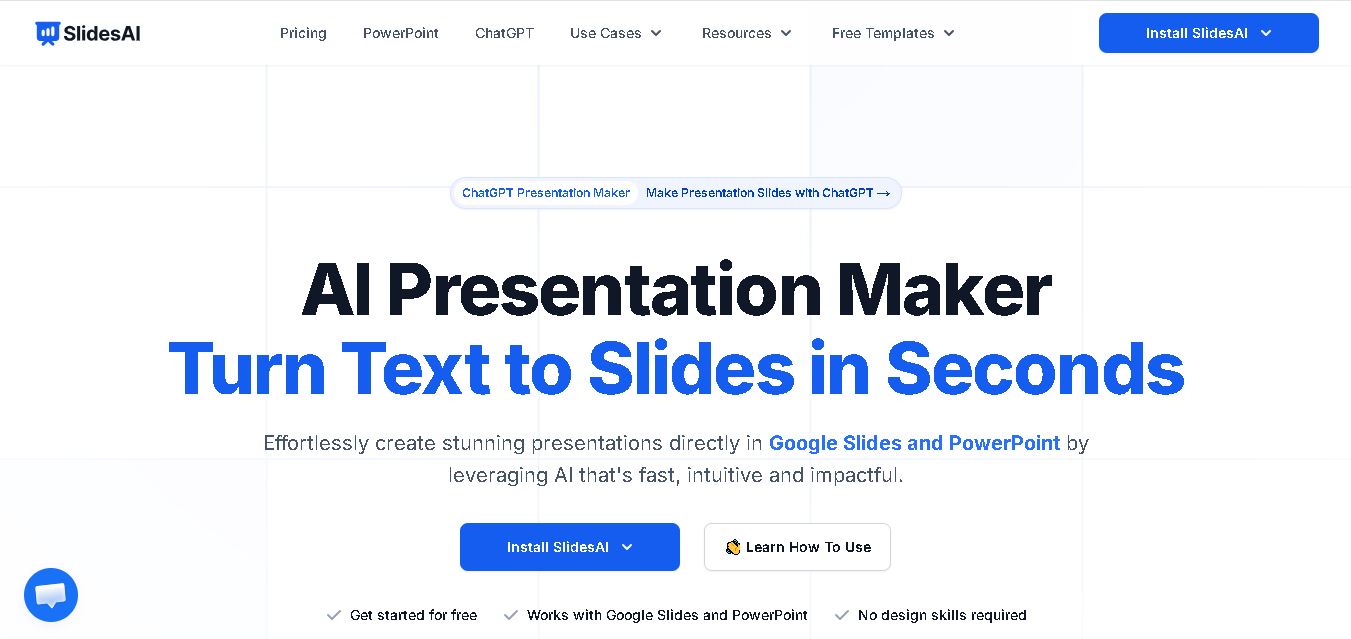
SlidesAI is an AI presentation maker that converts text into professional slides for Google Slides and PowerPoint, saving time with smart automation.
What is Slides AI
SlidesAI is an AI-powered presentation platform that transforms plain text, notes, or ideas into visually appealing presentations within minutes. The platform helps students, teachers, marketers, startups, and business professionals who need fast access to high-quality presentation materials. Users can create presentations by entering content and selecting their preferences, which the AI uses to build structured presentations automatically. The application allows users to create presentations through direct integration with Google Slides and PowerPoint, which streamlines their workflow. The application enables users to create content in various languages while utilizing its library of templates and image creation tools and content editing capabilities. The application offers a quicker solution for presentation creation to users who find slide design difficult or lack sufficient time.

Key Statistics
- 14M+ installs globally
- 2000+ user reviews
- Supports 100+ languages
- Works with Google Slides & PowerPoint
- Trusted by universities and global brands like Microsoft, Amazon, and HubSpot
Founders
- Founded by Anurag (publicly shared by founder online)
Launch
- Public launch around 2023 as a Google Slides add-on
Use Cases
- Student presentations
- Teacher lesson slides
- Sales pitch decks
- Startup investor presentations
- Marketing reports
- Team meeting decks
- Client proposals
Technology
- AI text generation
- Smart summarization engine
- Template automation
- AI image generation
- PowerPoint & Google Slides integration
- Multilingual NLP system
Key Features
SlidesAI Key features are
- • Text to Presentation: Paste text or type a topic, and SlidesAI automatically turns it into a full presentation.
- • Google Slides Integration: Works directly inside Google Slides without switching tools.
- • PowerPoint Support: Available for Microsoft PowerPoint users as well.
- • AI Content Writing: Generates titles, bullet points, summaries, and slide structure automatically.
- • 150+ Templates: Choose from professional themes and layouts.
- • AI Image Generator: Create relevant visuals instantly for slides.
- • Multi-language Support: Supports over 100 languages for global users.
- • Edit & Refine Tools: Rephrase, shorten, rewrite, and improve content quickly.
- • Export Compatibility: Download presentations in PPTX format.
- • Fast Workflow: Create presentations up to 10x faster than manual design.
Pricing
Basic – Free
- $0/month
- 12 presentations yearly
- Limited AI credits
Pro – Students
- $8.33/month
- 120 presentations yearly
- Document upload
Premium – Professionals
- $16.67/month
- Unlimited presentations
- Higher credits
- Full access
Disclaimer: For the latest and most accurate pricing information, please visit the official SlidesAI AI website.
Who is using it?
A wide range of users and organizations are using SlidesAI
- Students
- Teachers
- Universities
- Startup founders
- Marketing teams
- Corporate professionals
- Consultants
- Freelancers
- Trainers
- Sales teams
Alternatives
Some SlidesAI AI alternatives are
- Beautiful.ai
- Tome
- Gamma
- Canva Presentations
- Pitch
- Plus AI
- Prezi AI
Pros & Cons
Pros
- Very fast slide creation
- Easy for beginners
- Great integrations
- Affordable plans
- Saves design time
- Good multilingual support
Cons
- Limited free plan
- Needs editing for perfect results
- Premium features locked
- AI output may vary
SlidesAI vs Gamma vs. Beautiful.ai vs. Tome vs Canva
| Feature | SlidesAI | Gamma | Beautiful.ai | Tome | Canva Presentations |
|---|---|---|---|---|---|
| Primary Use | AI slide generation from text | AI documents & presentations | Smart business presentations | AI storytelling presentations | Drag-and-drop presentations |
| Ease of Use | Very beginner-friendly | Simple modern interface | Professional-focused | Creative and interactive | Easy for all users |
| AI Content Generation | Yes | Yes | Limited | Yes | Yes |
| Templates Available | Moderate | Modern templates | Business-focused | Creative layouts | Huge template library |
| Collaboration Features | Basic | Advanced | Team collaboration | Real-time collaboration | Strong collaboration tools |
| Multimedia Support | Images & basic media | Rich media embedding | Charts & visuals | Videos & interactive content | Full multimedia support |
| Best For | Quick Google Slides creation | Interactive presentations | Corporate teams | Storytelling & startups | Social, education & marketing |
| Integration | Google Slides | Web-based | PowerPoint export | Web-based | Multiple app integrations |
| Free Plan | Yes | Yes | Limited | Yes | Yes |
| Pricing Flexibility | Affordable | Moderate | Premium pricing | Moderate | Flexible pricing plans |
How Did We Rated SlidesAI?
| Category | Score |
|---|---|
| Creative Accuracy | 8.8/10 |
| User Experience | 9.1/10 |
| Tools & Capabilities | 8.9/10 |
| Speed & Efficiency | 9.5/10 |
| Creative Freedom | 8.4/10 |
| Trust & Transparency | 8.3/10 |
| Help & Community | 8.5/10 |
| Value for Money | 9.0/10 |
| Ecosystem Fit | 9.4/10 |
| Overall Score | 8.9/10 |
Conclusion
Presentation maker for users who need fast and simple and high-quality results. The platform creates finished presentations from text input, which users can complete within a few minutes. The platform serves as an essential tool for students and educators and startups and professionals who require rapid development of high-quality presentation materials. The platform gains a competitive edge because it allows users to create presentations directly from Google Slides and PowerPoint software. The AI tool boosts workplace efficiency through its output system, but users will be required to make specific changes. Users who create presentations frequently should test SlidesAI because it will deliver them better and faster results.
People are also reading
FAQ
Is SlidesAI free to use?
Yes, it offers a free Basic plan with limited usage.
Does SlidesAI work with PowerPoint?
Yes, it supports both Google Slides and PowerPoint.
Can SlidesAI create slides from text?
Yes, it converts prompts, notes, and documents into presentations.
Is SlidesAI good for students?
Yes, the Pro plan is designed for students.
Does SlidesAI support multiple languages?
Yes, it supports 100+ languages.
Is SlidesAI worth it?
Yes, especially for users who make presentations regularly and want to save time.
User Reviews
No reviews yet for SlidesAI.
Featured Tools
Featured AI tools from TechShark

Melody Genie
MelodyGenie is an AI-powered music generator that creates original songs from simple text prompts. Users can choose styles, moods, and genres, then instantly generate melodies and full tracks, making it easy for creators, marketers, and hobbyists to produce custom music without musical expertise.
Freemium

Kimi AI
Kimi AI is an advanced AI assistant developed by Moonshot AI that helps you chat, research, write, code, and automate tasks in one place. It supports web search, file analysis, and multimodal inputs, and can even run autonomous “agent” workflows to complete complex tasks end-to-end.
Freemium

Fashion Diffusion AI
Fashion Diffusion is an AI-powered fashion design platform that helps brands and designers create clothing designs, virtual try-ons, AI models, product photos, and marketing visuals faster and cost-effectively.
Paid

Veo 4
Veo 4 AI is an AI video creation platform that generates dramatic videos from text, images, audio, and video prompts using realistic motion and synchronized sound.
Paid
Alternatives
Alternatives to SlidesAI
SlidesAI alternatives includes AI-powered presentation tools like Beautiful.ai, Tome, Gamma, and Canva Presentations that help users create engaging slides quickly. These platforms offer automated design suggestions, AI-generated content, templates, collaboration features, and multimedia support. They are ideal for businesses, educators, marketers, and students looking to save time while creating professional and visually appealing presentations with minimal manual effort.
 4.8
4.8Typeface
Marketing
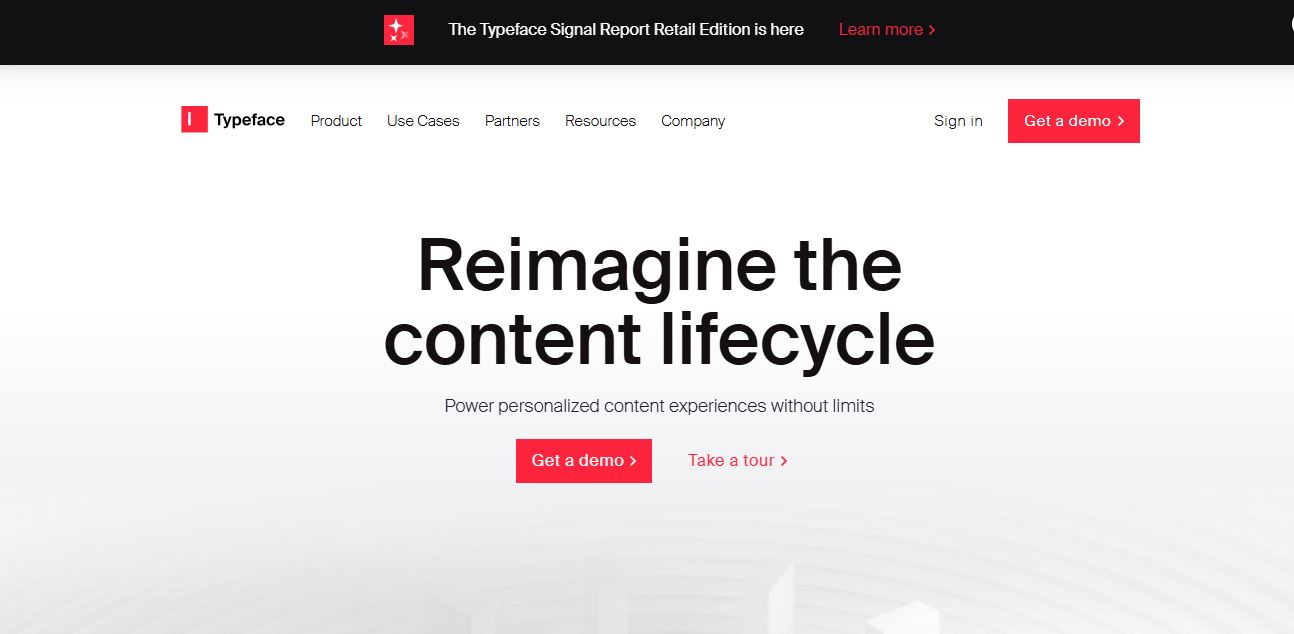
Typeface helps enterprise marketing and creative teams produce, personalize, optimize, and distribute on-brand content with connected AI agents. It supports campaigns, images, video, email, webpages, advertising, SEO, and AEO workflows while keeping brand guidelines and approved assets in context. Teams can automate repetitive production tasks and scale content across channels, audiences, and markets.
 4.9
4.9HubSpot
Marketing
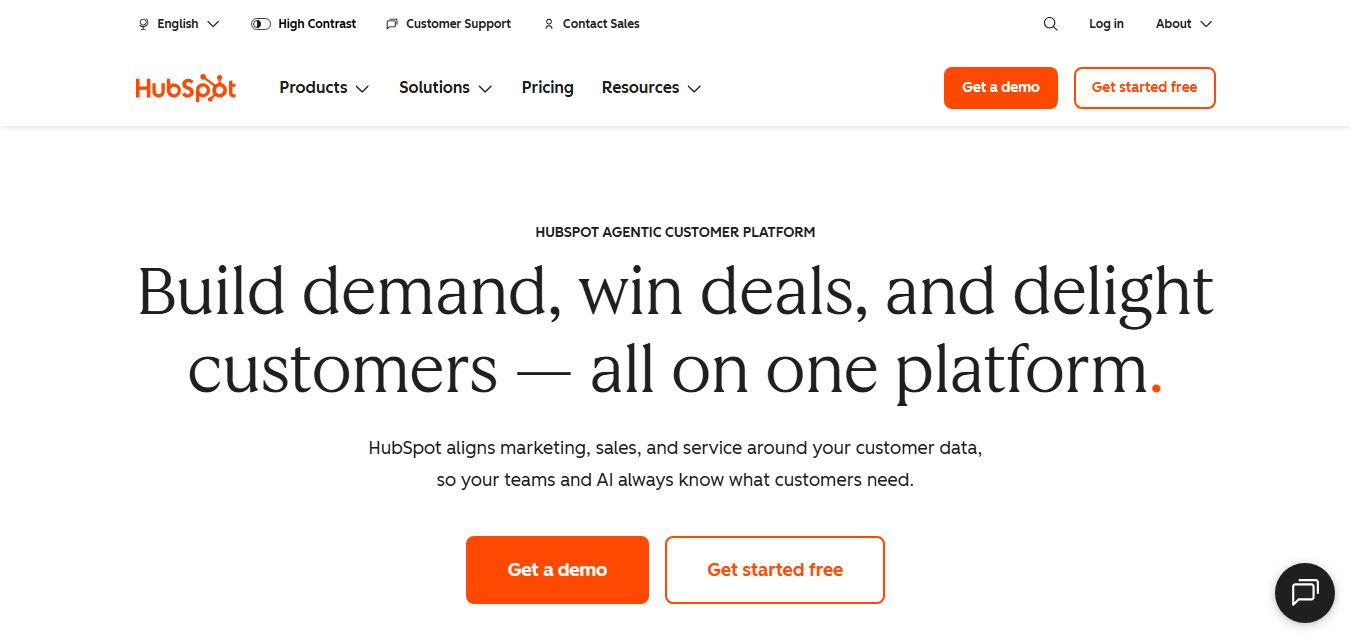
HubSpot is an AI-powered customer platform that helps businesses manage marketing, sales, customer service, and content in one place. It offers a free CRM, automation tools, analytics, and AI features, enabling teams to attract leads, close deals, and deliver better customer experiences at scale.
 4.9
4.9Edubrain AI
Education
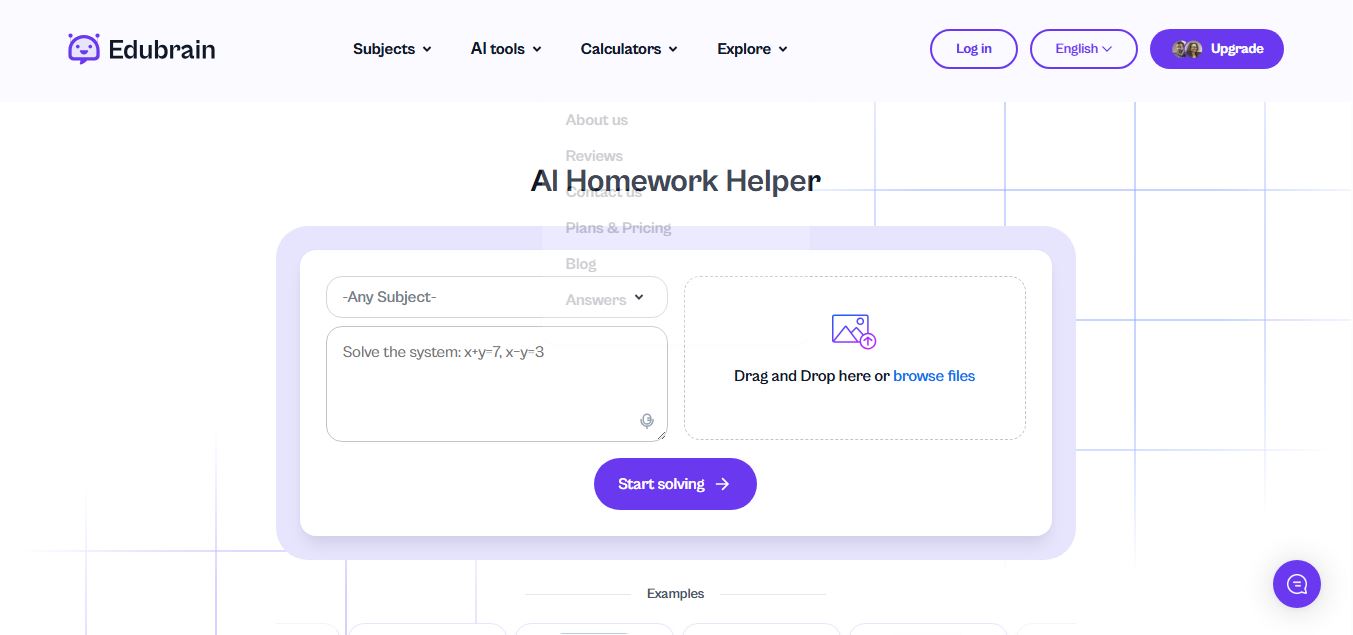
Edubrain is an AI-powered homework assistant that helps students solve questions across 90+ subjects using text, images, PDFs, or audio. It provides step-by-step explanations, adapts to learning styles, and works without sign-up, enabling faster understanding, exam prep, and personalized study support.
 4.8
4.8Math AI
Education
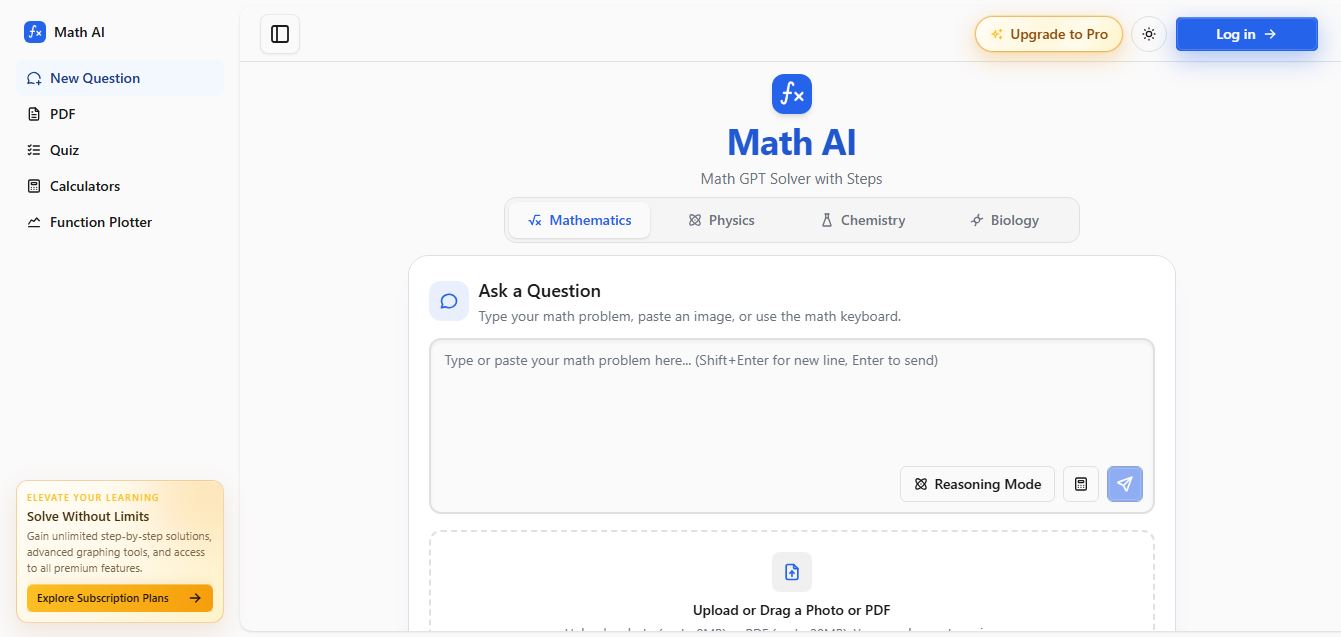
Math AI is an AI-powered math learning platform that helps users solve problems using text or images with step-by-step explanations. It supports algebra, calculus, and more, offering quizzes, graphs, and personalized tutoring to improve understanding and make studying, homework, and exam preparation easier.
 4.9
4.9ThetaWise
Education
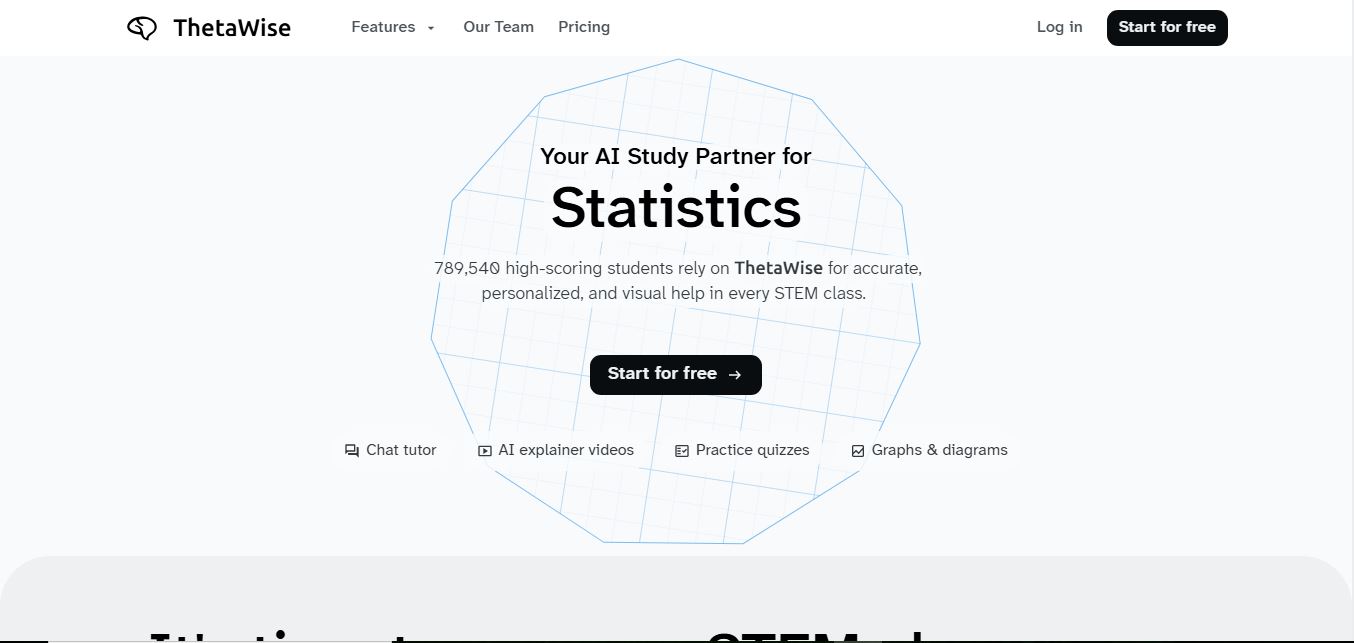
ThetaWise is an AI-powered STEM learning platform that helps students solve math and science problems with step-by-step explanations, video lessons, and practice quizzes. It acts like a 24/7 tutor, adapting to learning styles and improving understanding, test performance, and concept mastery.
 4.9
4.9Mathos AI
Education
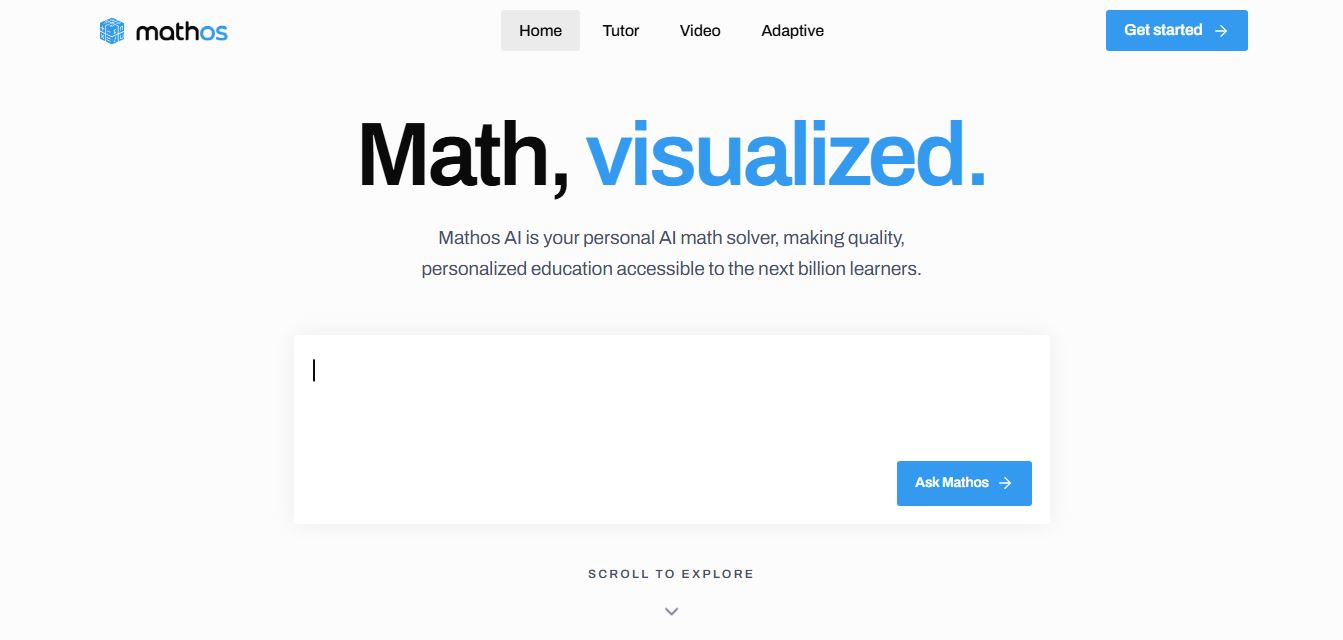
Mathos AI is an AI-powered math solver and tutor that helps students solve problems with step-by-step explanations and personalized guidance. It turns questions into lessons, generates quizzes, flashcards, and videos, and adapts to mistakes, enabling deeper understanding instead of just providing answers.
 4.8
4.8Brainly
Education
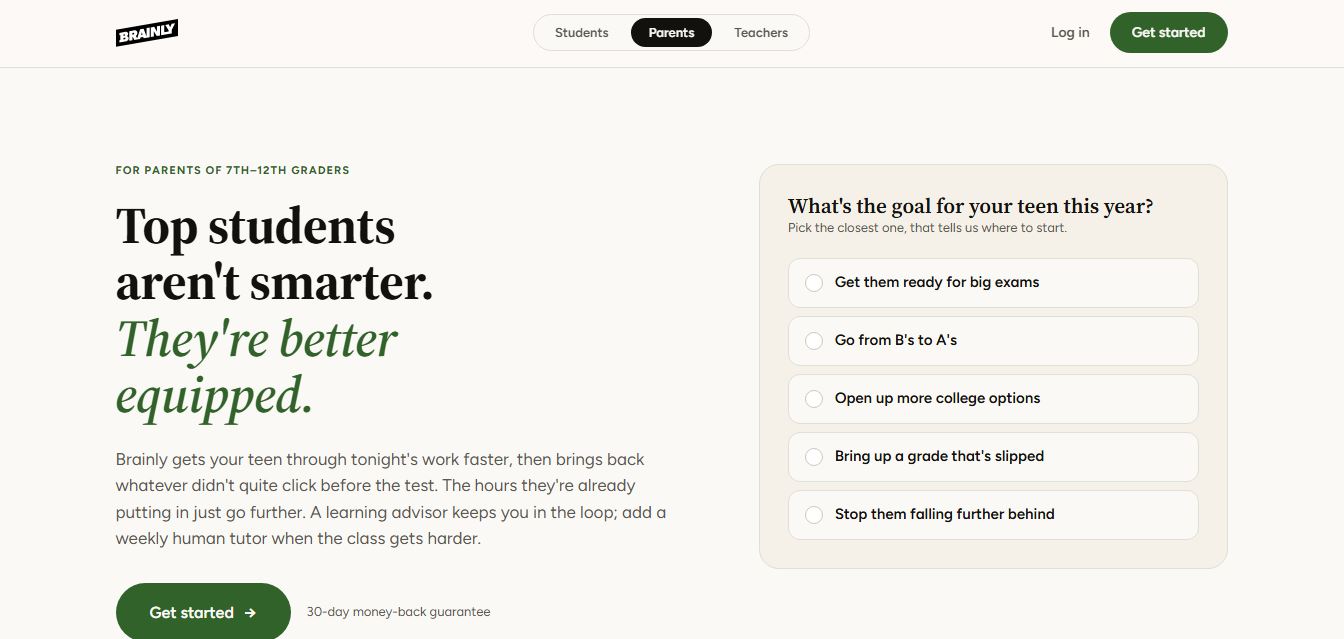
Brainly is an AI-powered learning platform that helps students solve homework, study concepts, and prepare for exams with step-by-step explanations. It combines AI guidance with a global community of experts, turning questions into personalized learning and helping students understand—not just complete—their schoolwork.
 4.8
4.8Gauth
Education
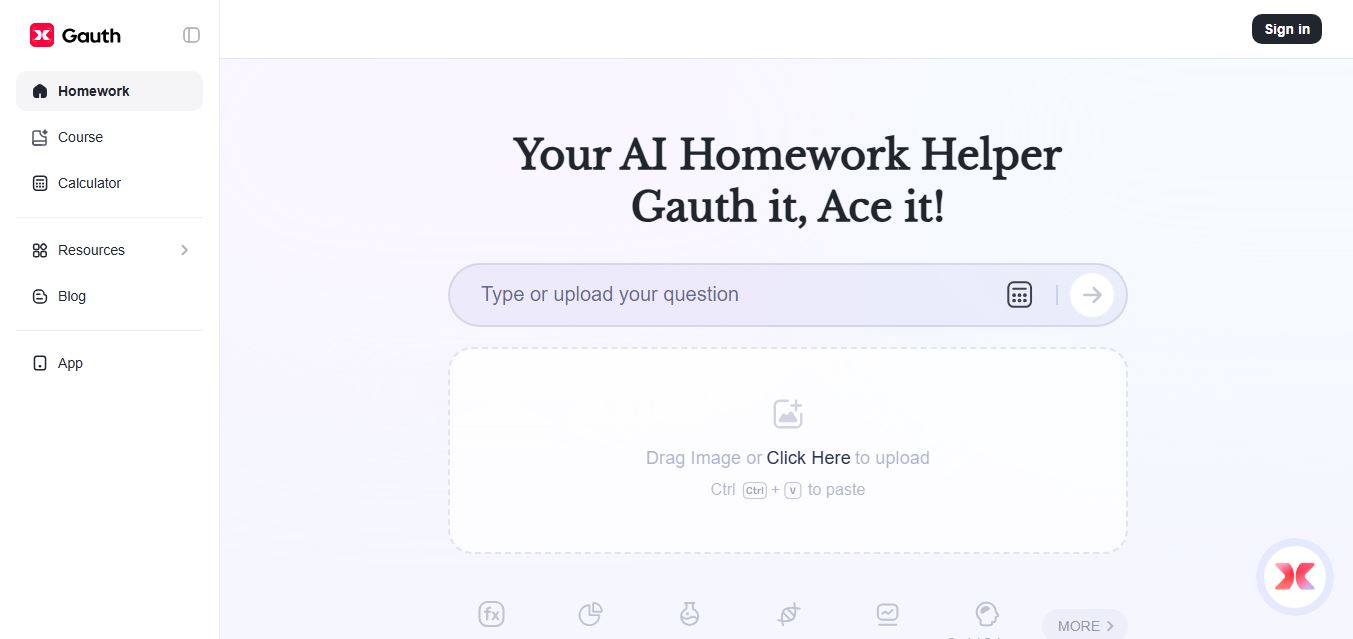
Gauth (formerly Gauthmath) is an AI-powered homework helper that lets students solve problems by typing or snapping a photo. It delivers step-by-step explanations across math and other subjects, combines AI with live tutor support, and helps users understand concepts, complete homework, and prepare for exams.
 4.7
4.7AI Math Solver
Education
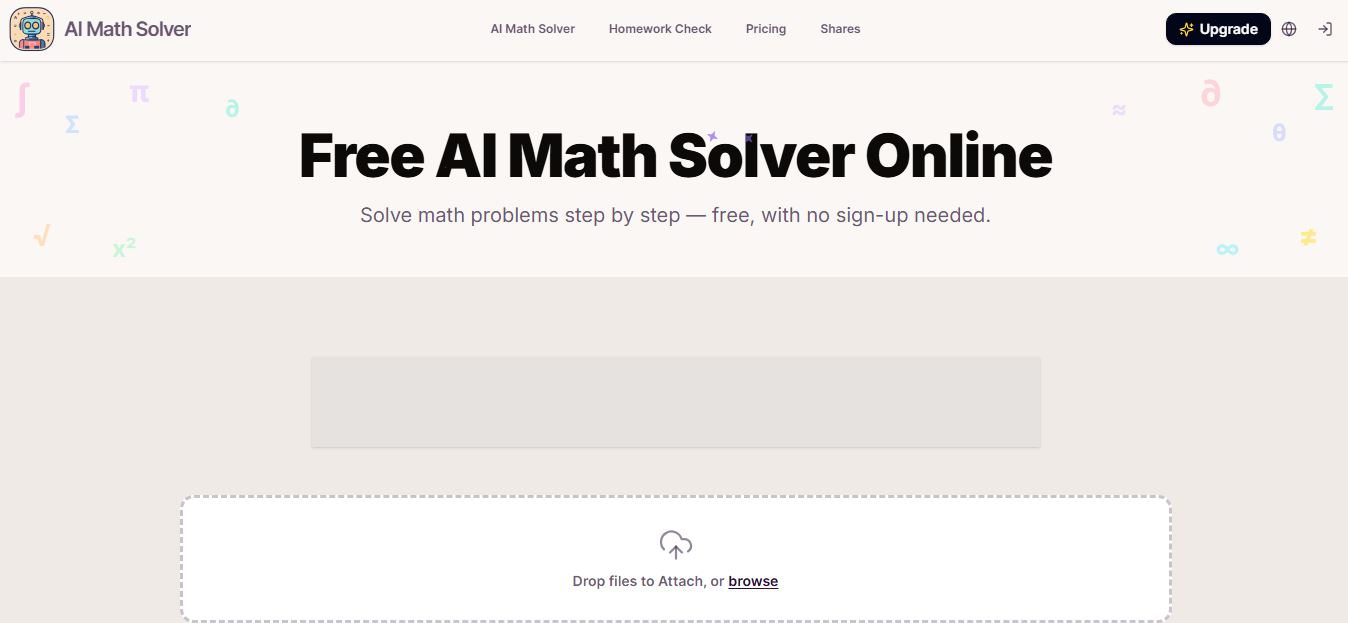
AIMathSolve is an AI-powered math solver that helps users solve problems across algebra, calculus, geometry, and more using text or image input. It generates step-by-step explanations, recognizes handwritten equations, and improves understanding, making it useful for homework, learning, and exam preparation.