
Locofy.ai
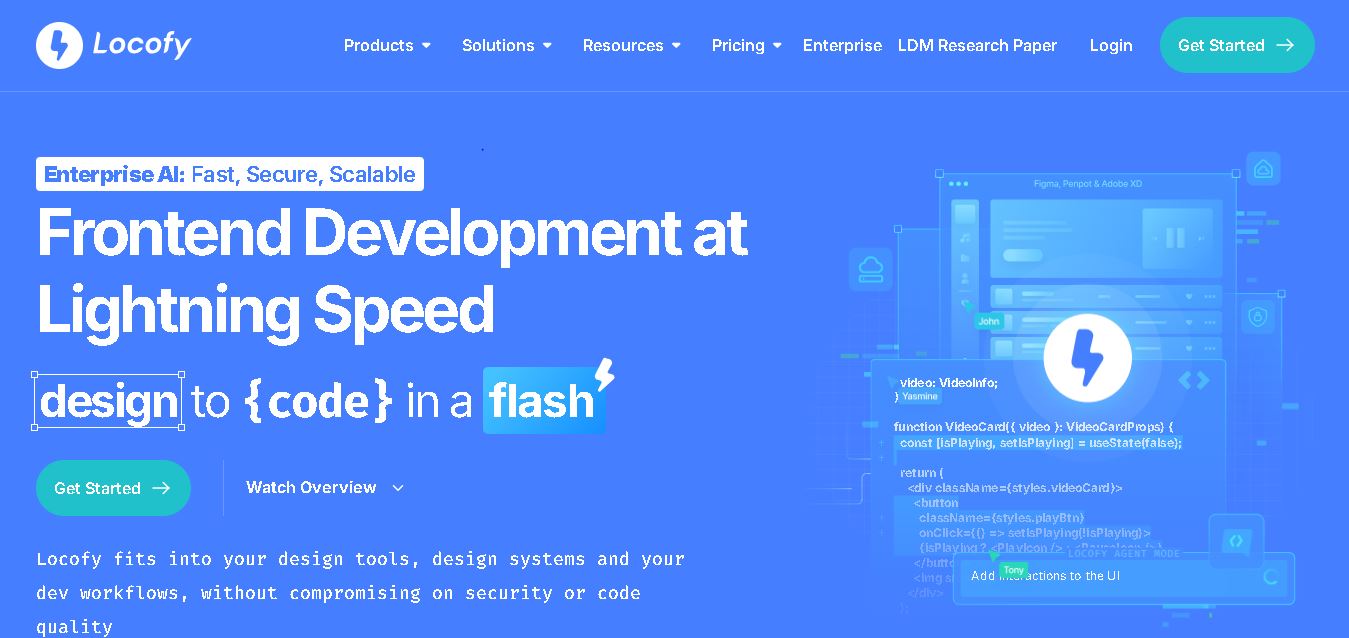
Locofy helps teams transform UI designs into developer-friendly frontend code without rebuilding interfaces manually. It supports popular design tools, web and mobile frameworks, responsive layouts, reusable components, and AI-assisted refinement. Designers can prepare screens while developers customize, export, synchronize, and continue development within familiar workflows and coding environments for teams.
What is Locofy.ai?
Locofy is a design-to-code development tool that turns interface designs into structured frontend code for web and mobile projects. It works with design environments such as Figma, Penpot, and Adobe and then supports frameworks including React, Next.js, Vue, Angular, Flutter, and React Native. Developers can refine the generated code and continue building using Builder, GitHub, CLI, VS Code, or MCP workflows.
Locofy launched as a design-to-code solution accelerating frontend development from design files. Its workflow supports Figma, Penpot, and Adobe XD, with frameworks such as React, Next.js, Vue, Angular, Gatsby, React Native, Flutter, and HTML/CSS. Locofy says its Large Design Models use over 3 billion parameters and 100 million webpages for design understanding. The platform supports integrations including GitHub and VS Code. It also supports CLI and MCP. Self-service pricing lists Free Hobby at $40 monthly and Pro at $80 monthly.
- Platform Role: Design-to-Code Platform, AI Frontend Code Generator & Developer Workflow Tool
- Developer & Organization: Locofy.ai (Singapore / Remote)
- Cross-Platform Access: Web App, Figma Plugin, Penpot Plugin, Adobe XD Plugin, VS Code Extension, Locofy CLI, and Model Context Protocol (MCP) integrations
Use Cases:
- Converting static Figma or Penpot UI wireframes into responsive, production-ready React, Next.js, or Vue frontend code
- Building cross-platform mobile app interfaces in React Native, Flutter, SwiftUI, or Jetpack Compose directly from design assets
- Accelerating web development turnaround times for digital agencies, startups, and enterprise engineering teams
- Integrating existing design system component libraries (Material UI, Bootstrap, Ant Design, Chakra UI) with auto-generated UI code
- Supplying structured UI code foundations to AI coding agents (Cursor, Claude Desktop, Windsurf, GitHub Copilot) via MCP
Technology:
- Proprietary Large Design Models (LDMs) trained on millions of design files and UI code patterns to interpret visual geometry and responsiveness
- LocoAI automation engine for smart component tagging, layout optimization, state handling, and prop mapping
- Model Context Protocol (MCP) server support, allowing AI coding assistants to interact directly with generated design tokens and layouts
- Enterprise security backbone featuring ISO 27001 and SOC 2 Type II certifications, SAML SSO, and private cloud or on-premise deployment options
Target Users:
- Frontend and full-stack software engineers aiming to eliminate repetitive HTML/CSS/UI slicing
- Product designers wanting to convert designs into interactive, code-backed prototypes
- Digital development agencies and software consultancies accelerating client MVP delivery
- Enterprise engineering departments modernizing design-to-development handoffs with standardized UI frameworks
Acquisition: Enterprise cloud SaaS and developer tool operated by Locofy Inc. (locofy.ai)

What are the key features of Locofy.ai?
Locofy.ai's key platform features are
- Multi-Framework Code Generation: Export clean UI code for React, Next.js, HTML/CSS, Vue, Angular, Gatsby, React Native, Flutter, SwiftUI, and Jetpack Compose.
- Proprietary Large Design Models (LDM): AI algorithms specialized in converting visual layout hierarchies and responsive constraints into structured code.
- LocoAI Smart Tagging: Automated identification of interactive components (buttons, inputs, accordions, and dropdowns) and auto-layout styling rules.
- Design System Sync: Map designs directly to existing UI component libraries such as Material UI, Chakra UI, Ant Design, or custom in-house systems.
- AI Coding Assistant & MCP Integration: Direct connection with AI IDEs, including Cursor, Windsurf, Claude Desktop, GitHub Copilot, and Gemini CLI, via MCP.
- Direct IDE & Repository Export: Pull generated frontend code directly into VS Code via extension or sync commits straight to GitHub repositories.
- Interactive Code Prototypes: Turn static designs into functional, code-backed prototypes that run real application logic for user testing.
How much does Locofy.ai cost?
Locofy.ai uses a usage-based pricing structure powered by LDM tokens for code generation, supplemented by free tier credits and enterprise licensing.
Pricing Tiers:
- Free Tier ($0 / Free Plan): Free starter LDM tokens to convert initial design screens, inspect code, and test plugin features.
- Paid Developer & Team Plans: Monthly token allocations for high-volume screen conversions, advanced design system integration, GitHub repository sync, and team collaboration controls.
- Enterprise Tier: Custom volume licensing with SAML SSO, dedicated private cloud or self-hosted on-premise deployments, custom SLA support, and SOC 2 compliance assurances.
Disclaimer: Code exports and large-scale project conversions consume LDM tokens. Advanced security features, custom hosting, and enterprise integrations require dedicated enterprise agreements.
Who should use Locofy.ai?
Locofy.ai is designed for developers, design teams, and software companies, including
- Frontend & Mobile Developers: Engineers looking to bypass manual UI coding and jump straight into business logic and API integration.
- Designers & UX Engineers: Product designers wanting to validate layout responsiveness and hand off production-ready code to engineering teams.
- Agencies & Freelancers: Development teams striving to reduce project delivery timelines by up to 70–80%.
- Enterprise Tech Teams: Engineering organizations standardizing design-system-to-code workflows securely.
What are the best alternatives to Locofy.ai?
Some of the strongest Locofy.ai alternatives include
- Anima App
- Builder.io
- Dualite
- Figma Dev Mode (Native)
- TeleportHQ
- Supernova.io
What are the pros and cons of Locofy.ai?
What are the pros of Locofy.ai?
- Supports extensive web and mobile frameworks (React, Next.js, Vue, Flutter, React Native, SwiftUI)
- Built specifically on Large Design Models (LDMs) that understand design layout constraints better than generic LLMs
- Seamlessly bridges with AI code editors like Cursor, Windsurf, and Claude via MCP integration
- Direct export options to GitHub repositories, VS Code extensions, or downloadable ZIP archives
- ISO 27001 and SOC 2 Type II certified with strict customer data privacy guarantees
What are the cons of Locofy.ai?
- Optimal code quality requires clean, well-structured auto-layouts inside Figma or Penpot
- Generates UI layer and component code, leaving backend API wiring and complex state logic for developers
- High-volume conversion of large app design files requires purchasing additional LDM token packs
Why should you choose Locofy.ai?
While generic LLMs excel at writing isolated backend functions or basic scripts, they often fail to grasp visual structure, pixel alignments, or responsive design rules from raw UI inputs. Locofy.ai bridges this gap with specialized large design models that interpret UI structure accurately. By handling layout, styling, and component breakdown automatically, Locofy allows developers to focus entirely on building application architecture and business logic.
How does Locofy.ai compare to competitors?
The primary distinction between Locofy.ai, Anima, Builder.io, and Figma Dev Mode lies in framework support, code ownership, and AI assistant integration. While Builder.io acts as a visual CMS and Figma Dev Mode offers basic code inspection, Locofy generates clean, fully exportable code across full web and mobile stacks while serving as an MCP foundation for AI IDEs like Cursor.
| Feature / Platform | Locofy.ai | Anima | Builder.io | Figma Dev Mode |
|---|---|---|---|---|
| Core Focus | Design-to-Code AI & Developer Workflows | Design to Code & Prototyping | Visual Headless CMS & Page Building | In-Tool Design Inspection & Code Snippets |
| Supported Frameworks | React, Next.js, Vue, Angular, React Native, Flutter, SwiftUI | React, Vue, HTML/CSS, Swift | React, Next.js, Vue, Svelte, Qwik | CSS, iOS (Swift), Android (XML/Kotlin) snippets |
| AI Model Architecture | Proprietary Large Design Models (LDMs) | LLM-assisted code generation | Visual AI & Headless SDKs | Native Figma rendering engine |
| AI IDE / MCP Connectivity | Native MCP for Cursor, Claude, Windsurf, Copilot | VS Code Extension | Builder DevTools SDK | Figma VS Code Extension |
| Best For | Developers wanting clean production code exported straight to their IDE | Designers needing fast code prototypes from Figma | Teams needing visual CMS editing directly inside live apps | Developers doing manual layout inspection inside Figma |
How do we rate Locofy.ai?
| Parameter | Rating (out of 5) |
|---|---|
| Code Quality & Cleanliness | 4.8 |
| Framework & Mobile Stack Variety | 4.9 |
| AI Assistant Integration (MCP & IDE Extensions) | 4.9 |
| Design Tool Synchronization (Figma, Penpot) | 4.7 |
| Value for Money & ROI | 4.7 |
| Overall Score | 4.80 |
What is our review and verdict on Locofy.ai?
Locofy.ai is one of the most practical and high-performing design-to-code solutions available. By utilizing large design models specifically trained on UI structures rather than generic text LLMs, Locofy produces maintainable, production-ready frontend code. Its tight integration with modern AI code editors via MCP makes it an invaluable addition to modern engineering workflows.
Conclusion
Locofy provides a practical bridge between design and frontend development by converting structured UI designs into editable code across multiple frameworks. Its responsive features, reusable components, integrations, CLI, and MCP workflows can support different development styles. For the best output, teams should maintain organized designs and review generated code carefully before production. Pricing, features, and plan limits should be checked on the official website because they may change over time.
FAQ
What does Locofy do?
Locofy is a design-to-code tool that converts Figma, Penpot, and Adobe XD designs into frontend code. It supports frameworks including React, Next.js, Vue, Angular, Gatsby, React Native, Flutter, and HTML/CSS. You can then refine the generated output, connect existing components, and continue development in your preferred coding workflow for teams.
Can Locofy create responsive websites?
Locofy can generate responsive frontend code from designs that are properly structured. Its workflow uses layout information from your design and supports breakpoint configurations. For better results, Locofy recommends using Figma Auto Layout and consistent structures. You can preview responsive behavior and configure styles for different breakpoints before exporting the generated code.
Which frameworks does Locofy support?
Locofy supports frontend technologies including React, Next.js, HTML/CSS, Gatsby, Vue, Angular, React Native, and Flutter. It also works with UI libraries such as Material UI, Chakra UI, Ant Design, Bootstrap, Vuetify, React Native Paper, and UI Kitten, depending on the selected framework and workflow you choose.
How much does Locofy cost?
Locofy offers a free plan for learning and experimentation, with 2,000 LDM tokens and automatic conversion to Hobby after 7 days. The Hobby plan costs $40 per month, while Pro costs $80 per month. Enterprise pricing is offered separately. Plans and features can change, so check official pricing before subscribing.
Who can benefit from using Locofy?
Locofy is useful for designers, developers, startups, product teams, and agencies that want to shorten the distance between design and implementation. Designers can prepare interfaces, while developers can generate structured code, refine it, connect existing components, and export or synchronize projects through workflows involving GitHub, VS Code, CLI, or MCP.
Is Locofy-generated code ready for production?
Locofy can export developer-friendly code, but generated code should still be reviewed and refined before production. Output quality depends partly on how the original design is structured. Locofy recommends organized designs, appropriate Auto Layout usage, components, and consistent naming. Its tools can improve responsiveness, modularity, and maintainability during code generation.
User Reviews
No reviews yet for Locofy.ai.
Featured Tools
Featured AI tools from TechShark

Melody Genie
MelodyGenie is an AI-powered music generator that creates original songs from simple text prompts. Users can choose styles, moods, and genres, then instantly generate melodies and full tracks, making it easy for creators, marketers, and hobbyists to produce custom music without musical expertise.
Freemium

Kimi AI
Kimi AI is an advanced AI assistant developed by Moonshot AI that helps you chat, research, write, code, and automate tasks in one place. It supports web search, file analysis, and multimodal inputs, and can even run autonomous “agent” workflows to complete complex tasks end-to-end.
Freemium

Fashion Diffusion AI
Fashion Diffusion is an AI-powered fashion design platform that helps brands and designers create clothing designs, virtual try-ons, AI models, product photos, and marketing visuals faster and cost-effectively.
Paid

Veo 4
Veo 4 AI is an AI video creation platform that generates dramatic videos from text, images, audio, and video prompts using realistic motion and synchronized sound.
Paid
Alternatives
Alternatives to Locofy.ai
The best Locofy.ai alternatives include Anima, Builder.io, TeleportHQ, and Figma Dev Mode. While Locofy.ai specializes in generating production-ready frontend code across web and mobile frameworks using Large Design Models and MCP integrations for Cursor/Claude, alternatives like Builder.io offer a visual headless CMS and Anima focuses on high-fidelity design prototyping.
 4.7
4.7Flux.ai
Design
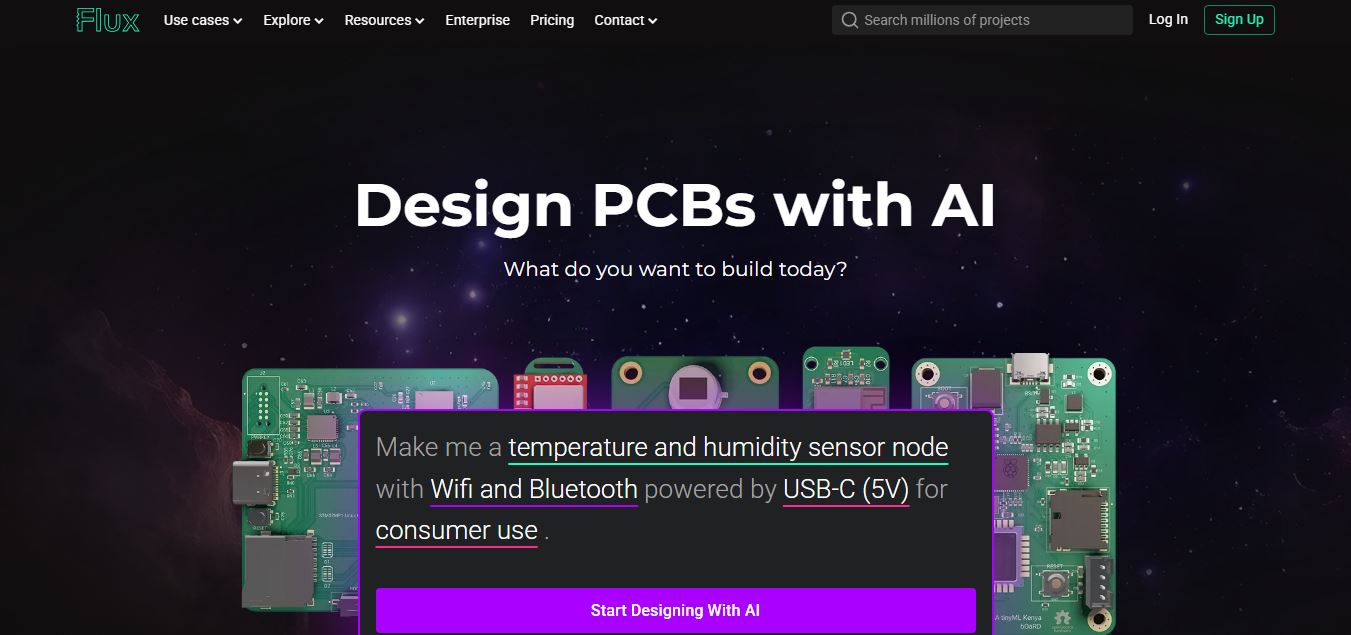
Flux AI is an AI-powered electronics design platform that helps engineers create schematics, design printed circuit boards (PCBs), select components, and optimize routing. Its browser-based workspace supports real-time collaboration, design validation, and manufacturing exports, making hardware development more accessible for individuals, startups, and engineering teams.
 4.8
4.8Repaint
Design
Repaint helps entrepreneurs and small businesses build websites, online stores, booking systems, and custom web applications using AI chat. Users can generate designs, edit content, manage customer accounts, accept payments, and organize business data without traditional coding. It offers subscription plans with different usage limits and business management capabilities.
 4.8
4.8SWAPP
Design
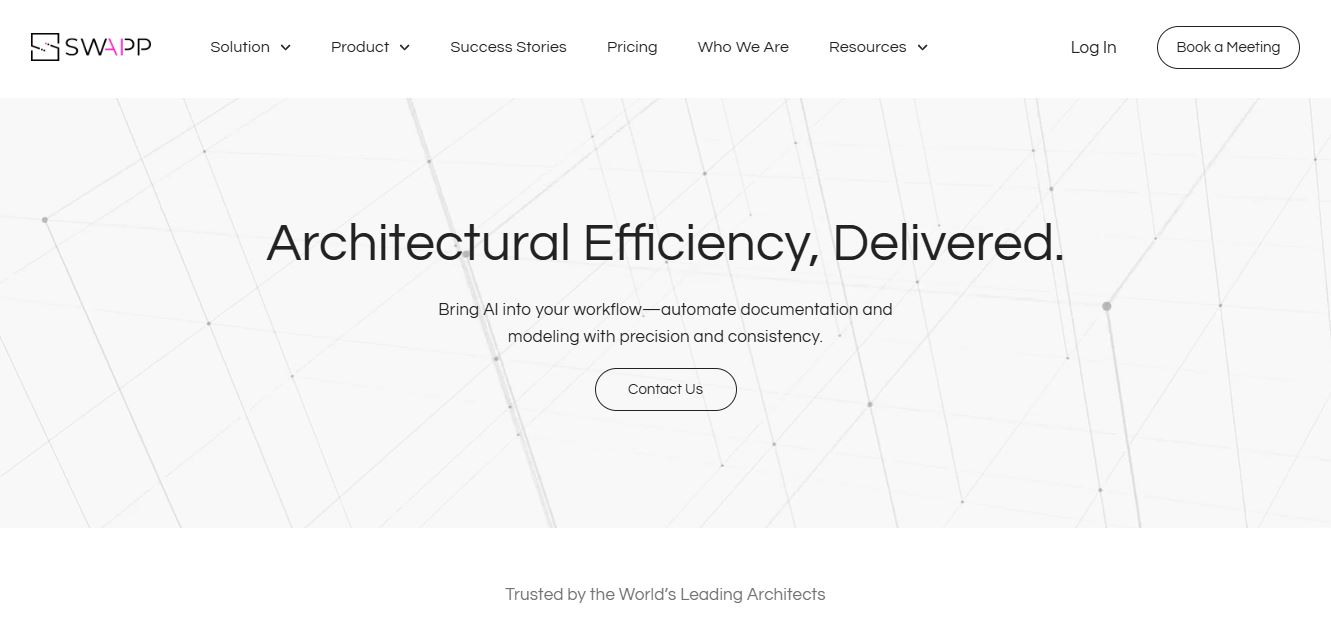
SWAPP helps architecture firms automate construction documentation, BIM modeling, and QA work inside Revit and ArchiCAD. Its Frank agent applies firm-specific standards to repetitive production tasks, while workflow memory preserves organizational knowledge. The platform is suited to teams seeking faster delivery, consistency, and less manual production effort across complex projects.
 4.9
4.9Adobe Stock
Design
Adobe Stock is a creative asset marketplace that helps designers and businesses access millions of royalty-free images, videos, templates, and 3D assets. It integrates with Adobe Creative Cloud, enabling users to search, customize, and license high-quality visuals quickly for marketing, design, and content creation.
 4.9
4.9Yellow Images
Design
Yellow Images is a digital marketplace that helps designers create branding and marketing visuals using high-quality mockups, fonts, PNGs, and graphic assets. It offers a large library of ready-to-use creative resources, enabling faster design workflows for agencies, freelancers, and ecommerce businesses.
 4.9
4.9Placeit
Design
Placeit is a browser-based design platform that helps creators and businesses generate mockups, logos, videos, and marketing visuals using ready-made templates. It allows users to quickly customize designs and download professional assets, making it ideal for ecommerce, social media, and branding without advanced design skills.
 4.8
4.8Figma AI
Design
Figma AI brings generative and assistive tools directly into Figma workflows, helping designers move from ideas to editable designs, visuals, prototypes, and production-ready experiences faster. Users can generate concepts, edit images, search files, automate repetitive work, and collaborate with teammates while keeping creative exploration inside the familiar Figma design environment.
 4.7
4.7PageGPT
Design
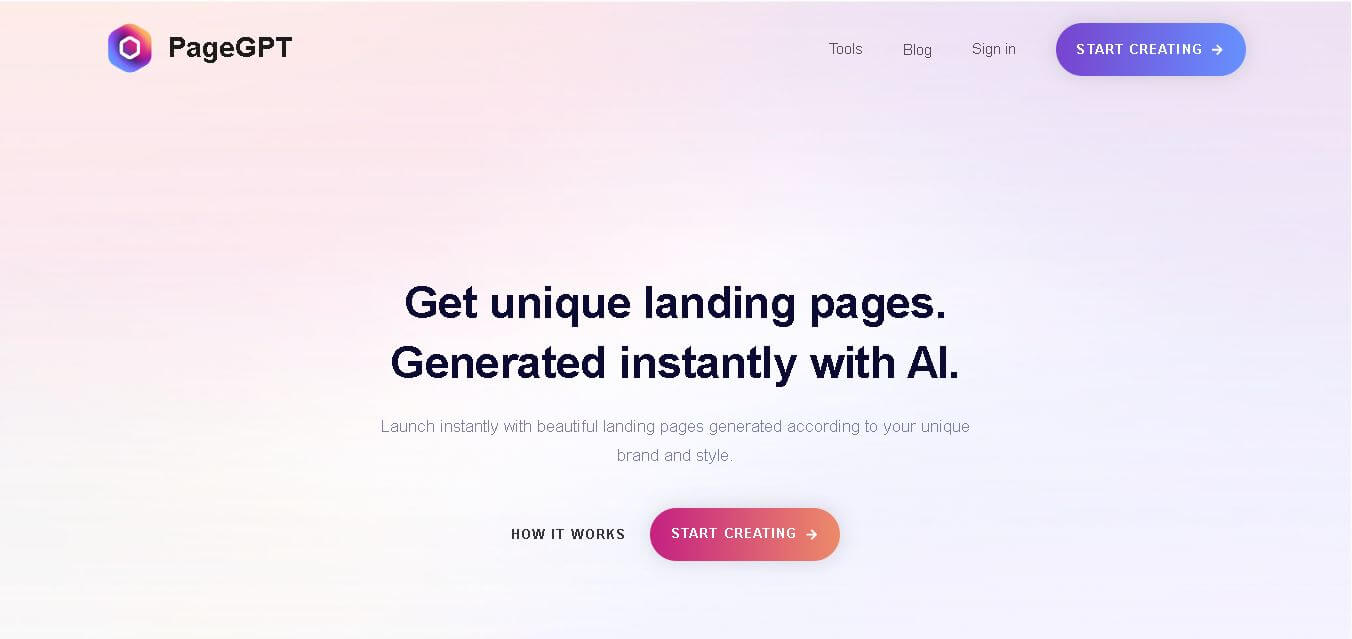
PageGPT helps businesses, creators, marketers, and entrepreneurs create customized landing pages and websites with AI. Users can describe their product and preferred style, generate designs with copy and images, then refine the result through chat or drag-and-drop editing. It also supports responsive pages, custom effects, and publishing options.
 4.8
4.8Rooms.xyz
Design
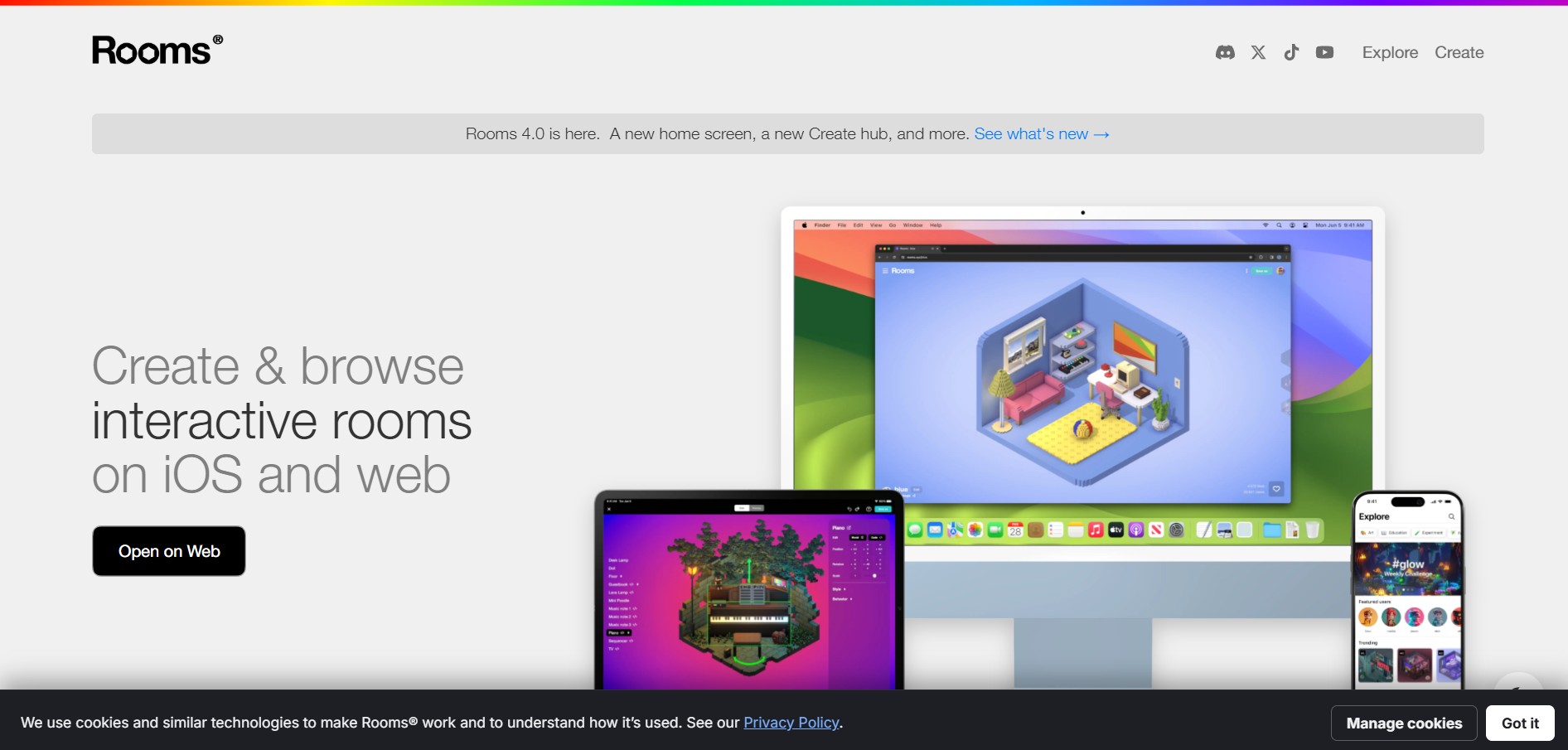
Rooms.xyz is a browser and mobile-based 3D design and game creation platform that allows users to build, code, and remix interactive 3D rooms and mini-games. Built by Things, Inc., the platform features a TikTok-like vertical feed for browsing user-generated worlds, a no-code Actions editor, deep Lua scripting support, and AI-powered voice/character integrations via Google's Gemini API.