Adobe Stock
Adobe Stock is a creative asset marketplace that helps designers and businesses access millions of royalty-free images, videos, templates, and 3D assets. It integrates with Adobe Creative Cloud, enabling users to search, customize, and license high-quality visuals quickly for marketing, design, and content creation.

What is Adobe Stock?
Adobe Stock is a creative asset marketplace that gives designers, marketers, and businesses access to millions of high-quality, royalty-free images, videos, illustrations, vectors, templates, audio tracks, and 3D assets for their projects. It integrates directly with Adobe Creative Cloud apps like Photoshop and Illustrator, allowing users to search, preview, edit with AI tools, and license content without leaving their workflow. With AI-powered features and a vast global contributor network, it helps users quickly find and customize visuals for professional and commercial use.
Launched in 2015 following Adobe's $800 million acquisition of Fotolia, Adobe Stock has expanded into one of the world's most comprehensive creative repositories, cataloging over 350 million high-resolution assets. Powering creative production for millions of Creative Cloud subscribers and Fortune 500 enterprise brands, Adobe Stock serves as the foundational, ethically cleared dataset behind Adobe Firefly—Adobe's family of commercially safe generative AI models. By combining human artist craftsmanship with AI text-to-image synthesis, vector generation, and in-app asset watermarking previews, Adobe Stock bridges royalty-free licensing with modern generative workflows.
- Developer / Parent Company: Adobe Inc. (San Jose, California)
- Launch Year: 2015 (Evolved from the Fotolia acquisition; integrated Firefly AI workflows from 2023–2026)
Use Cases:
- Licensing commercial, royalty-free high-resolution photography, vectors, and illustrations directly inside Photoshop and Illustrator
- Sourcing 4K and HD cinematic video b-roll, motion graphics templates (.MOGRT), and royalty-free audio tracks inside Premiere Pro
- Testing watermarked proxy assets in active layout mockups with automatic non-destructive replacement upon licensing
- Generating and remixing commercially safe generative visual assets trained exclusively on licensed Adobe Stock imagery via Adobe Firefly
Technology:
- Native Adobe Creative Cloud Libraries synchronization engine preserving non-destructive layer masks, edits, and color grading
- Adobe Sensei visual search and AI similarity filtering engine analyzing color palettes, depth of field, and compositional balance
- Adobe Firefly generative AI architecture trained strictly on licensed stock imagery and out-of-copyright public domain media
Target Users:
- Professional graphic designers and art directors working daily within Adobe Photoshop, Illustrator, and InDesign
- Video editors and motion designers using Premiere Pro and After Effects for broadcast, streaming, and commercial social reels
- Enterprise corporate marketing departments demanding strict intellectual property indemnification and shared team asset pools
- Content creators using writing tools to draft advertising storyboards, editorial pitches, marketing collateral, and brand campaigns
Corporate Entity: Operates as Adobe Inc. (NASDAQ: ADBE, San Jose, CA & Global)

Key features of Adobe Stock
Adobe Stock's key features are
- Deep Creative Cloud In-App Integration: Search, preview, test, and license photos, vectors, illustrations, and motion graphics templates directly inside Photoshop, Illustrator, and Premiere Pro without leaving your active workspace.
- 350+ Million Diverse Asset Catalog: Comprehensive global collection spanning standard photos, vectors, illustrations, 4K/HD video clips, motion graphics (.MOGRTs), editorial photography, audio tracks, and 3D models.
- Commercially Safe Adobe Firefly AI: Seamless access to generative AI features (Generative Fill, Text to Image, Text to Vector) backed by enterprise IP indemnification and trained responsibly on licensed Adobe Stock data.
- Non-Destructive Watermark Licensing: Place low-resolution watermarked previews into layouts; once licensed, the asset automatically updates across all linked compositions and smart objects at full resolution.
- Adobe Sensei Visual Search: Search by uploading reference images, apply aesthetic filters (depth of field, color saturation, copy space, visual similarity), or search by hex color codes.
- Motion Graphics Templates (.MOGRT): Customizable title sequences, lower thirds, transitions, and infographics built for Premiere Pro with customizable parameters.
- Curated Premium & Editorial Collections: Exclusive imagery from renowned international agencies, editorial photojournalism from partners like Reuters, and high-end artistic stock.
- Enterprise Pooling & Unused Rollover: Team and Enterprise subscription tiers permit pooled credit allocations, unified administrative control, and rollover of unused monthly licenses.
Adobe Stock Pricing
Adobe Stock operates on subscription plans (annual and monthly commitments) alongside on-demand Credit Packs, structured around standard assets, premium assets, and video licensing.
Monthly Subscriptions (Annual Commitment, Billed Monthly):
- 10 Standard Assets/month: $29.99/month (Unused licenses roll over up to 120 days; additional standard assets at $2.99 each)
- 25 Standard Assets/month: $49.99/month (Rollover up to 300 licenses; additional assets at $1.99 each)
- 40 Standard Assets/month: $79.99/month to $89.99/month (Covers images, vectors, audio, or video equivalents with rollover)
- 750 Standard Assets/month (High-Volume Tier): $199.99/month to $249.99/month (~$0.27 to $0.33 per licensed asset)
Month-to-Month Subscriptions (No Annual Commitment):
- Available without an annual contract starting from approximately $49.99/month for 10 assets up to $299.99/month for high-volume tiers.
On-Demand Credit Packs:
- 5 Credits: $49.95 (~$9.99 per credit)
- 16 Credits: $149.95 (~$9.37 per credit)
- 40 Credits: $359.95 (~$8.99 per credit)
- 80 Credits: $639.95 (~$7.99 per credit)
- 150 Credits: $1,200.00 (~$8.00 per credit; credits remain valid for 12 months from purchase date)
Disclaimer: Standard assets encompass photos, vectors, illustrations, templates, and 3D assets. HD/4K videos and Premium collection items typically consume enhanced credits or specific plan allocations. Visit stock.adobe.com for active regional pricing and promotional enterprise terms.
Who is using Adobe Stock?
Adobe Stock is designed for creative professionals and digital publishing organizations, including
- Advertising Agencies & Design Studios: Streamlining multi-channel client campaign design within native Creative Cloud apps
- Film & Video Production Houses: Sourcing high-end 4K drone footage, motion graphics templates (.MOGRT), and background audio in Premiere Pro
- Corporate Marketing & Brand Teams: Leveraging pooled team licensing and enterprise IP indemnification for safe commercial publishing
- Freelance Designers & Illustrators: Rapidly mocking up client websites, brochures, and packaging concepts using in-app CC Libraries
- Content Creators: Using writing tools to draft advertising storyboards, editorial pitches, marketing collateral, and brand campaigns
- Publishing & News Outlets: Licensing time-sensitive editorial photography and historical archive imagery for editorial publications
Best Adobe Stock Alternatives
Some of the strongest Adobe Stock alternatives include
- Shutterstock
- Getty Images / iStock
- Envato Elements
- Freepik
- Placeit (for Mockups & Templates)
- Yellow Images (for Object & Packaging Mockups)
Pros and Cons of Adobe Stock
Pros
- Unsurpassed workflow integration natively built into Photoshop, Illustrator, Premiere Pro, InDesign, and After Effects
- Non-destructive in-app preview licensing replaces watermarked proxies with high-res licensed assets without breaking layout edits
- Commercially safe generative AI models (Adobe Firefly) backed by enterprise copyright indemnification
- Massive asset repository exceeding 350+ million photos, vectors, illustrations, videos, music tracks, and 3D files
- Flexible monthly asset rollover allows unused subscriptions to carry over for up to 120 to 300 days
Cons
- Premium collection assets and extended commercial licensing demand higher-priced Credit Packs or separate purchases
- Subscriptions enforce monthly credit limits rather than an all-you-can-download flat model like Envato Elements
- Cancellation of annual-commitment subscriptions prior to completion incurs an early termination fee
- Value proposition is substantially diminished for creative teams that do not use Adobe Creative Cloud software
Why Choose Adobe Stock?
Adobe Stock is the premier choice for creative professionals and enterprises already invested in the Adobe ecosystem who require maximum workflow speed, comprehensive media breadth, and commercially safe generative AI integration.
- Search and license 350M+ assets directly inside Photoshop, Illustrator, and Premiere Pro
- Save hours with automatic non-destructive replacement of watermarked preview assets
- Create with confidence using commercially safe Adobe Firefly generative AI
- Access premium motion graphics templates (.MOGRT) tailored for broadcast video editing
- Protected by enterprise-level intellectual property indemnification from Adobe
Adobe Stock vs. Competitors
The main difference between Adobe Stock, Shutterstock, Getty Images, and Envato Elements is that Adobe Stock is natively integrated into Adobe Creative Cloud applications and powers the commercially safe Adobe Firefly generative AI engine, whereas Shutterstock is a web-first stock marketplace with standalone editing tools, Getty Images focuses on premium exclusive editorial photojournalism, and Envato Elements offers an unlimited flat-rate download subscription model. Adobe Stock stands out for its in-app creative workflow, asset rollover mechanics, and enterprise indemnification.
| Feature / Tool | Adobe Stock (stock.adobe.com) | Shutterstock | Getty Images / iStock | Envato Elements |
|---|---|---|---|---|
| Core Focus | Creative Cloud Native Stock & Firefly AI | Global Commercial Stock Marketplace | High-End Editorial & Exclusive Media | Flat-Rate Unlimited Asset Downloads |
| In-App CC Integration | Native (Photoshop, Illustrator, Premiere) | Browser Extension / Web-First | Plugin Dependent / Web Portal | External Browser Download Only |
| Generative AI Model | Adobe Firefly (Commercially Safe) | Shutterstock AI (OpenAI & Databricks) | Generative AI by Getty (NVIDIA Picasso) | No Native Trained Model |
| Pricing Structure | Metered Subscriptions + Rollover / Packs | Metered Subscriptions + Packs | A-La-Carte / Custom Enterprise | Flat Unlimited Subscription ($16.50/mo) |
| Starting Paid Price | $29.99/month (10 assets, annual) | $29.00/month (10 assets, annual) | $40.00/month (iStock 10 assets) | $16.50/month (billed annually) |
| Best For | Creative Cloud Users, Agencies & Video | General Digital Marketers & Web Teams | Major Brands, Editorial & News Outlets | Freelance Generalists & High-Volume Users |
How do we rate Adobe Stock?
| Parameter | Rating (out of 5) |
|---|---|
| Creative Cloud Integration & In-App Workflow | 5.0 |
| Catalog Breadth & Asset Quality (350M+) | 4.9 |
| Commercially Safe Adobe Firefly AI Integration | 4.9 |
| Search Capabilities (Adobe Sensei Visual Search) | 4.8 |
| Value for Money | 4.7 |
| Overall Score | 4.86 |
Adobe Stock Review
Adobe Stock remains the undisputed benchmark for seamless creative workflow integration. For agencies, marketing departments, and freelance professionals whose daily work lives inside Adobe Photoshop, Illustrator, and Premiere Pro, the ability to search, audition, and license media without switching application windows is an unmatched productivity multiplier. Its non-destructive workflow allows designers to create complete composite layouts using watermarked proxies, confident that a single click on the license button will instantly swap in the full-resolution asset while preserving every crop, drop shadow, and blend mode. The training and direct integration of Adobe Firefly guarantees that generative AI outputs are ethically sourced and backed by legal enterprise indemnification. For teams that prioritize workflow speed, licensing safety, and premium media quality, Adobe Stock is an exceptional platform.
Conclusion
Adobe Stock is an industry-leading creative asset marketplace that redefines how designers, video editors, and marketing teams discover and license commercial stock media. By uniting over 350 million high-quality assets, native Creative Cloud integration, Adobe Sensei visual search, and commercially safe Adobe Firefly generative AI into a unified experience, it delivers unmatched workflow efficiency. While organizations outside the Adobe software suite or those needing flat-rate unlimited downloads will evaluate alternative marketplaces, Adobe Stock’s in-app licensing speed, enterprise indemnification, and asset depth make it an indispensable creative resource.
FAQ
What is Adobe Stock and how does it work?
Adobe Stock is a premium stock asset platform that provides access to millions of high-quality photos, videos, illustrations, vectors, templates, and 3D assets. It works by allowing users to search, license, and download assets directly, with seamless integration into tools like Photoshop, Illustrator, and Premiere Pro. This integration enables designers and marketers to preview watermarked assets inside their projects and instantly license them without leaving their workflow.
What problems does Adobe Stock solve?
Adobe Stock solves the challenge of finding high-quality, legally safe creative assets quickly. Businesses and creators often need visuals for marketing, websites, ads, and content, and Adobe Stock provides a centralized library with commercially licensed assets, eliminating the need for custom shoots or copyright concerns while speeding up production timelines.
What features does Adobe Stock offer?
Adobe Stock offers a wide range of features including access to millions of royalty-free images and videos, premium and editorial collections, customizable templates, and 3D assets. It also includes AI-powered search, visual recommendations, and Adobe Firefly integration for generative AI content creation. Users can also collaborate, manage libraries, and directly edit assets within Adobe Creative Cloud apps.
How is Adobe Stock different from other stock platforms?
Adobe Stock stands out due to its deep integration with Adobe Creative Cloud, making it easier for designers to incorporate assets directly into their projects without switching tools. It also offers high-quality curated content, AI-powered search, and generative AI features, which provide a more seamless and efficient creative workflow compared to standalone stock platforms.
How does Adobe Stock use AI in content creation?
Adobe Stock uses AI through Adobe Sensei and Firefly to improve search results, suggest relevant assets, and enable generative content creation. Users can generate images, edit visuals, and enhance content using AI tools, making it easier to create custom assets and iterate quickly without starting from scratch.
How much does Adobe Stock cost?
Adobe Stock follows a subscription and credit-based pricing model. Monthly plans typically start around $20/month for 10 standard assets, while higher plans offer more downloads at discounted rates. Users can also purchase credits to download premium assets like videos or 3D models individually, making it flexible for different usage levels
Is Adobe Stock suitable for small businesses and creators?
Yes, Adobe Stock is suitable for both small businesses and large enterprises because of its flexible pricing and scalable plans. Small creators can use lower-tier subscriptions or credits for occasional use, while agencies and enterprises can benefit from high-volume plans, team collaboration features, and enterprise licensing options.
Who should use Adobe Stock?
Adobe Stock is ideal for designers, marketers, content creators, agencies, and businesses that need high-quality visuals for branding, advertising, and digital content. It is particularly valuable for users already working within Adobe Creative Cloud, as it streamlines workflows and enhances productivity with integrated asset management and AI tools.
User Reviews
No reviews yet for Adobe Stock.
Featured Tools
Featured AI tools from TechShark

Melody Genie
MelodyGenie is an AI-powered music generator that creates original songs from simple text prompts. Users can choose styles, moods, and genres, then instantly generate melodies and full tracks, making it easy for creators, marketers, and hobbyists to produce custom music without musical expertise.
Freemium

Kimi AI
Kimi AI is an advanced AI assistant developed by Moonshot AI that helps you chat, research, write, code, and automate tasks in one place. It supports web search, file analysis, and multimodal inputs, and can even run autonomous “agent” workflows to complete complex tasks end-to-end.
Freemium

Fashion Diffusion AI
Fashion Diffusion is an AI-powered fashion design platform that helps brands and designers create clothing designs, virtual try-ons, AI models, product photos, and marketing visuals faster and cost-effectively.
Paid

Veo 4
Veo 4 AI is an AI video creation platform that generates dramatic videos from text, images, audio, and video prompts using realistic motion and synchronized sound.
Paid
Alternatives
Alternatives to Adobe Stock
The best Adobe Stock alternatives include Shutterstock, Getty Images / iStock, Envato Elements, Freepik, Placeit, and Yellow Images. These platforms provide commercial stock photography, vector graphics, video b-roll footage, and mockups. While Adobe Stock specializes in direct Creative Cloud software integration (Photoshop, Illustrator, Premiere) and commercially safe Adobe Firefly generative AI with IP indemnification, alternatives like Shutterstock offer a standalone web-first stock marketplace, Getty Images provides exclusive news editorial photojournalism, and Envato Elements delivers a flat-rate unlimited download subscription model. Choosing the right tool depends on whether you require in-app Creative Cloud workflow efficiency, unlimited asset volume, or specialized product mockups.
 4.7
4.7Flux.ai
Design
Flux AI is an AI-powered electronics design platform that helps engineers create schematics, design printed circuit boards (PCBs), select components, and optimize routing. Its browser-based workspace supports real-time collaboration, design validation, and manufacturing exports, making hardware development more accessible for individuals, startups, and engineering teams.
 4.8
4.8Repaint
Design
Repaint helps entrepreneurs and small businesses build websites, online stores, booking systems, and custom web applications using AI chat. Users can generate designs, edit content, manage customer accounts, accept payments, and organize business data without traditional coding. It offers subscription plans with different usage limits and business management capabilities.
 4.8
4.8SWAPP
Design
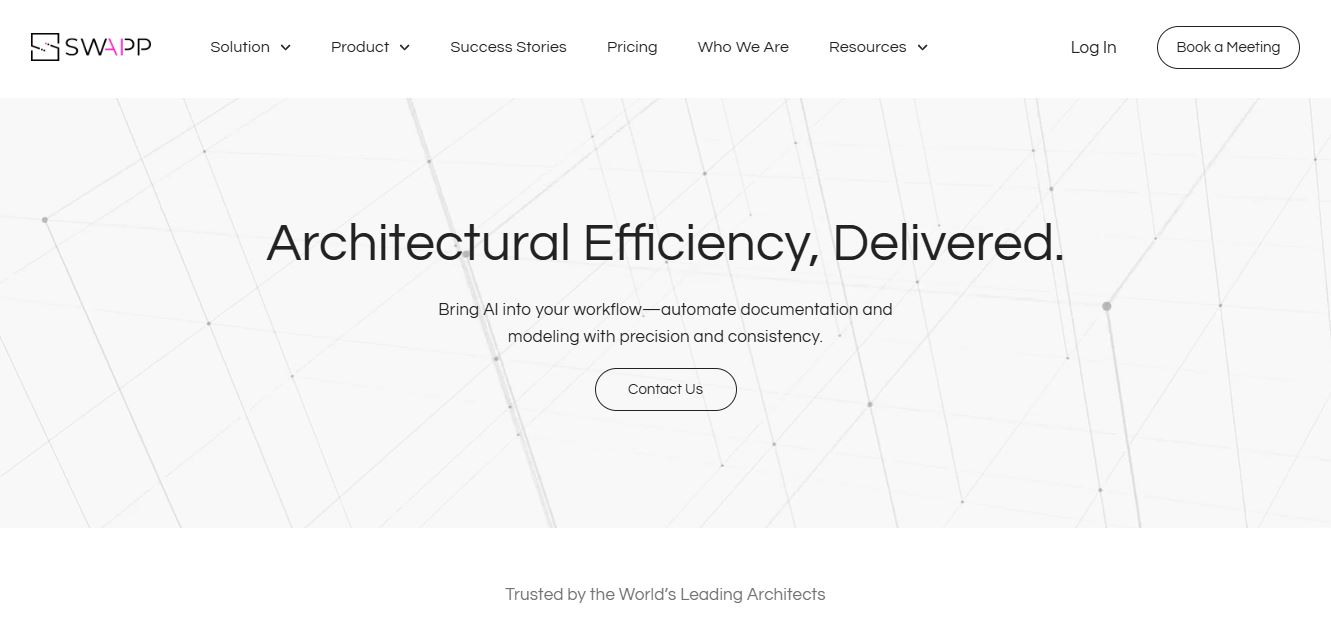
SWAPP helps architecture firms automate construction documentation, BIM modeling, and QA work inside Revit and ArchiCAD. Its Frank agent applies firm-specific standards to repetitive production tasks, while workflow memory preserves organizational knowledge. The platform is suited to teams seeking faster delivery, consistency, and less manual production effort across complex projects.
 4.9
4.9Yellow Images
Design
Yellow Images is a digital marketplace that helps designers create branding and marketing visuals using high-quality mockups, fonts, PNGs, and graphic assets. It offers a large library of ready-to-use creative resources, enabling faster design workflows for agencies, freelancers, and ecommerce businesses.
 4.9
4.9Placeit
Design
Placeit is a browser-based design platform that helps creators and businesses generate mockups, logos, videos, and marketing visuals using ready-made templates. It allows users to quickly customize designs and download professional assets, making it ideal for ecommerce, social media, and branding without advanced design skills.
 4.8
4.8Figma AI
Design
Figma AI brings generative and assistive tools directly into Figma workflows, helping designers move from ideas to editable designs, visuals, prototypes, and production-ready experiences faster. Users can generate concepts, edit images, search files, automate repetitive work, and collaborate with teammates while keeping creative exploration inside the familiar Figma design environment.
 4.7
4.7PageGPT
Design
PageGPT helps businesses, creators, marketers, and entrepreneurs create customized landing pages and websites with AI. Users can describe their product and preferred style, generate designs with copy and images, then refine the result through chat or drag-and-drop editing. It also supports responsive pages, custom effects, and publishing options.
 4.8
4.8Locofy.ai
Design
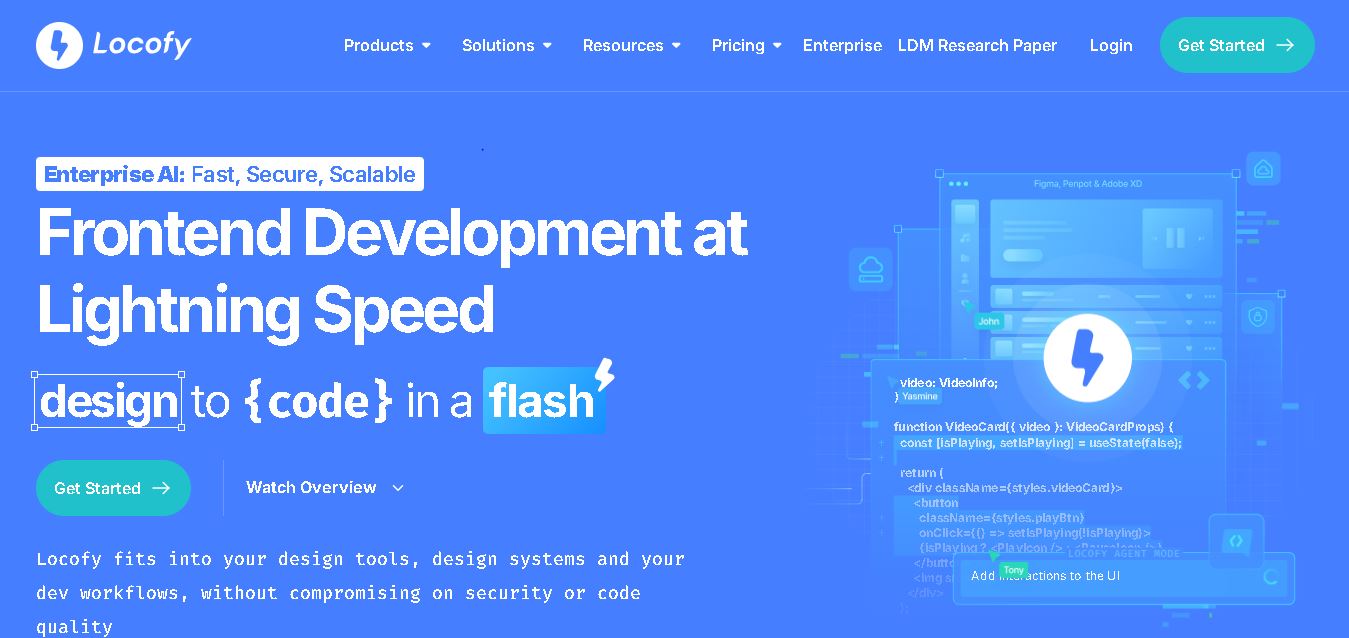
Locofy helps teams transform UI designs into developer-friendly frontend code without rebuilding interfaces manually. It supports popular design tools, web and mobile frameworks, responsive layouts, reusable components, and AI-assisted refinement. Designers can prepare screens while developers customize, export, synchronize, and continue development within familiar workflows and coding environments for teams.
 4.8
4.8Rooms.xyz
Design
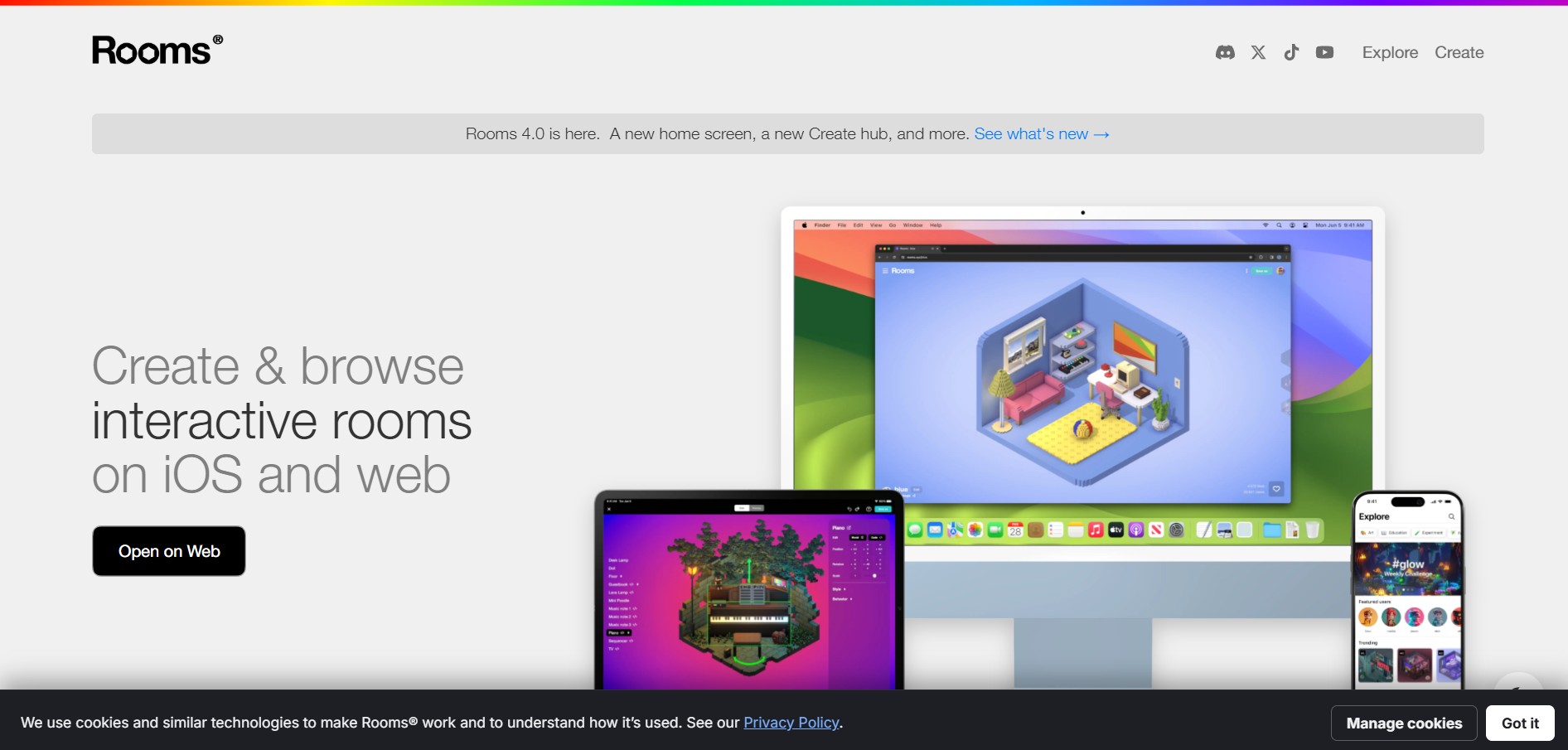
Rooms.xyz is a browser and mobile-based 3D design and game creation platform that allows users to build, code, and remix interactive 3D rooms and mini-games. Built by Things, Inc., the platform features a TikTok-like vertical feed for browsing user-generated worlds, a no-code Actions editor, deep Lua scripting support, and AI-powered voice/character integrations via Google's Gemini API.